
Red and Blue Fantasy Sword Clash
A cinematic fantasy action prompt for generating two opposing warriors locked in an explosive red-versus-blue sword duel.
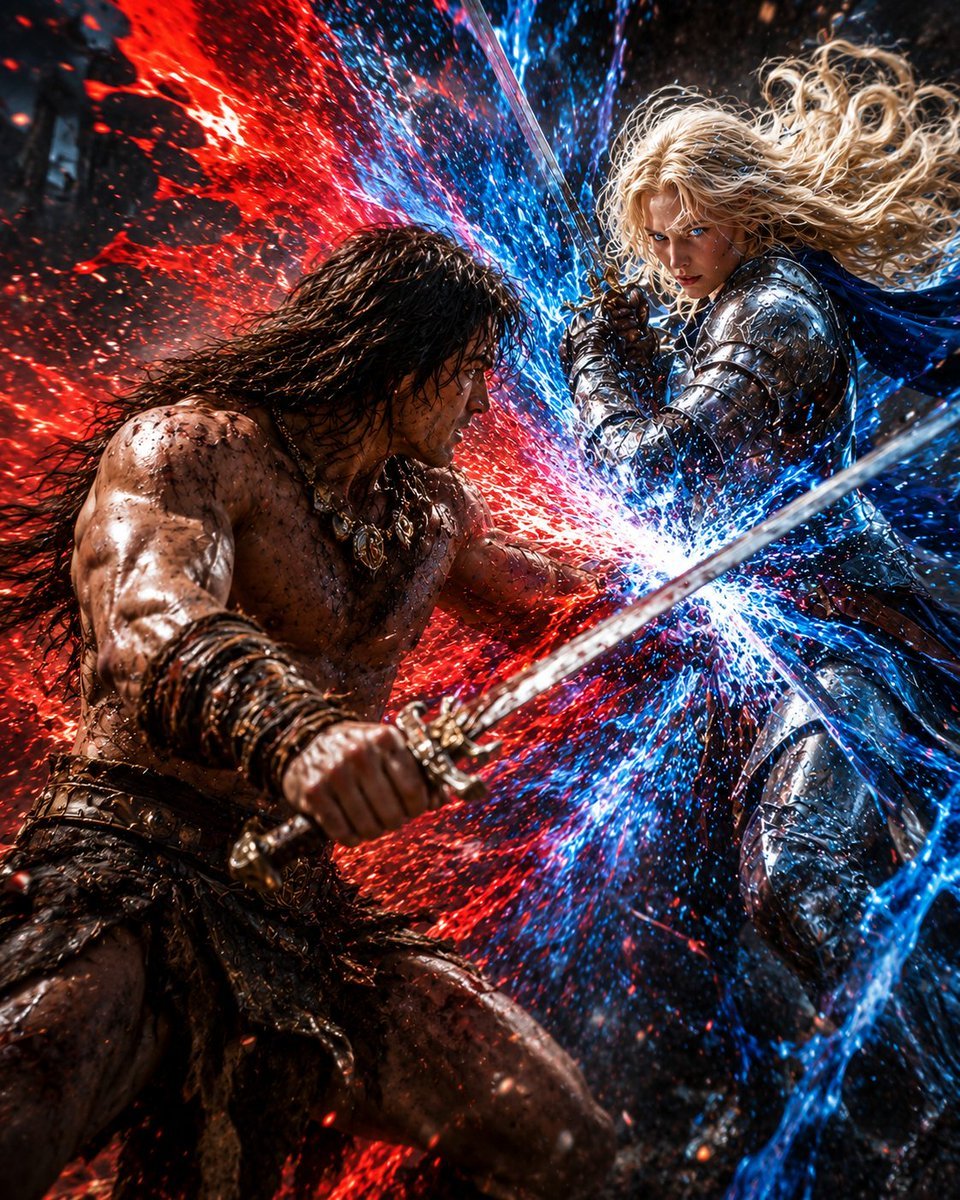
- Prompt included
- Model and format preset
- Free template
The prompt behind this image
Copy the exact prompt behind Red and Blue Fantasy Sword Clash, or open it in the studio and make it yours.
Create a dramatic vertical fantasy battle scene titled {argument name="scene title" default="Encounter Confrontation"}: two warriors collide swords at extremely close range in a dark, rain-soaked battlefield. On the left is a muscular barbarian berserker with long wet black hair, bare scarred and mud-splattered torso, leather straps, dark primitive armor, chains and amulets, gripping a broad steel sword in the foreground; his face is hidden by a dark rectangular censor block. On the right is a radiant female knight with flowing curly blonde hair, polished silver plate armor, and a deep blue cape, bracing with a longsword; her face is hidden by a tan rectangular censor block. Show exactly two combatants and exactly two visible swords, one diagonal blade dominating the foreground and another near the clash point. At the center, their weapons collide in a blinding explosion of opposing energy: {argument name="left energy color" default="crimson red"} sparks and embers erupt from the barbarian side, while {argument name="right energy color" default="electric blue"} lightning, particles, and splashing magical fragments burst from the knight side. Use hyper-detailed cinematic realism, high contrast, wet reflective surfaces, flying debris, dynamic motion blur, shallow depth of field, intense rim lighting, gritty texture, and a chaotic dark background. Composition should be square-to-vertical, close-up action, the barbarian low-left lunging upward and the knight upper-right descending or blocking, with the energy clash slightly right of center. No text, no watermark, no extra characters.
How to use Red and Blue Fantasy Sword Clash in 3 steps
- 1Upload ImagePNG, JPG or paste
Add your photo
Upload the photo the template builds on. The prompt, model and format are already set.
- 2…a portrait of your subject in softgolden-hour light, 85mm…
Personalize
Edit the subject and creative details for your destination.
- 3Generate
Generate
Press Generate — your image is created in PicX Studio, so you can compare it with the original and refine one variable at a time.
More like this
Templates with the same subject, style or setup. Open one to see its prompt.
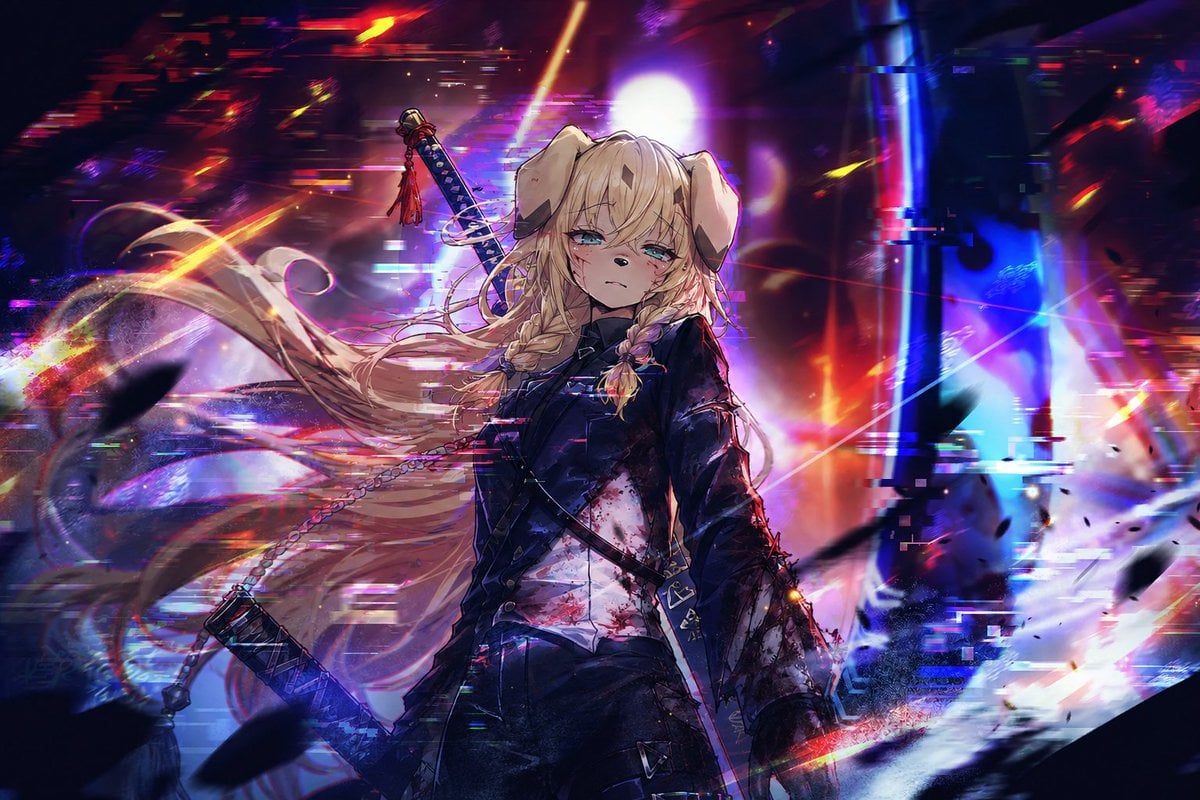
Cyberpunk Dog-Eared Swordswoman
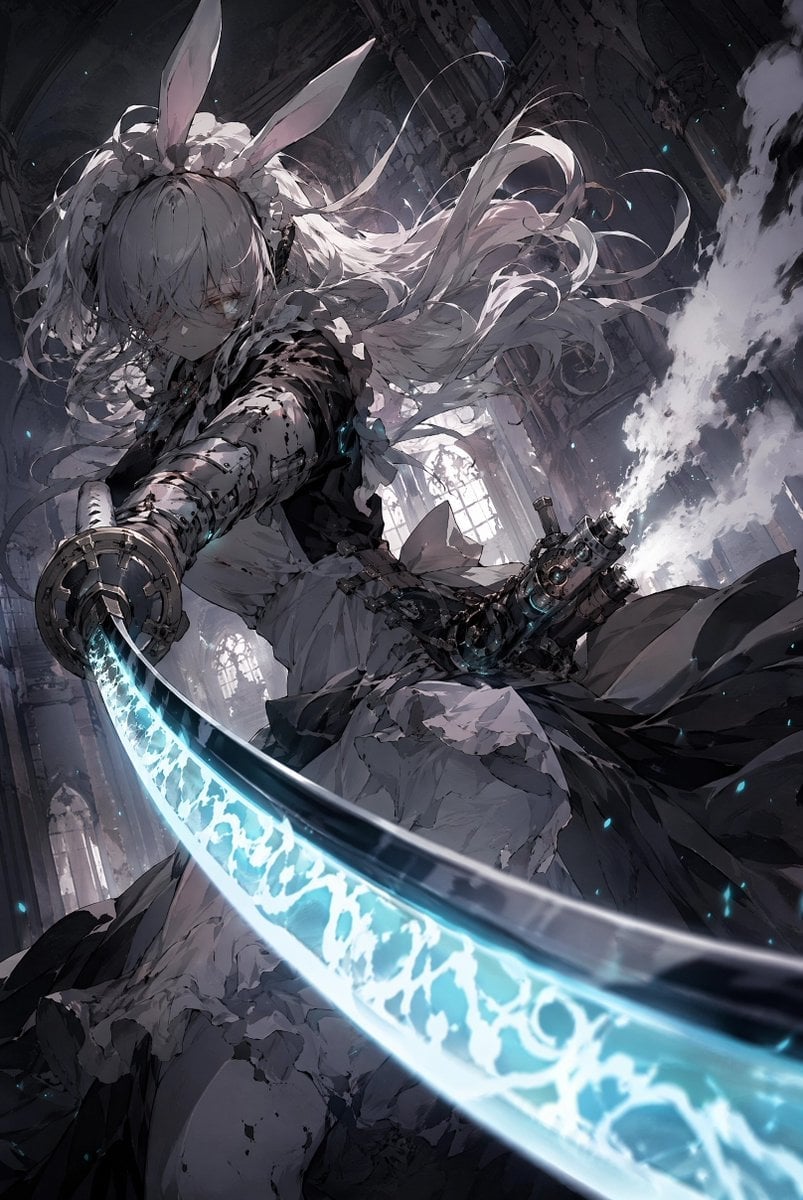
Rabbit-Eared Swordswoman in Ruined Cathedral
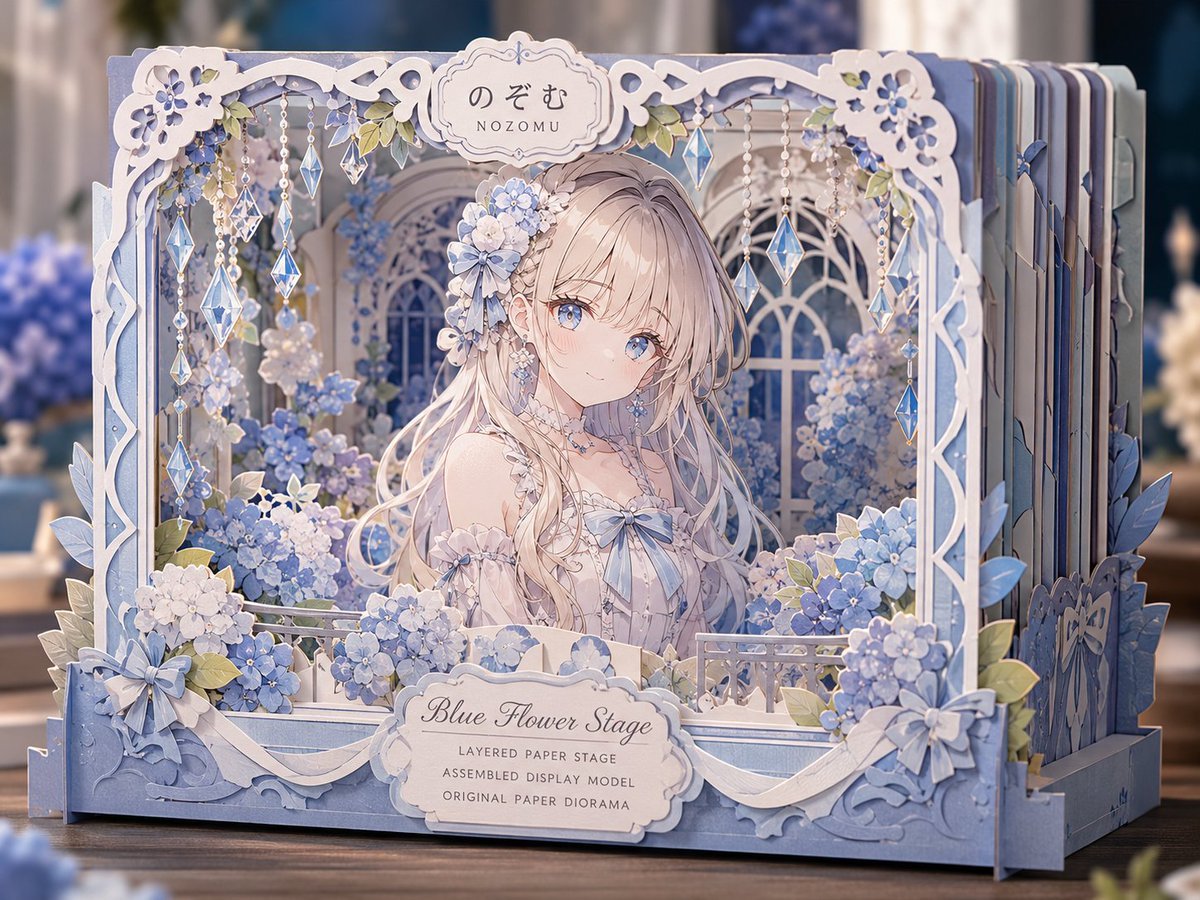
Blue Flower Layered Paper Stage

Bold Red Contrast Fashion Editorial Newspaper Room

Anime Fantasy Celestial Movie Poster
Anime Fantasy Celestial Movie Poster

Panning Motion Soccer Kick Poster

Monochrome Portrait Jersey Accent Poster

Minecraft Fantasy Kingdom Voxel Landscape

Unfinished Sketch Comes Alive Portrait

Open Travel Journal Overhead Still Life

Tiny Woman Miniature Fantasy Macro Scene
Make it yours
Red and Blue Fantasy Sword Clash works as-is. These are the safest ways to change it without losing the look.
Change one field
Copy a single group, rewrite it, and generate again so you can see what that field is doing.
Keep the frame, change the subject
Hold the composition and light of Red and Blue Fantasy Sword Clash, then swap wardrobe, props or the person for a new take.
| If the result… | Why | Fix |
|---|---|---|
| The result drifts from the preview | Too many fields changed at once. | Reuse Red and Blue Fantasy Sword Clash as-is first, then change one group — subject, light, or setting. |
| The model over-stylizes the scene | The prose prompt leaves finish and camera underspecified. | Add one camera or lighting sentence and stay on GPT Image 2. |
More GPT Image 2 templates
Other prompts made for GPT Image 2.

Six VTuber Japanese Logo Sheet

Realistic Portrait of Woman and Deer

The Vista Modular Condo Poster

AI Model Routing Comparison Infographic

2.5D Anime Art Board

Isometric Productivity Desk Scene

New York Double Exposure Poster

Four-Panel AI Landscape Comparison

Japanese Tatami Lifestyle Magazine Cover

NESCAFÉ Coffee Map Poster
More image prompts
Fresh picks from across the catalog.
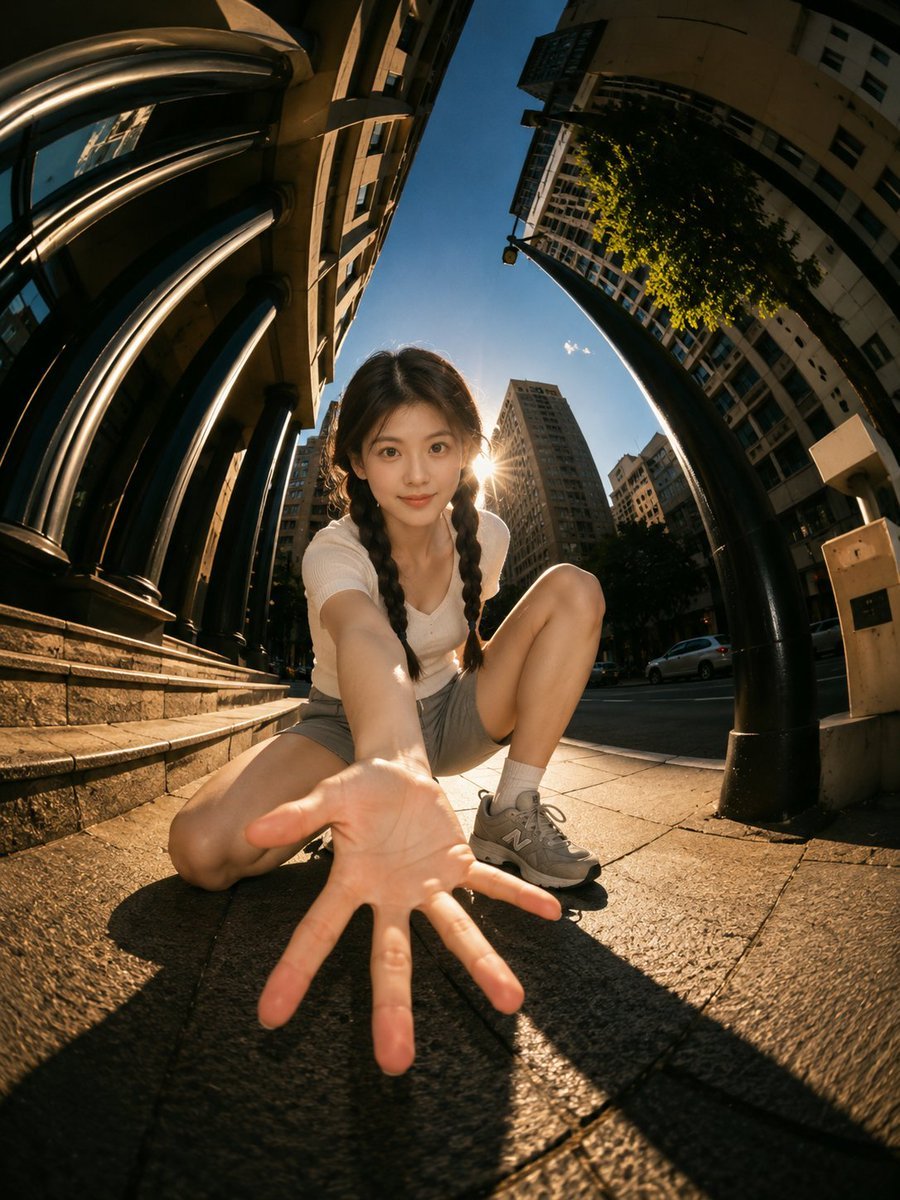
Cinematic Fisheye Urban Portrait
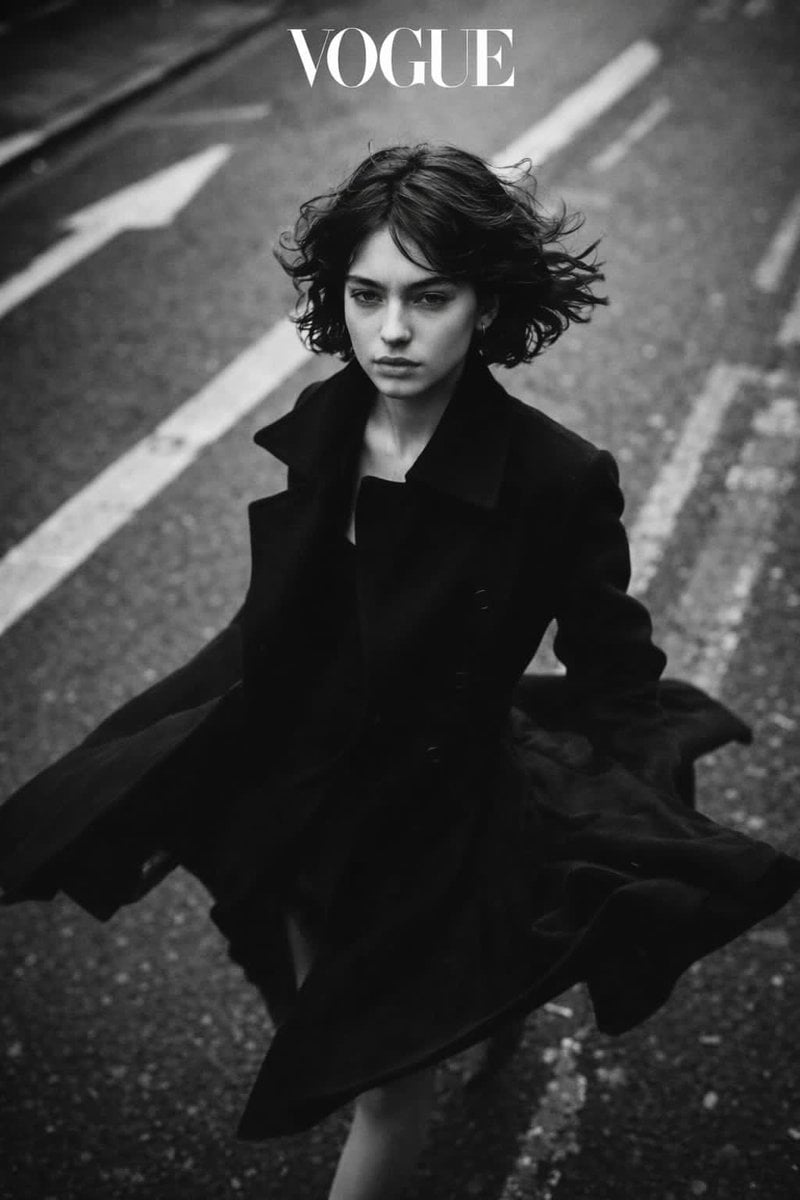
Black and White Vogue Fashion Shoot with Motion Blur
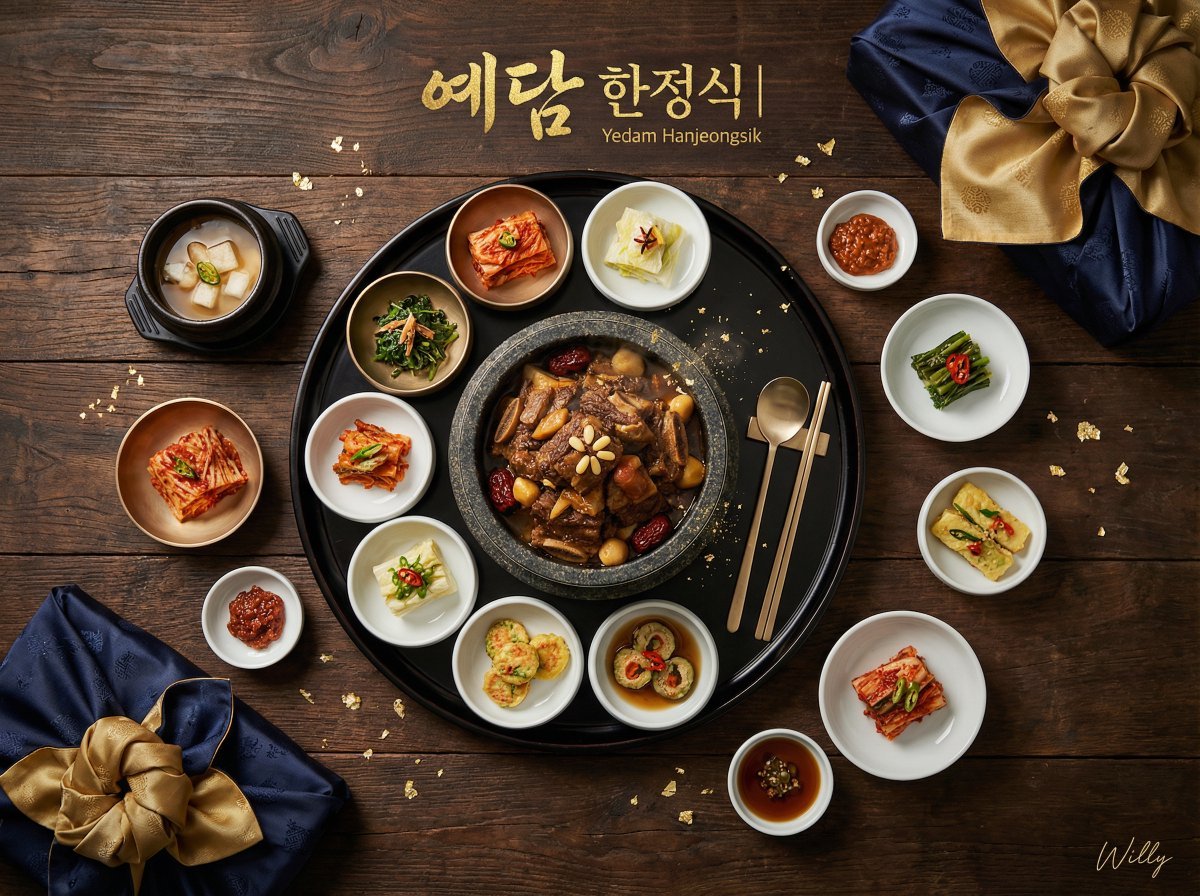
Luxury Korean Hanjeongsik Food Advertisement Prompt
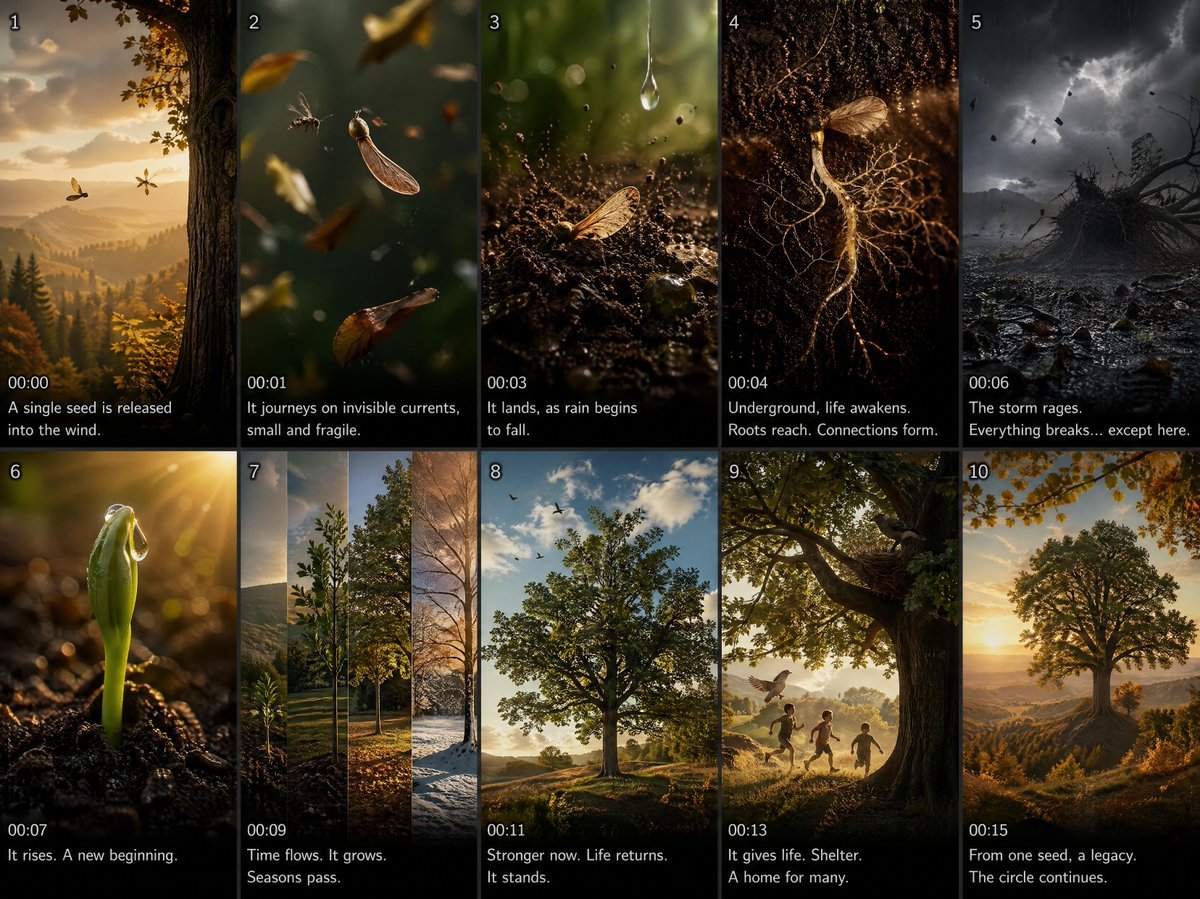
Cinematic Seed Life Storyboard
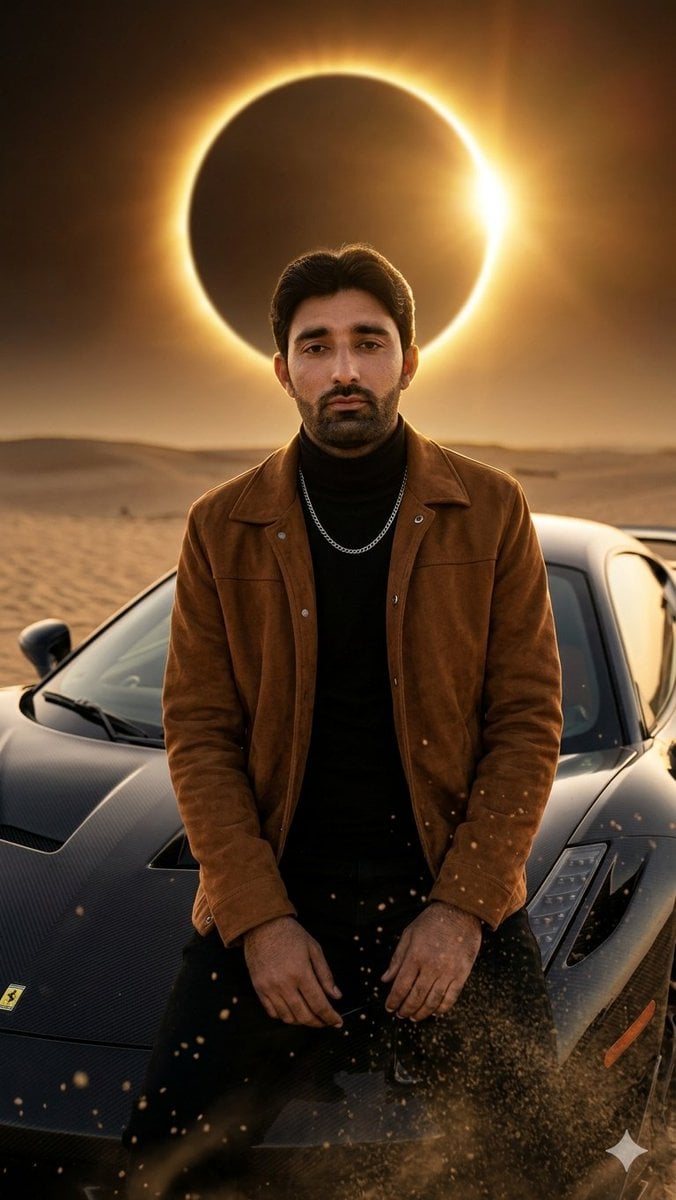
Desert Eclipse Sports Car Portrait
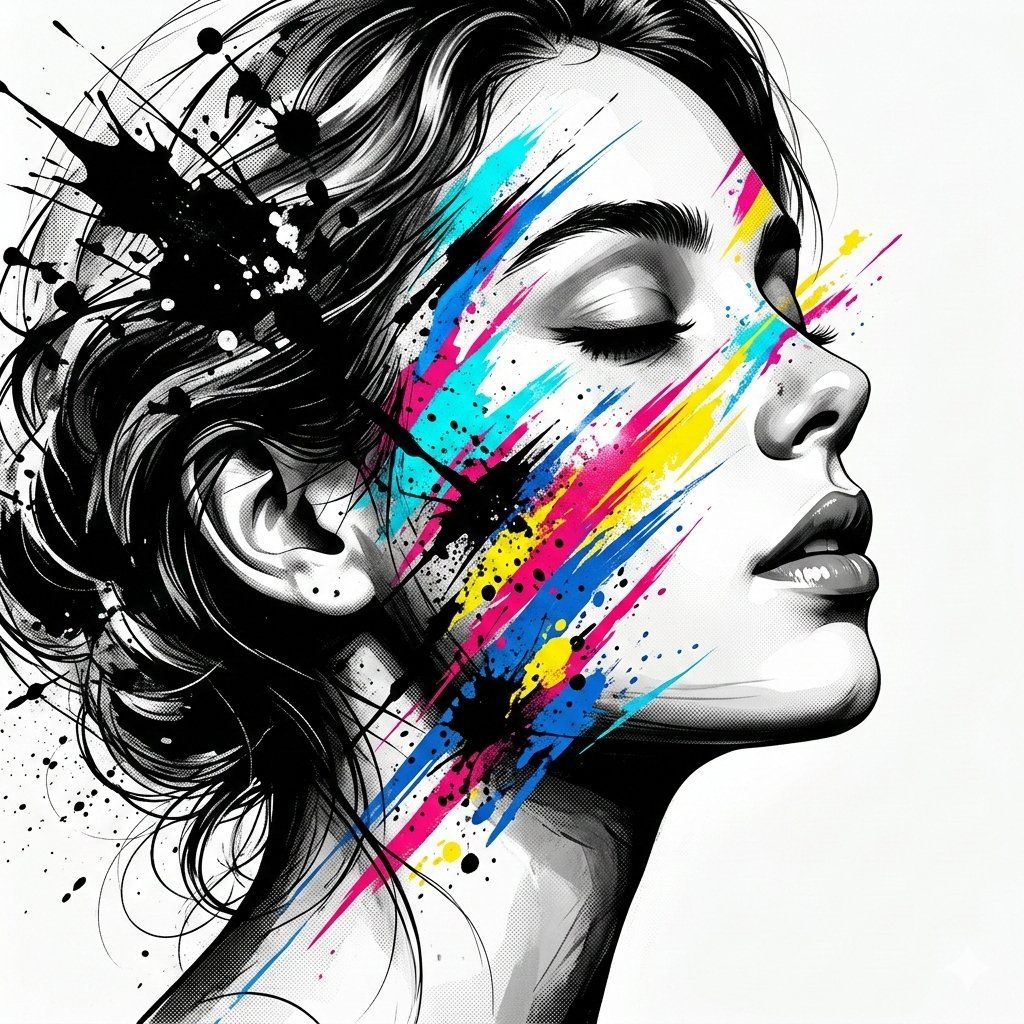
High-Contrast Abstract Mixed Media Portrait Prompt
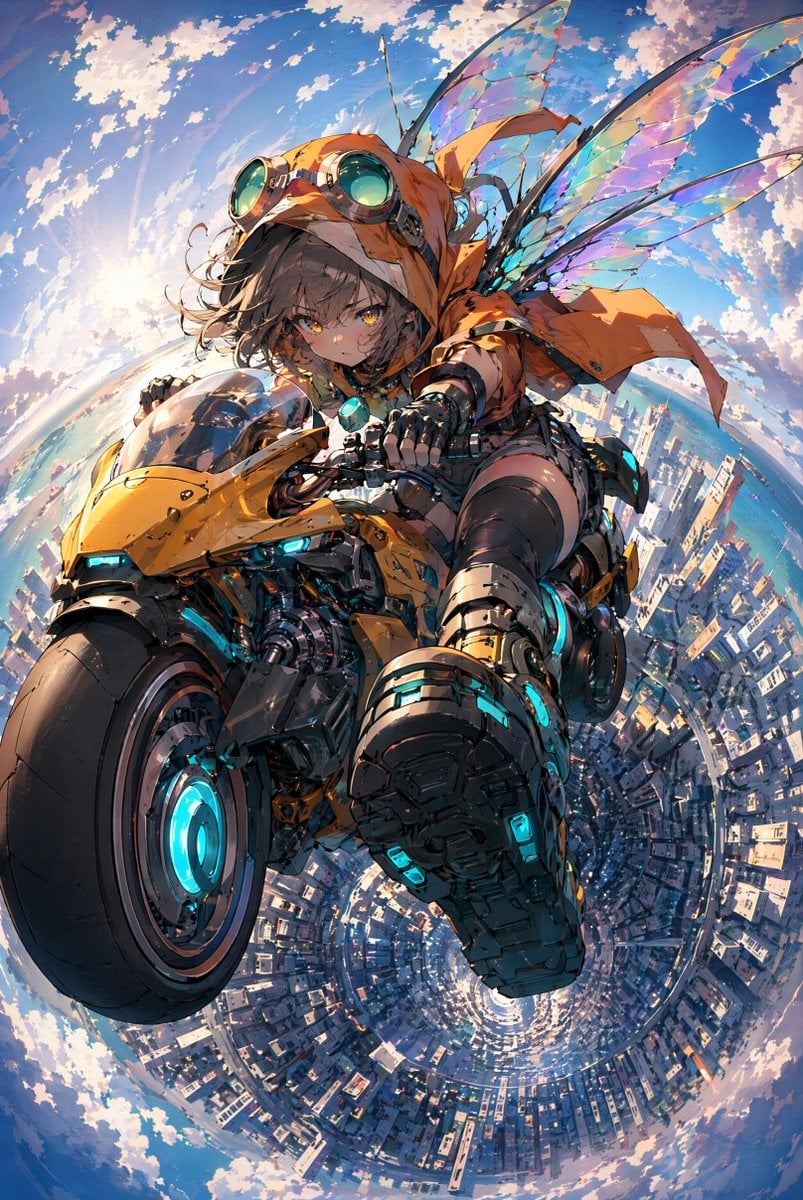
Fairy Biker Above Tiny-Planet City
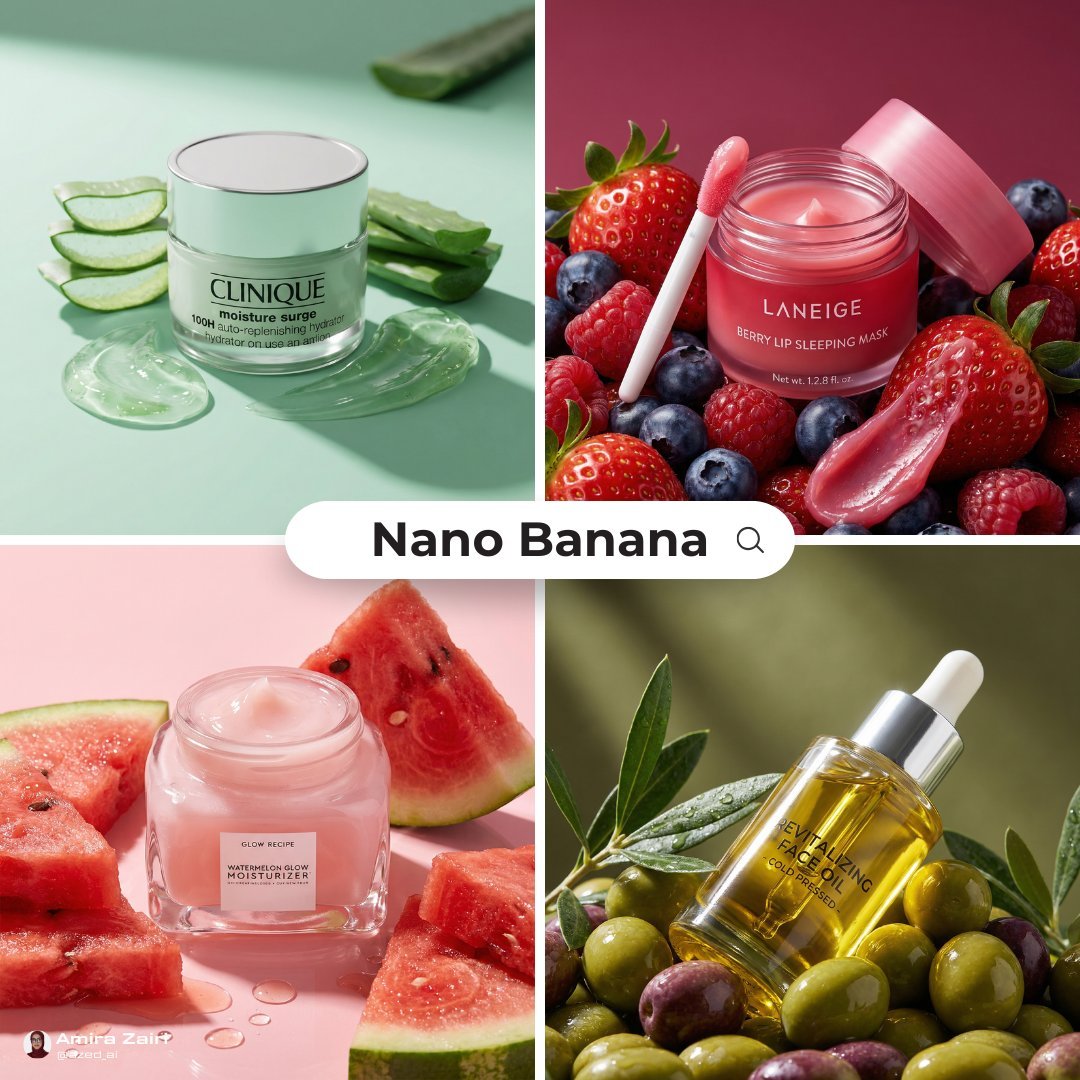
Luxury Ad Style Prompt
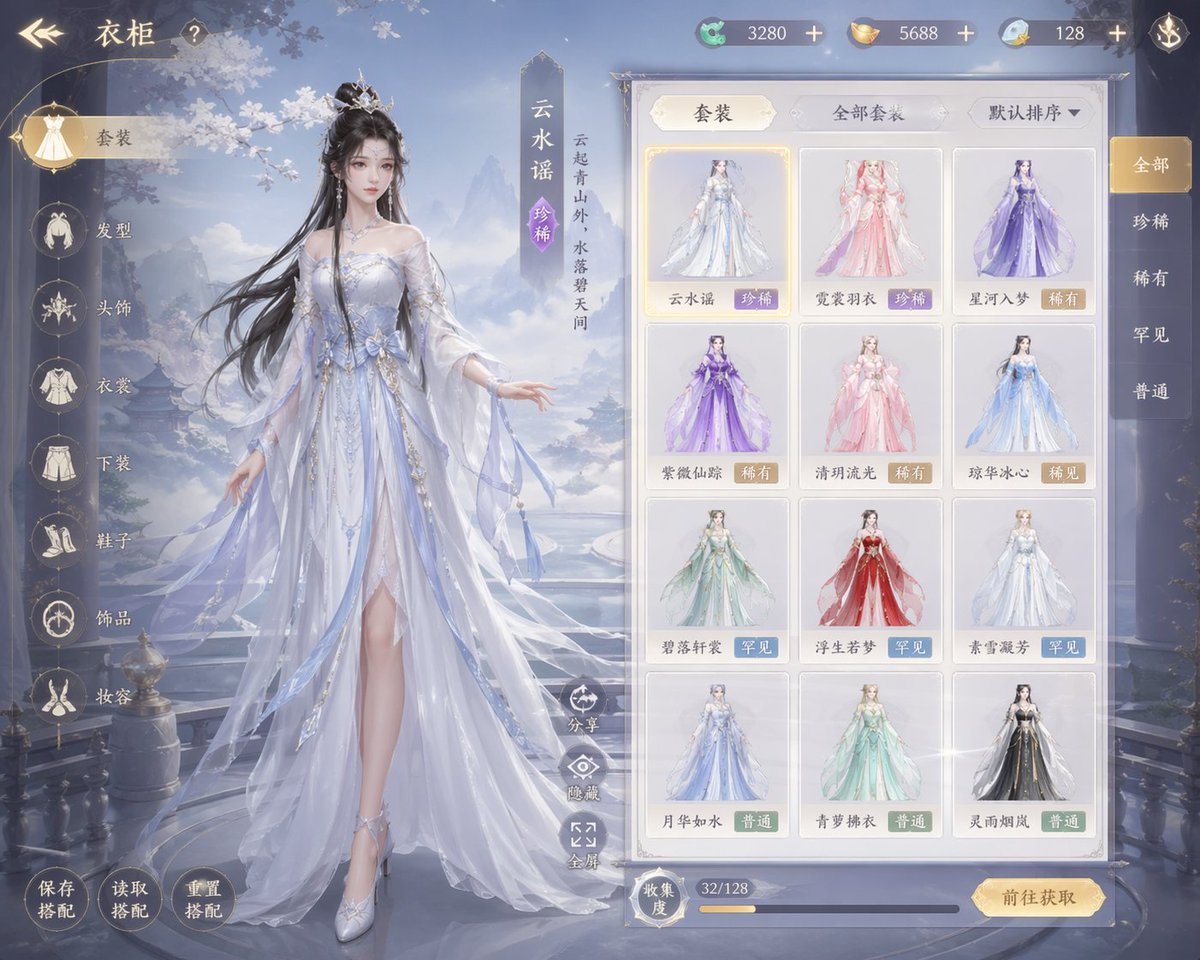
Xianxia Game Character Wardrobe Interface
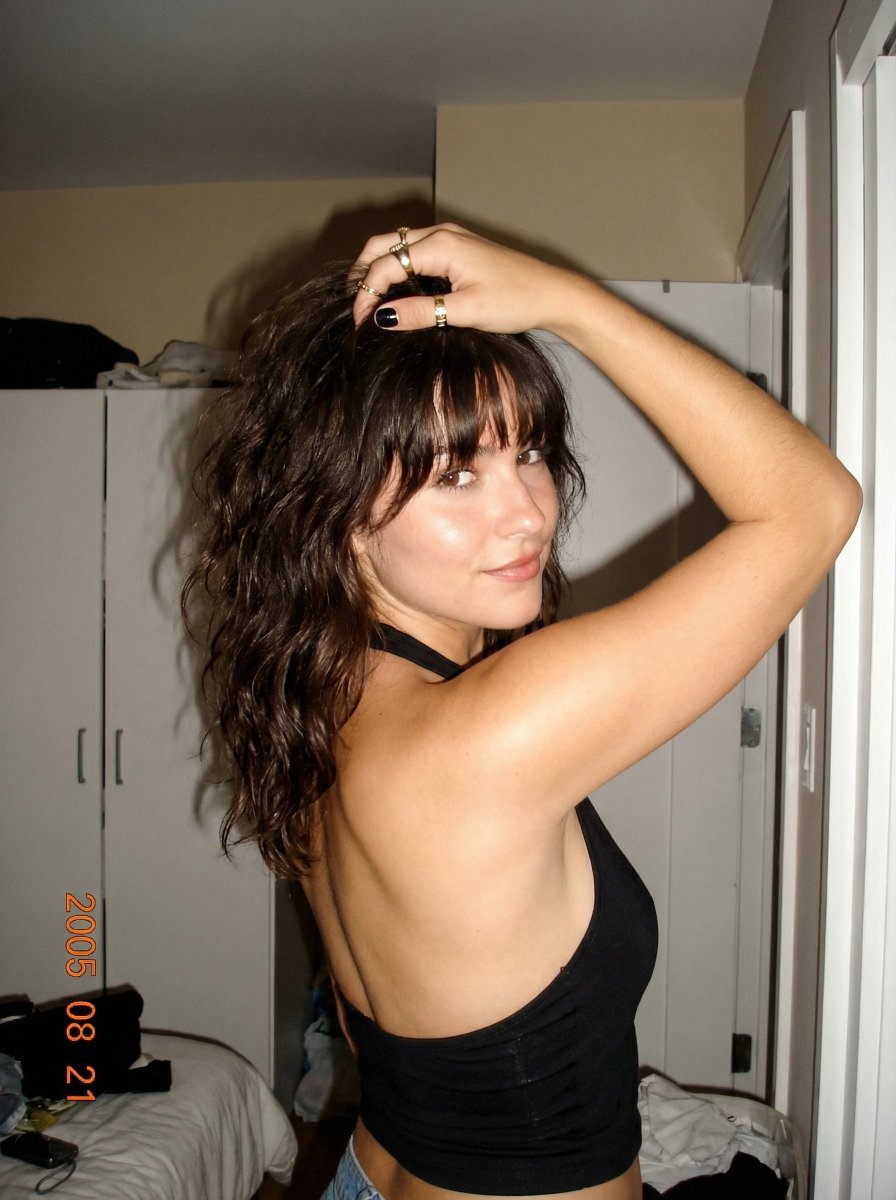
2000s Digital Camera Backless Top Snapshot Prompt
Browse template categories
Red and Blue Fantasy Sword Clash questions
How do I use the Red and Blue Fantasy Sword Clash template?
Add your photo if the template asks for one, edit the prompt if you like — the template's model and format are already selected — and press Generate. Your version opens in PicX Studio.
Can I customize the Red and Blue Fantasy Sword Clash template?
Yes. You can change the subject, setting, lighting, mood, format, and available model controls before creating your image.
Is the Red and Blue Fantasy Sword Clash template free?
Opening and editing this template is free. Generating uses credits, shown on the Generate button when you are signed in.
Which AI model should I use?
Start with GPT Image 2, which is the model associated with this template. You can compare another compatible model for a different finish.
Looking for something else? Browse all templates.

Your photo, any look
Thousands of ready templates for every top image and video model, from one credit balance.