
Monochrome Portrait Jersey Accent Poster
Premium double-exposure football poster with monochrome portrait, blue jersey color accent, and clean championship composition.

- Prompt included
- Model and format preset
- Free template
The prompt behind this image
Copy the exact prompt behind Monochrome Portrait Jersey Accent Poster, or open it in the studio and make it yours.
Ultra-premium football poster design, sports marketing artwork, monochrome background with selective color grading. A professional football player viewed from behind wearing a deep royal-blue national team jersey, large bold jersey number filling the background, player’s surname displayed above. Double-exposure composition with a smaller full-body action pose emerging from the lower center, dribbling a ball toward the viewer. High-contrast black-and-white portrait treatment on skin and background, vivid blue jersey as the only strong color accent. Minimalist white textured backdrop, cinematic smoke and dust particles, dramatic studio lighting, sharp facial details, realistic fabric texture, dynamic depth, soft ground shadow, clean typography at the top, modern Adidas-style sports campaign aesthetic, poster-quality composition, ultra-detailed, photorealistic, 8k, symmetrical layout, premium FIFA World Cup promotional artwork.
How to use Monochrome Portrait Jersey Accent Poster in 3 steps
- 1
Open
The prompt is already in the box next to the preview, with the template's model and format selected.
- 2…a portrait of your subject in softgolden-hour light, 85mm…
Personalize
Edit the subject and creative details for your destination.
- 3Generate
Generate
Press Generate — your image is created in PicX Studio, so you can compare it with the original and refine one variable at a time.
More like this
Templates with the same subject, style or setup. Open one to see its prompt.

Campaign Smoke National Symbols World Cup

Vintage Lithograph Retro World Cup Poster
Vintage Lithograph Retro World Cup Poster

Cyberpunk Neon Brazil World Cup Poster

Captain Tsubasa Anime World Cup Poster

Ive Yujin Fashion Portrait in Blue
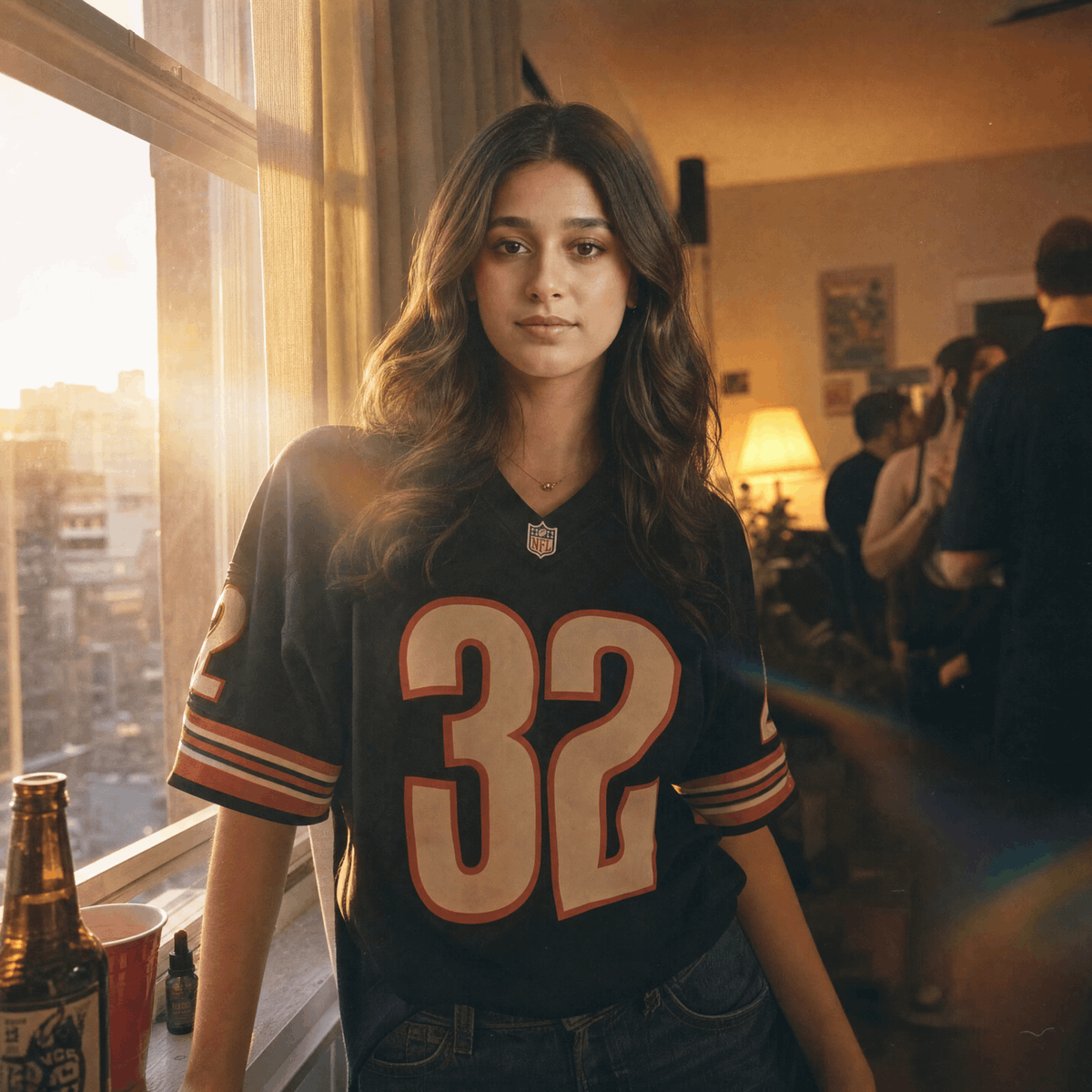
Sunset Apartment Football Jersey Portrait
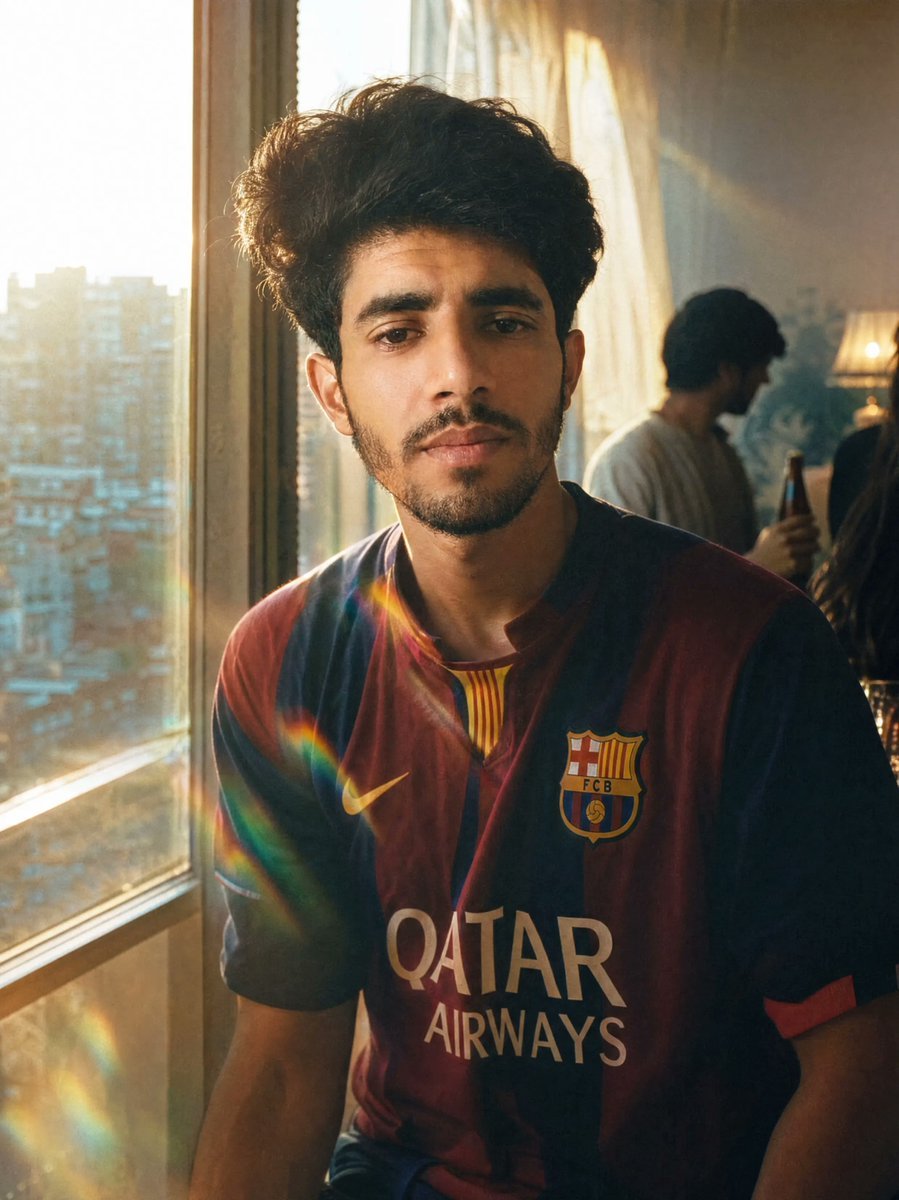
Golden Hour Football Jersey Portrait
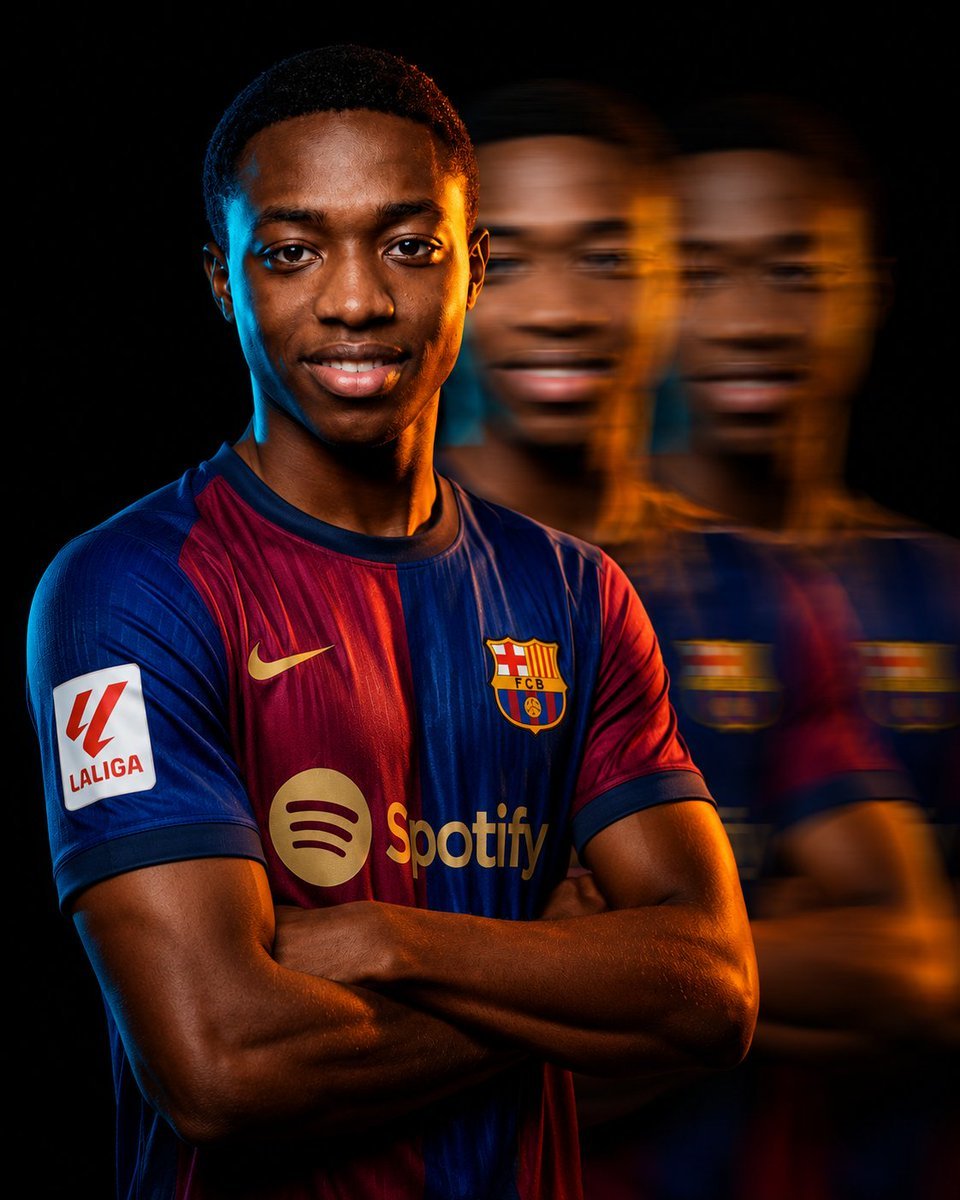
Cinematic Football Campaign Portrait
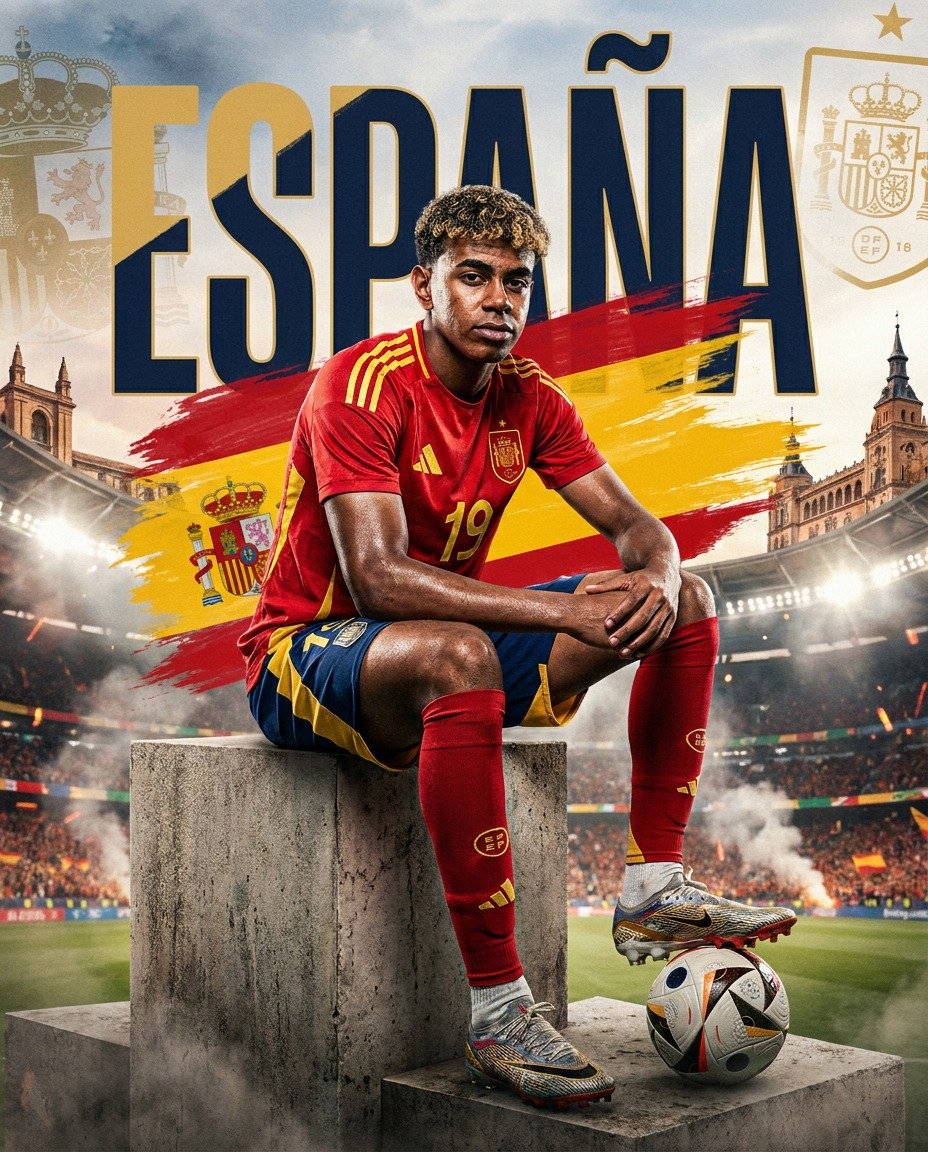
Spain World Cup Football Poster
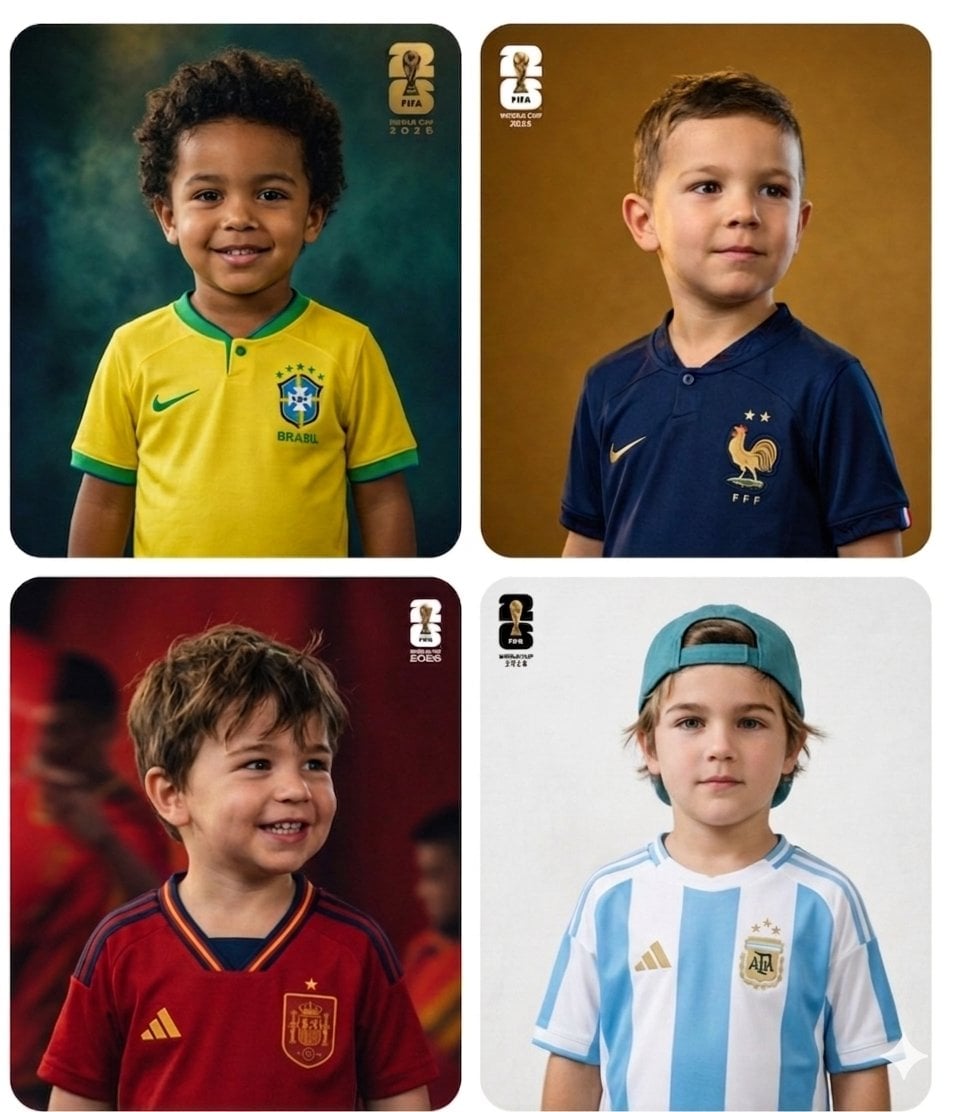
World Cup Children Football Portraits
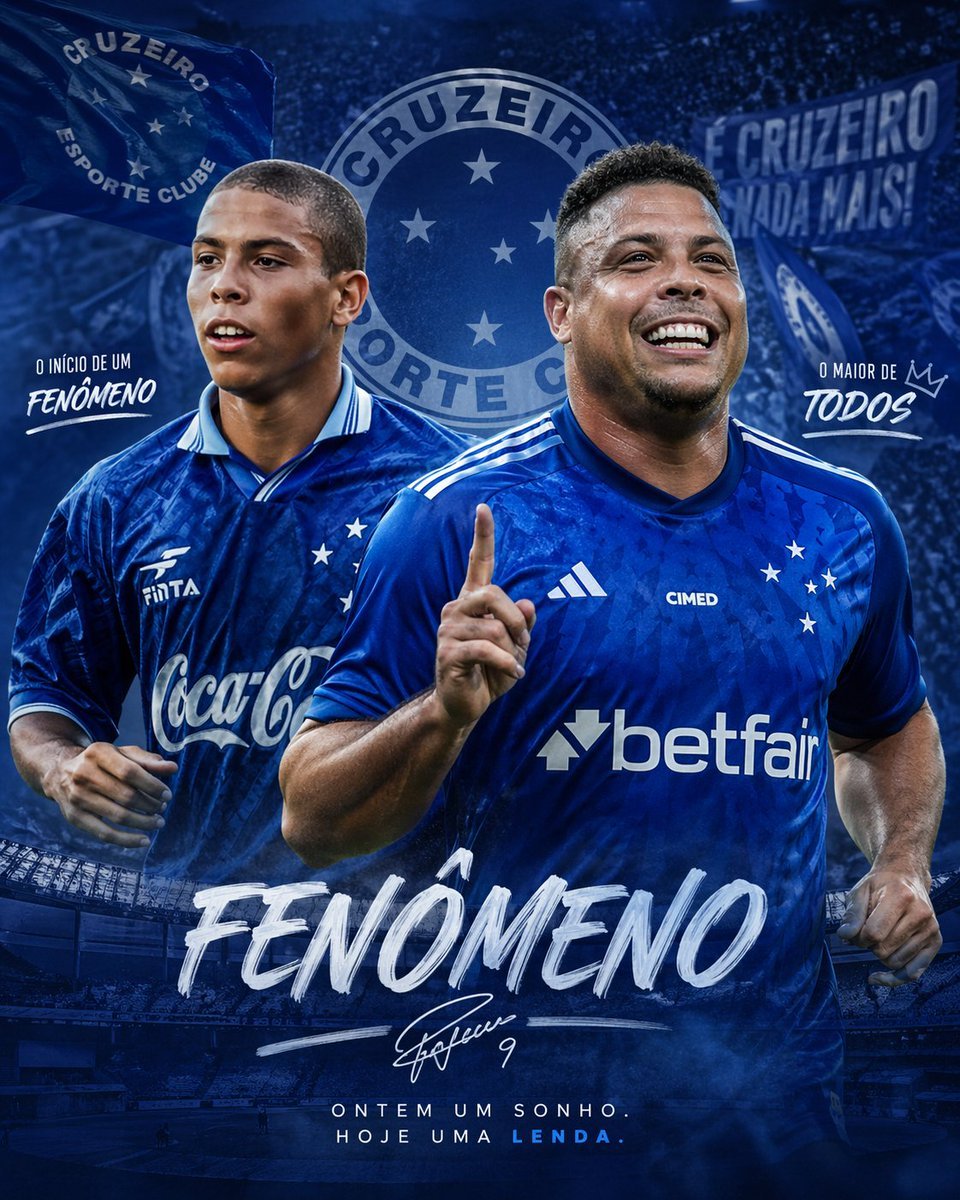
Blue Football Legend Tribute Poster
Make it yours
Monochrome Portrait Jersey Accent Poster works as-is. These are the safest ways to change it without losing the look.
Change one field
Copy a single group, rewrite it, and generate again so you can see what that field is doing.
Keep the frame, change the subject
Hold the composition and light of monochrome-portrait-jersey-accent-poster, then swap wardrobe, props or the person for a new take.
| If the result… | Why | Fix |
|---|---|---|
| The result drifts from the preview | Too many fields changed at once. | Reuse monochrome-portrait-jersey-accent-poster as-is first, then change one group — subject, light, or setting. |
| The model over-stylizes the scene | The prose prompt leaves finish and camera underspecified. | Add one camera or lighting sentence and stay on PicX Studio. |
More image prompts
Fresh picks from across the catalog.
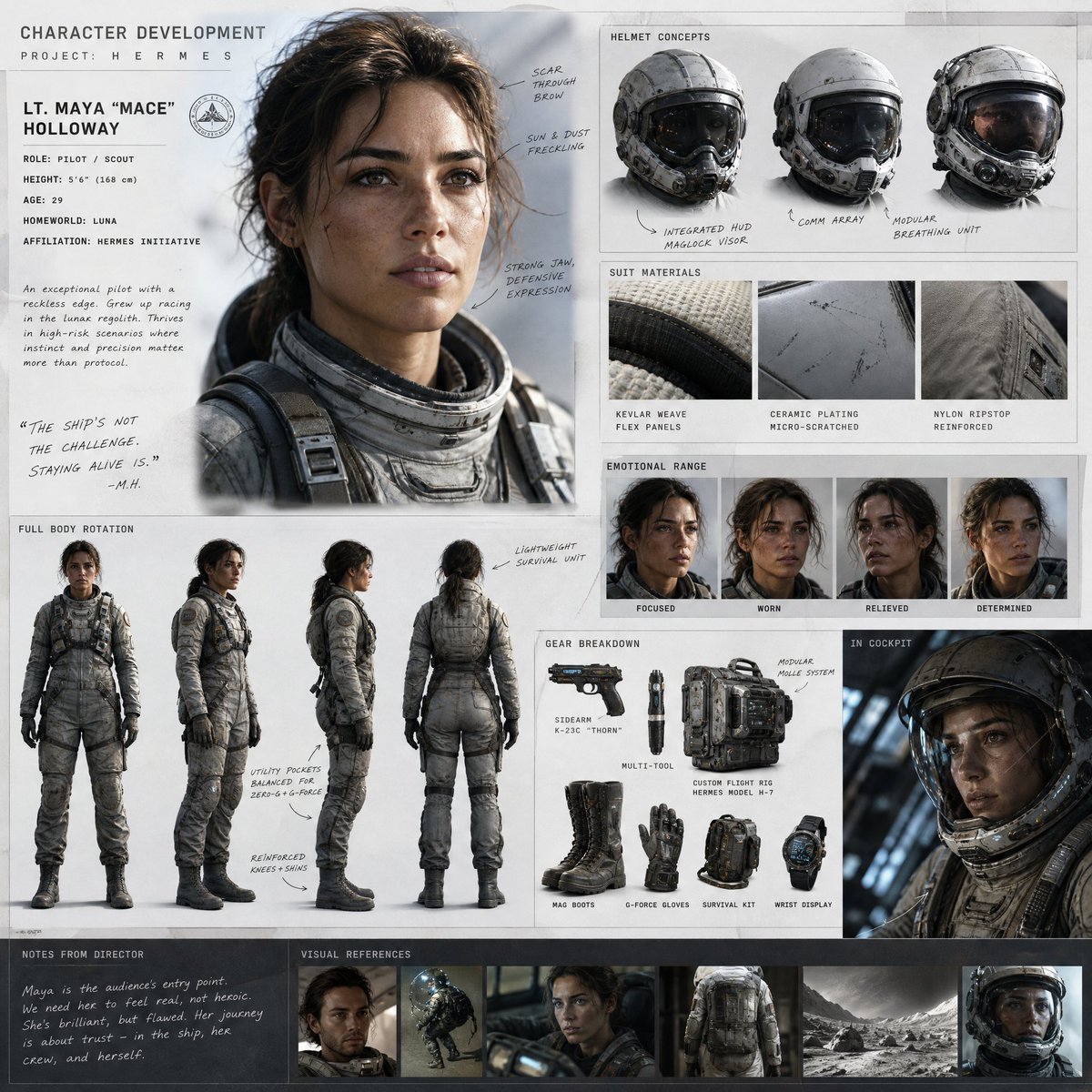
Cinematic Sci-Fi Character Development Board
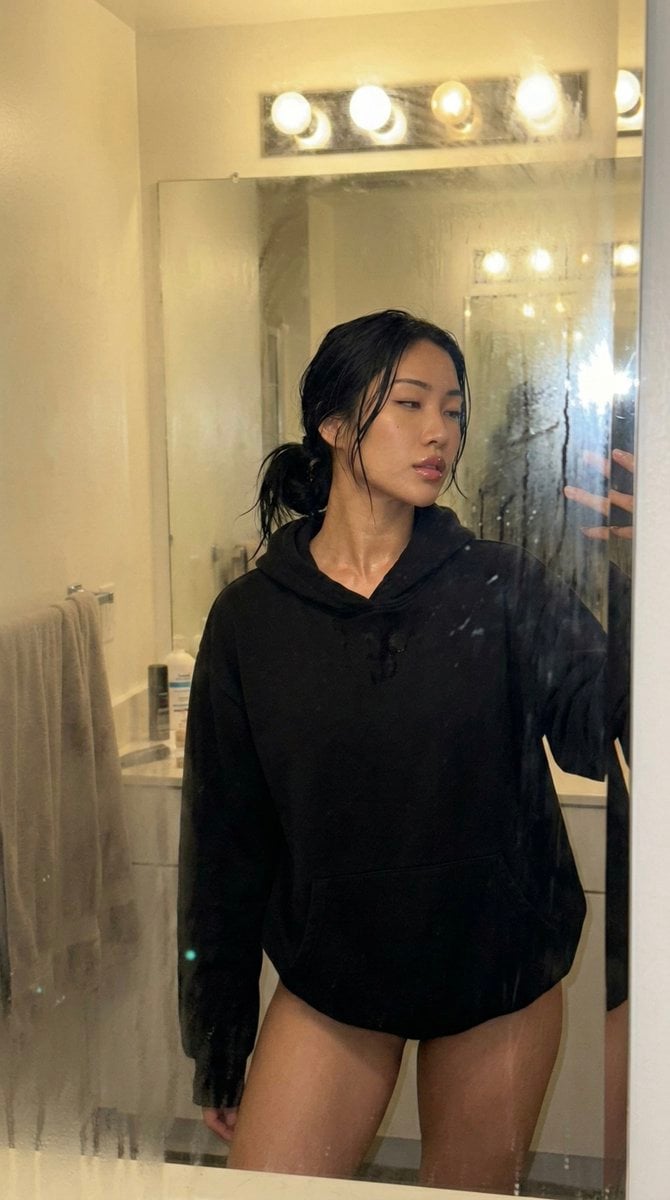
Steamy Mirror Selfie Prompt
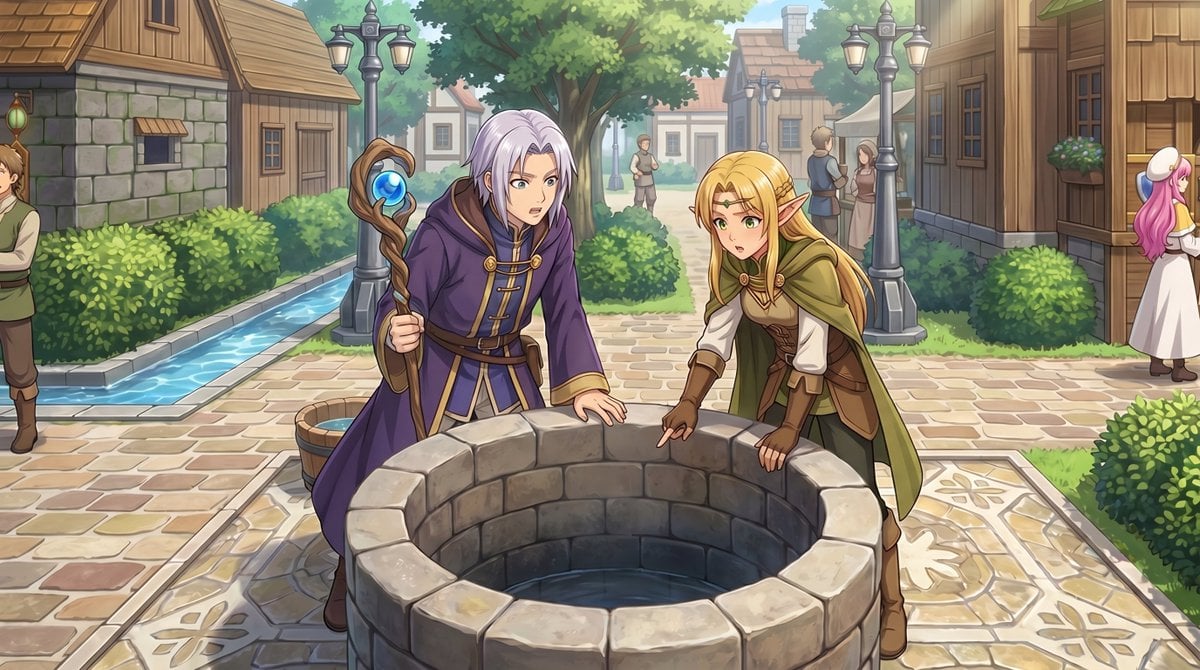
Gpt2 Comic Storyboard Rpg Map to Anime Event Scene
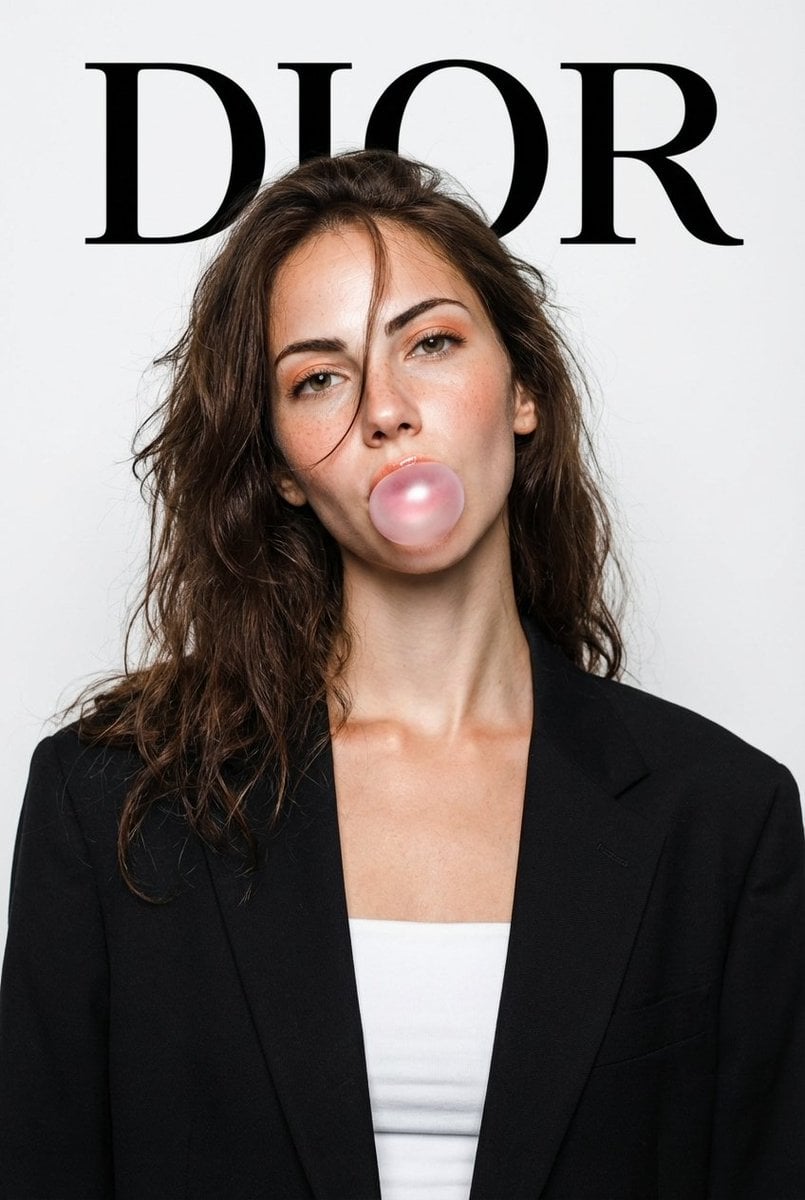
DIOR High-Fashion Studio Portrait with Bubble Gum
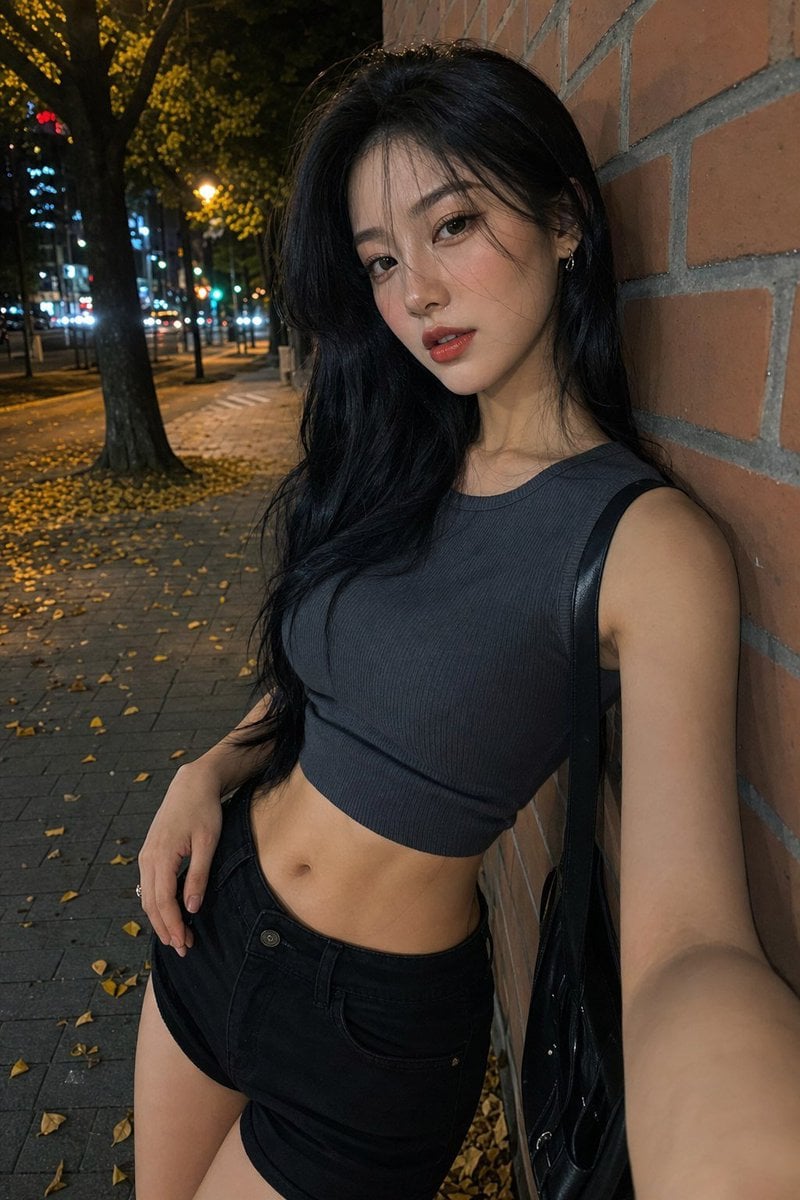
Night Street Fashion Selfie
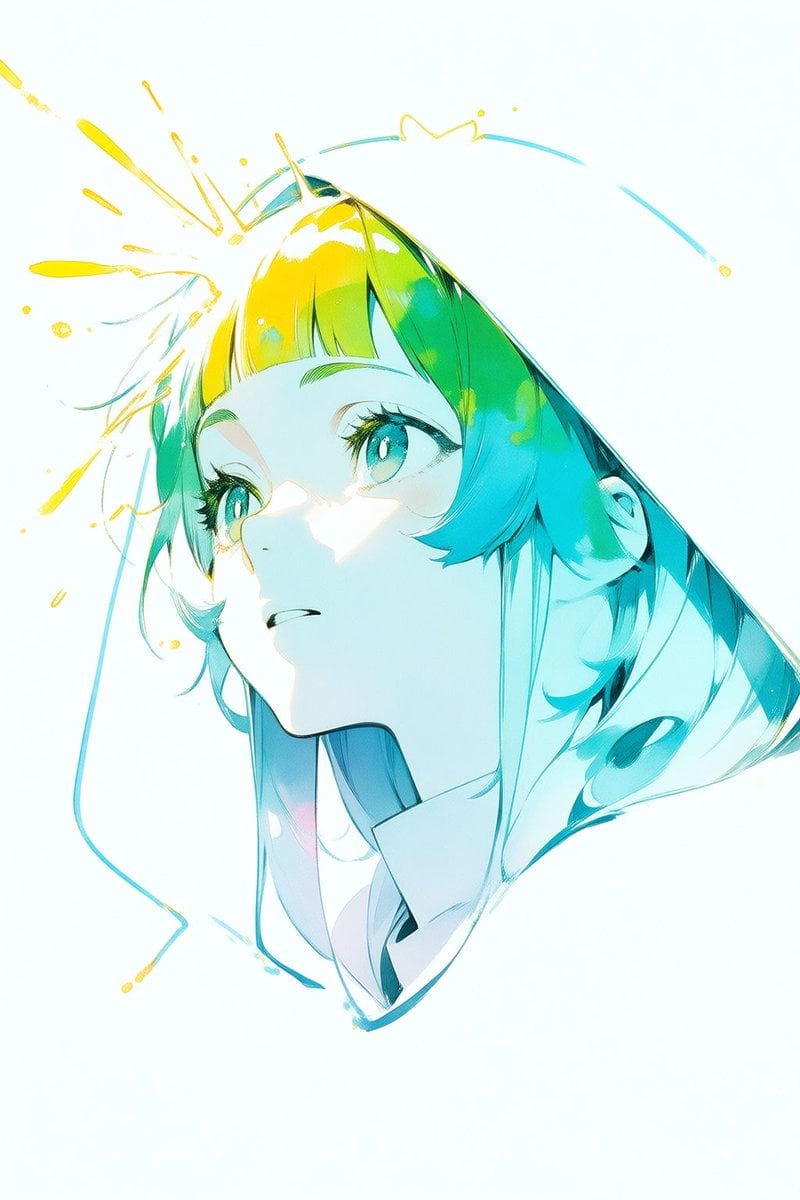
Abstract Aqua Anime Poster
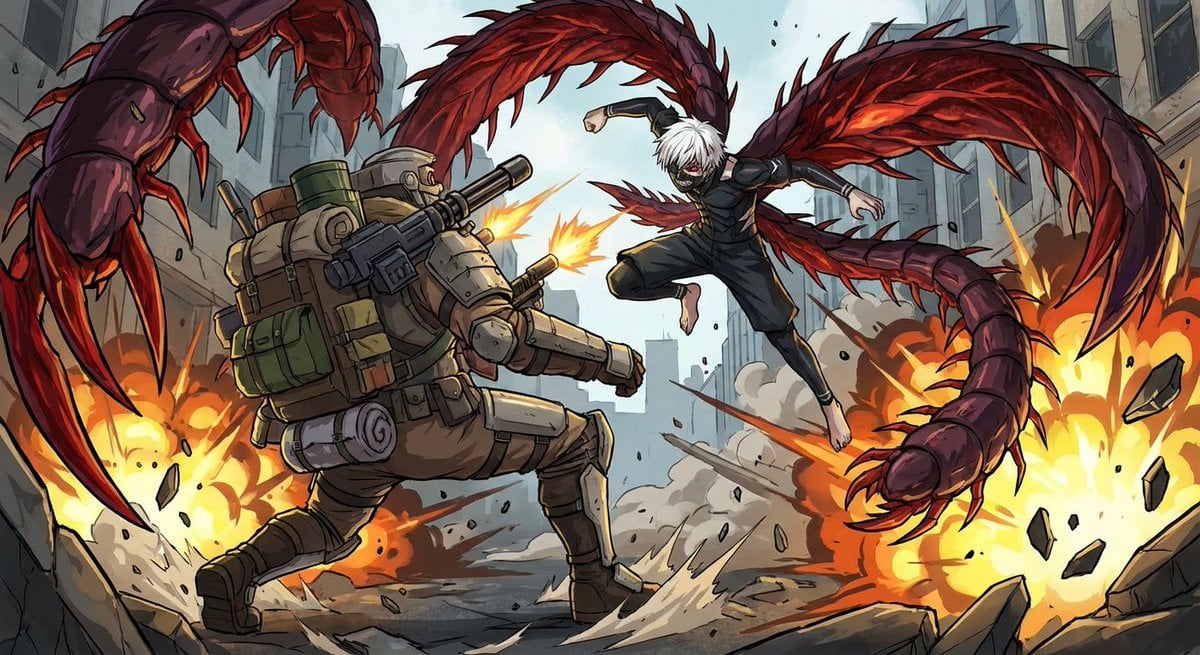
Nano Banana Pro-themed hero image (duplicate Chinese prompt)
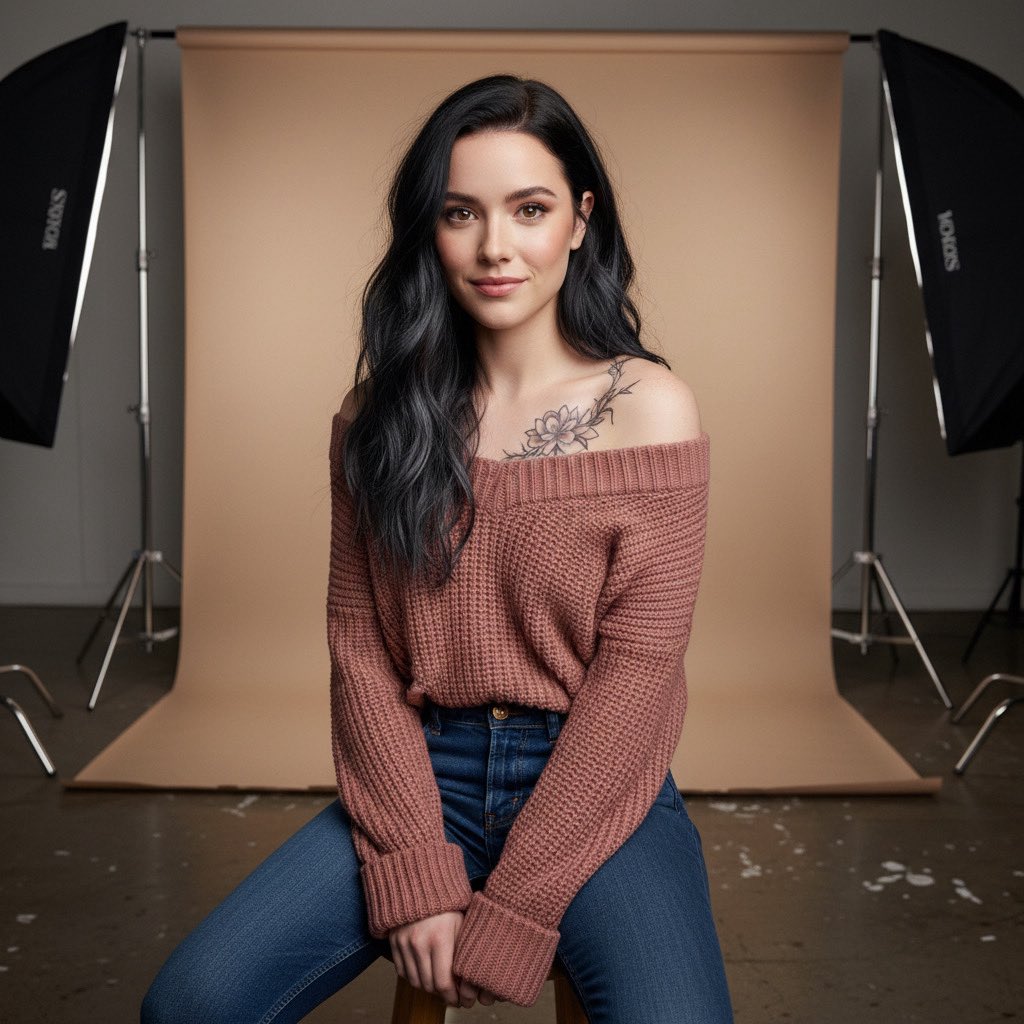
Studio Portrait with Tattoo and Chunky Knit Sweater Prompt

High-Speed Shattering Coffee Mug
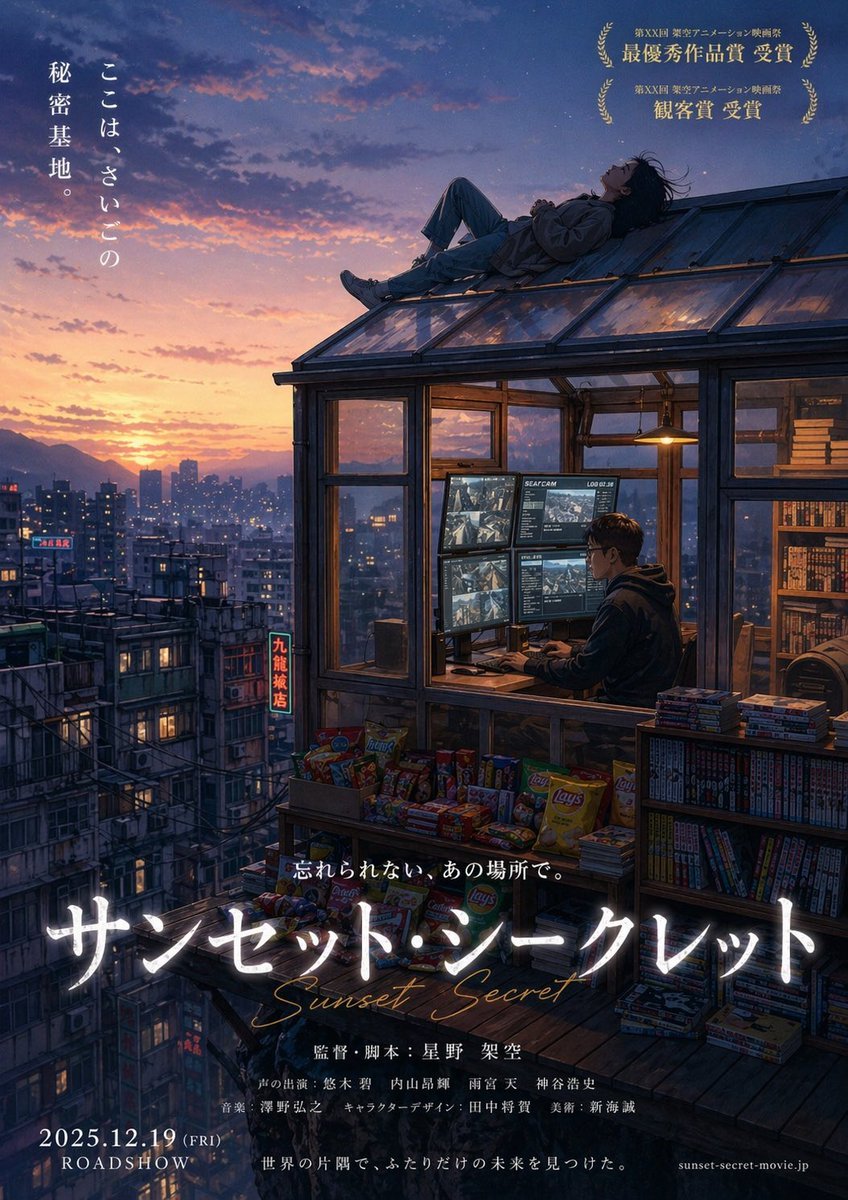
Anime Movie Poster from Reference
Browse template categories
Monochrome Portrait Jersey Accent Poster questions
How do I use the monochrome-portrait-jersey-accent-poster template?
Add your photo if the template asks for one, edit the prompt if you like — the template's model and format are already selected — and press Generate. Your version opens in PicX Studio.
Can I customize the monochrome-portrait-jersey-accent-poster template?
Yes. You can change the subject, setting, lighting, mood, format, and available model controls before creating your image.
Is the monochrome-portrait-jersey-accent-poster template free?
Opening and editing this template is free. Generating uses credits, shown on the Generate button when you are signed in.
Which AI model should I use?
Choose a compatible model in PicX Studio based on the style, speed, and output controls your project needs.
Looking for something else? Browse all templates.

Your photo, any look
Thousands of ready templates for every top image and video model, from one credit balance.