
High-Speed Shattering Coffee Mug
This prompt generates a photorealistic macro action shot of a ceramic coffee mug exploding on a cafe floor, useful for dramatic product-style, motion-freeze, or advertising imagery.

- Prompt included
- Model and format preset
- Free template
The prompt behind this image
Copy the exact prompt behind High-Speed Shattering Coffee Mug, or open it in the studio and make it yours.
A detailed high-speed macro photograph of a {argument name="mug material and color" default="white ceramic"} coffee mug shattering on impact on a {argument name="floor surface" default="concrete cafe floor"}, shot at {argument name="shutter speed" default="1/8000 second"}. The mug is centered low in the frame with the handle visible on the right side, broken into many large jagged pieces that still loosely hold the cup shape while smaller shards fly outward. A splash of {argument name="drink type and color" default="dark coffee"} erupts upward and outward from the fractured mug, with suspended droplets and tiny specks frozen crisply in mid-air. Ground-level perspective, extreme shallow depth of field, ultra-sharp focus on the mug, fragments, and liquid splash, with a softly blurred modern cafe interior in the background. Warm indoor lighting with elongated ceiling lights rendered as bokeh, subtle reflections and wet splashes on the floor around the base, realistic textures, cinematic contrast, photorealistic product-ad style, dramatic moment of impact.
How to use High-Speed Shattering Coffee Mug in 3 steps
- 1Upload ImagePNG, JPG or paste
Add your photo
Upload the photo the template builds on. The prompt, model and format are already set.
- 2…a portrait of your subject in softgolden-hour light, 85mm…
Personalize
Edit the subject and creative details for your destination.
- 3Generate
Generate
Press Generate — your image is created in PicX Studio, so you can compare it with the original and refine one variable at a time.
More like this
Templates with the same subject, style or setup. Open one to see its prompt.

Giant Coffee Mug Cafe Diorama

Astronaut Zero-Gravity Coffee Splash

Cappuccino Bottle Splash Product Ad

Freedom in Motion — Cinematic Sprint

Nano Banana - Paris Cafe Editorial

Whimsical Steaming Coffee Mug Art
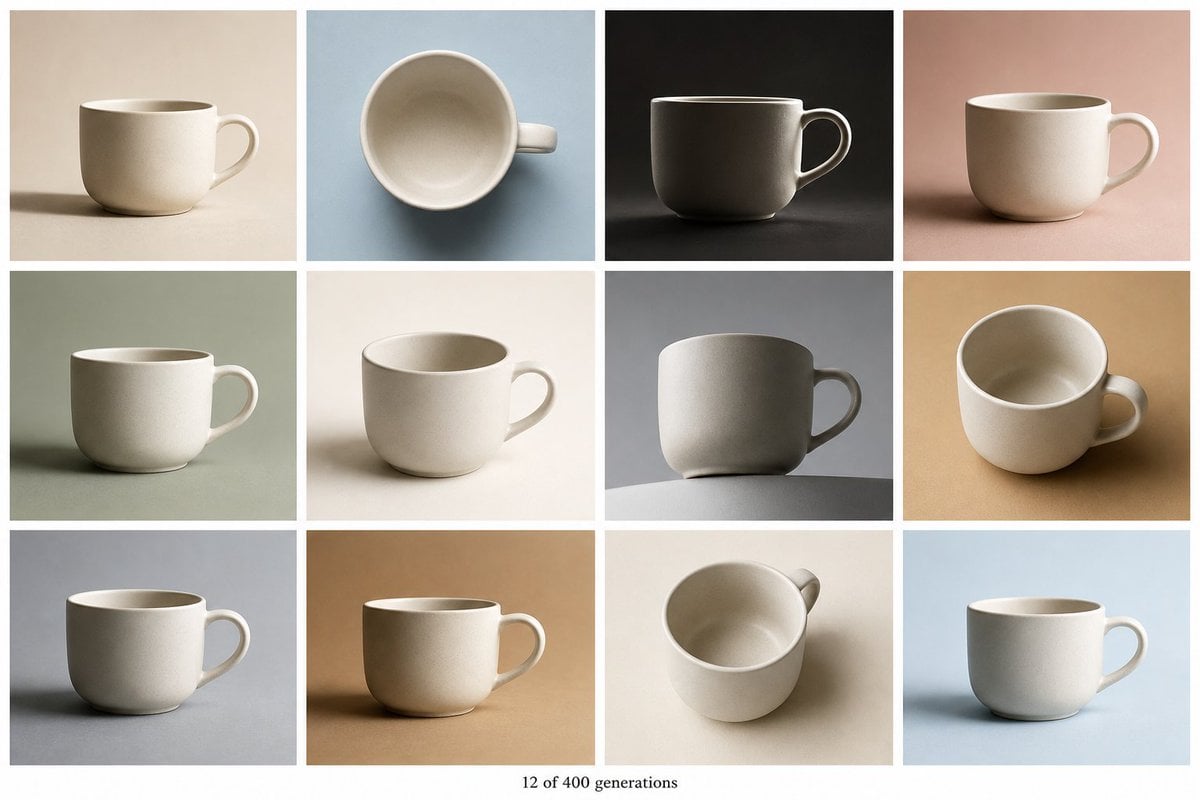
Tile Ceramic Mug Contact Sheet

NESCAFÉ Coffee Map Poster

Coffee Date Journal Editorial Poster

Monochrome AI Coffee Poster

Pencil Sketch Coffee Storyboard

Industrial Coffee Shop Portrait
Make it yours
High-Speed Shattering Coffee Mug works as-is. These are the safest ways to change it without losing the look.
Change one field
Copy a single group, rewrite it, and generate again so you can see what that field is doing.
Keep the frame, change the subject
Hold the composition and light of High-Speed Shattering Coffee Mug, then swap wardrobe, props or the person for a new take.
| If the result… | Why | Fix |
|---|---|---|
| The result drifts from the preview | Too many fields changed at once. | Reuse High-Speed Shattering Coffee Mug as-is first, then change one group — subject, light, or setting. |
| The model over-stylizes the scene | The prose prompt leaves finish and camera underspecified. | Add one camera or lighting sentence and stay on GPT Image 2. |
More GPT Image 2 templates
Other prompts made for GPT Image 2.

Six VTuber Japanese Logo Sheet

Realistic Portrait of Woman and Deer

The Vista Modular Condo Poster

AI Model Routing Comparison Infographic

2.5D Anime Art Board

Isometric Productivity Desk Scene

New York Double Exposure Poster

Four-Panel AI Landscape Comparison

Japanese Tatami Lifestyle Magazine Cover

Brutalist Cogito Chinese Typography Poster
More image prompts
Fresh picks from across the catalog.
Image-to-Image Workflow for RPG Maker Pixel Maps using Nano Banana

Candid Portrait in Sunlit Minimalist Apartment
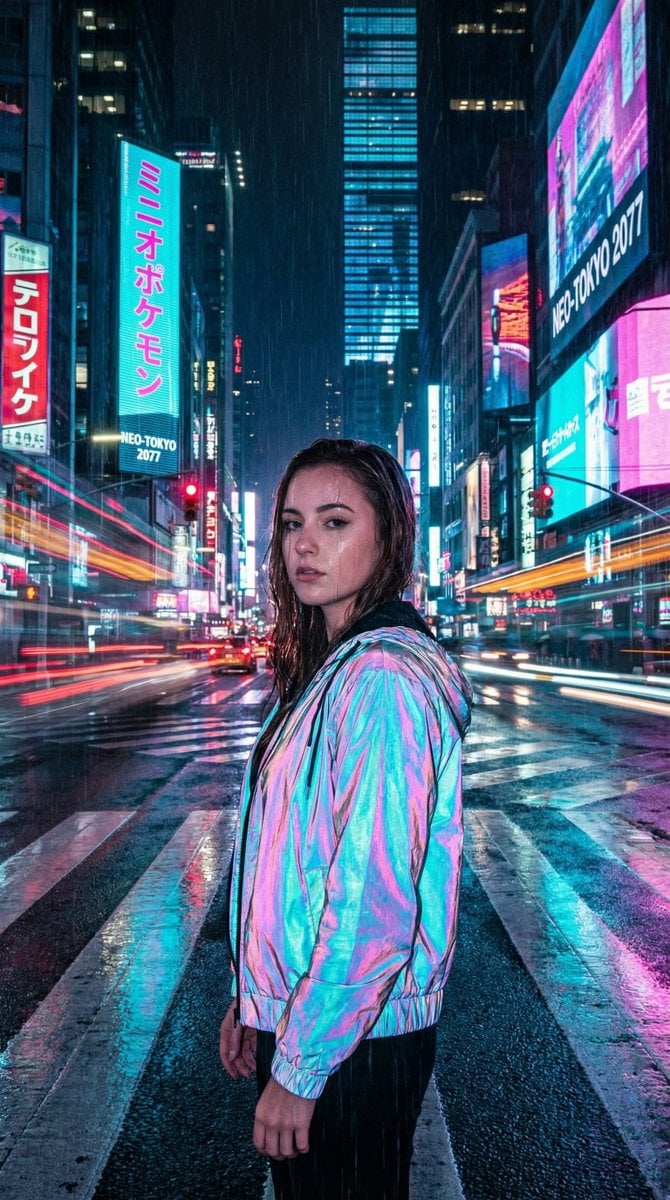
Cyberpunk City Night Scene
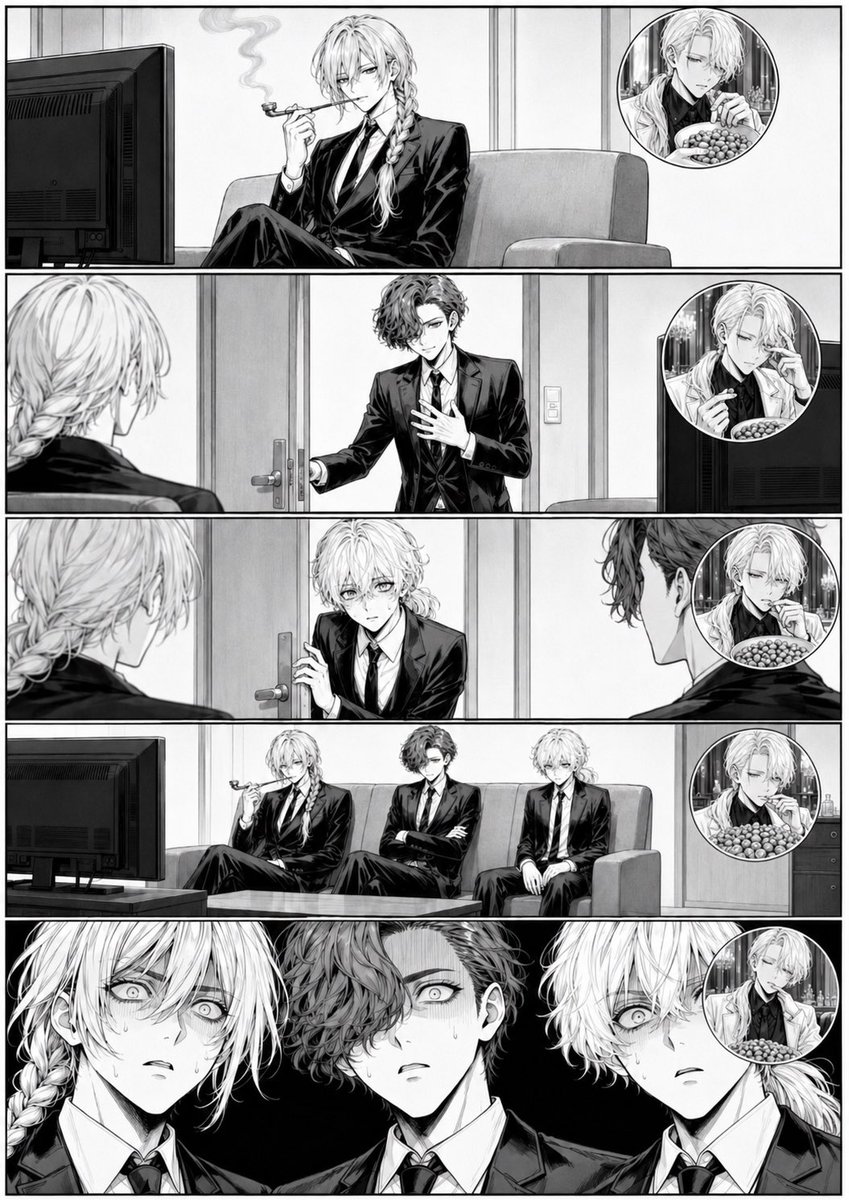
Censored Manga Page With Too Many Nuts

Macro Shot of Miniature Sniper Scene
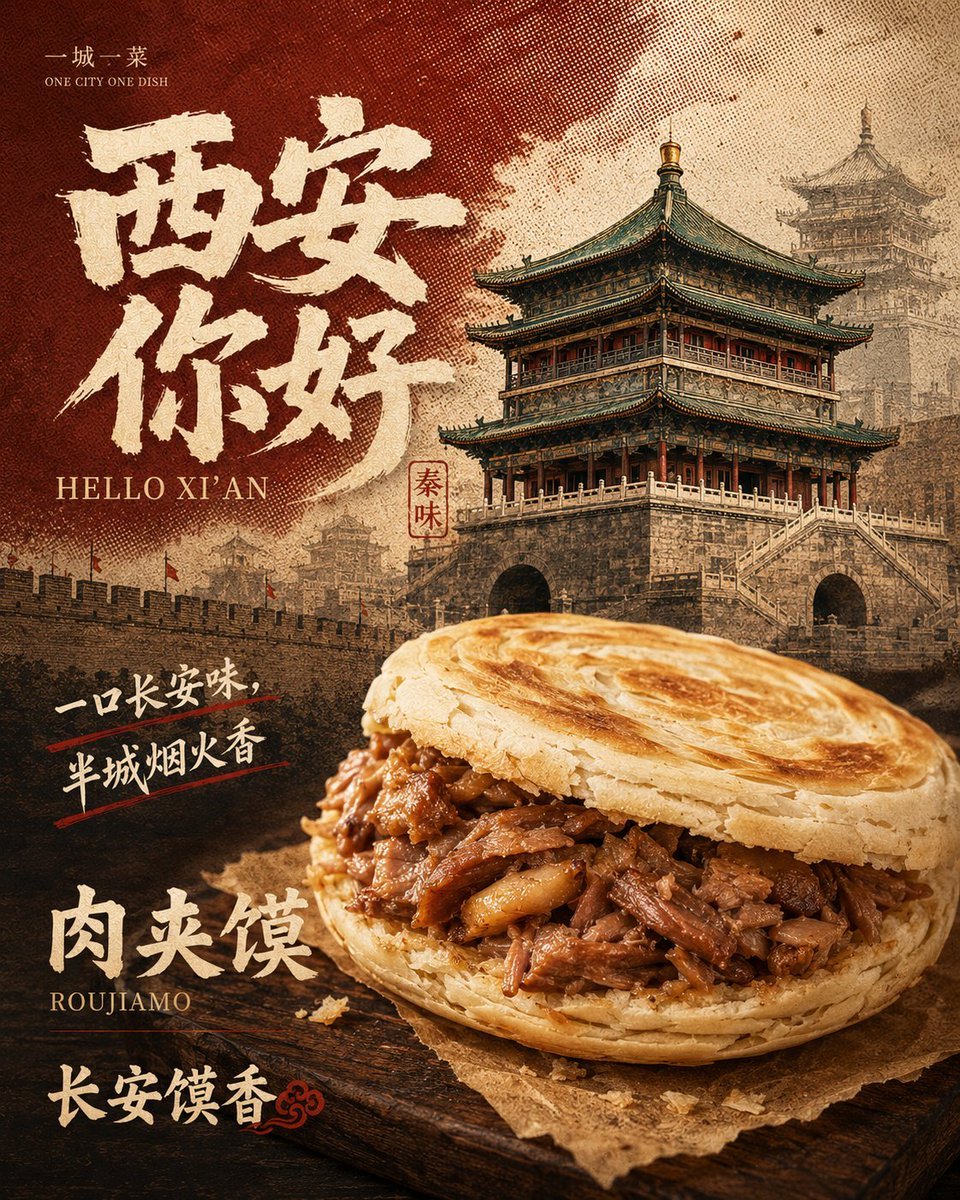
Retro Xi'an Roujiamo Food Poster

Character color and style adjustment

Klimt-Inspired Fine Art Editorial Portrait (JSON)
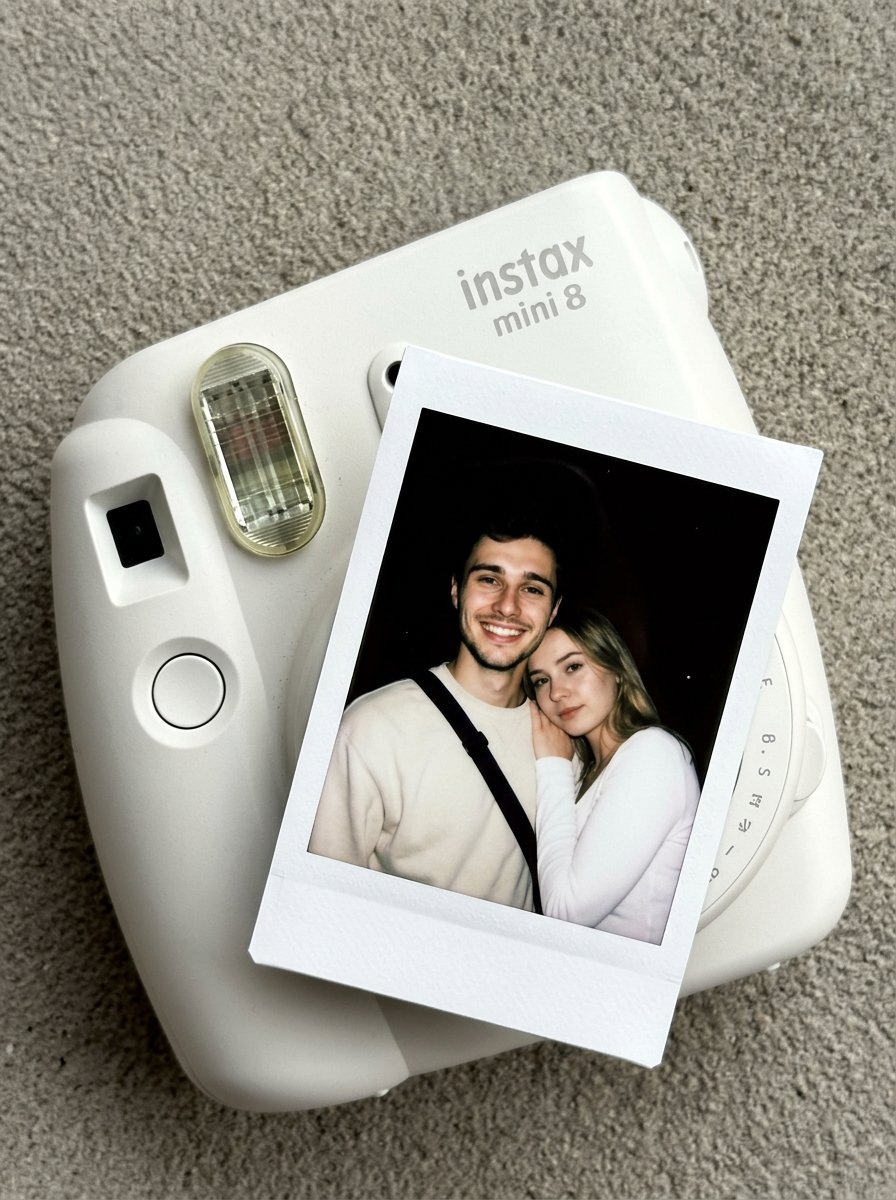
Nano Banana Pro Instax Mini 8
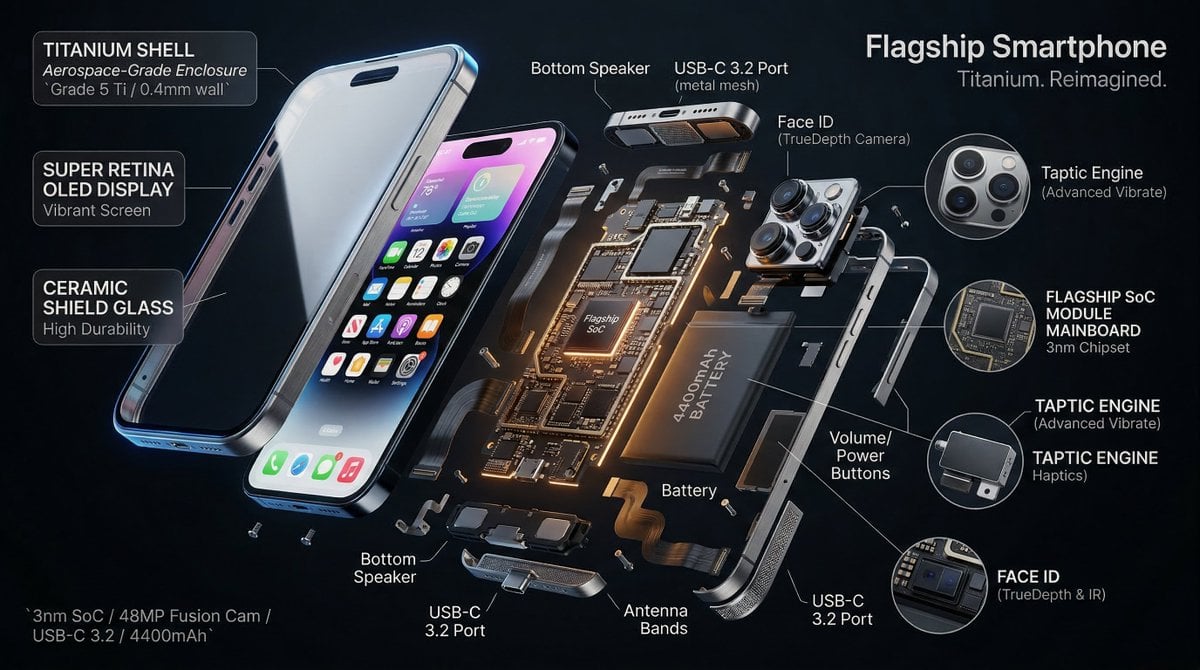
3D Radial Explosion Product Visualization Prompt for Nano Banana 2
Browse template categories
High-Speed Shattering Coffee Mug questions
How do I use the High-Speed Shattering Coffee Mug template?
Add your photo if the template asks for one, edit the prompt if you like — the template's model and format are already selected — and press Generate. Your version opens in PicX Studio.
Can I customize the High-Speed Shattering Coffee Mug template?
Yes. You can change the subject, setting, lighting, mood, format, and available model controls before creating your image.
Is the High-Speed Shattering Coffee Mug template free?
Opening and editing this template is free. Generating uses credits, shown on the Generate button when you are signed in.
Which AI model should I use?
Start with GPT Image 2, which is the model associated with this template. You can compare another compatible model for a different finish.
Looking for something else? Browse all templates.

Your photo, any look
Thousands of ready templates for every top image and video model, from one credit balance.