
Coffee Date Journal Editorial Poster
A sophisticated prompt for creating editorial posters inspired by a coffee shop journal, blending lifestyle photography with scrapbooking elements and professional typography.
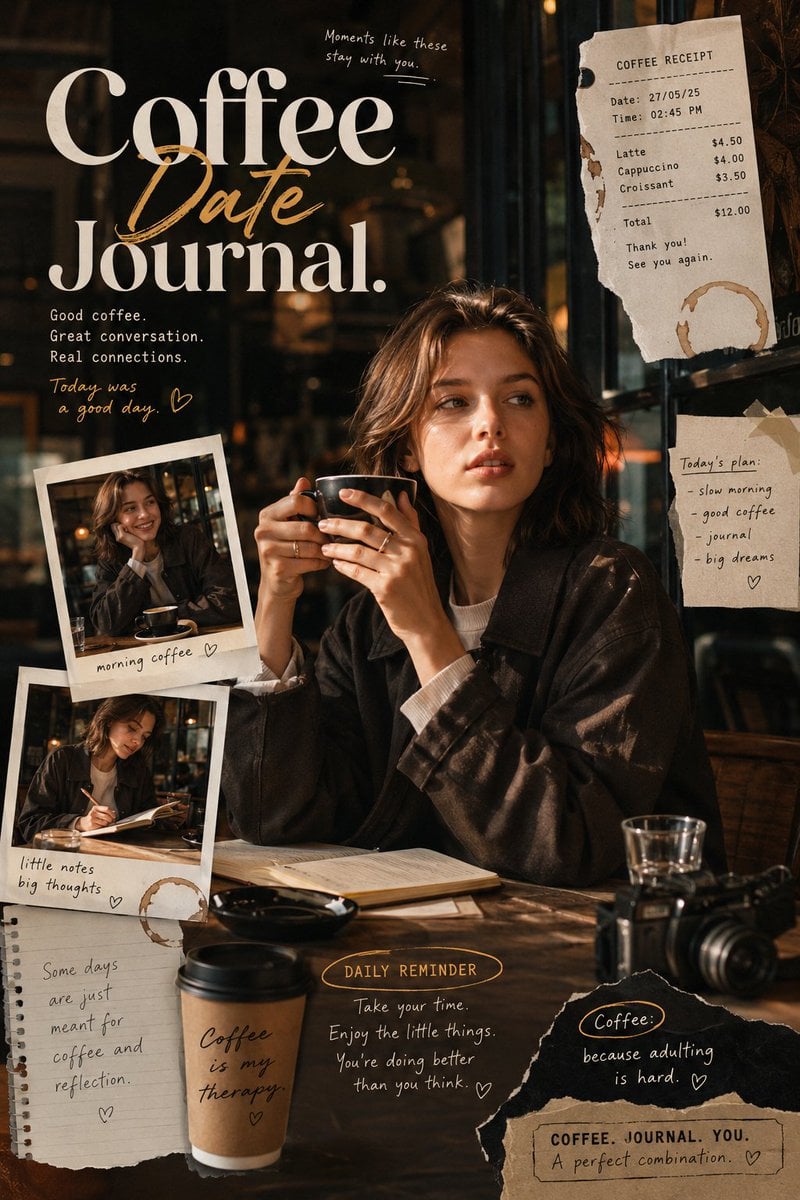
- Prompt included
- Model and format preset
- Premium template
The prompt behind this image
Copy the exact prompt behind Coffee Date Journal Editorial Poster, or open it in the studio and make it yours.
Coffee Date Journal-inspired editorial poster with a warm, intimate coffee shop storytelling atmosphere, designed as if capturing personal moments from a modern café diary. The composition blends authentic lifestyle photography with creative journal-inspired layouts, featuring layered visual elements such as coffee receipts, handwritten notes, menu fragments, subtle coffee stains, candid snapshots, paper textures, torn-edge details, and scrapbook-style decorations naturally integrated into the design. The subject should be presented in a naturally elegant and engaging moment rather than replicating the pose from the reference image. Capture a lively, expressive action such as {argument name="subject action" default="enjoying a conversation, flipping through a journal, adjusting a sleeve while holding a coffee cup"}, glancing through a café window, or reacting to a spontaneous moment. Facial expressions should feel genuine, warm, sophisticated, and emotionally connected to the environment. Avoid stiff, static, or flat-looking poses. The overall body language should reflect the confidence and refinement of an international fashion model. Wardrobe styling should feature contemporary casual fashion with a premium aesthetic. Combine stylish modern pieces with {argument name="clothing textures" default="layered jackets, knitwear, relaxed shirts, tailored trousers, fashionable denim"}, loafers, scarves, or minimalist accessories. The outfit should feel effortlessly fashionable and suitable for a modern café lifestyle editorial. The visual mood should be cozy, nostalgic, cinematic, and emotionally rich, enhanced by dramatic natural lighting, soft shadows, warm highlights, window light reflections, and subtle depth effects. Include decorative poster ornaments and design accents that reinforce the Coffee Date Journal theme without overwhelming the composition. Every visual element should contribute to a premium storytelling experience. Typography must be highly eye-catching and editorial in quality, featuring modern magazine-inspired font combinations, creative hierarchy, dynamic layouts, and stylish text treatments. Avoid generic, overused, or standard-looking typography. The poster should feel contemporary, trendy, visually engaging, and professionally designed for modern social media audiences. Ultra-detailed, premium-quality visual design, cinematic storytelling composition, realistic textures, professional fashion editorial aesthetic, rich atmosphere, sophisticated color grading, high visual depth, contemporary creative direction, and stunning 8K resolution.
How to use Coffee Date Journal Editorial Poster in 3 steps
- 1Upload ImagePNG, JPG or paste
Add your photo
Upload the photo the template builds on. The prompt, model and format are already set.
- 2…a portrait of your subject in softgolden-hour light, 85mm…
Personalize
Edit the subject and creative details for your destination.
- 3Generate
Generate
Press Generate — your image is created in PicX Studio, so you can compare it with the original and refine one variable at a time.
More like this
Templates with the same subject, style or setup. Open one to see its prompt.

Urban Fashion Editorial Collage Poster

Typography Mask Editorial Fashion Poster

Luxury Sliced Wordmark Player Poster

Nano Banana - Paris Cafe Editorial

Premium Editorial Branding Poster Charcoal Green

Premium Vintage Travel Poster Landscape
Premium Vintage Travel Poster Landscape
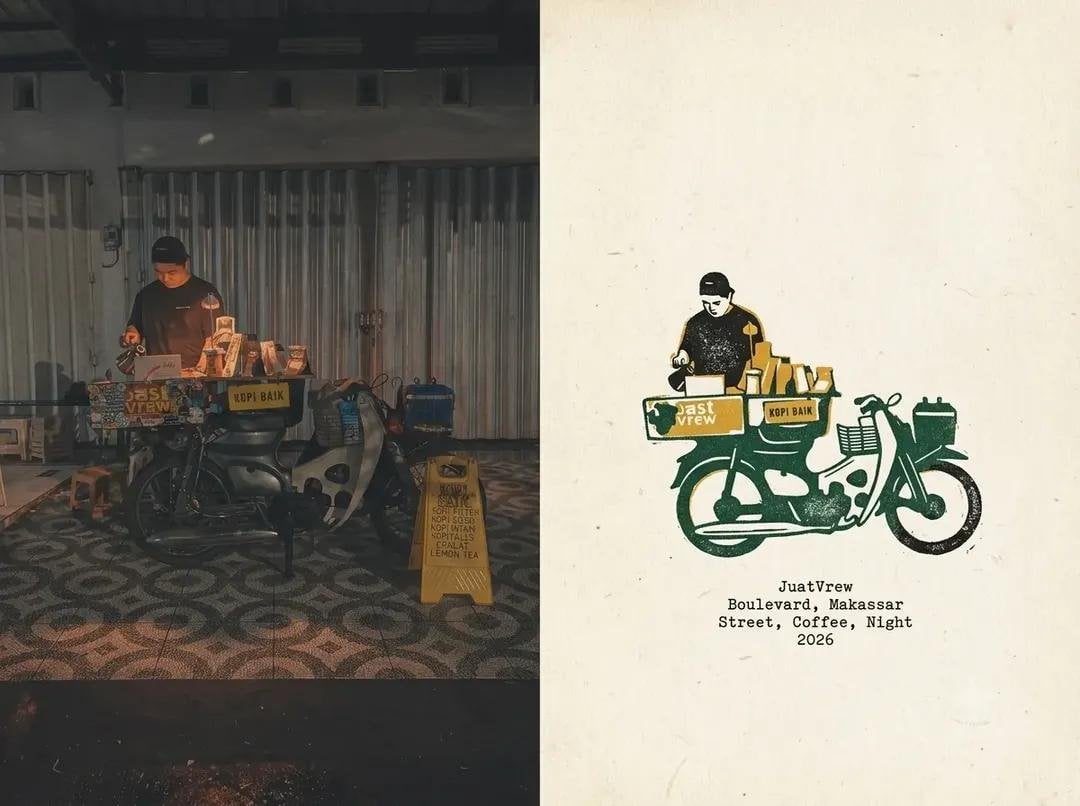
Coffee Shop Journal Diptych
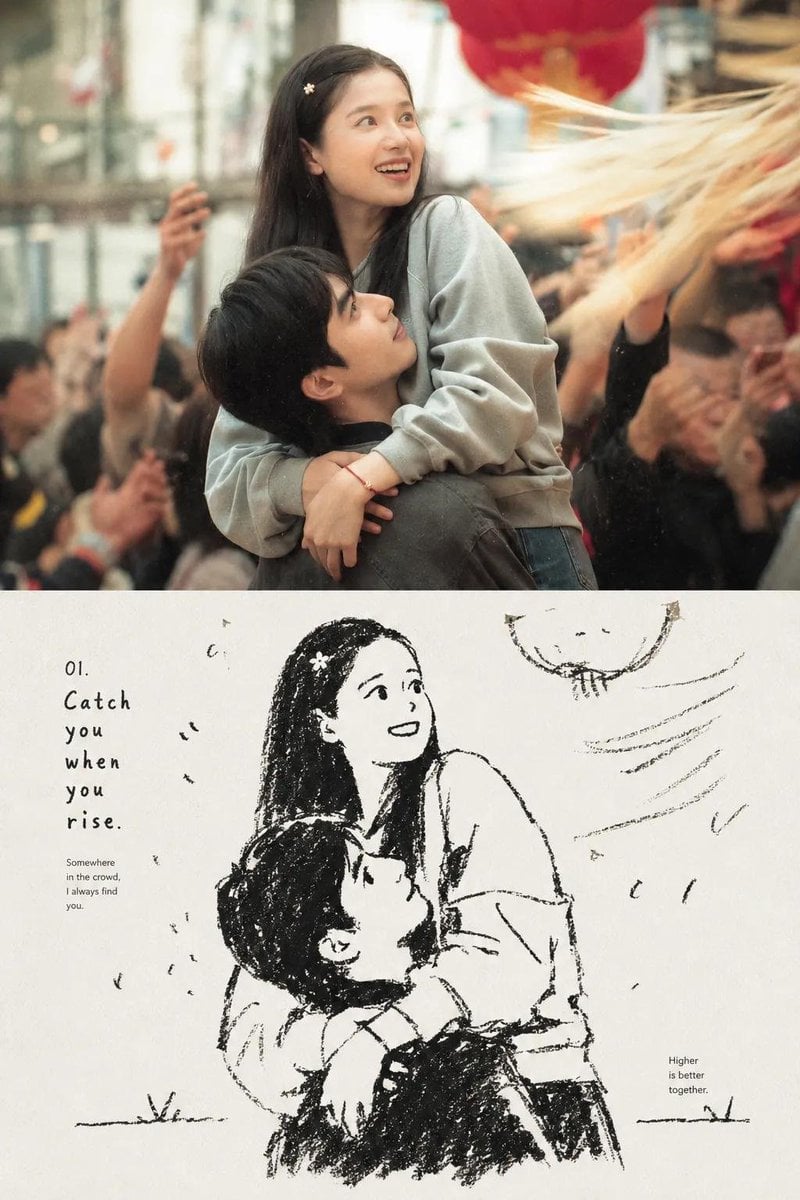
Photo-to-Sketch Editorial Journal

Hand-drawn Breakfast Journal Aesthetic Poster

Japan Travel Brochure Poster

NESCAFÉ Coffee Map Poster
Make it yours
Coffee Date Journal Editorial Poster works as-is. These are the safest ways to change it without losing the look.
Change one field
Copy a single group, rewrite it, and generate again so you can see what that field is doing.
Keep the frame, change the subject
Hold the composition and light of Coffee Date Journal Editorial Poster, then swap wardrobe, props or the person for a new take.
| If the result… | Why | Fix |
|---|---|---|
| The result drifts from the preview | Too many fields changed at once. | Reuse Coffee Date Journal Editorial Poster as-is first, then change one group — subject, light, or setting. |
| The model over-stylizes the scene | The prose prompt leaves finish and camera underspecified. | Add one camera or lighting sentence and stay on GPT Image 2. |
More GPT Image 2 templates
Other prompts made for GPT Image 2.

Six VTuber Japanese Logo Sheet

Realistic Portrait of Woman and Deer

The Vista Modular Condo Poster

AI Model Routing Comparison Infographic

2.5D Anime Art Board

Isometric Productivity Desk Scene

New York Double Exposure Poster

Four-Panel AI Landscape Comparison

Japanese Tatami Lifestyle Magazine Cover

Brutalist Cogito Chinese Typography Poster
More image prompts
Fresh picks from across the catalog.
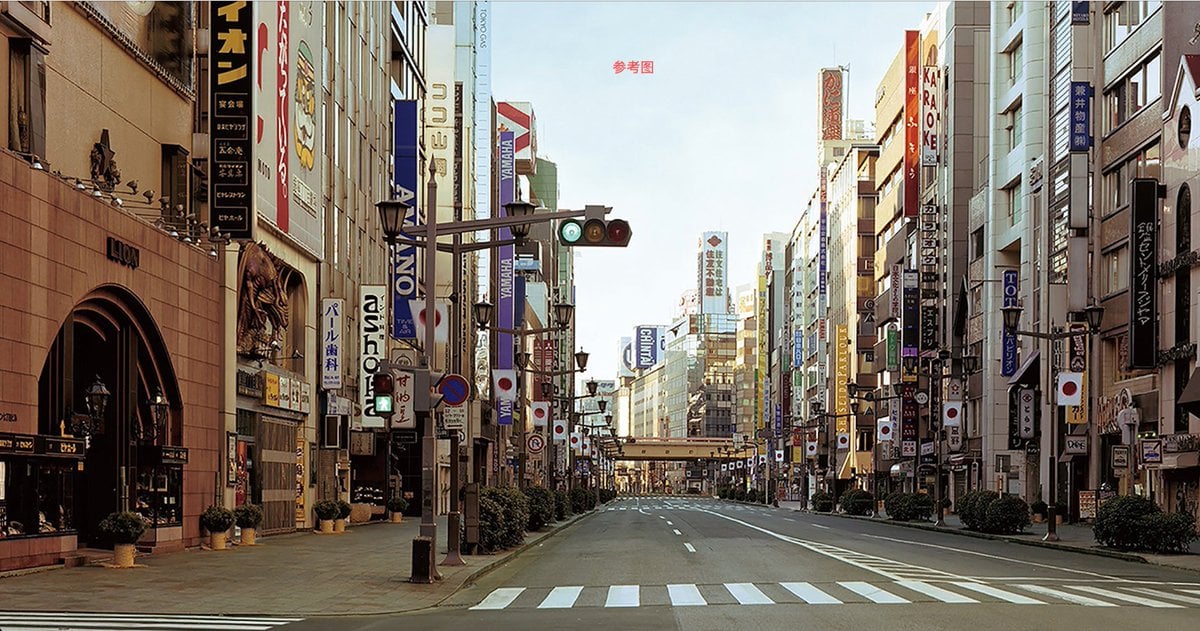
City Night Scene Illustration with Composition Reference

Photorealistic Cinematic Street Romance in Istanbul Snow

Cinematic Ultra-Realistic Portrait in a Vintage Car

Industrial Blueprint Generation Prompt

Gym Chibi Sticker Overlay
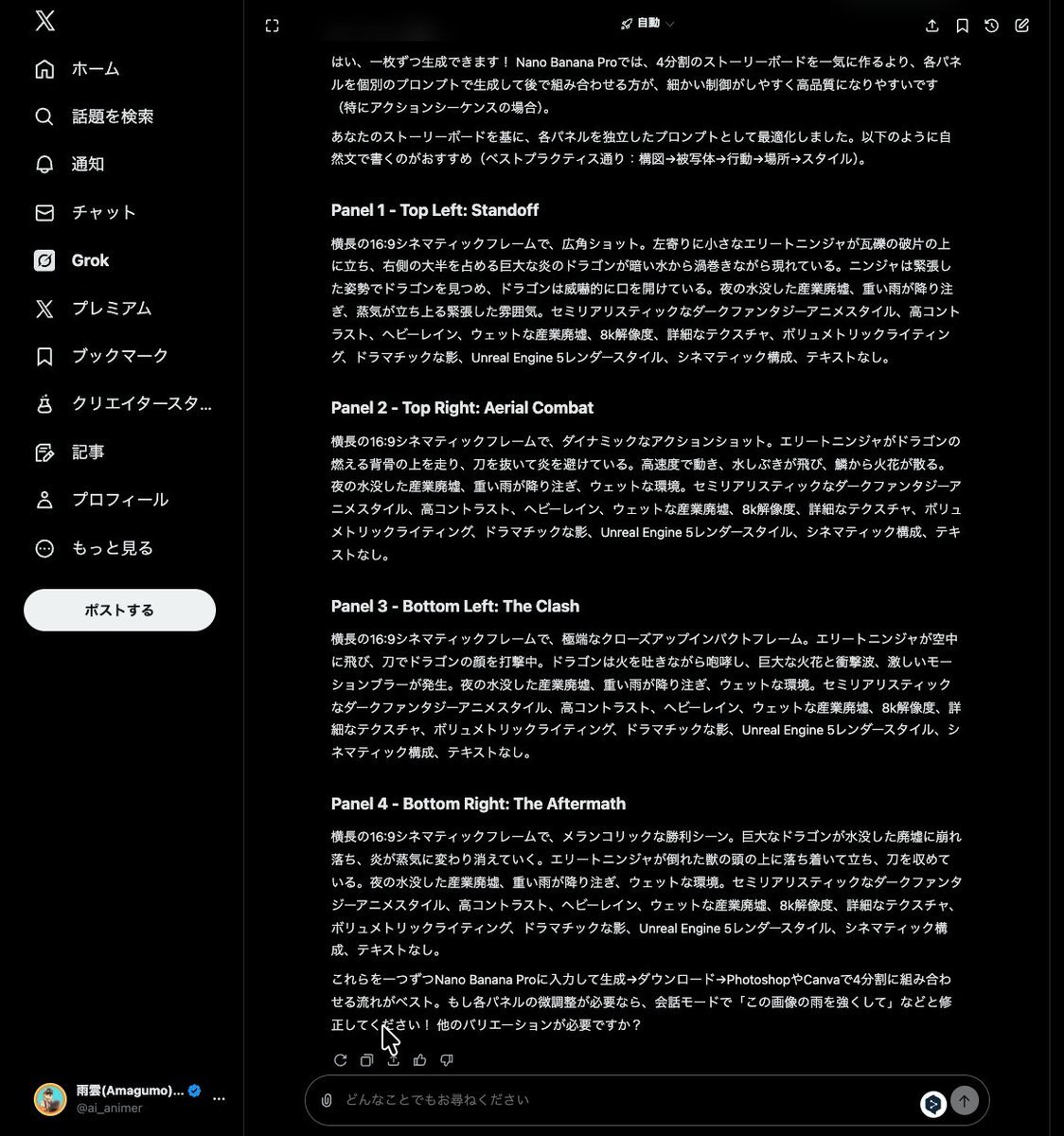
Grok Instruction for Generating Nano Banana Pro Image Prompts

Dynamic Sports Action Portrait
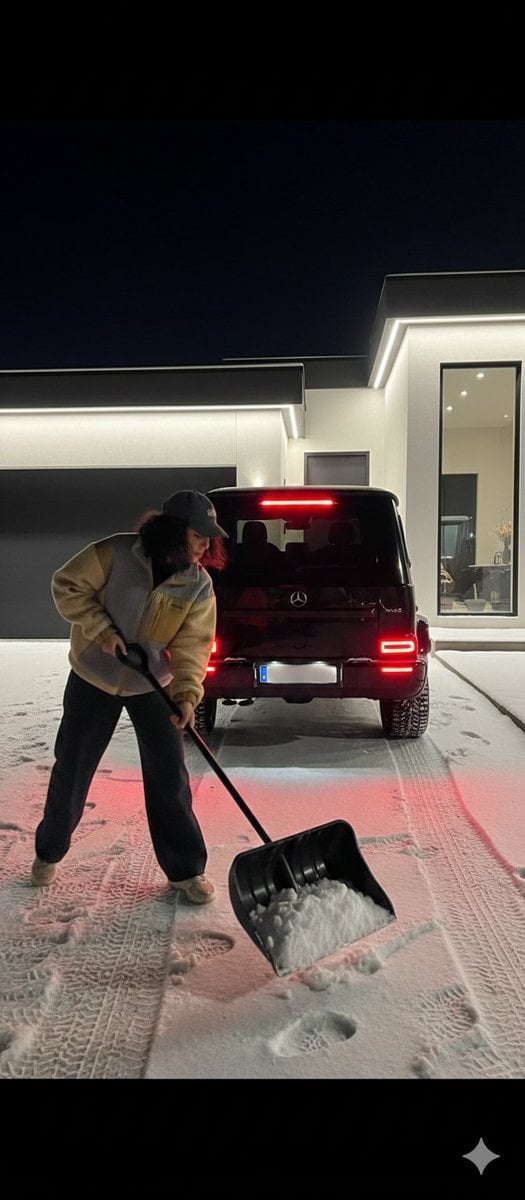
Night Photography Prompt: Clearing Snow with Mercedes G 63 AMG
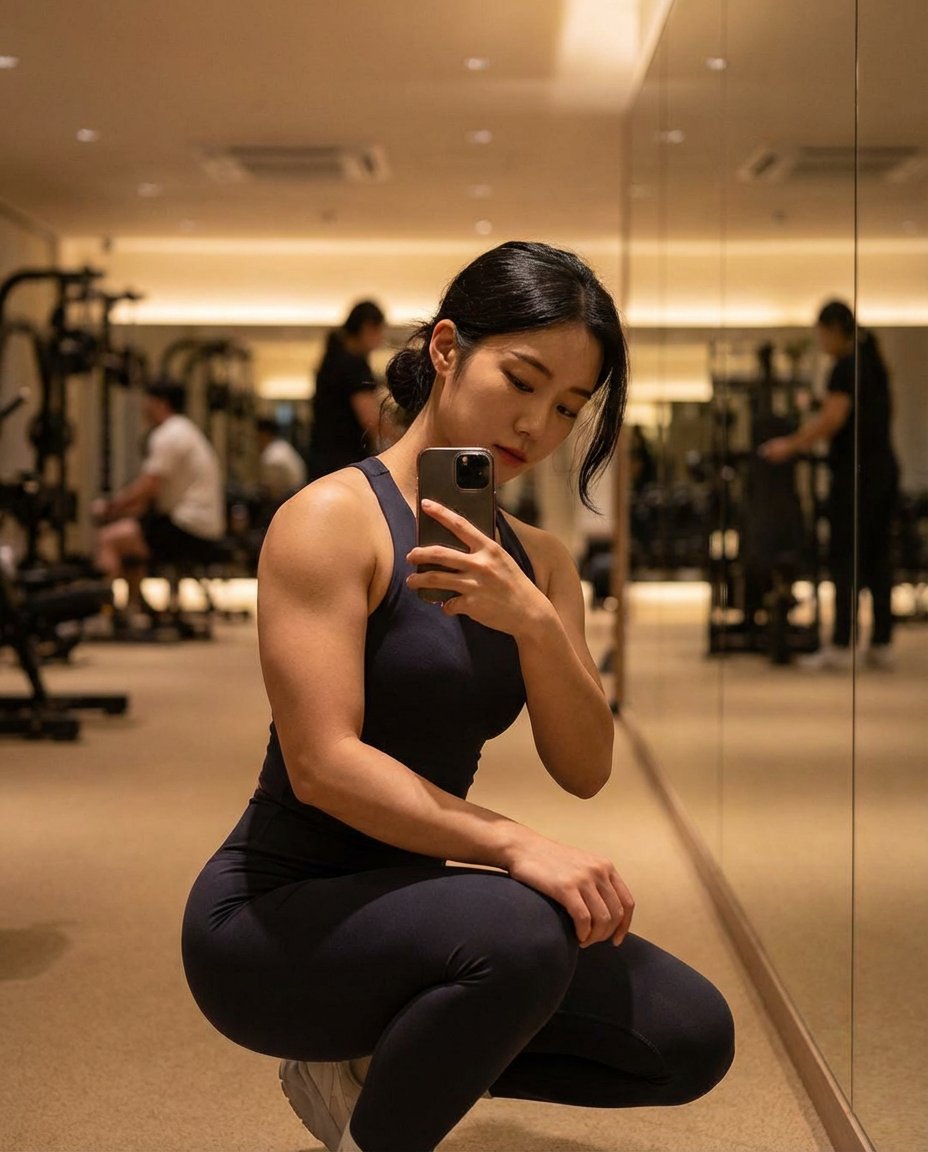
Photorealistic Gym Mirror Selfie (Mixed Heritage)
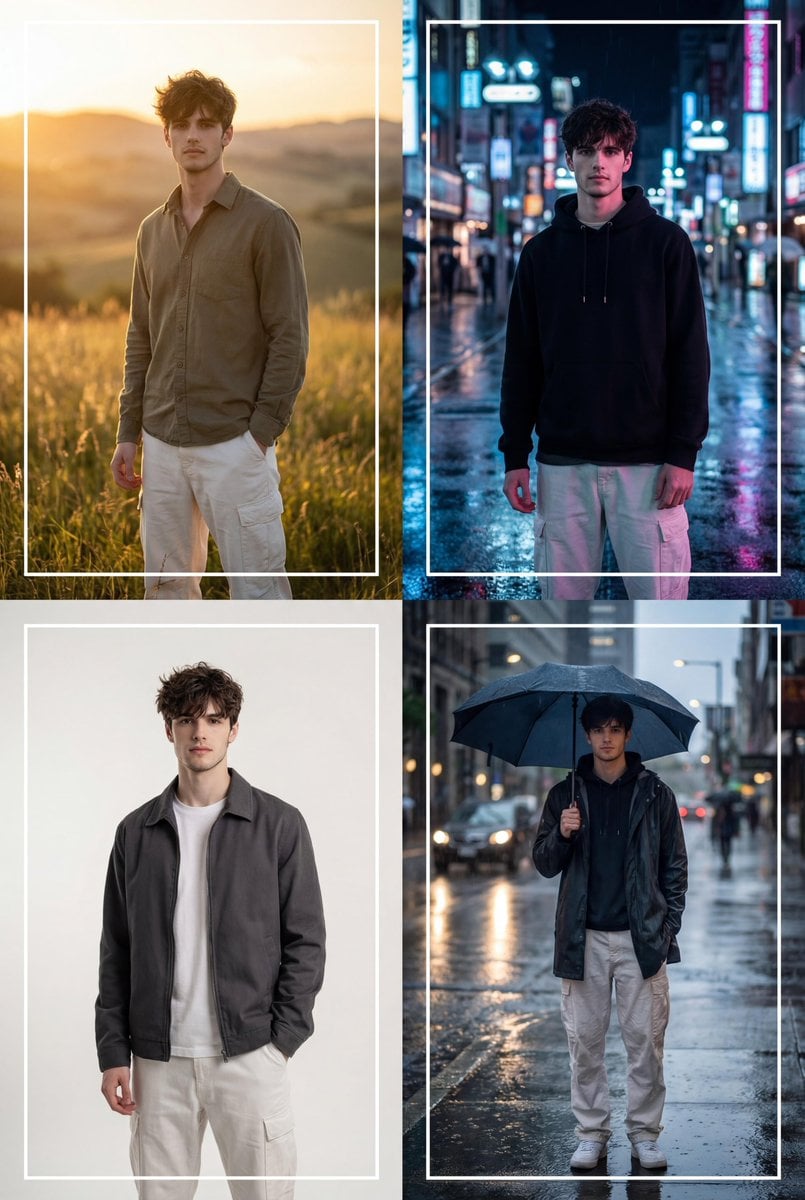
Cinematic 2x2 Grid Portrait with Consistent Identity
Browse template categories
Coffee Date Journal Editorial Poster questions
How do I use the Coffee Date Journal Editorial Poster template?
Add your photo if the template asks for one, edit the prompt if you like — the template's model and format are already selected — and press Generate. Your version opens in PicX Studio.
Can I customize the Coffee Date Journal Editorial Poster template?
Yes. You can change the subject, setting, lighting, mood, format, and available model controls before creating your image.
Is the Coffee Date Journal Editorial Poster template free?
Opening and editing this template is free. Generating uses credits, shown on the Generate button when you are signed in.
Which AI model should I use?
Start with GPT Image 2, which is the model associated with this template. You can compare another compatible model for a different finish.
Looking for something else? Browse all templates.

Your photo, any look
Thousands of ready templates for every top image and video model, from one credit balance.