
Coffee Shop Journal Diptych
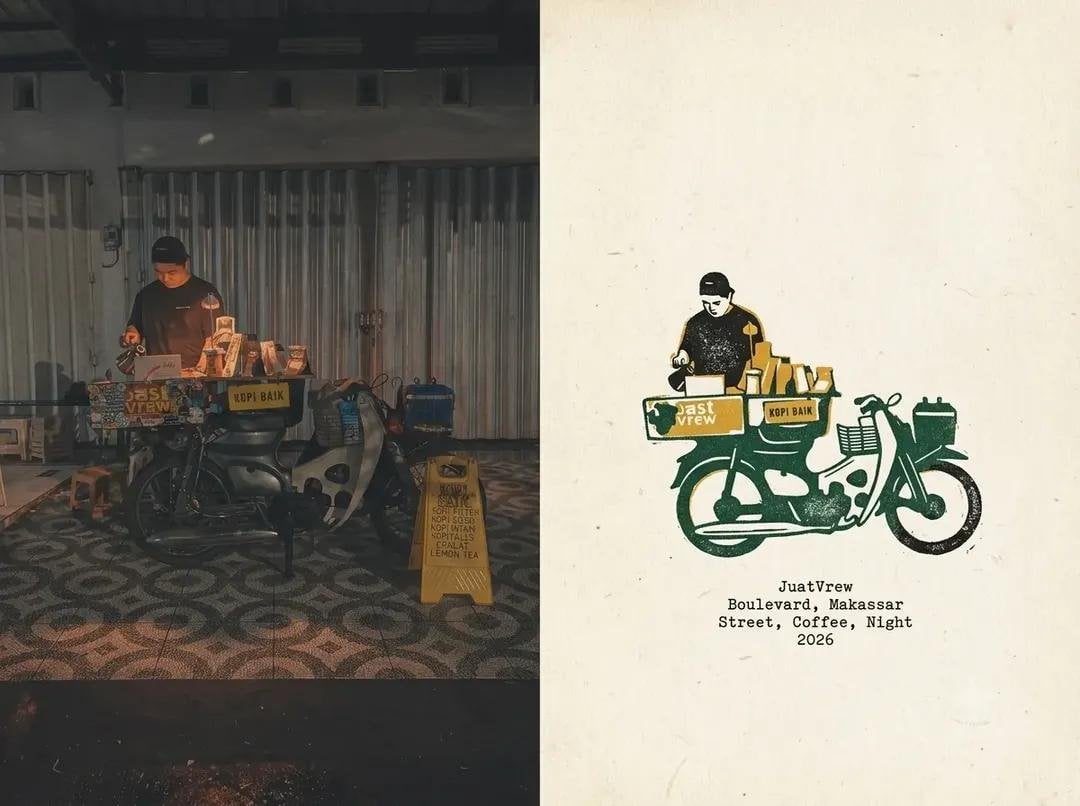
A sophisticated travel-journal diptych prompt that contrasts a documentary photograph of an Indonesian coffee shop with a minimalist ink illustration.
- Prompt included
- Model and format preset
- Free template
The prompt behind this image
Copy the exact prompt behind Coffee Shop Journal Diptych, or open it in the studio and make it yours.
Create a cohesive editorial travel-journal diptych based on the reference images: on the left, a candid documentary photograph of a small independent coffee shop in {argument name="location" default="Makassar, Indonesia"} at night, featuring a compact coffee cart or motorcycle coffee setup with a barista preparing drinks, warm practical lighting, dark urban surroundings, patterned floor, authentic street atmosphere, subtle film grain and slightly faded analog colors; on the right, transform the exact same scene into a minimalist handmade travel-journal illustration, using rough black ink outlines, simplified geometric shapes, {argument name="color accents" default="limited muted green, rust-orange and cream"} accents, imperfect screen-print texture, preserving the recognizable coffee cart, barista, equipment and composition. Use warm ivory textured paper, generous negative space, vintage zine/editorial layout, understated typewriter-style caption beneath the illustration reading "{argument name="caption text" default="Makassar, Indonesia / Coffee / Night / 2026"}", natural imperfections, nostalgic documentary mood, sophisticated graphic design, realistic photo contrasted with hand-drawn illustration, balanced vertical split composition, high detail, 4:5 portrait format, no logos, no watermark.
How to use Coffee Shop Journal Diptych in 3 steps
- 1Upload ImagePNG, JPG or paste
Add your photo
Upload the photo the template builds on. The prompt, model and format are already set.
- 2…a portrait of your subject in softgolden-hour light, 85mm…
Personalize
Edit the subject and creative details for your destination.
- 3Generate
Generate
Press Generate — your image is created in PicX Studio, so you can compare it with the original and refine one variable at a time.
More like this
Templates with the same subject, style or setup. Open one to see its prompt.

Coffee Date Journal Editorial Poster
Industrial Coffee Shop Portrait
Pastel Pink Coffee Shop Aesthetic

Astronaut Zero-Gravity Coffee Splash

Cappuccino Bottle Splash Product Ad
Blonde Anime Ice Cream Shop Diptych
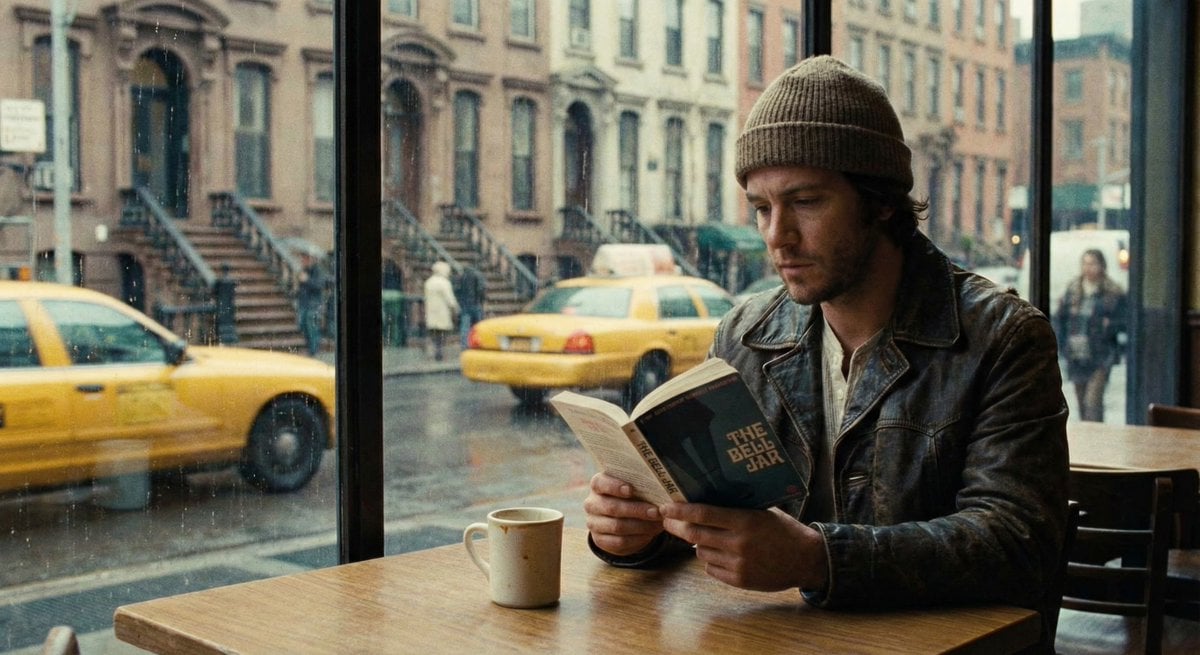
Cinematic Still of a Man in a Coffee Shop

JSON Prompt for Lifestyle Portrait in Coffee Shop

Nano Banana - Paris Cafe Editorial
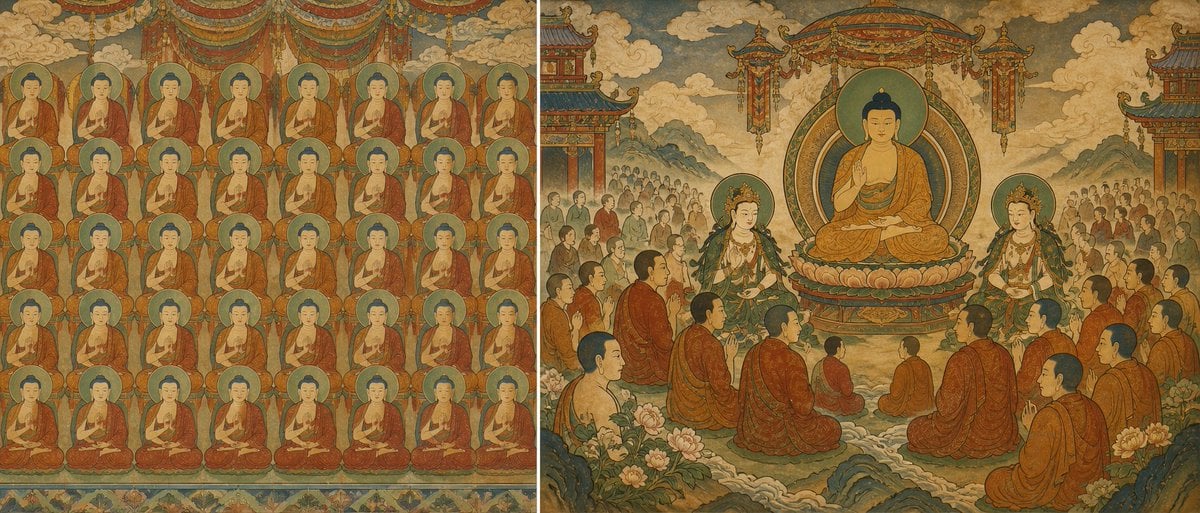
Buddhist Mural Composition Diptych
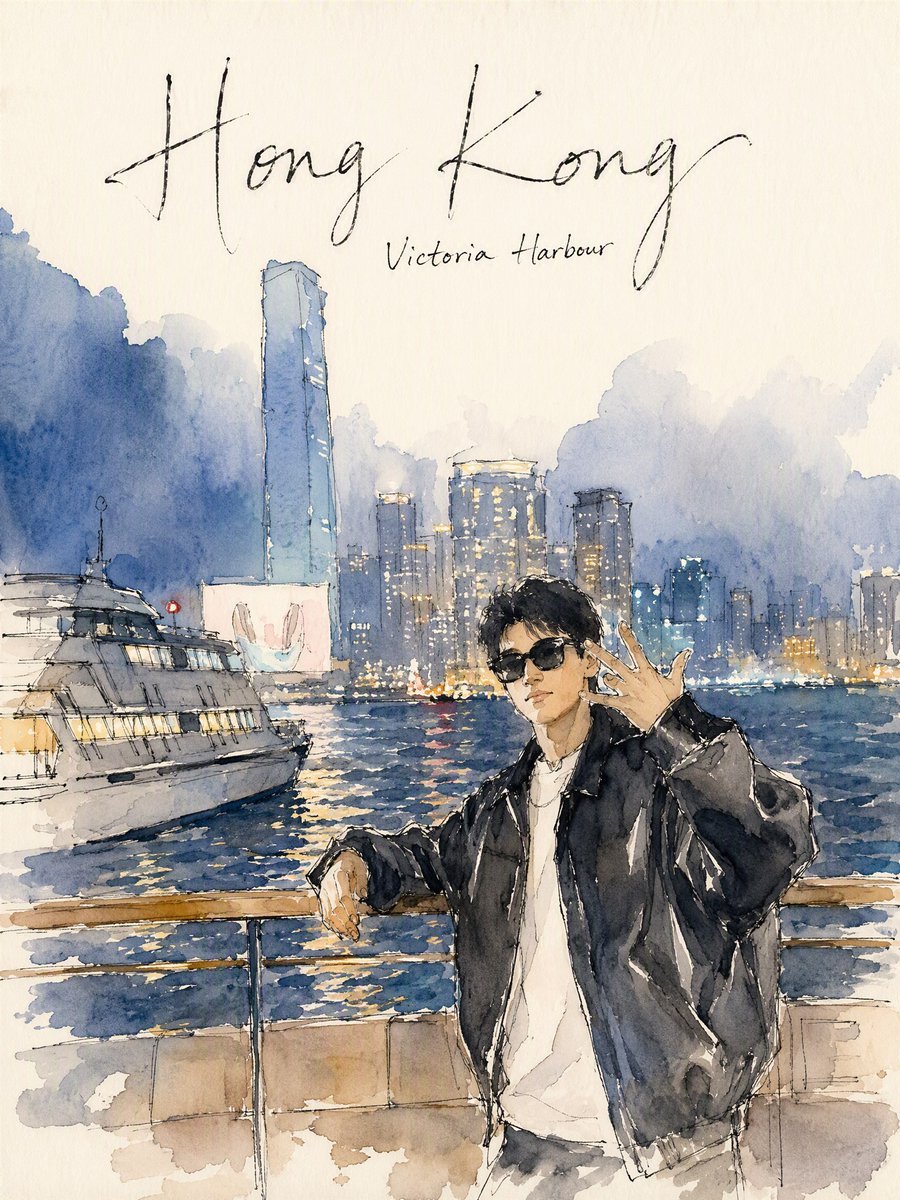
Hong Kong Watercolor Travel Journal
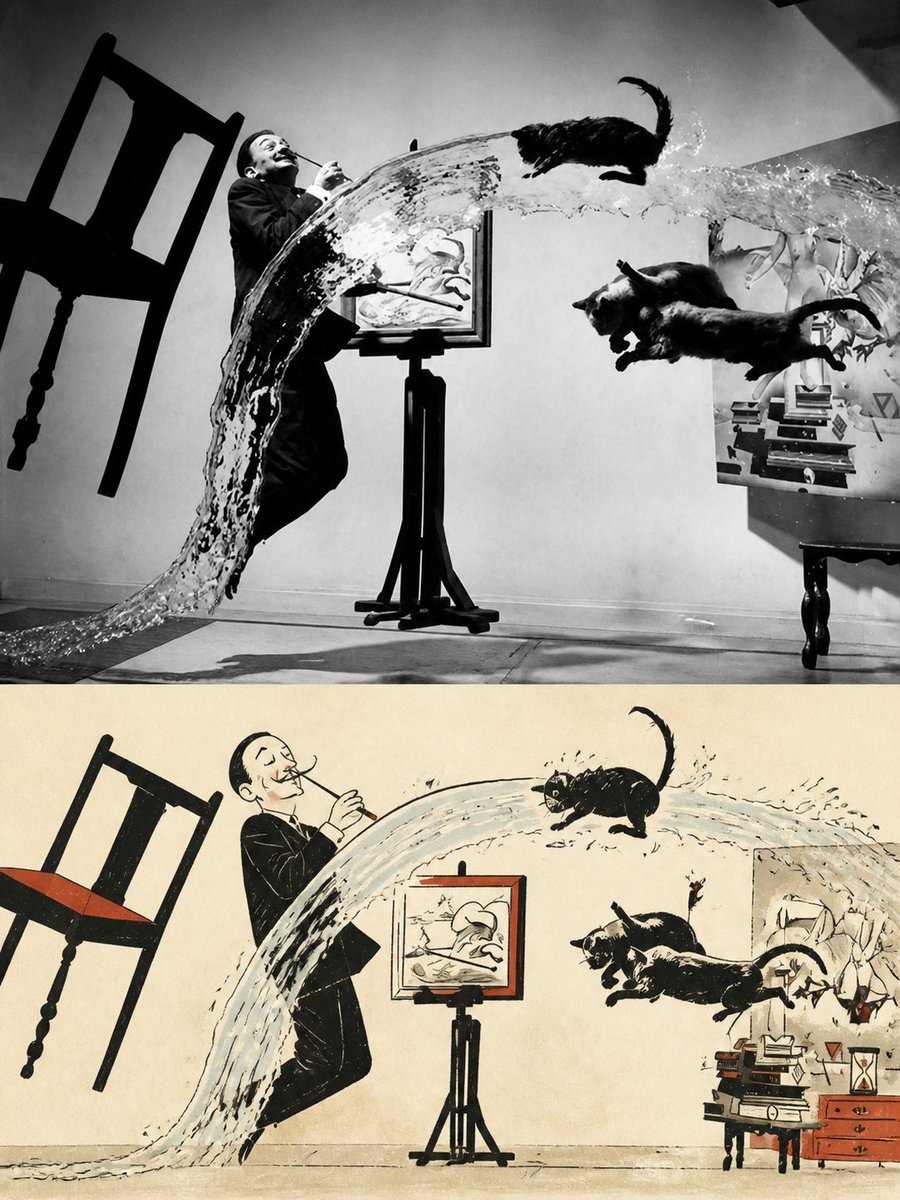
Surreal Photo to Watercolor Diptych
Make it yours
Coffee Shop Journal Diptych works as-is. These are the safest ways to change it without losing the look.
Change one field
Copy a single group, rewrite it, and generate again so you can see what that field is doing.
Keep the frame, change the subject
Hold the composition and light of Coffee Shop Journal Diptych, then swap wardrobe, props or the person for a new take.
| If the result… | Why | Fix |
|---|---|---|
| The result drifts from the preview | Too many fields changed at once. | Reuse Coffee Shop Journal Diptych as-is first, then change one group — subject, light, or setting. |
| The model over-stylizes the scene | The prose prompt leaves finish and camera underspecified. | Add one camera or lighting sentence and stay on GPT Image 2. |
More GPT Image 2 templates
Other prompts made for GPT Image 2.

Six VTuber Japanese Logo Sheet

Realistic Portrait of Woman and Deer

The Vista Modular Condo Poster

AI Model Routing Comparison Infographic

2.5D Anime Art Board

Isometric Productivity Desk Scene

New York Double Exposure Poster

Four-Panel AI Landscape Comparison

Japanese Tatami Lifestyle Magazine Cover

NESCAFÉ Coffee Map Poster
More image prompts
Fresh picks from across the catalog.
Premium Pitch Deck Storyboard
UV Resin Cityscape Orb
Nano Banana 2
Nano Banana Pro: Giant Product Image Generation Prompt

X Profile Header Generation for Mom Blogger
Isometric 3D Miniature Stadium Infographic
Sci-Fi Mecha Turnaround Sheet

Sunlit Anime Bedroom Portrait
Shion Rin Three-View Design Sheet

Make laptop look owned by AI safety person
Browse template categories
Coffee Shop Journal Diptych questions
How do I use the Coffee Shop Journal Diptych template?
Add your photo if the template asks for one, edit the prompt if you like — the template's model and format are already selected — and press Generate. Your version opens in PicX Studio.
Can I customize the Coffee Shop Journal Diptych template?
Yes. You can change the subject, setting, lighting, mood, format, and available model controls before creating your image.
Is the Coffee Shop Journal Diptych template free?
Opening and editing this template is free. Generating uses credits, shown on the Generate button when you are signed in.
Which AI model should I use?
Start with GPT Image 2, which is the model associated with this template. You can compare another compatible model for a different finish.
Looking for something else? Browse all templates.

Your photo, any look
Thousands of ready templates for every top image and video model, from one credit balance.