
Astronaut Zero-Gravity Coffee Splash
Curated from MeiGen gallery ID 2008495362529493218: Astronaut Zero-Gravity Coffee Splash.

- Prompt included
- Model and format preset
- Free template
The prompt behind this image
Copy the exact prompt behind Astronaut Zero-Gravity Coffee Splash, or open it in the studio and make it yours.
A high-detail cinematic shot of an astronaut floating in outer space with Earth's blue curvature and atmosphere in background. Astronaut wearing a realistic weathered white spacesuit, holding a metallic thermos from which dark coffee or amber liquid is spilling out, forming perfect spherical droplets and a beautiful splash due to zero gravity. Dramatic lighting with strong glow from sun reflecting off visor and liquid droplets. 8k resolution, hyper-realistic, photorealistic, cosmic atmosphere.
How to use Astronaut Zero-Gravity Coffee Splash in 3 steps
- 1
Open
The prompt is already in the box next to the preview, with the template's model and format selected.
- 2…a portrait of your subject in softgolden-hour light, 85mm…
Personalize
Edit the subject and creative details for your destination.
- 3Generate
Generate
Press Generate — your image is created in PicX Studio, so you can compare it with the original and refine one variable at a time.
More like this
Templates with the same subject, style or setup. Open one to see its prompt.

Surreal Cat Astronaut — Humanoid Face Freefall

Hyper-Realistic Minecraft POV Portrait
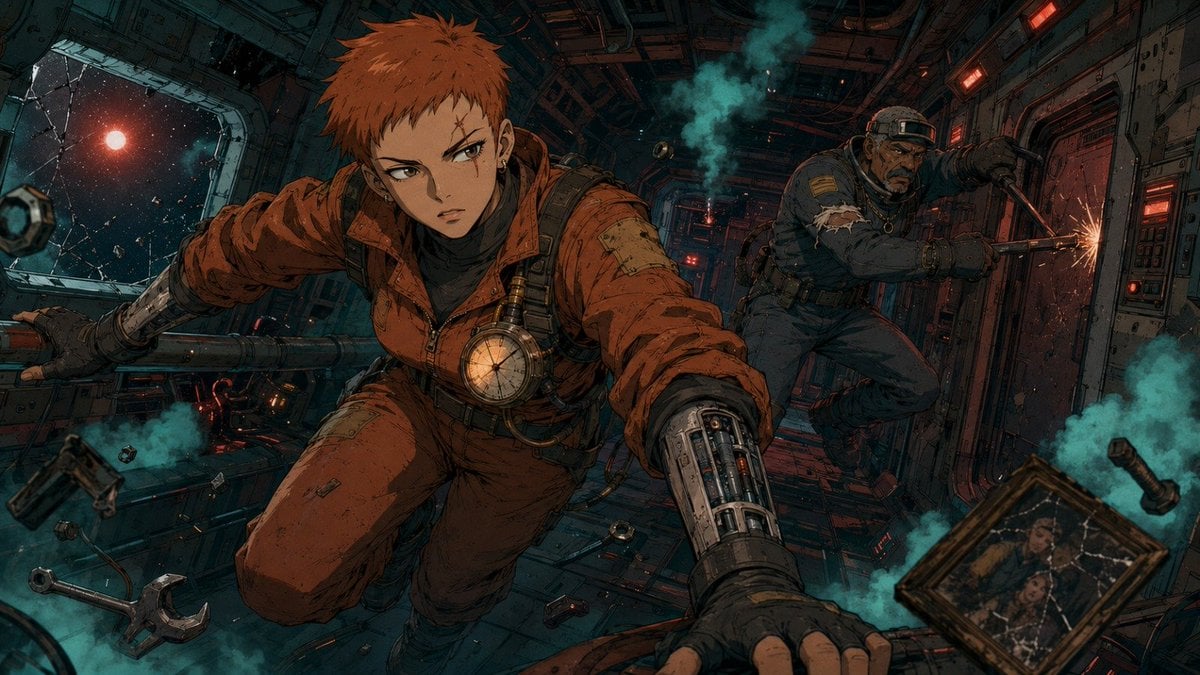
Zero-Gravity Anime Spaceship Escape
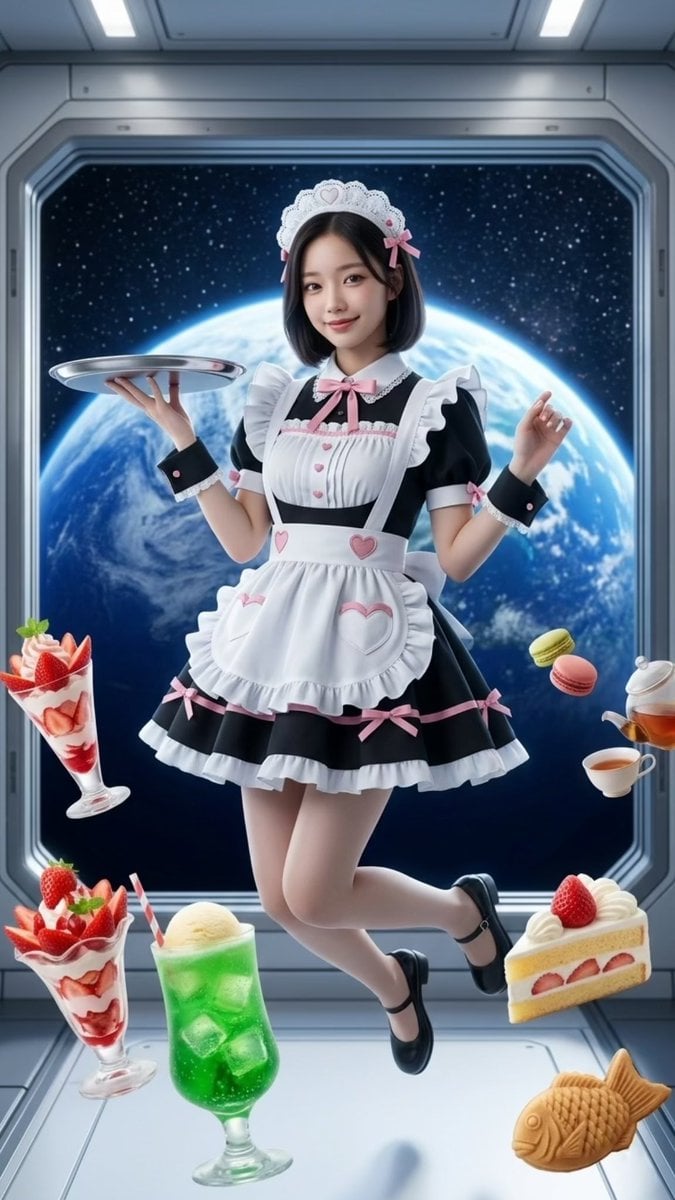
Zero-Gravity Space Maid Cafe Portrait
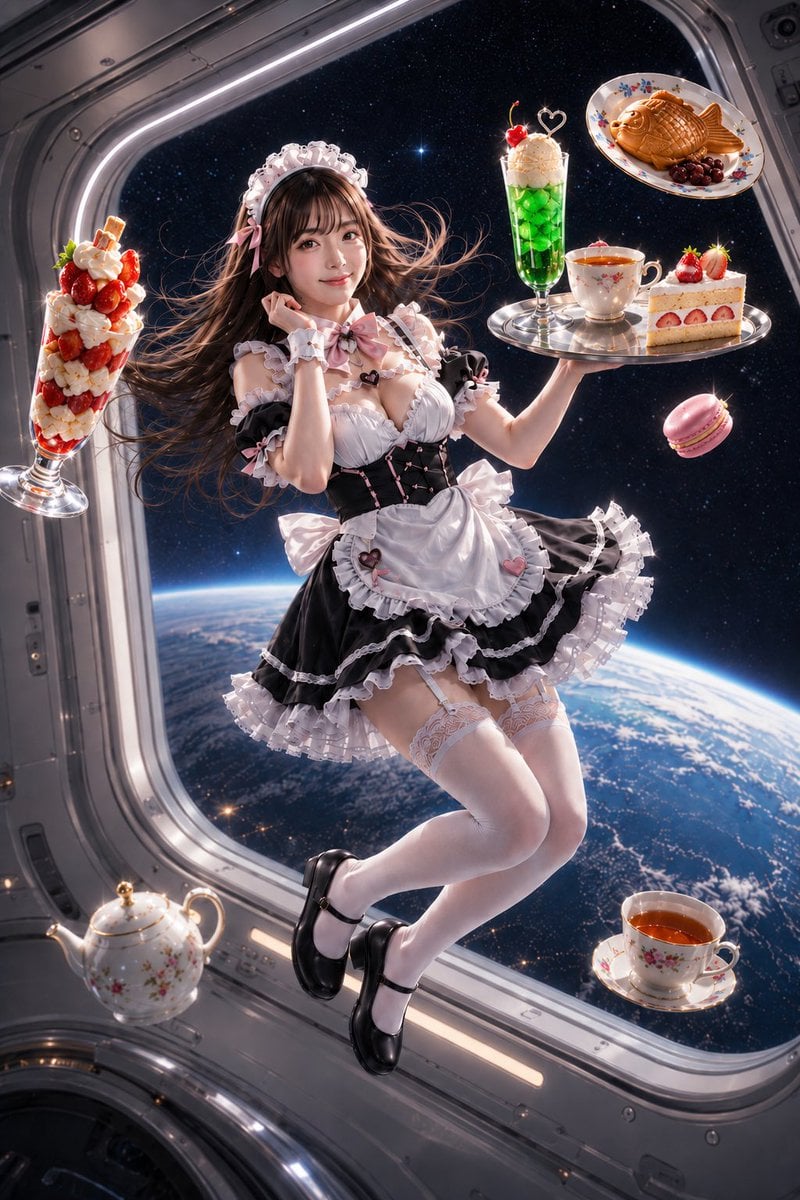
Zero-Gravity Space Station Maid Cafe
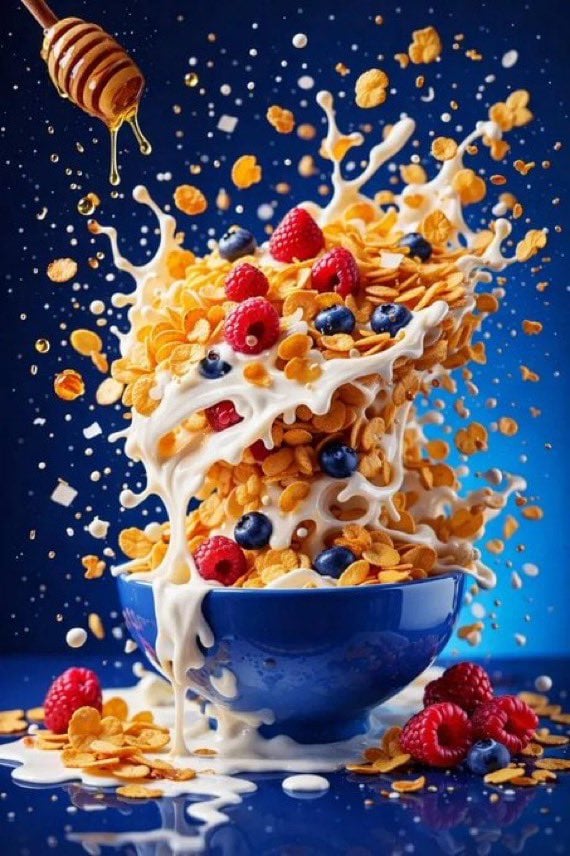
Hyper Realistic High Speed Food Photogra
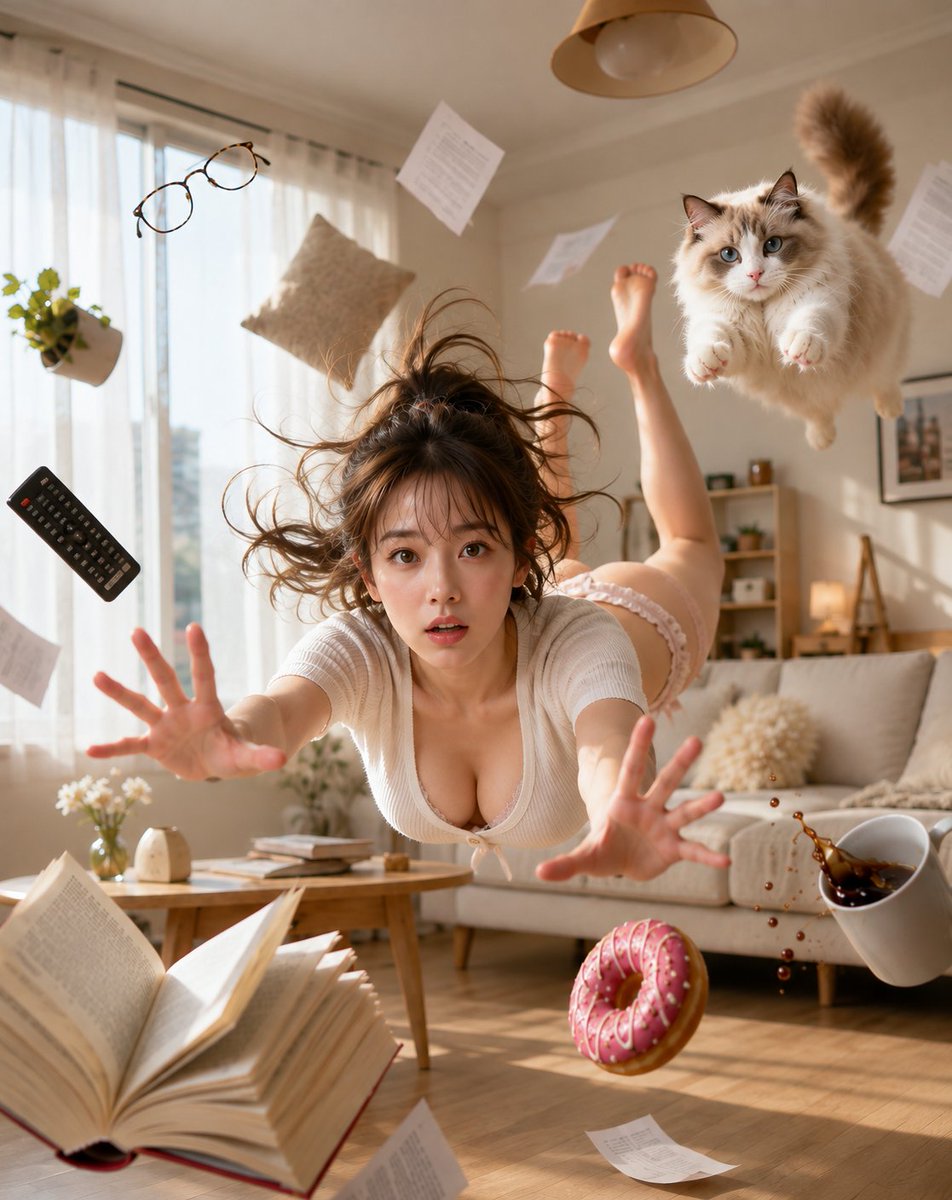
Zero Gravity Morning Scene
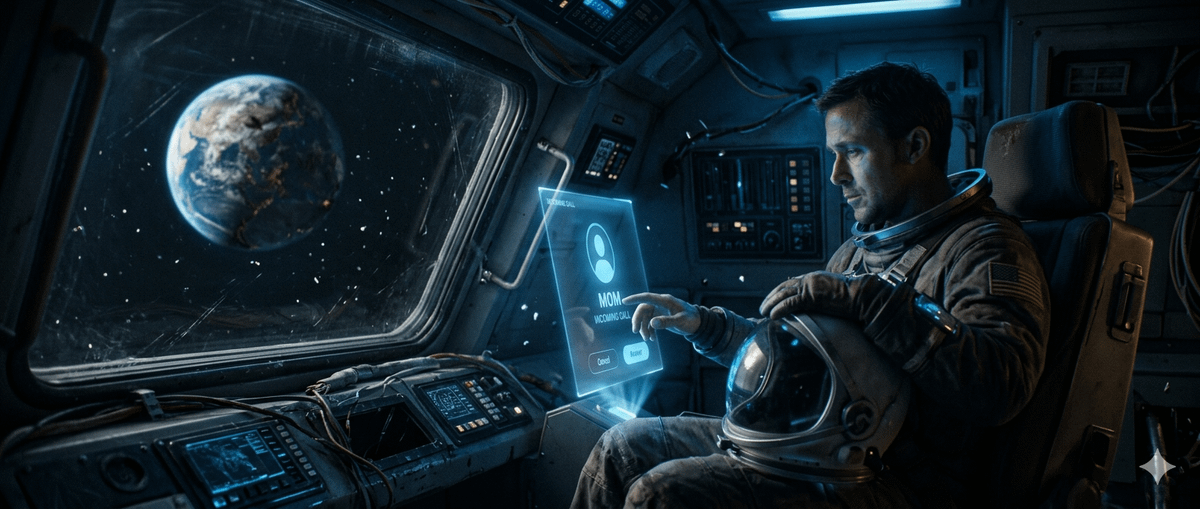
Cinematic Astronaut on Damaged Spacecraft
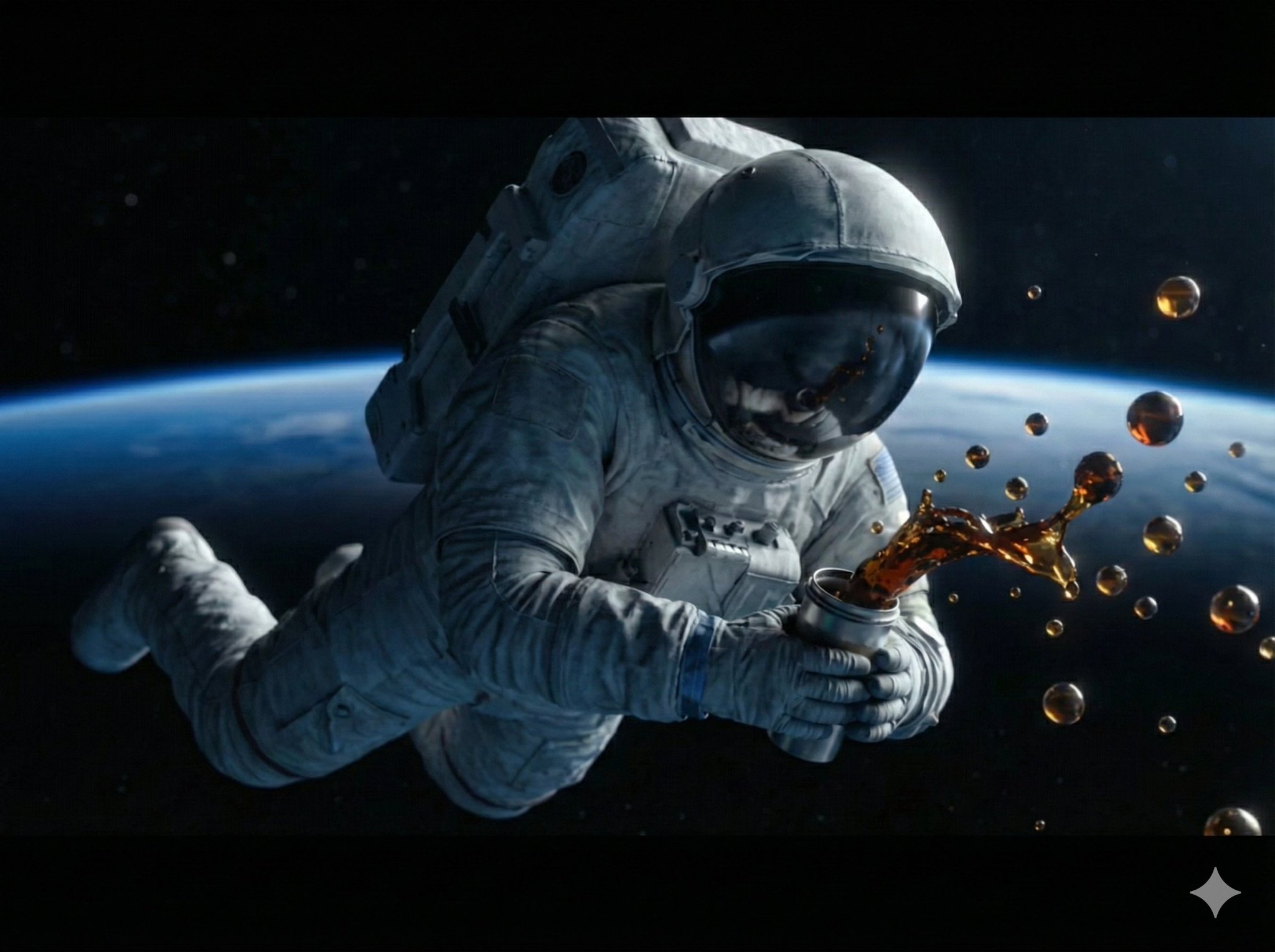
A high-detail, cinematic shot of an astronaut floating in outer space
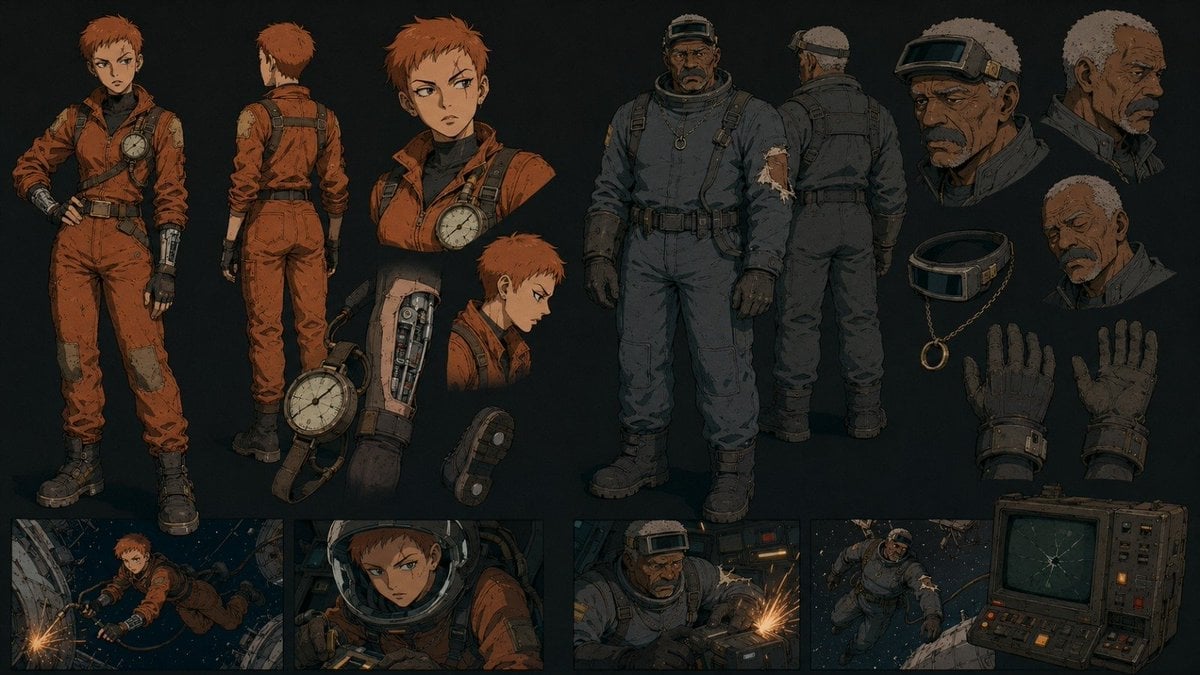
Retro Futurist Zero Gravity Character Sheet
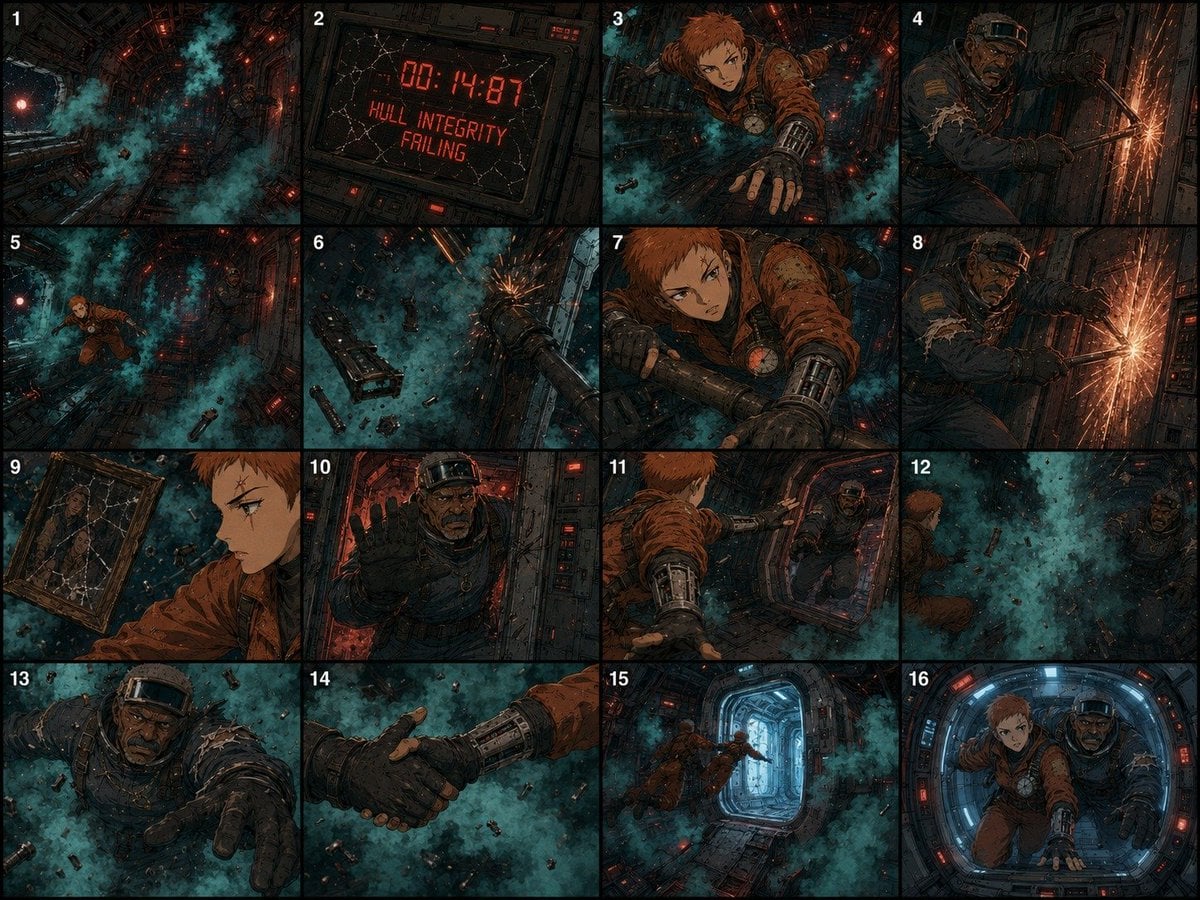
Zero-Gravity Survival Storyboard
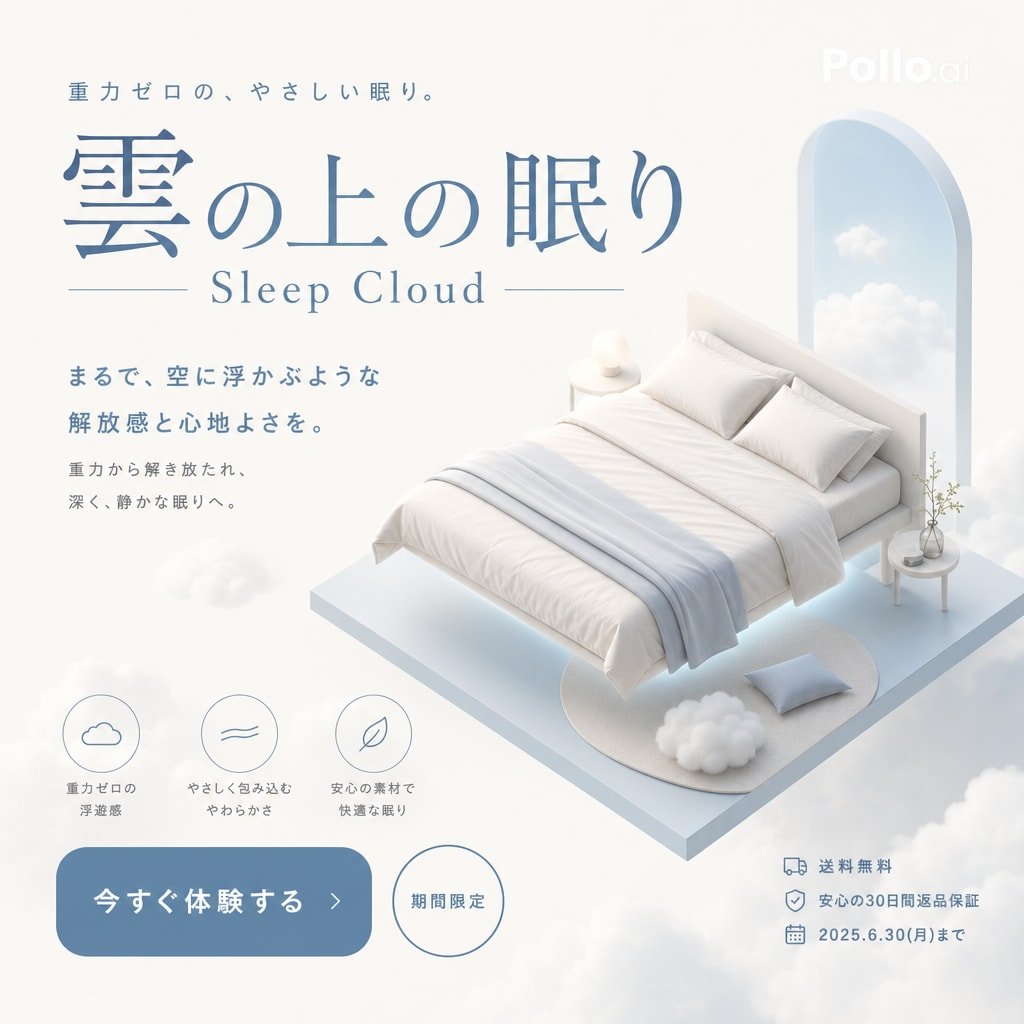
Sleep Cloud Zero-Gravity Bed Poster
Make it yours
Astronaut Zero-Gravity Coffee Splash works as-is. These are the safest ways to change it without losing the look.
Change one field
Copy a single group, rewrite it, and generate again so you can see what that field is doing.
Keep the frame, change the subject
Hold the composition and light of Astronaut Zero-Gravity Coffee Splash, then swap wardrobe, props or the person for a new take.
| If the result… | Why | Fix |
|---|---|---|
| The result drifts from the preview | Too many fields changed at once. | Reuse Astronaut Zero-Gravity Coffee Splash as-is first, then change one group — subject, light, or setting. |
| The model over-stylizes the scene | The prose prompt leaves finish and camera underspecified. | Add one camera or lighting sentence and stay on PicX Studio. |
More image prompts
Fresh picks from across the catalog.
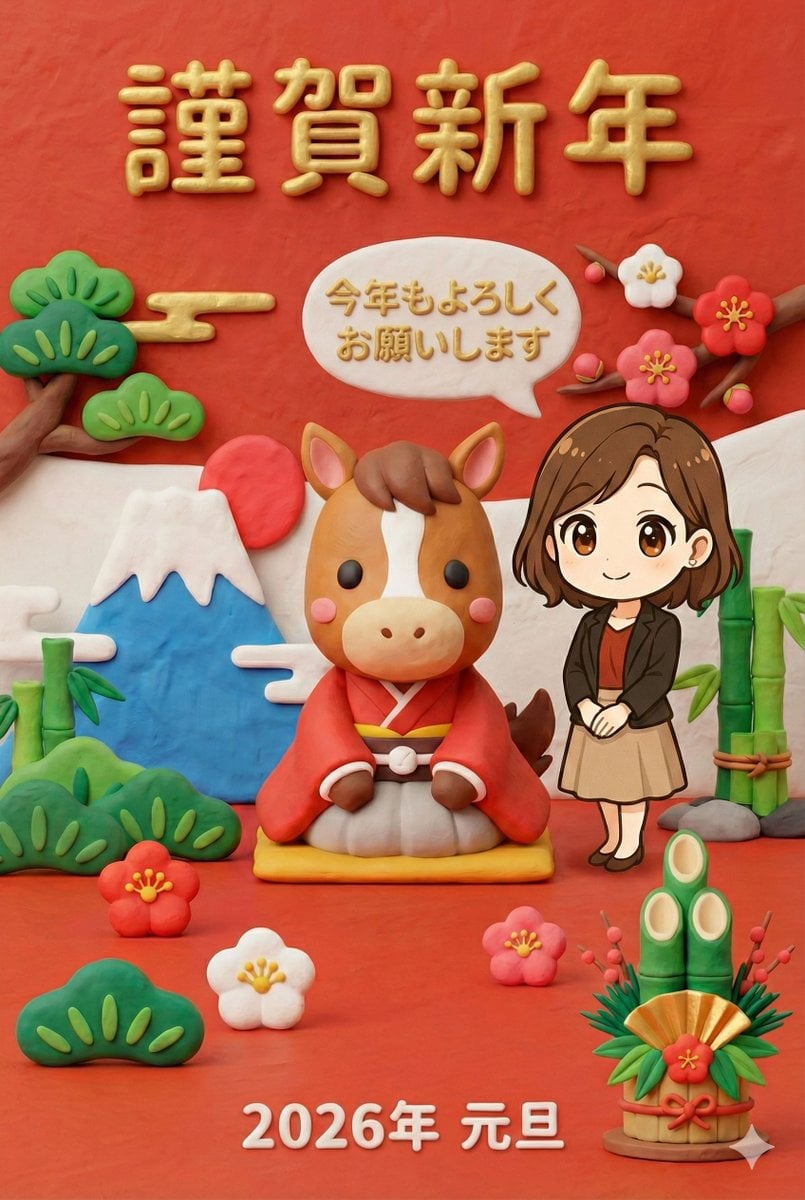
New Year's Greeting Image Generation in Claymation Style
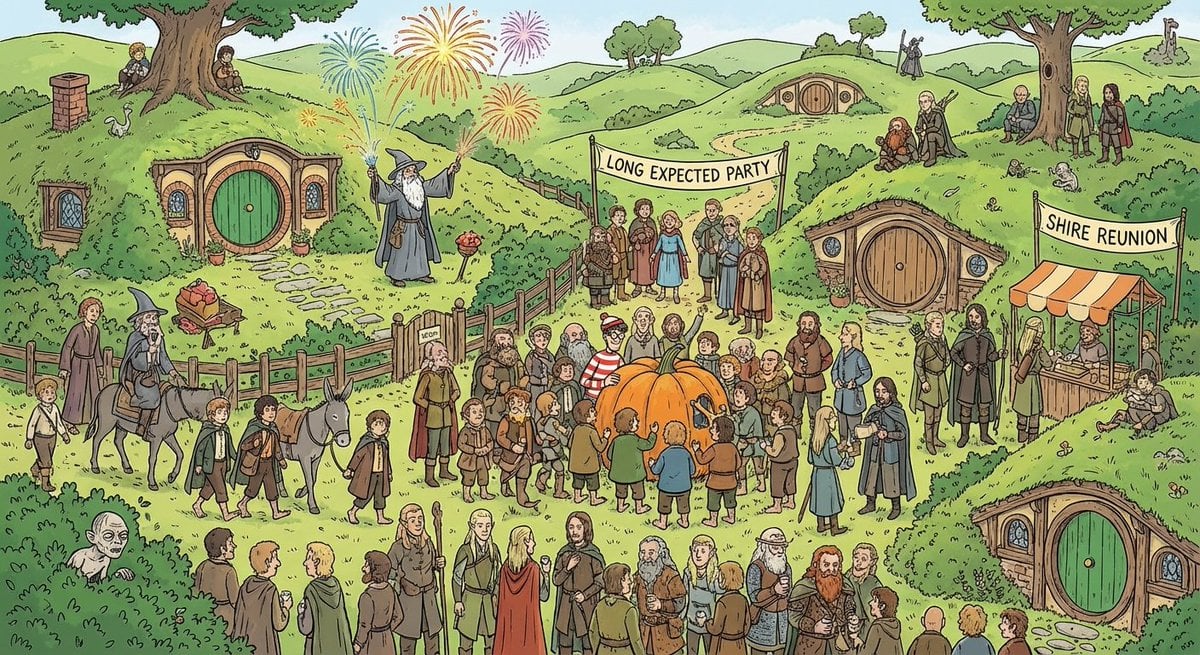
Where’s Waldo-style LOTR in the Shire
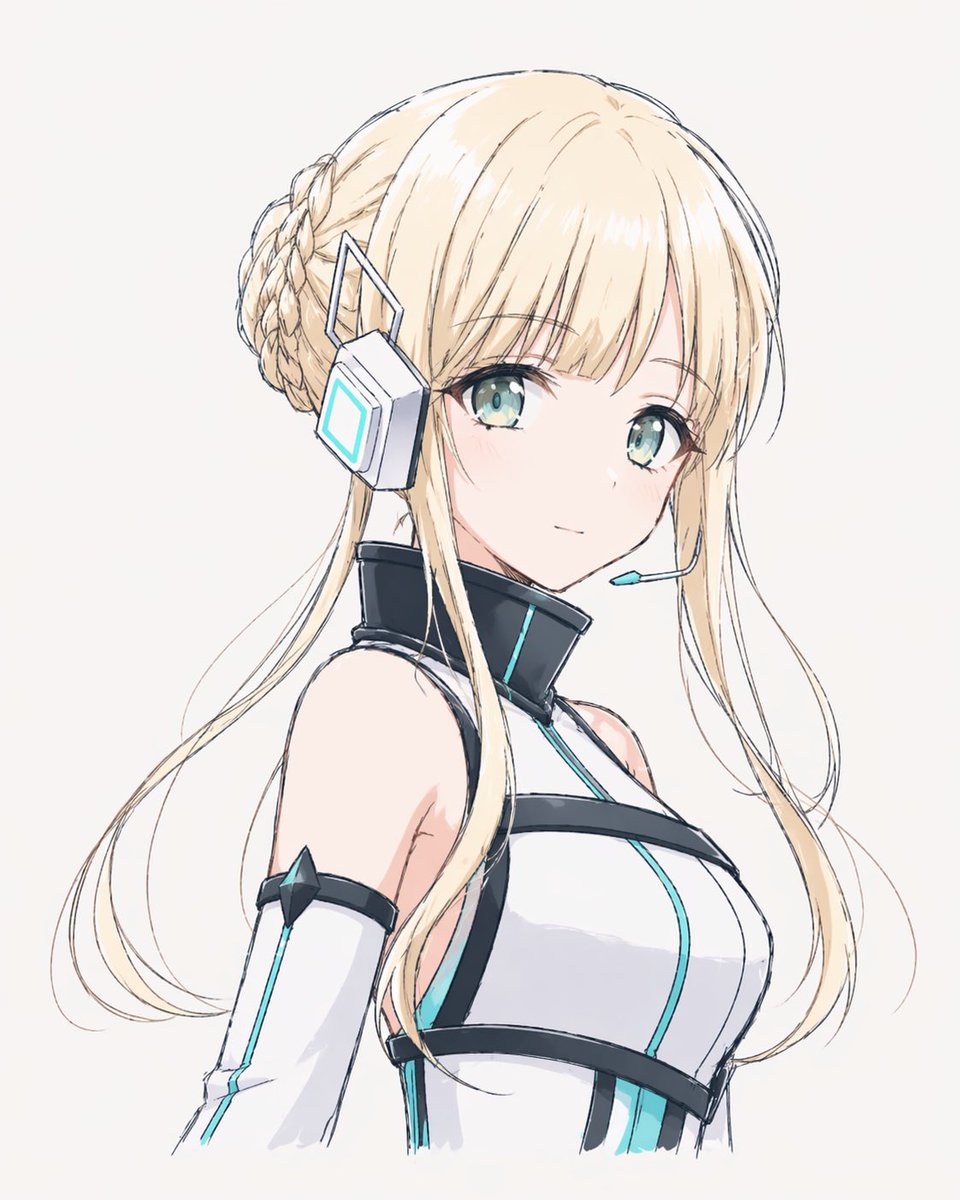
Minimal Futuristic Anime Girl Portrait
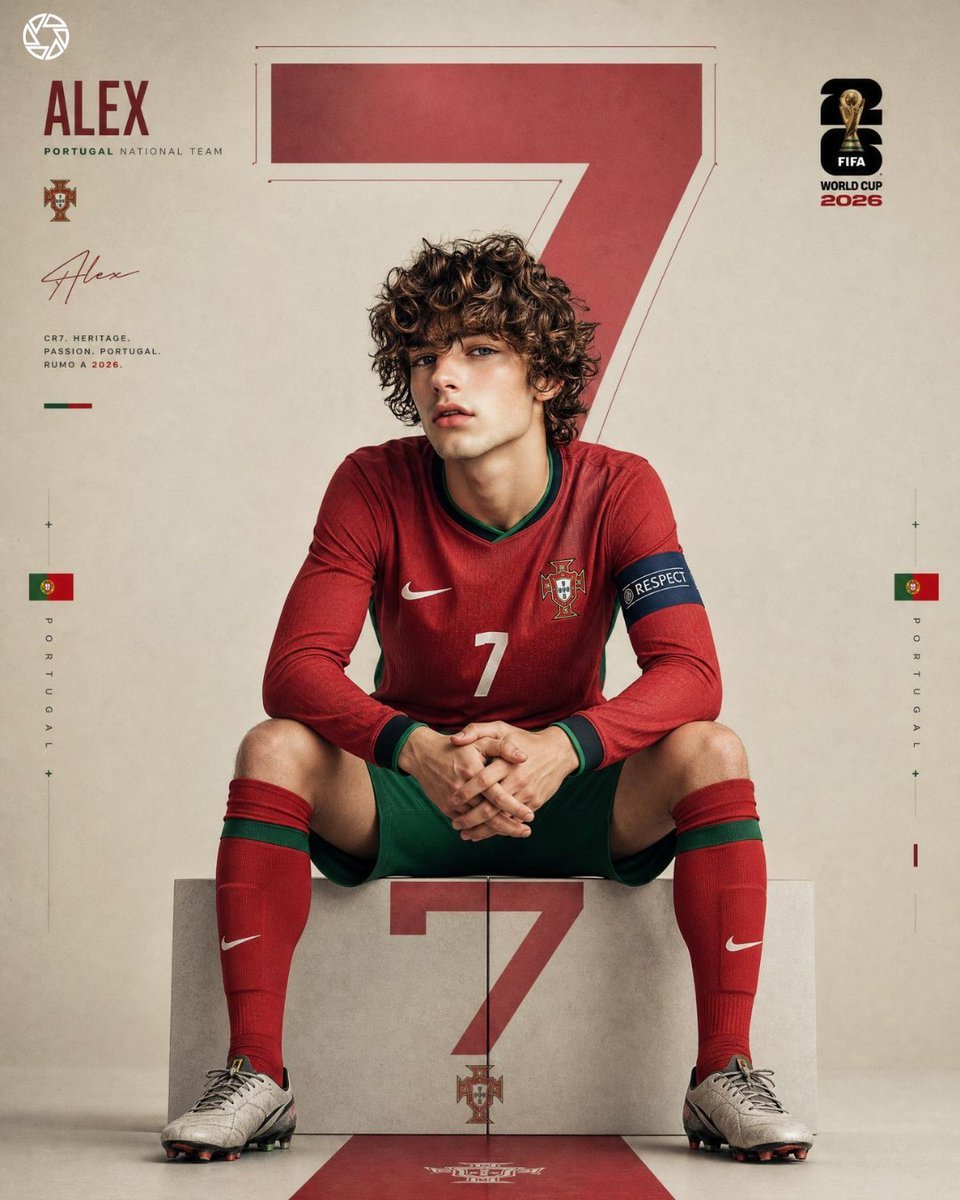
Hyper Realistic FIFA Football Poster

Sticker Art Style - Rainbow Girl
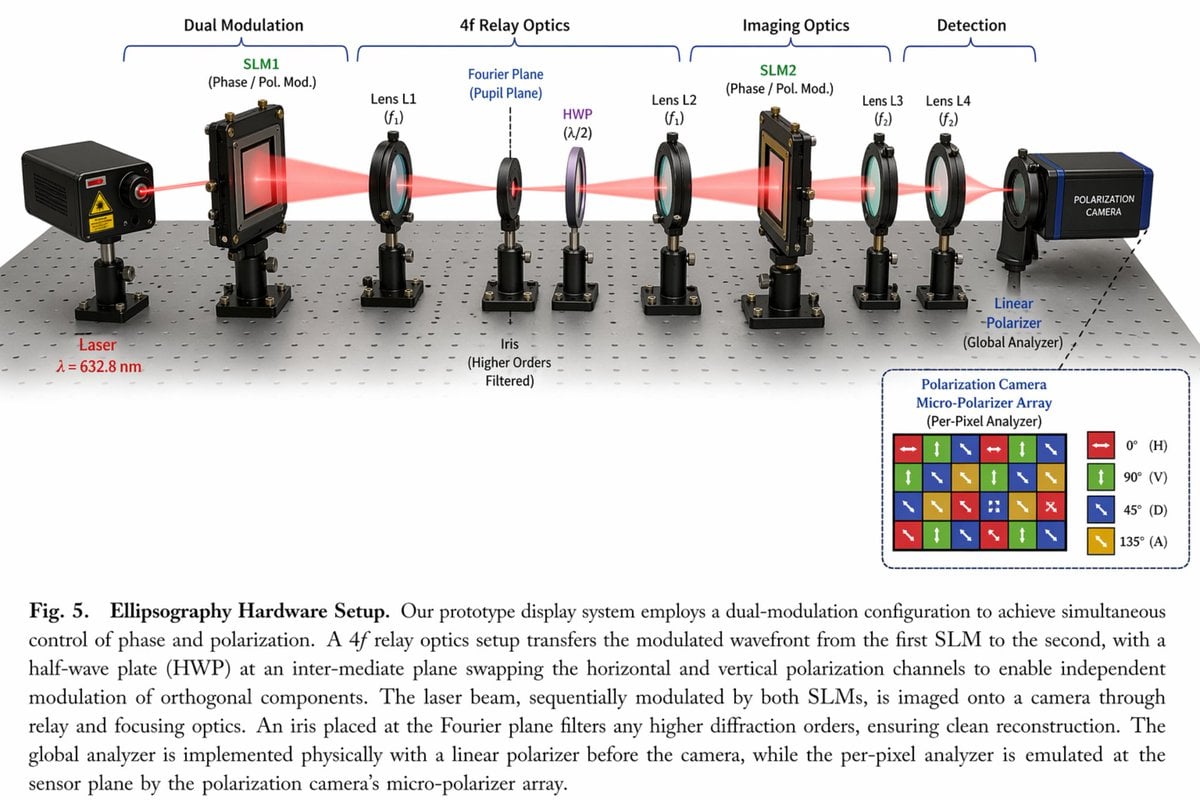
Optical Hardware Setup Diagram
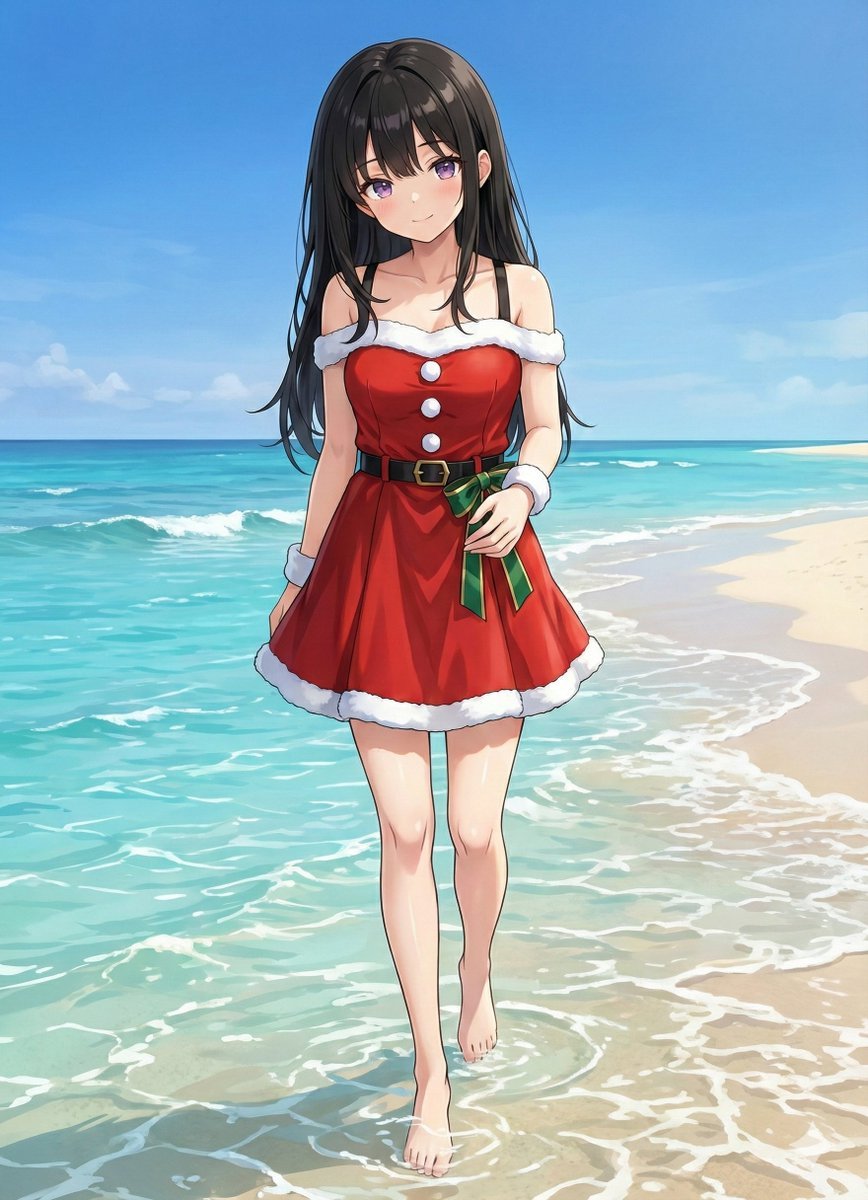
Complex Image Generation Prompt with Reference Control
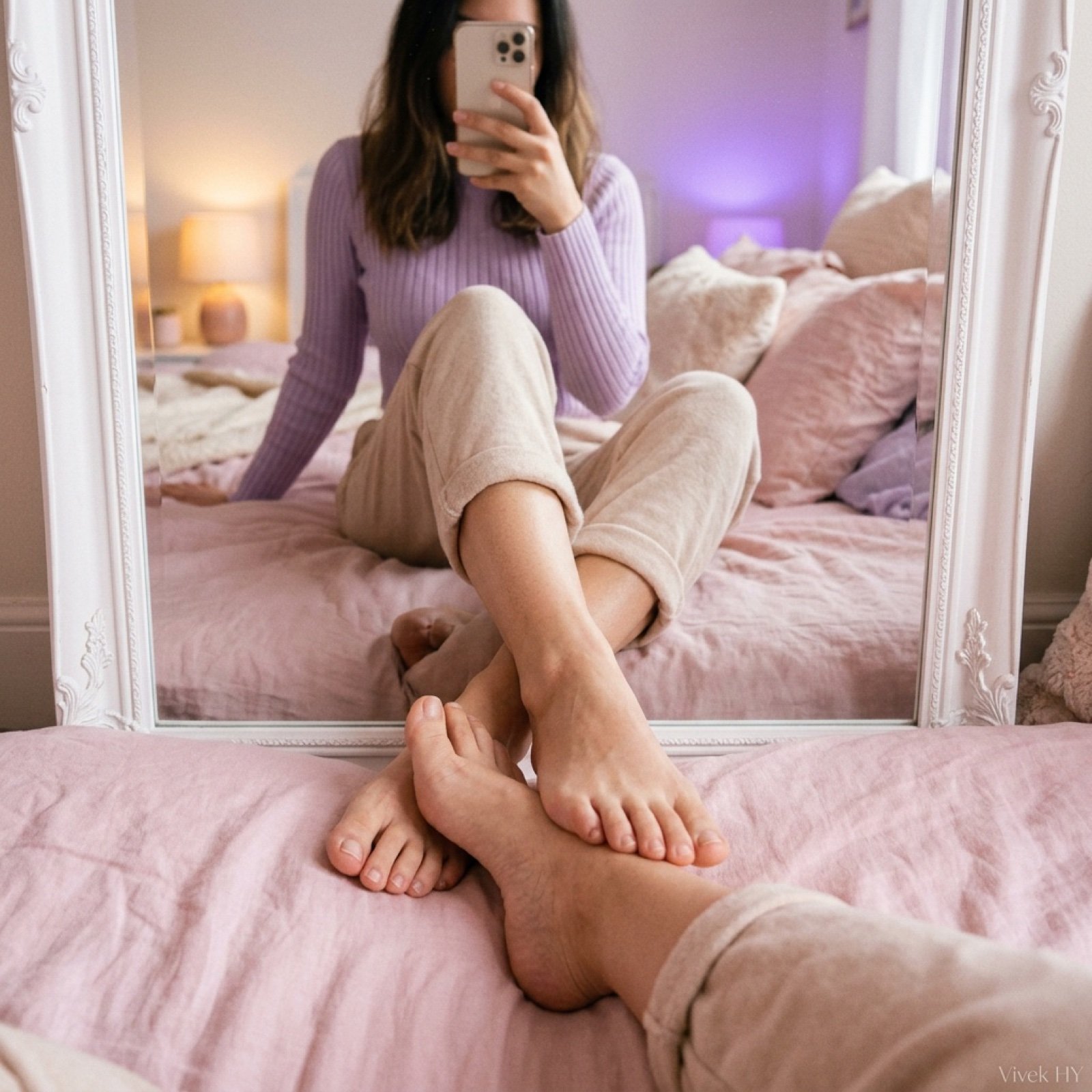
Mirror Pose Selfie Aesthetic Prompt
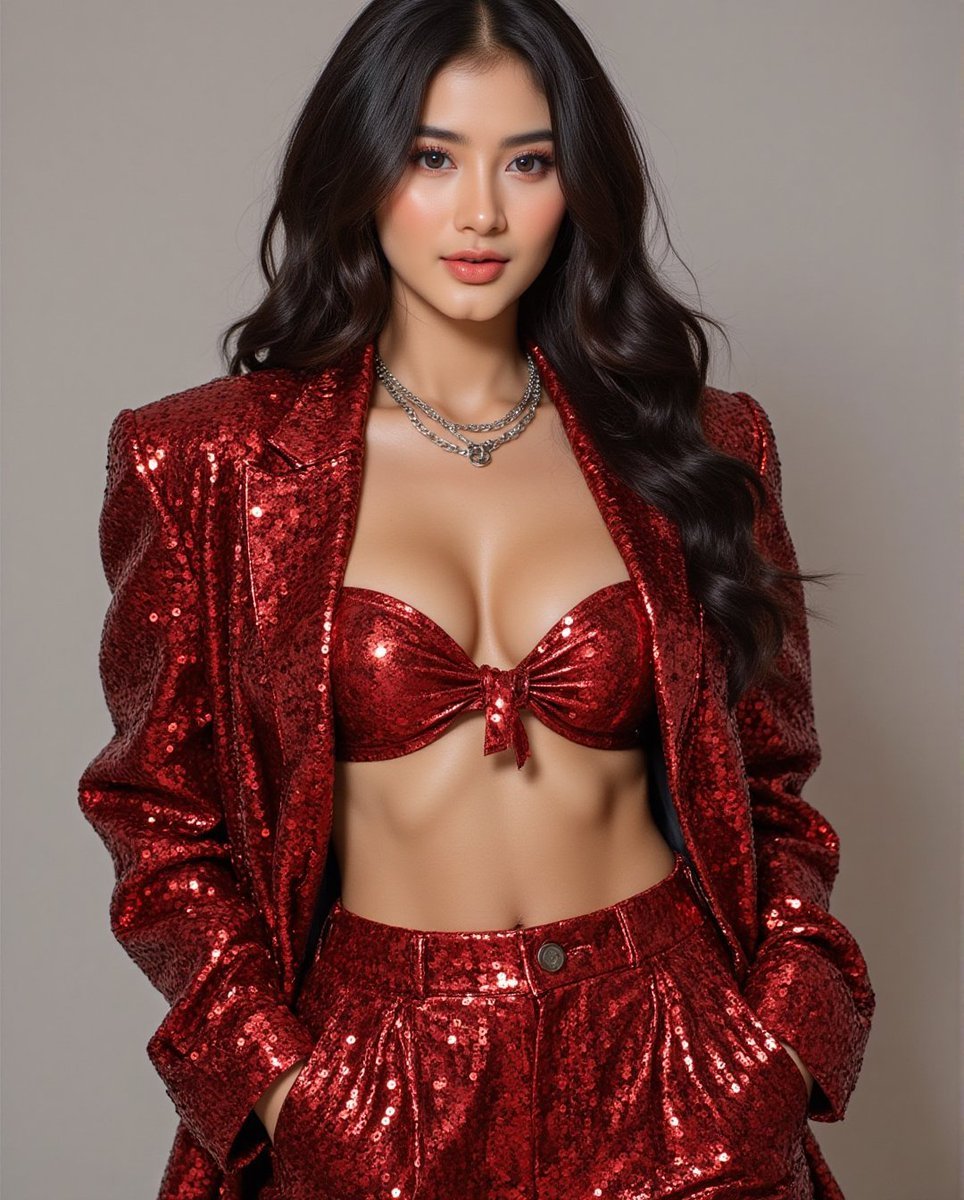
Fashion Photo in Metallic Red Sequin Suit
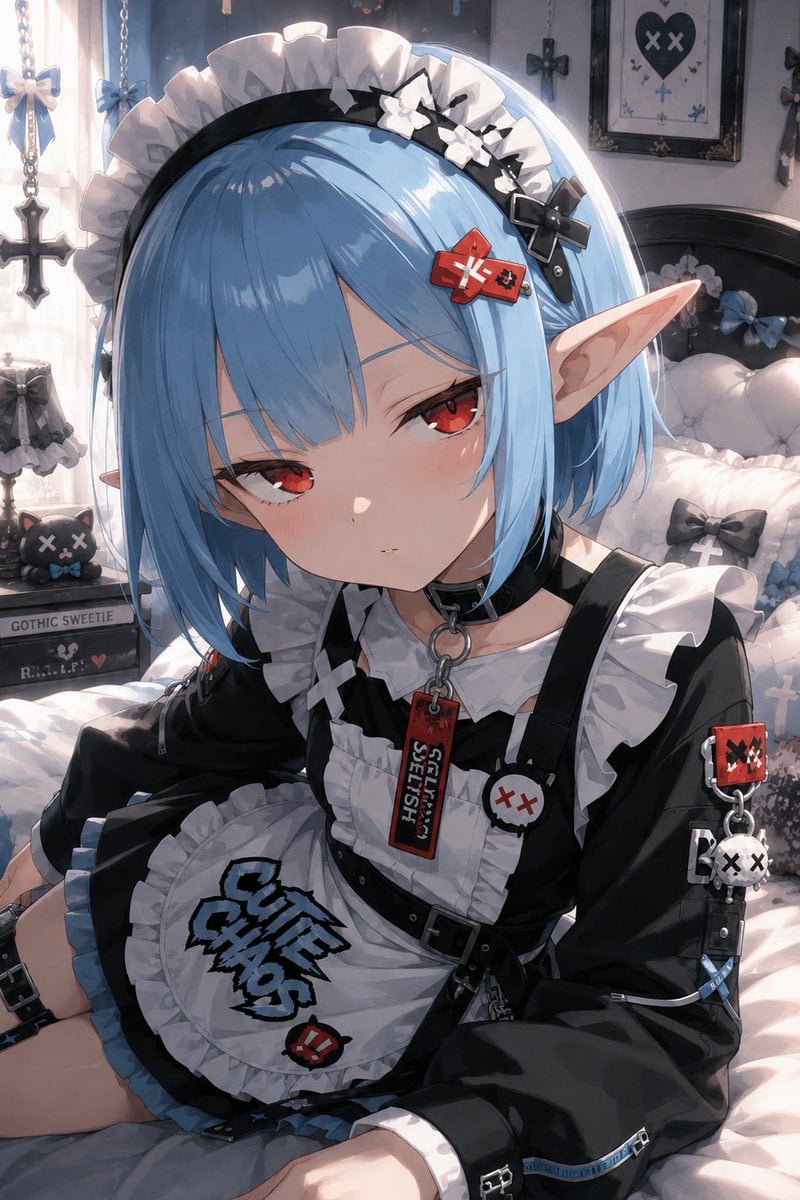
Character Background and Lighting Adjustment
Browse template categories
Astronaut Zero-Gravity Coffee Splash questions
How do I use the Astronaut Zero-Gravity Coffee Splash template?
Add your photo if the template asks for one, edit the prompt if you like — the template's model and format are already selected — and press Generate. Your version opens in PicX Studio.
Can I customize the Astronaut Zero-Gravity Coffee Splash template?
Yes. You can change the subject, setting, lighting, mood, format, and available model controls before creating your image.
Is the Astronaut Zero-Gravity Coffee Splash template free?
Opening and editing this template is free. Generating uses credits, shown on the Generate button when you are signed in.
Which AI model should I use?
Choose a compatible model in PicX Studio based on the style, speed, and output controls your project needs.
Looking for something else? Browse all templates.

Your photo, any look
Thousands of ready templates for every top image and video model, from one credit balance.