
Zero-Gravity Survival Storyboard
A 16-panel retro-futurist anime storyboard for a short zero-gravity survival sequence aboard a failing derelict space station.
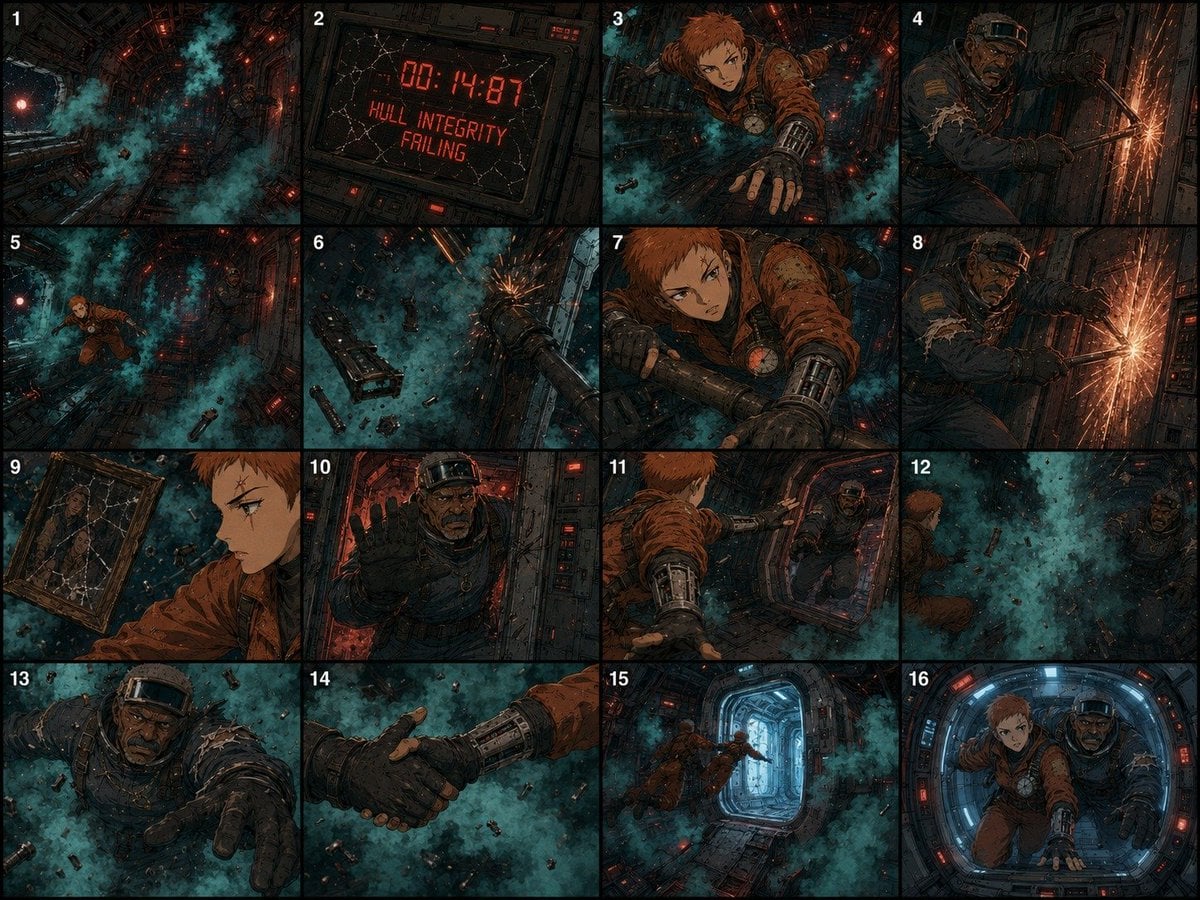
- Prompt included
- Model and format preset
- Premium template
The prompt behind this image
Copy the exact prompt behind Zero-Gravity Survival Storyboard, or open it in the studio and make it yours.
Goal: Create a detailed 16-panel storyboard for a 15-second animated zero-gravity survival short in a hard-edged retro-futurist anime style. Canvas: One wide 4:3 storyboard sheet divided into exactly 16 equal panels in a 4-column by 4-row grid, with thin black gutters. Put a small white panel number in the top-left corner of each panel, numbered 1 through 16. Use gritty cinematic lighting, dense linework, cel-shaded anime rendering, scratched metal textures, teal coolant vapor, floating debris, and red emergency lights throughout. Setting: The derelict orbital station {argument name="station name" default="the Halcyon"}, a damaged cylindrical maintenance corridor in zero gravity. The environment is dark, industrial, cramped, and full of exposed conduits, cracked panels, warning lights, sparks, drifting bolts, broken tools, and foggy teal coolant clouds. Characters: Keep the same two original characters in every relevant panel. Character one is {argument name="young survivor" default="a short-haired orange-haired young woman in a rust-orange pressure suit with a mechanical gauntlet and a round chest gauge"}. Character two is {argument name="veteran survivor" default="an older dark-skinned man in a torn navy armored maintenance suit with a headband visor, stubble, and a rugged face"}. Both are floating in zero gravity, battered, urgent, and afraid but determined. Panel-by-panel action, exactly 16 panels: 1. Wide establishing shot down the dark derelict corridor, teal coolant vapor billowing through the tunnel, red emergency lights glowing, debris drifting in zero gravity. 2. Close-up of a cracked digital warning monitor reading "00:14:87" and "HULL INTEGRITY FAILING" in red blocky text. 3. Dynamic shot of the young survivor flying forward through the corridor, arm outstretched toward the viewer, mechanical gauntlet visible, teal vapor behind her. 4. The veteran survivor braces himself against a wall panel and cuts or welds at a seam, producing bright orange sparks. 5. Wide shot showing both survivors separated in the corridor, the young survivor drifting left while the veteran is farther back, surrounded by teal vapor and debris. 6. Overhead/tilted zero-gravity view of broken station equipment, pipes, floating objects, and a burst of sparks in the distance. 7. Tight action close-up of the young survivor gripping a metal pipe or rail, face tense, orange suit scratched, red lights and smoke behind her. 8. Repeat-angle close shot of the veteran survivor still cutting the wall panel, shower of bright sparks, his torn sleeve and strained expression visible. 9. Side-profile close-up of the young survivor drifting past a cracked framed photograph or reflective panel showing two faces, suggesting a personal memory; she looks focused and worried. 10. Frontal close-up of the veteran survivor pushing forward through a hatchway or narrow passage, red warning lights behind him, one gloved hand raised toward the viewer. 11. Over-the-shoulder action shot from behind the young survivor as she reaches toward the veteran survivor across a corridor opening. 12. Wide shot through a dense teal coolant cloud with both survivors partially visible on opposite sides, debris tumbling between them. 13. Close-up of the veteran survivor reaching desperately toward camera through the floating debris and vapor, face strained. 14. Extreme close-up of the two survivors clasping gloved hands in zero gravity, centered against teal vapor and drifting debris. 15. Wide shot of both survivors pulling themselves toward a bright blue-white escape hatch or airlock at the end of the corridor, red emergency lights and teal smoke around them. 16. Final medium shot framed by a circular/rounded hatch: the young survivor and veteran survivor are side by side, floating toward the viewer, exhausted but alive, surrounded by cool blue hatch light and red station lights. Visual style: Hard-edged retro-futurist anime storyboard, high-detail inked panels, gritty sci-fi survival mood, dynamic manga-style angles, dramatic foreshortening, heavy shadows, teal-and-red color palette, cinematic motion, no clean modern UI polish. Constraints: Use exactly 16 numbered panels and no extra panels. Keep the same two characters, same derelict station, same teal coolant vapor, same red emergency lighting, and consistent costumes across the entire storyboard. Avoid speech bubbles, captions, watermarks, logos, or extra text except the panel numbers and the warning monitor text.
How to use Zero-Gravity Survival Storyboard in 3 steps
- 1Upload ImagePNG, JPG or paste
Add your photo
Upload the photo the template builds on. The prompt, model and format are already set.
- 2…a portrait of your subject in softgolden-hour light, 85mm…
Personalize
Edit the subject and creative details for your destination.
- 3Generate
Generate
Press Generate — your image is created in PicX Studio, so you can compare it with the original and refine one variable at a time.
More like this
Templates with the same subject, style or setup. Open one to see its prompt.
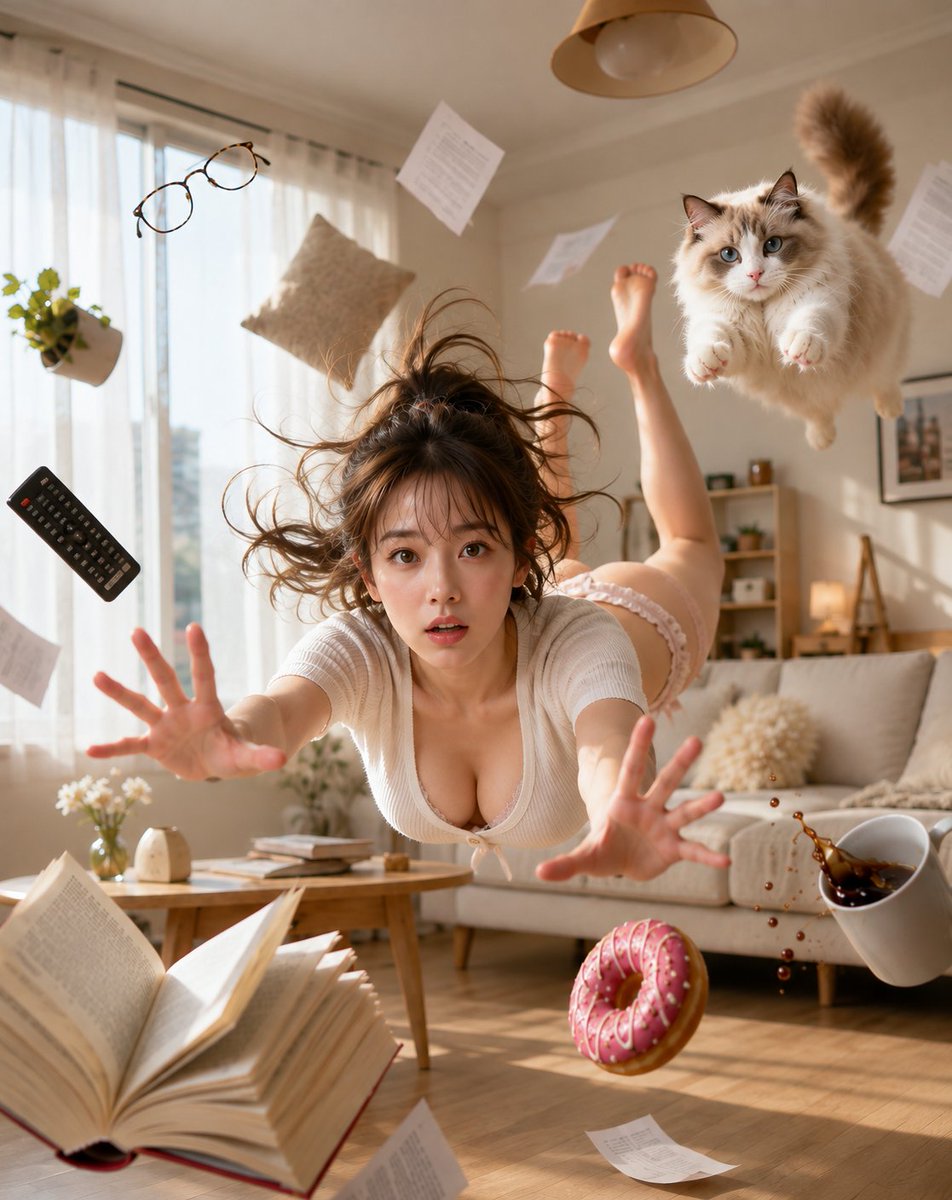
Zero Gravity Morning Scene
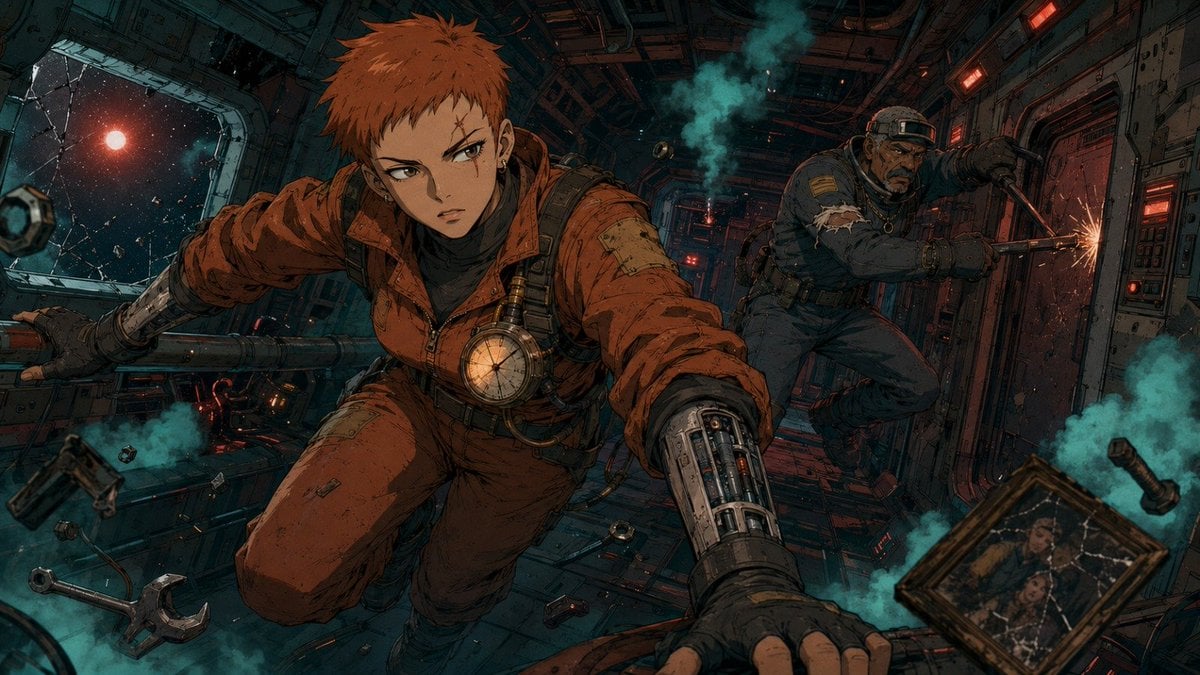
Zero-Gravity Anime Spaceship Escape
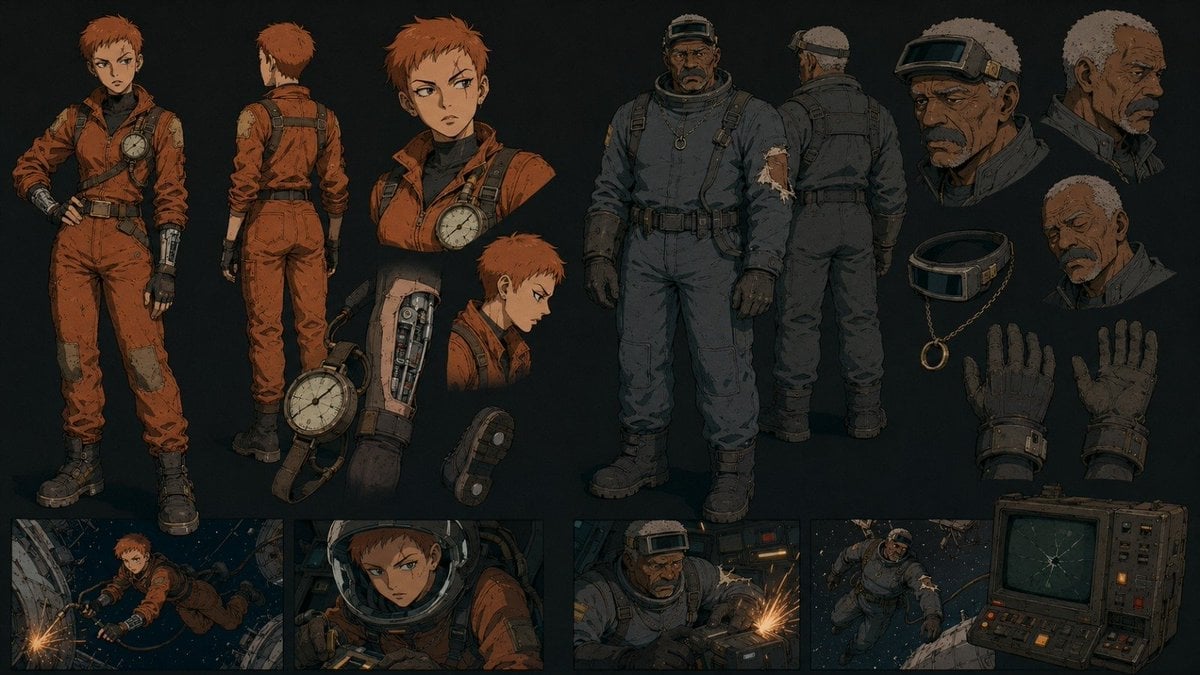
Retro Futurist Zero Gravity Character Sheet

Astronaut Zero-Gravity Coffee Splash

Headphones Lifestyle Nine Panel Grid
Sleep Cloud Zero-Gravity Bed Poster
Zero Balance Bank Storyboard
Zero-Gravity Space Maid Cafe Portrait
Zero-Gravity Space Station Maid Cafe
Seedance 2.0 - Zombie Girl Escapes
Seedance 2.0 - Zombie Girl Escapes
Seedance - Storyboard to Movie
Make it yours
Zero-Gravity Survival Storyboard works as-is. These are the safest ways to change it without losing the look.
Change one field
Copy a single group, rewrite it, and generate again so you can see what that field is doing.
Keep the frame, change the subject
Hold the composition and light of Zero-Gravity Survival Storyboard, then swap wardrobe, props or the person for a new take.
| If the result… | Why | Fix |
|---|---|---|
| The result drifts from the preview | Too many fields changed at once. | Reuse Zero-Gravity Survival Storyboard as-is first, then change one group — subject, light, or setting. |
| The model over-stylizes the scene | The prose prompt leaves finish and camera underspecified. | Add one camera or lighting sentence and stay on GPT Image 2. |
More GPT Image 2 templates
Other prompts made for GPT Image 2.

Six VTuber Japanese Logo Sheet

Realistic Portrait of Woman and Deer

The Vista Modular Condo Poster

AI Model Routing Comparison Infographic

2.5D Anime Art Board

Isometric Productivity Desk Scene

New York Double Exposure Poster

Four-Panel AI Landscape Comparison

Japanese Tatami Lifestyle Magazine Cover

NESCAFÉ Coffee Map Poster
More image prompts
Fresh picks from across the catalog.
Paint Tube Squeeze: Famous Asian Painting in 3D Relief
Cinematic Wet Hair Portrait Prompt
Graffiti Wall Urban Fashion Portrait
Masterpiece Cinematic Portrait Prompt
Intimate Close-Up Lifestyle Portrait Prompt
LEGO Style Font Concept
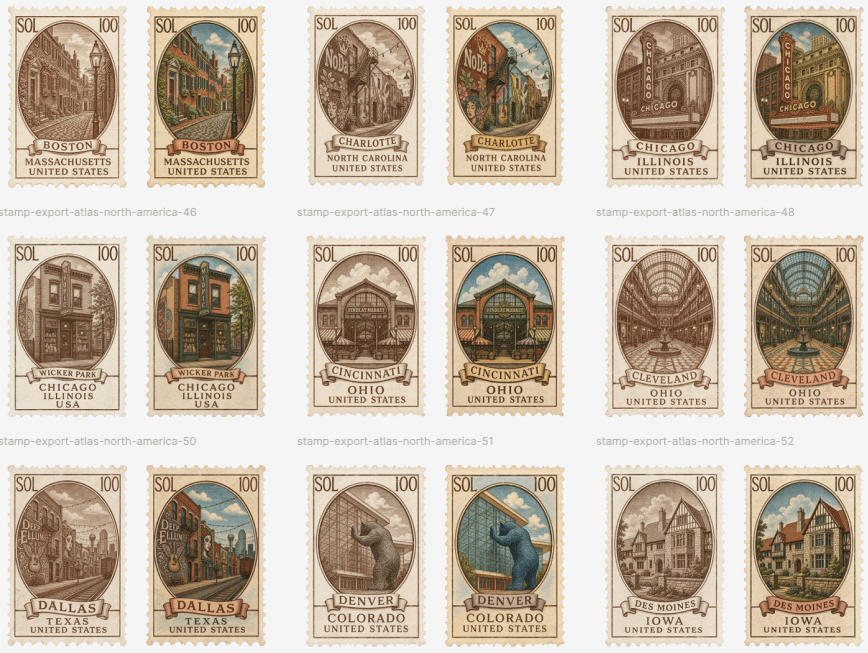
Vintage North America Stamp Grid
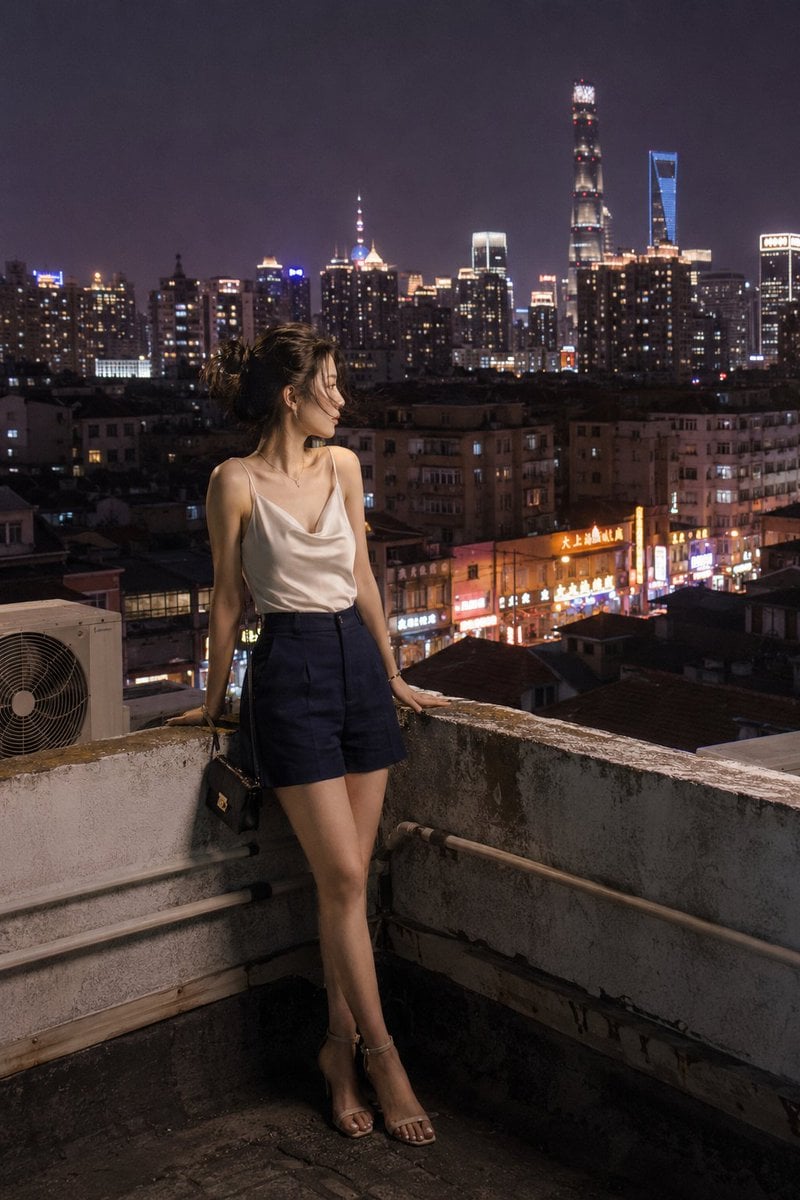
Shanghai Shikumen Rooftop Night Portrait
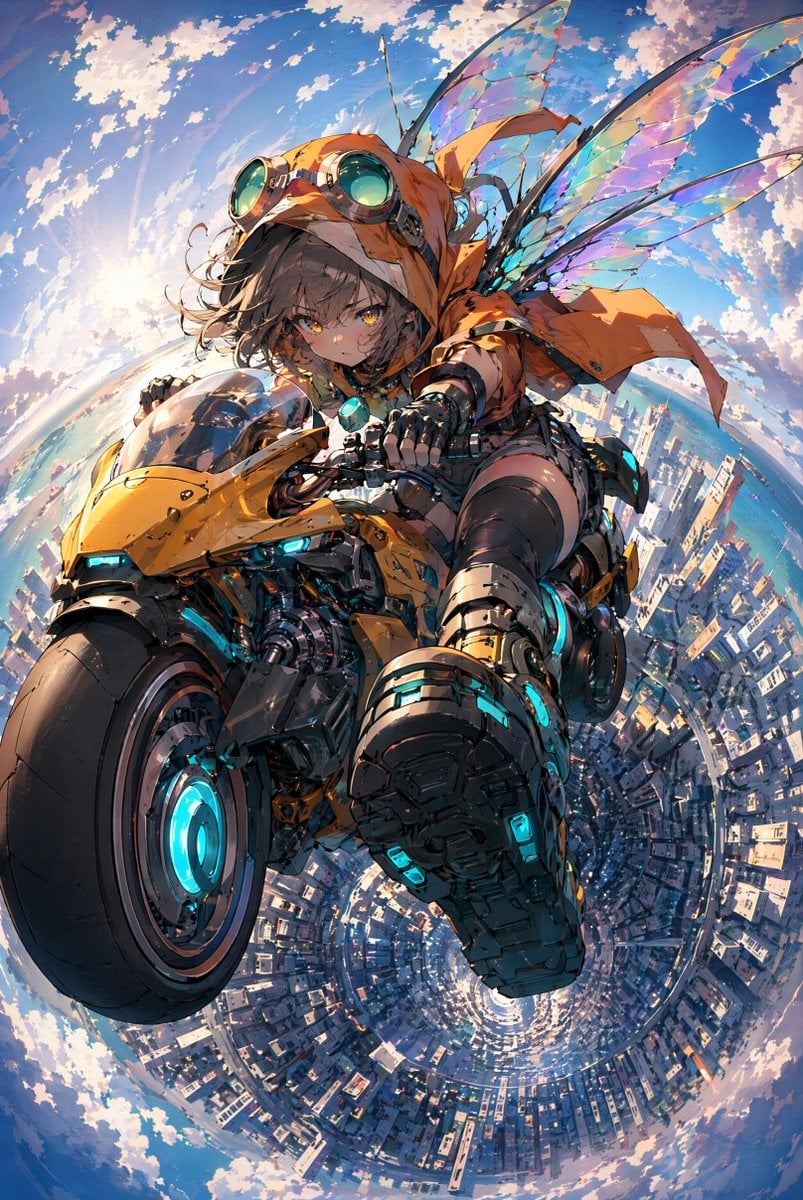
Fairy Biker Above Tiny-Planet City
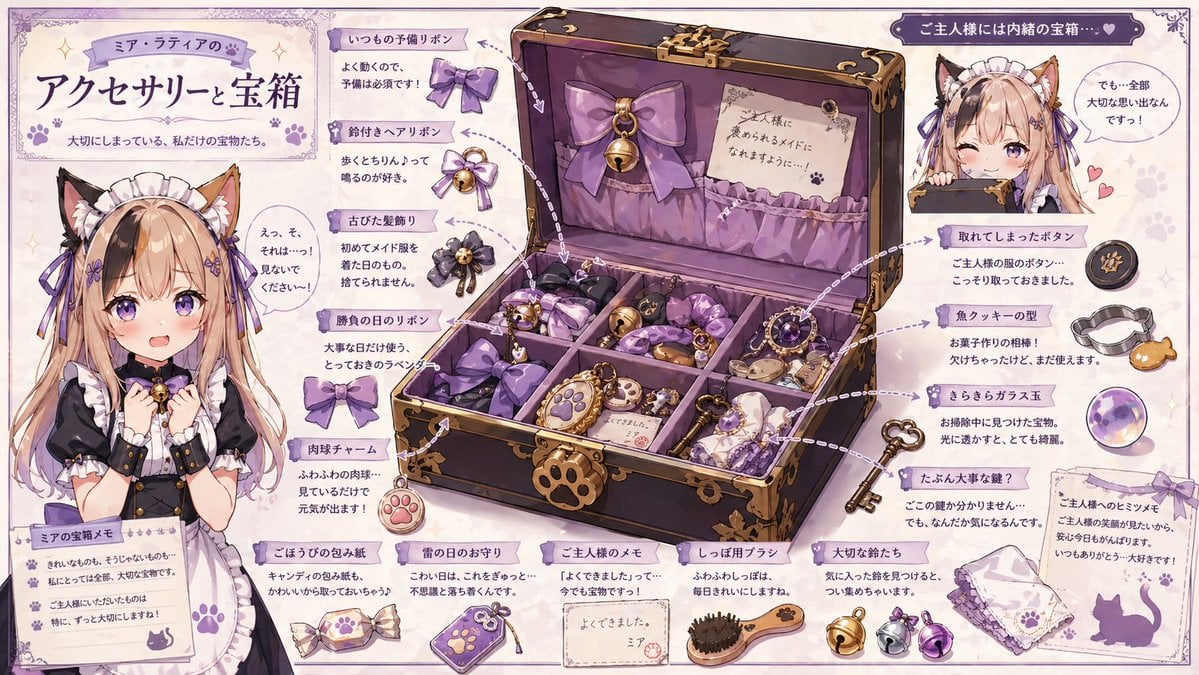
Cat Maid Treasure Box Reference Sheet
Browse template categories
Zero-Gravity Survival Storyboard questions
How do I use the Zero-Gravity Survival Storyboard template?
Add your photo if the template asks for one, edit the prompt if you like — the template's model and format are already selected — and press Generate. Your version opens in PicX Studio.
Can I customize the Zero-Gravity Survival Storyboard template?
Yes. You can change the subject, setting, lighting, mood, format, and available model controls before creating your image.
Is the Zero-Gravity Survival Storyboard template free?
Opening and editing this template is free. Generating uses credits, shown on the Generate button when you are signed in.
Which AI model should I use?
Start with GPT Image 2, which is the model associated with this template. You can compare another compatible model for a different finish.
Looking for something else? Browse all templates.

Your photo, any look
Thousands of ready templates for every top image and video model, from one credit balance.