
Zero Balance Bank Storyboard
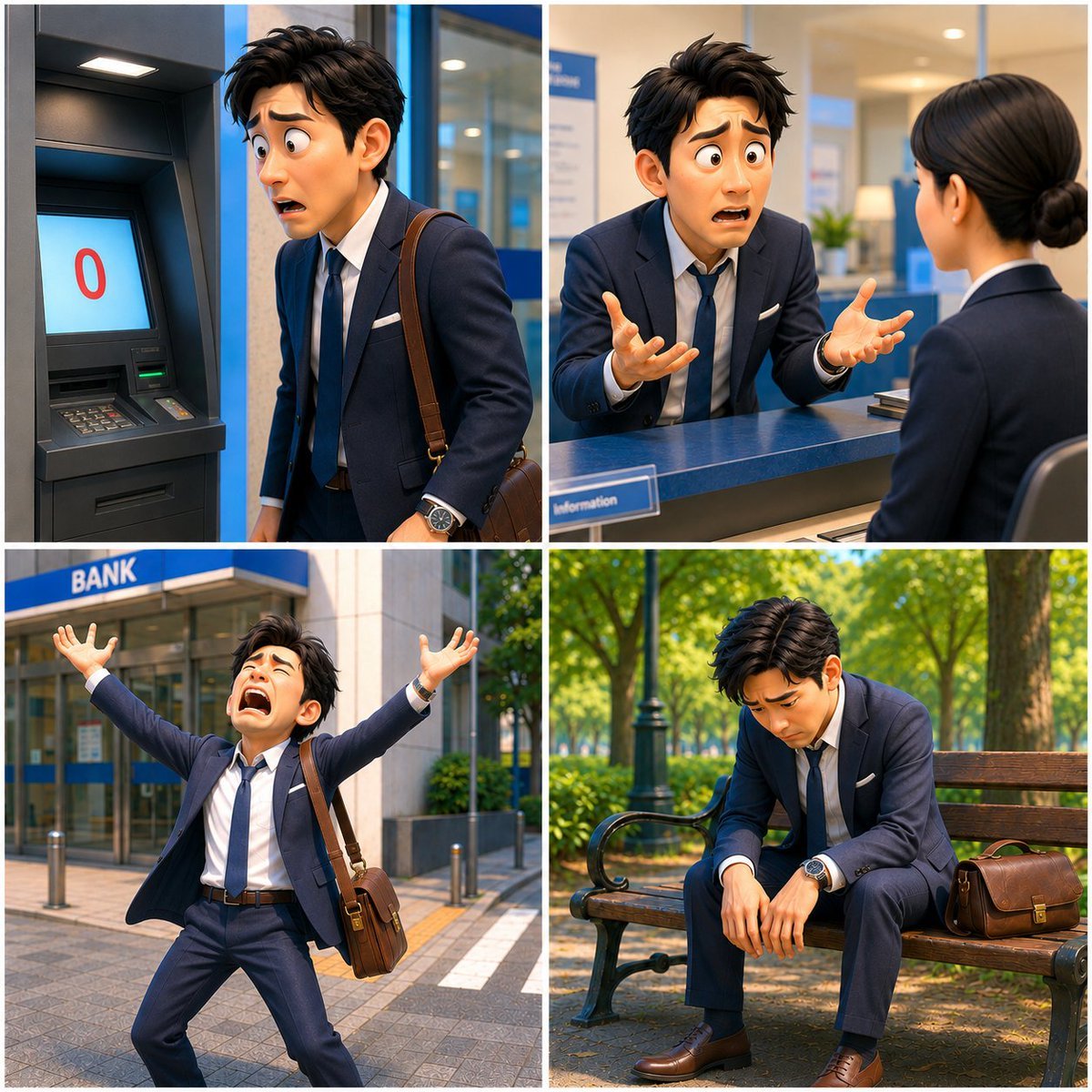
A four-panel photorealistic storyboard of a Japanese businessman discovering a zero bank balance and spiraling into despair.
- Prompt included
- Model and format preset
- Free template
The prompt behind this image
Copy the exact prompt behind Zero Balance Bank Storyboard, or open it in the studio and make it yours.
Goal: Create a cinematic 2x2 storyboard collage for a short dramatic video titled {argument name="story title" default="Zero Balance Despair"}, showing one Japanese salaryman discovering he has no money and falling into despair. Canvas: Square 1:1 image, divided into exactly 4 equal panels with thin white gutters. Photorealistic, high-resolution, cinematic lighting, realistic Japanese urban bank environment. Keep the same main character, outfit, hairstyle, watch, and brown leather shoulder bag across all panels. The character’s face should be intentionally obscured with a soft rectangular blur/mosaic block in every panel for anonymity. Main character: A young adult Japanese businessman, {argument name="character description" default="messy black hair, navy suit, white dress shirt, loosened navy tie, brown dress shoes, silver wristwatch, brown leather shoulder bag"}. He looks exhausted, panicked, and emotionally overwhelmed. Panel count and contents: Use exactly 4 panels. 1. Top-left panel: Inside or beside a bank ATM booth. The ATM screen clearly displays a large red “0” on a pale blue screen, indicating a zero balance. The businessman stands close to the ATM, shoulders tense, looking devastated, with his leather bag strap over one shoulder. 2. Top-right panel: At a bank service counter. The businessman leans forward toward a female bank clerk in a navy uniform, gesturing desperately with both hands open. The bank interior is clean and modern, with a blue counter, glass partitions, small signage, and warm office lighting. 3. Bottom-left panel: Outside the bank entrance. A blue sign above the door reads {argument name="bank sign text" default="BANK"}. The businessman stands on the sidewalk in front of the bank with both arms thrown upward in panic, tie loosened, jacket open, brown shoulder bag hanging at his side. Bright daylight, urban street details, bollards, paving stones, and greenery. 4. Bottom-right panel: In a quiet park. The businessman sits slumped on a wooden bench, head bowed, arms hanging down, defeated. His brown leather bag rests on the bench beside him. Include trees, dappled sunlight, green shrubs, and a calm background that contrasts with his despair. Visual style: Photorealistic Japanese commercial-drama stills, consistent character continuity, natural depth of field, sharp clothing detail, realistic bank and park locations, vivid but believable colors, emotional storytelling. No cartoon style, no extra panels, no captions except the ATM “0” and the exterior bank sign.
How to use Zero Balance Bank Storyboard in 3 steps
- 1Upload ImagePNG, JPG or paste
Add your photo
Upload the photo the template builds on. The prompt, model and format are already set.
- 2…a portrait of your subject in softgolden-hour light, 85mm…
Personalize
Edit the subject and creative details for your destination.
- 3Generate
Generate
Press Generate — your image is created in PicX Studio, so you can compare it with the original and refine one variable at a time.
More like this
Templates with the same subject, style or setup. Open one to see its prompt.

Headphones Lifestyle Nine Panel Grid
Seedance - Storyboard to Movie
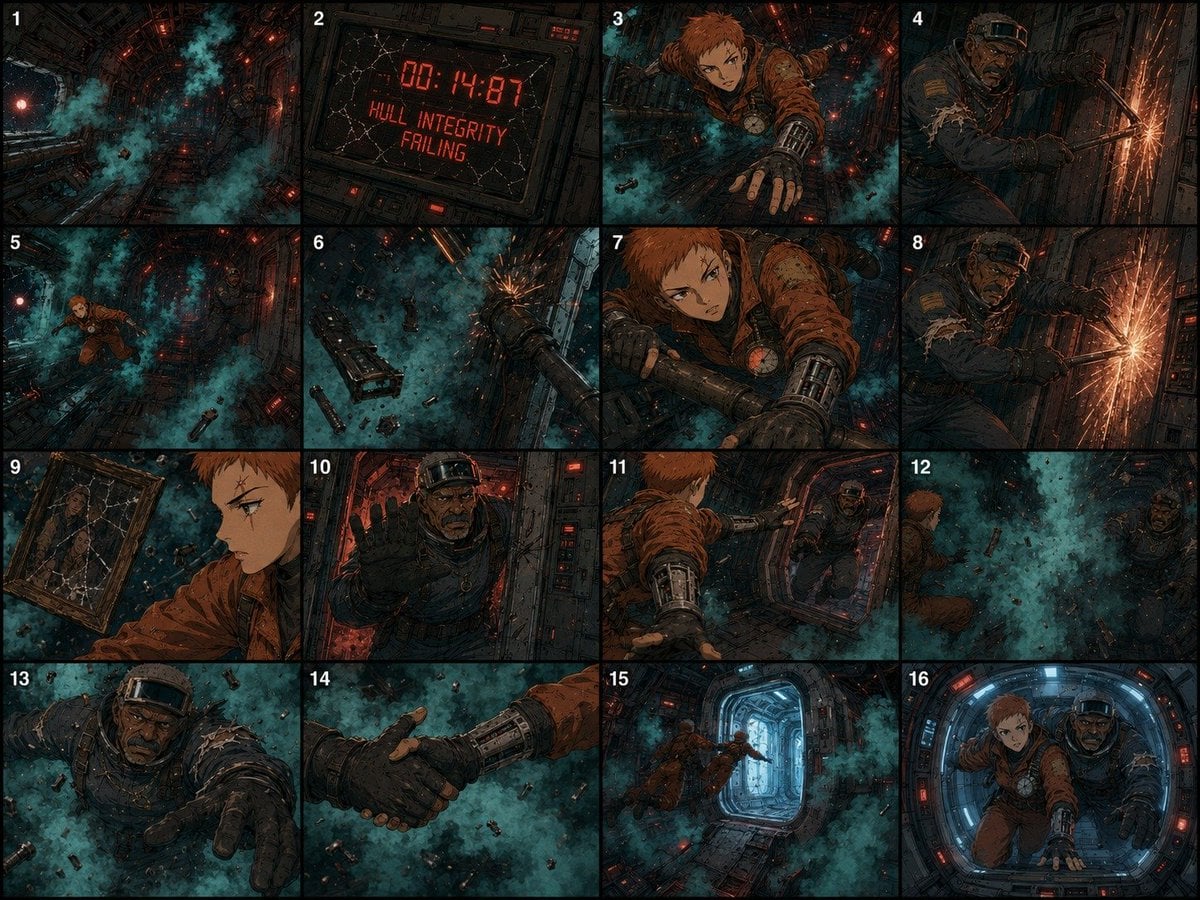
Zero-Gravity Survival Storyboard
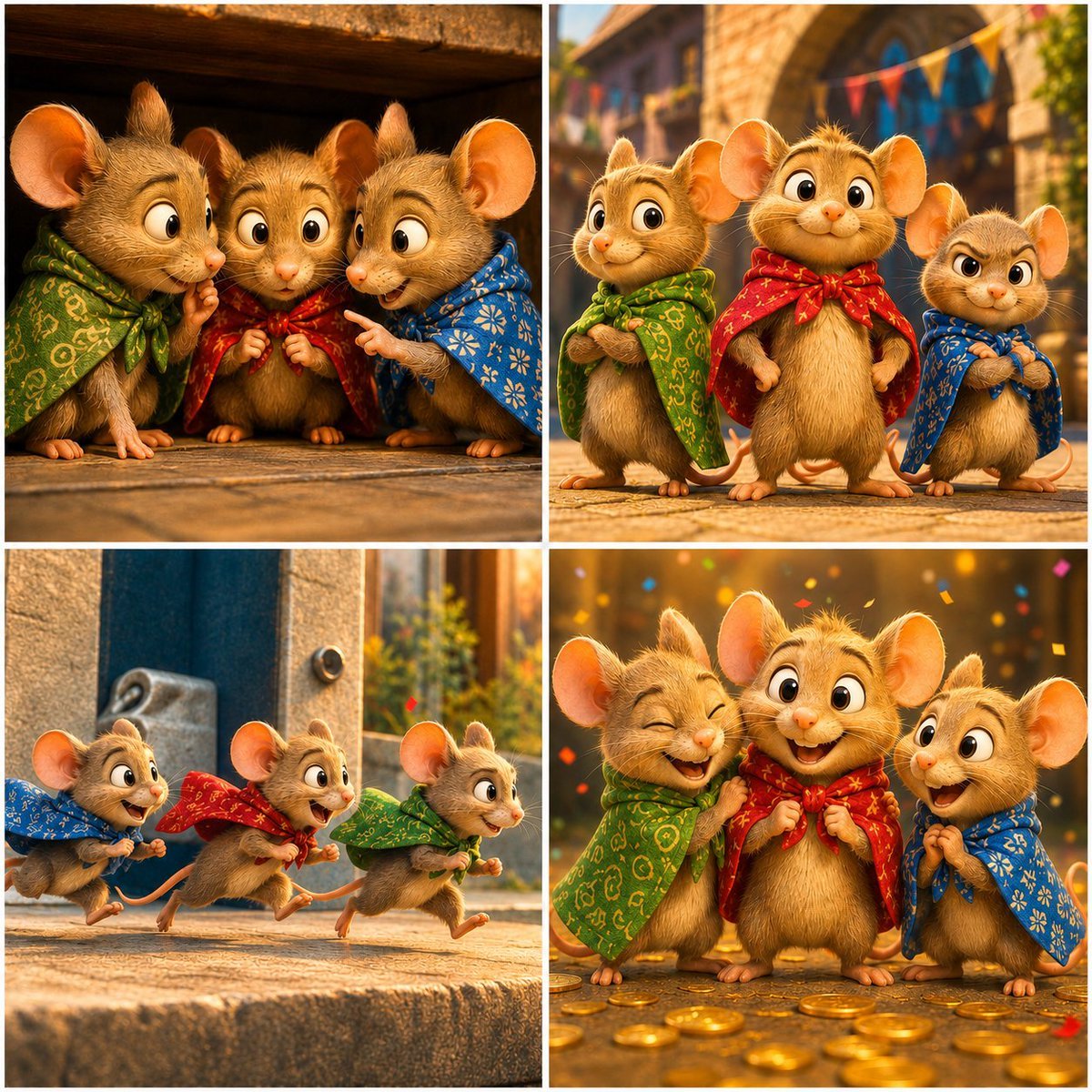
Four-Panel Bankrupt Mouse Storyboard
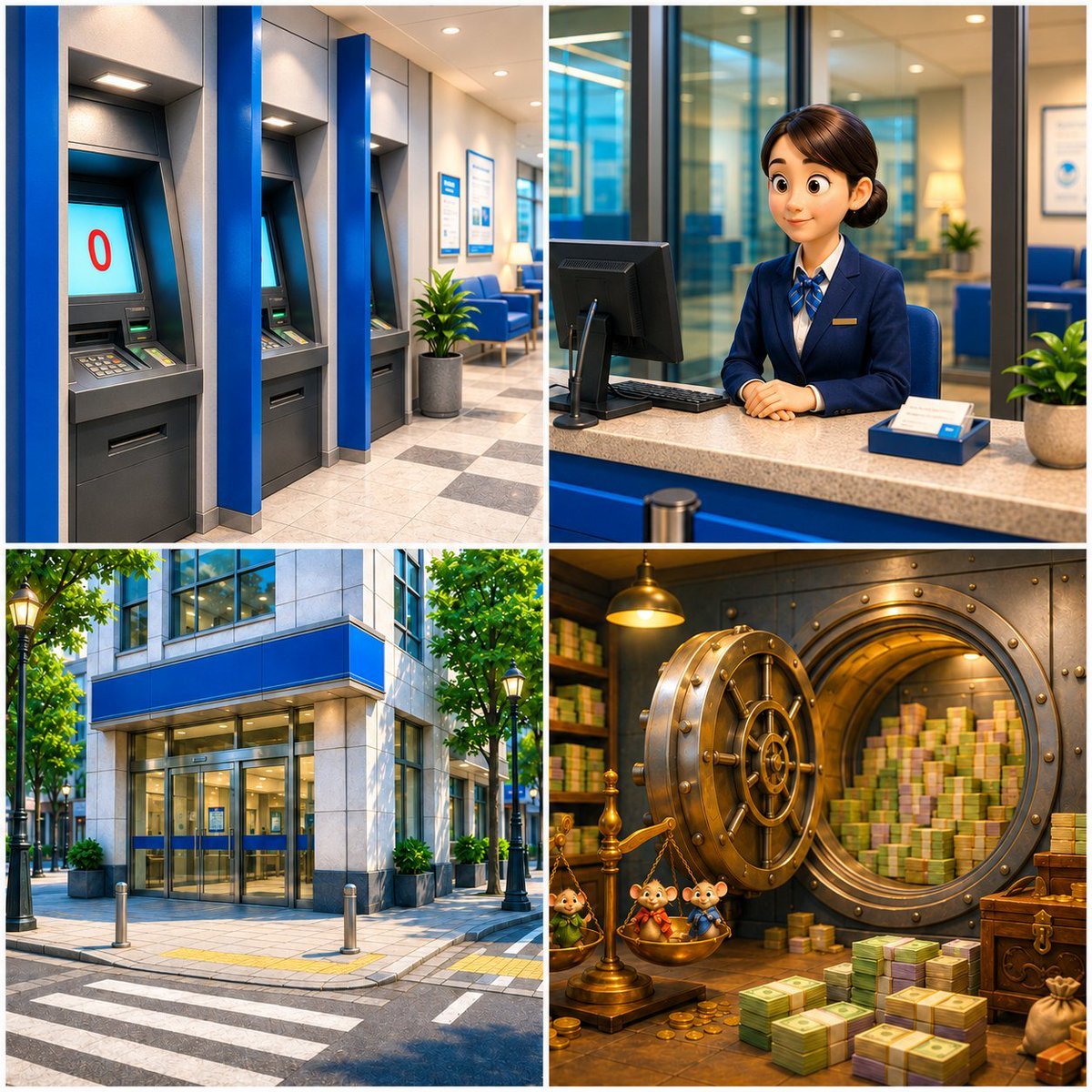
Four-Panel Bank World Storyboard
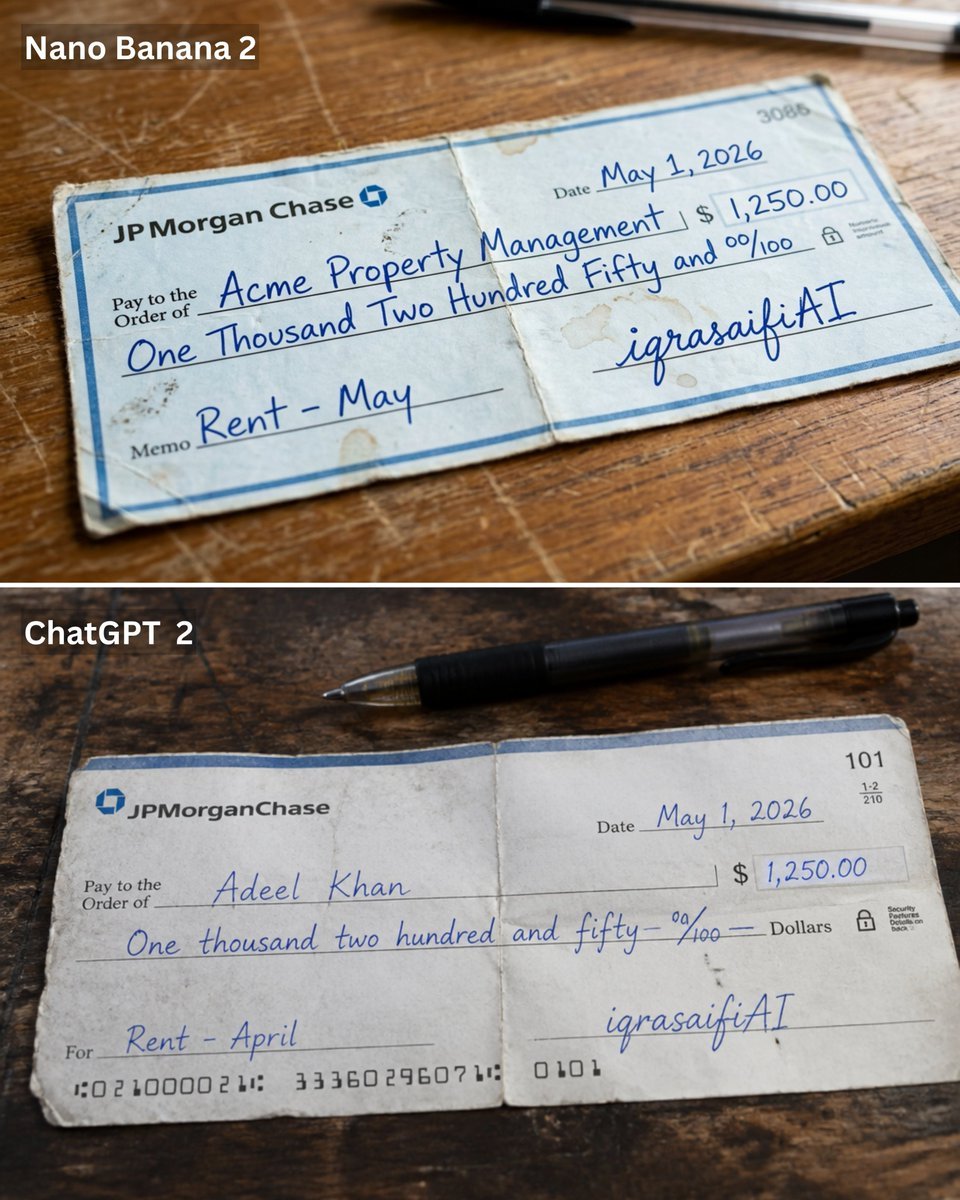
Weathered JP Morgan Bank Check
Minimalist Balanced Conceptual Scenes
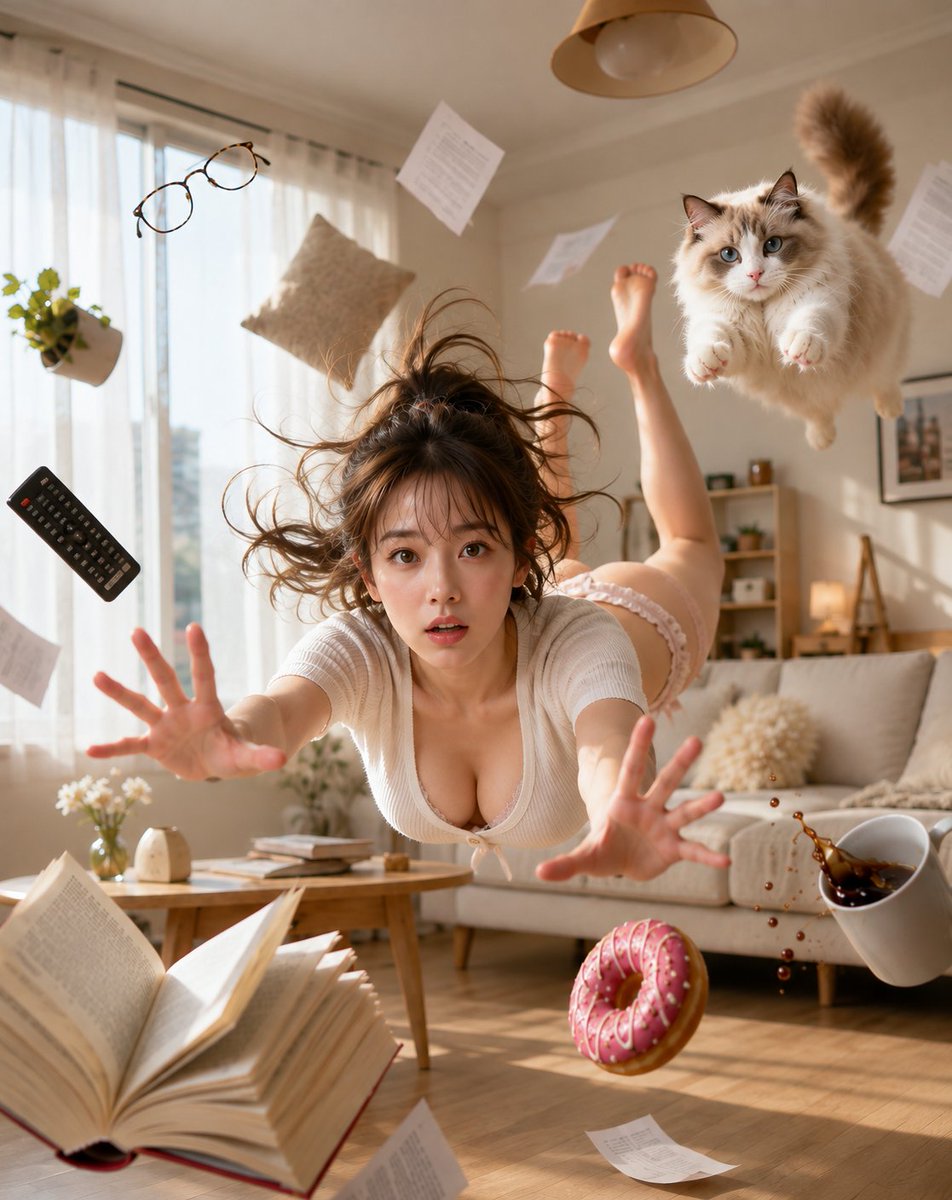
Zero Gravity Morning Scene
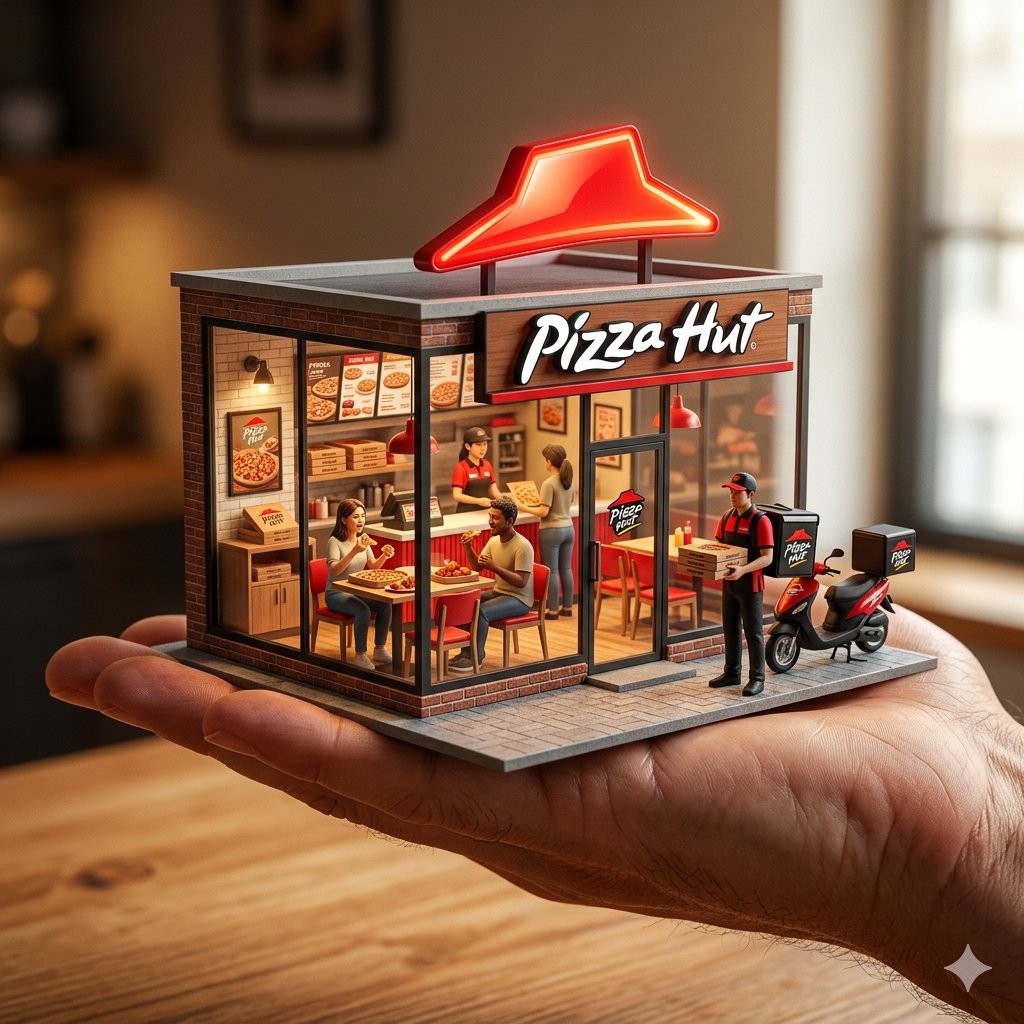
An ultra-realistic miniature showroom balanced on a human palm, designed
Raw iphone realism, pinterest girl aesthetic, natural skin texture, zero
Orbital Station Zero-G Kick
Zero-Gravity Anime Spaceship Escape
Make it yours
Zero Balance Bank Storyboard works as-is. These are the safest ways to change it without losing the look.
Change one field
Copy a single group, rewrite it, and generate again so you can see what that field is doing.
Keep the frame, change the subject
Hold the composition and light of Zero Balance Bank Storyboard, then swap wardrobe, props or the person for a new take.
| If the result… | Why | Fix |
|---|---|---|
| The result drifts from the preview | Too many fields changed at once. | Reuse Zero Balance Bank Storyboard as-is first, then change one group — subject, light, or setting. |
| The model over-stylizes the scene | The prose prompt leaves finish and camera underspecified. | Add one camera or lighting sentence and stay on GPT Image 2. |
More GPT Image 2 templates
Other prompts made for GPT Image 2.

Six VTuber Japanese Logo Sheet

Realistic Portrait of Woman and Deer

The Vista Modular Condo Poster

AI Model Routing Comparison Infographic

2.5D Anime Art Board

Isometric Productivity Desk Scene

New York Double Exposure Poster

Four-Panel AI Landscape Comparison

Japanese Tatami Lifestyle Magazine Cover

NESCAFÉ Coffee Map Poster
More image prompts
Fresh picks from across the catalog.
Cinematic Voyeuristic Portrait through Rain-Streaked Window
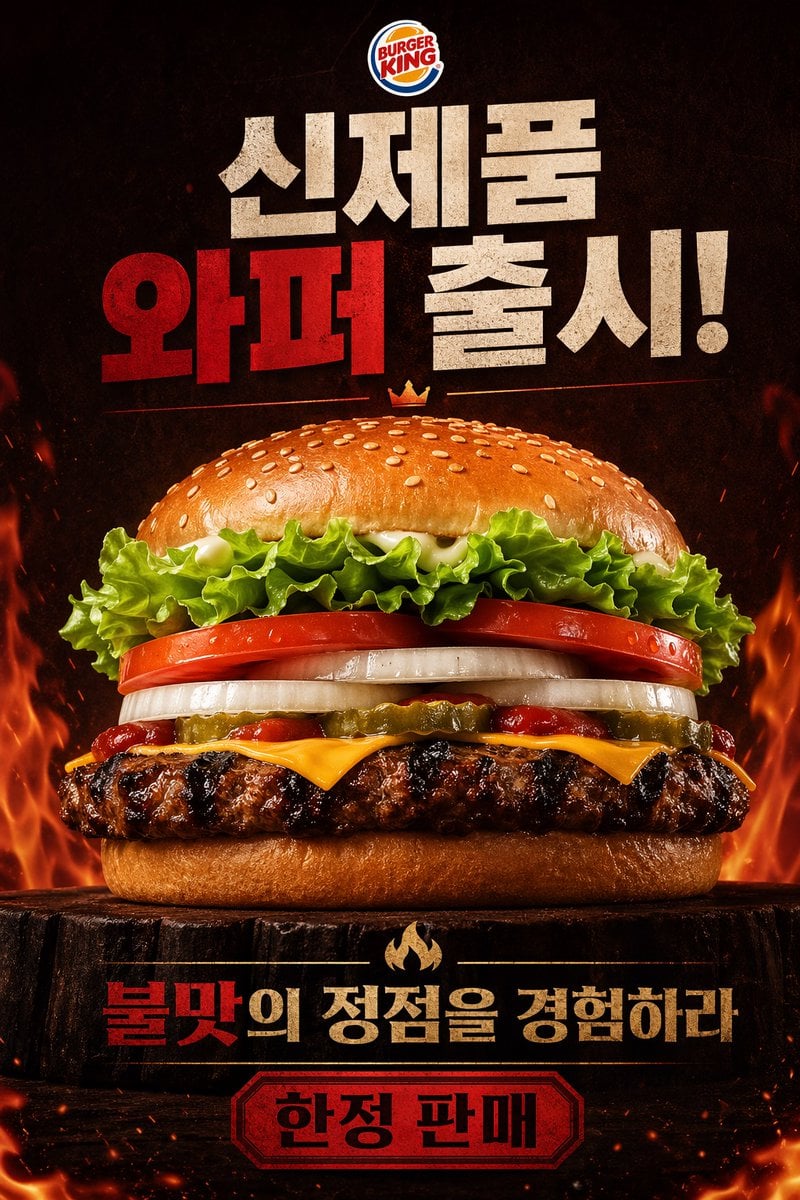
Fiery Burger King Whopper Poster
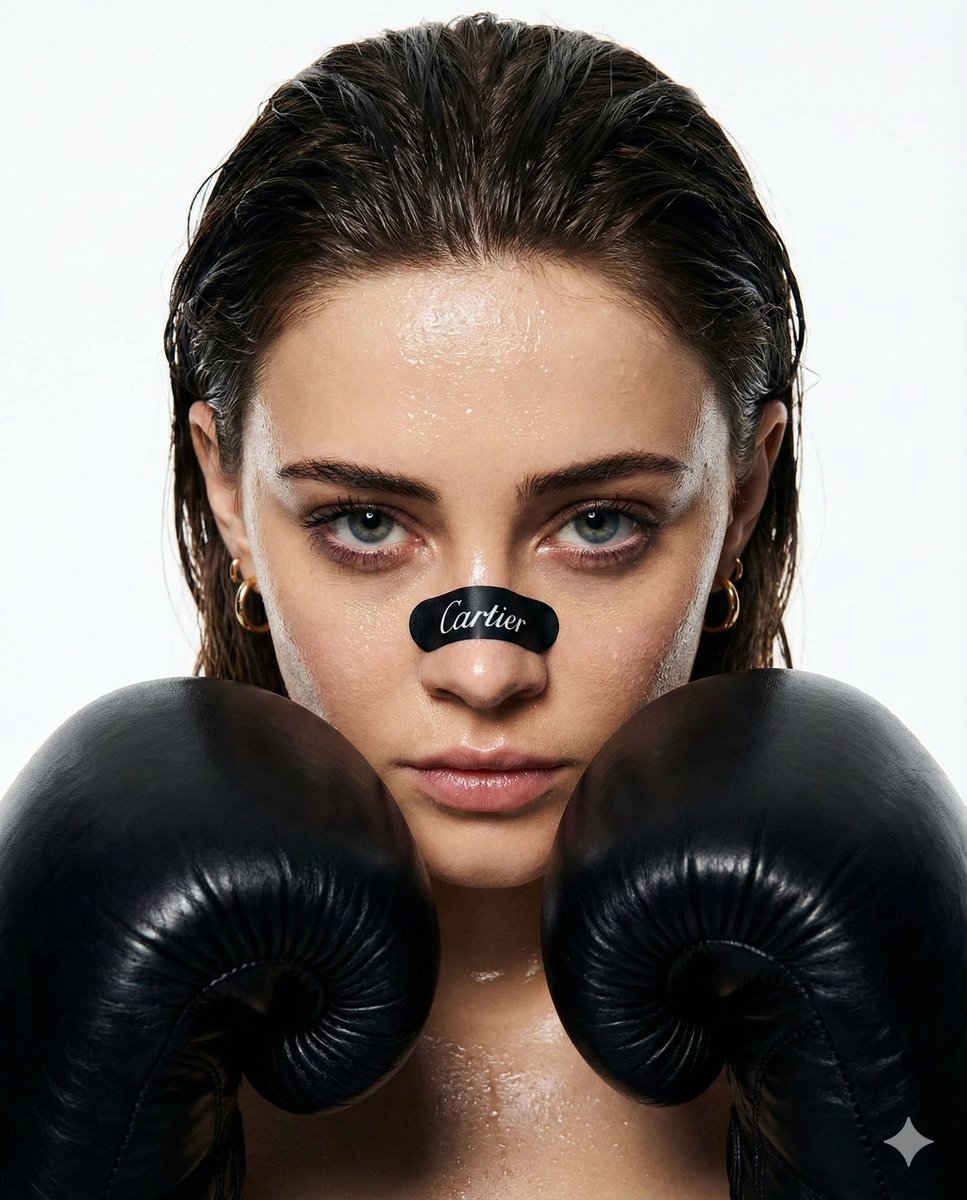
Cinematic Boxer Portrait with Cartier Branding
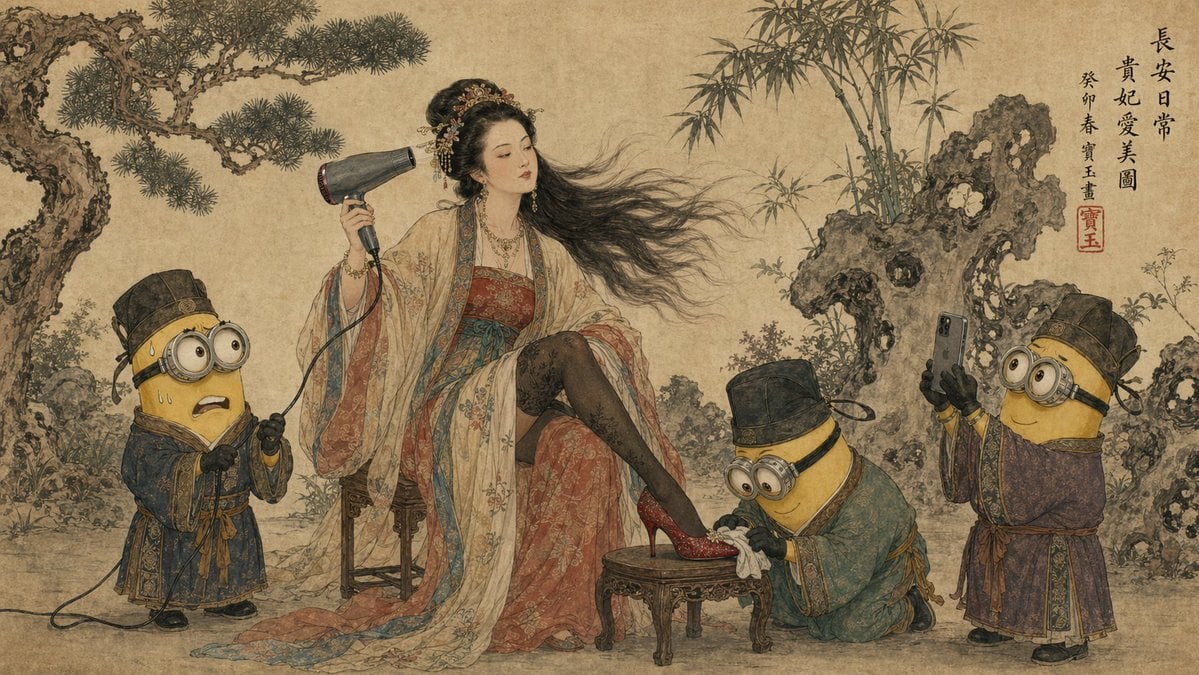
Tang Dynasty Queen & Minions Gongbi Painting
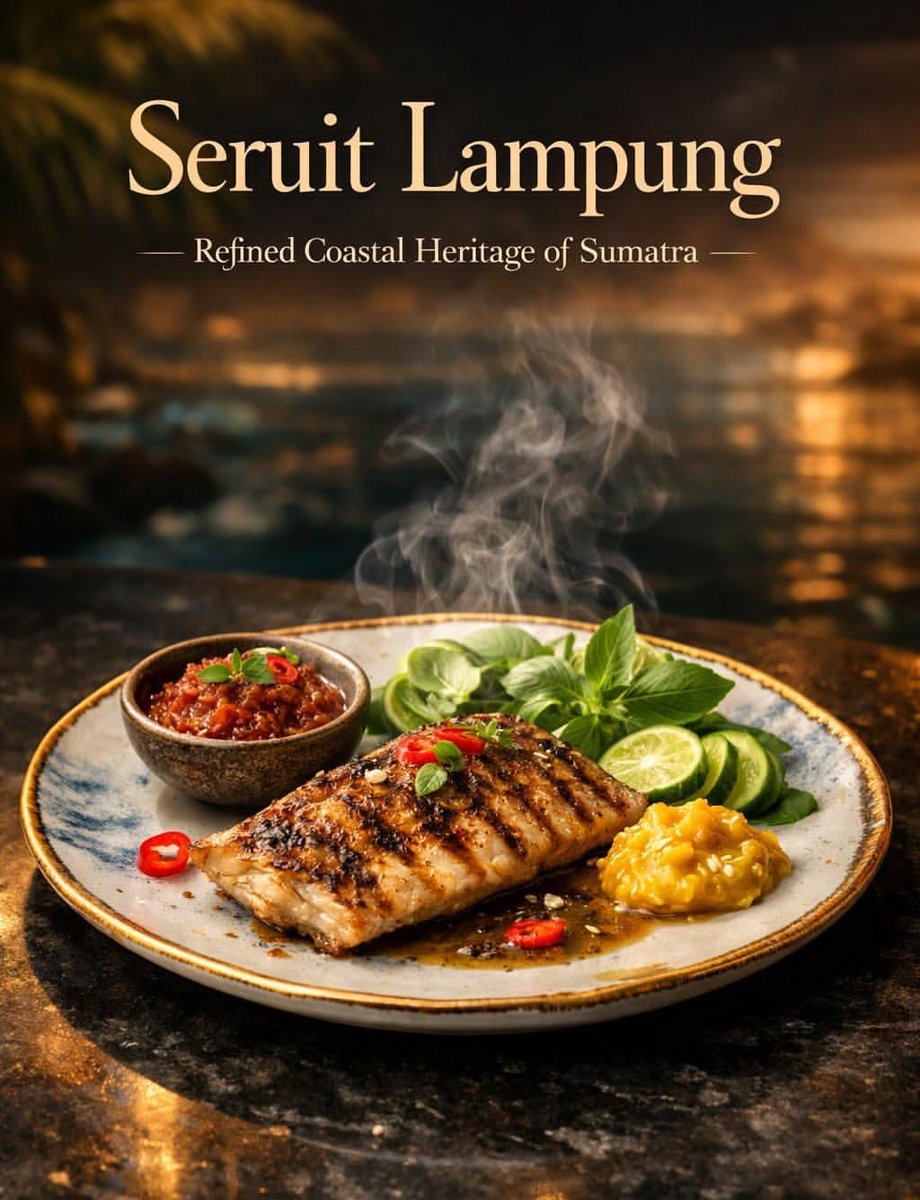
Luxury Cinematic Food Photography of Seruit Lampung
Perfectly Isometric Photography
Detailed Medical Anatomy Infographic
Hyper-Realistic Chiaroscuro Portrait
Ethereal Long Exposure Cinematic Portrait Prompt
Pink Idol Anime Lock Screen
Browse template categories
Zero Balance Bank Storyboard questions
How do I use the Zero Balance Bank Storyboard template?
Add your photo if the template asks for one, edit the prompt if you like — the template's model and format are already selected — and press Generate. Your version opens in PicX Studio.
Can I customize the Zero Balance Bank Storyboard template?
Yes. You can change the subject, setting, lighting, mood, format, and available model controls before creating your image.
Is the Zero Balance Bank Storyboard template free?
Opening and editing this template is free. Generating uses credits, shown on the Generate button when you are signed in.
Which AI model should I use?
Start with GPT Image 2, which is the model associated with this template. You can compare another compatible model for a different finish.
Looking for something else? Browse all templates.

Your photo, any look
Thousands of ready templates for every top image and video model, from one credit balance.