
Tang Dynasty Queen & Minions Gongbi Painting
A creative prompt blending traditional Chinese Gongbi ink painting with modern elements like hairdryers and Minions for a humorous anachronistic scene.
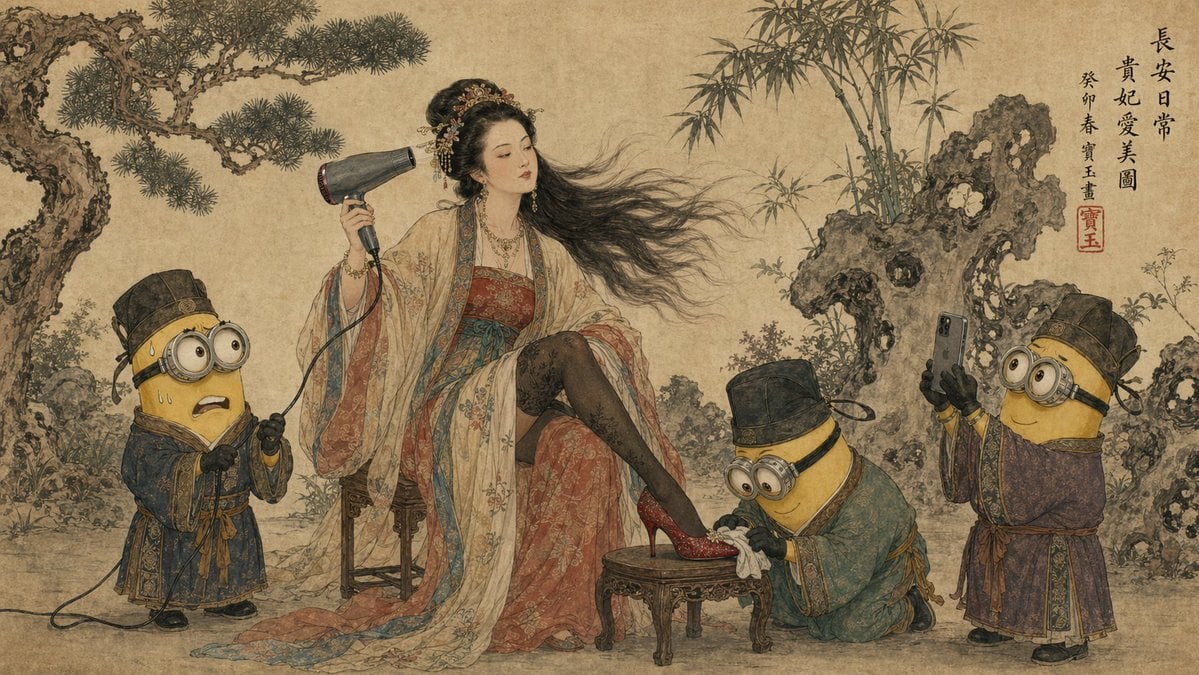
- Prompt included
- Model and format preset
- Free template
The prompt behind this image
Copy the exact prompt behind Tang Dynasty Queen & Minions Gongbi Painting, or open it in the studio and make it yours.
A traditional Chinese ink and color painting in {argument name="画风" default="Gongbi style"} on aged rice paper texture. A noblewoman in elaborate Tang Dynasty Hanfu robes sits on a wooden stool, holding a modern hairdryer to dry her long flowing hair. She is wearing black stockings, red high heels on one foot, resting on a small stool. Three {argument name="随从" default="小黄人"} dressed in ancient Chinese servant robes and hats attend to her: one on the left looks stressed holding the hairdryer's power cord, one center kneels polishing her red shoe with a cloth, and one on the right holds up a smartphone taking a photo for her. The background features classical gnarled pine trees, bamboo groves, and Taihu rocks. Traditional Chinese calligraphy written in the top right corner, accompanied by a red artist chop seal (寶玉). The color palette is muted mineral pigments. {argument name="风格" default="Humorous, anachronistic fusion"}. --ar 16:9
How to use Tang Dynasty Queen & Minions Gongbi Painting in 3 steps
- 1
Open
The prompt is already in the box next to the preview, with the template's model and format selected.
- 2…a portrait of your subject in softgolden-hour light, 85mm…
Personalize
Edit the subject and creative details for your destination.
- 3Generate
Generate
Press Generate — your image is created in PicX Studio, so you can compare it with the original and refine one variable at a time.
More like this
Templates with the same subject, style or setup. Open one to see its prompt.

Tang Dynasty Royal Banquet Cinematography
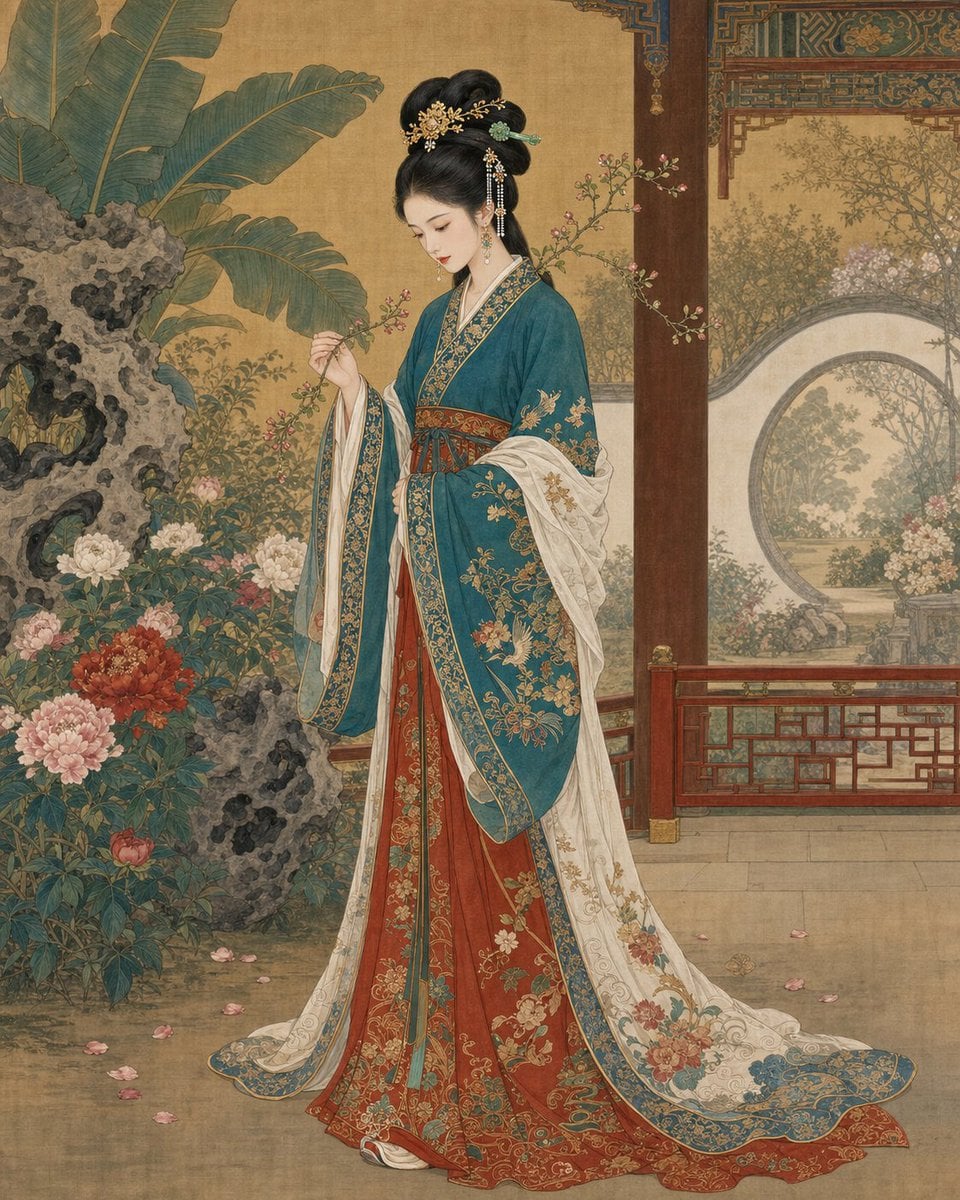
Traditional Chinese Gongbi Portrait Painting
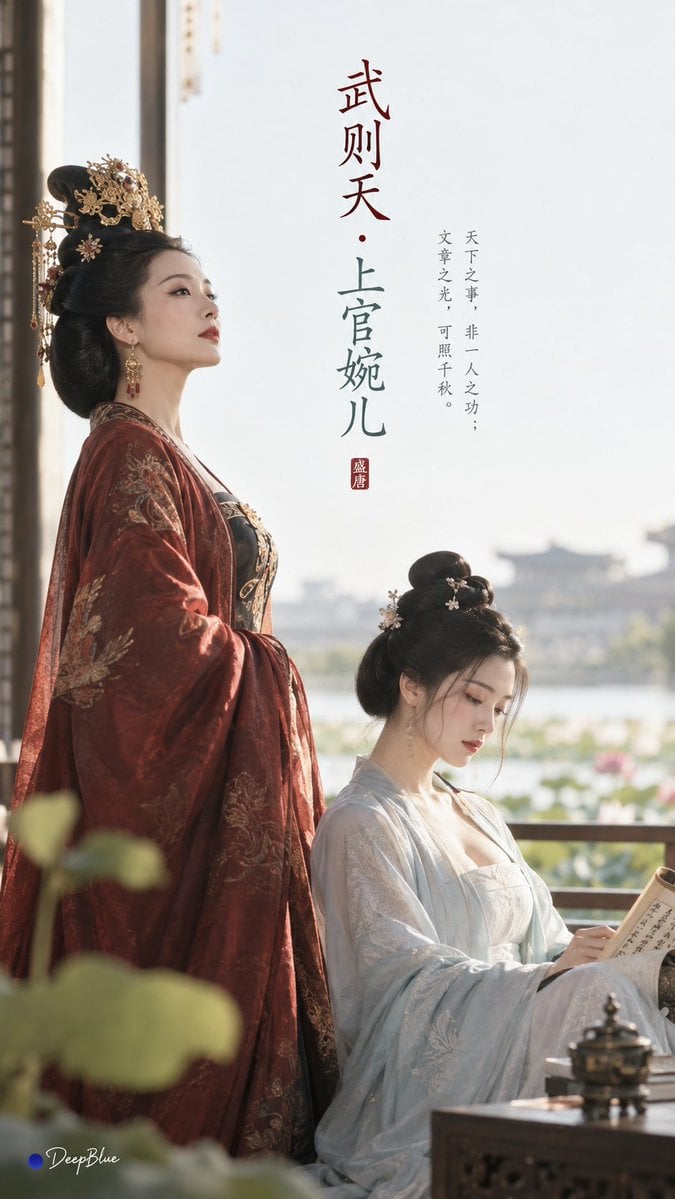
Tang Dynasty Minimalist Editorial
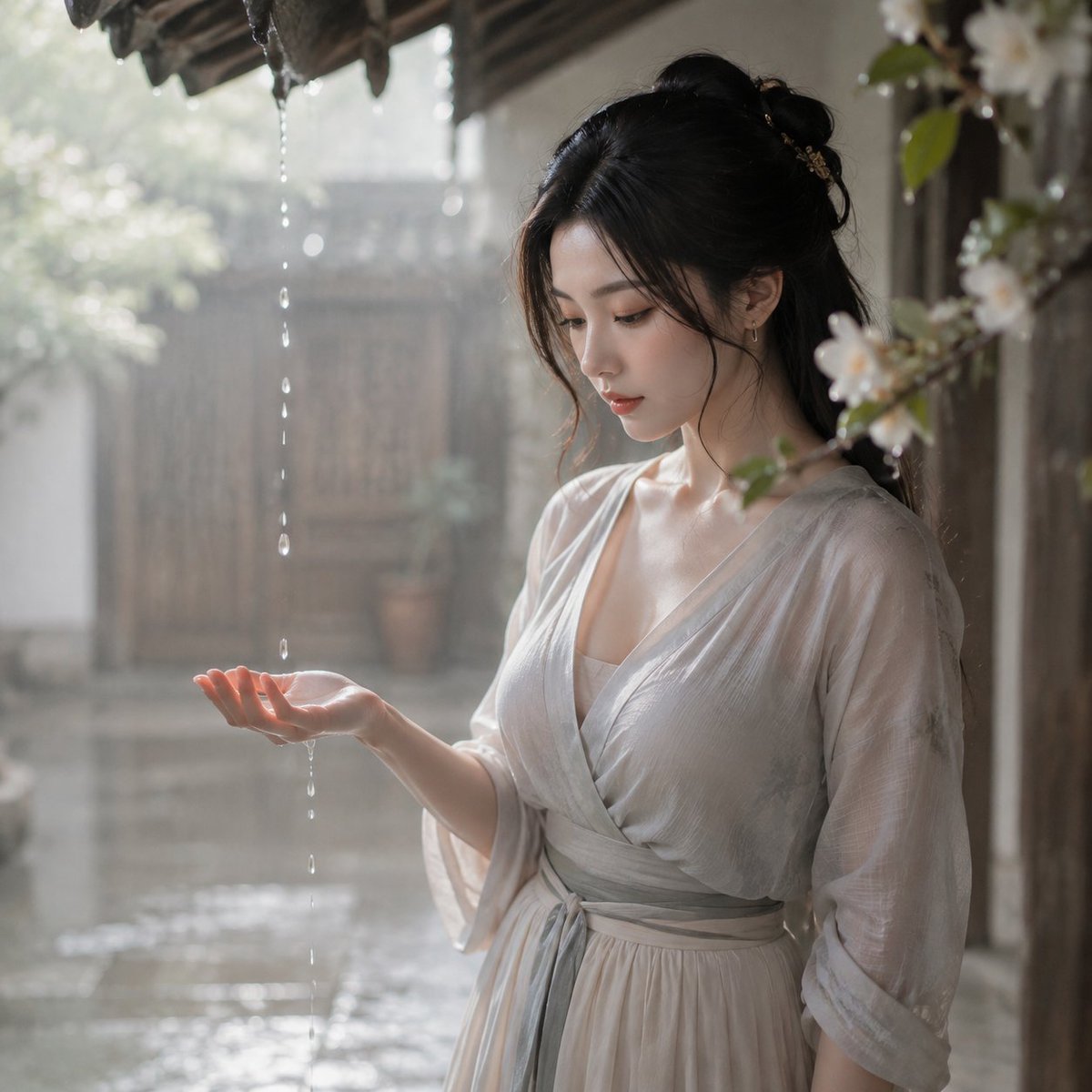
Tang Dynasty Courtyard Rain Scene
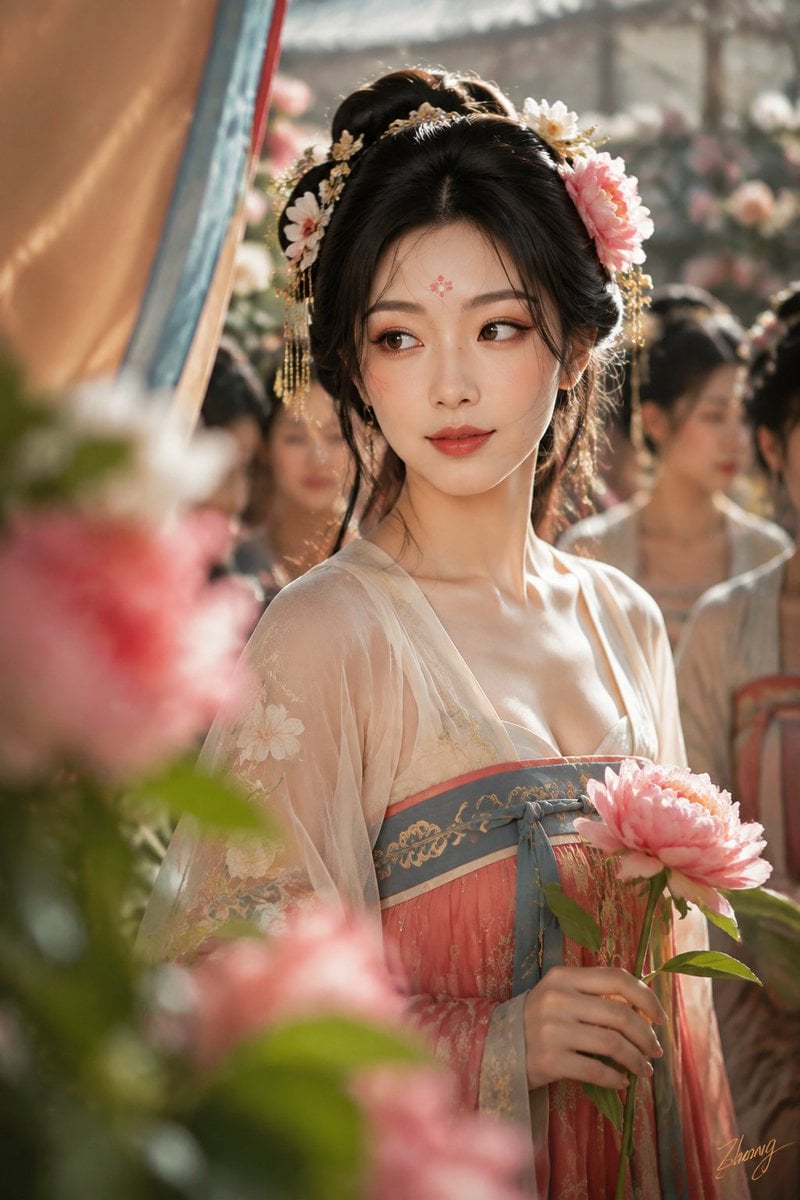
Tang Dynasty Cinematic Photography
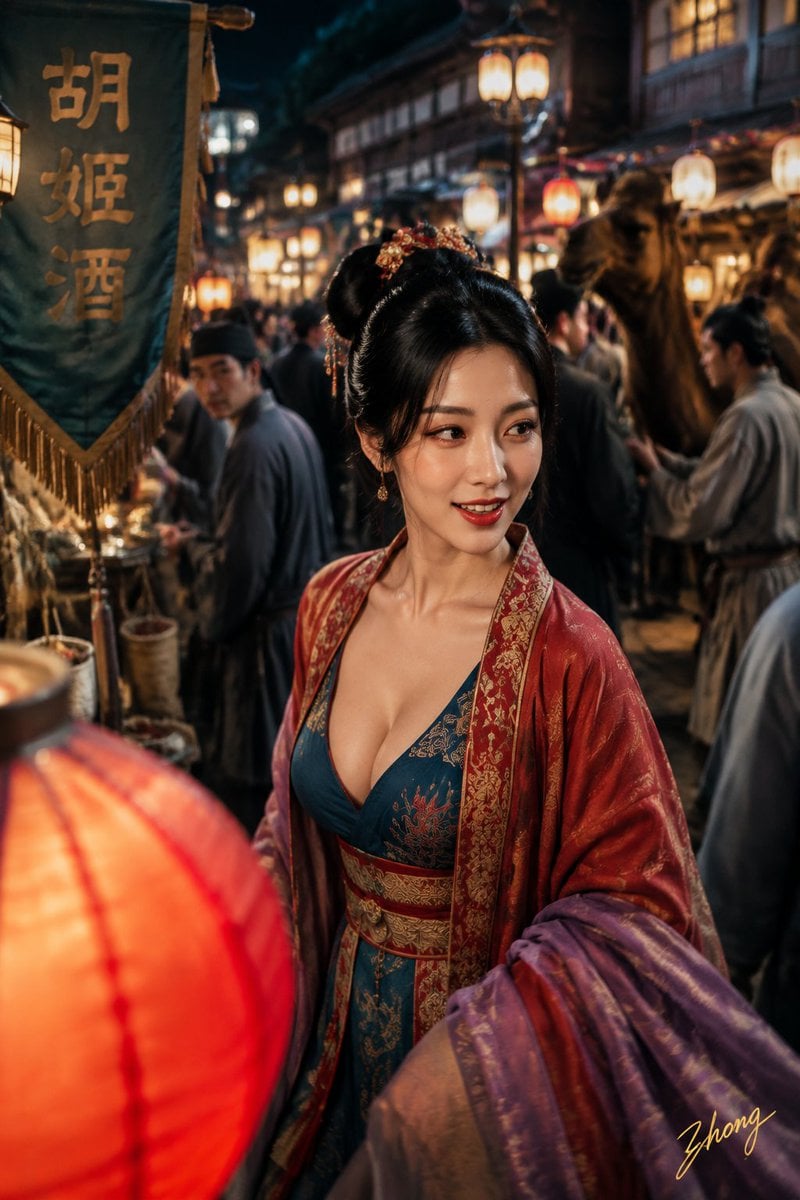
Tang Dynasty Aesthetics Photography Series
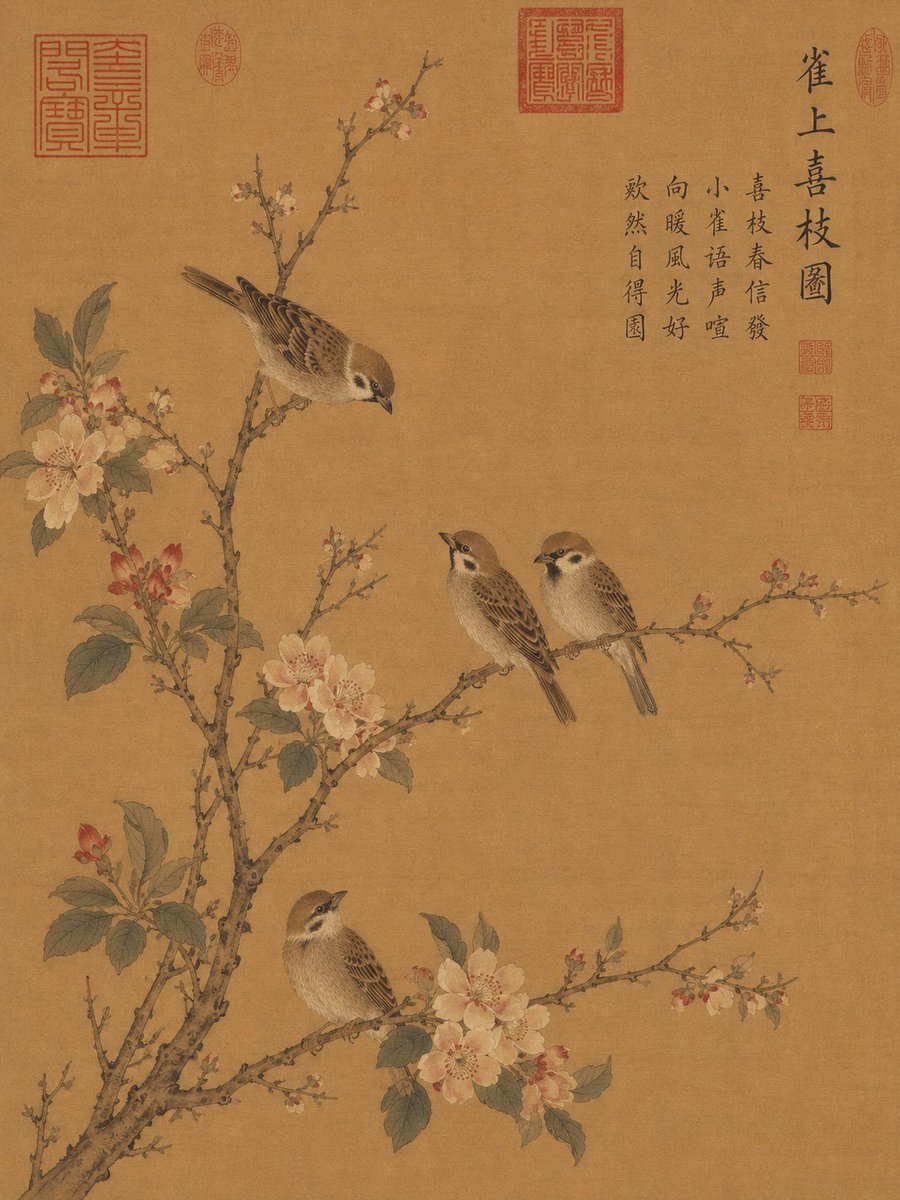
Song Dynasty Style Bird and Branch Painting
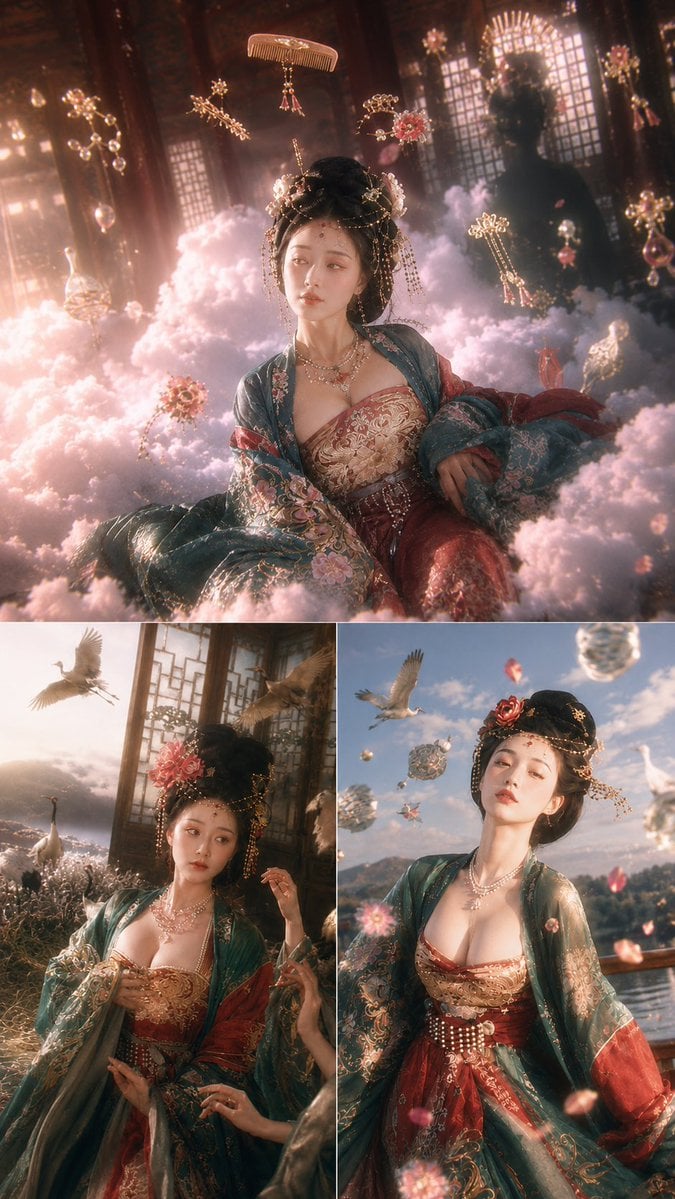
Tang Dynasty Fantasy Triptych
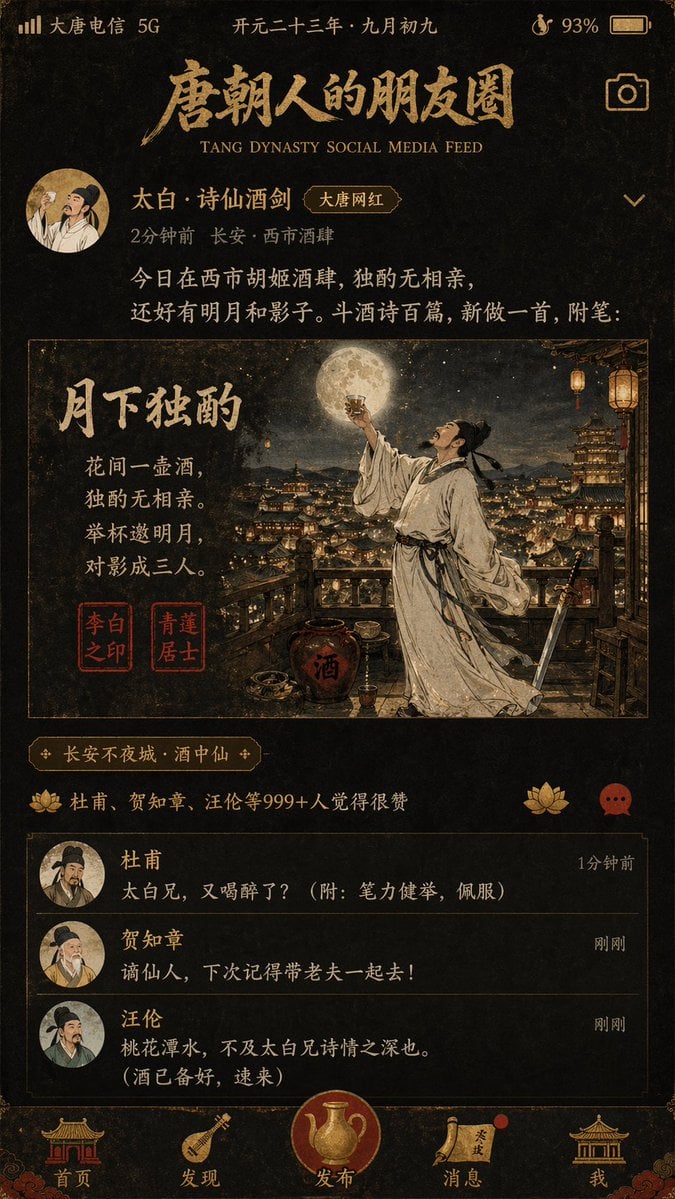
Tang Dynasty Social Feed Poster
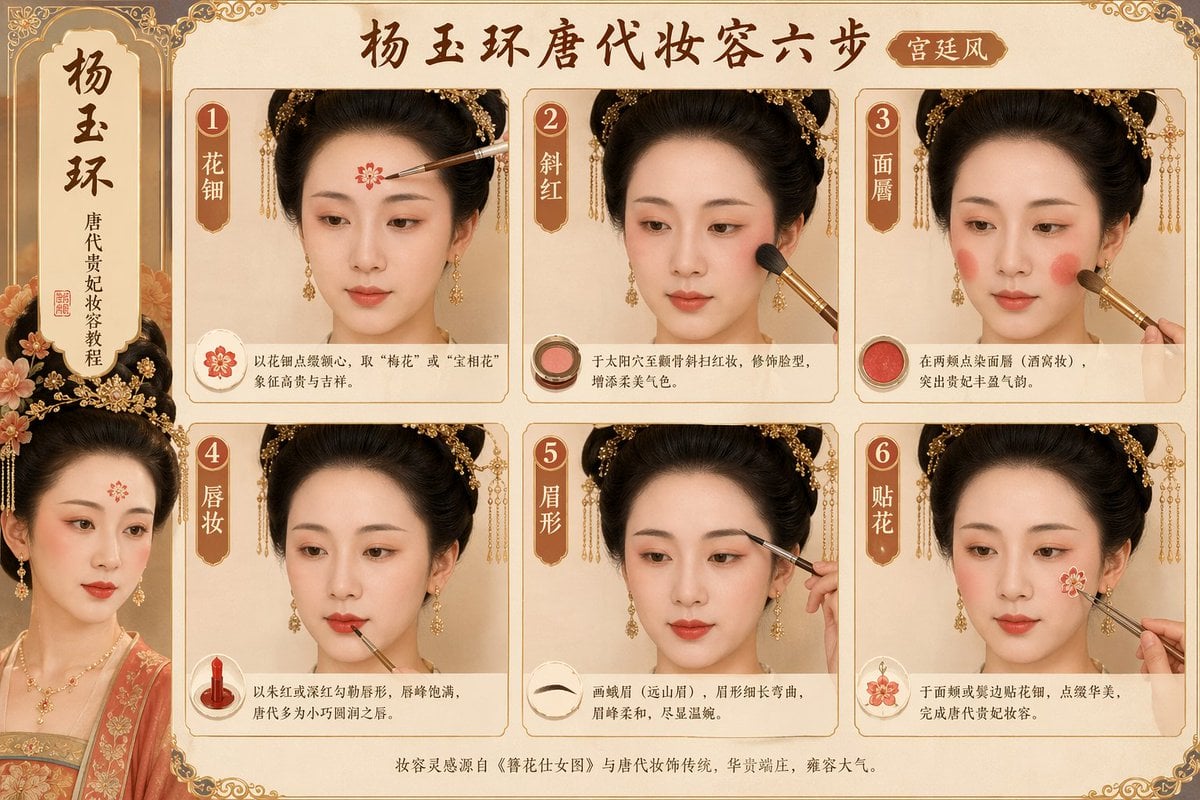
Tang Dynasty makeup steps prompt
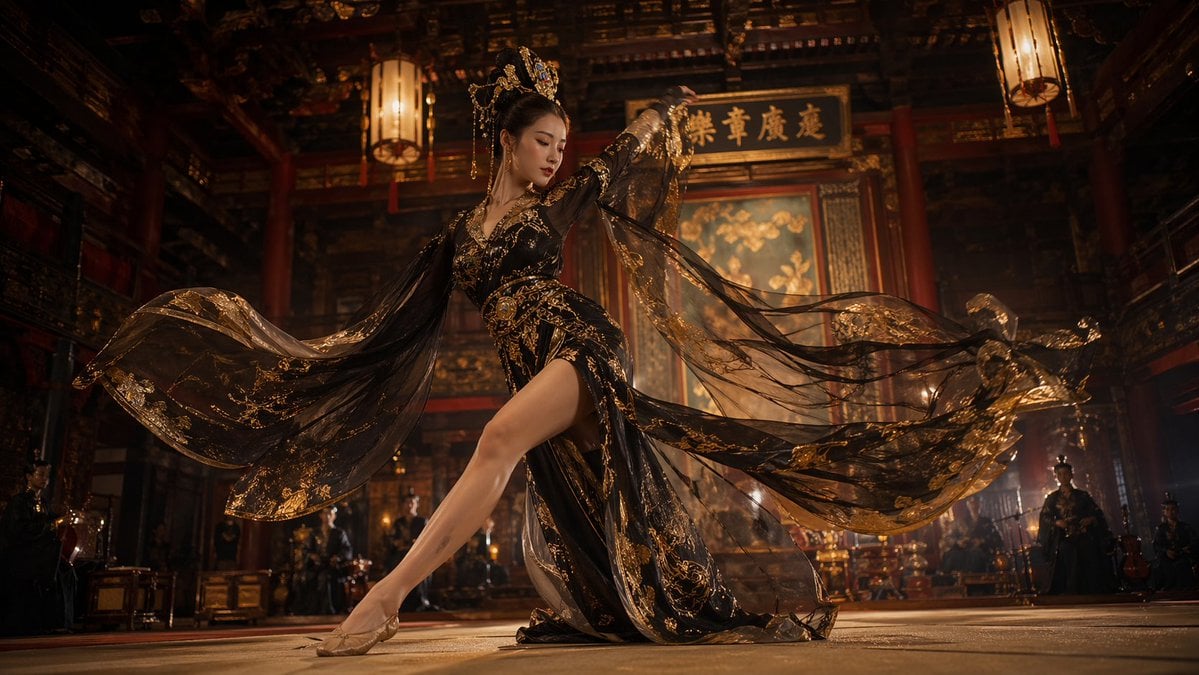
Tang Dynasty Palace Dancer
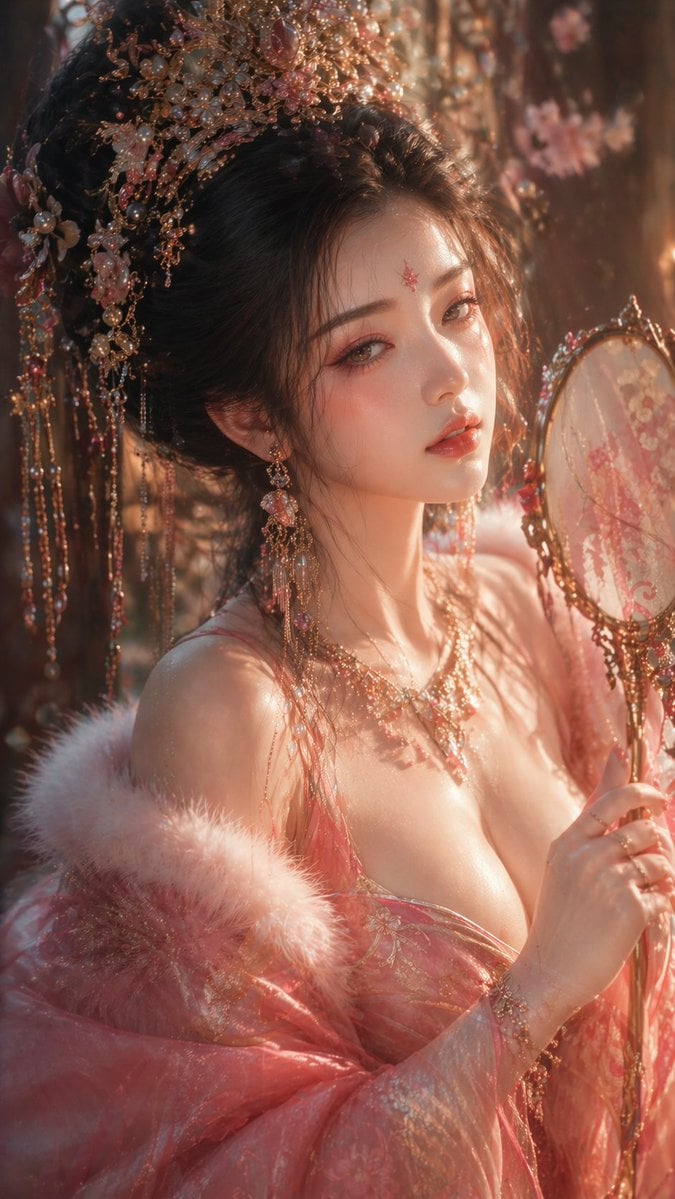
Tang Dynasty Aesthetic CG Illustration
Make it yours
Tang Dynasty Queen & Minions Gongbi Painting works as-is. These are the safest ways to change it without losing the look.
Change one field
Copy a single group, rewrite it, and generate again so you can see what that field is doing.
Keep the frame, change the subject
Hold the composition and light of Tang Dynasty Queen & Minions Gongbi Painting, then swap wardrobe, props or the person for a new take.
| If the result… | Why | Fix |
|---|---|---|
| The result drifts from the preview | Too many fields changed at once. | Reuse Tang Dynasty Queen & Minions Gongbi Painting as-is first, then change one group — subject, light, or setting. |
| The model over-stylizes the scene | The prose prompt leaves finish and camera underspecified. | Add one camera or lighting sentence and stay on GPT Image 2. |
More GPT Image 2 templates
Other prompts made for GPT Image 2.

Six VTuber Japanese Logo Sheet

Realistic Portrait of Woman and Deer

The Vista Modular Condo Poster

AI Model Routing Comparison Infographic

2.5D Anime Art Board

Isometric Productivity Desk Scene

New York Double Exposure Poster

Four-Panel AI Landscape Comparison

Japanese Tatami Lifestyle Magazine Cover

NESCAFÉ Coffee Map Poster
More image prompts
Fresh picks from across the catalog.
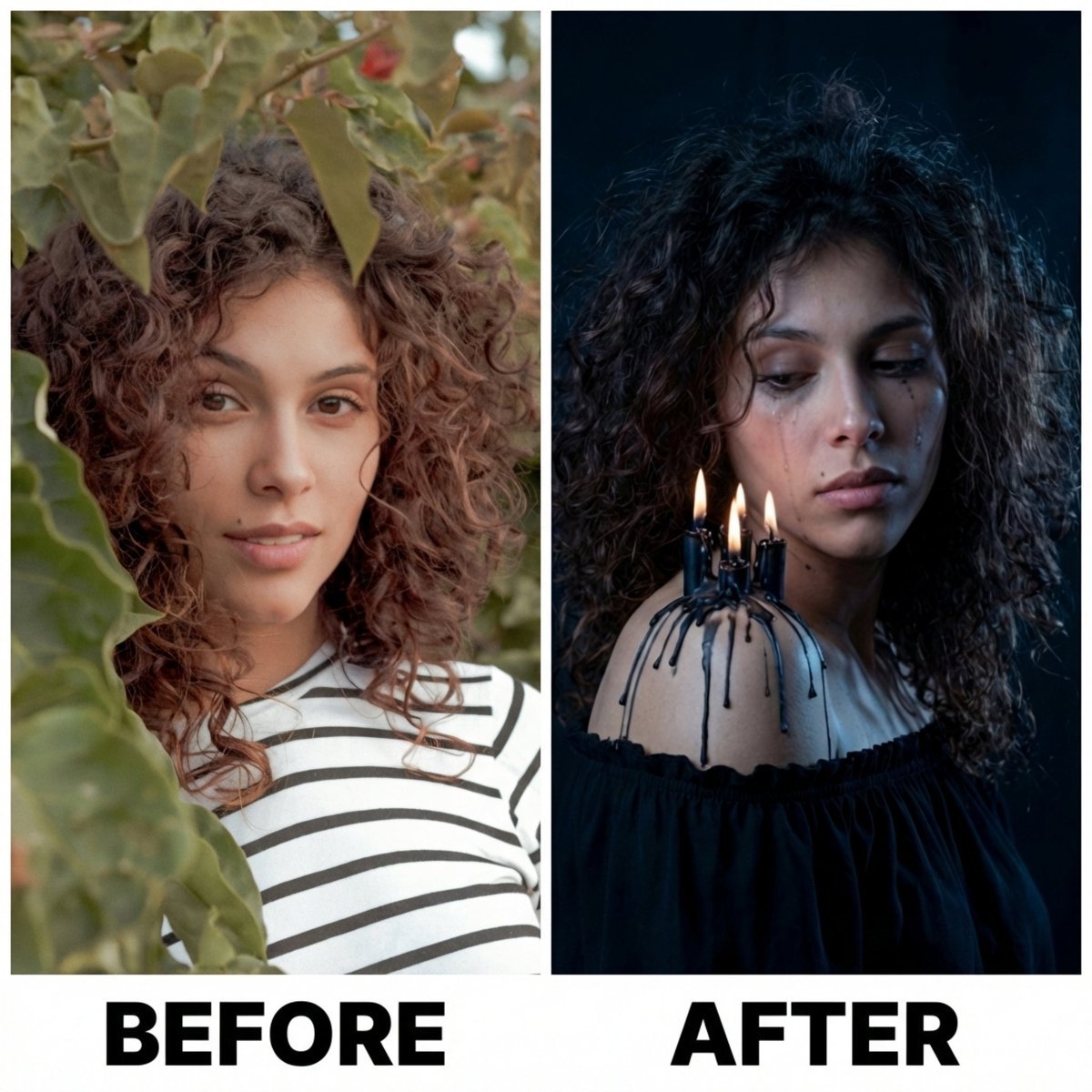
Moody Portrait with Dripping Candles
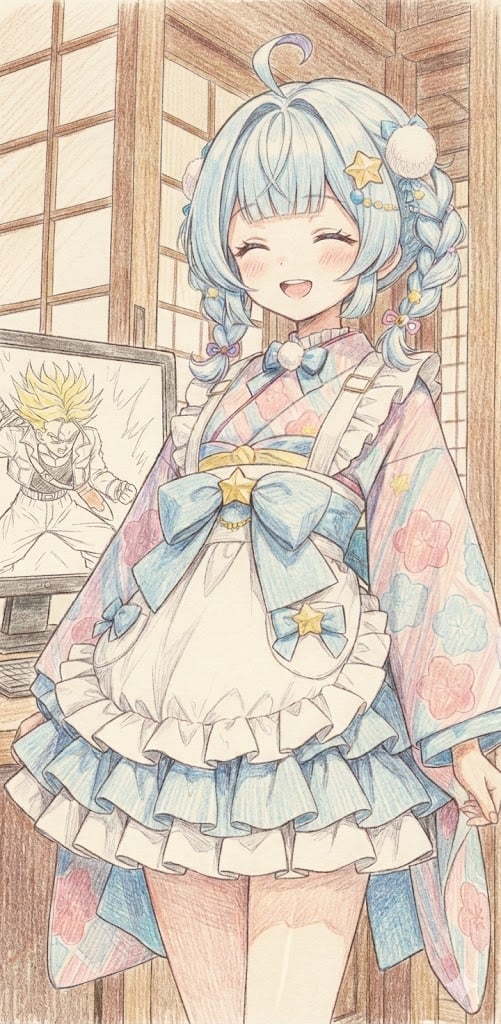
Image generation of Suu Mizumiya using Nano Banana Pro
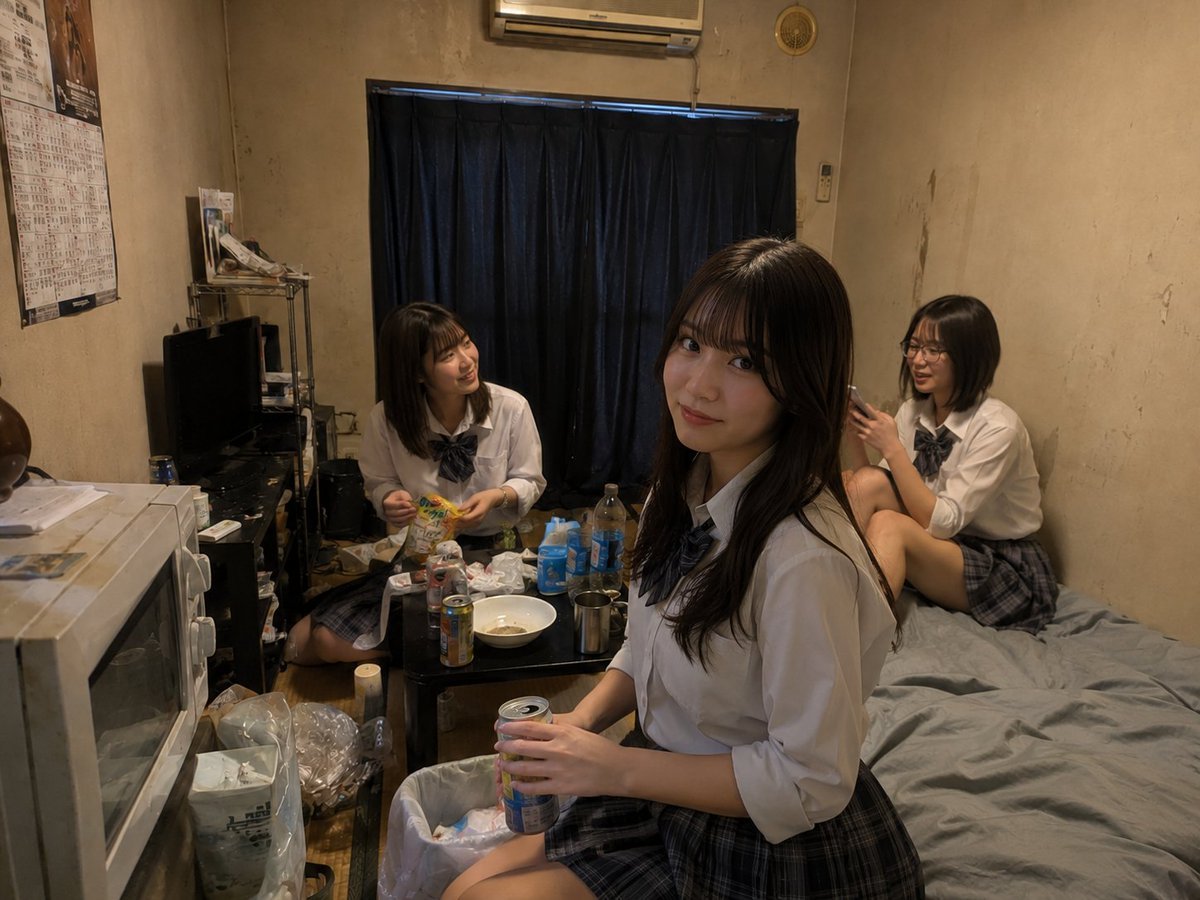
Messy Room Student Hangout
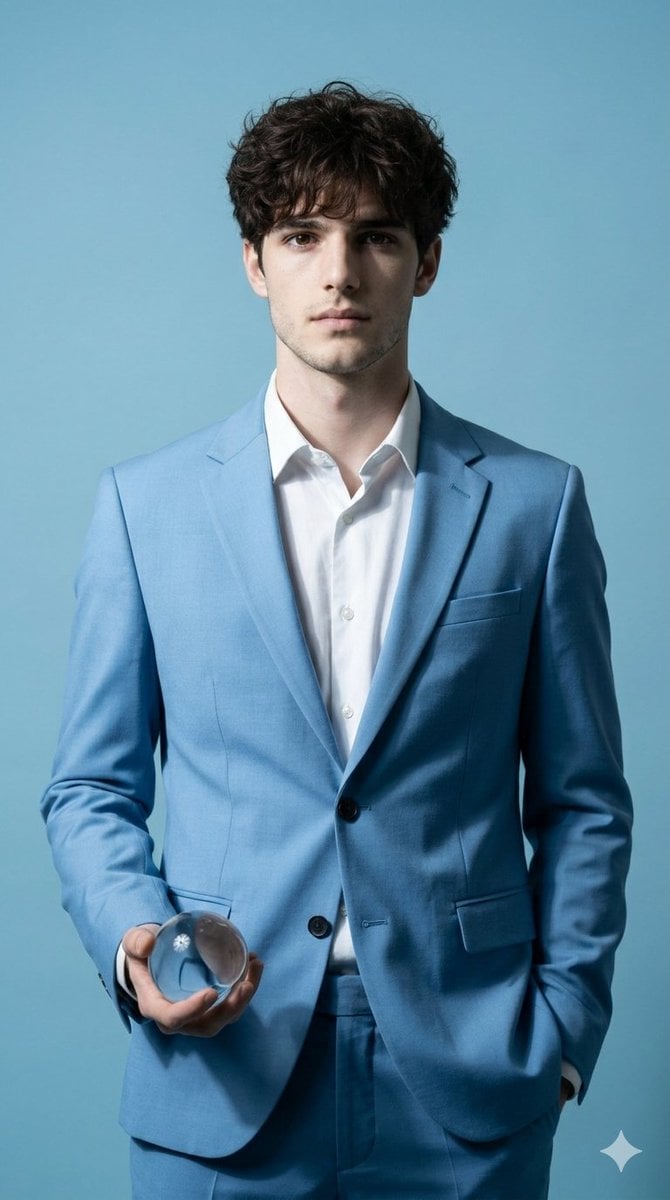
Hyper-Realistic Fine Art Fashion Portrait Prompt
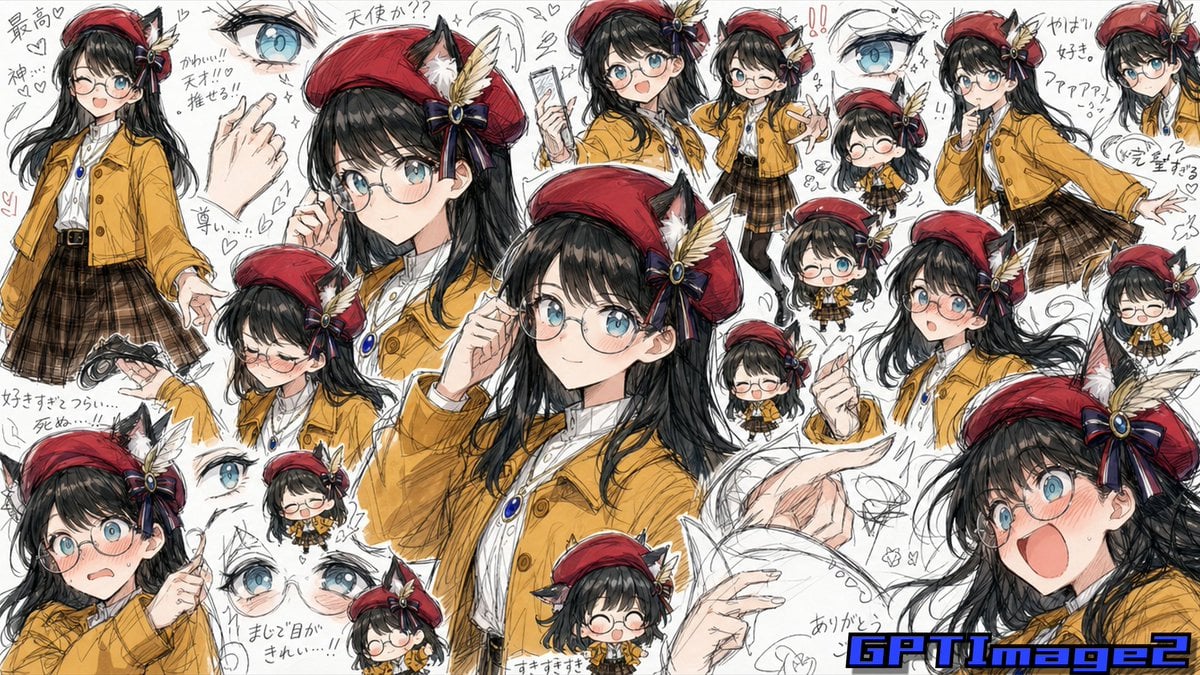
Fan Artist Sketchbook Collage
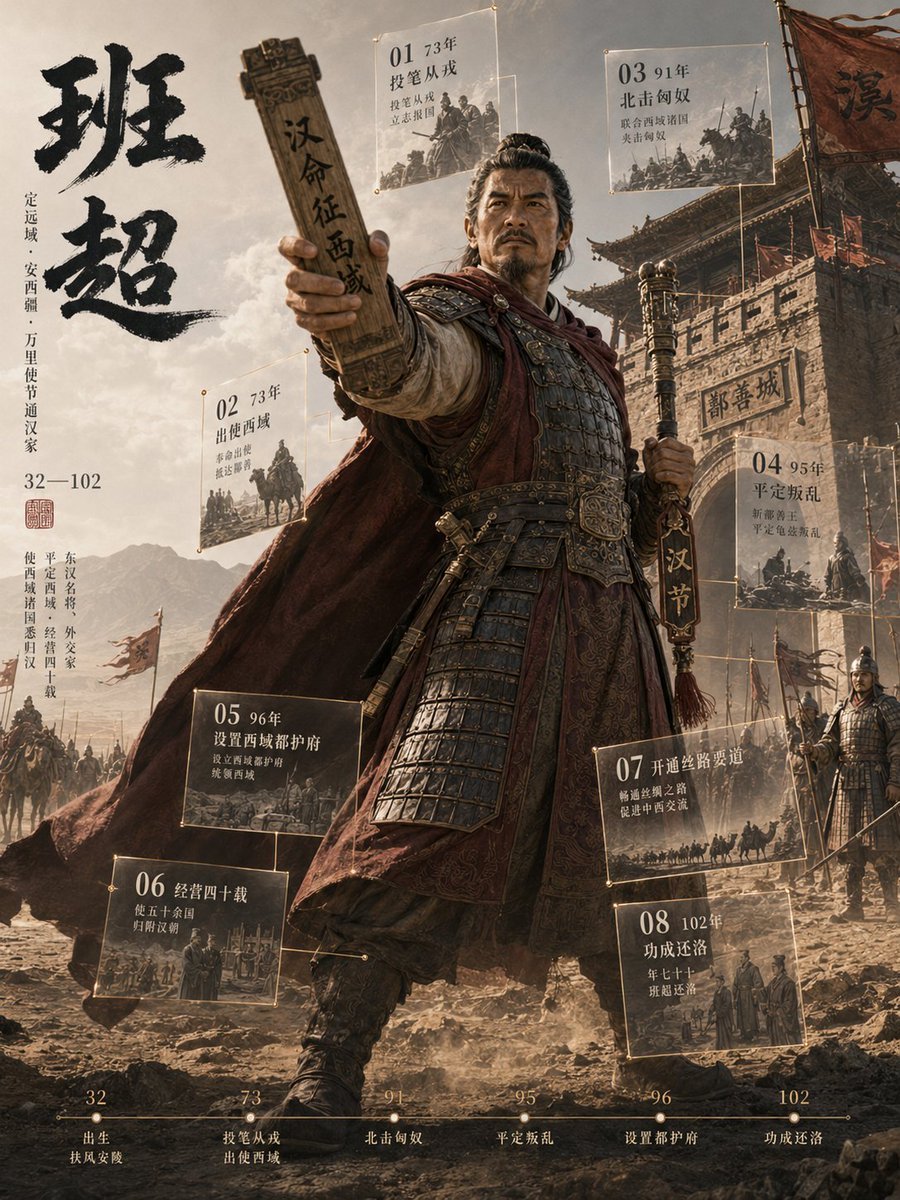
3D Chinese Historical Figure Archive Poster
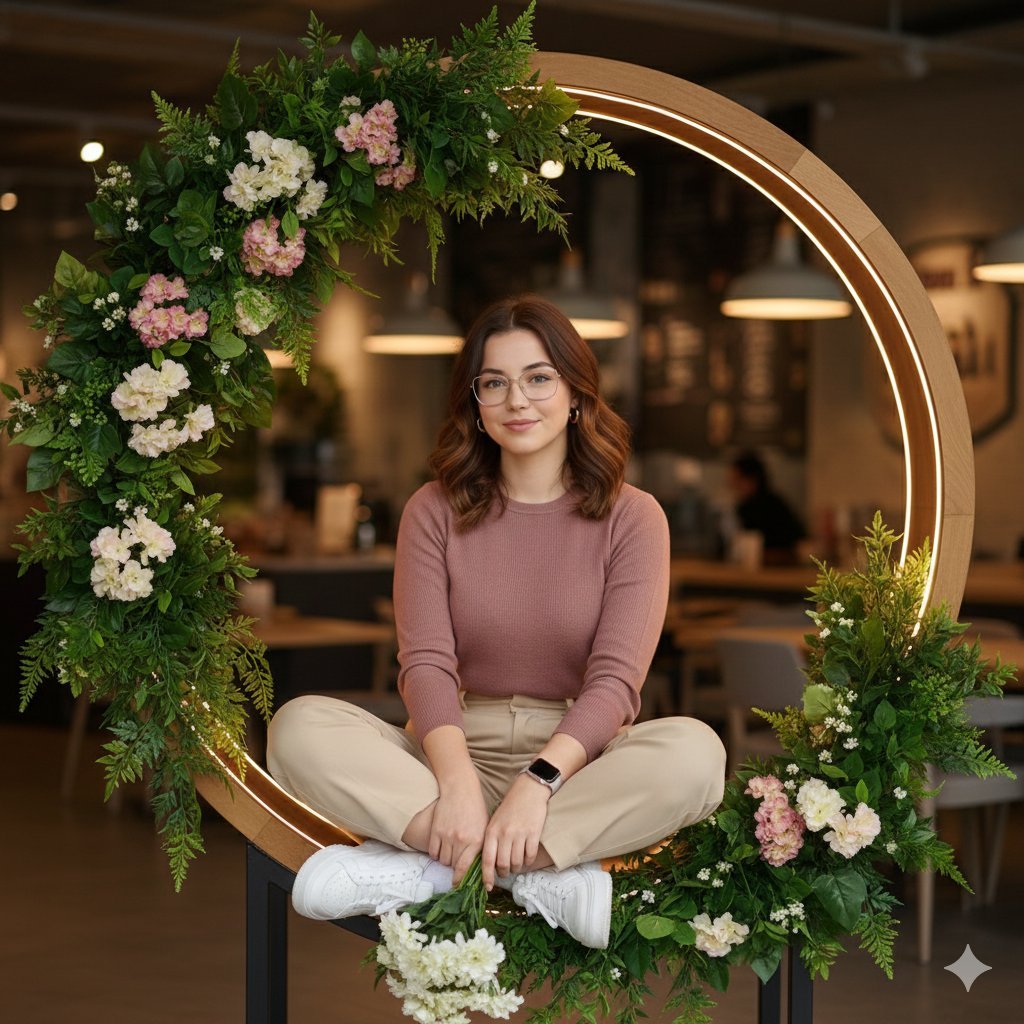
Ultra-Realistic Café Portrait with Identity Lock
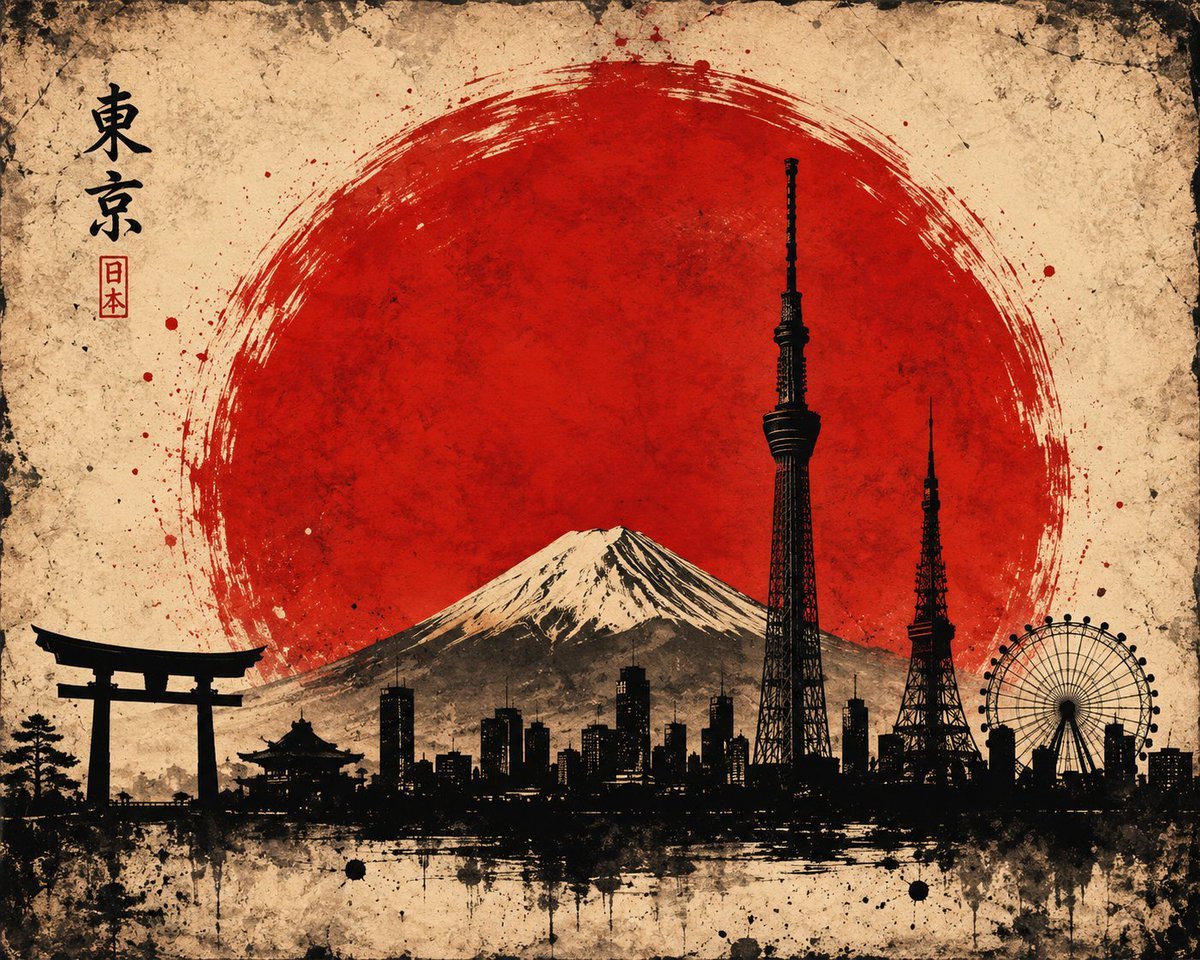
Vintage Brush Flag City Posters
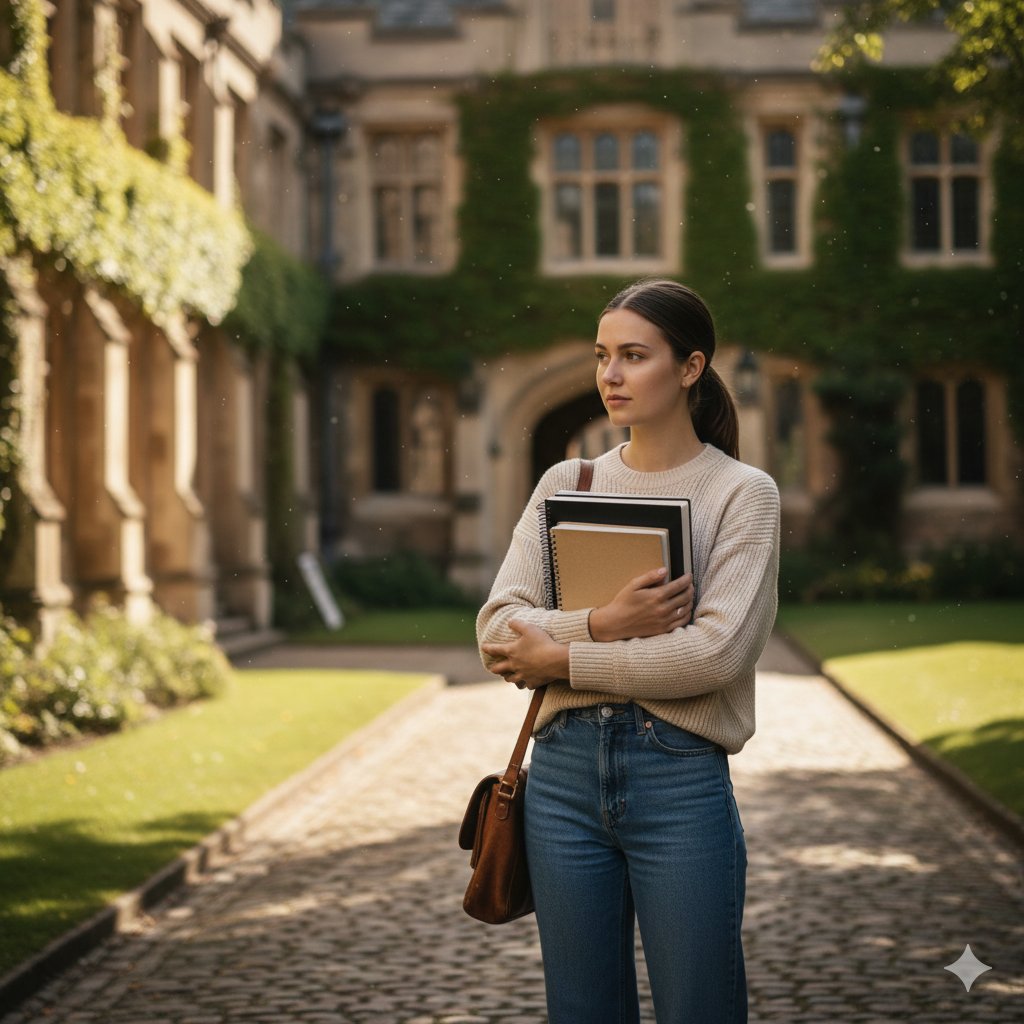
AI image prompt for a girl joining university
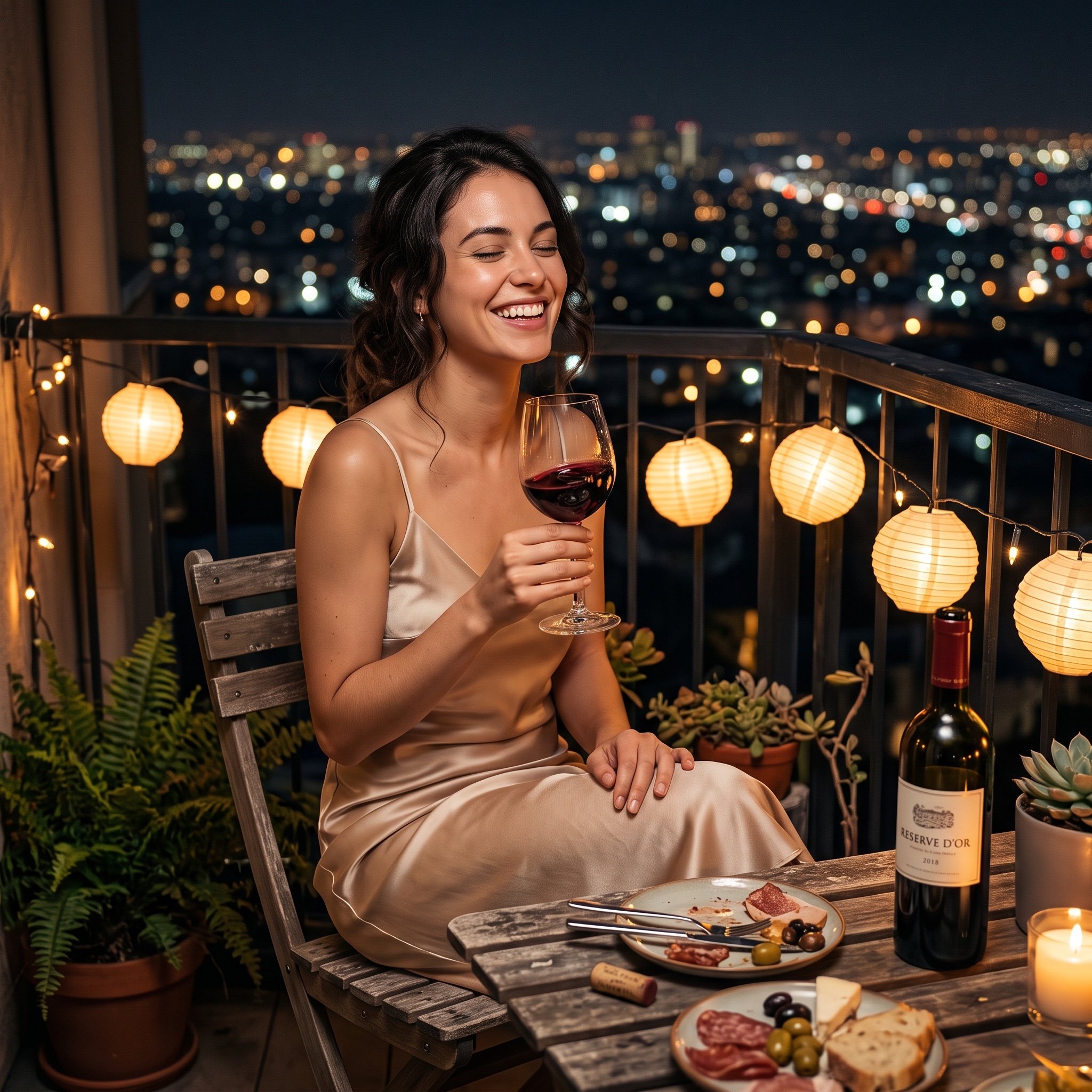
Photorealistic cinematic image prompt for a woman enjoying an evening on a balcony
Browse template categories
Tang Dynasty Queen & Minions Gongbi Painting questions
How do I use the Tang Dynasty Queen & Minions Gongbi Painting template?
Add your photo if the template asks for one, edit the prompt if you like — the template's model and format are already selected — and press Generate. Your version opens in PicX Studio.
Can I customize the Tang Dynasty Queen & Minions Gongbi Painting template?
Yes. You can change the subject, setting, lighting, mood, format, and available model controls before creating your image.
Is the Tang Dynasty Queen & Minions Gongbi Painting template free?
Opening and editing this template is free. Generating uses credits, shown on the Generate button when you are signed in.
Which AI model should I use?
Start with GPT Image 2, which is the model associated with this template. You can compare another compatible model for a different finish.
Looking for something else? Browse all templates.

Your photo, any look
Thousands of ready templates for every top image and video model, from one credit balance.