
Tang Dynasty Palace Dancer
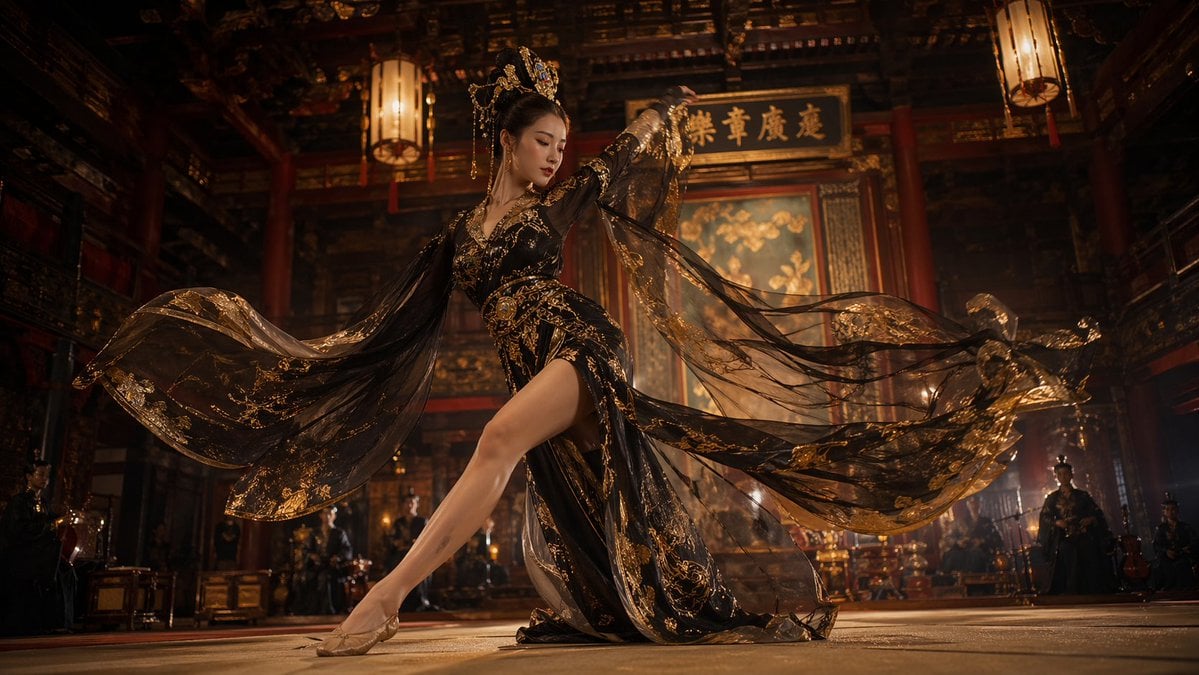
This prompt generates a cinematic ultra-realistic historical Chinese dance scene, ideal for dramatic film-style concept art or social media comparisons of image model realism.
- Prompt included
- Model and format preset
- Free template
The prompt behind this image
Copy the exact prompt behind Tang Dynasty Palace Dancer, or open it in the studio and make it yours.
A cinematic, ultra-realistic scene of a Tang Dynasty court dancer performing inside a grand ancient Chinese palace hall at night. A beautiful woman in an elegant {argument name="costume color" default="black and gold"} silk dance costume stands at center frame in a dramatic mid-dance pose, captured from a very low-angle with a slightly wide lens for an immersive, heroic perspective. Her costume is densely embroidered with metallic gold patterns and features layered translucent fabric, a high slit revealing one extended leg, long sheer sleeves, and wide flowing silk veils sweeping outward in two large arcs, creating a powerful sense of motion. She wears delicate gold accessories, fitted gold dance shoes, and an ornate golden headpiece over long black hair styled up with hanging ornaments. Her makeup is refined and regal. The palace interior is vast and luxurious, with tall red wooden pillars, dark carved beams, two large hanging lanterns visible overhead, a glowing ceremonial backdrop, and a large calligraphy plaque high behind her. In the softly blurred background, there are several attendants and musicians, including at least 6 visible human figures, arranged along the back and side edges of the hall. Lighting is dramatic and filmic, with warm amber lantern light, golden highlights on the costume, soft shadow falloff, subtle haze, depth of field, and slight motion blur in the swirling fabric. Highly detailed textures, realistic skin rendering, rich contrast, luxurious atmosphere, historical Chinese palace grandeur, widescreen composition, {argument name="aspect ratio" default="16:9"}.
How to use Tang Dynasty Palace Dancer in 3 steps
- 1Upload ImagePNG, JPG or paste
Add your photo
Upload the photo the template builds on. The prompt, model and format are already set.
- 2…a portrait of your subject in softgolden-hour light, 85mm…
Personalize
Edit the subject and creative details for your destination.
- 3Generate
Generate
Press Generate — your image is created in PicX Studio, so you can compare it with the original and refine one variable at a time.
More like this
Templates with the same subject, style or setup. Open one to see its prompt.

Tang Dynasty Royal Banquet Cinematography
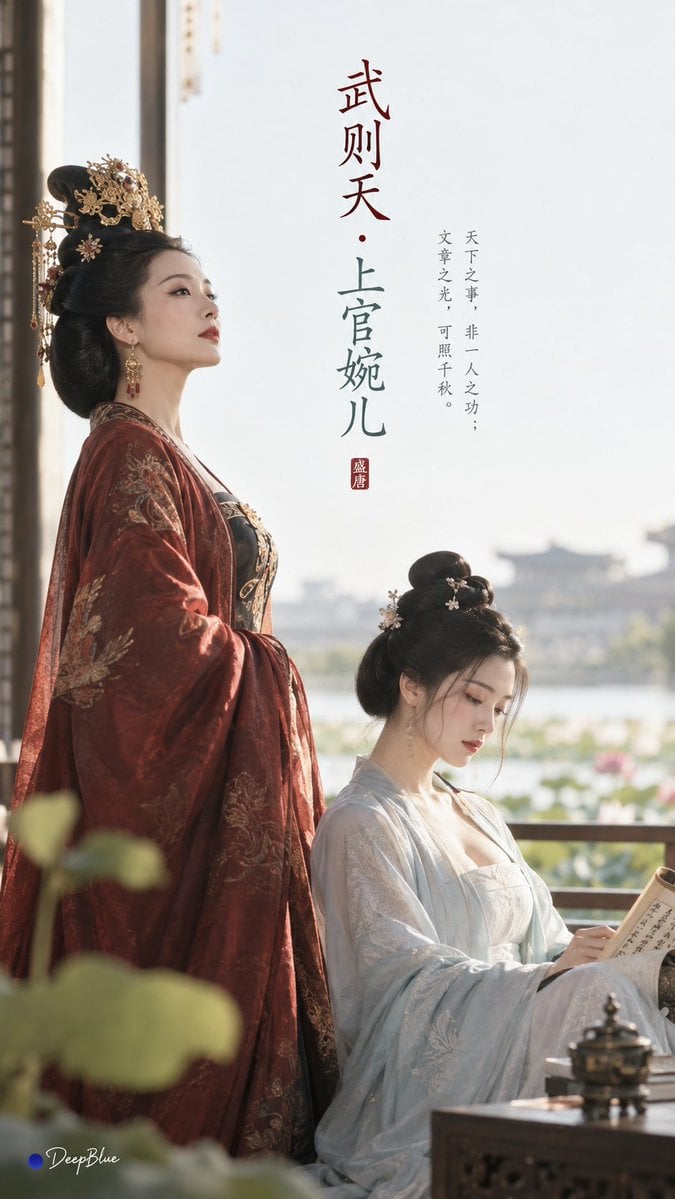
Tang Dynasty Minimalist Editorial
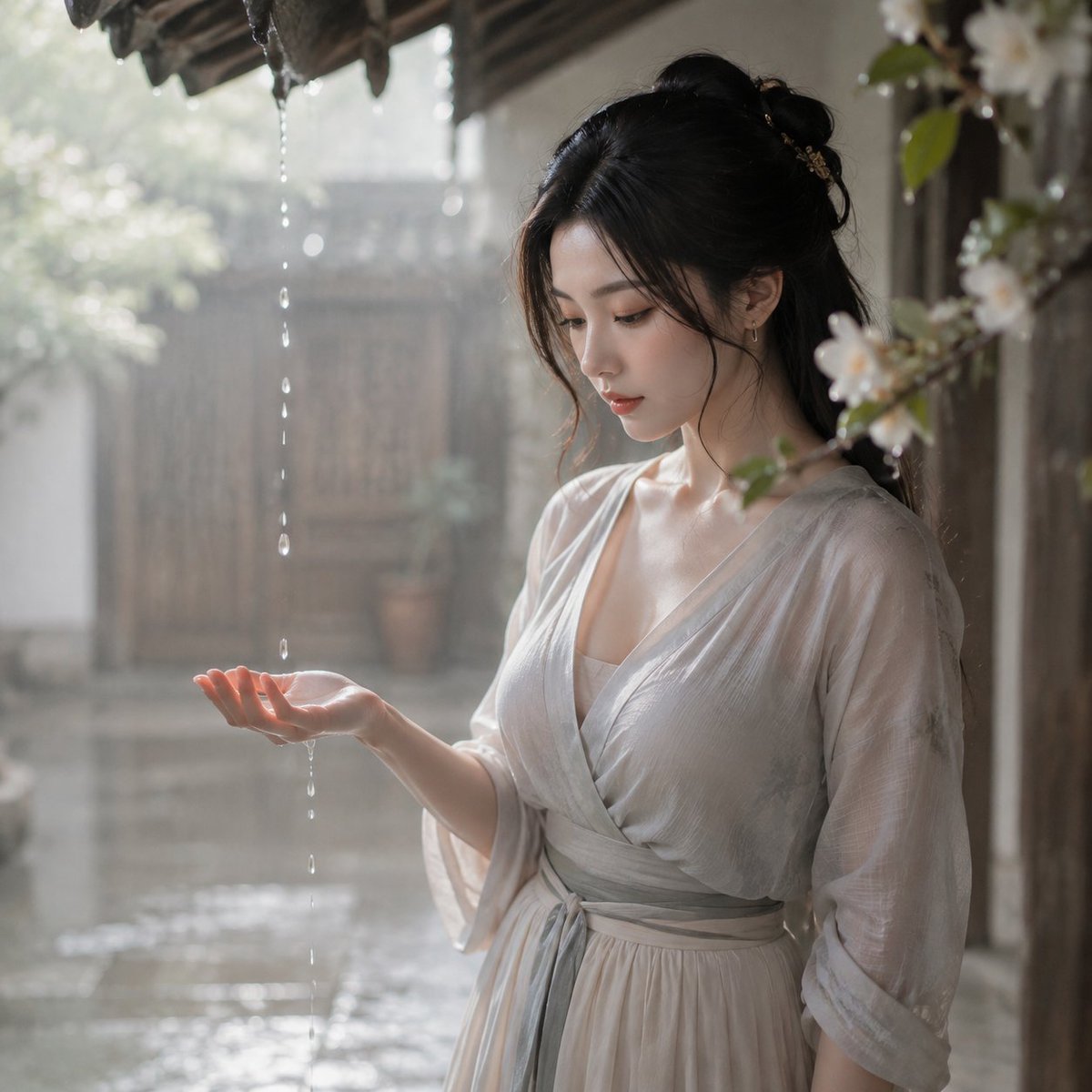
Tang Dynasty Courtyard Rain Scene
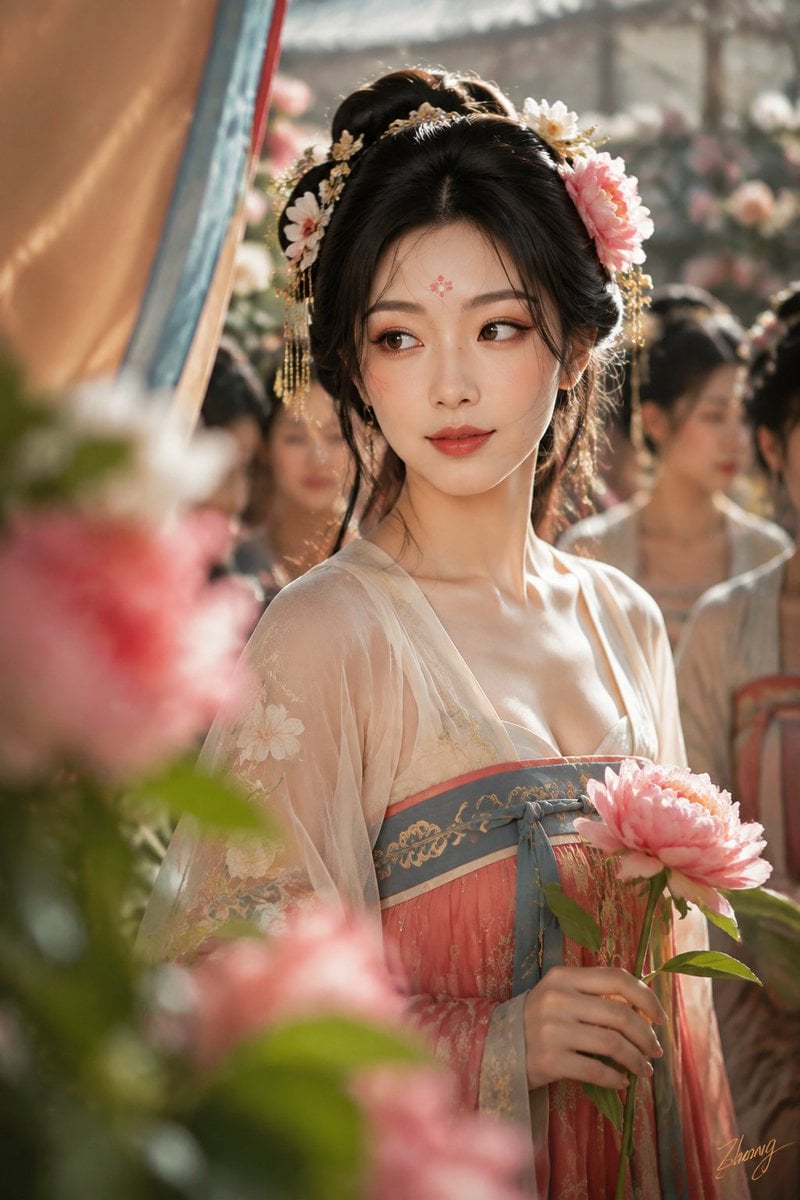
Tang Dynasty Cinematic Photography
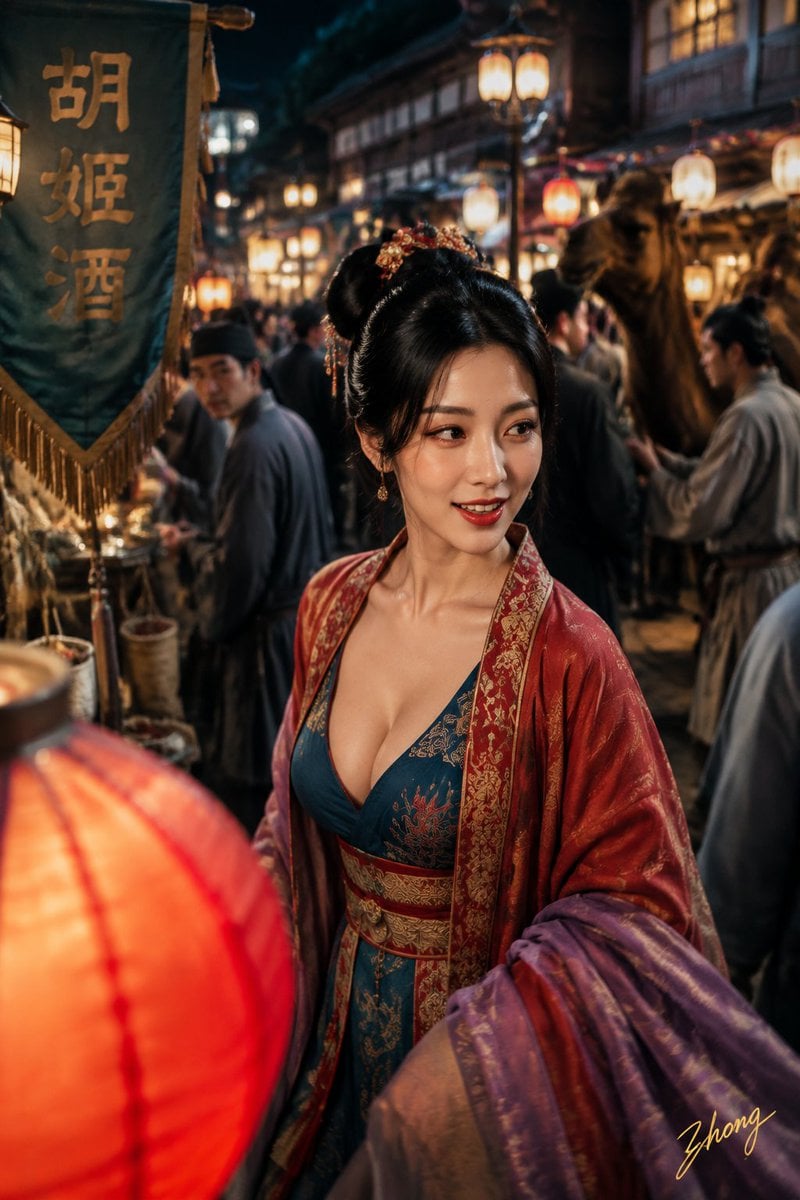
Tang Dynasty Aesthetics Photography Series
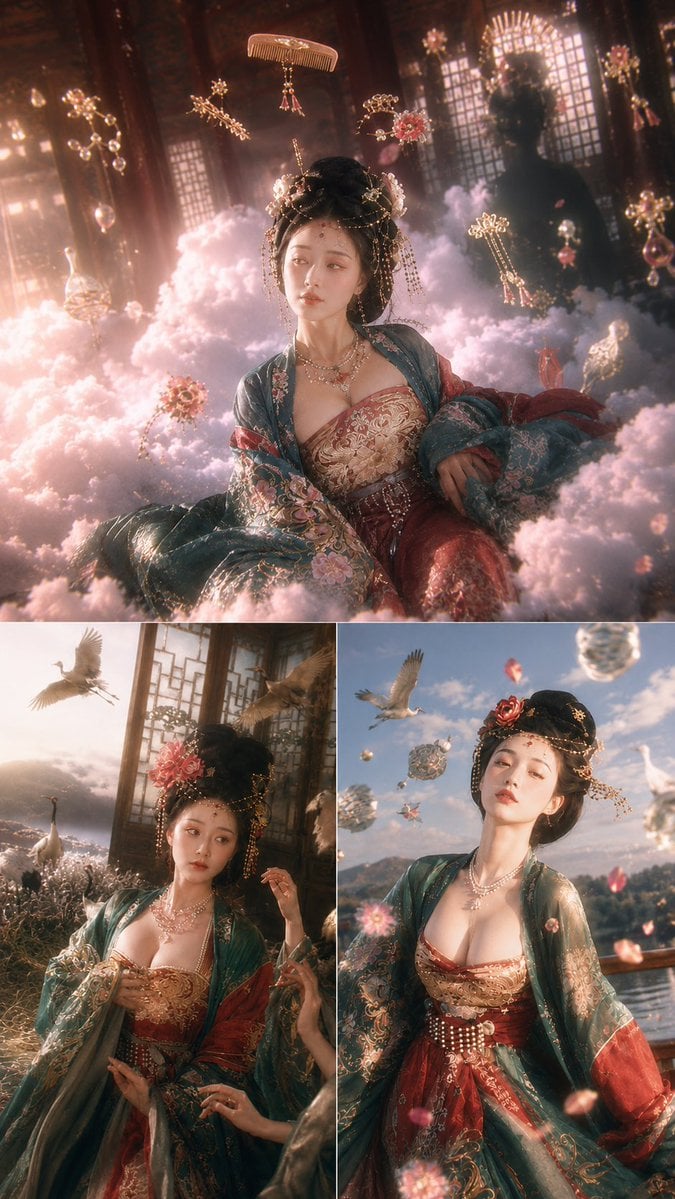
Tang Dynasty Fantasy Triptych
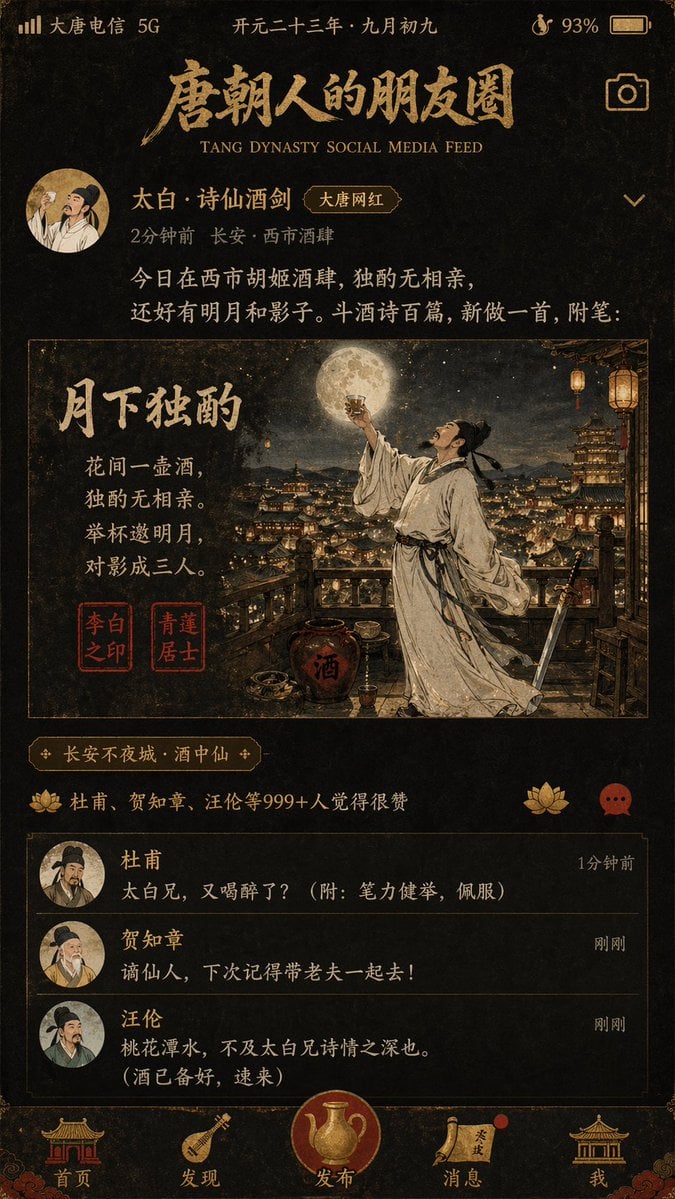
Tang Dynasty Social Feed Poster
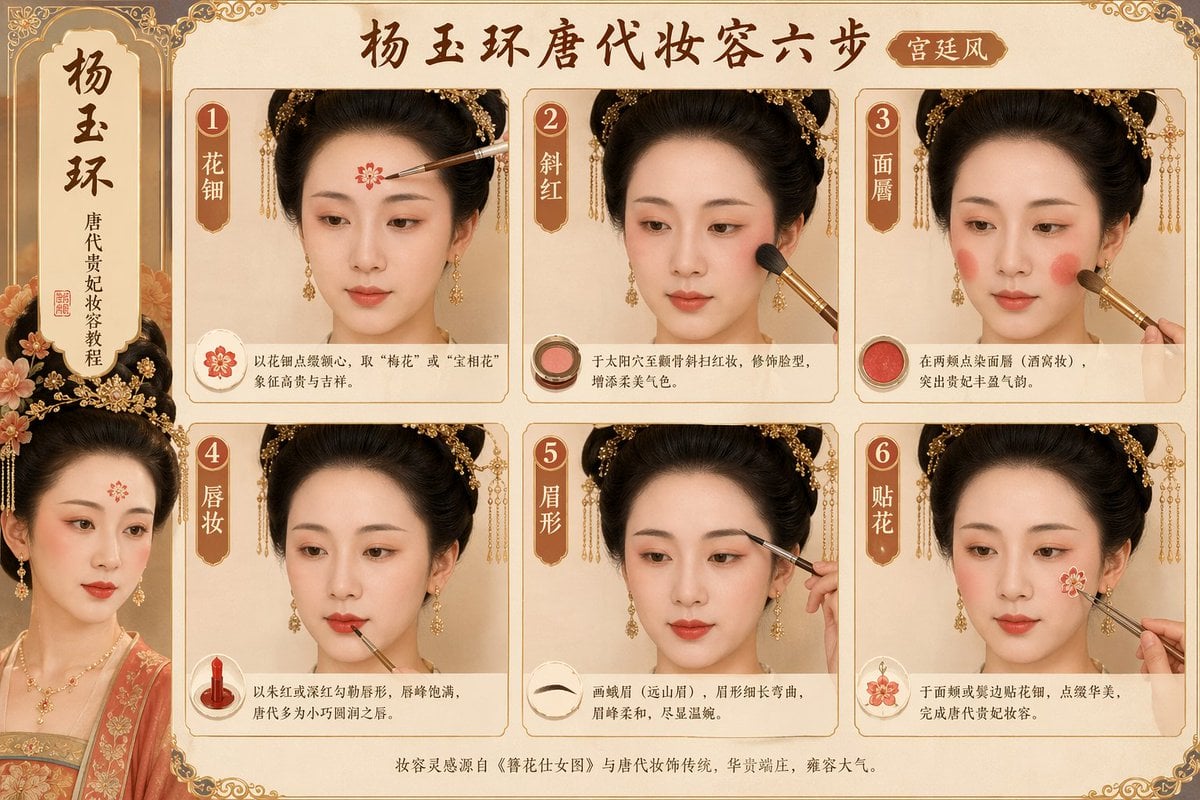
Tang Dynasty makeup steps prompt
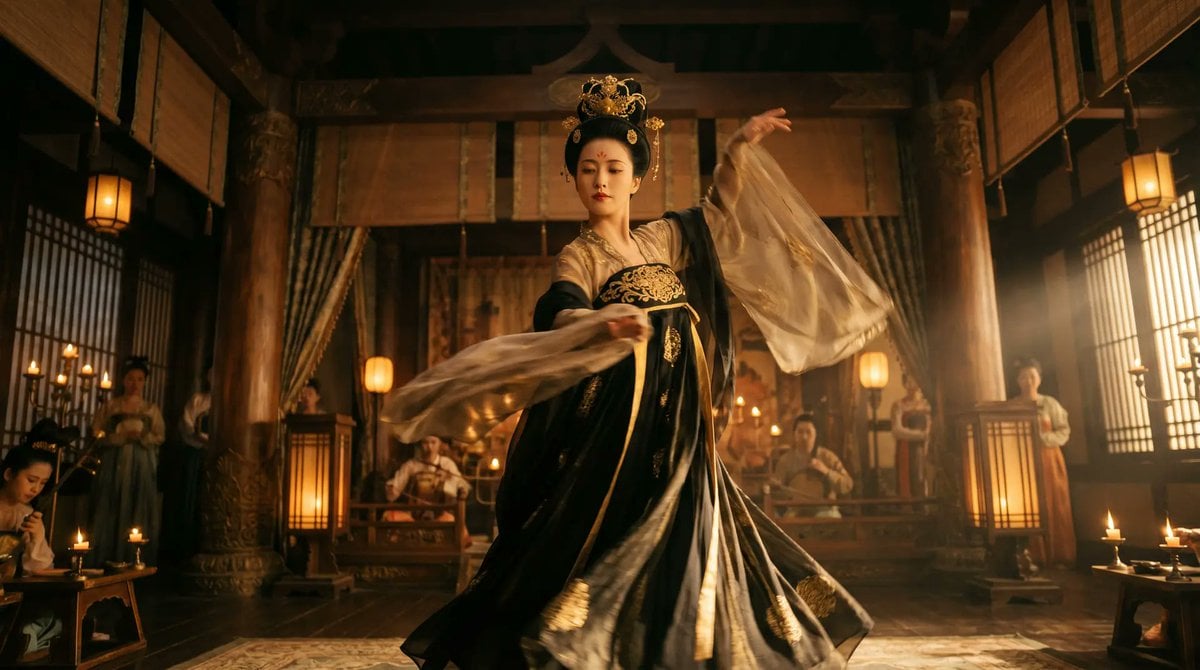
Cinematic Tang Court Dancer at Night
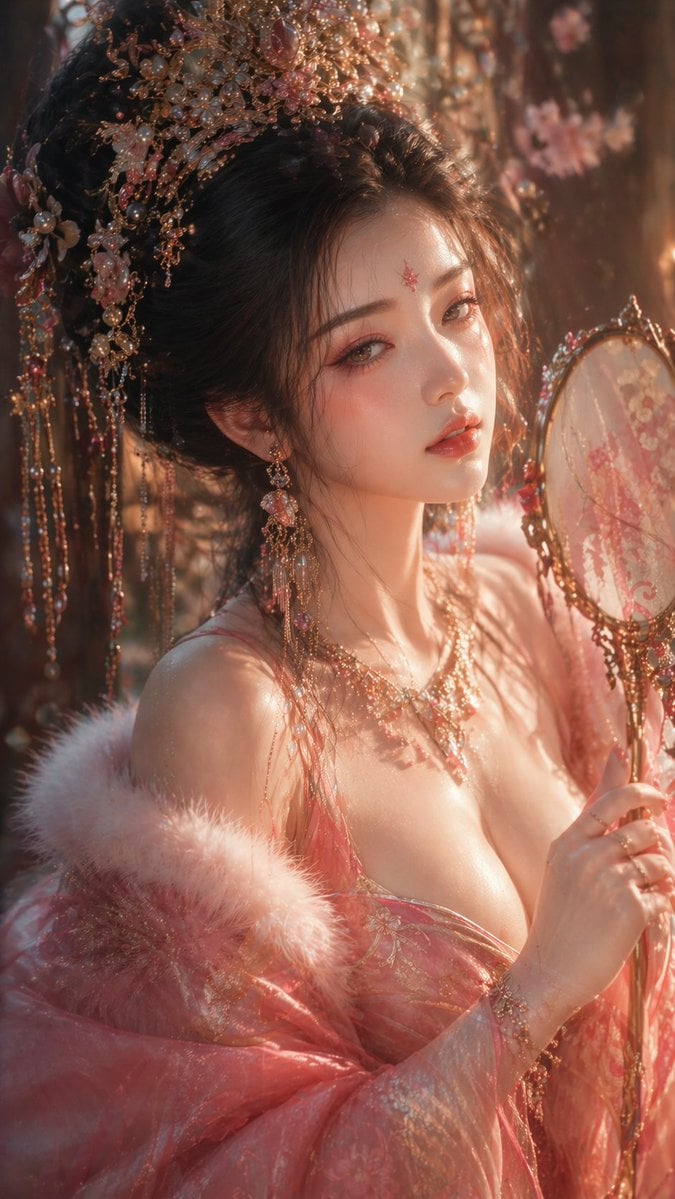
Tang Dynasty Aesthetic CG Illustration
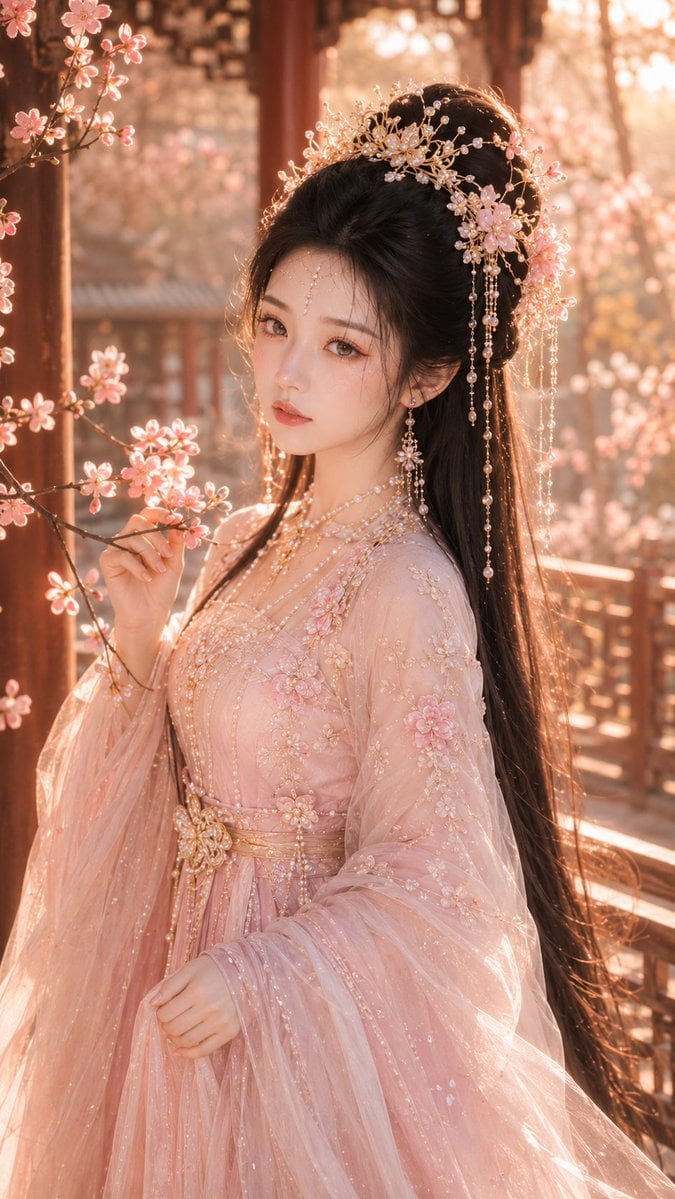
Tang Dynasty Fantasy Female Portrait
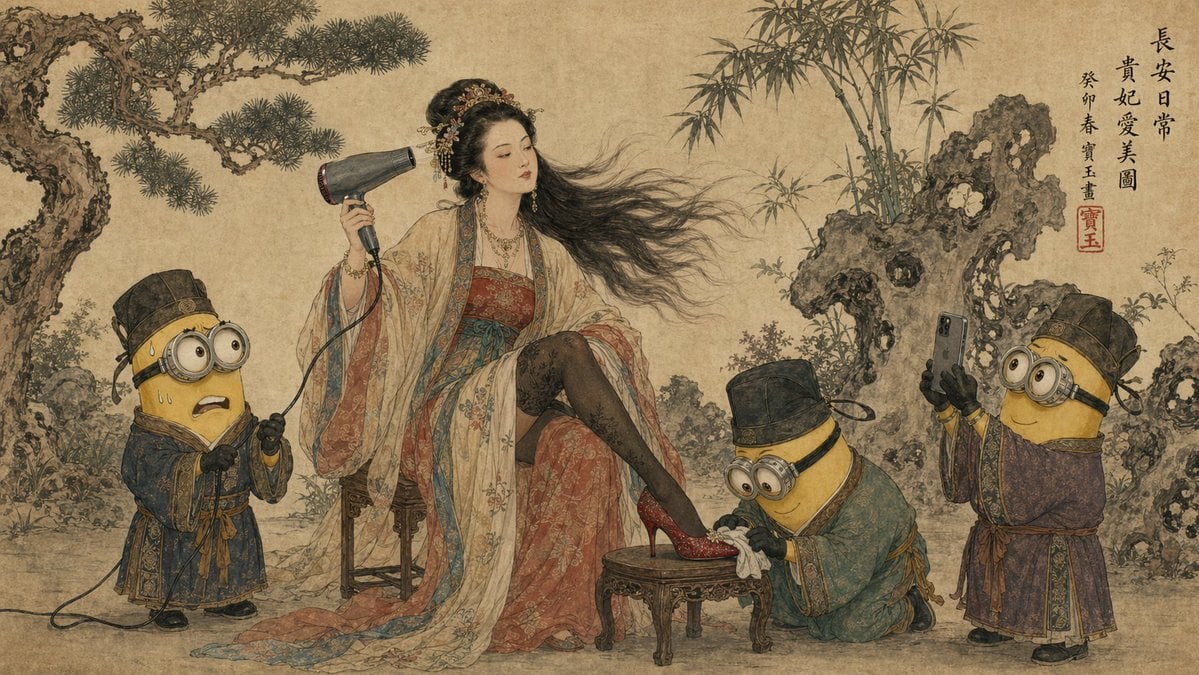
Tang Dynasty Queen & Minions Gongbi Painting
Make it yours
Tang Dynasty Palace Dancer works as-is. These are the safest ways to change it without losing the look.
Change one field
Copy a single group, rewrite it, and generate again so you can see what that field is doing.
Keep the frame, change the subject
Hold the composition and light of Tang Dynasty Palace Dancer, then swap wardrobe, props or the person for a new take.
| If the result… | Why | Fix |
|---|---|---|
| The result drifts from the preview | Too many fields changed at once. | Reuse Tang Dynasty Palace Dancer as-is first, then change one group — subject, light, or setting. |
| The model over-stylizes the scene | The prose prompt leaves finish and camera underspecified. | Add one camera or lighting sentence and stay on GPT Image 2. |
More GPT Image 2 templates
Other prompts made for GPT Image 2.

Six VTuber Japanese Logo Sheet

Realistic Portrait of Woman and Deer

The Vista Modular Condo Poster

AI Model Routing Comparison Infographic

2.5D Anime Art Board

Isometric Productivity Desk Scene

New York Double Exposure Poster

Four-Panel AI Landscape Comparison

Japanese Tatami Lifestyle Magazine Cover

NESCAFÉ Coffee Map Poster
More image prompts
Fresh picks from across the catalog.
Forbes 30 Under 30 Magazine Style Portrait
Reflected Relic: Surreal Artisan Portrait
Y2K Style Translucent Motorbike Product Design
Nostalgic Winter Street Fashion Editorial Prompt
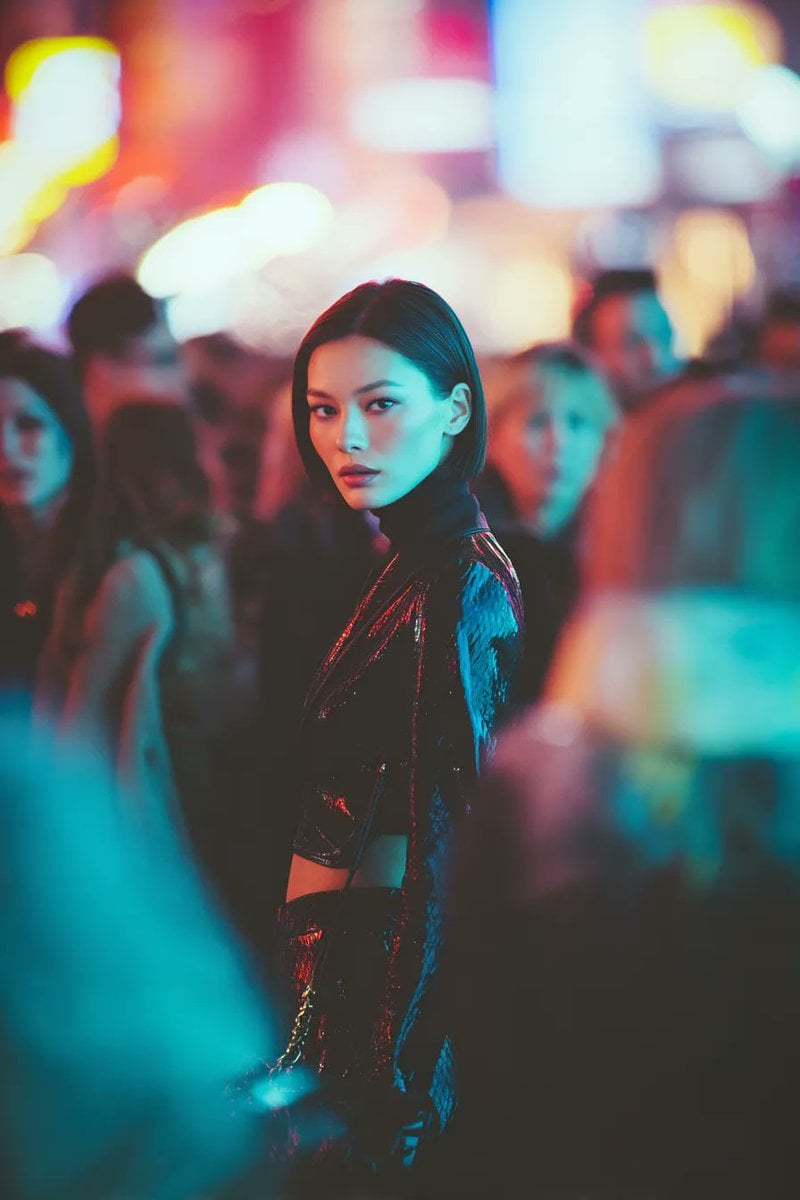
Ultra-realistic Cyberpunk Fashion Portrait
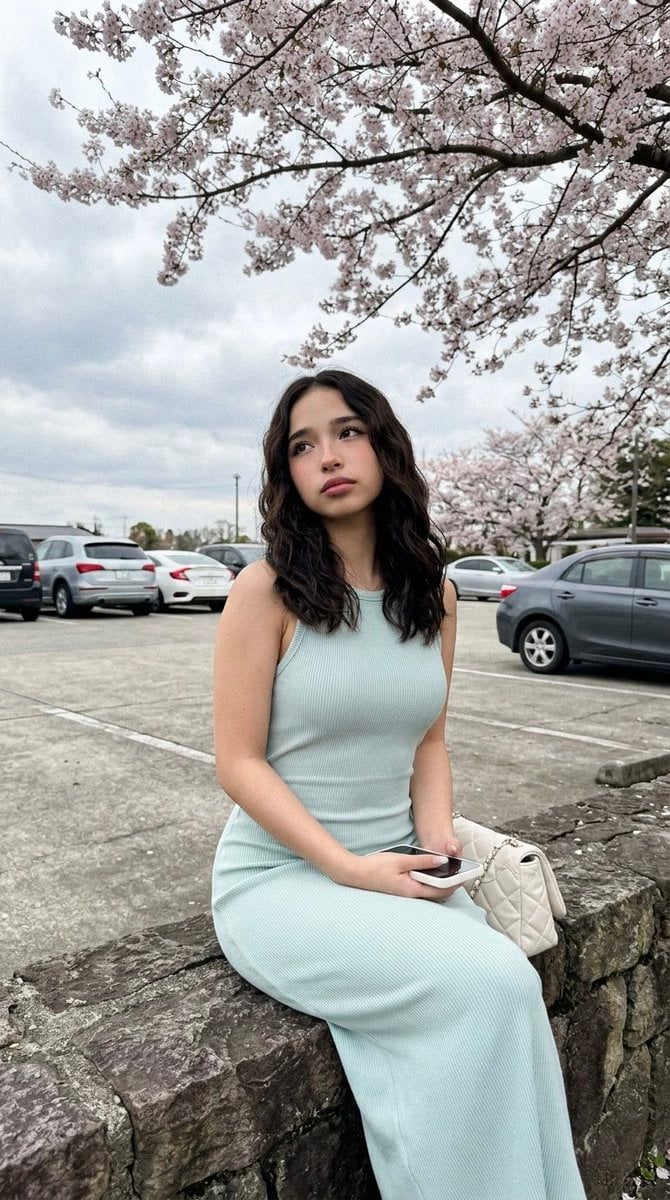
Cherry Blossom Parking Lot Portrait Prompt
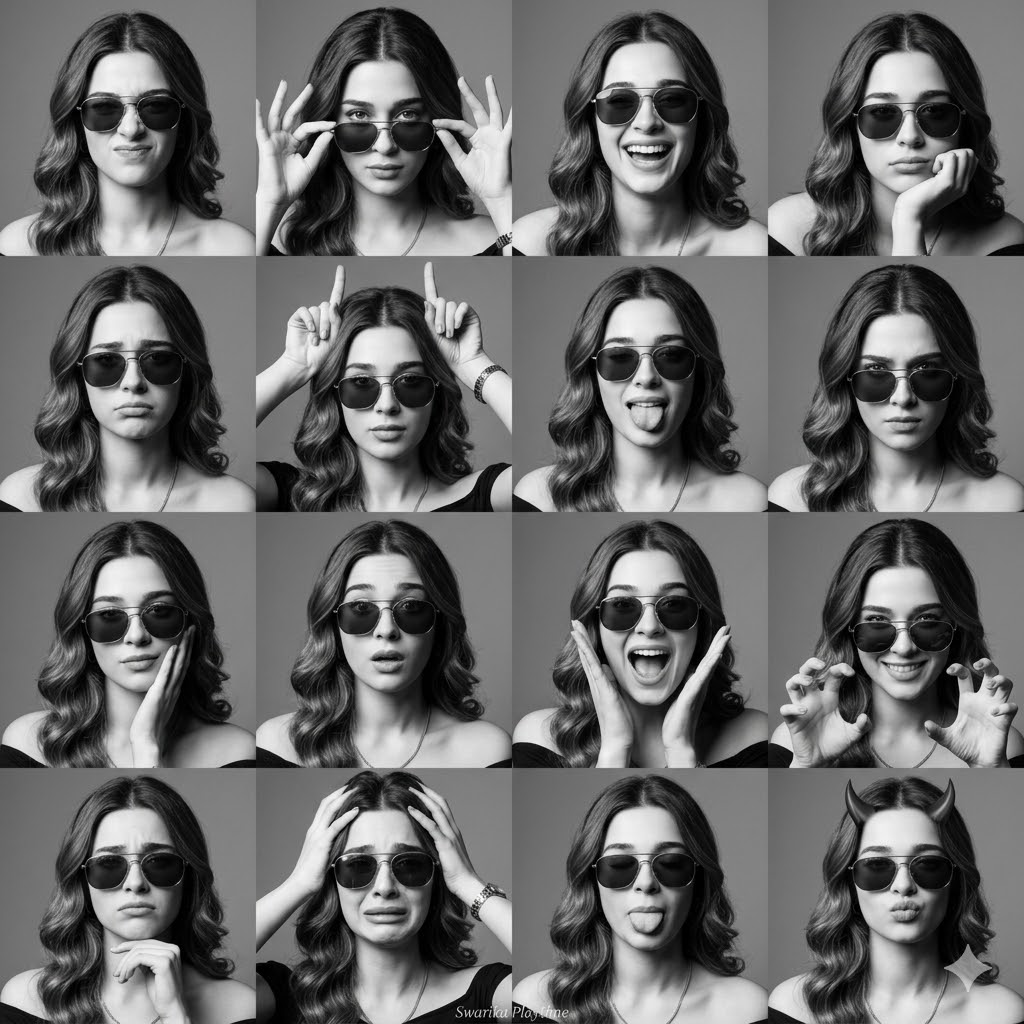
Expressive Photobooth Grid
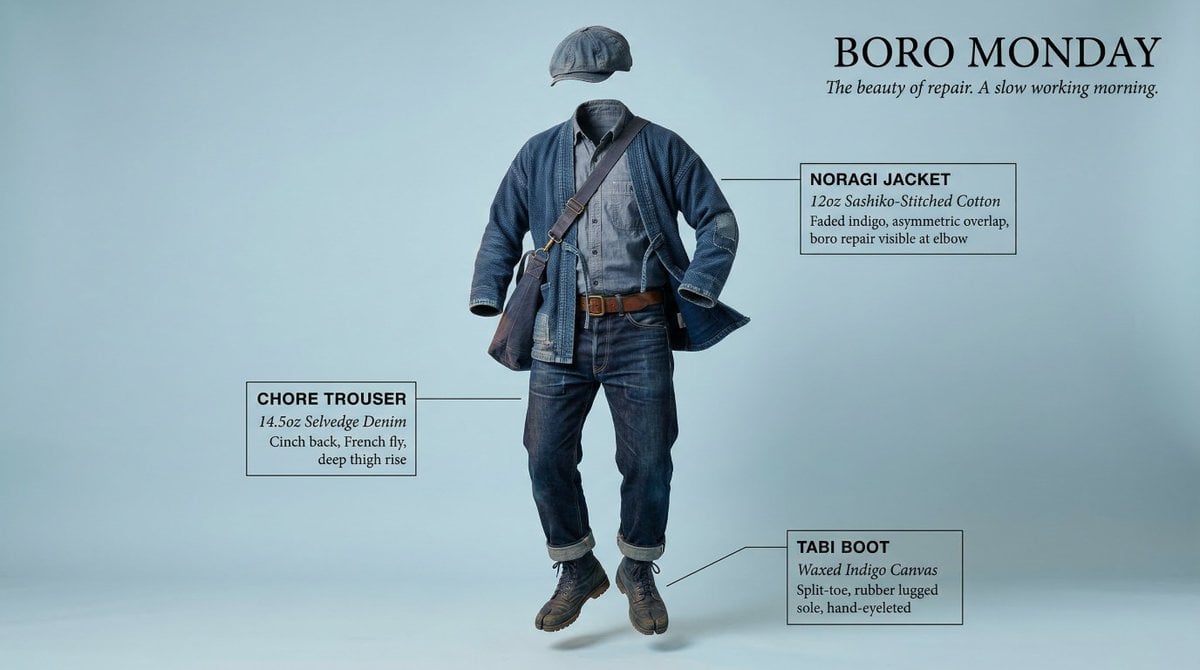
High-Concept Levitation Fashion Editorial
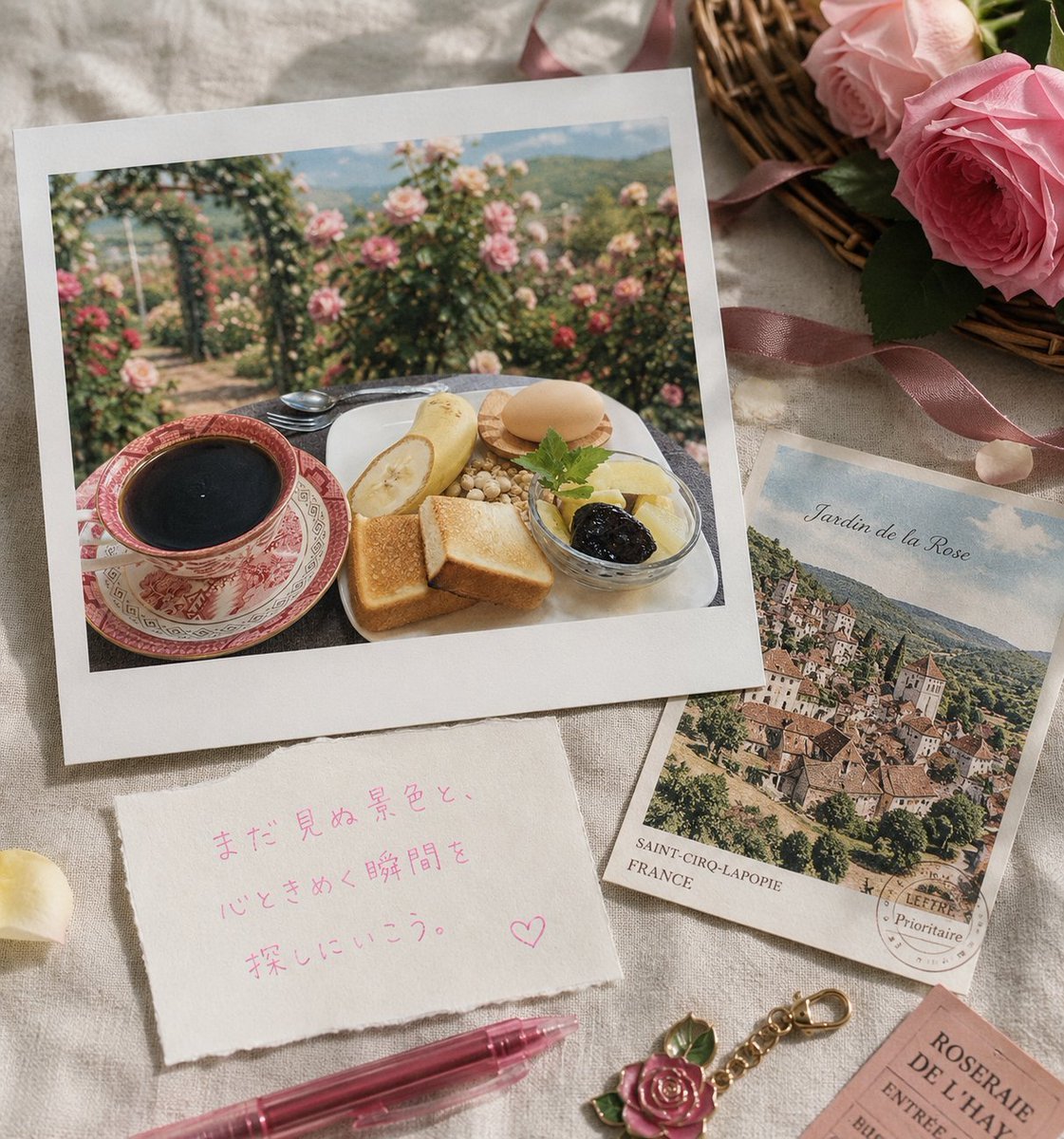
Rose Garden Travel Postcard Flat Lay

untitled
Browse template categories
Tang Dynasty Palace Dancer questions
How do I use the Tang Dynasty Palace Dancer template?
Add your photo if the template asks for one, edit the prompt if you like — the template's model and format are already selected — and press Generate. Your version opens in PicX Studio.
Can I customize the Tang Dynasty Palace Dancer template?
Yes. You can change the subject, setting, lighting, mood, format, and available model controls before creating your image.
Is the Tang Dynasty Palace Dancer template free?
Opening and editing this template is free. Generating uses credits, shown on the Generate button when you are signed in.
Which AI model should I use?
Start with GPT Image 2, which is the model associated with this template. You can compare another compatible model for a different finish.
Looking for something else? Browse all templates.

Your photo, any look
Thousands of ready templates for every top image and video model, from one credit balance.