
Tang Dynasty Minimalist Editorial
A sophisticated prompt for creating minimalist Tang Dynasty aesthetic covers, focusing on historical figures Wu Zetian and Shangguan Wan'er with clean architectural lines.
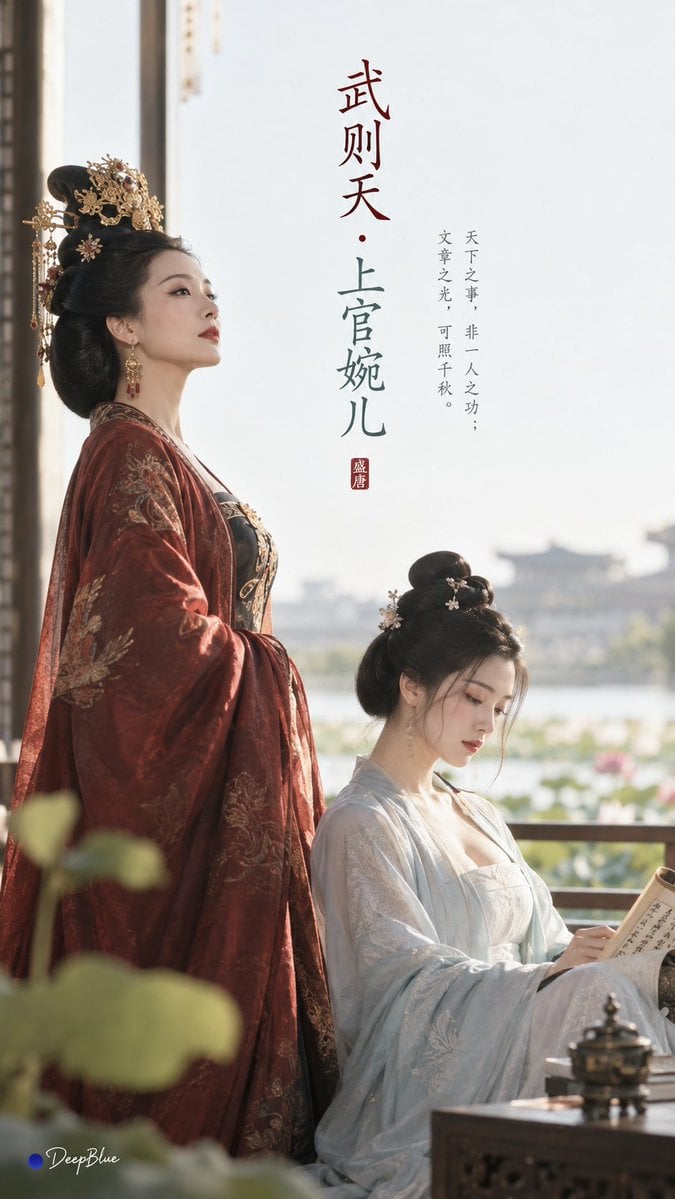
- Prompt included
- Model and format preset
- Free template
The prompt behind this image
Copy the exact prompt behind Tang Dynasty Minimalist Editorial, or open it in the studio and make it yours.
极简东方 × 盛唐美学 × 古风 Editorial × 独立艺术封面 人物:{argument name="人物" default="武则天、上官婉儿"},盛唐女性意象,端庄、聪慧、从容,气质形成鲜明对照。 场景:与二人相关的宫廷空间,以洛阳宫苑、临水宫殿、庭院楼台等意象为灵感;盛夏时节,仅保留少量建筑线条与自然元素。 服饰:简洁唐制宫廷服饰,武则天以{argument name="主要服饰颜色" default="深绛色"}为主,上官婉儿以{argument name="次要服饰颜色" default="月白或浅青"}为主,华贵有度,避免繁复堆饰。 画面:两人为绝对主体,空间极简,大面积留白,低饱和东方色调,自然夏日光影,安静通透,真实摄影质感,克制、清简、高级。 文字设计:主标题「武则天 · 上官婉儿」,可搭配一两句与二人历史意象相关的古典诗句;文字极少,采用极简东方排版,融入留白,不遮挡人物,不添加多余装饰。 画幅:9:16竖幅。 画面左下签名“● DeepBlue”,●为纯 #0B3D91 深蓝色,DeepBlue 为白色自然手写体。
How to use Tang Dynasty Minimalist Editorial in 3 steps
- 1
Open
The prompt is already in the box next to the preview, with the template's model and format selected.
- 2…a portrait of your subject in softgolden-hour light, 85mm…
Personalize
Edit the subject and creative details for your destination.
- 3Generate
Generate
Press Generate — your image is created in PicX Studio, so you can compare it with the original and refine one variable at a time.
More like this
Templates with the same subject, style or setup. Open one to see its prompt.

Korean Streetwear Minimalist Campaign Portrait

Premium Vintage Travel Poster Landscape
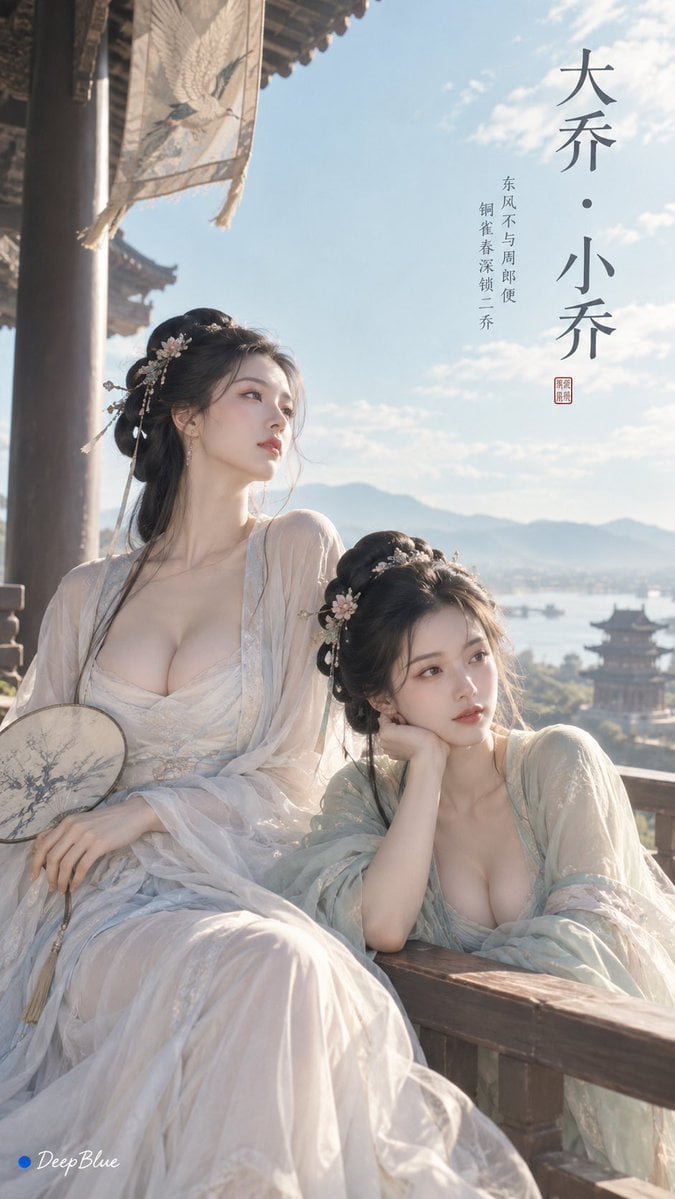
Minimalist Song Dynasty Editorial Art

Tang Dynasty Royal Banquet Cinematography
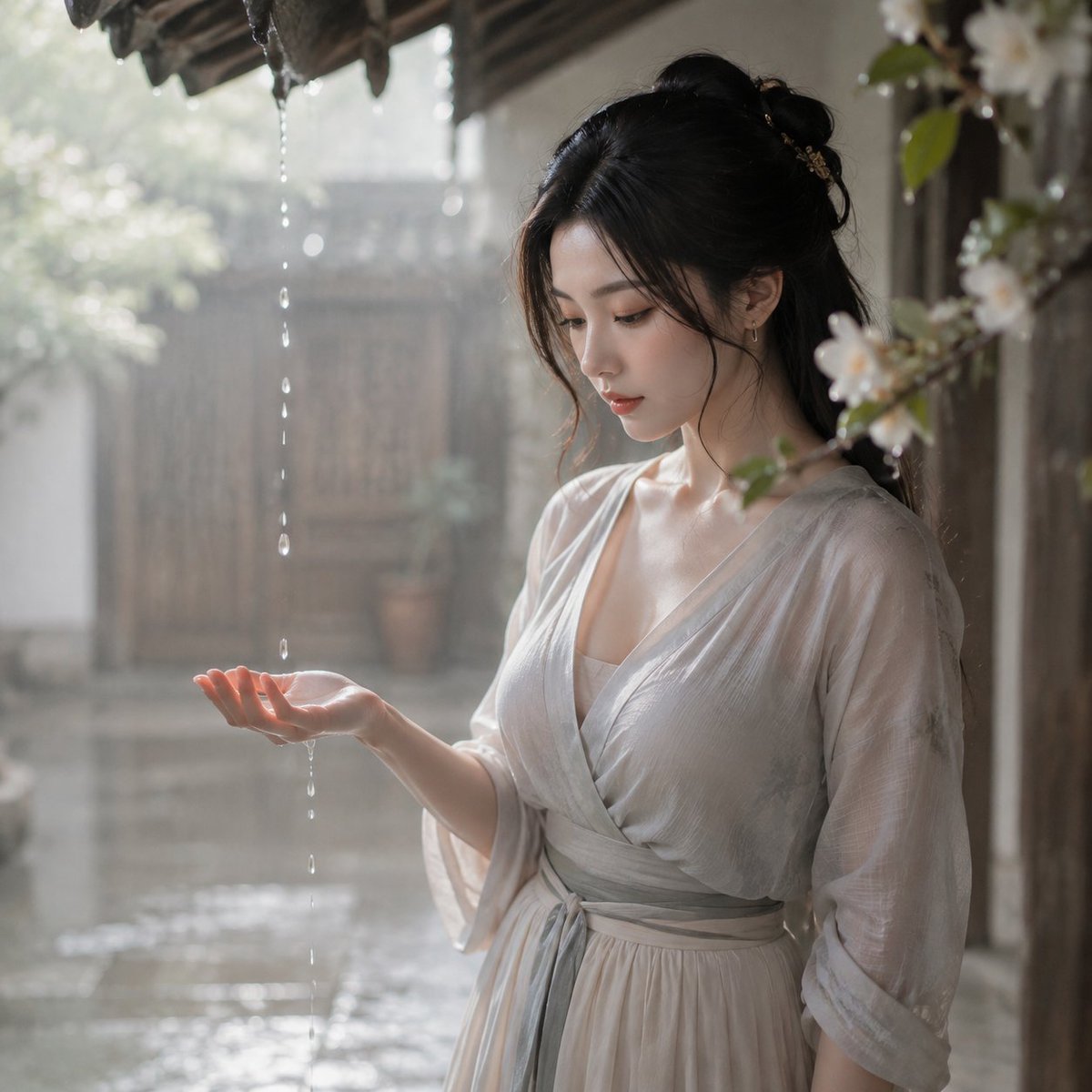
Tang Dynasty Courtyard Rain Scene
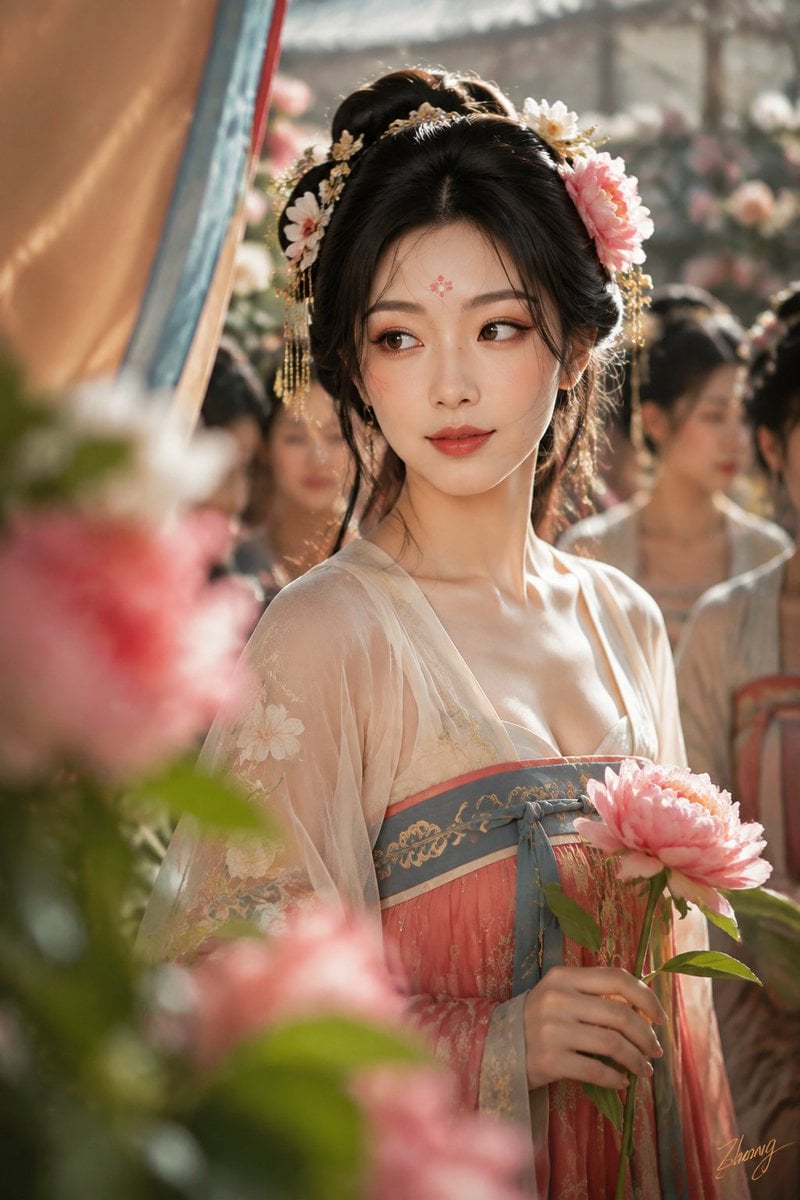
Tang Dynasty Cinematic Photography
Tang Dynasty Aesthetics Photography Series

Minimalist Olive Green Editorial Poster
Japanese Minimalist Editorial Fashion Poster
Tang Dynasty Fantasy Triptych
Minimalist White Dress Editorial

Urban Fashion Editorial Collage Streetwear Poster
Make it yours
Tang Dynasty Minimalist Editorial works as-is. These are the safest ways to change it without losing the look.
Change one field
Copy a single group, rewrite it, and generate again so you can see what that field is doing.
Keep the frame, change the subject
Hold the composition and light of Tang Dynasty Minimalist Editorial, then swap wardrobe, props or the person for a new take.
| If the result… | Why | Fix |
|---|---|---|
| The result drifts from the preview | Too many fields changed at once. | Reuse Tang Dynasty Minimalist Editorial as-is first, then change one group — subject, light, or setting. |
| The model over-stylizes the scene | The prose prompt leaves finish and camera underspecified. | Add one camera or lighting sentence and stay on GPT Image 2. |
More GPT Image 2 templates
Other prompts made for GPT Image 2.

Six VTuber Japanese Logo Sheet

Realistic Portrait of Woman and Deer

The Vista Modular Condo Poster

AI Model Routing Comparison Infographic

2.5D Anime Art Board

Isometric Productivity Desk Scene

New York Double Exposure Poster

Four-Panel AI Landscape Comparison

Japanese Tatami Lifestyle Magazine Cover

NESCAFÉ Coffee Map Poster
More image prompts
Fresh picks from across the catalog.
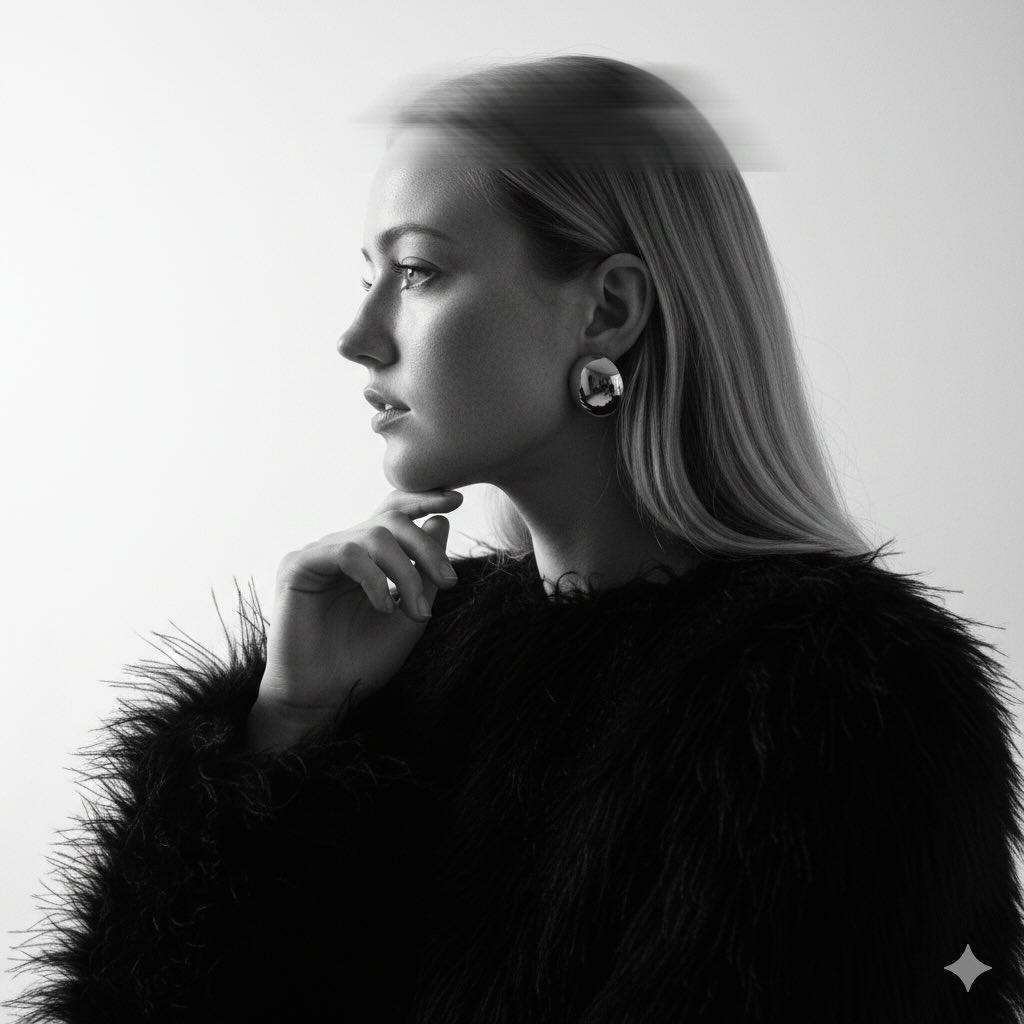
Black-and-White Surreal Editorial Portrait Prompt
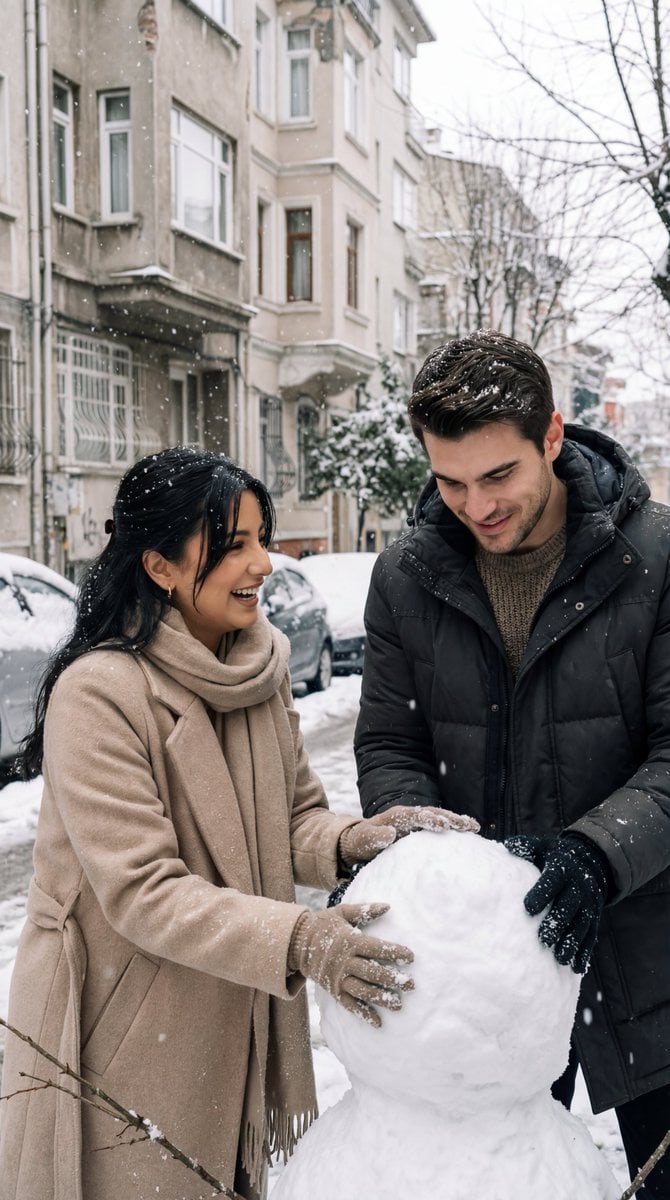
Photorealistic Cinematic Street Romance in Istanbul Snow
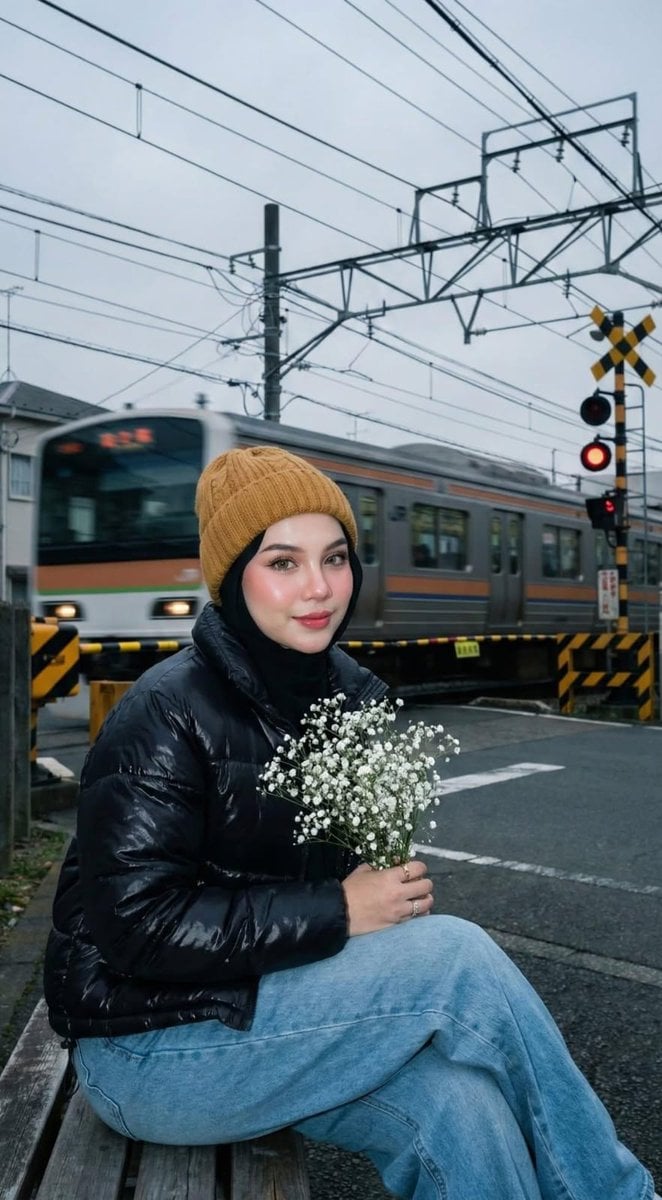
Moody Japanese Railway Crossing Portrait
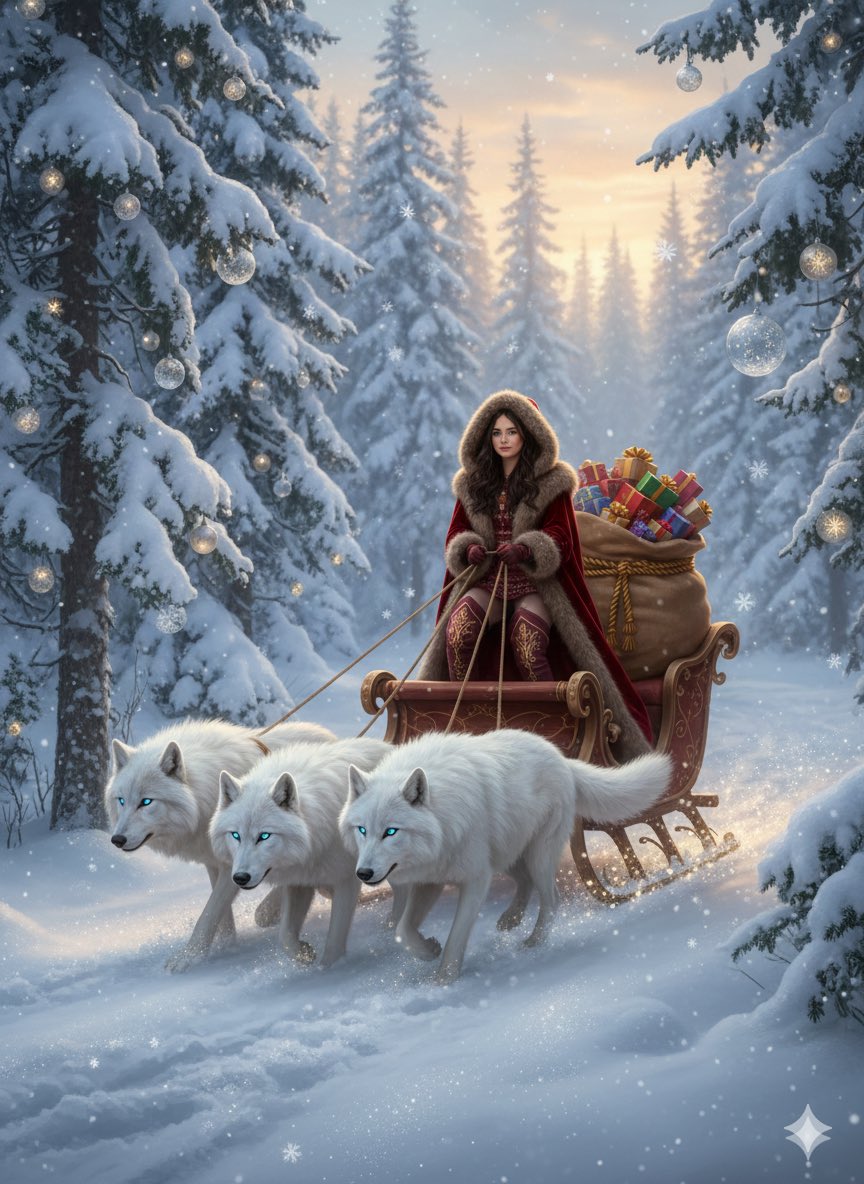
Fantasy Christmas Sleigh Pulled by Wolves
Watercolor Anime Fashion Collage
Cat Wife Cooking Meme Photo
Cinematic Male Editorial Portrait
Semantic Inference Prompt for Media Recommendation Dioramas
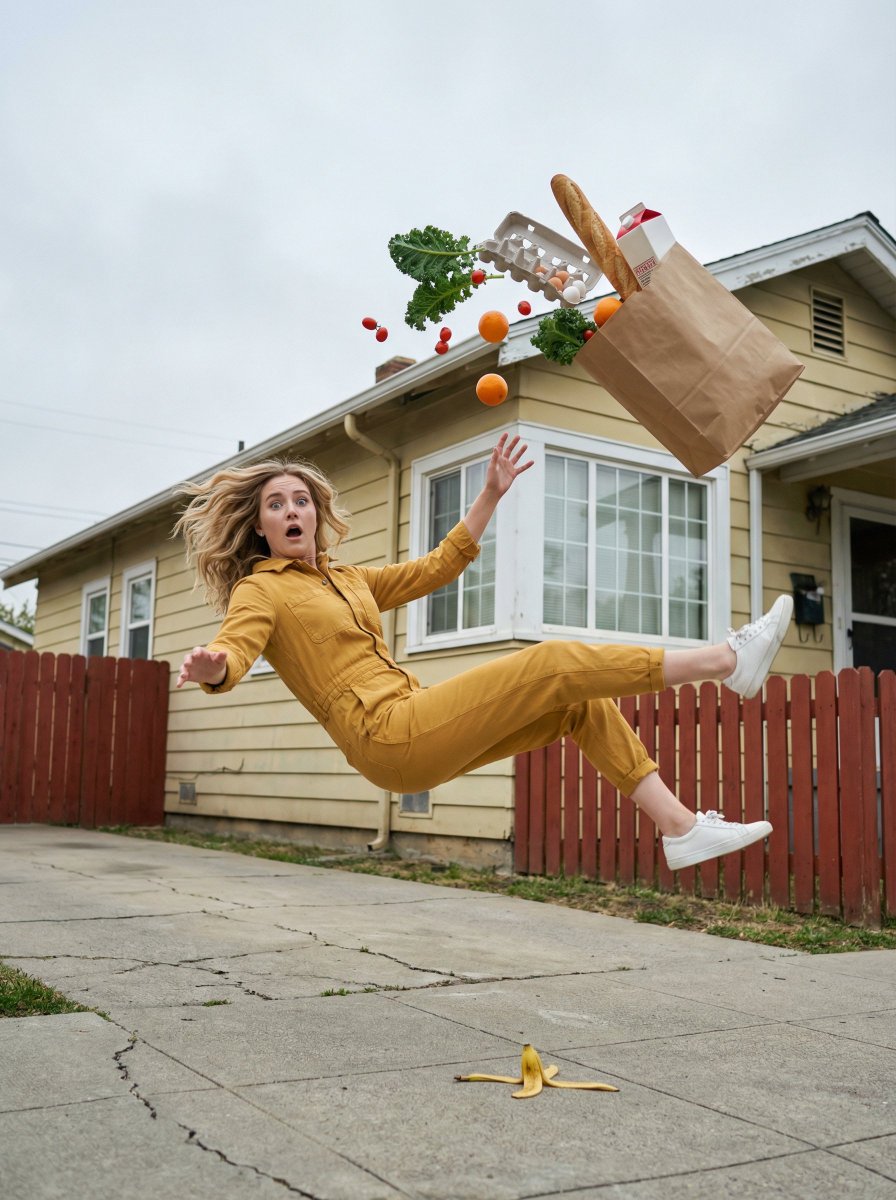
Surreal Frozen Action Falling Woman Prompt
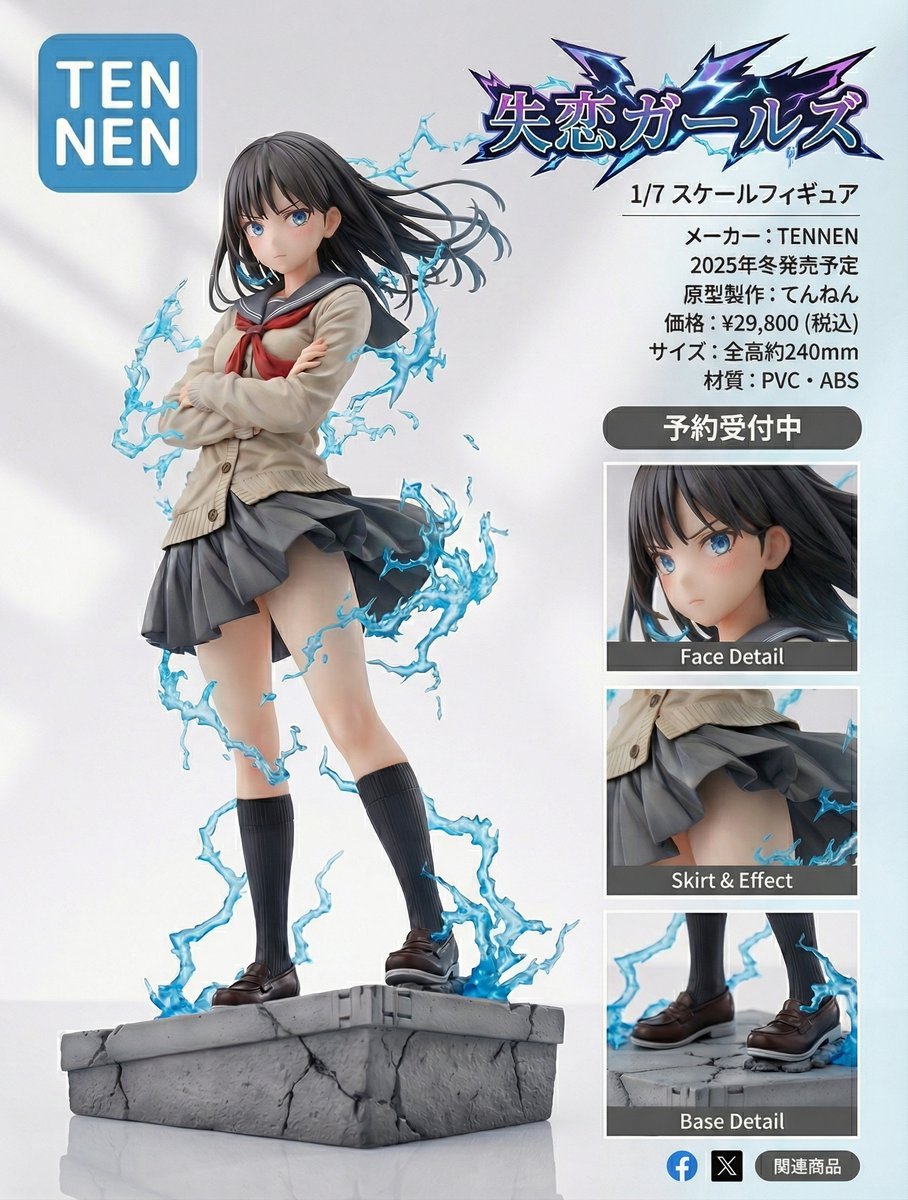
Figure-style product page design for a heartbreak girl figure
Browse template categories
Tang Dynasty Minimalist Editorial questions
How do I use the Tang Dynasty Minimalist Editorial template?
Add your photo if the template asks for one, edit the prompt if you like — the template's model and format are already selected — and press Generate. Your version opens in PicX Studio.
Can I customize the Tang Dynasty Minimalist Editorial template?
Yes. You can change the subject, setting, lighting, mood, format, and available model controls before creating your image.
Is the Tang Dynasty Minimalist Editorial template free?
Opening and editing this template is free. Generating uses credits, shown on the Generate button when you are signed in.
Which AI model should I use?
Start with GPT Image 2, which is the model associated with this template. You can compare another compatible model for a different finish.
Looking for something else? Browse all templates.

Your photo, any look
Thousands of ready templates for every top image and video model, from one credit balance.