How do I use the Minimalist White Dress Editorial template?
Choose the primary action to open PicX Studio with the available template settings. Review the model and format, personalize the creative direction, and generate when ready.
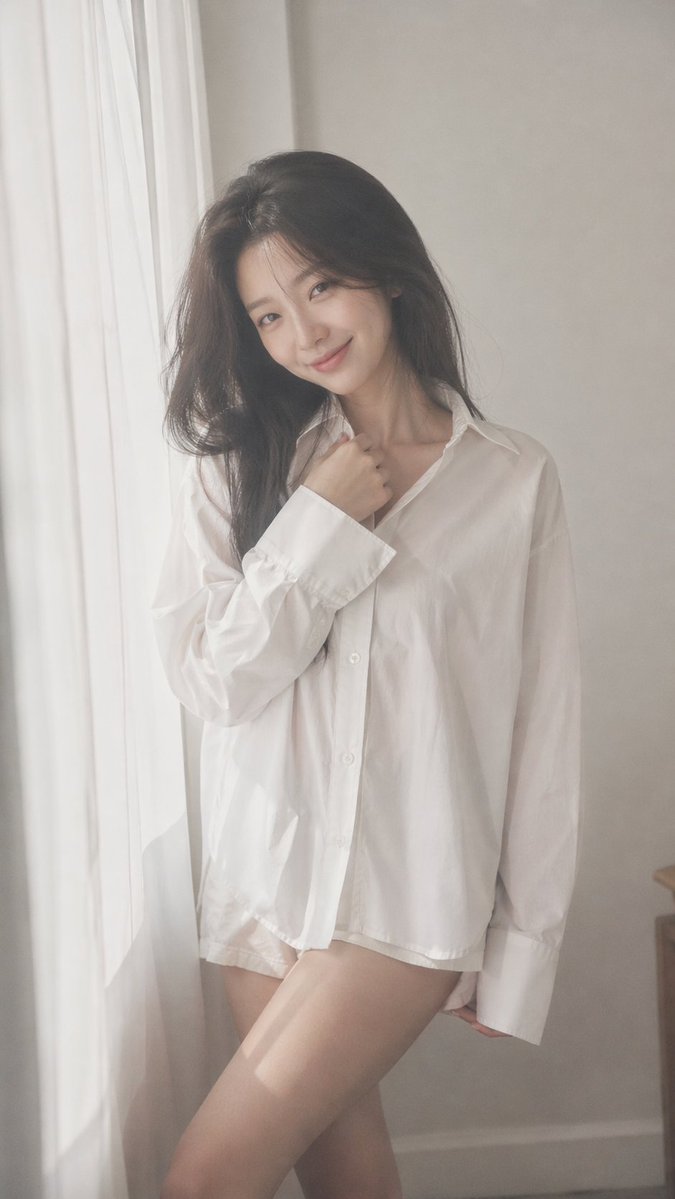
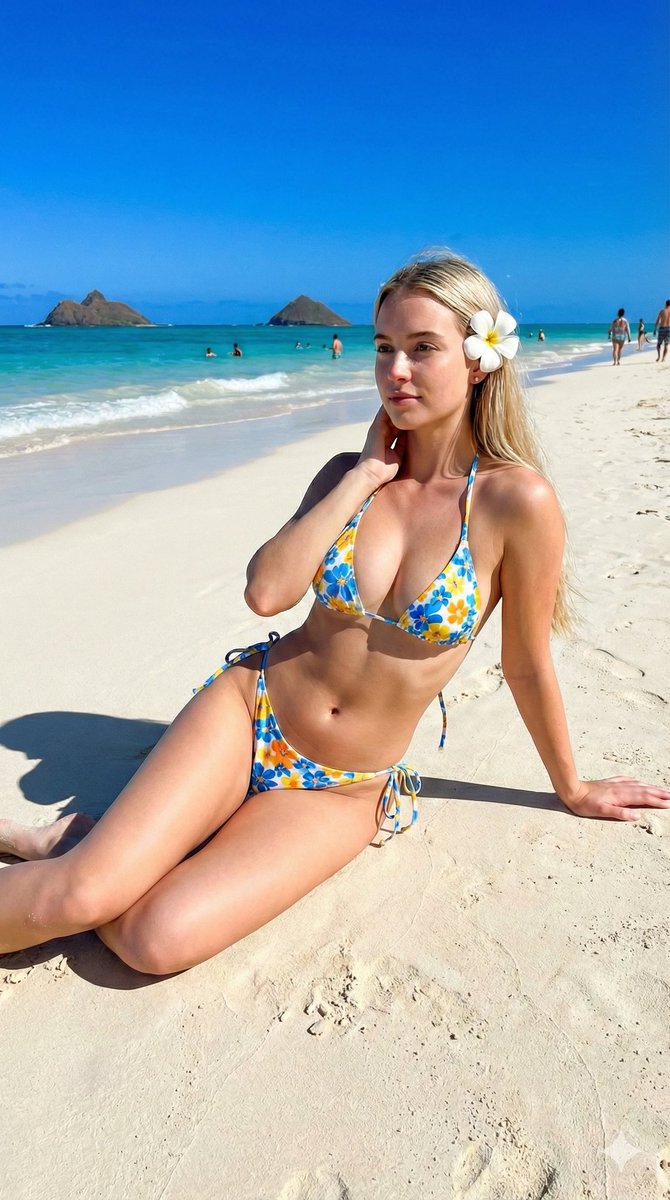
A clean girl aesthetic prompt for a high-fashion portrait against a minimalist white background, focusing on texture and silhouette.
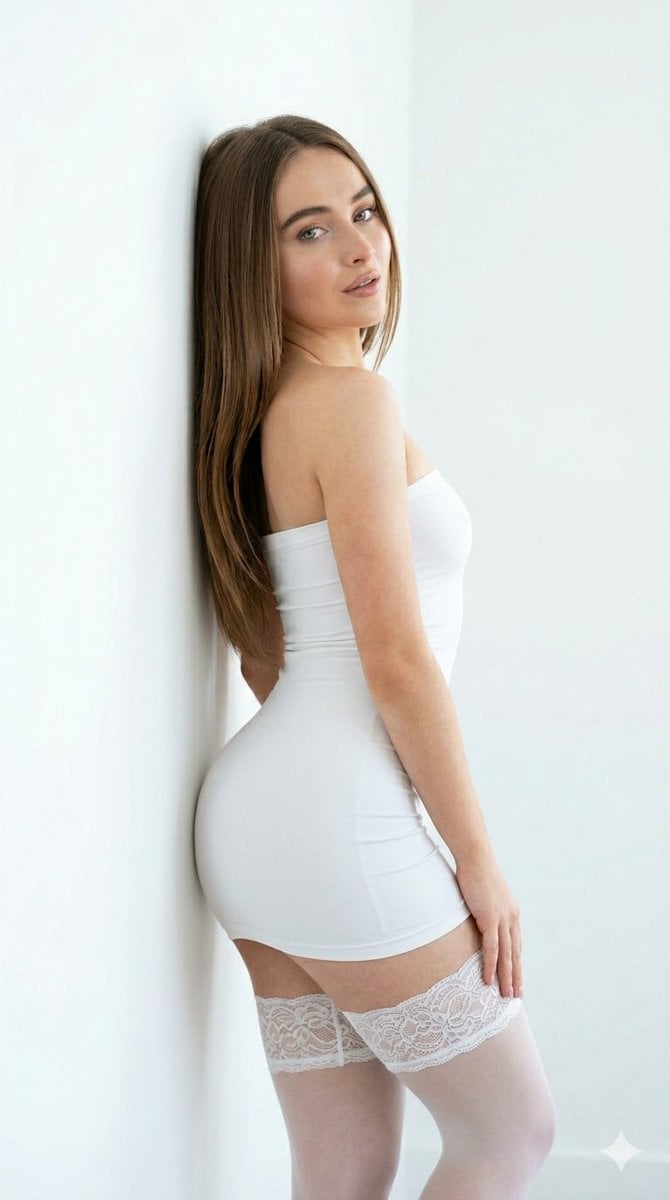
{ “meta”: { “quality”: “ultra-photorealistic, raw style, 8k, masterpiece, highly detailed textures, sharp focus”, “camera”: “A vertical medium shot captured at eye level. Shot with a professional 50mm lens for a clean, natural look. Sharp focus on the subject with a very subtle, soft-focus background.”, “lighting”: “Soft, bright natural daylight. The lighting is even and airy, creating a high-key aesthetic with minimal shadows and a fresh, clean glow on the skin.”, “style”: “Influencer-style lifestyle photography, ‘clean girl’ aesthetic, minimalist fashion editorial.”, “aspect_ratio”: “9:16” }, “scene”: { “location”: “A bright, minimalist indoor setting.”, “details”: “A plain, white or off-white wall corner. The environment is uncluttered and monochromatic, emphasizing the subject’s silhouette and the textures of her outfit.”, “background”: “Clean, solid white walls with soft, natural light fall-off.”, “atmosphere”: “Pure, elegant, and serene.” }, “subject”: { “gender”: “female”, “age”: “young adult”, “ethnicity”: “caucasian”, “hair”: { “color”: "{argument name="hair color" default="long, straight chestnut brown"}", “style”: “Sleek and flowing naturally down her back and over one shoulder.” }, “expression”: “A soft, captivating gaze looking back over her shoulder directly into the camera lens. Natural, minimalist makeup with glowing skin and a neutral lip tone.”, “pose”: “Standing and leaning gracefully against a white wall. She is positioned sideways, twisting her upper body to look at the viewer, creating an elegant curve.”, “outfit”: { “description”: “An ultra-form-fitting white micro-mini tube dress with a seamless, strapless design. Paired with matching white thigh-high stockings that feature a wide, textured lacy band at the top.”, “fabric”: “Highly detailed textures: smooth, (smooth) stretch fabric of the dress and the intricate, delicate lace pattern on the stocking bands.” }, “accessories”: “Minimalist approach, no heavy jewelry to maintain the clean aesthetic.”, “body_details”: “Hyper-realistic skin texture with visible pores and natural skin tones. Slender, toned physique emphasized by the form-fitting outfit. No tattoos visible.” }, “composition”: “Centered vertical composition. The contrast between the white outfit and the white background is handled with subtle shadow depth to define the subject’s shape.”, “additional_details”: [ “Sharp definition of the individual strands of brown hair.”, “Intricate rendering of the lace texture on the white stockings.”, “Realistic fabric tension lines on the form-fitting dress.”, “Clean, high-key color grading with soft highlights and bright, airy tones.”, “Professional finish with a focus on (smooth) surfaces and sharp details.” ] }
Choose the primary action to open PicX Studio with the available template settings. Review the model and format, personalize the creative direction, and generate when ready.
Yes. You can change the subject, setting, lighting, mood, format, and available model controls before creating your image.
This template is free to open and customize. Generation usage is shown in PicX Studio before you create.
Start with Nano Banana 2, which is the model associated with this template. You can compare another compatible model for a different finish.
Follow a topic to a crawlable collection of related PicX Studio templates.