
Anime Magazine Interview Spread
A polished two-page Japanese fashion magazine interview spread featuring the same ethereal anime character in a luxury editorial layout, ideal for showcasing consistent character identity across media.
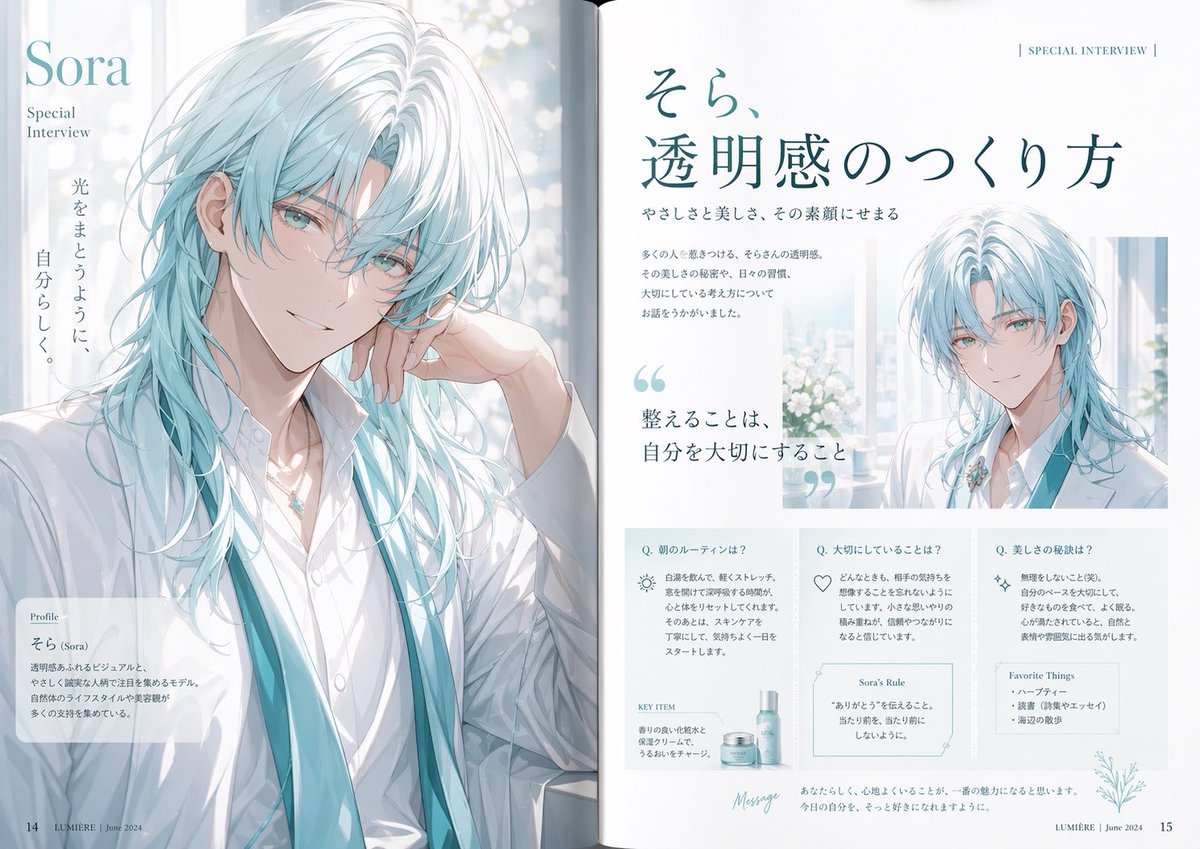
- Prompt included
- Model and format preset
- Free template
The prompt behind this image
Copy the exact prompt behind Anime Magazine Interview Spread, or open it in the studio and make it yours.
- Type
- editorial magazine interview spread
- Publication
- LUMIÈRE
- Date
- June 2024
- Subject › Name
- {argument name="character name" default="Sora"}
- Subject › Gender Presentation
- androgynous young adult male idol/model
- Subject › Appearance › Hair › Color
- {argument name="hair color" default="icy white with pale aqua undertones"}
- Subject › Appearance › Hair › Style
- long layered shag-mullet, tousled, airy strands, wet-glass translucency, curtain-like bangs, shoulder to chest length
- Subject › Appearance › Skin
- fair porcelain
- Subject › Appearance › Clothing
- white open-collar dress shirt, soft white tailored jacket draped loosely, long translucent teal ribbon-like scarf or suspenders hanging from the neck, delicate silver necklace with a pale blue gemstone pendant
- Subject › Appearance › Mood
- gentle, elegant, calm, luminous
- Style › Illustration
- high-end anime editorial illustration
- Style › Rendering
- soft watercolor-meets-digital painting, clean linework, glossy hair highlights, translucent fabrics, subtle bloom, premium fashion magazine finish
- Style › Palette
- white, pearl gray, icy aqua, pale teal, soft blue
- Style › Lighting
- bright diffused daylight through a window, airy and backlit, with glowing bokeh
- Layout › Format
- two-page magazine spread
- Layout › Gutter
- visible center fold
- Layout › Sections › 0 › Title
- left page hero portrait
- Layout › Sections › 0 › Position
- full left page
- Layout › Sections › 0 › Count
- 1
- Layout › Sections › 0 › Labels
- large half-body portrait
- Layout › Sections › 1 › Title
- Profile
- Layout › Sections › 1 › Position
- bottom left overlay box
- Layout › Sections › 1 › Count
- 1
- Layout › Sections › 1 › Labels
- profile card
Raw JSON
{"type":"editorial magazine interview spread","publication":"LUMIÈRE","date":"June 2024","subject":{"name":"{argument name=\"character name\" default=\"Sora\"}","gender_presentation":"androgynous young adult male idol/model","appearance":{"hair":{"color":"{argument name=\"hair color\" default=\"icy white with pale aqua undertones\"}","style":"long layered shag-mullet, tousled, airy strands, wet-glass translucency, curtain-like bangs, shoulder to chest length"},"skin":"fair porcelain","clothing":["white open-collar dress shirt","soft white tailored jacket draped loosely","long translucent teal ribbon-like scarf or suspenders hanging from the neck","delicate silver necklace with a pale blue gemstone pendant"],"mood":"gentle, elegant, calm, luminous"}},"style":{"illustration":"high-end anime editorial illustration","rendering":"soft watercolor-meets-digital painting, clean linework, glossy hair highlights, translucent fabrics, subtle bloom, premium fashion magazine finish","palette":"white, pearl gray, icy aqua, pale teal, soft blue","lighting":"bright diffused daylight through a window, airy and backlit, with glowing bokeh"},"layout":{"format":"two-page magazine spread","gutter":"visible center fold","sections":[{"title":"left page hero portrait","position":"full left page","count":1,"labels":["large half-body portrait"]},{"title":"Profile","position":"bottom left overlay box","count":1,"labels":["profile card"]},{"title":"SPECIAL INTERVIEW","position":"top right page header","count":1,"labels":["section kicker"]},{"title":"main feature headline","position":"upper right page","count":1,"labels":["そら、透明感のつくり方"]},{"title":"quote callout","position":"mid-left of right page","count":1,"labels":["整えることは、自分を大切にすること"]},{"title":"inset portrait","position":"upper right of right page","count":1,"labels":["small portrait"]},{"title":"Q&A cards","position":"bottom half of right page","count":3,"labels":["Q. 朝のルーティンは?","Q. 大切にしていることは?","Q. 美しさの秘訣は?"]},{"title":"product feature","position":"lower left within Q&A area","count":1,"labels":["KEY ITEM"]},{"title":"rule box","position":"lower center within Q&A area","count":1,"labels":["Sora's Rule"]},{"title":"favorites box","position":"lower right within Q&A area","count":1,"labels":["Favorite Things"]},{"title":"message footer","position":"bottom center-right","count":1,"labels":["Message"]}],"page_numbers":{"count":2,"labels":["14","15"]}},"composition":{"left_page":"a large close half-body portrait of the subject leaning slightly with one hand near the neck, looking serene, framed beside a bright window with white flowers and circular bokeh outside","right_page":"large Japanese headline at top, short intro paragraphs beneath, oversized aqua quotation marks around a quote, a smaller portrait on the upper right with the same character in matching styling, and three neatly bordered information boxes aligned across the bottom"},"text":{"keep_visible_text":true,"left_page":["Sora","Special Interview","光をまとうように、\n自分らしく。","Profile","そら (Sora)","LUMIÈRE | June 2024"],"right_page":["SPECIAL INTERVIEW","そら、\n透明感のつくり方","やさしさと美しさ、その素顔にせまる","整えることは、\n自分を大切にすること","Q. 朝のルーティンは?","Q. 大切にしていることは?","Q. 美しさの秘訣は?","KEY ITEM","Sora's Rule","Favorite Things","Message","LUMIÈRE | June 2024"]},"quality":"luxury fashion editorial, cohesive identity across pages, spacious typography, refined Japanese magazine design, polished print-ready layout"}How to use Anime Magazine Interview Spread in 3 steps
- 1Upload ImagePNG, JPG or paste
Add your photo
Upload the photo the template builds on. The prompt, model and format are already set.
- 2…a portrait of your subject in softgolden-hour light, 85mm…
Personalize
Edit the subject and creative details for your destination.
- 3Generate
Generate
Press Generate — your image is created in PicX Studio, so you can compare it with the original and refine one variable at a time.
More like this
Templates with the same subject, style or setup. Open one to see its prompt.
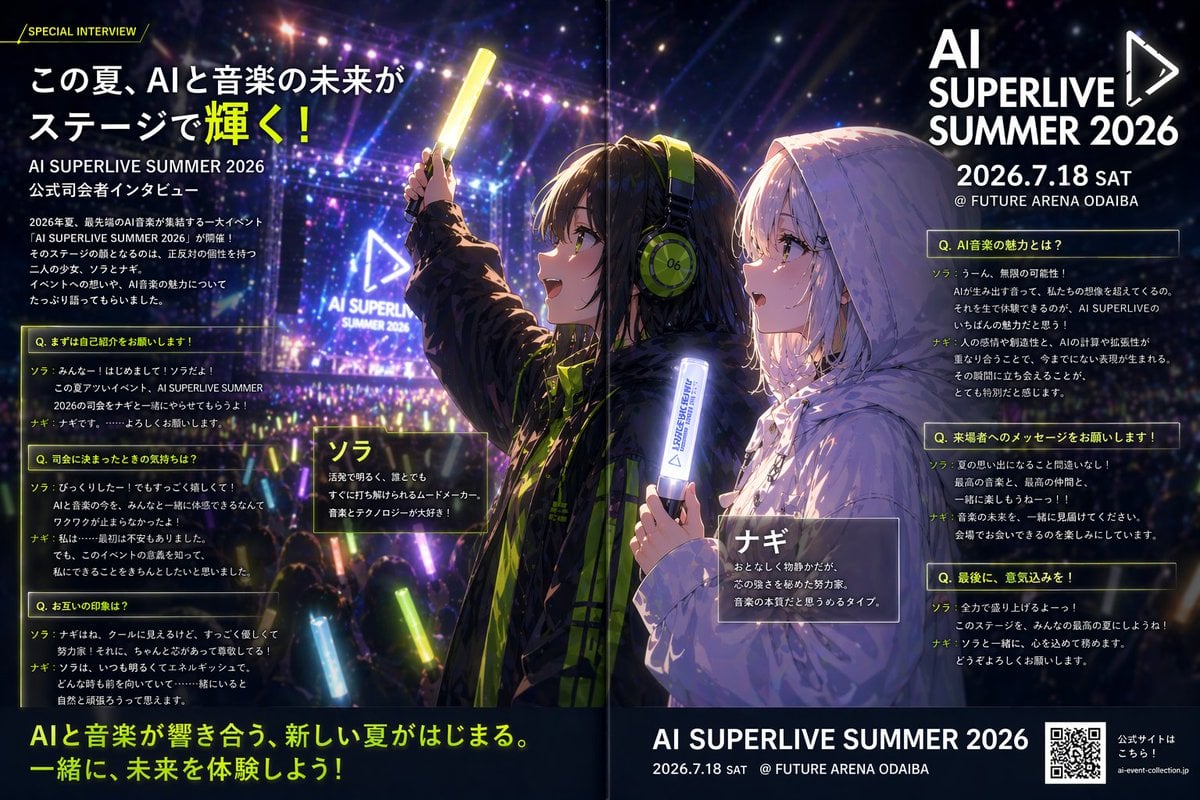
Anime Concert Interview Magazine Spread
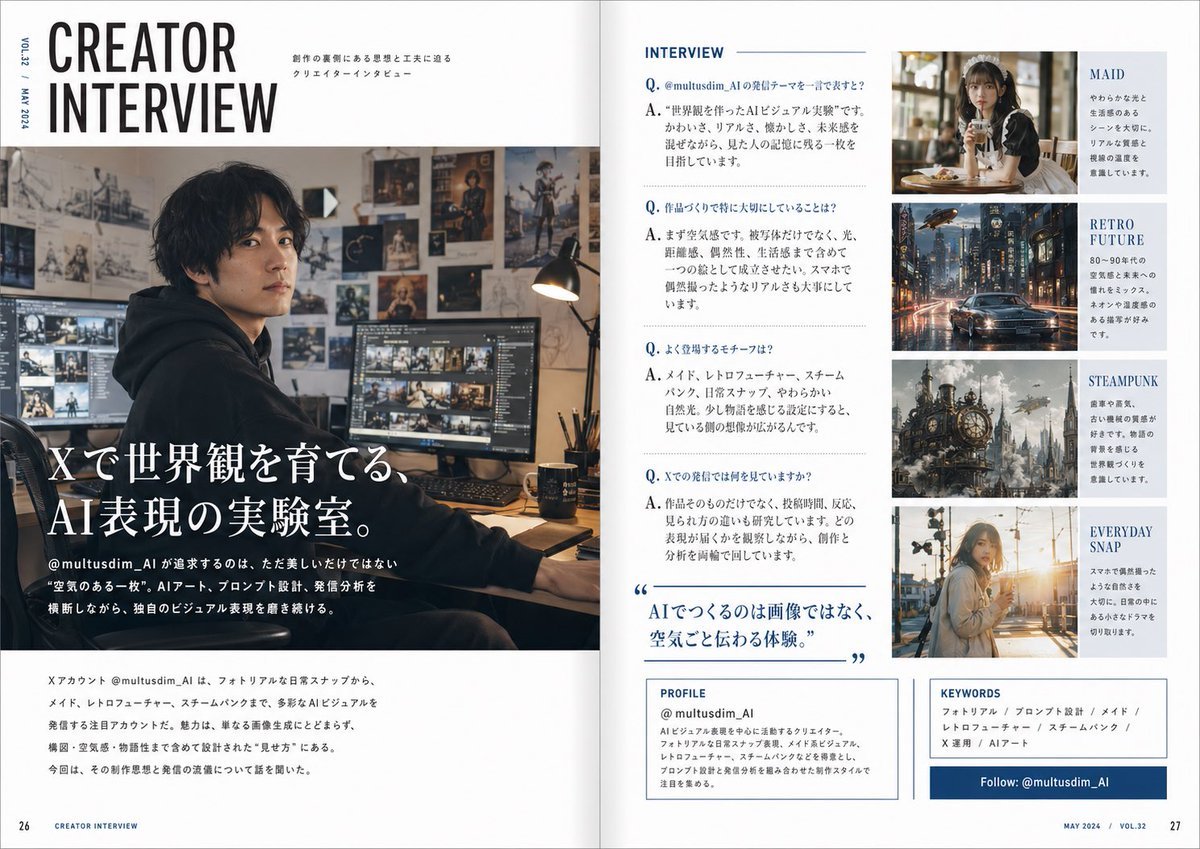
Japanese Creator Interview Magazine Spread

Anime Mahjong Magazine Cover

Neon Anime Fireworks Magazine Cover
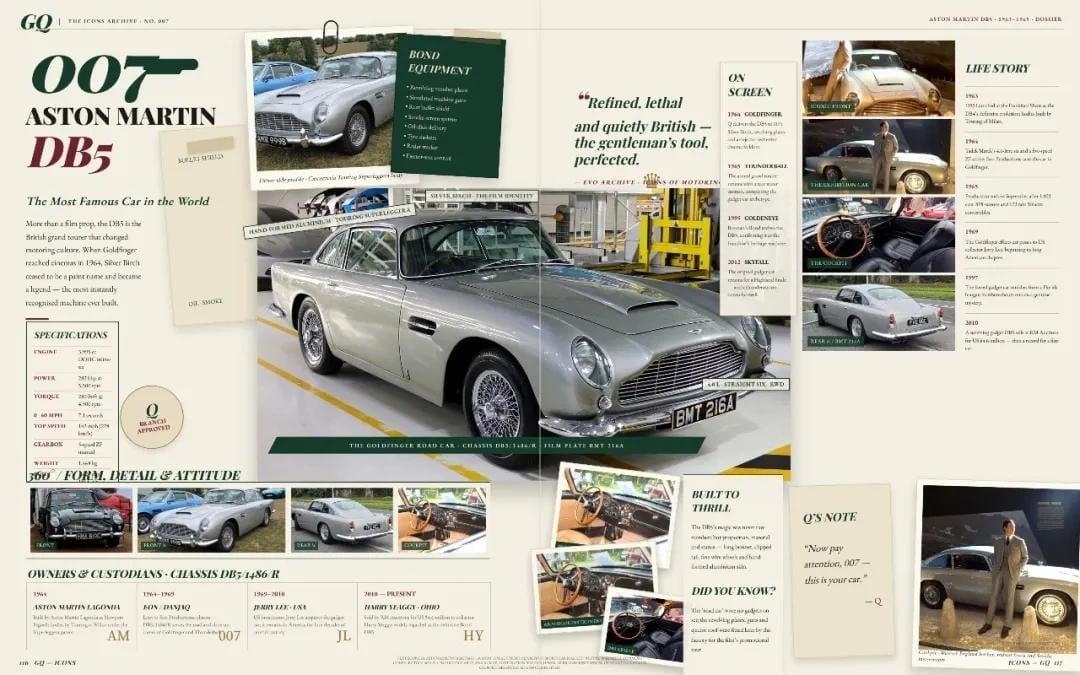
Vintage Aston Martin DB5 Magazine Spread

Cel 2D Finale Fireworks

Cel 2D Garden Maze

Cel 2D Rooftop Concert

Cel 2D Bicycle Coast

Cel 2D Castle Gate

Cel 2D Kitchen Chaos

Cel 2D Carnival Ride
Make it yours
Anime Magazine Interview Spread works as-is. These are the safest ways to change it without losing the look.
Swap the light
One lighting change is enough to compare takes. Current light: “bright diffused daylight through a window, airy and backlit, with glowing bokeh”.
Change one field
Copy a single group, rewrite it, and generate again so you can see what that field is doing.
Keep the frame, change the subject
Hold the composition and light of Anime Magazine Interview Spread, then swap wardrobe, props or the person for a new take.
| If the result… | Why | Fix |
|---|---|---|
| The result drifts from the preview | Too many fields changed at once. | Reuse Anime Magazine Interview Spread as-is first, then change one group — subject, light, or setting. |
| GPT Image 2 ignores part of the JSON | Some models flatten or skip nested keys. | Keep the same values and paste them as a short paragraph instead. |
More GPT Image 2 templates
Other prompts made for GPT Image 2.

Six VTuber Japanese Logo Sheet

Realistic Portrait of Woman and Deer

The Vista Modular Condo Poster

AI Model Routing Comparison Infographic

2.5D Anime Art Board

Isometric Productivity Desk Scene

New York Double Exposure Poster

Four-Panel AI Landscape Comparison

Japanese Tatami Lifestyle Magazine Cover

NESCAFÉ Coffee Map Poster
More image prompts
Fresh picks from across the catalog.
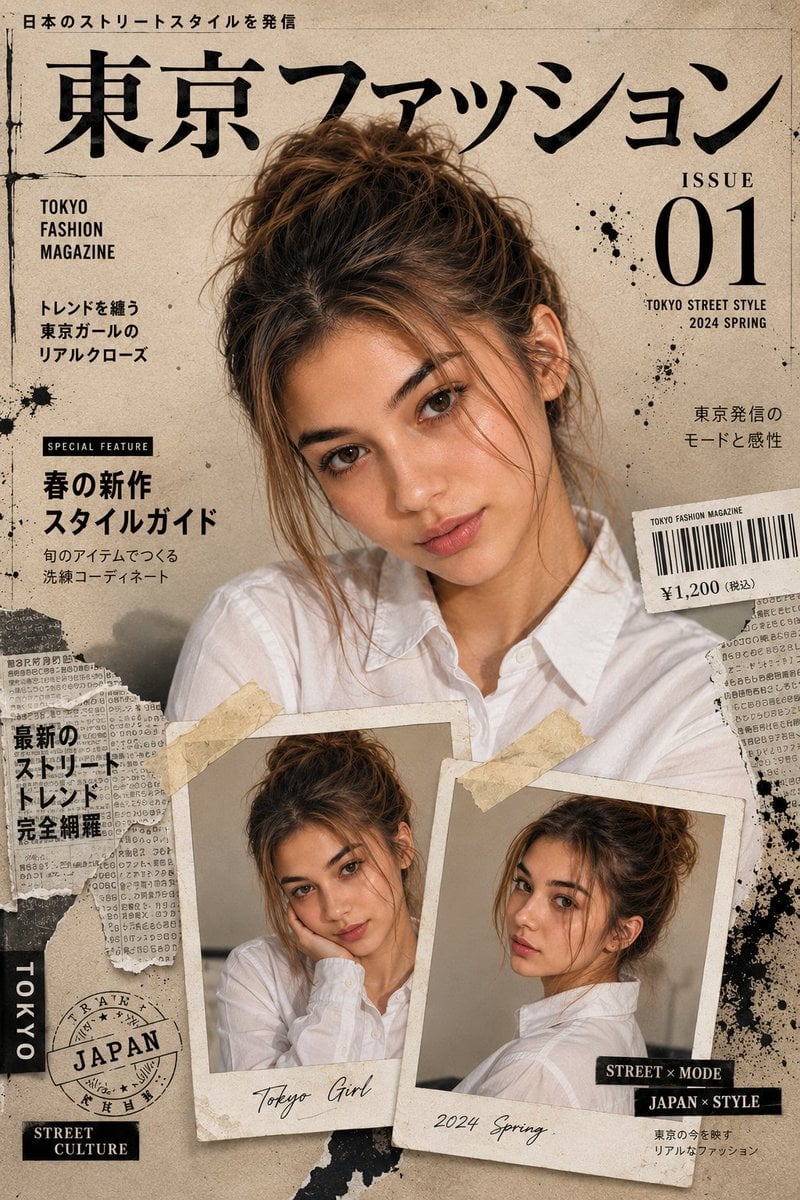
Japanese Fashion Magazine Cover
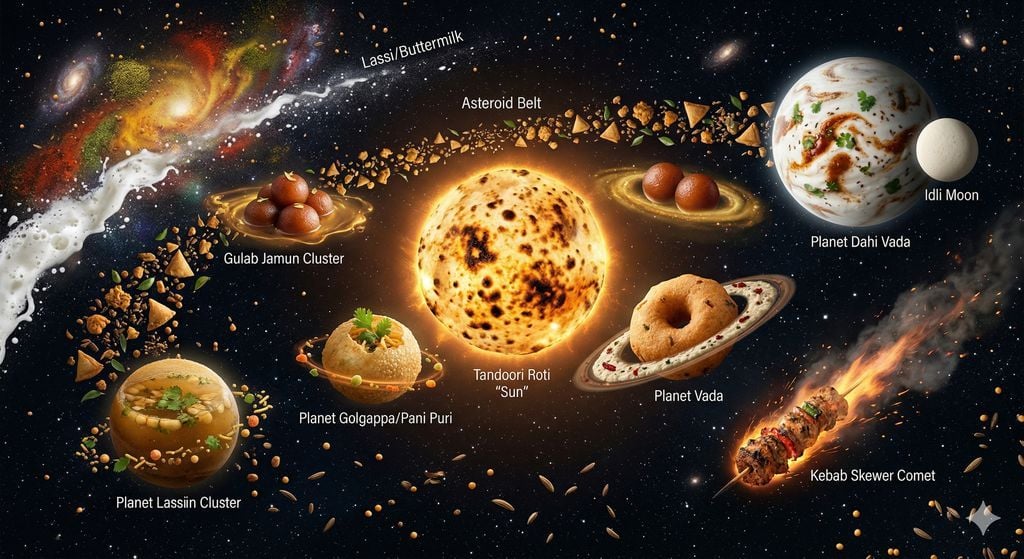
The Food Galaxy: Cosmic Indian Street Food Solar System

Cloud Silhouette Drop-in Prompt Template
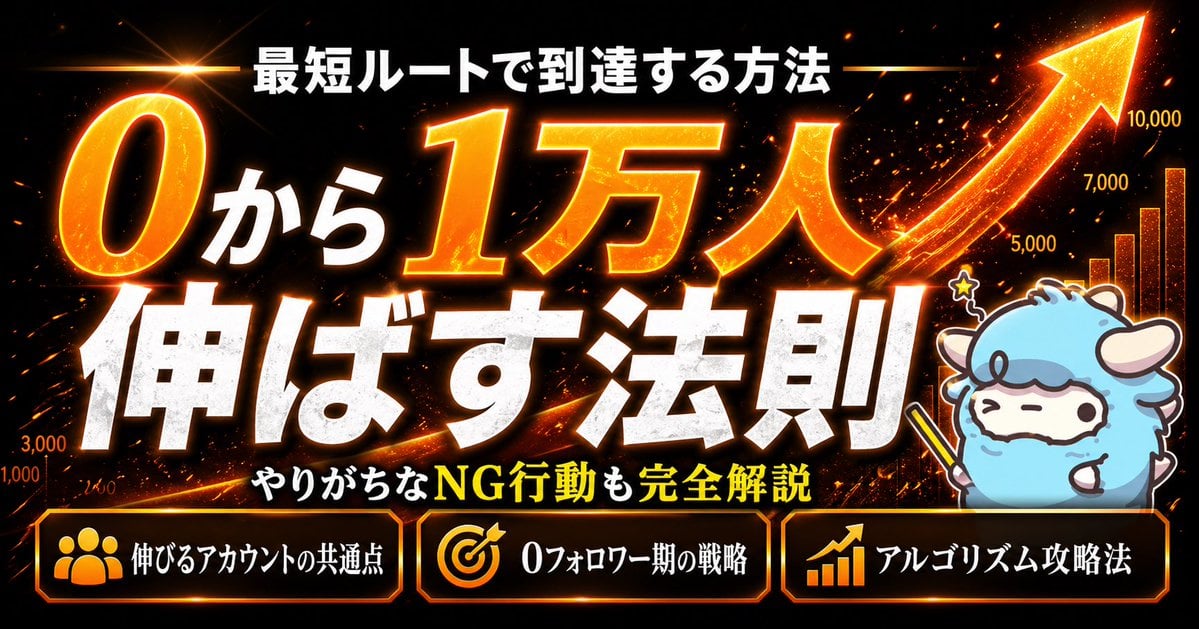
Fiery Japanese Growth Thumbnail
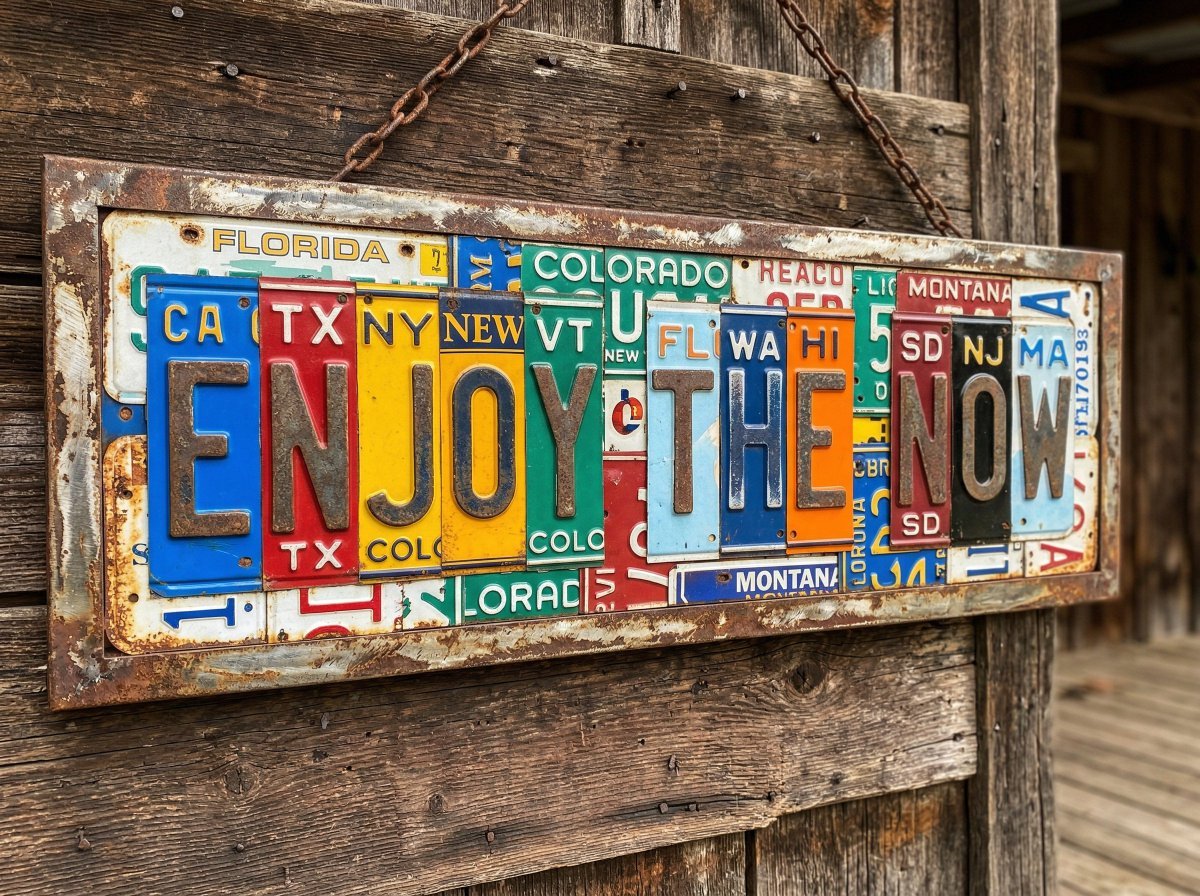
Distressed License Plate Sign
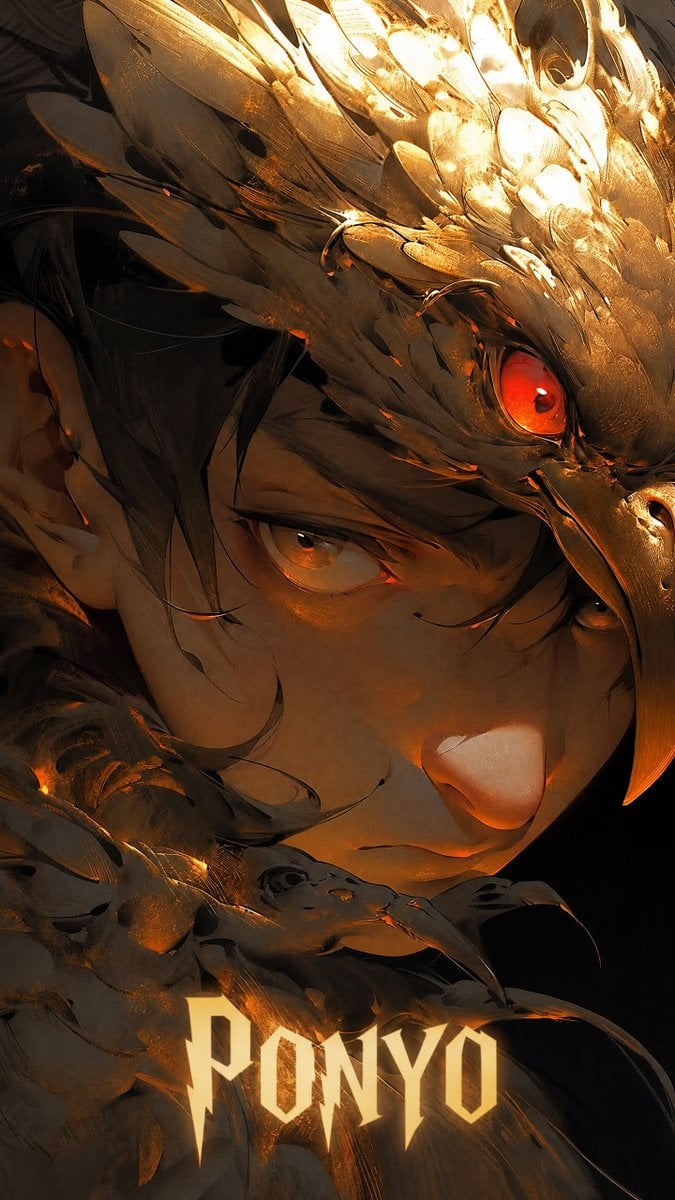
Dark Raven Armor Anime Poster
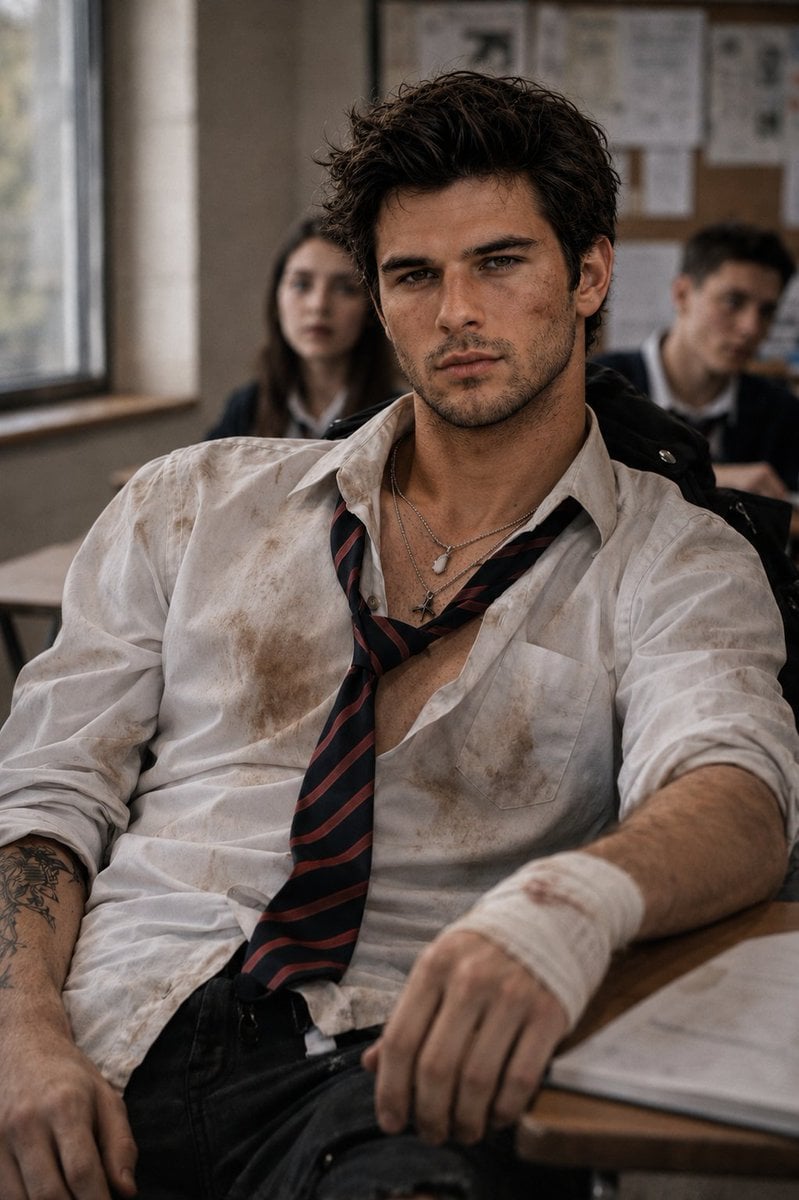
Rebellious High School Student Portrait
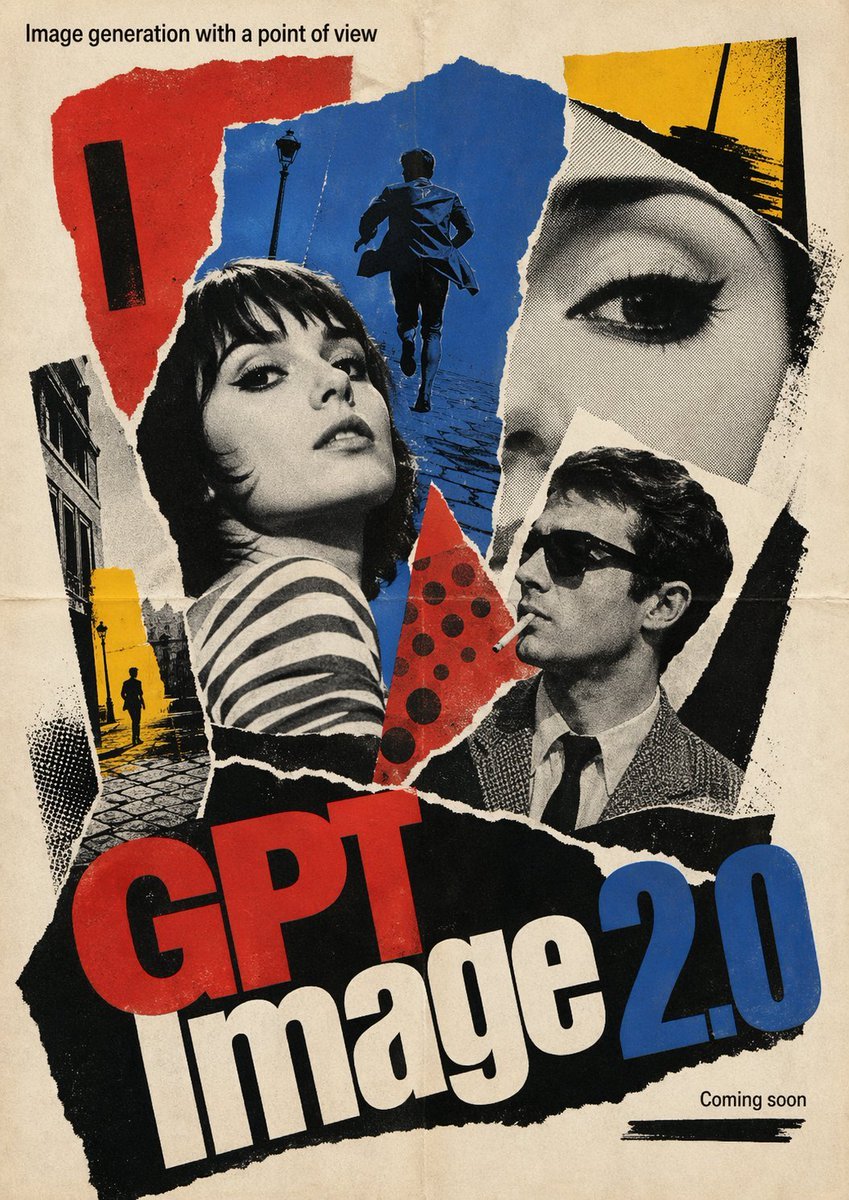
1960s French New Wave Movie Poster
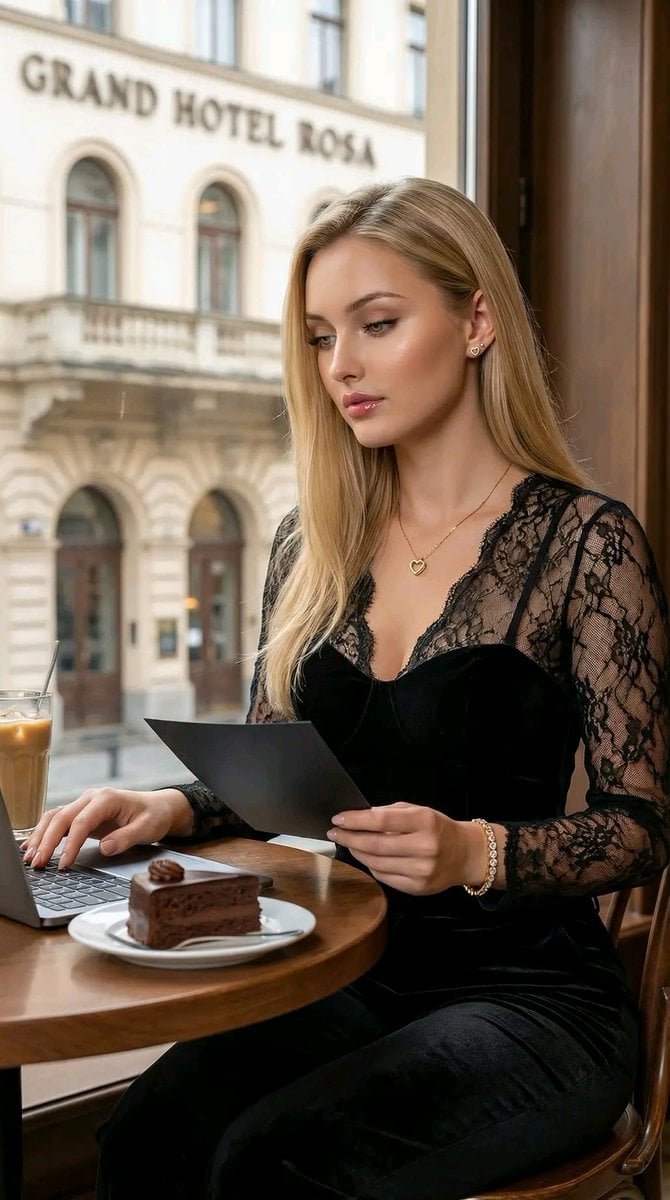
Hyper-Realistic Cinematic Portrait of a Captivating Woman in a Café
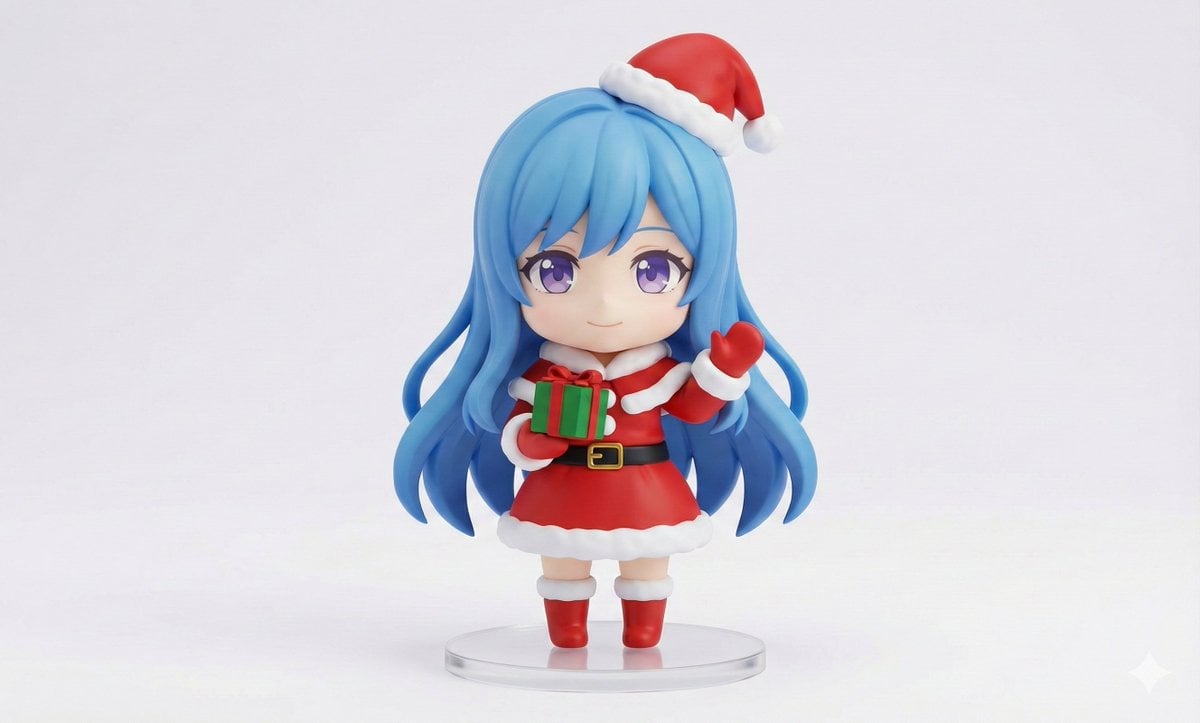
Chibi Santa Character Figure Generation Prompt
Browse template categories
Anime Magazine Interview Spread questions
How do I use the Anime Magazine Interview Spread template?
Add your photo if the template asks for one, edit the prompt if you like — the template's model and format are already selected — and press Generate. Your version opens in PicX Studio.
Can I customize the Anime Magazine Interview Spread template?
Yes. You can change the subject, setting, lighting, mood, format, and available model controls before creating your image.
Is the Anime Magazine Interview Spread template free?
Opening and editing this template is free. Generating uses credits, shown on the Generate button when you are signed in.
Which AI model should I use?
Start with GPT Image 2, which is the model associated with this template. You can compare another compatible model for a different finish.
Looking for something else? Browse all templates.

Your photo, any look
Thousands of ready templates for every top image and video model, from one credit balance.