How do I use the Cloud Silhouette Drop-in Prompt Template template?
Choose the primary action to open PicX Studio with the available template settings. Review the model and format, personalize the creative direction, and generate when ready.
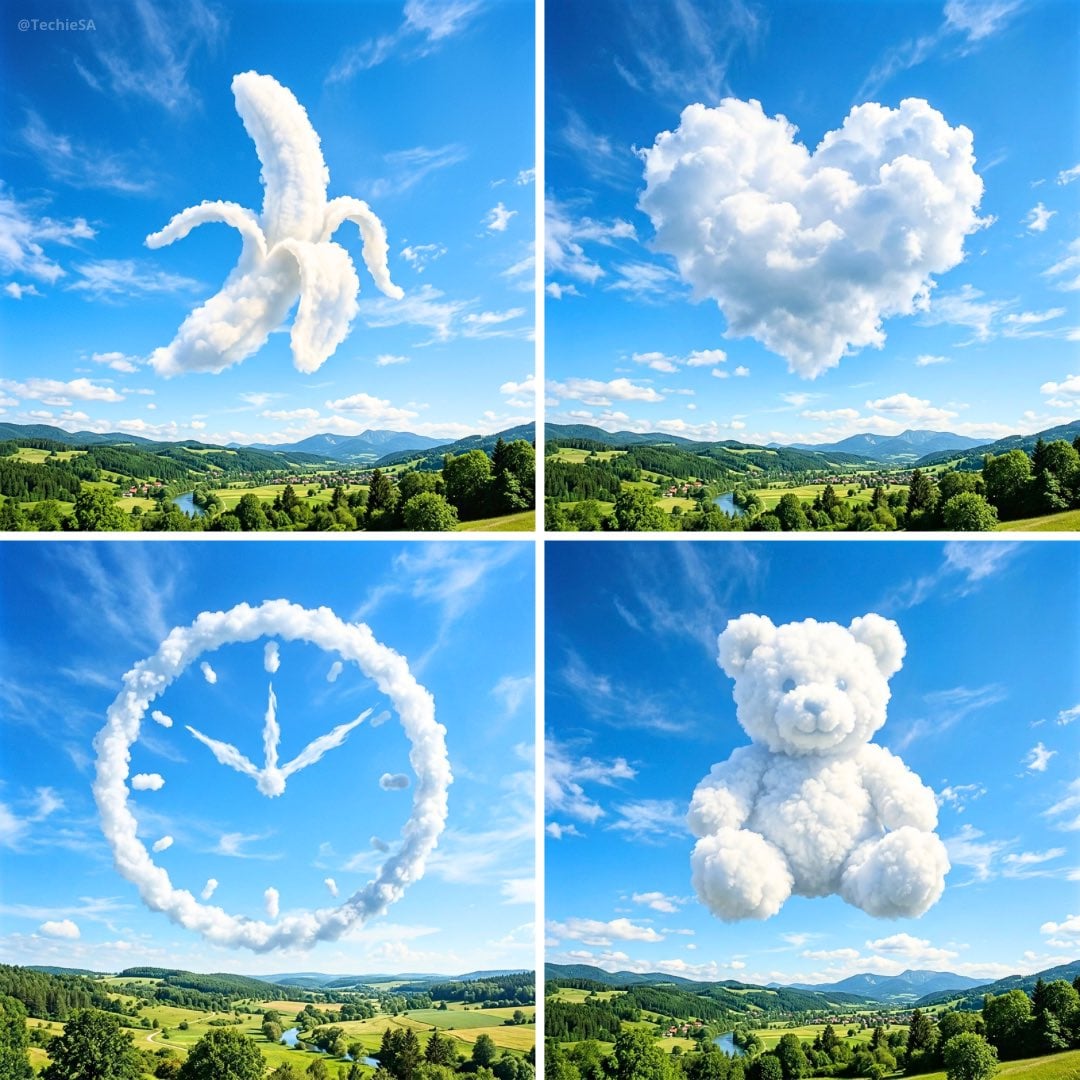
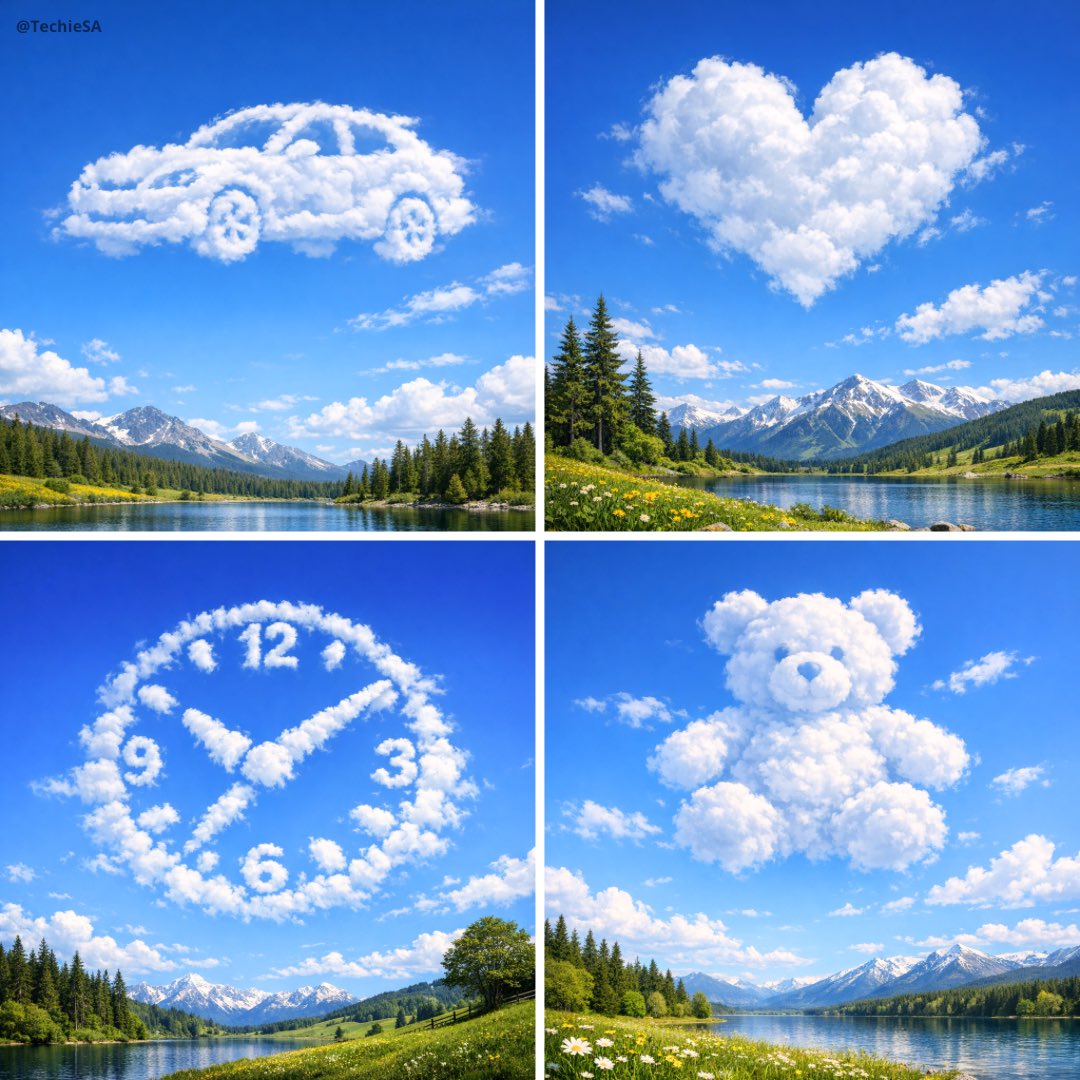
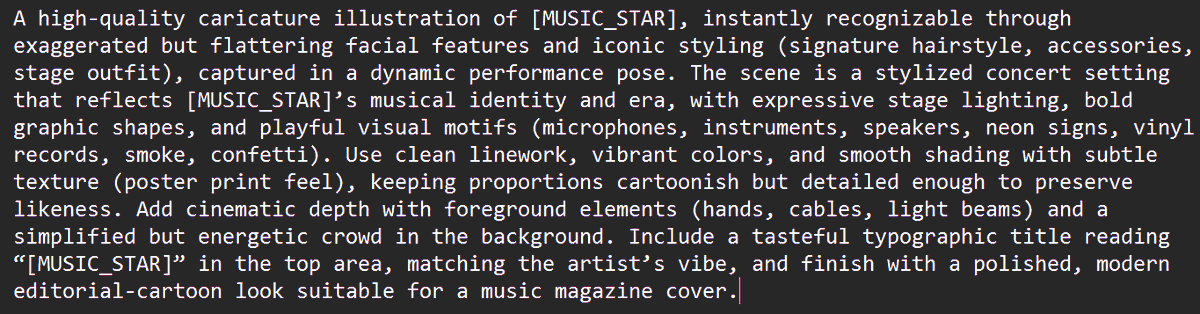
A description of a reusable prompt template for Nano Banana Pro designed to create ultra-realistic cloud formations that silhouette a subject, grounded by a lan

Using image as reference, reinterpret the scene as a small-scale realistic high quality diorama • Convert the scene into a handcrafted miniature display mounted on a solid rectangular base with realistic terrain textures. • The diorama is held in a human hand to clearly show scale. • Soft natural lighting, macro photography, shallow depth of field. • Photorealistic, ultra-detailed, clean composition. • No text, no UI, no motion blur. • ar 1:1
Choose the primary action to open PicX Studio with the available template settings. Review the model and format, personalize the creative direction, and generate when ready.
Yes. You can change the subject, setting, lighting, mood, format, and available model controls before creating your image.
This template is free to open and customize. Generation usage is shown in PicX Studio before you create.
Start with Nano Banana 2, which is the model associated with this template. You can compare another compatible model for a different finish.
Follow a topic to a crawlable collection of related PicX Studio templates.