
Red Silhouette Team Event Poster
A dramatic black-and-red multi-speaker event poster featuring five seated silhouettes, bold typography, and a futuristic team-launch layout.
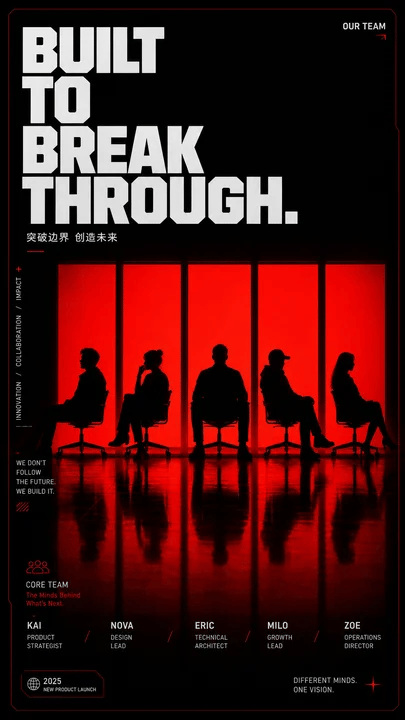
- Prompt included
- Model and format preset
- Premium template
The prompt behind this image
Copy the exact prompt behind Red Silhouette Team Event Poster, or open it in the studio and make it yours.
Goal: Create a bold vertical event/team poster with a dark cinematic stage atmosphere and red backlit window silhouettes, designed for a multi-guest activity poster or social media cover. Canvas: Tall portrait poster, approximately 9:16 ratio, black background with a very thin dark-red border and subtle rounded/cut-corner tech styling. Use a glossy black floor with strong red reflections in the lower half. Layout: Huge stacked headline in the upper-left, set in an ultra-bold condensed block sans-serif font, white/light gray with tight spacing. The headline text is {argument name="headline text" default="BUILT TO BREAK THROUGH."} arranged across four lines: “BUILT”, “TO”, “BREAK”, “THROUGH.” Add a small top-right label reading “OUR TEAM” with a tiny red arrow. Under the headline, add a small Chinese subtitle: {argument name="subtitle text" default="突破边界 创造未来"} with a small red underline. Main visual: Center the composition around exactly five tall vertical glowing red panels/windows, evenly spaced across the middle. In front of the panels place exactly five black human silhouettes seated on simple office chairs, each with a distinct pose: 1) leftmost person sitting sideways leaning back, 2) second person with legs crossed and one hand near the face, 3) center person facing forward with broad shoulders, 4) fourth person wearing a cap or brimmed silhouette leaning back, 5) rightmost person in side profile with long hair. Their bodies and chairs should be pure black silhouettes against the intense red light. Mirror their silhouettes and the five red panels as elongated reflections on the glossy floor. Side details: Along the left side, add thin vertical microtext reading “INNOVATION / COLLABORATION / IMPACT” with a small red plus symbol above it. Add a small paragraph block in the lower-left reading “WE DON’T FOLLOW THE FUTURE. WE BUILD IT.” Add small red decorative hatch marks beneath it. Bottom information band: Include a lower section labeled “CORE TEAM” with a small red outline people icon and the subtitle “The Minds Behind What’s Next.” Display exactly five team member entries across the bottom, aligned below the five silhouettes: 1) {argument name="member one" default="KAI — PRODUCT STRATEGIST"}, 2) {argument name="member two" default="NOVA — DESIGN LEAD"}, 3) {argument name="member three" default="ERIC — TECHNICAL ARCHITECT"}, 4) {argument name="member four" default="MILO — GROWTH LEAD"}, 5) {argument name="member five" default="ZOE — OPERATIONS DIRECTOR"}. Separate entries with small red slash marks. Add a small bottom-left badge containing “2025” and “NEW PRODUCT LAUNCH.” Add bottom-right text reading “DIFFERENT MINDS. ONE VISION.” with a red starburst/cross accent. Visual style: High-contrast editorial poster design, black and red duotone lighting, dramatic silhouettes, minimal futuristic UI accents, crisp Swiss/grid typography, cinematic shadows, glossy reflections, premium tech-event aesthetic. Keep the design clean, poster-like, and text legible. Avoid adding extra people, extra panels, logos, watermarks, or unrelated decorative elements.
How to use Red Silhouette Team Event Poster in 3 steps
- 1Upload ImagePNG, JPG or paste
Add your photo
Upload the photo the template builds on. The prompt, model and format are already set.
- 2…a portrait of your subject in softgolden-hour light, 85mm…
Personalize
Edit the subject and creative details for your destination.
- 3Generate
Generate
Press Generate — your image is created in PicX Studio, so you can compare it with the original and refine one variable at a time.
More like this
Templates with the same subject, style or setup. Open one to see its prompt.

Panning Motion Soccer Kick Poster
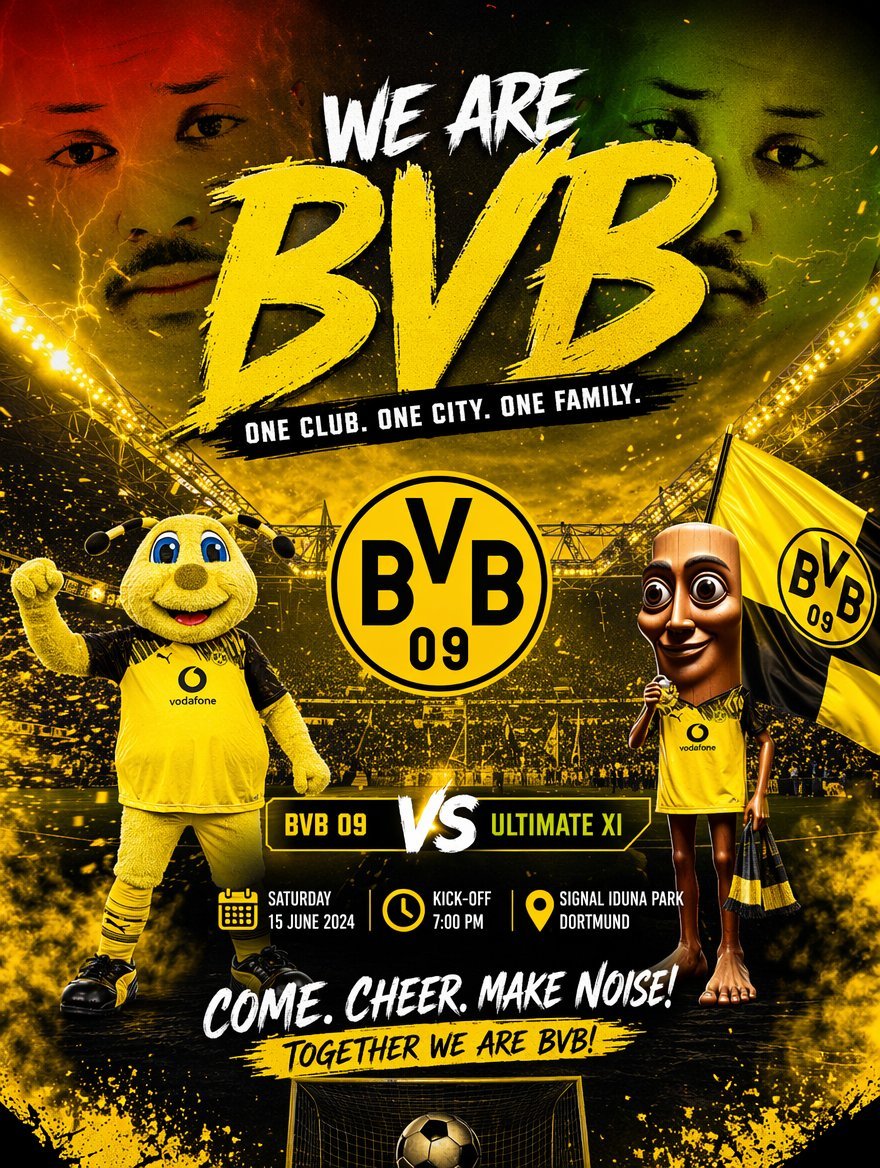
Soccer Event Poster Redesign
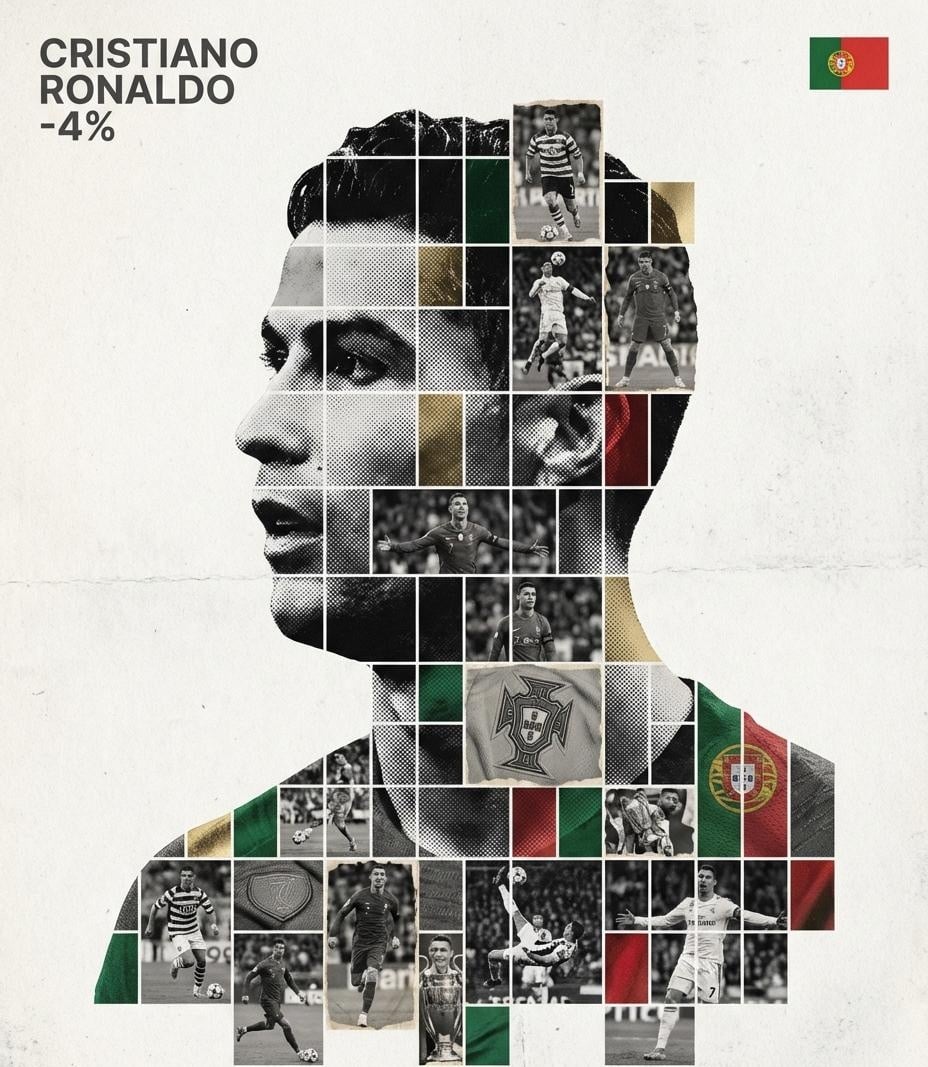
Gallery-Quality Tribute Poster with Textured Photo Mosaic Silhouette

Japan Travel Brochure Poster

Cartoon TV Show Poster Pack

Trendy Cafe Drink Promo Poster

Urban Fashion Editorial Collage Streetwear Poster

Premium Fashion Editorial Cover Layout System

Polo Ralph Lauren Luxury American Heritage Fashion Campaign

Monochrome Halftone Editorial Fashion Poster

Retro Mirror Luxury Fashion Campaign Poster

Luxury Fashion Campaign Typography Poster System
Make it yours
Red Silhouette Team Event Poster works as-is. These are the safest ways to change it without losing the look.
Change one field
Copy a single group, rewrite it, and generate again so you can see what that field is doing.
Keep the frame, change the subject
Hold the composition and light of Red Silhouette Team Event Poster, then swap wardrobe, props or the person for a new take.
| If the result… | Why | Fix |
|---|---|---|
| The result drifts from the preview | Too many fields changed at once. | Reuse Red Silhouette Team Event Poster as-is first, then change one group — subject, light, or setting. |
| The model over-stylizes the scene | The prose prompt leaves finish and camera underspecified. | Add one camera or lighting sentence and stay on GPT Image 2. |
More GPT Image 2 templates
Other prompts made for GPT Image 2.

Six VTuber Japanese Logo Sheet

Realistic Portrait of Woman and Deer

The Vista Modular Condo Poster

AI Model Routing Comparison Infographic

2.5D Anime Art Board

Isometric Productivity Desk Scene

New York Double Exposure Poster

Four-Panel AI Landscape Comparison

Japanese Tatami Lifestyle Magazine Cover

NESCAFÉ Coffee Map Poster
More image prompts
Fresh picks from across the catalog.
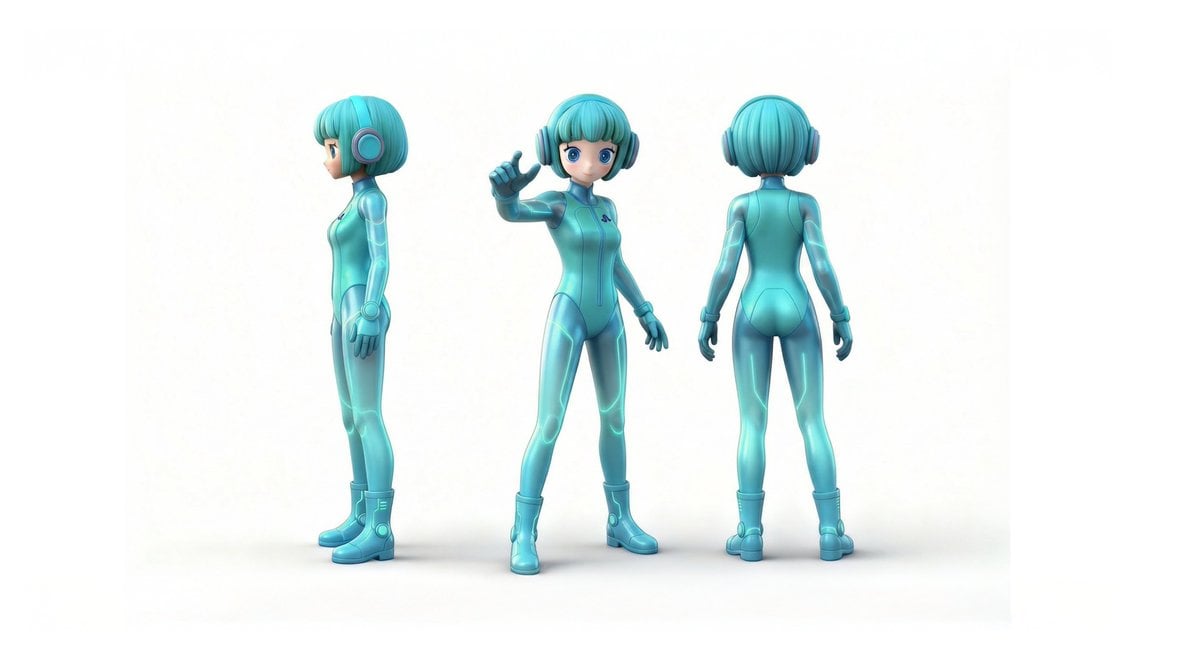
Line Art Illustration Style

Freepik Prompt Share with Nano Banana Pro
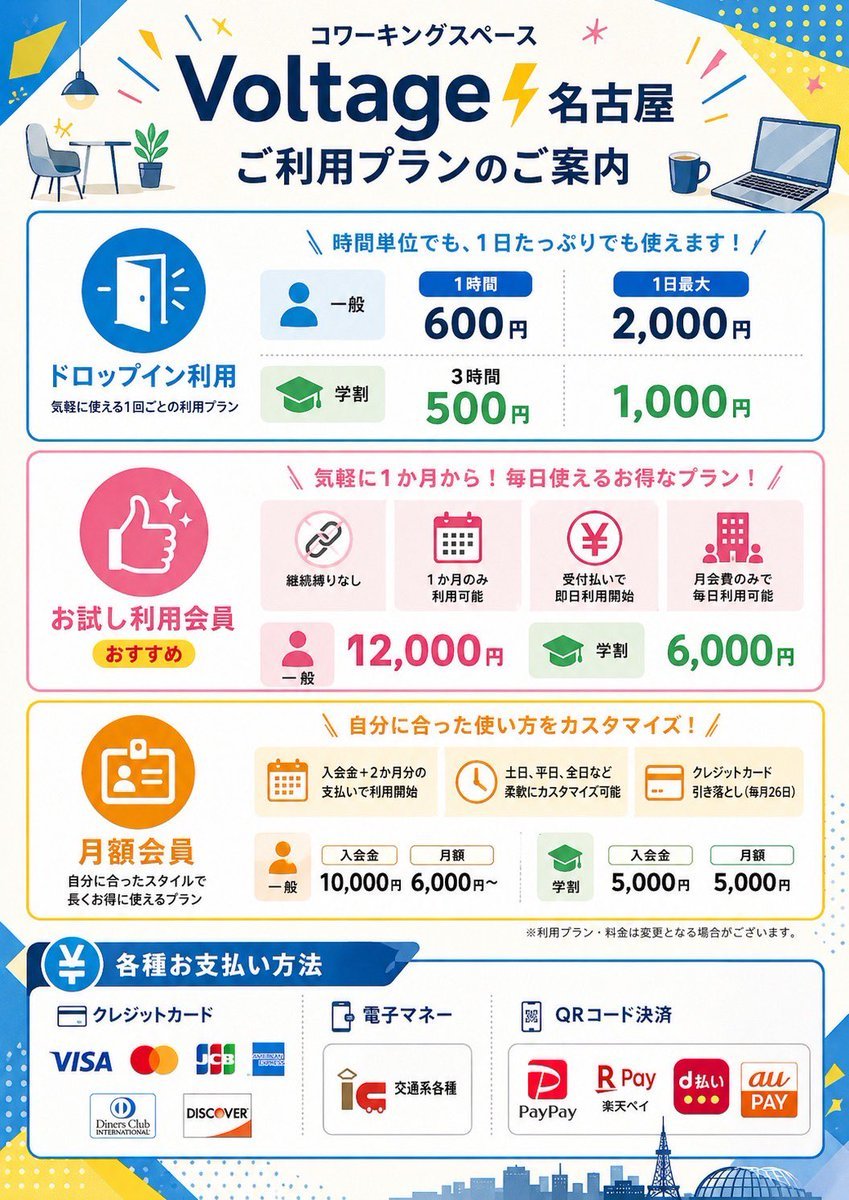
Japanese Coworking Pricing Flyer

Sculptor's Awakening Cinematic Scene Prompt
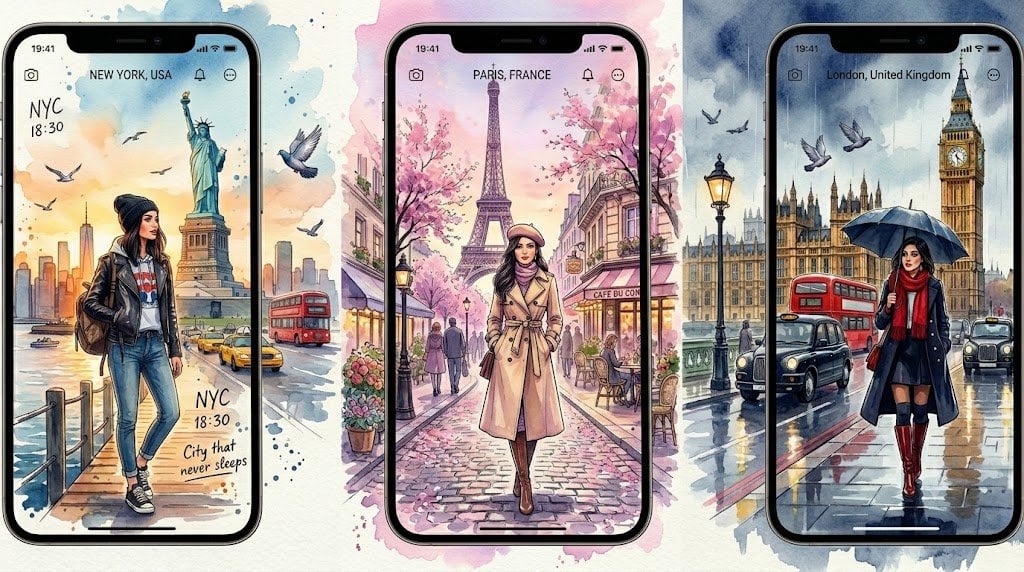
Watercolor Travel App Phone Mockups
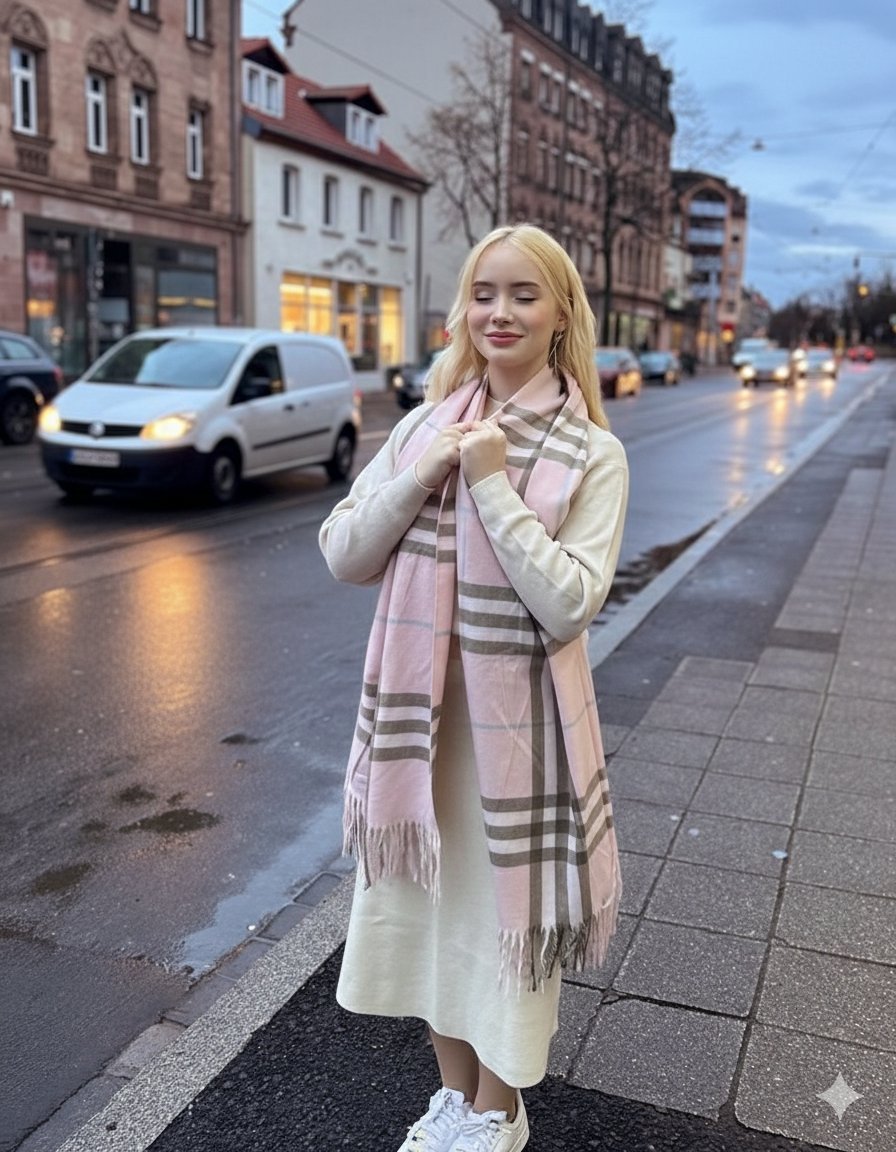
Cinematic Fashion Editorial in European Old Town at Twilight
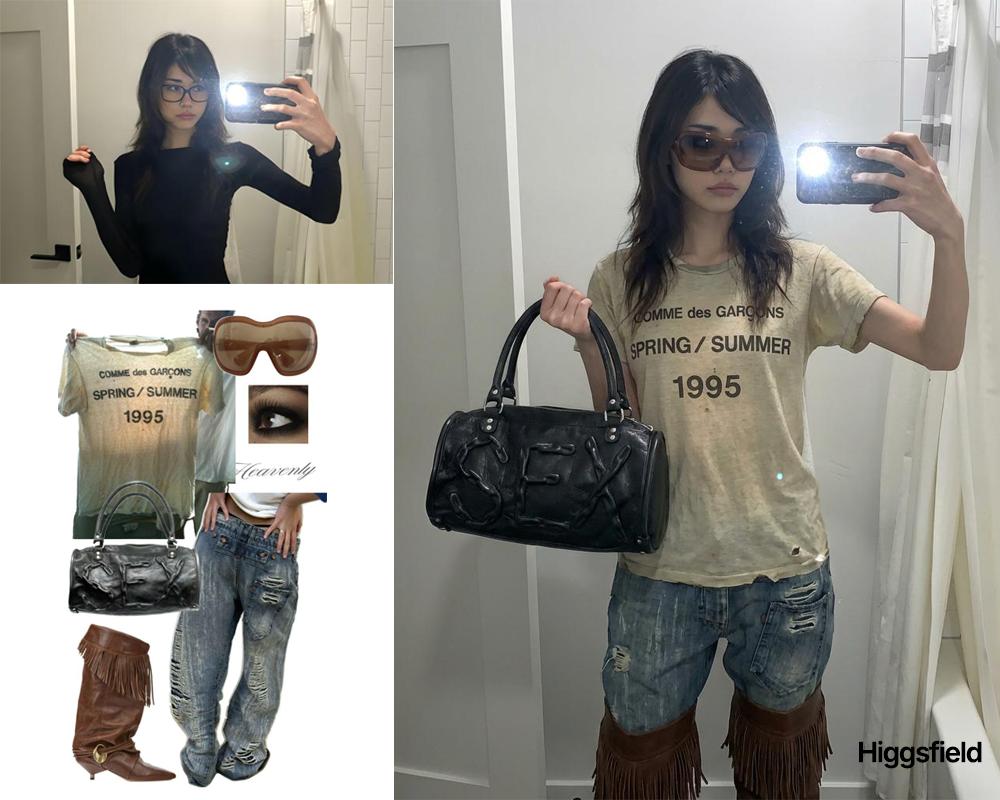
Outfit transfer between two images
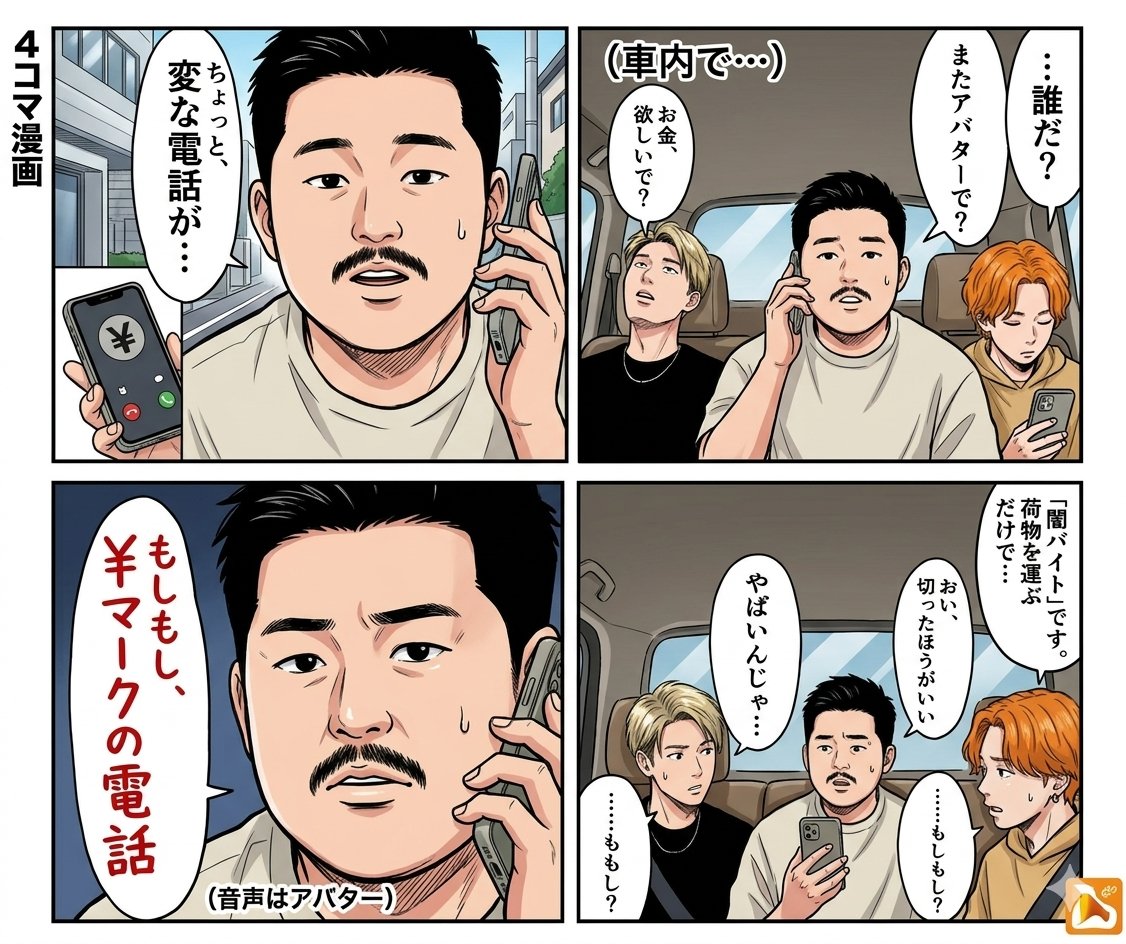
Panel Manga: Anonymous and Mask
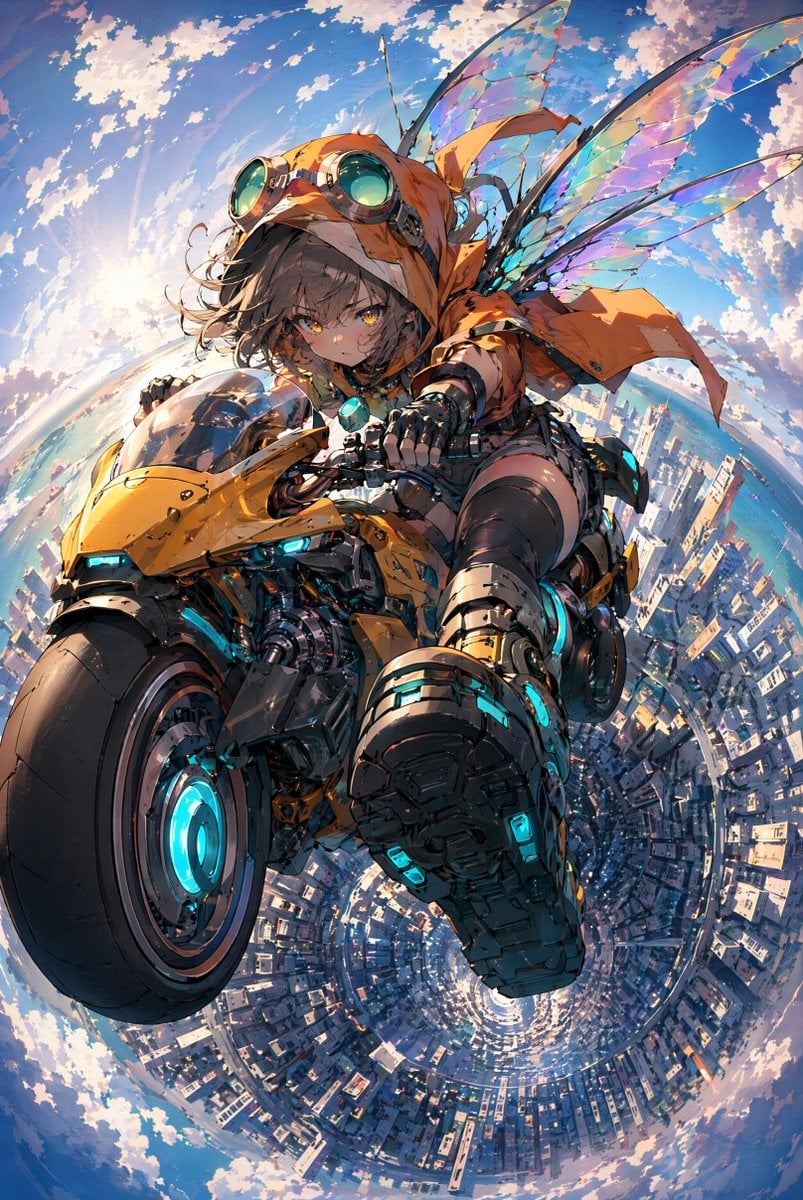
Fairy Biker Above Tiny-Planet City
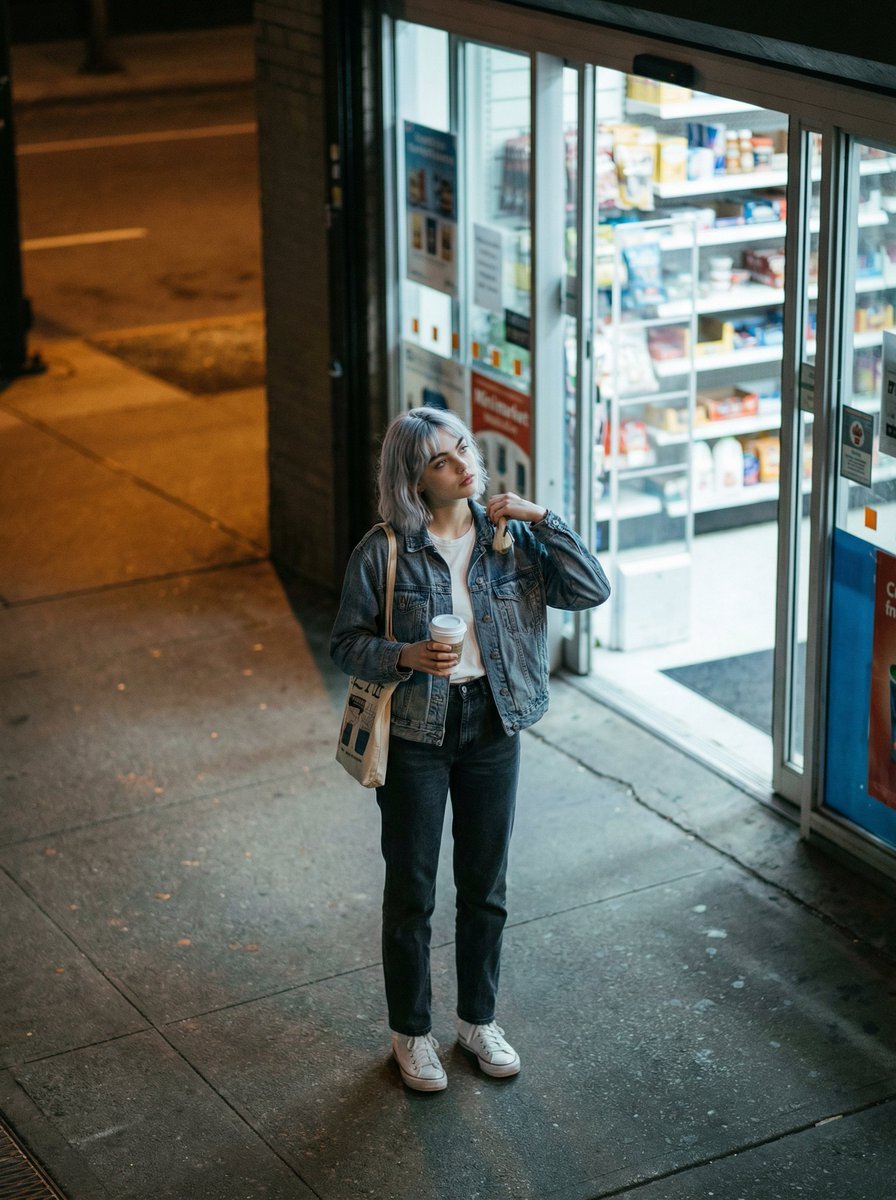
Candid night street fashion photograph with film aesthetic
Browse template categories
Red Silhouette Team Event Poster questions
How do I use the Red Silhouette Team Event Poster template?
Add your photo if the template asks for one, edit the prompt if you like — the template's model and format are already selected — and press Generate. Your version opens in PicX Studio.
Can I customize the Red Silhouette Team Event Poster template?
Yes. You can change the subject, setting, lighting, mood, format, and available model controls before creating your image.
Is the Red Silhouette Team Event Poster template free?
Opening and editing this template is free. Generating uses credits, shown on the Generate button when you are signed in.
Which AI model should I use?
Start with GPT Image 2, which is the model associated with this template. You can compare another compatible model for a different finish.
Looking for something else? Browse all templates.

Your photo, any look
Thousands of ready templates for every top image and video model, from one credit balance.