
Watercolor Travel App Phone Mockups
Generates a wide watercolor illustration of three smartphone travel-story screens featuring fashionable women in New York, Paris, and London.
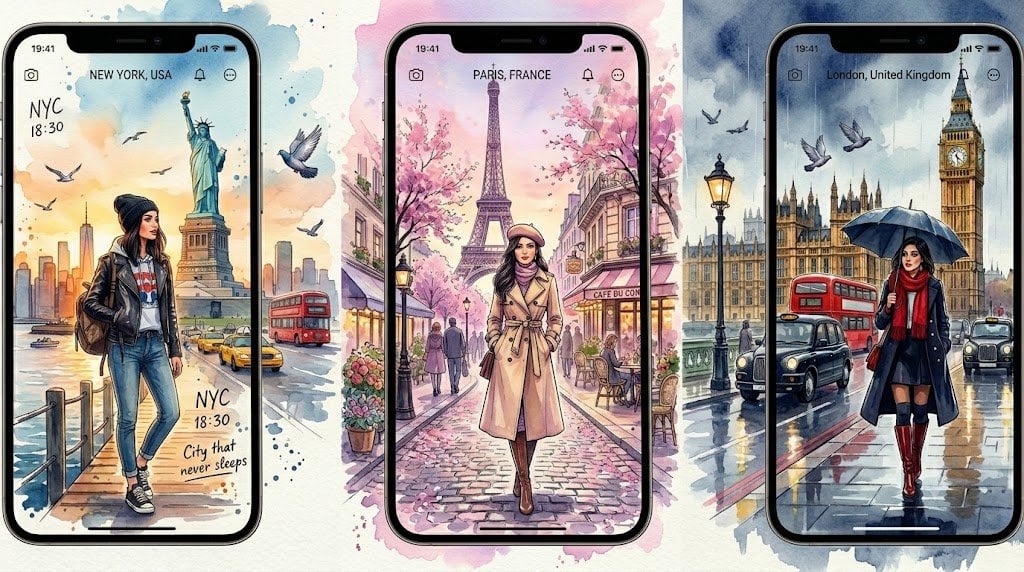
- Prompt included
- Model and format preset
- Premium template
The prompt behind this image
Copy the exact prompt behind Watercolor Travel App Phone Mockups, or open it in the studio and make it yours.
Goal: Create a wide watercolor travel-app mockup illustration showing exactly 3 vertical smartphone screens side by side, each displaying a fashionable woman in a famous city, like illustrated social media travel stories. Canvas: Horizontal 16:9 composition on an off-white paper background with loose watercolor splashes behind and around the phones. Use soft ink outlines, pastel washes, and detailed urban sketching. The three phones are black iPhone-style devices with rounded corners, top notch, slim bezel, and a small white home indicator at the bottom. Layout: Place exactly 3 phones across the image: left phone for {argument name="left city" default="New York, USA"}, center phone for {argument name="center city" default="Paris, France"}, and right phone for {argument name="right city" default="London, United Kingdom"}. The center phone is slightly larger and positioned forward; the left and right phones are slightly angled or partially overlapped by surrounding watercolor scenery. Continue the city scenery beyond the phone screens with paint splatters and landmark fragments. Phone UI details: Each screen has a small status bar showing 19:41 at top left, tiny camera icon near the upper left, centered location label, and small notification/menu icons near the upper right. Keep the UI minimal and elegant, as if a travel story app. Scenes and counted subjects: Include exactly 3 main female travelers, one per phone. Left traveler: casual streetwear outfit with black leather jacket, graphic T-shirt, blue jeans, sneakers, backpack, standing on a waterfront pier in New York. Center traveler: elegant beige trench coat, scarf, boots, walking down a pink cobblestone Paris street. Right traveler: navy coat, red scarf, short skirt or dress, knee-high burgundy boots, holding a dark umbrella on a rainy London street. Faces should be softly blurred or featureless to preserve the fashion-illustration look. Landmarks and city elements: Left/New York screen must show the Statue of Liberty prominently, NYC skyline, water, pier railing, yellow taxis, birds, and handwritten-style text reading “NYC”, “18:30”, and “City that never sleeps”. Center/Paris screen must show the Eiffel Tower centered in the background, pink cherry blossoms, Parisian buildings, café tables, pedestrians, flower pots, and a small café awning. Right/London screen must show Big Ben and the Houses of Parliament, wet reflective pavement, black cabs, a red double-decker bus, flying birds, and rainy blue-gray atmosphere. Visual style: Delicate watercolor and ink illustration, romantic travel journal aesthetic, hand-painted textures, soft pastel tones with splashes of blue, pink, orange, and gray. Use high detail in architecture and clothing, luminous reflections, cinematic depth, and clean phone mockup edges. Make the overall image look like a polished concept art advertisement for a travel diary app. Constraints: Show exactly 3 smartphones, exactly 3 female travelers, and exactly 3 distinct city scenes. Do not add extra phones, extra main characters, logos, watermarks, or unreadable clutter. Keep the image text limited to the visible city labels and handwritten New York notes.
How to use Watercolor Travel App Phone Mockups in 3 steps
- 1Upload ImagePNG, JPG or paste
Add your photo
Upload the photo the template builds on. The prompt, model and format are already set.
- 2…a portrait of your subject in softgolden-hour light, 85mm…
Personalize
Edit the subject and creative details for your destination.
- 3Generate
Generate
Press Generate — your image is created in PicX Studio, so you can compare it with the original and refine one variable at a time.
More like this
Templates with the same subject, style or setup. Open one to see its prompt.
Travel Ad Phone Portal 3D Effect

Japan Travel Brochure Poster

Miniature Travel Diorama Postcard

Boardwalk Fashion Portrait
Apple Style iPhone Product Campaign
Japanese NEWT Travel App Poster
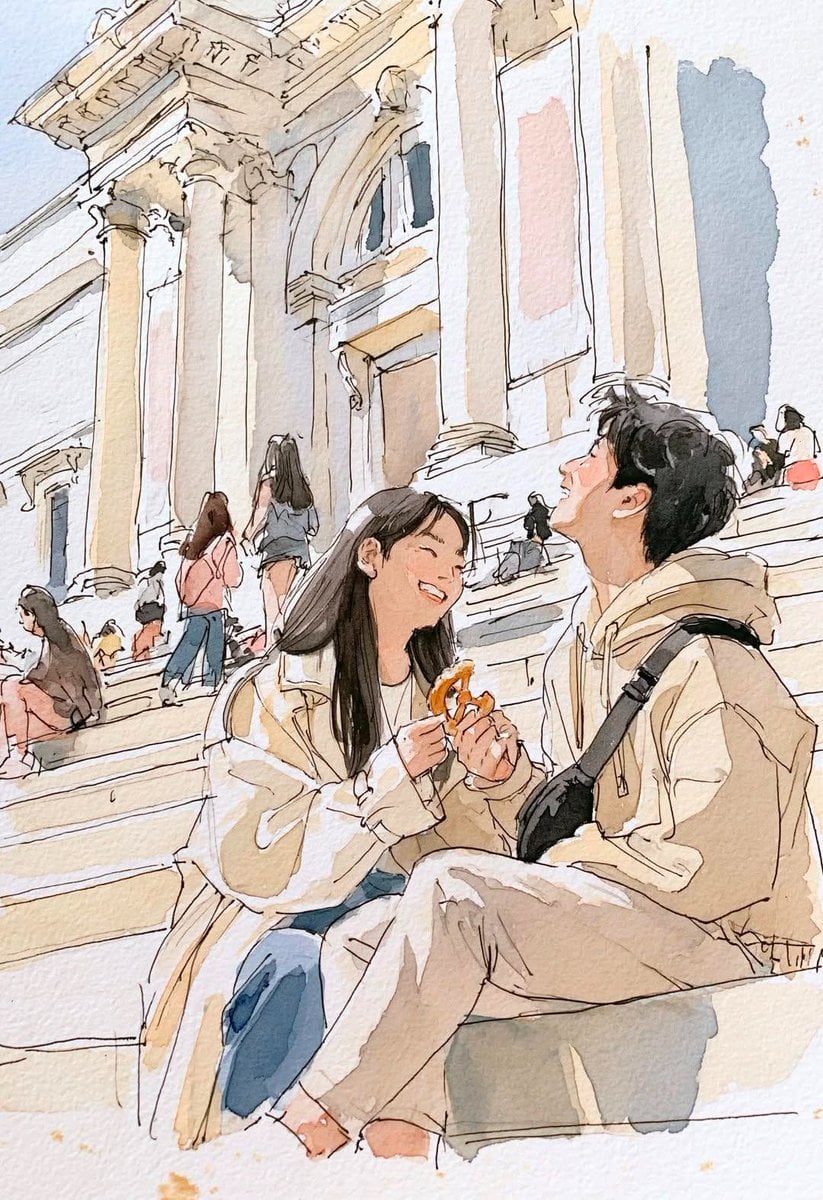
Watercolor Travel Sketchbook
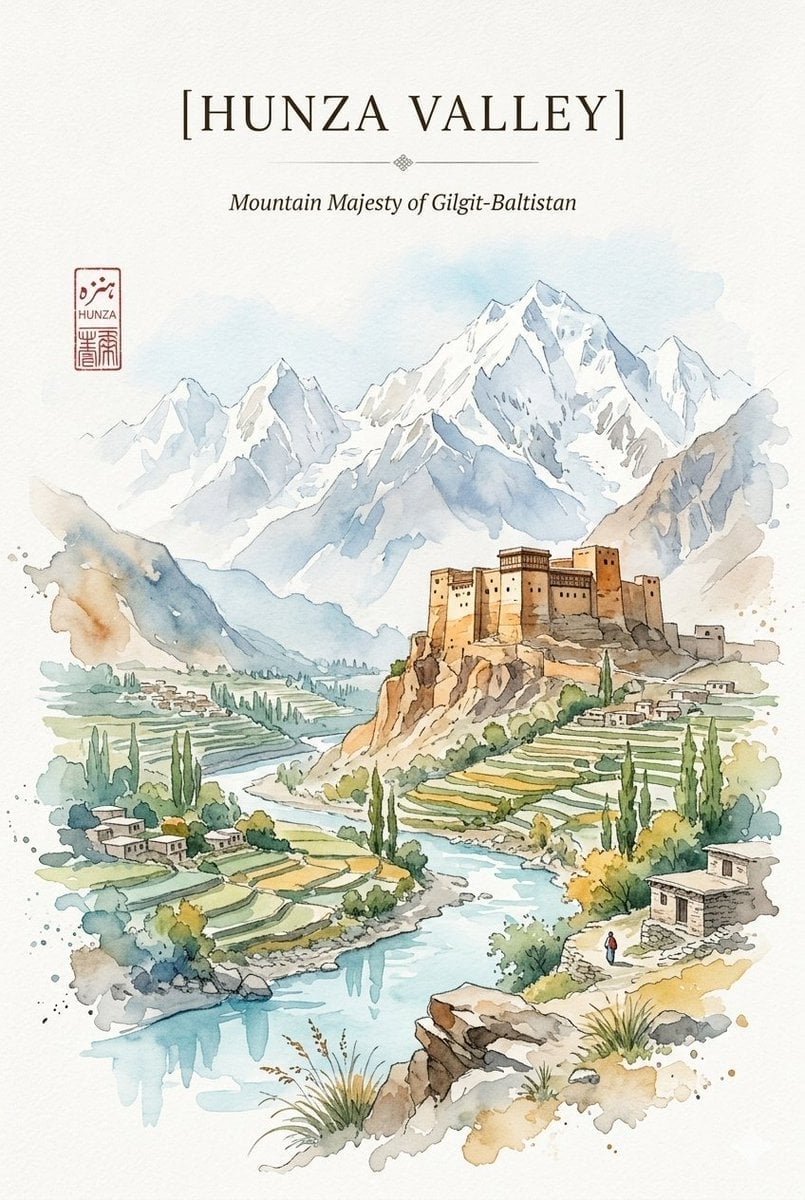
Alpine Watercolor Travel Poster
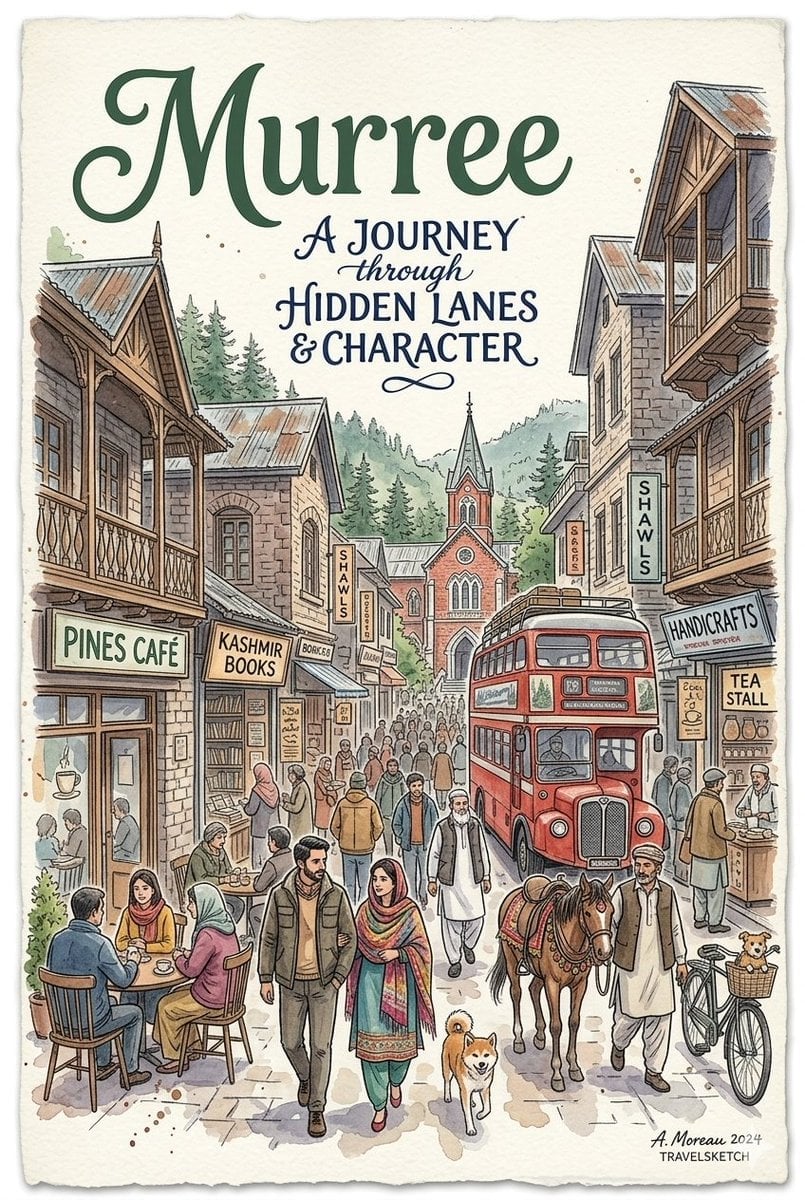
Watercolor Travel Poster Fusion
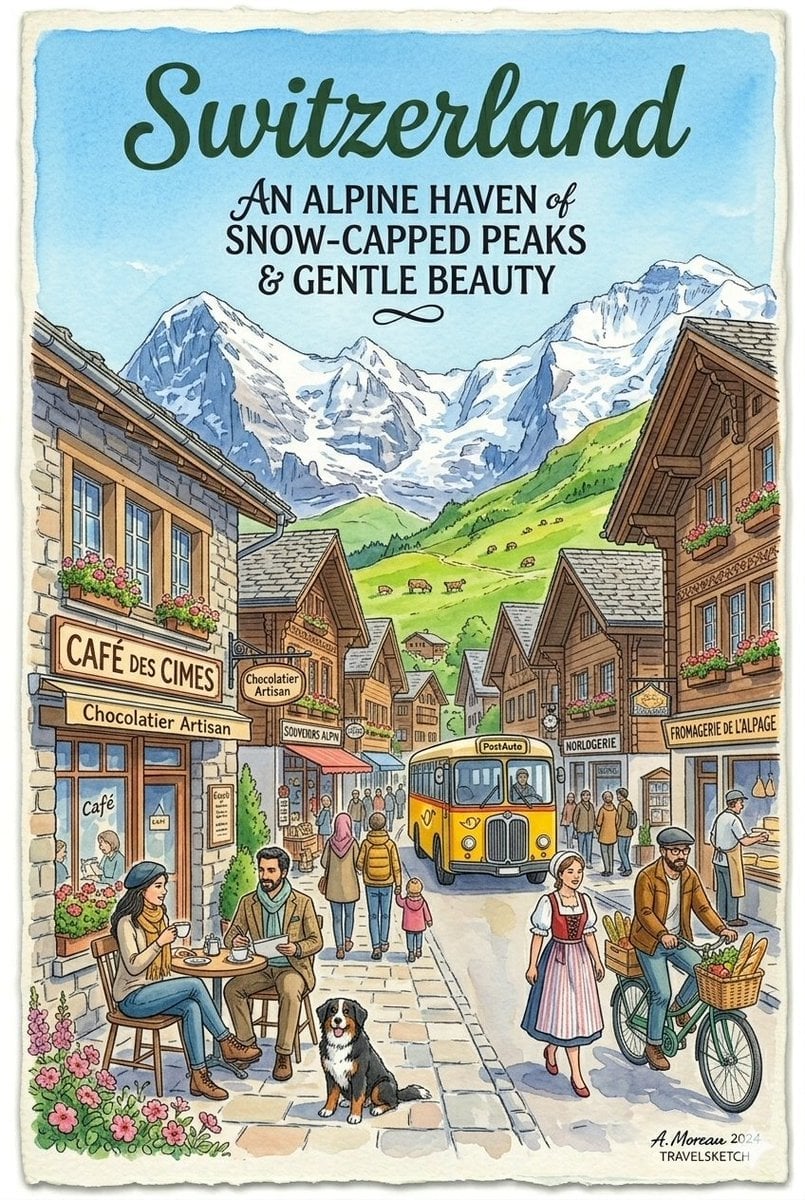
Vintage Watercolor Travel Posters
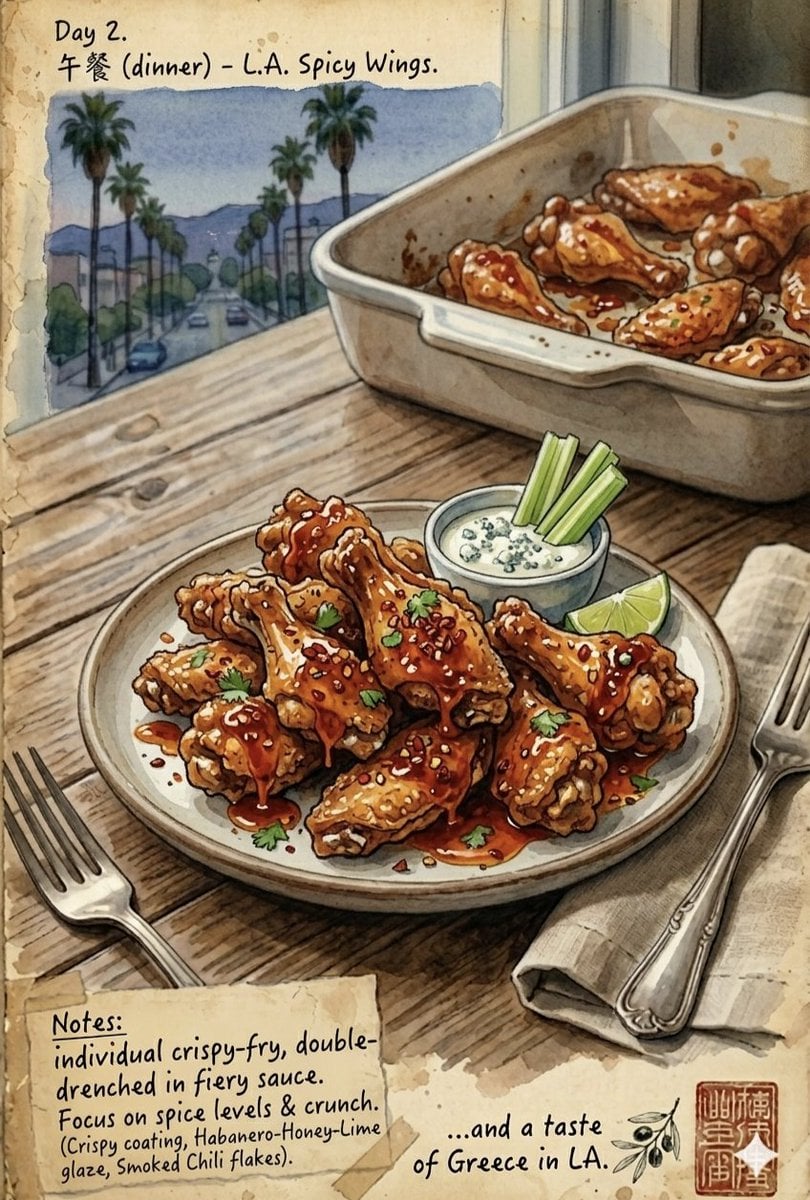
Watercolor Culinary Travel Diary Illustration

Watercolor Anim Finale Fireworks
Make it yours
Watercolor Travel App Phone Mockups works as-is. These are the safest ways to change it without losing the look.
Change one field
Copy a single group, rewrite it, and generate again so you can see what that field is doing.
Keep the frame, change the subject
Hold the composition and light of Watercolor Travel App Phone Mockups, then swap wardrobe, props or the person for a new take.
| If the result… | Why | Fix |
|---|---|---|
| The result drifts from the preview | Too many fields changed at once. | Reuse Watercolor Travel App Phone Mockups as-is first, then change one group — subject, light, or setting. |
| The model over-stylizes the scene | The prose prompt leaves finish and camera underspecified. | Add one camera or lighting sentence and stay on GPT Image 2. |
More GPT Image 2 templates
Other prompts made for GPT Image 2.

Six VTuber Japanese Logo Sheet

Realistic Portrait of Woman and Deer

The Vista Modular Condo Poster

AI Model Routing Comparison Infographic

2.5D Anime Art Board

Isometric Productivity Desk Scene

New York Double Exposure Poster

Four-Panel AI Landscape Comparison

Japanese Tatami Lifestyle Magazine Cover

NESCAFÉ Coffee Map Poster
More image prompts
Fresh picks from across the catalog.
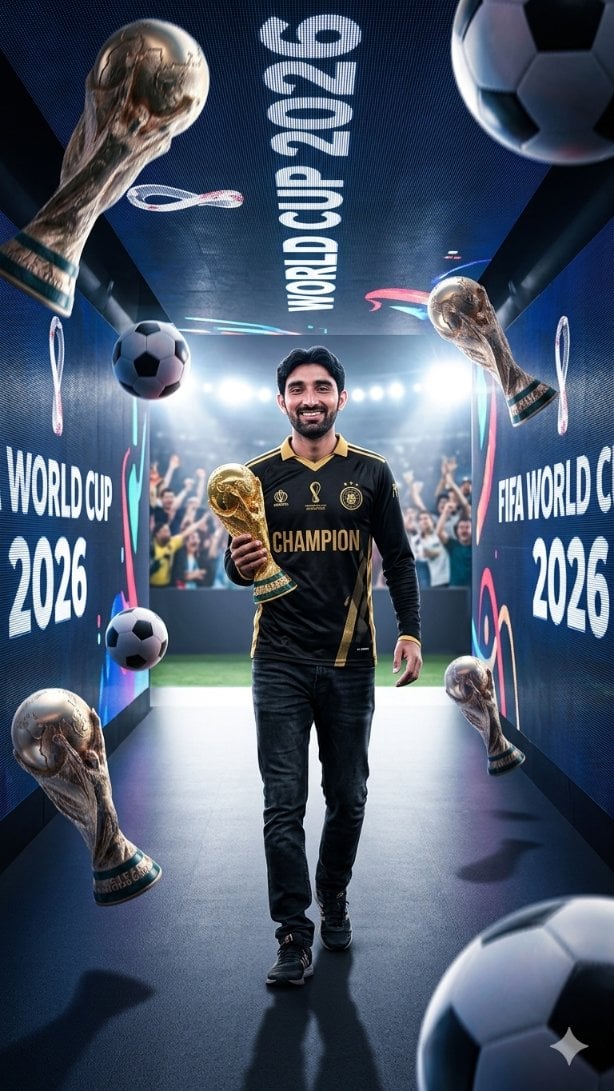
World Cup Champion Tunnel Poster
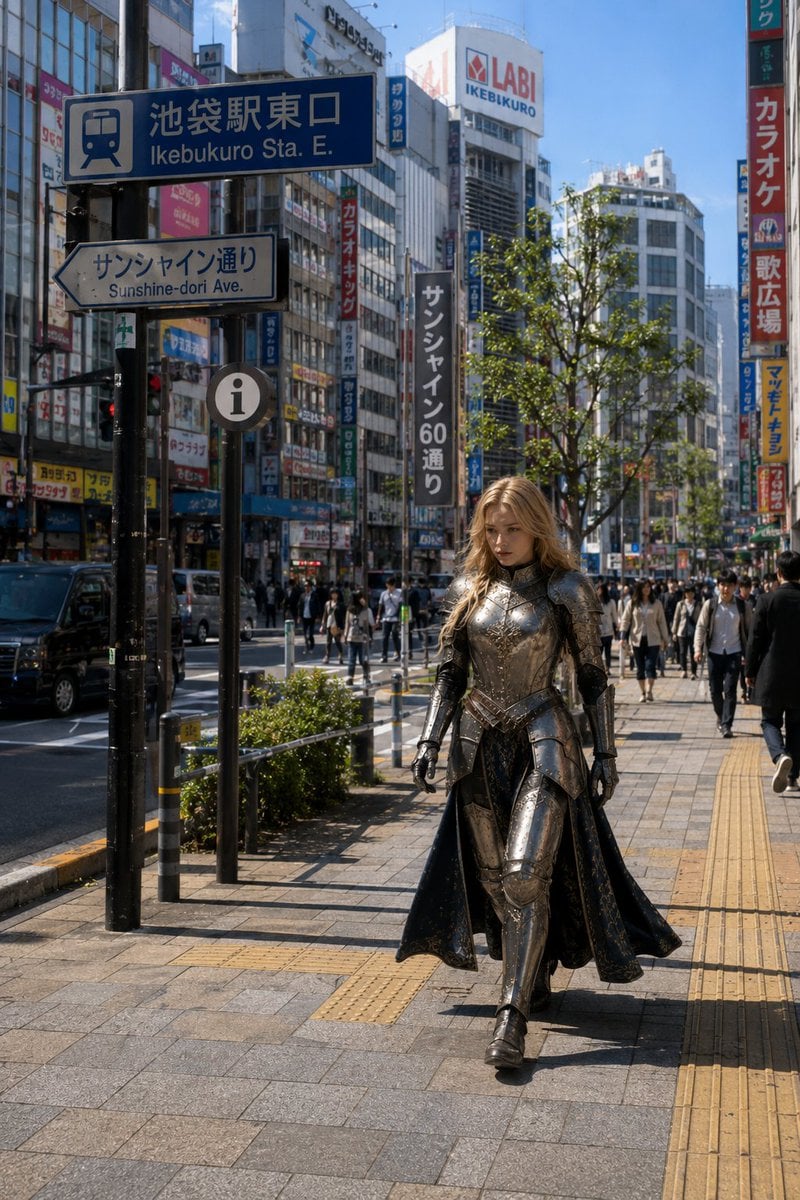
Armored Cosplayer in Ikebukuro
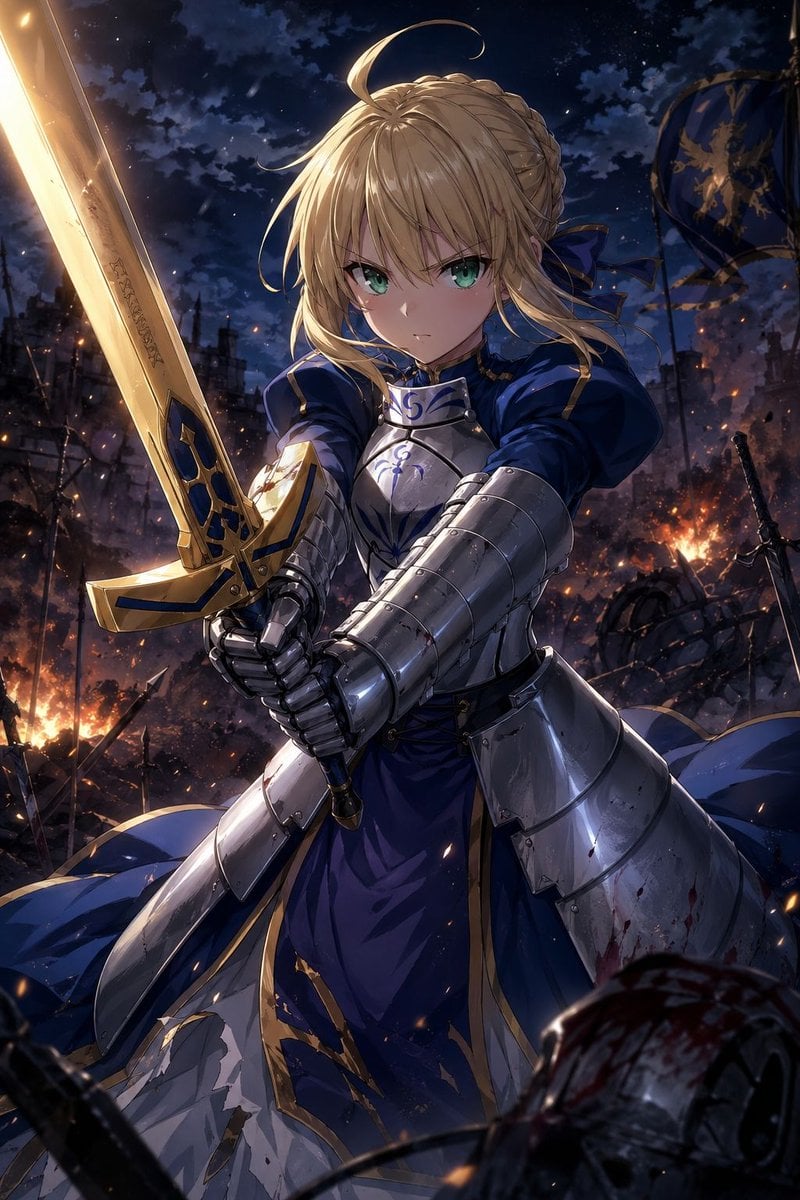
Anime Knight King on Burning Battlefield

Orange Tracksuit Studio Poster
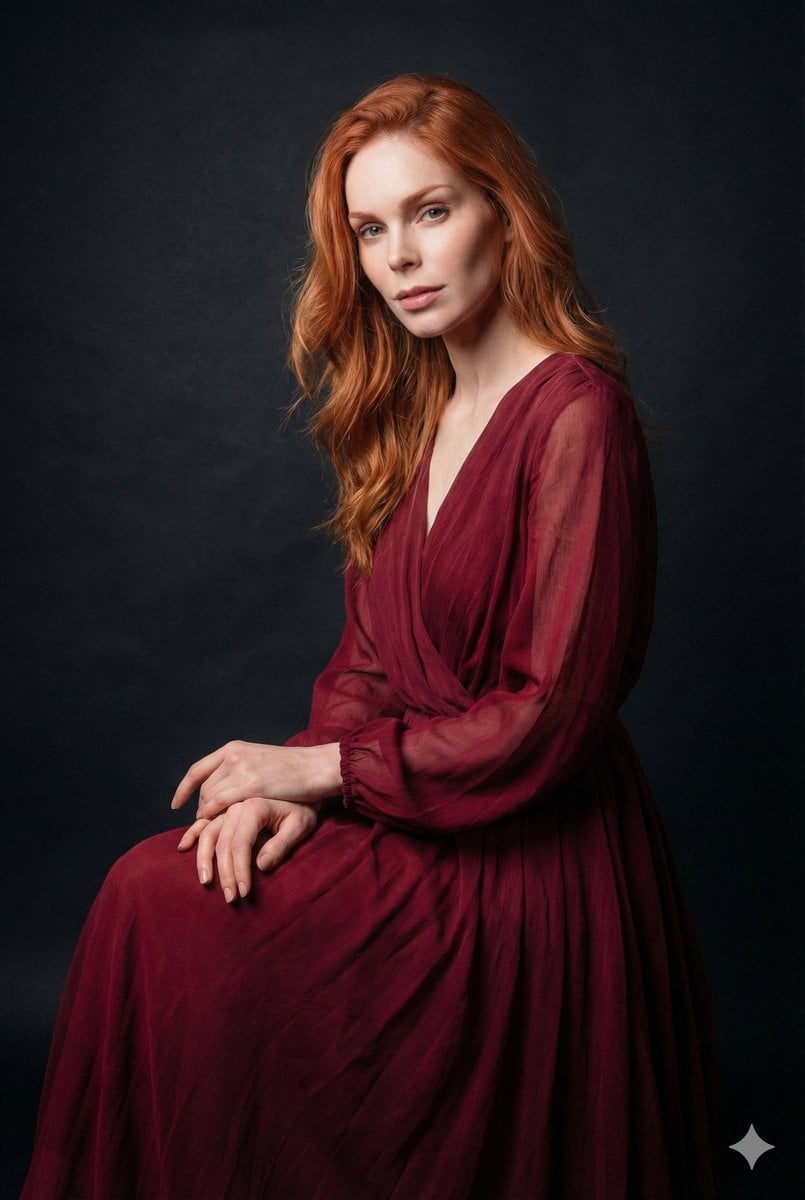
Ethereal Long Exposure Cinematic Portrait Prompt

Candid Bird Contest Meme Photo
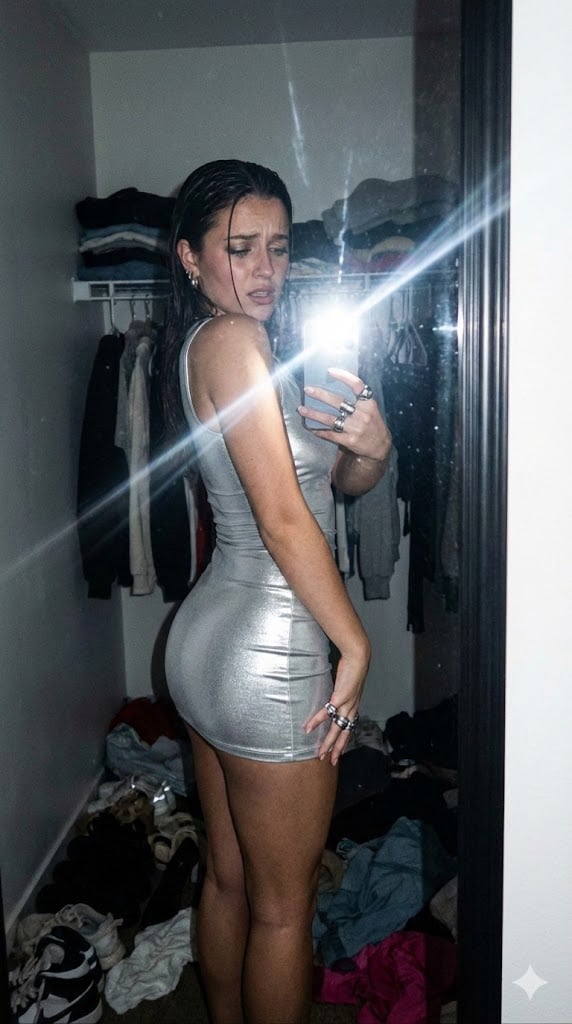
Candid Gen Z Fit Check Mirror Selfie Narrative
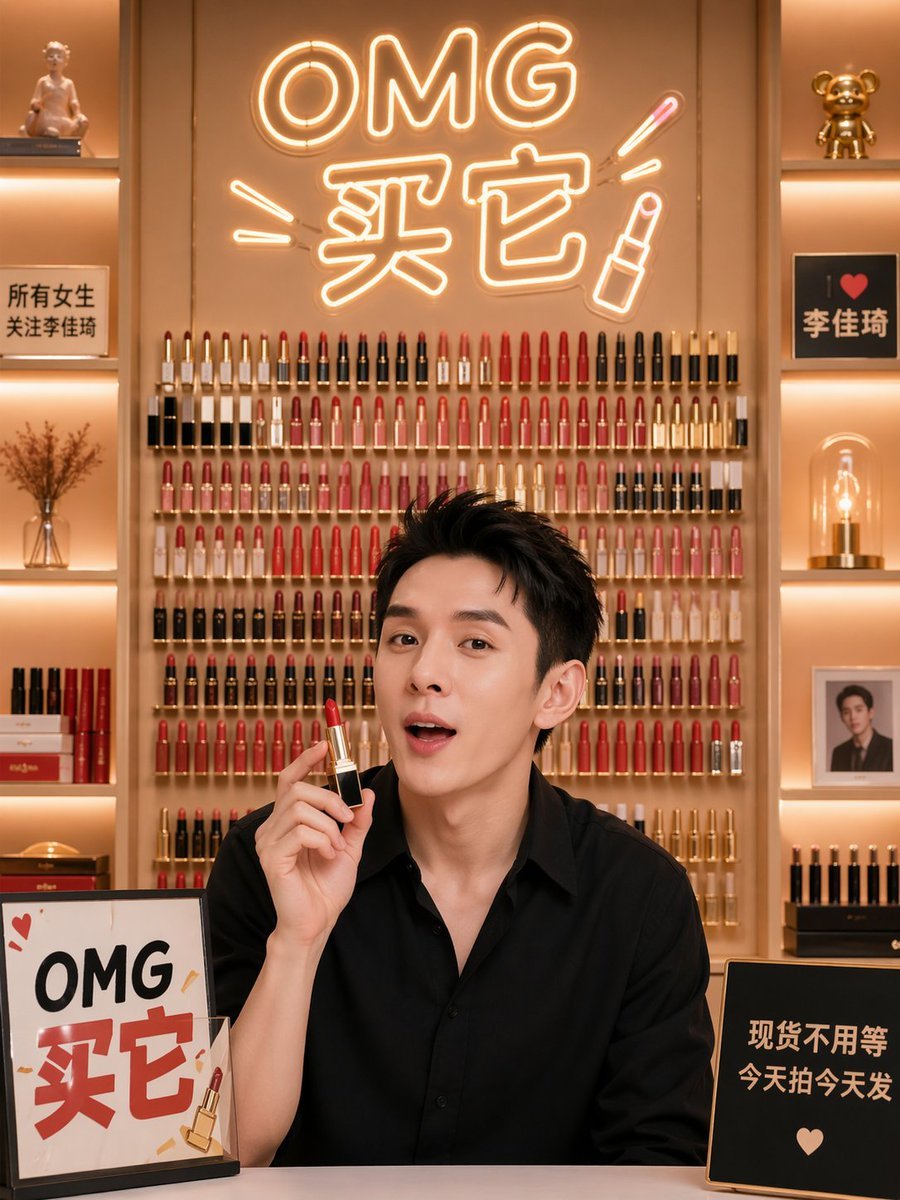
Influencer Live Stream Room Background
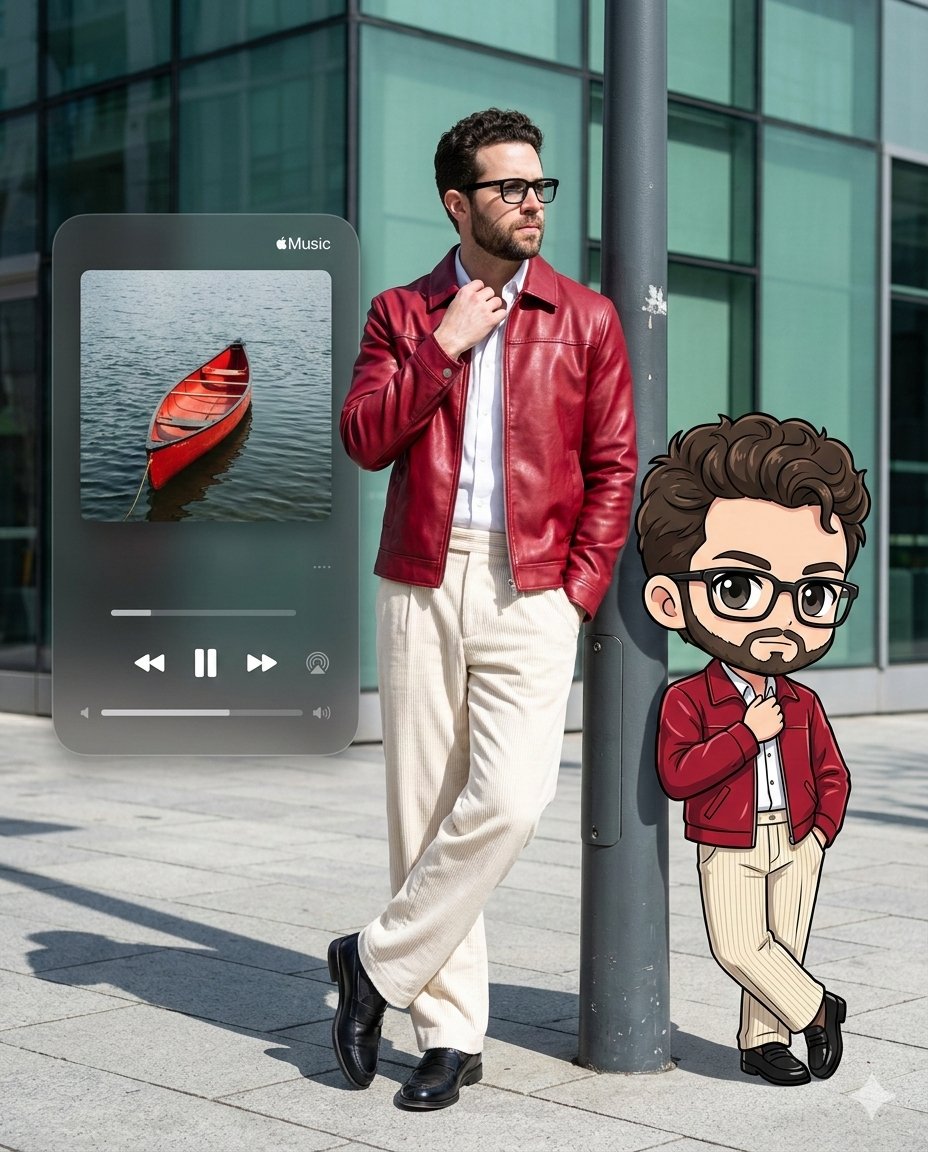
Photorealistic Self-Portrait with Chibi and UI Overlay Prompt
Cinematic Tudor Noble Portrait
Browse template categories
Watercolor Travel App Phone Mockups questions
How do I use the Watercolor Travel App Phone Mockups template?
Add your photo if the template asks for one, edit the prompt if you like — the template's model and format are already selected — and press Generate. Your version opens in PicX Studio.
Can I customize the Watercolor Travel App Phone Mockups template?
Yes. You can change the subject, setting, lighting, mood, format, and available model controls before creating your image.
Is the Watercolor Travel App Phone Mockups template free?
Opening and editing this template is free. Generating uses credits, shown on the Generate button when you are signed in.
Which AI model should I use?
Start with GPT Image 2, which is the model associated with this template. You can compare another compatible model for a different finish.
Looking for something else? Browse all templates.

Your photo, any look
Thousands of ready templates for every top image and video model, from one credit balance.