
Armored Cosplayer in Ikebukuro
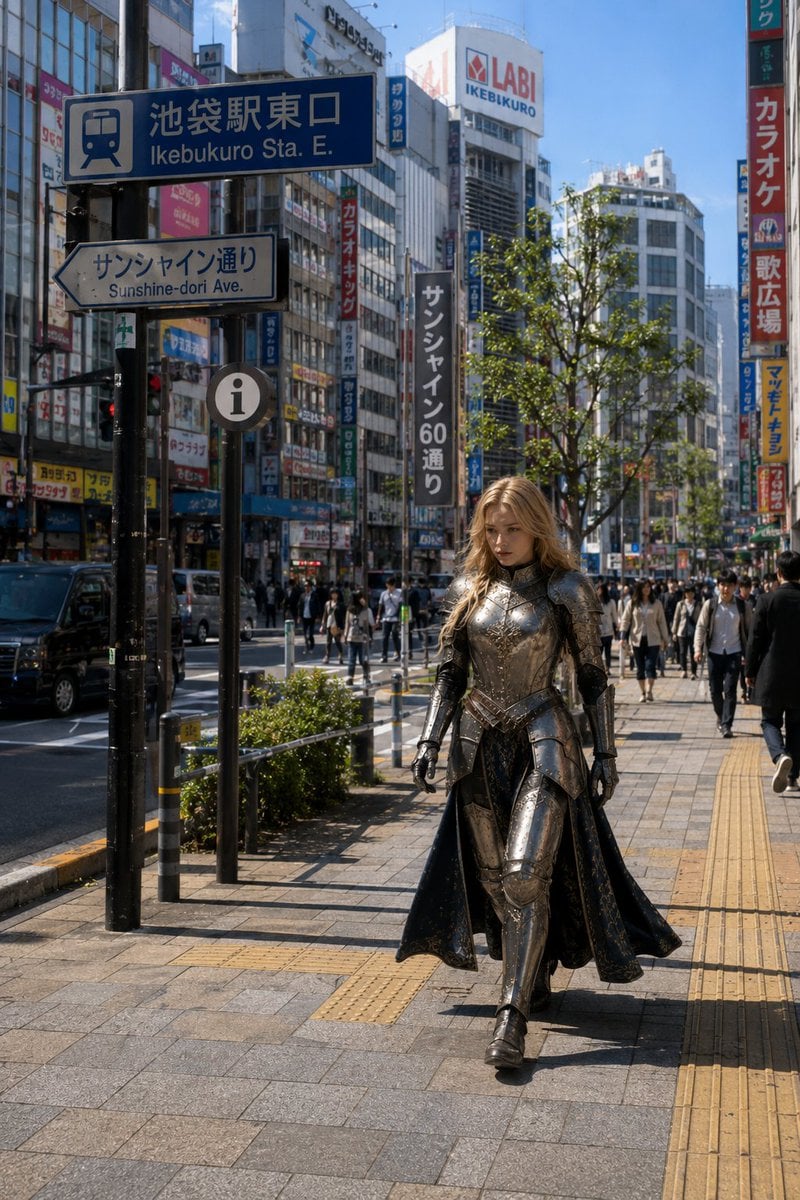
A photorealistic street scene of a fantasy-armored woman walking through busy Ikebukuro near the station east exit.
- Prompt included
- Model and format preset
- Free template
The prompt behind this image
Copy the exact prompt behind Armored Cosplayer in Ikebukuro, or open it in the studio and make it yours.
Create a photorealistic vertical street-fashion/cosplay photograph set in {argument name="location" default="Ikebukuro Station East Exit, Tokyo"} on a clear sunny day. The scene shows a busy Japanese city sidewalk in Ikebukuro with tall commercial buildings, dense vertical shop signs, pedestrians, traffic, street trees, yellow tactile paving, and a prominent blue station sign in the upper left reading “Ikebukuro Sta. E.” with Japanese characters above it; beneath it is a white arrow sign reading “Sunshine-dori Ave.” Include recognizable urban details such as the LABI Ikebukuro building sign in the distance and colorful karaoke/retail signage. In the foreground, a single adult woman cosplayer walks confidently toward the camera on the sidewalk, centered slightly right, wearing {argument name="costume style" default="ornate medieval fantasy knight armor"}: polished dark-silver plate armor with engraved details, articulated gauntlets, breastplate, shoulder armor, thigh and shin guards, black boots, and a long dark cloak or split skirt flowing behind her. She has {argument name="hair color" default="long wavy blonde hair"} catching the sunlight, while her face is intentionally obscured by a smooth neutral blur with no facial features. The mood is a believable candid city snapshot where an elaborate fantasy armored cosplayer blends into everyday Ikebukuro foot traffic. Use realistic natural daylight, crisp shadows, documentary photography, 35mm street-photo perspective, high detail, true-to-life colors, no illustration style, no extra fantasy effects, no weapons, no watermark.
How to use Armored Cosplayer in Ikebukuro in 3 steps
- 1Upload ImagePNG, JPG or paste
Add your photo
Upload the photo the template builds on. The prompt, model and format are already set.
- 2…a portrait of your subject in softgolden-hour light, 85mm…
Personalize
Edit the subject and creative details for your destination.
- 3Generate
Generate
Press Generate — your image is created in PicX Studio, so you can compare it with the original and refine one variable at a time.
More like this
Templates with the same subject, style or setup. Open one to see its prompt.
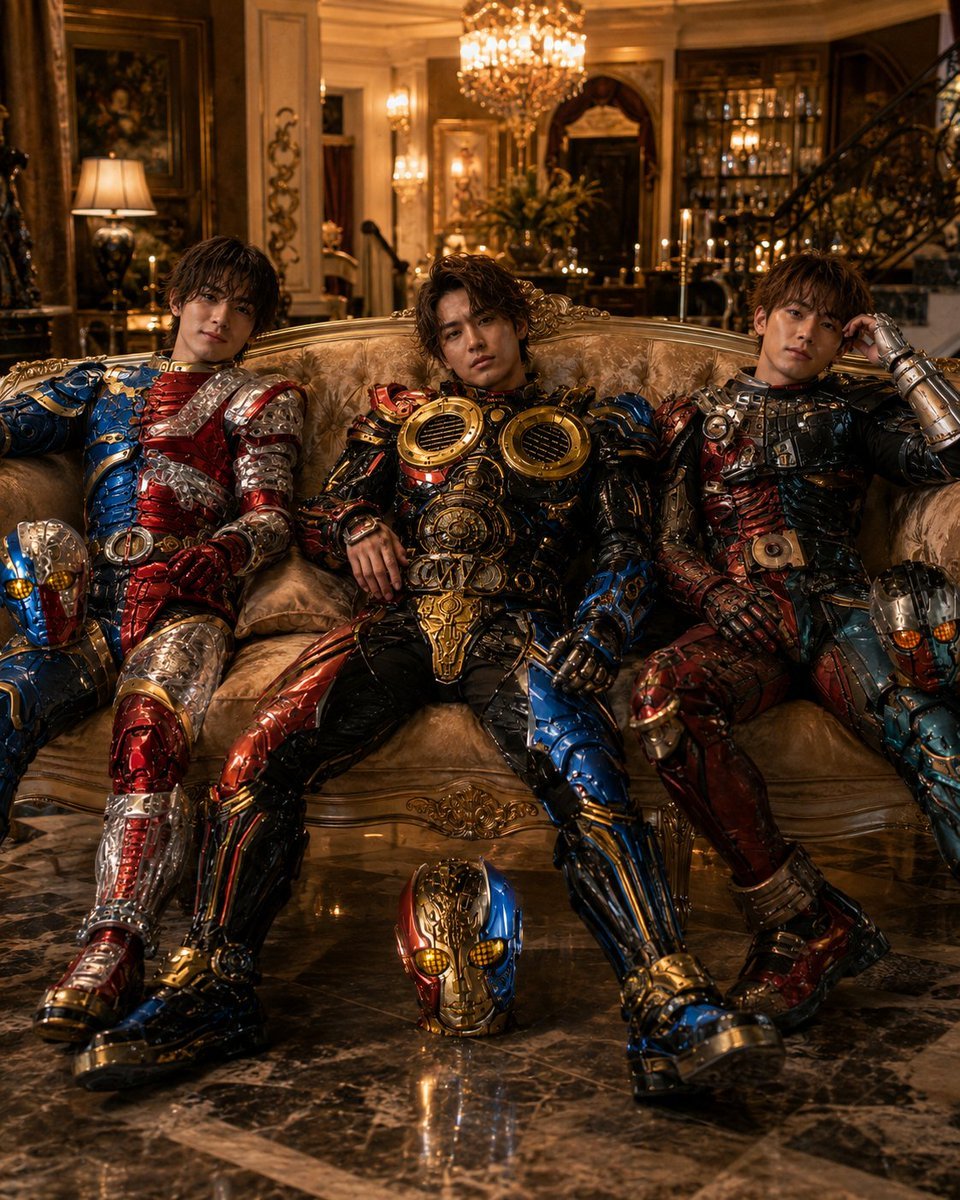
Armored Tokusatsu Cosplayers Resting
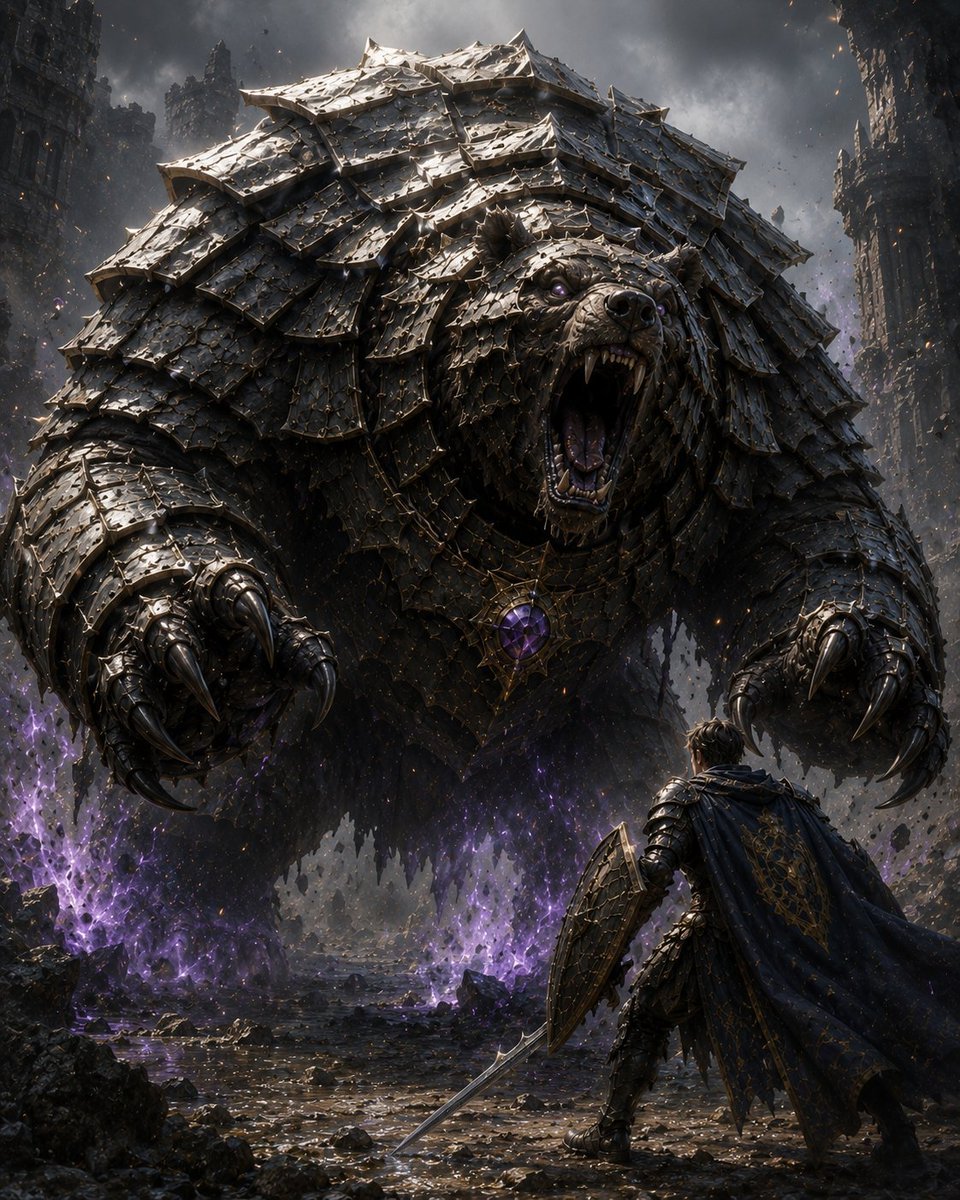
Armored Bear Encounter
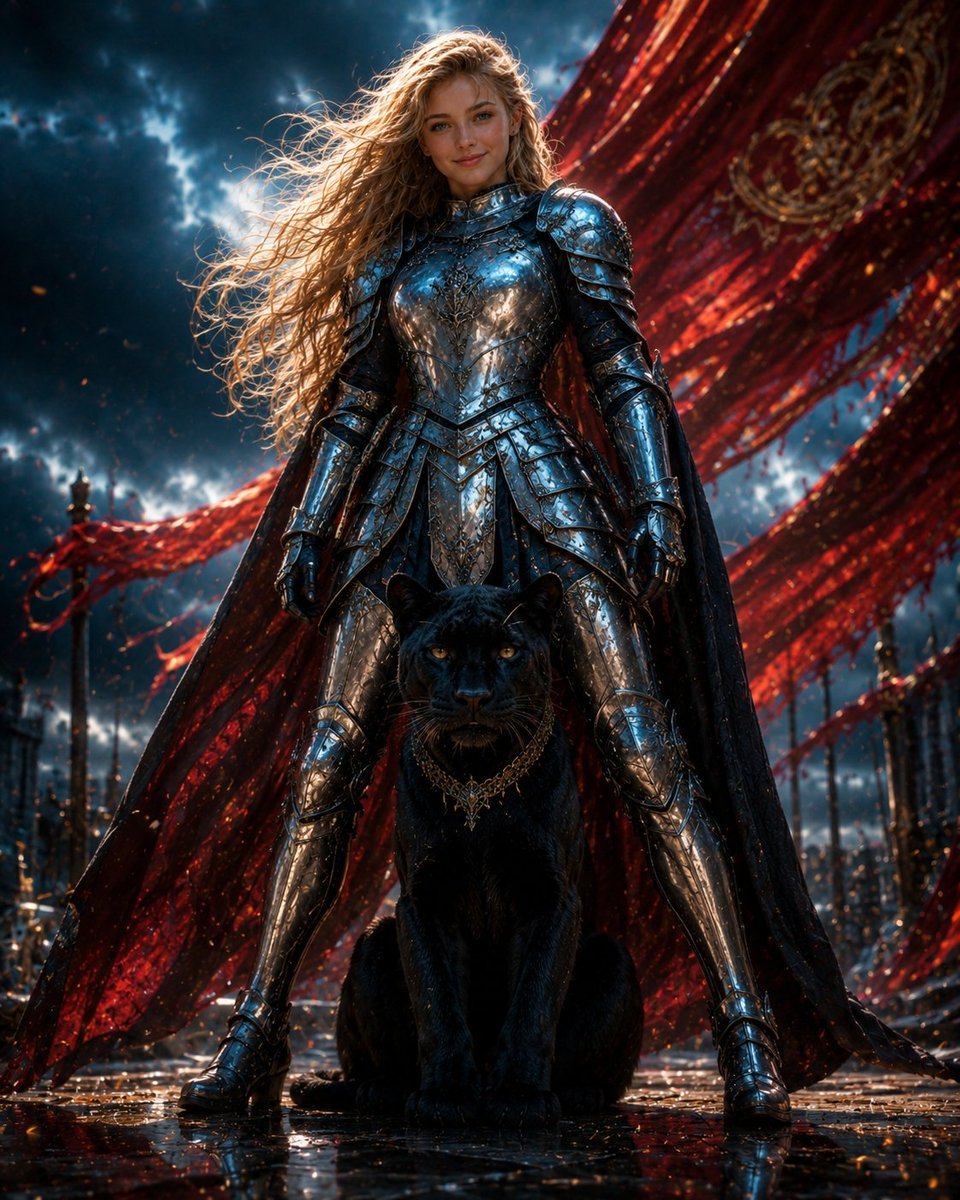
Armored Warrior with Black Panther
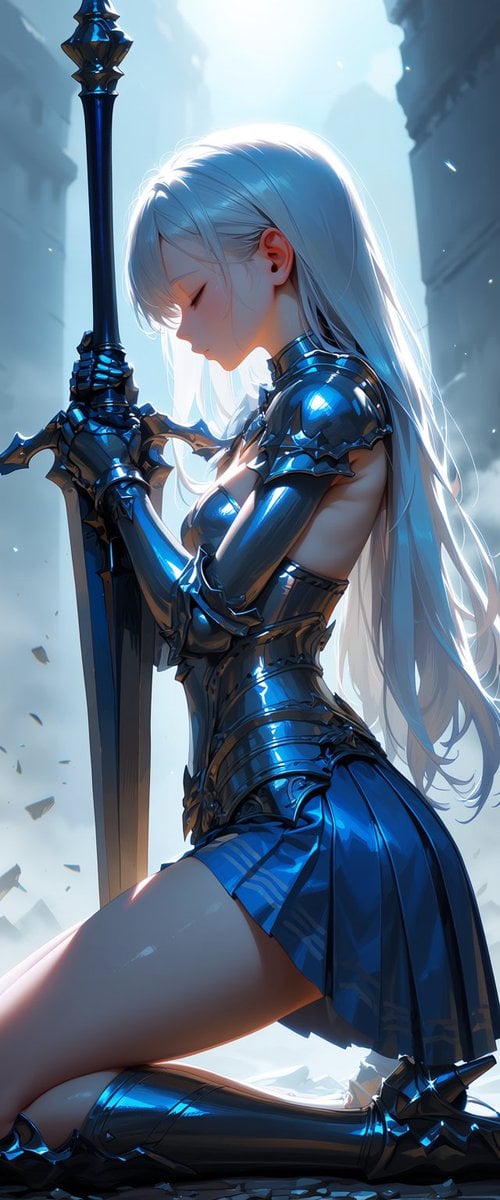
Kneeling Blue Armored Knight
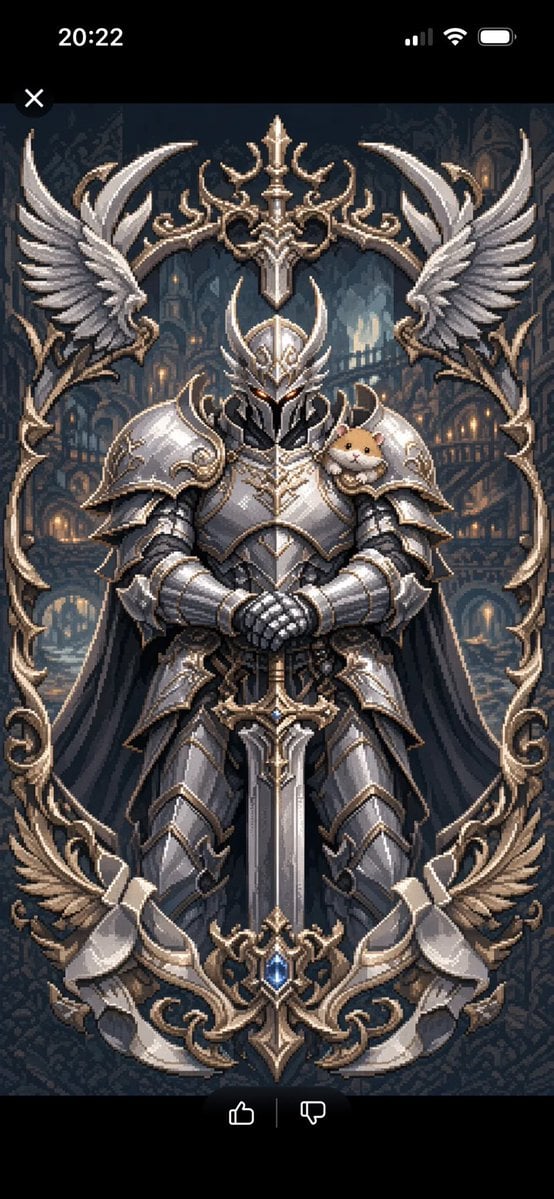
Semi-Pixel Armored Warrior
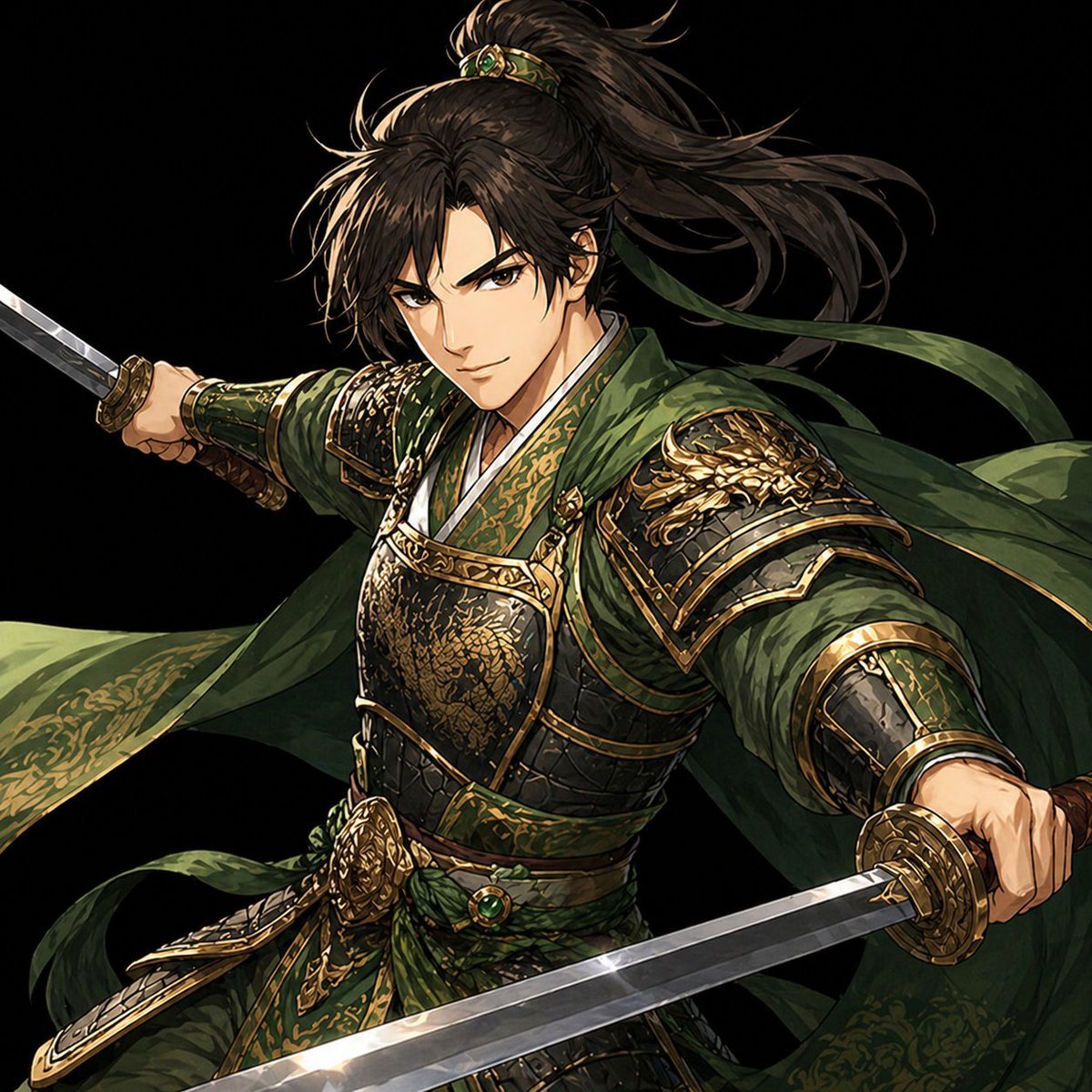
Green Armored Dual-Sword Warrior
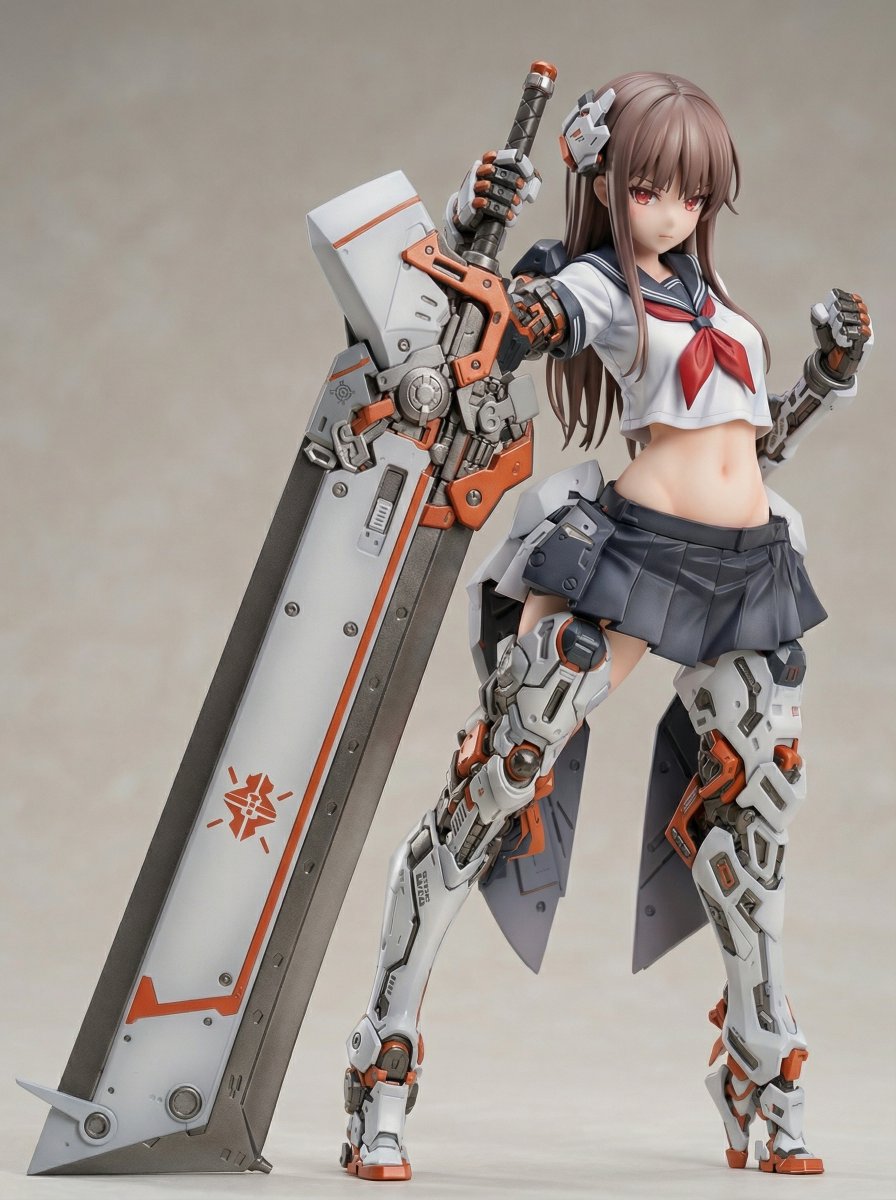
Figure/Model Kit Packaging Prompts for Armored Mecha Girl
Anime Cosplayer Convention Photography
Elf Cosplayer Mirror Selfie
Realistic Fantasy Cosplayer at Festival
Censored Fantasy Cosplayer at Expo
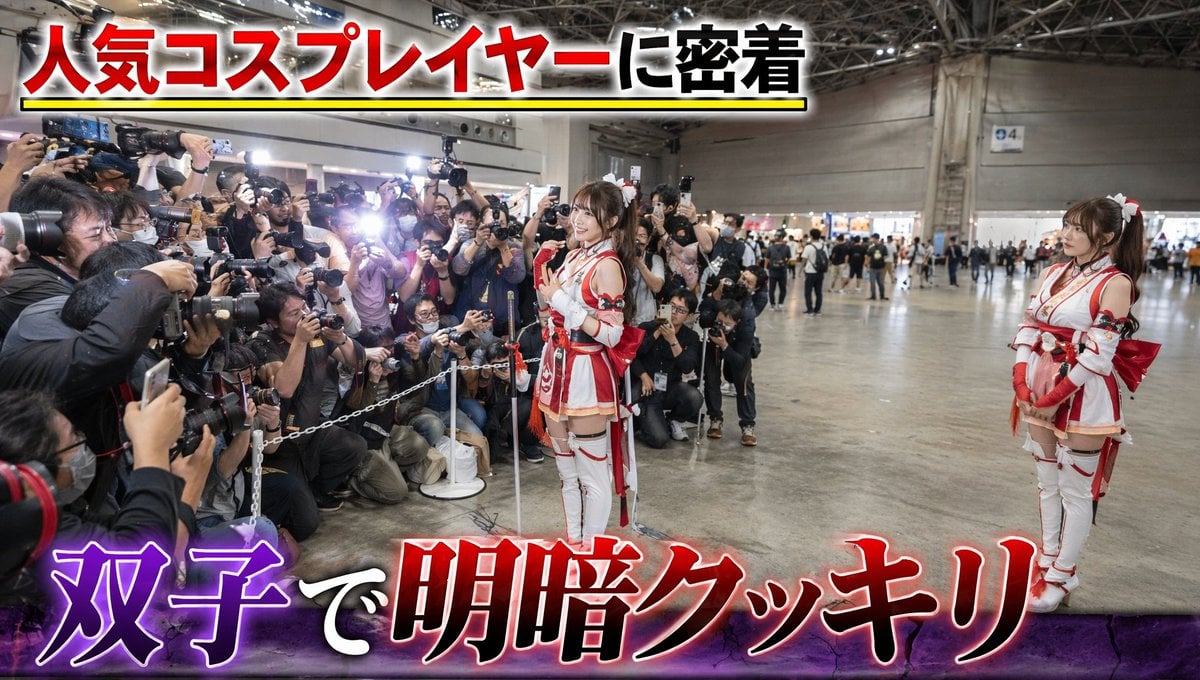
Twin Cosplayers Popularity Contrast
Make it yours
Armored Cosplayer in Ikebukuro works as-is. These are the safest ways to change it without losing the look.
Change one field
Copy a single group, rewrite it, and generate again so you can see what that field is doing.
Keep the frame, change the subject
Hold the composition and light of Armored Cosplayer in Ikebukuro, then swap wardrobe, props or the person for a new take.
| If the result… | Why | Fix |
|---|---|---|
| The result drifts from the preview | Too many fields changed at once. | Reuse Armored Cosplayer in Ikebukuro as-is first, then change one group — subject, light, or setting. |
| The model over-stylizes the scene | The prose prompt leaves finish and camera underspecified. | Add one camera or lighting sentence and stay on GPT Image 2. |
More GPT Image 2 templates
Other prompts made for GPT Image 2.

Six VTuber Japanese Logo Sheet

Realistic Portrait of Woman and Deer

The Vista Modular Condo Poster

AI Model Routing Comparison Infographic

2.5D Anime Art Board

Isometric Productivity Desk Scene

New York Double Exposure Poster

Four-Panel AI Landscape Comparison

Japanese Tatami Lifestyle Magazine Cover

NESCAFÉ Coffee Map Poster
More image prompts
Fresh picks from across the catalog.
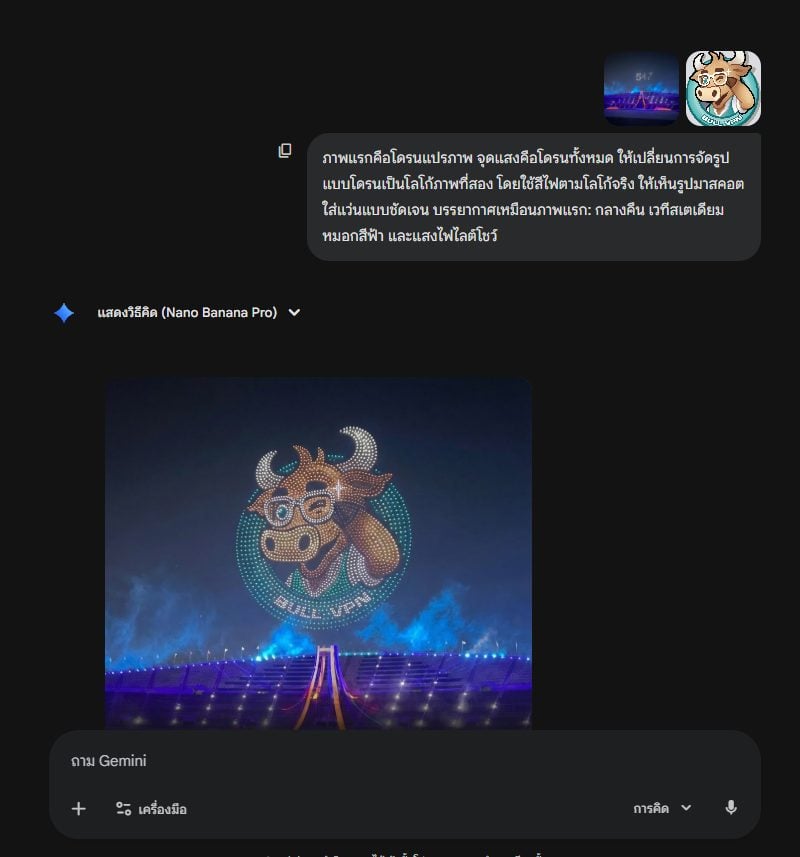
Drone Light Show Logo Transformation Prompt
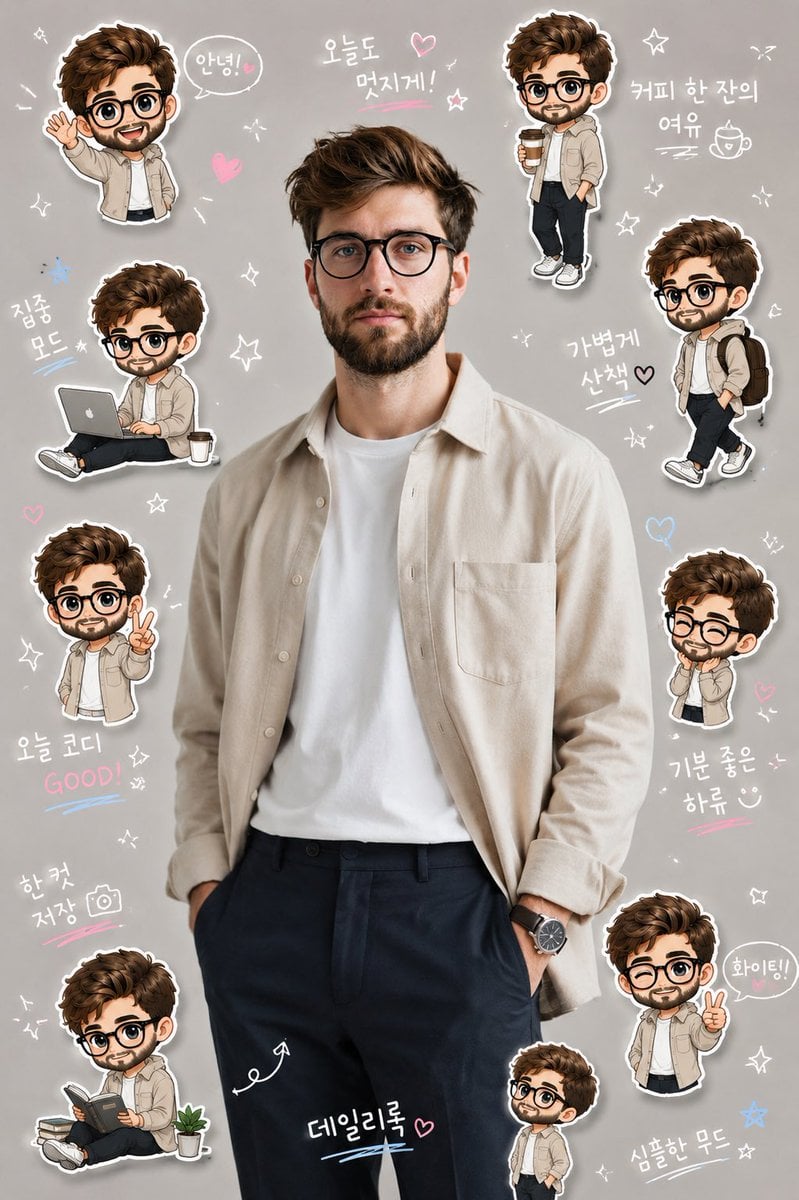
Korean Chibi Sticker Diary
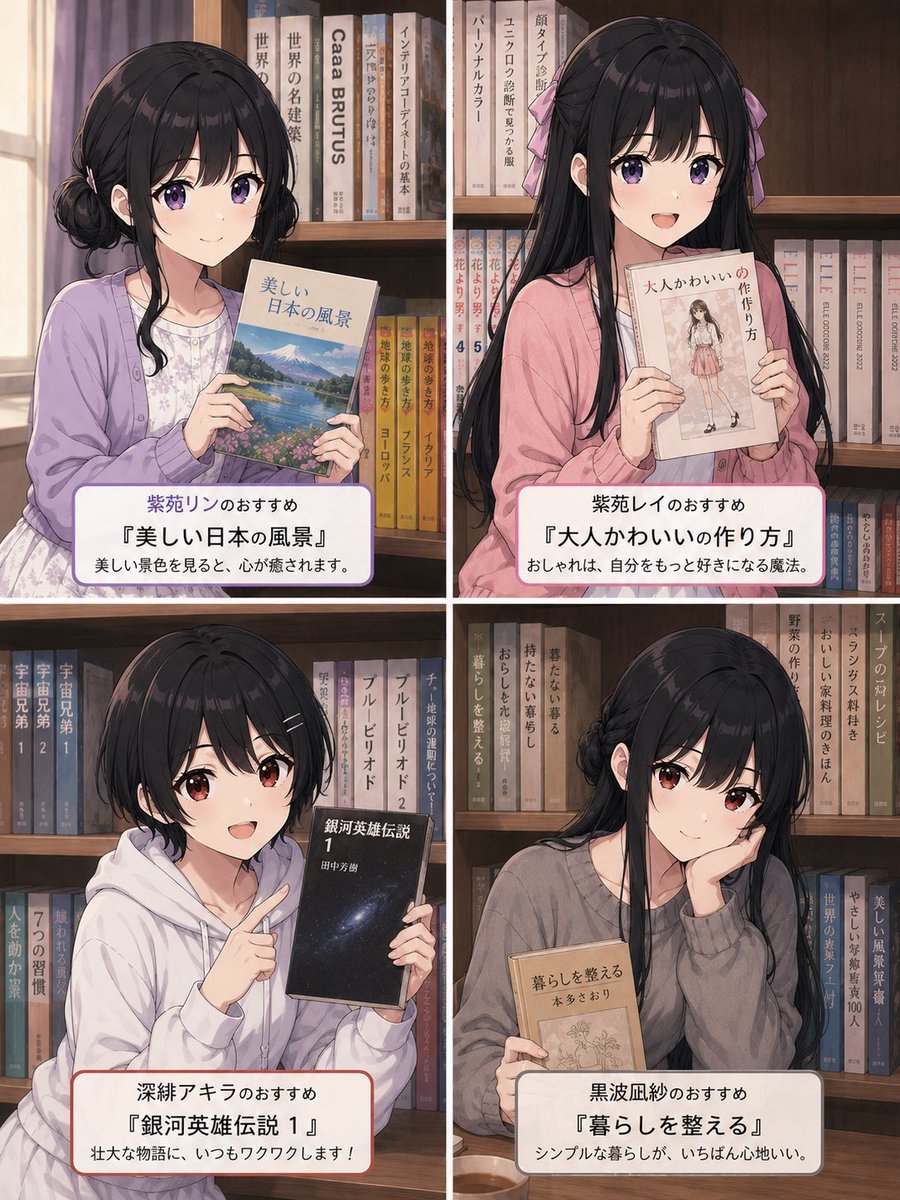
Four-Panel Anime Book Recommendations

Japanese Inheritance Tax LP Hero
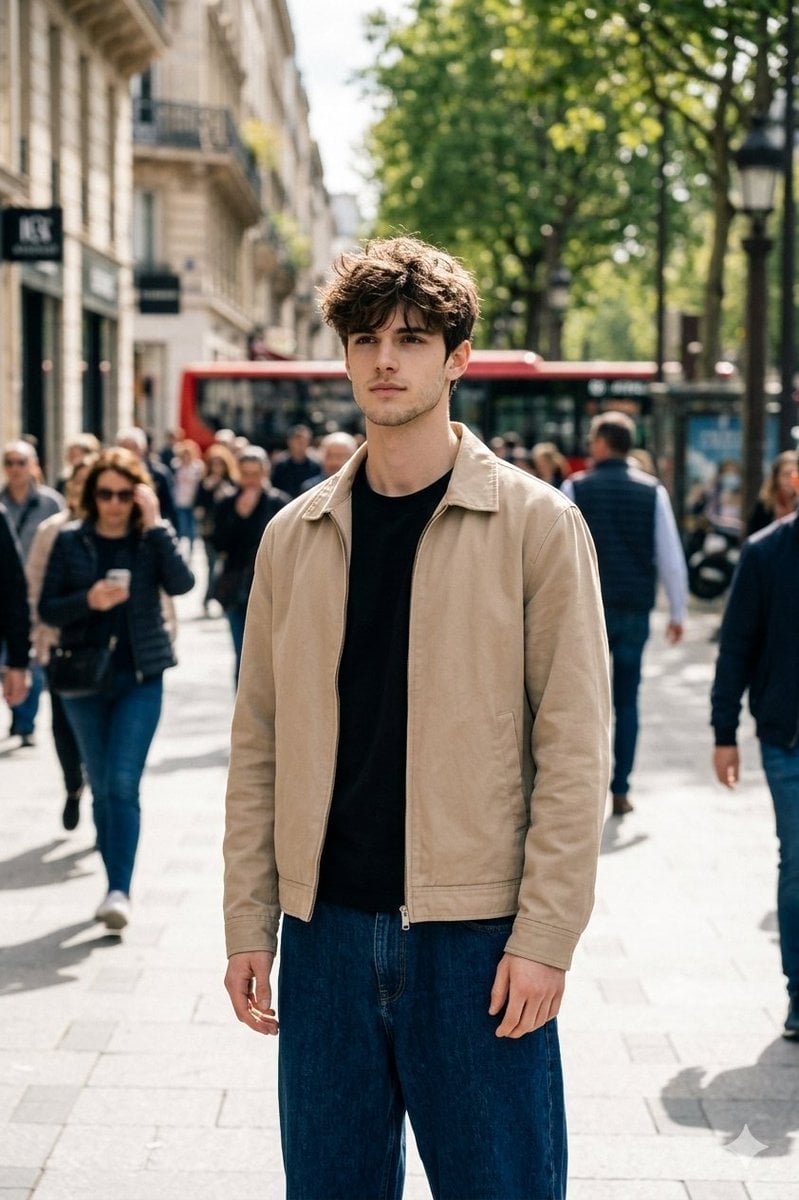
Cinematic Street Portrait in Natural Daylight
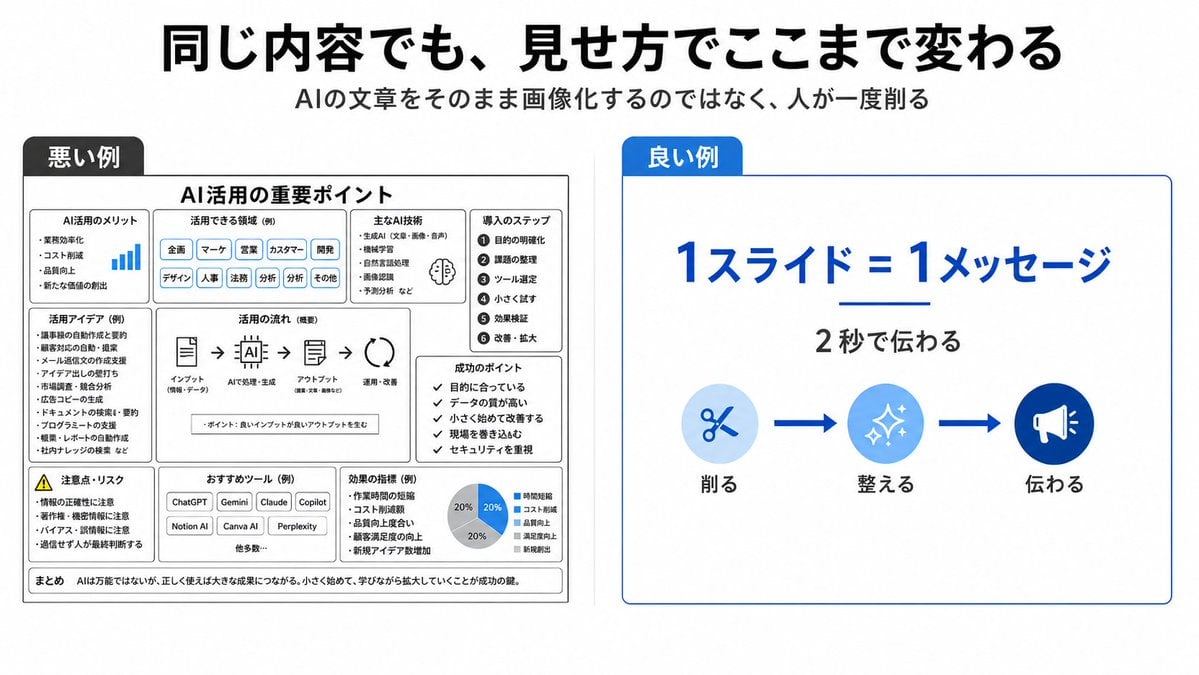
Bad vs Good Slide Design Infographic
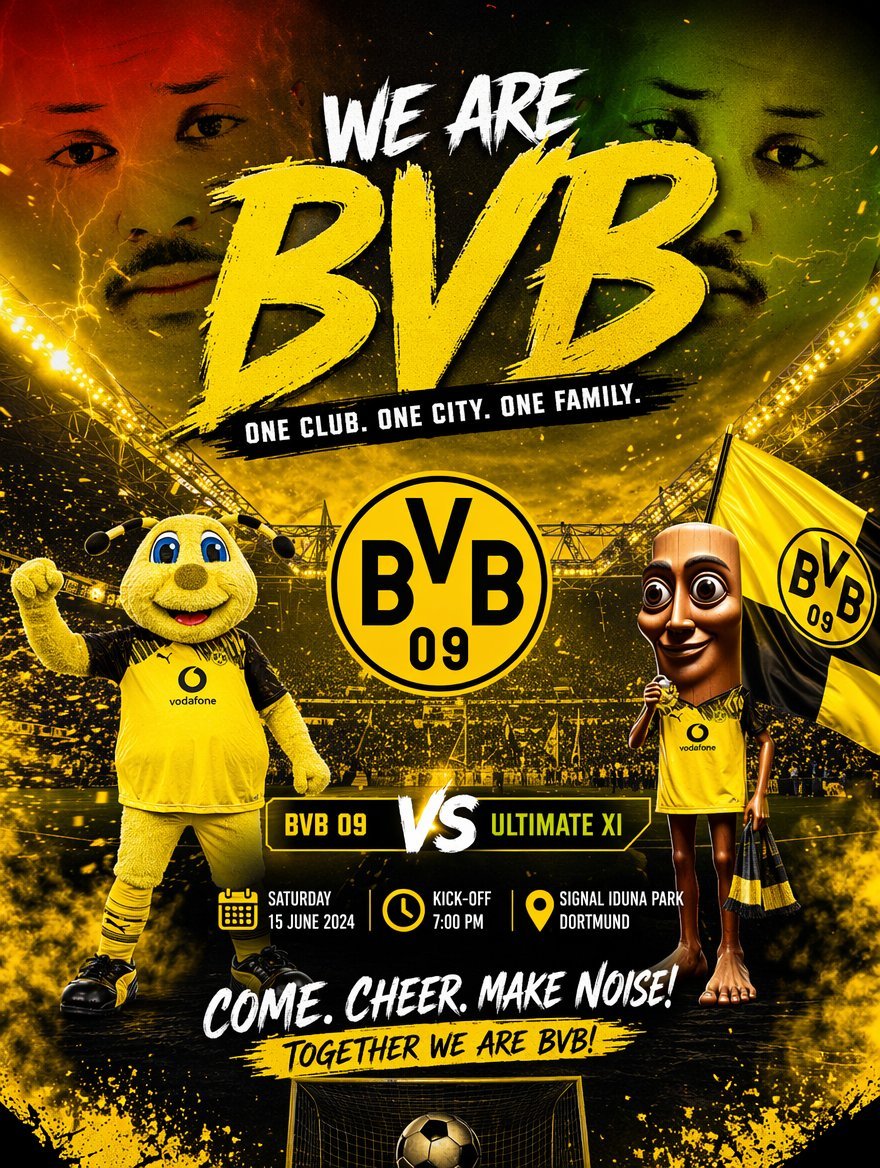
Soccer Event Poster Redesign
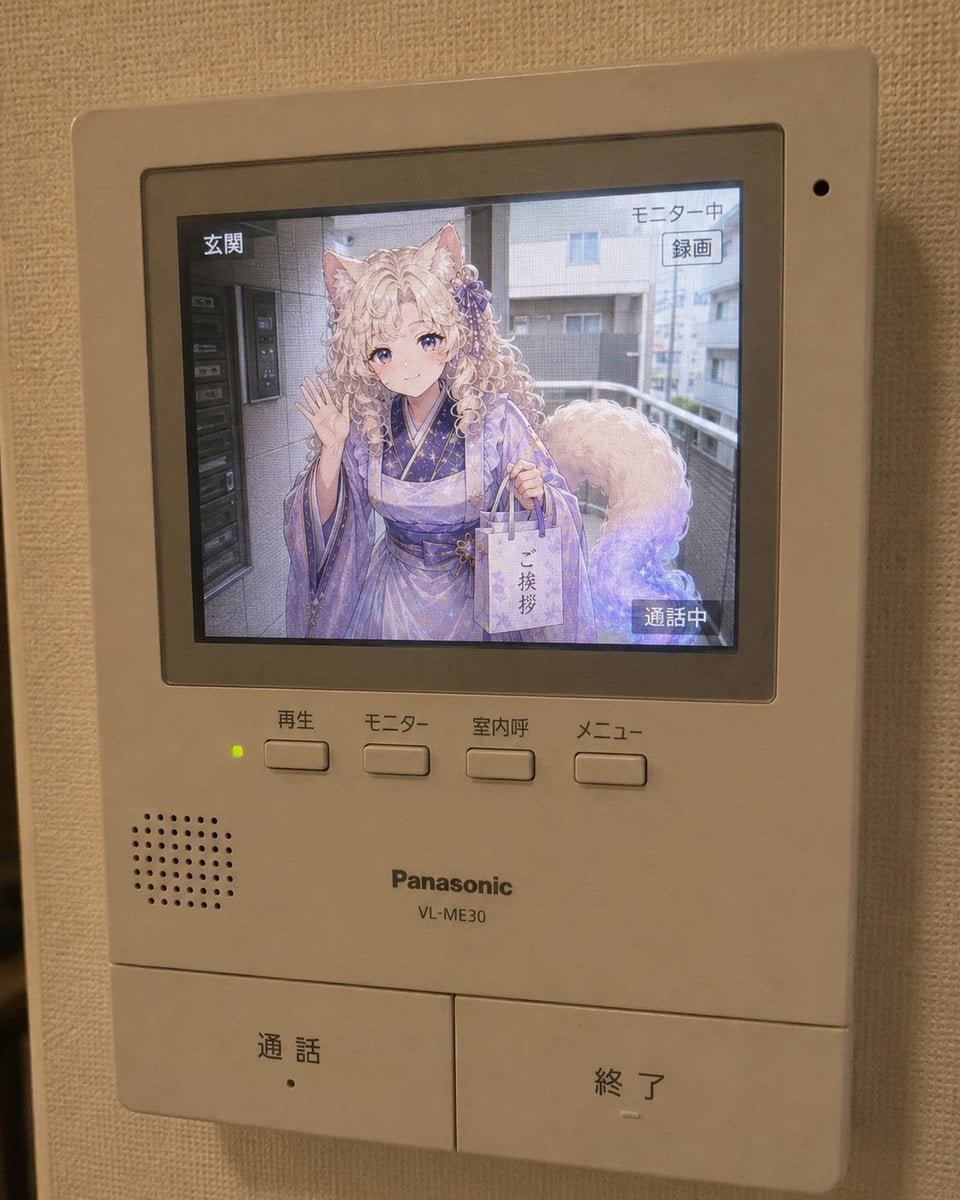
Anime Neighbor Intercom Screen
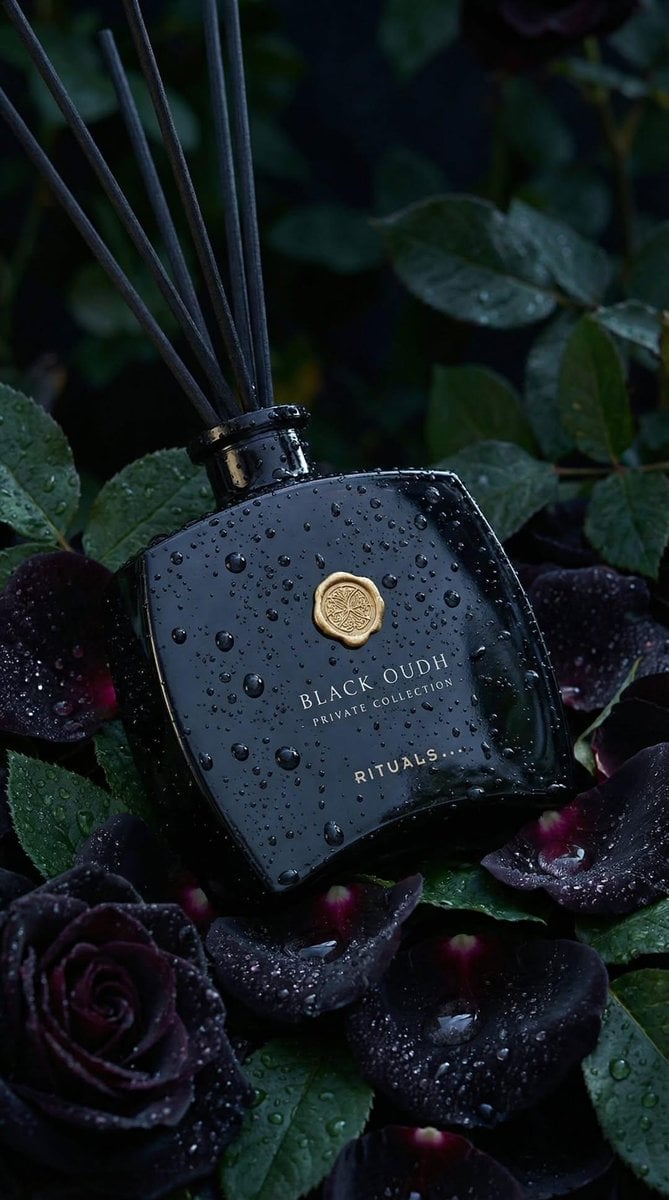
Luxury Product Photography: Black Oudh Diffuser
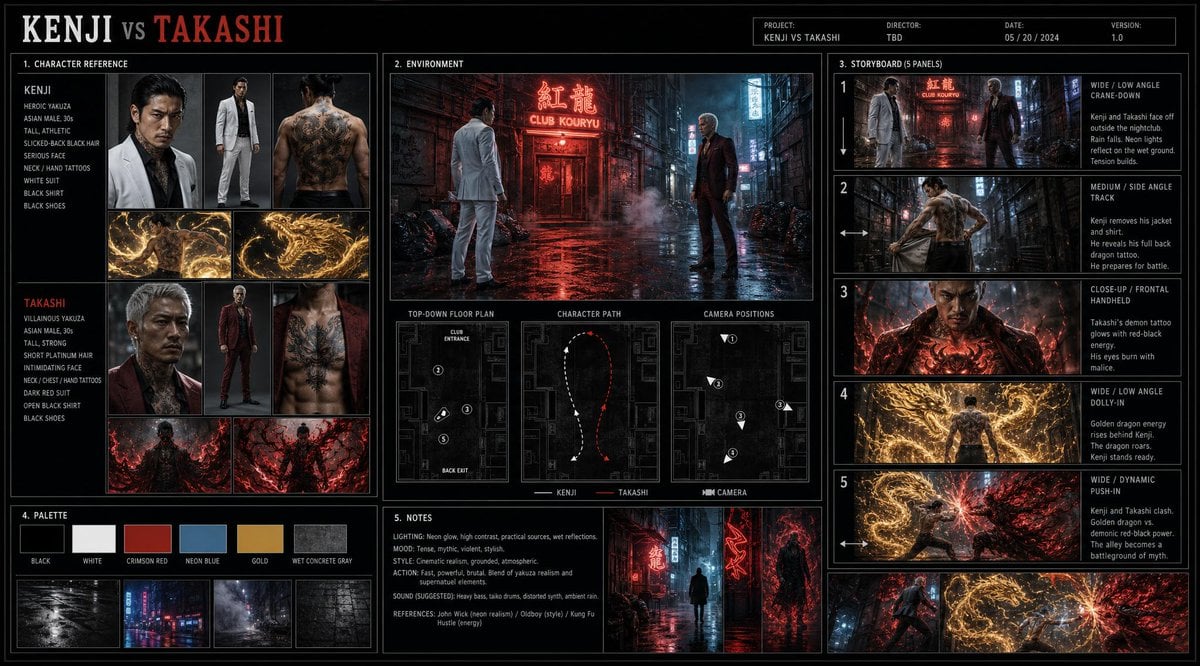
Cinematic Film Pre-Production Sheet
Browse template categories
Armored Cosplayer in Ikebukuro questions
How do I use the Armored Cosplayer in Ikebukuro template?
Add your photo if the template asks for one, edit the prompt if you like — the template's model and format are already selected — and press Generate. Your version opens in PicX Studio.
Can I customize the Armored Cosplayer in Ikebukuro template?
Yes. You can change the subject, setting, lighting, mood, format, and available model controls before creating your image.
Is the Armored Cosplayer in Ikebukuro template free?
Opening and editing this template is free. Generating uses credits, shown on the Generate button when you are signed in.
Which AI model should I use?
Start with GPT Image 2, which is the model associated with this template. You can compare another compatible model for a different finish.
Looking for something else? Browse all templates.

Your photo, any look
Thousands of ready templates for every top image and video model, from one credit balance.