
Four-Panel Anime Book Recommendations
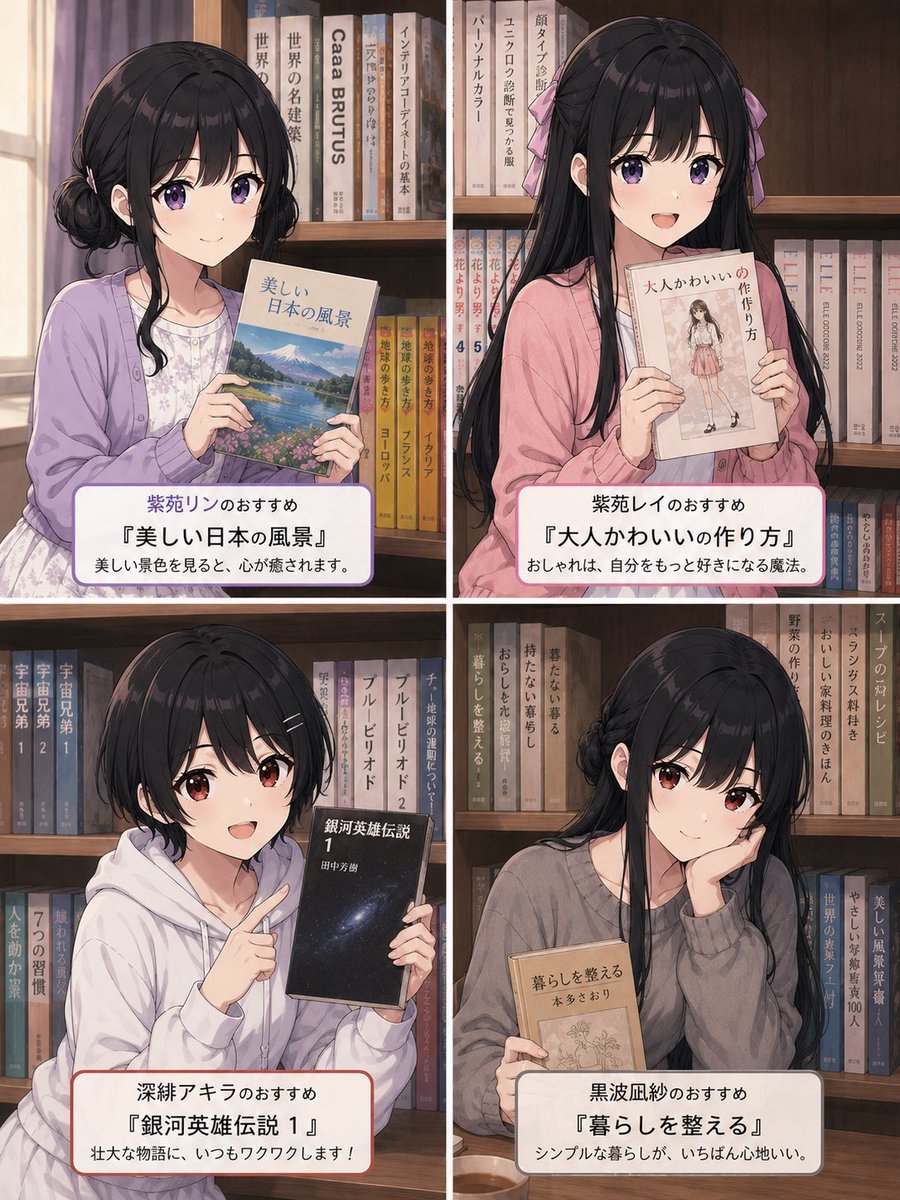
Creates a cozy four-panel anime bookstore collage with four girls presenting Japanese book recommendations, suitable for social posts or character-themed reading lists.
- Prompt included
- Model and format preset
- Free template
The prompt behind this image
Copy the exact prompt behind Four-Panel Anime Book Recommendations, or open it in the studio and make it yours.
Goal: Create a polished 2×2 anime-style recommendation collage set inside a cozy bookstore or library, showing four different young women holding books in front of wooden bookshelves. The image should feel like a Japanese social-media book recommendation post, warm, gentle, realistic in small details, and not every shelf should be completely packed with books; leave some natural gaps and varied book heights. Canvas: Vertical 4:5 composition, approximately 768×1024. Divide the canvas into exactly 4 equal panels with thin white gutters: top-left, top-right, bottom-left, bottom-right. Visual style: Soft detailed Japanese anime illustration, warm indoor lighting, muted pastel clothing, realistic wooden shelves, printed book spines with Japanese-style vertical titles, cozy quiet atmosphere, delicate linework, subtle shading, high-quality magazine-like finish. Faces should be intentionally obscured by soft square blur blocks, while hair, clothes, hands, books, and background remain detailed. Layout and subjects: Include exactly 4 girls and exactly 4 featured recommendation books. 1. Top-left panel: A gentle girl with short black hair in low side buns, wearing a lavender cardigan over a pale floral dress, holding a travel/scenery book with a Mount Fuji and lake cover. Background includes a window with curtains on the far left and bookshelves behind her. Caption card text: “紫苑リンのおすすめ” / “『美しい日本の風景』” / “美しい景色を見ると、心が癒されます。” 2. Top-right panel: A girl with very long straight black hair and pink ribbon bows, wearing a pink cardigan, holding a fashion/cute-style book with a full-body girl illustration on the cover. Caption card text: “紫苑レイのおすすめ” / “『大人かわいいの作り方』” / “おしゃれは、自分をもっと好きになる魔法。” 3. Bottom-left panel: A short-haired girl with messy black bob hair, wearing a white hoodie, holding a dark science-fiction or adventure novel with a starry space-like cover. She points toward the book with one finger. Caption card text: “深絆アキラのおすすめ” / “『銀河英雄伝説 1』” / “壮大な物語に、いつもワクワクします!” 4. Bottom-right panel: A calm girl with long black hair loosely tied back, wearing a gray oversized sweater, resting her cheek on one hand while holding a beige lifestyle book. Add a small teacup on the table near the lower left of this panel. Caption card text: “黒波凪紗のおすすめ” / “『暮らしを整える』” / “シンプルな暮らしが、いちばん心地いい。” Caption cards: Each panel has one rounded white caption card near the bottom, with a thin colored border matching the character mood: lavender for top-left, soft red/pink for top-right or bottom-left where appropriate, gray for bottom-right. Use centered Japanese text, bold title line, clean readable typography. Bookshelf details: Fill the shelves with many books, but keep them natural and not uniformly packed. Include visible book spines with varied neutral, pastel, and muted colors; some spines may contain Japanese vertical text or simple series numbers. Avoid chaotic clutter. Customizable details: The four featured book titles may be changed to {argument name="featured book titles" default="『美しい日本の風景』, 『大人かわいいの作り方』, 『銀河英雄伝説 1』, 『暮らしを整える』"}; the four recommender names may be changed to {argument name="recommender names" default="紫苑リン, 紫苑レイ, 深絆アキラ, 黒波凪紗"}; the overall setting may be changed to {argument name="setting" default="cozy bookstore or library with wooden bookshelves"}; the illustration style may be changed to {argument name="illustration style" default="soft detailed Japanese anime illustration"}; the face treatment may be changed to {argument name="face treatment" default="soft square blur blocks obscuring each face"}. Constraints: Use exactly 4 panels, exactly 4 characters, exactly 4 featured books, and exactly 4 bottom caption cards. Keep the text legible, preserve the Japanese caption wording, avoid extra logos or watermarks, and maintain a calm wholesome bookstore atmosphere.
How to use Four-Panel Anime Book Recommendations in 3 steps
- 1Upload ImagePNG, JPG or paste
Add your photo
Upload the photo the template builds on. The prompt, model and format are already set.
- 2…a portrait of your subject in softgolden-hour light, 85mm…
Personalize
Edit the subject and creative details for your destination.
- 3Generate
Generate
Press Generate — your image is created in PicX Studio, so you can compare it with the original and refine one variable at a time.
More like this
Templates with the same subject, style or setup. Open one to see its prompt.
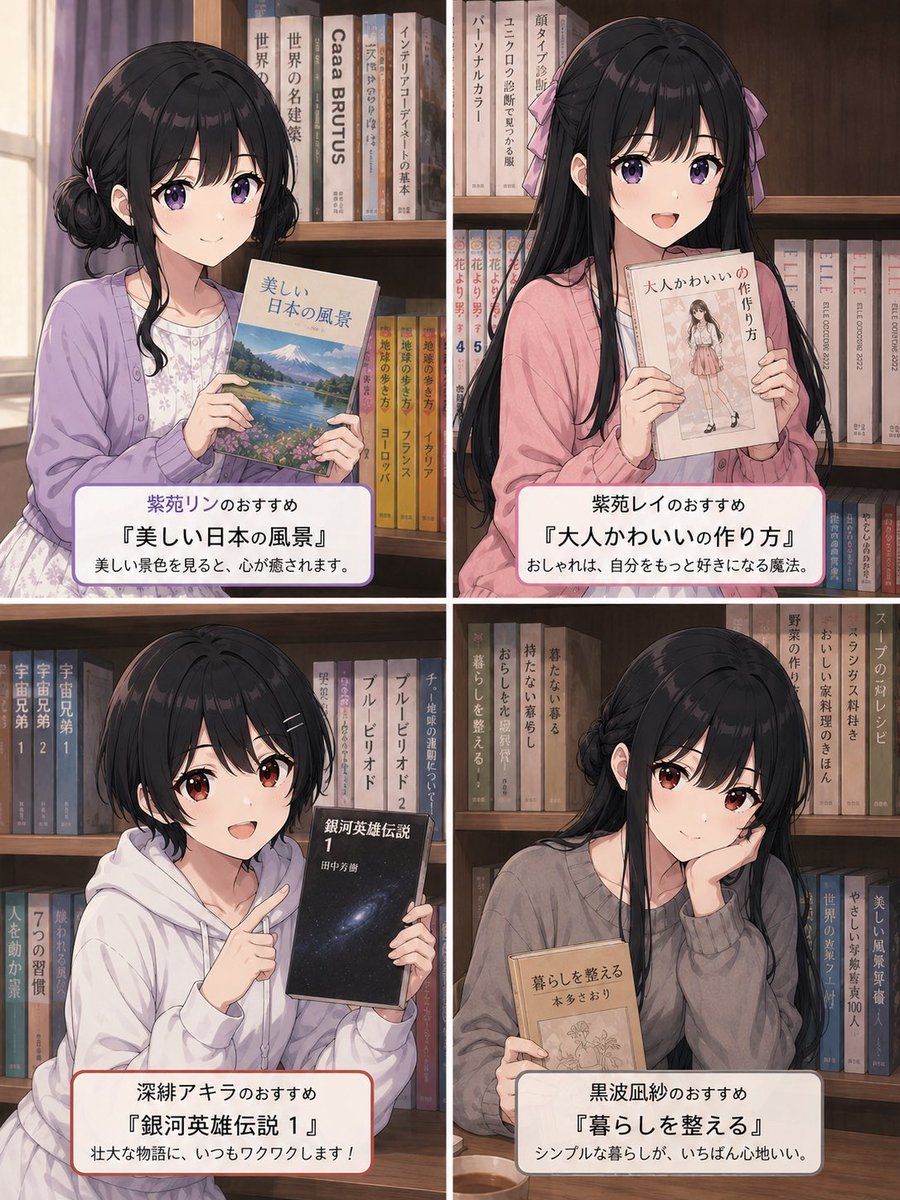
Four Anime Bookshelf Recommendations

Four-Panel Anime Face Comparison

Four-Panel AI Landscape Comparison

Four-Panel AI Landscape Comparison
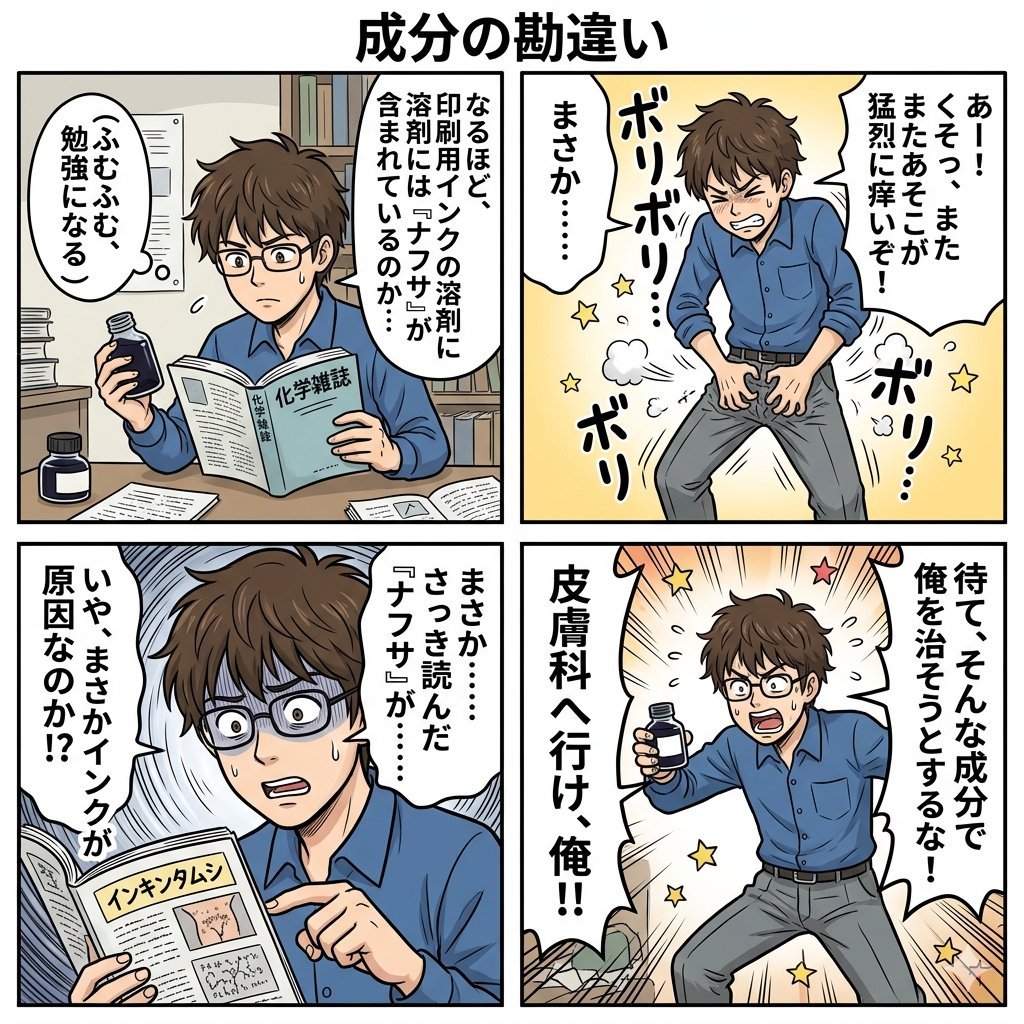
Component Differences Four-Panel Manga
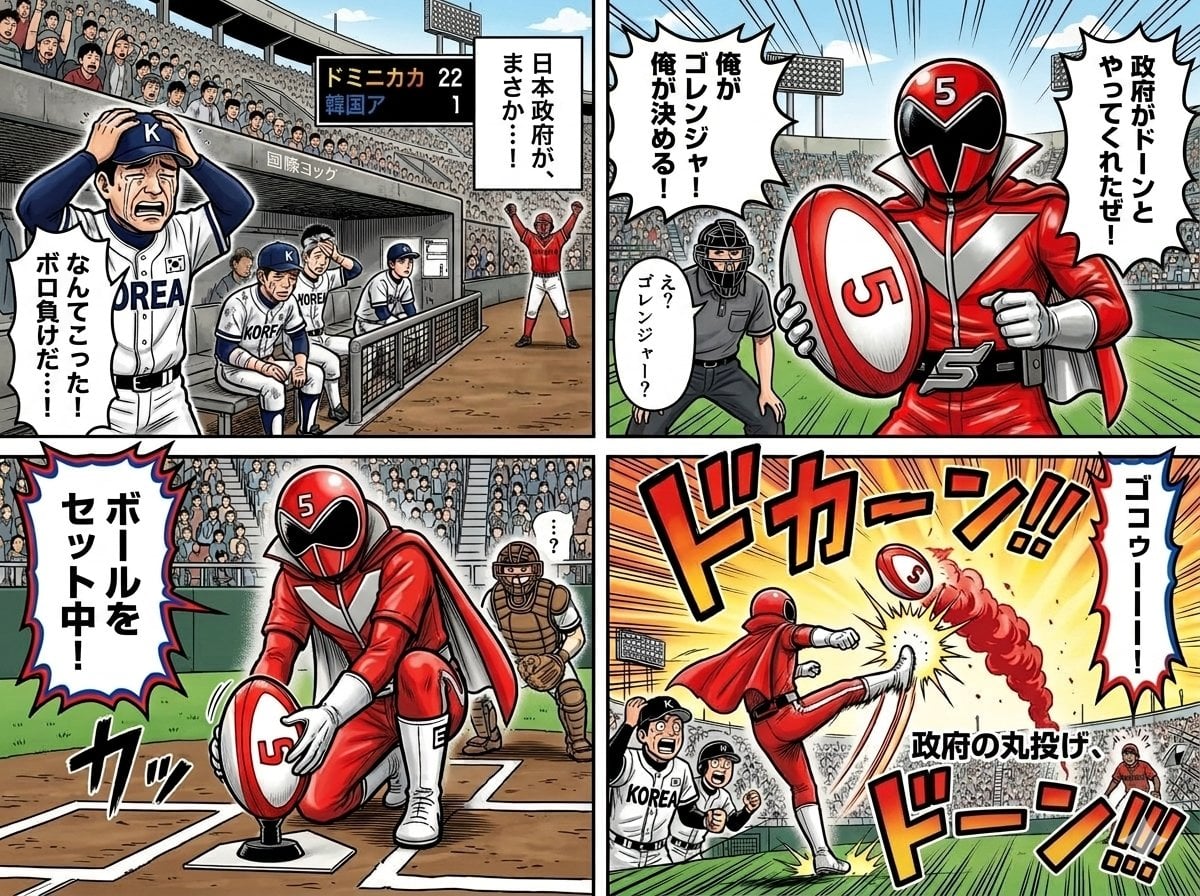
Four-Panel Manga with Sentai and Rugby

Cel 2D Finale Fireworks

Cel 2D Garden Maze

Cel 2D Rooftop Concert

Cel 2D Bicycle Coast

Cel 2D Castle Gate

Cel 2D Kitchen Chaos
Make it yours
Four-Panel Anime Book Recommendations works as-is. These are the safest ways to change it without losing the look.
Change one field
Copy a single group, rewrite it, and generate again so you can see what that field is doing.
Keep the frame, change the subject
Hold the composition and light of Four-Panel Anime Book Recommendations, then swap wardrobe, props or the person for a new take.
| If the result… | Why | Fix |
|---|---|---|
| The result drifts from the preview | Too many fields changed at once. | Reuse Four-Panel Anime Book Recommendations as-is first, then change one group — subject, light, or setting. |
| The model over-stylizes the scene | The prose prompt leaves finish and camera underspecified. | Add one camera or lighting sentence and stay on GPT Image 2. |
More GPT Image 2 templates
Other prompts made for GPT Image 2.

Six VTuber Japanese Logo Sheet

Realistic Portrait of Woman and Deer

The Vista Modular Condo Poster

AI Model Routing Comparison Infographic

2.5D Anime Art Board

Isometric Productivity Desk Scene

New York Double Exposure Poster

Japanese Tatami Lifestyle Magazine Cover

NESCAFÉ Coffee Map Poster

Brutalist Cogito Chinese Typography Poster
More image prompts
Fresh picks from across the catalog.
Selfie of multiple celebrities

VFX Comparison Image Prompt (Before/After) for Nano Banana Pro
Funny Video Prompt: Grumpy Banana
Surreal Scene of Human Embracing Massive Red Bear Prompt
Asian Fashion Model in Taipei Night Scene
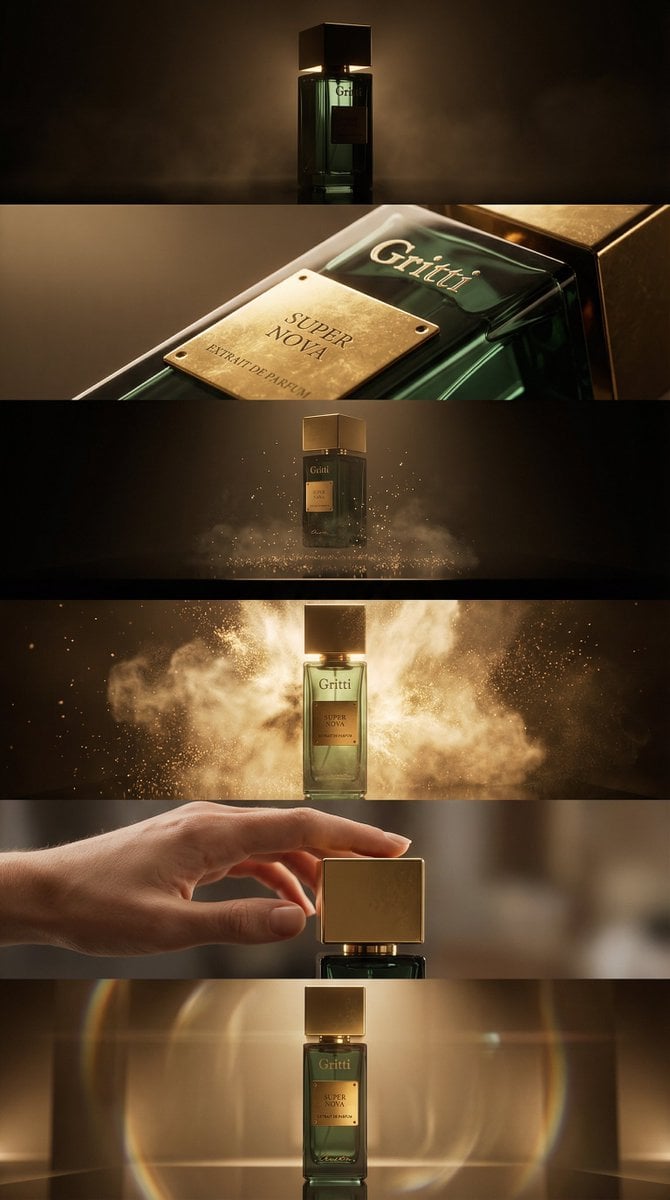
Luxury Product Reveal Cinematic Sequence Prompt
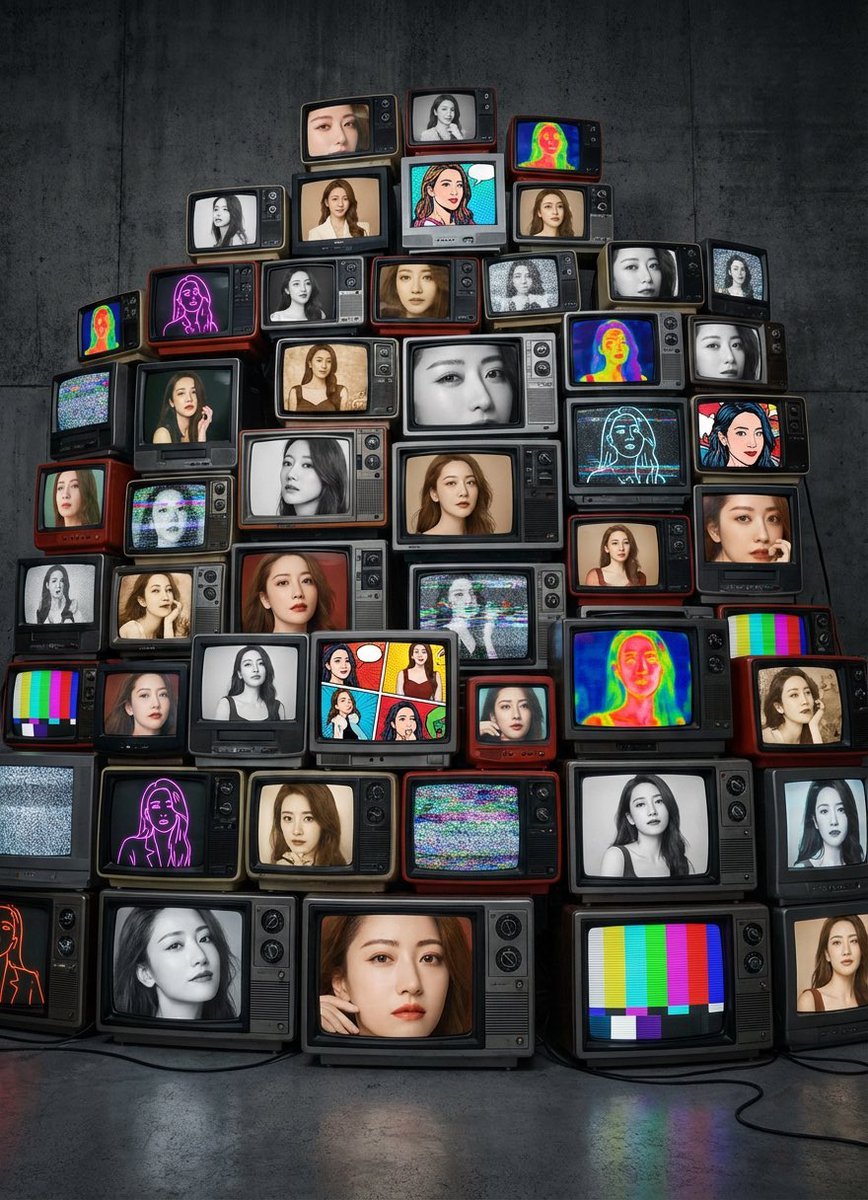
Girlfriend Portrait on Vintage CRT TV Wall
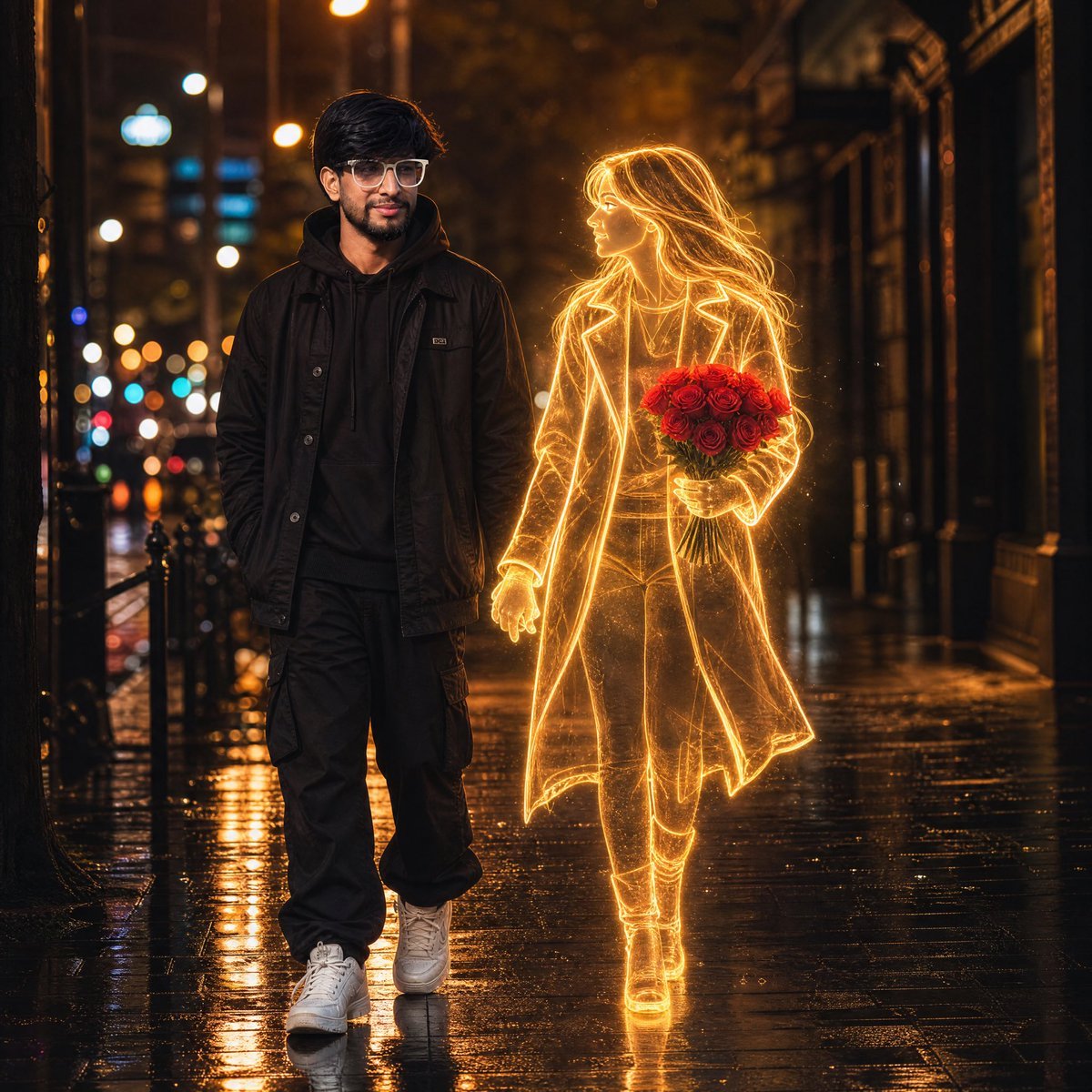
Glowing Hologram Night Scene
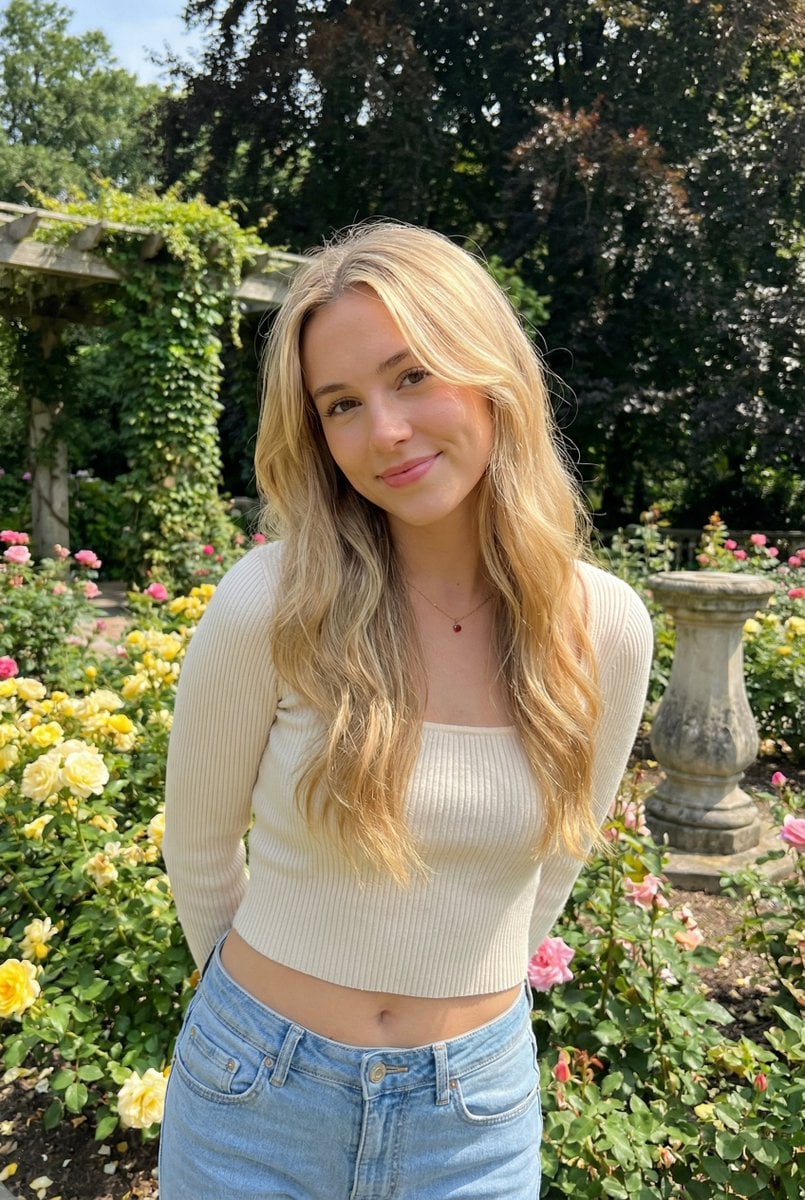
Sunlit Candid Portrait in a Rose Garden
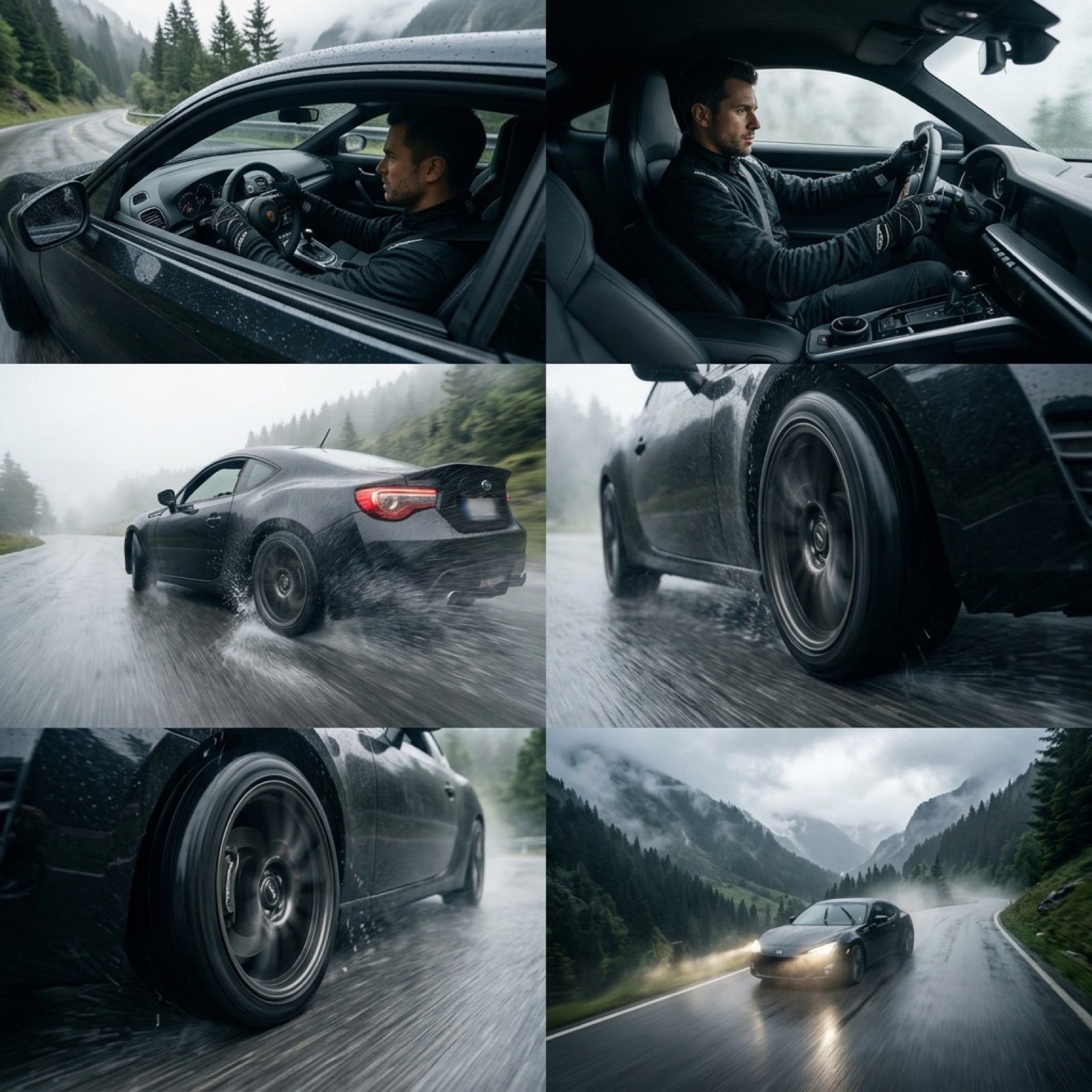
Epic Cinematic Mountain Car Descent
Browse template categories
Four-Panel Anime Book Recommendations questions
How do I use the Four-Panel Anime Book Recommendations template?
Add your photo if the template asks for one, edit the prompt if you like — the template's model and format are already selected — and press Generate. Your version opens in PicX Studio.
Can I customize the Four-Panel Anime Book Recommendations template?
Yes. You can change the subject, setting, lighting, mood, format, and available model controls before creating your image.
Is the Four-Panel Anime Book Recommendations template free?
Opening and editing this template is free. Generating uses credits, shown on the Generate button when you are signed in.
Which AI model should I use?
Start with GPT Image 2, which is the model associated with this template. You can compare another compatible model for a different finish.
Looking for something else? Browse all templates.

Your photo, any look
Thousands of ready templates for every top image and video model, from one credit balance.