
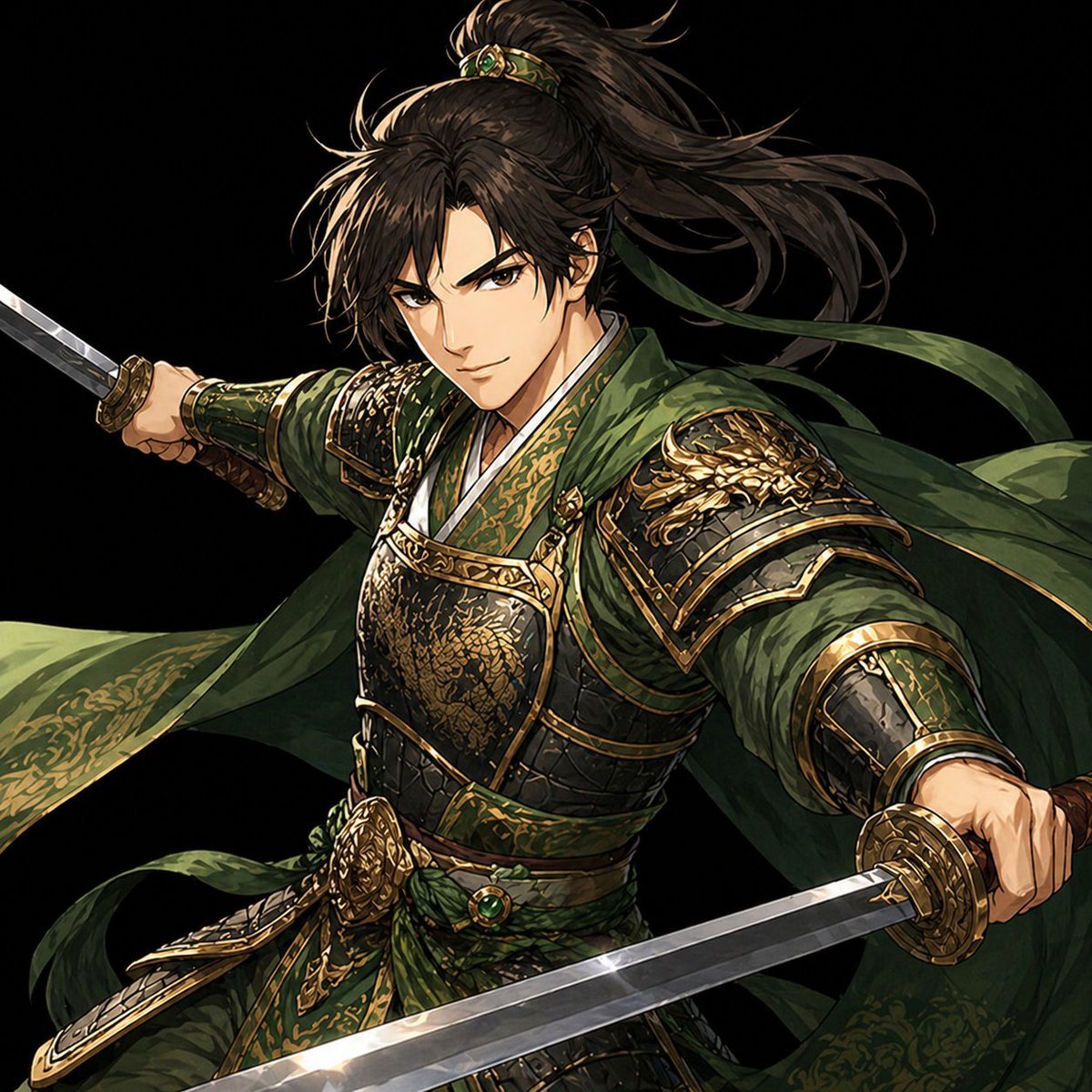
Green Armored Dual-Sword Warrior
This prompt generates a polished black-background character key visual of an ornate dual-wielding fantasy warrior, ideal for game art, promotional illustrations, or character concept pieces.
- Prompt included
- Model and format preset
- Free template
The prompt behind this image
Copy the exact prompt behind Green Armored Dual-Sword Warrior, or open it in the studio and make it yours.
A dramatic single-character fantasy illustration of a {argument name="character type" default="female East Asian swordswoman general"} in a dynamic mid-action pose against a pure black background. She is shown from the thighs up, centered and filling most of the frame, with both arms extended wide while wielding two straight swords, one thrust toward the left side of the image and one angled toward the lower right foreground. Her face is intentionally obscured by a soft rectangular blur, but the rest of the figure is rendered in exquisite detail. She has long {argument name="hair color" default="dark brown"} hair tied in a high ponytail with loose strands whipping through the air, secured with an ornate green-and-gold hair ornament. She wears elaborate {argument name="armor color" default="deep green and antique gold"} lamellar armor with richly engraved metal plates, layered sleeves, heavy bracers, a sculpted breastplate, dragon-shaped shoulder armor, a decorative waist sash, and flowing fabric ribbons and cloak panels trailing around her. The costume mixes historical Chinese-inspired warrior attire with high-fantasy nobility, covered in intricate filigree, brocade patterns, metallic edging, and embossed details. Use cinematic lighting with bright highlights on the polished blades and armor, strong contrast, crisp edges, and luxurious texture work. The composition should feel like a premium game character key visual or collectible card illustration: elegant, fierce, heroic, highly detailed, semi-realistic anime painting style, black negative space, no scenery, no extra objects, no text, square format.
How to use Green Armored Dual-Sword Warrior in 3 steps
- 1Upload ImagePNG, JPG or paste
Add your photo
Upload the photo the template builds on. The prompt, model and format are already set.
- 2…a portrait of your subject in softgolden-hour light, 85mm…
Personalize
Edit the subject and creative details for your destination.
- 3Generate
Generate
Press Generate — your image is created in PicX Studio, so you can compare it with the original and refine one variable at a time.
More like this
Templates with the same subject, style or setup. Open one to see its prompt.
Back-to-Back Dual Sword Warriors
Anime Warrior With Whip Sword
Armored Warrior with Black Panther

Gothic Mecha Sword Warrior

Elegant Green Evening Gown Studio Fashion Portrait
Elegant Green Evening Gown Studio Fashion Portrait

Premium Editorial Branding Poster Charcoal Green
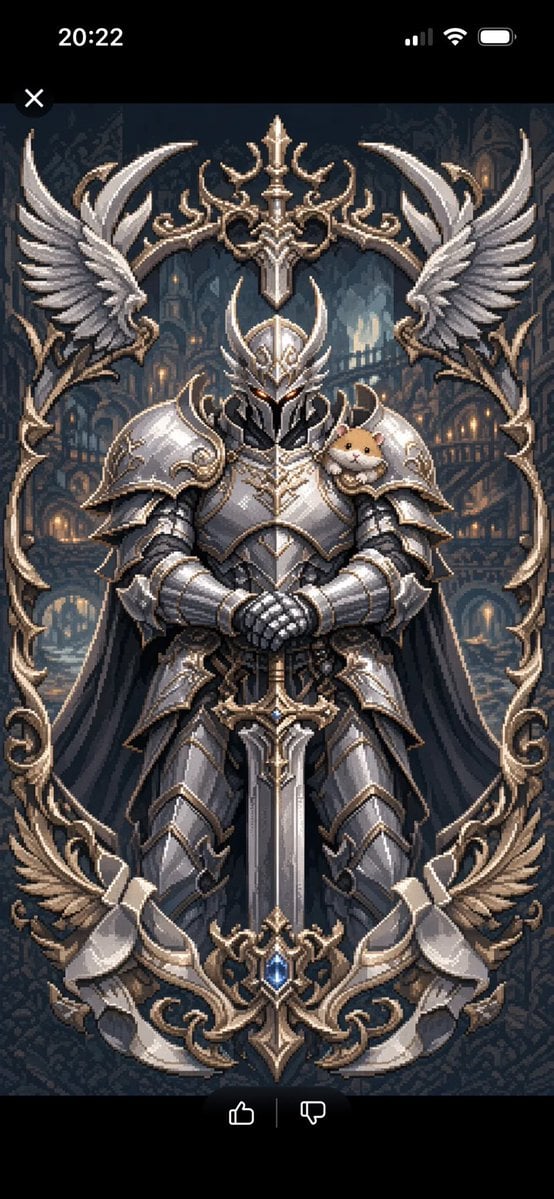
Semi-Pixel Armored Warrior
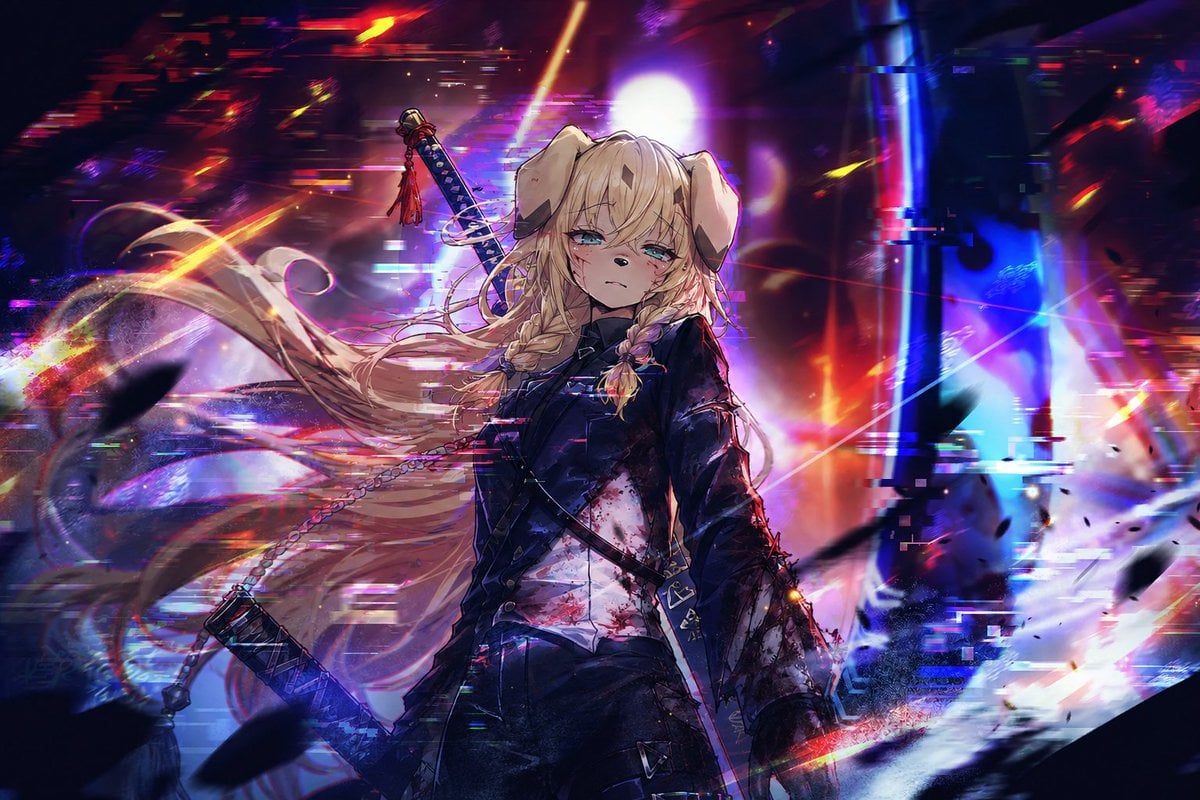
Cyberpunk Dog-Eared Swordswoman
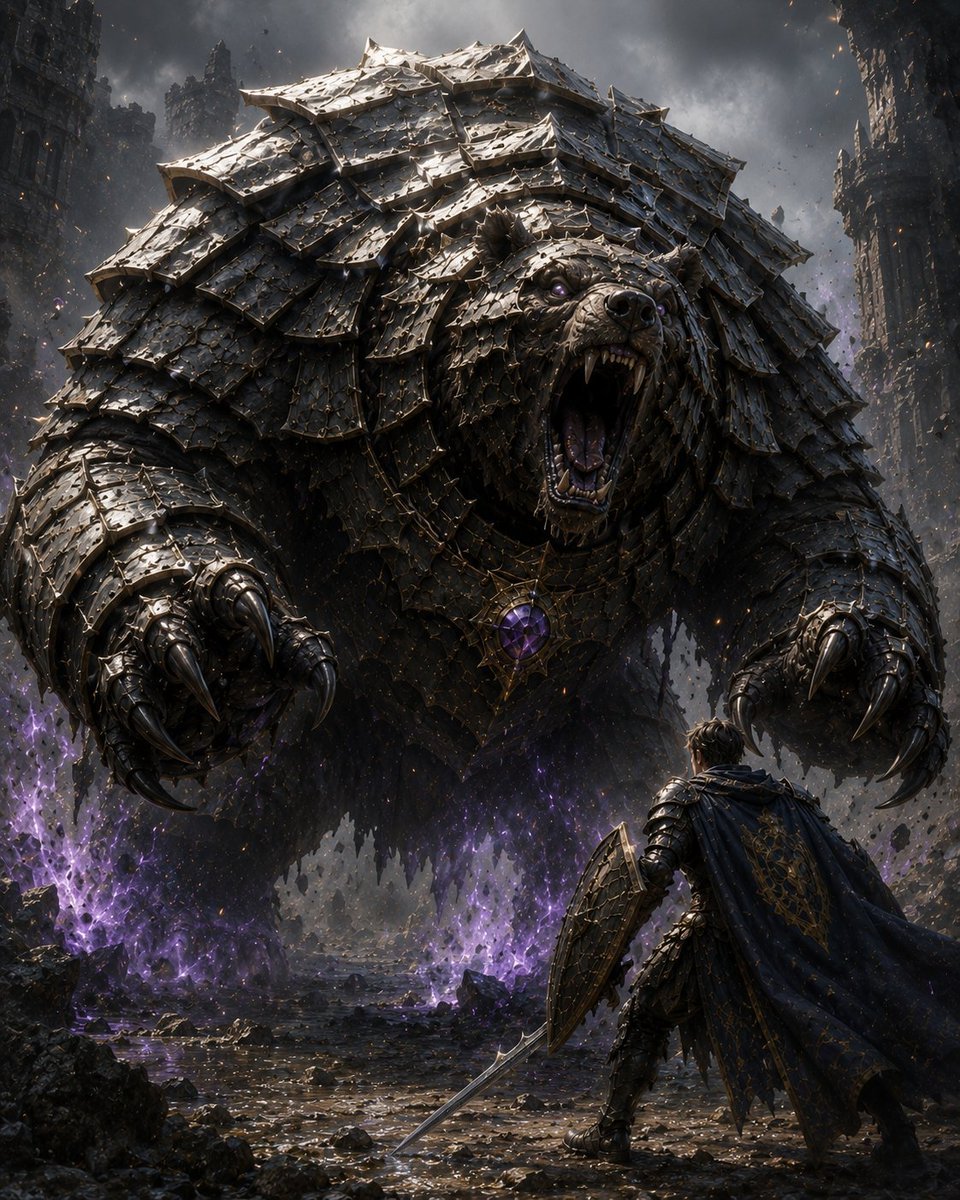
Armored Bear Encounter
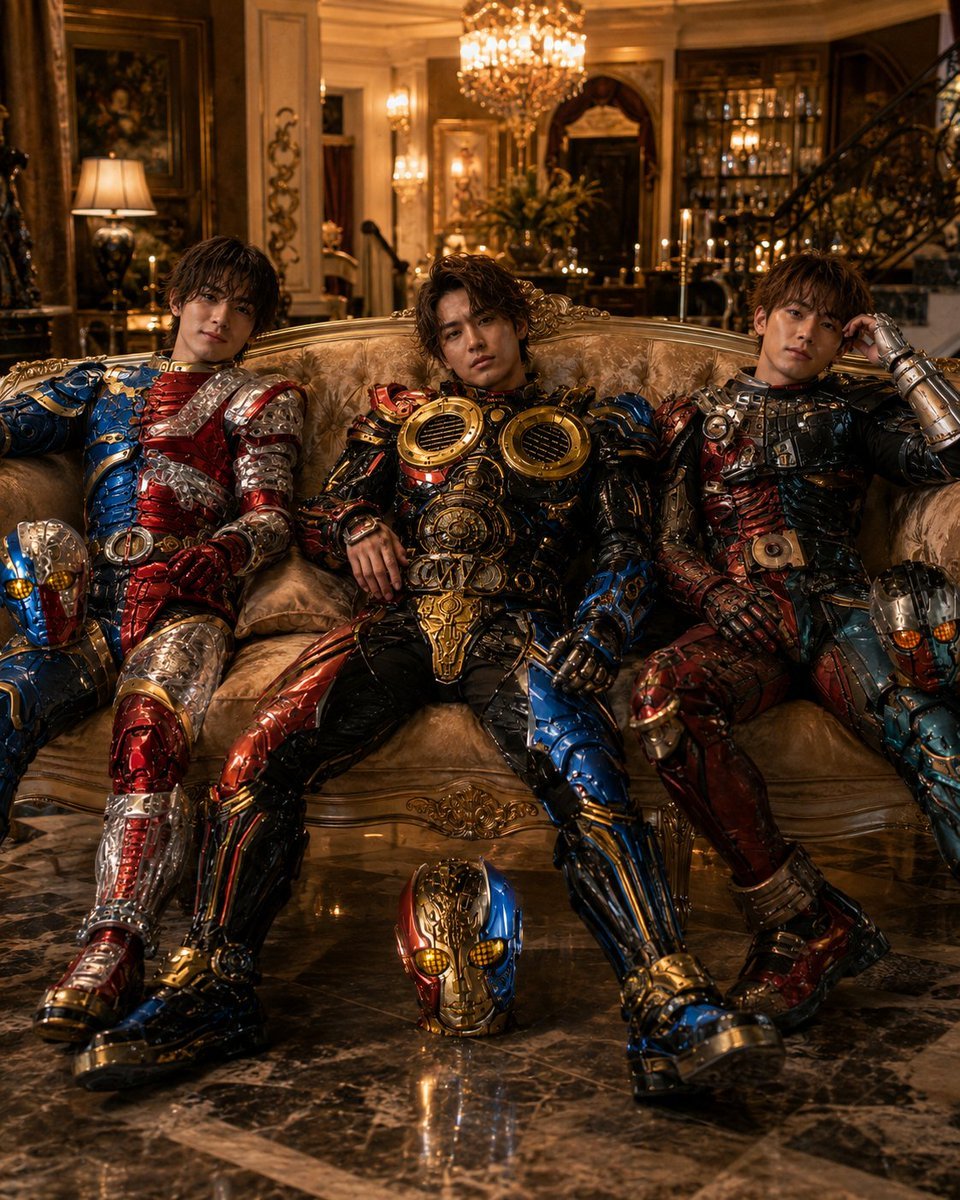
Armored Tokusatsu Cosplayers Resting
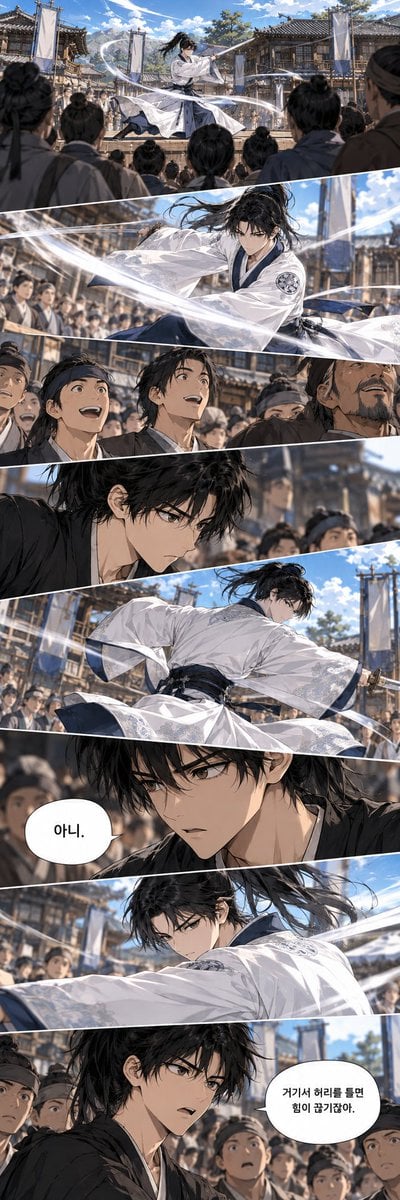
Historical Manhwa Sword Duel Page
Make it yours
Green Armored Dual-Sword Warrior works as-is. These are the safest ways to change it without losing the look.
Change one field
Copy a single group, rewrite it, and generate again so you can see what that field is doing.
Keep the frame, change the subject
Hold the composition and light of Green Armored Dual-Sword Warrior, then swap wardrobe, props or the person for a new take.
| If the result… | Why | Fix |
|---|---|---|
| The result drifts from the preview | Too many fields changed at once. | Reuse Green Armored Dual-Sword Warrior as-is first, then change one group — subject, light, or setting. |
| The model over-stylizes the scene | The prose prompt leaves finish and camera underspecified. | Add one camera or lighting sentence and stay on GPT Image 2. |
More GPT Image 2 templates
Other prompts made for GPT Image 2.

Six VTuber Japanese Logo Sheet

Realistic Portrait of Woman and Deer

The Vista Modular Condo Poster

AI Model Routing Comparison Infographic

2.5D Anime Art Board

Isometric Productivity Desk Scene

New York Double Exposure Poster

Four-Panel AI Landscape Comparison

Japanese Tatami Lifestyle Magazine Cover

NESCAFÉ Coffee Map Poster
More image prompts
Fresh picks from across the catalog.
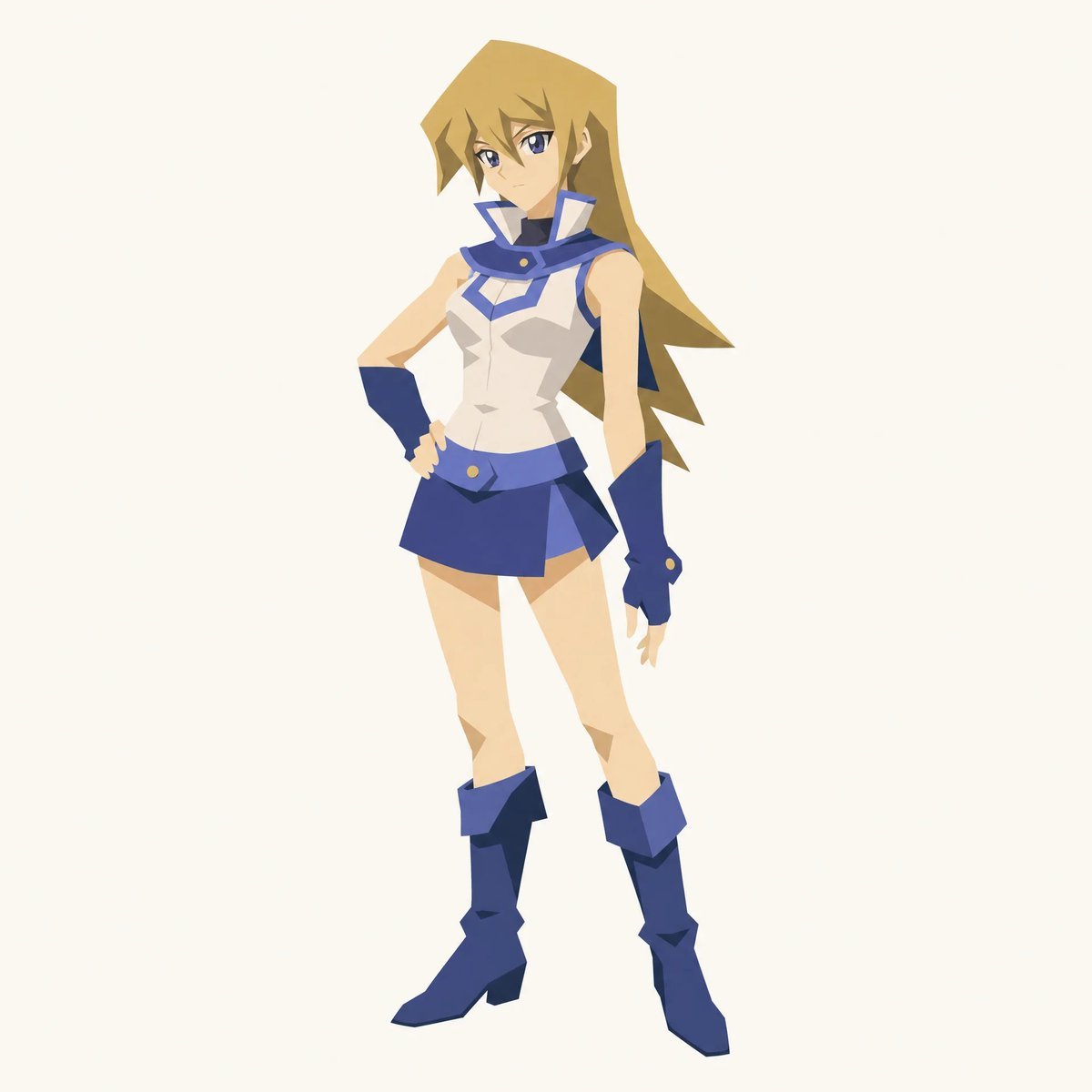
Cut-out Style Character Illustration
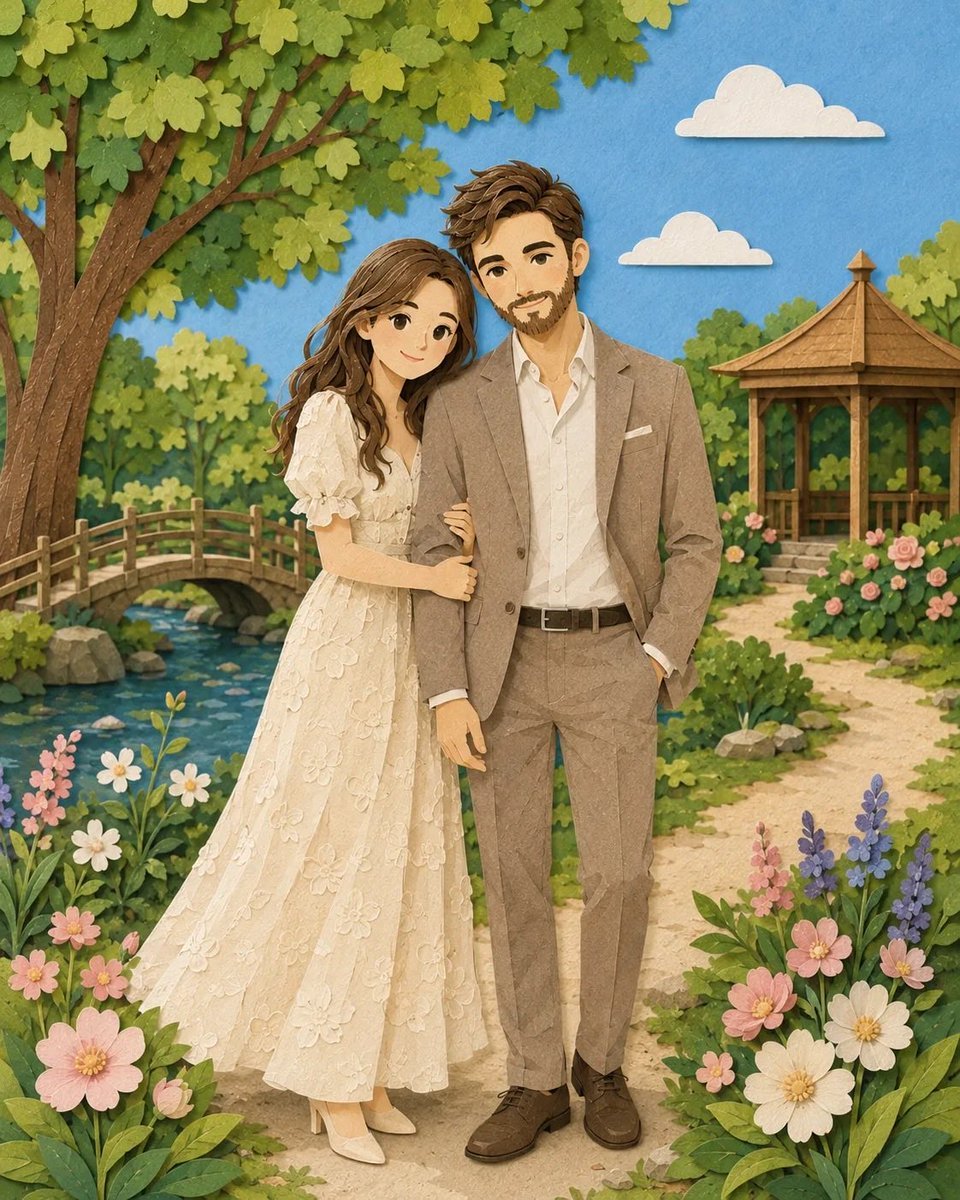
Romantic Paper-Cut Couple Portrait
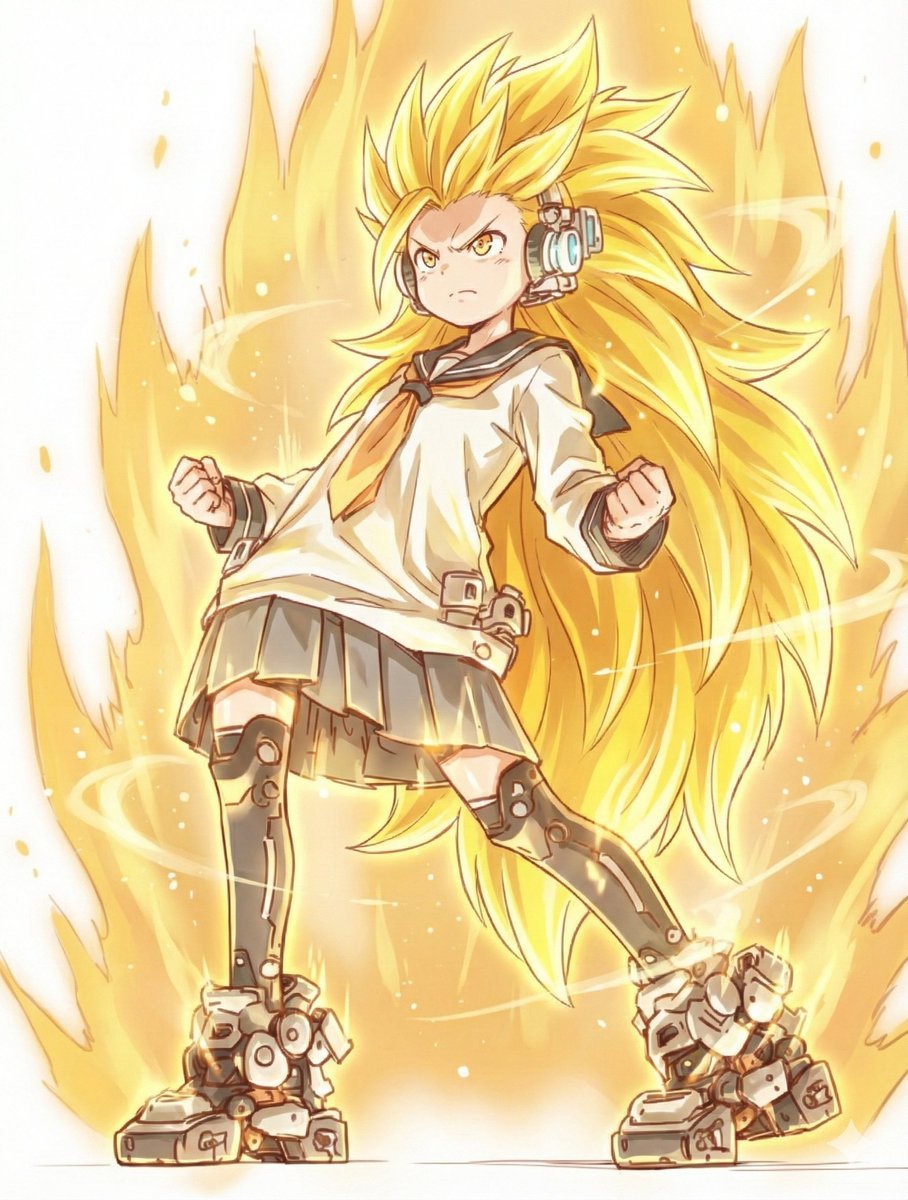
Kamehameha Style Transformation Prompts
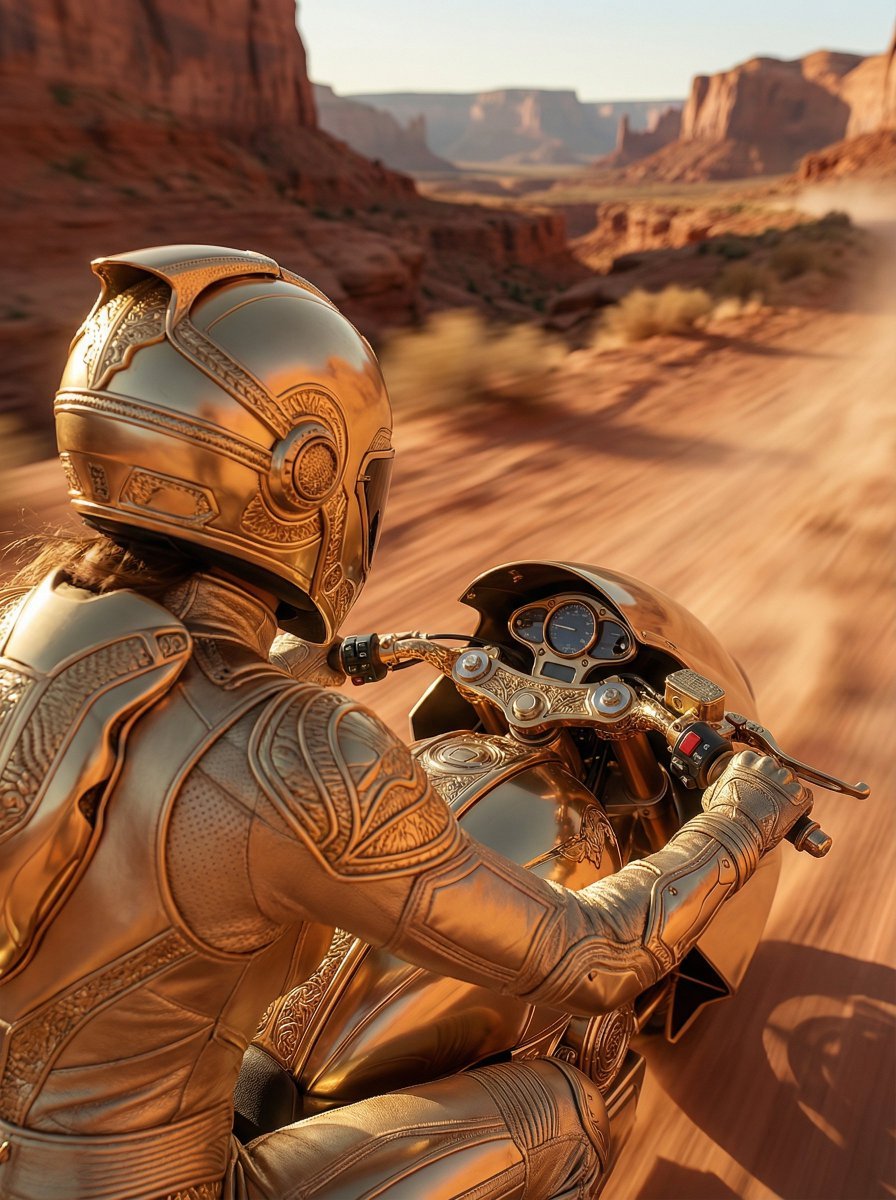
Over-the-Shoulder POV Motorbike Shot
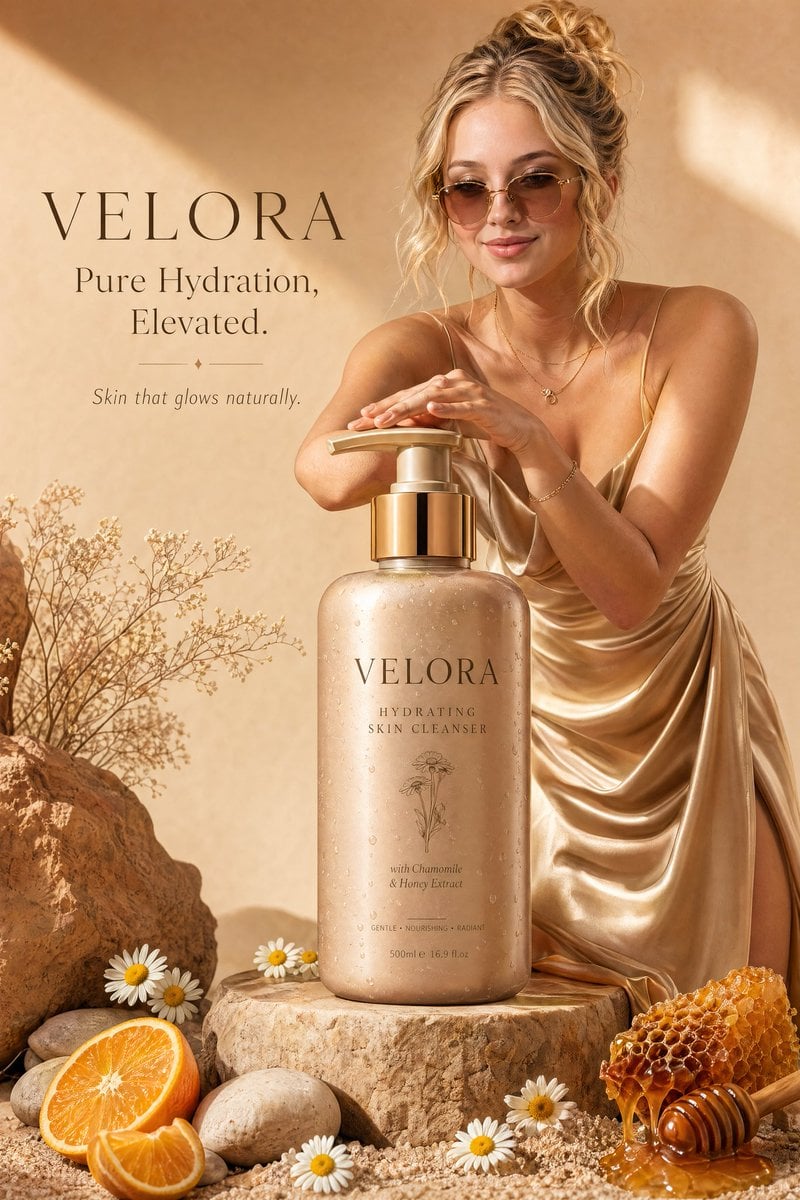
Luxury Skincare Advertisement
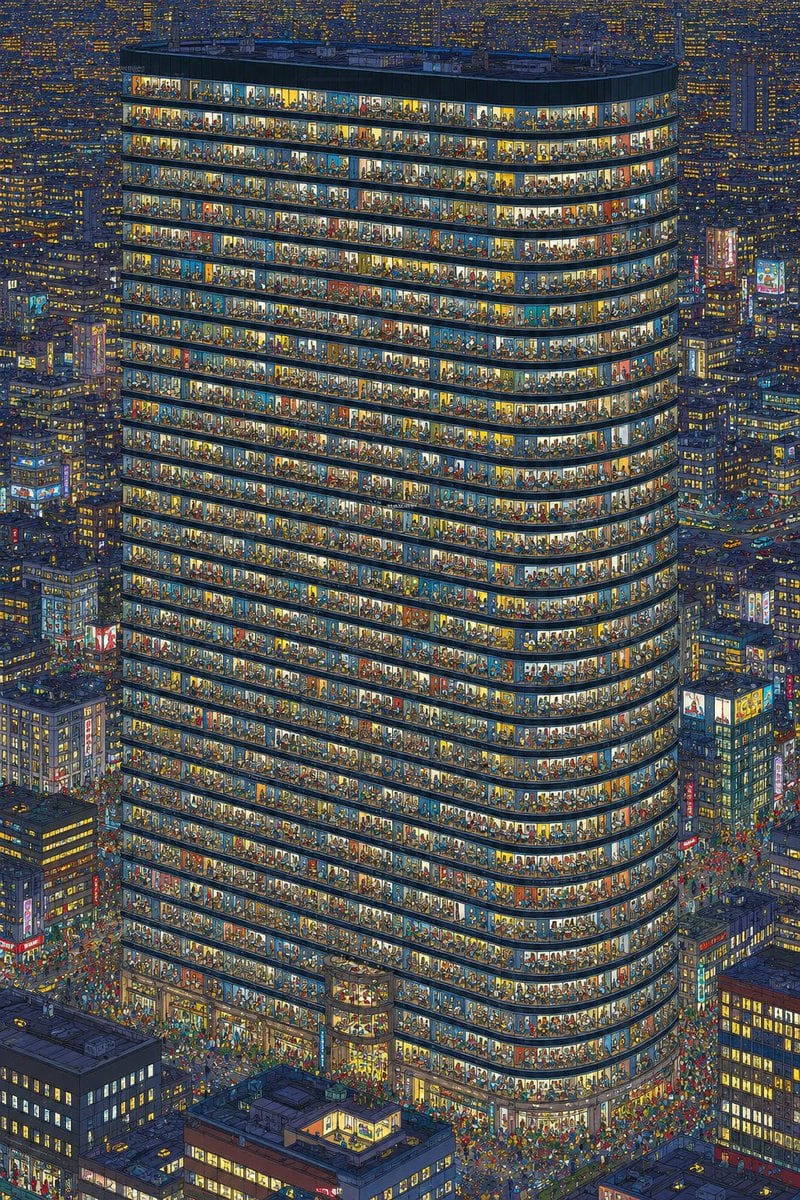
Crowded Night Office Tower
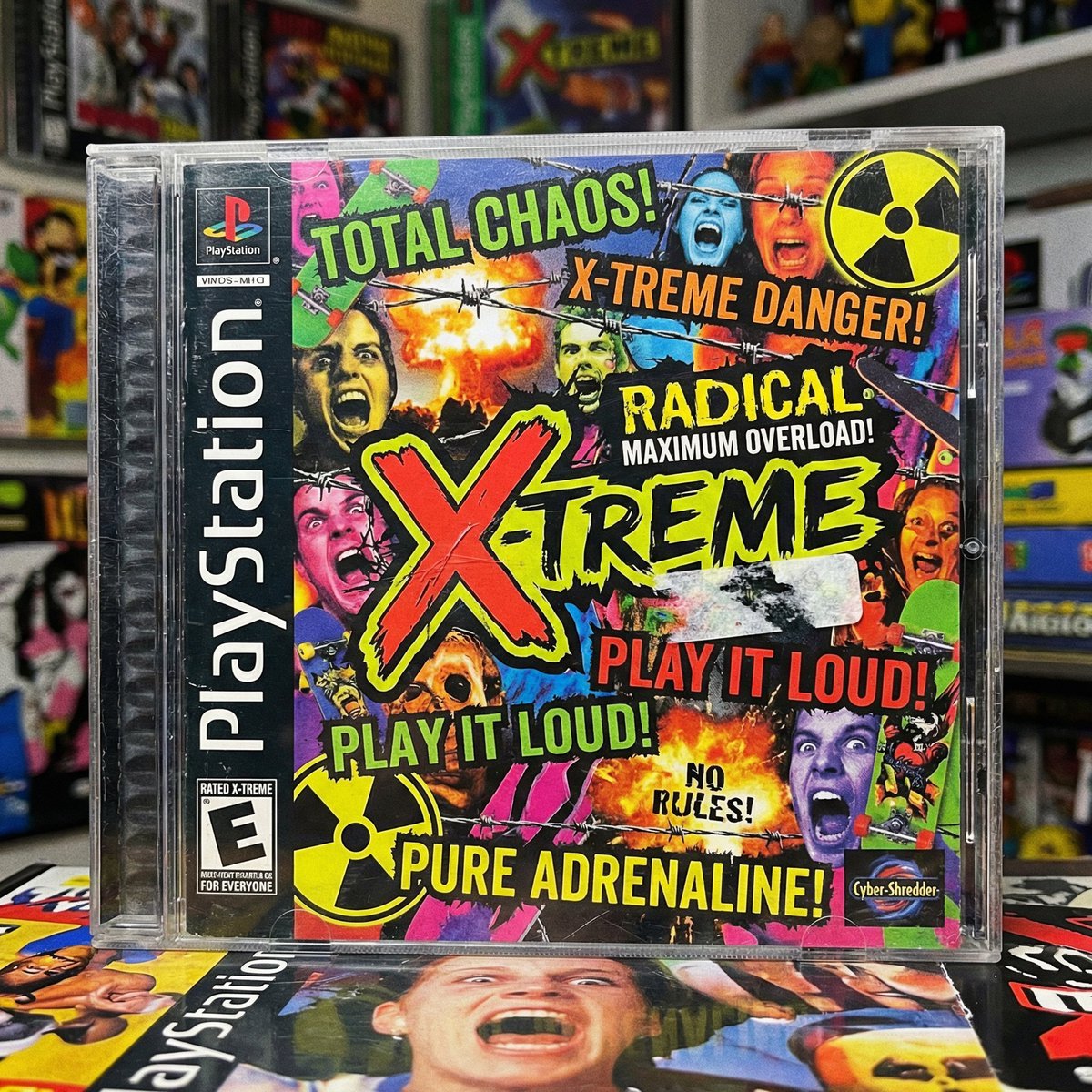
X-Treme 90s PlayStation Game Case
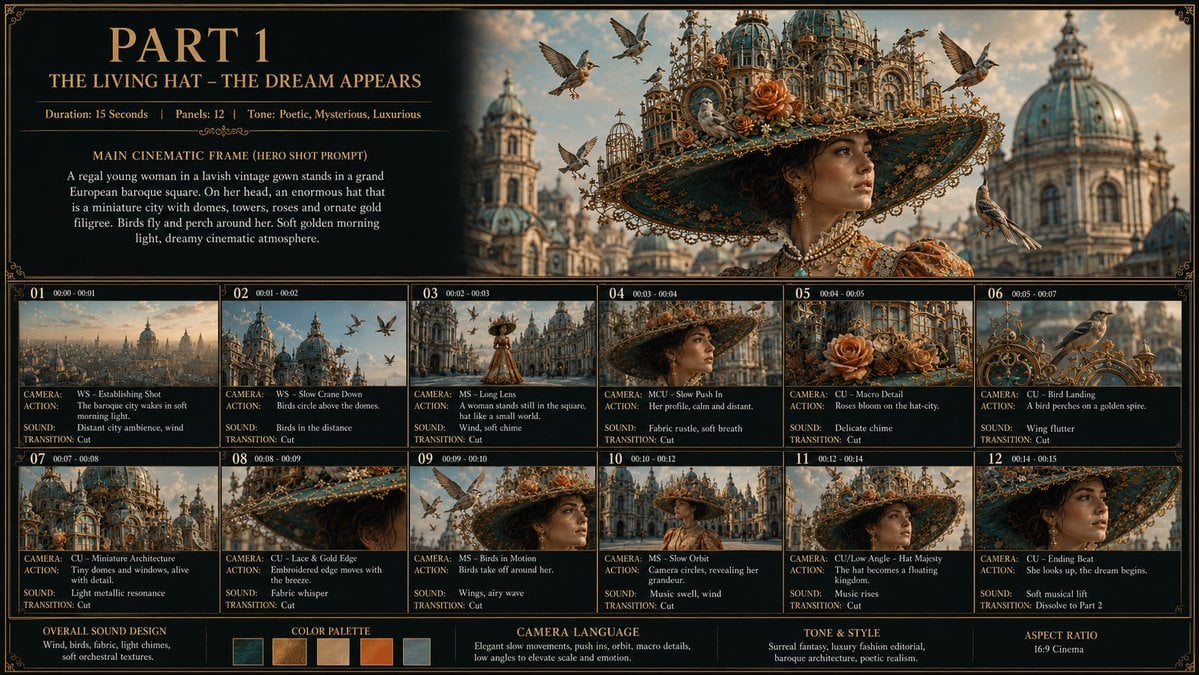
Living Hat Cinematic Storyboard

Full Stack Knowledge Visualization
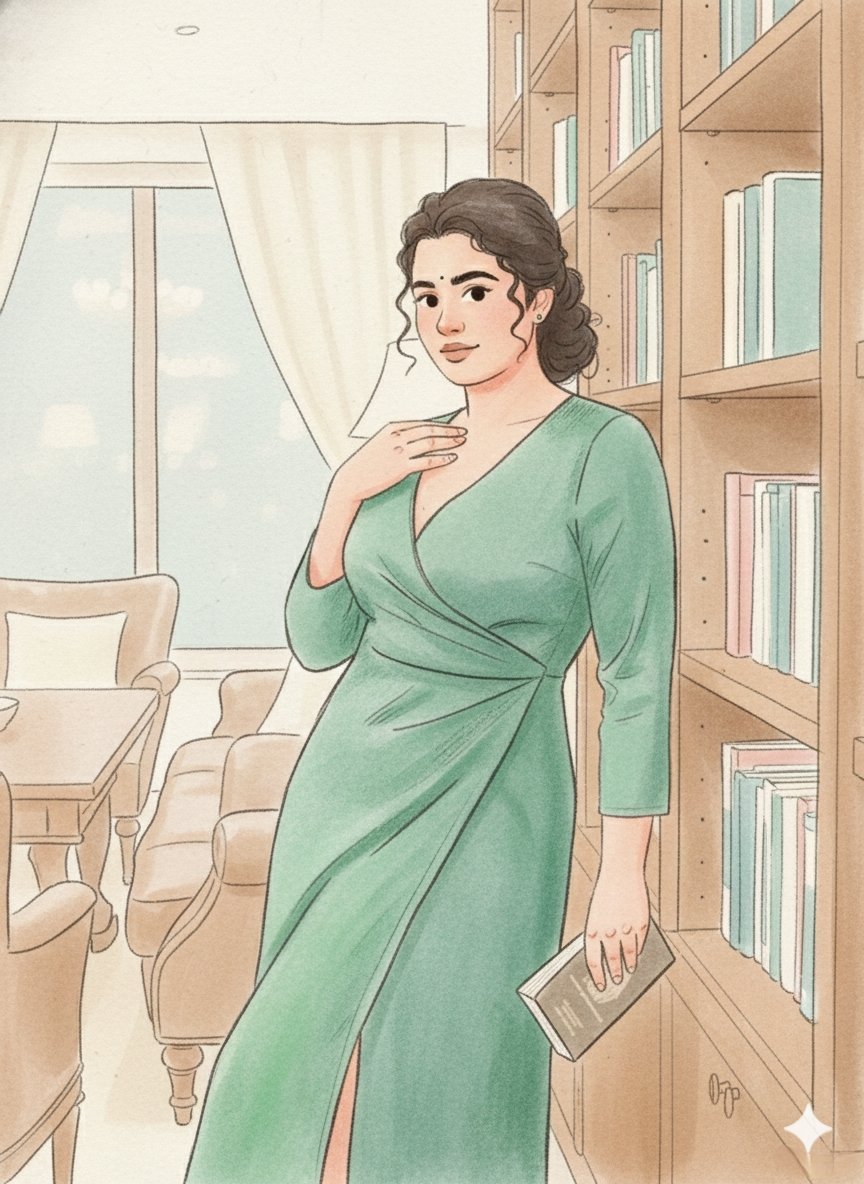
Storybook Illustration Prompt with Pastel Watercolors
Browse template categories
Green Armored Dual-Sword Warrior questions
How do I use the Green Armored Dual-Sword Warrior template?
Add your photo if the template asks for one, edit the prompt if you like — the template's model and format are already selected — and press Generate. Your version opens in PicX Studio.
Can I customize the Green Armored Dual-Sword Warrior template?
Yes. You can change the subject, setting, lighting, mood, format, and available model controls before creating your image.
Is the Green Armored Dual-Sword Warrior template free?
Opening and editing this template is free. Generating uses credits, shown on the Generate button when you are signed in.
Which AI model should I use?
Start with GPT Image 2, which is the model associated with this template. You can compare another compatible model for a different finish.
Looking for something else? Browse all templates.

Your photo, any look
Thousands of ready templates for every top image and video model, from one credit balance.