
Gothic Mecha Sword Warrior
A vertical dark-fantasy anime concept art prompt for creating a silver-haired warrior girl wielding a colossal glowing mechanical sword in a ruined cathedral.

- Prompt included
- Model and format preset
- Free template
The prompt behind this image
Copy the exact prompt behind Gothic Mecha Sword Warrior, or open it in the studio and make it yours.
Create a tall vertical dark-fantasy anime illustration of {argument name="character name" default="an unnamed silver-haired warrior girl"} inside a ruined gothic cathedral fused with industrial machinery. The composition is an extreme low-angle heroic portrait: one young woman fills the lower two thirds of the frame, twisting her body upward while holding one colossal mechanical greatsword vertically above her head, its blade extending to the top edge like a cathedral spire. The weapon is a single oversized steampunk sword with a glowing orange energy core running down the center, exposed pistons, layered metal ribs, circular gears, bolts, pipes, and vents releasing white steam on both sides. The character has {argument name="hair color" default="long silver-white hair"}, pale skin, sharp sleepy eyes, and a calm, slightly melancholic expression; her hair streams outward in many flowing strands as if caught in wind. She wears a tattered black-and-white gothic battle dress with torn ruffles, lace, straps, asymmetrical armored sleeves, thigh armor, belts, and metal gauntlets, mixing elegant lolita frills with heavy mechanical armor. Add several long white ribbon-like cloth strips trailing around her body, but keep them as fabric motion accents rather than extra characters. The background is a towering, shadowy cathedral interior with broken arches, hanging chains, scaffolding-like ribs, smoke, dust, faint backlight through damaged windows, and a sense of immense vertical scale. Use a muted palette of charcoal black, ash gray, bone white, tarnished steel, and subtle copper-orange glow from the sword. Style should be highly detailed Japanese anime concept art with painterly rendering, dramatic chiaroscuro, intricate linework, cinematic atmosphere, vertical 9:16 crop, no text, no watermark, no border, no extra people, and focus on the single warrior and her single gigantic illuminated blade.
How to use Gothic Mecha Sword Warrior in 3 steps
- 1Upload ImagePNG, JPG or paste
Add your photo
Upload the photo the template builds on. The prompt, model and format are already set.
- 2…a portrait of your subject in softgolden-hour light, 85mm…
Personalize
Edit the subject and creative details for your destination.
- 3Generate
Generate
Press Generate — your image is created in PicX Studio, so you can compare it with the original and refine one variable at a time.
More like this
Templates with the same subject, style or setup. Open one to see its prompt.
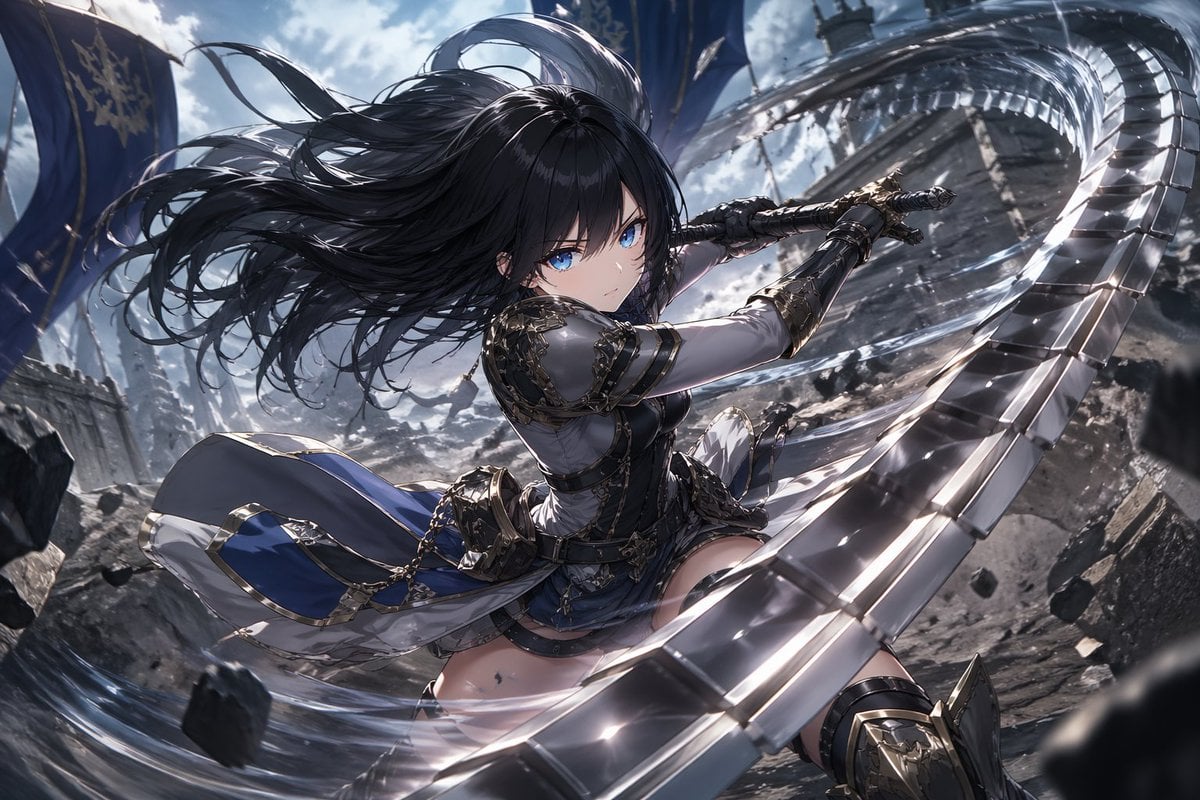
Anime Warrior With Whip Sword
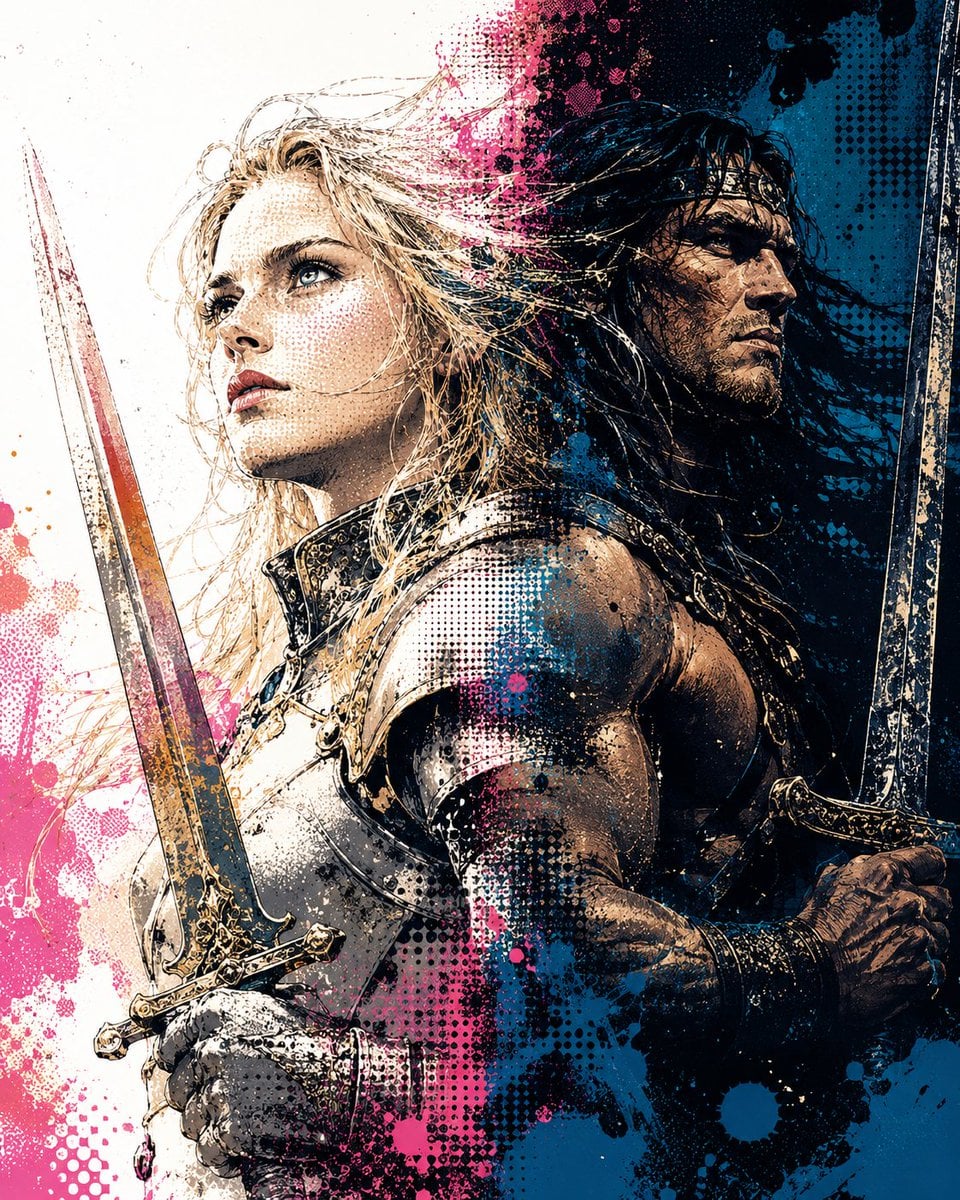
Back-to-Back Dual Sword Warriors
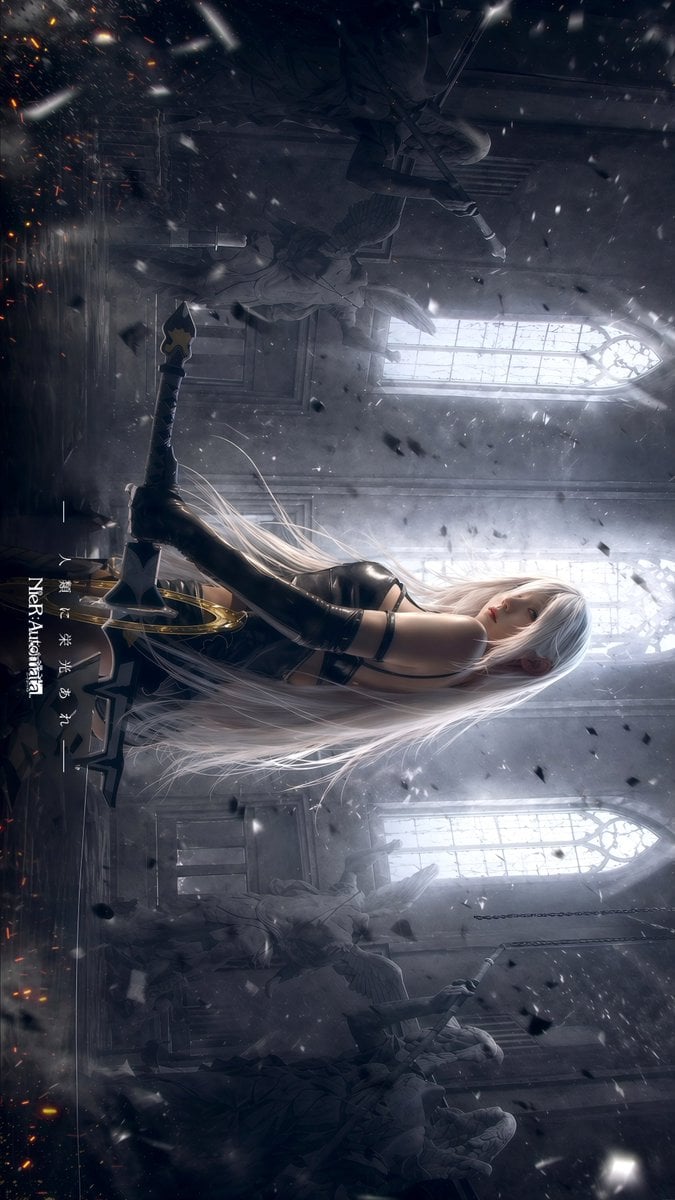
Gothic Android Warrior Cathedral Key Art
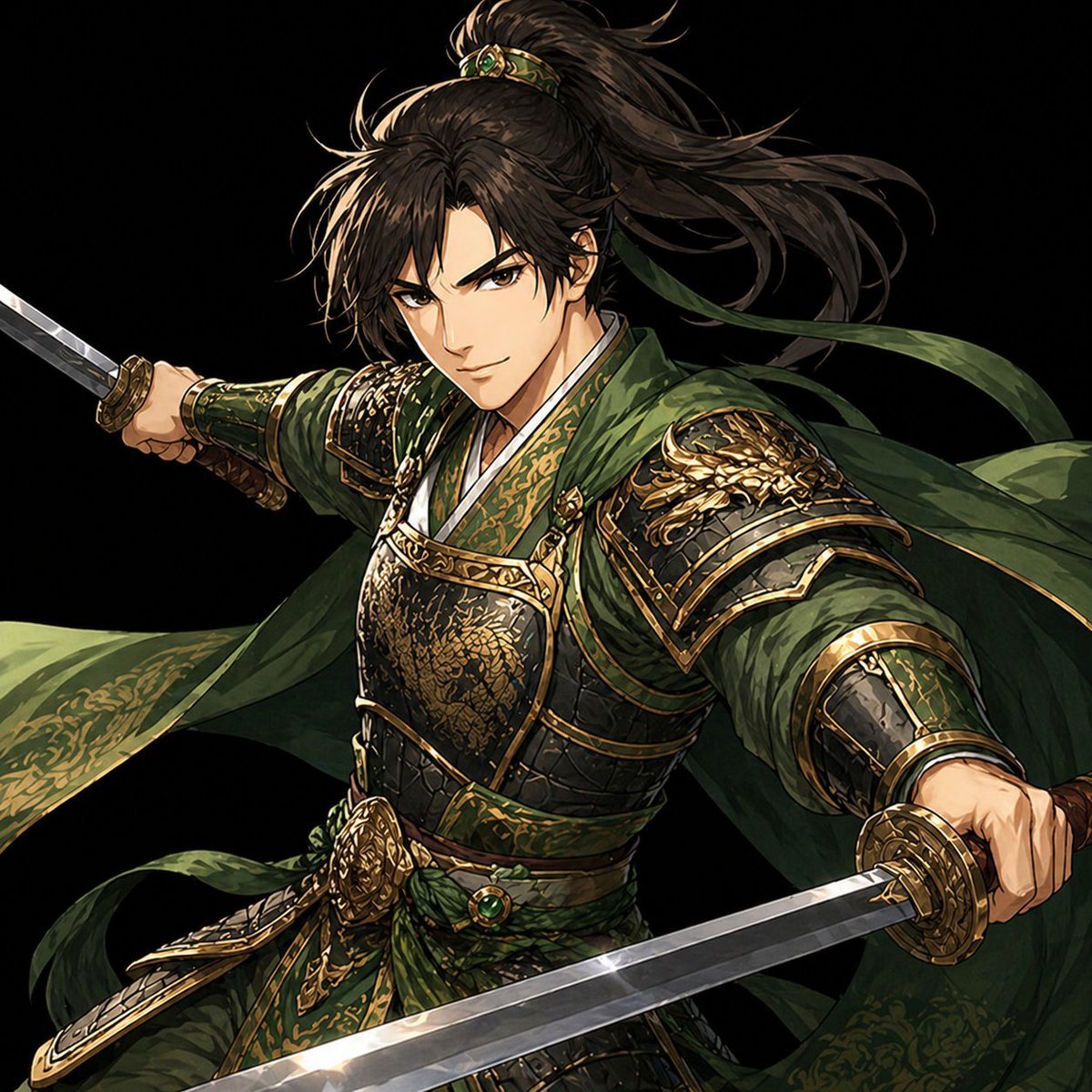
Green Armored Dual-Sword Warrior
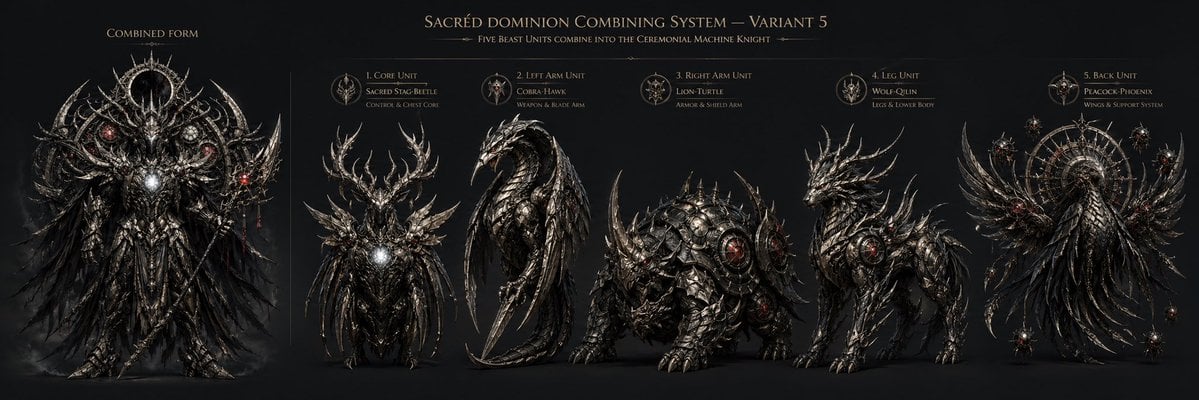
Gothic Five-Beast Combining Mecha Sheet
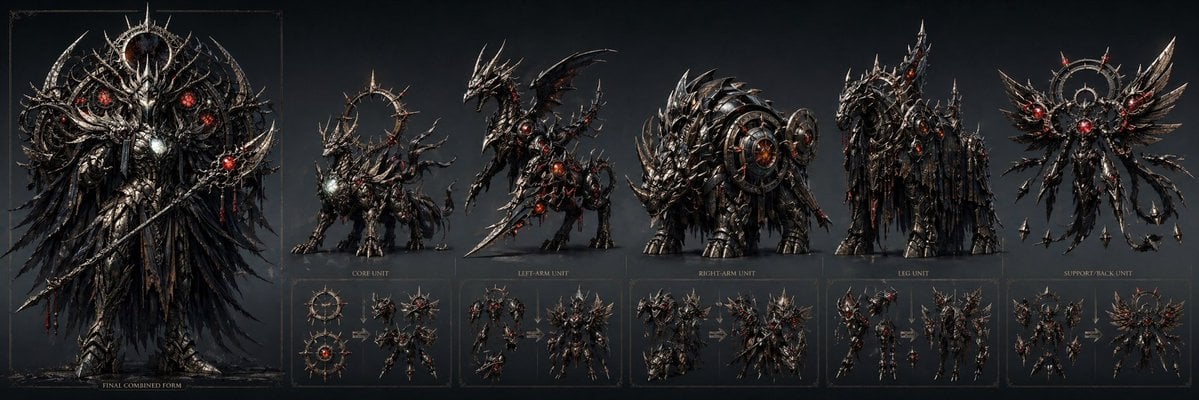
Gothic Combining Mecha Concept Sheet
Insect Mecha Cannon Attack
Cyberpunk Dog-Eared Swordswoman

Gothic Japanese Mobile Homepage

Burning Gothic Flood Escape
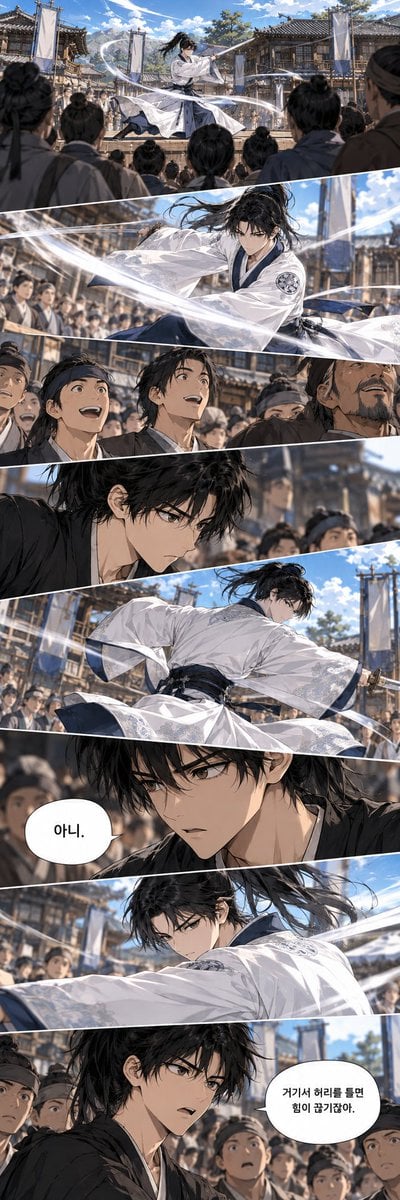
Historical Manhwa Sword Duel Page
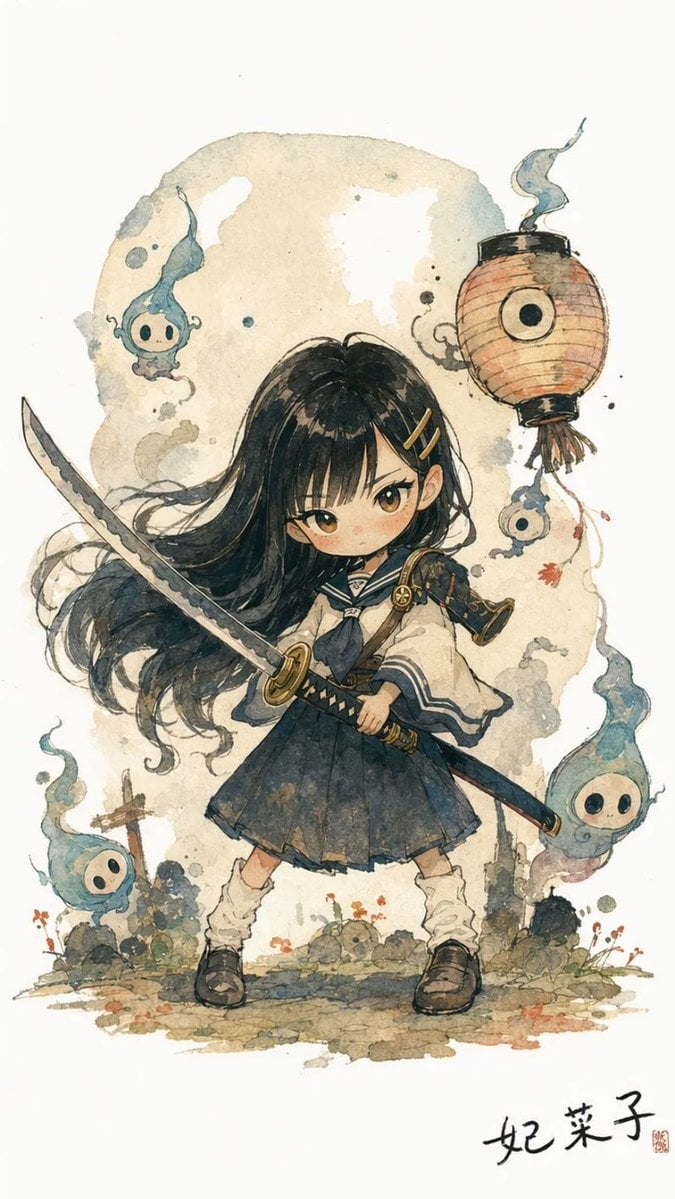
Watercolor Chibi Schoolgirl Swordswoman
Make it yours
Gothic Mecha Sword Warrior works as-is. These are the safest ways to change it without losing the look.
Change one field
Copy a single group, rewrite it, and generate again so you can see what that field is doing.
Keep the frame, change the subject
Hold the composition and light of Gothic Mecha Sword Warrior, then swap wardrobe, props or the person for a new take.
| If the result… | Why | Fix |
|---|---|---|
| The result drifts from the preview | Too many fields changed at once. | Reuse Gothic Mecha Sword Warrior as-is first, then change one group — subject, light, or setting. |
| The model over-stylizes the scene | The prose prompt leaves finish and camera underspecified. | Add one camera or lighting sentence and stay on GPT Image 2. |
More GPT Image 2 templates
Other prompts made for GPT Image 2.

Six VTuber Japanese Logo Sheet

Realistic Portrait of Woman and Deer

The Vista Modular Condo Poster

AI Model Routing Comparison Infographic

2.5D Anime Art Board

Isometric Productivity Desk Scene

New York Double Exposure Poster

Four-Panel AI Landscape Comparison

Japanese Tatami Lifestyle Magazine Cover

NESCAFÉ Coffee Map Poster
More image prompts
Fresh picks from across the catalog.
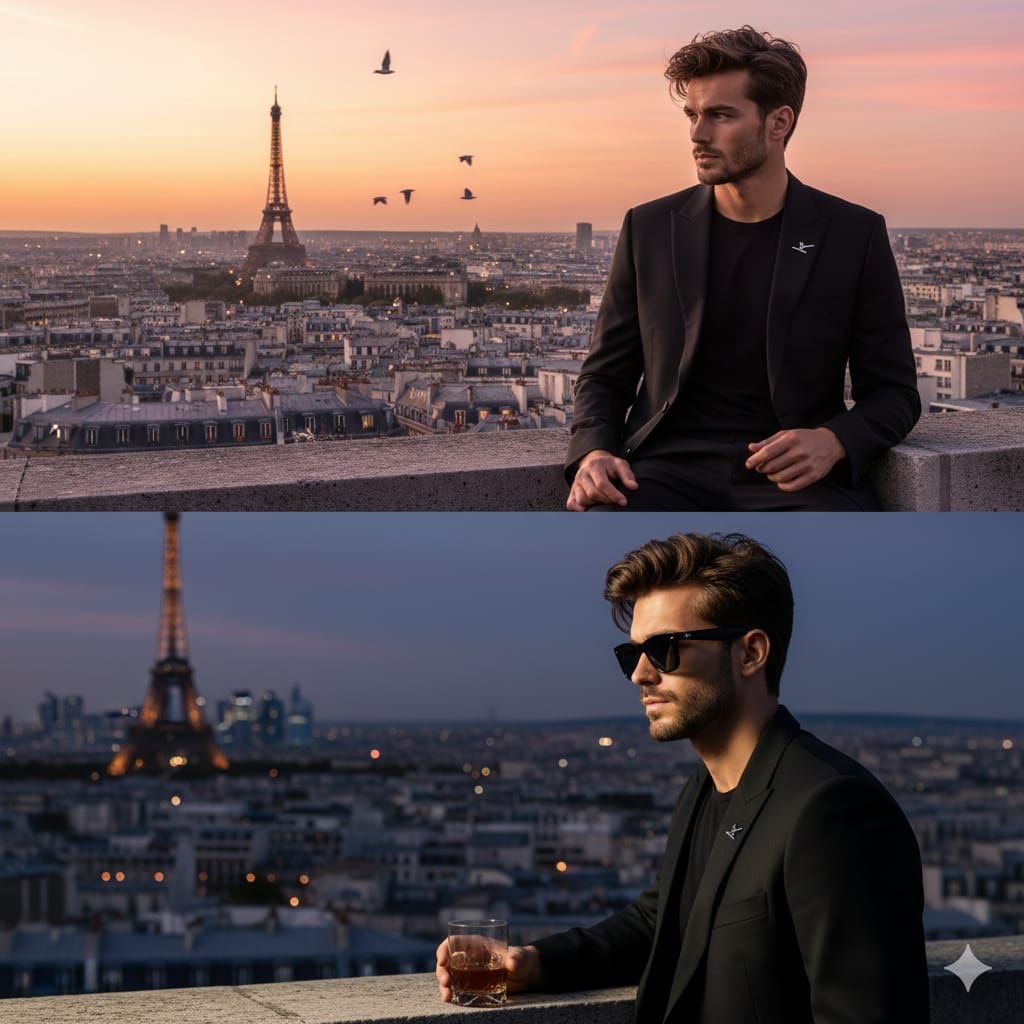
Cinematic Fashion Portrait on a Paris Rooftop
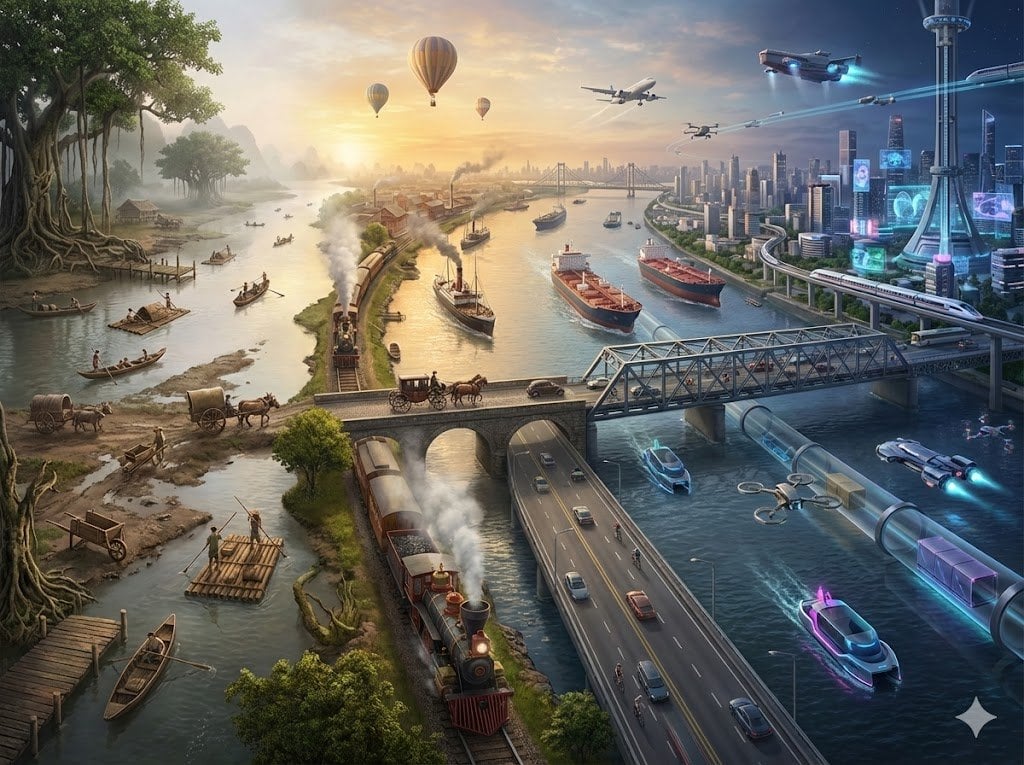
Hyper-realistic Transportation Evolution Panoramic Landscape Prompt
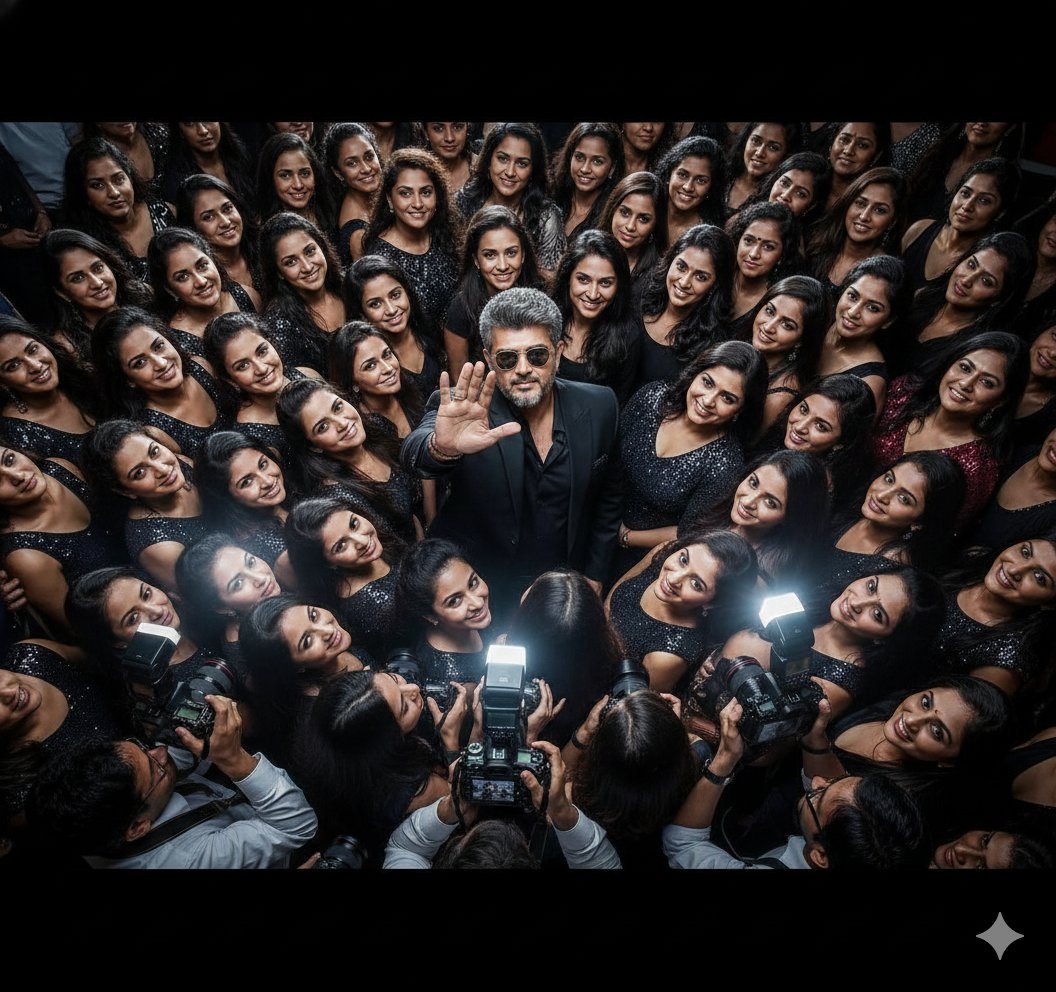
Paparazzi Flash Crowd Scene Prompt (Identity Preservation)

Layered Papercraft Chibi World
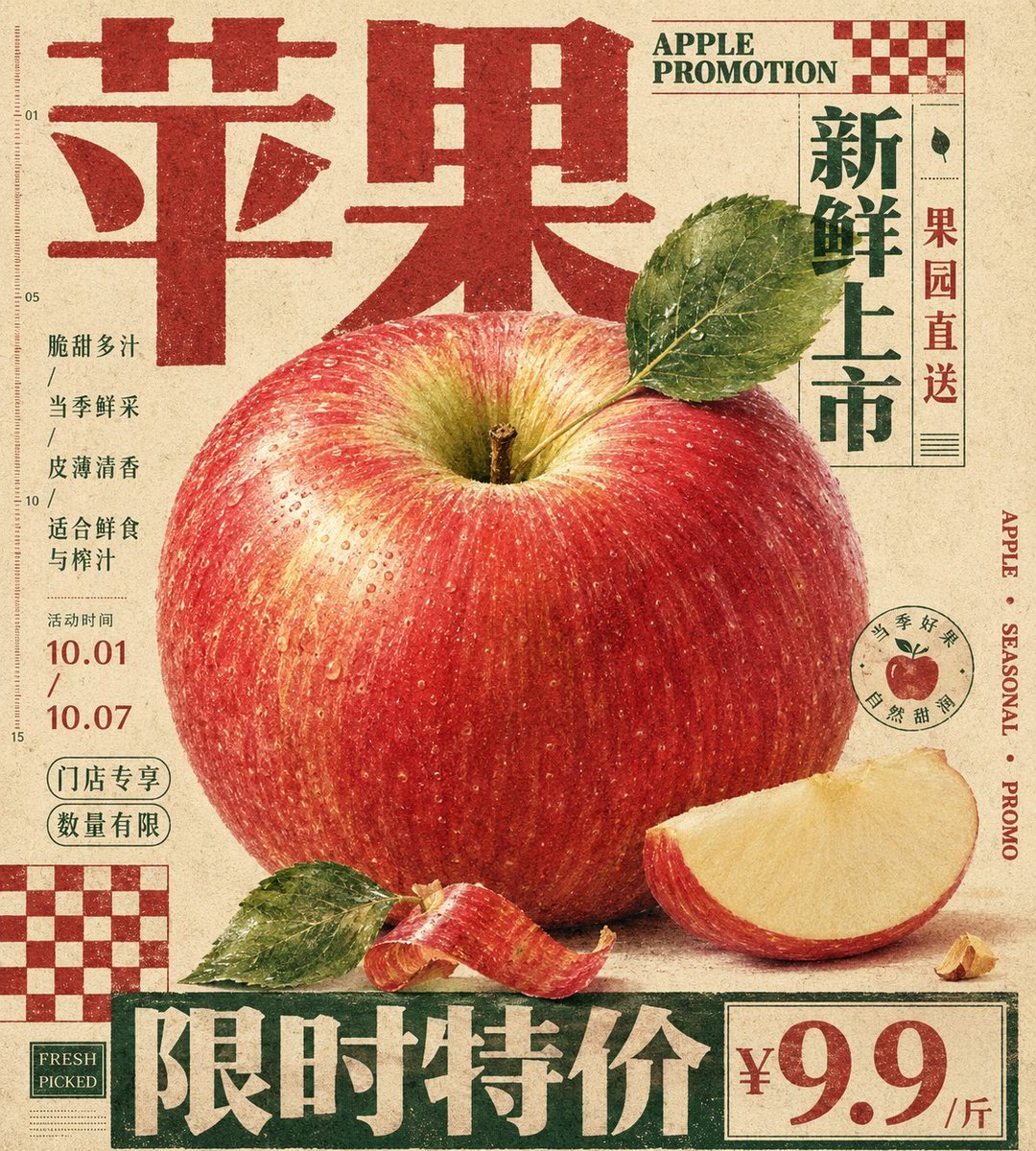
Vintage Tactile Print Poster
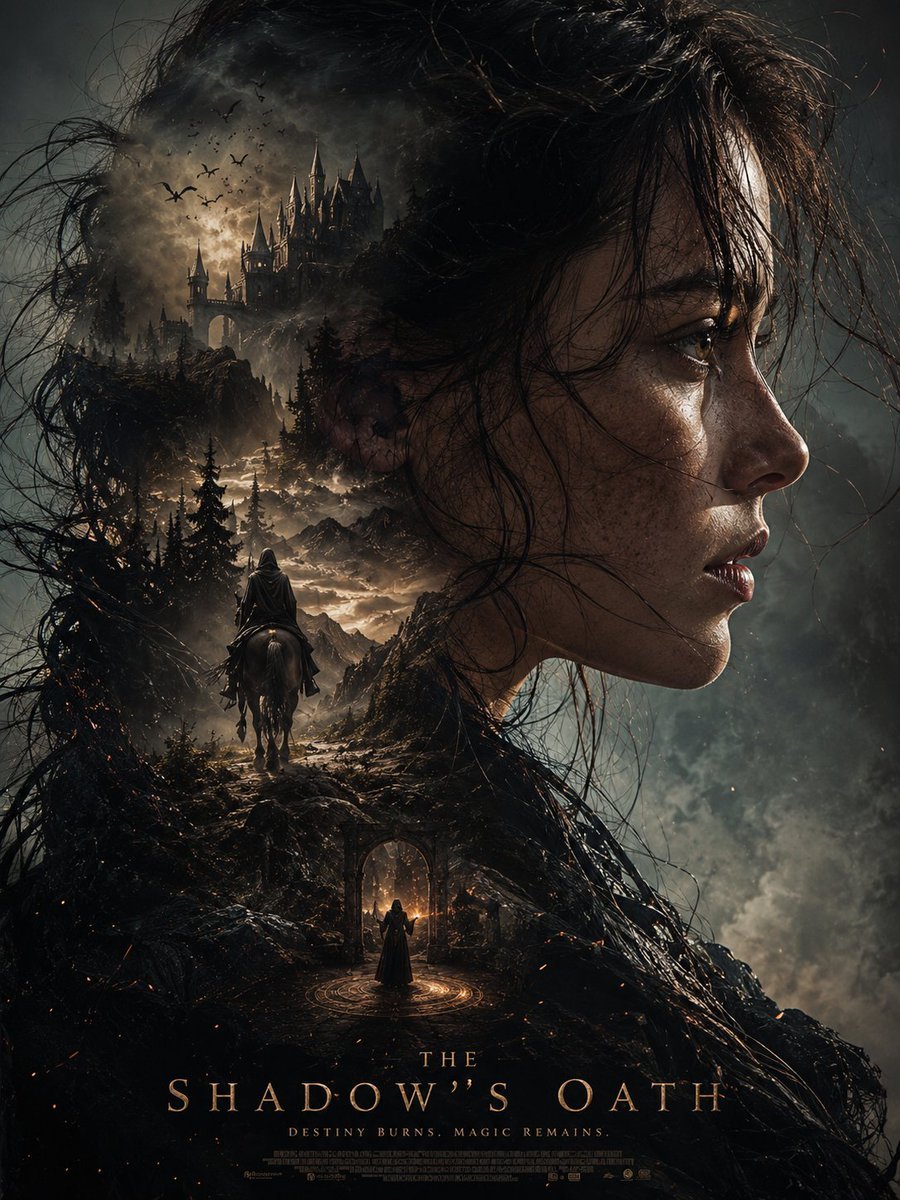
Dark Fantasy Double Exposure Poster
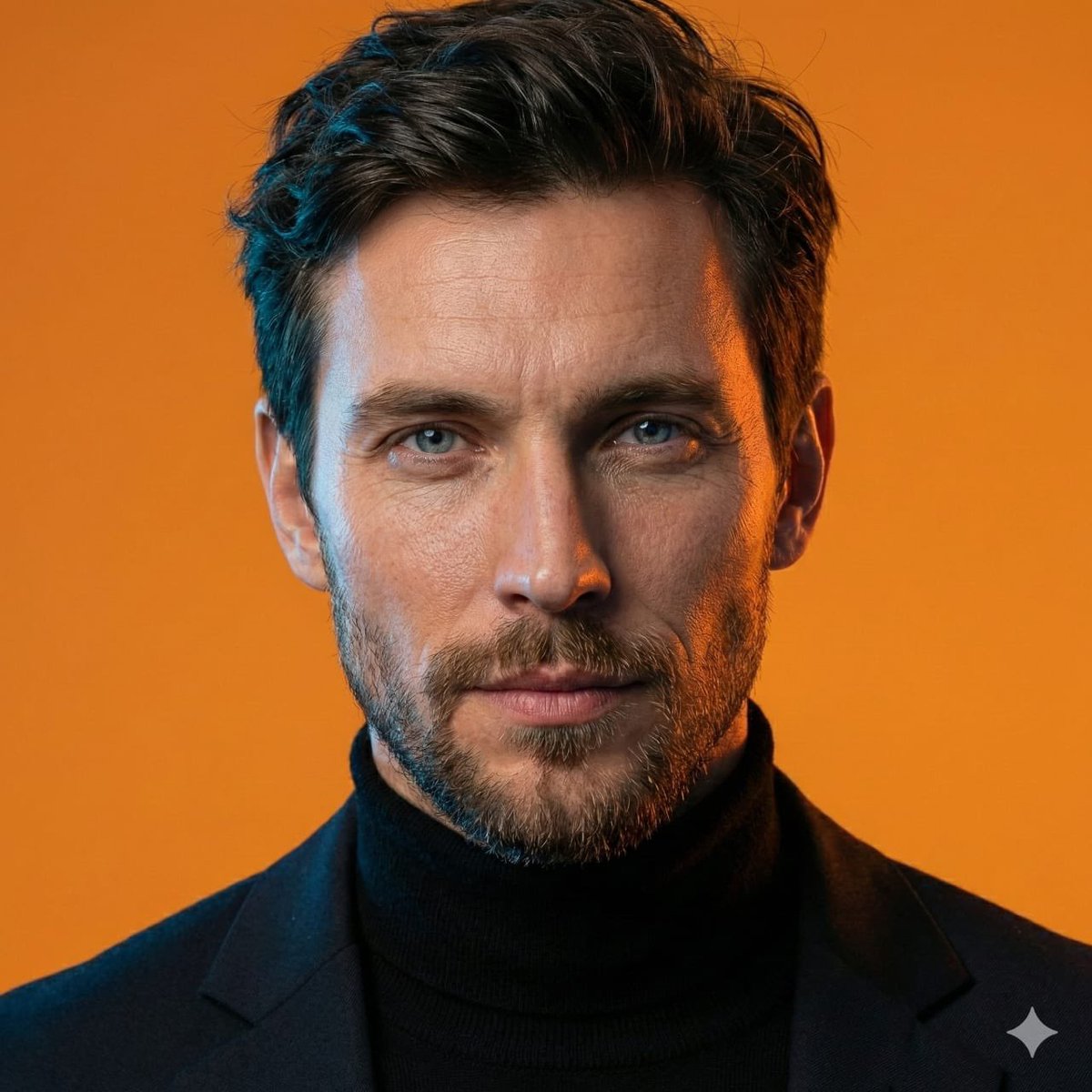
AI-Generated Face Cinematic Portrait Prompt (Dual-Tone Lighting)
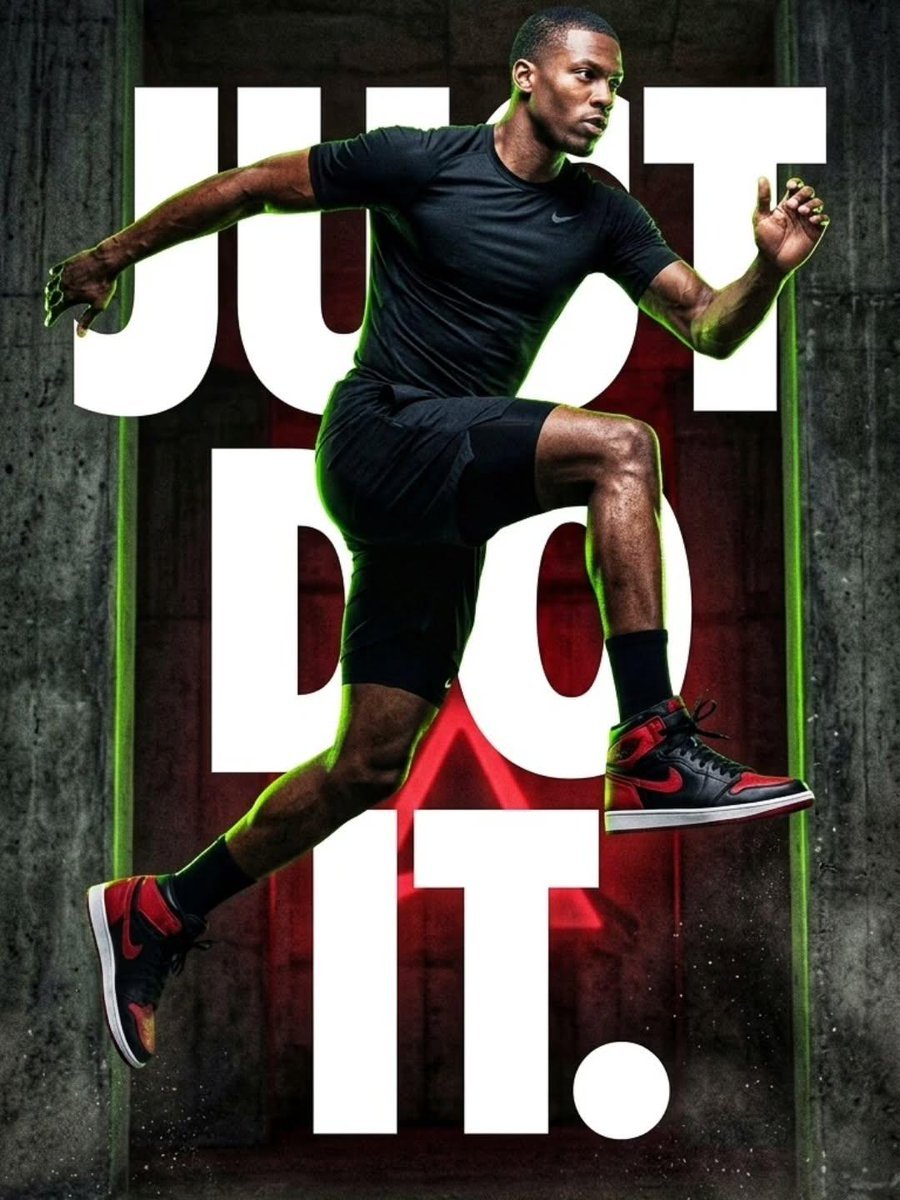
Cinematic Female Runner at Sunset
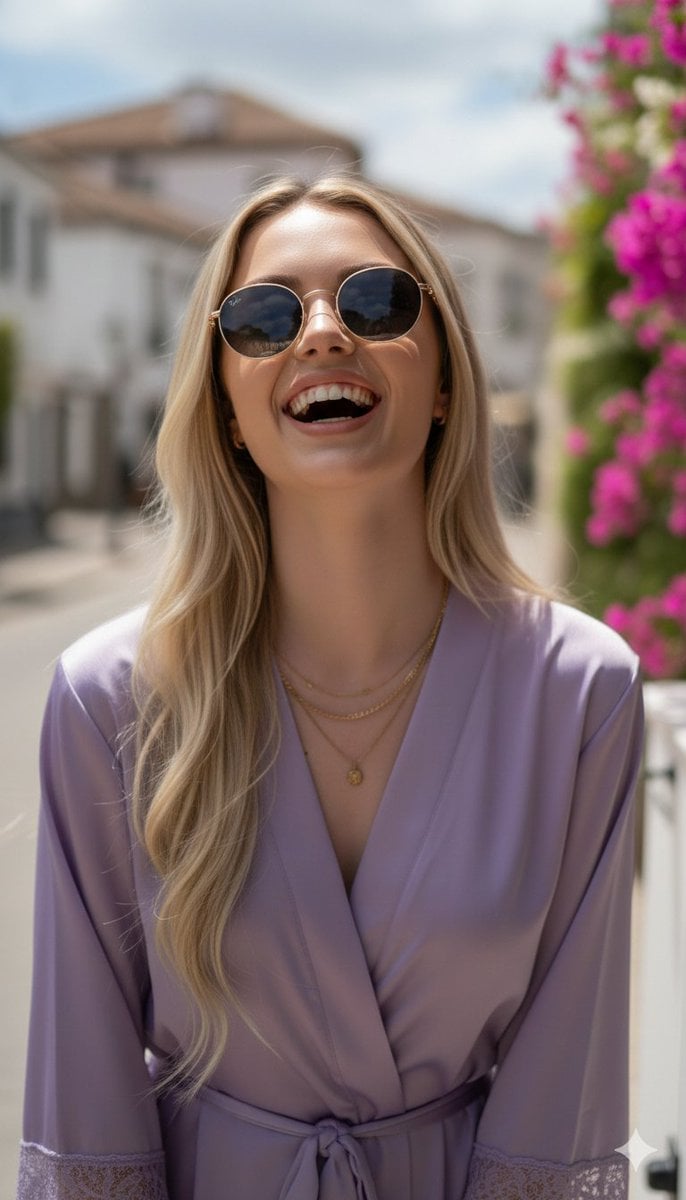
Photorealistic Portrait in a European Street with Bougainvillea
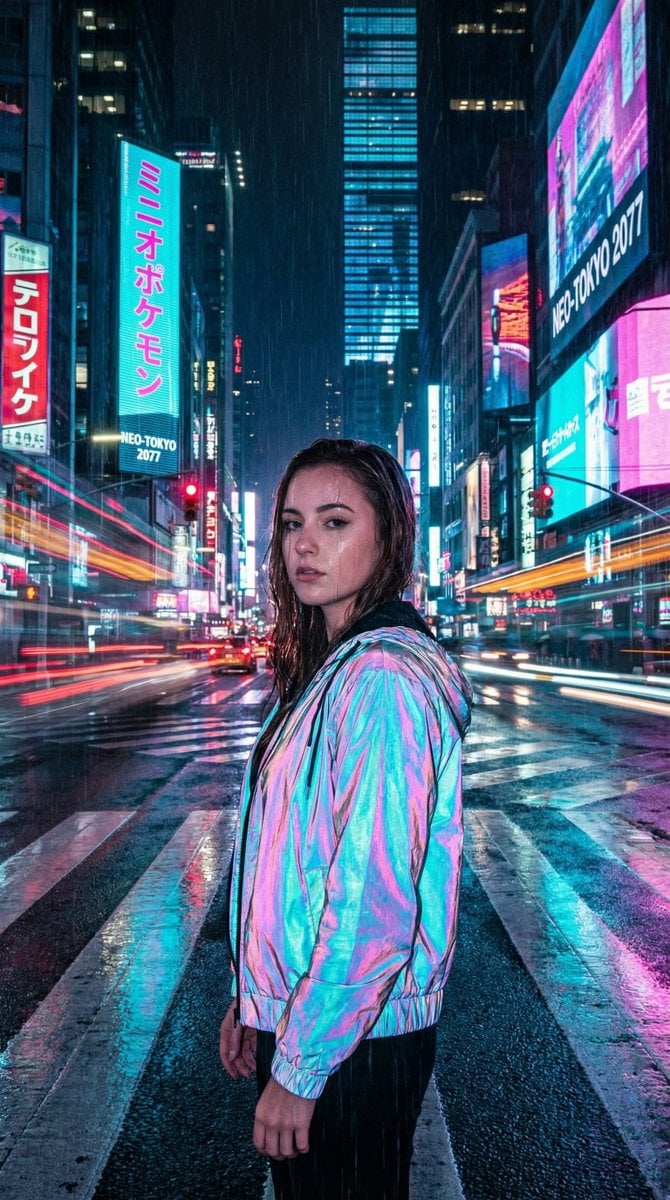
Cyberpunk City Night Scene
Browse template categories
Gothic Mecha Sword Warrior questions
How do I use the Gothic Mecha Sword Warrior template?
Add your photo if the template asks for one, edit the prompt if you like — the template's model and format are already selected — and press Generate. Your version opens in PicX Studio.
Can I customize the Gothic Mecha Sword Warrior template?
Yes. You can change the subject, setting, lighting, mood, format, and available model controls before creating your image.
Is the Gothic Mecha Sword Warrior template free?
Opening and editing this template is free. Generating uses credits, shown on the Generate button when you are signed in.
Which AI model should I use?
Start with GPT Image 2, which is the model associated with this template. You can compare another compatible model for a different finish.
Looking for something else? Browse all templates.

Your photo, any look
Thousands of ready templates for every top image and video model, from one credit balance.