
Vintage Tactile Print Poster
A creative prompt for designing vintage-style editorial posters with tactile paper textures, structured typography, and artistic subject placement.
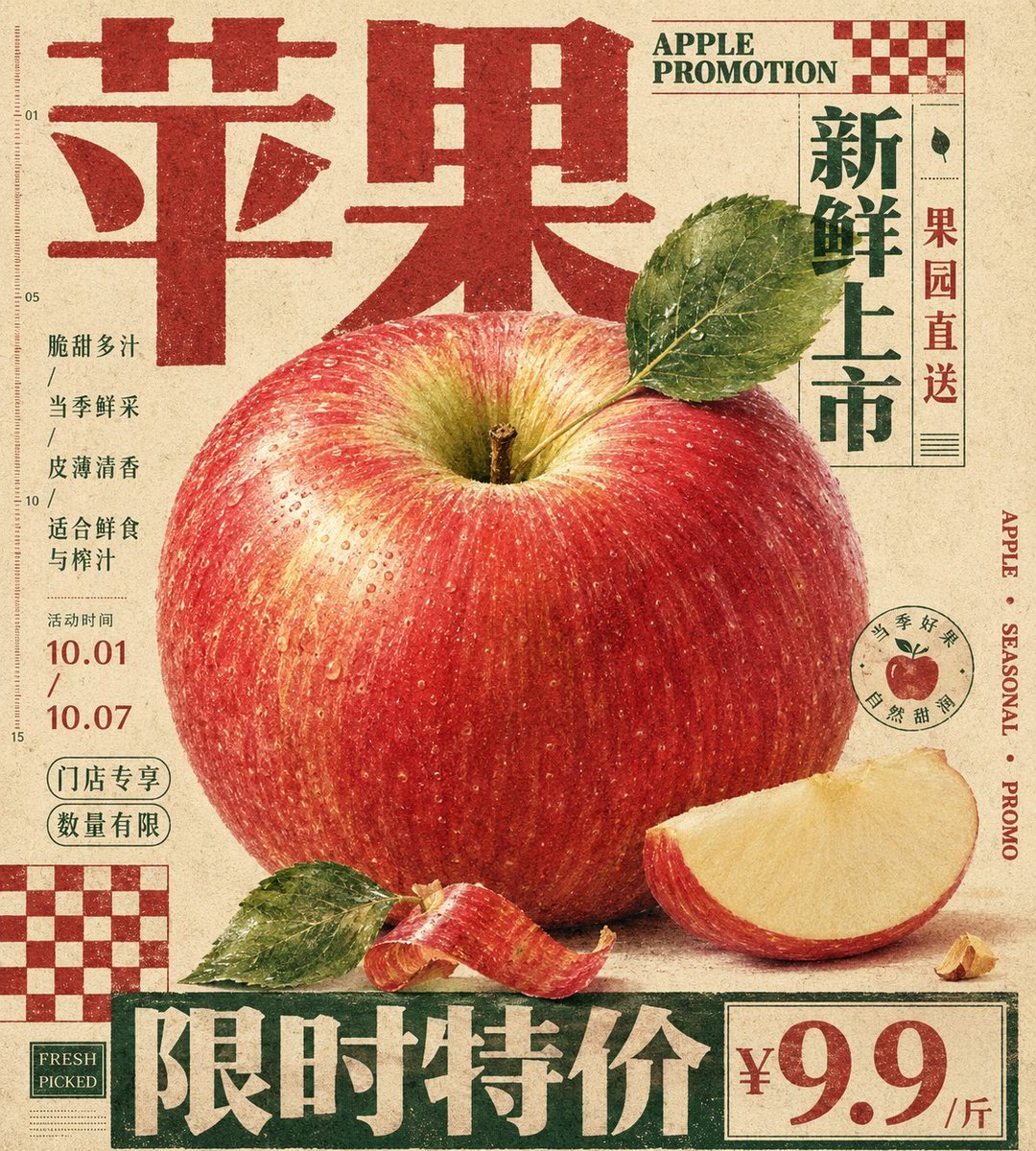
- Prompt included
- Model and format preset
- Free template
The prompt behind this image
Copy the exact prompt behind Vintage Tactile Print Poster, or open it in the studio and make it yours.
Generate a vertical print poster built around a specific theme's content. First translate the theme into an enlarged, tactile hero specimen or a main clump of matter, placed at the center or lower-center of the frame, giving it a clearly identifiable edge, a soft volume, locally high-density detail, and a touchable variation in material. Don't display the subject in isolation — instead have it flanked by an oversized headline, edge-running text, hard-edged checkerboard modules, and low-contrast caption text; the headline should use a typeface with weight and a clear structural skeleton, functioning as an architectural edge along the top, bottom, or side — participating in the composition like a wall, a base, or a sidebar, with the text first forming structure before carrying meaning. Let the subject's silhouette, attached fragments, material edges, or symbolic pieces partially overlap the headline, vertical text, and geometric blocks, creating a clear yet restrained sense of front-to-back layering, so that the image and the layout interweave rather than avoid each other. The background is a single warm, low-noise, printable sheet of paper, with subtle paper grain, fibers, texture, and a slight ink-absorption feel, used to unify the realistic subject, the flat text, and the geometric color blocks; the background should retain a sense of breathing room and physical medium, without creating a real sense of space. Color should be layered by role: the paper base occupies the largest area, the subject retains the most delicate emotional colors, soft gradients, and localized saturation, the headline, edge text, or checkerboard uses flatter, more stable structural colors, and the body copy and annotations recede into the paper with low contrast — overall there should be a clear difference in area, an order of value (lightness), and a balance where sweetness is held in check by structure. Place one or two hard-edged checkerboard modules in a corner as a flat rhythmic anchor; they should have no perspective and no drop shadow, printed directly onto the paper, used to balance the subject's curves, the headline's mass, and the pressure of empty space. Small body text shouldn't look like a standalone caption card — it should be compressed into a tight informational texture, embedded into the blank gaps around the subject, keeping short line spacing, restrained color, and an editorial-caption feel. The subject's detail should be concentrated only where it best conveys tactility and the theme's identity; the rest of its peripheral edges may be cropped, occluded, or slightly softened, so the image maintains a clear sense of primary versus secondary elements. The final surface should have a vintage-print dullness, with slightly softened text edges, ink buildup in the color blocks, and paper grain running through all layers without blurring the subject's detail — overall presenting a carefully typeset hybrid of an editorial poster, packaging artwork, and specimen documentation. This time's theme: {argument name="poster theme" default="apple promotional poster"} Aspect ratio: {argument name="aspect ratio" default="9:10"}
How to use Vintage Tactile Print Poster in 3 steps
- 1Upload ImagePNG, JPG or paste
Add your photo
Upload the photo the template builds on. The prompt, model and format are already set.
- 2…a portrait of your subject in softgolden-hour light, 85mm…
Personalize
Edit the subject and creative details for your destination.
- 3Generate
Generate
Press Generate — your image is created in PicX Studio, so you can compare it with the original and refine one variable at a time.
More like this
Templates with the same subject, style or setup. Open one to see its prompt.












Make it yours
Vintage Tactile Print Poster works as-is. These are the safest ways to change it without losing the look.
Change one field
Copy a single group, rewrite it, and generate again so you can see what that field is doing.
Keep the frame, change the subject
Hold the composition and light of Vintage Tactile Print Poster, then swap wardrobe, props or the person for a new take.
| If the result… | Why | Fix |
|---|---|---|
| The result drifts from the preview | Too many fields changed at once. | Reuse Vintage Tactile Print Poster as-is first, then change one group — subject, light, or setting. |
| The model over-stylizes the scene | The prose prompt leaves finish and camera underspecified. | Add one camera or lighting sentence and stay on GPT Image 2. |
More GPT Image 2 templates
Other prompts made for GPT Image 2.

Six VTuber Japanese Logo Sheet

Realistic Portrait of Woman and Deer

The Vista Modular Condo Poster

AI Model Routing Comparison Infographic

2.5D Anime Art Board

Isometric Productivity Desk Scene

New York Double Exposure Poster

Four-Panel AI Landscape Comparison

Japanese Tatami Lifestyle Magazine Cover

NESCAFÉ Coffee Map Poster
More image prompts
Fresh picks from across the catalog.
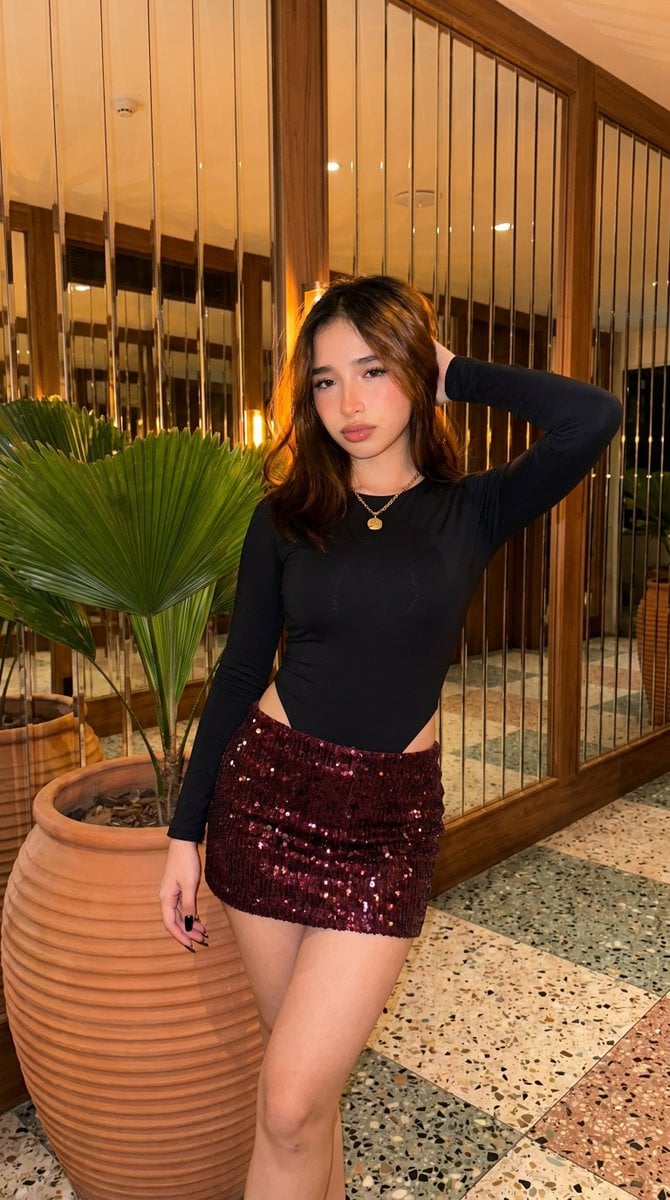
High-Fidelity Fashion Photography Prompt
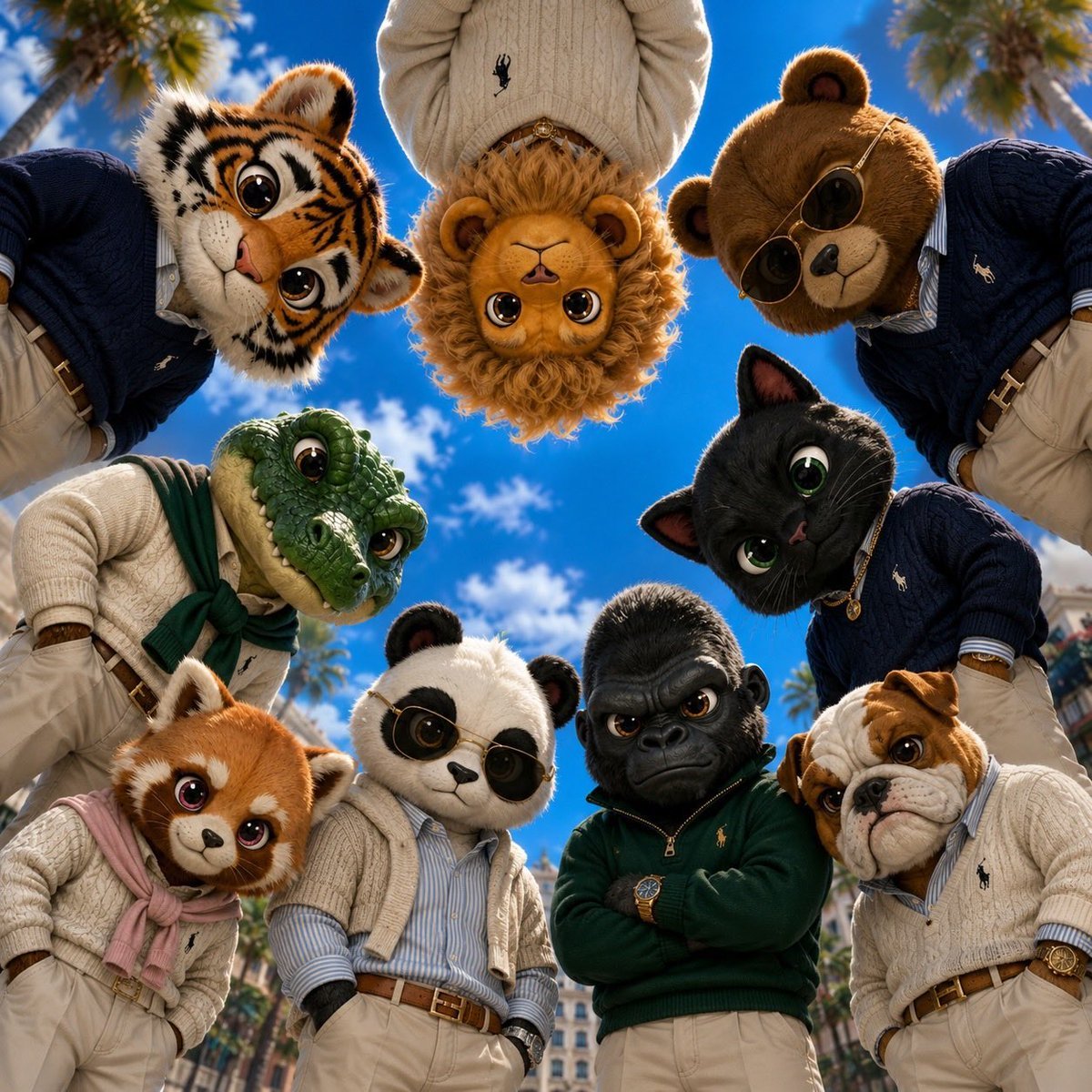
Old Money & Gangster Style Animal Squads
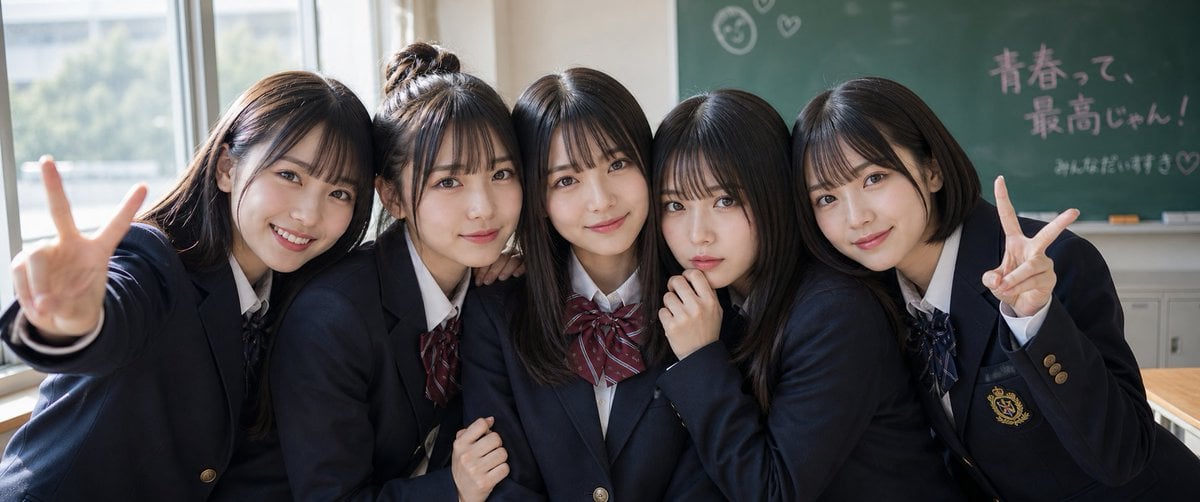
Japanese Schoolgirls Ultra Wide Wallpaper
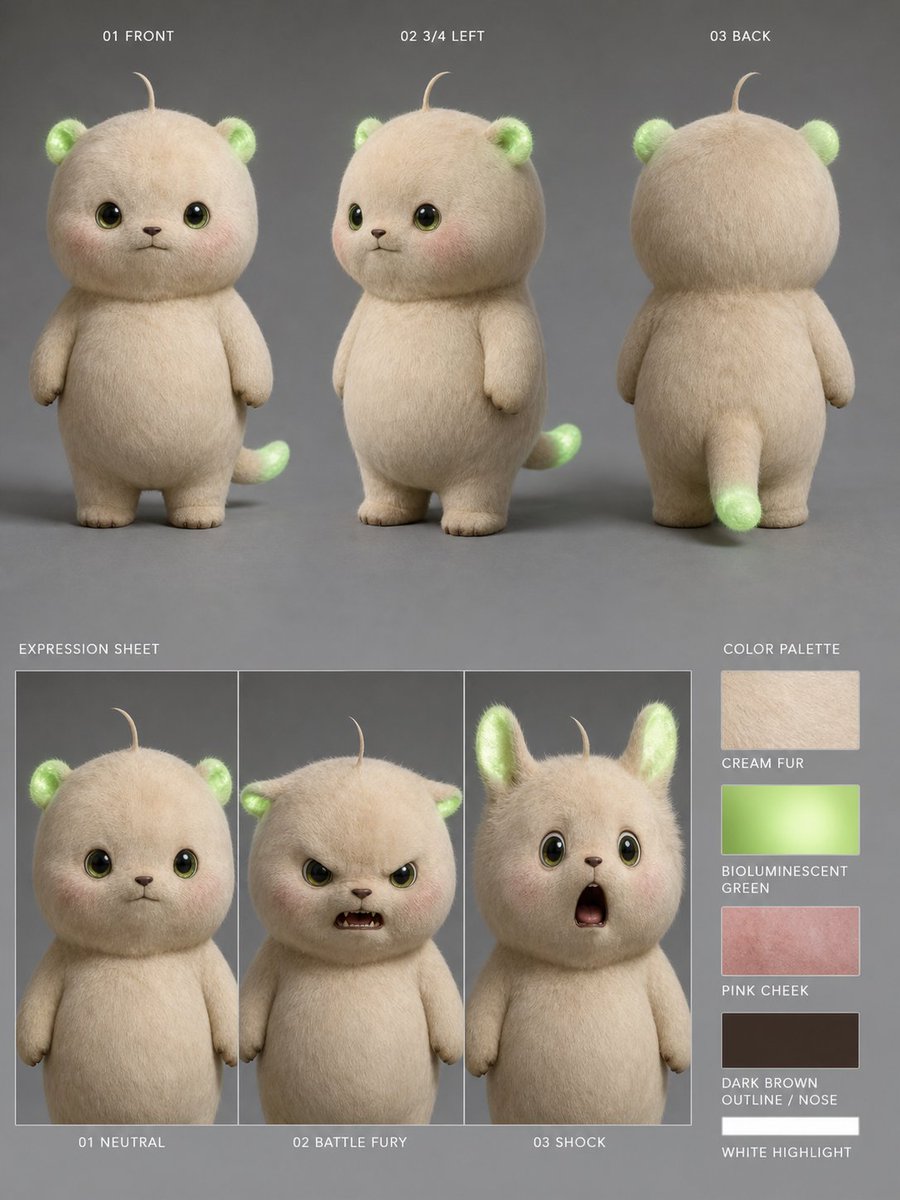
Bioluminescent Plush Creature Sheet
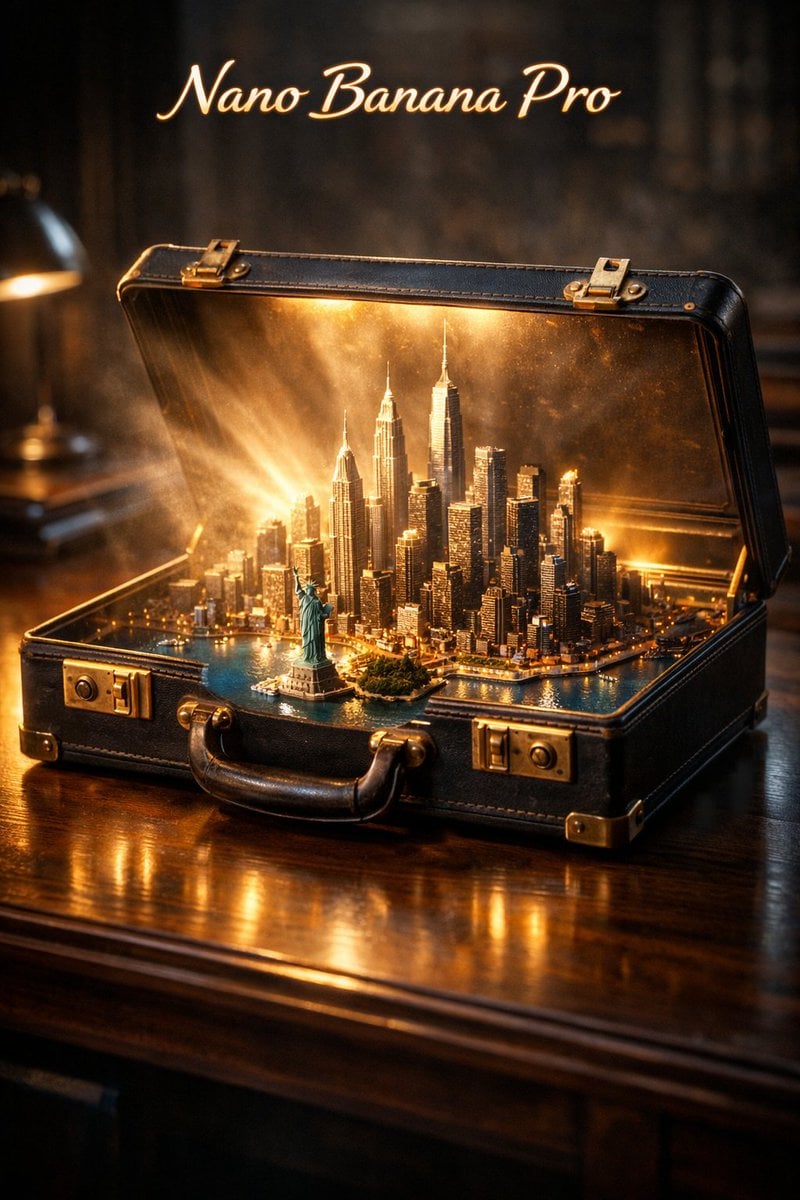
Cinematic Product Reveal of a Vintage Briefcase
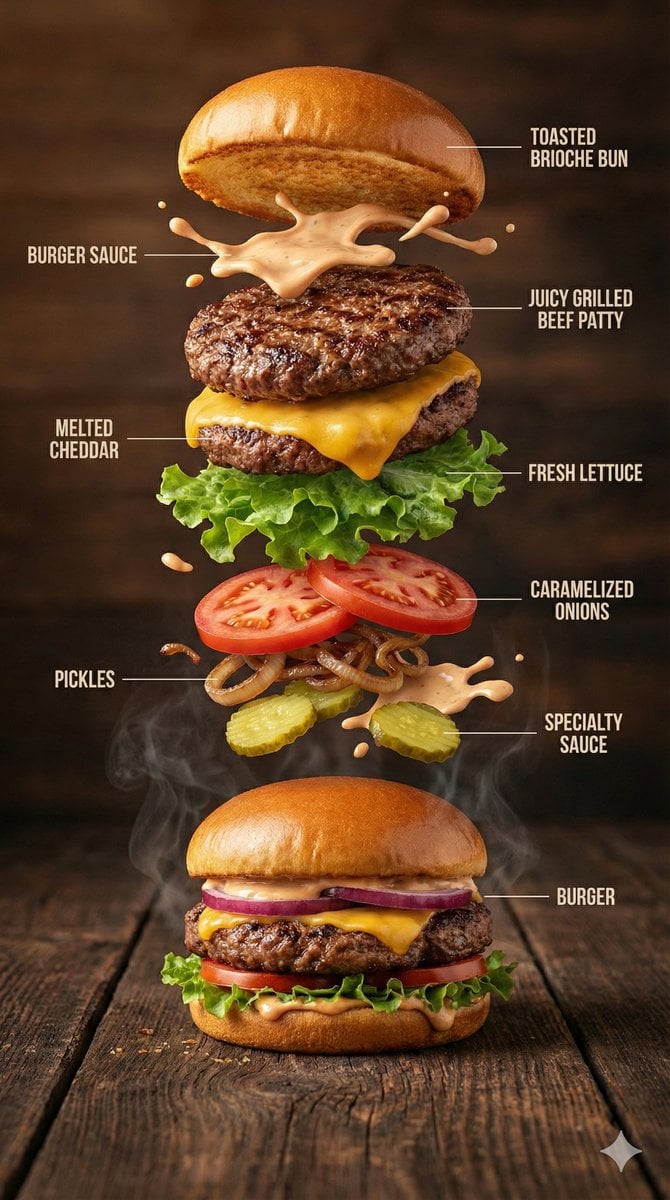
Hyper-Realistic Gourmet Burger Infographic
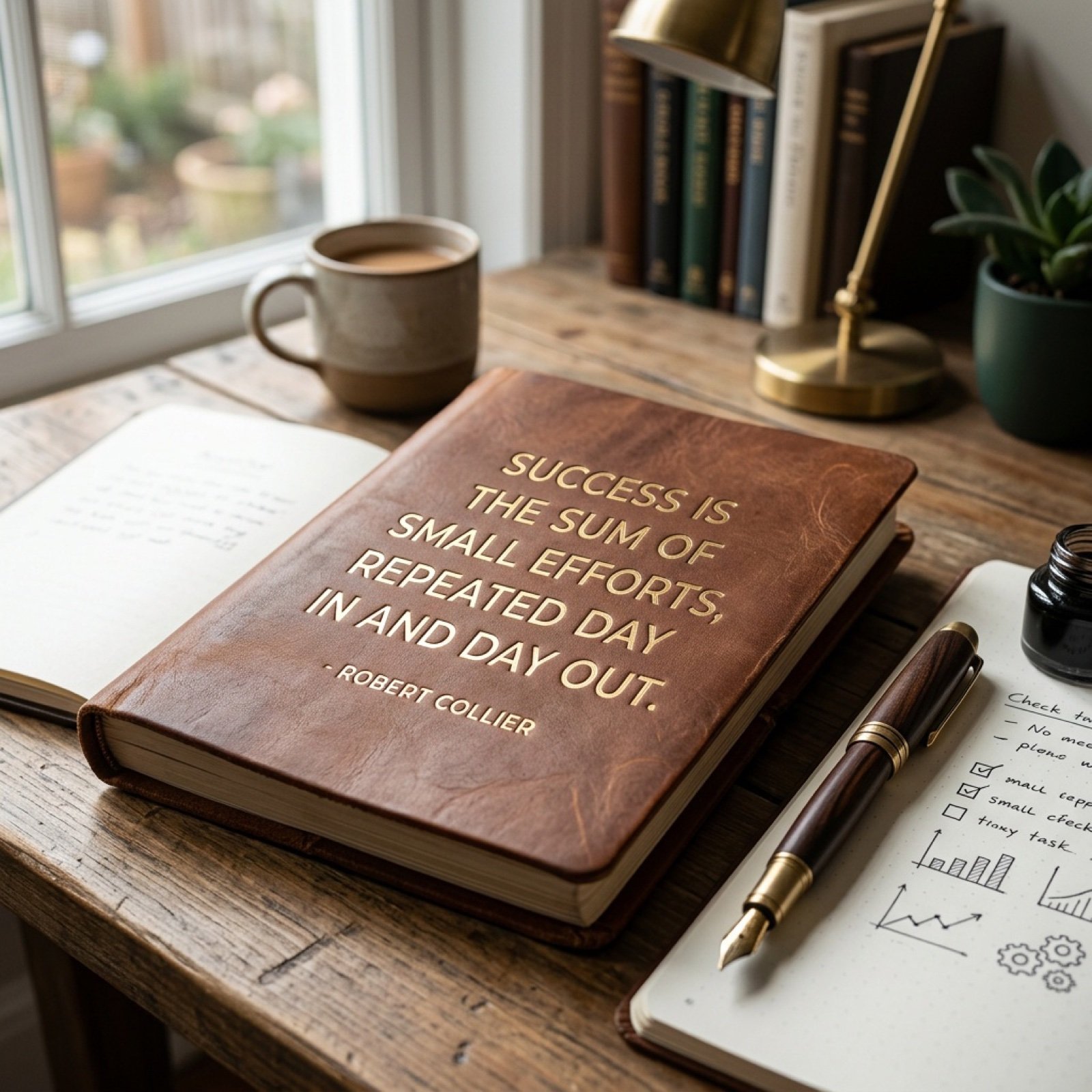
Morning Coffee Quote

Edgy Urban Street Style Portrait in Tokyo Alleyway
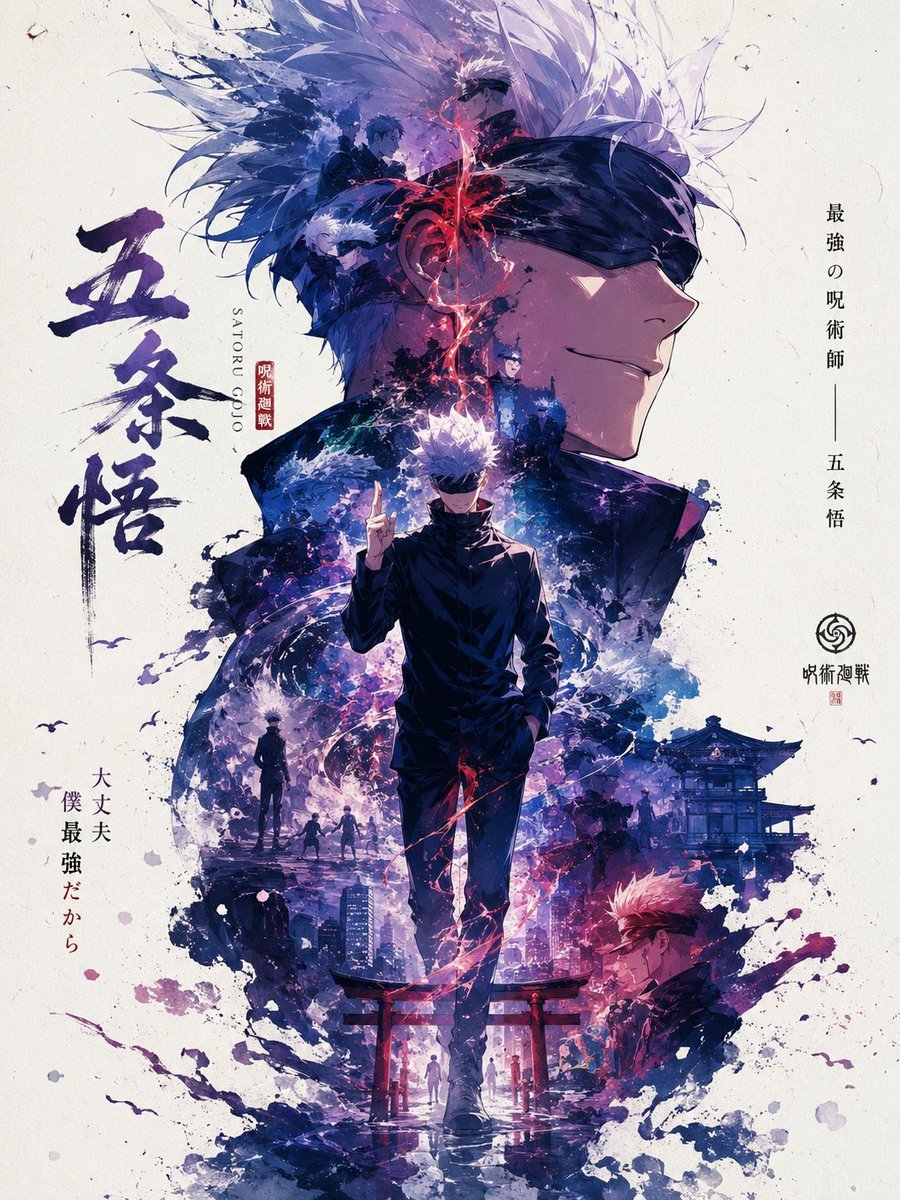
Satoru Gojo Anime Propaganda Poster
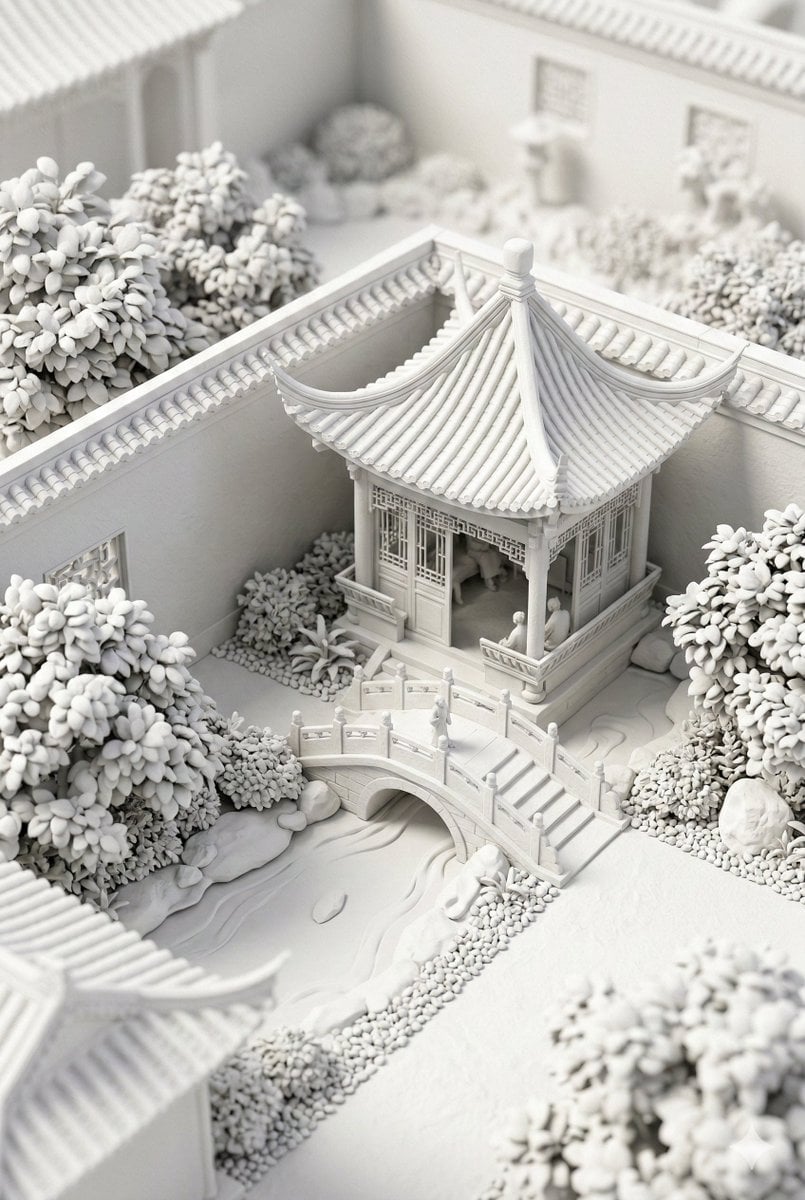
Chinese Garden Clay Render Prompt (Nano Banana 2)
Browse template categories
Vintage Tactile Print Poster questions
How do I use the Vintage Tactile Print Poster template?
Add your photo if the template asks for one, edit the prompt if you like — the template's model and format are already selected — and press Generate. Your version opens in PicX Studio.
Can I customize the Vintage Tactile Print Poster template?
Yes. You can change the subject, setting, lighting, mood, format, and available model controls before creating your image.
Is the Vintage Tactile Print Poster template free?
Opening and editing this template is free. Generating uses credits, shown on the Generate button when you are signed in.
Which AI model should I use?
Start with GPT Image 2, which is the model associated with this template. You can compare another compatible model for a different finish.
Looking for something else? Browse all templates.

Your photo, any look
Thousands of ready templates for every top image and video model, from one credit balance.