
Satoru Gojo Anime Propaganda Poster
A detailed prompt for generating a dramatic vertical anime propaganda-style poster centered on Satoru Gojo with Japanese calligraphy, ink splashes, and layered character vignettes.
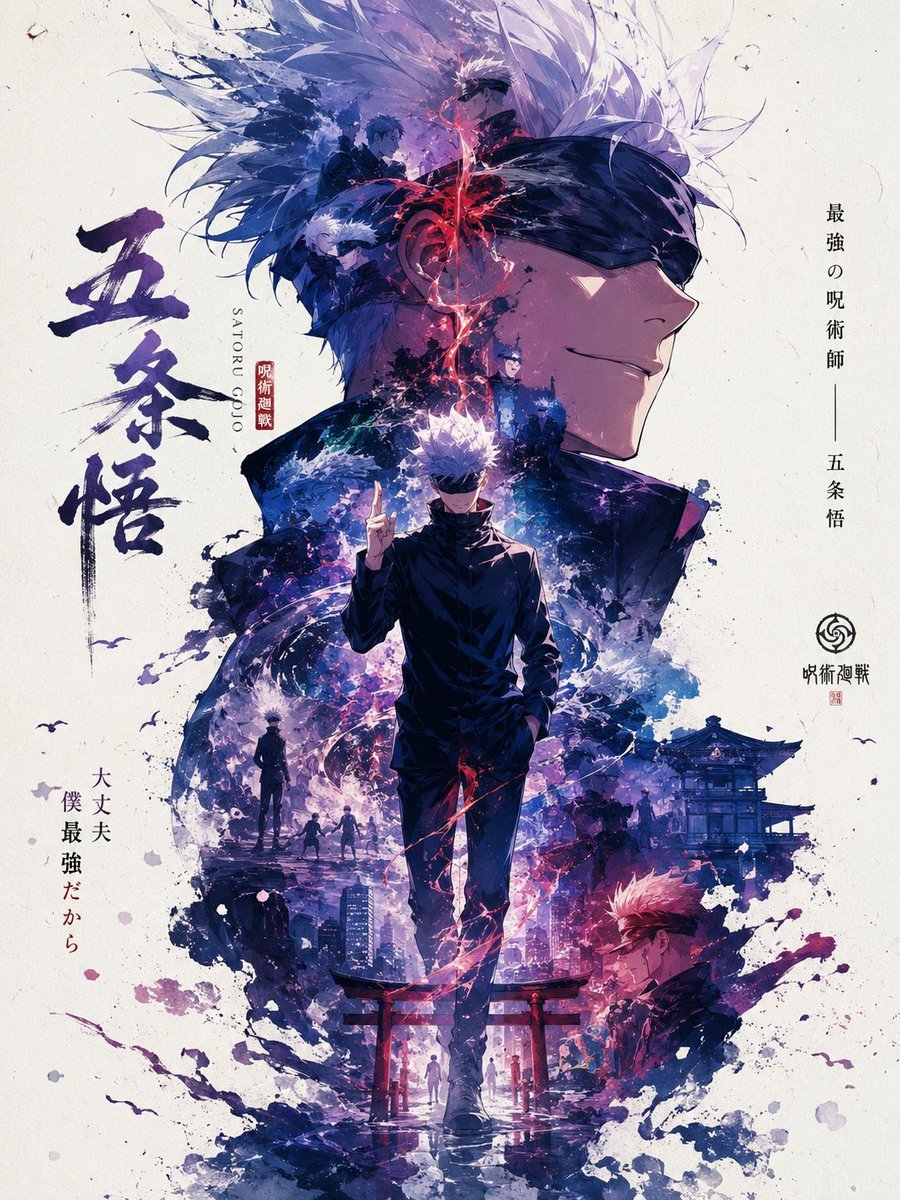
- Prompt included
- Model and format preset
- Free template
The prompt behind this image
Copy the exact prompt behind Satoru Gojo Anime Propaganda Poster, or open it in the studio and make it yours.
Create a vertical Japanese anime propaganda poster for {argument name="character name" default="Satoru Gojo"} from Jujutsu Kaisen, with a consistent hierarchical main visual composition and dramatic ink-wash collage style. Canvas: portrait 3:4 poster on warm off-white aged paper with subtle grain, dust specks, faint scratches, and scattered ink splatters. Visual hierarchy: the top half is dominated by an enormous right-facing side profile of Gojo wearing a black blindfold, smiling slightly, with spiky white hair exploding upward into translucent feather-like shards and blue-purple energy strokes. In the center foreground place a full-body Gojo walking toward the viewer, tall and slim in a high-collar black uniform, blindfolded, one hand in his pocket and the other raised with two fingers extended; red cursed-energy lightning coils around his torso and legs. Use deep indigo, violet, blue, black, white, and crimson accents, with painterly splashes and sharp manga linework. Composition details: include exactly 6 smaller character/story vignettes blended into the ink cloud around the main figure: 1) a blue-haired male silhouette near the upper left within the hair/energy mass, 2) a white-haired blindfolded smaller Gojo in profile at upper left, 3) a dark standing figure facing the central energy on the mid-right, 4) a small lone silhouette in the lower-left mist, 5) a group of three small figures walking in the lower middle background, and 6) a red-haired/pink-haired male with a black blindfold or markings in the lower-right brush splash. Add exactly 4 environmental motifs: 1) a traditional Japanese temple building on the mid-right, 2) a modern city skyline at bottom center, 3) a red torii gate at the lower foreground behind the central figure’s legs, and 4) tiny bird silhouettes in the white margins. Keep all secondary elements partially dissolved into blue and purple watercolor smoke. Text layout: on the left side, large vertical Japanese brush-calligraphy reading {argument name="large Japanese title" default="五条悟"}, painted in dark navy ink. Beside it add small vertical roman text reading “SATORU GOJO” and a small red seal with Japanese characters. On the right side, add clean vertical Japanese text reading {argument name="right side slogan" default="最強の呪術師 — 五条悟"}, with a small circular emblem and the Japanese series title beneath it. On the lower left, add smaller vertical Japanese text reading {argument name="lower left quote" default="大丈夫 僕 最強だから"}, mixing black and muted red characters. Overall mood: heroic, mythic, national-poster-like propaganda energy without real-world politics, elegant manga poster design, high detail, strong central silhouette, layered ink splashes, luminous cursed energy, crisp face profile, no English headline except the small “SATORU GOJO,” no watermark, no extra characters beyond the listed vignettes.
How to use Satoru Gojo Anime Propaganda Poster in 3 steps
- 1Upload ImagePNG, JPG or paste
Add your photo
Upload the photo the template builds on. The prompt, model and format are already set.
- 2…a portrait of your subject in softgolden-hour light, 85mm…
Personalize
Edit the subject and creative details for your destination.
- 3Generate
Generate
Press Generate — your image is created in PicX Studio, so you can compare it with the original and refine one variable at a time.
More like this
Templates with the same subject, style or setup. Open one to see its prompt.

Captain Tsubasa Anime World Cup Poster

Gpt2 Youtube Thumbnail Anime Music Bootcamp Promo Poster
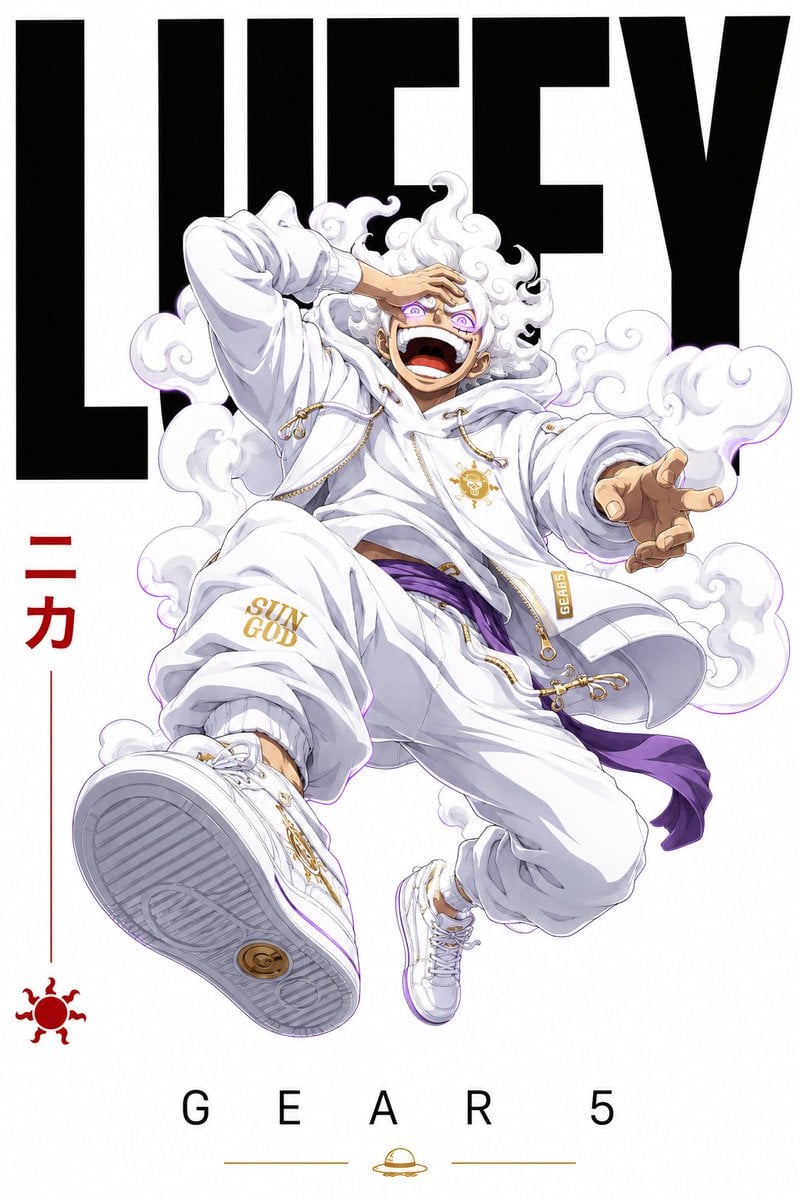
Satoru Gojo Luxury Editorial Poster

Japan Travel Brochure Poster

Cel 2D Finale Fireworks

Cel 2D Garden Maze

Cel 2D Rooftop Concert

Cel 2D Bicycle Coast

Cel 2D Castle Gate

Cel 2D Kitchen Chaos

Cel 2D Carnival Ride

Cel 2D Rainy Bus Stop
Make it yours
Satoru Gojo Anime Propaganda Poster works as-is. These are the safest ways to change it without losing the look.
Change one field
Copy a single group, rewrite it, and generate again so you can see what that field is doing.
Keep the frame, change the subject
Hold the composition and light of Satoru Gojo Anime Propaganda Poster, then swap wardrobe, props or the person for a new take.
| If the result… | Why | Fix |
|---|---|---|
| The result drifts from the preview | Too many fields changed at once. | Reuse Satoru Gojo Anime Propaganda Poster as-is first, then change one group — subject, light, or setting. |
| The model over-stylizes the scene | The prose prompt leaves finish and camera underspecified. | Add one camera or lighting sentence and stay on GPT Image 2. |
More GPT Image 2 templates
Other prompts made for GPT Image 2.

Six VTuber Japanese Logo Sheet

Realistic Portrait of Woman and Deer

The Vista Modular Condo Poster

AI Model Routing Comparison Infographic

2.5D Anime Art Board

Isometric Productivity Desk Scene

New York Double Exposure Poster

Four-Panel AI Landscape Comparison

Japanese Tatami Lifestyle Magazine Cover

NESCAFÉ Coffee Map Poster
More image prompts
Fresh picks from across the catalog.
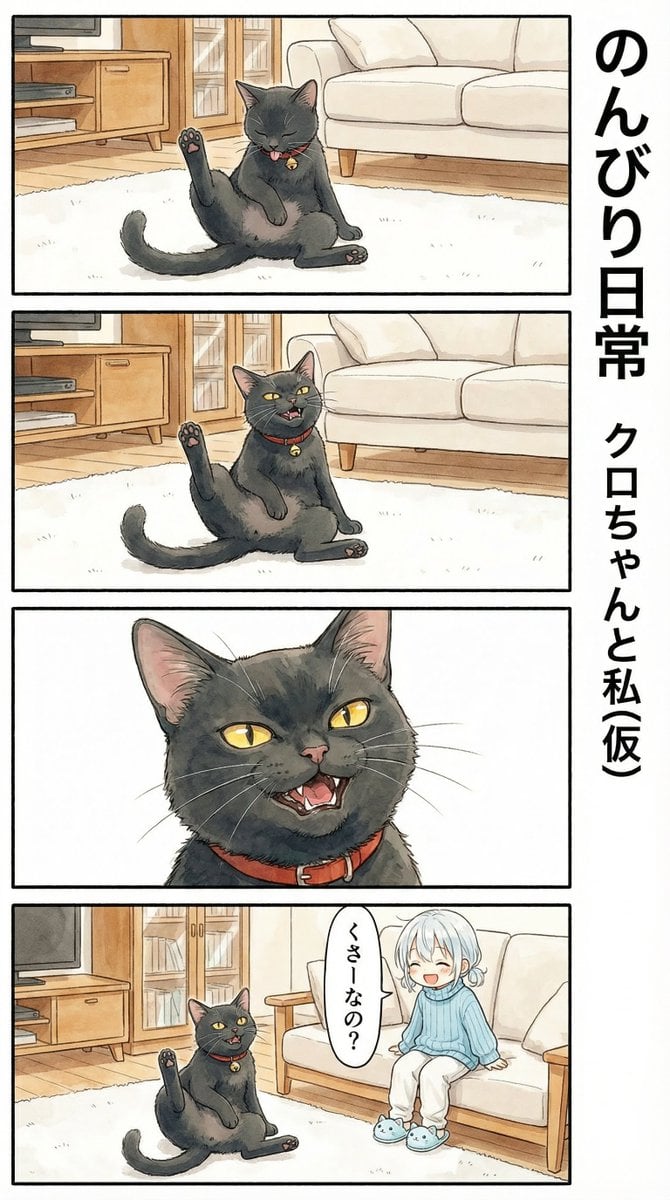
Flehmen Response AI Manga Panel Prompt

Ultra-Photorealistic Race Event Portrait (9:16)
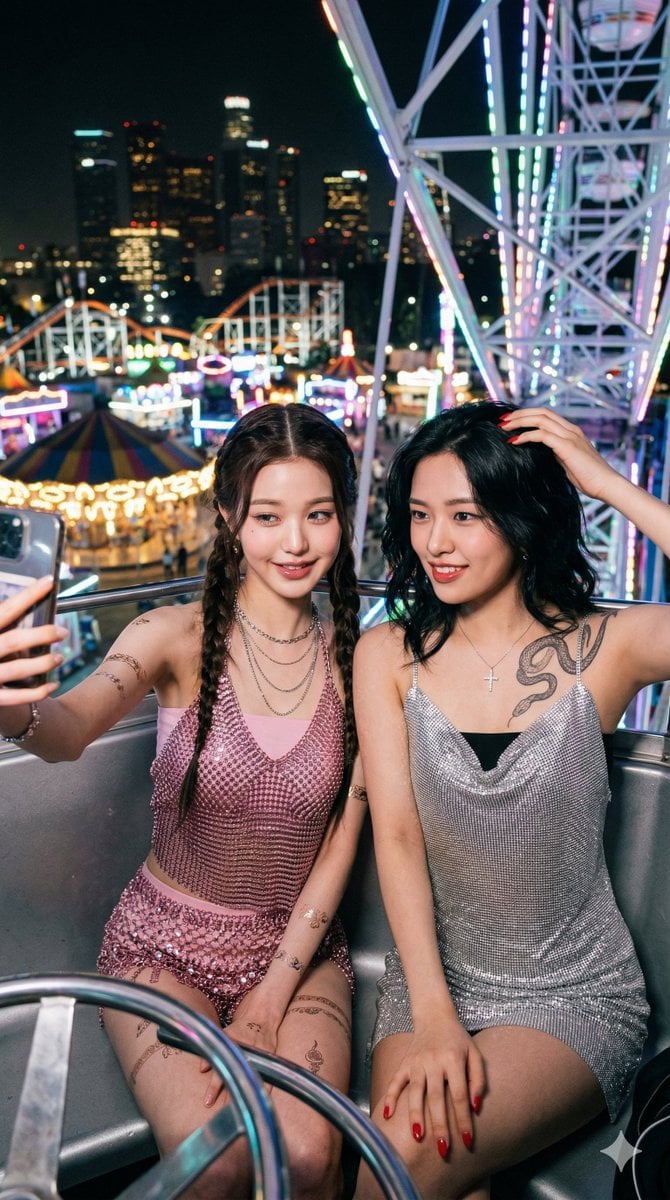
Photorealistic Night Selfie on a Ferris Wheel
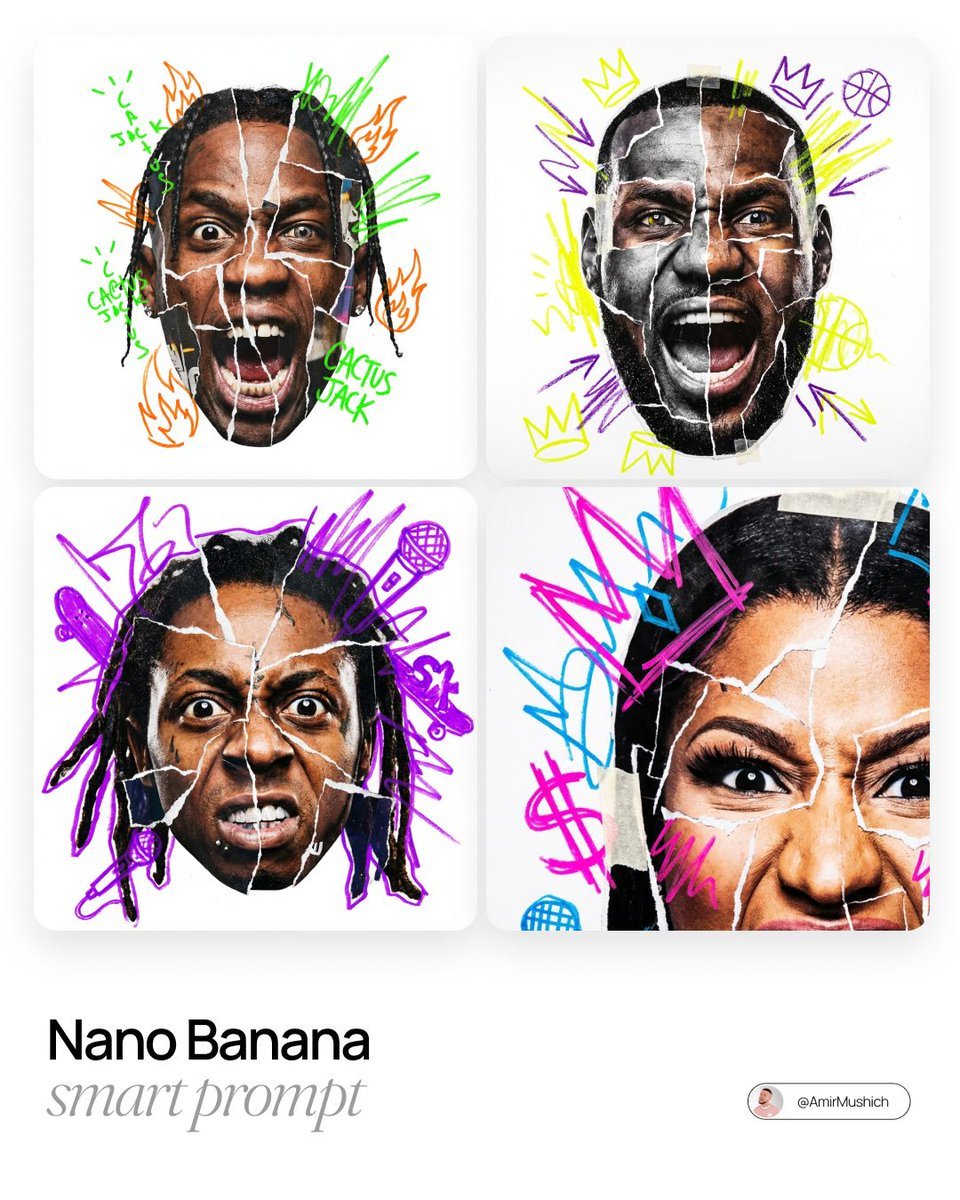
Urban Photo-Collage Caricature Style Prompt
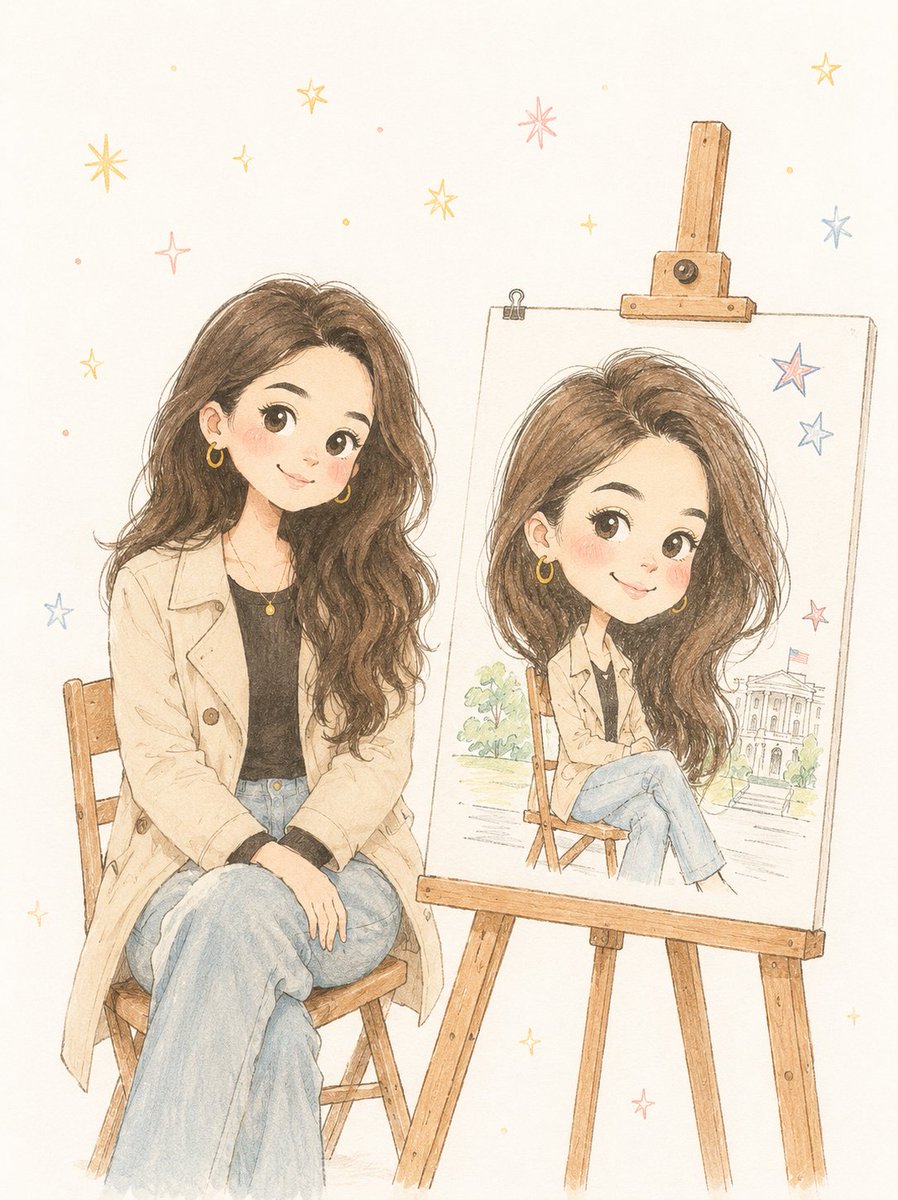
Minimalist Hand-Drawn Children Illustration
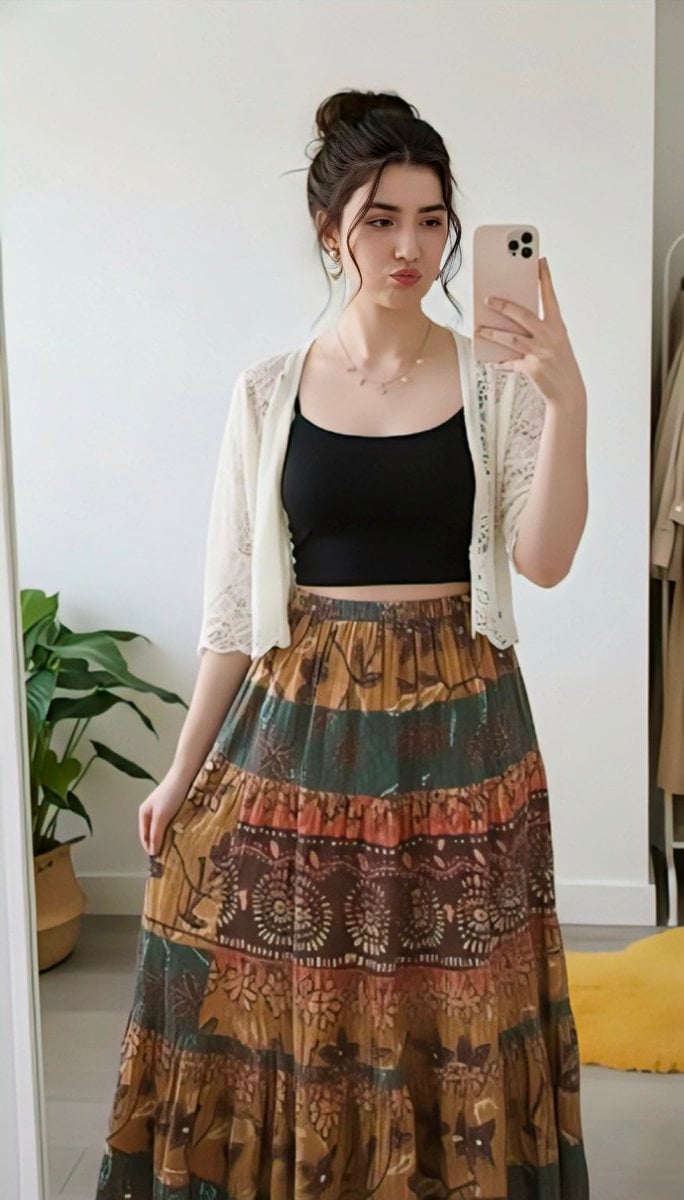
Replace clothing while keeping identity and pose

Ultra-realistic Commercial Espresso Photography
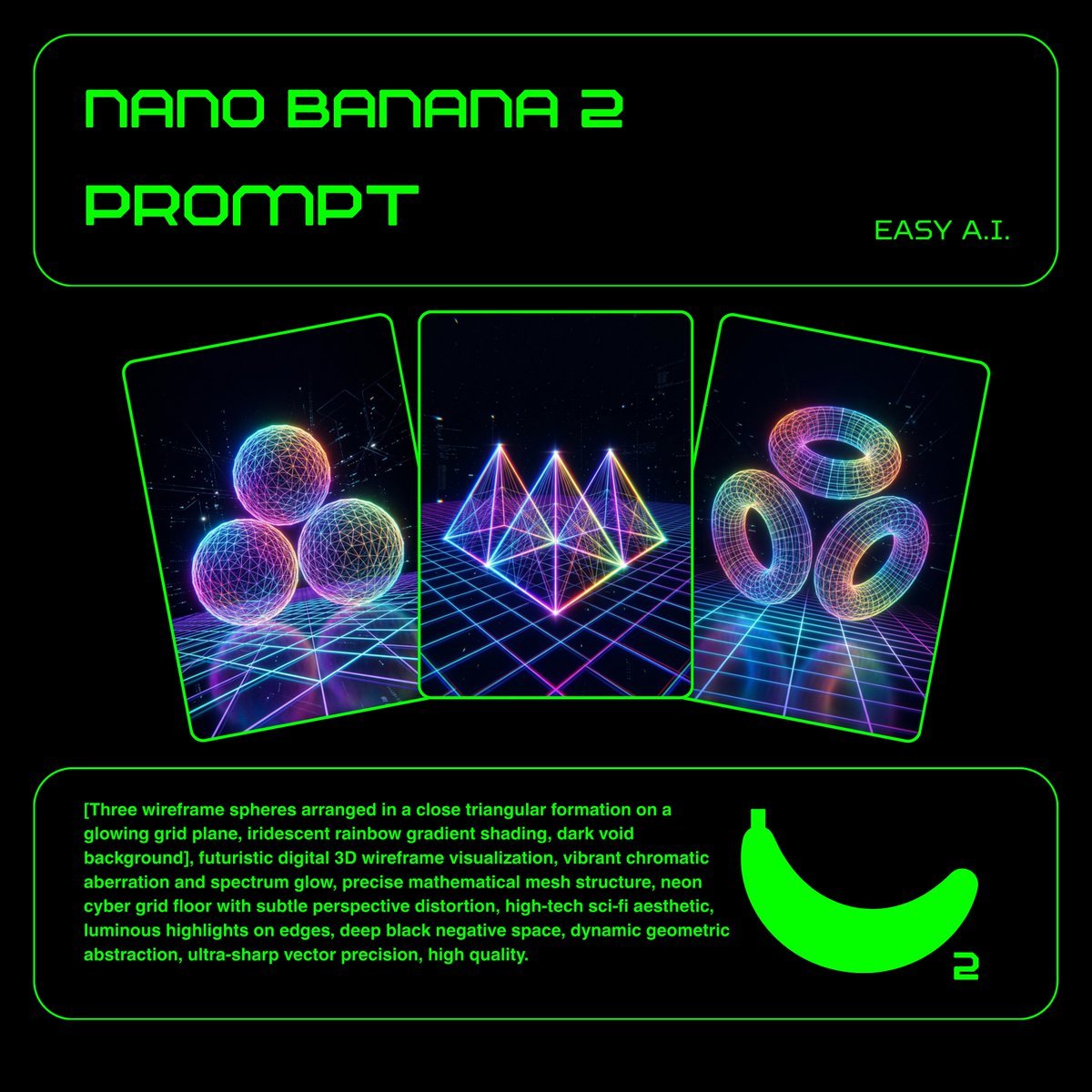
Neon Wireframe 3D Prompt Template
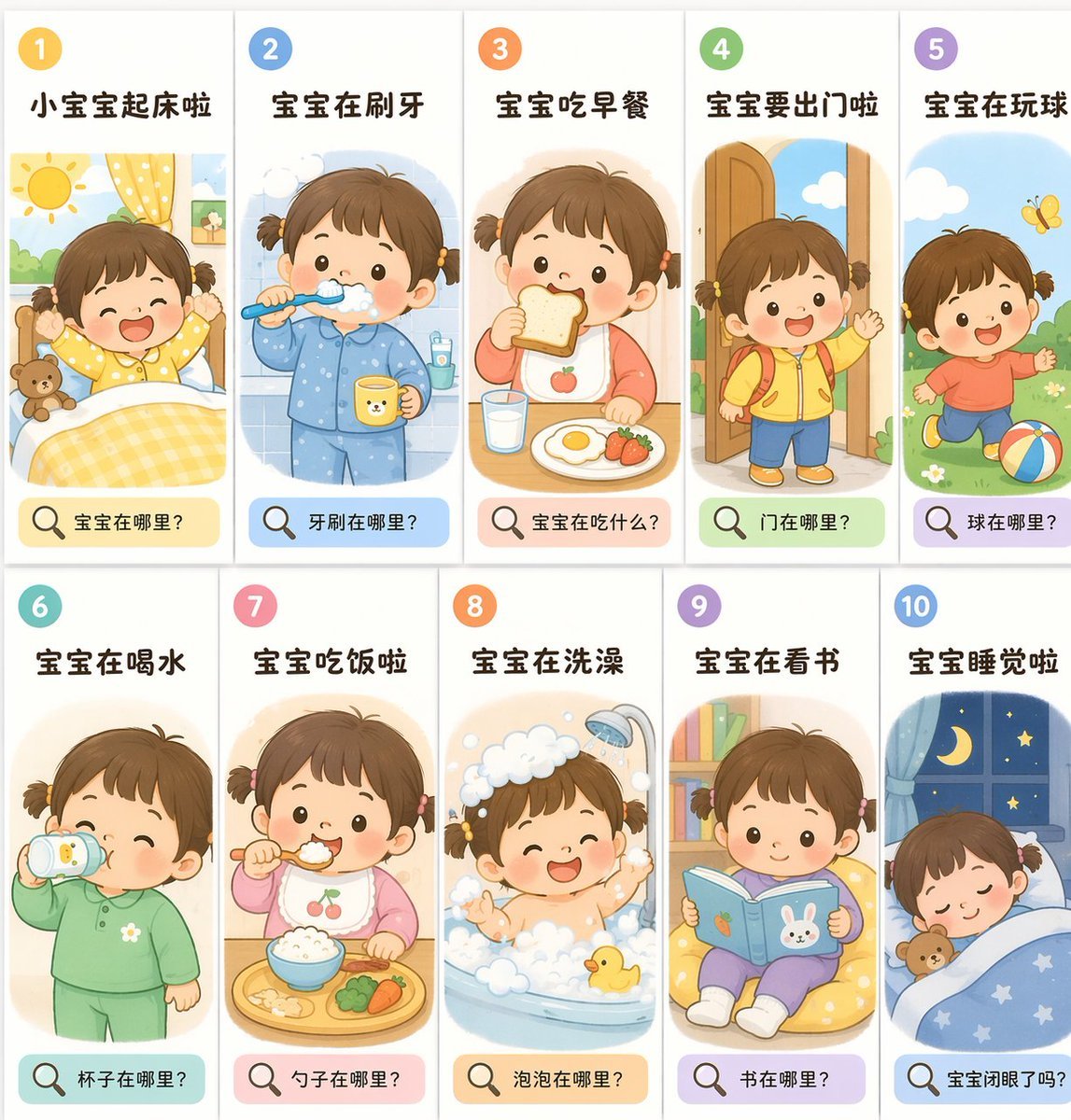
Toddler Daily Routine Flashcard Grid
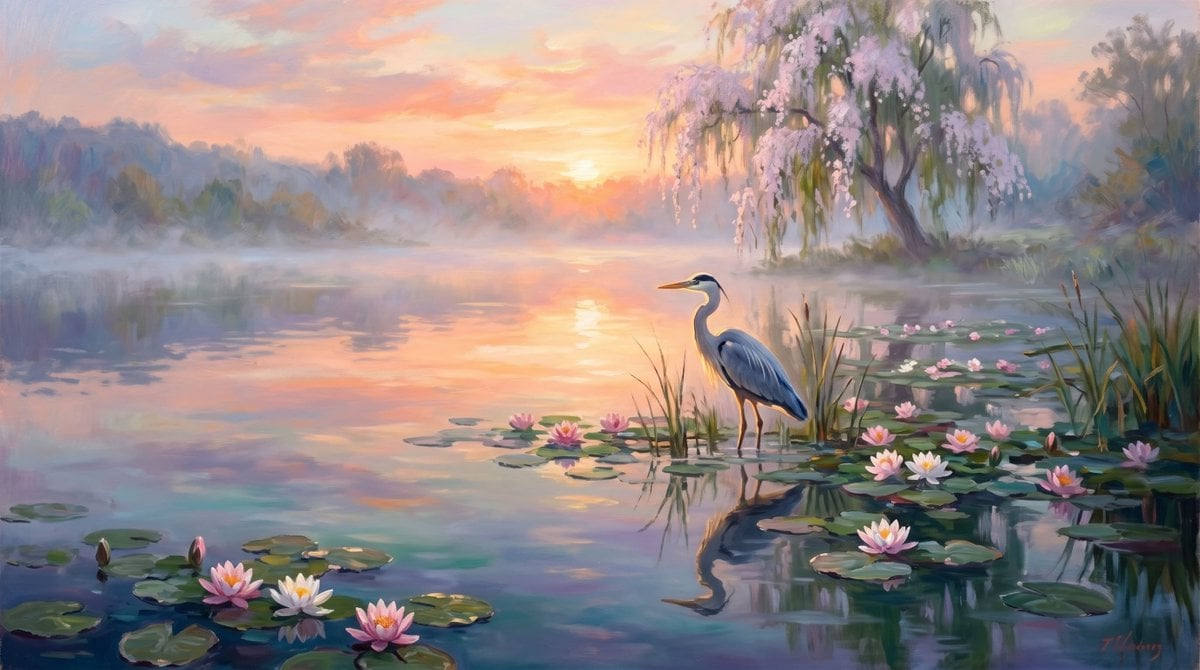
Misty Heron Lake at Sunrise
Browse template categories
Satoru Gojo Anime Propaganda Poster questions
How do I use the Satoru Gojo Anime Propaganda Poster template?
Add your photo if the template asks for one, edit the prompt if you like — the template's model and format are already selected — and press Generate. Your version opens in PicX Studio.
Can I customize the Satoru Gojo Anime Propaganda Poster template?
Yes. You can change the subject, setting, lighting, mood, format, and available model controls before creating your image.
Is the Satoru Gojo Anime Propaganda Poster template free?
Opening and editing this template is free. Generating uses credits, shown on the Generate button when you are signed in.
Which AI model should I use?
Start with GPT Image 2, which is the model associated with this template. You can compare another compatible model for a different finish.
Looking for something else? Browse all templates.

Your photo, any look
Thousands of ready templates for every top image and video model, from one credit balance.