
Toddler Daily Routine Flashcard Grid
Generates a 10-panel educational grid illustrating a toddler's daily routine with actions and interactive questions.
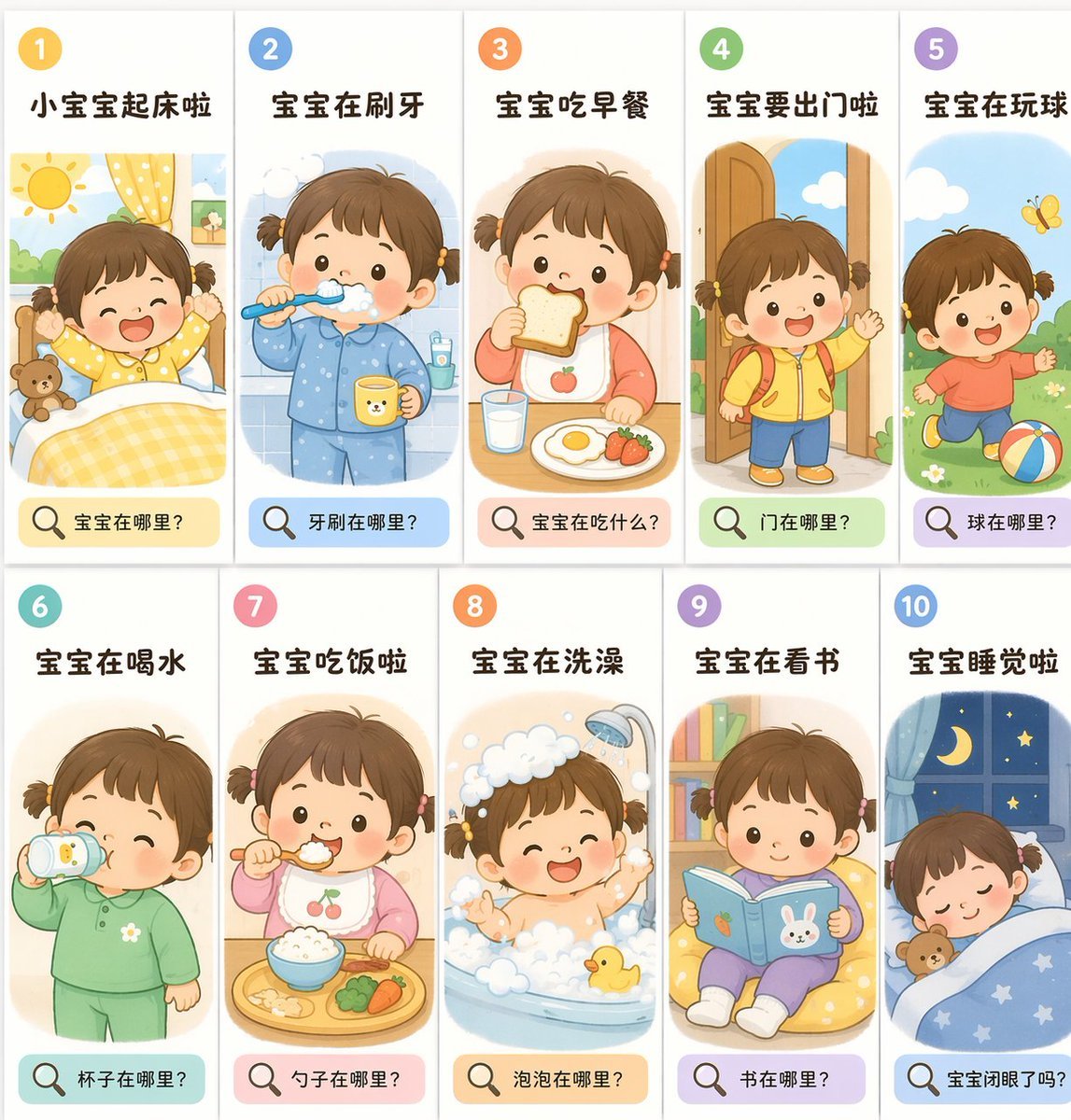
- Prompt included
- Model and format preset
- Premium template
The prompt behind this image
Copy the exact prompt behind Toddler Daily Routine Flashcard Grid, or open it in the studio and make it yours.
- Type
- educational flashcard grid
- Theme
- {argument name="theme" default="toddler daily routine"}
- Art Style
- {argument name="art style" default="flat vector illustration, soft pastel colors, children's book style"}
- Character
- {argument name="character description" default="cute toddler girl with short brown hair tied in two small pigtails, rosy cheeks, dot eyes"}
- Layout › Grid
- 2 rows by 5 columns
- Layout › Total Panels
- 10
- Layout › Panel Structure › Top Left
- number in a colored circle
- Layout › Panel Structure › Top Center
- action title in bold text
- Layout › Panel Structure › Center
- illustration of the character performing the action
- Layout › Panel Structure › Bottom
- colored pill-shaped box containing a magnifying glass icon and a question
- Panels › 0 › Number
- 1
- Panels › 0 › Title
- 小宝宝起床啦
- Panels › 0 › Illustration
- waking up in bed, stretching arms, sun shining, teddy bear
- Panels › 0 › Bottom Question
- 宝宝在哪里?
- Panels › 1 › Number
- 2
- Panels › 1 › Title
- 宝宝在刷牙
- Panels › 1 › Illustration
- brushing teeth, wearing blue pajamas, holding a yellow cup
- Panels › 1 › Bottom Question
- 牙刷在哪里?
- Panels › 2 › Number
- 3
- Panels › 2 › Title
- 宝宝吃早餐
- Panels › 2 › Illustration
- eating toast, glass of milk, fried egg, strawberries on table
- Panels › 2 › Bottom Question
- 宝宝在吃什么?
- Panels › 3 › Number
- 4
- Panels › 3 › Title
- 宝宝要出门啦
Raw JSON
{
  "type": "educational flashcard grid",
  "theme": "{argument name=\"theme\" default=\"toddler daily routine\"}",
  "art_style": "{argument name=\"art style\" default=\"flat vector illustration, soft pastel colors, children's book style\"}",
  "character": "{argument name=\"character description\" default=\"cute toddler girl with short brown hair tied in two small pigtails, rosy cheeks, dot eyes\"}",
  "layout": {
    "grid": "2 rows by 5 columns",
    "total_panels": 10,
    "panel_structure": {
      "top_left": "number in a colored circle",
      "top_center": "action title in bold text",
      "center": "illustration of the character performing the action",
      "bottom": "colored pill-shaped box containing a magnifying glass icon and a question"
    }
  },
  "panels": [
    { "number": 1, "title": "小宝宝起床啦", "illustration": "waking up in bed, stretching arms, sun shining, teddy bear", "bottom_question": "宝宝在哪里?" },
    { "number": 2, "title": "宝宝在刷牙", "illustration": "brushing teeth, wearing blue pajamas, holding a yellow cup", "bottom_question": "牙刷在哪里?" },
    { "number": 3, "title": "宝宝吃早餐", "illustration": "eating toast, glass of milk, fried egg, strawberries on table", "bottom_question": "宝宝在吃什么?" },
    { "number": 4, "title": "宝宝要出门啦", "illustration": "wearing yellow jacket and red backpack, waving goodbye at an open door", "bottom_question": "门在哪里?" },
    { "number": 5, "title": "宝宝在玩球", "illustration": "running on grass, kicking a colorful striped ball, yellow butterfly", "bottom_question": "球在哪里?" },
    { "number": 6, "title": "宝宝在喝水", "illustration": "drinking from a sippy cup, wearing green pajamas", "bottom_question": "杯子在哪里?" },
    { "number": 7, "title": "宝宝吃饭啦", "illustration": "eating rice with a spoon, wearing a cherry bib, food tray with broccoli and carrots", "bottom_question": "勺子在哪里?" },
    { "number": 8, "title": "宝宝在洗澡", "illustration": "taking a bath in a tub full of bubbles, showerhead running, yellow rubber duck", "bottom_question": "泡泡在哪里?" },
    { "number": 9, "title": "宝宝在看书", "illustration": "sitting on a yellow beanbag chair, reading a blue book with a bunny cover, bookshelf in background", "bottom_question": "书在哪里?" },
    { "number": 10, "title": "宝宝睡觉啦", "illustration": "sleeping peacefully in bed under a blue starry blanket, teddy bear, window showing night sky with crescent moon", "bottom_question": "宝宝闭眼了吗?" }
  ]
}How to use Toddler Daily Routine Flashcard Grid in 3 steps
- 1Upload ImagePNG, JPG or paste
Add your photo
Upload the photo the template builds on. The prompt, model and format are already set.
- 2…a portrait of your subject in softgolden-hour light, 85mm…
Personalize
Edit the subject and creative details for your destination.
- 3Generate
Generate
Press Generate — your image is created in PicX Studio, so you can compare it with the original and refine one variable at a time.
More like this
Templates with the same subject, style or setup. Open one to see its prompt.

Korean Luxury Fashion Editorial 2x2 Grid Series

Minimalist Fashion Editorial Split Layout

Ultra-Realistic Vogue-Style Editorial Fashion Grid

Headphones Lifestyle Nine Panel Grid
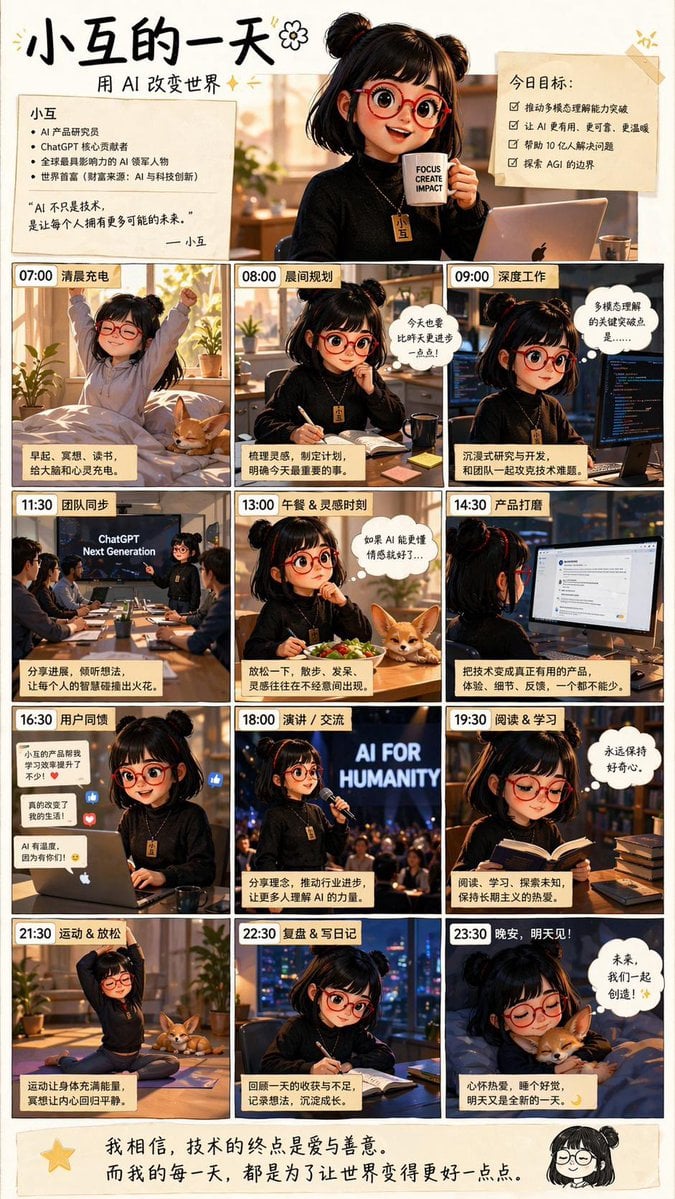
AI Girl Daily Routine Poster
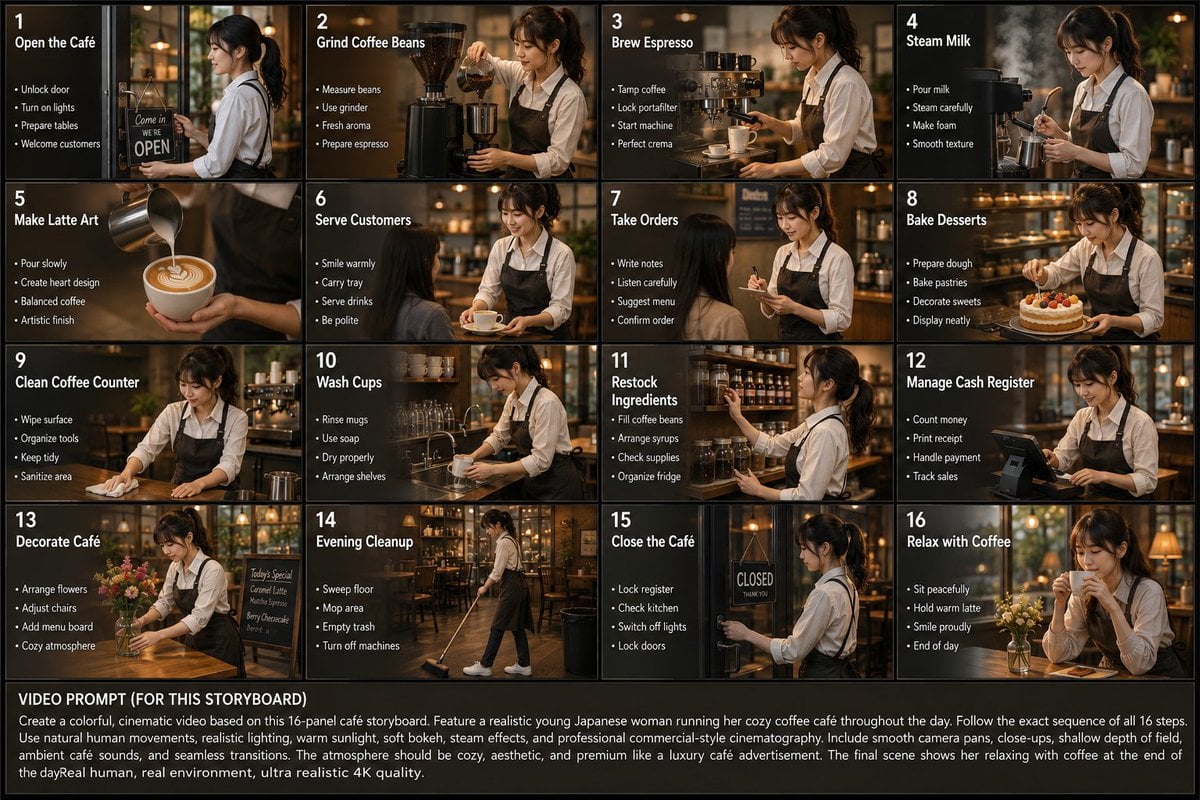
Japanese Cafe Daily Routine Storyboard

4x4 Grid - Candid Nostalgic Vacation Selfies

Movement Sheet - Dance Reference (Seedance 2.0)
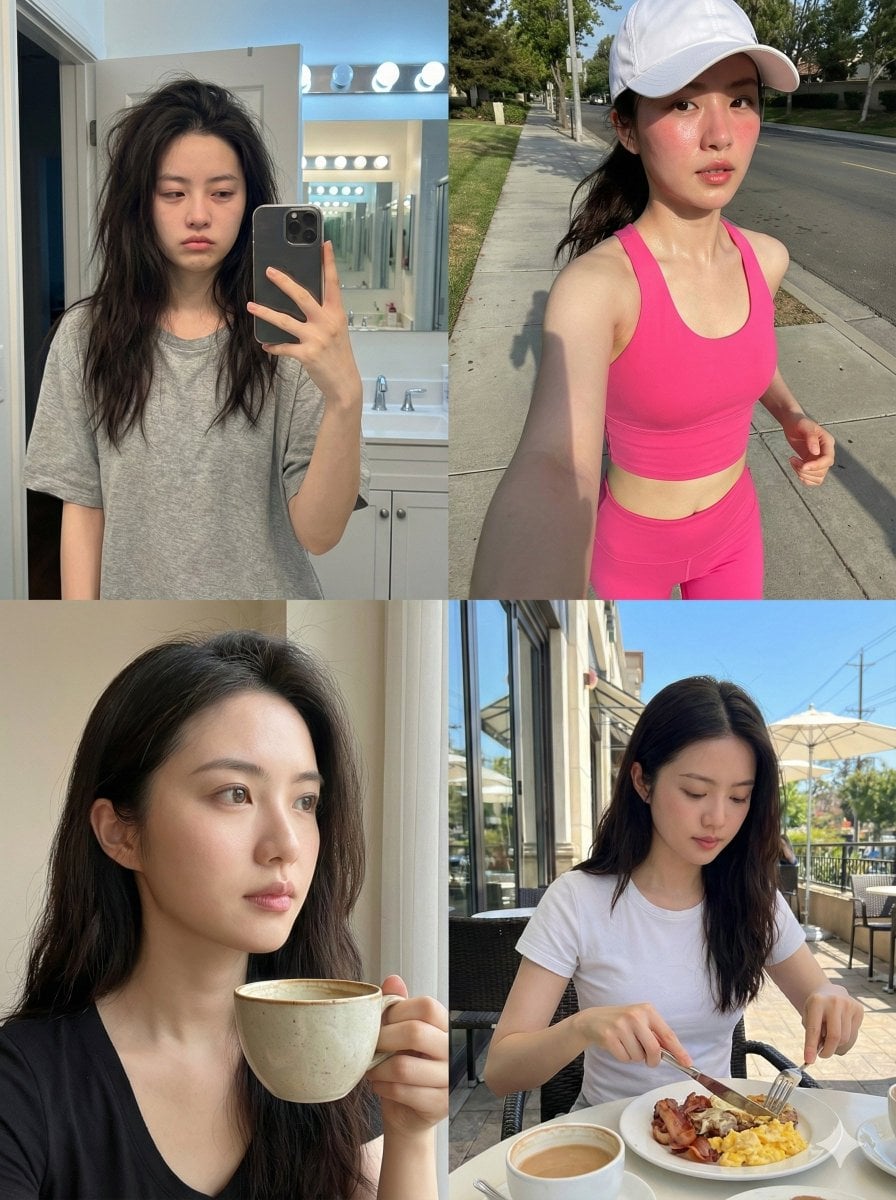
Consistent Identity Daily Routine Log Prompt (4-Quadrant)

Paris Travel Collage Grid - Face Reference

Instagram Feed Grid
Toddler Fast Food Comedy Still
Make it yours
Toddler Daily Routine Flashcard Grid works as-is. These are the safest ways to change it without losing the look.
Change one field
Copy a single group, rewrite it, and generate again so you can see what that field is doing.
Keep the frame, change the subject
Hold the composition and light of Toddler Daily Routine Flashcard Grid, then swap wardrobe, props or the person for a new take.
| If the result… | Why | Fix |
|---|---|---|
| The result drifts from the preview | Too many fields changed at once. | Reuse Toddler Daily Routine Flashcard Grid as-is first, then change one group — subject, light, or setting. |
| GPT Image 2 ignores part of the JSON | Some models flatten or skip nested keys. | Keep the same values and paste them as a short paragraph instead. |
More GPT Image 2 templates
Other prompts made for GPT Image 2.

Six VTuber Japanese Logo Sheet

Realistic Portrait of Woman and Deer

The Vista Modular Condo Poster

AI Model Routing Comparison Infographic

2.5D Anime Art Board

Isometric Productivity Desk Scene

New York Double Exposure Poster

Four-Panel AI Landscape Comparison

Japanese Tatami Lifestyle Magazine Cover

NESCAFÉ Coffee Map Poster
More image prompts
Fresh picks from across the catalog.
Urban Wheatpaste Poster Setup

GPT Image 2 City Artistic Poster Prompt

Urban Grunge Digital Advertisement
Weathered Custom Cub Concept Bike

Cyberpunk Digital Dependence Portrait
Four-Panel DX Report Model Comparison
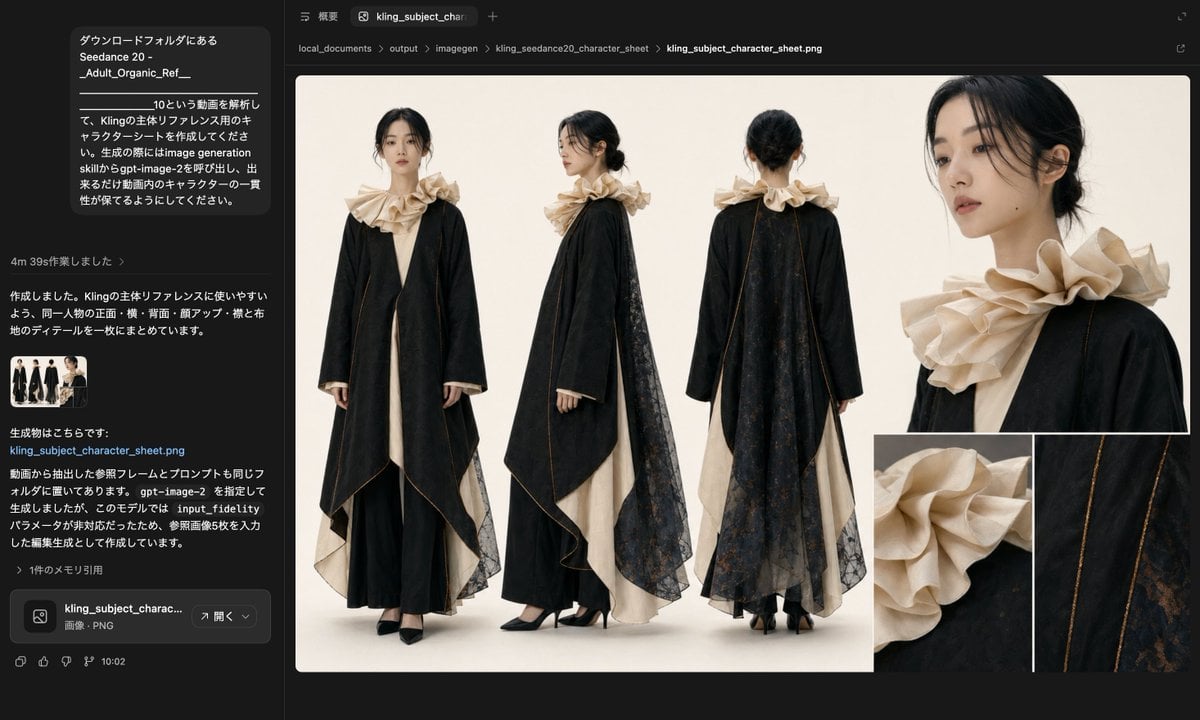
Avant-Garde Black and Cream Fashion Sheet

Pop Surreal Kawaii Cat on Roller Skates
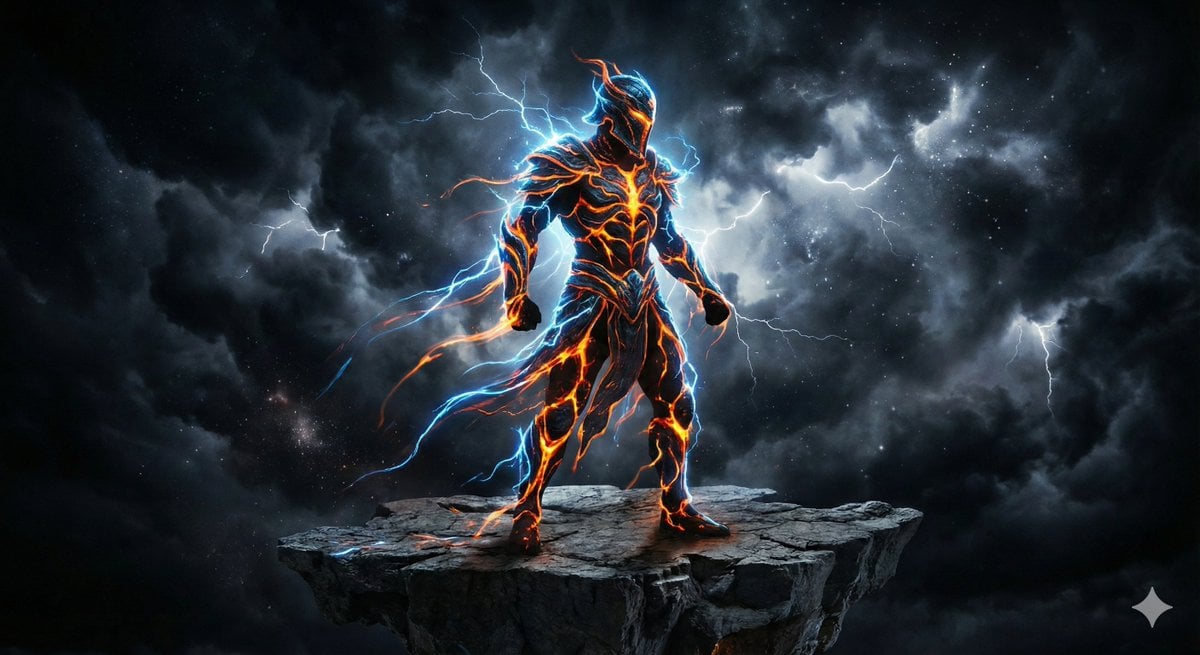
Energy Figure in Motion
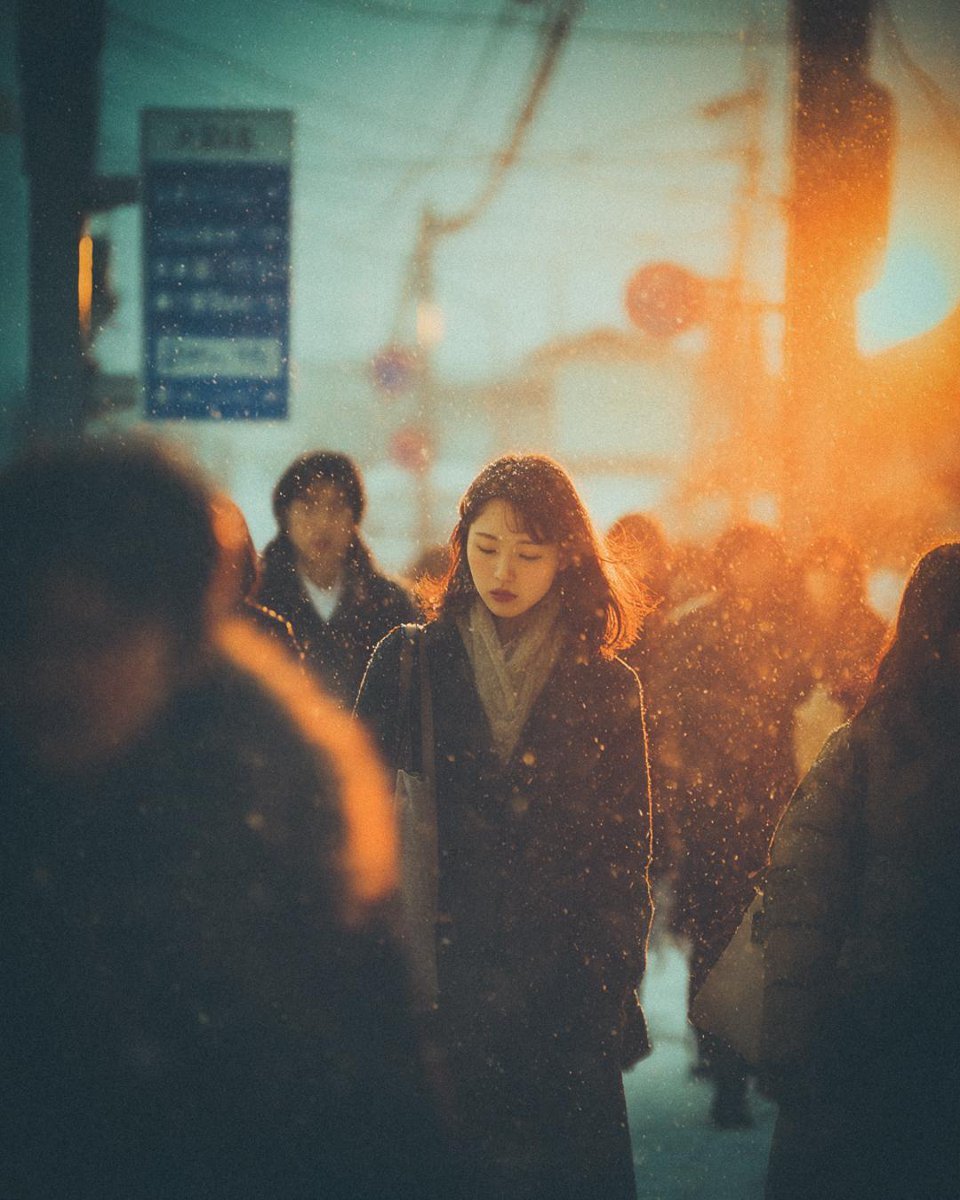
Cinematic Moody Street Photography Prompt
Browse template categories
Toddler Daily Routine Flashcard Grid questions
How do I use the Toddler Daily Routine Flashcard Grid template?
Add your photo if the template asks for one, edit the prompt if you like — the template's model and format are already selected — and press Generate. Your version opens in PicX Studio.
Can I customize the Toddler Daily Routine Flashcard Grid template?
Yes. You can change the subject, setting, lighting, mood, format, and available model controls before creating your image.
Is the Toddler Daily Routine Flashcard Grid template free?
Opening and editing this template is free. Generating uses credits, shown on the Generate button when you are signed in.
Which AI model should I use?
Start with GPT Image 2, which is the model associated with this template. You can compare another compatible model for a different finish.
Looking for something else? Browse all templates.

Your photo, any look
Thousands of ready templates for every top image and video model, from one credit balance.