
Avant-Garde Black and Cream Fashion Sheet
A photorealistic couture reference sheet showing one woman in a black-and-cream outfit from three full-body angles plus three close-up detail panels, useful for subject and wardrobe reference generation.
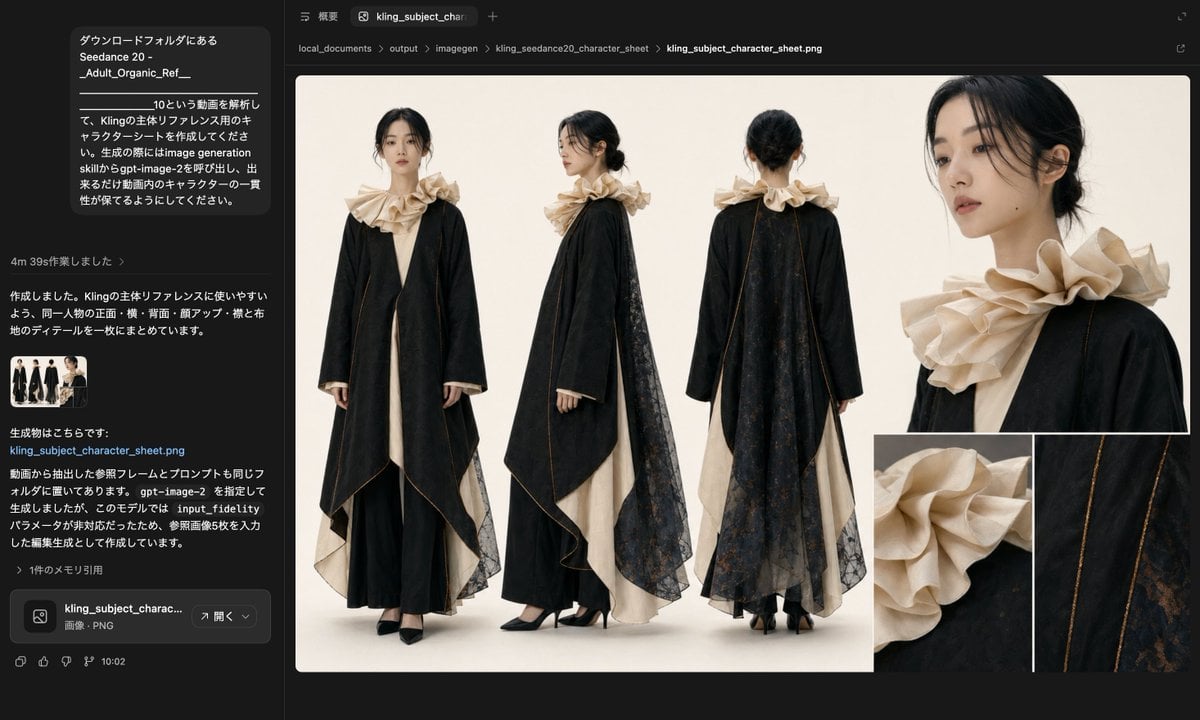
- Prompt included
- Model and format preset
- Free template
The prompt behind this image
Copy the exact prompt behind Avant-Garde Black and Cream Fashion Sheet, or open it in the studio and make it yours.
- Type
- fashion character reference sheet
- Subject › Category
- single female model
- Subject › Face Visibility
- faces intentionally obscured or blurred in every view
- Subject › Hair › Color
- black
- Subject › Hair › Style
- low messy bun with a center part and loose wisps around the ears
- Subject › Outfit › Count
- 5
- Subject › Outfit › Pieces
- long cream inner dress or gown visible at the front opening and hem, dramatic black over-robe or coat with very wide sleeves and an asymmetric draped silhouette, oversized sculptural beige ruffled collar surrounding the neck and shoulders, sheer black lace overlay panel or cape falling from the shoulders down the back and side, black pointed high heels
- Subject › Materials
- matte black fabric, cream woven fabric, beige structured ruffle fabric, semi-transparent black floral lace, thin bronze-gold piping or seam trim
- Subject › Color Palette
- black, cream, beige, dark charcoal, subtle bronze-gold
- Layout › Background
- clean warm off-white studio backdrop with soft even lighting and minimal shadow
- Layout › Sections › 0 › Title
- full-body views
- Layout › Sections › 0 › Position
- left to center
- Layout › Sections › 0 › Count
- 3
- Layout › Sections › 0 › Labels
- front view, side profile view, back view
- Layout › Sections › 0 › Description
- three standing full-length fashion poses showing the same outfit from front, left side, and back
- Layout › Sections › 1 › Title
- portrait detail
- Layout › Sections › 1 › Position
- upper right
- Layout › Sections › 1 › Count
- 1
- Layout › Sections › 1 › Labels
- upper-body close-up
- Layout › Sections › 1 › Description
- large cropped close-up of the head, neck, shoulder, and collar from a three-quarter side angle
- Layout › Sections › 2 › Title
- material details
- Layout › Sections › 2 › Position
- lower right
- Layout › Sections › 2 › Count
- 2
- Layout › Sections › 2 › Labels
- ruffled collar detail, fabric and trim detail
Raw JSON
{"type":"fashion character reference sheet","subject":{"category":"single female model","face_visibility":"faces intentionally obscured or blurred in every view","hair":{"color":"black","style":"low messy bun with a center part and loose wisps around the ears"},"outfit":{"count":5,"pieces":["long cream inner dress or gown visible at the front opening and hem","dramatic black over-robe or coat with very wide sleeves and an asymmetric draped silhouette","oversized sculptural beige ruffled collar surrounding the neck and shoulders","sheer black lace overlay panel or cape falling from the shoulders down the back and side","black pointed high heels"]},"materials":["matte black fabric","cream woven fabric","beige structured ruffle fabric","semi-transparent black floral lace","thin bronze-gold piping or seam trim"],"color_palette":["black","cream","beige","dark charcoal","subtle bronze-gold"]},"layout":{"background":"clean warm off-white studio backdrop with soft even lighting and minimal shadow","sections":[{"title":"full-body views","position":"left to center","count":3,"labels":["front view","side profile view","back view"],"description":"three standing full-length fashion poses showing the same outfit from front, left side, and back"},{"title":"portrait detail","position":"upper right","count":1,"labels":["upper-body close-up"],"description":"large cropped close-up of the head, neck, shoulder, and collar from a three-quarter side angle"},{"title":"material details","position":"lower right","count":2,"labels":["ruffled collar detail","fabric and trim detail"],"description":"two square close-ups, one focused on the beige layered ruffle texture and one focused on the black fabric, bronze-gold piping, and lace pattern"}],"composition":"editorial fashion sheet with the 3 full-body views aligned across the left and center, a large close-up occupying the upper right, and 2 smaller detail crops stacked along the lower right edge","image_count_total":6},"style":{"rendering":"photorealistic high-fashion studio photography","mood":"elegant, avant-garde, refined, couture","camera":"full-body shots at eye level with natural fashion catalog proportions; detail shots tightly cropped","quality":"high detail textile rendering, realistic drape, crisp edges, luxury look"}}How to use Avant-Garde Black and Cream Fashion Sheet in 3 steps
- 1Upload ImagePNG, JPG or paste
Add your photo
Upload the photo the template builds on. The prompt, model and format are already set.
- 2…a portrait of your subject in softgolden-hour light, 85mm…
Personalize
Edit the subject and creative details for your destination.
- 3Generate
Generate
Press Generate — your image is created in PicX Studio, so you can compare it with the original and refine one variable at a time.
More like this
Templates with the same subject, style or setup. Open one to see its prompt.

Luxury Black-and-White Fashion Contact Sheet

Avant-Garde Asian Fashion Model
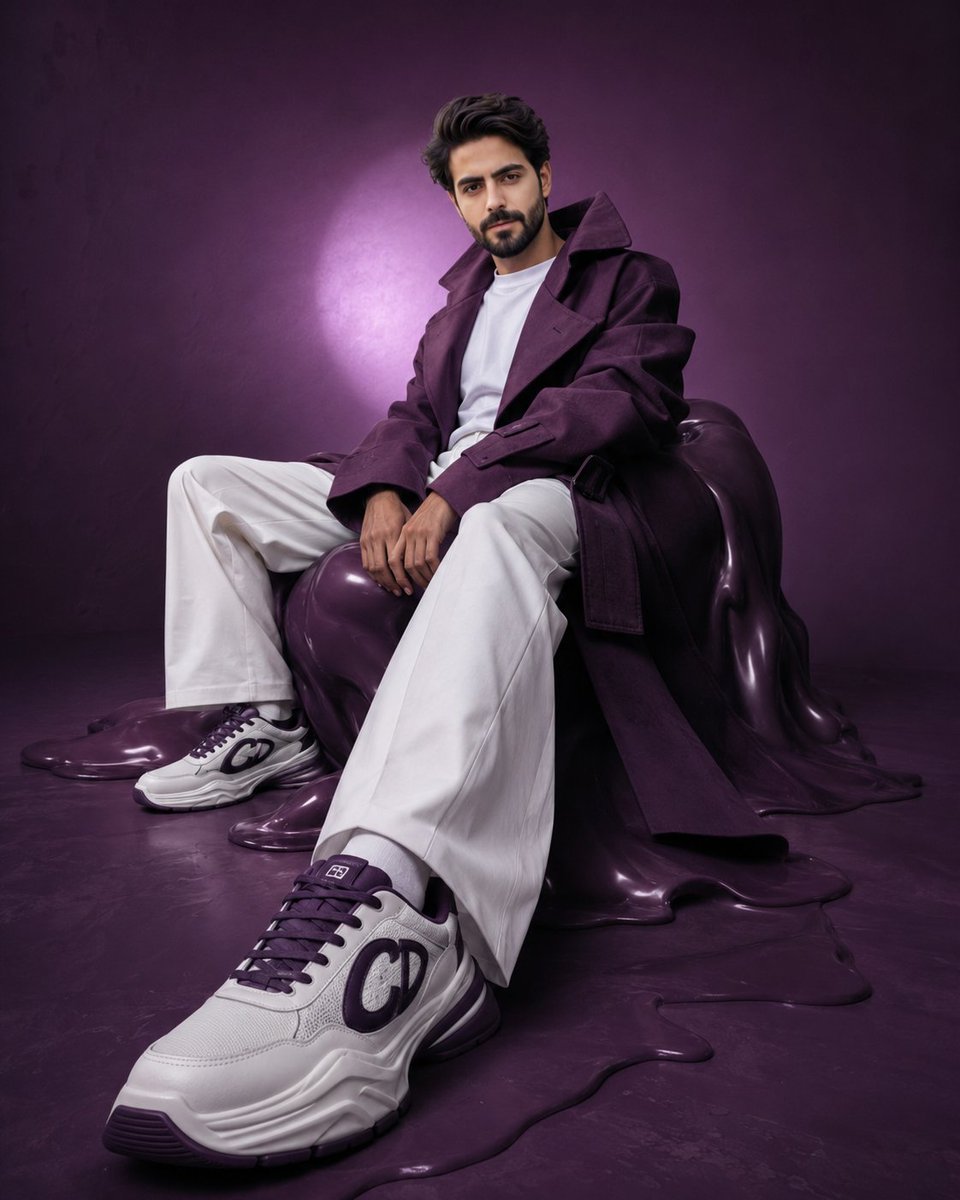
Avant-Garde Purple Fashion Editorial
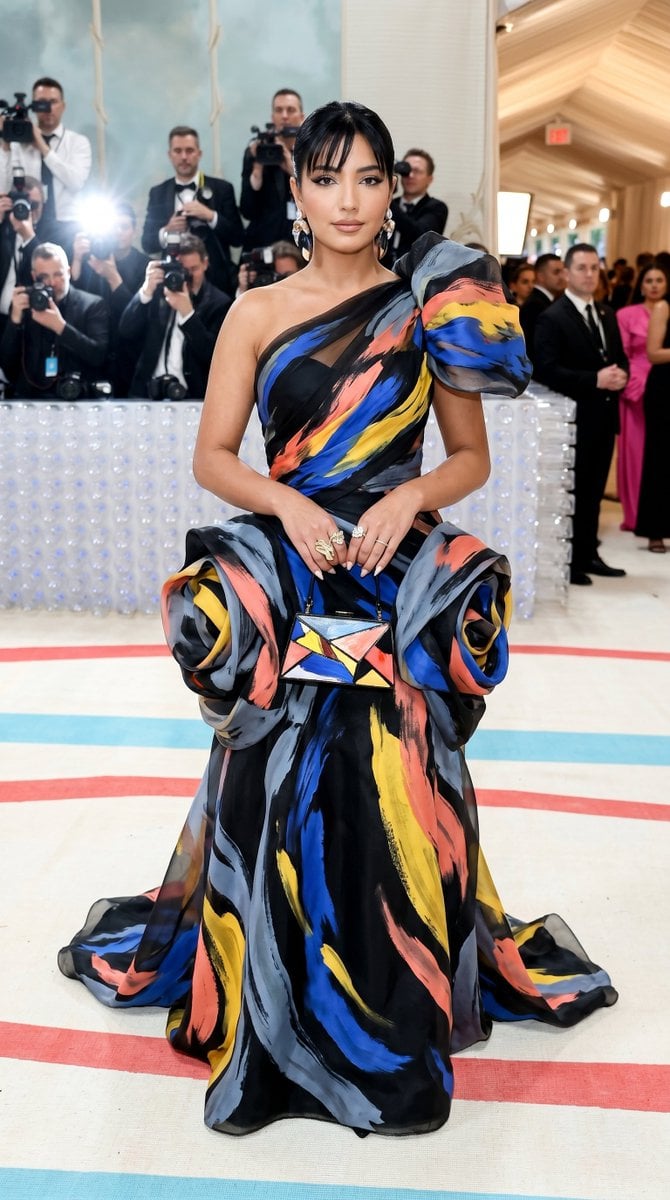
Met Gala Avant-Garde Couture Fashion
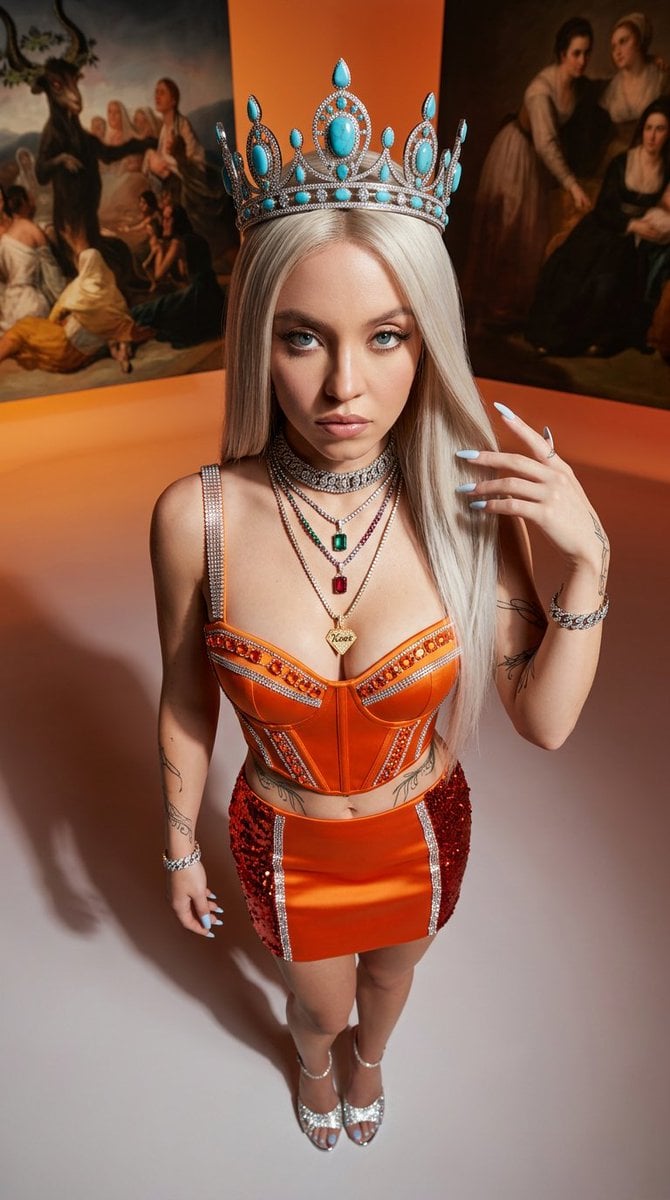
Avant-Garde High-Angle Editorial Fashion

Face-Locked Cream Half-Zip Street Walk
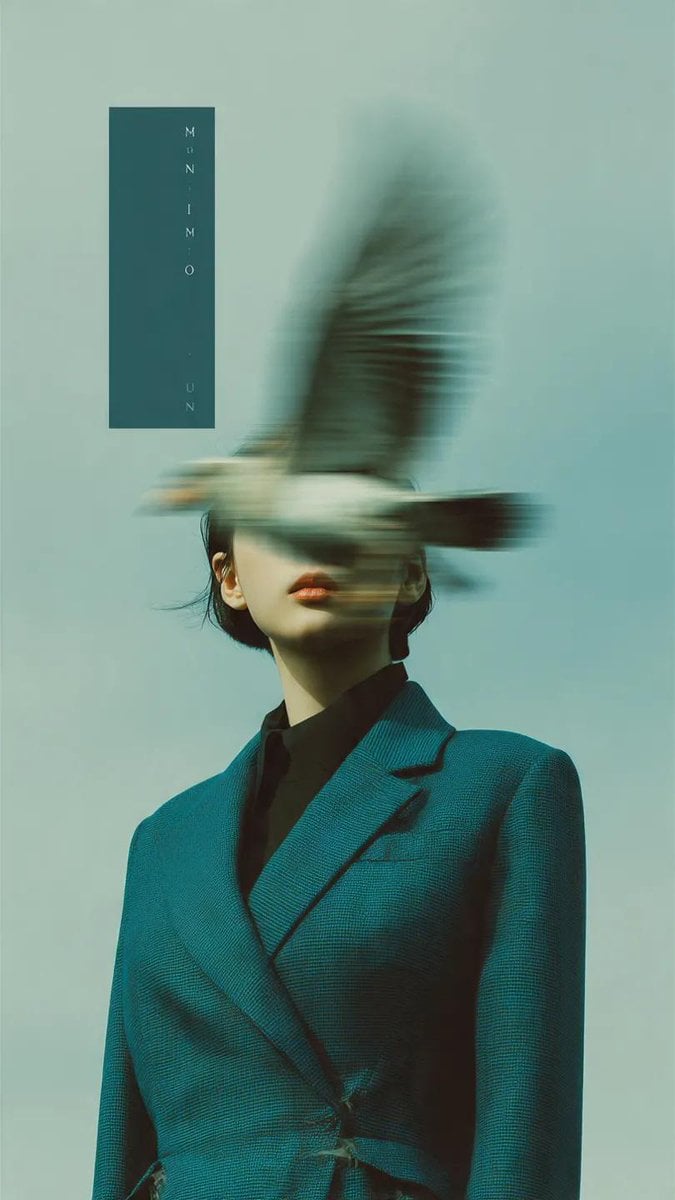
Avant-Garde Fashion Editorial Portrait
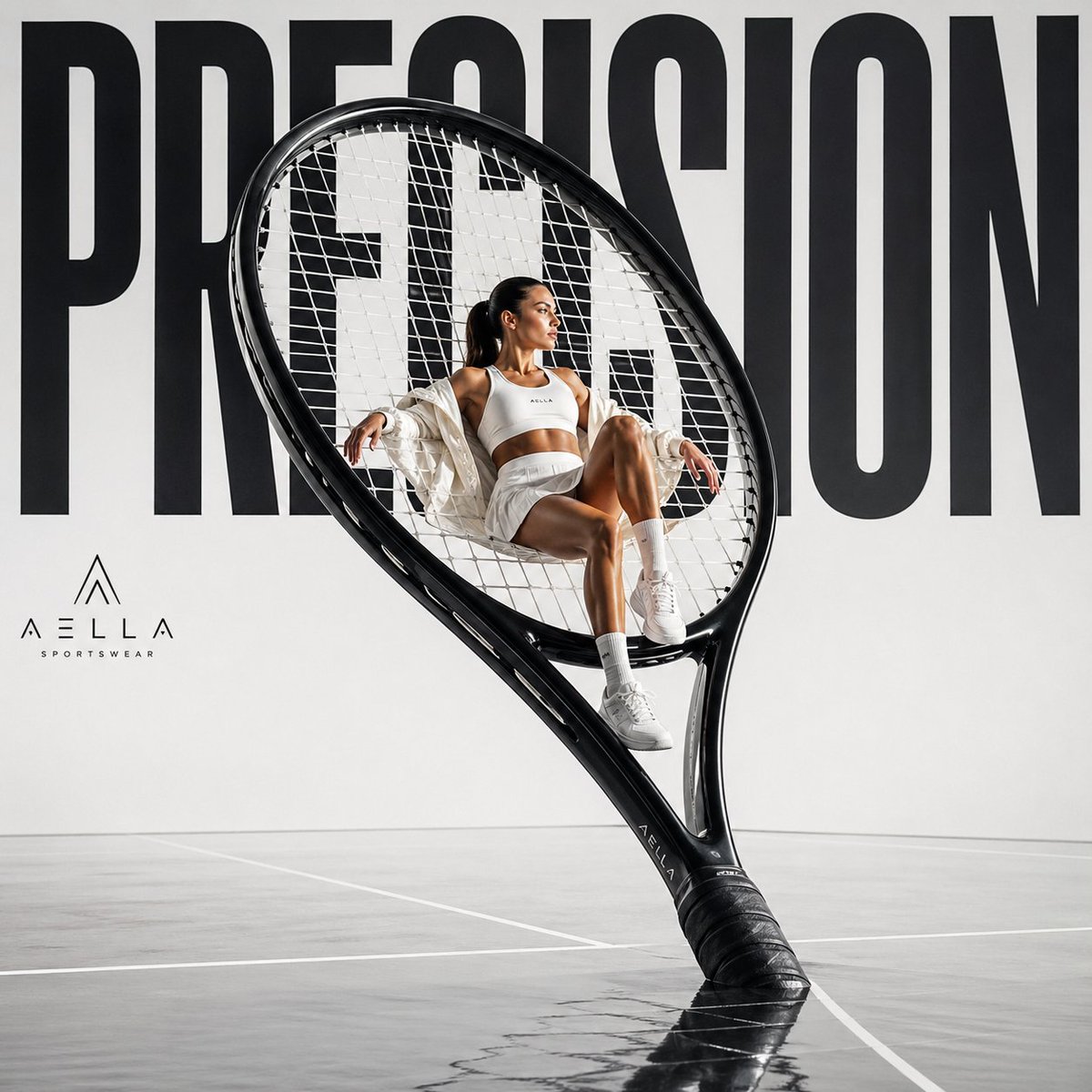
Avant-garde Sports Fashion Advertisement
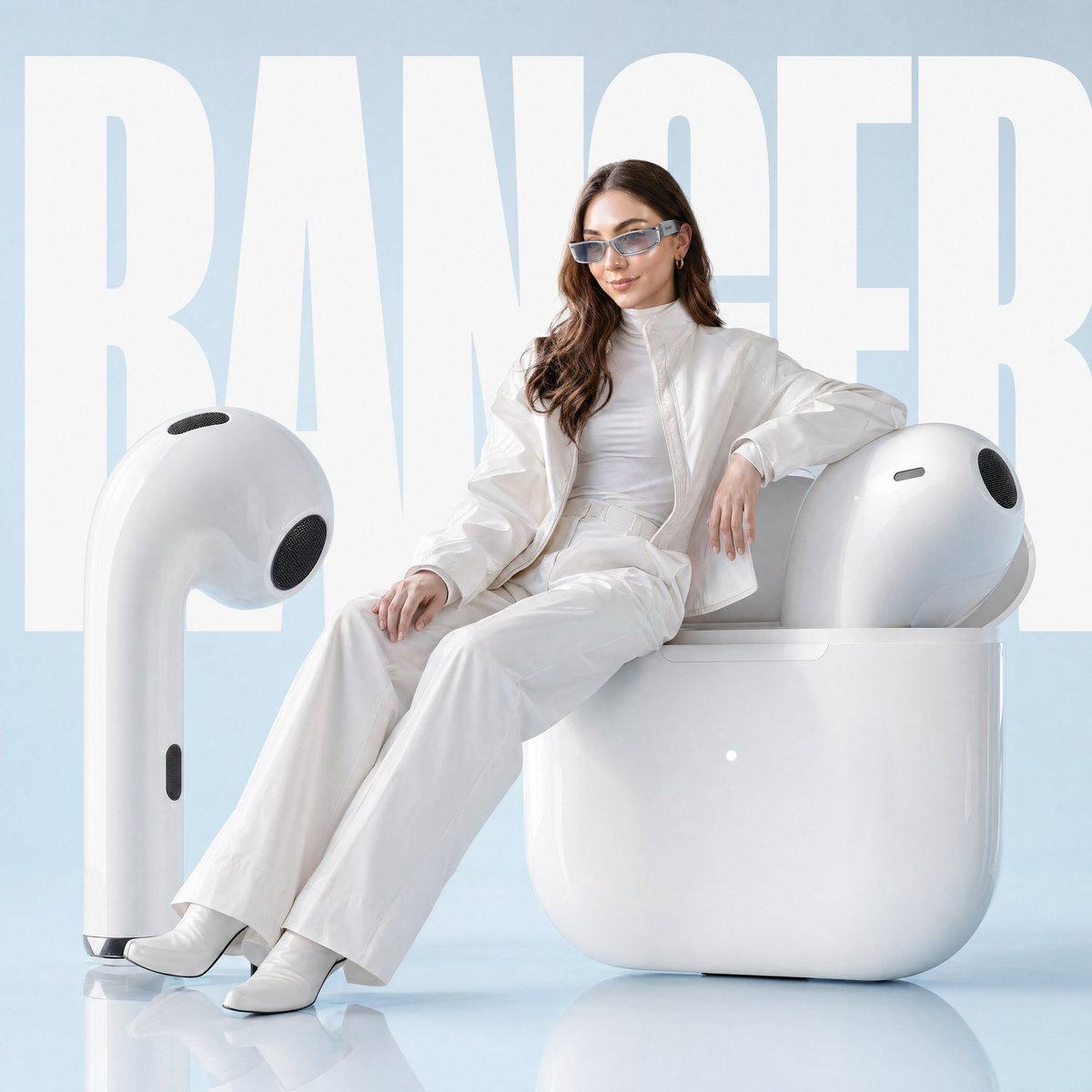
Avant-garde Fashion Advertisement Prompt
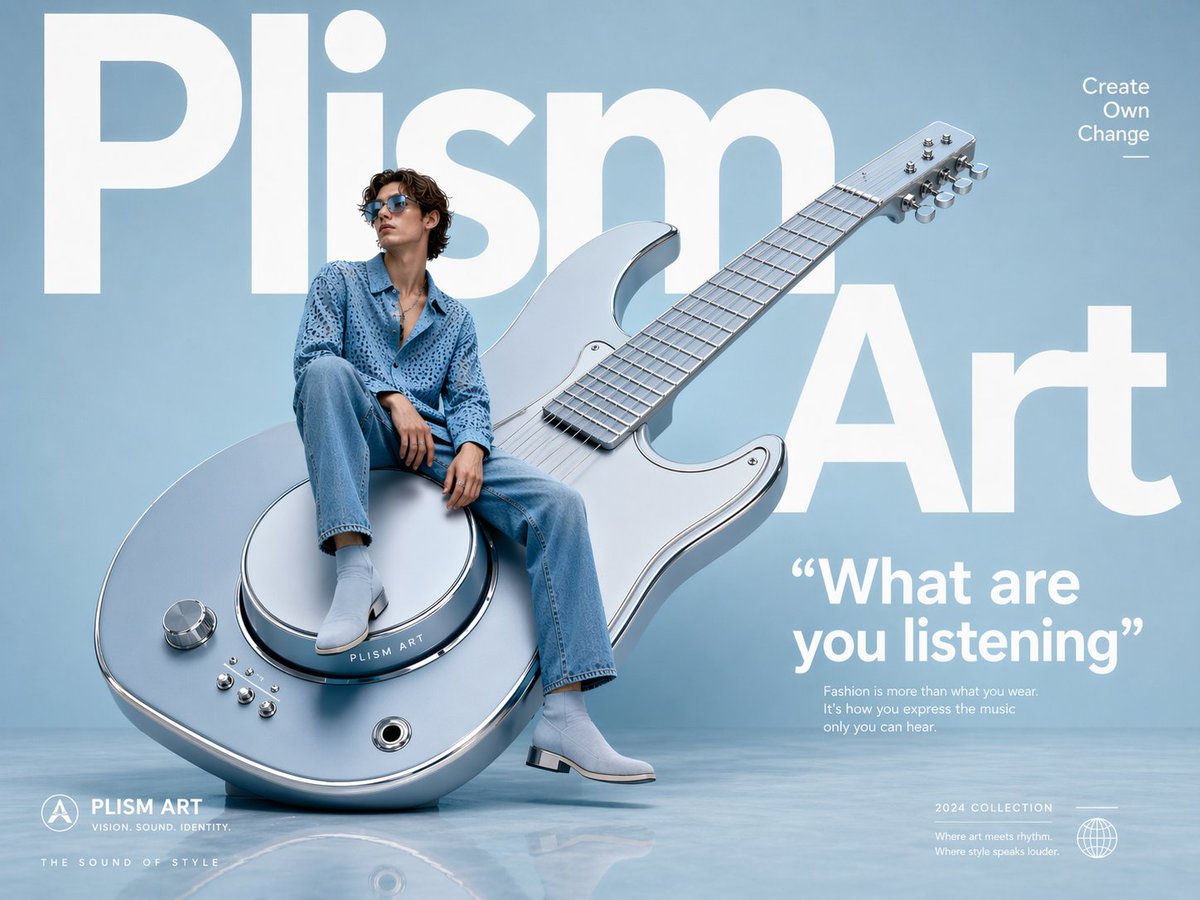
Avant-Garde Fashion Eyewear Ad
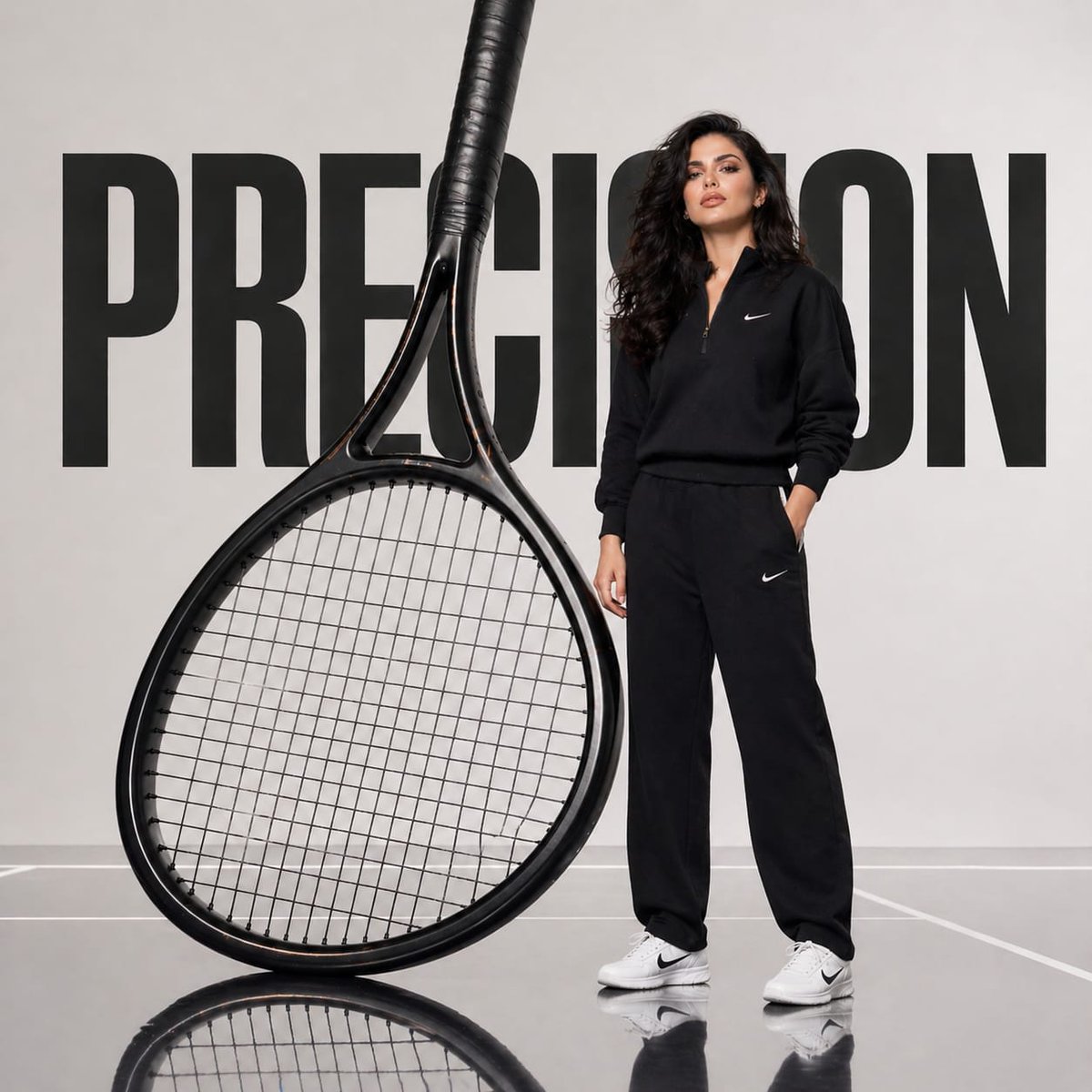
Avant-Garde Athletic Fashion Campaign
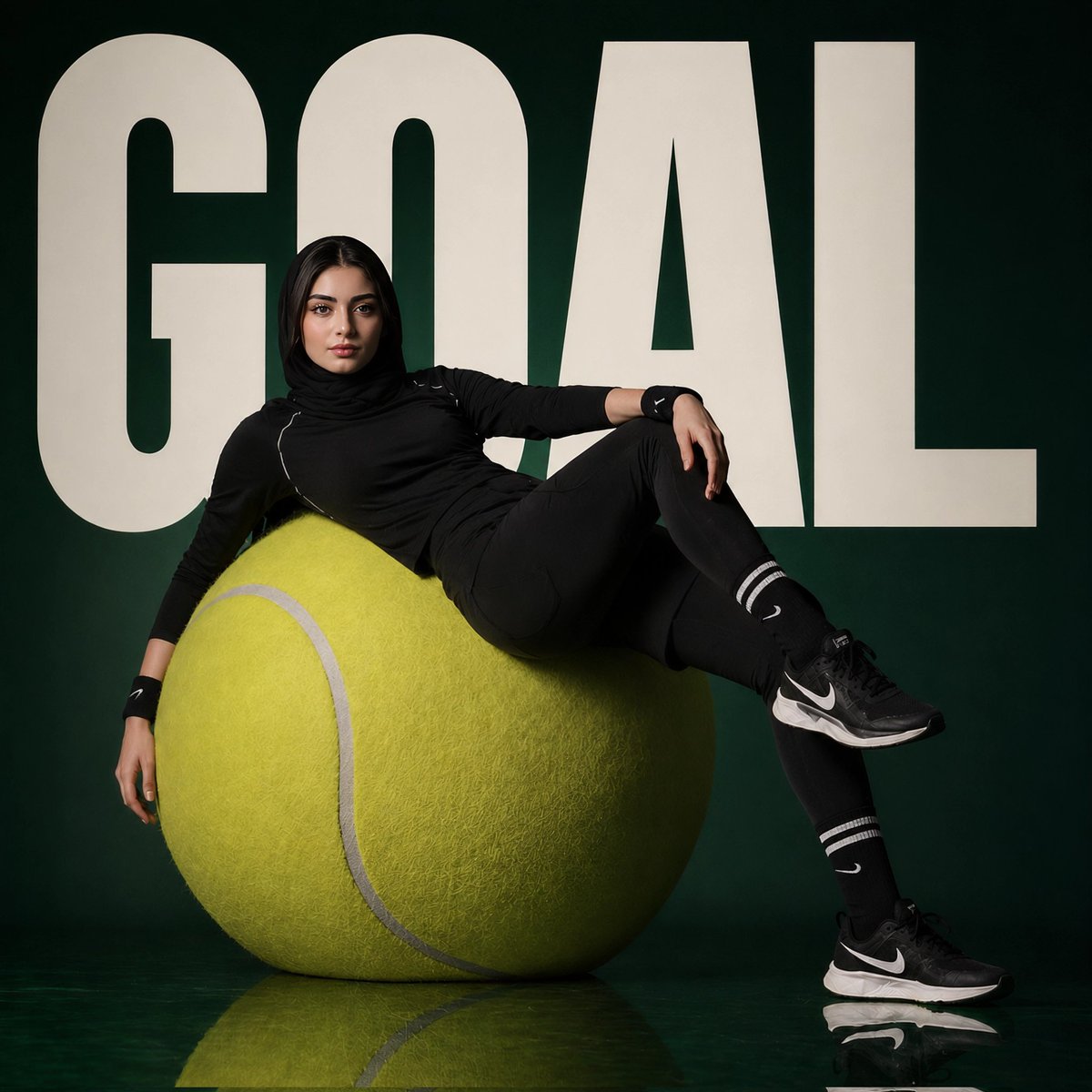
Avant-Garde Sports Fashion Editorial
Make it yours
Avant-Garde Black and Cream Fashion Sheet works as-is. These are the safest ways to change it without losing the look.
Swap the setting
Keep the rest of the prompt and replace the location block. The current setting is “clean warm off-white studio backdrop with soft even lighting and minimal shadow”.
Change one field
Copy a single group, rewrite it, and generate again so you can see what that field is doing.
Keep the frame, change the subject
Hold the composition and light of Avant-Garde Black and Cream Fashion Sheet, then swap wardrobe, props or the person for a new take.
| If the result… | Why | Fix |
|---|---|---|
| The result drifts from the preview | Too many fields changed at once. | Reuse Avant-Garde Black and Cream Fashion Sheet as-is first, then change one group — subject, light, or setting. |
| GPT Image 2 ignores part of the JSON | Some models flatten or skip nested keys. | Keep the same values and paste them as a short paragraph instead. |
More GPT Image 2 templates
Other prompts made for GPT Image 2.

Six VTuber Japanese Logo Sheet

Realistic Portrait of Woman and Deer

The Vista Modular Condo Poster

AI Model Routing Comparison Infographic

2.5D Anime Art Board

Isometric Productivity Desk Scene

New York Double Exposure Poster

Four-Panel AI Landscape Comparison

Japanese Tatami Lifestyle Magazine Cover

NESCAFÉ Coffee Map Poster
More image prompts
Fresh picks from across the catalog.
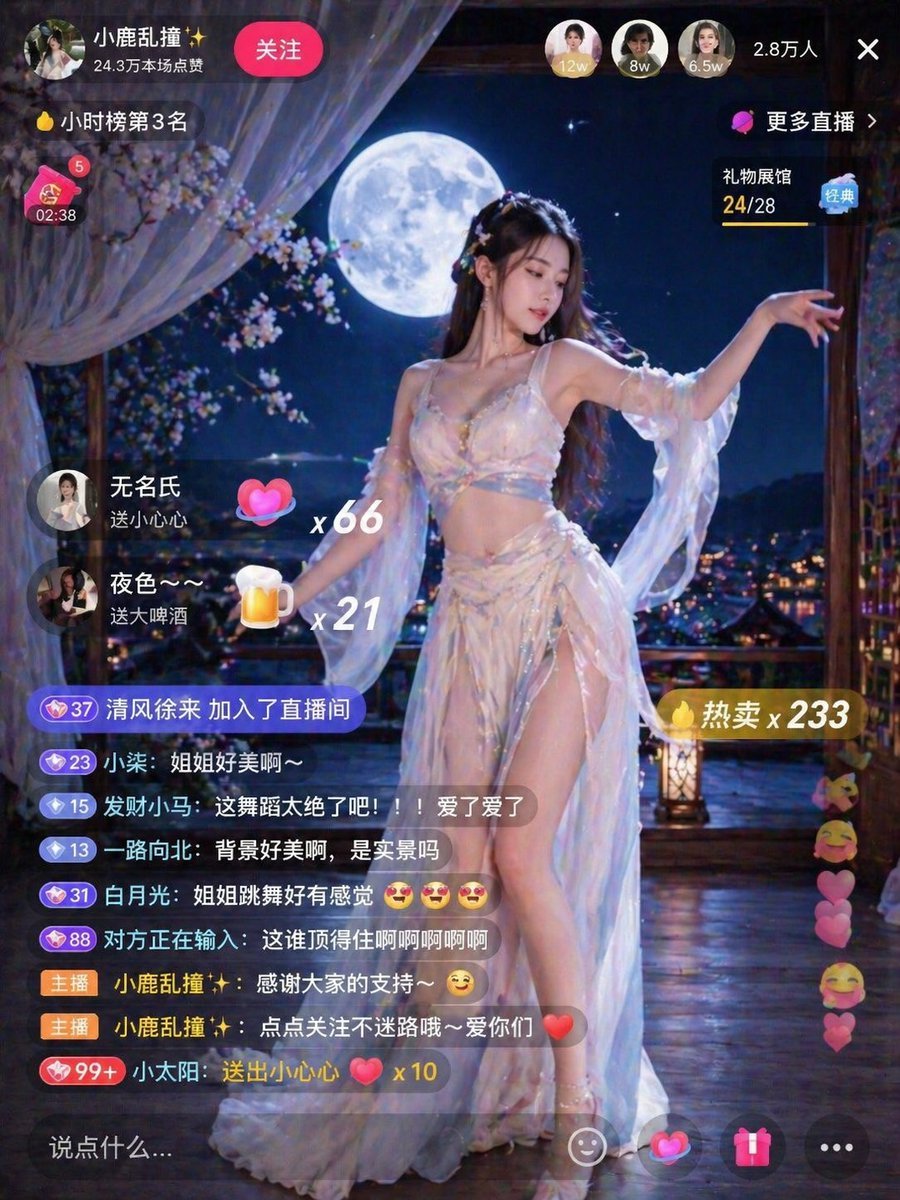
Live Stream Room Scene
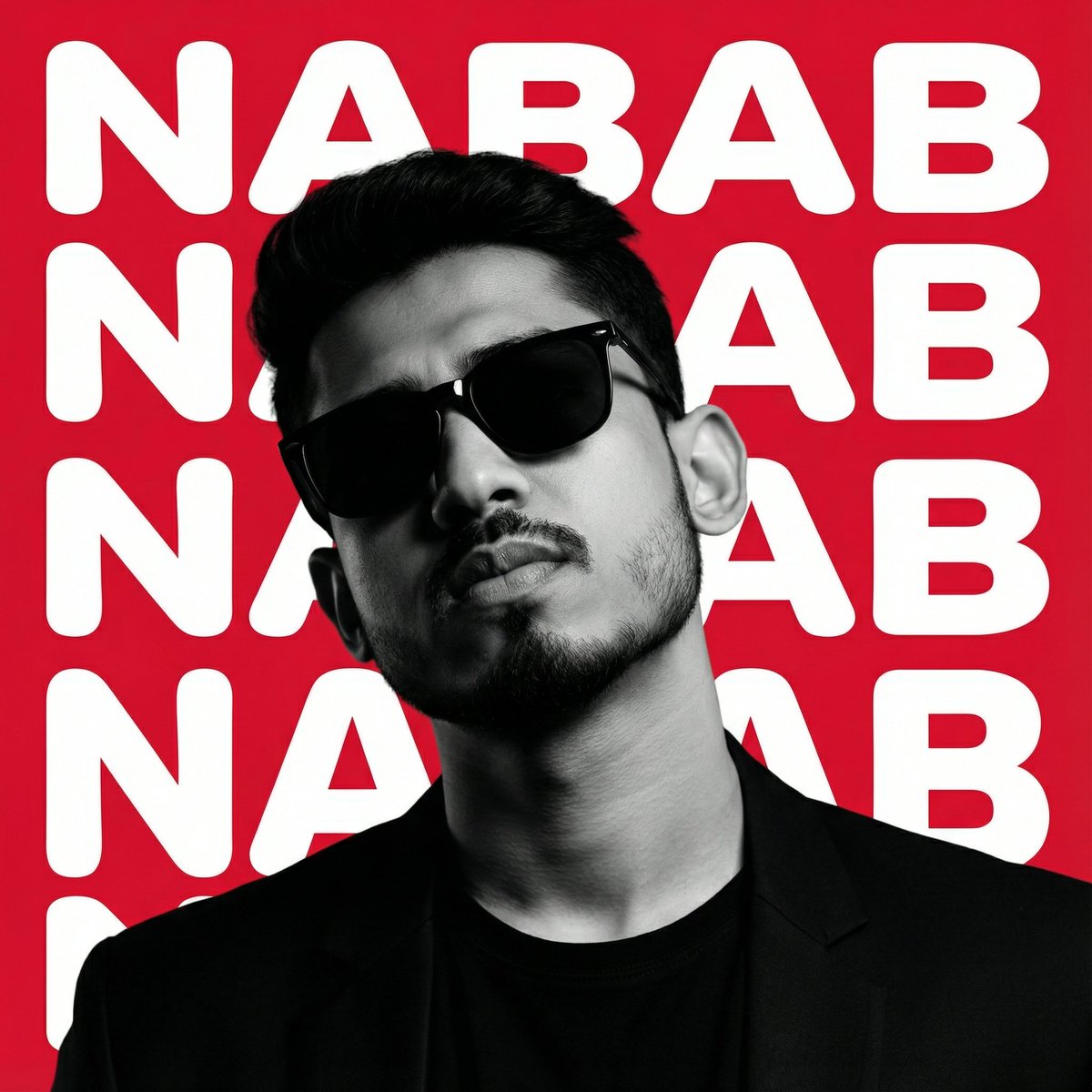
High-Contrast Graphic Poster Portrait
Luxury Chicken Burger Ingredient Explosion Commercial
Cinematic Hangar Photo Prompt
Photorealistic Leaf Shaped Like a Lion
Pixel Mosaic Jungle Parrot
Minimalist Personal Branding Mockup
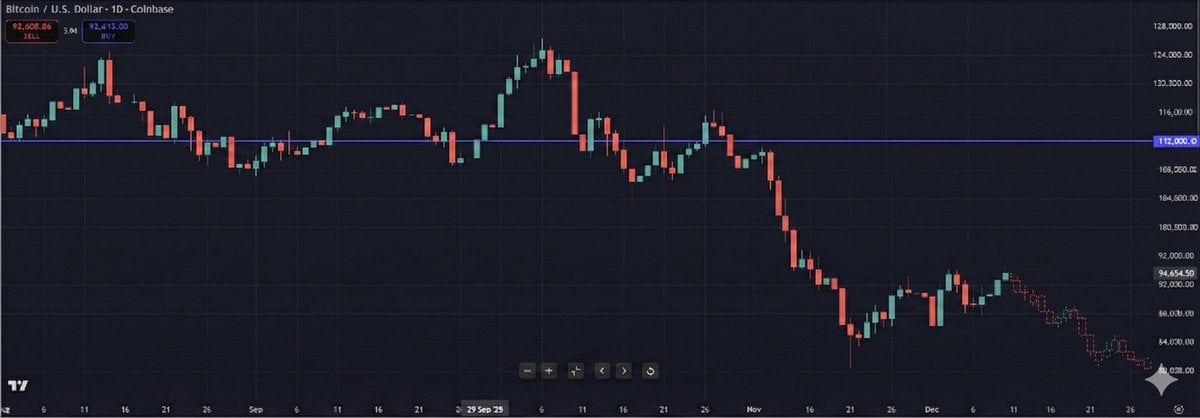
Predictive K-Line Chart Extension for Stock Trends
Minimalist studio shot of transparent bubble wrap fashion item
Detailed Oil Painting Prompt for a Regal King Portrait
Browse template categories
Avant-Garde Black and Cream Fashion Sheet questions
How do I use the Avant-Garde Black and Cream Fashion Sheet template?
Add your photo if the template asks for one, edit the prompt if you like — the template's model and format are already selected — and press Generate. Your version opens in PicX Studio.
Can I customize the Avant-Garde Black and Cream Fashion Sheet template?
Yes. You can change the subject, setting, lighting, mood, format, and available model controls before creating your image.
Is the Avant-Garde Black and Cream Fashion Sheet template free?
Opening and editing this template is free. Generating uses credits, shown on the Generate button when you are signed in.
Which AI model should I use?
Start with GPT Image 2, which is the model associated with this template. You can compare another compatible model for a different finish.
Looking for something else? Browse all templates.

Your photo, any look
Thousands of ready templates for every top image and video model, from one credit balance.