
Luxury Chicken Burger Ingredient Explosion Commercial
A highly detailed JSON prompt for generating a commercial food photograph of a luxury chicken burger.
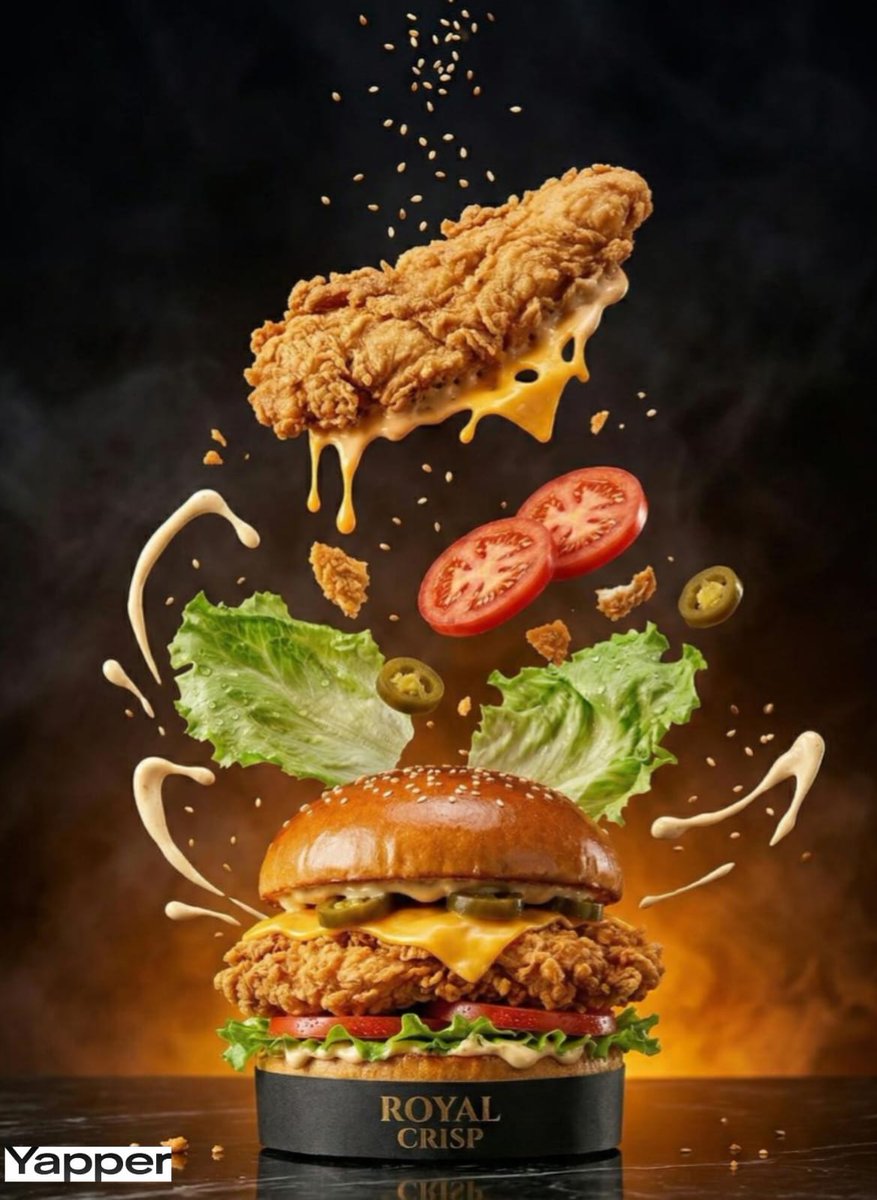
- Prompt included
- Model and format preset
- Free template
The prompt behind this image
Copy the exact prompt behind Luxury Chicken Burger Ingredient Explosion Commercial, or open it in the studio and make it yours.
- Master Prompt › Scene Type
- high-speed commercial luxury chicken burger photography
- Master Prompt › Product › Type
- premium gourmet crispy chicken burger with glossy brioche bun
- Master Prompt › Product › Brand Name
- ROYAL CRISP
- Master Prompt › Product › Label Design
- subtle embossed gold foil logo on a matte black burger wrap
- Master Prompt › Product › Main Components
- double crispy buttermilk fried chicken fillets, smoked cheddar, fresh iceberg lettuce, vine-ripened tomato slices, pickled jalapeños, creamy signature aioli
- Master Prompt › Composition › Action
- dramatic high-velocity ingredient explosion captured mid-assembly
- Master Prompt › Composition › Surrounding Elements
- golden crispy chicken fillets descending with visible crunch texture, molten smoked cheddar melting over hot chicken, fresh lettuce leaves suspended mid-air with water droplets, juicy tomato slices rotating dynamically, creamy aioli splashes forming elegant arcs, sesame seeds scattering with motion blur
- Master Prompt › Composition › Placement
- centered hero burger with sharp reflection on a polished dark marble surface
- Master Prompt › Lighting › Style
- luxury cinematic studio food lighting
- Master Prompt › Lighting › Effects
- dramatic rim lighting enhancing crispy coating texture, bright highlights on melted cheese and sauce gloss, warm directional key light emphasizing golden crust, soft smoky backlight for depth and atmosphere
- Master Prompt › Color Palette › Background
- deep charcoal fading into fiery amber glow
- Master Prompt › Color Palette › Accents
- golden brioche, crispy amber chicken, vibrant green lettuce, rich red tomato, creamy ivory sauce
- Master Prompt › Technical Specs › Camera
- macro lens, slight low angle for bold dominance
- Master Prompt › Technical Specs › Shutter
- ultra-fast freeze-motion capture
- Master Prompt › Technical Specs › Depth Of Field
- shallow focus on front bun logo and crispy texture, soft blur on flying ingredients
- Master Prompt › Technical Specs › Quality
- 8K resolution, ultra-photorealistic texture detailing
Raw JSON
{
  "master_prompt": {
    "scene_type": "high-speed commercial luxury chicken burger photography",
    "product": {
      "type": "premium gourmet crispy chicken burger with glossy brioche bun",
      "brand_name": "ROYAL CRISP",
      "label_design": "subtle embossed gold foil logo on a matte black burger wrap",
      "main_components": "double crispy buttermilk fried chicken fillets, smoked cheddar, fresh iceberg lettuce, vine-ripened tomato slices, pickled jalapeños, creamy signature aioli"
    },
    "composition": {
      "action": "dramatic high-velocity ingredient explosion captured mid-assembly",
      "surrounding_elements": [
        "golden crispy chicken fillets descending with visible crunch texture",
        "molten smoked cheddar melting over hot chicken",
        "fresh lettuce leaves suspended mid-air with water droplets",
        "juicy tomato slices rotating dynamically",
        "creamy aioli splashes forming elegant arcs",
        "sesame seeds scattering with motion blur"
      ],
      "placement": "centered hero burger with sharp reflection on a polished dark marble surface"
    },
    "lighting": {
      "style": "luxury cinematic studio food lighting",
      "effects": [
        "dramatic rim lighting enhancing crispy coating texture",
        "bright highlights on melted cheese and sauce gloss",
        "warm directional key light emphasizing golden crust",
        "soft smoky backlight for depth and atmosphere"
      ]
    },
    "color_palette": {
      "background": "deep charcoal fading into fiery amber glow",
      "accents": "golden brioche, crispy amber chicken, vibrant green lettuce, rich red tomato, creamy ivory sauce"
    },
    "technical_specs": {
      "camera": "macro lens, slight low angle for bold dominance",
      "shutter": "ultra-fast freeze-motion capture",
      "depth_of_field": "shallow focus on front bun logo and crispy texture, soft blur on flying ingredients",
      "quality": "8K resolution, ultra-photorealistic texture detailing"
    }
  }
}How to use Luxury Chicken Burger Ingredient Explosion Commercial in 3 steps
- 1
Open
The prompt is already in the box next to the preview, with the template's model and format selected.
- 2…a portrait of your subject in softgolden-hour light, 85mm…
Personalize
Edit the subject and creative details for your destination.
- 3Generate
Generate
Press Generate — your image is created in PicX Studio, so you can compare it with the original and refine one variable at a time.
More like this
Templates with the same subject, style or setup. Open one to see its prompt.
Luxury Chicken Soup Ingredient Poster
High-Speed Commercial Luxury Burger Photography
Crispy Chicken Burger Product Photo
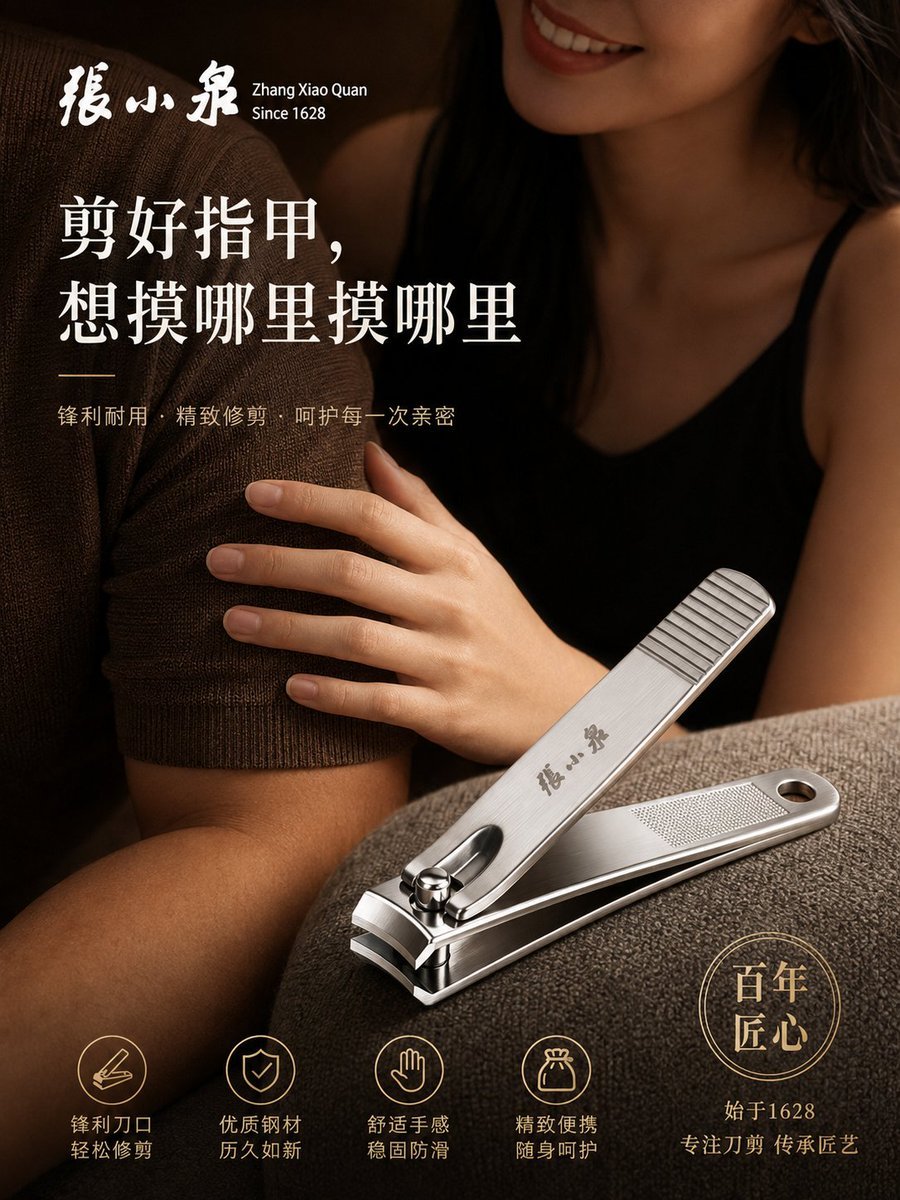
Luxury Nail Clipper Commercial Ad
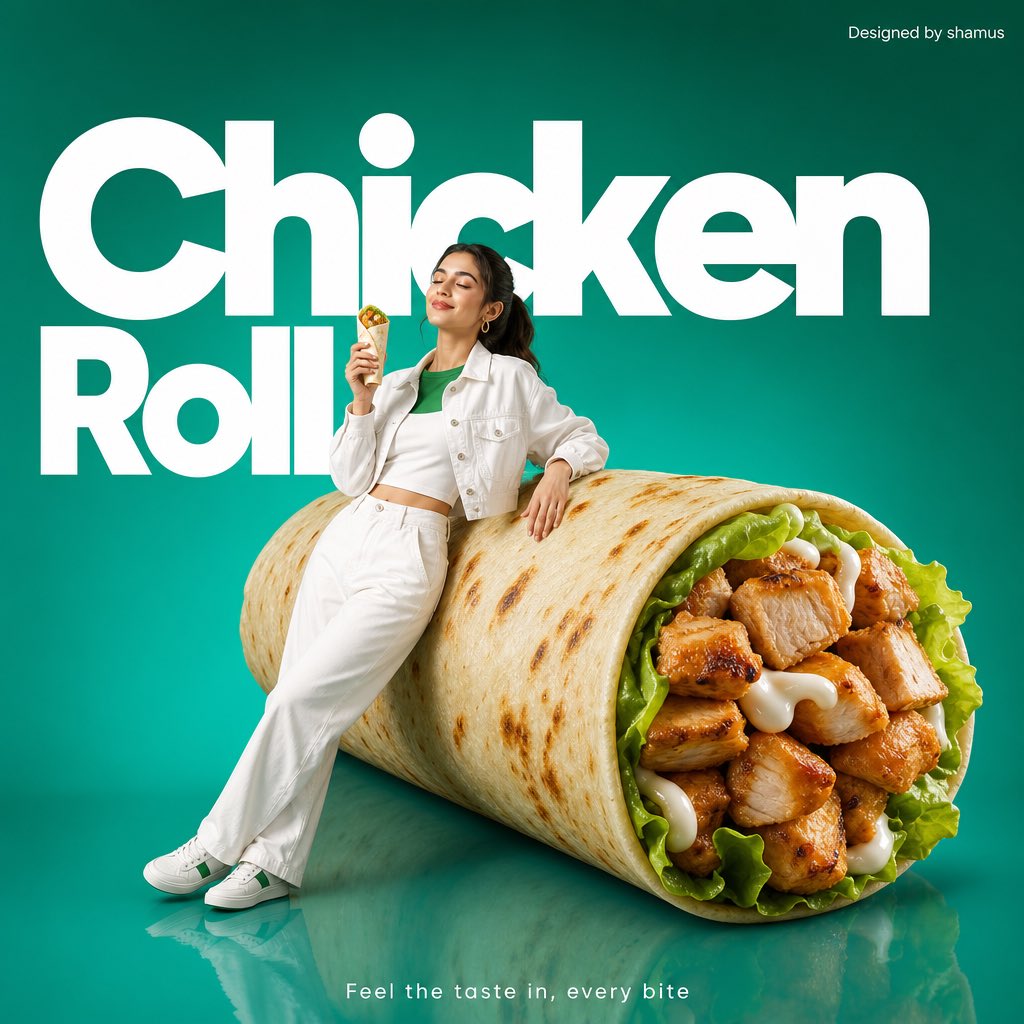
Minimalist Chicken Roll Commercial
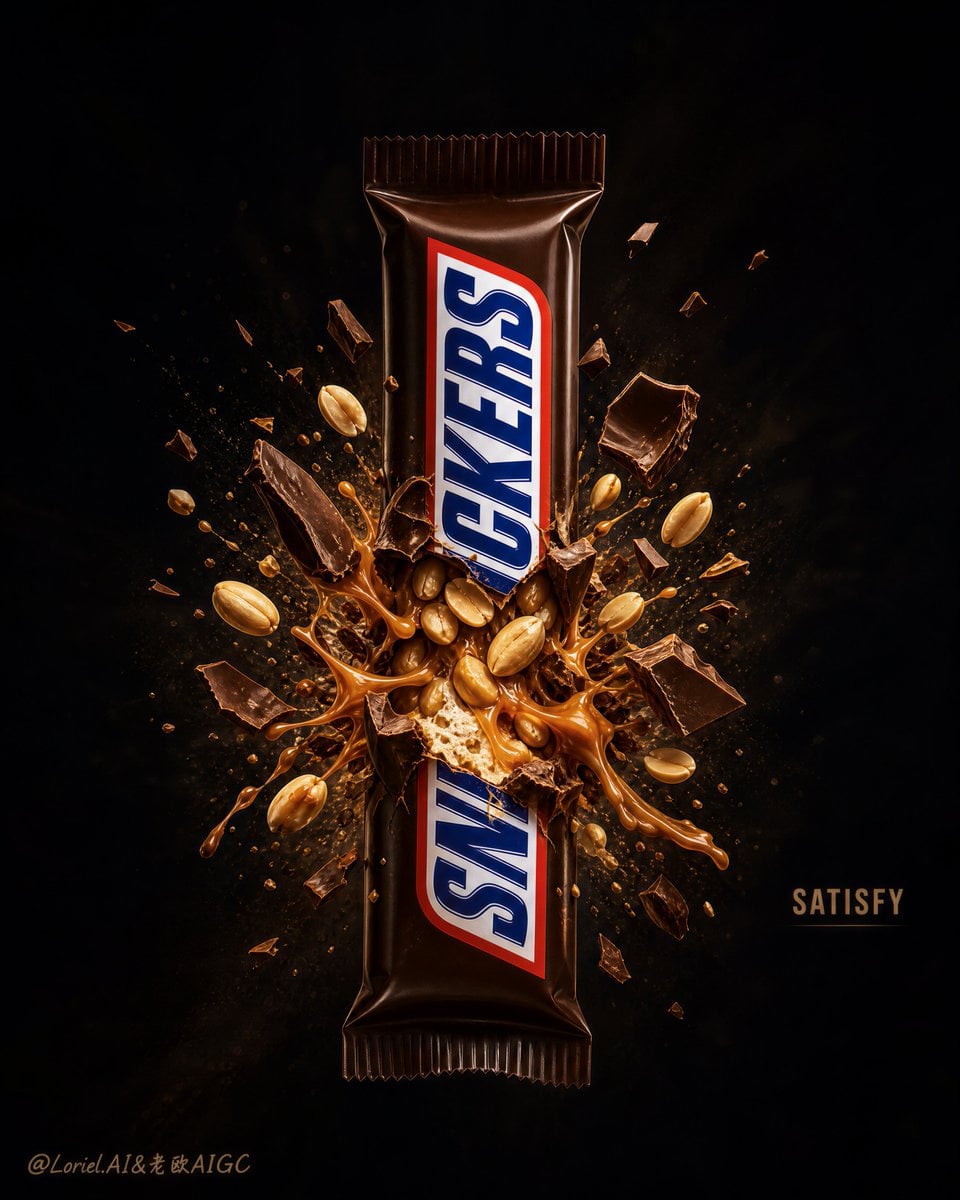
Explosion Effect Commercial Poster
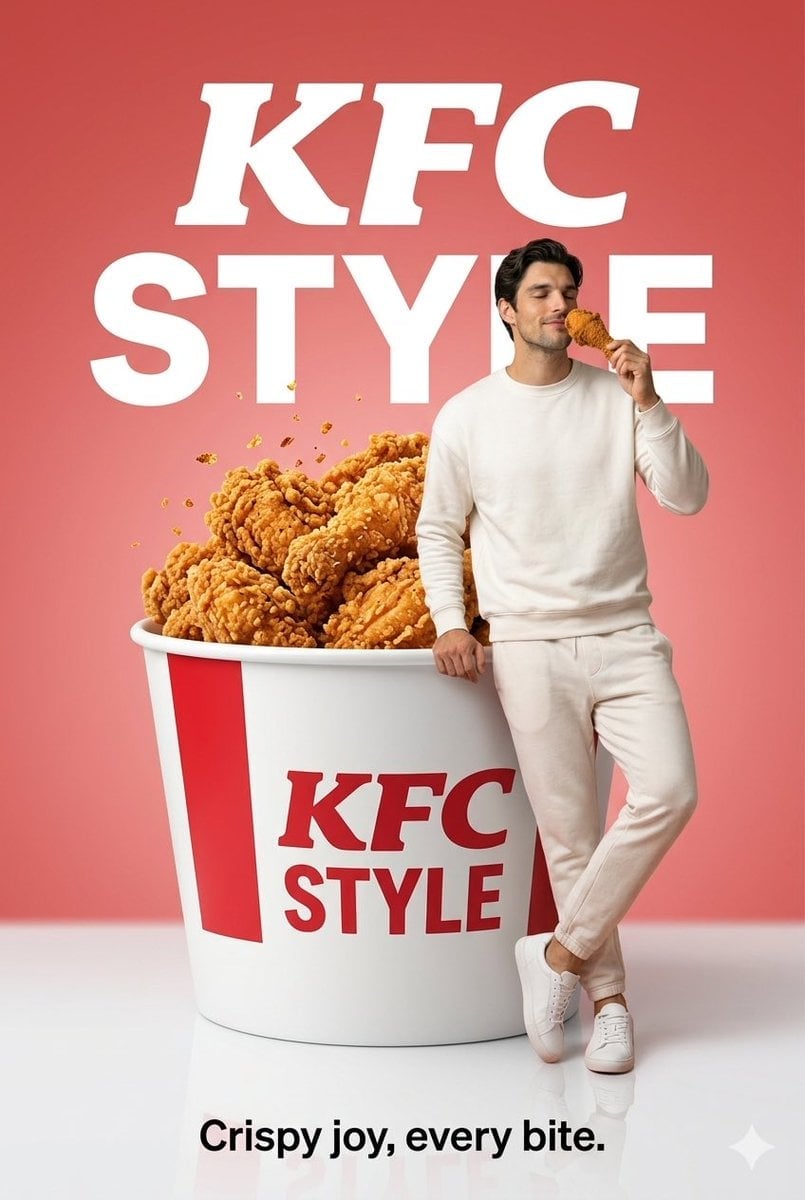
Surreal Fried Chicken Commercial

Sealing Wax Letter Desk

Ballroom Floor Reflections

Vintage Camera Leather Case

Hedge Maze Aerial Dawn

Tuxedo Cuff Adjust
Make it yours
Luxury Chicken Burger Ingredient Explosion Commercial works as-is. These are the safest ways to change it without losing the look.
Swap the setting
Keep the rest of the prompt and replace the location block. The current setting is “deep charcoal fading into fiery amber glow”.
Swap the light
One lighting change is enough to compare takes. Current light: “luxury cinematic studio food lighting”.
Change one field
Copy a single group, rewrite it, and generate again so you can see what that field is doing.
| If the result… | Why | Fix |
|---|---|---|
| The result drifts from the preview | Too many fields changed at once. | Reuse Luxury Chicken Burger Ingredient Explosion Commercial as-is first, then change one group — subject, light, or setting. |
| Nano Banana 2 ignores part of the JSON | Some models flatten or skip nested keys. | Keep the same values and paste them as a short paragraph instead. |
More Nano Banana 2 templates
Other prompts made for Nano Banana 2.

Photorealistic Leaf Shaped Like a Dragon

K-Pop Idol Portrait Grid for Rapid Selection

Poetic Rain Forest Portrait During Golden Hour

Urban Street Portrait with Cartoon Inner Self Duo

Candid Nighttime Photo with Cat Prompt

High-Concept 3D Diorama Generation Prompt

Cinematic Futuristic Studio Portrait Template

Skincare Editorial Photography Collage Prompt

Hyper-Realistic Commercial Product Photography (Splash Effect)

Hyper-Realistic Nightclub Portrait Prompt
More image prompts
Fresh picks from across the catalog.

Anime Movie Poster for a Paramecium Character
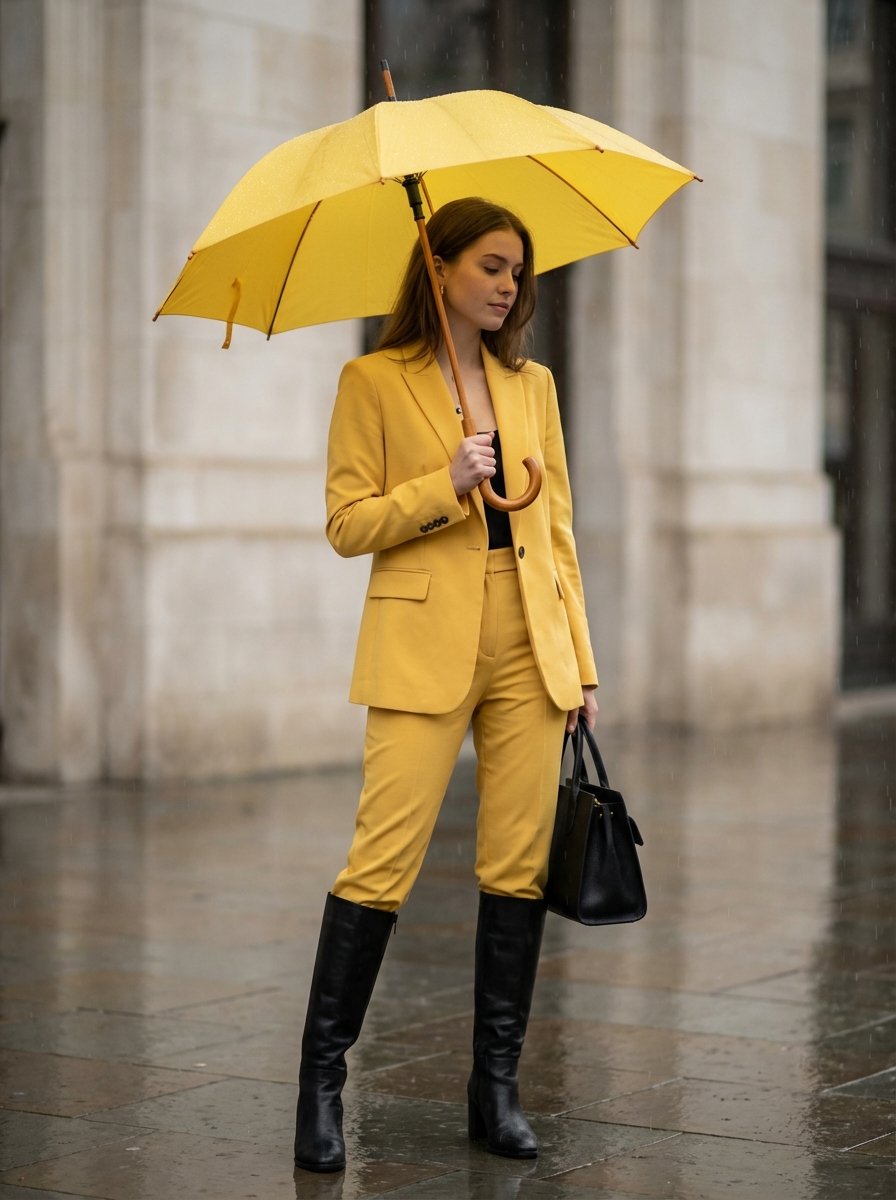
Rainy Day Yellow Power Suit Editorial Prompt
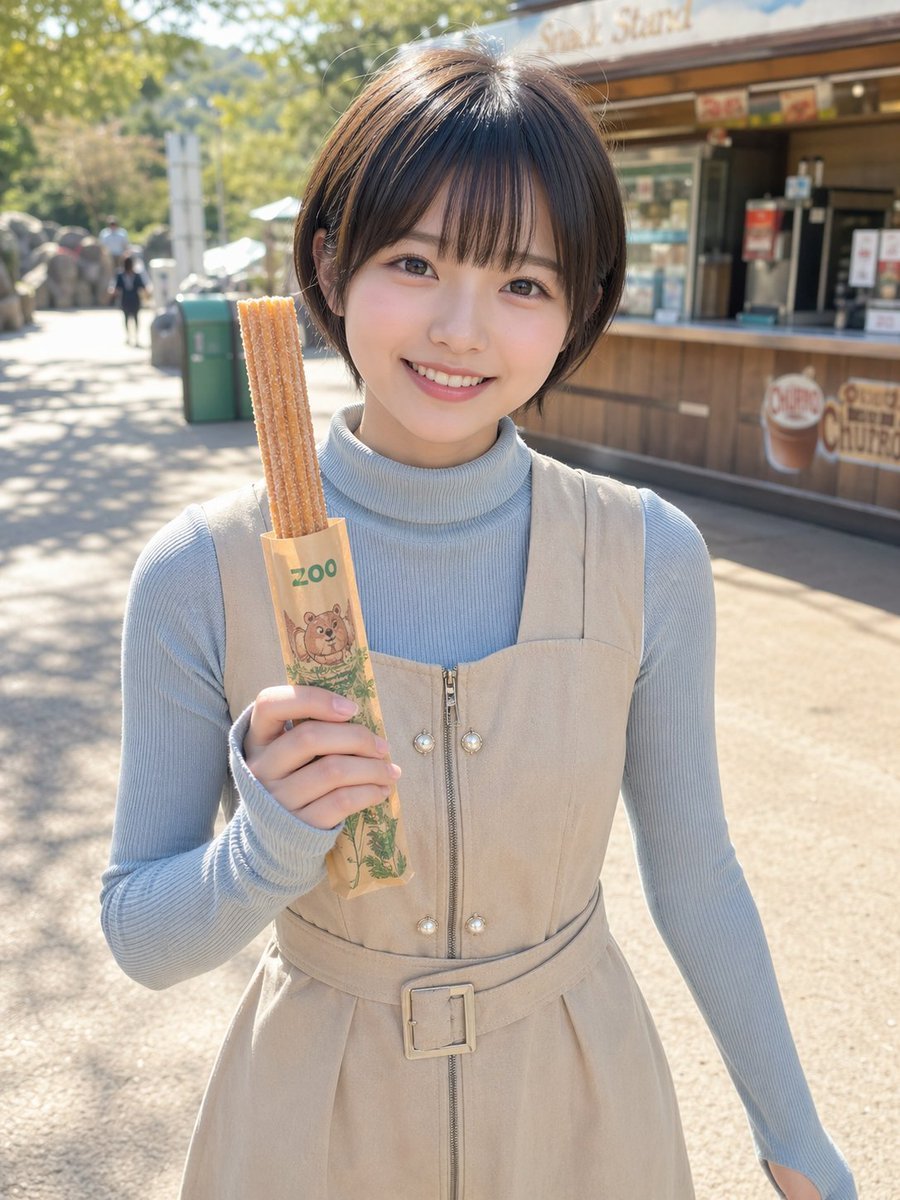
Zoo Churro Portrait Photo
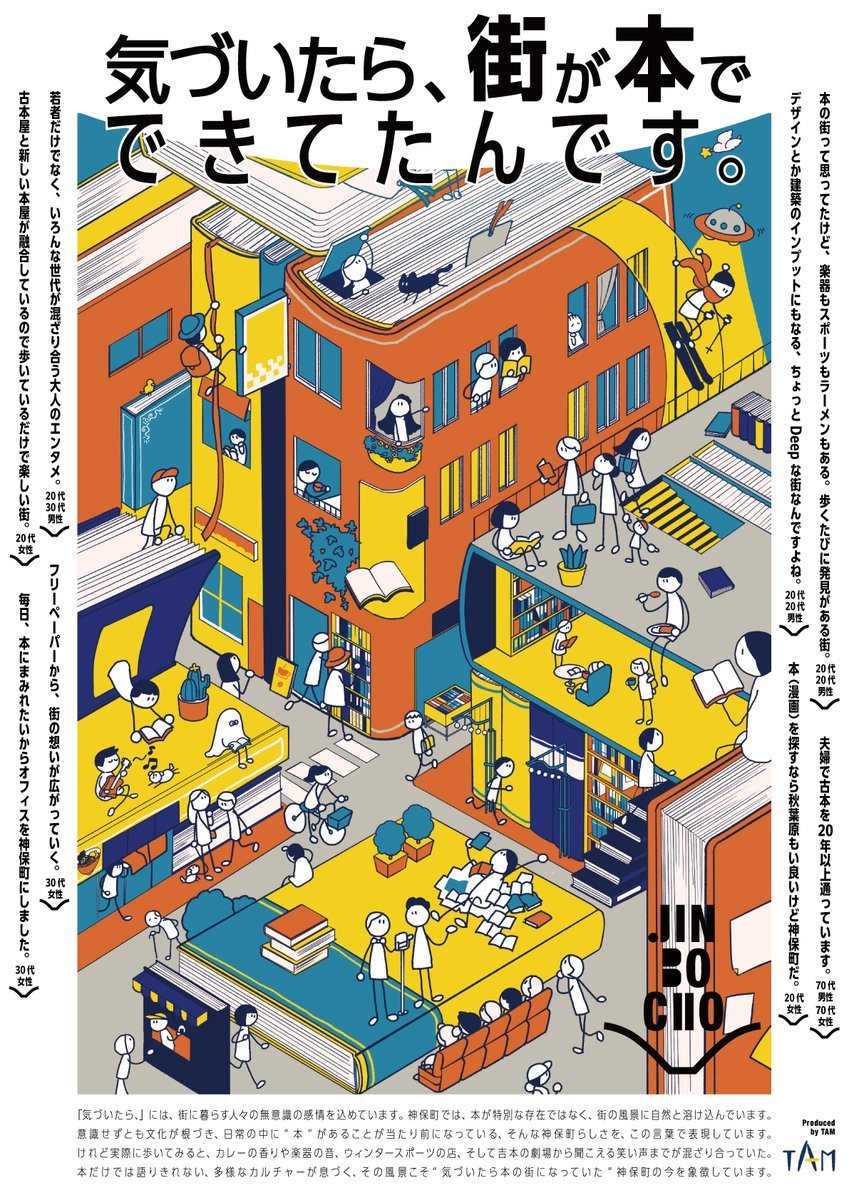
Jimbocho Book Town Poster
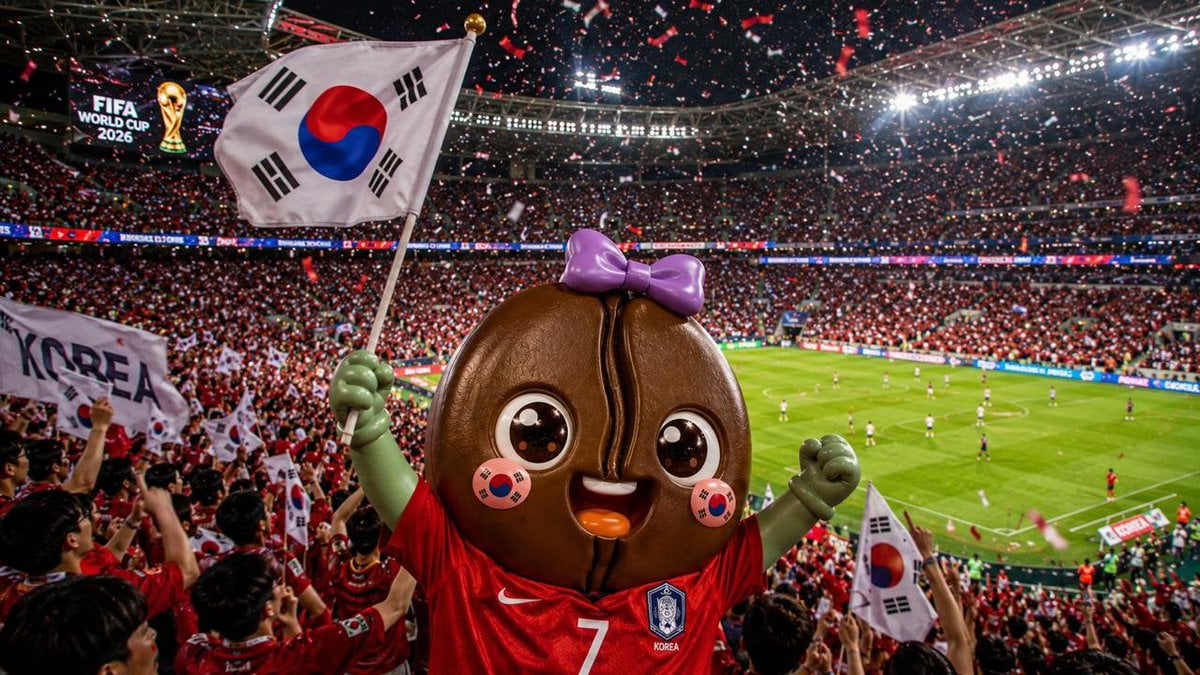
2026 World Cup Fan Photo Generator
Cloud Pareidolia Smartphone Snapshot
Chaotic Y2K Cyber-Pop Editorial Portrait
Photorealistic fashion collage of Polina Gagarina
Candid Vintage Holiday Scene Photography Prompt
Hyper-realistic close-up of a pepperoni pizza slice with dramatic cheese pull
Browse template categories
Luxury Chicken Burger Ingredient Explosion Commercial questions
How do I use the Luxury Chicken Burger Ingredient Explosion Commercial template?
Add your photo if the template asks for one, edit the prompt if you like — the template's model and format are already selected — and press Generate. Your version opens in PicX Studio.
Can I customize the Luxury Chicken Burger Ingredient Explosion Commercial template?
Yes. You can change the subject, setting, lighting, mood, format, and available model controls before creating your image.
Is the Luxury Chicken Burger Ingredient Explosion Commercial template free?
Opening and editing this template is free. Generating uses credits, shown on the Generate button when you are signed in.
Which AI model should I use?
Start with Nano Banana 2, which is the model associated with this template. You can compare another compatible model for a different finish.
Looking for something else? Browse all templates.

Your photo, any look
Thousands of ready templates for every top image and video model, from one credit balance.