
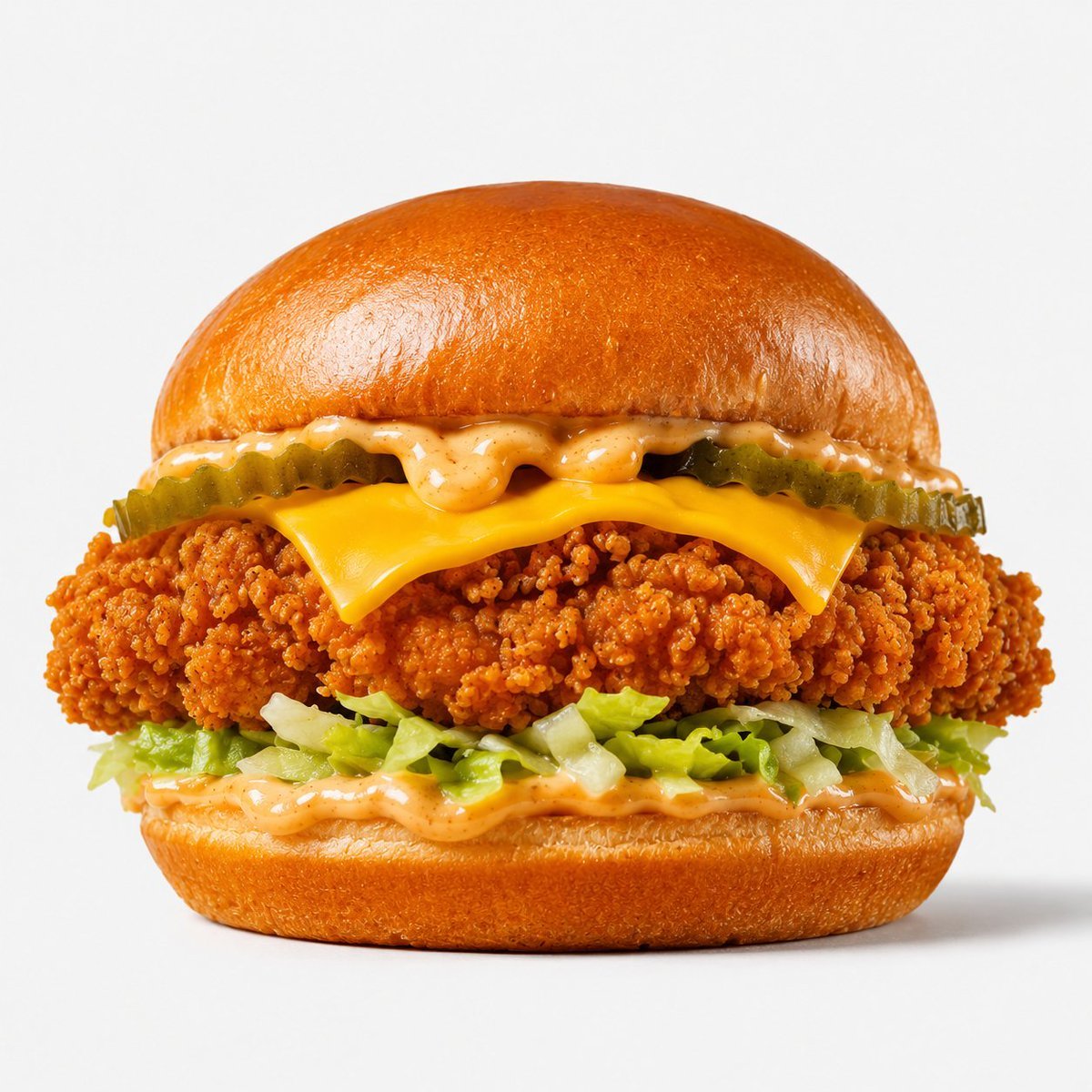
Crispy Chicken Burger Product Photo
A polished studio food photography prompt for generating a realistic crispy chicken sandwich hero shot on a clean white background.
- Prompt included
- Model and format preset
- Free template
The prompt behind this image
Copy the exact prompt behind Crispy Chicken Burger Product Photo, or open it in the studio and make it yours.
Create a high-quality professional product photograph of a crispy chicken burger centered on a clean white seamless studio background. Show the burger in a straight-on close-up hero composition with no plate, props, hands, text, or branding. The burger has exactly 6 visible layers from top to bottom: 1 glossy toasted brioche top bun with a smooth golden-brown dome, 2 creamy orange speckled sauce dripping slightly beneath the bun, 3 crinkle-cut pickle slices forming a green row, 4 melted American cheese slice folded over the edges, 5 thick golden-orange crispy fried chicken fillet with highly detailed crunchy breading, and 6 shredded iceberg lettuce over more creamy orange sauce on a glossy toasted brioche bottom bun. Use bright even studio lighting, subtle soft shadow beneath the burger, ultra-sharp food photography detail, appetizing saturated colors, realistic textures, square 1:1 framing, isolated commercial advertising style.
How to use Crispy Chicken Burger Product Photo in 3 steps
- 1Upload ImagePNG, JPG or paste
Add your photo
Upload the photo the template builds on. The prompt, model and format are already set.
- 2…a portrait of your subject in softgolden-hour light, 85mm…
Personalize
Edit the subject and creative details for your destination.
- 3Generate
Generate
Press Generate — your image is created in PicX Studio, so you can compare it with the original and refine one variable at a time.
More like this
Templates with the same subject, style or setup. Open one to see its prompt.
Crispy Chicken Nuggets Product Photo
Epic 8K cinematic fantasy food scene a colossal crispy fried chicken leg

A k.pop idol on the stage with mic

Trendy Cafe Drink Promo Poster

Minimalist Skincare Product Water Stone Still

Giant Forced Perspective Street Product Selfie

Playful Futuristic Brand Kit Board

Headphones Lifestyle Nine Panel Grid

Cappuccino Bottle Splash Product Ad

Luxury Toothpaste Commercial Storyboard

Parle Hide and Seek Cookie Campaign Poster

Moss Logo Minimalist Brand Flat Lay
Make it yours
Crispy Chicken Burger Product Photo works as-is. These are the safest ways to change it without losing the look.
Change one field
Copy a single group, rewrite it, and generate again so you can see what that field is doing.
Keep the frame, change the subject
Hold the composition and light of Crispy Chicken Burger Product Photo, then swap wardrobe, props or the person for a new take.
| If the result… | Why | Fix |
|---|---|---|
| The result drifts from the preview | Too many fields changed at once. | Reuse Crispy Chicken Burger Product Photo as-is first, then change one group — subject, light, or setting. |
| The model over-stylizes the scene | The prose prompt leaves finish and camera underspecified. | Add one camera or lighting sentence and stay on GPT Image 2. |
More GPT Image 2 templates
Other prompts made for GPT Image 2.

Six VTuber Japanese Logo Sheet

Realistic Portrait of Woman and Deer

The Vista Modular Condo Poster

AI Model Routing Comparison Infographic

2.5D Anime Art Board

Isometric Productivity Desk Scene

New York Double Exposure Poster

Four-Panel AI Landscape Comparison

Japanese Tatami Lifestyle Magazine Cover

NESCAFÉ Coffee Map Poster
More image prompts
Fresh picks from across the catalog.
Minimal Director-Led AI Studio Cover
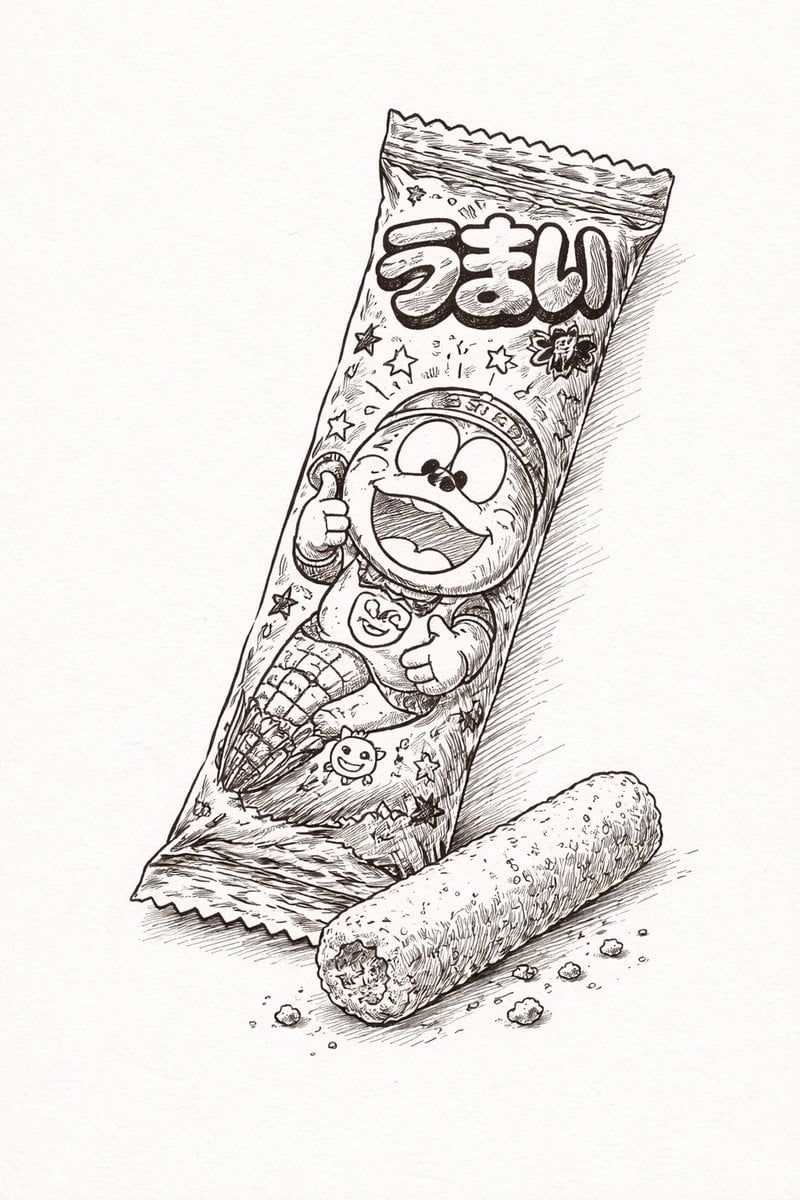
Ballpoint Pen Drawing of Umaibo Comparison
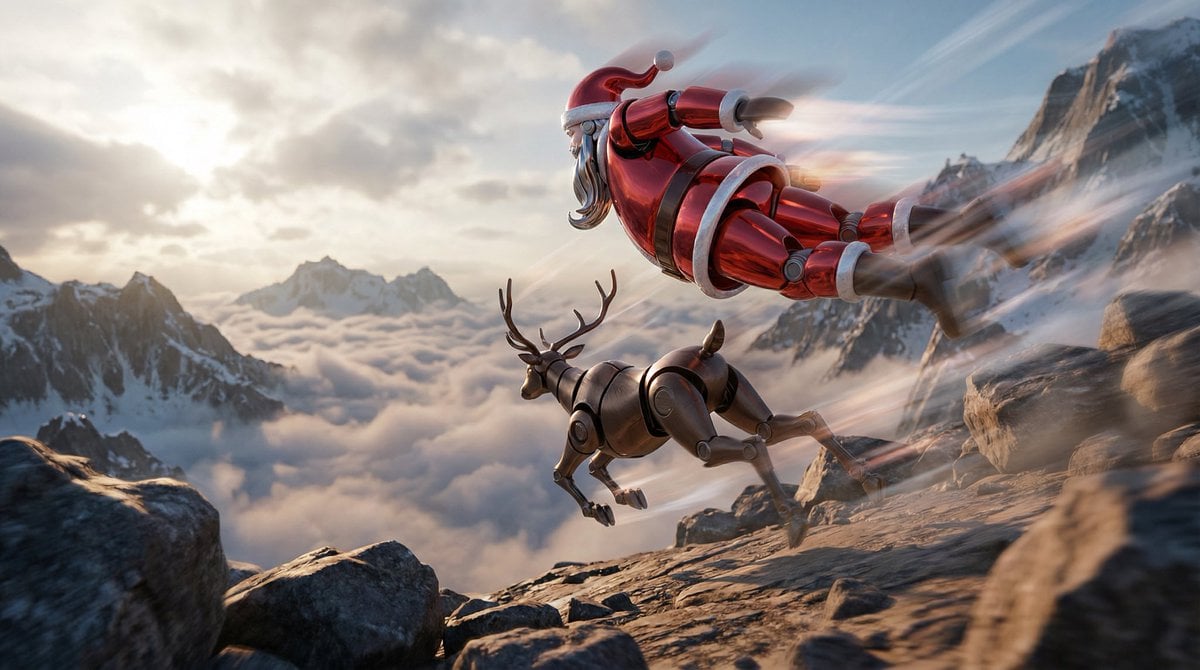
Semi-Realistic Dogfight between Santa and Reindeer Robots
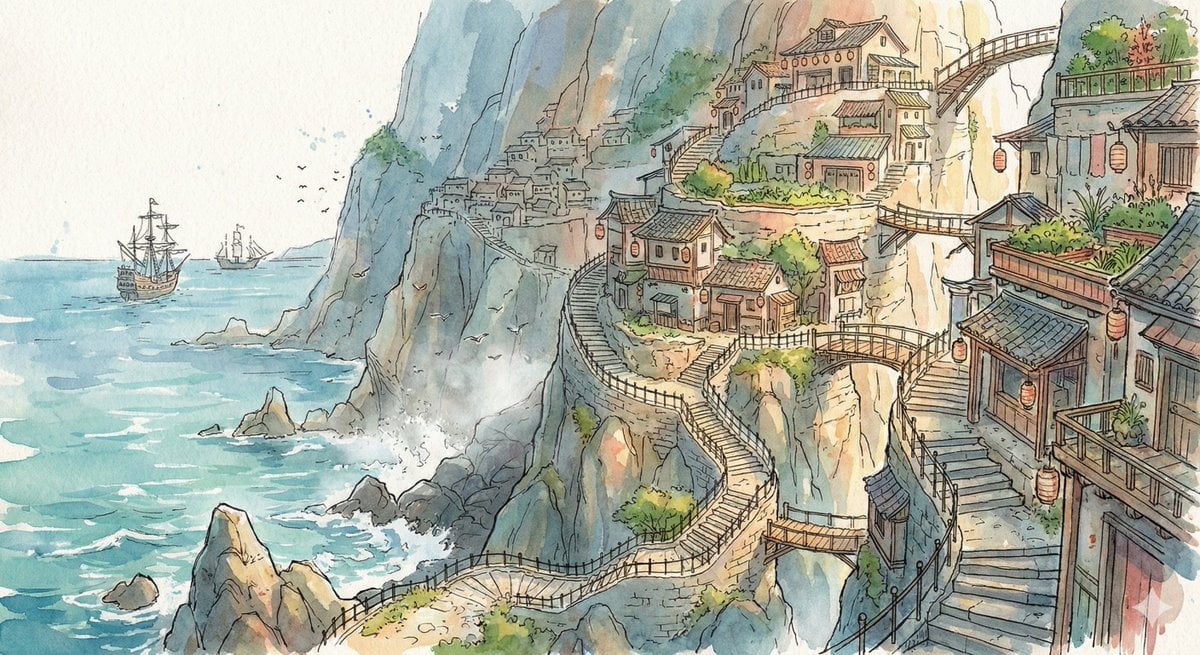
Watercolor Cliffside Village Illustration
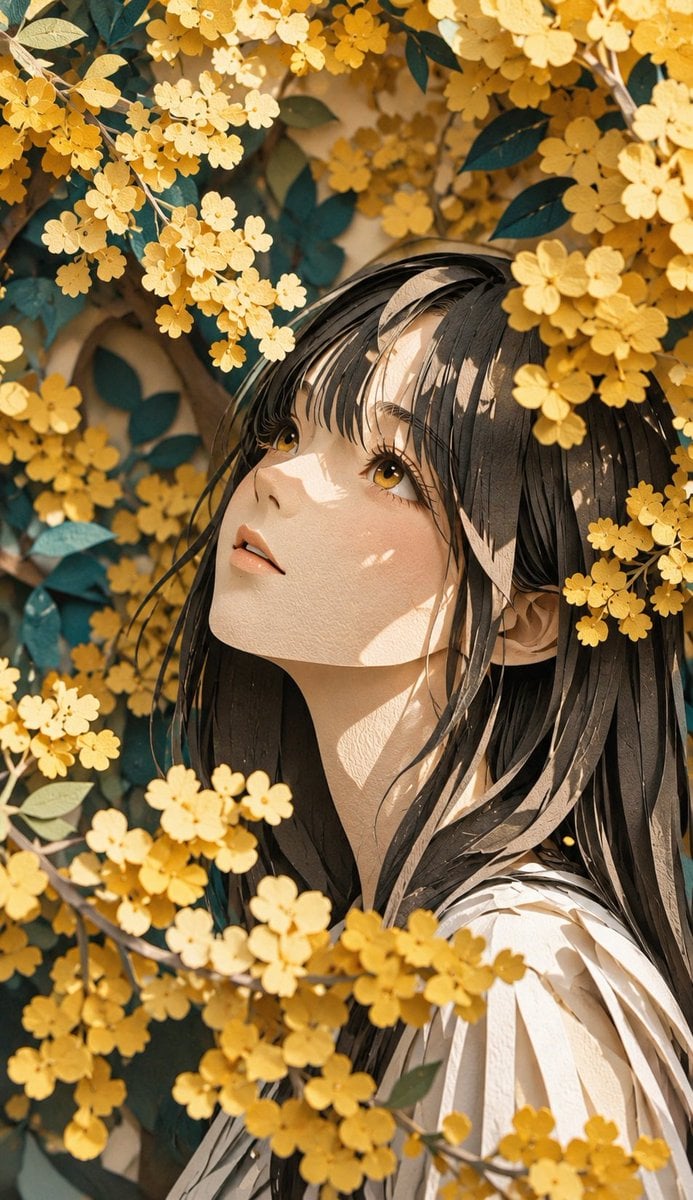
Modern Paper Sculpture Style Transformation
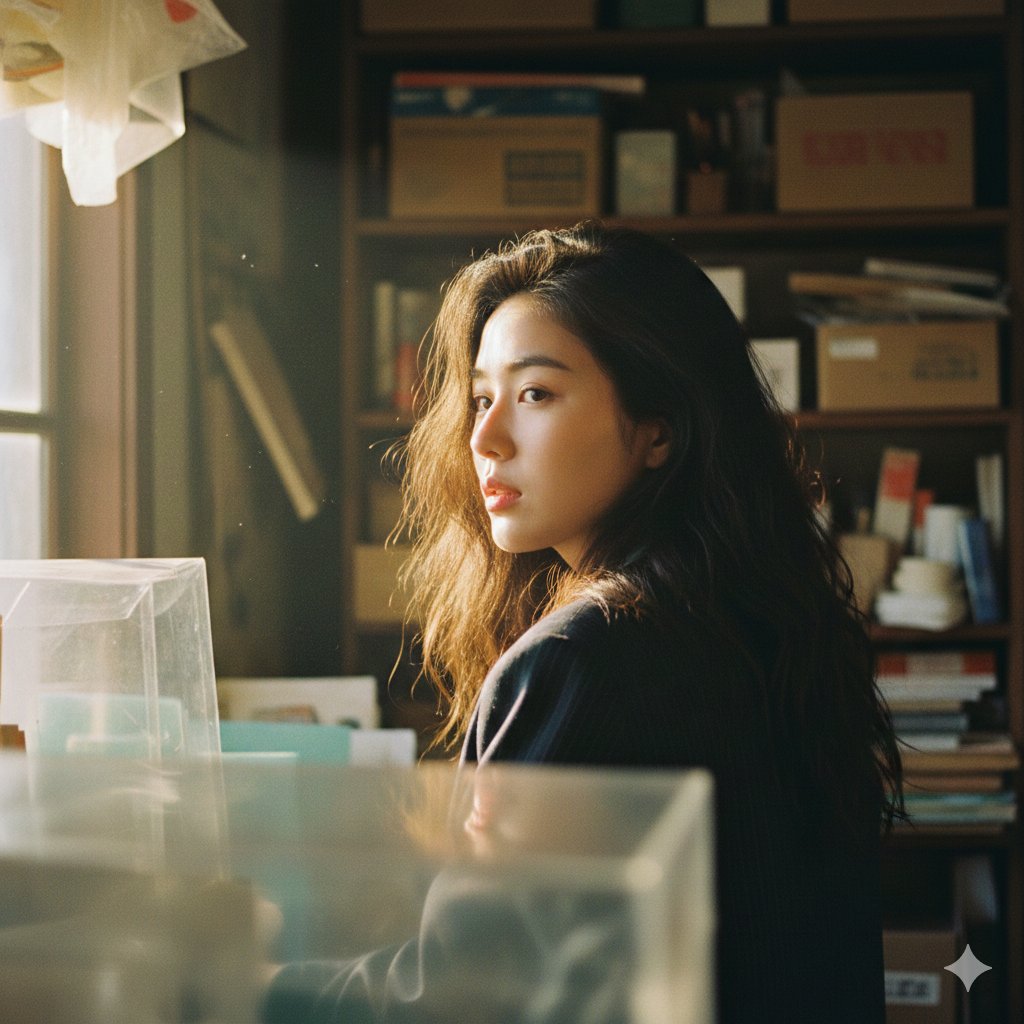
Cinematic Portrait with Strong Backlighting and Foreground Clutter
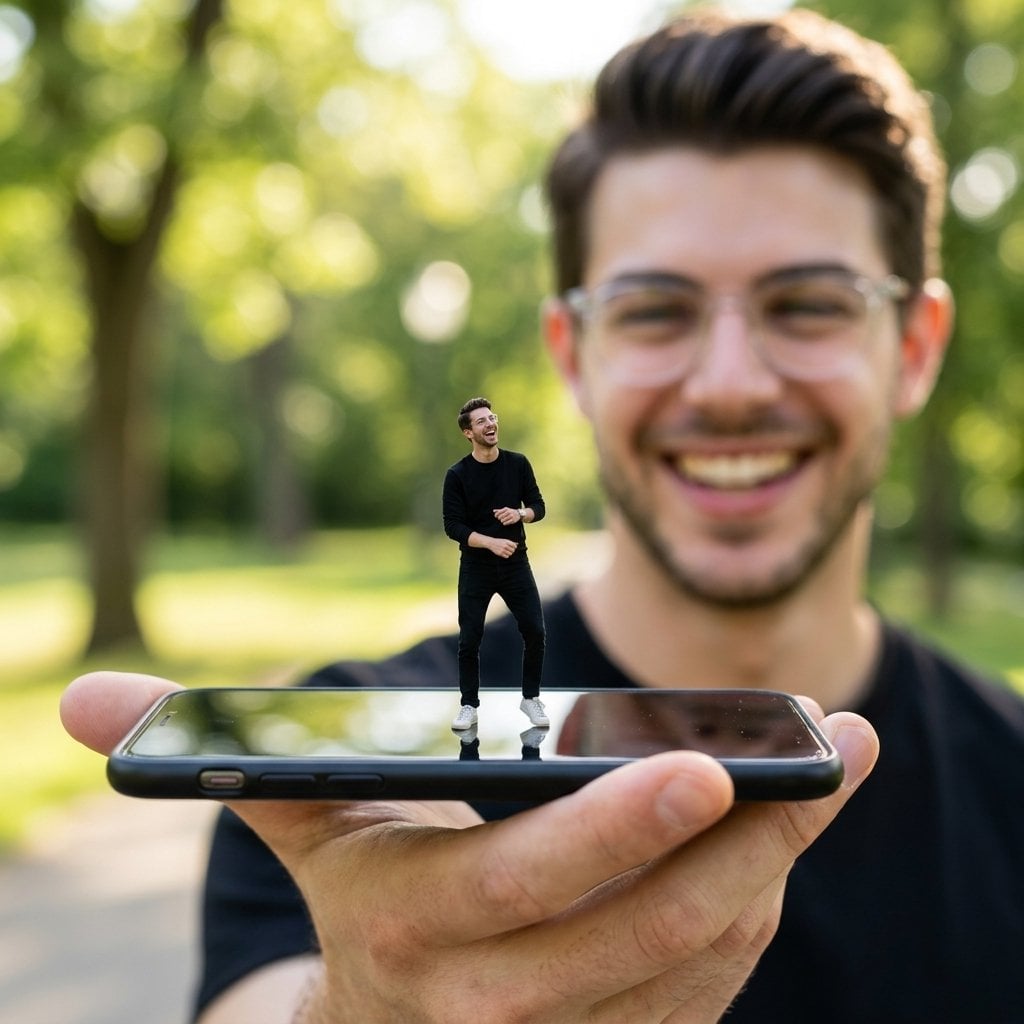
Forced Perspective Miniature Self on Smartphone Screen

Nano Banana Pro Thumbnail Generation: Geometric Pop and Speech Bubbles
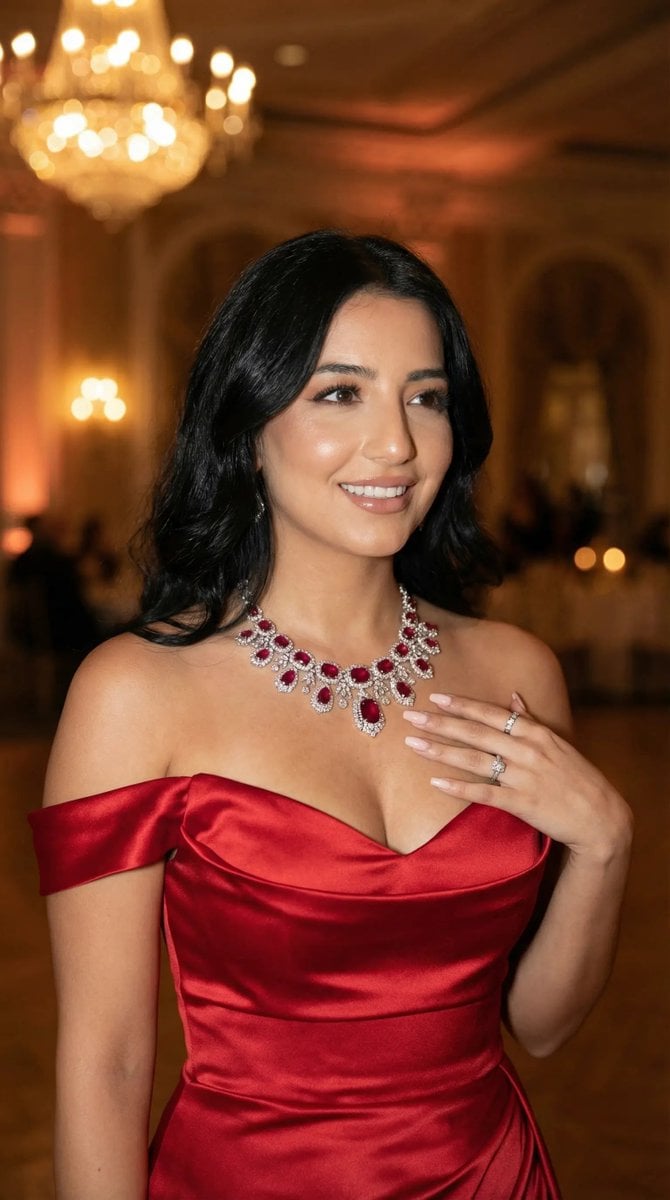
Luxury Gala Fashion Editorial Prompt (JSON)

3D Cartoon Character: Hip-Hop Boy in Pixar Style
Browse template categories
Crispy Chicken Burger Product Photo questions
How do I use the Crispy Chicken Burger Product Photo template?
Add your photo if the template asks for one, edit the prompt if you like — the template's model and format are already selected — and press Generate. Your version opens in PicX Studio.
Can I customize the Crispy Chicken Burger Product Photo template?
Yes. You can change the subject, setting, lighting, mood, format, and available model controls before creating your image.
Is the Crispy Chicken Burger Product Photo template free?
Opening and editing this template is free. Generating uses credits, shown on the Generate button when you are signed in.
Which AI model should I use?
Start with GPT Image 2, which is the model associated with this template. You can compare another compatible model for a different finish.
Looking for something else? Browse all templates.

Your photo, any look
Thousands of ready templates for every top image and video model, from one credit balance.