
Minimal Director-Led AI Studio Cover
A realistic minimalist editorial card mockup for presenting an agency, studio, or media company announcement.
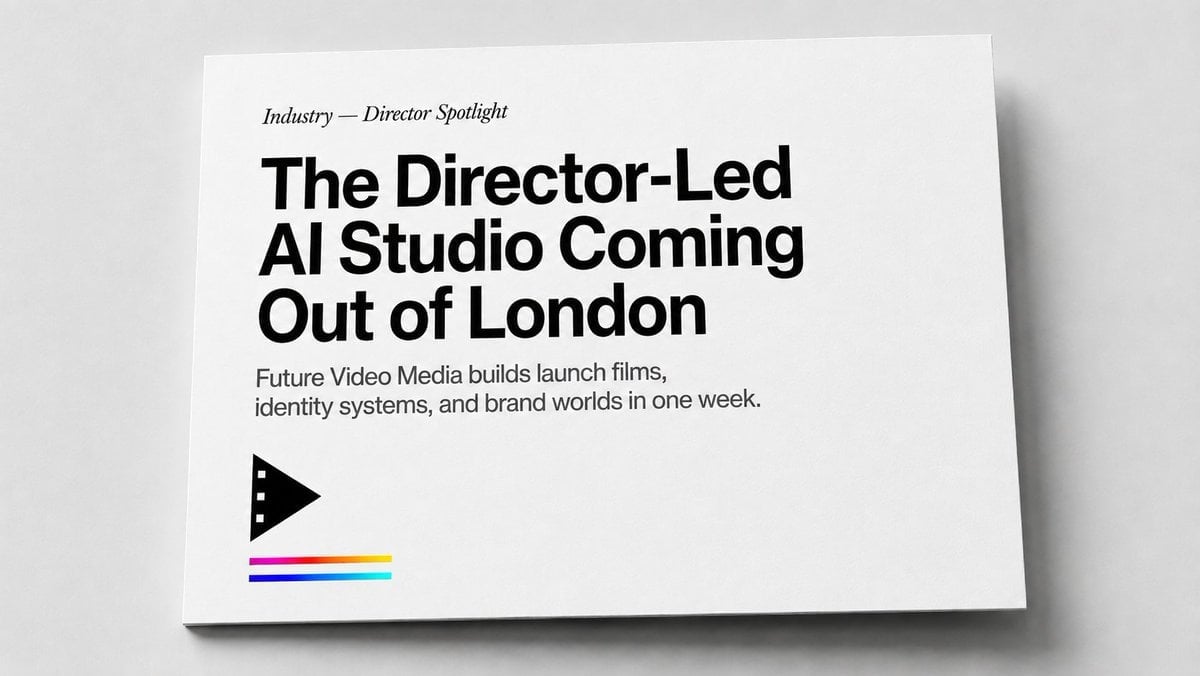
- Prompt included
- Model and format preset
- Premium template
The prompt behind this image
Copy the exact prompt behind Minimal Director-Led AI Studio Cover, or open it in the studio and make it yours.
Create a realistic editorial print mockup photographed from above at a slight angle: a single white landscape-format card or magazine cover lying on a pale gray tabletop, with soft studio lighting, subtle paper texture, a thin shadow under the lower and right edges, and lots of clean negative space. The design is minimalist black-and-white with a small color accent. Place all typography flush left in the upper-left quadrant: a small italic serif kicker reading “{argument name="section label" default="Industry — Director Spotlight"}”, then a very large bold black modern sans-serif headline on three lines reading “{argument name="headline text" default="The Director-Led AI Studio Coming Out of London"}”, followed by a smaller gray-black sans-serif subheading on two lines reading “{argument name="subheading text" default="Future Video Media builds launch films, identity systems, and brand worlds in one week."}”. In the lower-left area beneath the copy, add exactly 1 black geometric film/play icon: a right-pointing triangular play symbol with three small square film perforations along its left edge. Under the icon add exactly 3 thin horizontal color stripes, stacked with small gaps: top stripe magenta fading into red and yellow, middle stripe deep blue, bottom stripe cyan/teal. Keep the card edges crisp, the background neutral, the overall style like a premium magazine feature cover or agency one-sheet, with no extra text, no people, no watermark, and no additional logos.
How to use Minimal Director-Led AI Studio Cover in 3 steps
- 1Upload ImagePNG, JPG or paste
Add your photo
Upload the photo the template builds on. The prompt, model and format are already set.
- 2…a portrait of your subject in softgolden-hour light, 85mm…
Personalize
Edit the subject and creative details for your destination.
- 3Generate
Generate
Press Generate — your image is created in PicX Studio, so you can compare it with the original and refine one variable at a time.
More like this
Templates with the same subject, style or setup. Open one to see its prompt.

Japanese Architectural Concrete Studio Fashion Campaign

Soft Shadow Studio Minimalist Product Shot
Minimalist Scandinavian Editorial Fashion Portrait Series

Futuristic Studio Neon Ring Minimalist Portrait
Futuristic Studio Neon Ring Minimalist Portrait

80s Couple Studio Portrait

1985 Studio Portrait
Minimalist High-Fashion Studio Portrait

Minimalist Studio Fashion Portrait Grid
Minimalist Studio Fashion Portrait

Quiet Luxury Black and White Fashion Editorial Portrait

Cinematic Low-Angle Fashion Portrait Smoke Editorial
Make it yours
Minimal Director-Led AI Studio Cover works as-is. These are the safest ways to change it without losing the look.
Change one field
Copy a single group, rewrite it, and generate again so you can see what that field is doing.
Keep the frame, change the subject
Hold the composition and light of Minimal Director-Led AI Studio Cover, then swap wardrobe, props or the person for a new take.
| If the result… | Why | Fix |
|---|---|---|
| The result drifts from the preview | Too many fields changed at once. | Reuse Minimal Director-Led AI Studio Cover as-is first, then change one group — subject, light, or setting. |
| The model over-stylizes the scene | The prose prompt leaves finish and camera underspecified. | Add one camera or lighting sentence and stay on GPT Image 2. |
More GPT Image 2 templates
Other prompts made for GPT Image 2.

Six VTuber Japanese Logo Sheet

Realistic Portrait of Woman and Deer

The Vista Modular Condo Poster

AI Model Routing Comparison Infographic

2.5D Anime Art Board

Isometric Productivity Desk Scene

New York Double Exposure Poster

Four-Panel AI Landscape Comparison

Japanese Tatami Lifestyle Magazine Cover

NESCAFÉ Coffee Map Poster
More image prompts
Fresh picks from across the catalog.
Playful 8K Selfie of Young Woman Winking
Gpt2 Social Media Post Handwritten Realistic Letter
Minimal Clay Animal Trio
Cinematic Concert Crowd Photo Prompt
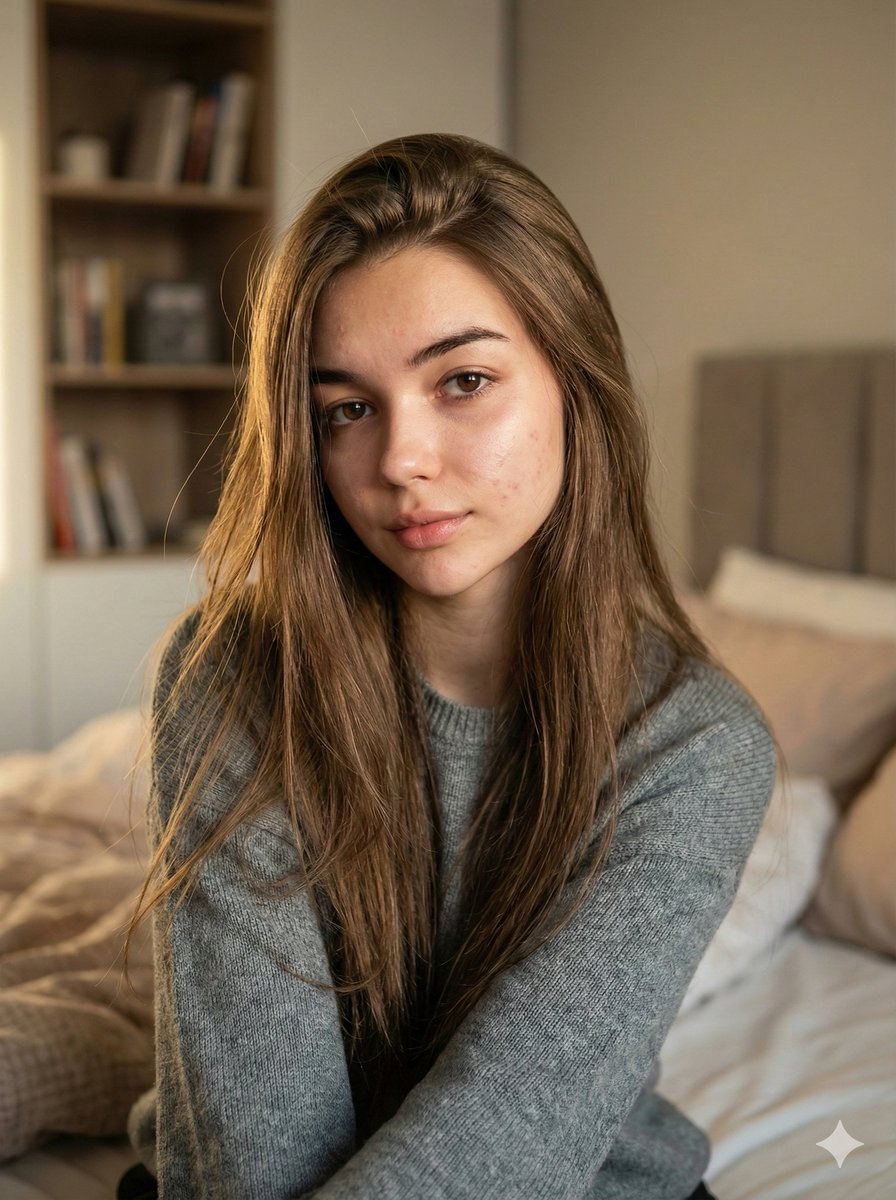
Nano Banana Pro Ultra Realistic Indoor Portrait Prompt
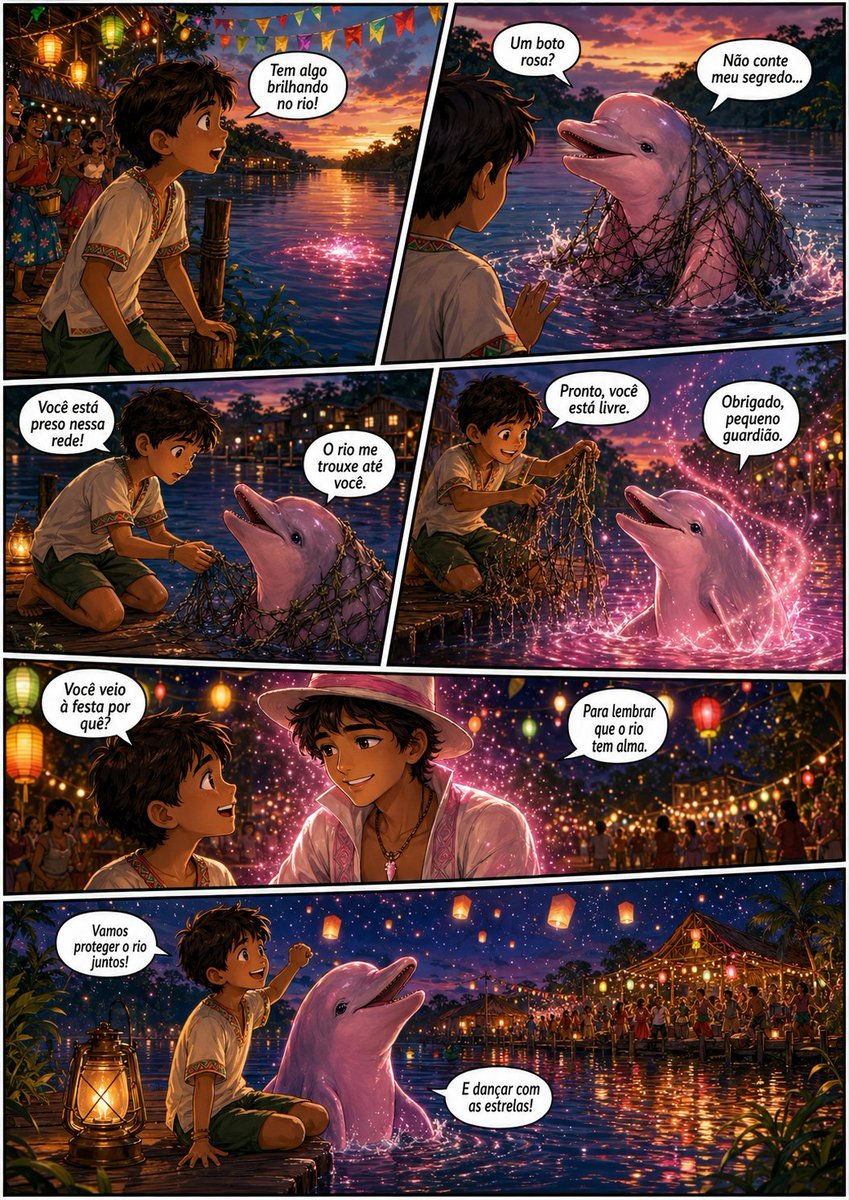
Pink Boto Festival Comic Page
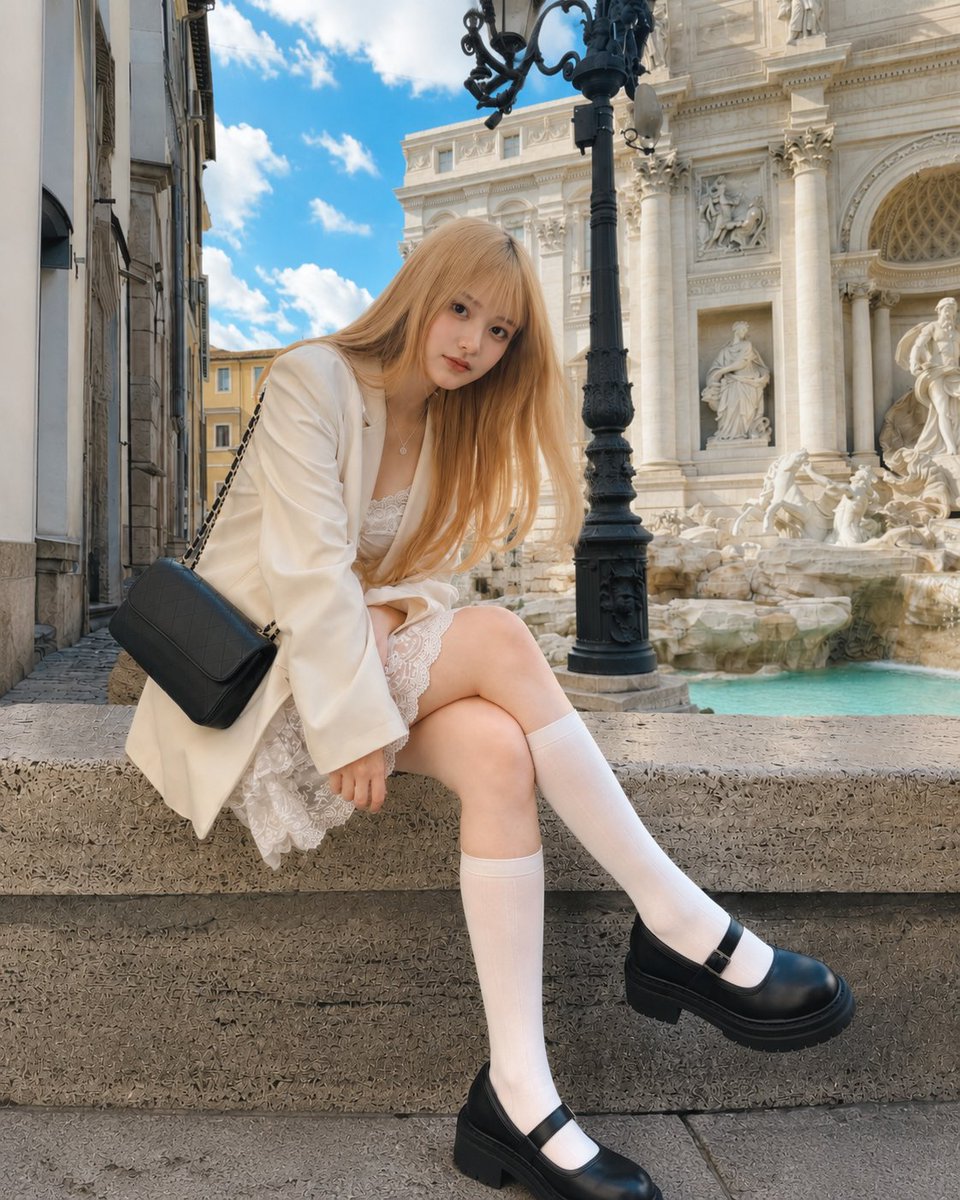
Rome Fountain Fashion Snapshot
Found a Small Spring
Gritty Córdoba Music Poster

Gpt2 Infographic Edu Visual Earth Signs Zodiac Character Poster
Browse template categories
Minimal Director-Led AI Studio Cover questions
How do I use the Minimal Director-Led AI Studio Cover template?
Add your photo if the template asks for one, edit the prompt if you like — the template's model and format are already selected — and press Generate. Your version opens in PicX Studio.
Can I customize the Minimal Director-Led AI Studio Cover template?
Yes. You can change the subject, setting, lighting, mood, format, and available model controls before creating your image.
Is the Minimal Director-Led AI Studio Cover template free?
Opening and editing this template is free. Generating uses credits, shown on the Generate button when you are signed in.
Which AI model should I use?
Start with GPT Image 2, which is the model associated with this template. You can compare another compatible model for a different finish.
Looking for something else? Browse all templates.

Your photo, any look
Thousands of ready templates for every top image and video model, from one credit balance.