
Cinematic Low-Angle Fashion Portrait Smoke Editorial
Negative prompt: harsh shadows, overexposure, messy hair, flat lighting, low resolution, cartoon, illustration, distortion, noisy background

- Prompt included
- Model and format preset
- Premium template
The prompt behind this image
Copy the exact prompt behind Cinematic Low-Angle Fashion Portrait Smoke Editorial, or open it in the studio and make it yours.
Fashion portrait photography, young woman with reddish-brown auburn hair and softly waved texture, centered medium close-up from upper chest to slightly above head, low angle slightly upward-facing, eyes closed, slightly parted lips, calm confident introspective expression. Translucent peach-tinted round glasses, dangling elongated metallic earrings, gold-toned pendant necklace. Deep V-neck tailored jacket or dress with vertical multicolored stripes in orange, red, green, teal, yellow, smooth slightly reflective fabric, front button at mid-torso. Soft frontal studio lighting with slight side emphasis, moderate contrast, soft shadows under chin and neck, colored smoke or mist in pink coral peach soft green. Sharp focus on face and clothing texture, cinematic warm pastel palette, clean professional editorial-grade finish.
How to use Cinematic Low-Angle Fashion Portrait Smoke Editorial in 3 steps
- 1
Open
The prompt is already in the box next to the preview, with the template's model and format selected.
- 2…a portrait of your subject in softgolden-hour light, 85mm…
Personalize
Edit the subject and creative details for your destination.
- 3Generate
Generate
Press Generate — your image is created in PicX Studio, so you can compare it with the original and refine one variable at a time.
More like this
Templates with the same subject, style or setup. Open one to see its prompt.
Cinematic Low-Angle Fashion Portrait Smoke Editorial

Caution Tape Fashion — Industrial Editorial

Studio Quality Portrait Generation Using

Couture Fashion Editorial Woman and Drag

Nano Banana 2 Editorial Fashion Portrait

80s Couple Studio Portrait

80s Bollywood Star

1985 Studio Portrait

Fashion Portrait Colored Smoke Studio

Low-Angle Cyberpunk Neon Profile Portrait

Campaign Smoke National Symbols World Cup
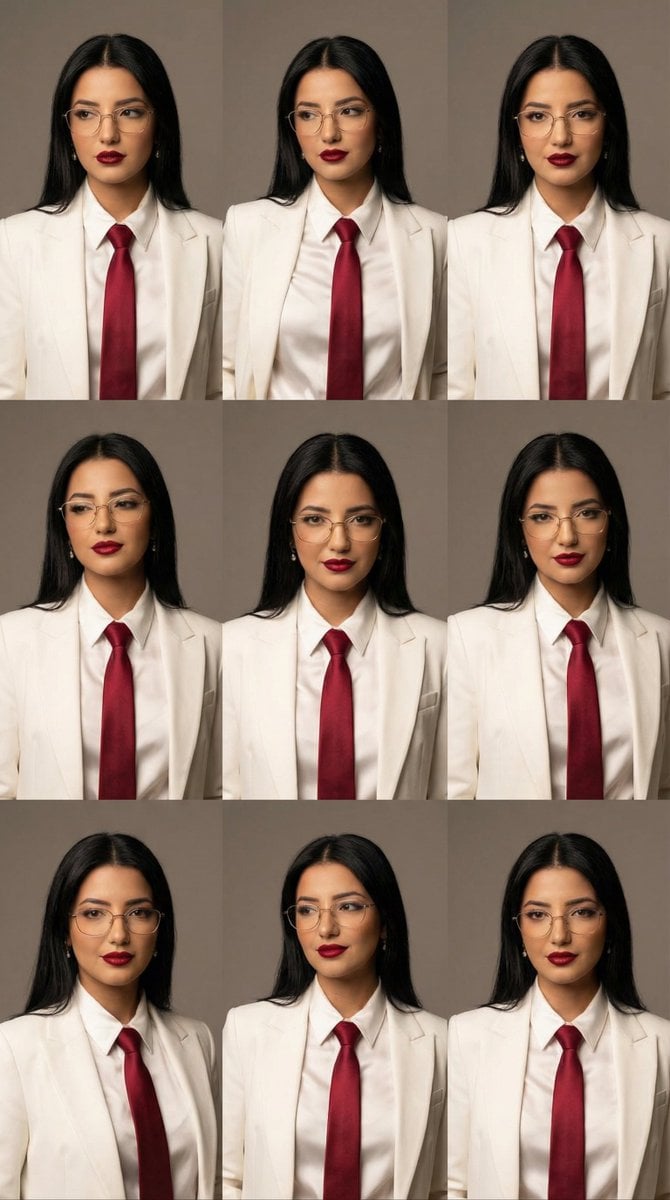
High-Fashion Editorial Portrait Grid with Glasses
Make it yours
Cinematic Low-Angle Fashion Portrait Smoke Editorial works as-is. These are the safest ways to change it without losing the look.
Change one field
Copy a single group, rewrite it, and generate again so you can see what that field is doing.
Keep the frame, change the subject
Hold the composition and light of Cinematic Low-Angle Fashion Portrait Smoke Editorial, then swap wardrobe, props or the person for a new take.
| If the result… | Why | Fix |
|---|---|---|
| The result drifts from the preview | Too many fields changed at once. | Reuse Cinematic Low-Angle Fashion Portrait Smoke Editorial as-is first, then change one group — subject, light, or setting. |
| The model over-stylizes the scene | The prose prompt leaves finish and camera underspecified. | Add one camera or lighting sentence and stay on PicX Studio. |
More image prompts
Fresh picks from across the catalog.
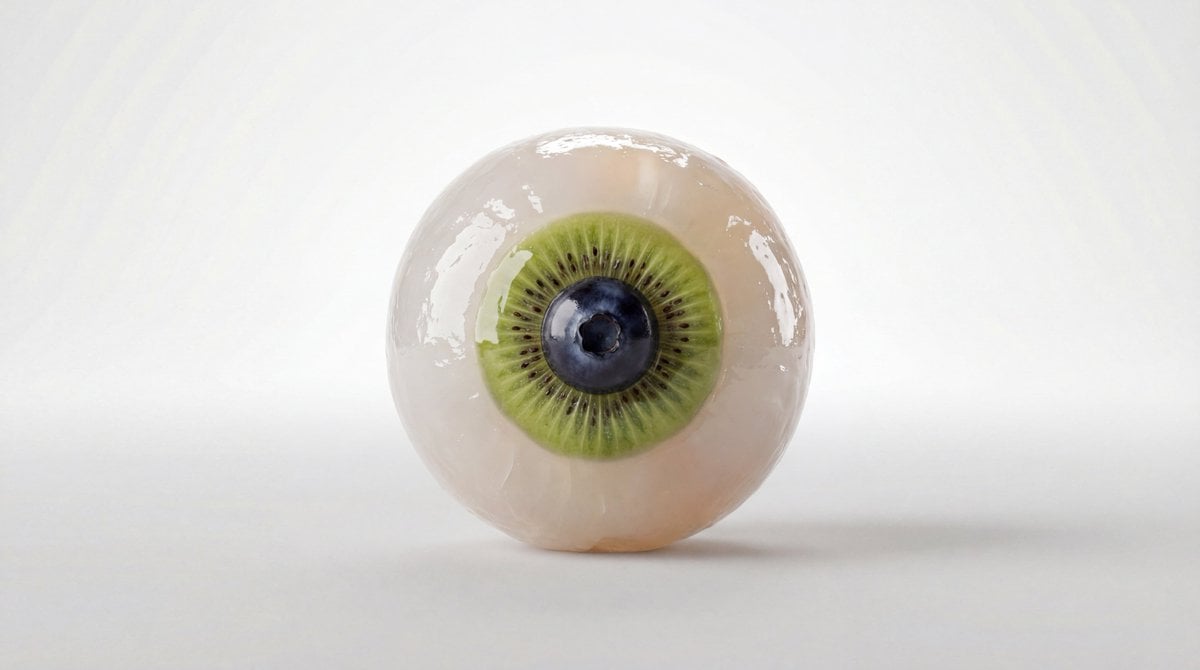
Fruit and Vegetable Food Sculpture Prompt Template
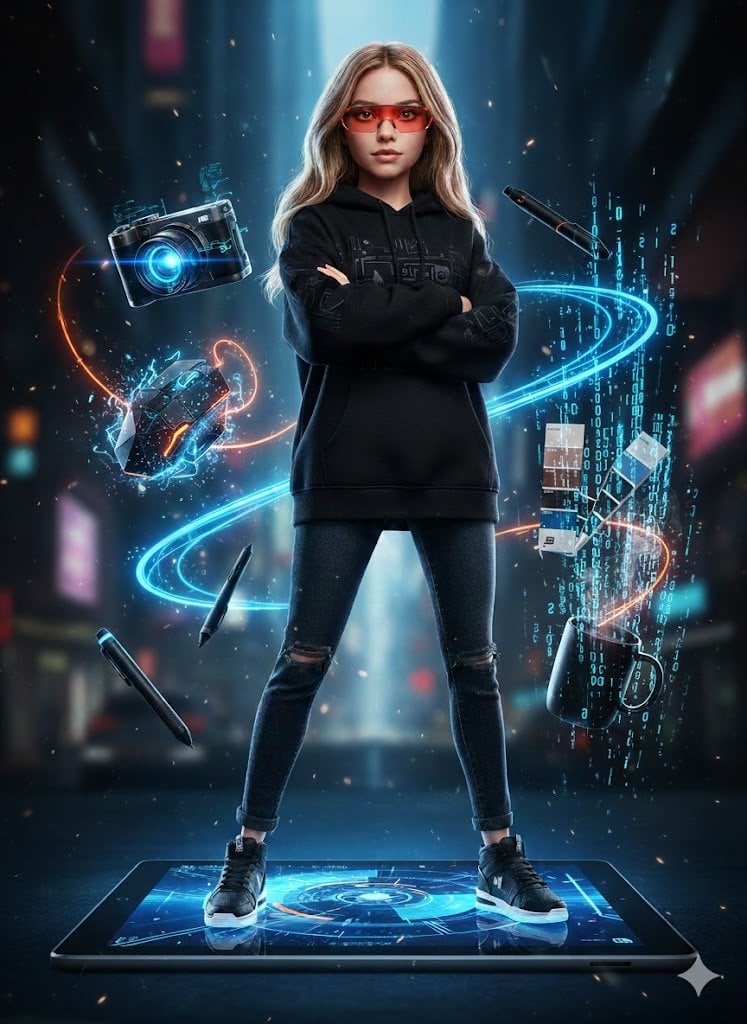
Action Figure Stylization Prompt
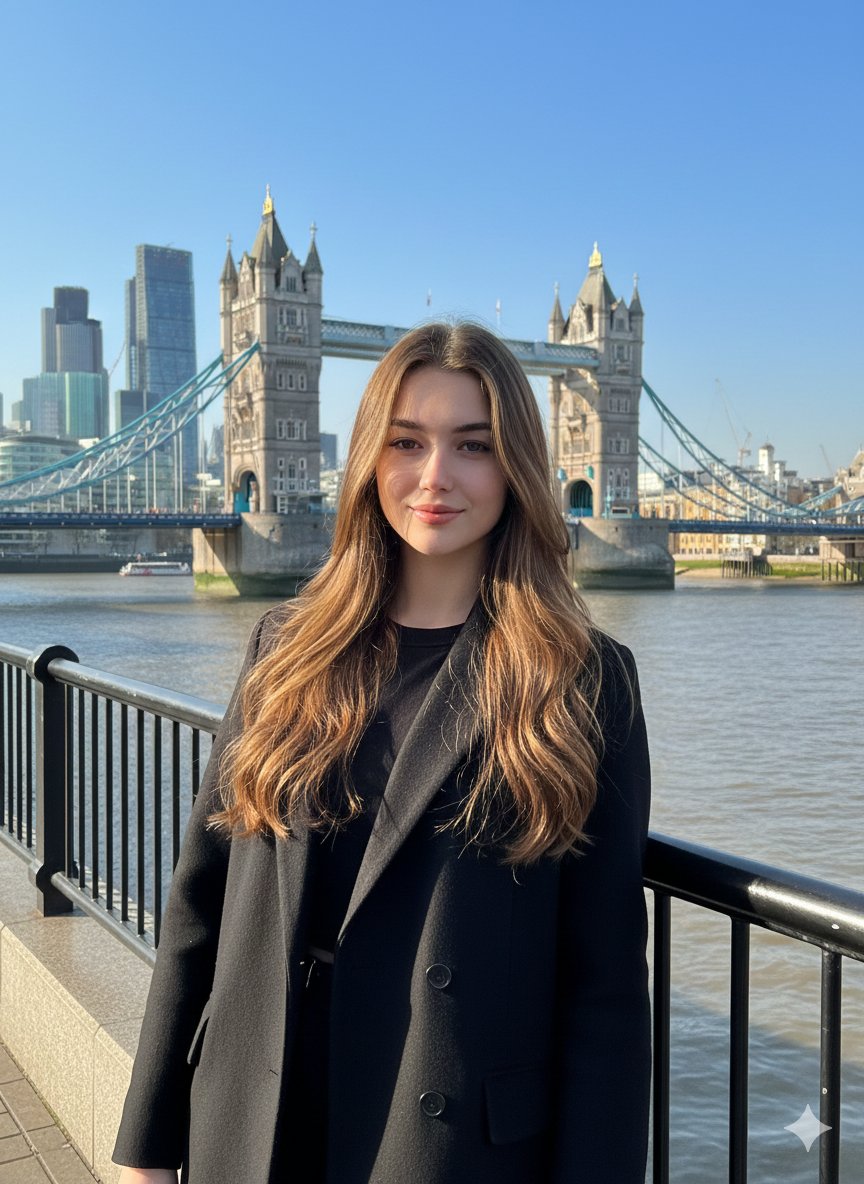
Photorealistic Travel Portrait with Identity Lock
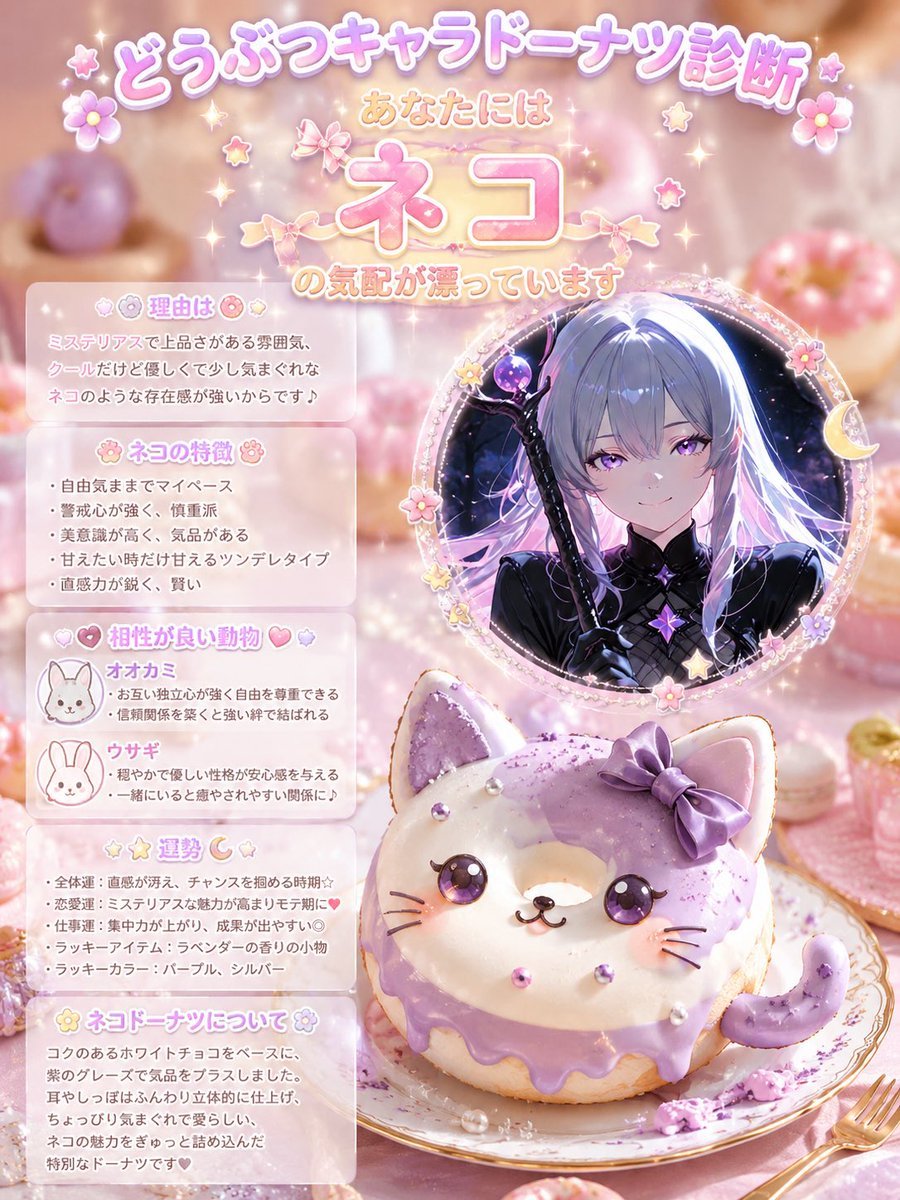
Kawaii Cat Donut Diagnosis Poster
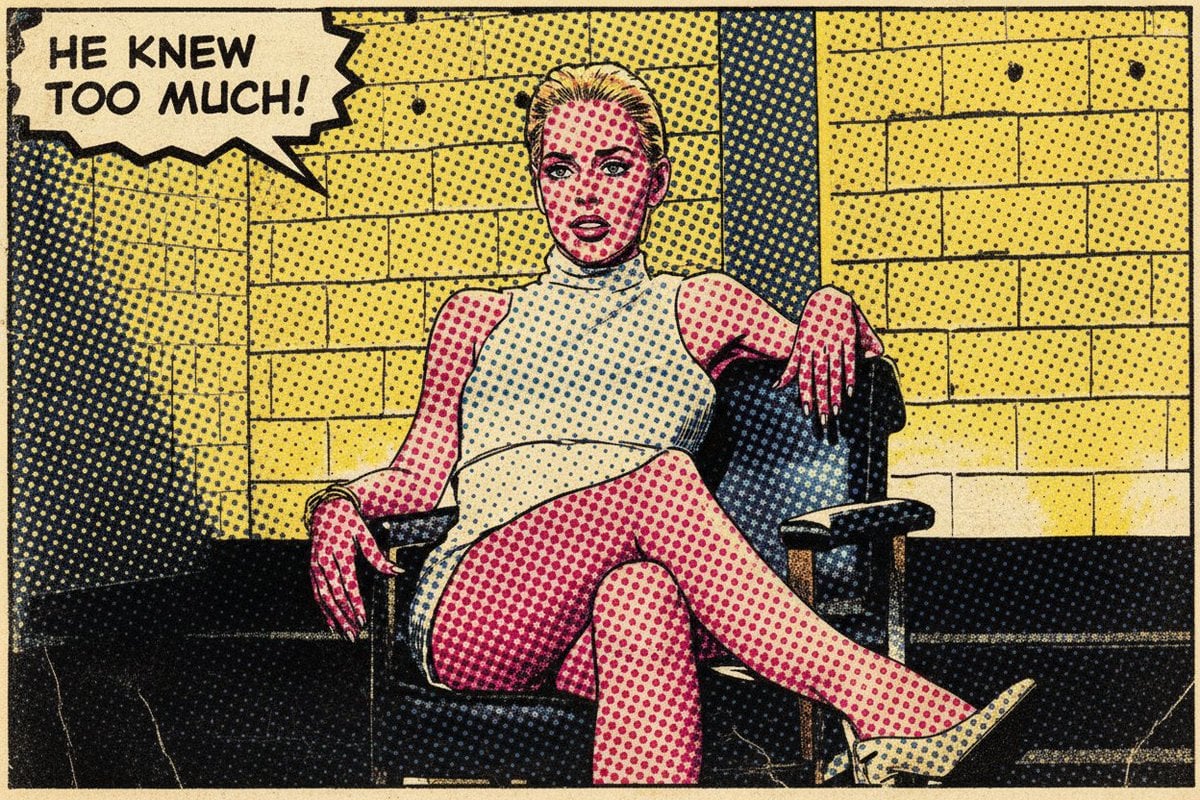
Pop Art Comic Book Style Transfer

Hero-style product advertising poster
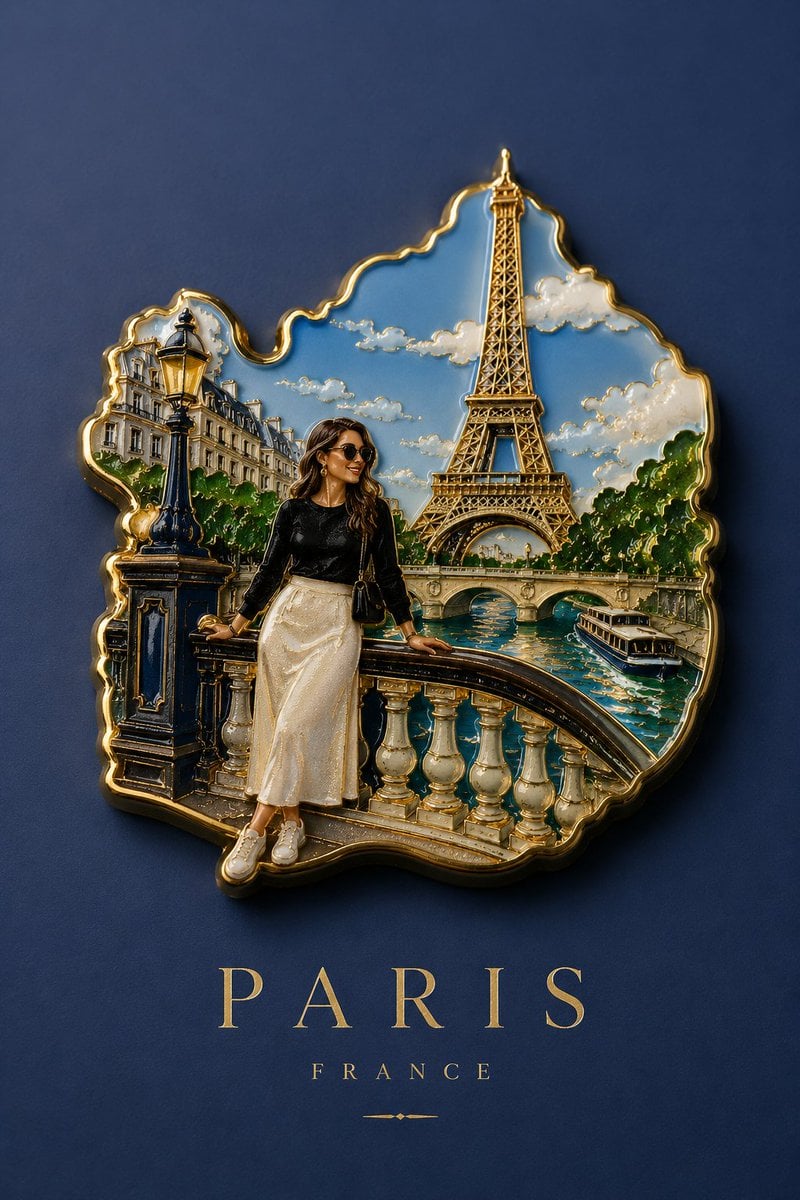
Handmade Enamel Souvenir Magnet
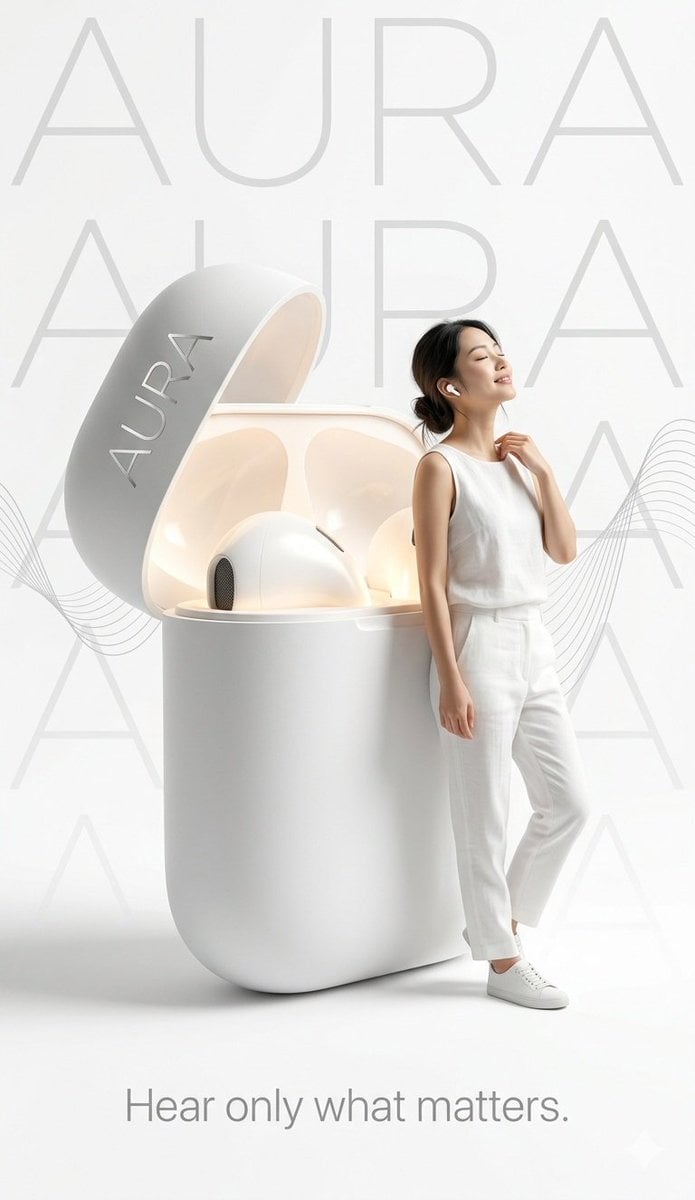
Minimalist Tech Advertisement Poster
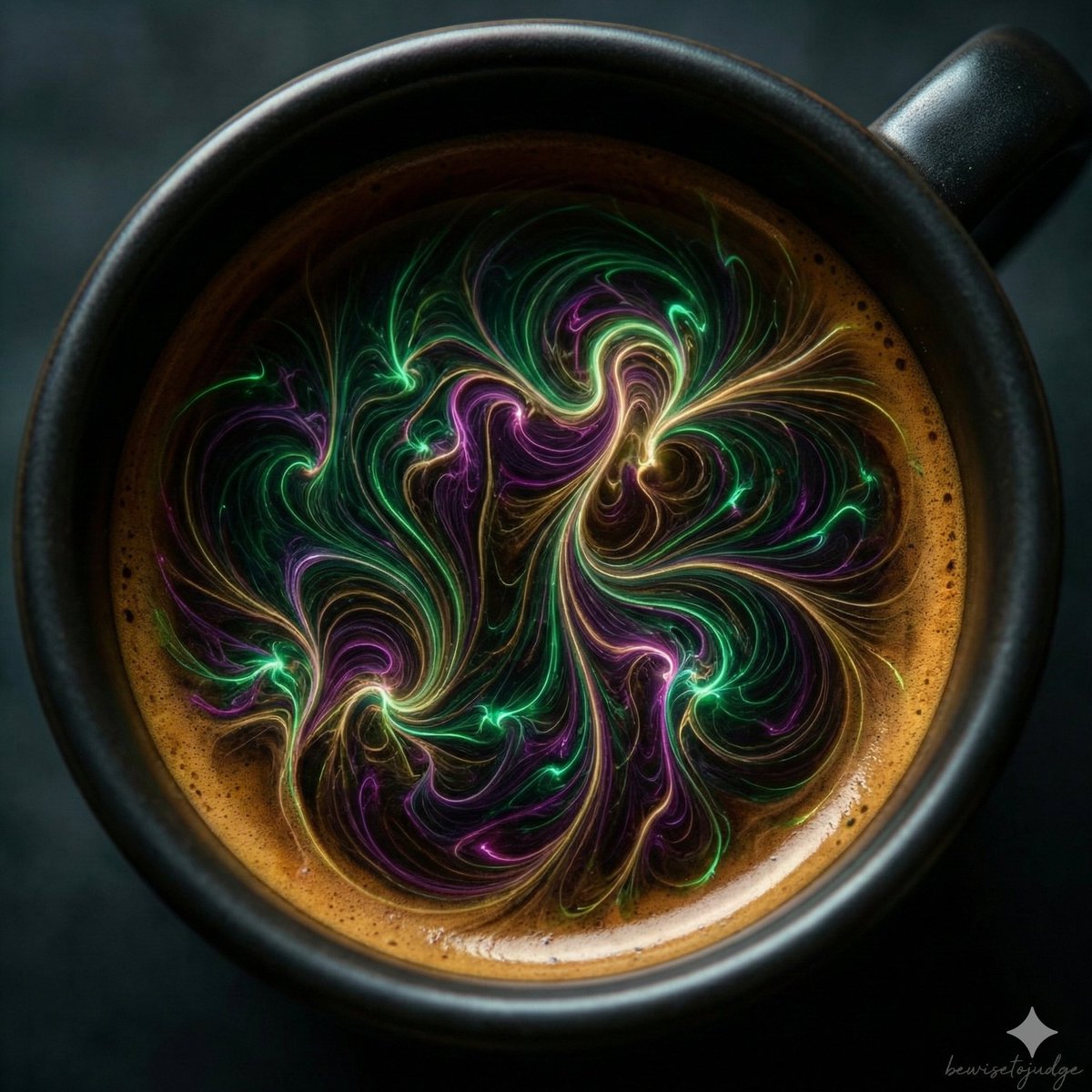
Abstract Microscopic View of Living Coffee Crema
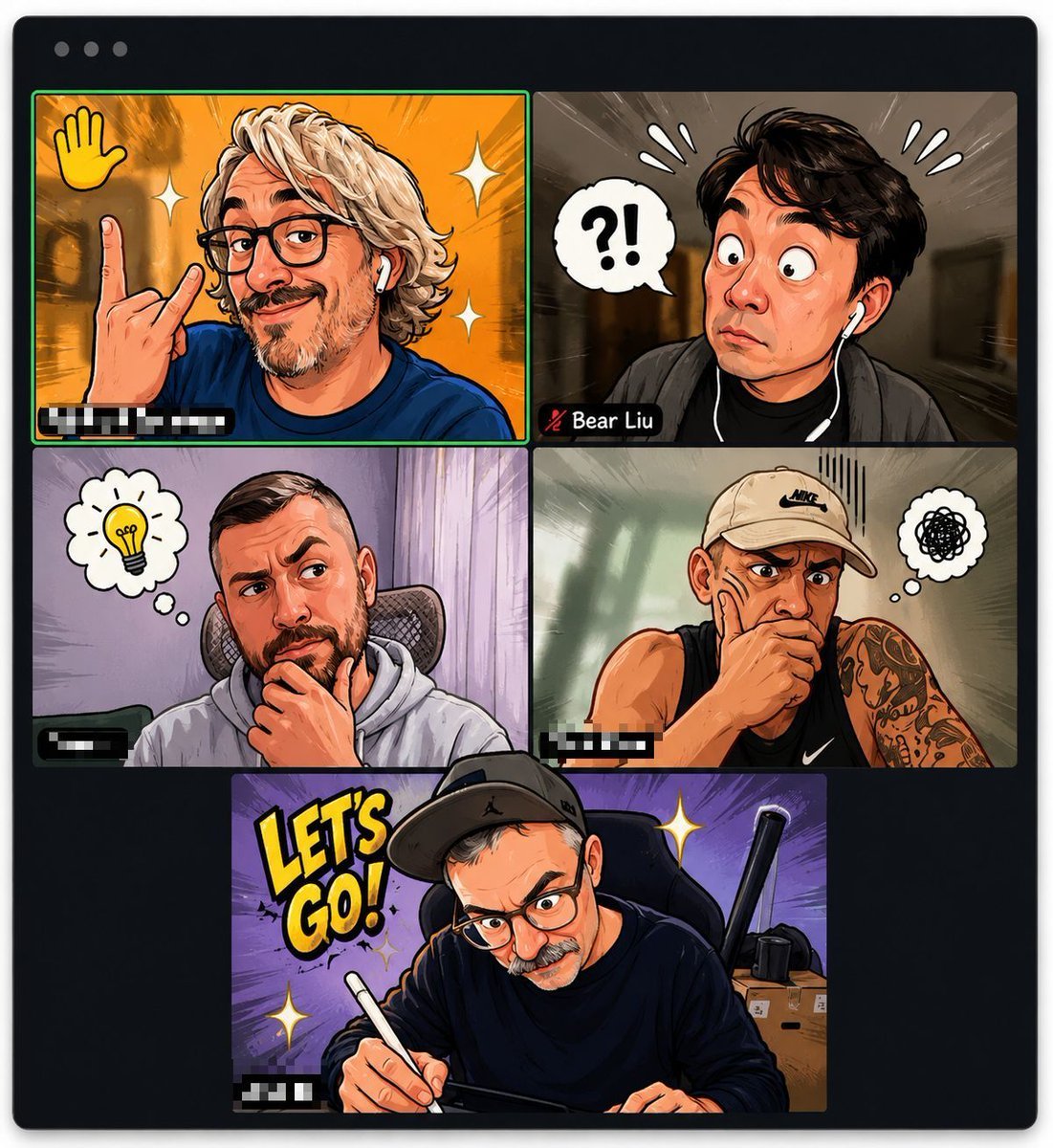
Comic Cartoon Video Call
Browse template categories
Cinematic Low-Angle Fashion Portrait Smoke Editorial questions
How do I use the Cinematic Low-Angle Fashion Portrait Smoke Editorial template?
Add your photo if the template asks for one, edit the prompt if you like — the template's model and format are already selected — and press Generate. Your version opens in PicX Studio.
Can I customize the Cinematic Low-Angle Fashion Portrait Smoke Editorial template?
Yes. You can change the subject, setting, lighting, mood, format, and available model controls before creating your image.
Is the Cinematic Low-Angle Fashion Portrait Smoke Editorial template free?
Opening and editing this template is free. Generating uses credits, shown on the Generate button when you are signed in.
Which AI model should I use?
Choose a compatible model in PicX Studio based on the style, speed, and output controls your project needs.
Looking for something else? Browse all templates.

Your photo, any look
Thousands of ready templates for every top image and video model, from one credit balance.