
Handmade Enamel Souvenir Magnet
A prompt for creating premium 3D enamel souvenir magnets based on travel photos with luxury branding
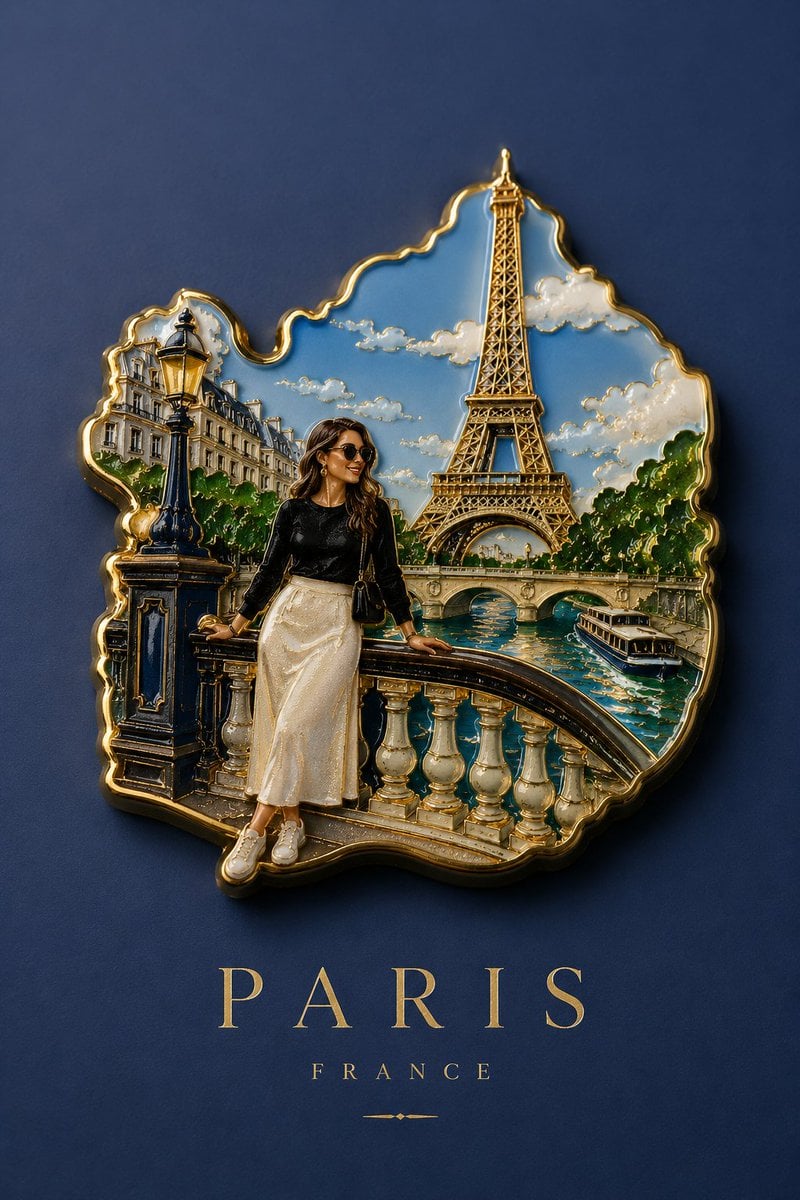
- Prompt included
- Model and format preset
- Free template
The prompt behind this image
Copy the exact prompt behind Handmade Enamel Souvenir Magnet, or open it in the studio and make it yours.
Create a premium collectible handmade enamel souvenir magnet based on the {argument name="reference" default="uploaded photo"}. Preserve the {argument name="subject" default="main person"} from the original image and integrate them naturally into the composition as the central subject. Design the magnet as a realistic three-dimensional enamel object with sculpted depth, recessed enamel areas, and ultra-thin polished gold metal contours. Use selective gold outlining only on important shapes and landmarks. Do not outline every detail. The magnet must have an elegant organic silhouette that follows the shape of the landmark, architecture, and landscape from the original image. Avoid square, rectangular, circular frames, stickers, borders, badges, or plaques. The composition should prominently feature: The person from the original photo, Key architecture and landmarks, Scenic landscape elements, Authentic travel destination atmosphere. Material and rendering: Realistic handcrafted enamel texture, Embossed gold metal edges, Premium museum-store souvenir quality, Cinematic luxury travel collectible aesthetic, Soft studio lighting, Subtle reflections on metal surfaces, Gentle realistic shadows, High-end product photography look, Ultra-detailed 3D depth. Background: Use a clean minimalist background whose color matches one of the dominant colors from the original image. Typography: Place elegant serif typography centered beneath the magnet. Typography style: Luxury editorial serif font, All capital letters, Very wide letter spacing, Minimalist travel-poster aesthetic, Sophisticated luxury branding. Text hierarchy: Main {argument name="city" default="destination/city name"} large and prominent, {argument name="region" default="Country or region"} name smaller underneath. Final output: Luxury tourism souvenir advertisement, museum-shop collectible enamel magnet, ultra-realistic product photography, 8K, highly detailed, premium craftsmanship, elegant minimalism.
How to use Handmade Enamel Souvenir Magnet in 3 steps
- 1Upload ImagePNG, JPG or paste
Add your photo
Upload the photo the template builds on. The prompt, model and format are already set.
- 2…a portrait of your subject in softgolden-hour light, 85mm…
Personalize
Edit the subject and creative details for your destination.
- 3Generate
Generate
Press Generate — your image is created in PicX Studio, so you can compare it with the original and refine one variable at a time.
More like this
Templates with the same subject, style or setup. Open one to see its prompt.

Handmade Enamel Magnet Souvenir
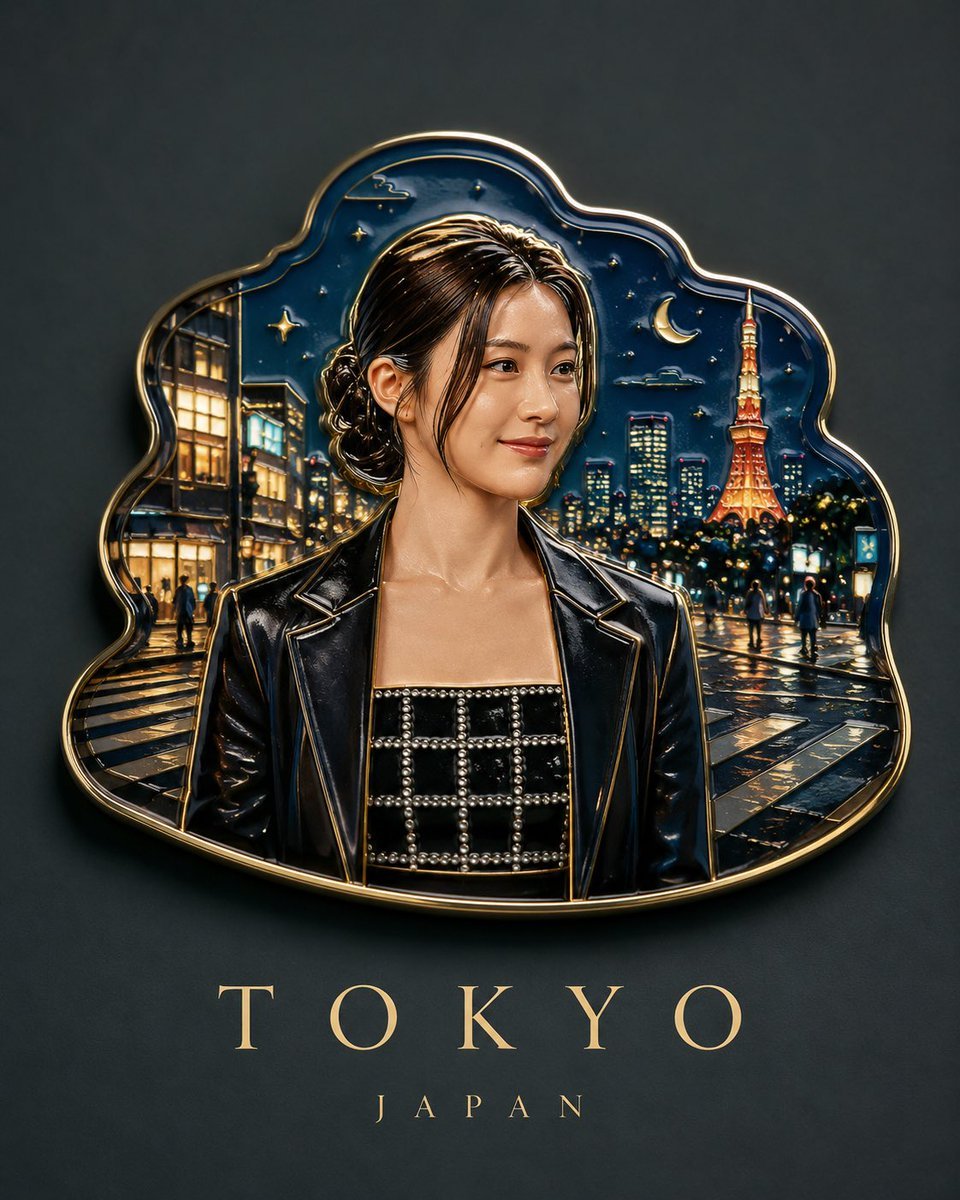
Handmade Enamel Souvenir Magnet Design

Custom Enamel Souvenir Magnet
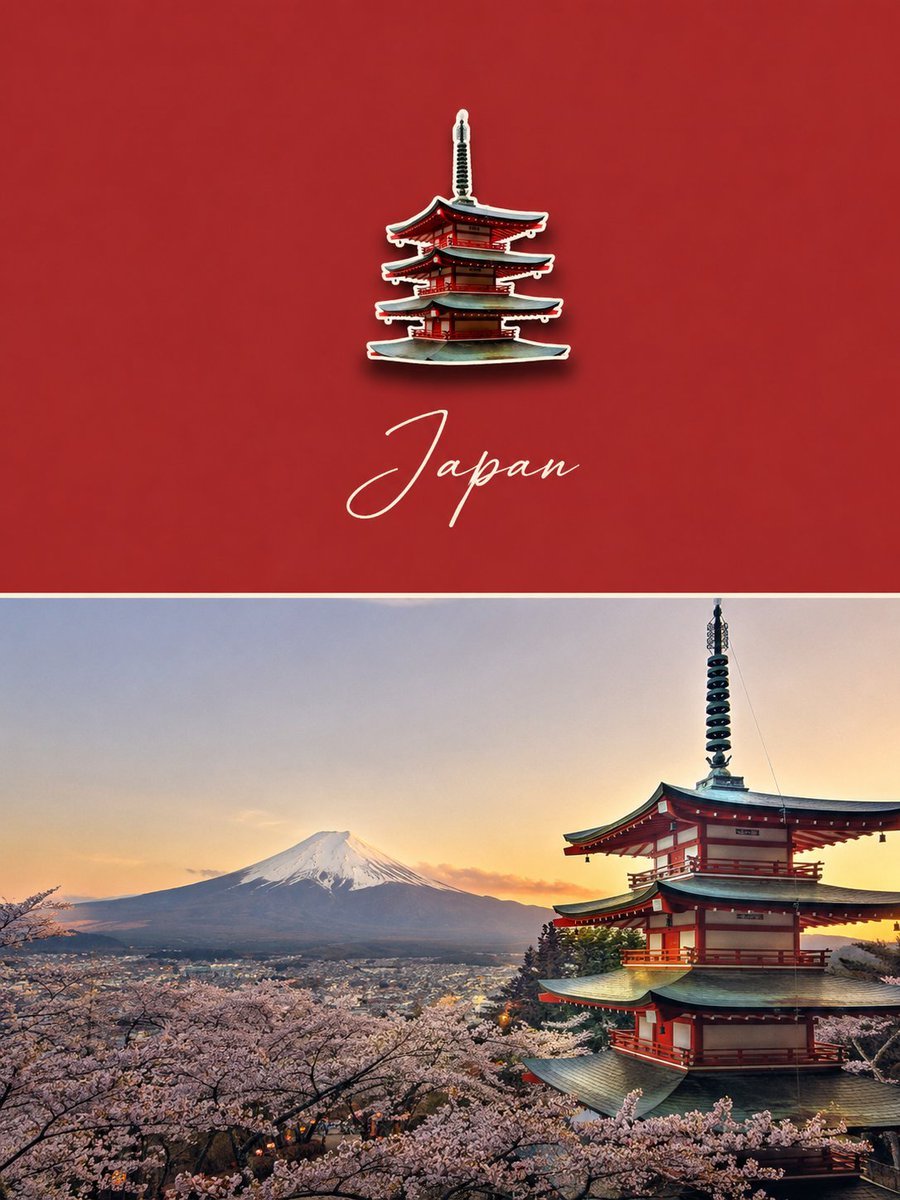
Luxury Travel Poster with Souvenir Magnet
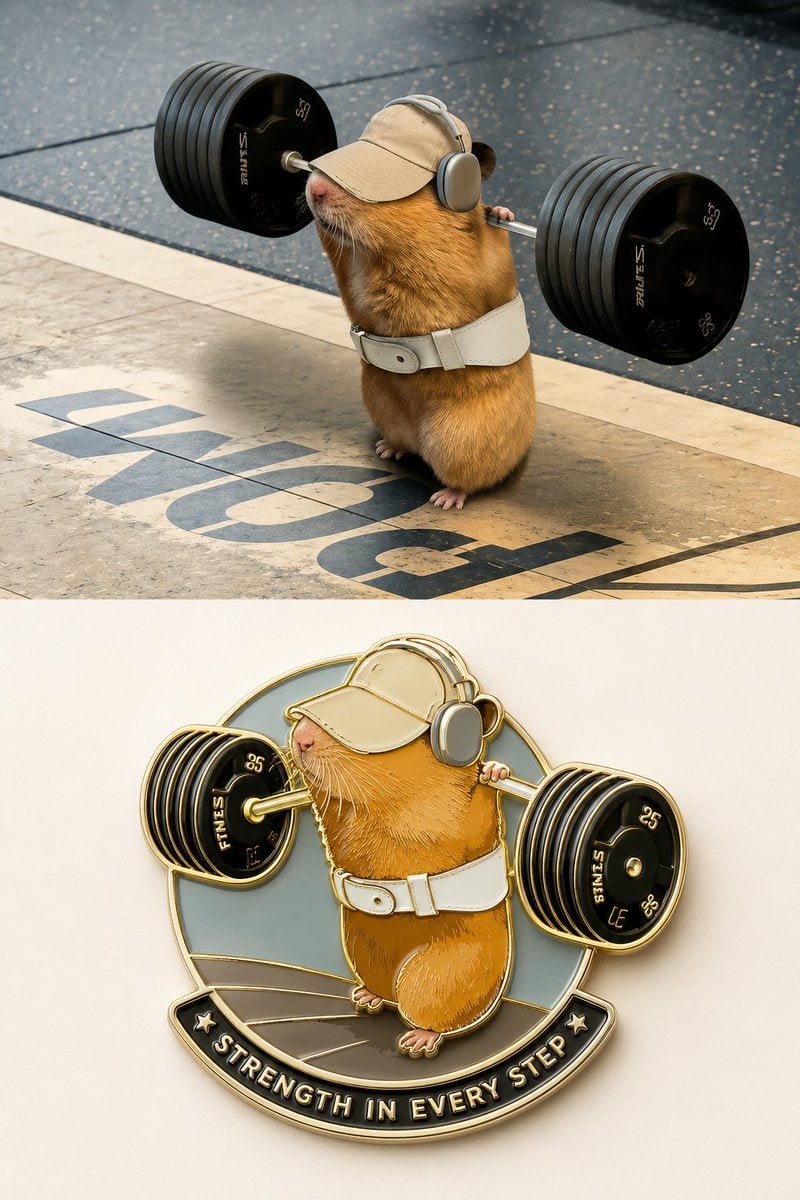
Enamel Travel Magnet Poster Design

Felt & Knit 3D Character — Photo-Exact Face, Pixar-Quality Plush Figurine

Stop Motion Finale Fireworks

Stop Motion Garden Maze

Stop Motion Rooftop Concert

Stop Motion Bicycle Coast
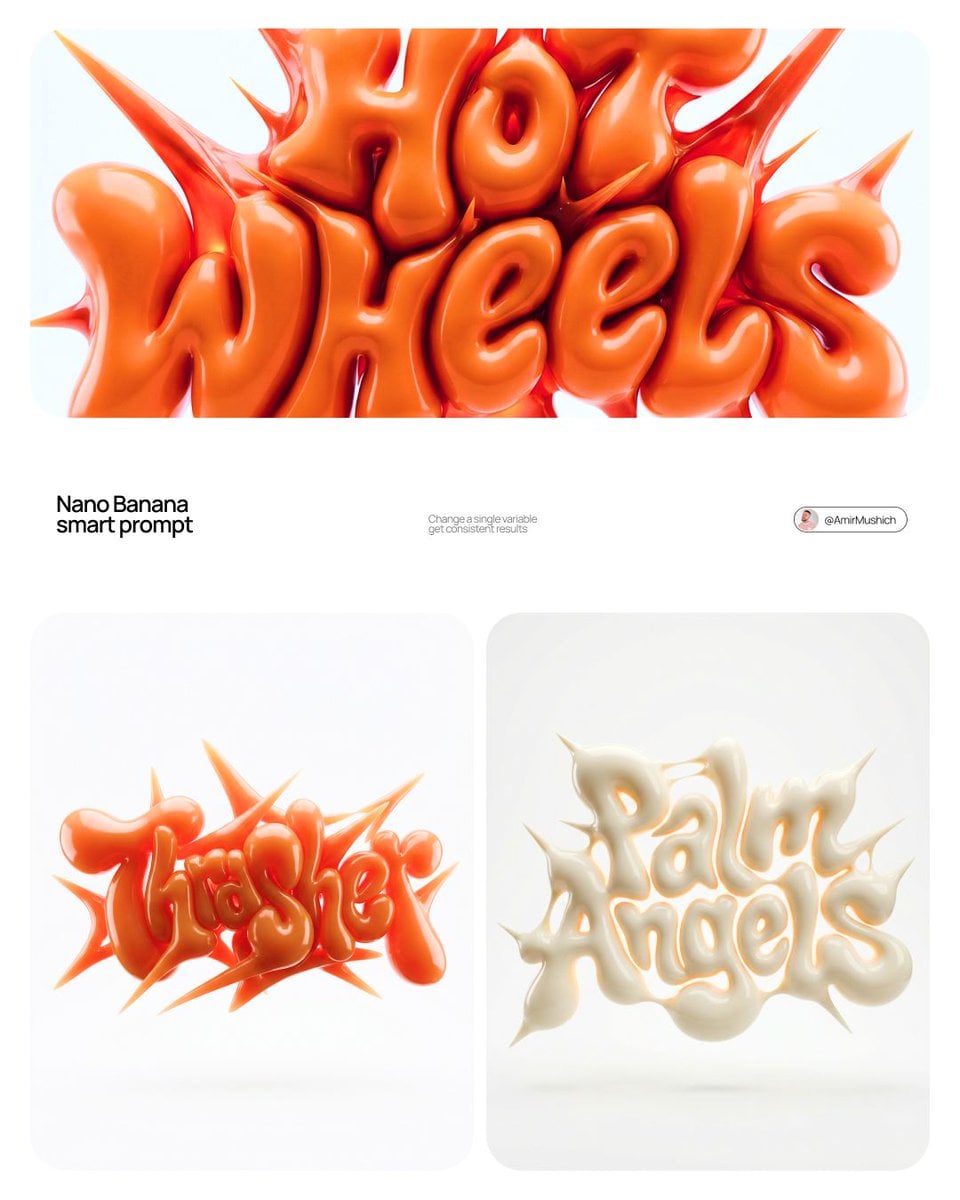
Stop Motion Castle Gate

Stop Motion Kitchen Chaos
Make it yours
Handmade Enamel Souvenir Magnet works as-is. These are the safest ways to change it without losing the look.
Change one field
Copy a single group, rewrite it, and generate again so you can see what that field is doing.
Keep the frame, change the subject
Hold the composition and light of Handmade Enamel Souvenir Magnet, then swap wardrobe, props or the person for a new take.
| If the result… | Why | Fix |
|---|---|---|
| The result drifts from the preview | Too many fields changed at once. | Reuse Handmade Enamel Souvenir Magnet as-is first, then change one group — subject, light, or setting. |
| The model over-stylizes the scene | The prose prompt leaves finish and camera underspecified. | Add one camera or lighting sentence and stay on GPT Image 2. |
More GPT Image 2 templates
Other prompts made for GPT Image 2.

Six VTuber Japanese Logo Sheet

Realistic Portrait of Woman and Deer

The Vista Modular Condo Poster

AI Model Routing Comparison Infographic

2.5D Anime Art Board

Isometric Productivity Desk Scene

New York Double Exposure Poster

Four-Panel AI Landscape Comparison

Japanese Tatami Lifestyle Magazine Cover

NESCAFÉ Coffee Map Poster
More image prompts
Fresh picks from across the catalog.
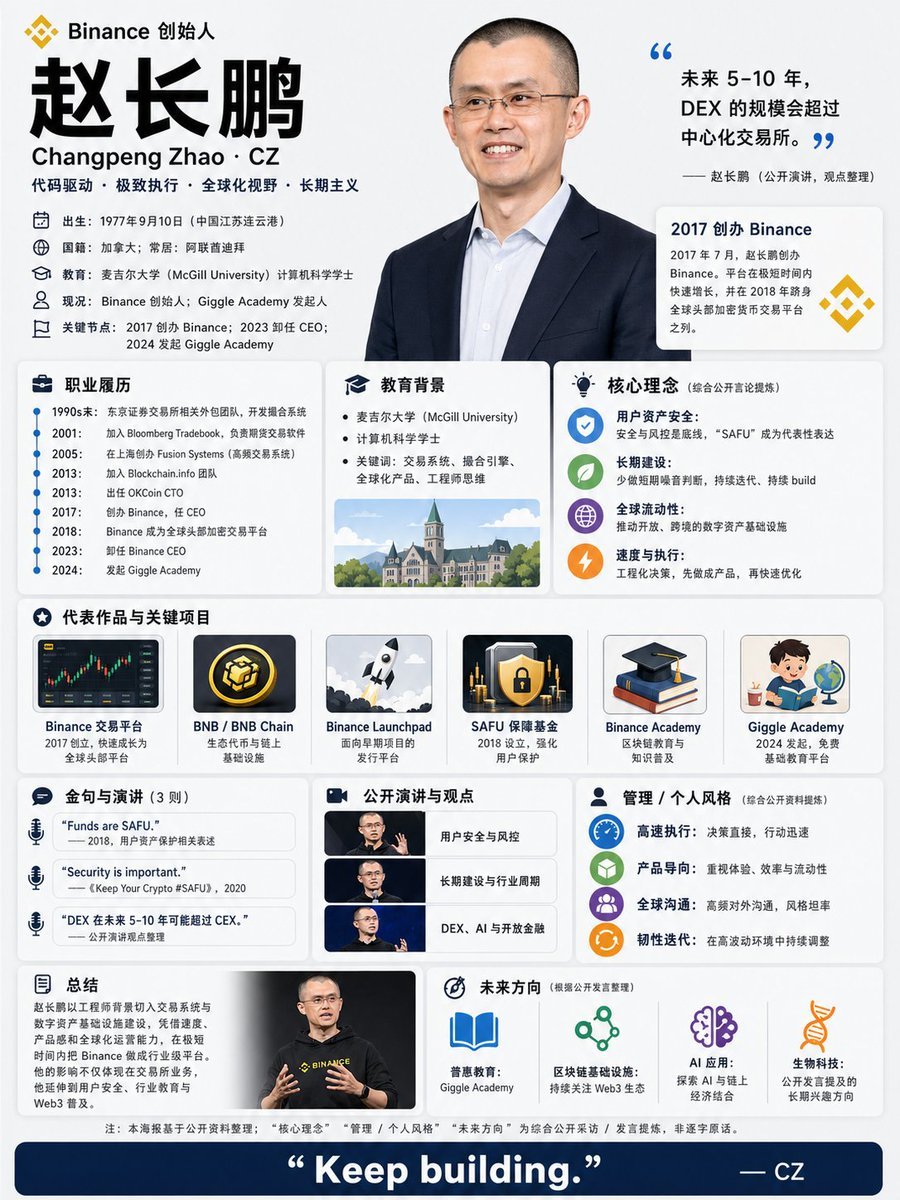
CZ Biography Infographic Poster
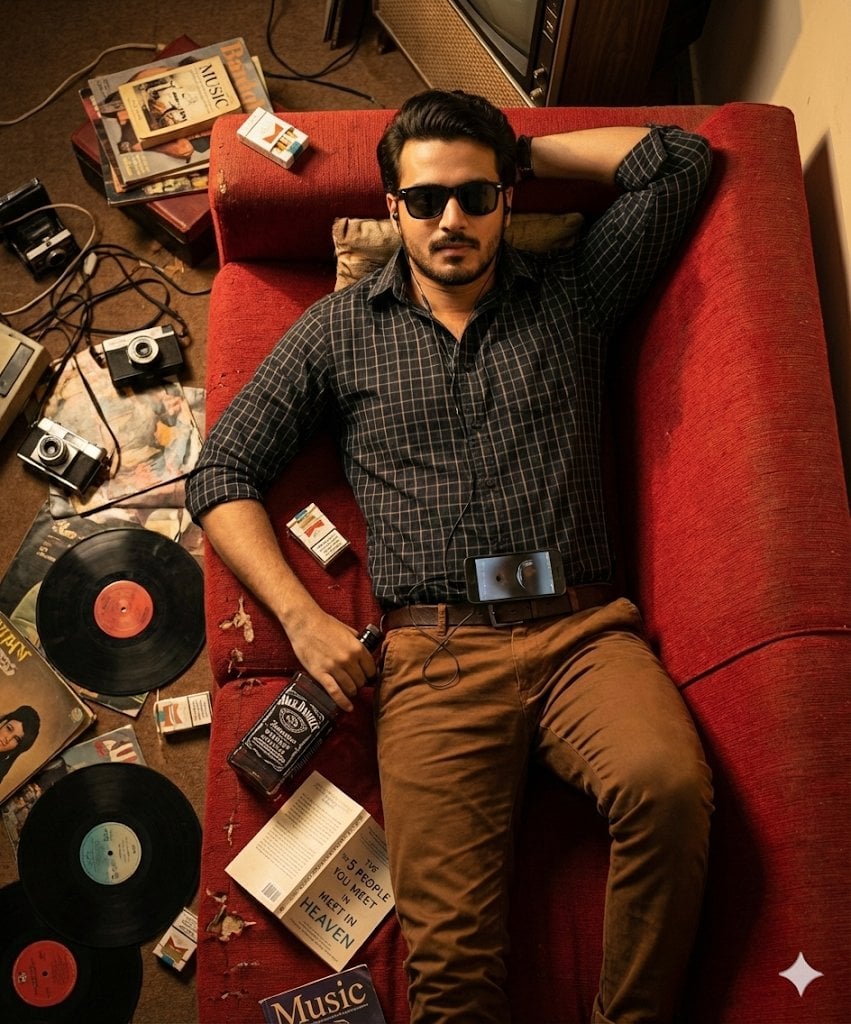
Cinematic Overhead Portrait of a Man on a Red Couch

Graphic Novel Ink Splatter Portrait
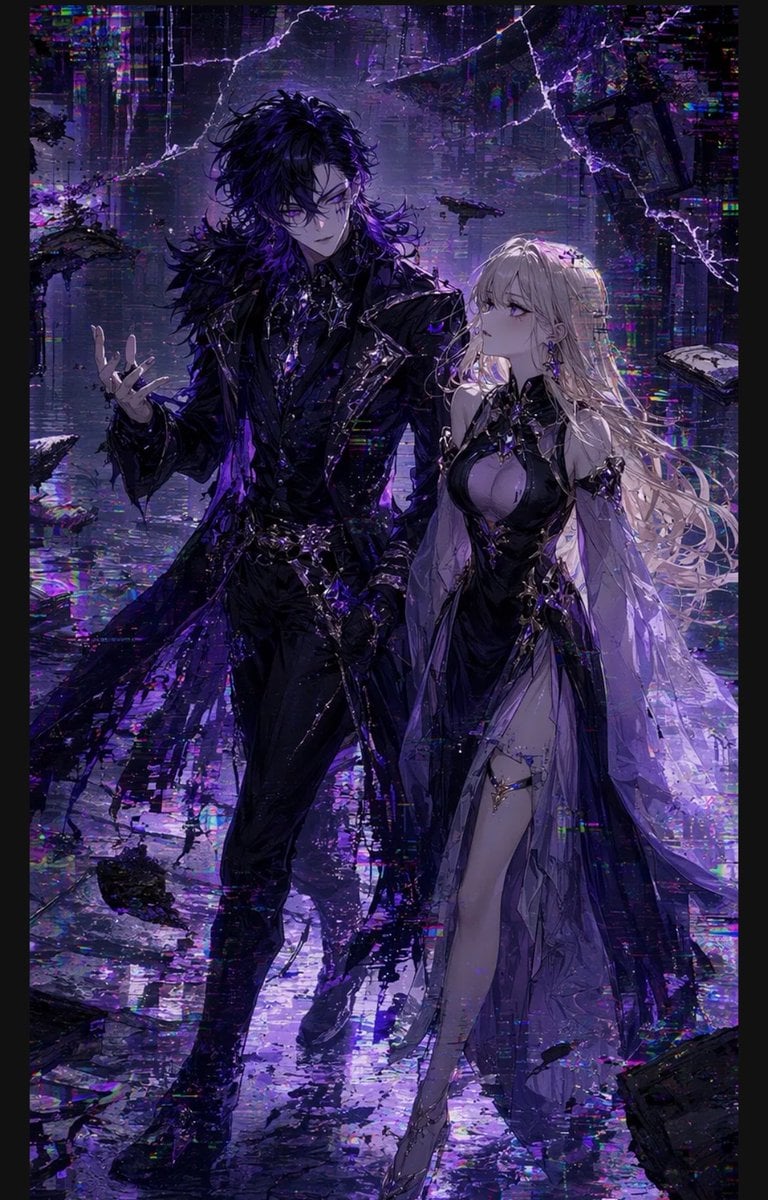
Gothic Cyberpunk Duo in Ruined City

Nano Banana 2 Gourmet Ice Cream Commerci
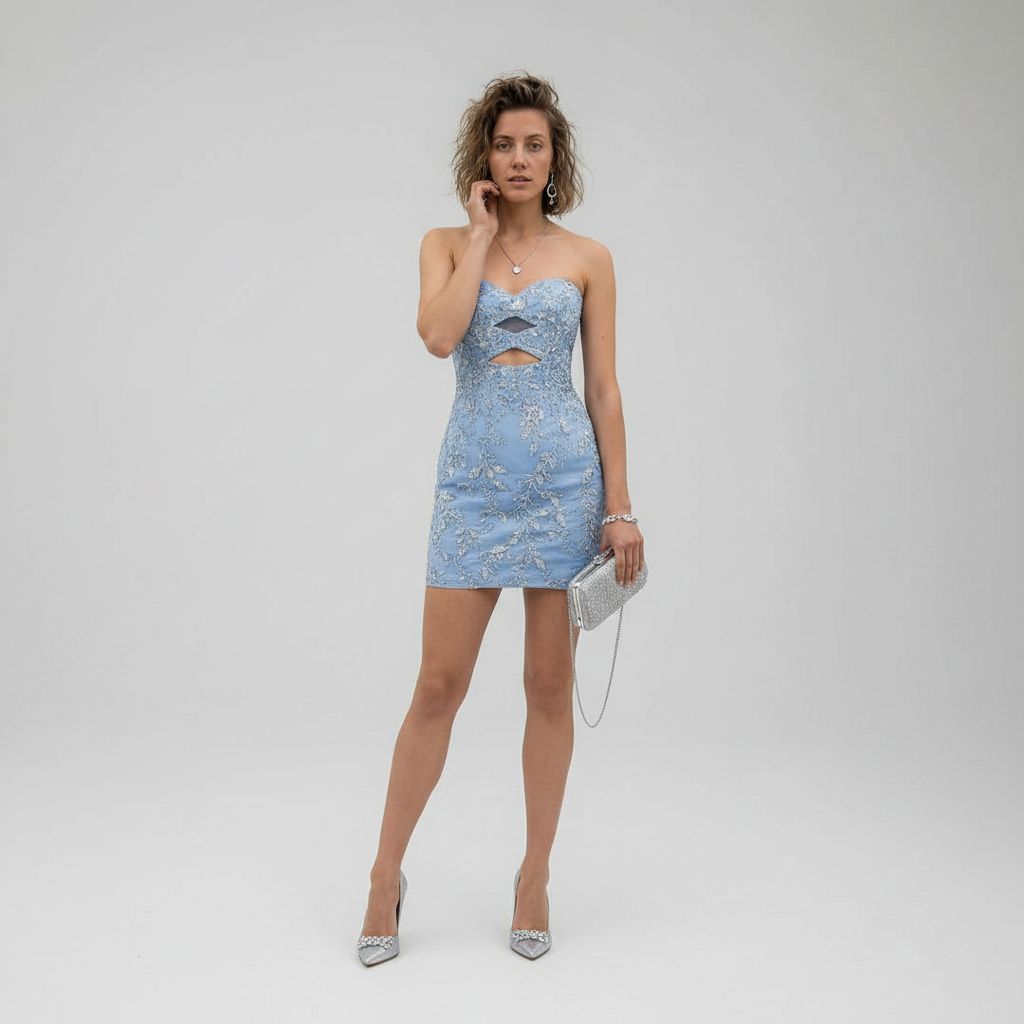
Gpt2 Profile Avatar Luxury Studio Outfit Transformation
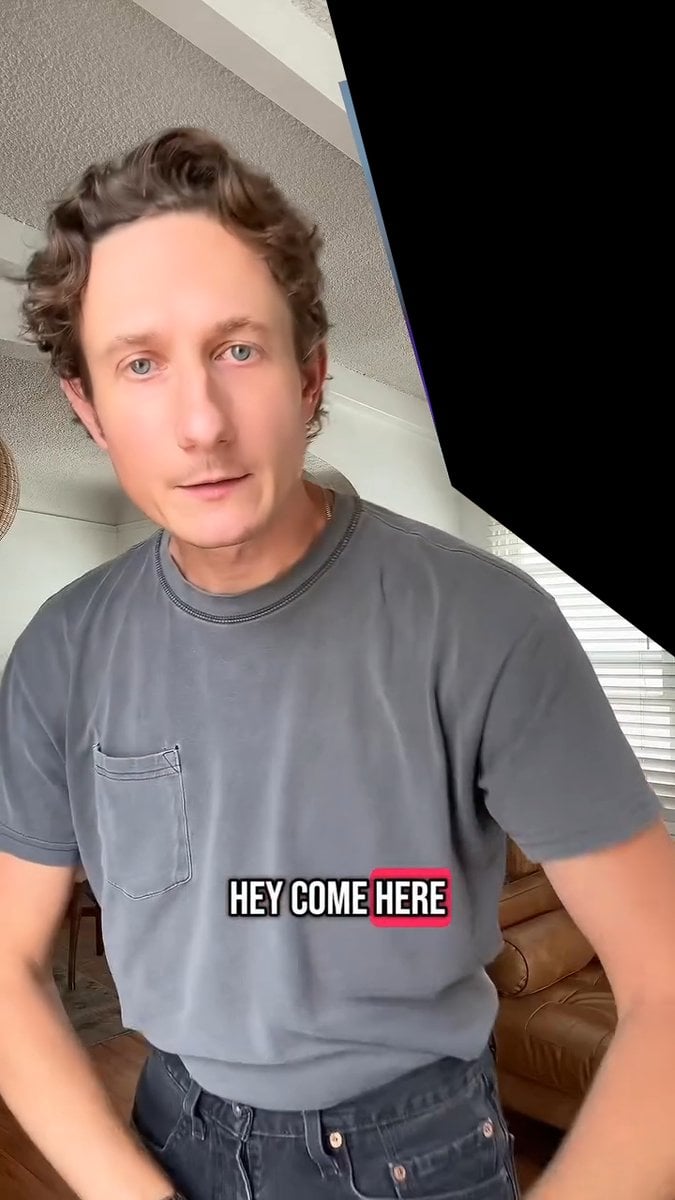
Image Editing and Background Replacement Workflow
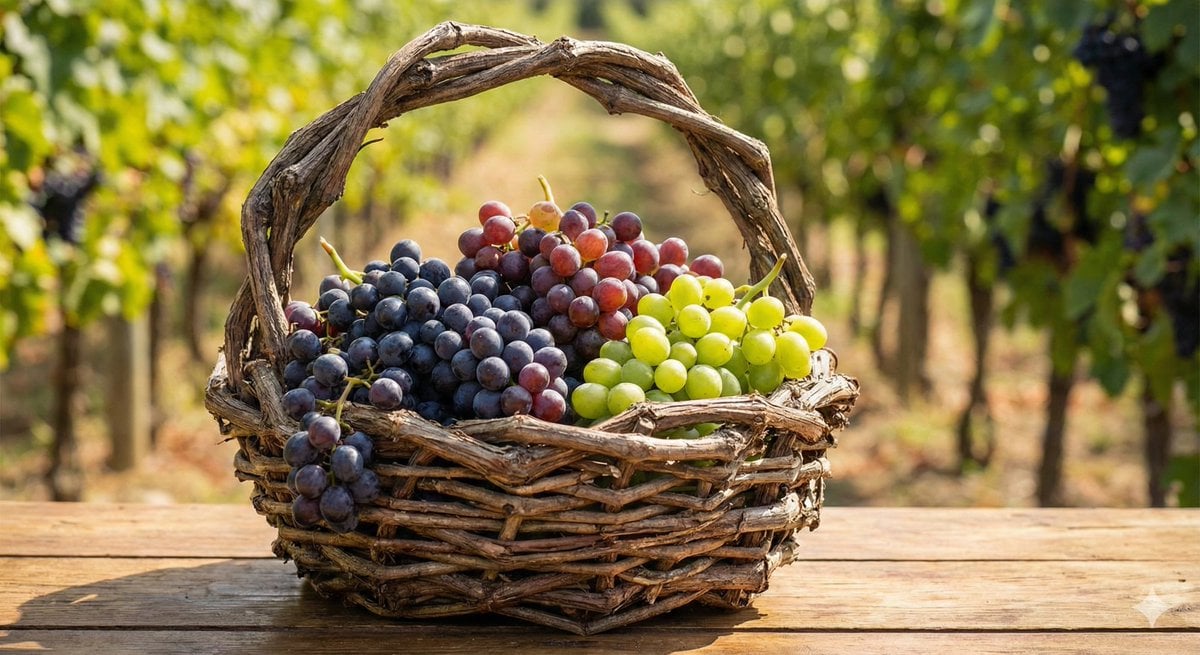
Simple grapes-in-a-basket image prompt
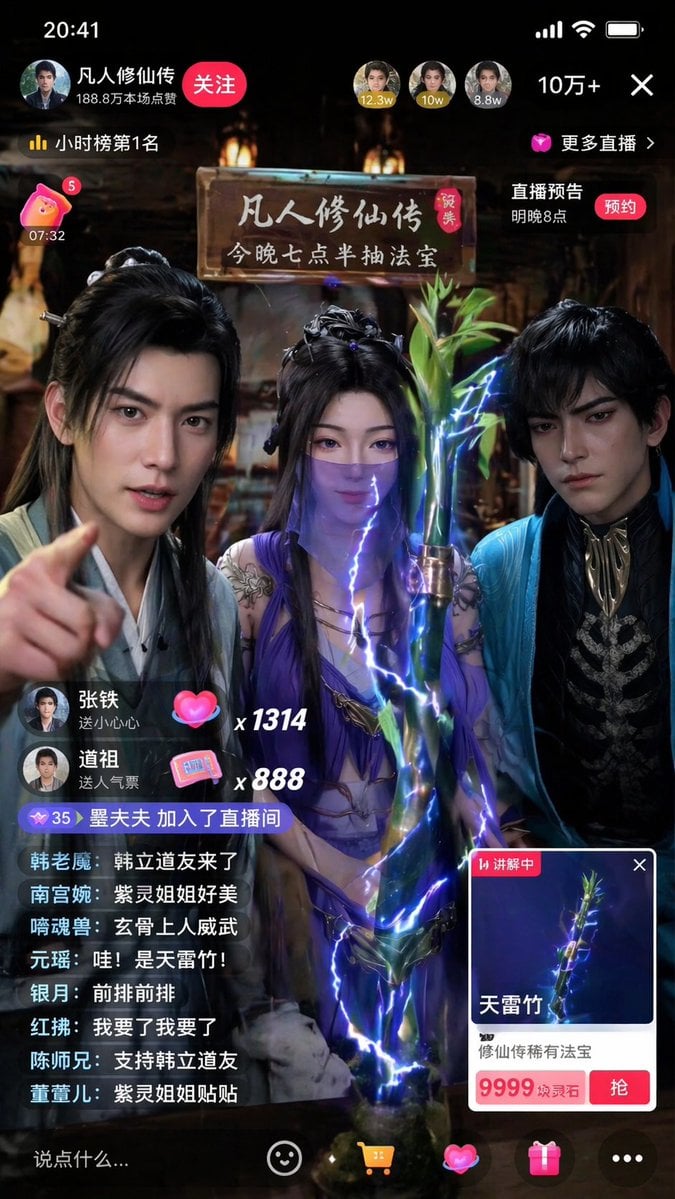
Immersive Cultivation Novel Livestream Prompt
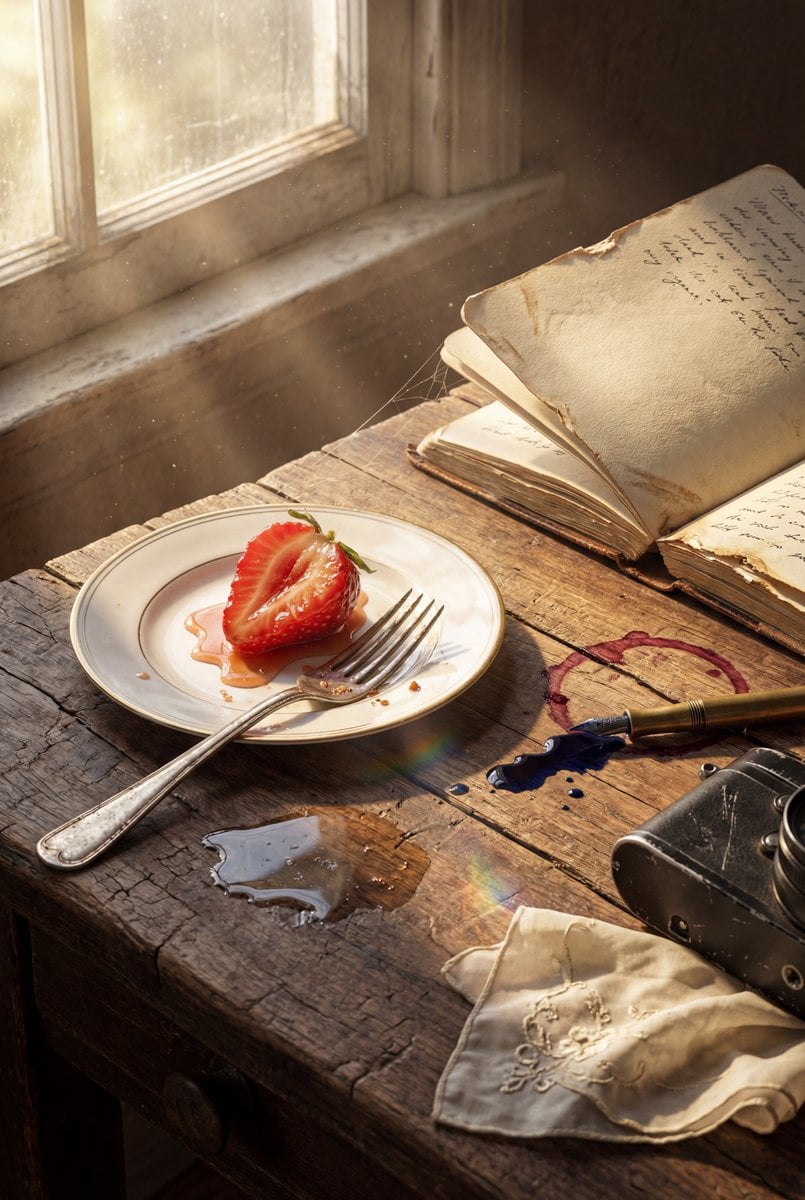
Highly detailed 8K morning still life desk scene prompt
Browse template categories
Handmade Enamel Souvenir Magnet questions
How do I use the Handmade Enamel Souvenir Magnet template?
Add your photo if the template asks for one, edit the prompt if you like — the template's model and format are already selected — and press Generate. Your version opens in PicX Studio.
Can I customize the Handmade Enamel Souvenir Magnet template?
Yes. You can change the subject, setting, lighting, mood, format, and available model controls before creating your image.
Is the Handmade Enamel Souvenir Magnet template free?
Opening and editing this template is free. Generating uses credits, shown on the Generate button when you are signed in.
Which AI model should I use?
Start with GPT Image 2, which is the model associated with this template. You can compare another compatible model for a different finish.
Looking for something else? Browse all templates.

Your photo, any look
Thousands of ready templates for every top image and video model, from one credit balance.