
Luxury Travel Poster with Souvenir Magnet
A specialized prompt for creating luxury travel posters by isolating a primary subject from an uploaded photo and turning it into a realistic enamel magnet on a minimalist, two-toned layout.
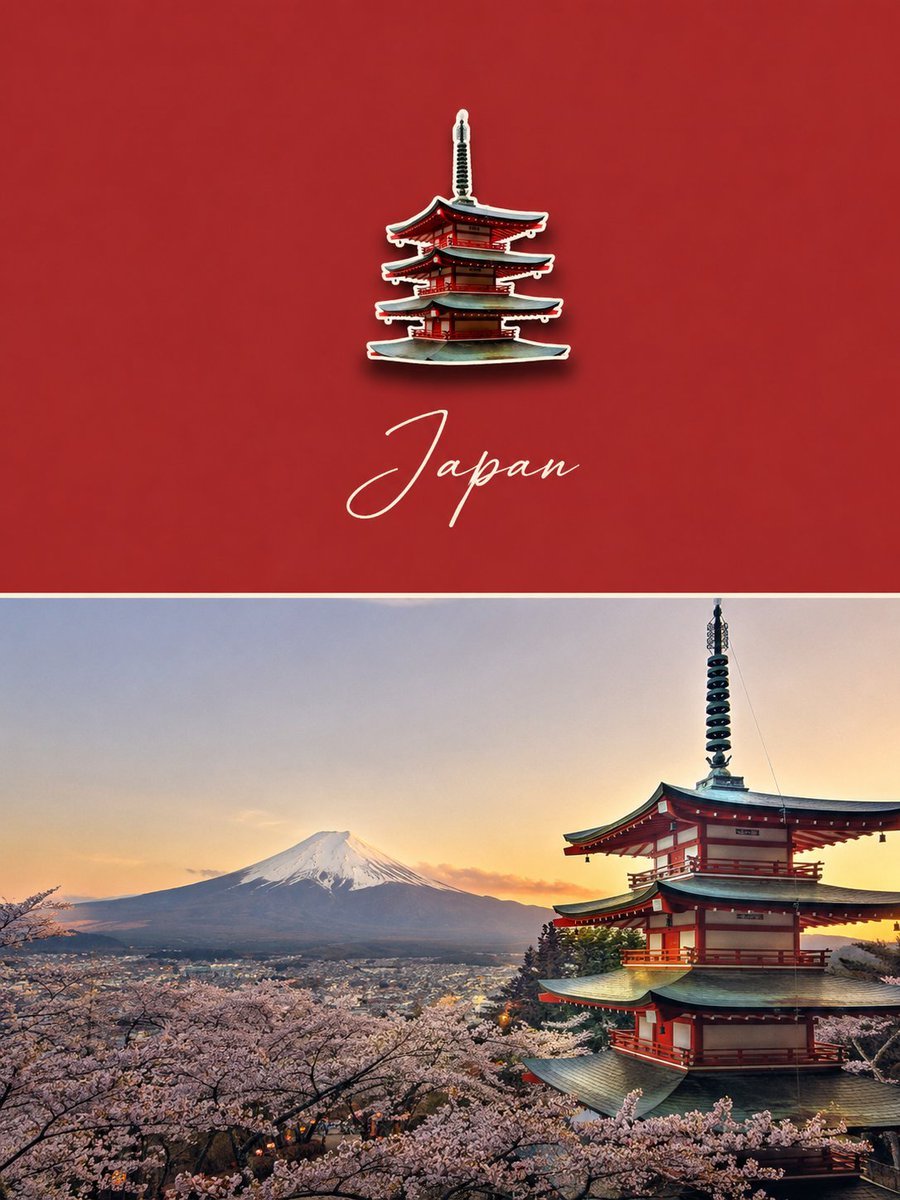
- Prompt included
- Model and format preset
- Free template
The prompt behind this image
Copy the exact prompt behind Luxury Travel Poster with Souvenir Magnet, or open it in the studio and make it yours.
Create a premium luxury travel poster using the uploaded travel photo as the single source of truth. Analyze it first and select one primary subject only: Person, Landmark/Architecture, or Landscape. Use a strict vertical 3:4 layout, split into two equal horizontal sections. Upper half: use one dominant solid color sampled from the photo, with generous negative space. Place one small, realistic die-cut enamel souvenir magnet (20–30% width) extracted directly from the original subject, preserving its silhouette, viewpoint, proportions, colors, and recognizable details. Add a soft natural shadow and thin cream/white border. Beneath the magnet, add one elegant handwritten English {argument name="location" default="location/name"}, only if confidently identifiable; otherwise omit it. Lower half: keep the original photograph completely authentic, allowing only natural cropping. No repainting, regeneration, distortion, object removal, or identity changes. Style: luxury editorial travel postcard, museum souvenir, refined, minimal, timeless, premium paper texture. Negative: multiple magnets, invented scenery, gradients, illustrations, collage, fake text, logos, watermark, subject changes, face replacement, distorted architecture, regenerated photo.
How to use Luxury Travel Poster with Souvenir Magnet in 3 steps
- 1Upload ImagePNG, JPG or paste
Add your photo
Upload the photo the template builds on. The prompt, model and format are already set.
- 2…a portrait of your subject in softgolden-hour light, 85mm…
Personalize
Edit the subject and creative details for your destination.
- 3Generate
Generate
Press Generate — your image is created in PicX Studio, so you can compare it with the original and refine one variable at a time.
More like this
Templates with the same subject, style or setup. Open one to see its prompt.

Japan Travel Brochure Poster

Luxury Sliced Wordmark Player Poster

Enamel Travel Magnet Poster Design
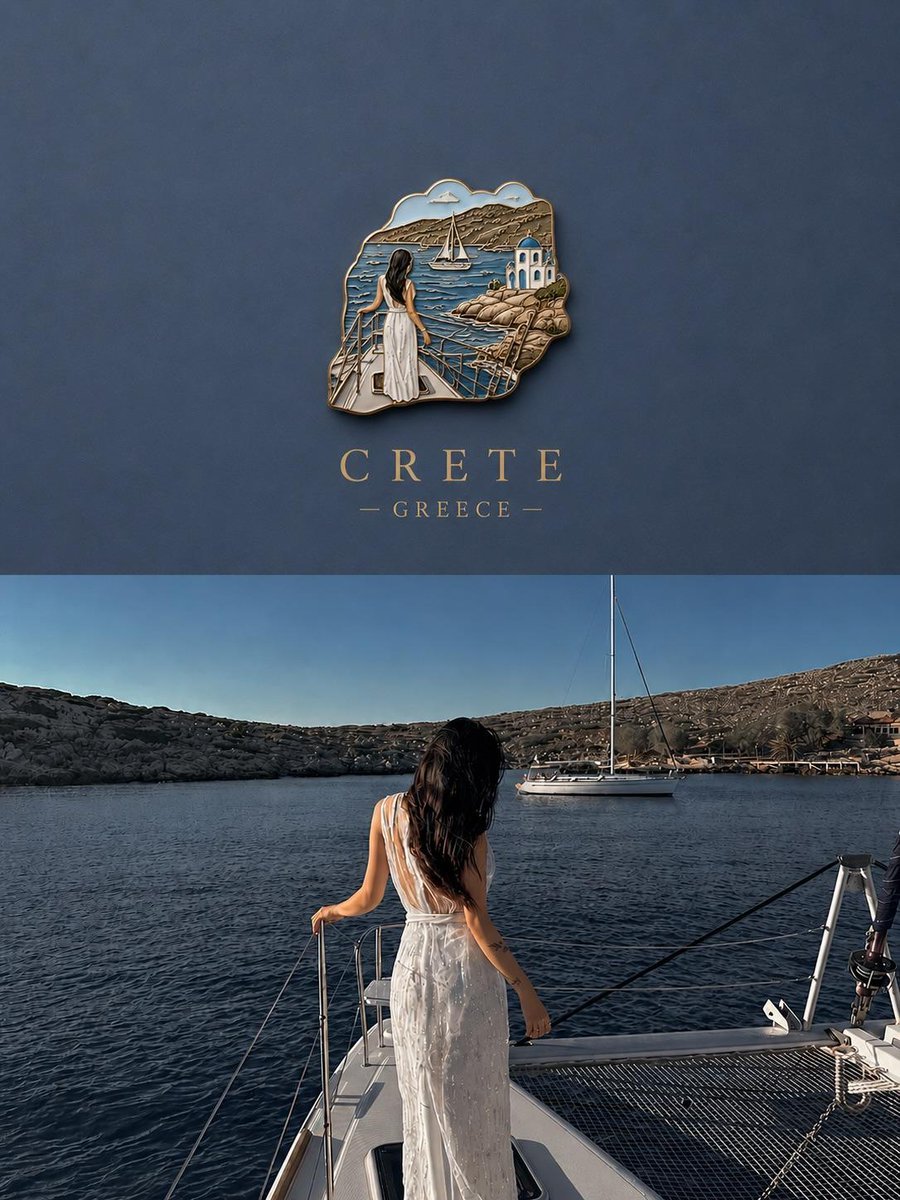
3D Souvenir Badge Travel Poster
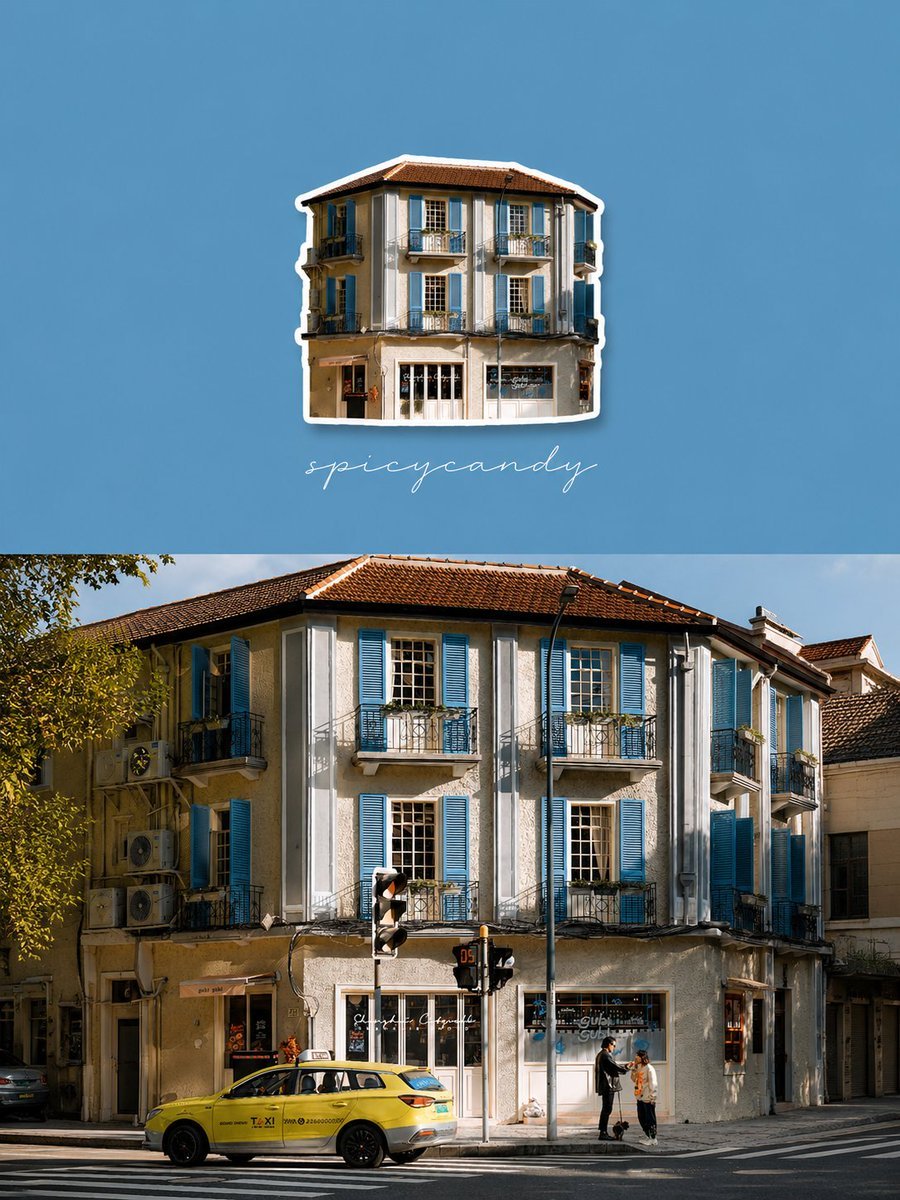
Travel Diary Fridge Magnet Poster

City Posters by Nano Banana Pro

Sealing Wax Letter Desk

Ballroom Floor Reflections

Vintage Camera Leather Case

Hedge Maze Aerial Dawn

Tuxedo Cuff Adjust

Carriage House Courtyard
Make it yours
Luxury Travel Poster with Souvenir Magnet works as-is. These are the safest ways to change it without losing the look.
Change one field
Copy a single group, rewrite it, and generate again so you can see what that field is doing.
Keep the frame, change the subject
Hold the composition and light of Luxury Travel Poster with Souvenir Magnet, then swap wardrobe, props or the person for a new take.
| If the result… | Why | Fix |
|---|---|---|
| The result drifts from the preview | Too many fields changed at once. | Reuse Luxury Travel Poster with Souvenir Magnet as-is first, then change one group — subject, light, or setting. |
| The model over-stylizes the scene | The prose prompt leaves finish and camera underspecified. | Add one camera or lighting sentence and stay on GPT Image 2. |
More GPT Image 2 templates
Other prompts made for GPT Image 2.

Six VTuber Japanese Logo Sheet

Realistic Portrait of Woman and Deer

The Vista Modular Condo Poster

AI Model Routing Comparison Infographic

2.5D Anime Art Board

Isometric Productivity Desk Scene

New York Double Exposure Poster

Four-Panel AI Landscape Comparison

Japanese Tatami Lifestyle Magazine Cover

NESCAFÉ Coffee Map Poster
More image prompts
Fresh picks from across the catalog.
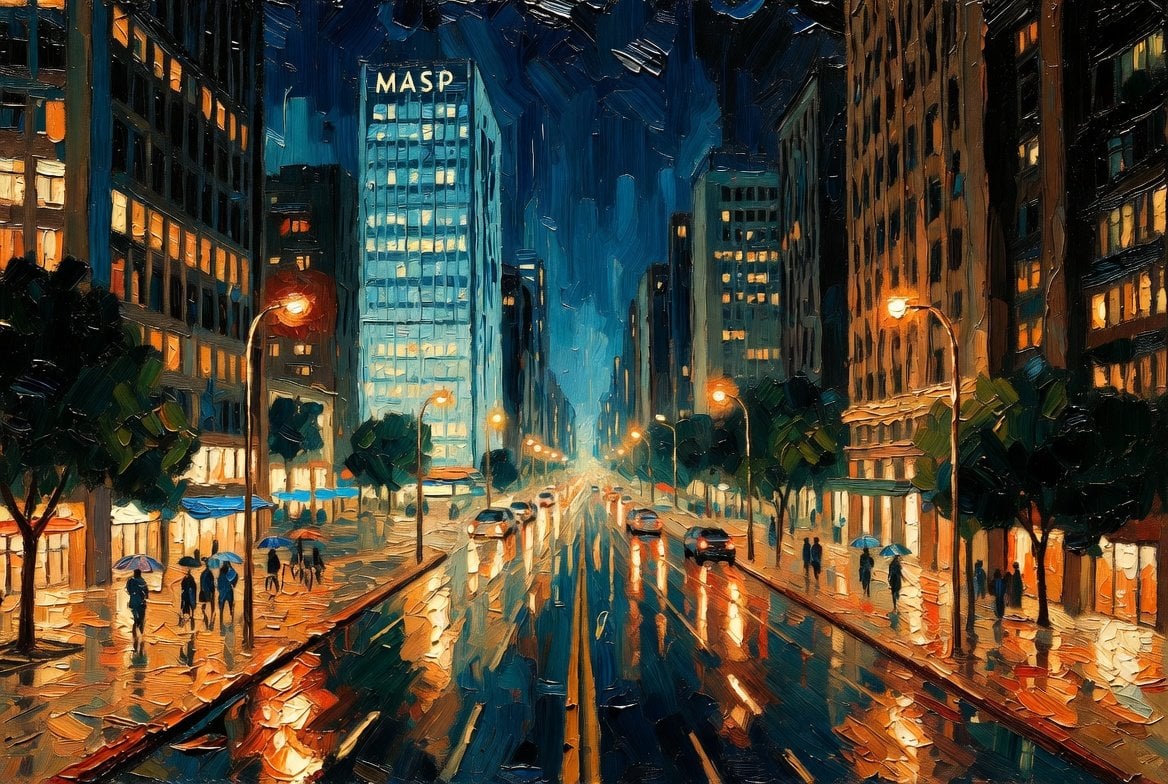
São Paulo Avenida Paulista Painting Prompt (JSON reference)
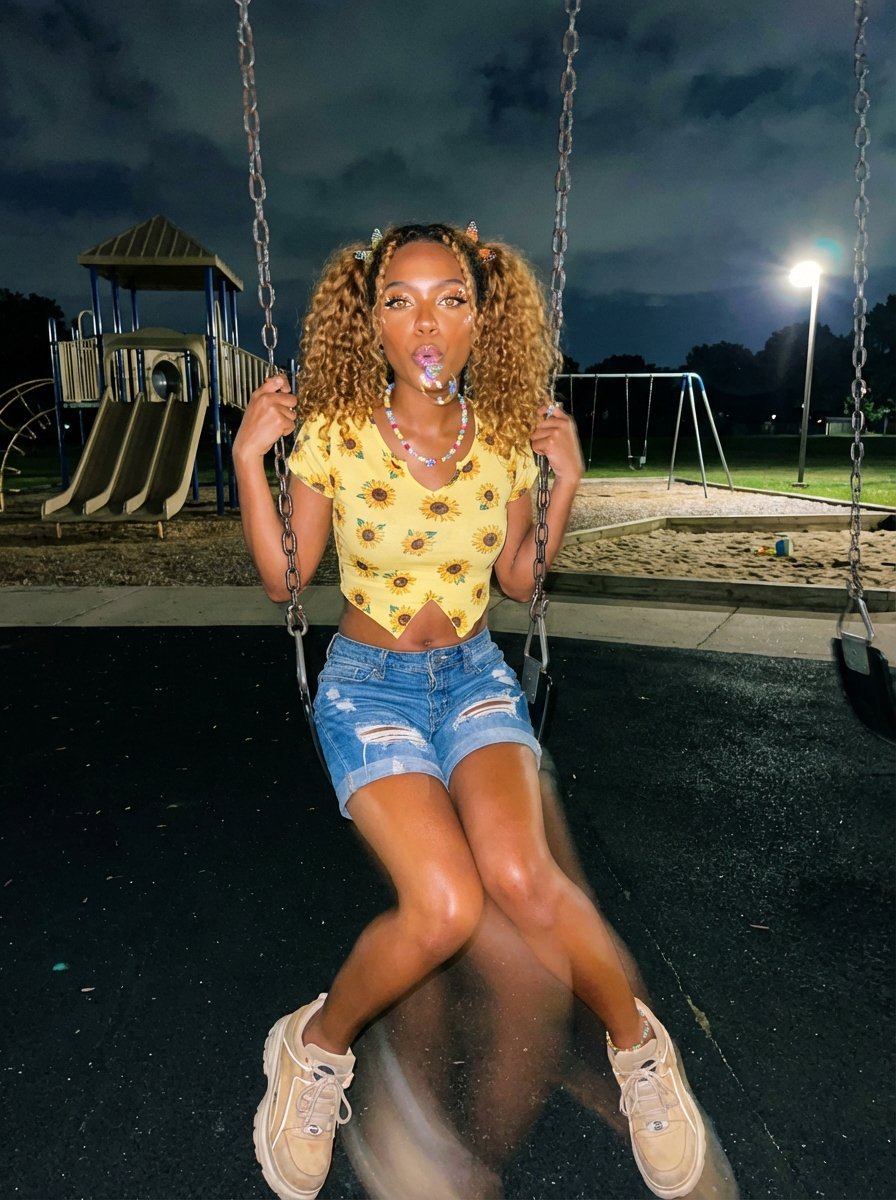
Y2K Grunge Night Playground Portrait Prompt

Ancient Zombie (Kyonsi) in a Bamboo Forest
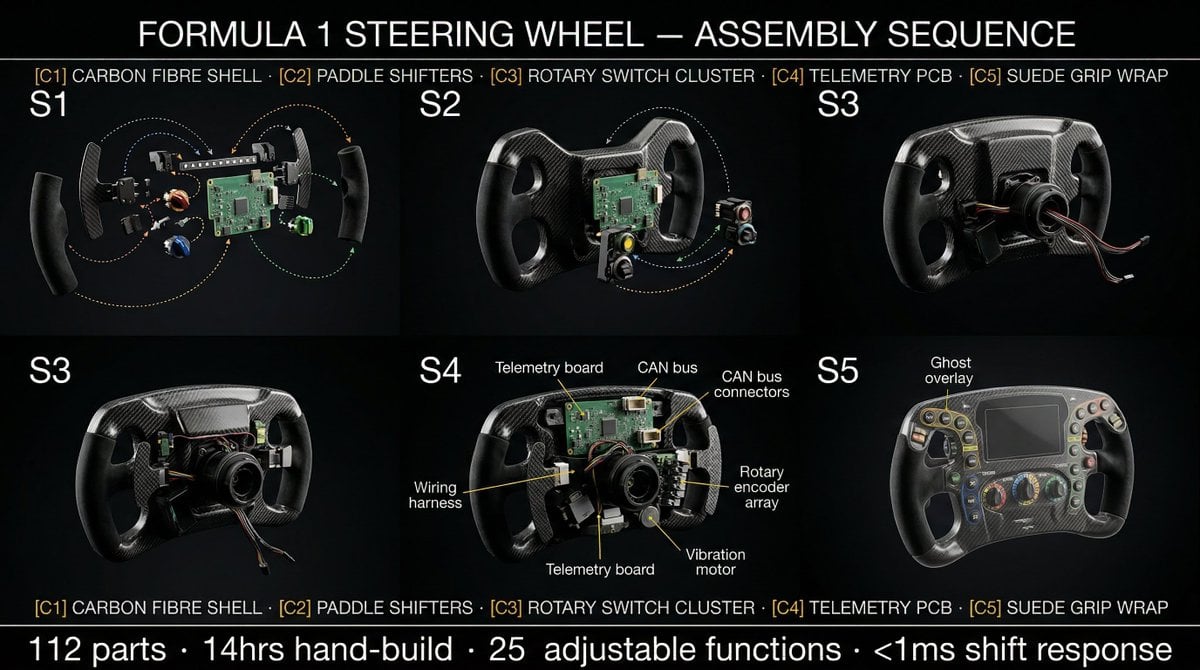
Product Assembly Sequence Timeline

Double Exposure Cinematic Character Poster
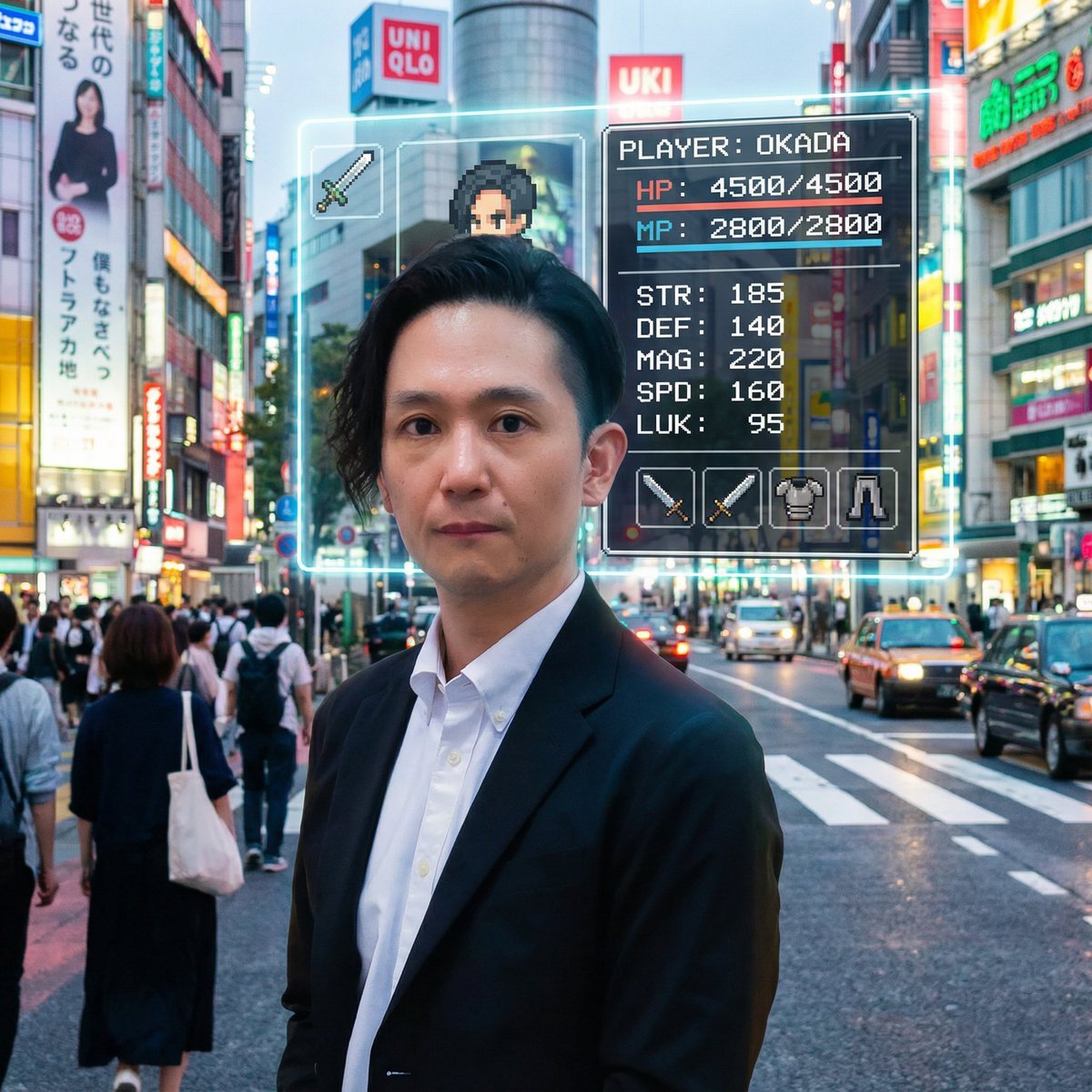
RPG Status Screen Overlay
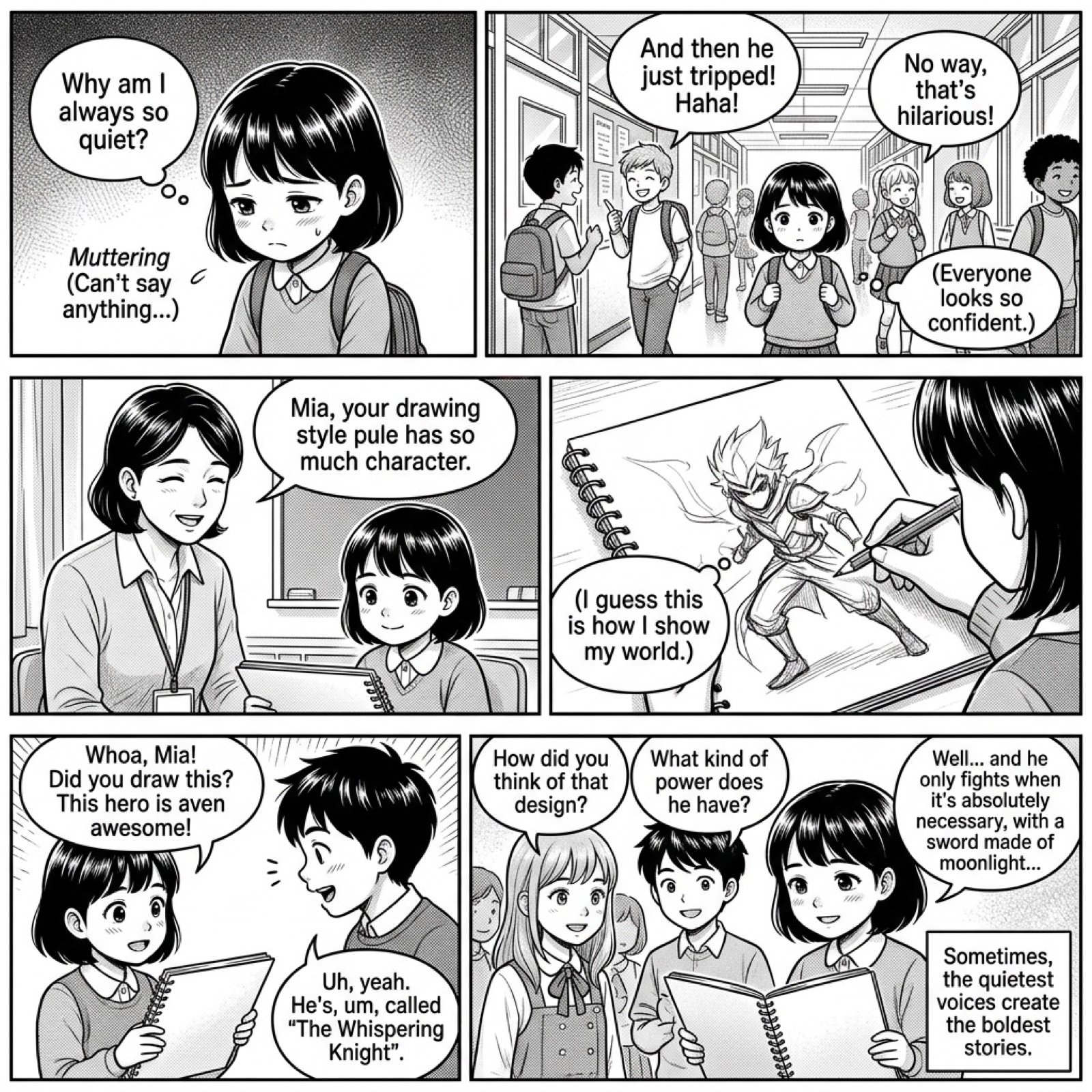
Add dialogue to a manga based on its content
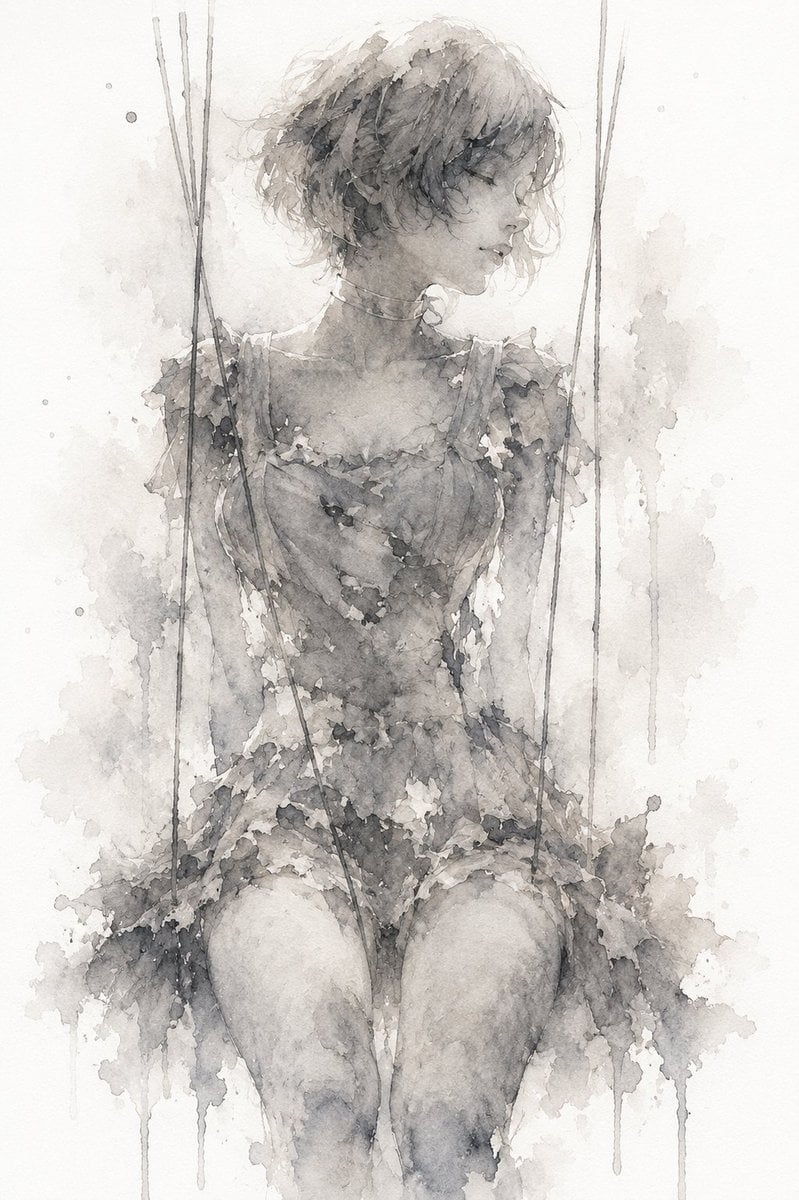
Melancholic Marionette Watercolor

Selfie with random Brazilian celebrities
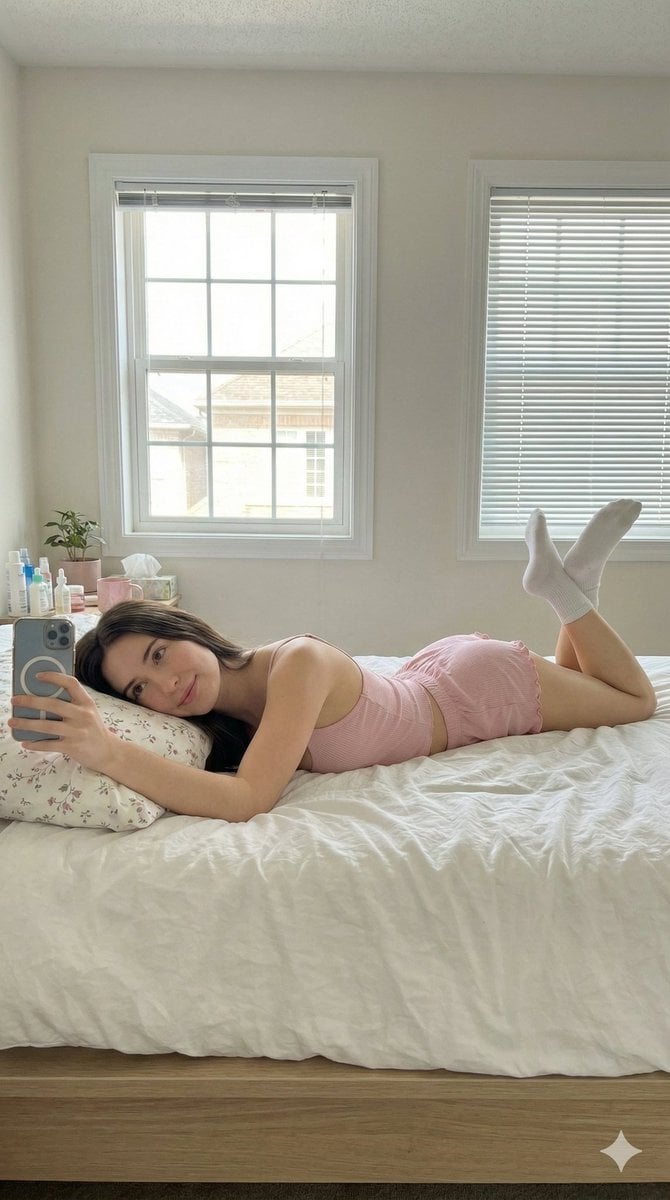
Lazy Sunday Morning Bedroom Selfie Prompt
Browse template categories
Luxury Travel Poster with Souvenir Magnet questions
How do I use the Luxury Travel Poster with Souvenir Magnet template?
Add your photo if the template asks for one, edit the prompt if you like — the template's model and format are already selected — and press Generate. Your version opens in PicX Studio.
Can I customize the Luxury Travel Poster with Souvenir Magnet template?
Yes. You can change the subject, setting, lighting, mood, format, and available model controls before creating your image.
Is the Luxury Travel Poster with Souvenir Magnet template free?
Opening and editing this template is free. Generating uses credits, shown on the Generate button when you are signed in.
Which AI model should I use?
Start with GPT Image 2, which is the model associated with this template. You can compare another compatible model for a different finish.
Looking for something else? Browse all templates.

Your photo, any look
Thousands of ready templates for every top image and video model, from one credit balance.