
Gothic Cyberpunk Duo in Ruined City
A detailed text prompt for generating a dark anime-style cyberpunk fantasy scene with two gothic characters walking through a glitching ruined city.
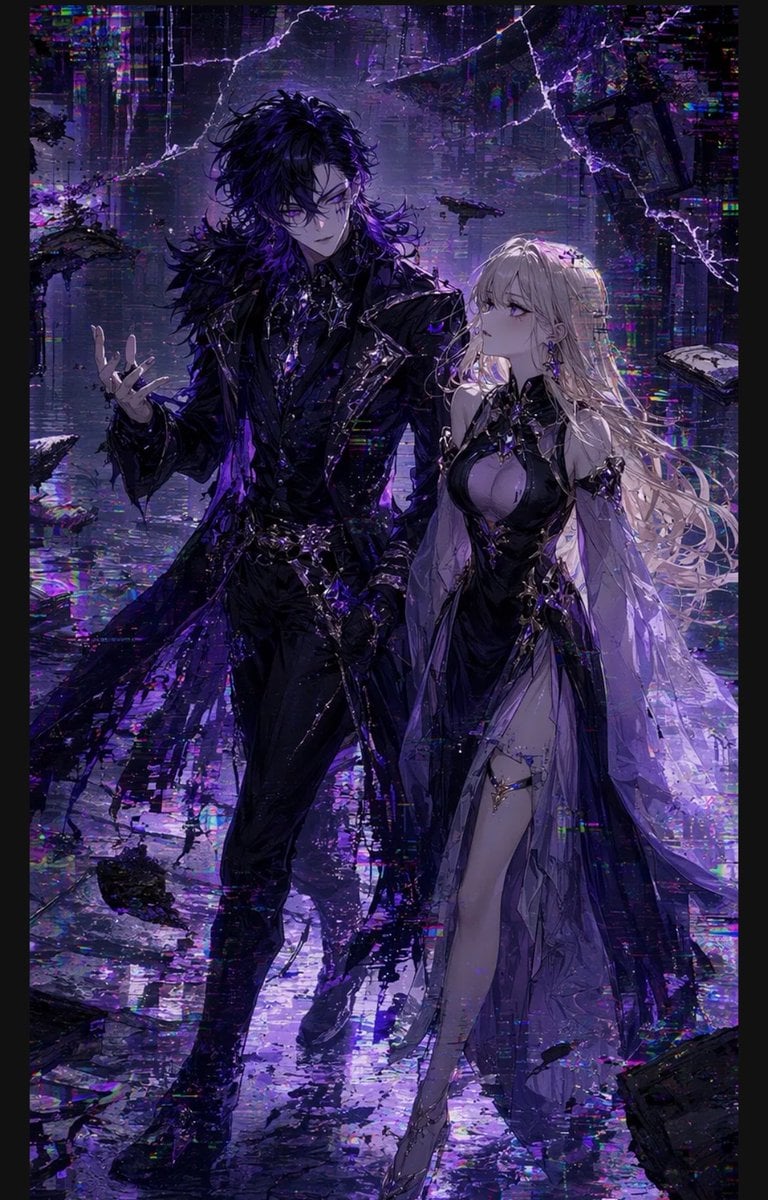
- Prompt included
- Model and format preset
- Free template
The prompt behind this image
Copy the exact prompt behind Gothic Cyberpunk Duo in Ruined City, or open it in the studio and make it yours.
Create a vertical dark fantasy cyberpunk anime illustration of two full-body characters walking toward the viewer through a shattered digital city at night. The scene contains exactly 2 main characters: a tall male-presenting figure on the left and a slightly shorter female-presenting figure on the right. The left character has {argument name="male hair color" default="messy black hair"}, a slim elegant build, an all-black gothic suit with a long torn feathered coat, sharp layered lapels, belts, gloves, boots, dangling chains, glossy armor-like details, and violet highlights; his left hand is raised in a graceful open gesture. The right character has {argument name="female hair color" default="long flowing platinum-blonde hair"}, a pale elegant build, a revealing black-and-lavender gothic dress with a high slit, translucent flowing sleeves and cape panels, ornate black metallic chest ornaments, thigh straps, jewelry-like accents, and pointed heels. Add exactly 2 opaque square face-obscuring blocks, one centered over each character’s face, in muted purple-gray tones. The background is a ruined futuristic megacity filled with glitch artifacts, vertical neon data streaks, cracked reality-like lightning fractures, reflective wet pavement, and floating broken architectural fragments; include exactly 7 prominent debris pieces: two large slabs at the upper right, one hovering craft-like fragment near the upper center-right, one dark platform on the left edge, one flat shard on the mid-right edge, one broken chunk near the lower left, and one dark slab near the lower right. Use a palette of deep black, violet, indigo, lavender, electric purple, and scattered chromatic RGB glitch speckles. Lighting should be dramatic and backlit, with high contrast, iridescent reflections, intricate painterly detail, torn fabric motion, and a melancholic apocalyptic atmosphere. Style: highly detailed Japanese anime key visual, gothic couture, cyberpunk ruin, painterly digital art, cinematic composition, no text, no watermark.
How to use Gothic Cyberpunk Duo in Ruined City in 3 steps
- 1Upload ImagePNG, JPG or paste
Add your photo
Upload the photo the template builds on. The prompt, model and format are already set.
- 2…a portrait of your subject in softgolden-hour light, 85mm…
Personalize
Edit the subject and creative details for your destination.
- 3Generate
Generate
Press Generate — your image is created in PicX Studio, so you can compare it with the original and refine one variable at a time.
More like this
Templates with the same subject, style or setup. Open one to see its prompt.

Spider-Man 2099 Cyberpunk Neon Future City
Little Girl in Ruined City
Giant Monster in Ruined War City

Cozy Knit Sweater Window Portrait

Minimalist Hand-Drawn Doodle Portrait
Cyberpunk Android Monk Sky City

Rainy Night Android Cyberpunk Portrait

Korean Idol Partial Shadow Editorial Portrait

Cinematic Sci-Fi Interface Side Profile

Cyberpunk Neon Profile Fashion Portrait

Cinematic Neon Light Strip Studio Portrait

Futuristic Studio Neon Ring Minimalist Portrait
Make it yours
Gothic Cyberpunk Duo in Ruined City works as-is. These are the safest ways to change it without losing the look.
Change one field
Copy a single group, rewrite it, and generate again so you can see what that field is doing.
Keep the frame, change the subject
Hold the composition and light of Gothic Cyberpunk Duo in Ruined City, then swap wardrobe, props or the person for a new take.
| If the result… | Why | Fix |
|---|---|---|
| The result drifts from the preview | Too many fields changed at once. | Reuse Gothic Cyberpunk Duo in Ruined City as-is first, then change one group — subject, light, or setting. |
| The model over-stylizes the scene | The prose prompt leaves finish and camera underspecified. | Add one camera or lighting sentence and stay on GPT Image 2. |
More GPT Image 2 templates
Other prompts made for GPT Image 2.

Six VTuber Japanese Logo Sheet

Realistic Portrait of Woman and Deer

The Vista Modular Condo Poster

AI Model Routing Comparison Infographic

2.5D Anime Art Board

Isometric Productivity Desk Scene

New York Double Exposure Poster

Four-Panel AI Landscape Comparison

Japanese Tatami Lifestyle Magazine Cover

NESCAFÉ Coffee Map Poster
More image prompts
Fresh picks from across the catalog.
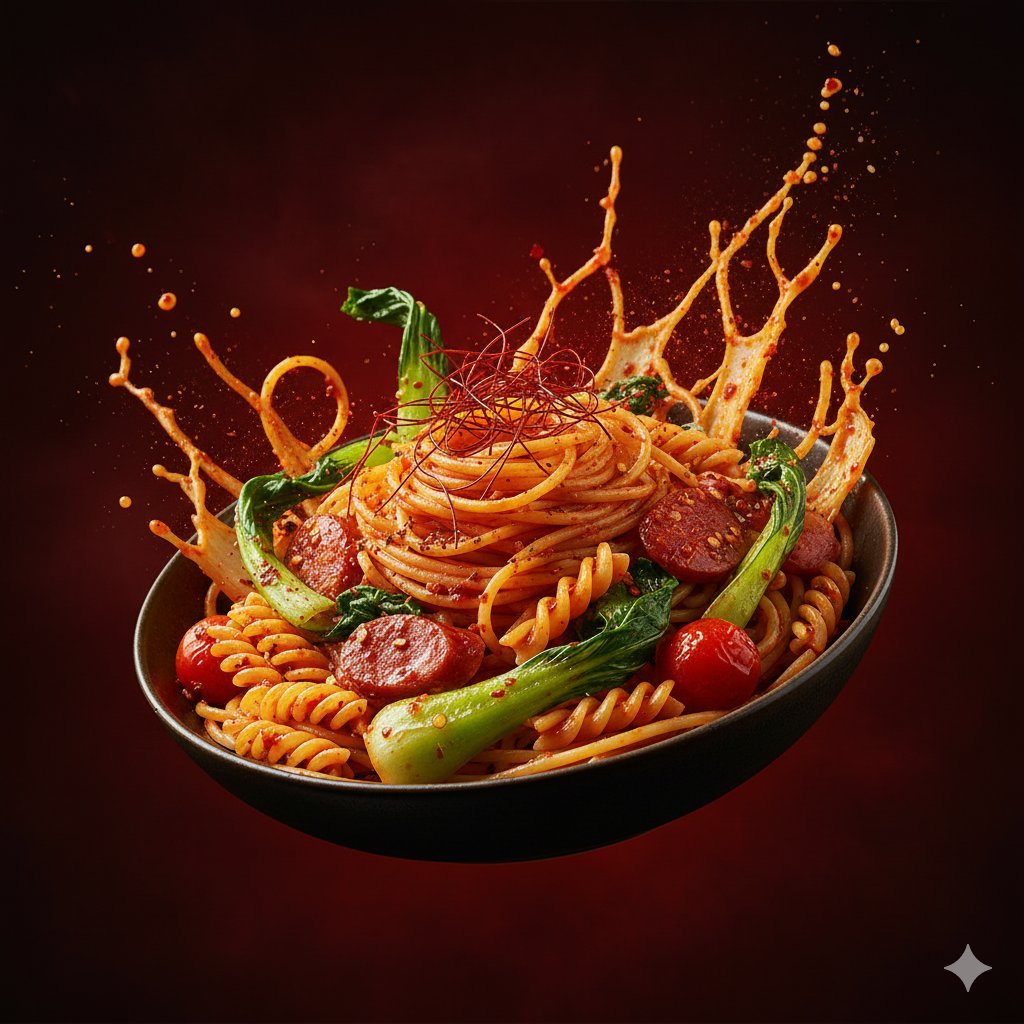
Dynamic Hyper-Realistic Biryani Hero Shot (JSON)
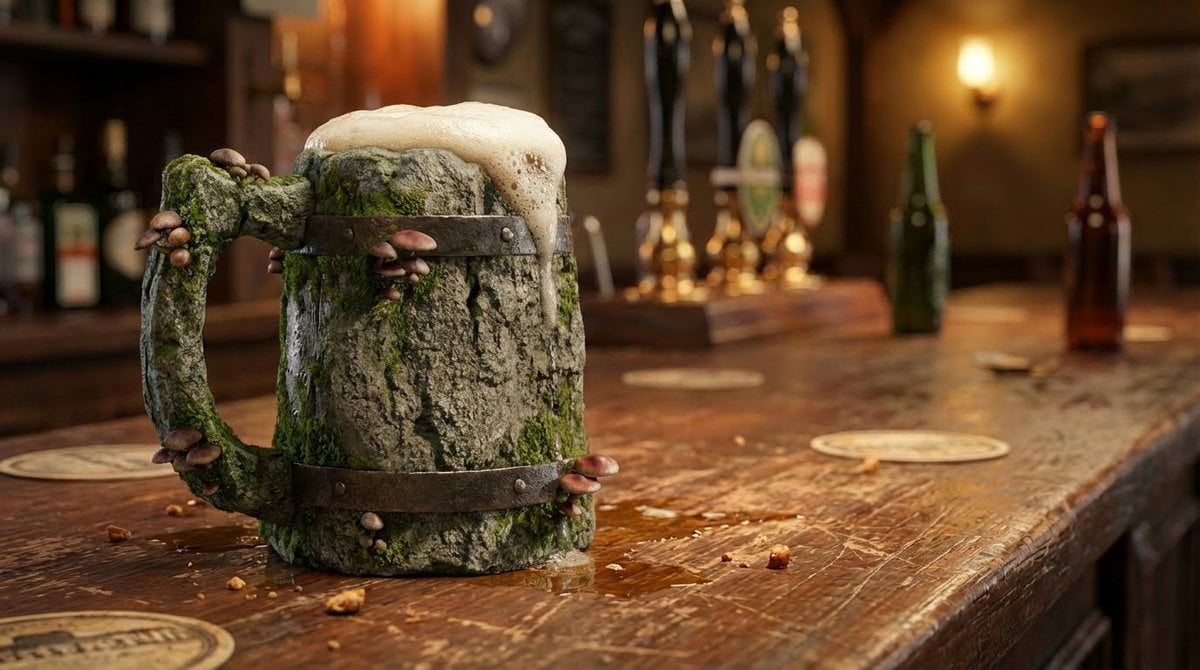
Mushroom Stone Texture Replacement
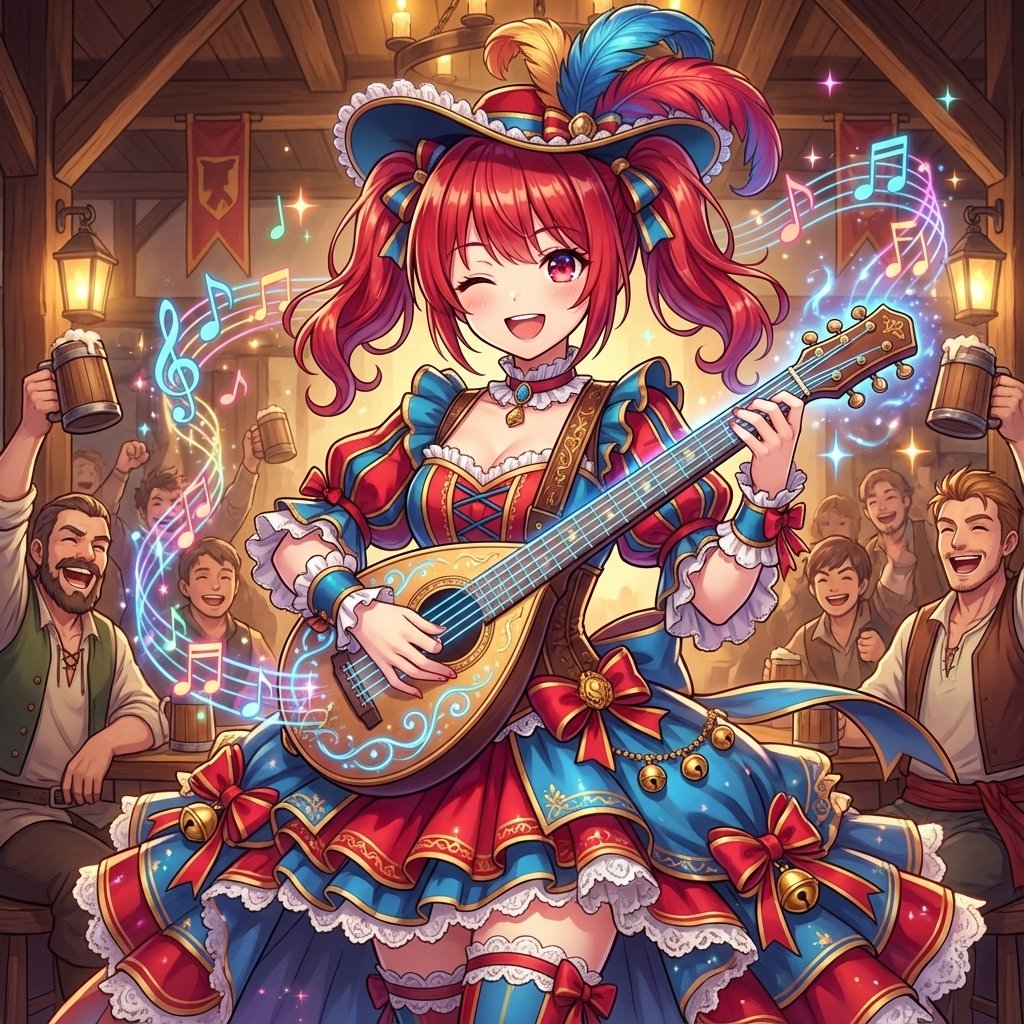
AI Conversion to Bard (Minstrel) Character
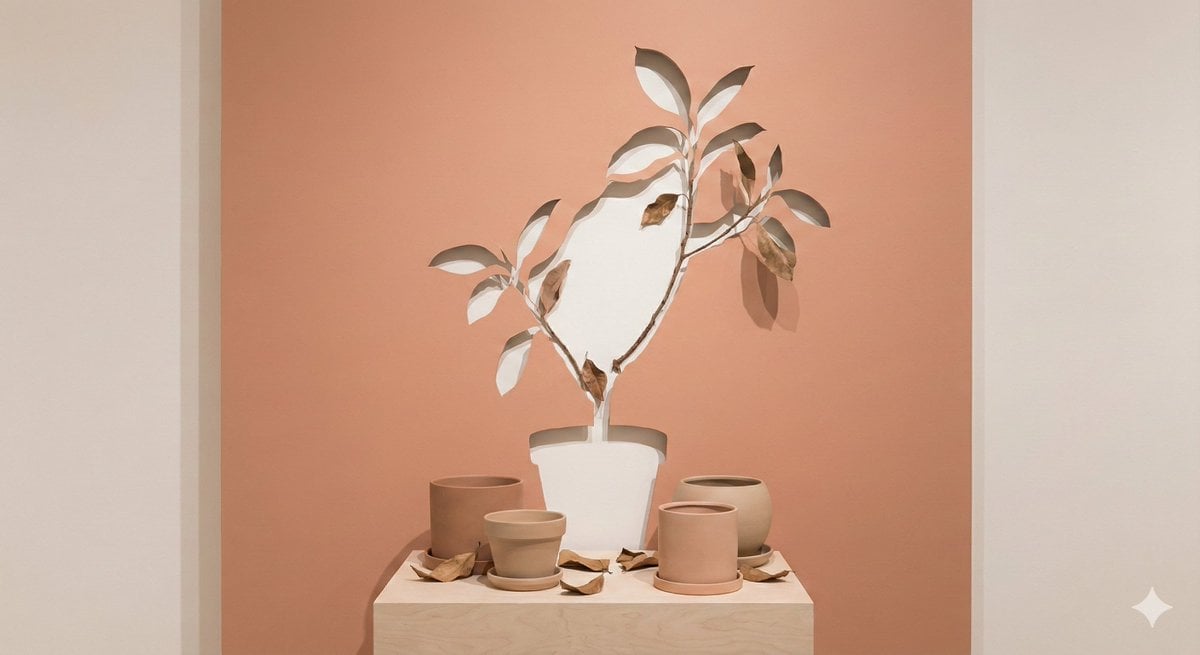
Negative Space Character Composition
Hard Surface Modeling Retro Cassette Realism
Intimate Mirror Selfie in a Sunlit Bedroom
High-End Digital Painting Portrait
Golden Hour Portrait in Satin Slip Dress
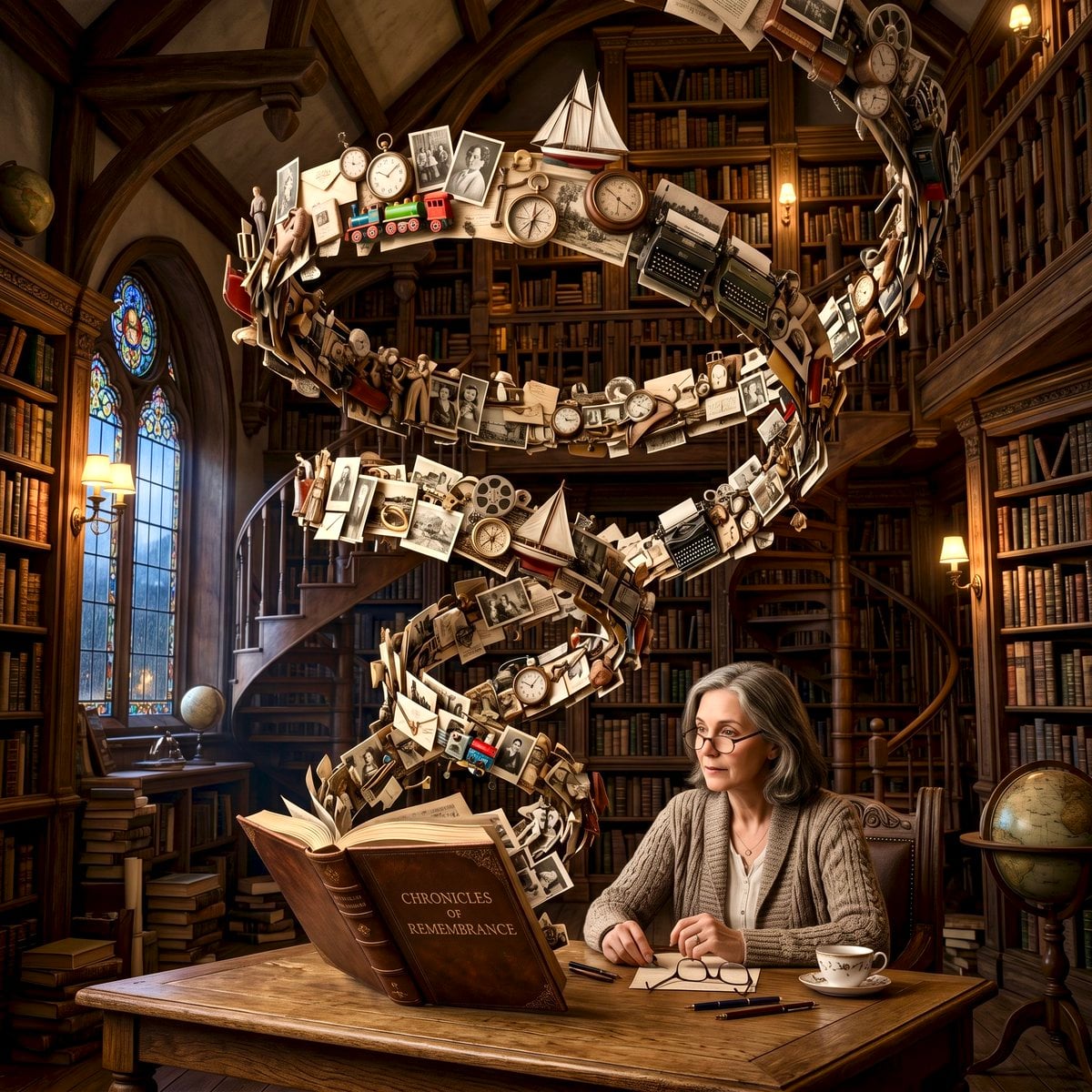
Surreal Memory Scene
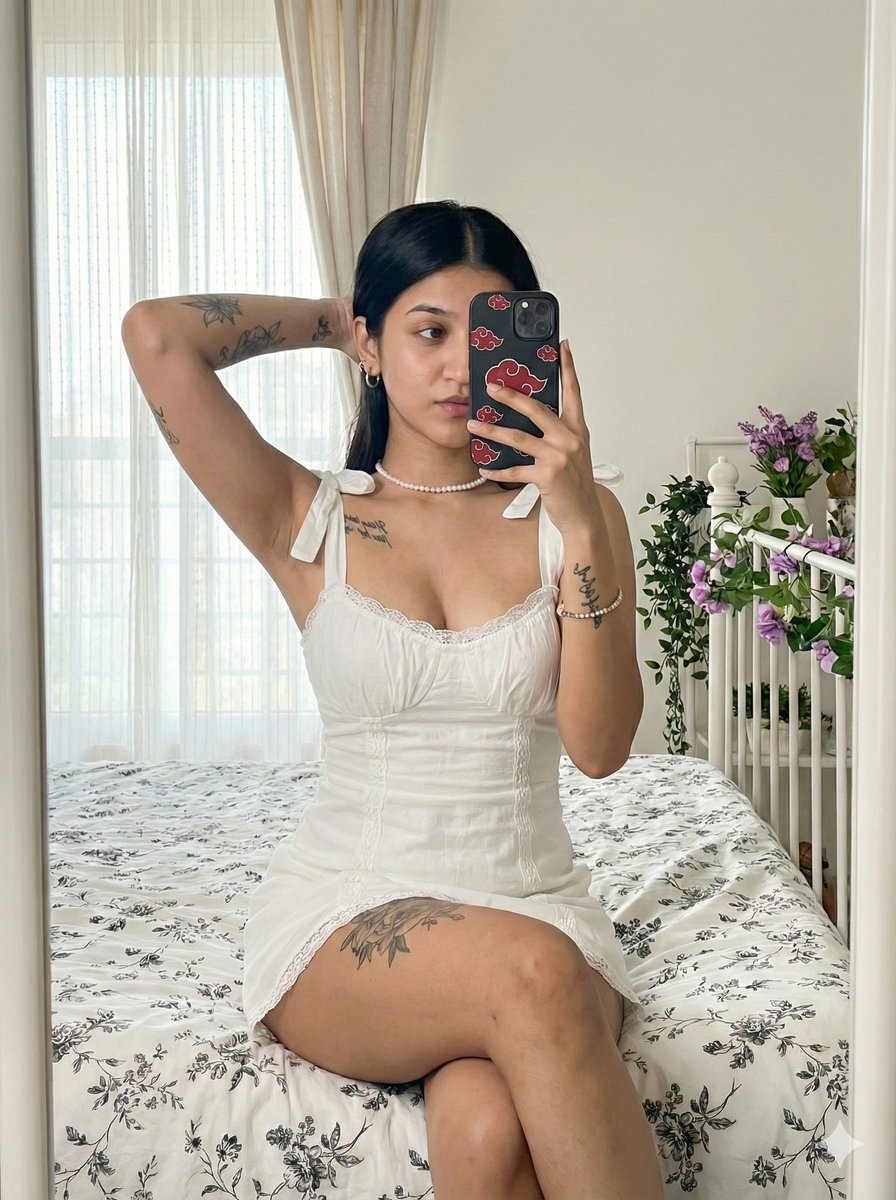
Akatsuki Mirror Selfie Prompt
Browse template categories
Gothic Cyberpunk Duo in Ruined City questions
How do I use the Gothic Cyberpunk Duo in Ruined City template?
Add your photo if the template asks for one, edit the prompt if you like — the template's model and format are already selected — and press Generate. Your version opens in PicX Studio.
Can I customize the Gothic Cyberpunk Duo in Ruined City template?
Yes. You can change the subject, setting, lighting, mood, format, and available model controls before creating your image.
Is the Gothic Cyberpunk Duo in Ruined City template free?
Opening and editing this template is free. Generating uses credits, shown on the Generate button when you are signed in.
Which AI model should I use?
Start with GPT Image 2, which is the model associated with this template. You can compare another compatible model for a different finish.
Looking for something else? Browse all templates.

Your photo, any look
Thousands of ready templates for every top image and video model, from one credit balance.