
Giant Monster in Ruined War City
A cinematic photoreal apocalyptic battle scene featuring a colossal nightmare creature attacking soldiers in a burning ruined city.
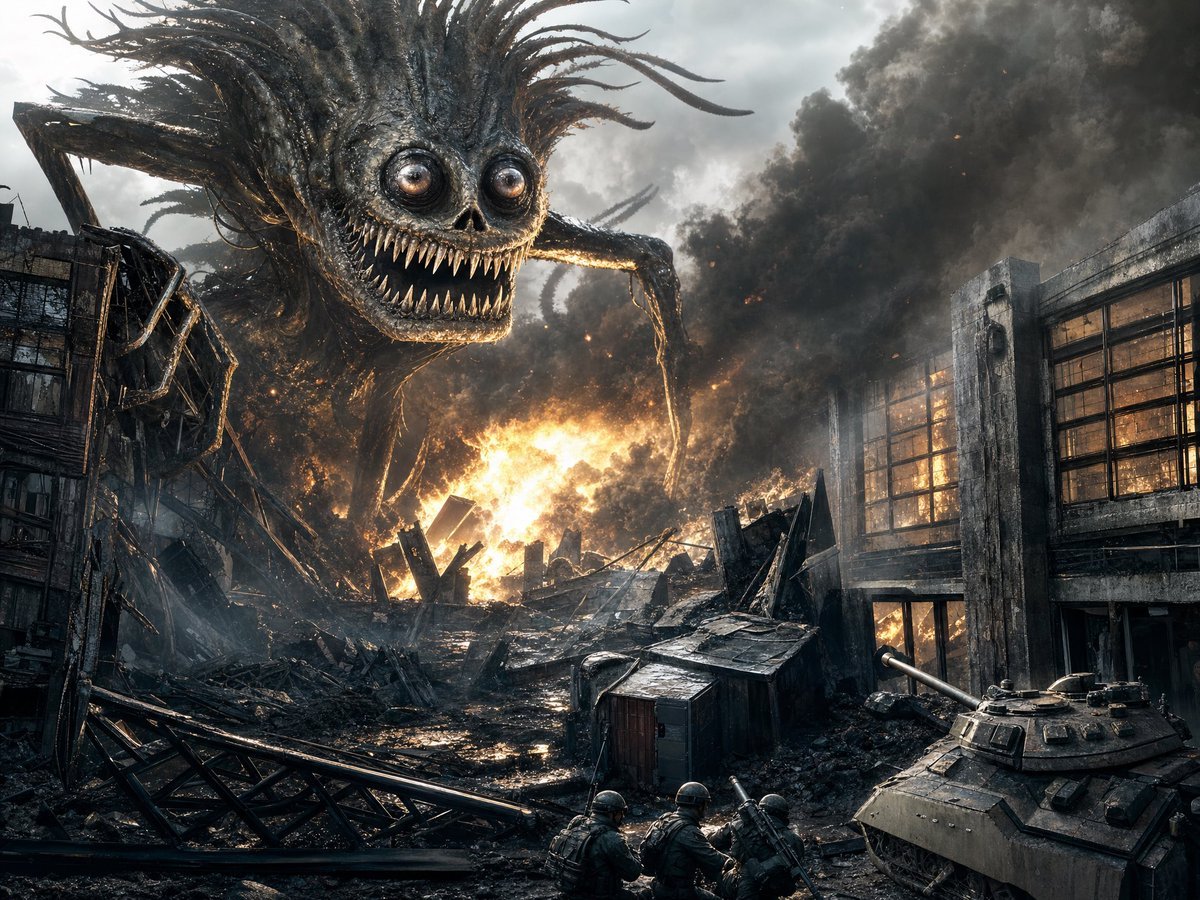
- Prompt included
- Model and format preset
- Free template
The prompt behind this image
Copy the exact prompt behind Giant Monster in Ruined War City, or open it in the studio and make it yours.
Create a cinematic photorealistic dark sci-fi war scene in a ruined city under a smoky gray sky. A gigantic nightmare creature, {argument name="monster description" default="a huge spiderlike skull-faced monster with glossy bulging eyes, a skeletal nose cavity, rows of long needle teeth, black charred skin, tangled root-like hair tendrils, and thin hooked insect legs"}, looms from the left and upper center, towering over collapsed buildings and staring directly toward the viewer with a huge menacing grin. The setting is {argument name="battlefield setting" default="a devastated industrial city block with shattered concrete buildings, twisted steel beams, broken windows, rubble, mud, and wreckage"}. In the center background, one large explosion and wall of fire burns behind piles of debris, throwing orange light onto wet black rubble while dense black smoke billows across the right side of the sky. Include exactly 3 small armored soldiers crouching in the lower center foreground, seen from behind, wearing helmets and tactical gear and aiming or carrying rifles toward the monster. Include exactly 1 armored tank in the lower right foreground with a long cannon pointing left, partially cropped by the frame. Use a wide 4:3 landscape composition, low battlefield viewpoint, extreme scale contrast between the tiny soldiers and the colossal creature, gritty high-detail textures, sharp contrast, realistic lighting, sparks and embers in the smoke, charred metal, rain-slick reflections, desaturated blue-gray palette with intense orange fire highlights. Make it feel like a high-budget apocalyptic monster movie still, photoreal but with dark fantasy creature design, no text, no watermark, no clean or cartoon styling.
How to use Giant Monster in Ruined War City in 3 steps
- 1Upload ImagePNG, JPG or paste
Add your photo
Upload the photo the template builds on. The prompt, model and format are already set.
- 2…a portrait of your subject in softgolden-hour light, 85mm…
Personalize
Edit the subject and creative details for your destination.
- 3Generate
Generate
Press Generate — your image is created in PicX Studio, so you can compare it with the original and refine one variable at a time.
More like this
Templates with the same subject, style or setup. Open one to see its prompt.
Little Girl in Ruined City

Cozy Knit Sweater Window Portrait

Minimalist Hand-Drawn Doodle Portrait
Gothic Cyberpunk Duo in Ruined City

Lone Sentinel in Ruined City
Apocalyptic Ruined City Street

Nano Banana Pro 2.0 — 3x3 Travel Profile Grid
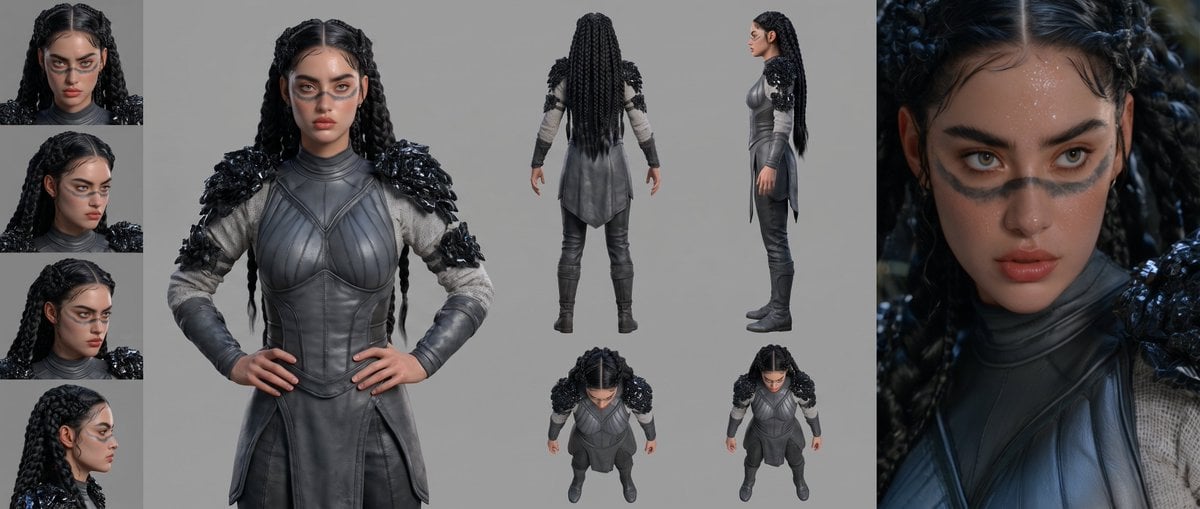
Mesoamerican Warrior Character Sheet

Giant Lotus Pond Portrait
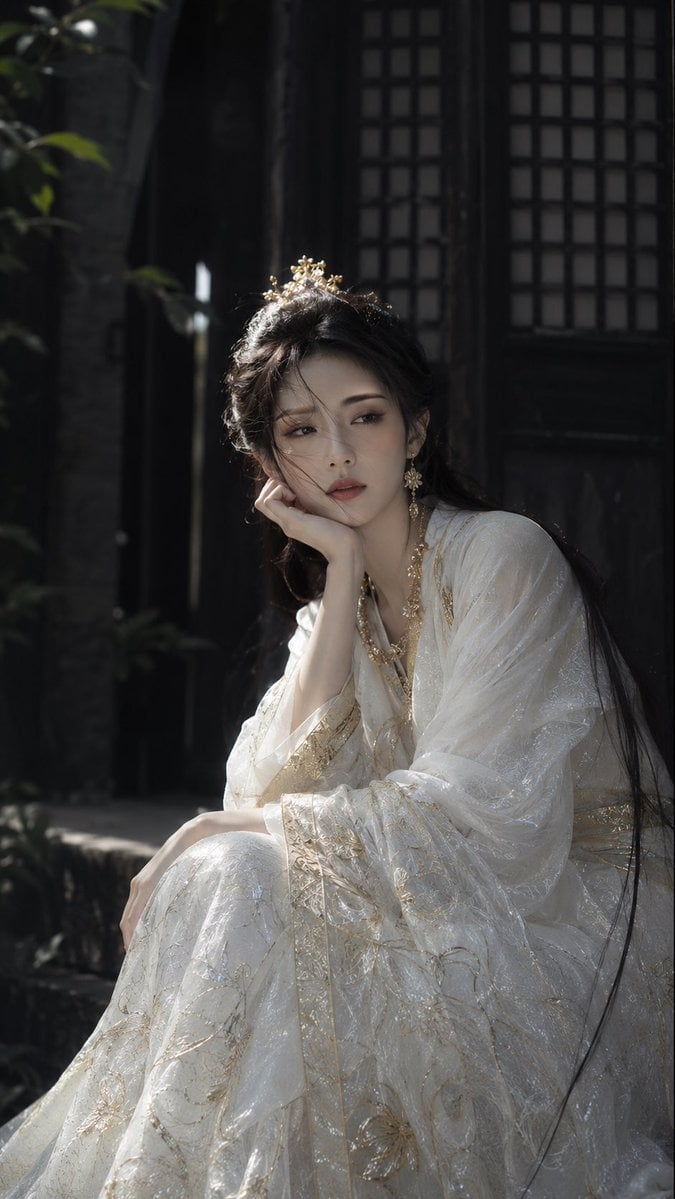
Warring States Period Princess Portrait Photography

Tribal Fantasy Warrior with Guardian Owl
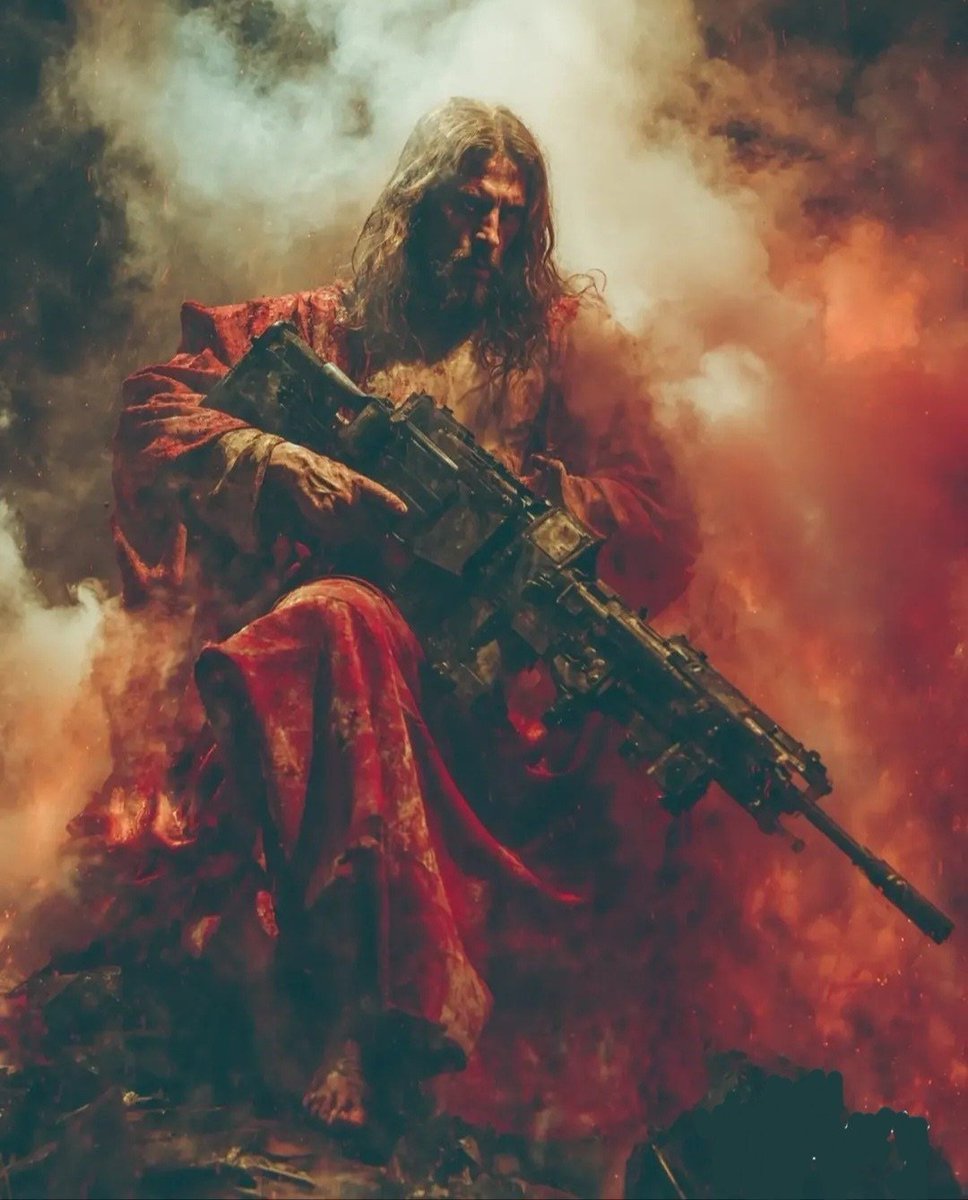
Dark Fantasy Battlefield Warrior
Make it yours
Giant Monster in Ruined War City works as-is. These are the safest ways to change it without losing the look.
Change one field
Copy a single group, rewrite it, and generate again so you can see what that field is doing.
Keep the frame, change the subject
Hold the composition and light of Giant Monster in Ruined War City, then swap wardrobe, props or the person for a new take.
| If the result… | Why | Fix |
|---|---|---|
| The result drifts from the preview | Too many fields changed at once. | Reuse Giant Monster in Ruined War City as-is first, then change one group — subject, light, or setting. |
| The model over-stylizes the scene | The prose prompt leaves finish and camera underspecified. | Add one camera or lighting sentence and stay on GPT Image 2. |
More GPT Image 2 templates
Other prompts made for GPT Image 2.

Six VTuber Japanese Logo Sheet

Realistic Portrait of Woman and Deer

The Vista Modular Condo Poster

AI Model Routing Comparison Infographic

2.5D Anime Art Board

Isometric Productivity Desk Scene

New York Double Exposure Poster

Four-Panel AI Landscape Comparison

Japanese Tatami Lifestyle Magazine Cover

NESCAFÉ Coffee Map Poster
More image prompts
Fresh picks from across the catalog.
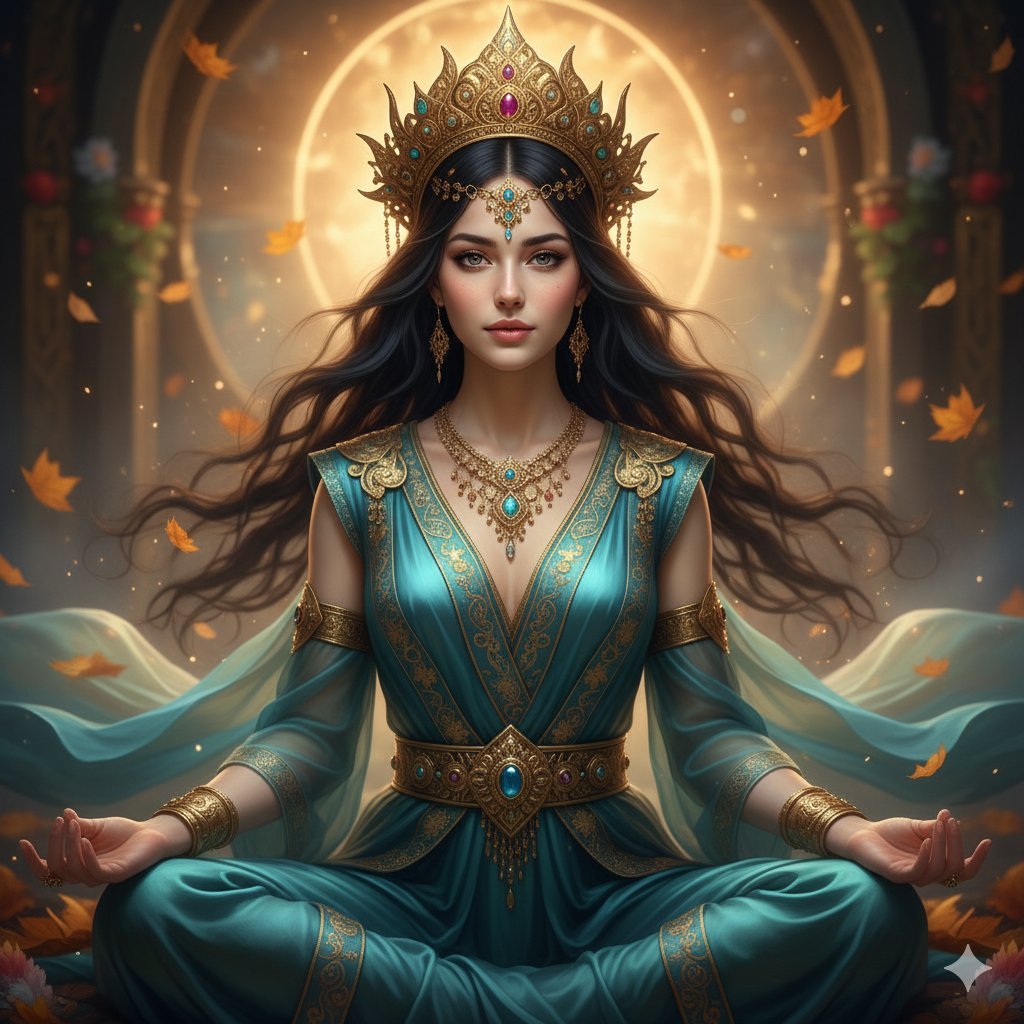
Ultra-Realistic Divine Goddess Fantasy Portrait
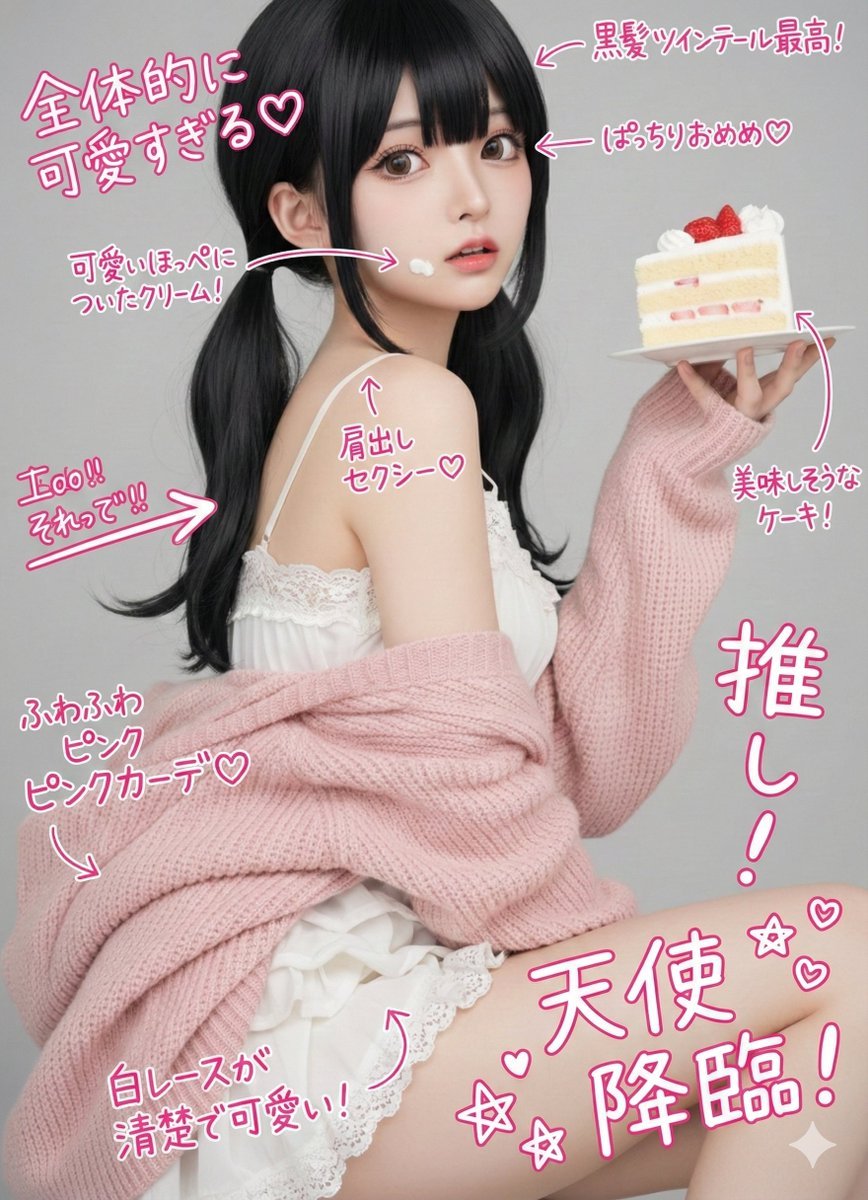
Cute handwritten notes over a photo
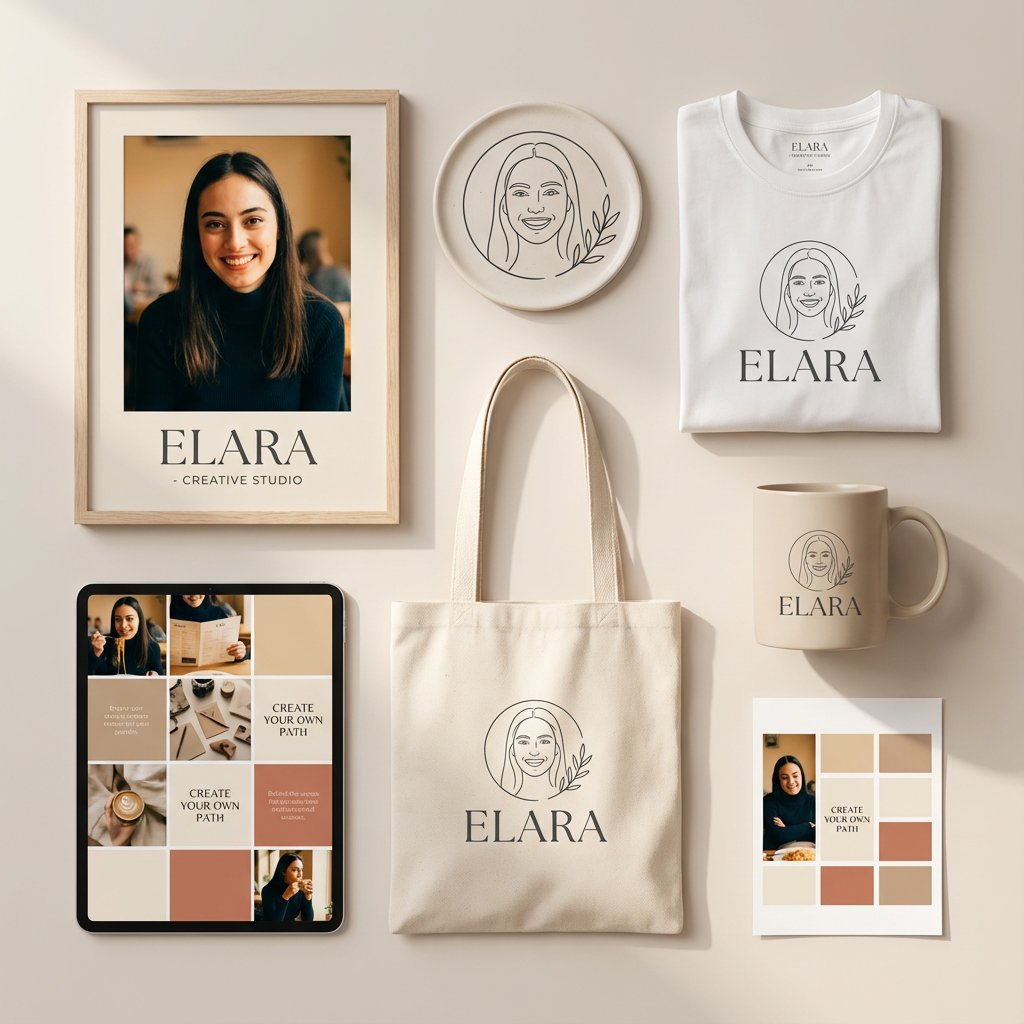
Minimalist Personal Branding Mockup

High-Speed Food Photography with Exploding Ingredients

Highly Realistic Smartphone Selfie of a Woman
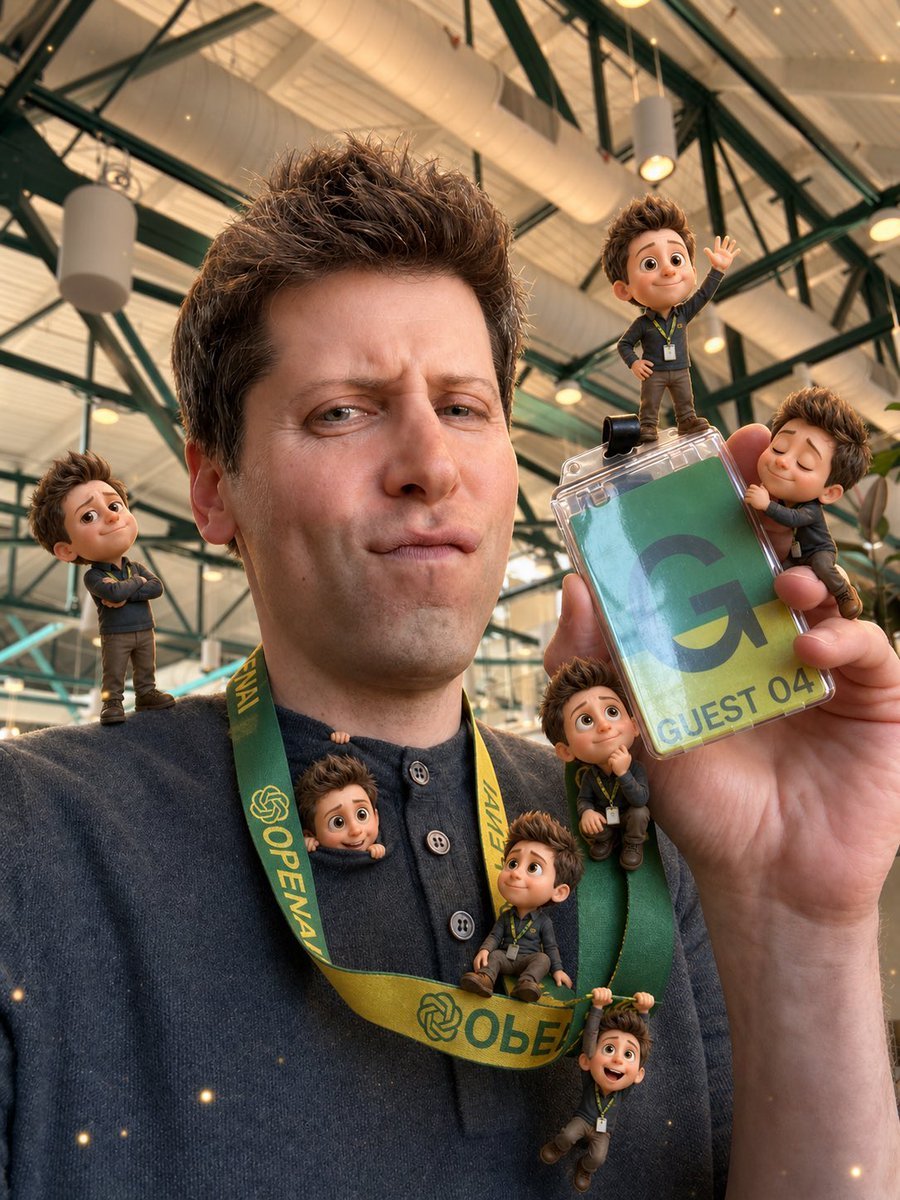
Mini-Me 3D Selfie Transformation
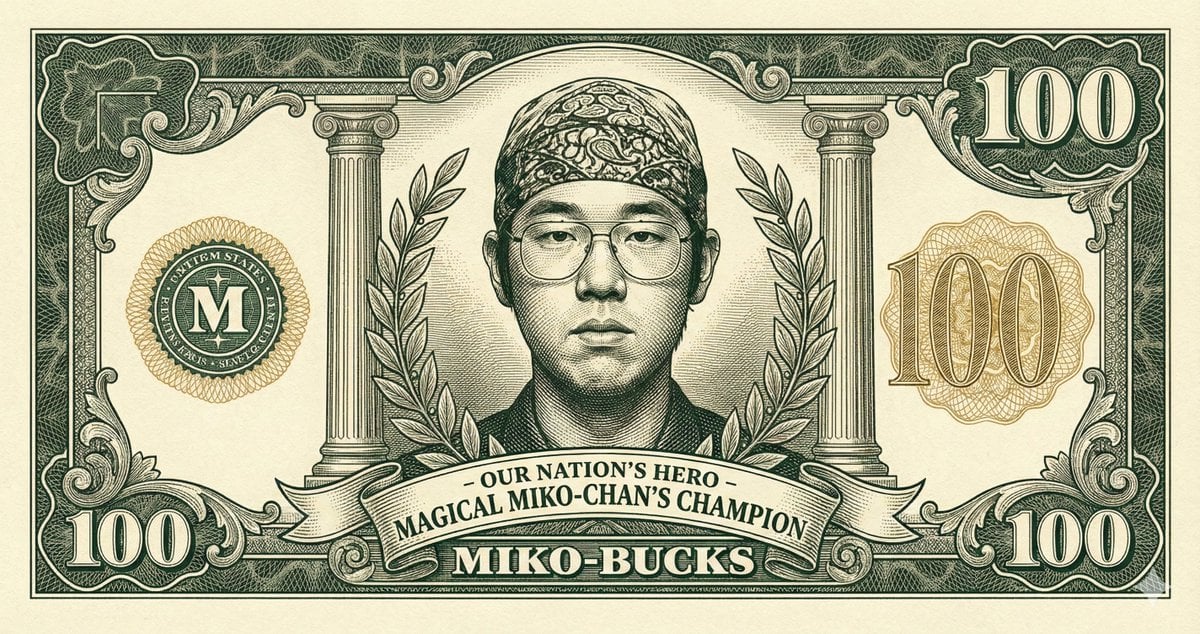
Classic Anime Nerd Otaku in the Style of Currency
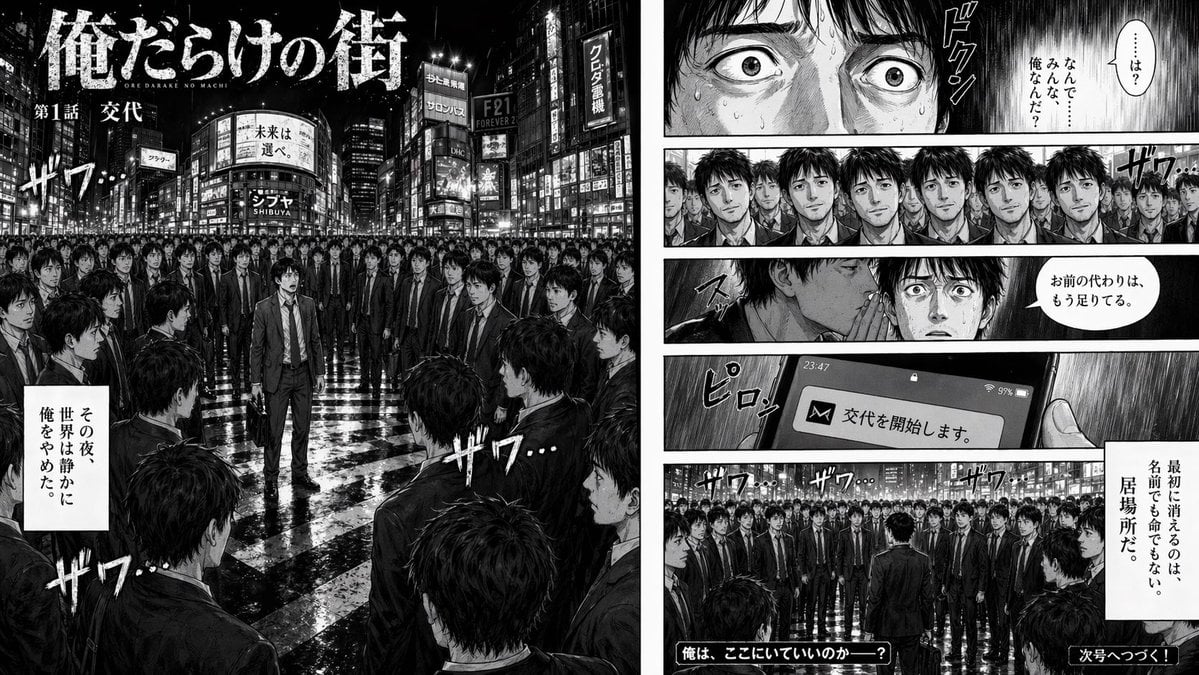
Two-Page Psychological Thriller Manga Spread

Blue Rain Mage Character Design
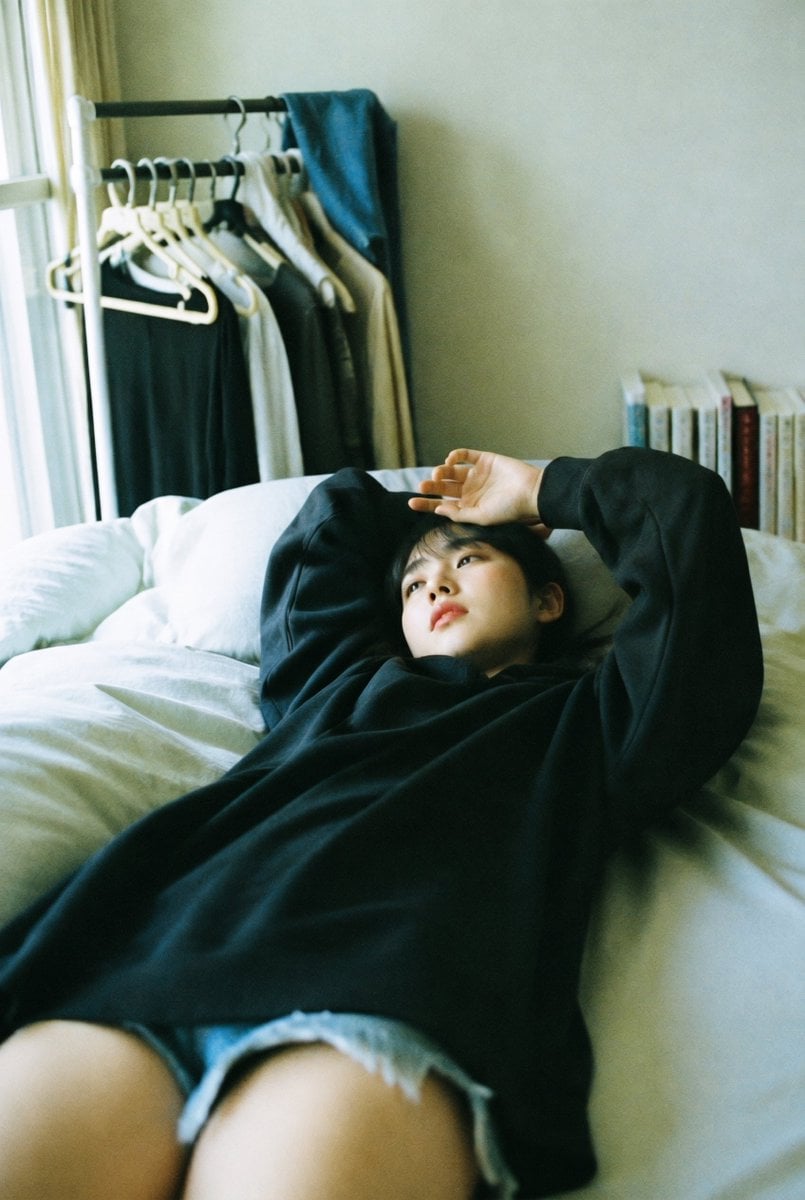
Candid Bedroom Lounge Photo
Browse template categories
Giant Monster in Ruined War City questions
How do I use the Giant Monster in Ruined War City template?
Add your photo if the template asks for one, edit the prompt if you like — the template's model and format are already selected — and press Generate. Your version opens in PicX Studio.
Can I customize the Giant Monster in Ruined War City template?
Yes. You can change the subject, setting, lighting, mood, format, and available model controls before creating your image.
Is the Giant Monster in Ruined War City template free?
Opening and editing this template is free. Generating uses credits, shown on the Generate button when you are signed in.
Which AI model should I use?
Start with GPT Image 2, which is the model associated with this template. You can compare another compatible model for a different finish.
Looking for something else? Browse all templates.

Your photo, any look
Thousands of ready templates for every top image and video model, from one credit balance.