
Lone Sentinel in Ruined City
A cinematic post-apocalyptic hero portrait showing a sentinel with binoculars overlooking a devastated city at dawn.

- Prompt included
- Model and format preset
- Free template
The prompt behind this image
Copy the exact prompt behind Lone Sentinel in Ruined City, or open it in the studio and make it yours.
Create a hyper-detailed cinematic vertical portrait of {argument name="character name" default="a lone sentinel"} standing full-body at the center of the frame on the broken edge of a ruined concrete rooftop, overlooking a devastated city at dawn. The main figure is an adult man with short dark hair, a serious forward-facing stance, and a face left unobstructed for identity detail; he wears a heavy distressed brown leather jacket with a shearling-style collar, a thick beige knitted sweater, worn blue jeans, and rugged brown lace-up boots. He holds one pair of black binoculars with both hands at chest height. Show exactly 4 visible people total: 1 central hero in sharp focus, plus 3 smaller background figures below him among the rubble, dirty and post-apocalyptic, walking through the ruins with somber zombie-survivor energy. The environment is a war-torn collapsed urban district with shattered buildings on both sides, debris, broken concrete slabs, dust, smoke haze, and a long ruined street receding into the distance. Place the low rising sun behind the hero on the left side of the horizon, creating strong golden lens flare, rim lighting, long shadows, and atmospheric dust beams. Use realistic cinematic photography, ultra-detailed textures, dramatic depth of field, sharp clarity on the hero, softly blurred background, muted gray-brown color grading with warm sunrise highlights, 35mm movie still composition, high contrast, no text, no watermark.
How to use Lone Sentinel in Ruined City in 3 steps
- 1Upload ImagePNG, JPG or paste
Add your photo
Upload the photo the template builds on. The prompt, model and format are already set.
- 2…a portrait of your subject in softgolden-hour light, 85mm…
Personalize
Edit the subject and creative details for your destination.
- 3Generate
Generate
Press Generate — your image is created in PicX Studio, so you can compare it with the original and refine one variable at a time.
More like this
Templates with the same subject, style or setup. Open one to see its prompt.

Cozy Knit Sweater Window Portrait

Minimalist Hand-Drawn Doodle Portrait
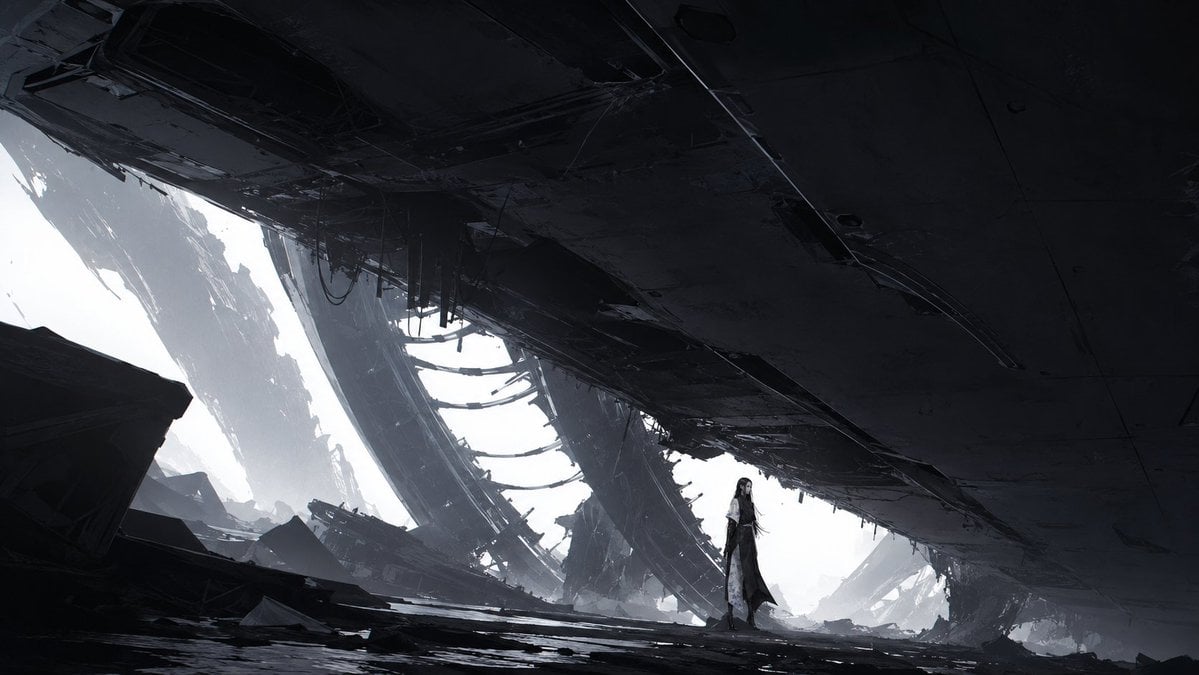
Lone Woman in Ruined Megastructure

Nano Banana Pro 2.0 — 3x3 Travel Profile Grid
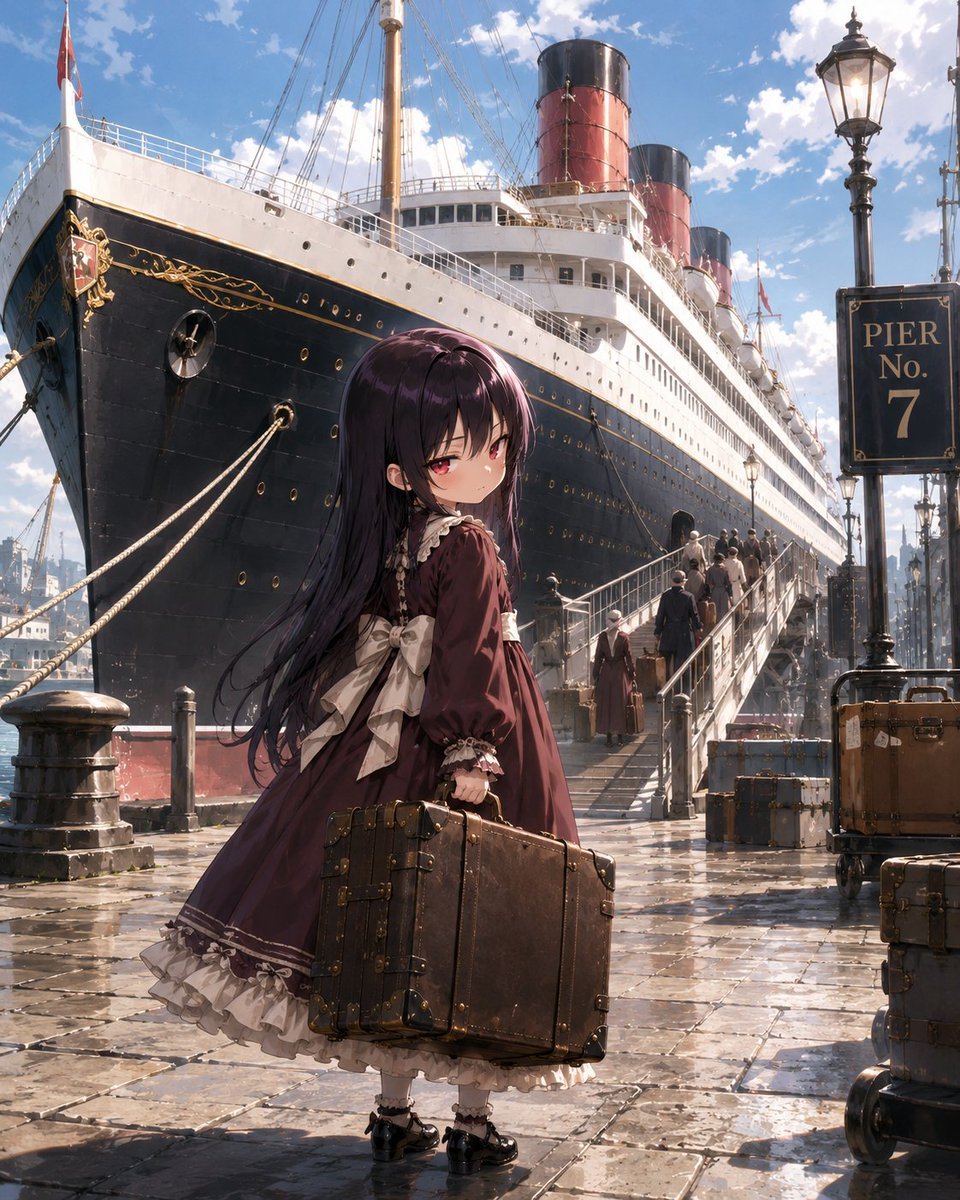
Little Girl in Ruined City
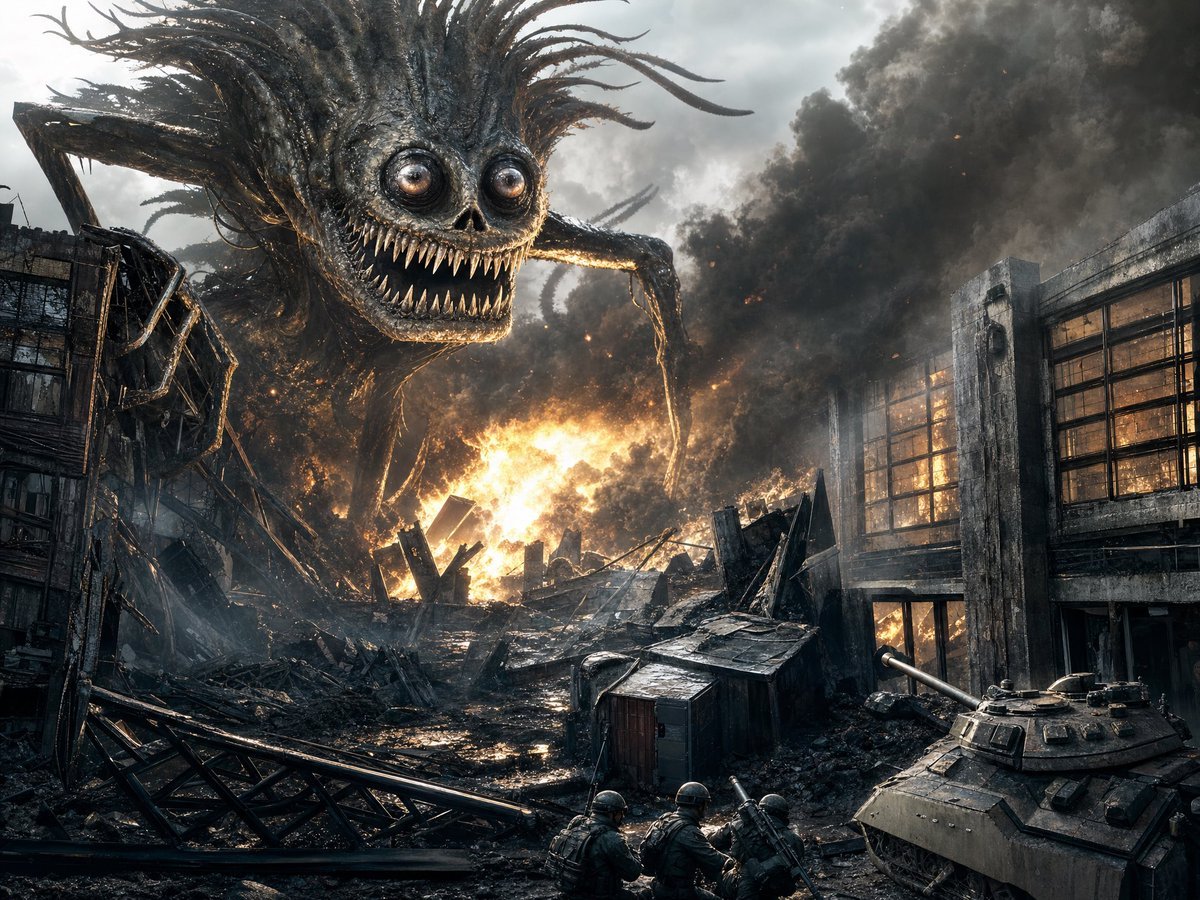
Giant Monster in Ruined War City
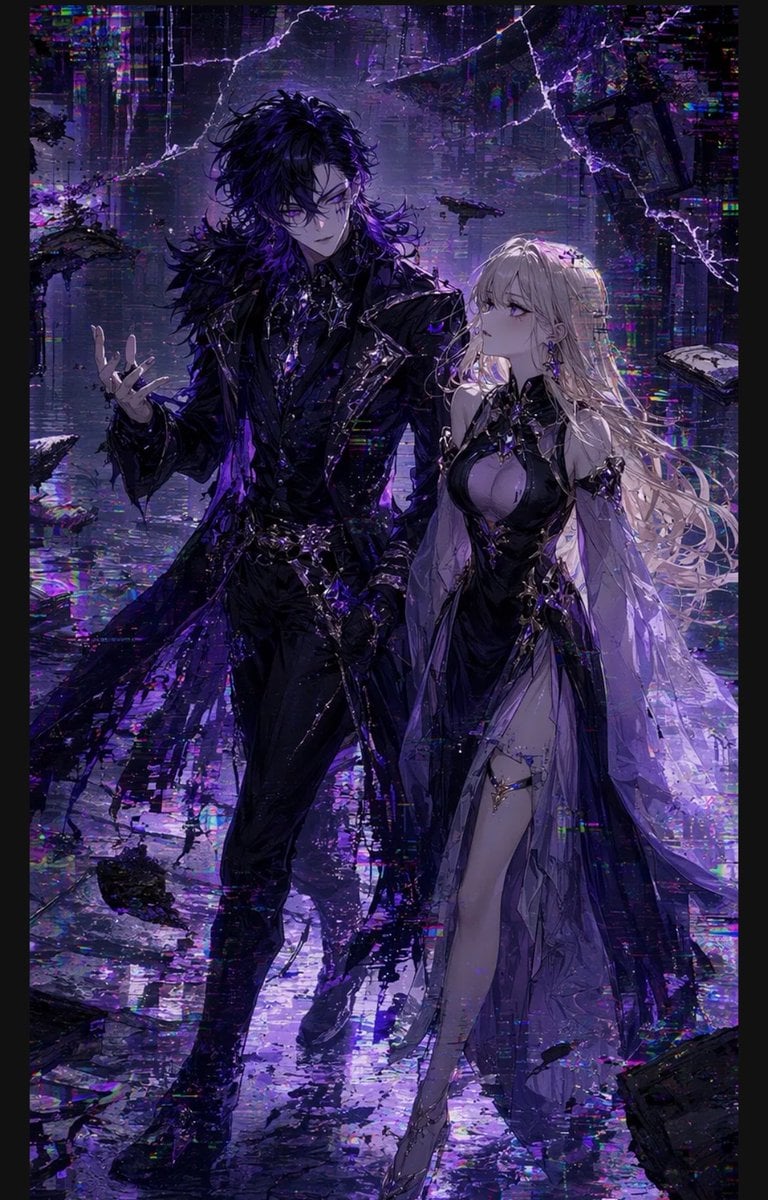
Gothic Cyberpunk Duo in Ruined City
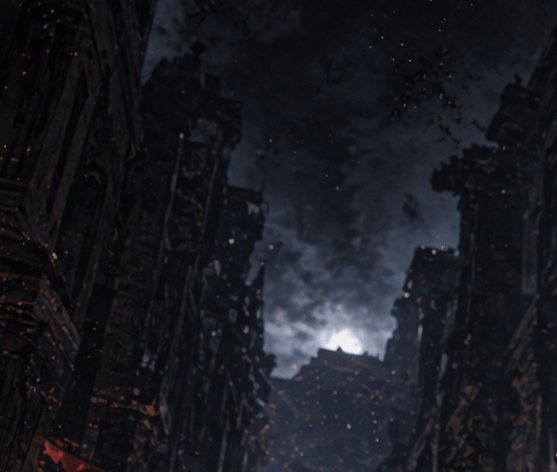
Apocalyptic Ruined City Street

Lone Mountaineer in Moonlit Snow
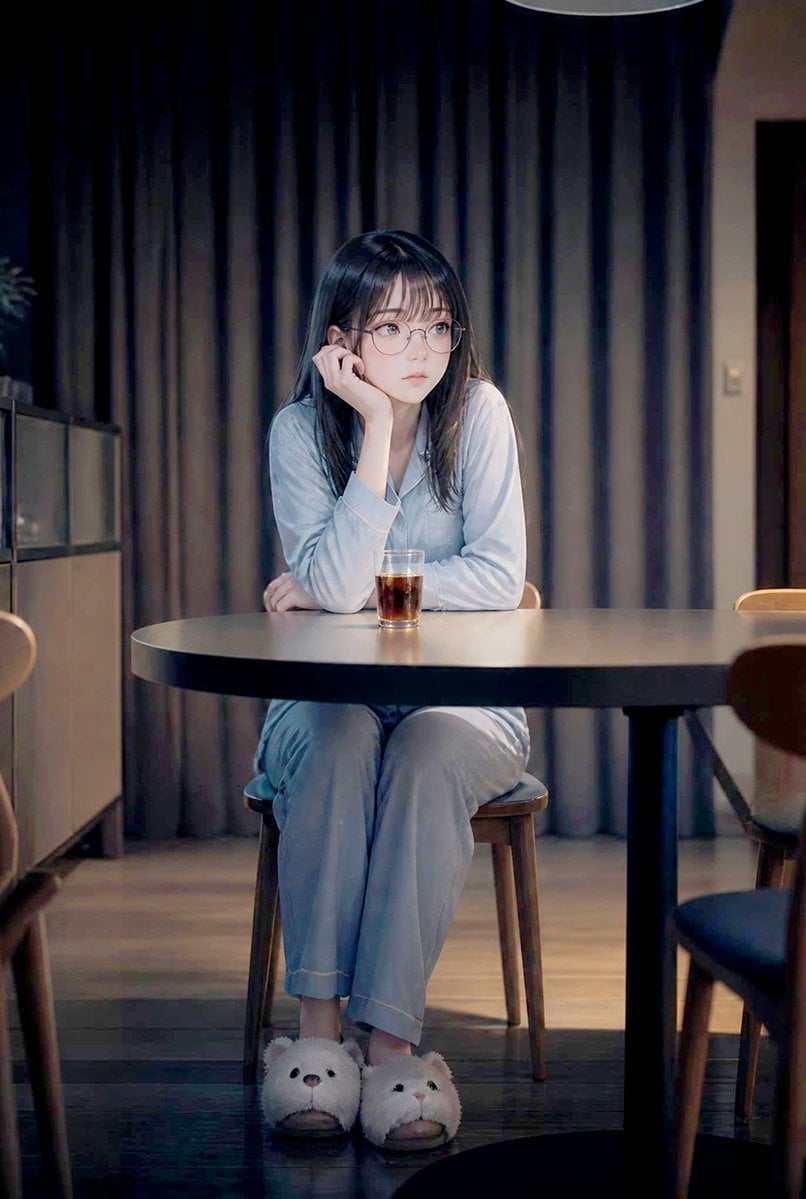
Lonely Night Dining Portrait
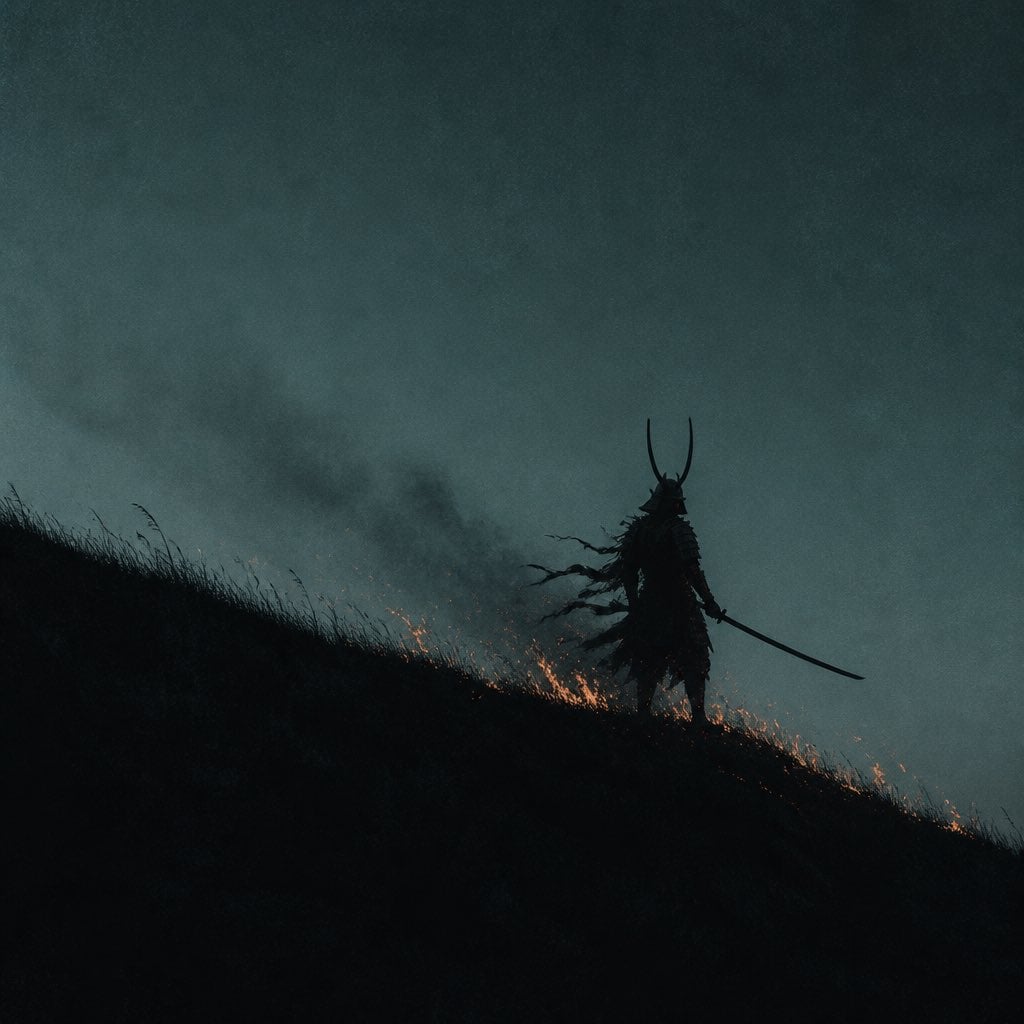
Lone Samurai Warrior Silhouette
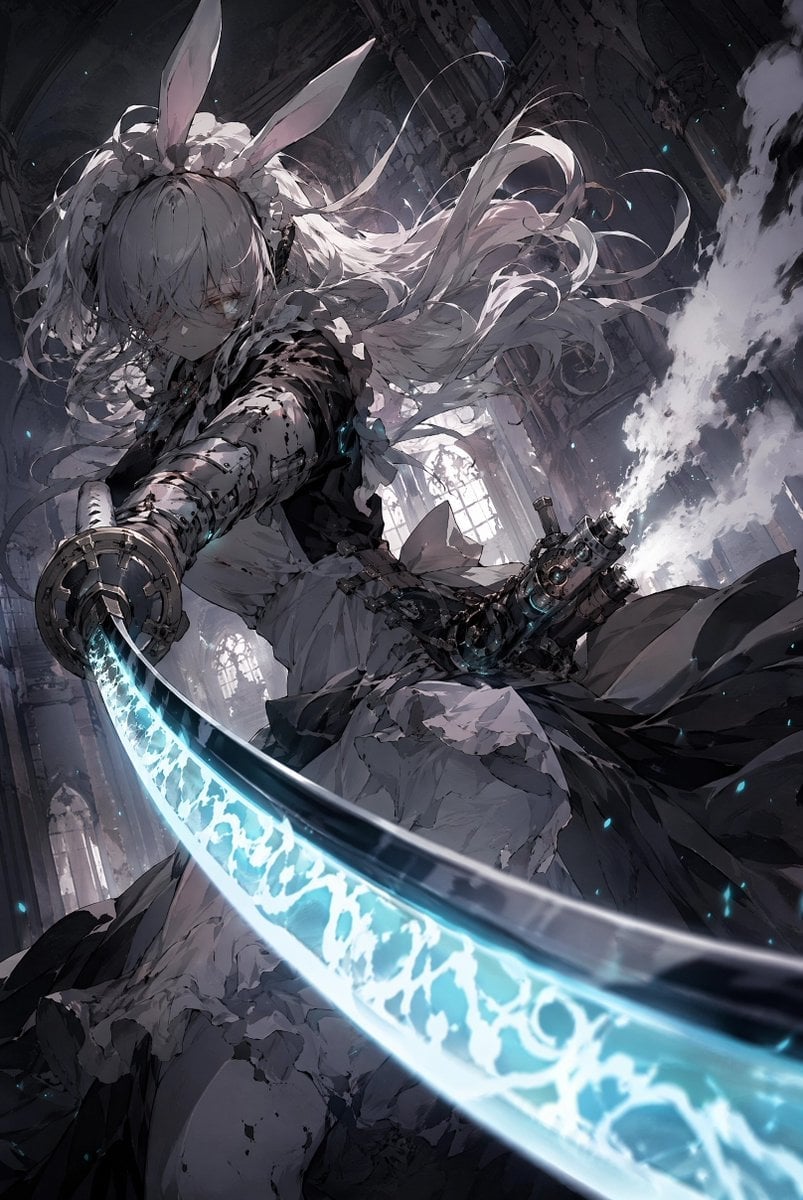
Rabbit-Eared Swordswoman in Ruined Cathedral
Make it yours
Lone Sentinel in Ruined City works as-is. These are the safest ways to change it without losing the look.
Change one field
Copy a single group, rewrite it, and generate again so you can see what that field is doing.
Keep the frame, change the subject
Hold the composition and light of Lone Sentinel in Ruined City, then swap wardrobe, props or the person for a new take.
| If the result… | Why | Fix |
|---|---|---|
| The result drifts from the preview | Too many fields changed at once. | Reuse Lone Sentinel in Ruined City as-is first, then change one group — subject, light, or setting. |
| The model over-stylizes the scene | The prose prompt leaves finish and camera underspecified. | Add one camera or lighting sentence and stay on GPT Image 2. |
More GPT Image 2 templates
Other prompts made for GPT Image 2.

Six VTuber Japanese Logo Sheet

Realistic Portrait of Woman and Deer

The Vista Modular Condo Poster

AI Model Routing Comparison Infographic

2.5D Anime Art Board

Isometric Productivity Desk Scene

New York Double Exposure Poster

Four-Panel AI Landscape Comparison

Japanese Tatami Lifestyle Magazine Cover

NESCAFÉ Coffee Map Poster
More image prompts
Fresh picks from across the catalog.
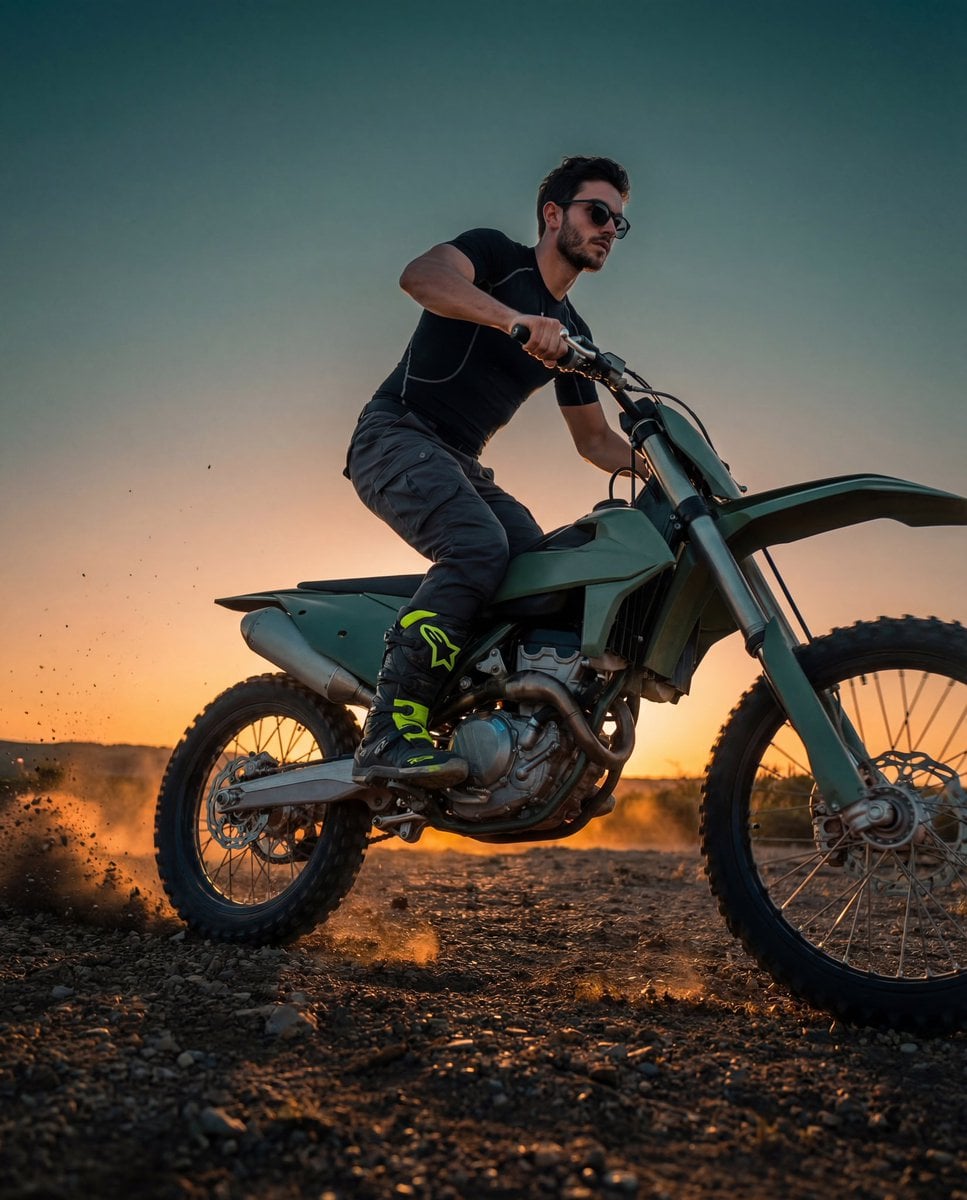
Cinematic Fashion-Action Portrait of a Rider

Cinematic Nescafé Product Advertisement

Ultra-Realistic Skincare Product Photography Prompt
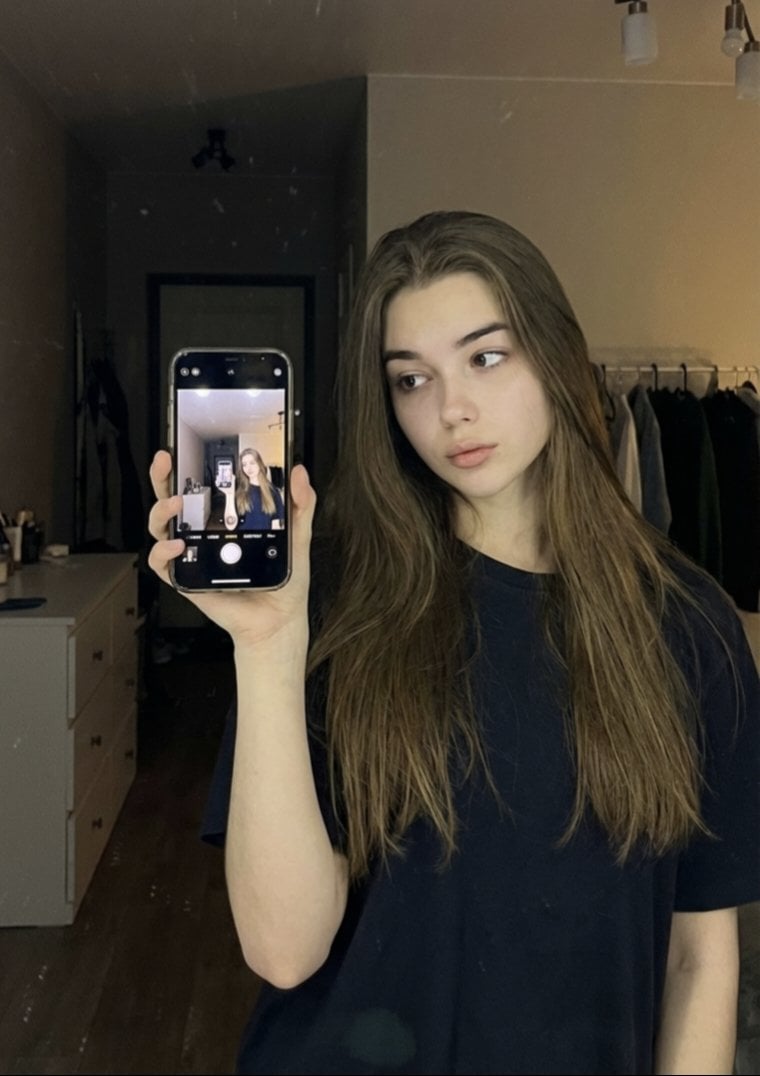
Detailed JSON Prompt for Mirror Selfie Portrait
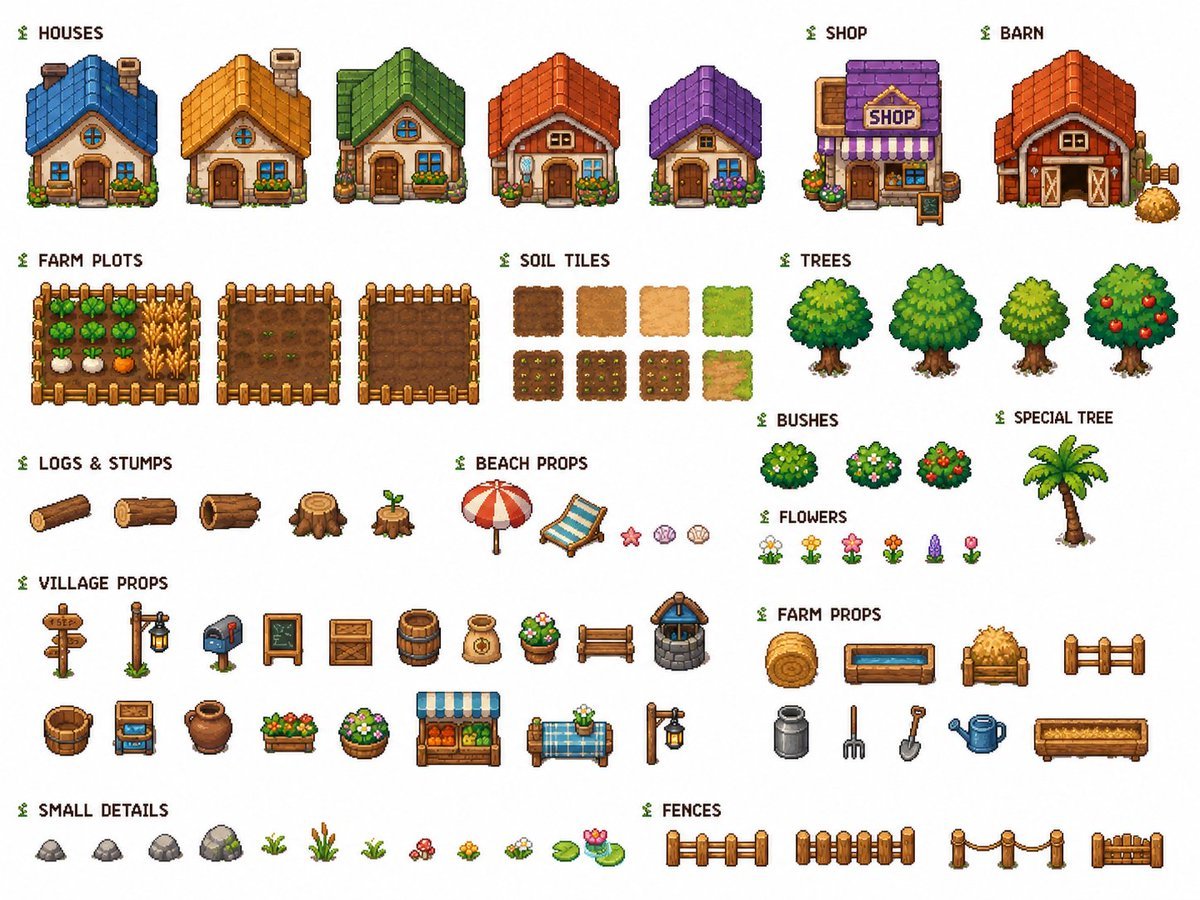
Cozy Farming Village Pixel Asset Sheet
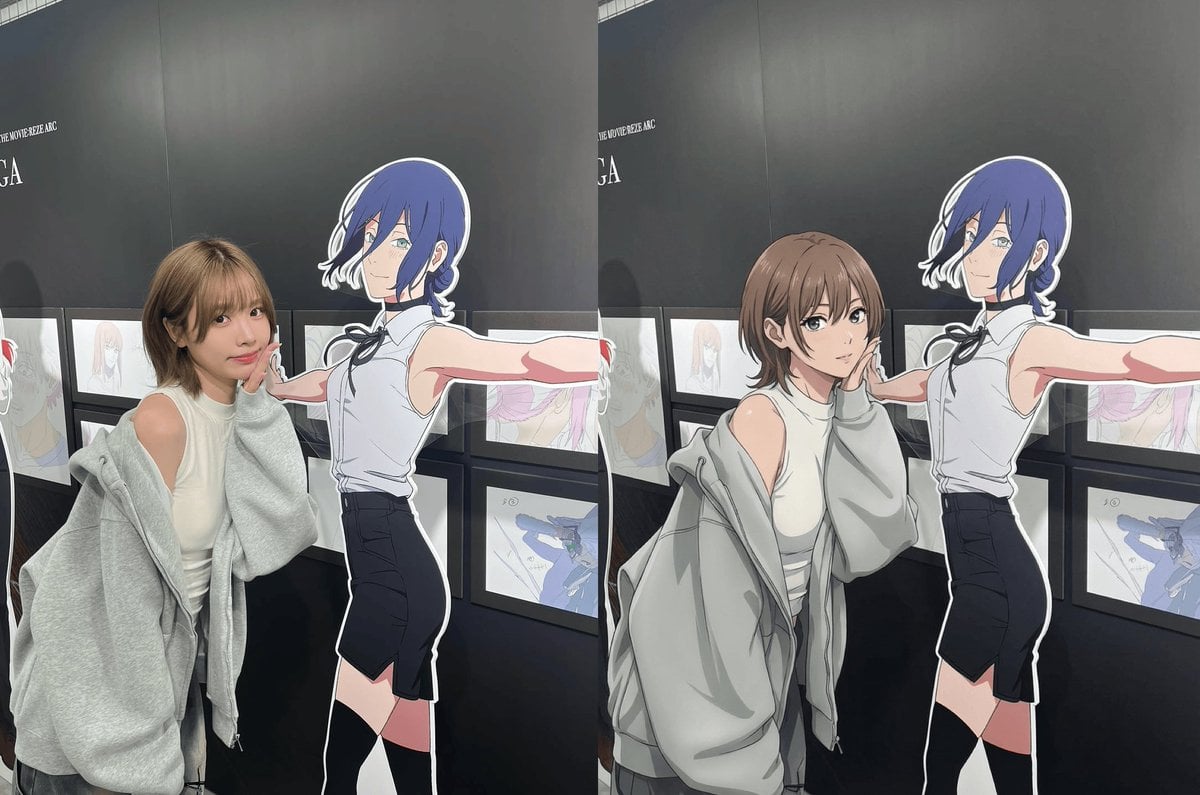
Modern anime-film style, only modify left girl
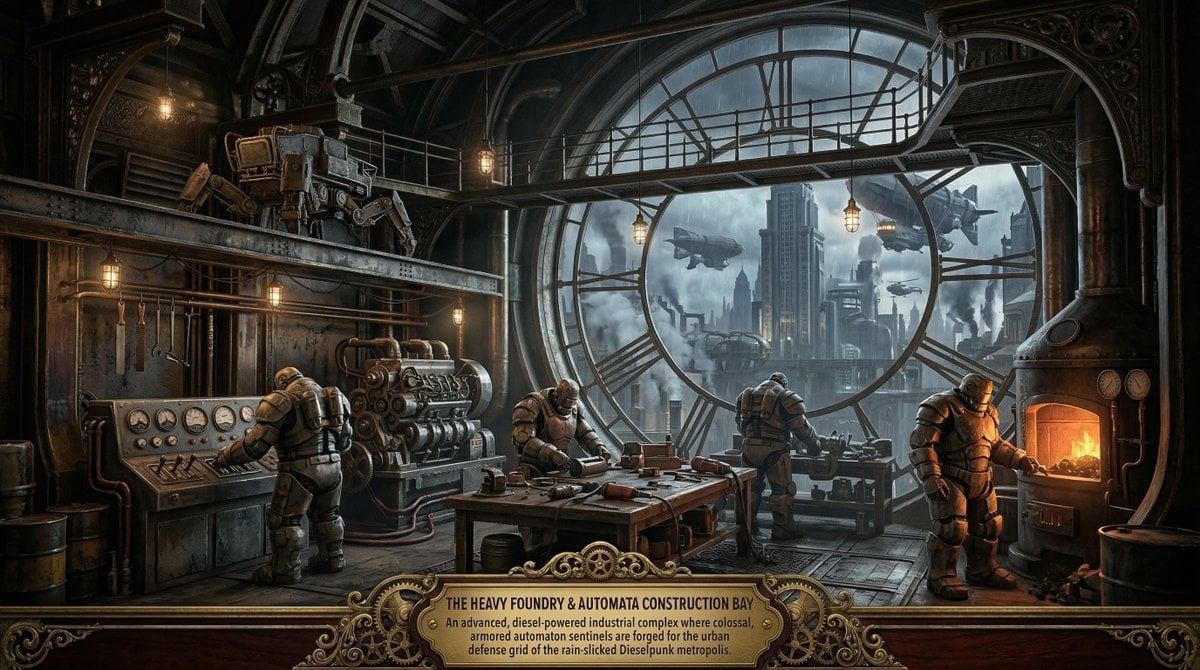
Universal Random Punk Scene Generator for Nano Banana Pro
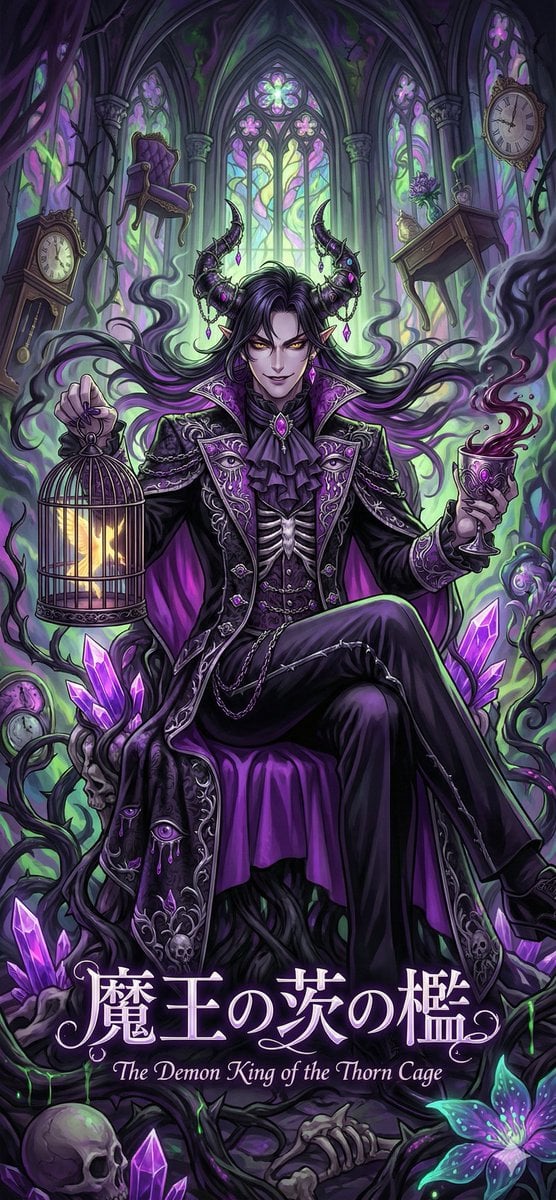
Dark Fairy Tale, Surrealism, Gothic Psychedelic Character Generation
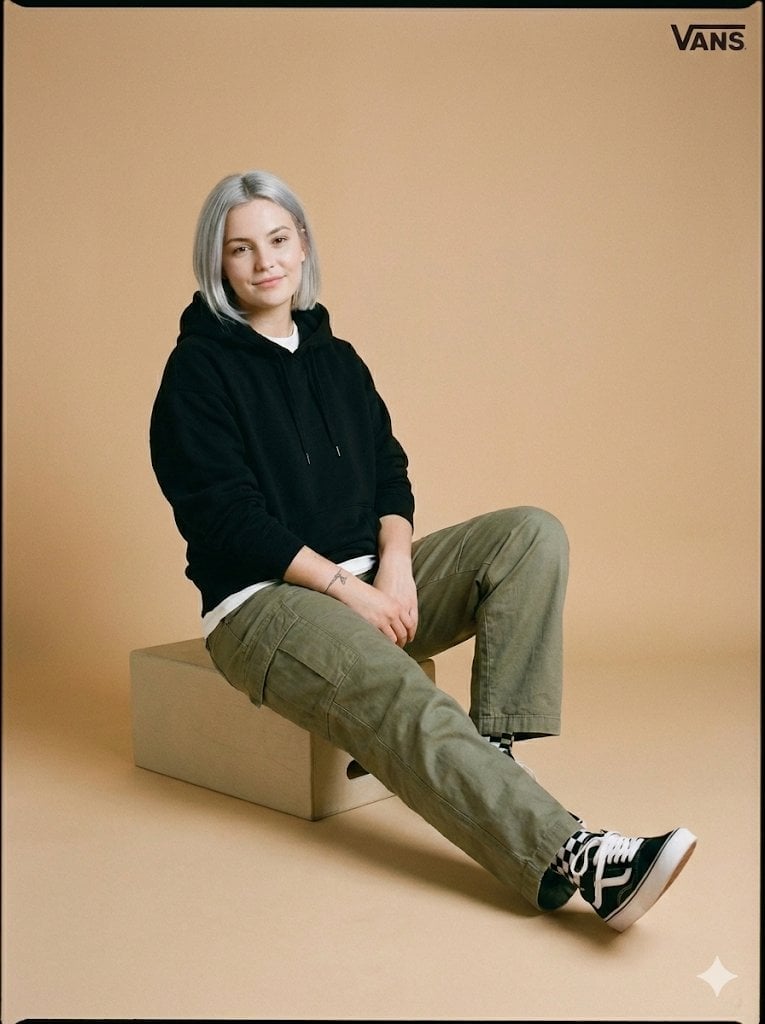
Full-Body Studio Photo in Streetwear
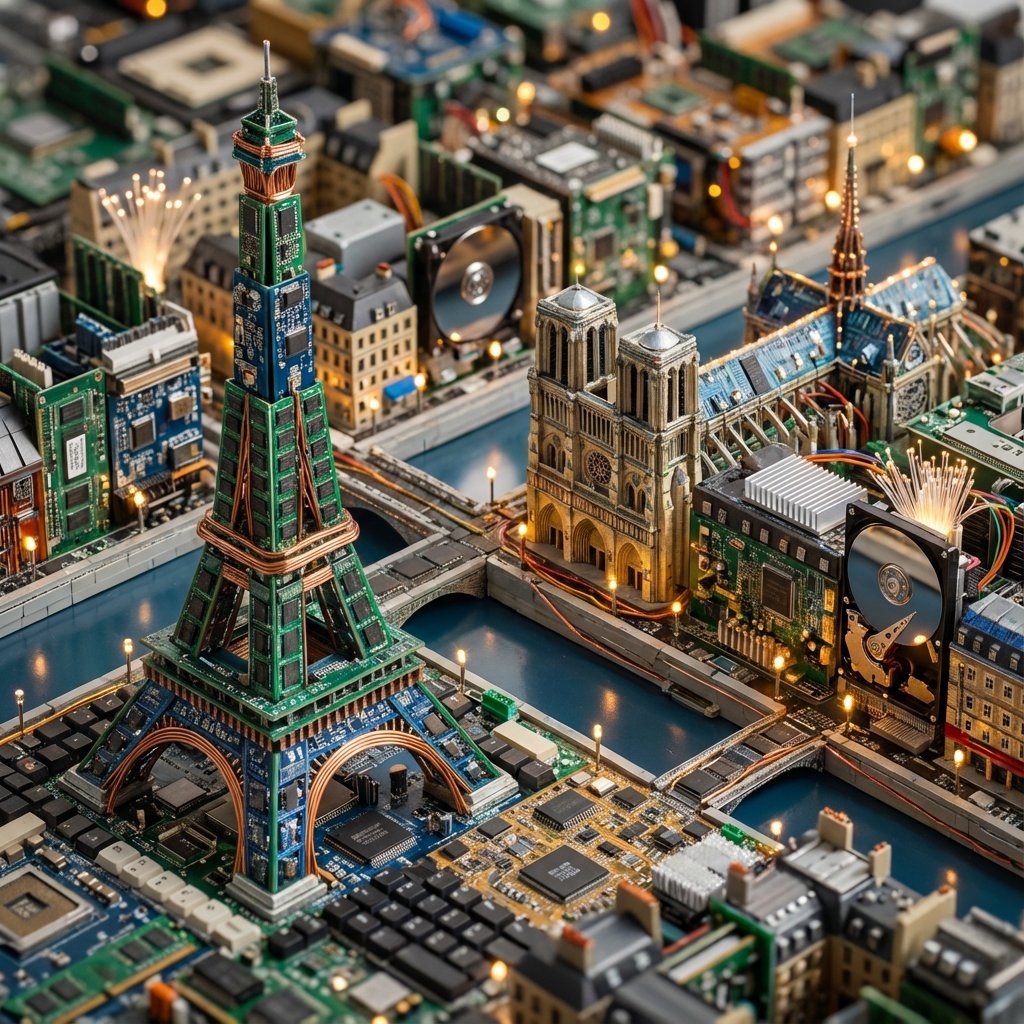
Cityscape Morphology from Material Concepts
Browse template categories
Lone Sentinel in Ruined City questions
How do I use the Lone Sentinel in Ruined City template?
Add your photo if the template asks for one, edit the prompt if you like — the template's model and format are already selected — and press Generate. Your version opens in PicX Studio.
Can I customize the Lone Sentinel in Ruined City template?
Yes. You can change the subject, setting, lighting, mood, format, and available model controls before creating your image.
Is the Lone Sentinel in Ruined City template free?
Opening and editing this template is free. Generating uses credits, shown on the Generate button when you are signed in.
Which AI model should I use?
Start with GPT Image 2, which is the model associated with this template. You can compare another compatible model for a different finish.
Looking for something else? Browse all templates.

Your photo, any look
Thousands of ready templates for every top image and video model, from one credit balance.