
Lone Woman in Ruined Megastructure
A cinematic sci-fi concept art prompt for generating a lone heroine inside a vast shattered futuristic ruin.
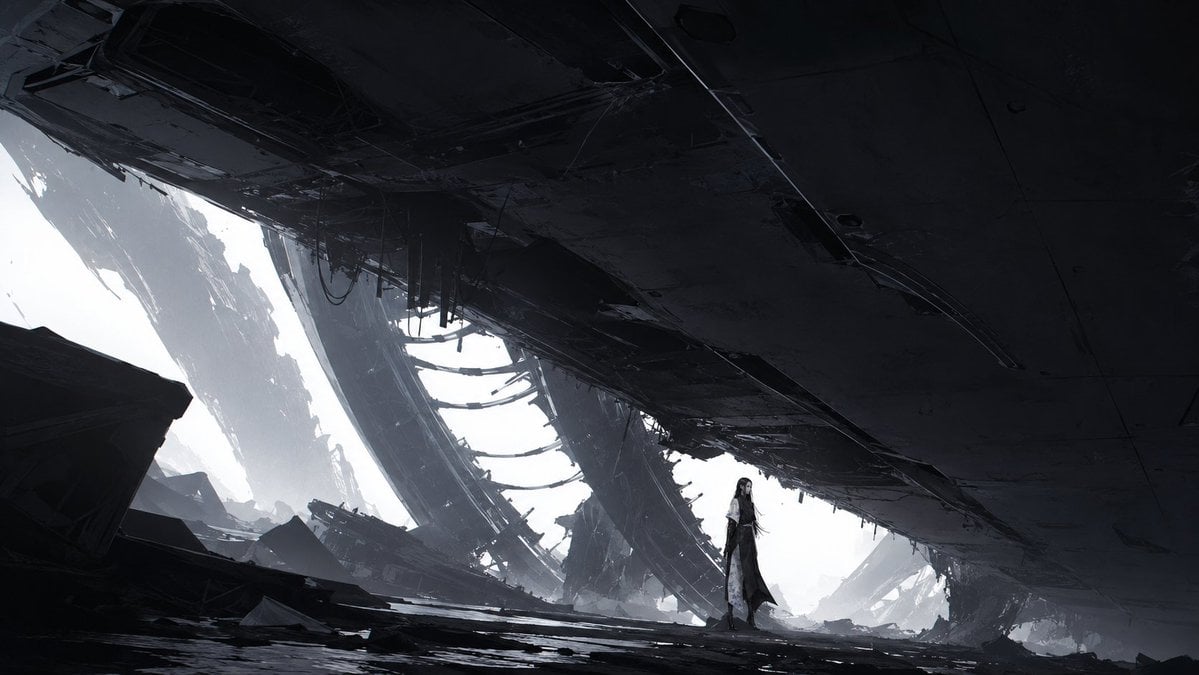
- Prompt included
- Model and format preset
- Free template
The prompt behind this image
Copy the exact prompt behind Lone Woman in Ruined Megastructure, or open it in the studio and make it yours.
Create a widescreen cinematic science-fiction concept art scene in a bleak monochrome palette. The setting is the colossal interior wreckage of a destroyed futuristic megastructure or crashed spacecraft, viewed from a low ground-level perspective under an enormous dark ceiling slab that dominates the top two-thirds of the frame. Show one lone female figure standing slightly right of center in the distance, small against the architecture, with long black hair, pale skin, and a flowing dark-and-white layered outfit or coat, giving a quiet post-apocalyptic heroine mood. Surround her with shattered metal plates, collapsed floor debris, hanging cables, jagged beams, and broken hull fragments; include three massive curved structural ribs receding into the bright misty opening behind her. Strong backlight floods in from the left and rear, creating a white foggy exterior glow and deep silhouettes in the foreground. Use dramatic scale contrast, sharp angular sci-fi industrial forms, subtle dust haze, high detail, matte-painting realism, cold gray and black tones, no text, no watermark. Aspect ratio 16:9. Optional customization: the lone character is {argument name="character name" default="an unnamed dark-haired woman"}, the environment is {argument name="ruined structure type" default="a crashed alien megastructure"}, the mood is {argument name="cinematic mood" default="bleak post-apocalyptic solitude"}, the color palette is {argument name="color palette" default="cold monochrome gray and black"}, and the lighting is {argument name="lighting style" default="harsh white backlight through fog"}.
How to use Lone Woman in Ruined Megastructure in 3 steps
- 1Upload ImagePNG, JPG or paste
Add your photo
Upload the photo the template builds on. The prompt, model and format are already set.
- 2…a portrait of your subject in softgolden-hour light, 85mm…
Personalize
Edit the subject and creative details for your destination.
- 3Generate
Generate
Press Generate — your image is created in PicX Studio, so you can compare it with the original and refine one variable at a time.
More like this
Templates with the same subject, style or setup. Open one to see its prompt.

Lone Sentinel in Ruined City

Woman in Mall with Chanel Bag - Heart Gesture

Floating Woman Above Cityscape with Notifications
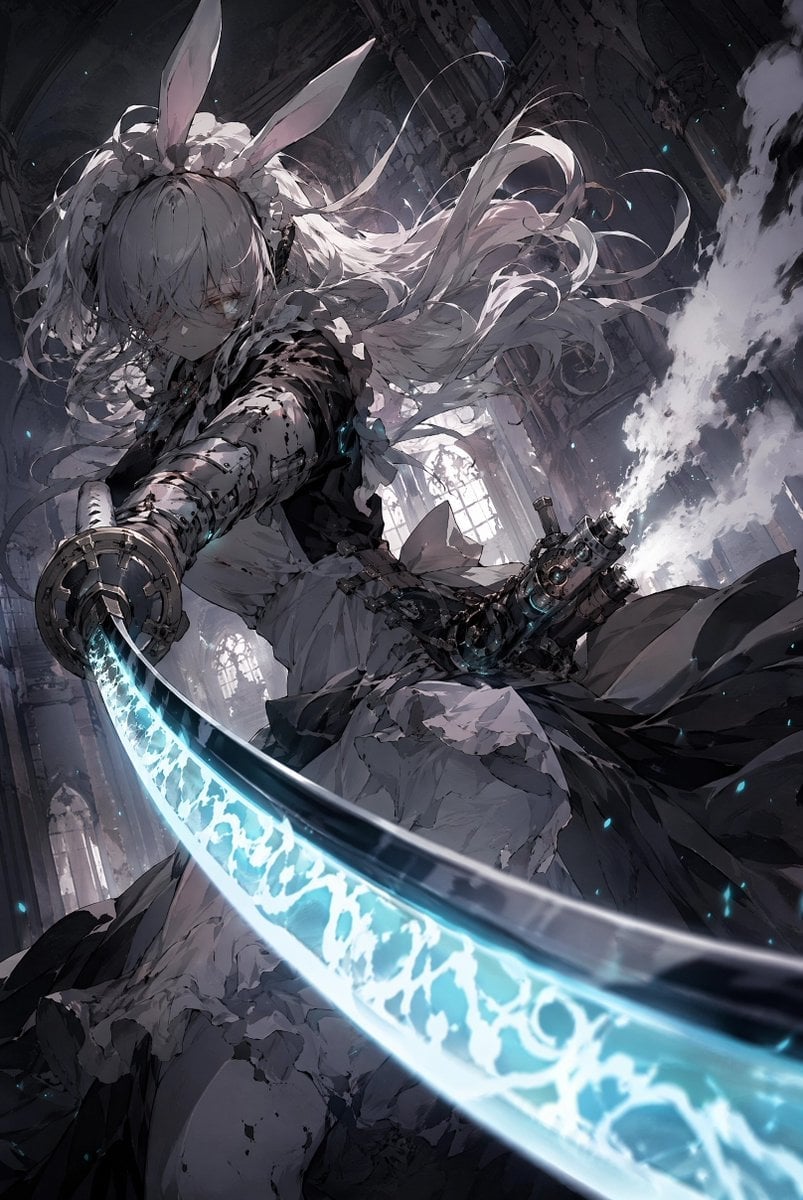
Rabbit-Eared Swordswoman in Ruined Cathedral
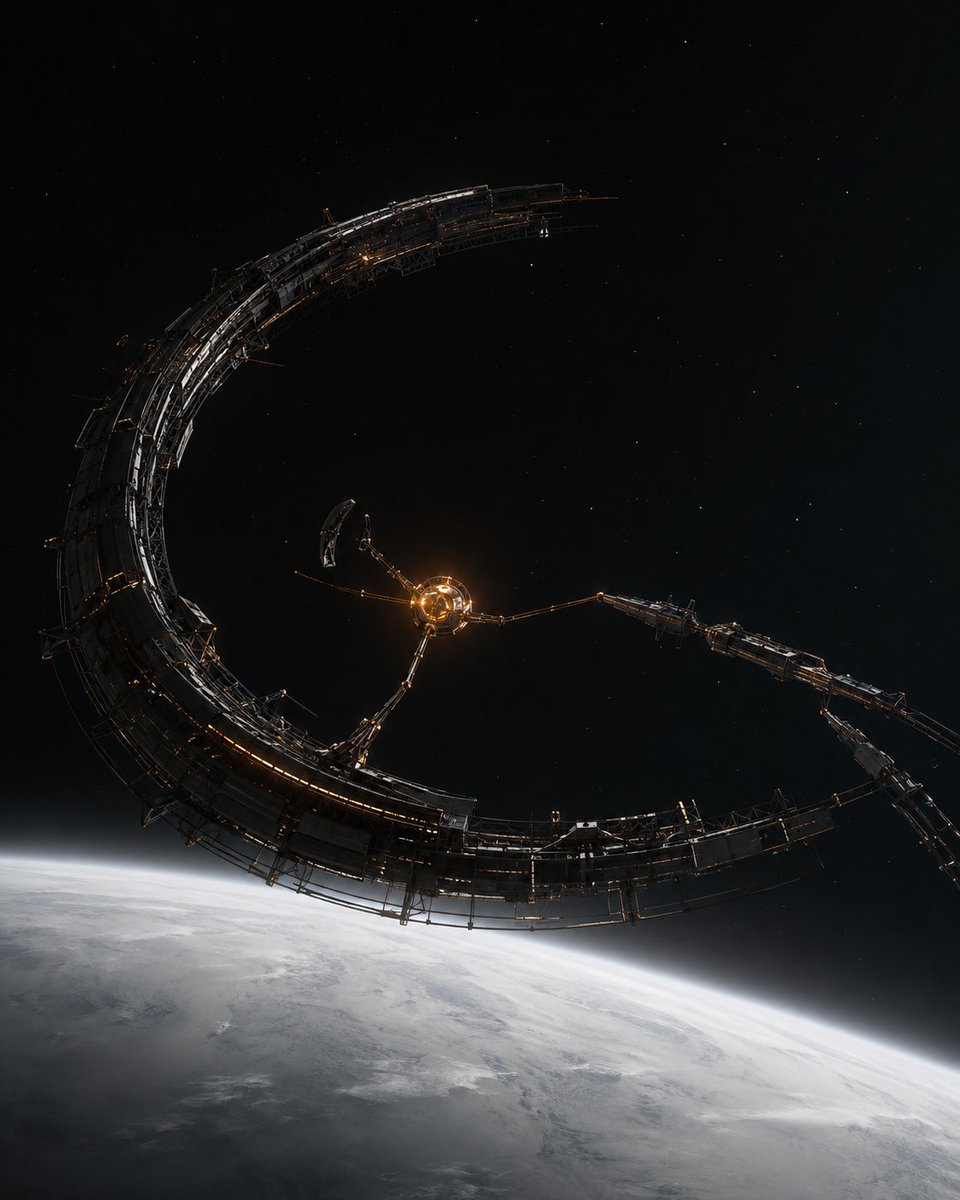
Crescent Orbital Megastructure
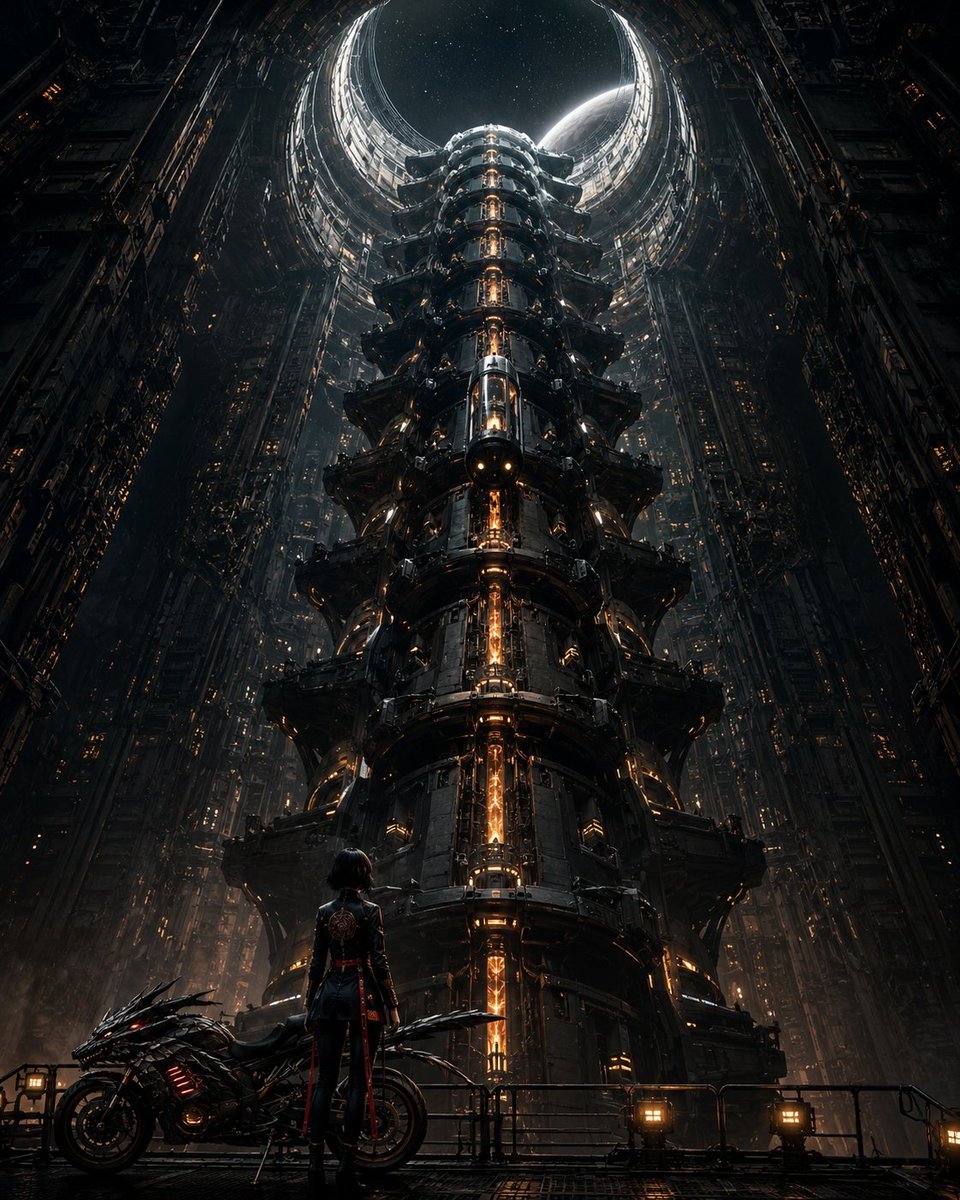
Cyberpunk Megastructure Rider

Little Girl in Ruined City

Lone Mountaineer in Moonlit Snow
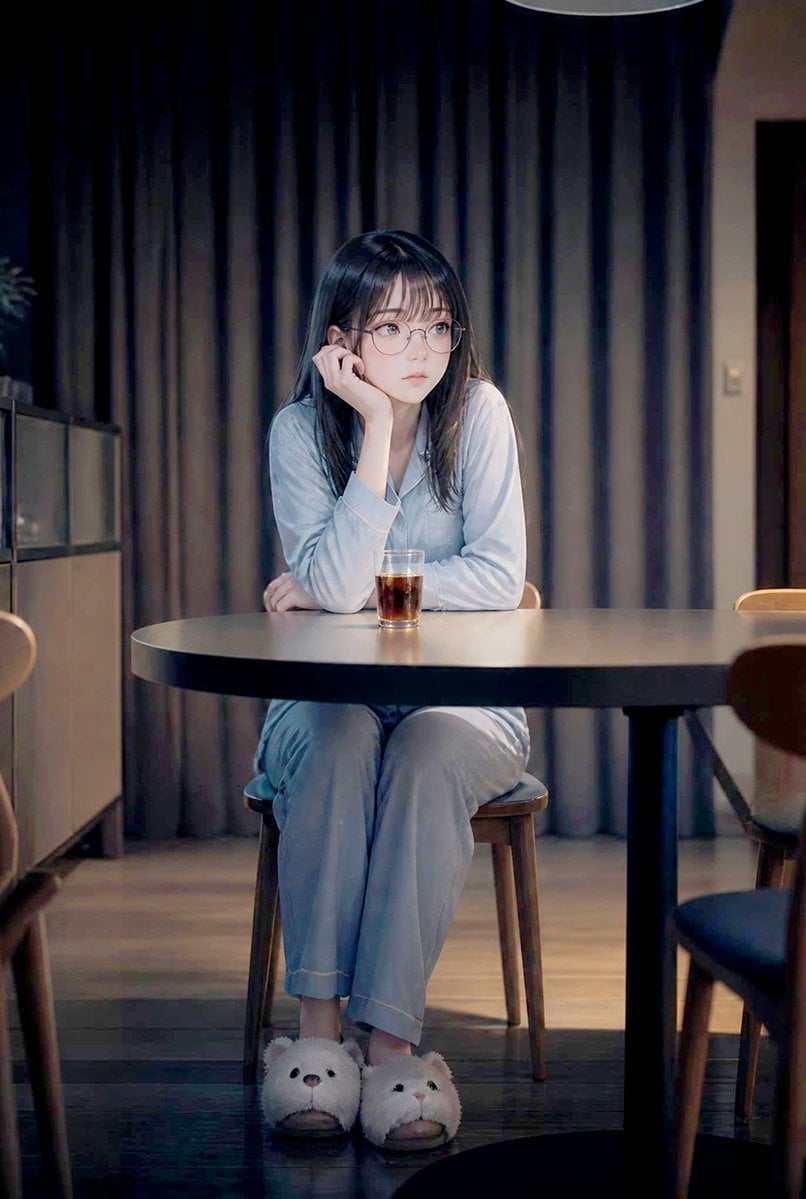
Lonely Night Dining Portrait
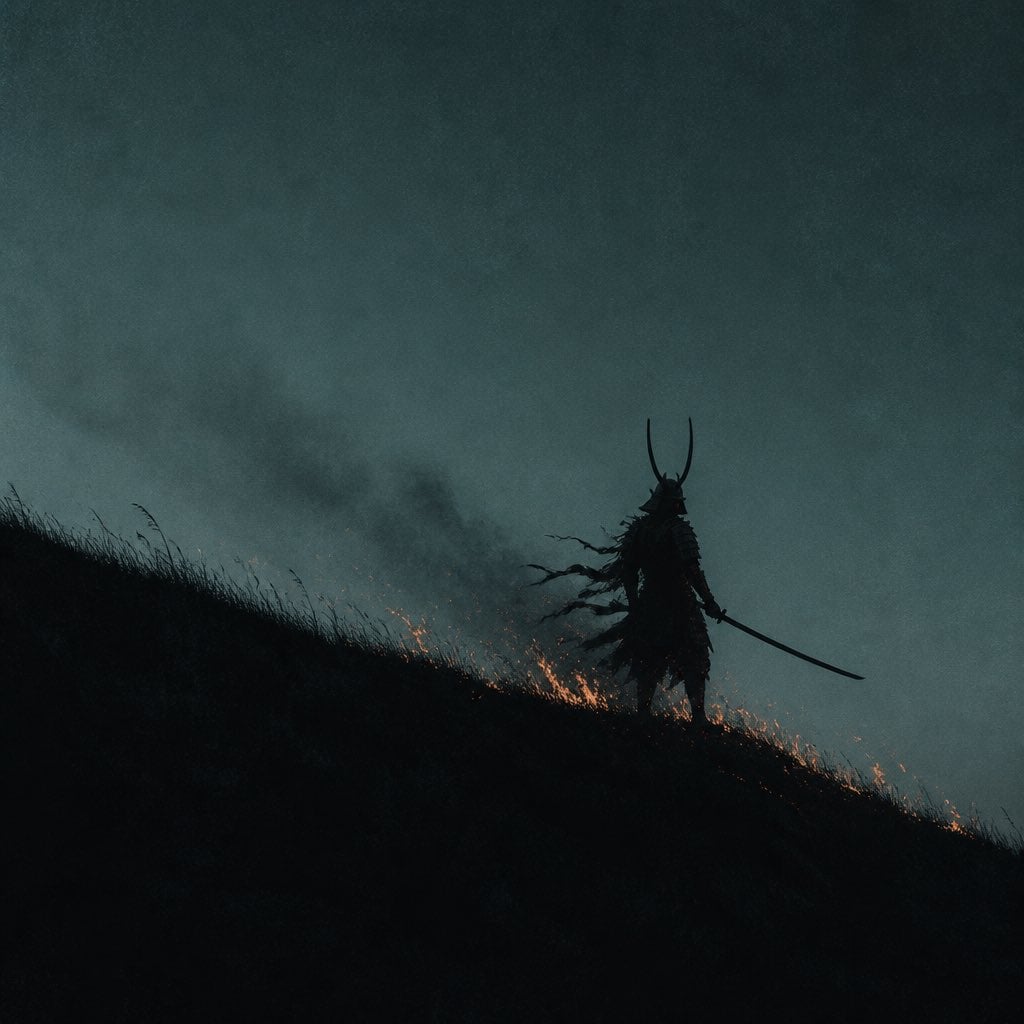
Lone Samurai Warrior Silhouette

Giant Monster in Ruined War City
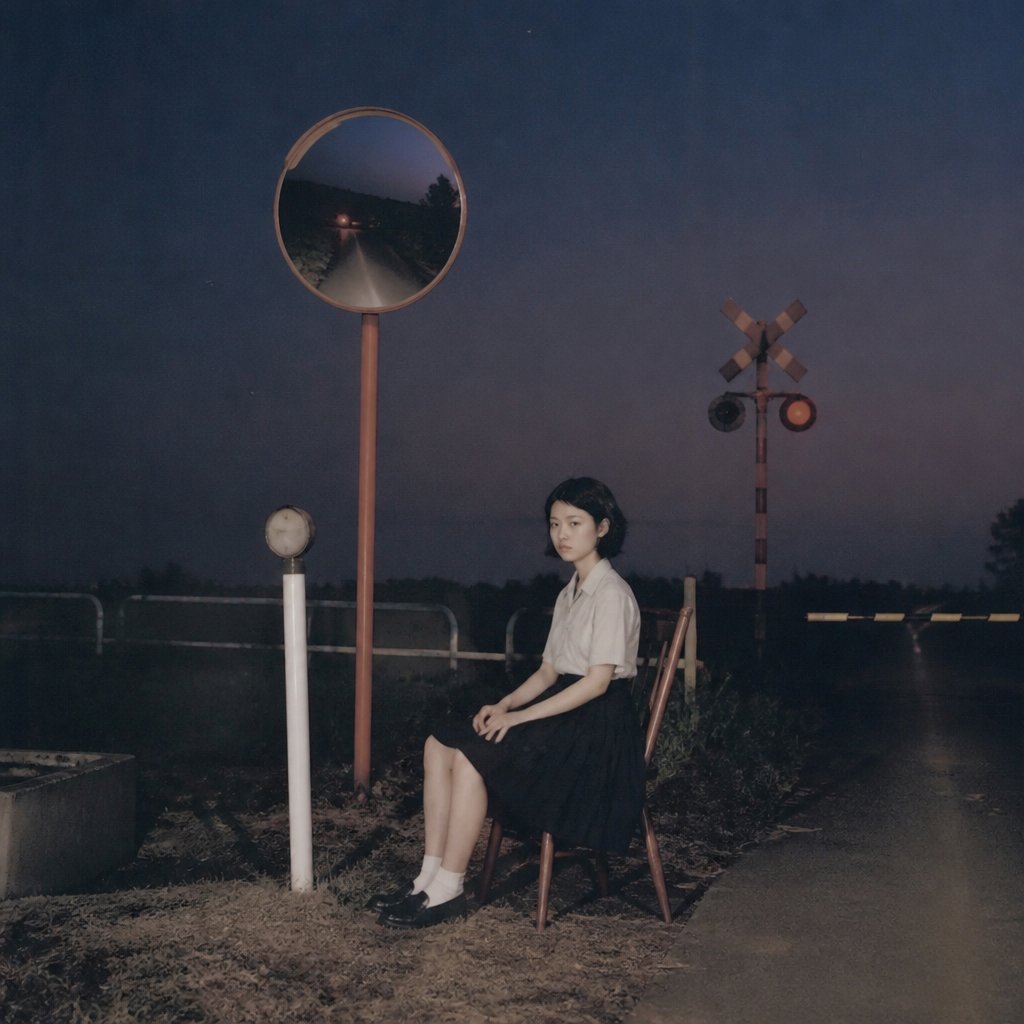
Lonely Night Railway Crossing Attendant
Make it yours
Lone Woman in Ruined Megastructure works as-is. These are the safest ways to change it without losing the look.
Change one field
Copy a single group, rewrite it, and generate again so you can see what that field is doing.
Keep the frame, change the subject
Hold the composition and light of Lone Woman in Ruined Megastructure, then swap wardrobe, props or the person for a new take.
| If the result… | Why | Fix |
|---|---|---|
| The result drifts from the preview | Too many fields changed at once. | Reuse Lone Woman in Ruined Megastructure as-is first, then change one group — subject, light, or setting. |
| The model over-stylizes the scene | The prose prompt leaves finish and camera underspecified. | Add one camera or lighting sentence and stay on GPT Image 2. |
More GPT Image 2 templates
Other prompts made for GPT Image 2.

Six VTuber Japanese Logo Sheet

Realistic Portrait of Woman and Deer

The Vista Modular Condo Poster

AI Model Routing Comparison Infographic

2.5D Anime Art Board

Isometric Productivity Desk Scene

New York Double Exposure Poster

Four-Panel AI Landscape Comparison

Japanese Tatami Lifestyle Magazine Cover

NESCAFÉ Coffee Map Poster
More image prompts
Fresh picks from across the catalog.
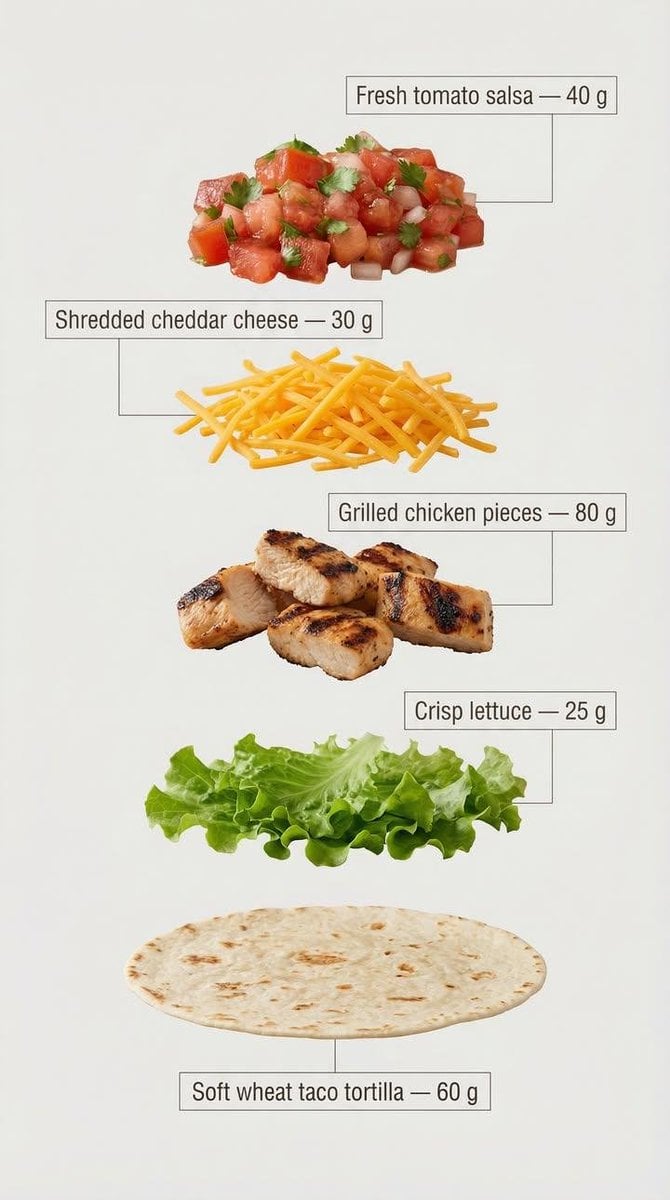
Exploded View Tacos Infographic for Marketing

Wareen - The Girl in the Purple Bob

Stylized X-Frame Portrait Design
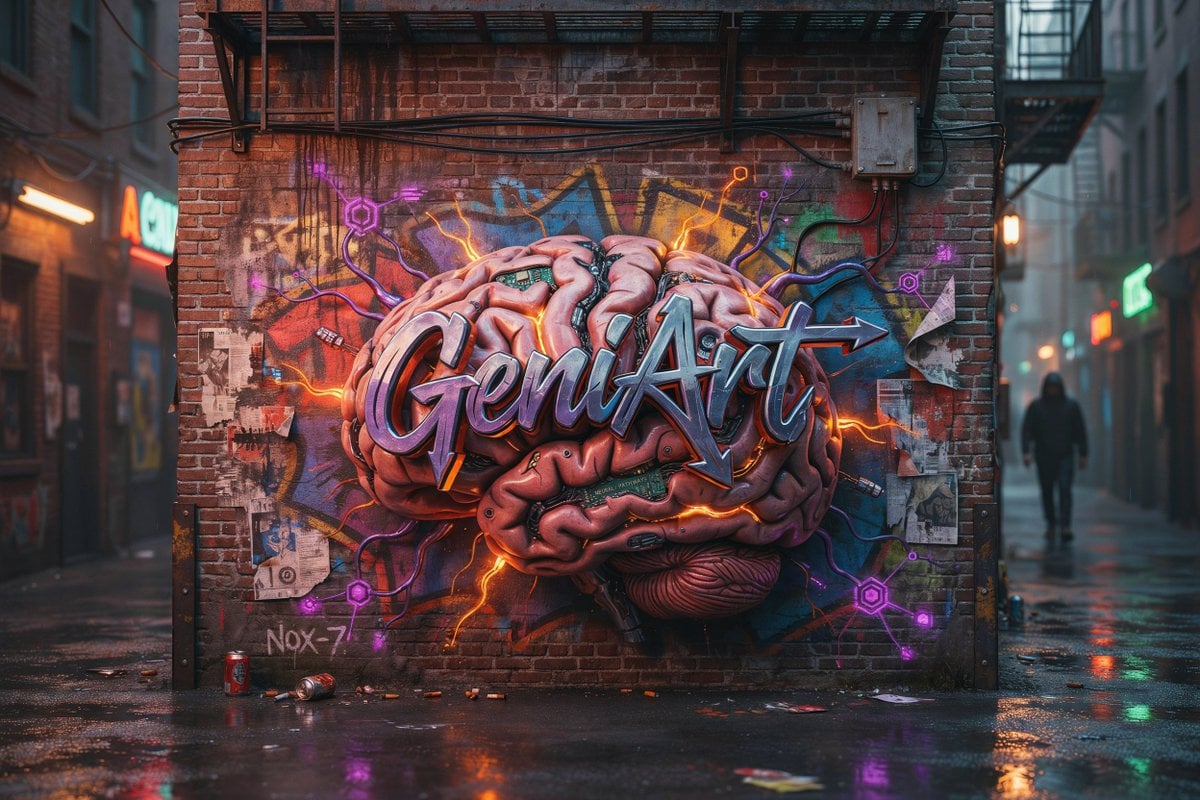
Cyberpunk Brain Graffiti Alley
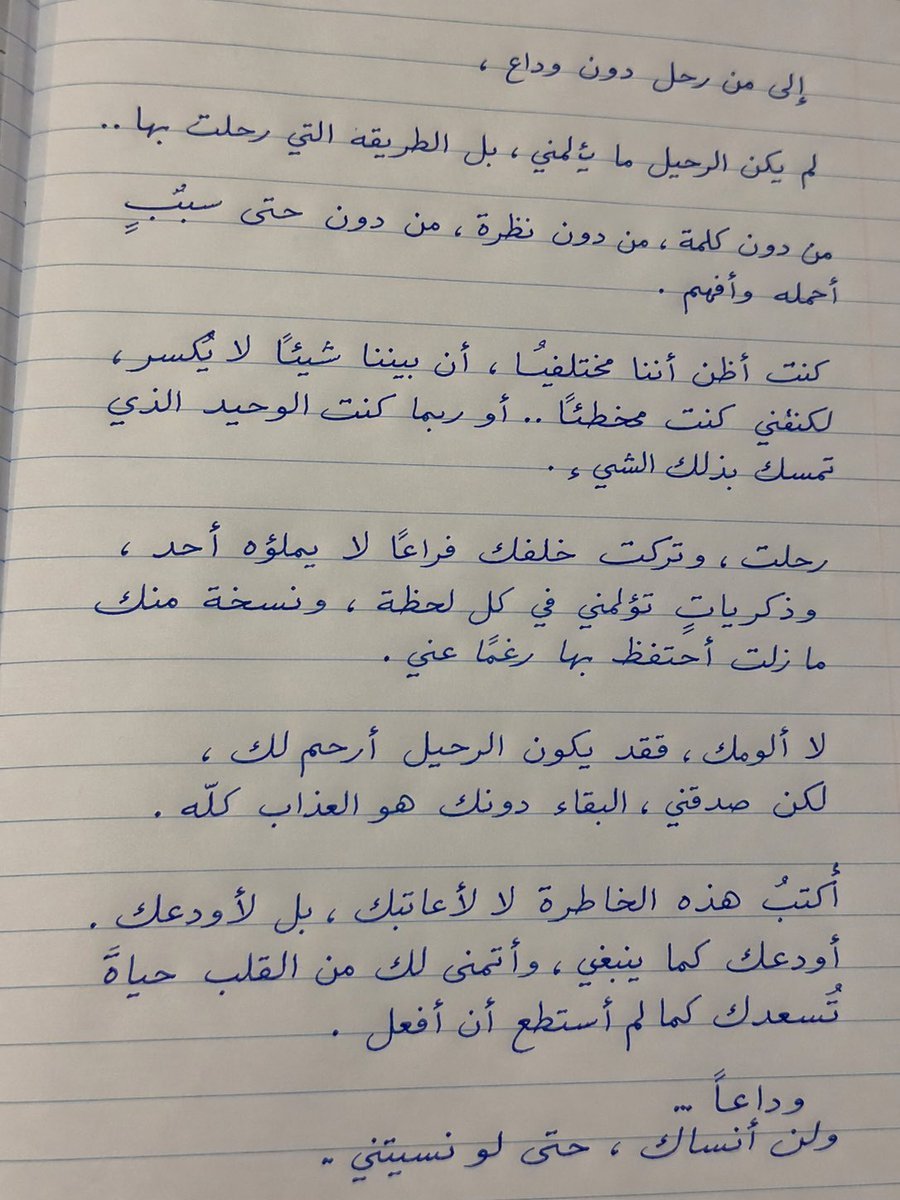
Handwritten Realistic Letter

Portugal Football Campaign Poster

Cinematic Portrait of Indian Astronaut in ISRO Spacesuit

Photorealistic manga-themed bedroom portrait
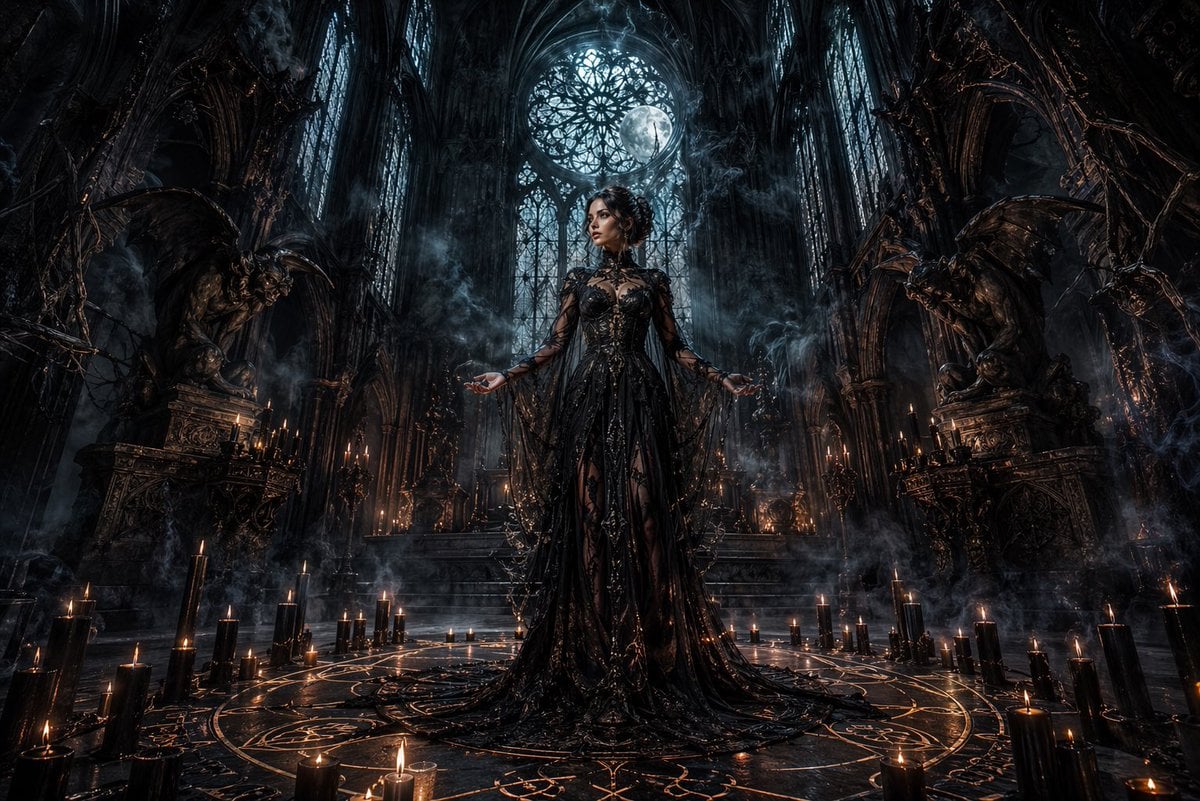
Dark Gothic Ritual in Cathedral
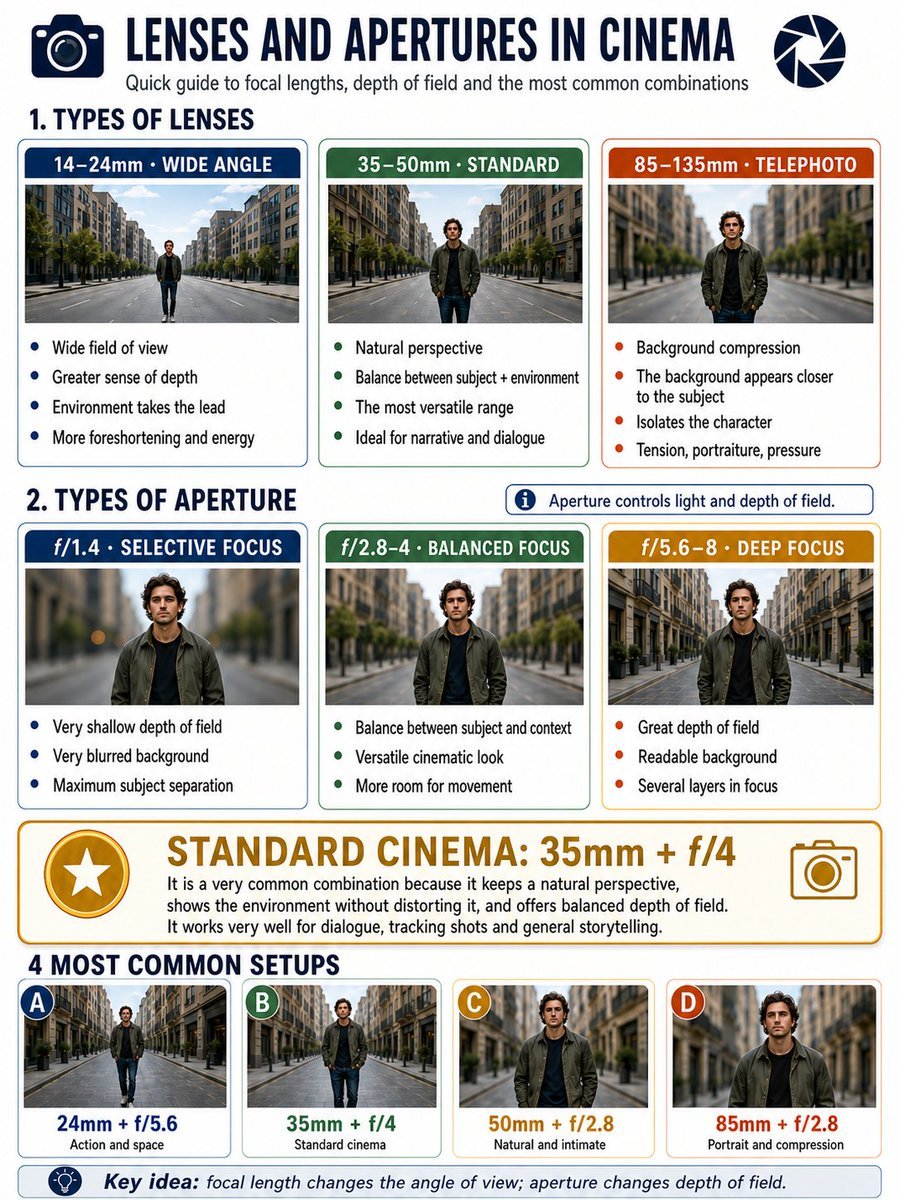
Cinema Lens Infographic Guide
Browse template categories
Lone Woman in Ruined Megastructure questions
How do I use the Lone Woman in Ruined Megastructure template?
Add your photo if the template asks for one, edit the prompt if you like — the template's model and format are already selected — and press Generate. Your version opens in PicX Studio.
Can I customize the Lone Woman in Ruined Megastructure template?
Yes. You can change the subject, setting, lighting, mood, format, and available model controls before creating your image.
Is the Lone Woman in Ruined Megastructure template free?
Opening and editing this template is free. Generating uses credits, shown on the Generate button when you are signed in.
Which AI model should I use?
Start with GPT Image 2, which is the model associated with this template. You can compare another compatible model for a different finish.
Looking for something else? Browse all templates.

Your photo, any look
Thousands of ready templates for every top image and video model, from one credit balance.