
Lone Samurai Warrior Silhouette
A cinematic, minimalist digital painting of a samurai silhouetted against a dark twilight sky, featuring embers and smoke.
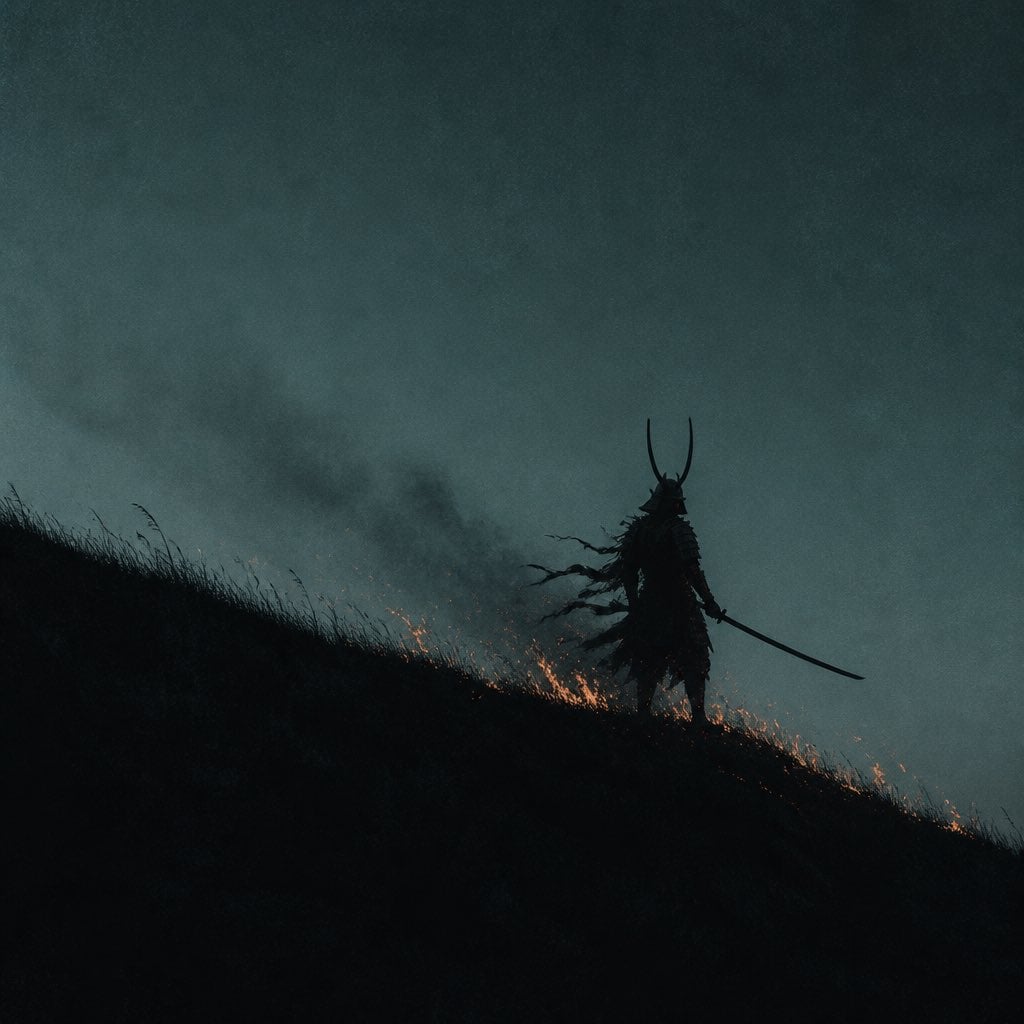
- Prompt included
- Model and format preset
- Free template
The prompt behind this image
Copy the exact prompt behind Lone Samurai Warrior Silhouette, or open it in the studio and make it yours.
Minimalist cinematic wide shot of a {argument name="subject" default="lone samurai warrior"} silhouetted in near-total darkness, standing on the crest of a steep grassy hillside at dusk. The samurai is rendered as a pure black silhouette against a {argument name="background color" default="muted, desaturated teal-grey twilight sky"} — no facial details visible, only the unmistakable outline of a kabuto helmet with two long curved horns (wakidate crest) sweeping upward, and a katana held low and extended outward in one hand in a ready stance. The figure stands hunched slightly forward in a battle-worn, weary posture, tattered armor and loose fabric fragments breaking up the silhouette's edges. At the samurai's feet, a line of small flames and glowing orange embers burns along the ridge of the hill, licking upward and casting no light on the figure itself — the fire reads as scattered molten flecks of orange and gold against the blackness. Faint wisps of smoke drift diagonally from the warrior's back, suggesting smoldering armor or trailing ash. The composition is dominated by negative space: the entire lower third and left diagonal of the frame is solid black hillside, with sparse blades of grass barely catching ambient light along the slope's edge. The sky occupies the upper two-thirds, flat and moody with subtle film grain and a cold blue-green cast, completely empty of clouds or detail. Style: {argument name="art style" default="dark atmospheric digital painting"}, minimalist chiaroscuro composition, cinematic Japanese historical fantasy, muted teal and black palette with isolated warm orange fire accents, heavy negative space, film grain texture, moody dusk lighting, in the style of a somber anime film still or Ghost of Tsushima-inspired key art
How to use Lone Samurai Warrior Silhouette in 3 steps
- 1
Open
The prompt is already in the box next to the preview, with the template's model and format selected.
- 2…a portrait of your subject in softgolden-hour light, 85mm…
Personalize
Edit the subject and creative details for your destination.
- 3Generate
Generate
Press Generate — your image is created in PicX Studio, so you can compare it with the original and refine one variable at a time.
More like this
Templates with the same subject, style or setup. Open one to see its prompt.
Samurai Warrior Watercolor Portrait
3D Paper Quilling Art: Samurai Warrior

Lone Mountaineer in Moonlit Snow
Lonely Night Dining Portrait
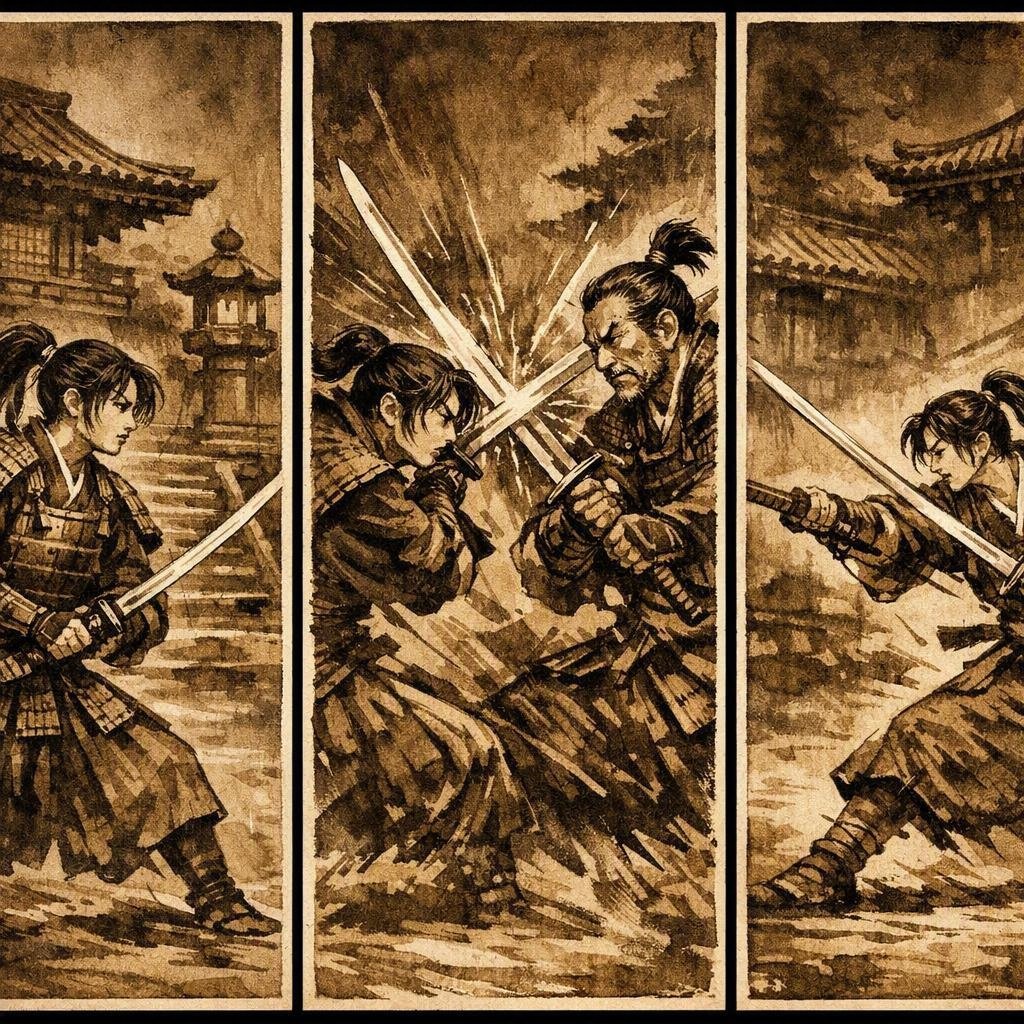
Japanese Samurai Ukiyo-e Triptych
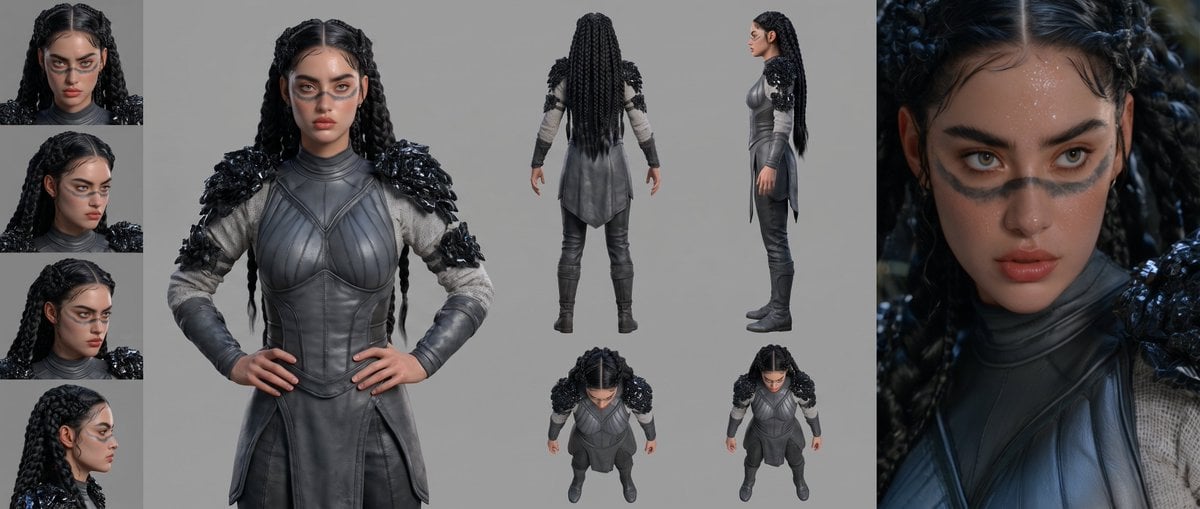
Mesoamerican Warrior Character Sheet
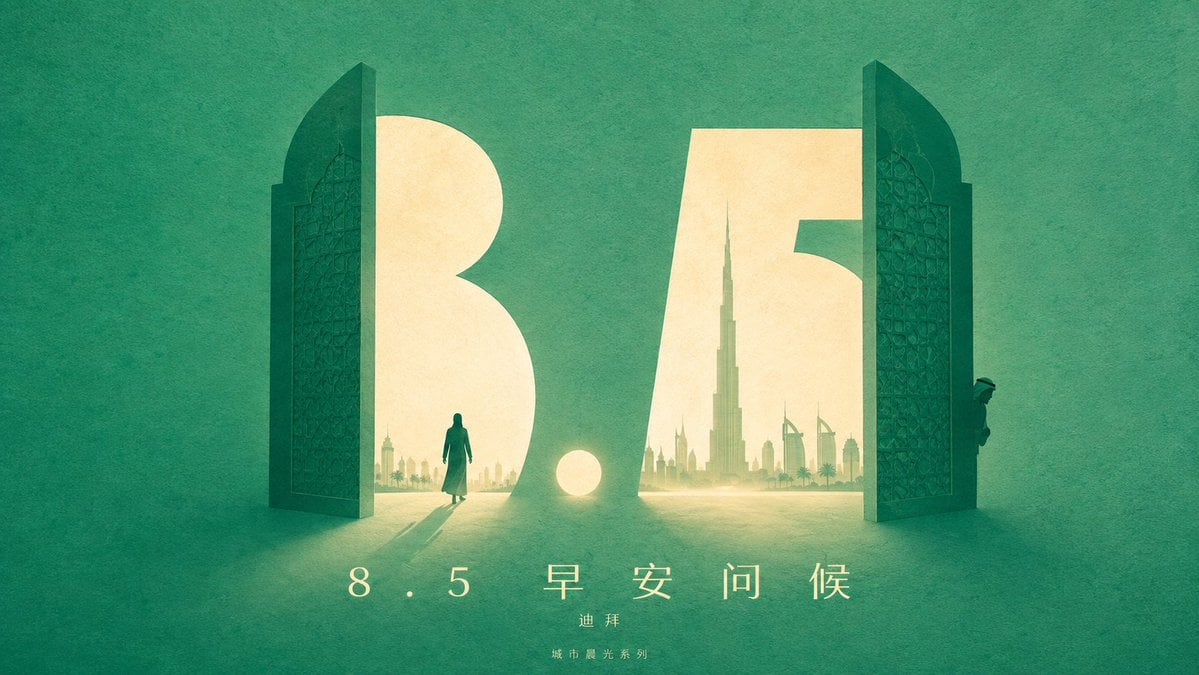
Urban Silhouette Aesthetic Greeting

Tribal Fantasy Warrior with Guardian Owl

Cyber Samurai Empress Portrait
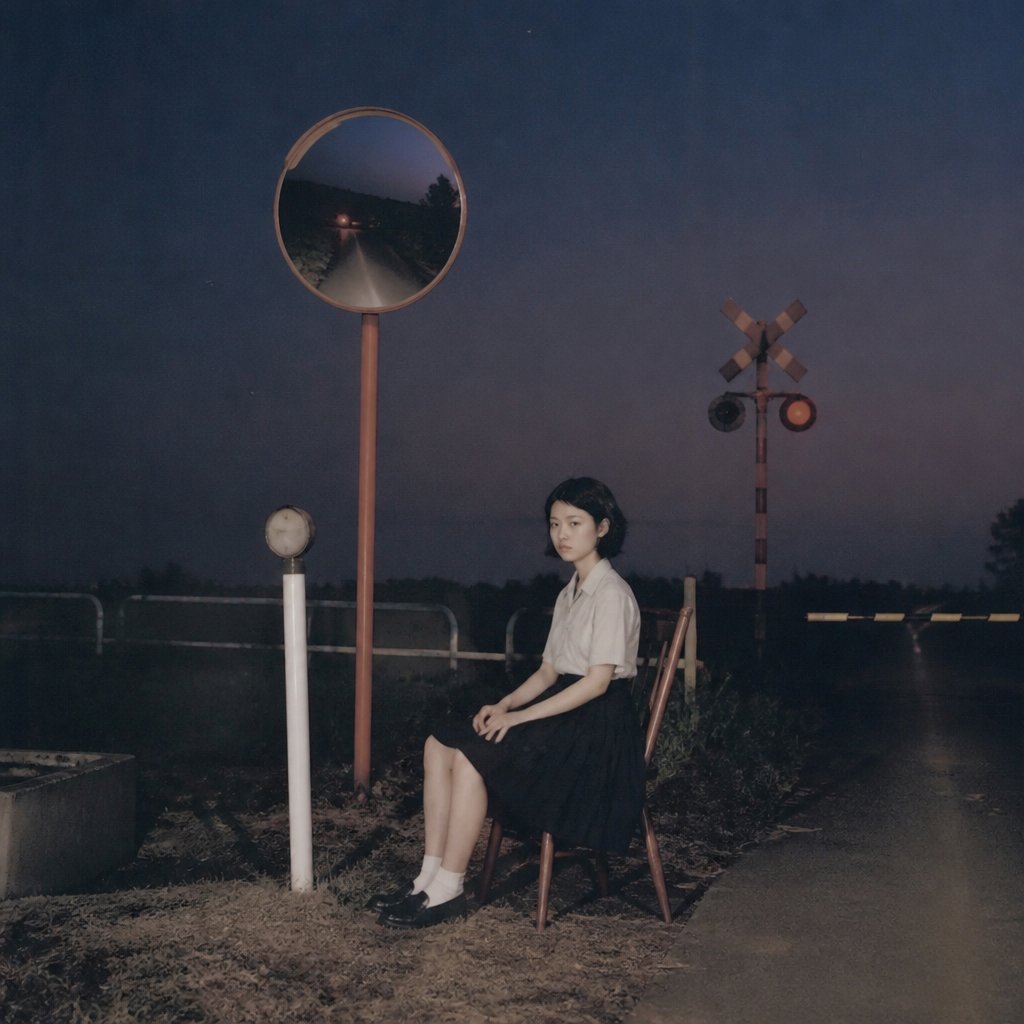
Lonely Night Railway Crossing Attendant
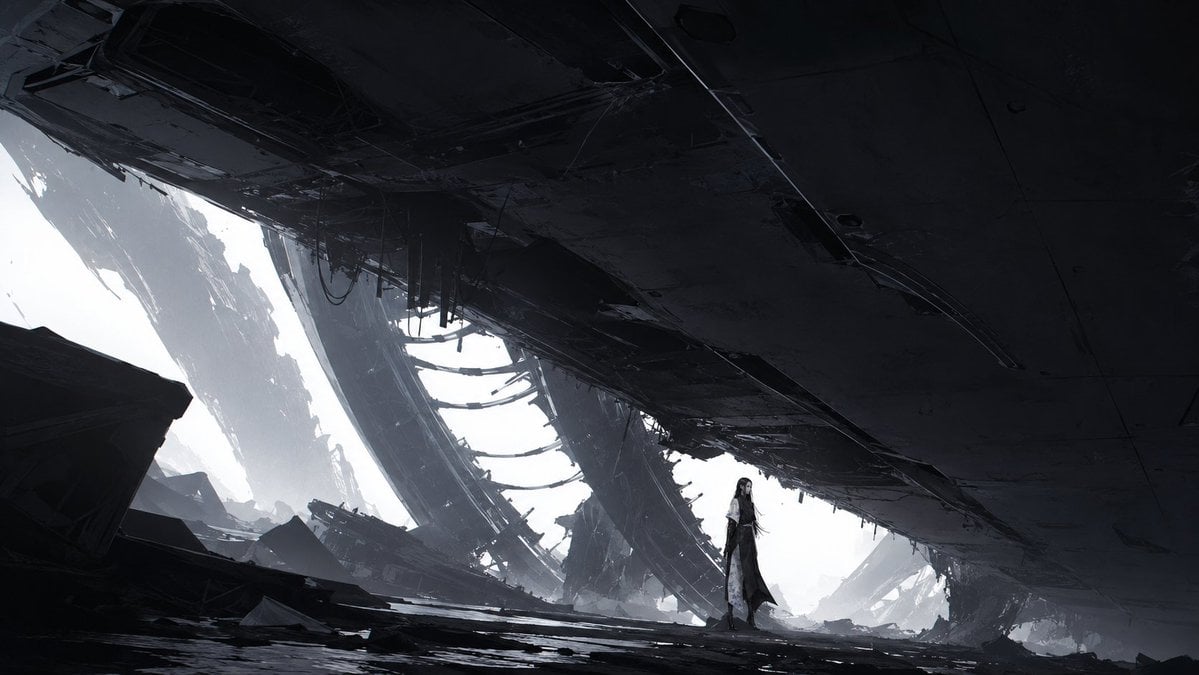
Lone Woman in Ruined Megastructure
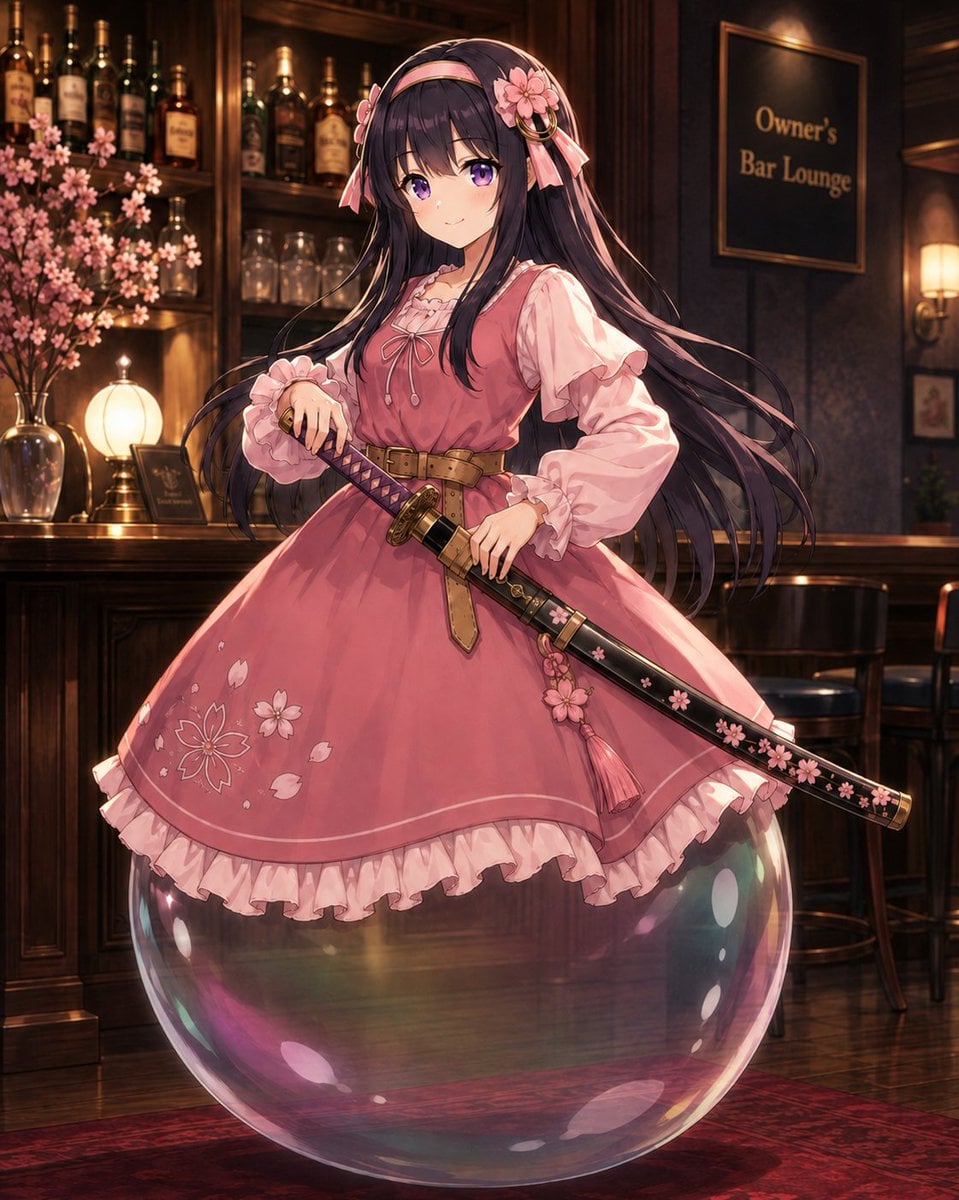
Anime Bubble Samurai in Bar Lounge
Make it yours
Lone Samurai Warrior Silhouette works as-is. These are the safest ways to change it without losing the look.
Change one field
Copy a single group, rewrite it, and generate again so you can see what that field is doing.
Keep the frame, change the subject
Hold the composition and light of Lone Samurai Warrior Silhouette, then swap wardrobe, props or the person for a new take.
| If the result… | Why | Fix |
|---|---|---|
| The result drifts from the preview | Too many fields changed at once. | Reuse Lone Samurai Warrior Silhouette as-is first, then change one group — subject, light, or setting. |
| The model over-stylizes the scene | The prose prompt leaves finish and camera underspecified. | Add one camera or lighting sentence and stay on GPT Image 2. |
More GPT Image 2 templates
Other prompts made for GPT Image 2.

Six VTuber Japanese Logo Sheet

Realistic Portrait of Woman and Deer

The Vista Modular Condo Poster

AI Model Routing Comparison Infographic

2.5D Anime Art Board

Isometric Productivity Desk Scene

New York Double Exposure Poster

Four-Panel AI Landscape Comparison

Japanese Tatami Lifestyle Magazine Cover

NESCAFÉ Coffee Map Poster
More image prompts
Fresh picks from across the catalog.
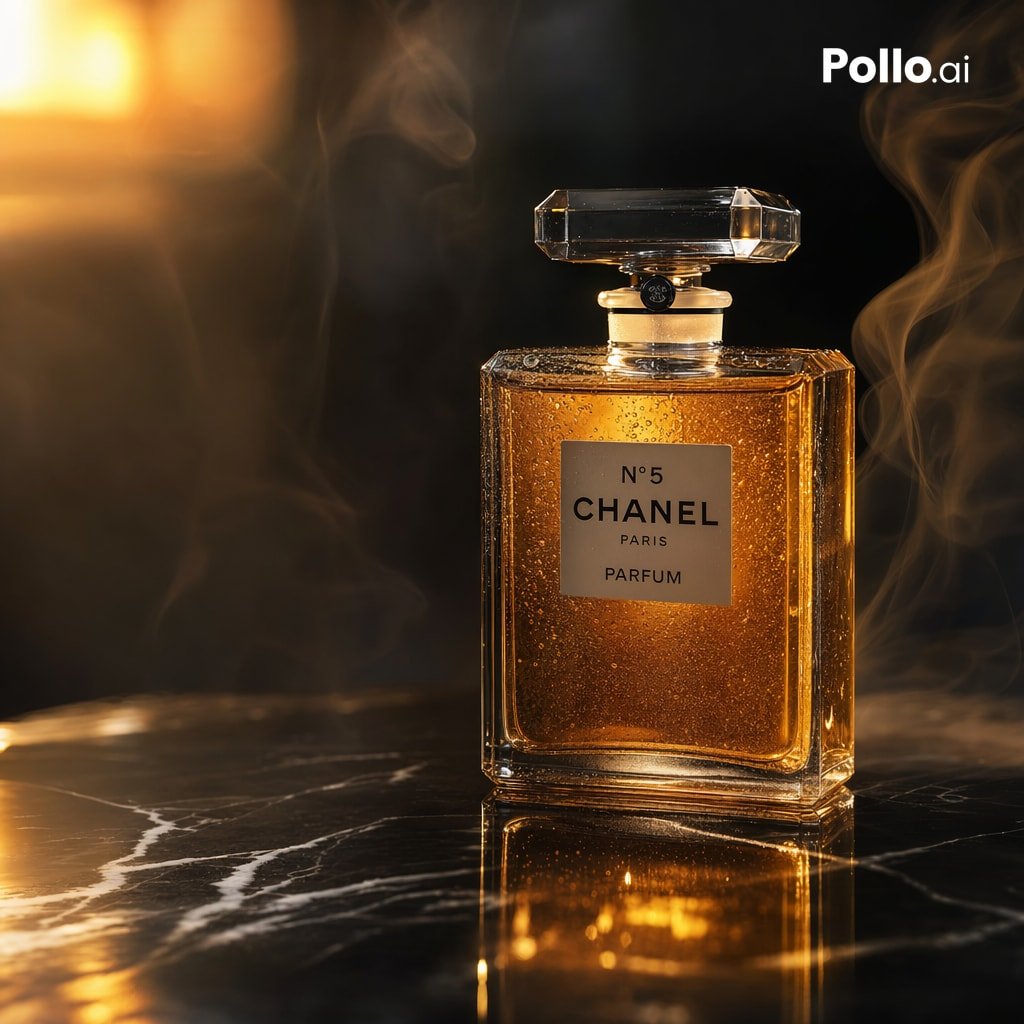
Gpt2 E Commerce Main Image Luxury Amber Perfume Ad
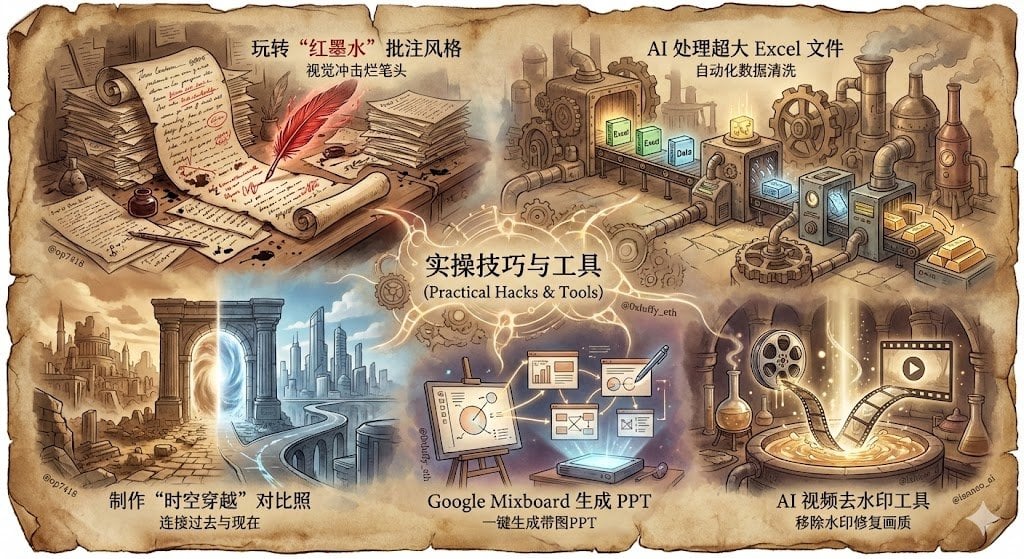
Split-Screen Cinematic Shot for Time Travel Comparison
Black and White Portrait of Man by the Seashore
Surreal Nano-Circuitry Banana Split
Children's Book Style Colored Pencil and Watercolor Illustration
Four-Theme Newborn Portrait Collage
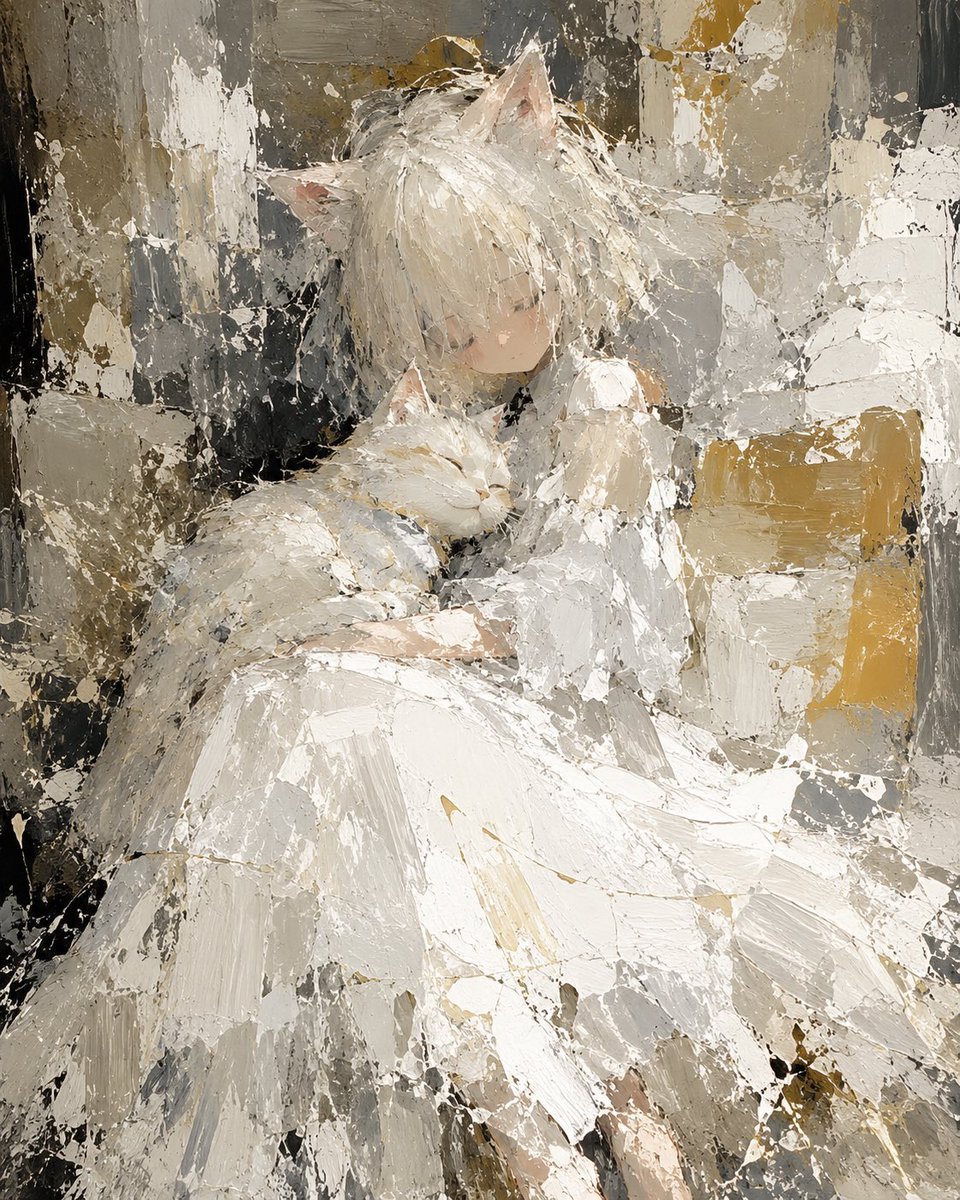
Abstract Cat Girl and Gentle Cat Painting
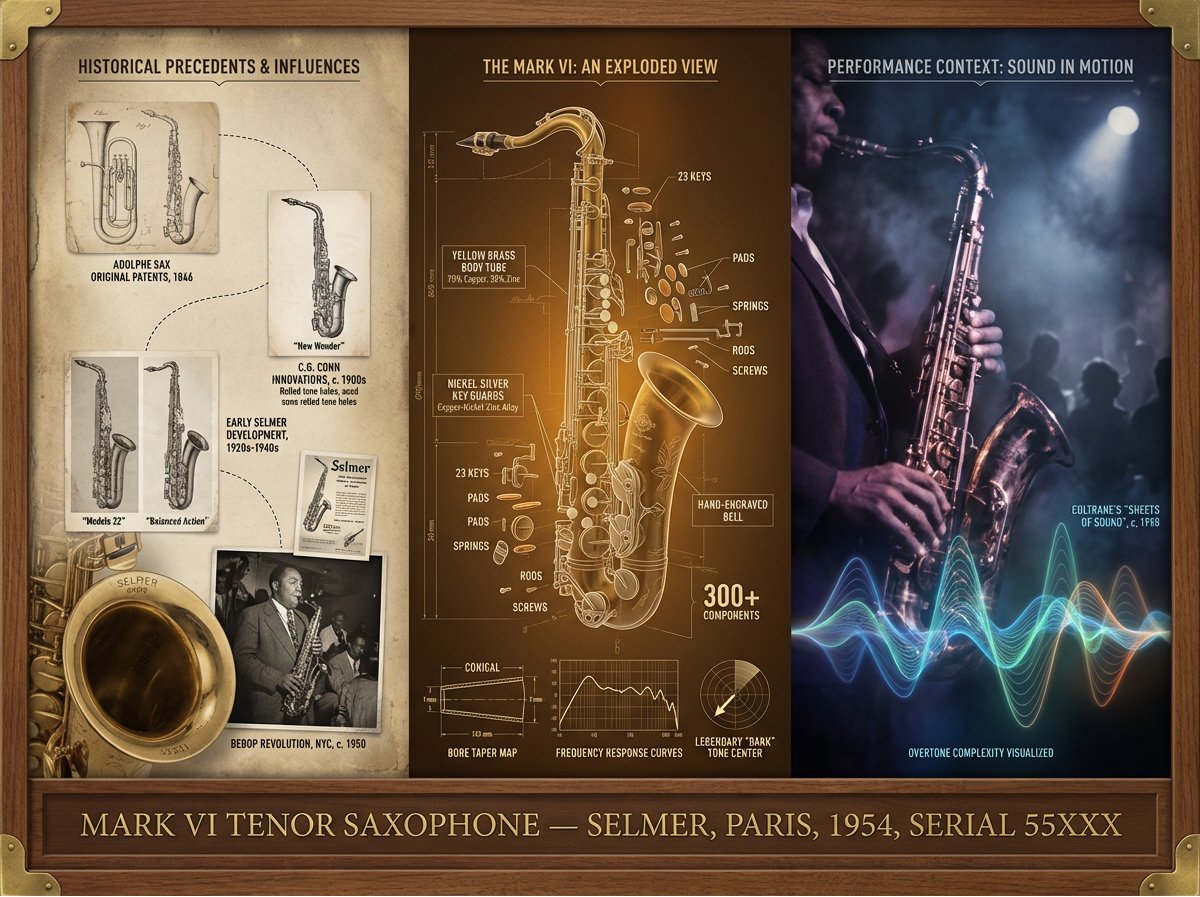
Instrument Genealogy Board (Luthier's Legacy)

Batch study card generation prompts (physics, English, poetry)

Exploded Tilt View Sandwich Product Photography
Browse template categories
Lone Samurai Warrior Silhouette questions
How do I use the Lone Samurai Warrior Silhouette template?
Add your photo if the template asks for one, edit the prompt if you like — the template's model and format are already selected — and press Generate. Your version opens in PicX Studio.
Can I customize the Lone Samurai Warrior Silhouette template?
Yes. You can change the subject, setting, lighting, mood, format, and available model controls before creating your image.
Is the Lone Samurai Warrior Silhouette template free?
Opening and editing this template is free. Generating uses credits, shown on the Generate button when you are signed in.
Which AI model should I use?
Start with GPT Image 2, which is the model associated with this template. You can compare another compatible model for a different finish.
Looking for something else? Browse all templates.

Your photo, any look
Thousands of ready templates for every top image and video model, from one credit balance.