
Four-Theme Newborn Portrait Collage
Creates a photorealistic 2x2 fine-art newborn collage with moon, woodland, princess, and floral basket setups for baby portrait concepts.
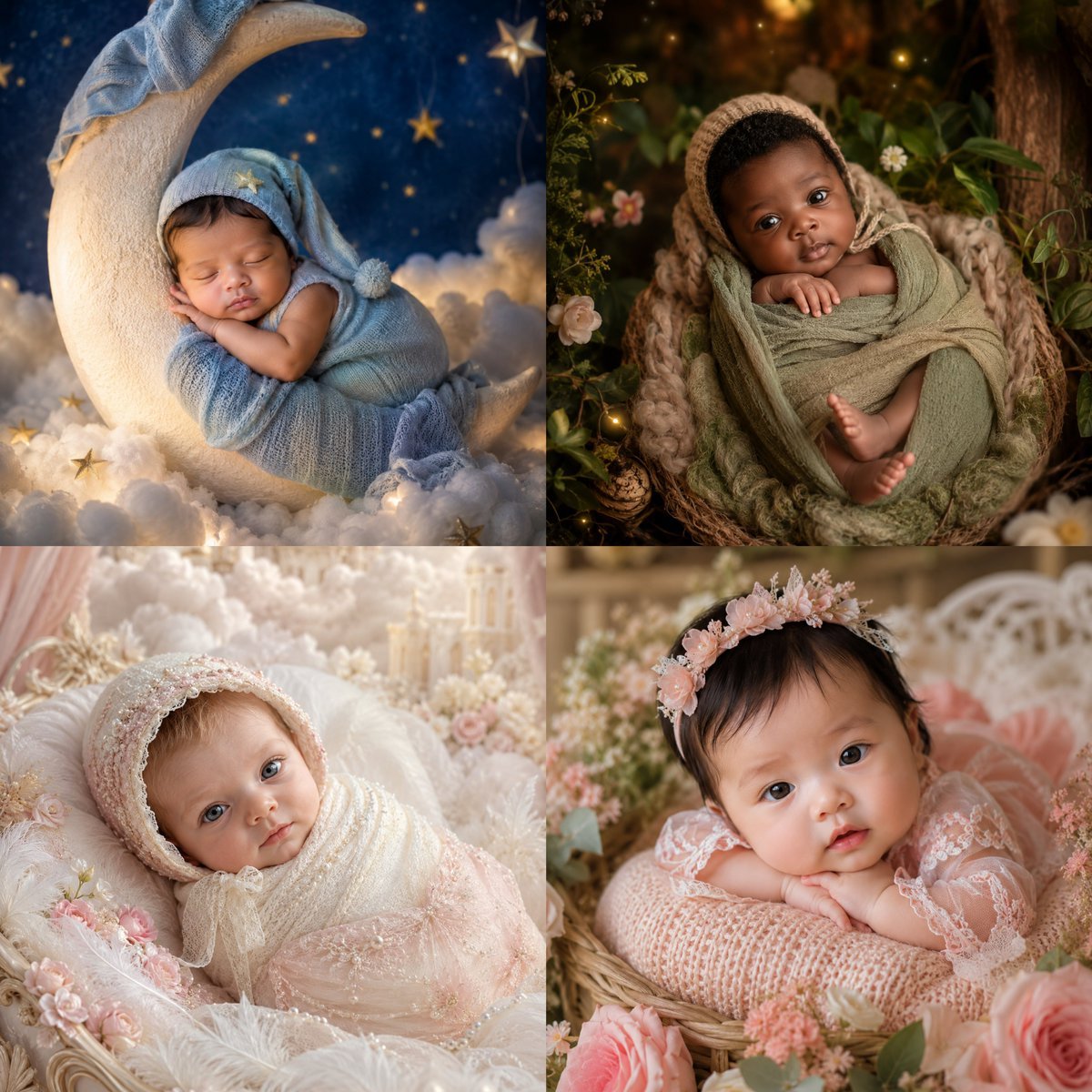
- Prompt included
- Model and format preset
- Free template
The prompt behind this image
Copy the exact prompt behind Four-Theme Newborn Portrait Collage, or open it in the studio and make it yours.
Goal: Create a 2x2 square collage of four highly realistic fine-art newborn photography portraits featuring the same newborn baby, with the baby’s face intentionally covered by a soft-edged square privacy blur in each panel while preserving a warm, dreamy, premium studio look. Canvas: Square 1:1 image, divided into exactly 4 equal panels with no visible border lines, each panel a different themed newborn setup. Photorealistic DSLR newborn portrait style, shallow depth of field, soft diffused lighting, warm highlights, creamy bokeh, extremely detailed fabrics and props. Subject: The same {argument name="baby age" default="newborn baby"} appears in all four panels, tiny and peacefully posed, with delicate hands and feet visible. Use {argument name="skin tone" default="warm light-to-medium newborn skin tone"}. The face in every panel must be obscured by a centered square blur/privacy block matching nearby skin colors, so no facial details are visible. Layout and exact panel count: Use exactly 4 panels. 1. Top-left panel: A dreamy night-sky moon setup. The baby sleeps curled on a large ivory crescent moon prop, wrapped in a soft powder-blue knit swaddle with a matching blue sleeping cap. The background is deep navy with small golden stars, fluffy white clouds, and glowing fairy lights. Include the baby’s folded arms and blue pom-pom wrap details. 2. Top-right panel: A woodland nest setup. The baby is wrapped in muted sage-green fabric and nestled inside a chunky woven basket or nest, wearing a beige knit bonnet. Surround the baby with dark green foliage, small wildflowers, warm golden firefly-like lights, tree bark textures, and an enchanted forest atmosphere. Visible tiny hands and bare feet peek out from the wrap. 3. Bottom-left panel: A soft ivory-and-blush princess setup. The baby lies on a plush white feathered blanket, dressed in pale pink lace and embroidered tulle with pearls and delicate beadwork, wearing a matching ornate bonnet. Surround with pastel pink flowers, white feathers, cream clouds, soft drapery, and a fairytale nursery background with very bright airy lighting. 4. Bottom-right panel: A floral garden basket setup. The baby rests on a pink knitted cushion in a wicker basket, wearing a sheer blush lace outfit and a pink floral crown. Surround with roses, pale pink blossoms, greenery, and a softly blurred white garden bench or crib in the background. The baby’s arms rest in front, with a serene posed newborn photography composition. Visual style: Luxury newborn photography, whimsical fairytale themes, ultra-realistic fabric texture, soft pastel palette, cinematic warm glow, high detail, gentle vignetting, creamy background blur, professional studio retouching. Constraints: Generate exactly four distinct themed newborn portraits in one 2x2 collage. Keep all faces covered by square privacy blur blocks. No text, no watermark, no logos, no extra panels, no adult hands, no distorted limbs. Overall mood should be tender, magical, and elegant. Use {argument name="overall color mood" default="soft pastel blue, sage green, ivory, and blush pink"} and {argument name="lighting style" default="warm diffused fairy-tale studio lighting"}.
How to use Four-Theme Newborn Portrait Collage in 3 steps
- 1Upload ImagePNG, JPG or paste
Add your photo
Upload the photo the template builds on. The prompt, model and format are already set.
- 2…a portrait of your subject in softgolden-hour light, 85mm…
Personalize
Edit the subject and creative details for your destination.
- 3Generate
Generate
Press Generate — your image is created in PicX Studio, so you can compare it with the original and refine one variable at a time.
More like this
Templates with the same subject, style or setup. Open one to see its prompt.
Four Seasons Portrait Collage

Found Photograph: Us, 1970

80s Couple Studio Portrait

80s Bollywood Star

80s Golden Hour Cinema

Me in 1985

1985 Studio Portrait

Hyper-Realistic Minecraft POV Portrait
Indonesian Woman Newspaper Collage Portrait
Royal Sherwani Portrait Collage Prompt

Rooftop Fisheye — Cat-Ear Balaclava at Golden Hour

Rainy Café Window Moody Portrait
Make it yours
Four-Theme Newborn Portrait Collage works as-is. These are the safest ways to change it without losing the look.
Change one field
Copy a single group, rewrite it, and generate again so you can see what that field is doing.
Keep the frame, change the subject
Hold the composition and light of Four-Theme Newborn Portrait Collage, then swap wardrobe, props or the person for a new take.
| If the result… | Why | Fix |
|---|---|---|
| The result drifts from the preview | Too many fields changed at once. | Reuse Four-Theme Newborn Portrait Collage as-is first, then change one group — subject, light, or setting. |
| The model over-stylizes the scene | The prose prompt leaves finish and camera underspecified. | Add one camera or lighting sentence and stay on GPT Image 2. |
More GPT Image 2 templates
Other prompts made for GPT Image 2.

Six VTuber Japanese Logo Sheet

Realistic Portrait of Woman and Deer

The Vista Modular Condo Poster

AI Model Routing Comparison Infographic

2.5D Anime Art Board

Isometric Productivity Desk Scene

New York Double Exposure Poster

Four-Panel AI Landscape Comparison

Japanese Tatami Lifestyle Magazine Cover

NESCAFÉ Coffee Map Poster
More image prompts
Fresh picks from across the catalog.

AI Fantasy Dungeon UI Header

Cinematic Raining Money Portrait
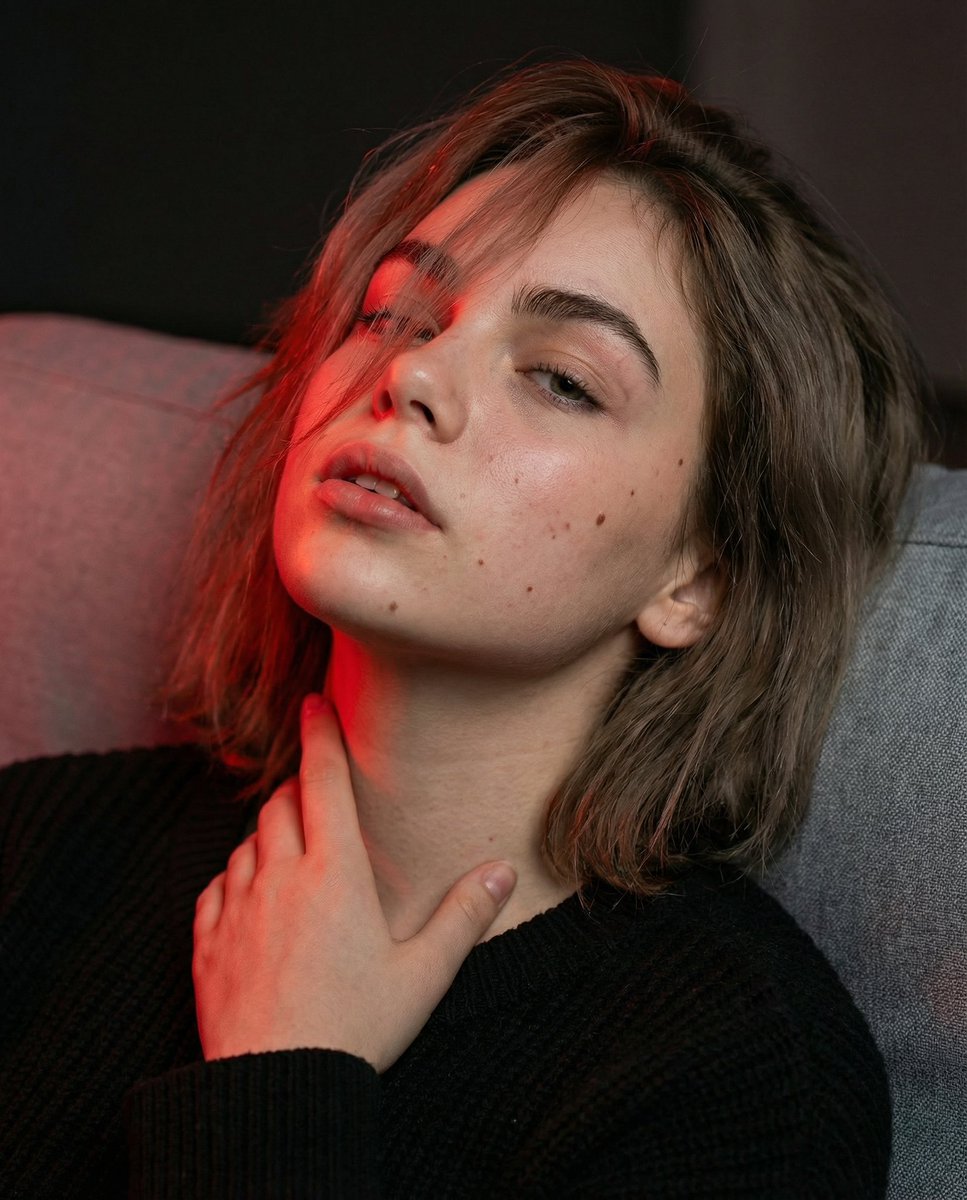
Cinematic Portrait with Identity Lock and Red Lighting
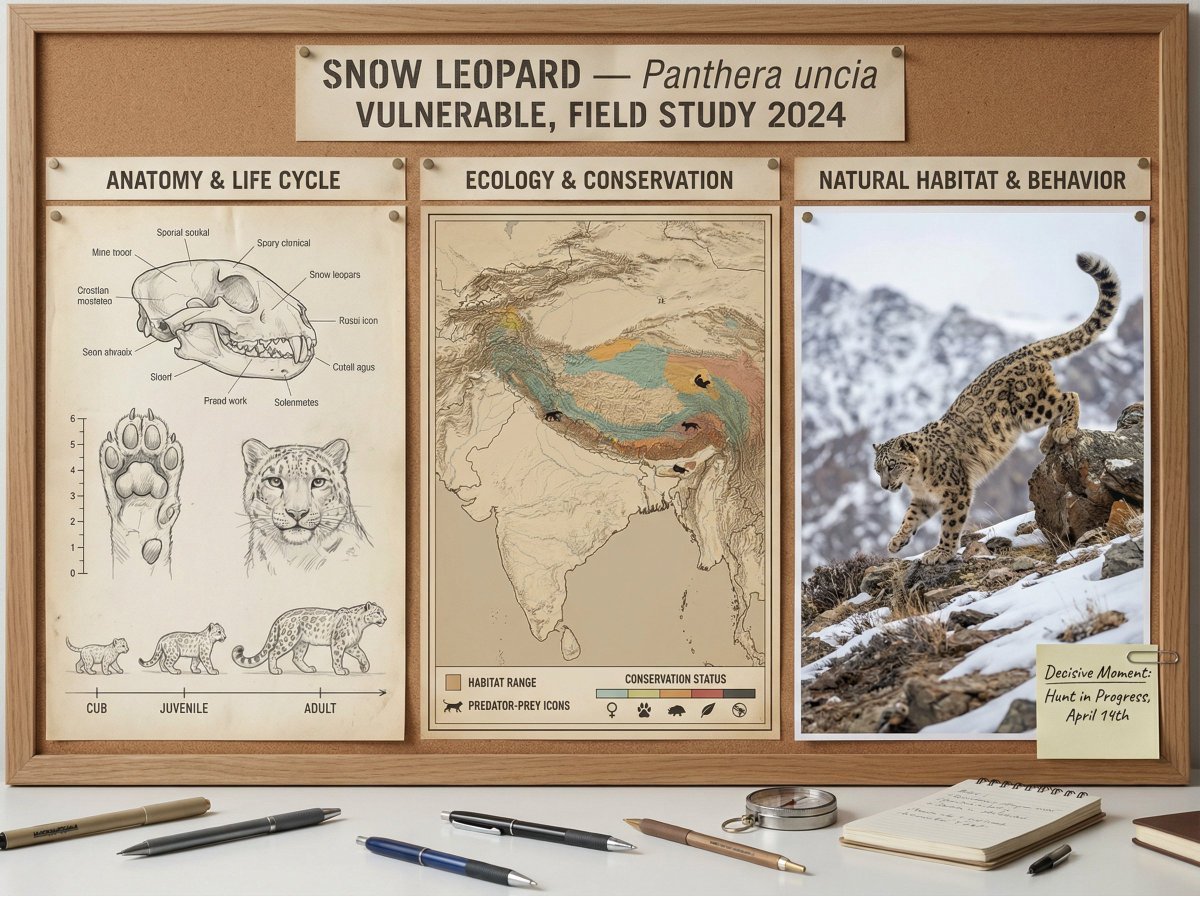
Scientific field researcher's documentation board prompt

Product Photography Poster with Liquid Splash and Text Overlays

Gpt2 Youtube Thumbnail Anime Fantasy Travel Movie Poster
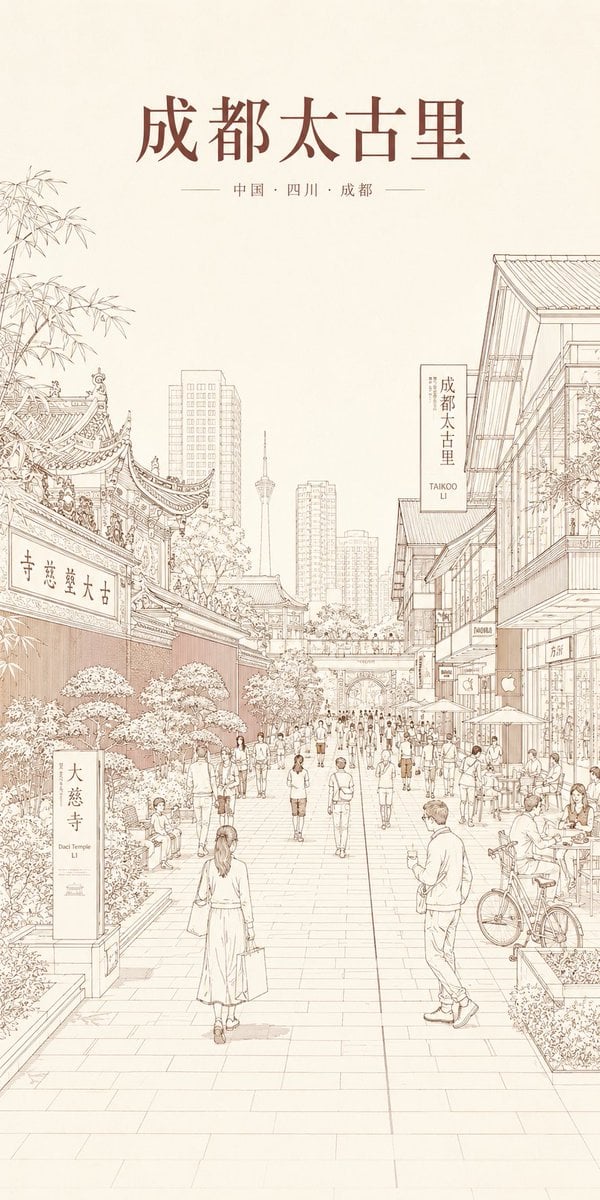
Chengdu Taikoo Li Line Art Poster

Higgsfield Nano Banana Pro Aspect Ratio Prompt
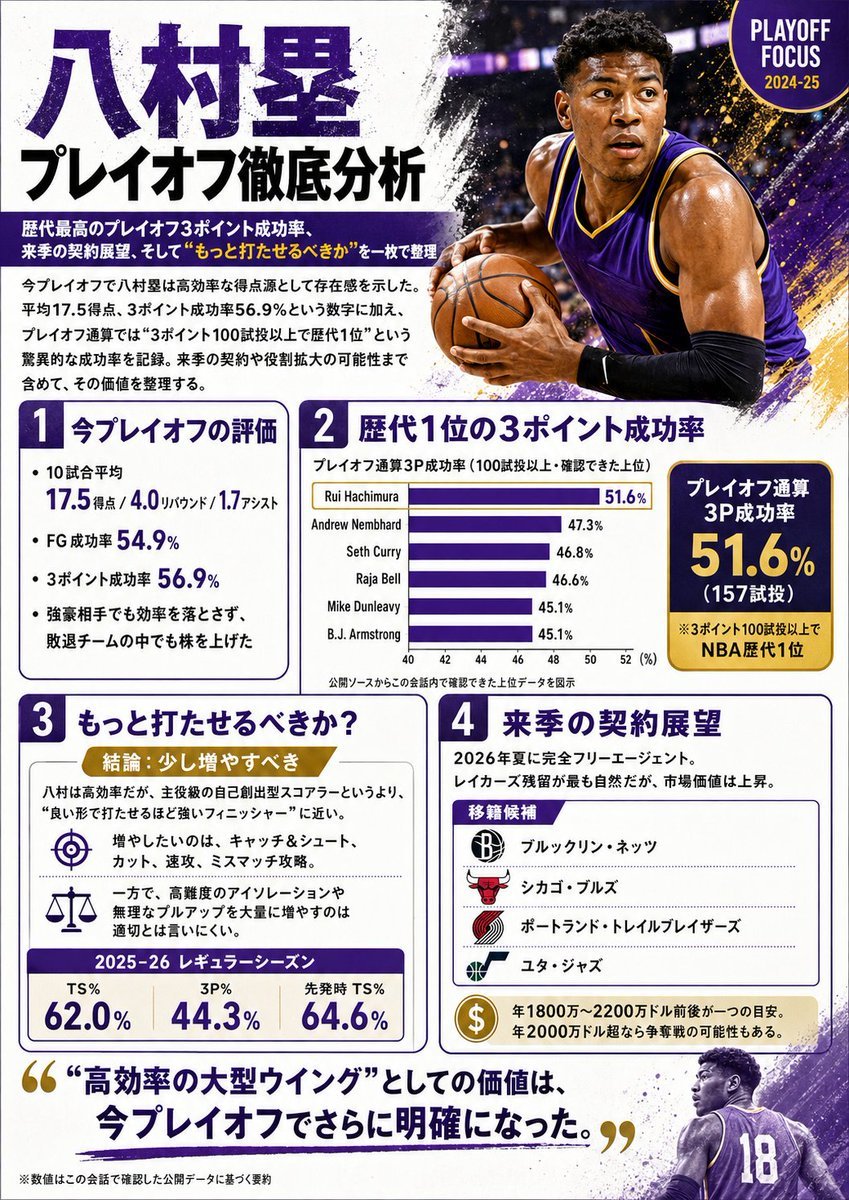
Japanese NBA Playoff Analysis Infographic
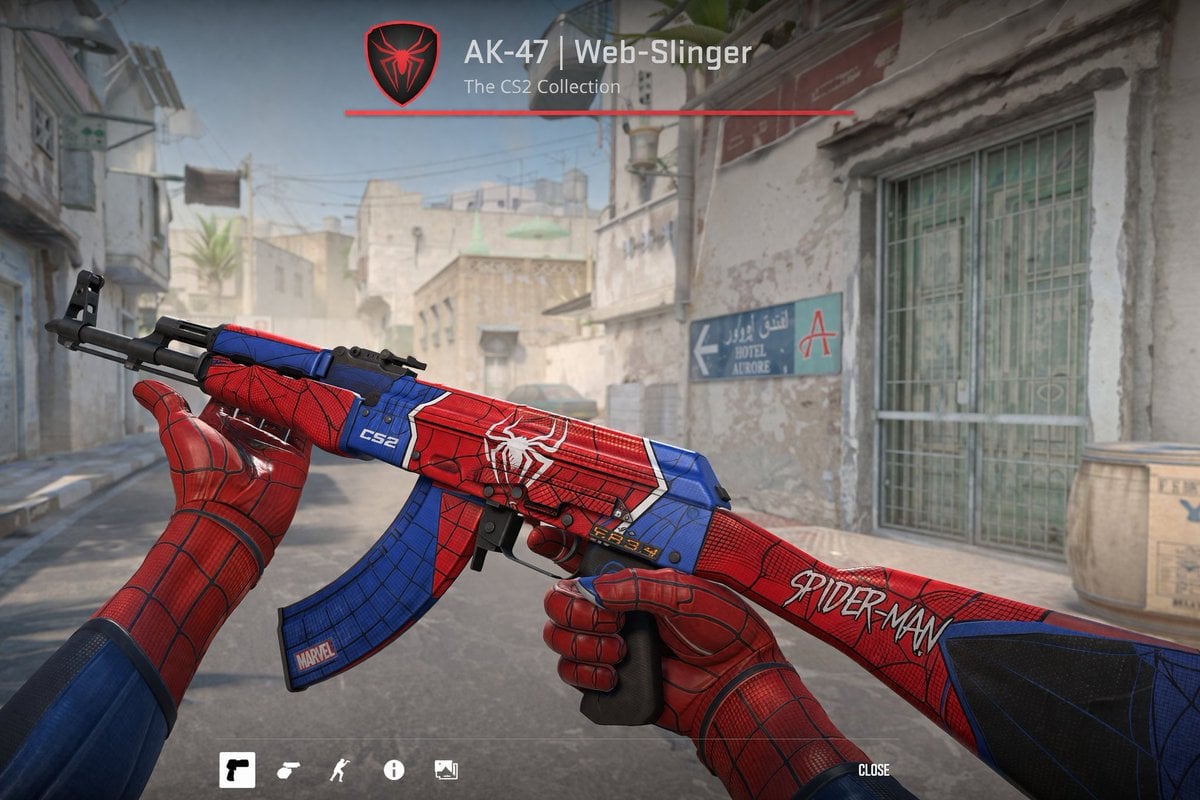
FPS Custom Weapon Skin Screenshot
Browse template categories
Four-Theme Newborn Portrait Collage questions
How do I use the Four-Theme Newborn Portrait Collage template?
Add your photo if the template asks for one, edit the prompt if you like — the template's model and format are already selected — and press Generate. Your version opens in PicX Studio.
Can I customize the Four-Theme Newborn Portrait Collage template?
Yes. You can change the subject, setting, lighting, mood, format, and available model controls before creating your image.
Is the Four-Theme Newborn Portrait Collage template free?
Opening and editing this template is free. Generating uses credits, shown on the Generate button when you are signed in.
Which AI model should I use?
Start with GPT Image 2, which is the model associated with this template. You can compare another compatible model for a different finish.
Looking for something else? Browse all templates.

Your photo, any look
Thousands of ready templates for every top image and video model, from one credit balance.