
AI Fantasy Dungeon UI Header
Generates a widescreen cyber-fantasy illustration with blank UI panels and an isometric RPG dungeon scene, useful for social posts, slides, or article headers.

- Prompt included
- Model and format preset
- Free template
The prompt behind this image
Copy the exact prompt behind AI Fantasy Dungeon UI Header, or open it in the studio and make it yours.
- Type
- wide cyber fantasy game-development illustration with empty UI text panels
- Aspect Ratio
- 16:9
- Style
- high-detail anime pixel-art hybrid, isometric dungeon game art, glossy digital painting, neon blue cyber interface overlays, dark navy palette with warm torchlight, crisp readable shapes, no visible text
- Main Concept
- A developer is using AI tools to generate a fantasy RPG dungeon scene, with a large blank planning panel and a blank caption panel left empty for later text insertion.
- Layout › Canvas
- 1280x720 widescreen composition
- Layout › Left Panel › Position
- left upper half
- Layout › Left Panel › Shape
- large rounded rectangle
- Layout › Left Panel › Count
- 1
- Layout › Left Panel › Appearance
- dark translucent navy panel with thin glowing blue border, completely empty, no text, occupying roughly the left 45 percent of the image
- Layout › Bottom Panel › Position
- lower left to center
- Layout › Bottom Panel › Shape
- wide rounded rectangle
- Layout › Bottom Panel › Count
- 1
- Layout › Bottom Panel › Appearance
- dark translucent navy panel with thin glowing blue border, completely empty, no text, spanning most of the bottom width
- Layout › Right Scene › Position
- upper right and center-right
- Layout › Right Scene › Description
- isometric stone dungeon room shown like a tactical RPG map, connected to futuristic blue circuit lines and holographic UI elements
- Layout › Foreground Viewer › Position
- bottom right
- Layout › Foreground Viewer › Description
- back view of a hooded person at computer monitors, head surrounded by glowing blue headphone-like arcs and a bright circuit-brain symbol, watching the dungeon map on screens
- Dungeon › Environment
- square gray stone tile floor with broken walls, pillars, raised blocks, blue grid path lines, scattered light sources
- Dungeon › Lighting
- four warm orange torch flames on stone posts and walls, mixed with electric blue hologram glow
- Dungeon › Hero › Count
- 1
- Dungeon › Hero › Description
- small chibi adventurer in a purple hood and dark armor, holding a short sword, standing near the center of the dungeon
- Dungeon › Enemies › Count
- 5
- Dungeon › Enemies › Items
- one bright green slime on the left, one purple bat with large ears near the upper left, one small orange mushroom creature near center-right, one hooded dark mage with glowing red eyes and purple staff at the upper right, one skeleton warrior with sword and round shield on the right
- Dungeon › Treasure And Items › Count
- 7
Raw JSON
{"type":"wide cyber fantasy game-development illustration with empty UI text panels","aspect_ratio":"16:9","style":"high-detail anime pixel-art hybrid, isometric dungeon game art, glossy digital painting, neon blue cyber interface overlays, dark navy palette with warm torchlight, crisp readable shapes, no visible text","main_concept":"A developer is using AI tools to generate a fantasy RPG dungeon scene, with a large blank planning panel and a blank caption panel left empty for later text insertion.","layout":{"canvas":"1280x720 widescreen composition","left_panel":{"position":"left upper half","shape":"large rounded rectangle","count":1,"appearance":"dark translucent navy panel with thin glowing blue border, completely empty, no text, occupying roughly the left 45 percent of the image"},"bottom_panel":{"position":"lower left to center","shape":"wide rounded rectangle","count":1,"appearance":"dark translucent navy panel with thin glowing blue border, completely empty, no text, spanning most of the bottom width"},"right_scene":{"position":"upper right and center-right","description":"isometric stone dungeon room shown like a tactical RPG map, connected to futuristic blue circuit lines and holographic UI elements"},"foreground_viewer":{"position":"bottom right","description":"back view of a hooded person at computer monitors, head surrounded by glowing blue headphone-like arcs and a bright circuit-brain symbol, watching the dungeon map on screens"}},"dungeon":{"environment":"square gray stone tile floor with broken walls, pillars, raised blocks, blue grid path lines, scattered light sources","lighting":"four warm orange torch flames on stone posts and walls, mixed with electric blue hologram glow","hero":{"count":1,"description":"small chibi adventurer in a purple hood and dark armor, holding a short sword, standing near the center of the dungeon"},"enemies":{"count":5,"items":["one bright green slime on the left","one purple bat with large ears near the upper left","one small orange mushroom creature near center-right","one hooded dark mage with glowing red eyes and purple staff at the upper right","one skeleton warrior with sword and round shield on the right"]},"treasure_and_items":{"count":7,"items":["one closed golden treasure chest near the upper center","one green potion bottle near the upper right","one blue potion bottle near the right center","one round ring or magical amulet near the lower right of the hero","one cluster of three gold coins near the lower left of the hero","one loaf of bread near the bottom center","one gray spike trap near the lower left"]},"monitors_and_hud":{"count":3,"items":["one main monitor showing a miniature version of the dungeon map","one lower-left analytics screen with charts and interface widgets","one right-side screen with vertical blue bar graphs"]}},"background":{"description":"deep dark navy digital workspace with faint circuit board traces, glowing database cylinder icons, small floating squares, and subtle gradients"},"customizable_elements":{"project_theme":"{argument name=\"project theme\" default=\"AI-assisted fantasy RPG dungeon generation\"}","main character":"{argument name=\"main character\" default=\"purple-hooded chibi adventurer\"}","interface panels":"{argument name=\"interface panels\" default=\"two empty translucent rounded rectangles for later text\"}","color palette":"{argument name=\"color palette\" default=\"dark navy, neon blue, purple, and warm orange torchlight\"}","overall mood":"{argument name=\"overall mood\" default=\"mysterious, technical, playful, and game-like\"}"},"rendering_instructions":"Generate a clean polished illustration suitable as a social media header or presentation slide. Keep the two large UI panels blank with no lettering. Maintain strong contrast between the empty text areas on the left/bottom and the detailed isometric fantasy dungeon on the right. Do not add logos, watermarks, captions, or random text."}How to use AI Fantasy Dungeon UI Header in 3 steps
- 1Upload ImagePNG, JPG or paste
Add your photo
Upload the photo the template builds on. The prompt, model and format are already set.
- 2…a portrait of your subject in softgolden-hour light, 85mm…
Personalize
Edit the subject and creative details for your destination.
- 3Generate
Generate
Press Generate — your image is created in PicX Studio, so you can compare it with the original and refine one variable at a time.
More like this
Templates with the same subject, style or setup. Open one to see its prompt.

Anime Fantasy Celestial Movie Poster
Anime Fantasy Celestial Movie Poster

Minecraft Fantasy Kingdom Voxel Landscape

Unfinished Sketch Comes Alive Portrait

Open Travel Journal Overhead Still Life

Tiny Woman Miniature Fantasy Macro Scene
JSON Seedance - Fairy Macro Flight
Videogame Cinematic Trailer - Seedance 2.0
Twitter Header Image Resizer
Nano Banana Pro branded header (duplicate)
Nano Banana Pro branded header image

Hand-drawn style header image introducing Nano Banana Pro (Japanese)
Make it yours
AI Fantasy Dungeon UI Header works as-is. These are the safest ways to change it without losing the look.
Swap the setting
Keep the rest of the prompt and replace the location block. The current setting is “square gray stone tile floor with broken walls, pillars, raised blocks, blue gri”.
Swap the light
One lighting change is enough to compare takes. Current light: “four warm orange torch flames on stone posts and walls, mixed with electric blue”.
Change one field
Copy a single group, rewrite it, and generate again so you can see what that field is doing.
| If the result… | Why | Fix |
|---|---|---|
| The result drifts from the preview | Too many fields changed at once. | Reuse AI Fantasy Dungeon UI Header as-is first, then change one group — subject, light, or setting. |
| GPT Image 2 ignores part of the JSON | Some models flatten or skip nested keys. | Keep the same values and paste them as a short paragraph instead. |
More GPT Image 2 templates
Other prompts made for GPT Image 2.

Six VTuber Japanese Logo Sheet

Realistic Portrait of Woman and Deer

The Vista Modular Condo Poster

AI Model Routing Comparison Infographic

2.5D Anime Art Board

Isometric Productivity Desk Scene

New York Double Exposure Poster

Four-Panel AI Landscape Comparison

Japanese Tatami Lifestyle Magazine Cover

NESCAFÉ Coffee Map Poster
More image prompts
Fresh picks from across the catalog.
Editorial Fashion Pose Transformation
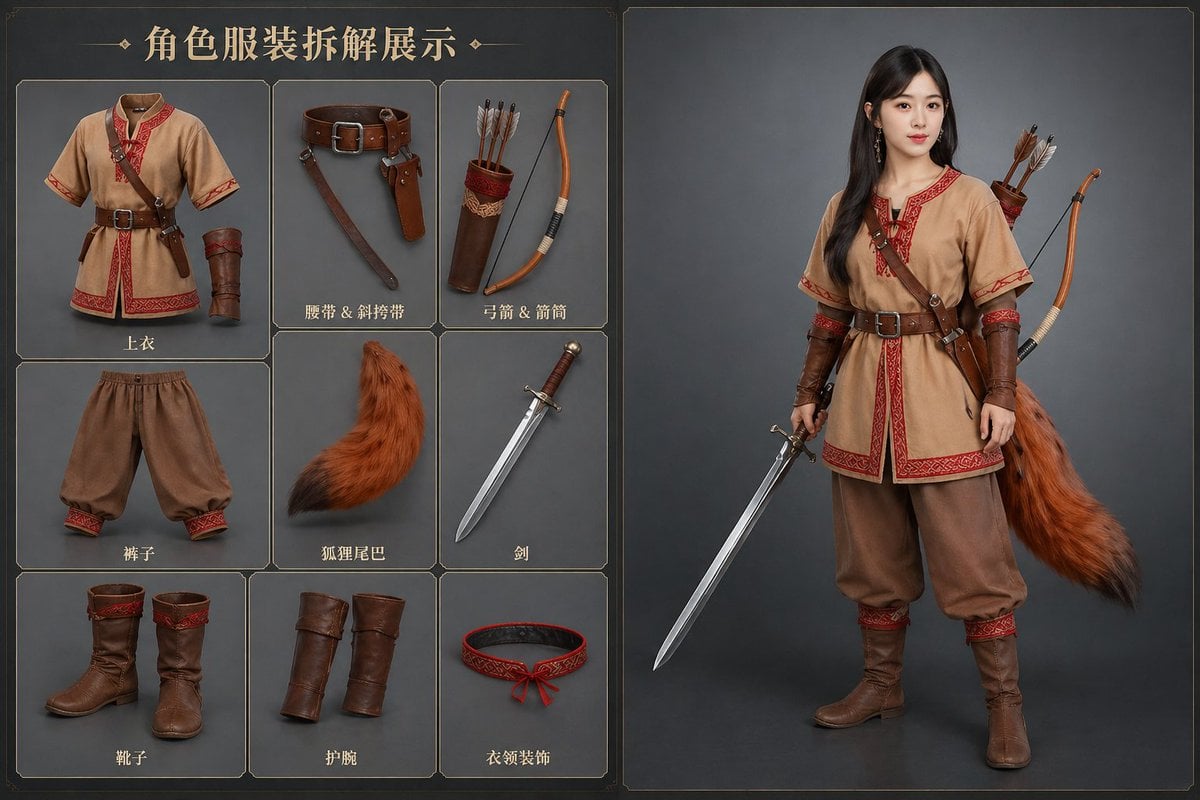
AI Clothing Swap Transformation
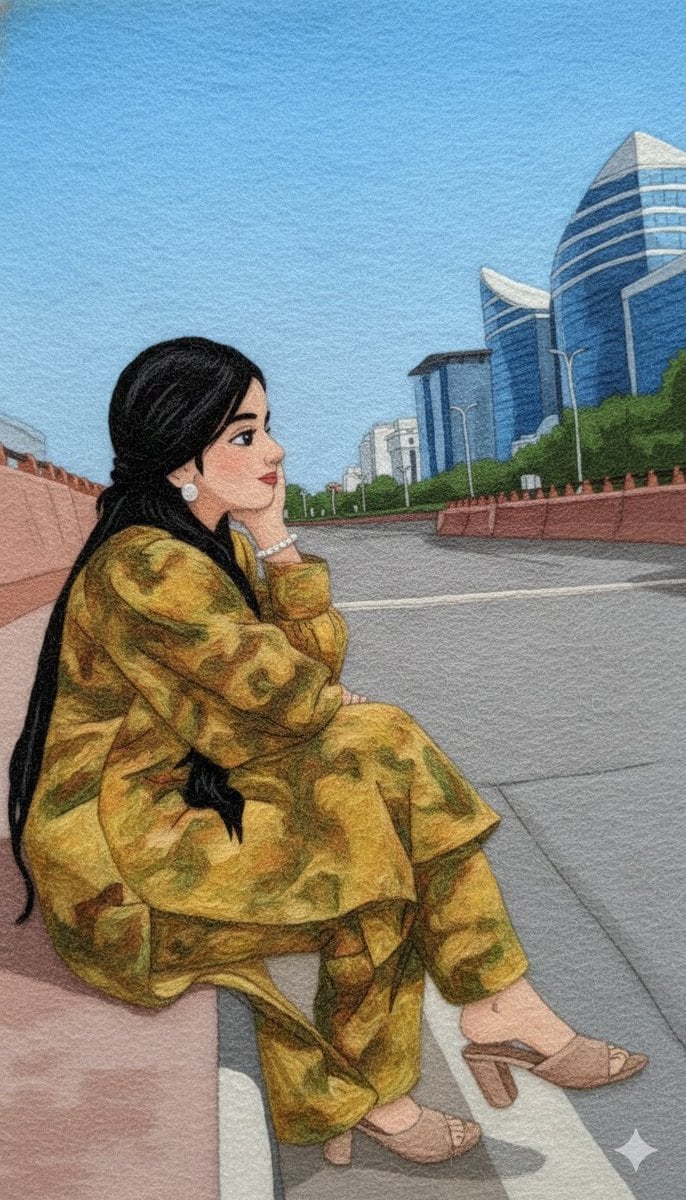
Wool Yarn Wrap Art Style Transfer Prompt
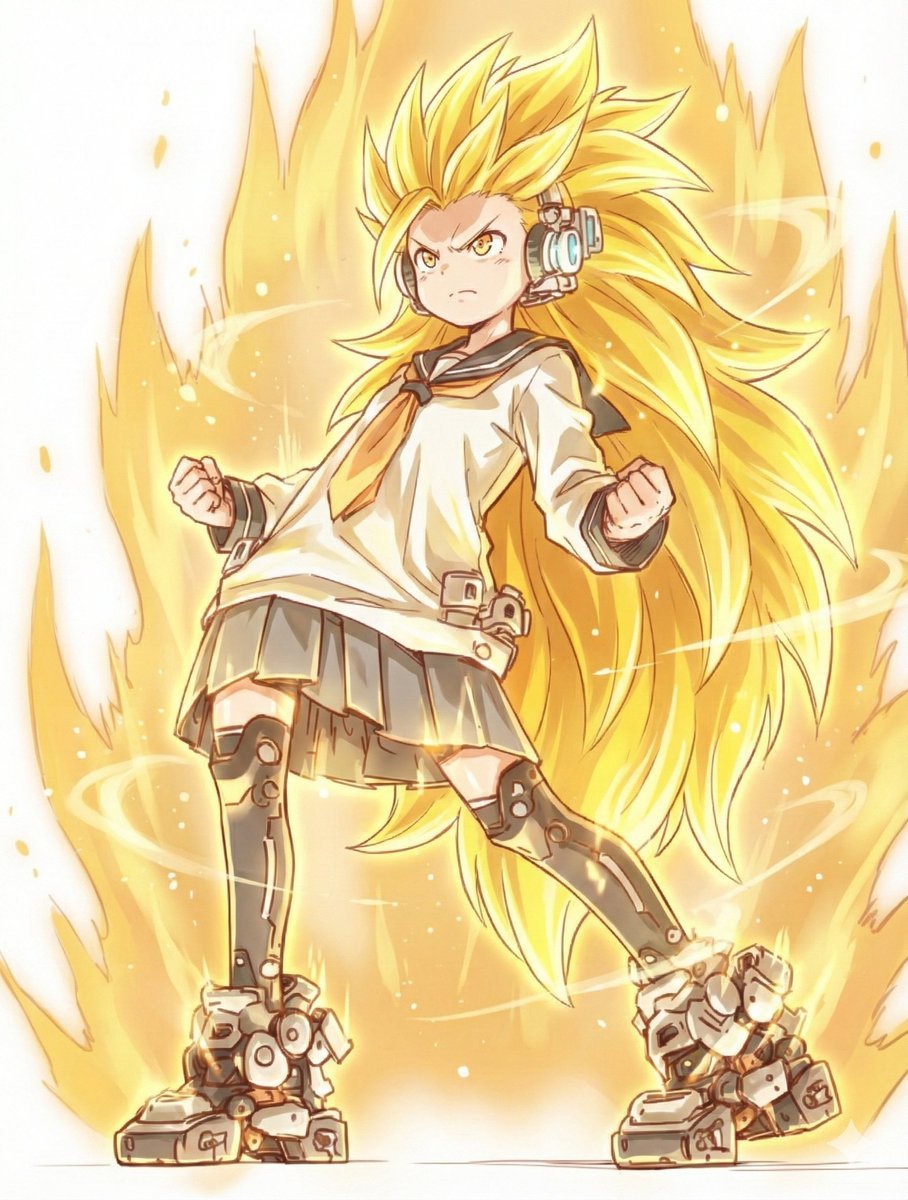
Kamehameha Style Transformation Prompts
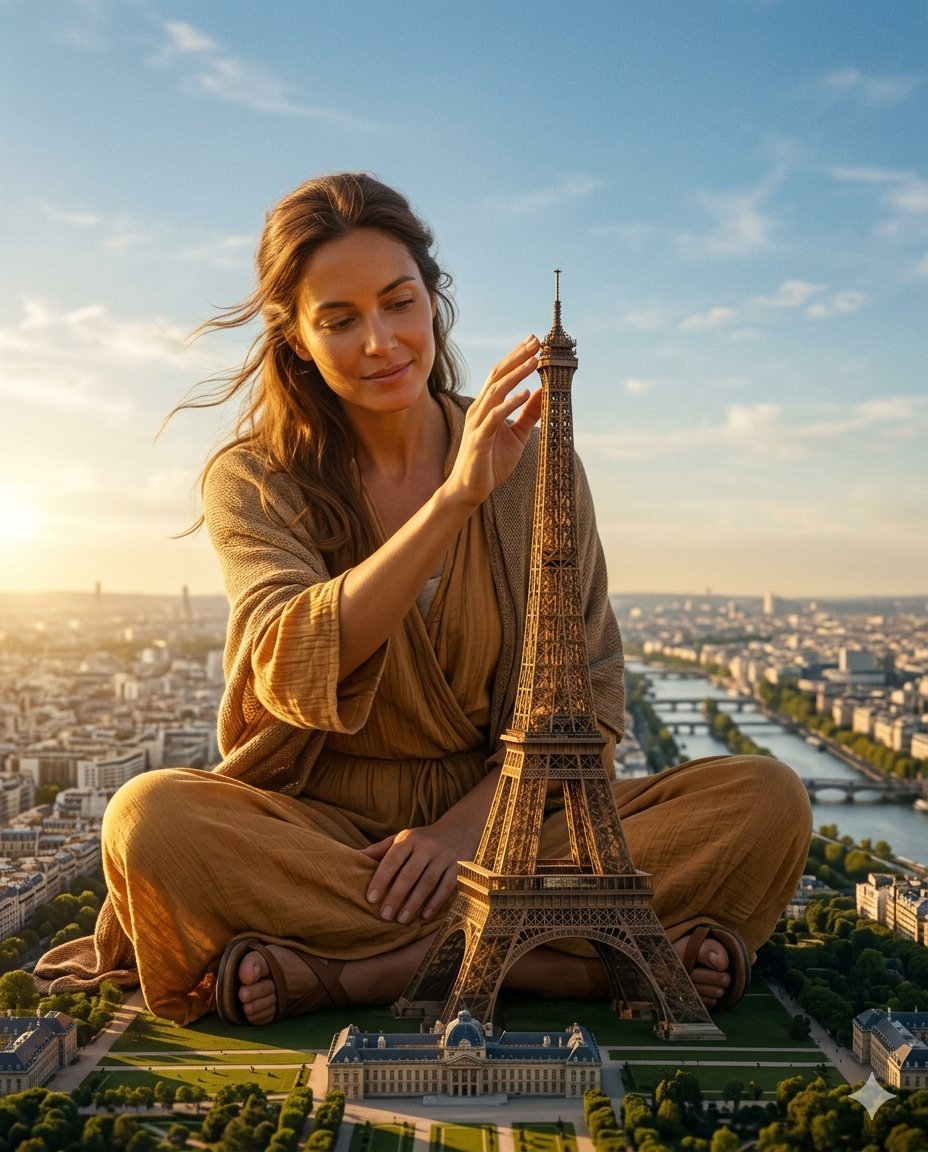
Titanic Woman in Paris Prompt
Dark Fantasy Anime Character Poster
Cinematic Rainy Night Café Scene Prompt
French Indie Album Cover
Shawarma Product Photography and Exploded Infographic

Rock band poster with consistent faces
Browse template categories
AI Fantasy Dungeon UI Header questions
How do I use the AI Fantasy Dungeon UI Header template?
Add your photo if the template asks for one, edit the prompt if you like — the template's model and format are already selected — and press Generate. Your version opens in PicX Studio.
Can I customize the AI Fantasy Dungeon UI Header template?
Yes. You can change the subject, setting, lighting, mood, format, and available model controls before creating your image.
Is the AI Fantasy Dungeon UI Header template free?
Opening and editing this template is free. Generating uses credits, shown on the Generate button when you are signed in.
Which AI model should I use?
Start with GPT Image 2, which is the model associated with this template. You can compare another compatible model for a different finish.
Looking for something else? Browse all templates.

Your photo, any look
Thousands of ready templates for every top image and video model, from one credit balance.