
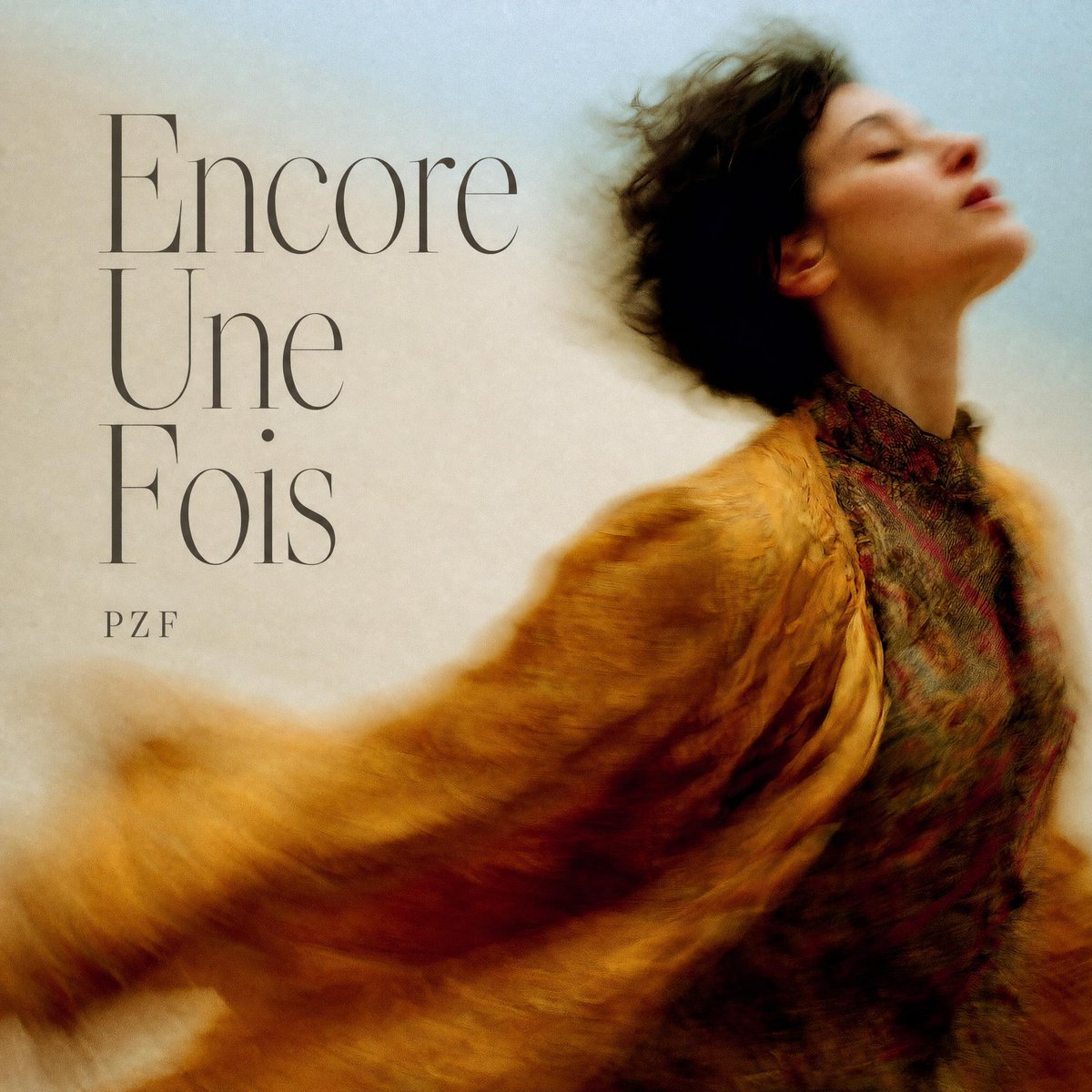
French Indie Album Cover
A square vintage-style album cover with elegant serif typography, a blurred fashion portrait, and warm cinematic textures for an indie music release.
- Prompt included
- Model and format preset
- Free template
The prompt behind this image
Copy the exact prompt behind French Indie Album Cover, or open it in the studio and make it yours.
Create a square album cover for a melancholic indie/alternative single. Canvas: 1:1 ratio, softly textured paper background fading from warm cream on the left to pale powder blue on the right, with subtle film grain and a vintage editorial finish. Composition: place a blurred, painterly portrait of a person on the right two-thirds of the cover, cropped from mid-torso upward, head tilted back and turned slightly upward, with short dark messy hair forming a soft silhouette. The face is intentionally obscured by a rectangular frosted blur block in the upper-right area, semi-opaque with muted beige, gray, and brown tones. Clothing: a richly textured mustard-gold faux-fur coat or shawl sweeping dramatically from the lower-left corner across the body toward the right, with motion blur and warm amber shadows; underneath, a dark patterned high-neck garment in burgundy, green, and charcoal. Typography: on the left side, set exactly 2 text elements. Text element 1 is the title {argument name="album title" default="Encore Une Fois"}, stacked across three lines, very large, elegant high-contrast serif typeface, thin strokes, dark charcoal gray, aligned left, occupying the upper-left quadrant. Text element 2 is the artist name {argument name="artist name" default="PZF"}, small uppercase serif letters with wide tracking, placed below the title near the left-center. Visual style: romantic, cinematic, slightly surreal, soft-focus photographic painting, warm ochre and burnt orange contrasted with cool blue, nostalgic French art-pop mood. Constraints: keep the design readable at thumbnail size, preserve generous negative space around the typography, no extra logos, no barcode, no additional text.
How to use French Indie Album Cover in 3 steps
- 1Upload ImagePNG, JPG or paste
Add your photo
Upload the photo the template builds on. The prompt, model and format are already set.
- 2…a portrait of your subject in softgolden-hour light, 85mm…
Personalize
Edit the subject and creative details for your destination.
- 3Generate
Generate
Press Generate — your image is created in PicX Studio, so you can compare it with the original and refine one variable at a time.
More like this
Templates with the same subject, style or setup. Open one to see its prompt.
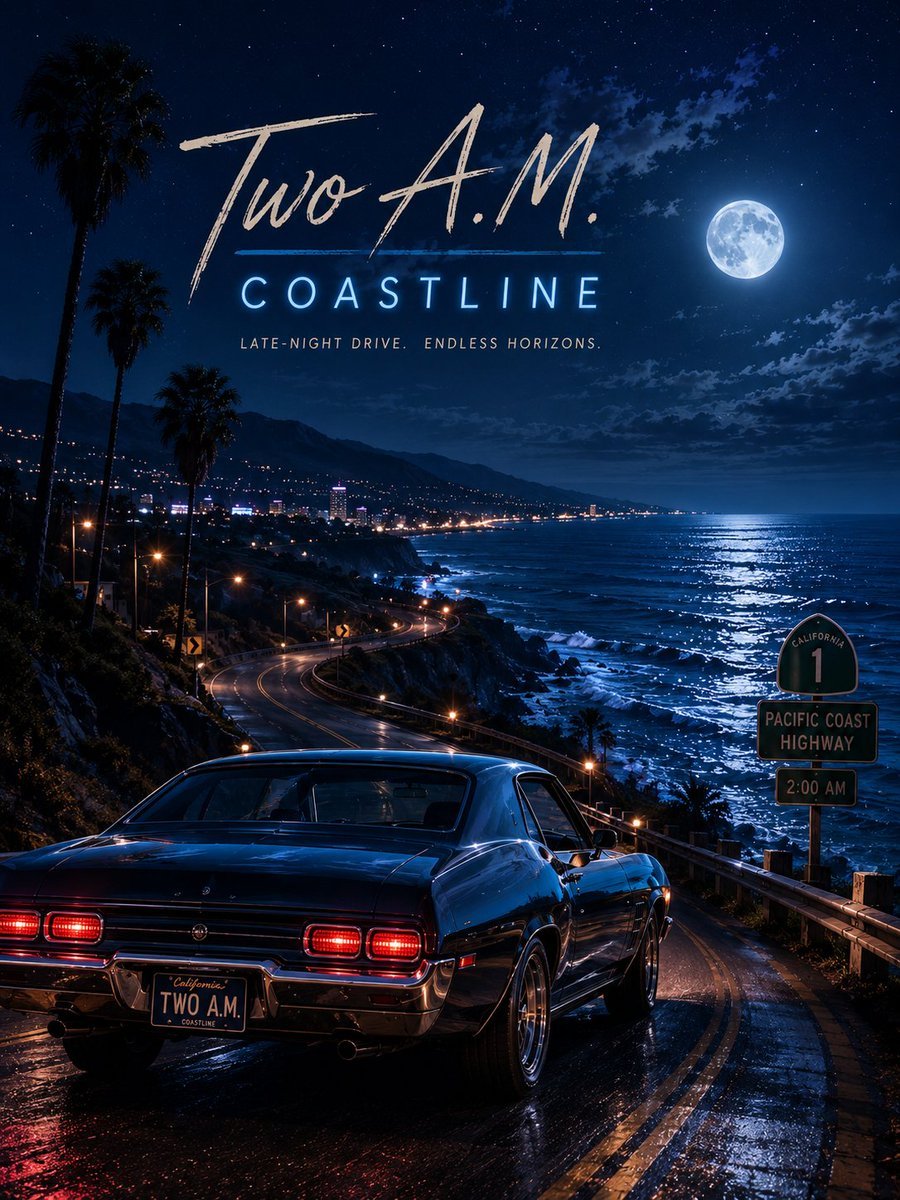
Two A.M. Coastline Album Cover

Music Album Cover Abstract Liquid Mercury

Sparkling Seaside Anime Album Cover
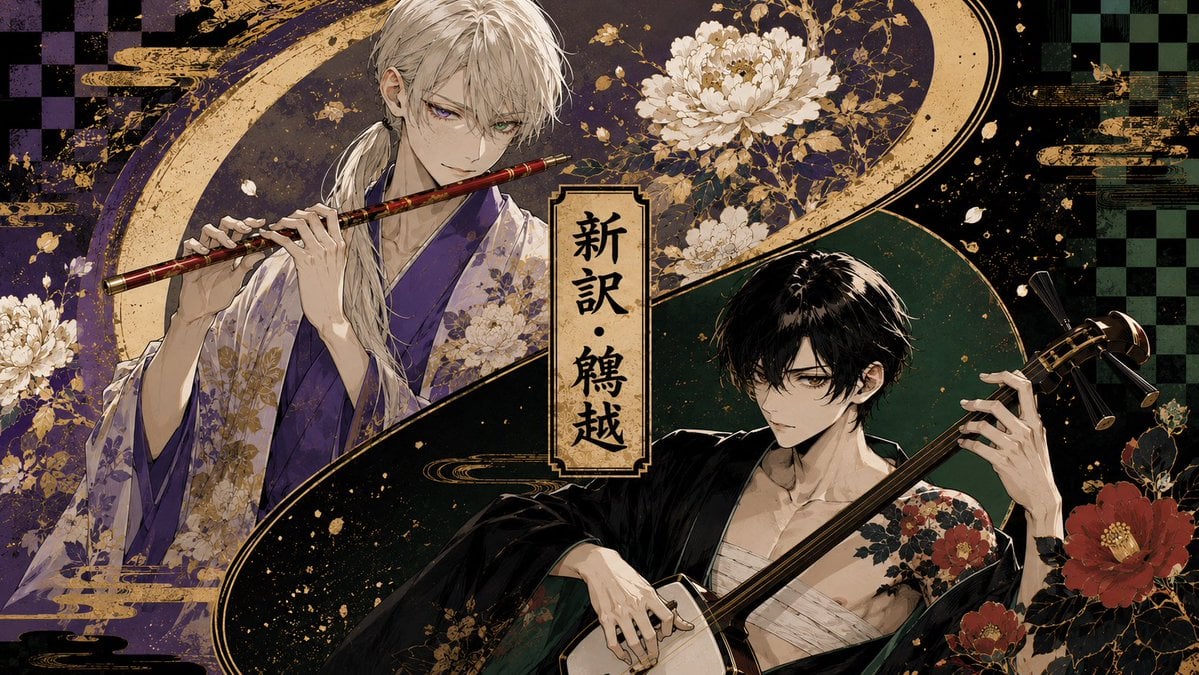
Japanese Musician Album Cover
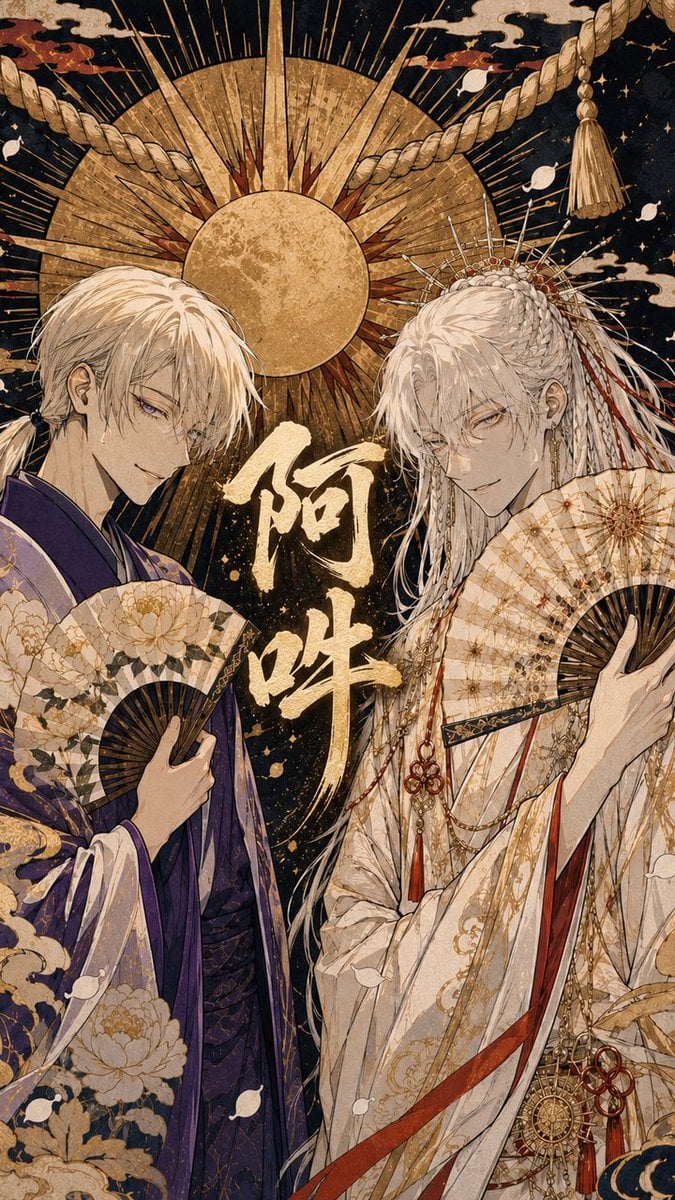
Ornate A-Un Kimono Album Cover
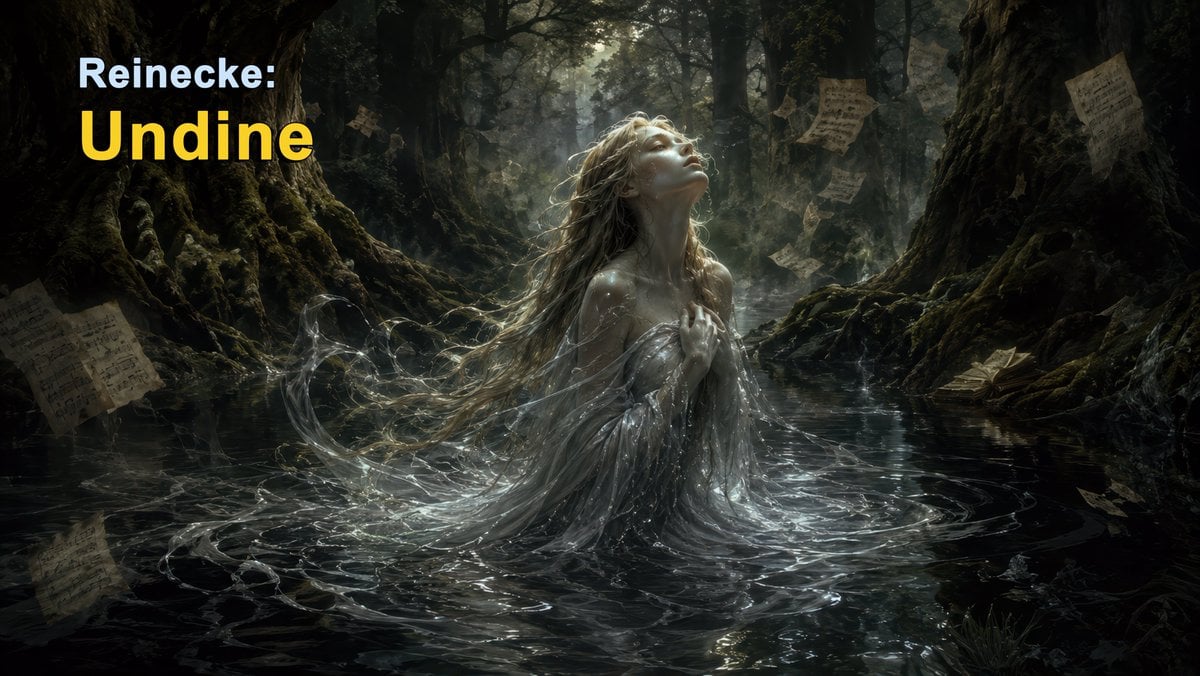
Dark Forest Undine Album Cover
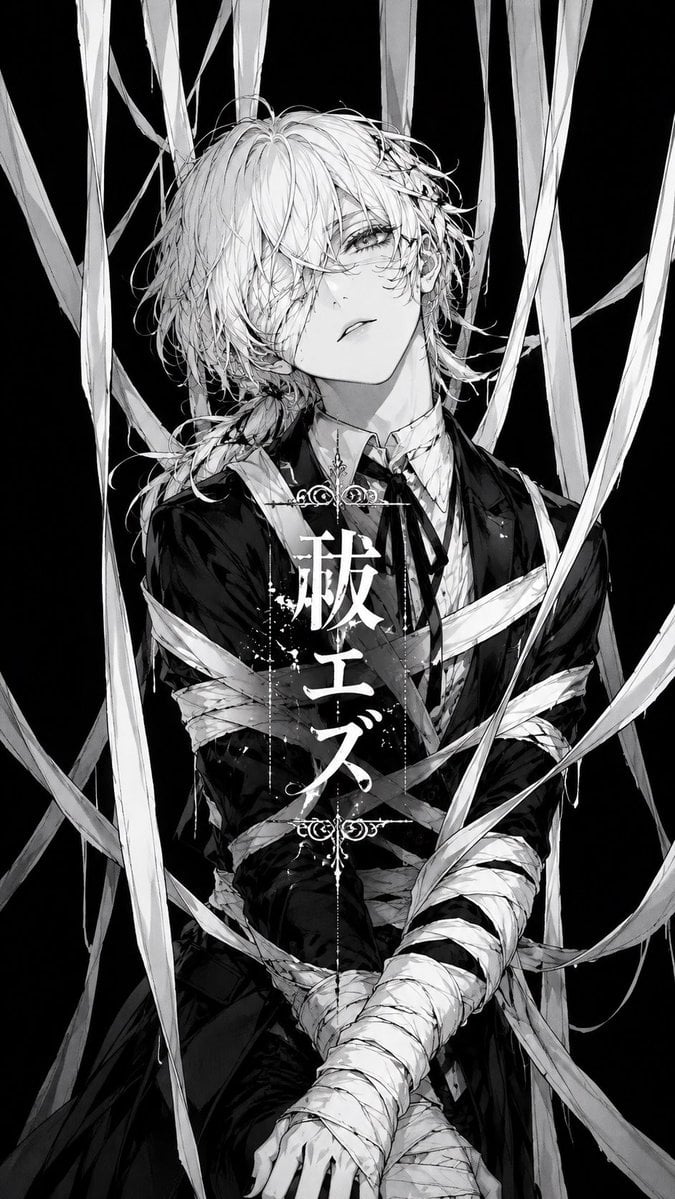
Monochrome Visual-Kei Album Cover
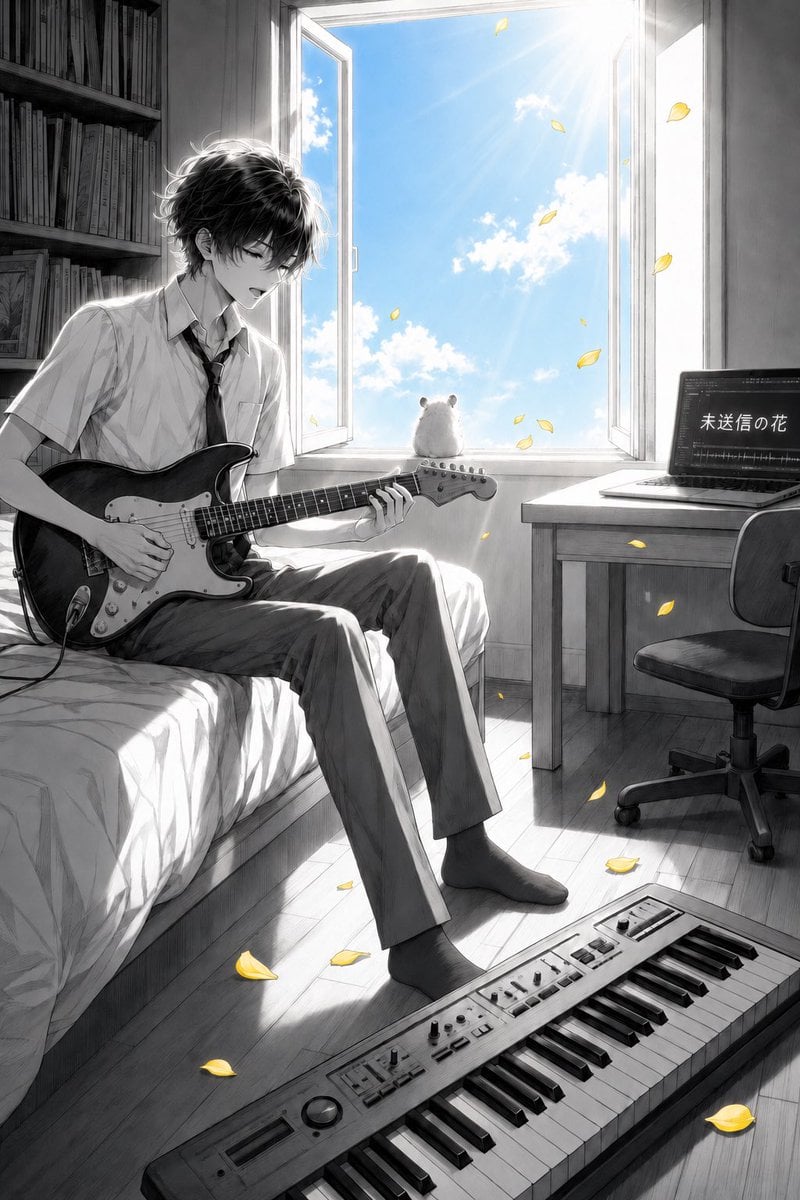
Anime Bedroom Guitar Album Cover
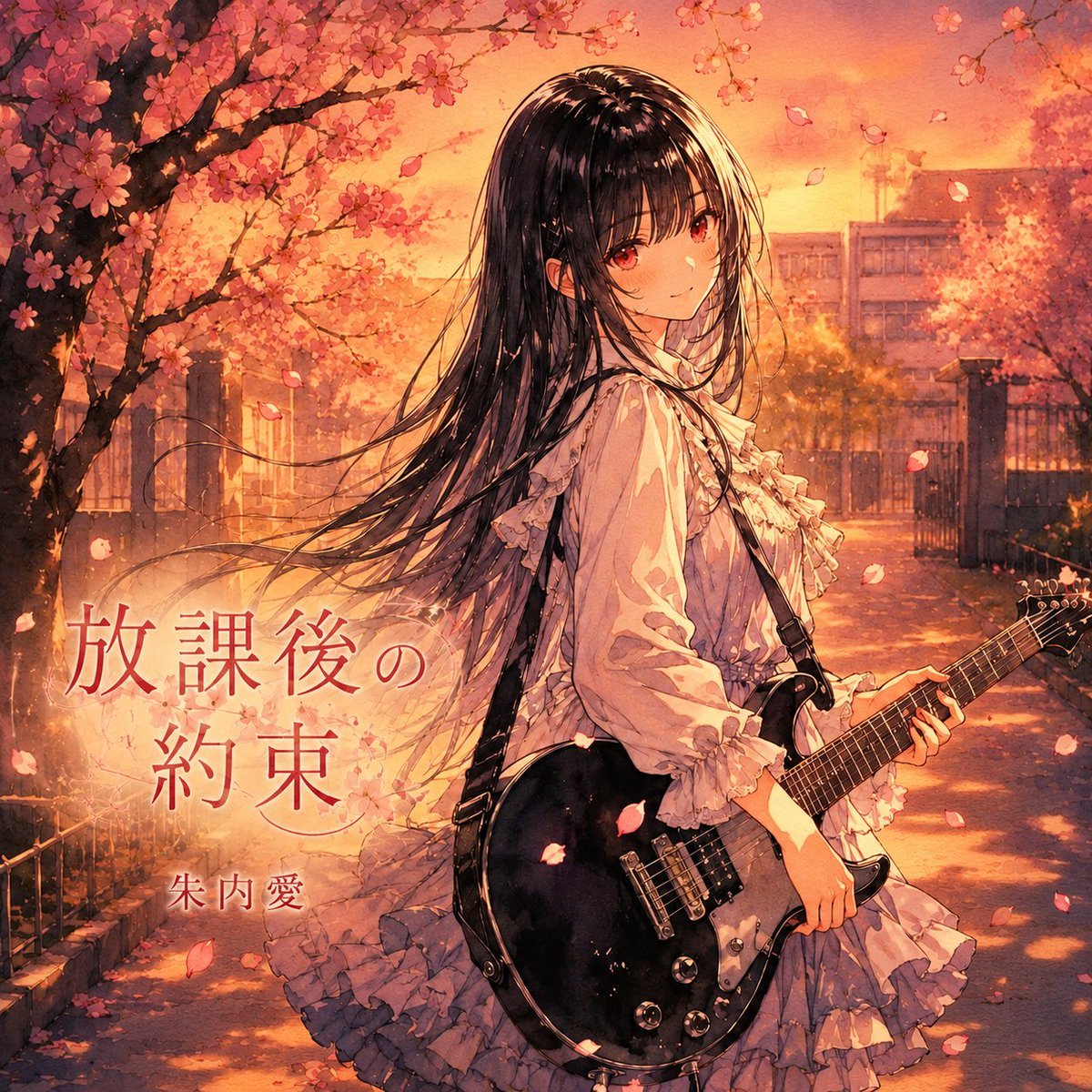
Anime Cherry Blossom Rock Album Cover
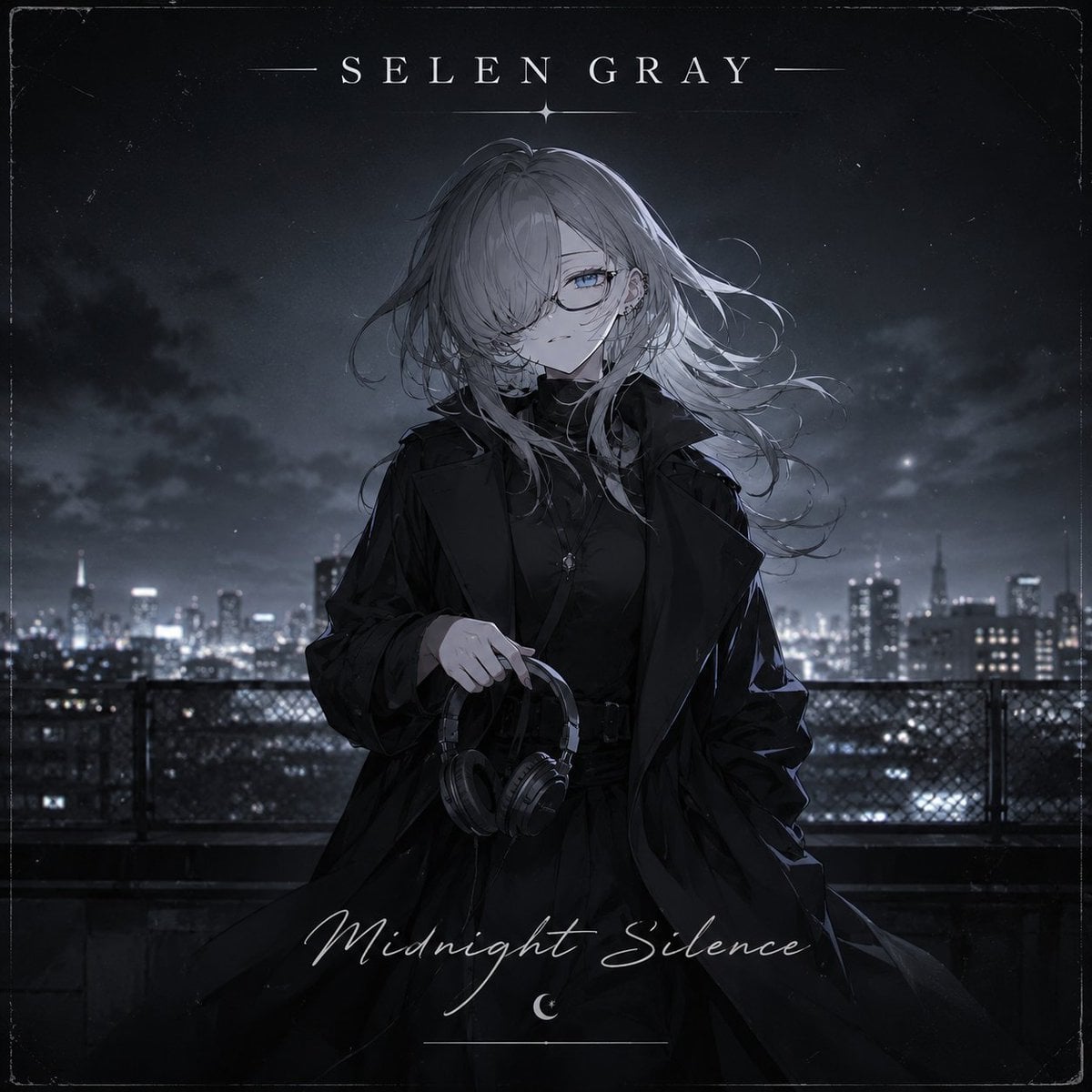
Midnight Anime Album Cover
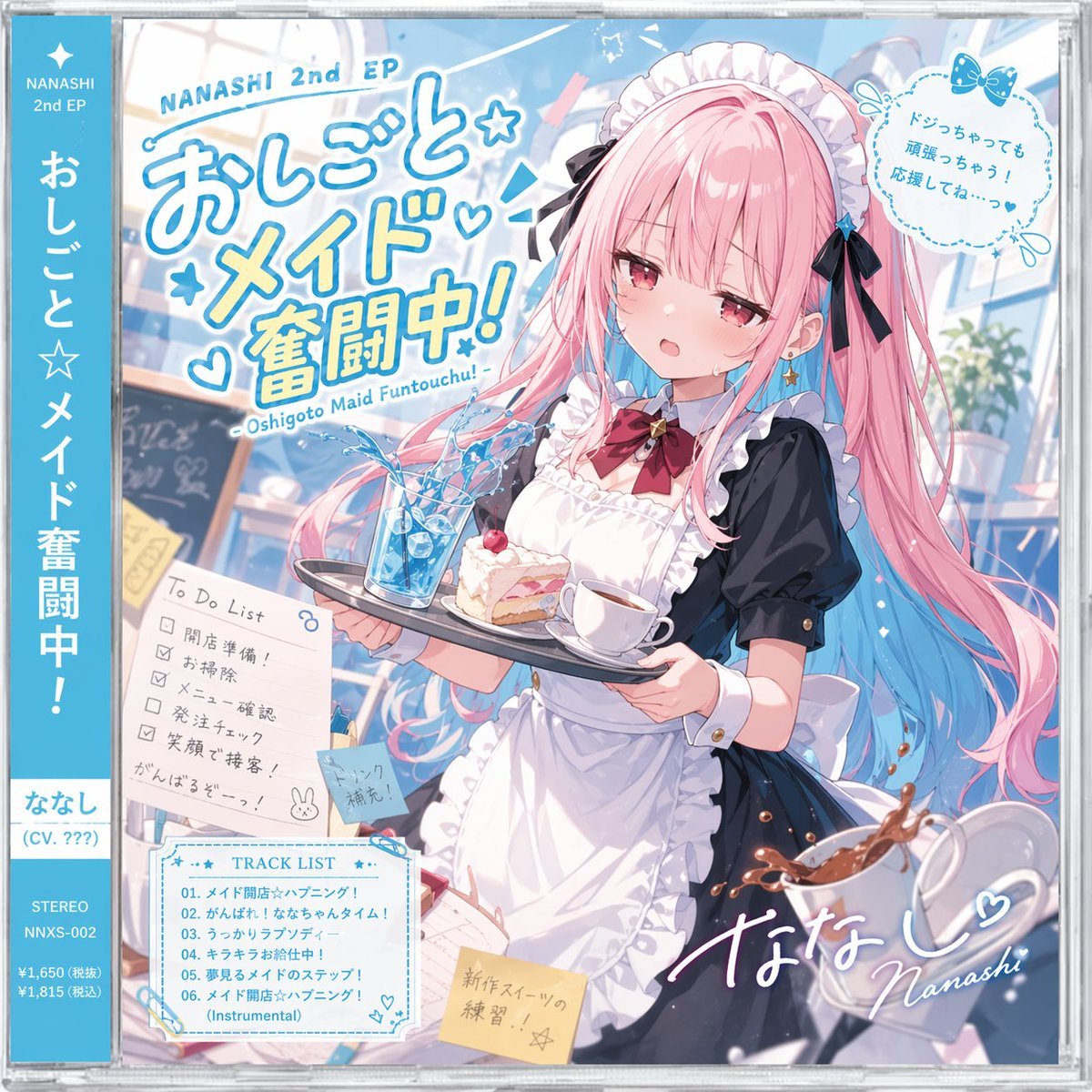
Anime Maid CD Album Cover
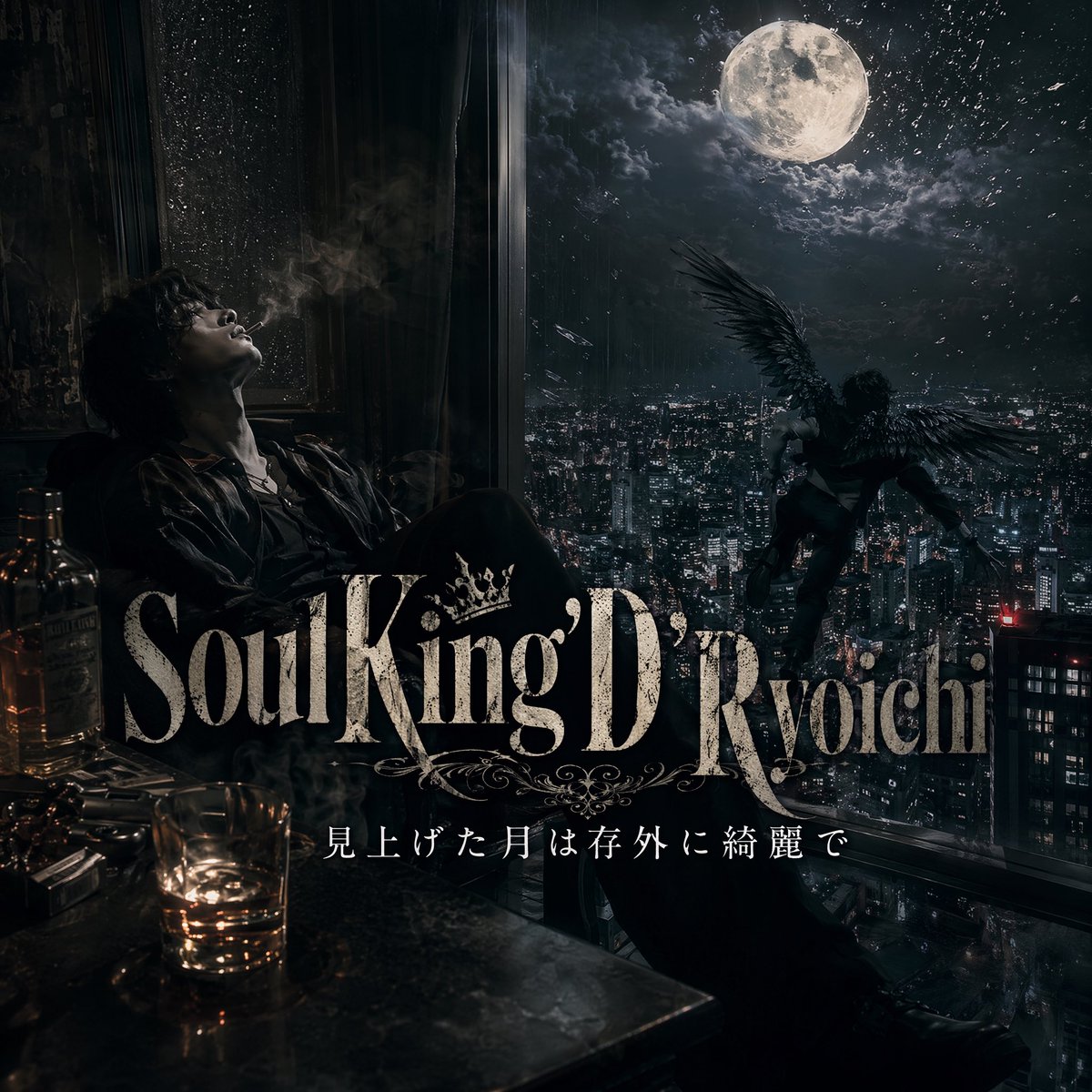
Dark Moonlit Noir Album Cover
Make it yours
French Indie Album Cover works as-is. These are the safest ways to change it without losing the look.
Change one field
Copy a single group, rewrite it, and generate again so you can see what that field is doing.
Keep the frame, change the subject
Hold the composition and light of French Indie Album Cover, then swap wardrobe, props or the person for a new take.
| If the result… | Why | Fix |
|---|---|---|
| The result drifts from the preview | Too many fields changed at once. | Reuse French Indie Album Cover as-is first, then change one group — subject, light, or setting. |
| The model over-stylizes the scene | The prose prompt leaves finish and camera underspecified. | Add one camera or lighting sentence and stay on GPT Image 2. |
More GPT Image 2 templates
Other prompts made for GPT Image 2.

Six VTuber Japanese Logo Sheet

Realistic Portrait of Woman and Deer

The Vista Modular Condo Poster

AI Model Routing Comparison Infographic

2.5D Anime Art Board

Isometric Productivity Desk Scene

New York Double Exposure Poster

Four-Panel AI Landscape Comparison

Japanese Tatami Lifestyle Magazine Cover

NESCAFÉ Coffee Map Poster
More image prompts
Fresh picks from across the catalog.
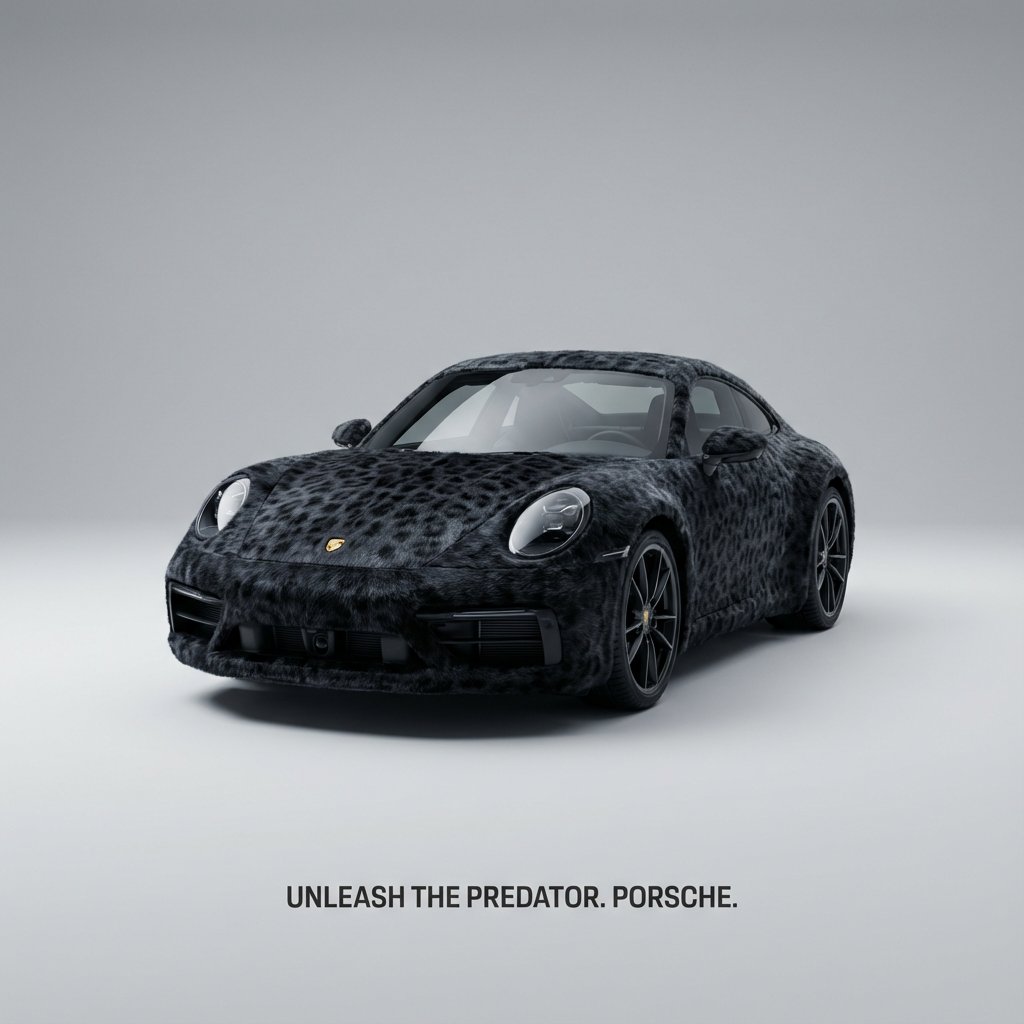
Animal Texture Product Marketing Shot Generator
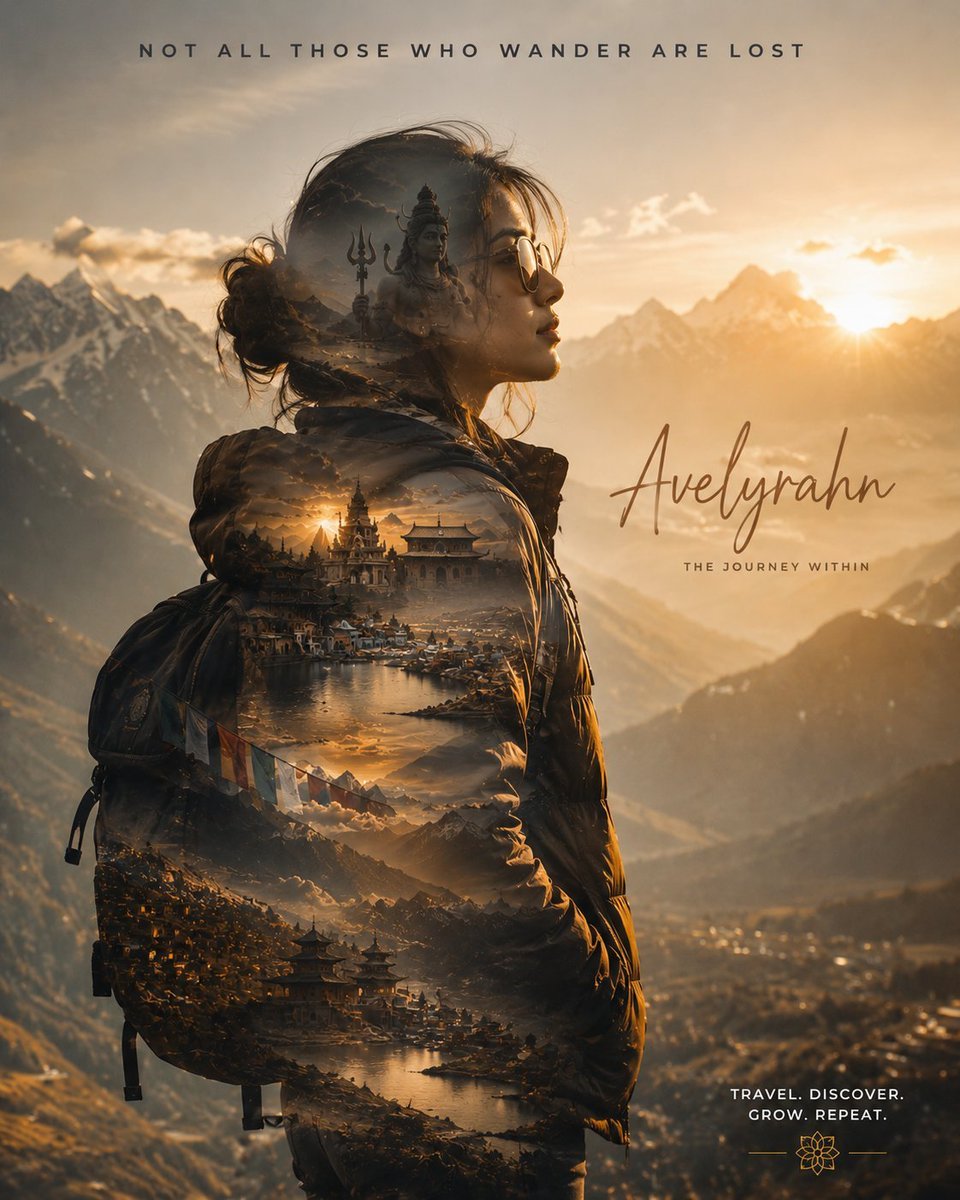
Double Exposure Spiritual Travel Poster
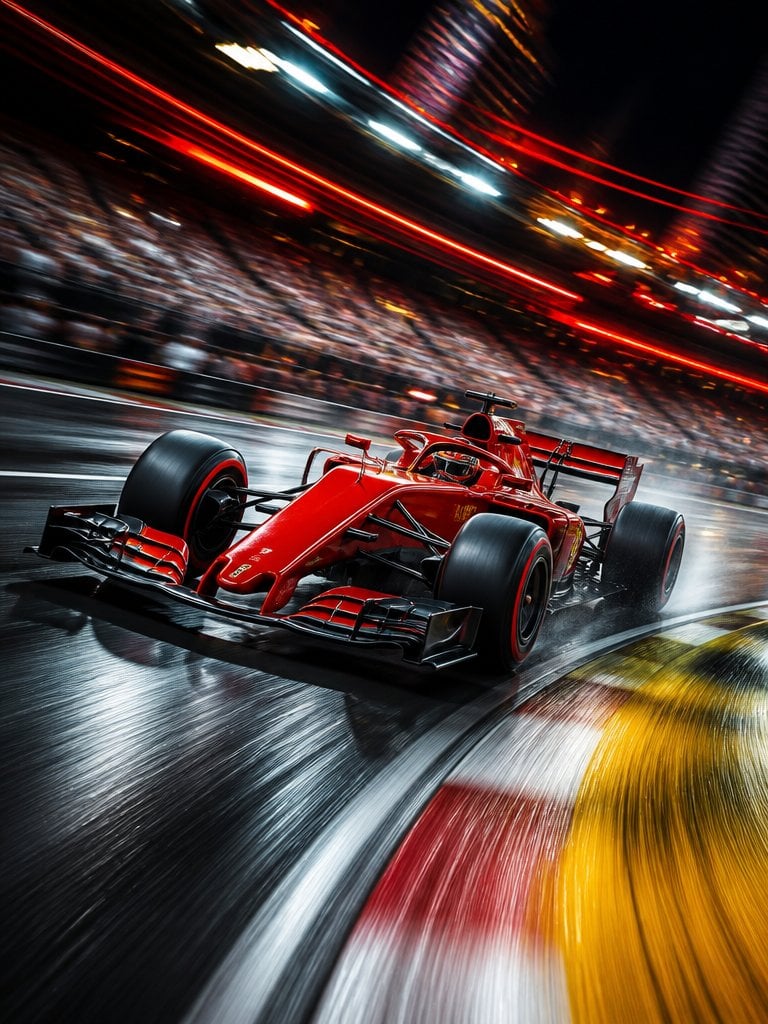
Long Exposure Motion Blur Photography
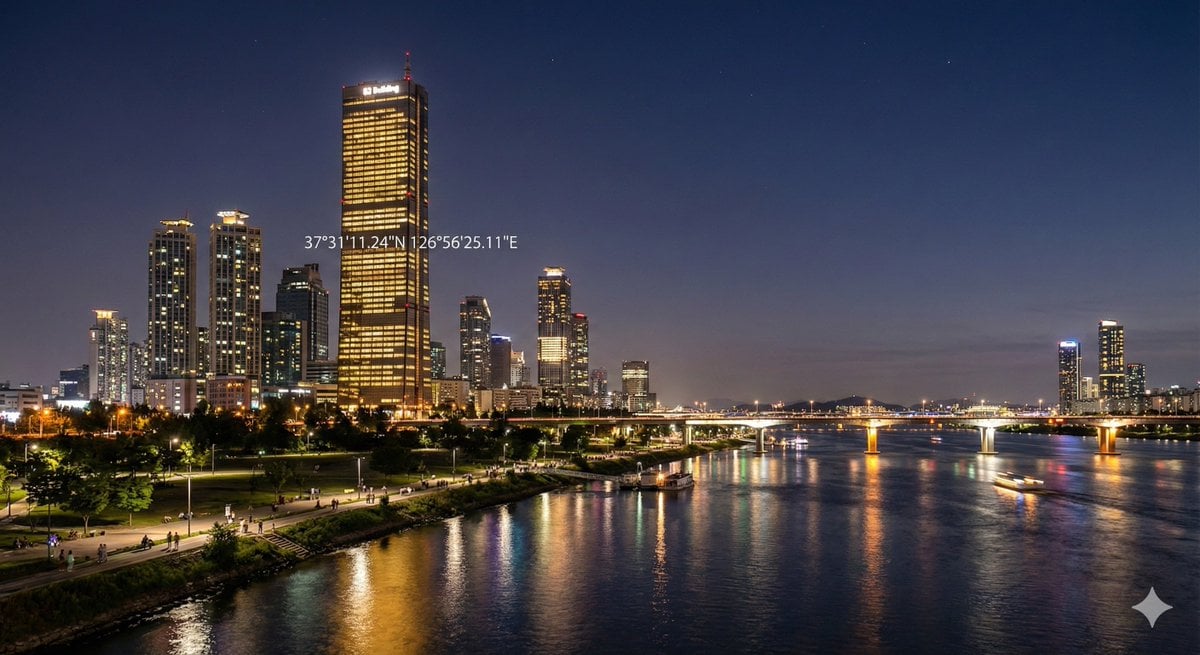
Night view of skyscraper via coordinates
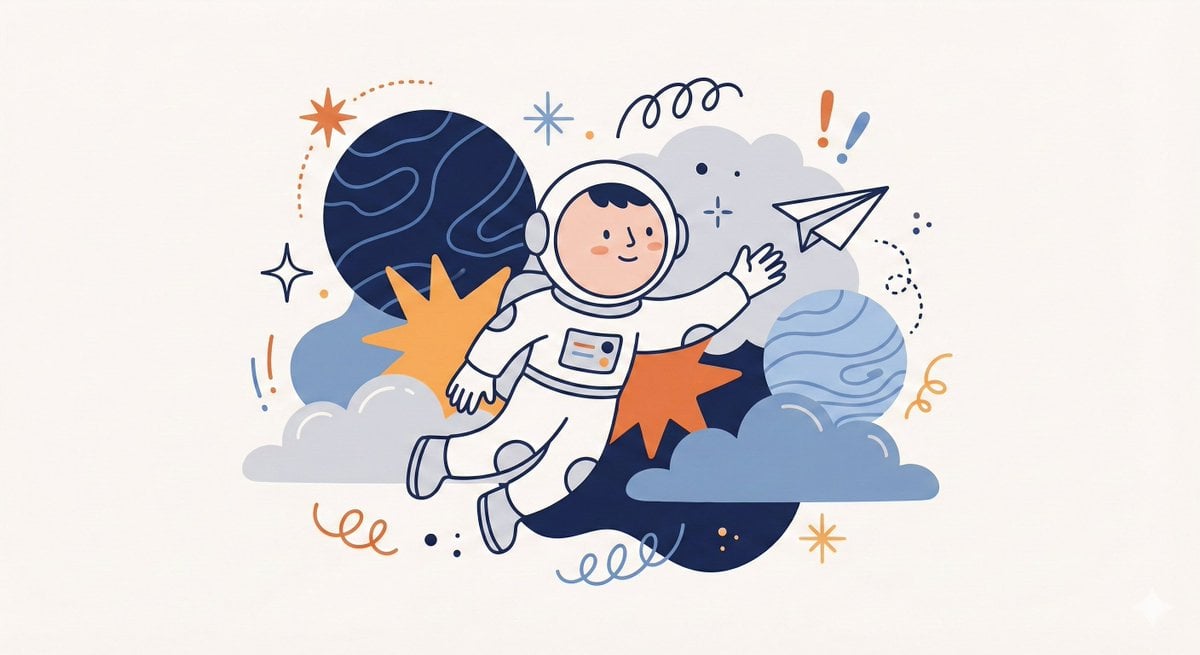
Whimsical Flat Illustration Generator
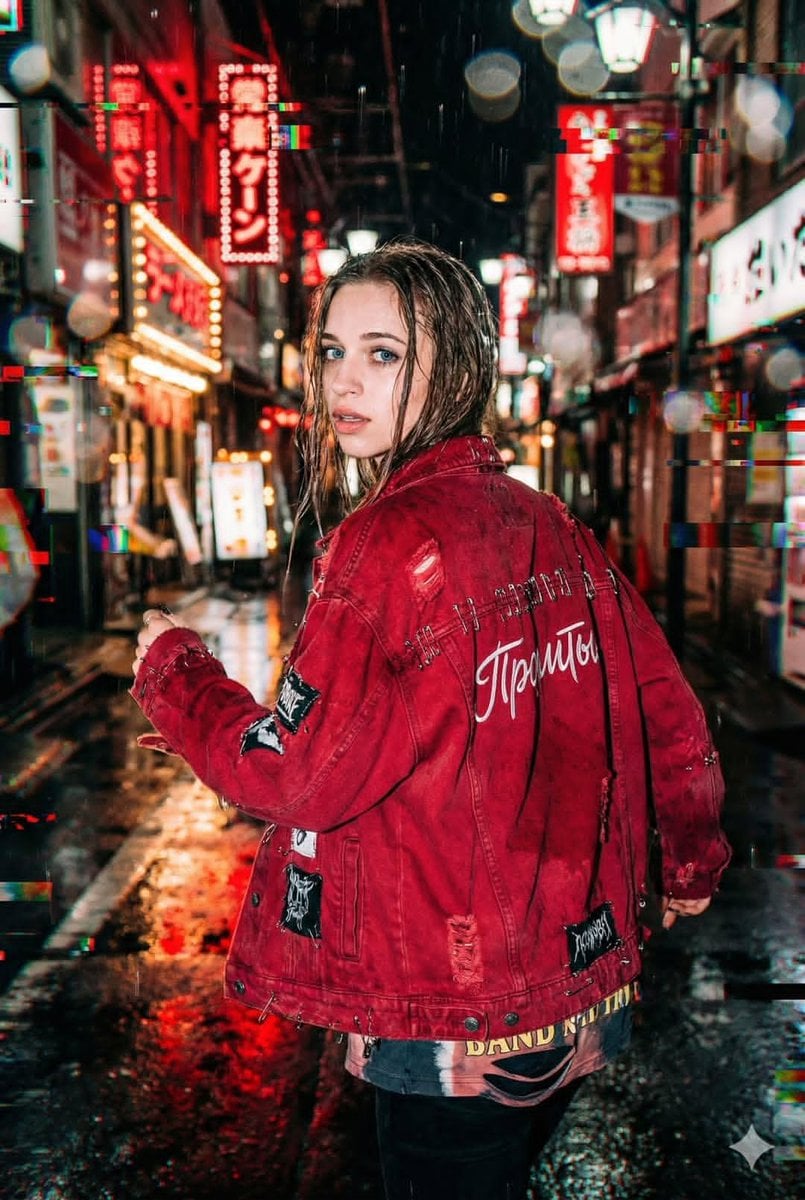
Neo-Tokyo Street Style Portrait Prompt with Glitch Effects
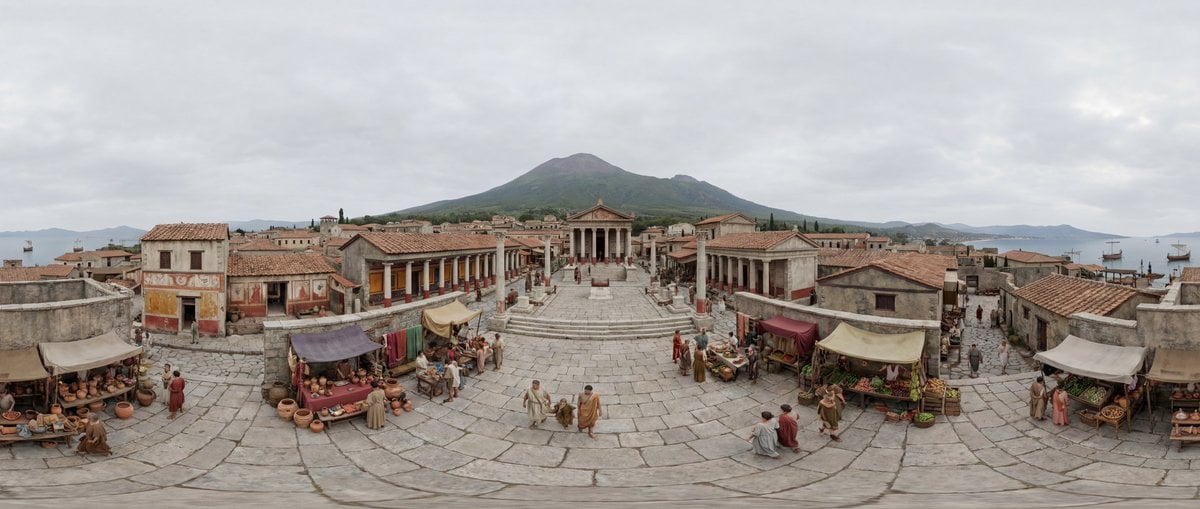
Degree Equirectangular Panorama Prompt
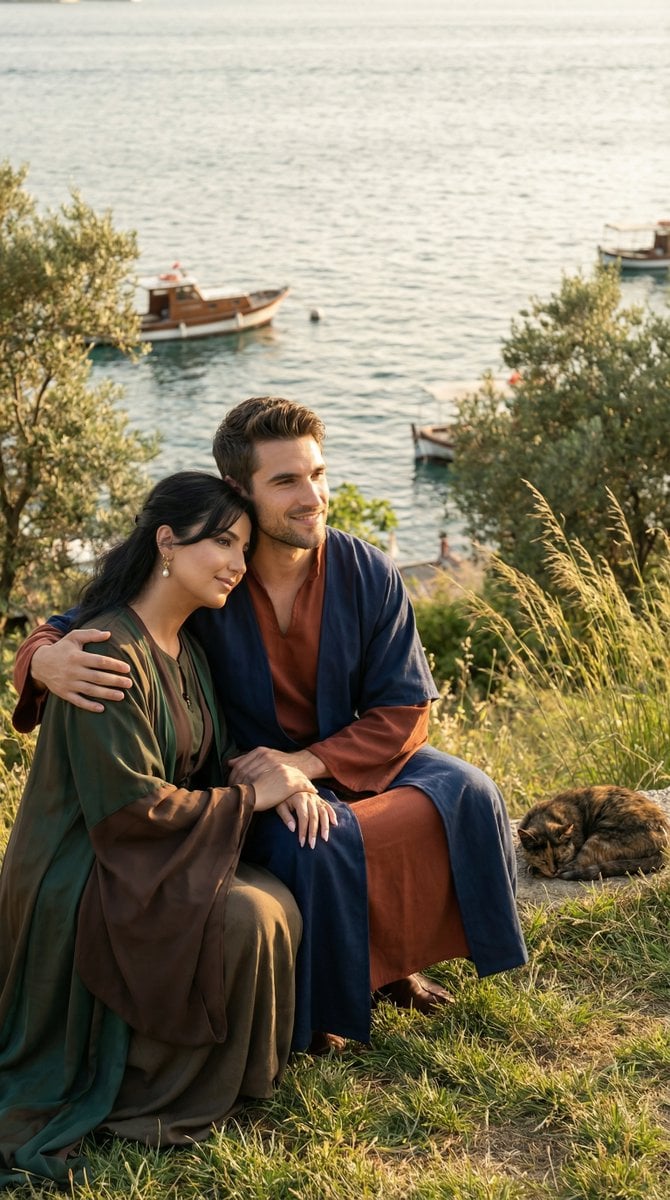
Cinematic Historical Romance: Ottoman Couple by the Bosphorus
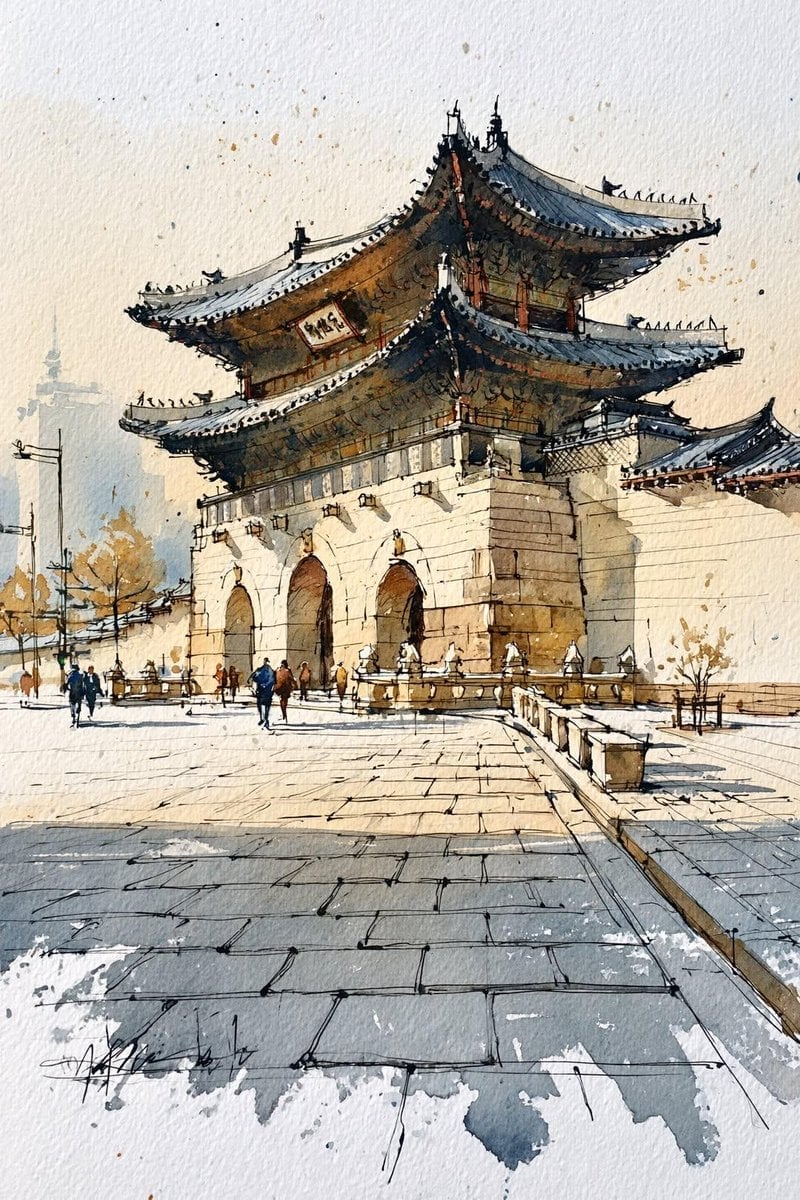
Korean Hanok Watercolor Sketch
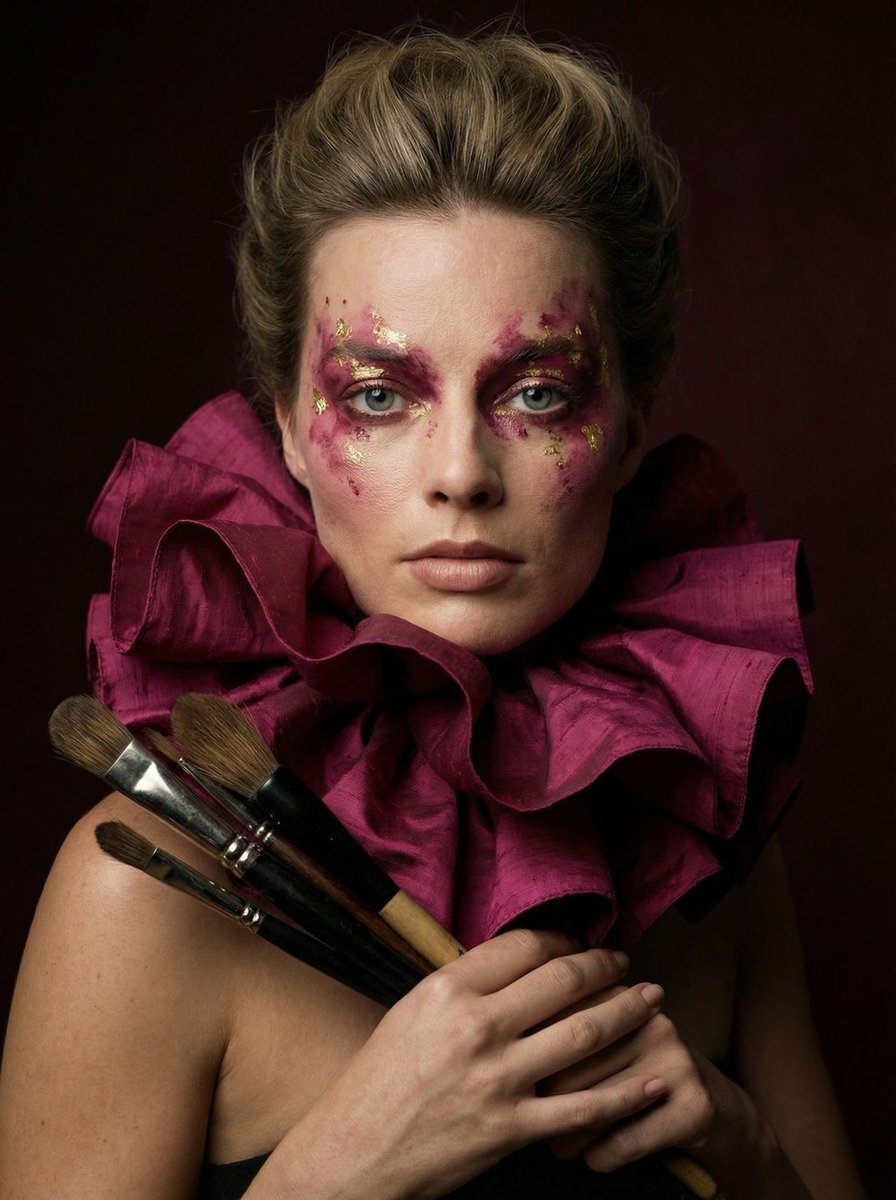
Hyper-Realistic Editorial Portrait of 'The Crimson Alchemist'
Browse template categories
French Indie Album Cover questions
How do I use the French Indie Album Cover template?
Add your photo if the template asks for one, edit the prompt if you like — the template's model and format are already selected — and press Generate. Your version opens in PicX Studio.
Can I customize the French Indie Album Cover template?
Yes. You can change the subject, setting, lighting, mood, format, and available model controls before creating your image.
Is the French Indie Album Cover template free?
Opening and editing this template is free. Generating uses credits, shown on the Generate button when you are signed in.
Which AI model should I use?
Start with GPT Image 2, which is the model associated with this template. You can compare another compatible model for a different finish.
Looking for something else? Browse all templates.

Your photo, any look
Thousands of ready templates for every top image and video model, from one credit balance.