
Japanese Musician Album Cover
A wide anime-style Japanese album cover featuring two traditional musicians with ornate floral gold-screen decoration.
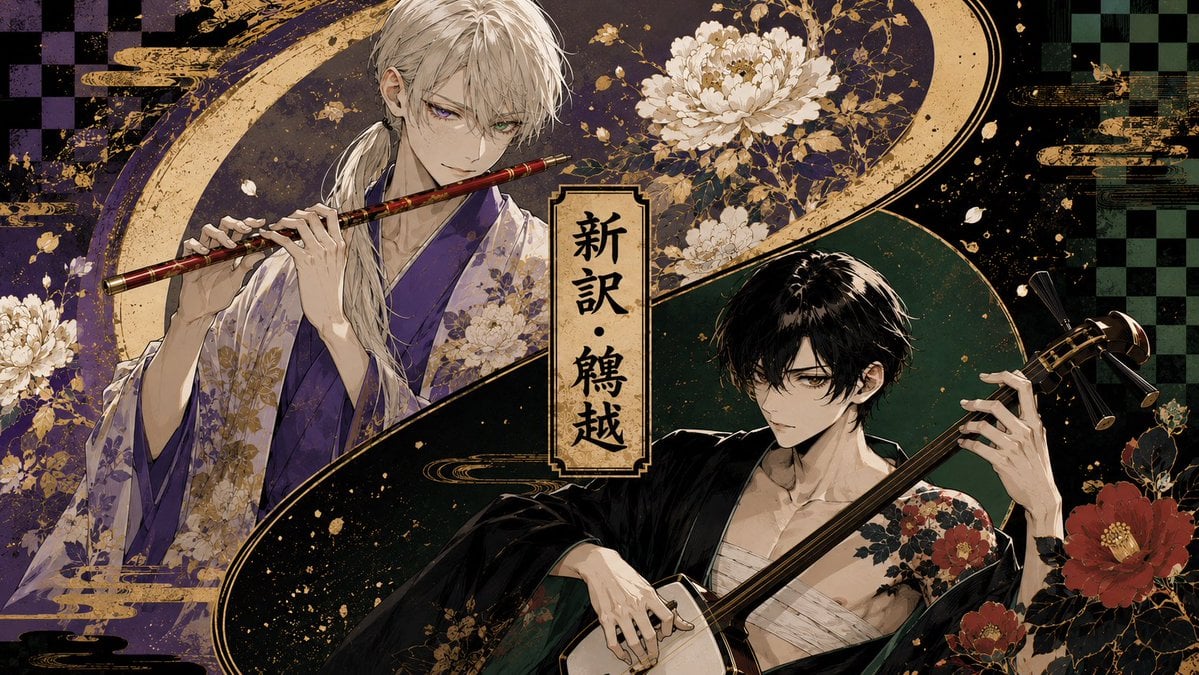
- Prompt included
- Model and format preset
- Free template
The prompt behind this image
Copy the exact prompt behind Japanese Musician Album Cover, or open it in the studio and make it yours.
Create a dramatic Japanese album-cover style illustration in a wide 16:9 landscape format. Show exactly two beautiful anime-style young men as traditional musicians, divided by a sweeping gold-and-black S-shaped wave across the composition. On the left upper side, depict a pale, slim man with long white hair tied low over one shoulder, sharp violet eyes, and a calm intense expression, wearing a layered purple and lavender floral kimono; he holds and plays a red-and-gold transverse bamboo flute horizontally near his mouth with both hands. On the right lower side, depict a pale, slim man with tousled black hair and dark eyes, wearing a loose black kimono slipped open over white chest wrappings, with red camellia floral patterns on one shoulder; he holds a shamisen diagonally, left hand on the neck and right hand near the body, looking serious and focused. Place a vertical parchment title plaque in the center with black Japanese calligraphy reading {argument name="title text" default="新訳・鶴越"}. Use a luxurious dark palette of deep purple, black, forest green, cream, and metallic gold, with ornate Japanese screen-painting details, gold splatter, ink texture, cloud bands, sweeping crescent arcs, and decorative floral motifs. Include exactly three prominent white chrysanthemum clusters around the upper left and top center areas, and exactly three prominent red camellia blossoms on the lower right. Add subtle checkerboard patterns in the far left and far right background, aged paper texture, high-detail line art, elegant bishounen character design, cinematic lighting, and a polished fantasy-jacket-cover finish. No modern objects, no extra characters, no watermark, keep all text limited to the central vertical plaque.
How to use Japanese Musician Album Cover in 3 steps
- 1Upload ImagePNG, JPG or paste
Add your photo
Upload the photo the template builds on. The prompt, model and format are already set.
- 2…a portrait of your subject in softgolden-hour light, 85mm…
Personalize
Edit the subject and creative details for your destination.
- 3Generate
Generate
Press Generate — your image is created in PicX Studio, so you can compare it with the original and refine one variable at a time.
More like this
Templates with the same subject, style or setup. Open one to see its prompt.
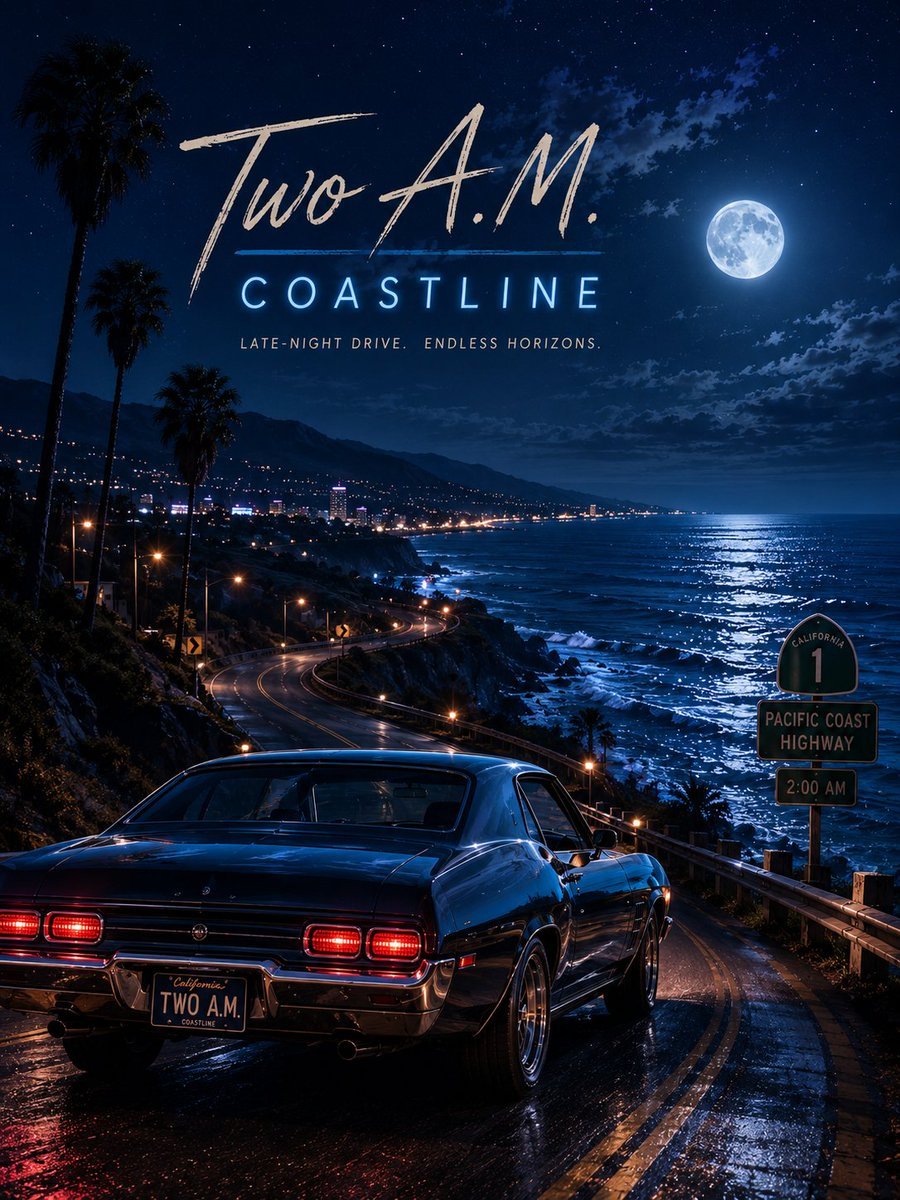
Two A.M. Coastline Album Cover
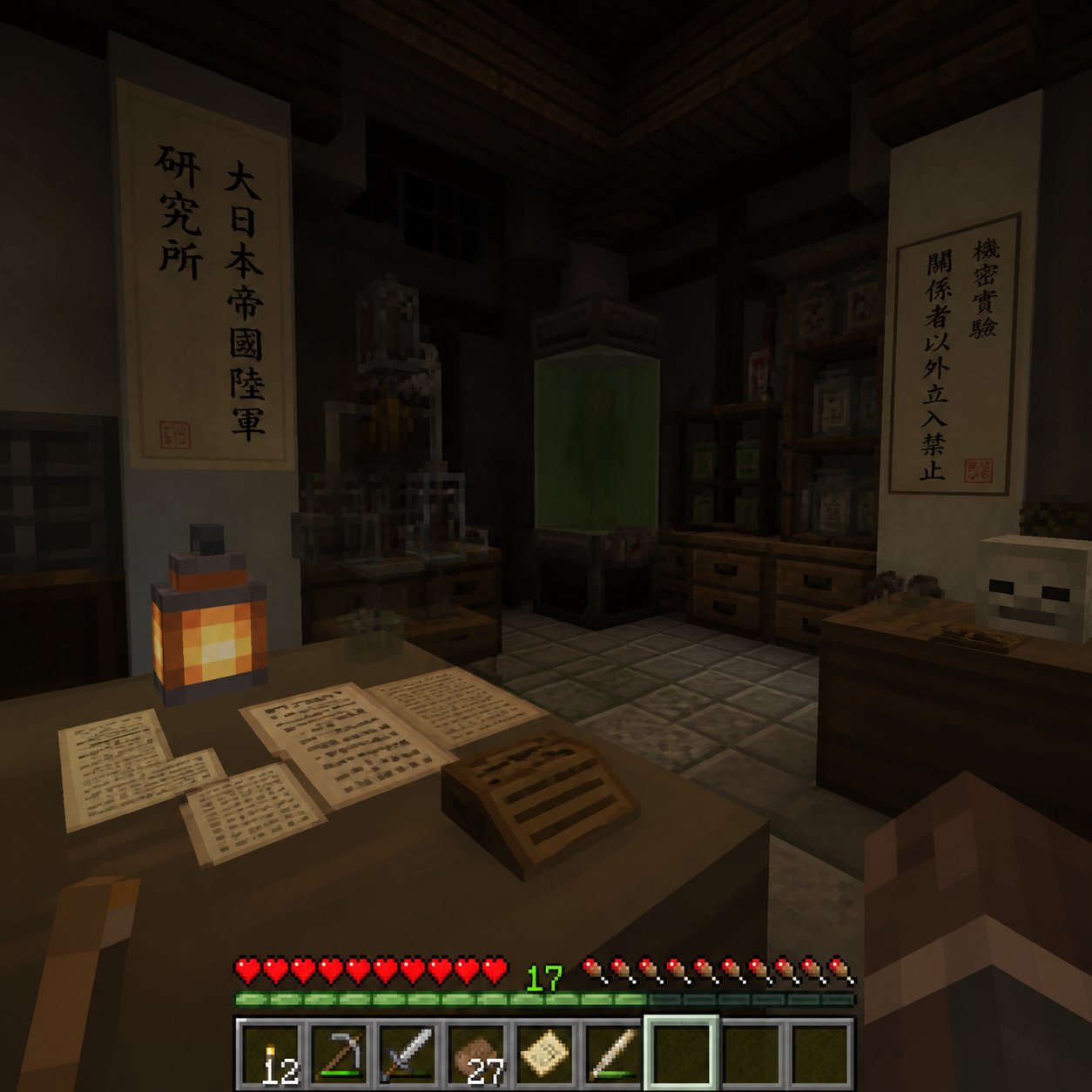
Minecraft Japanese Research Lab Exploration

Music Album Cover Abstract Liquid Mercury

Sparkling Seaside Anime Album Cover

Ornate A-Un Kimono Album Cover
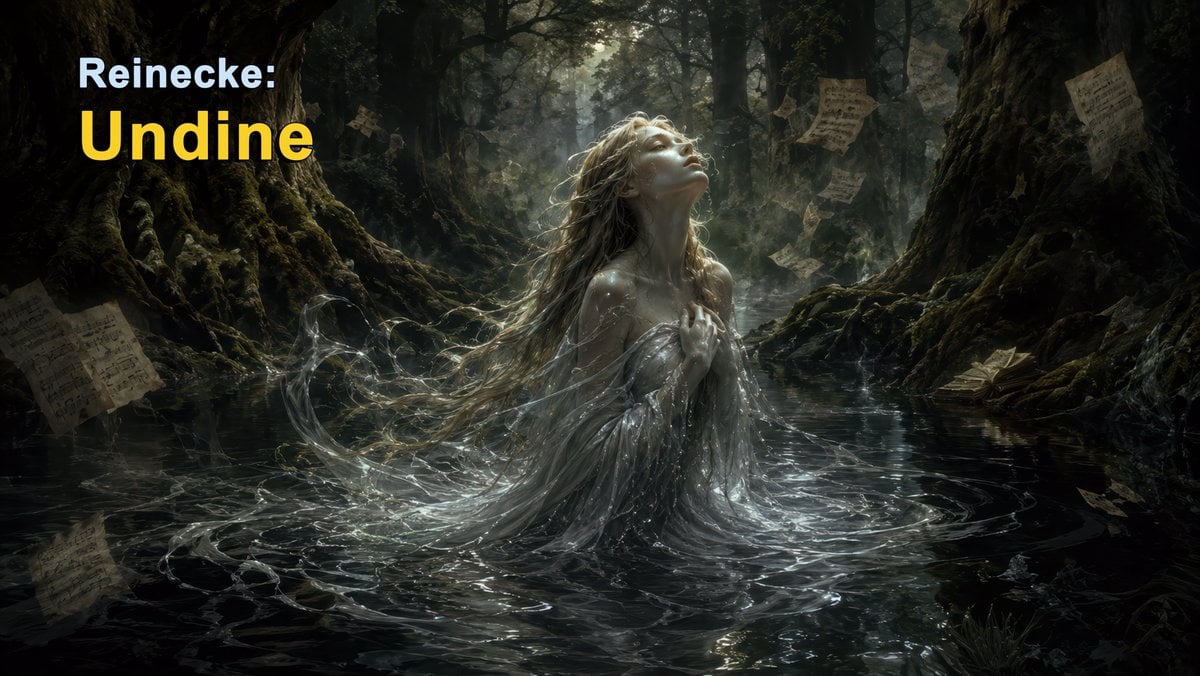
Dark Forest Undine Album Cover
Monochrome Visual-Kei Album Cover
Anime Bedroom Guitar Album Cover
Y2K Japanese Purikura Sticker Album

Japanese Tatami Lifestyle Magazine Cover
Japanese Architectural Concrete Studio Fashion Campaign
Japanese Minimalist Concrete Studio Fashion Editorial
Make it yours
Japanese Musician Album Cover works as-is. These are the safest ways to change it without losing the look.
Change one field
Copy a single group, rewrite it, and generate again so you can see what that field is doing.
Keep the frame, change the subject
Hold the composition and light of Japanese Musician Album Cover, then swap wardrobe, props or the person for a new take.
| If the result… | Why | Fix |
|---|---|---|
| The result drifts from the preview | Too many fields changed at once. | Reuse Japanese Musician Album Cover as-is first, then change one group — subject, light, or setting. |
| The model over-stylizes the scene | The prose prompt leaves finish and camera underspecified. | Add one camera or lighting sentence and stay on GPT Image 2. |
More GPT Image 2 templates
Other prompts made for GPT Image 2.

Six VTuber Japanese Logo Sheet

Realistic Portrait of Woman and Deer

The Vista Modular Condo Poster

AI Model Routing Comparison Infographic

2.5D Anime Art Board

Isometric Productivity Desk Scene

New York Double Exposure Poster

Four-Panel AI Landscape Comparison

NESCAFÉ Coffee Map Poster

Brutalist Cogito Chinese Typography Poster
More image prompts
Fresh picks from across the catalog.

Human Organ Health Infographic
Pastel Bunny Girl Street Walk

Realistic Desert Lifestyle Portrait

Portrait
Low-quality disposable camera high school snapshot prompt
Nostalgic 1990s Bedroom Portrait
Nano Banana Pro Prompt for Generating 'Viral Diagrams'

Ultra-Realistic 8K Candid Street Portrait Prompt

Solara Art Nouveau Sun Goddess Poster

Raw Documentary Car Interior Portrait
Browse template categories
Japanese Musician Album Cover questions
How do I use the Japanese Musician Album Cover template?
Add your photo if the template asks for one, edit the prompt if you like — the template's model and format are already selected — and press Generate. Your version opens in PicX Studio.
Can I customize the Japanese Musician Album Cover template?
Yes. You can change the subject, setting, lighting, mood, format, and available model controls before creating your image.
Is the Japanese Musician Album Cover template free?
Opening and editing this template is free. Generating uses credits, shown on the Generate button when you are signed in.
Which AI model should I use?
Start with GPT Image 2, which is the model associated with this template. You can compare another compatible model for a different finish.
Looking for something else? Browse all templates.

Your photo, any look
Thousands of ready templates for every top image and video model, from one credit balance.