
Anime Bedroom Guitar Album Cover
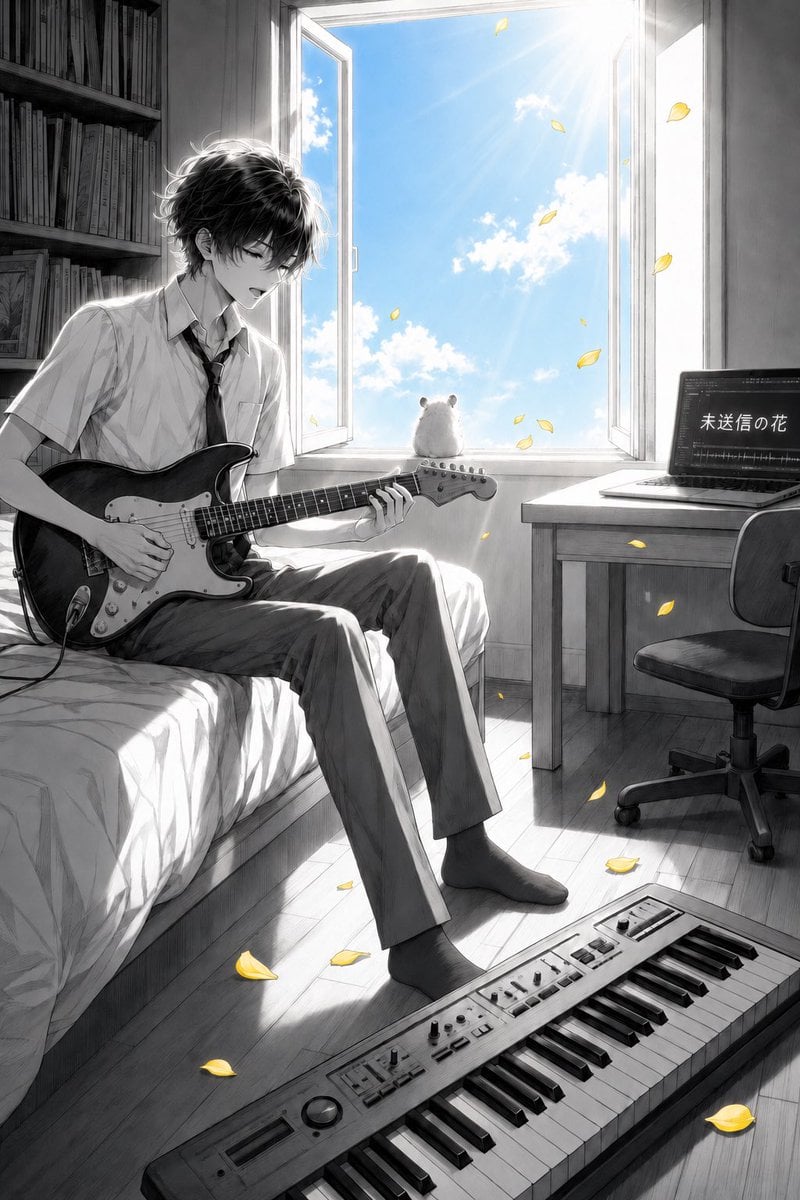
A vertical monochrome anime album-cover scene of a teenage guitarist in a sunlit bedroom with a hamster, laptop title, keyboard, and yellow petal accents.
- Prompt included
- Model and format preset
- Premium template
The prompt behind this image
Copy the exact prompt behind Anime Bedroom Guitar Album Cover, or open it in the studio and make it yours.
Create a cinematic vertical anime album-cover illustration in mostly monochrome pencil-and-ink grayscale with selective color accents. A slim teenage boy with messy black hair sits on the edge of a bed in a quiet bedroom, playing a black electric guitar with a white pickguard; he wears a short-sleeved white school shirt, loosened black tie, straight gray trousers, and dark socks, his head tilted down with a soft, absorbed expression. The room is rendered with delicate manga linework, realistic light and shadow, and a nostalgic indie-music mood. Behind him is a tall open window flooding the room with bright summer sunlight; outside the window is the only strongly colored area: vivid blue sky, white clouds, and sun rays. On the windowsill sits one small fluffy white hamster seen from behind, looking out at the sky. Yellow flower petals drift through the open window and scatter around the room, providing the second color accent. Include exactly these main visible objects: 1 teenage guitarist on the bed, 1 electric guitar, 1 open window, 1 white hamster on the sill, 1 laptop on a desk to the right, 1 office chair, 1 keyboard/synthesizer on the floor in the foreground, 1 bookshelf on the left, and many yellow petals floating and fallen. The laptop screen should show audio waveform/editing software and the Japanese title text {argument name="laptop title text" default="未送信の花"}. Composition: portrait 2:3 ratio, boy on the left third, open window centered upper background, desk and laptop on the right, keyboard diagonally across the bottom foreground. Style: highly detailed Japanese anime illustration, grayscale graphite texture, soft bloom, high-contrast backlighting, reflective wooden floor, emotional music-room atmosphere, no watermark, no extra text besides the laptop screen. Customize the character as {argument name="character description" default="slim teenage boy with messy black hair"}, the instrument as {argument name="instrument" default="black electric guitar with white pickguard"}, and the accent petals as {argument name="accent petals" default="yellow flower petals"}.
How to use Anime Bedroom Guitar Album Cover in 3 steps
- 1Upload ImagePNG, JPG or paste
Add your photo
Upload the photo the template builds on. The prompt, model and format are already set.
- 2…a portrait of your subject in softgolden-hour light, 85mm…
Personalize
Edit the subject and creative details for your destination.
- 3Generate
Generate
Press Generate — your image is created in PicX Studio, so you can compare it with the original and refine one variable at a time.
More like this
Templates with the same subject, style or setup. Open one to see its prompt.
Anime Space Bass Guitar Cover Art

Sparkling Seaside Anime Album Cover
Anime Cherry Blossom Rock Album Cover
Midnight Anime Album Cover
Anime Maid CD Album Cover
Abstract Rock Guitarist Album Art
Two A.M. Coastline Album Cover

Music Album Cover Abstract Liquid Mercury

Anime Rock Duo with Guitar and Sheet Music

Japanese Musician Album Cover

Ornate A-Un Kimono Album Cover
Dark Forest Undine Album Cover
Make it yours
Anime Bedroom Guitar Album Cover works as-is. These are the safest ways to change it without losing the look.
Change one field
Copy a single group, rewrite it, and generate again so you can see what that field is doing.
Keep the frame, change the subject
Hold the composition and light of Anime Bedroom Guitar Album Cover, then swap wardrobe, props or the person for a new take.
| If the result… | Why | Fix |
|---|---|---|
| The result drifts from the preview | Too many fields changed at once. | Reuse Anime Bedroom Guitar Album Cover as-is first, then change one group — subject, light, or setting. |
| The model over-stylizes the scene | The prose prompt leaves finish and camera underspecified. | Add one camera or lighting sentence and stay on GPT Image 2. |
More GPT Image 2 templates
Other prompts made for GPT Image 2.

Six VTuber Japanese Logo Sheet

Realistic Portrait of Woman and Deer

The Vista Modular Condo Poster

AI Model Routing Comparison Infographic

2.5D Anime Art Board

Isometric Productivity Desk Scene

New York Double Exposure Poster

Four-Panel AI Landscape Comparison

Japanese Tatami Lifestyle Magazine Cover

NESCAFÉ Coffee Map Poster
More image prompts
Fresh picks from across the catalog.
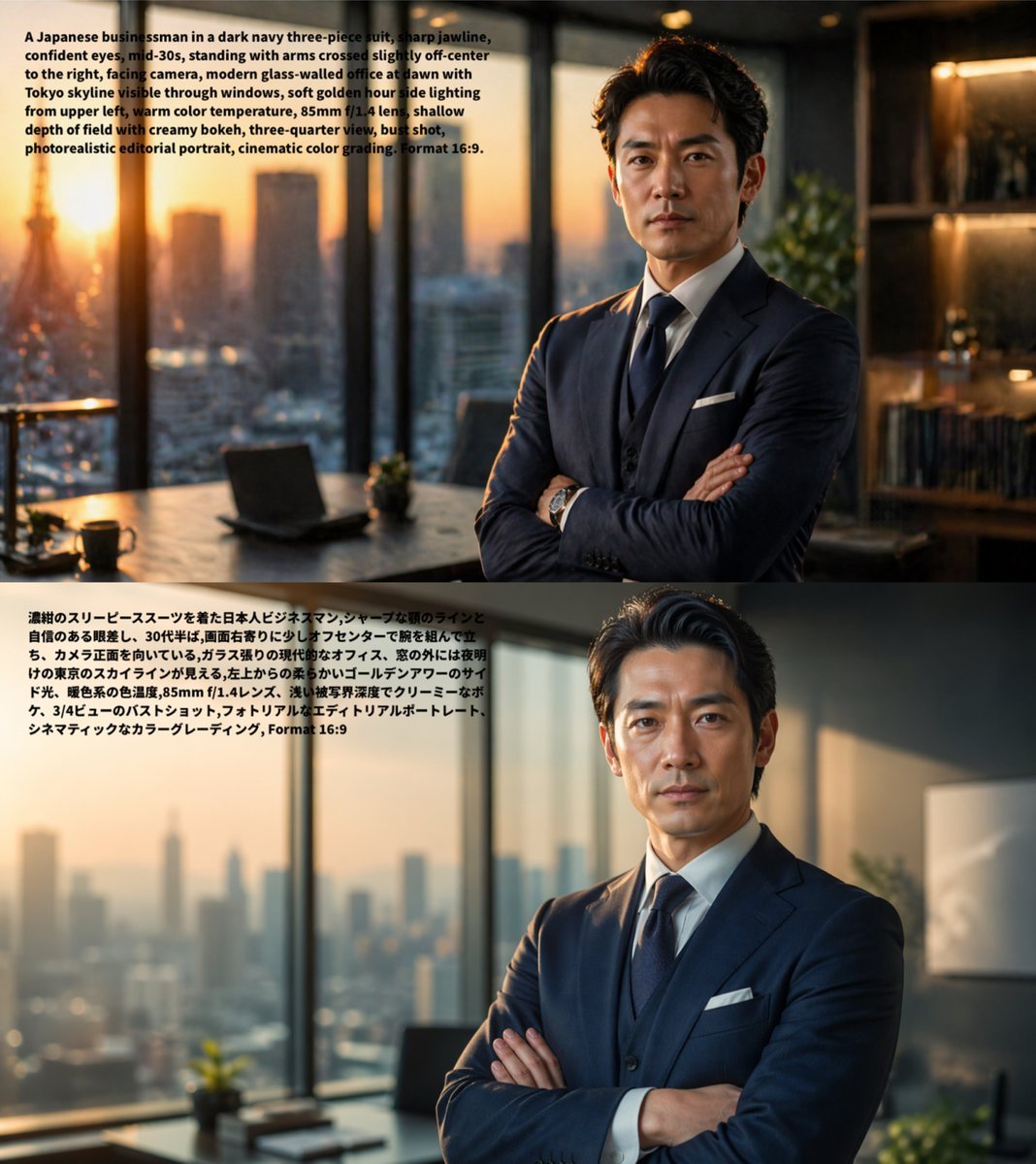
Bilingual Prompt Comparison Portrait
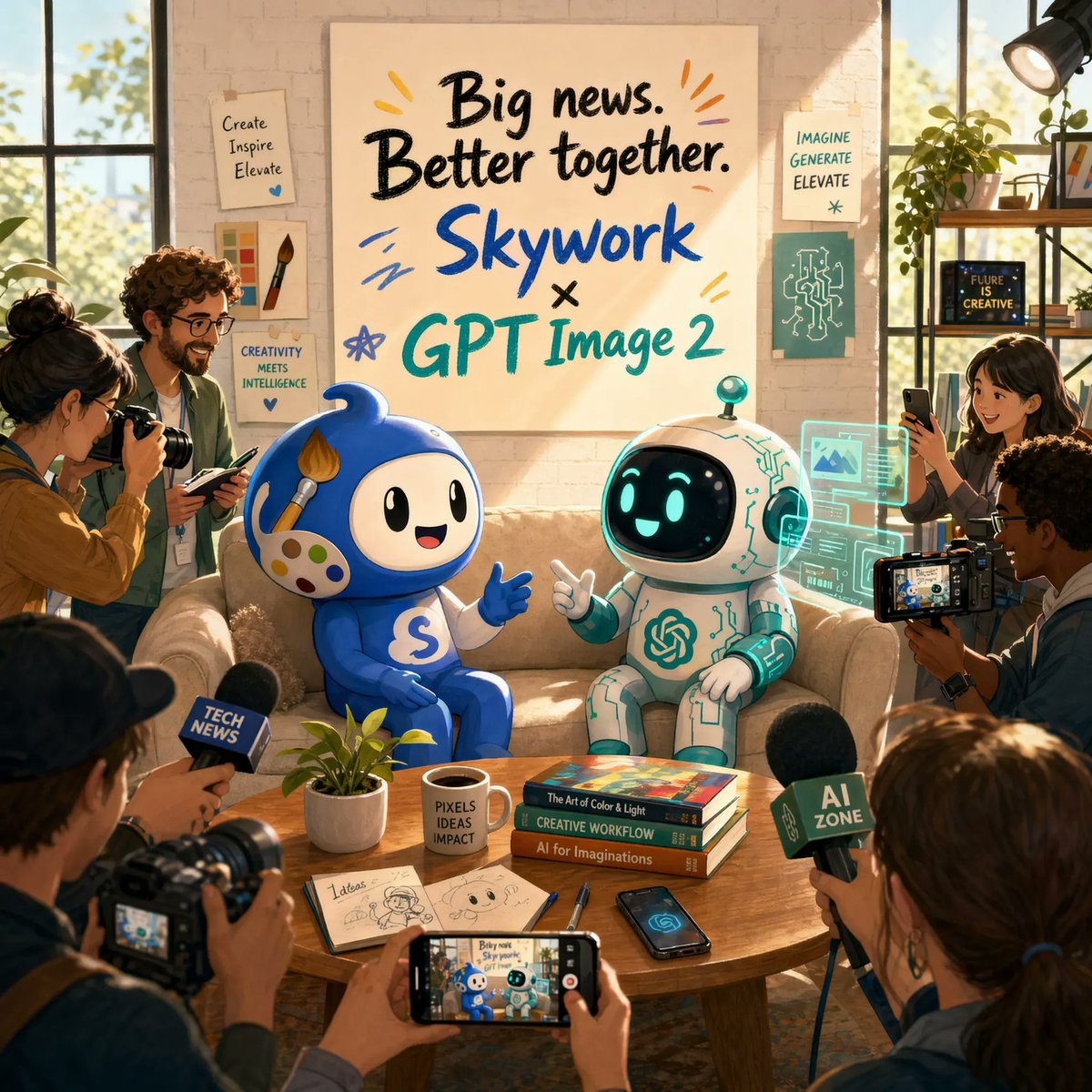
AI Partnership Launch Poster Scene
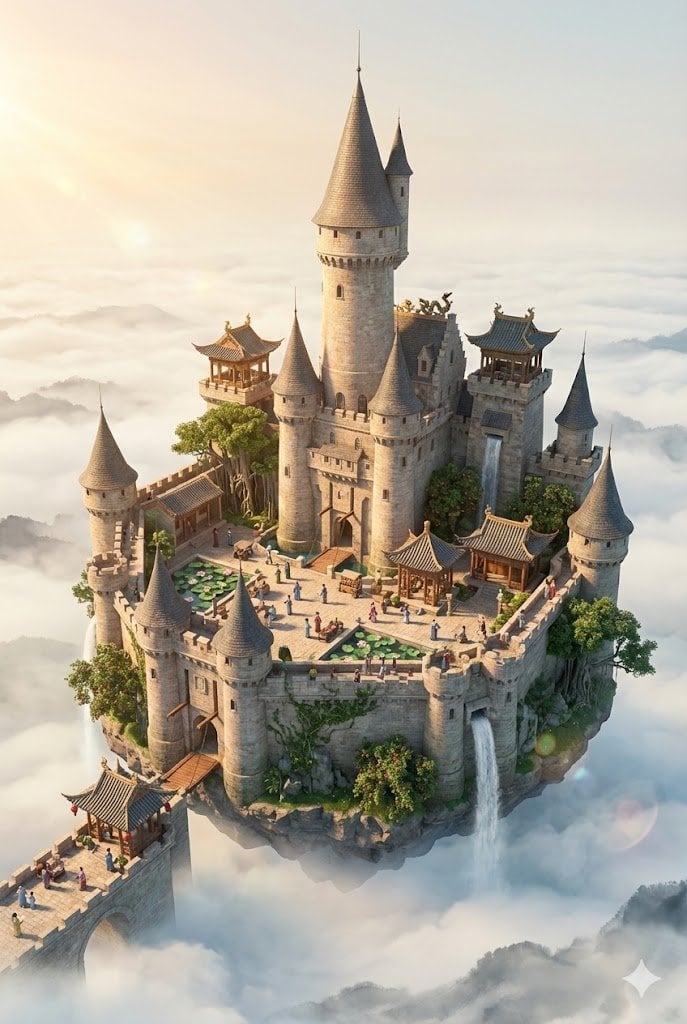
Floating Sky Castle Digital Art Poster Prompt
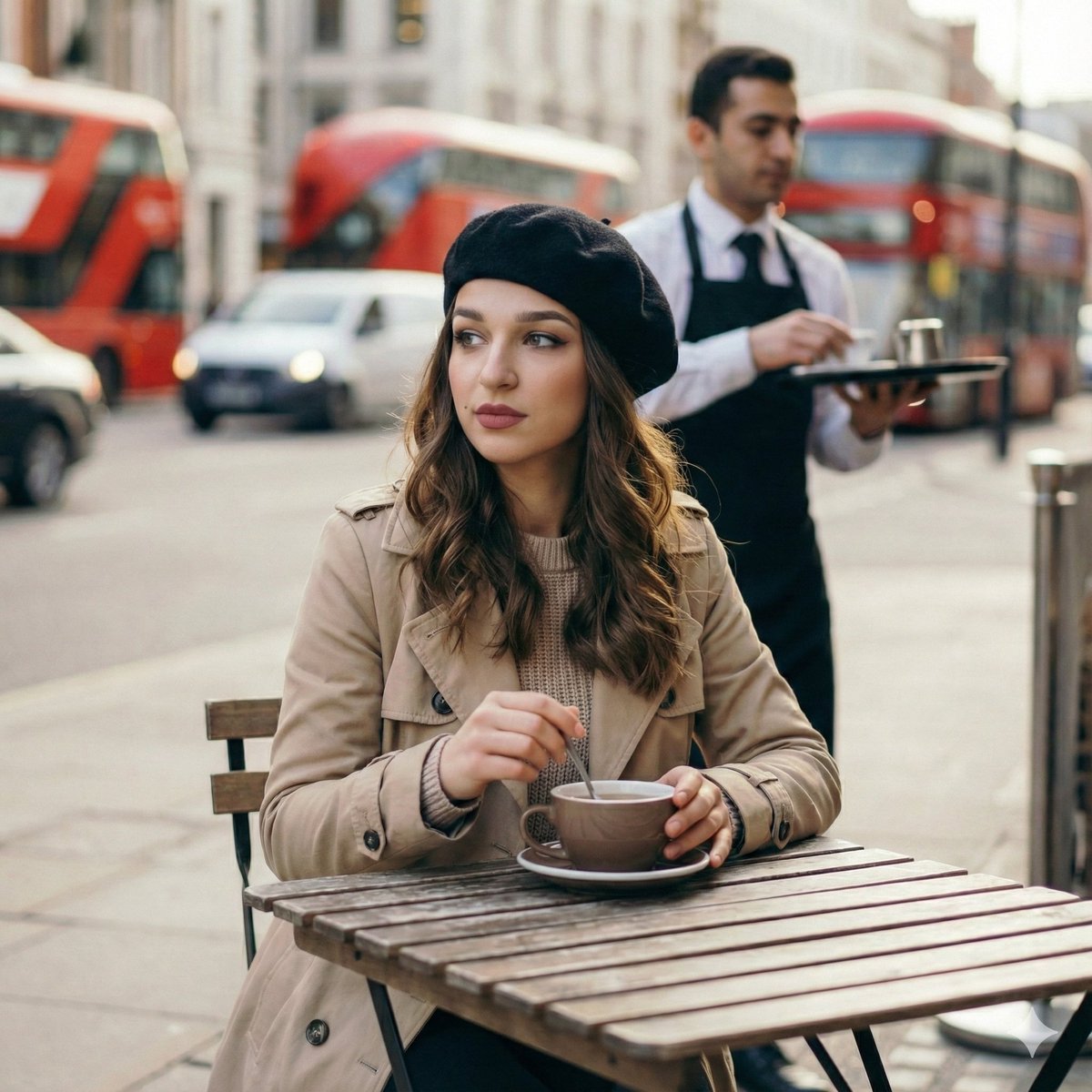
Candid London Cafe Morning Portrait (JSON)

Ultra Realistic Studio Portrait By Nano
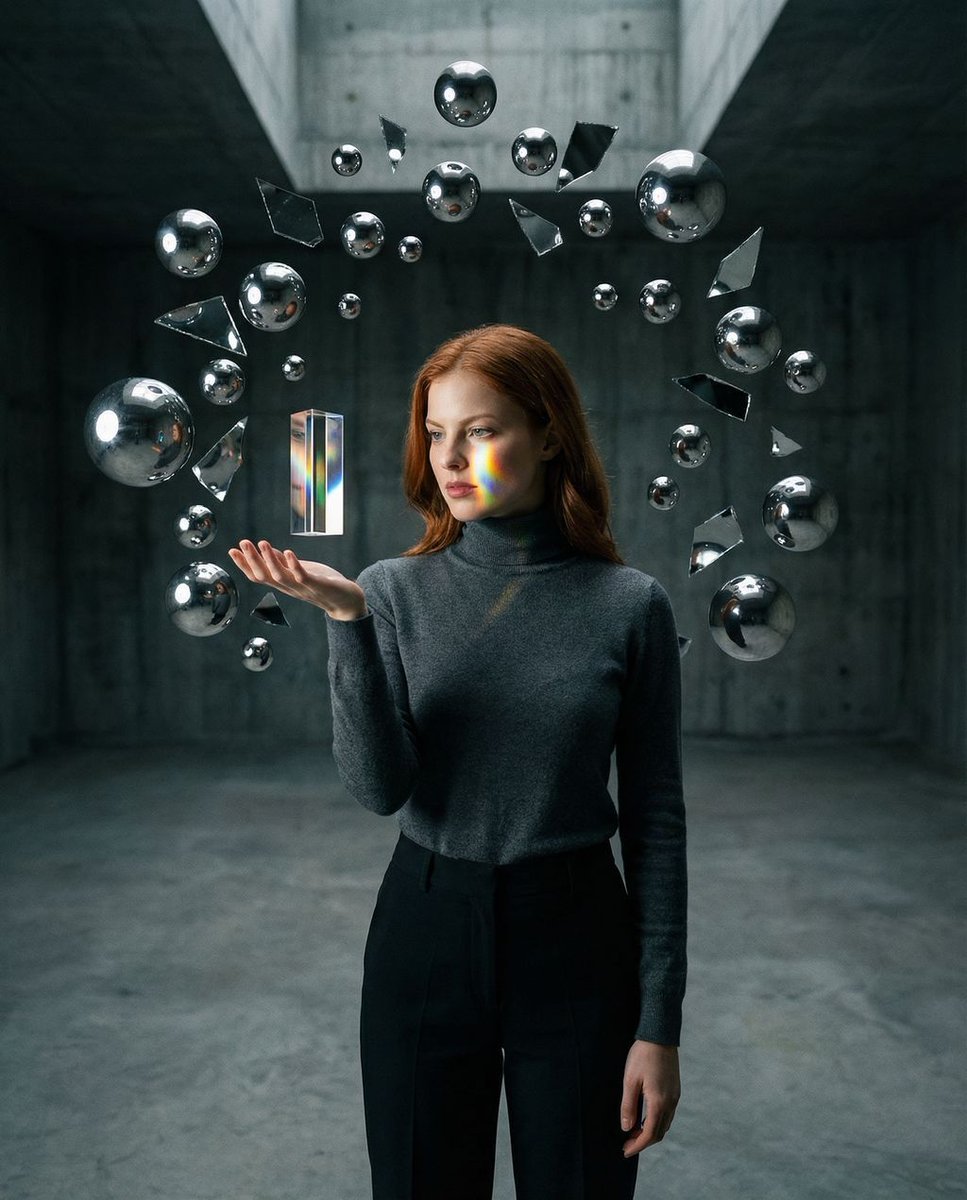
Surreal Brutalist Portrait with Kinetic Chrome Orbits Prompt in JSON
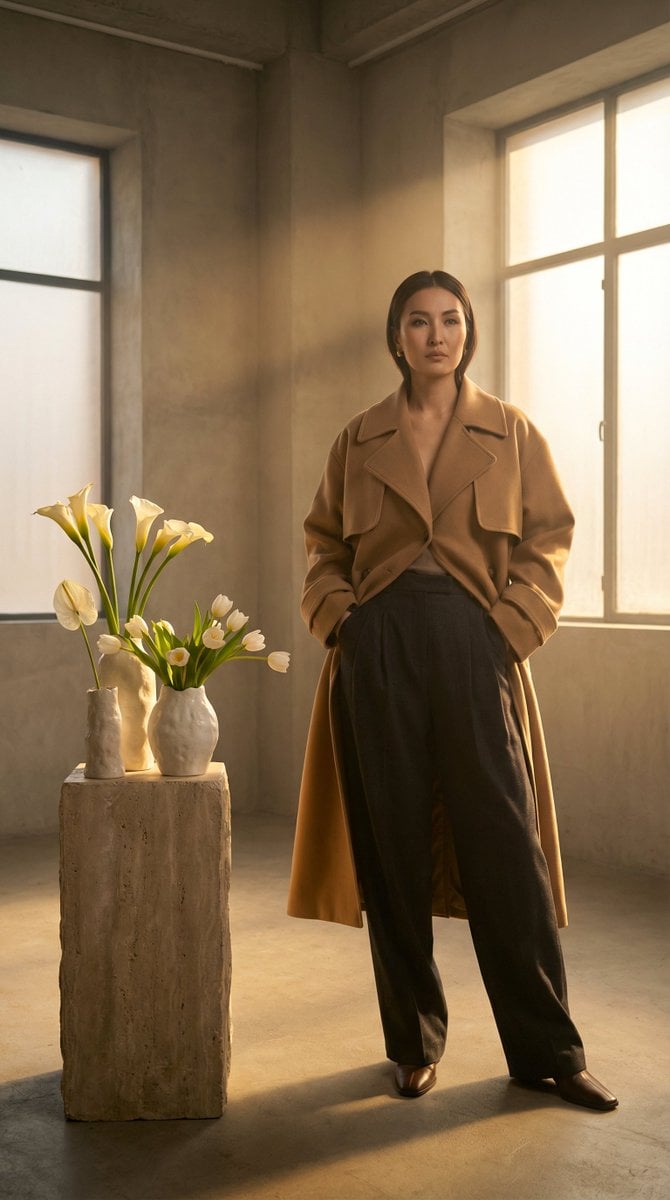
High-Fashion Kazakh Model Editorial Prompt
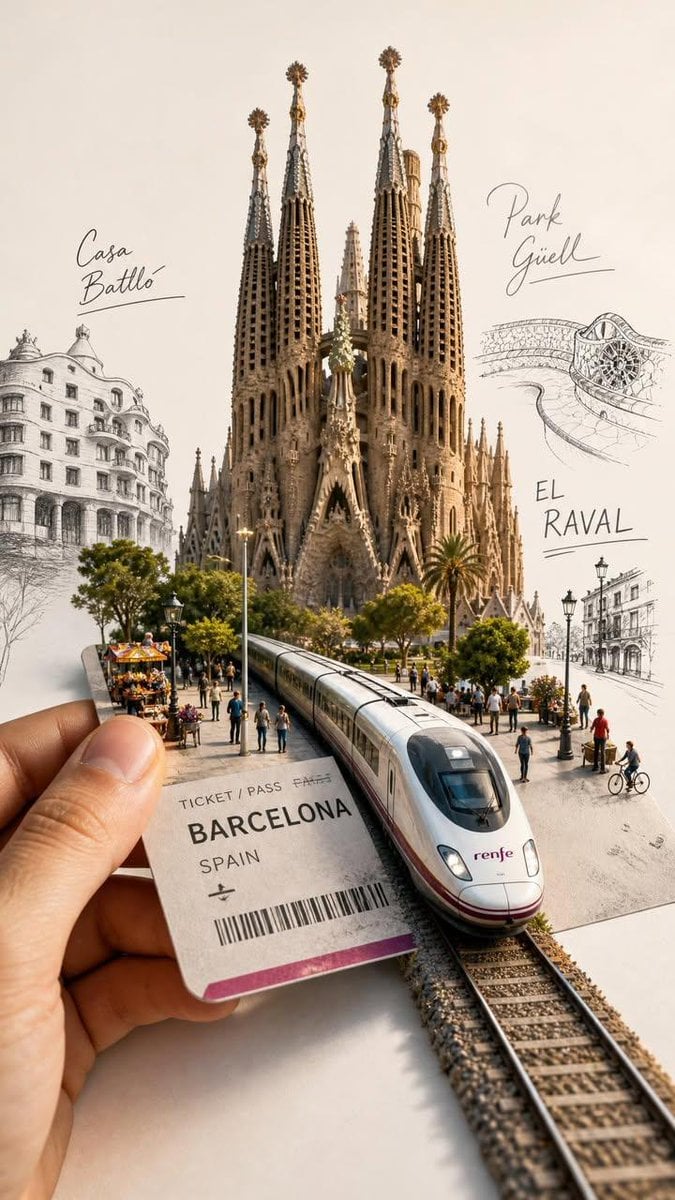
Forced Perspective Travel Ticket Train
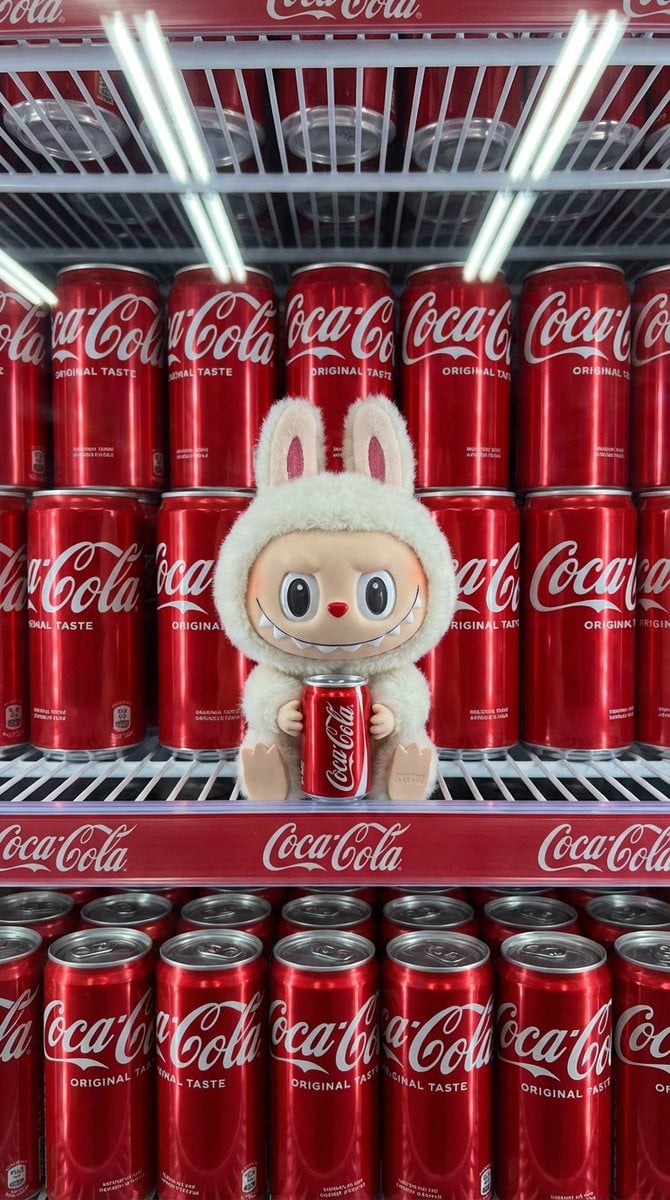
Product Shot Prompt for Nano Banana Pro: Art Toy in a Coca-Cola Cooler
Hyper-Realistic Chill-out Cinematic Poster
Browse template categories
Anime Bedroom Guitar Album Cover questions
How do I use the Anime Bedroom Guitar Album Cover template?
Add your photo if the template asks for one, edit the prompt if you like — the template's model and format are already selected — and press Generate. Your version opens in PicX Studio.
Can I customize the Anime Bedroom Guitar Album Cover template?
Yes. You can change the subject, setting, lighting, mood, format, and available model controls before creating your image.
Is the Anime Bedroom Guitar Album Cover template free?
Opening and editing this template is free. Generating uses credits, shown on the Generate button when you are signed in.
Which AI model should I use?
Start with GPT Image 2, which is the model associated with this template. You can compare another compatible model for a different finish.
Looking for something else? Browse all templates.

Your photo, any look
Thousands of ready templates for every top image and video model, from one credit balance.