
Bilingual Prompt Comparison Portrait
A two-panel social media comparison image showing nearly identical AI-generated businessman portraits with the prompt overlaid in English on top and Japanese on bottom, useful for demonstrating cross-language prompt…
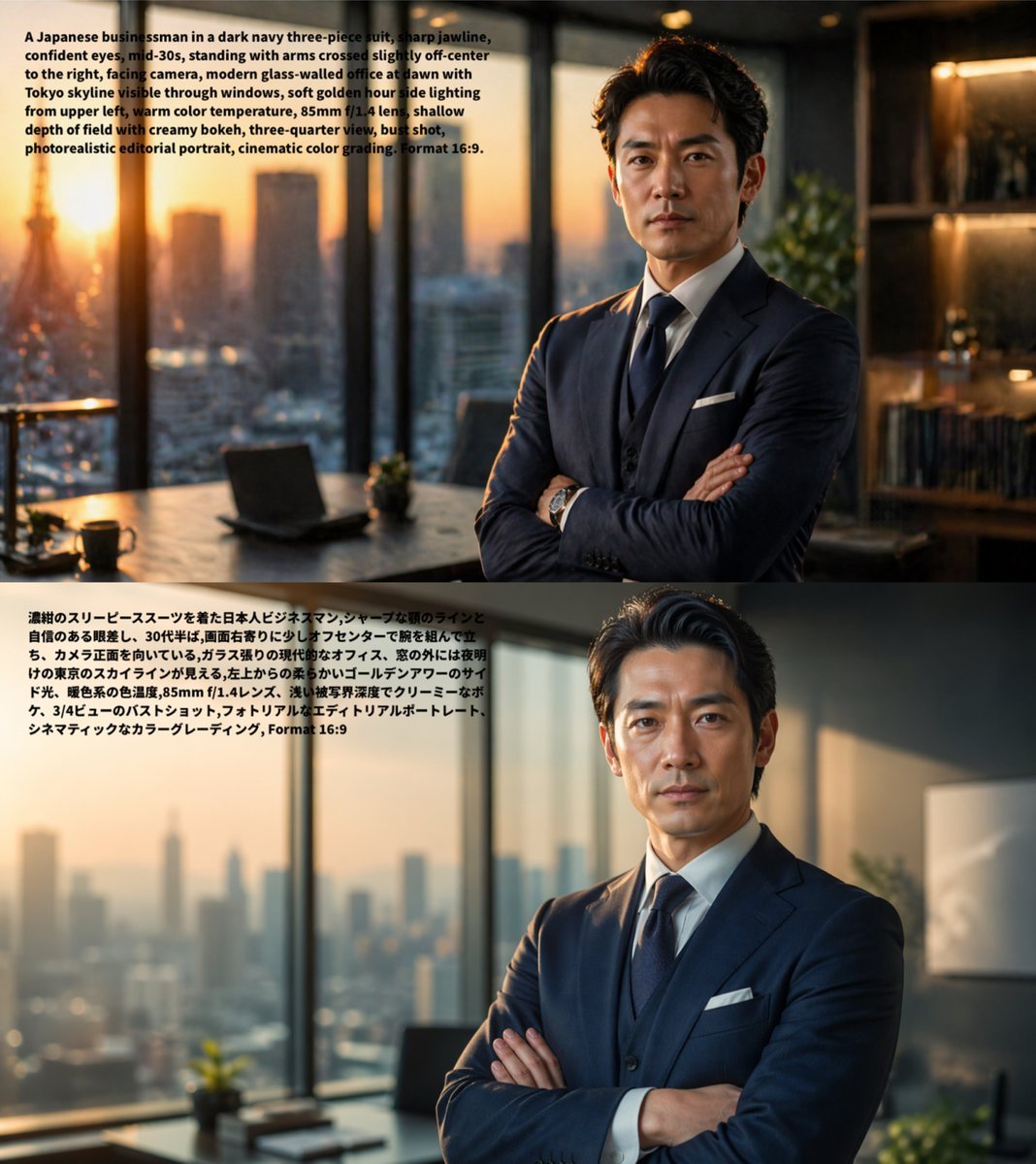
- Prompt included
- Model and format preset
- Free template
The prompt behind this image
Copy the exact prompt behind Bilingual Prompt Comparison Portrait, or open it in the studio and make it yours.
- Type
- comparison image
- Subject
- same photorealistic editorial portrait rendered twice from equivalent prompts in different languages
- Layout › Orientation
- vertical stack
- Layout › Sections › 0 › Position
- top
- Layout › Sections › 0 › Count
- 1
- Layout › Sections › 0 › Language
- English
- Layout › Sections › 0 › Overlay Text
- A Japanese businessman in a dark navy three-piece suit, sharp jawline, confident eyes, mid-30s, standing with arms crossed slightly off-center to the right, facing camera, modern glass-office at dawn with Tokyo skyline visible through windows, soft golden hour side lighting from upper left, warm color temperature, 85mm f/1.4 lens, shallow depth of field with creamy bokeh, three-quarter view, bust shot, photorealistic editorial portrait, cinematic color grading. Format 16:9.
- Layout › Sections › 0 › Image
- photorealistic portrait of {argument name="subject" default="a Japanese businessman"} in his mid-30s wearing a {argument name="suit color" default="dark navy"} three-piece suit with white shirt, dark tie, white pocket square, and wristwatch, sharp jawline, confident eyes, styled dark hair, standing with arms crossed, placed slightly right of center, facing the camera in a three-quarter bust shot inside a modern high-rise glass office at dawn, Tokyo skyline visible through floor-to-ceiling windows, desk with an open laptop and a small plant on the left, shelving and warm interior lights on the right, soft golden-hour side light from the upper left, warm color temperature, shallow depth of field, creamy bokeh, cinematic editorial realism, 85mm f/1.4 look, aspect ratio 16:9
- Layout › Sections › 1 › Position
- bottom
- Layout › Sections › 1 › Count
- 1
- Layout › Sections › 1 › Language
- Japanese
- Layout › Sections › 1 › Overlay Text
- 濃紺のスリーピーススーツを着た日本人ビジネスマン、シャープな顎のラインと自信のある眼差し。30代半ば、両腕を胸の前で交差させ少し右寄りに立ち、カメラ正面を向いている。ガラス張りの現代的なオフィス、窓の外には夜明けの東京のスカイラインが見える。左上からの柔らかいゴールデンアワーのサイド光、暖色系の色温度、85mm f/1.4レンズ、浅い被写界深度でクリーミーなボケ、3/4ビューのバストショット、フォトリアルなエディトリアルポートレート、シネマティックなカラーグレーディング、Format 16:9
- Layout › Sections › 1 › Image
- the same composition and styling as the top image, nearly identical photorealistic editorial portrait, preserving the businessman, office setting, dawn skyline, crossed arms, lighting, lens look, shallow depth of field, and cinematic grading to demonstrate minimal visual difference between English and Japanese prompts
- Layout › Background
- each section fills half the canvas, no divider line, text block in the upper-left area of each panel
- Layout › Count Total Sections
- 2
- Style
- clean social-media comparison graphic showing prompt text directly on top of generated images
- Intent
- demonstrate that GPT-image-2 produces very similar results from English and Japanese prompts
Raw JSON
{"type":"comparison image","subject":"same photorealistic editorial portrait rendered twice from equivalent prompts in different languages","layout":{"orientation":"vertical stack","sections":[{"position":"top","count":1,"language":"English","overlay_text":"A Japanese businessman in a dark navy three-piece suit, sharp jawline, confident eyes, mid-30s, standing with arms crossed slightly off-center to the right, facing camera, modern glass-office at dawn with Tokyo skyline visible through windows, soft golden hour side lighting from upper left, warm color temperature, 85mm f/1.4 lens, shallow depth of field with creamy bokeh, three-quarter view, bust shot, photorealistic editorial portrait, cinematic color grading. Format 16:9.","image":"photorealistic portrait of {argument name=\"subject\" default=\"a Japanese businessman\"} in his mid-30s wearing a {argument name=\"suit color\" default=\"dark navy\"} three-piece suit with white shirt, dark tie, white pocket square, and wristwatch, sharp jawline, confident eyes, styled dark hair, standing with arms crossed, placed slightly right of center, facing the camera in a three-quarter bust shot inside a modern high-rise glass office at dawn, Tokyo skyline visible through floor-to-ceiling windows, desk with an open laptop and a small plant on the left, shelving and warm interior lights on the right, soft golden-hour side light from the upper left, warm color temperature, shallow depth of field, creamy bokeh, cinematic editorial realism, 85mm f/1.4 look, aspect ratio 16:9"},{"position":"bottom","count":1,"language":"Japanese","overlay_text":"濃紺のスリーピーススーツを着た日本人ビジネスマン、シャープな顎のラインと自信のある眼差し。30代半ば、両腕を胸の前で交差させ少し右寄りに立ち、カメラ正面を向いている。ガラス張りの現代的なオフィス、窓の外には夜明けの東京のスカイラインが見える。左上からの柔らかいゴールデンアワーのサイド光、暖色系の色温度、85mm f/1.4レンズ、浅い被写界深度でクリーミーなボケ、3/4ビューのバストショット、フォトリアルなエディトリアルポートレート、シネマティックなカラーグレーディング、Format 16:9","image":"the same composition and styling as the top image, nearly identical photorealistic editorial portrait, preserving the businessman, office setting, dawn skyline, crossed arms, lighting, lens look, shallow depth of field, and cinematic grading to demonstrate minimal visual difference between English and Japanese prompts"}],"background":"each section fills half the canvas, no divider line, text block in the upper-left area of each panel","count_total_sections":2},"style":"clean social-media comparison graphic showing prompt text directly on top of generated images","intent":"demonstrate that GPT-image-2 produces very similar results from English and Japanese prompts"}How to use Bilingual Prompt Comparison Portrait in 3 steps
- 1Upload ImagePNG, JPG or paste
Add your photo
Upload the photo the template builds on. The prompt, model and format are already set.
- 2…a portrait of your subject in softgolden-hour light, 85mm…
Personalize
Edit the subject and creative details for your destination.
- 3Generate
Generate
Press Generate — your image is created in PicX Studio, so you can compare it with the original and refine one variable at a time.
More like this
Templates with the same subject, style or setup. Open one to see its prompt.

Found Photograph: Us, 1970

80s Couple Studio Portrait

80s Bollywood Star

80s Golden Hour Cinema

Me in 1985

1985 Studio Portrait

Hyper-Realistic Minecraft POV Portrait

Rooftop Fisheye — Cat-Ear Balaclava at Golden Hour

Rainy Café Window Moody Portrait
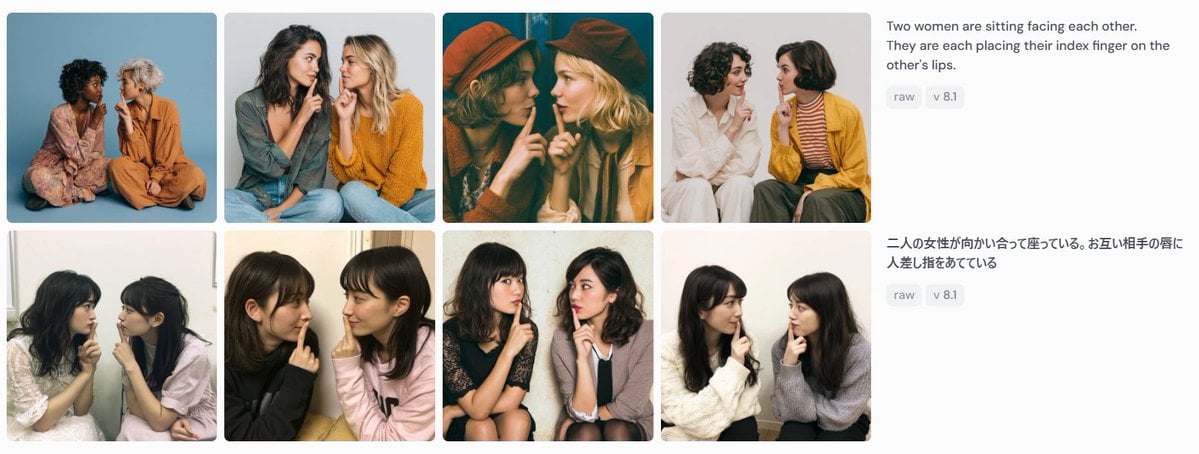
Bilingual Prompt Comparison Gallery

untitled

2025 Aesthetic Photography
Make it yours
Bilingual Prompt Comparison Portrait works as-is. These are the safest ways to change it without losing the look.
Swap the setting
Keep the rest of the prompt and replace the location block. The current setting is “each section fills half the canvas, no divider line, text block in the upper-lef”.
Change one field
Copy a single group, rewrite it, and generate again so you can see what that field is doing.
Keep the frame, change the subject
Hold the composition and light of Bilingual Prompt Comparison Portrait, then swap wardrobe, props or the person for a new take.
| If the result… | Why | Fix |
|---|---|---|
| The result drifts from the preview | Too many fields changed at once. | Reuse Bilingual Prompt Comparison Portrait as-is first, then change one group — subject, light, or setting. |
| GPT Image 2 ignores part of the JSON | Some models flatten or skip nested keys. | Keep the same values and paste them as a short paragraph instead. |
More GPT Image 2 templates
Other prompts made for GPT Image 2.

Six VTuber Japanese Logo Sheet

Realistic Portrait of Woman and Deer

The Vista Modular Condo Poster

AI Model Routing Comparison Infographic

2.5D Anime Art Board

Isometric Productivity Desk Scene

New York Double Exposure Poster

Four-Panel AI Landscape Comparison

Japanese Tatami Lifestyle Magazine Cover

NESCAFÉ Coffee Map Poster
More image prompts
Fresh picks from across the catalog.
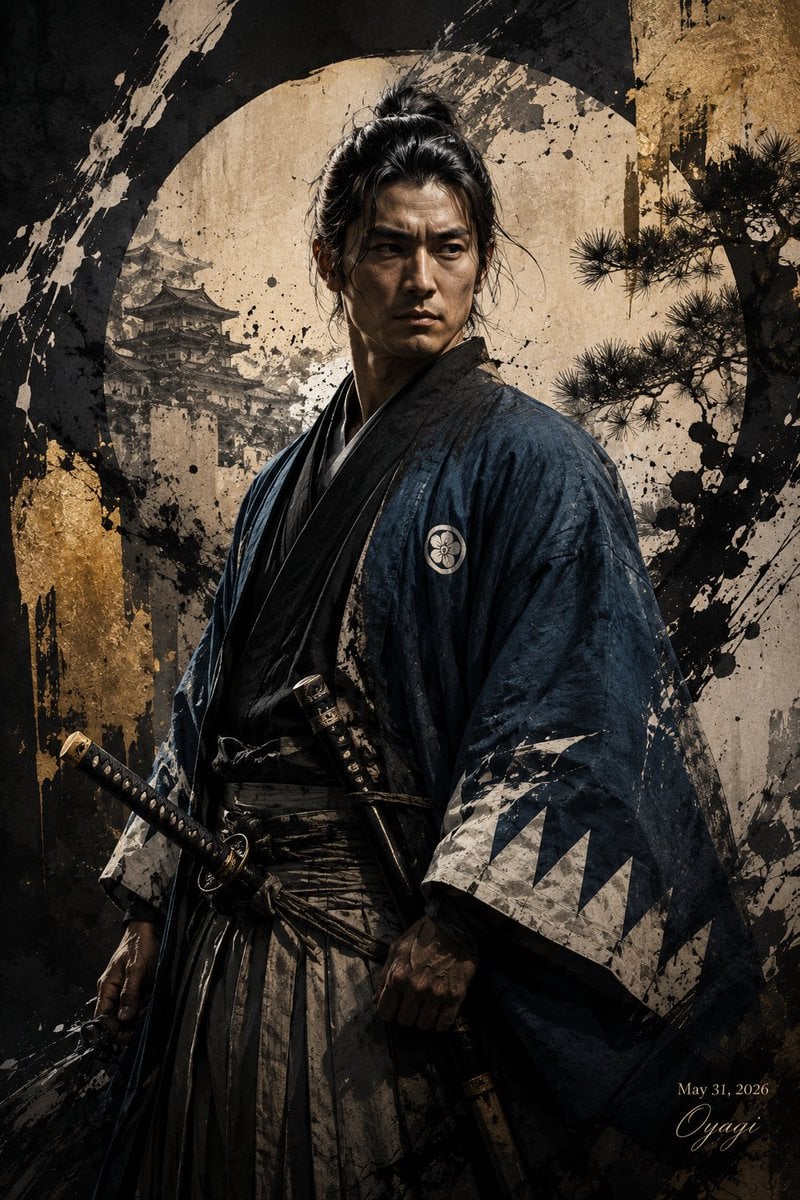
Shinsengumi Samurai Poster
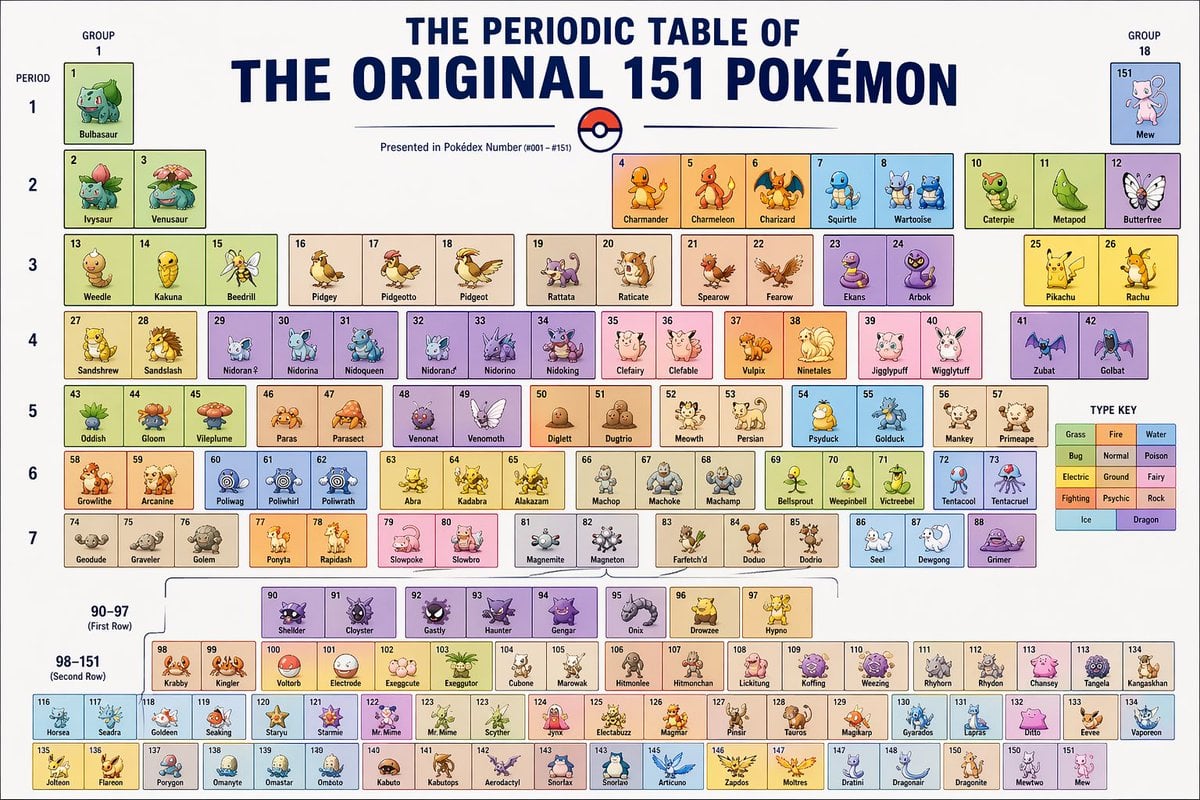
Themed Periodic Table Design
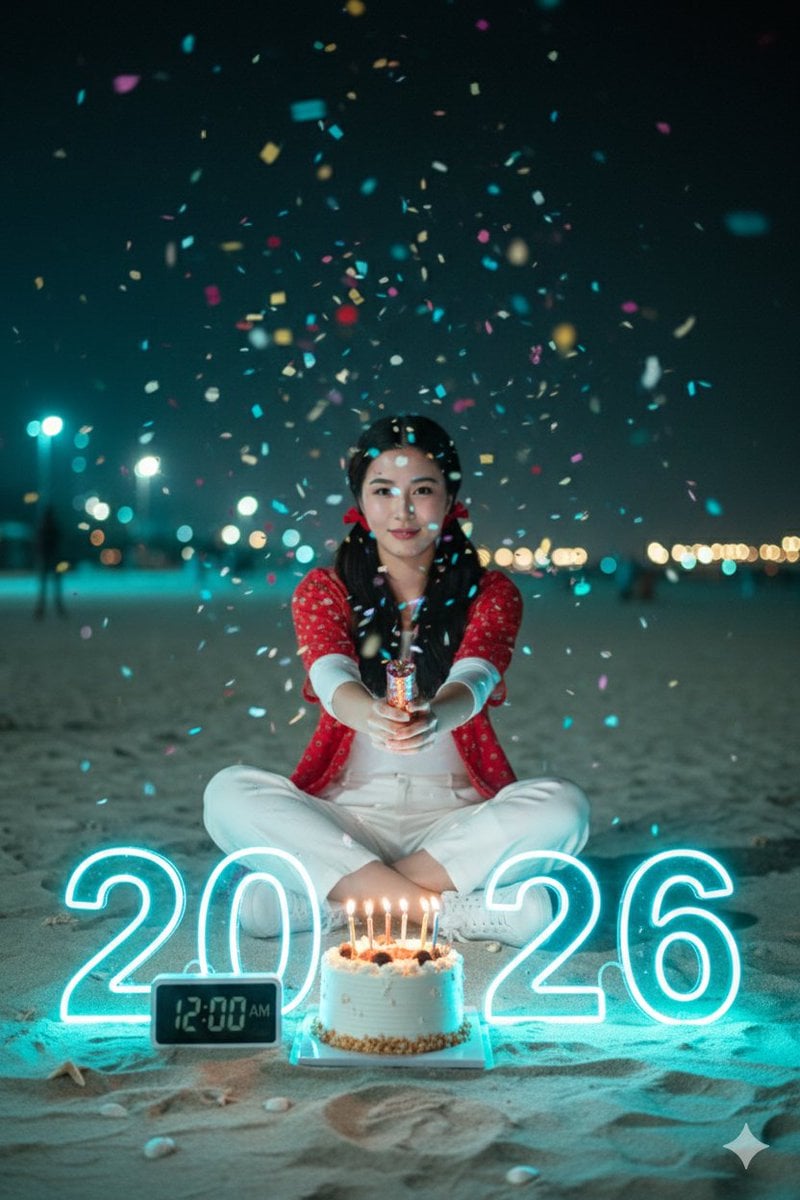
Cinematic New Year 2026 Birthday Photoshoot Prompt
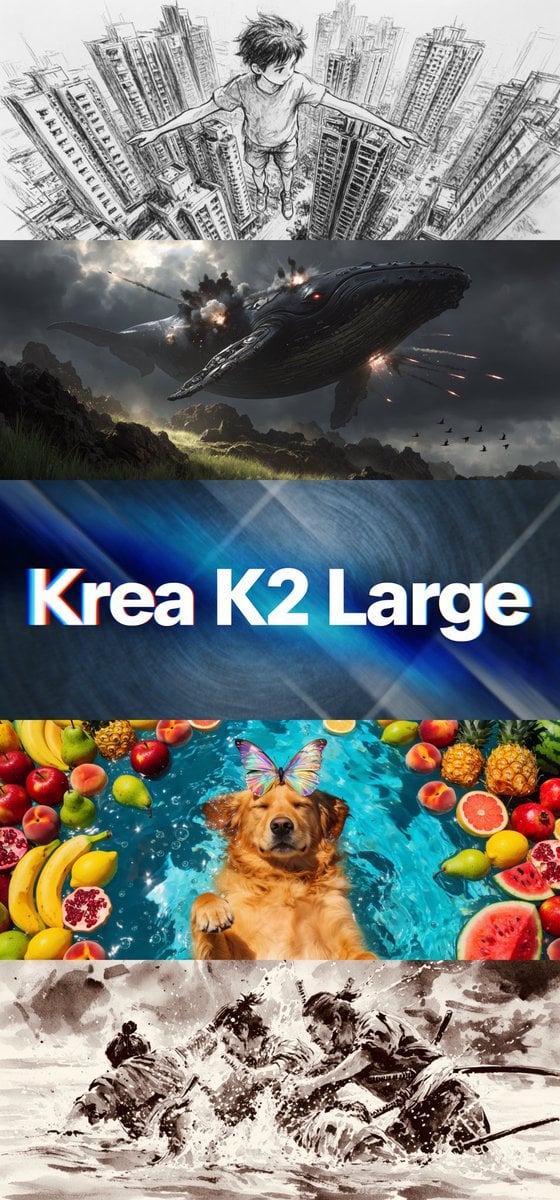
Krea K2 Large Five-Panel Showcase
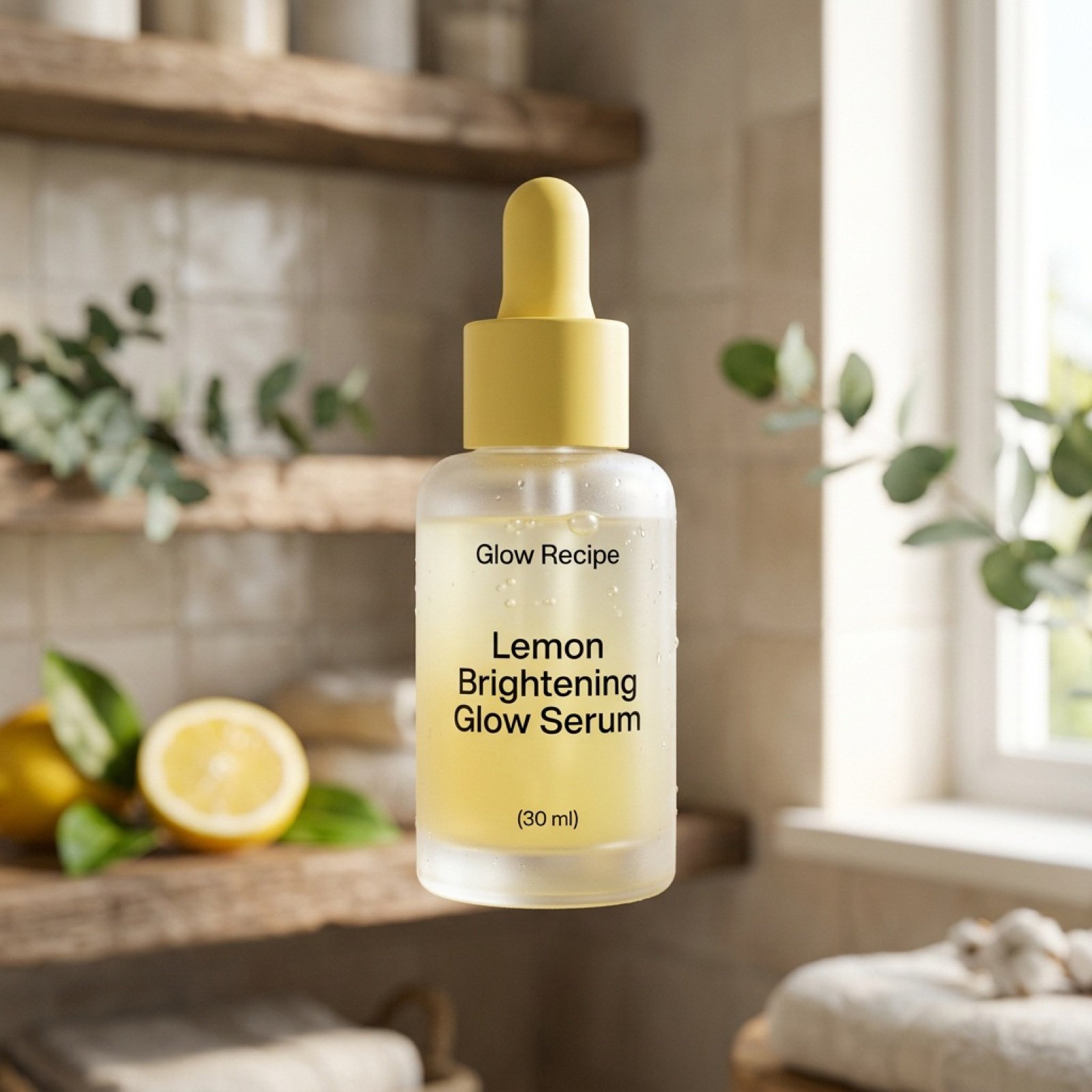
Ultra-Realistic Skincare Product Photography Prompt
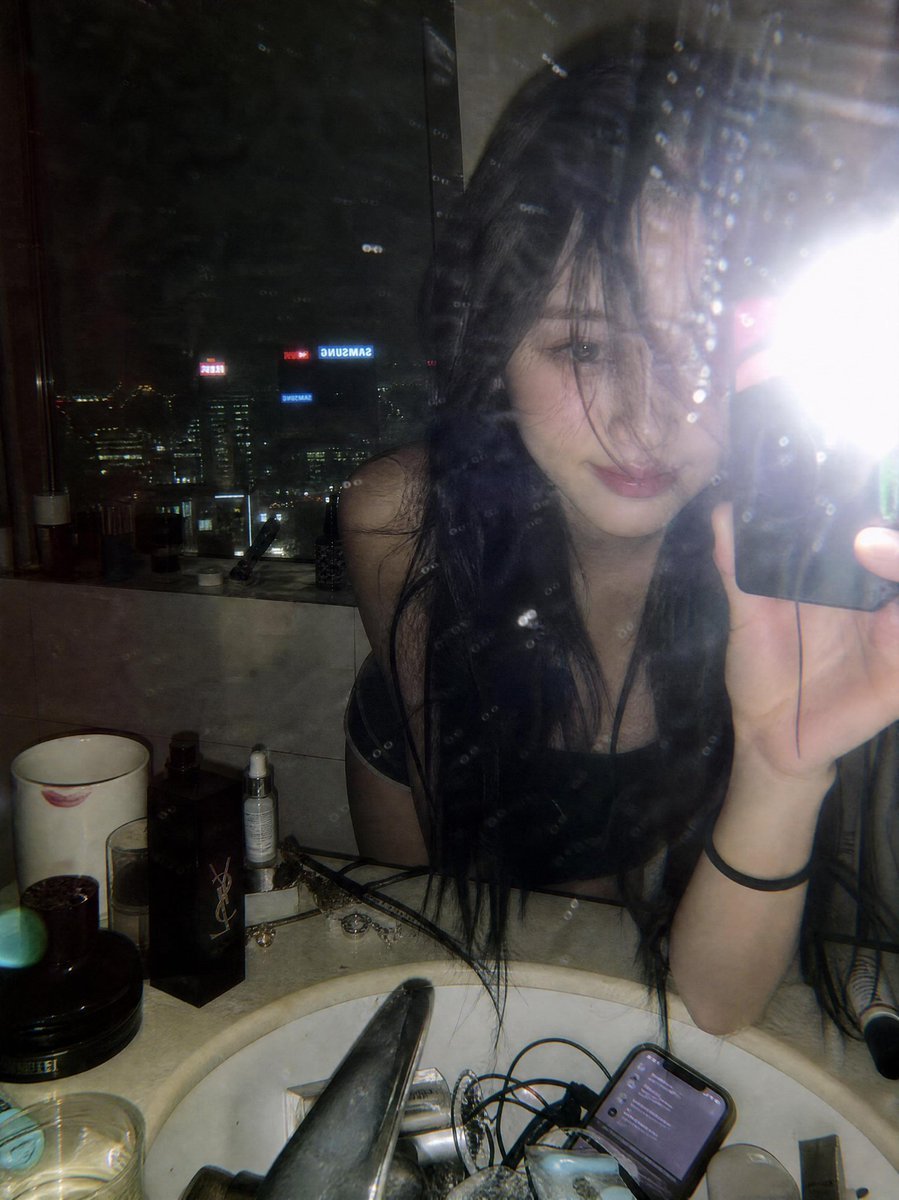
Y2K Flash Mirror Selfie
untitled

Tiny Santa Placing Present Prompt
Character Pose Variation Prompt
Cinematic Museum Romance Dip-Kiss Editorial Prompt
Browse template categories
Bilingual Prompt Comparison Portrait questions
How do I use the Bilingual Prompt Comparison Portrait template?
Add your photo if the template asks for one, edit the prompt if you like — the template's model and format are already selected — and press Generate. Your version opens in PicX Studio.
Can I customize the Bilingual Prompt Comparison Portrait template?
Yes. You can change the subject, setting, lighting, mood, format, and available model controls before creating your image.
Is the Bilingual Prompt Comparison Portrait template free?
Opening and editing this template is free. Generating uses credits, shown on the Generate button when you are signed in.
Which AI model should I use?
Start with GPT Image 2, which is the model associated with this template. You can compare another compatible model for a different finish.
Looking for something else? Browse all templates.

Your photo, any look
Thousands of ready templates for every top image and video model, from one credit balance.