
Krea K2 Large Five-Panel Showcase
A vertical five-panel creative showcase collage mixing manga, cinematic fantasy, tech typography, photoreal summer imagery, and ink-wash action art.

- Prompt included
- Model and format preset
- Free template
The prompt behind this image
Copy the exact prompt behind Krea K2 Large Five-Panel Showcase, or open it in the studio and make it yours.
Goal: Create a tall vertical showcase collage demonstrating the artistic range of {argument name="model name text" default="Krea K2 Large"}, split into exactly 5 stacked horizontal panels with no outer border and minimal spacing between panels. Canvas: Vertical social-media image, approximately 9:16 aspect ratio. Each panel spans the full width. Use cinematic, high-detail rendering with different art styles per panel. Layout: Exactly 5 horizontal bands from top to bottom: 1. Top panel: black-and-white pencil manga sketch of a teenage boy floating or falling with arms outstretched between very tall dense city skyscrapers, viewed from a dramatic overhead/oblique perspective. The buildings are drawn with loose architectural linework, hatching, and sketch marks; the boy is centered, wearing a simple T-shirt, shorts, and sneakers, hair tousled, expression serious. 2. Second panel: dark epic fantasy/sci-fi scene of a colossal whale-like flying battleship or armored leviathan moving through storm clouds over rugged mountains. It has a glowing red eye and heavy biomechanical plating. There are explosions and fire bursts on its back, smoky clouds, orange tracer streaks, and small bird silhouettes in the lower right. Moody gray lighting with dramatic contrast. 3. Middle panel: abstract blue metallic brushed background with diagonal light streaks and lens-like gradients. Place large bold white sans-serif text reading {argument name="model name text" default="Krea K2 Large"} centered slightly left, with a subtle red/cyan chromatic aberration or glitch shadow on the left edges of the letters. 4. Fourth panel: bright photorealistic summer image of a golden retriever floating on its back in vivid turquoise swimming pool water, eyes closed and relaxed. A colorful butterfly rests on the dog’s nose or forehead area. Surround the dog with tropical fruit floating around the water: bananas, apples, pears, peaches, lemons, pineapples, grapefruit halves, watermelon slices, pomegranate, and other bright fruit. Saturated cheerful colors, crisp sunlight, playful composition. 5. Bottom panel: monochrome traditional ink-wash action illustration of two samurai warriors fighting in shallow water. The figures are mid-struggle with swords and splashing water, loose expressive brush strokes, sepia-black ink on white paper, dynamic motion and splatter texture. Visual style: Make every panel feel like a separate high-quality generation sample: manga sketch, cinematic creature concept art, sleek tech title card, bright photoreal pool photography, and Japanese ink-wash battle art. Maintain sharp detail and strong composition in all panels. Text content: The only readable text is the large title {argument name="model name text" default="Krea K2 Large"} in the center panel. Constraints: Use exactly 5 panels, exactly 1 text title panel, no logos, no watermark, no extra captions, no UI, no borders beyond the natural panel divisions.
How to use Krea K2 Large Five-Panel Showcase in 3 steps
- 1Upload ImagePNG, JPG or paste
Add your photo
Upload the photo the template builds on. The prompt, model and format are already set.
- 2…a portrait of your subject in softgolden-hour light, 85mm…
Personalize
Edit the subject and creative details for your destination.
- 3Generate
Generate
Press Generate — your image is created in PicX Studio, so you can compare it with the original and refine one variable at a time.
More like this
Templates with the same subject, style or setup. Open one to see its prompt.

Four-Panel AI Visual Showcase

Pixar 6-Panel Streethero Expression Grid
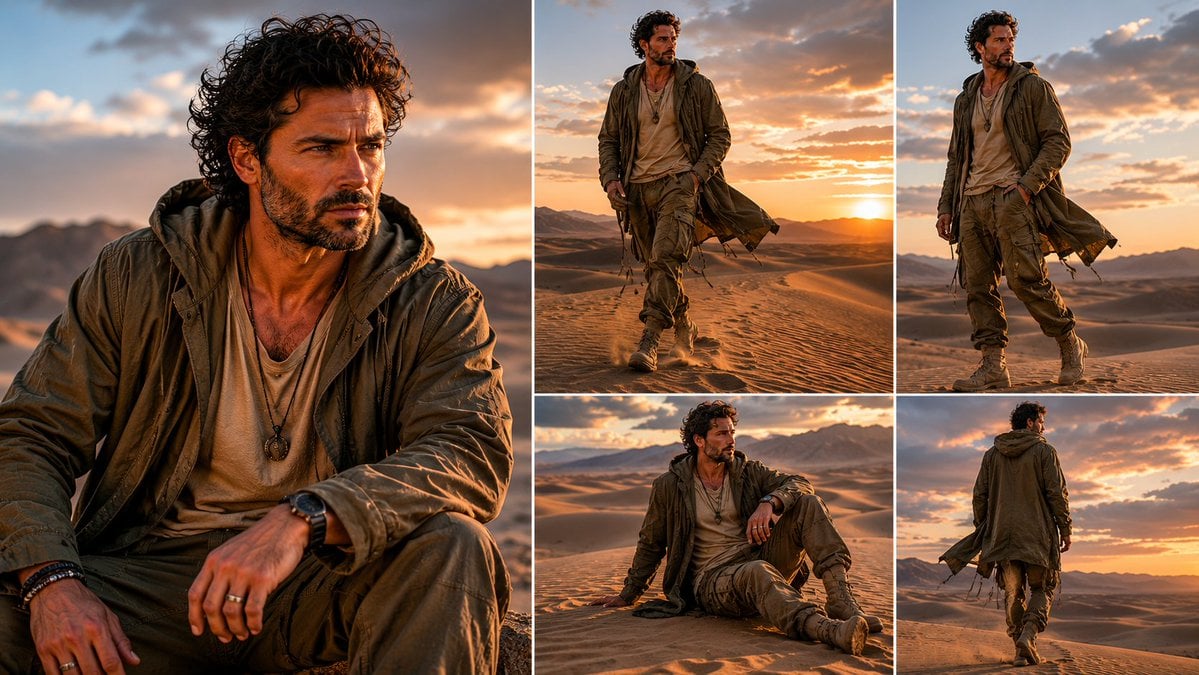
Desert Wanderer Five-Panel Collage
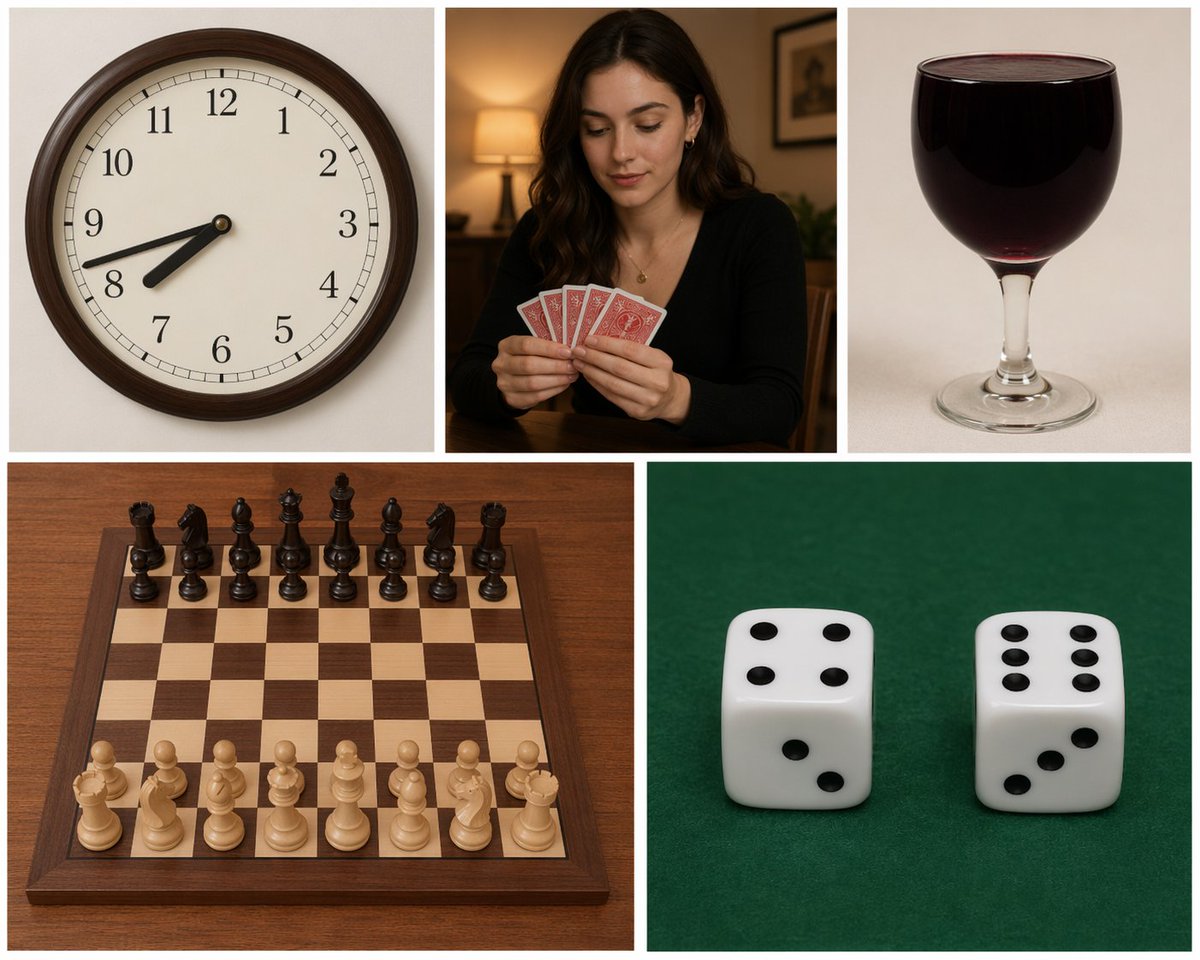
Five-Panel Benchmarking Challenge
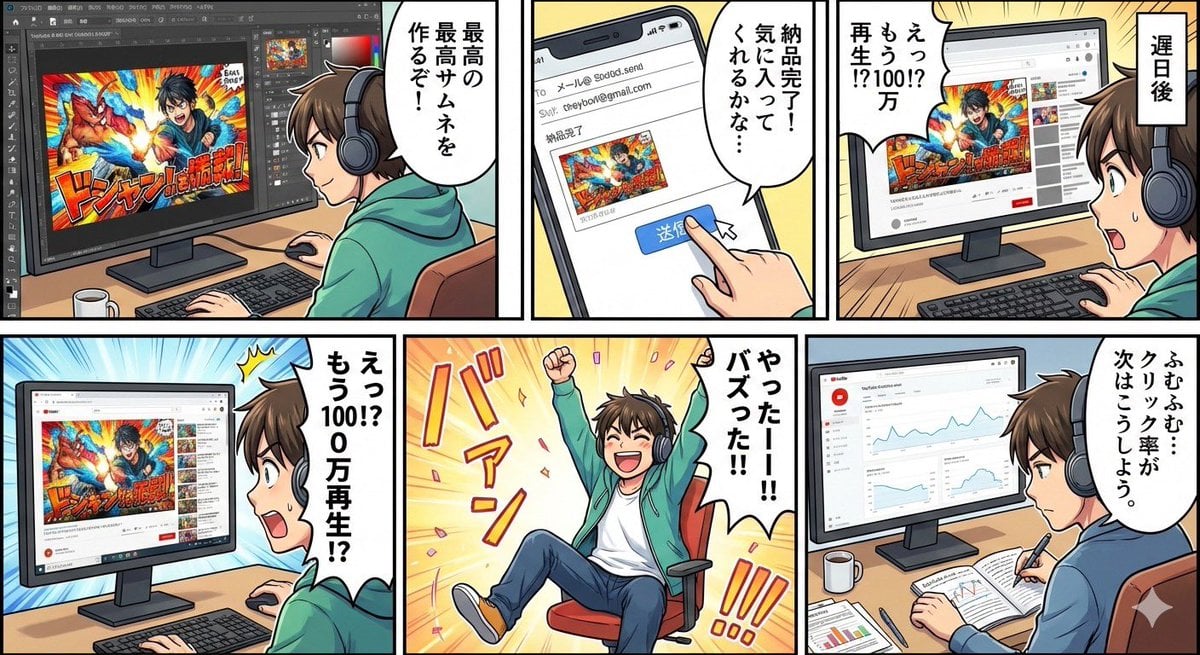
Five-panel manga of a YouTube thumbnail creator workflow
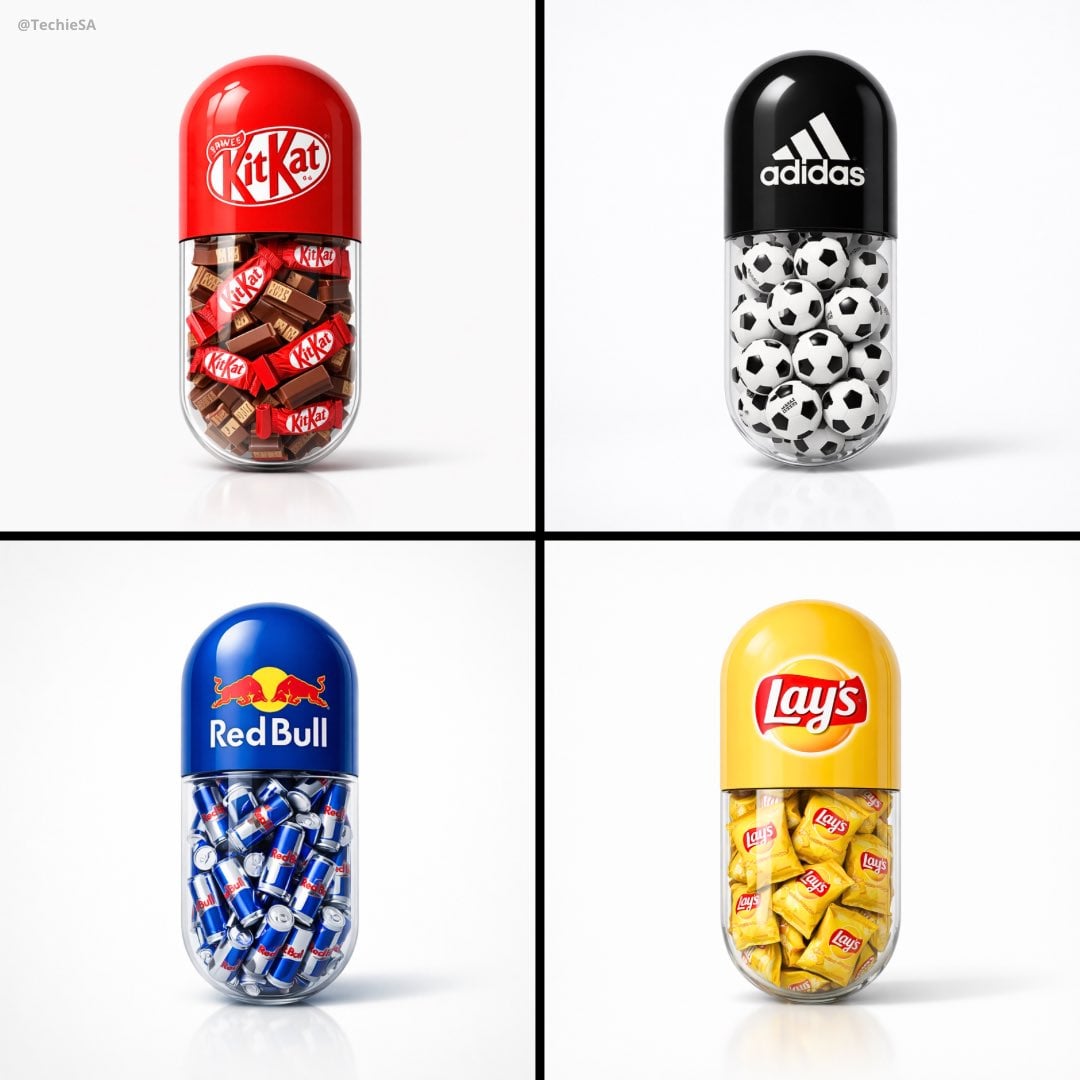
A large capsule pill centered in the frame
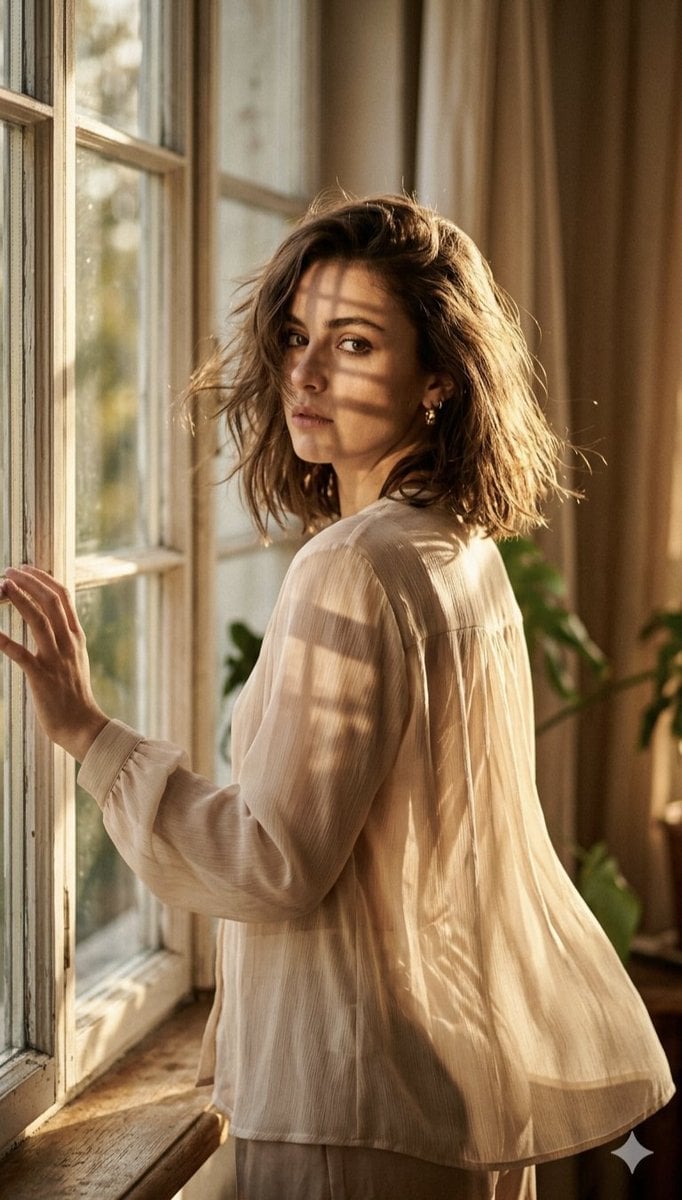
A high-fashion editorial portrait of a young woman standing by a large
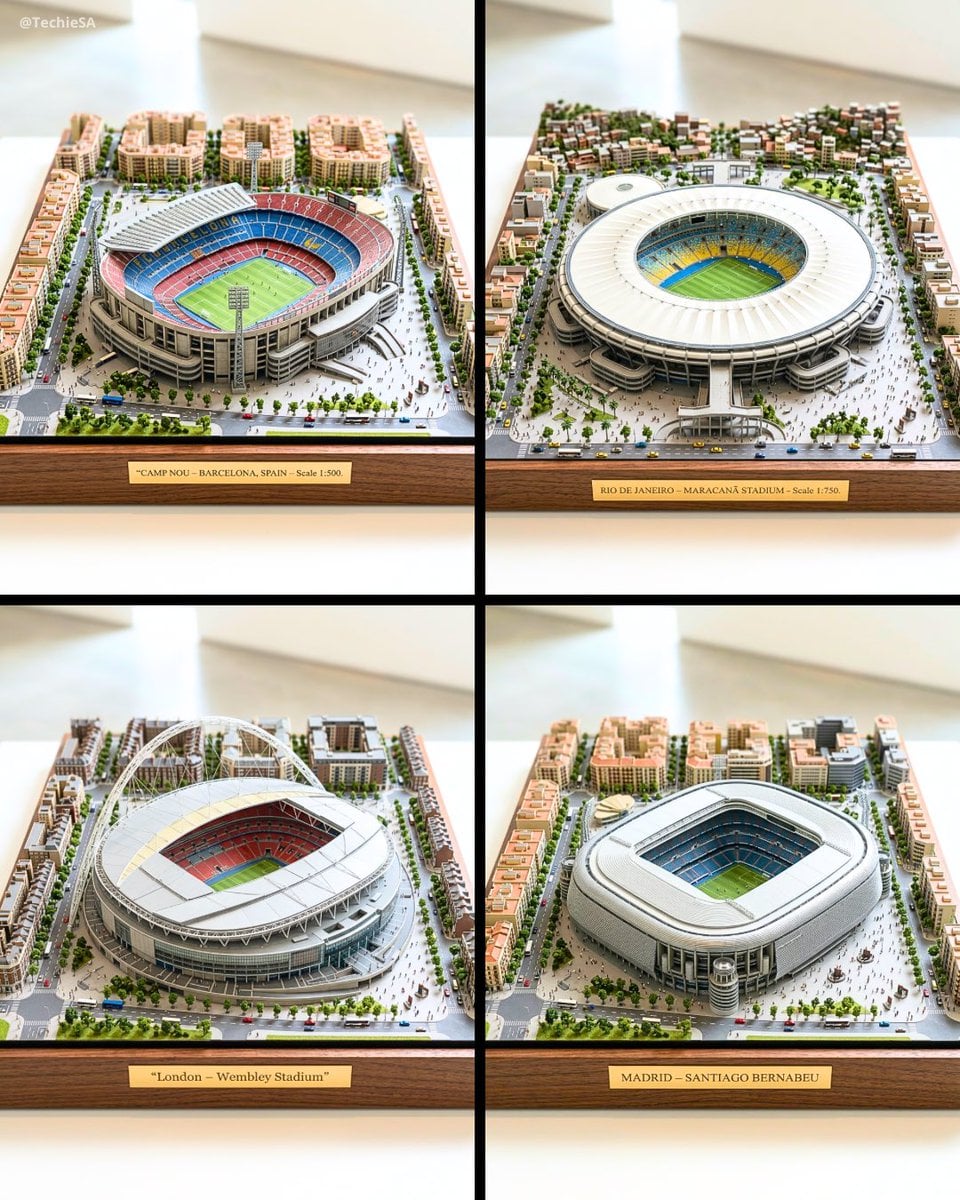
Ultra-detailed large-scale miniature diorama of in presented
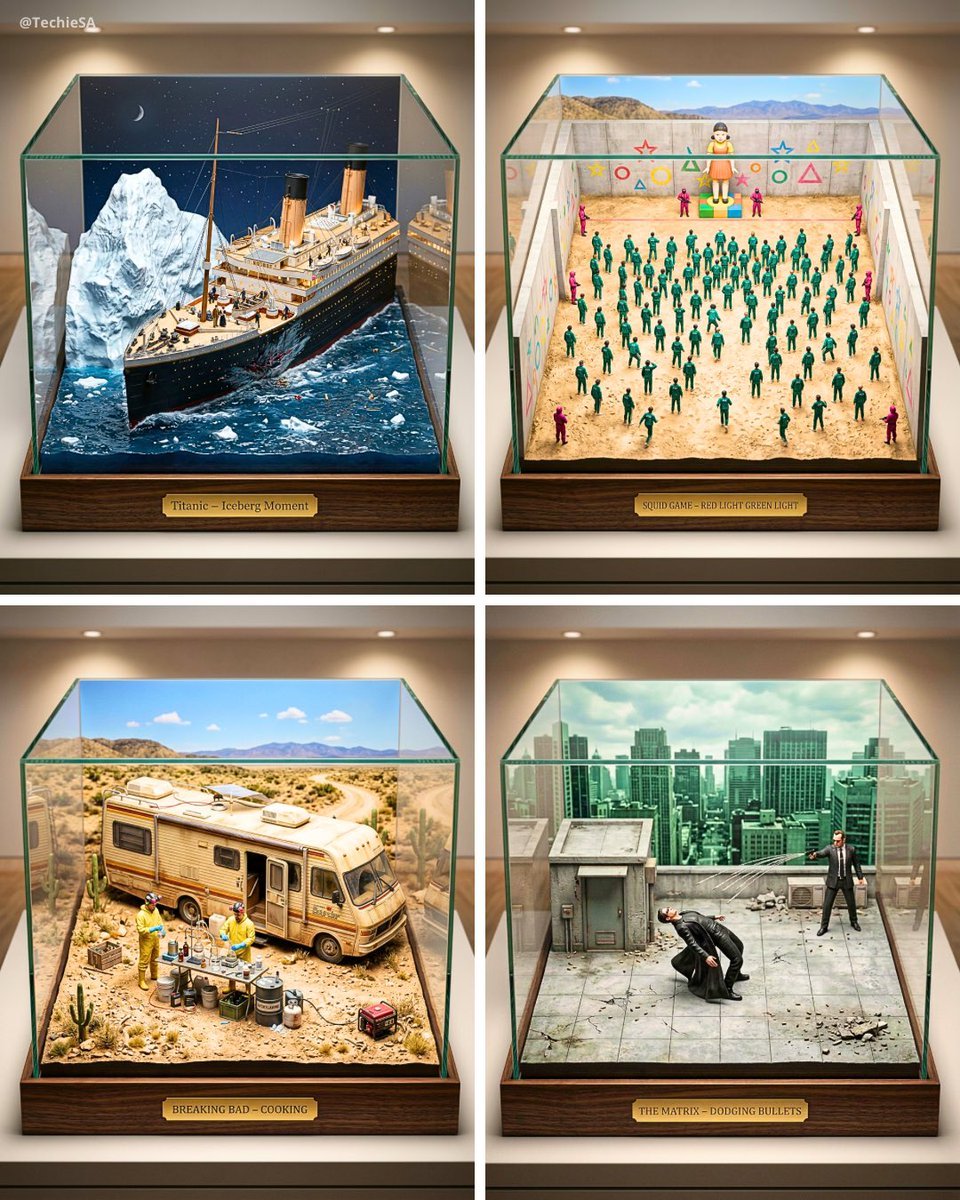
Ultra-detailed large-scale miniature diorama of the from presented
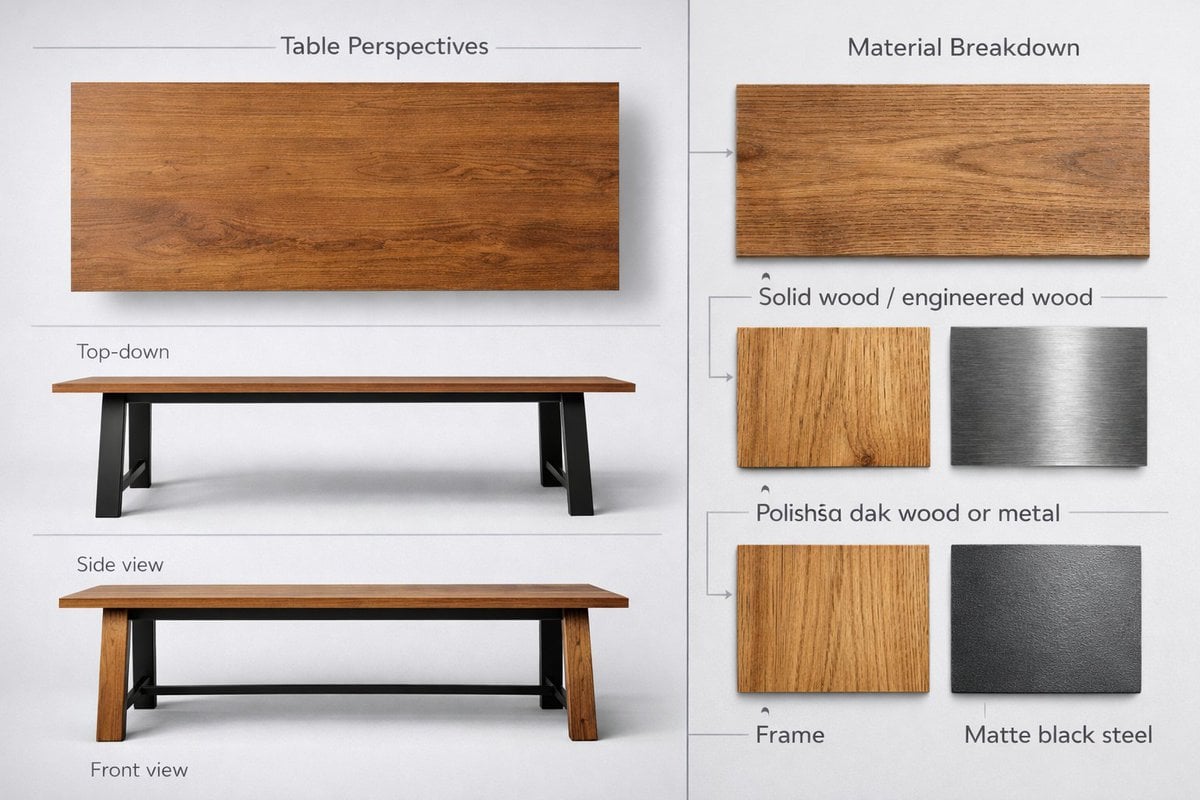
Detailed product showcase image of a table design with multiple
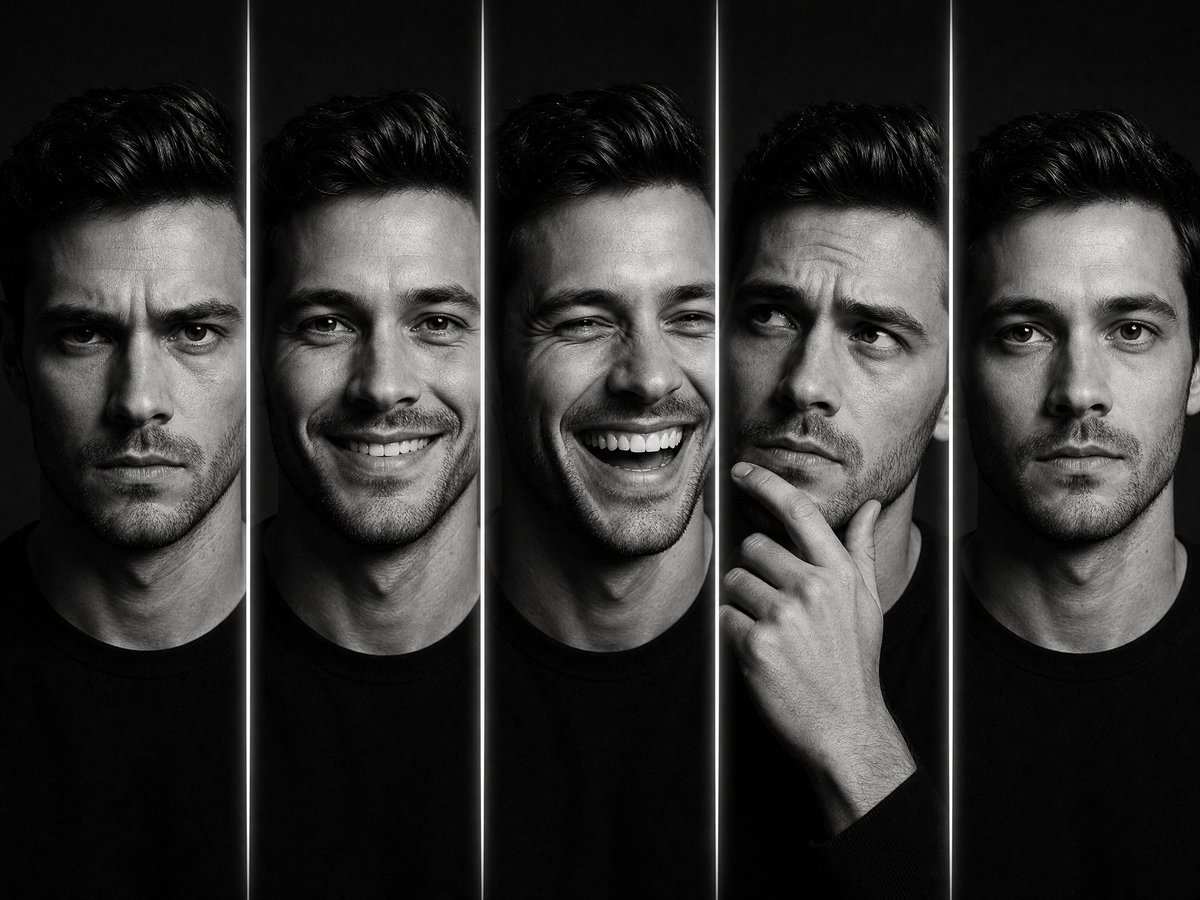
Five Expression Monochrome Portrait

Five-Slice Emotional Fashion Portrait
Make it yours
Krea K2 Large Five-Panel Showcase works as-is. These are the safest ways to change it without losing the look.
Change one field
Copy a single group, rewrite it, and generate again so you can see what that field is doing.
Keep the frame, change the subject
Hold the composition and light of Krea K2 Large Five-Panel Showcase, then swap wardrobe, props or the person for a new take.
| If the result… | Why | Fix |
|---|---|---|
| The result drifts from the preview | Too many fields changed at once. | Reuse Krea K2 Large Five-Panel Showcase as-is first, then change one group — subject, light, or setting. |
| The model over-stylizes the scene | The prose prompt leaves finish and camera underspecified. | Add one camera or lighting sentence and stay on GPT Image 2. |
More GPT Image 2 templates
Other prompts made for GPT Image 2.

Six VTuber Japanese Logo Sheet

Realistic Portrait of Woman and Deer

The Vista Modular Condo Poster

AI Model Routing Comparison Infographic

2.5D Anime Art Board

Isometric Productivity Desk Scene

New York Double Exposure Poster

Japanese Tatami Lifestyle Magazine Cover

NESCAFÉ Coffee Map Poster

Brutalist Cogito Chinese Typography Poster
More image prompts
Fresh picks from across the catalog.
Convert Image to School Yearbook Portrait

Kasane Teto Pop Idol Portrait

Tiny Man Lounging in Giant Rose
Psychedelic Commercial Beverage Photography
3D Squishy Candy Alphabet
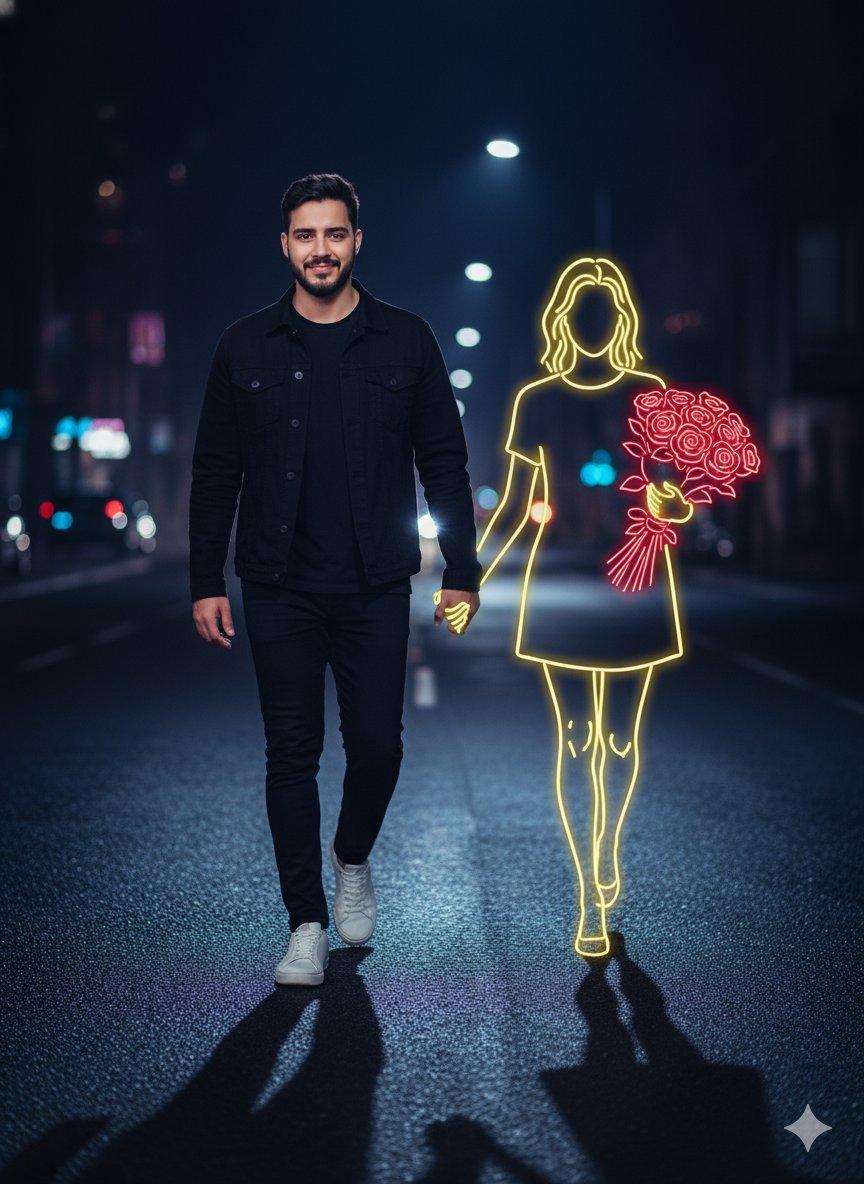
Cinematic Night Portrait with Neon Silhouette
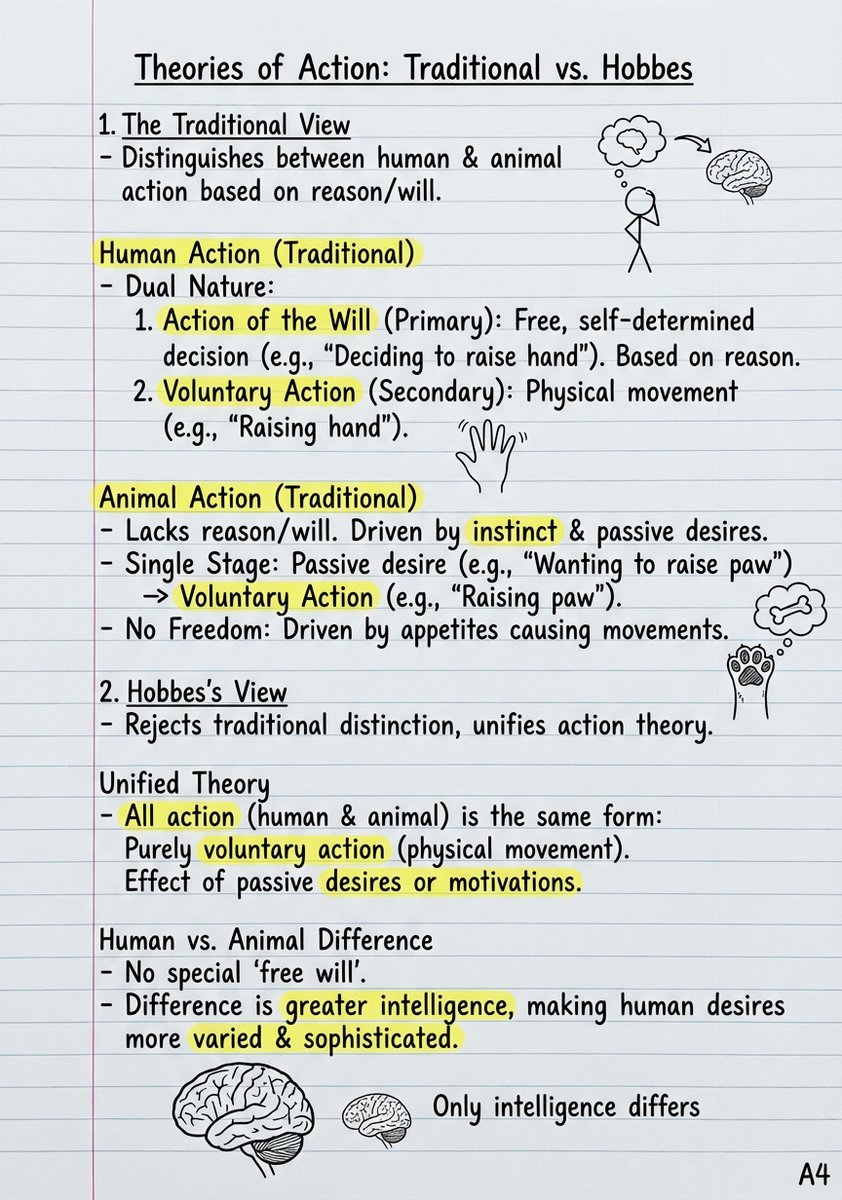
Handwritten Study Notes Generation
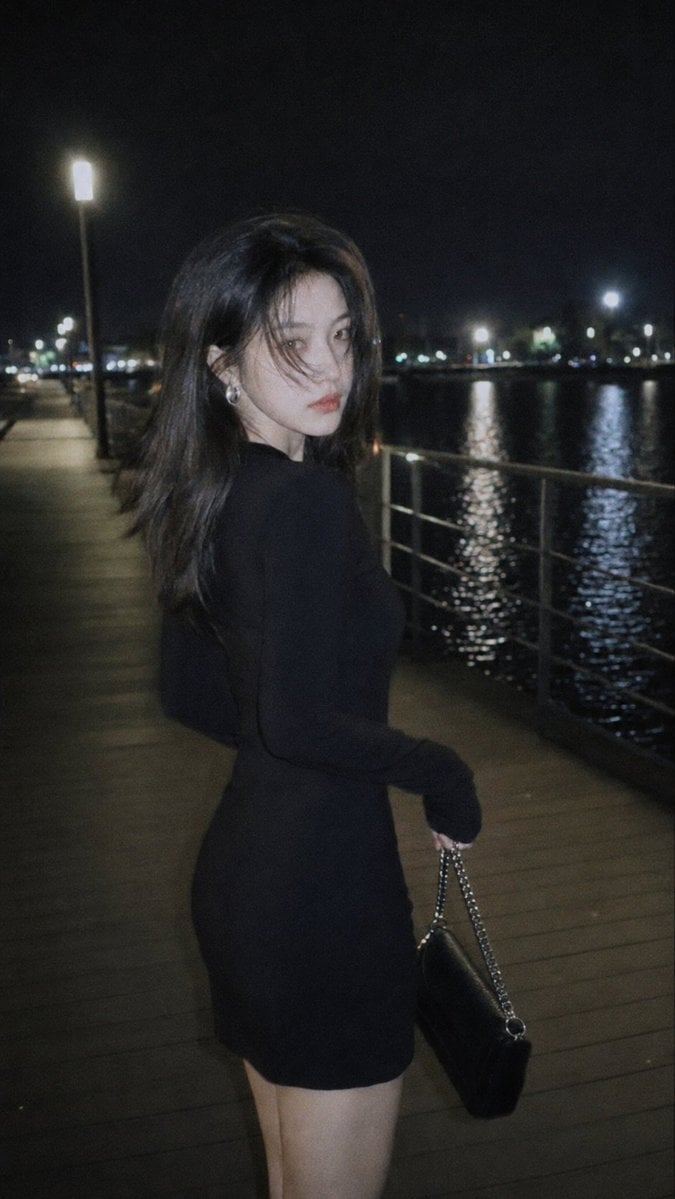
Nighttime Urban Film Portrait
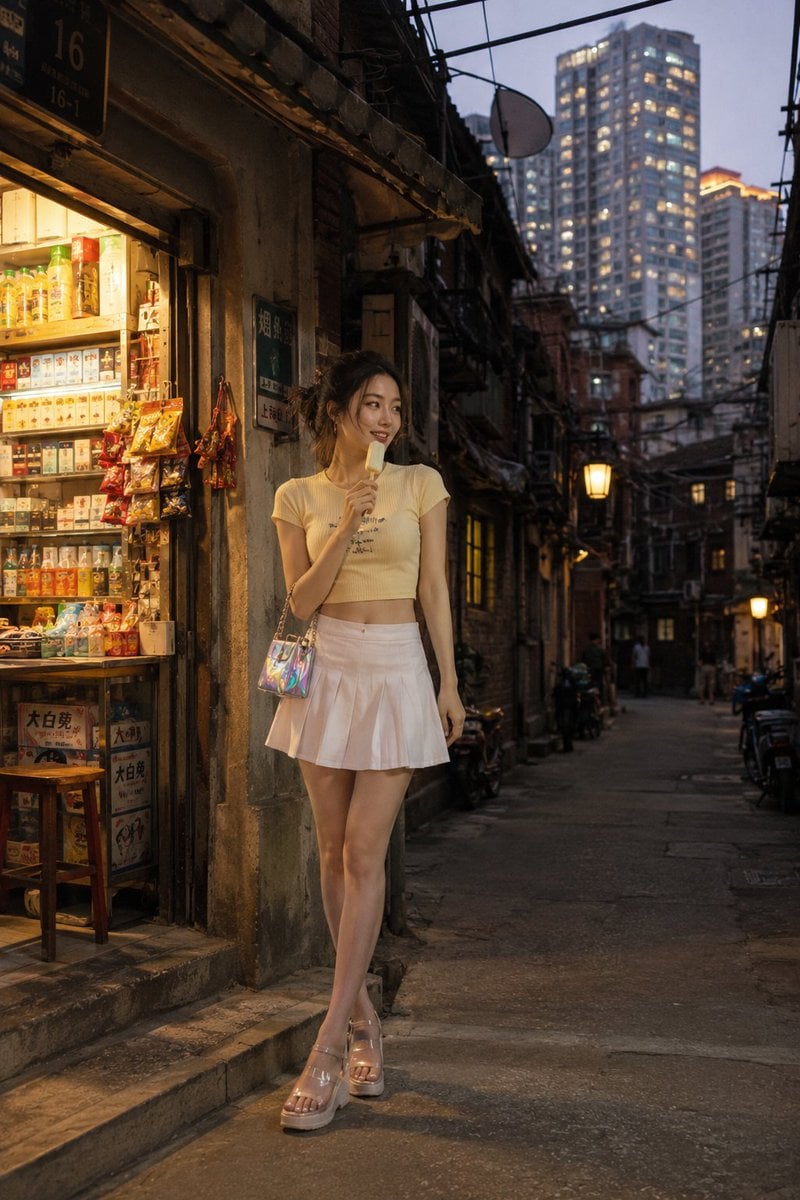
Shanghai Longtang Street Candid
Cozy Storybook Illustration Style Prompt
Browse template categories
Krea K2 Large Five-Panel Showcase questions
How do I use the Krea K2 Large Five-Panel Showcase template?
Add your photo if the template asks for one, edit the prompt if you like — the template's model and format are already selected — and press Generate. Your version opens in PicX Studio.
Can I customize the Krea K2 Large Five-Panel Showcase template?
Yes. You can change the subject, setting, lighting, mood, format, and available model controls before creating your image.
Is the Krea K2 Large Five-Panel Showcase template free?
Opening and editing this template is free. Generating uses credits, shown on the Generate button when you are signed in.
Which AI model should I use?
Start with GPT Image 2, which is the model associated with this template. You can compare another compatible model for a different finish.
Looking for something else? Browse all templates.

Your photo, any look
Thousands of ready templates for every top image and video model, from one credit balance.