
Four-Panel AI Visual Showcase
Generates a premium 2x2 collage of social media and marketing visuals including fashion ecommerce, motivation, prompt engineering, and productivity quote designs.
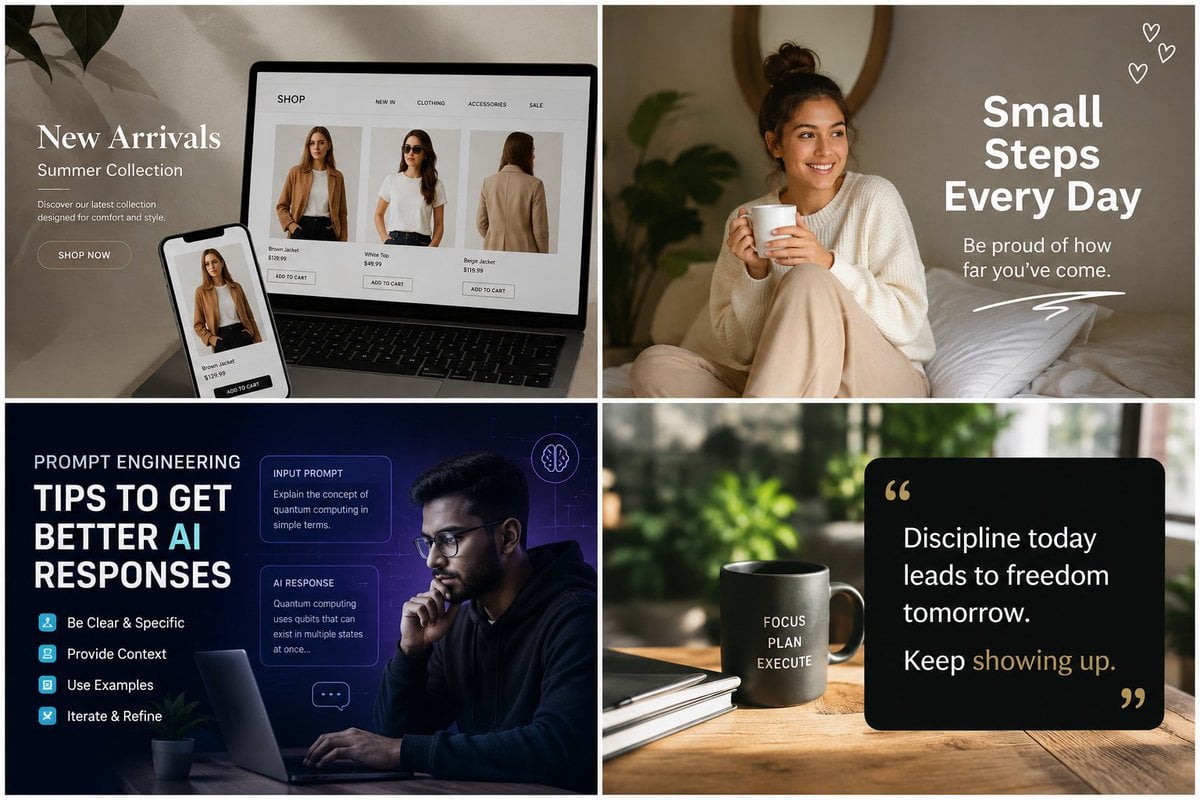
- Prompt included
- Model and format preset
- Free template
The prompt behind this image
Copy the exact prompt behind Four-Panel AI Visual Showcase, or open it in the studio and make it yours.
Goal: Create a polished 2x2 collage advertising the range of AI-generated visual content, with four distinct square/landscape social-media-style examples separated by thick white gutters. Canvas: Wide 3:2 aspect ratio, clean 2-by-2 grid, each quadrant the same size, thin white outer border and thick white dividers between panels. Overall aesthetic is premium, modern, photorealistic mixed with graphic design overlays. Layout and panels: Use exactly 4 panels. 1. Top-left panel: E-commerce fashion landing page mockup on a laptop and smartphone in a soft beige home-studio setting with plant shadows. On the left, overlay elegant white serif text: “New Arrivals”, smaller “Summer Collection”, a short description “Discover our latest collection designed for comfort and style.” and a rounded “SHOP NOW” button. On the laptop screen show a minimalist shop page with a top navigation containing exactly 5 labels: “SHOP”, “NEW IN”, “CLOTHING”, “ACCESSORIES”, “SALE”. Show exactly 3 product cards on the laptop: a brown jacket front view, a white t-shirt outfit, and a beige jacket back view, each with small price text and an “ADD TO CART” button. The phone repeats one product card for the brown jacket. 2. Top-right panel: Cozy lifestyle motivational post. A smiling young woman with medium skin tone and dark hair in a messy bun sits on a bed holding a white mug, wearing a cream sweater and beige pants, warm natural bedroom light, pillows and soft greenery in the background. Add bold white stacked headline text on the right: “Small Steps Every Day”. Under it place smaller text: “Be proud of how far you’ve come.” Add exactly 3 small hand-drawn white heart icons in the upper-right corner and one white scribble underline near the bottom-right. 3. Bottom-left panel: Dark blue futuristic prompt engineering educational graphic. A thoughtful man with glasses works on a laptop at night, blue/purple tech glow, faint grid and UI elements. Large text on the left reads: “PROMPT ENGINEERING” and “TIPS TO GET BETTER AI RESPONSES”, with “AI” highlighted in cyan. Include exactly 4 tip rows with small cyan square icons: “Be Clear & Specific”, “Provide Context”, “Use Examples”, “Iterate & Refine”. Add exactly 2 translucent UI cards on the right: one titled “INPUT PROMPT” with text about explaining quantum computing in simple terms, and one titled “AI RESPONSE” with a short explanation about qubits. Add exactly 2 small decorative icons: a brain outline circle near the top-right and a chat bubble near the lower-right. 4. Bottom-right panel: Minimal productivity quote scene on a wooden desk with blurred green plants in the background. Place a matte dark mug on the left-center printed with stacked white words: “FOCUS”, “PLAN”, “EXECUTE”. Add a notebook and pen nearby. On the right place a black rounded-rectangle quote card with gold quotation marks. Text on the card reads: “Discipline today leads to freedom tomorrow. Keep showing up.” with “showing up” highlighted in muted gold. Visual style: High-end commercial social media graphics, realistic photography, warm neutral color palette in the top panels, deep navy/cyan tech palette in the bottom-left, natural green and black/gold productivity palette in the bottom-right. Sharp readable typography, soft shadows, professional ad mockup quality. Customization: Use {argument name="fashion headline" default="New Arrivals"}, {argument name="motivational headline" default="Small Steps Every Day"}, {argument name="educational headline" default="TIPS TO GET BETTER AI RESPONSES"}, {argument name="quote text" default="Discipline today leads to freedom tomorrow. Keep showing up."}, and {argument name="mug words" default="FOCUS PLAN EXECUTE"}. Constraints: Preserve the exact 4-panel grid, keep all listed text legible, do not add extra panels, avoid logos and watermarks, maintain clean white dividers and a premium AI-generated marketing showcase feel.
How to use Four-Panel AI Visual Showcase in 3 steps
- 1Upload ImagePNG, JPG or paste
Add your photo
Upload the photo the template builds on. The prompt, model and format are already set.
- 2…a portrait of your subject in softgolden-hour light, 85mm…
Personalize
Edit the subject and creative details for your destination.
- 3Generate
Generate
Press Generate — your image is created in PicX Studio, so you can compare it with the original and refine one variable at a time.
More like this
Templates with the same subject, style or setup. Open one to see its prompt.

Four-Panel AI Landscape Comparison
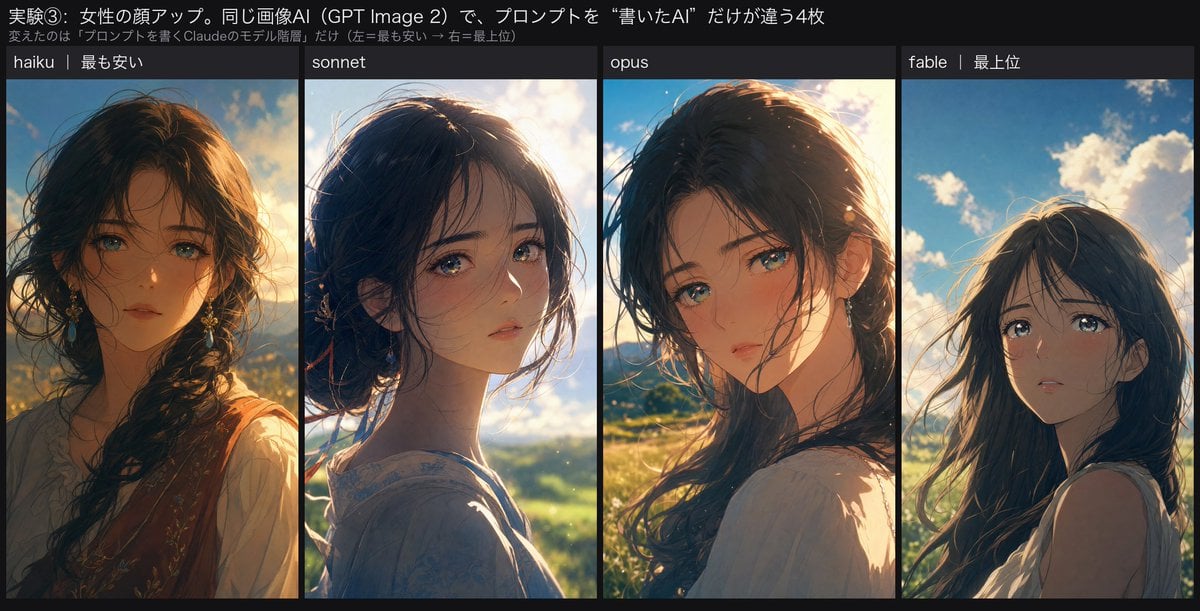
Four-Panel Anime Face Comparison
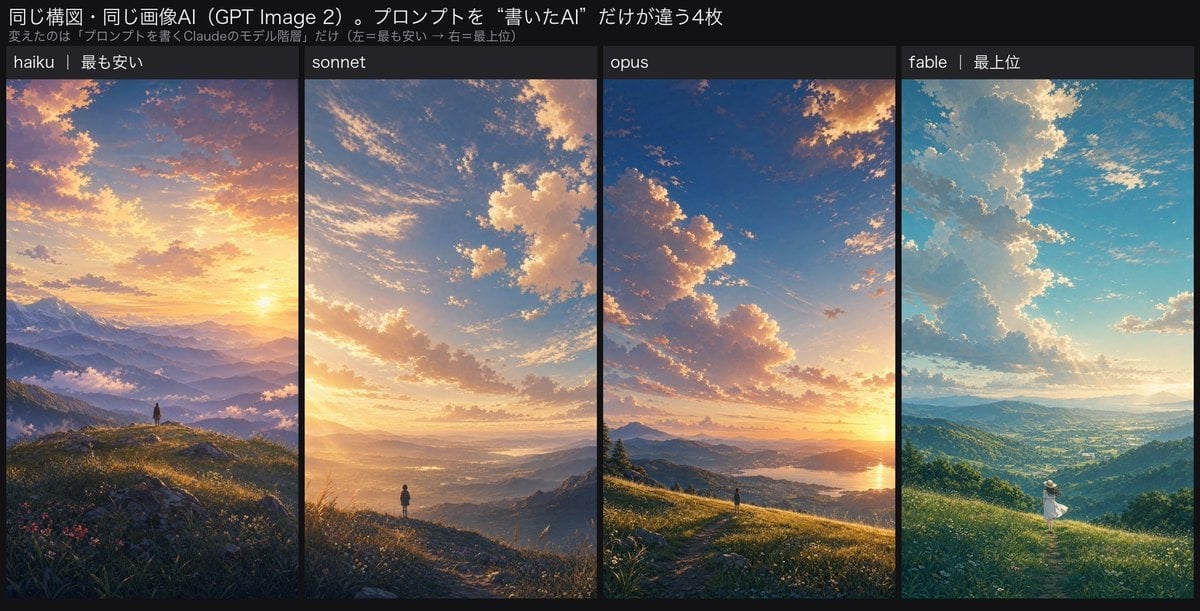
Four-Panel AI Landscape Comparison
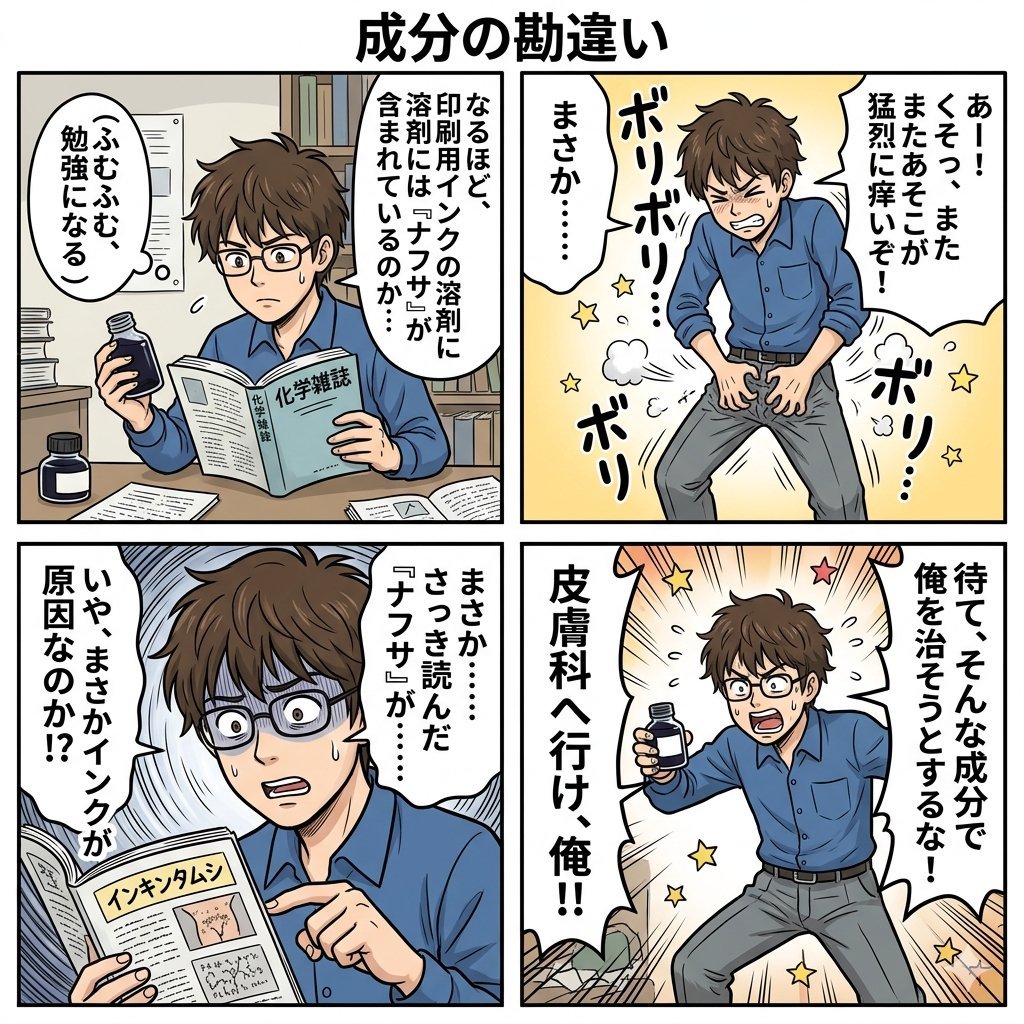
Component Differences Four-Panel Manga
Four-Panel Manga with Sentai and Rugby
Pixar 6-Panel Streethero Expression Grid
Cute Four-Panel Cat Jealousy Comic
Four-Panel Science Concept Poster
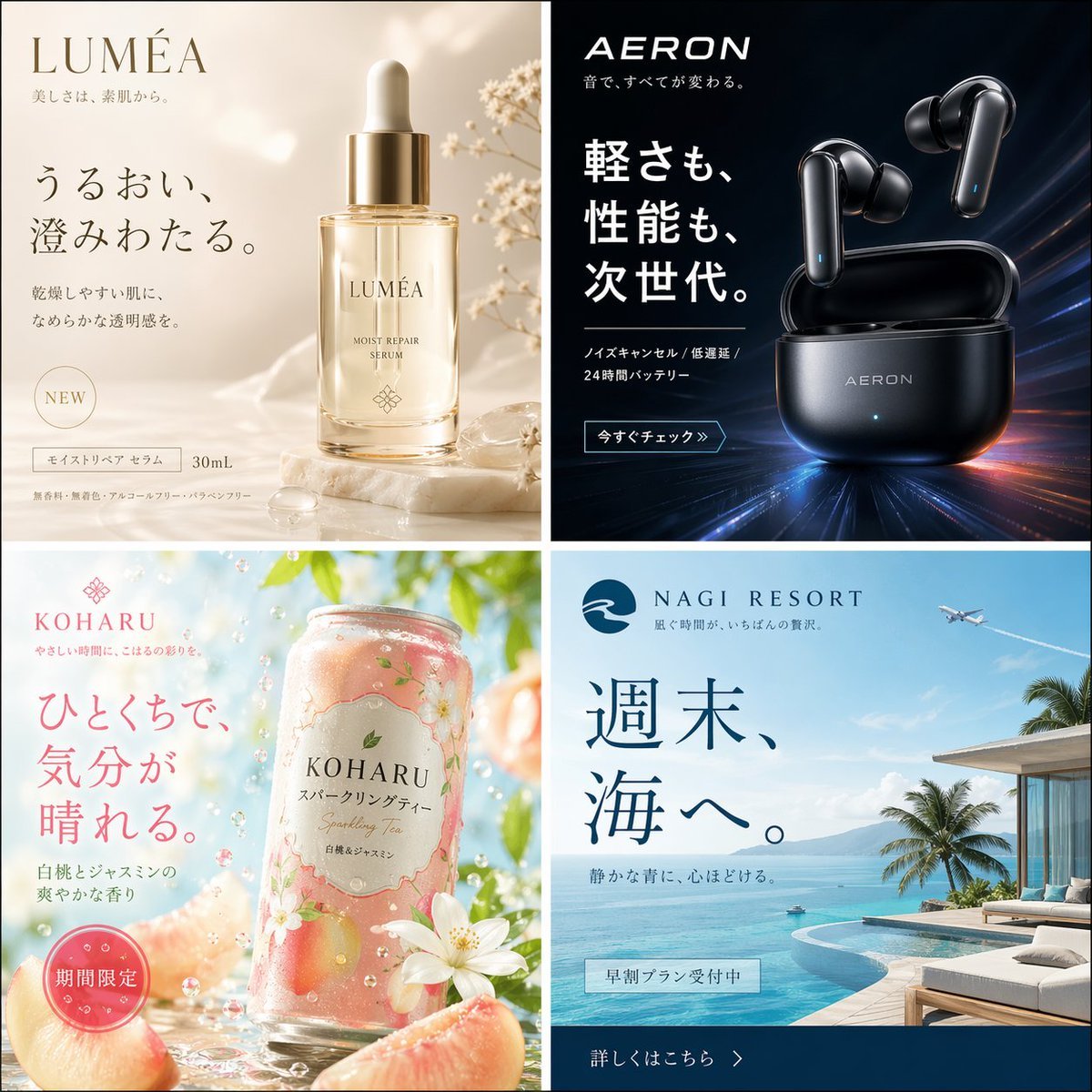
Four Japanese Ad Visuals Collage
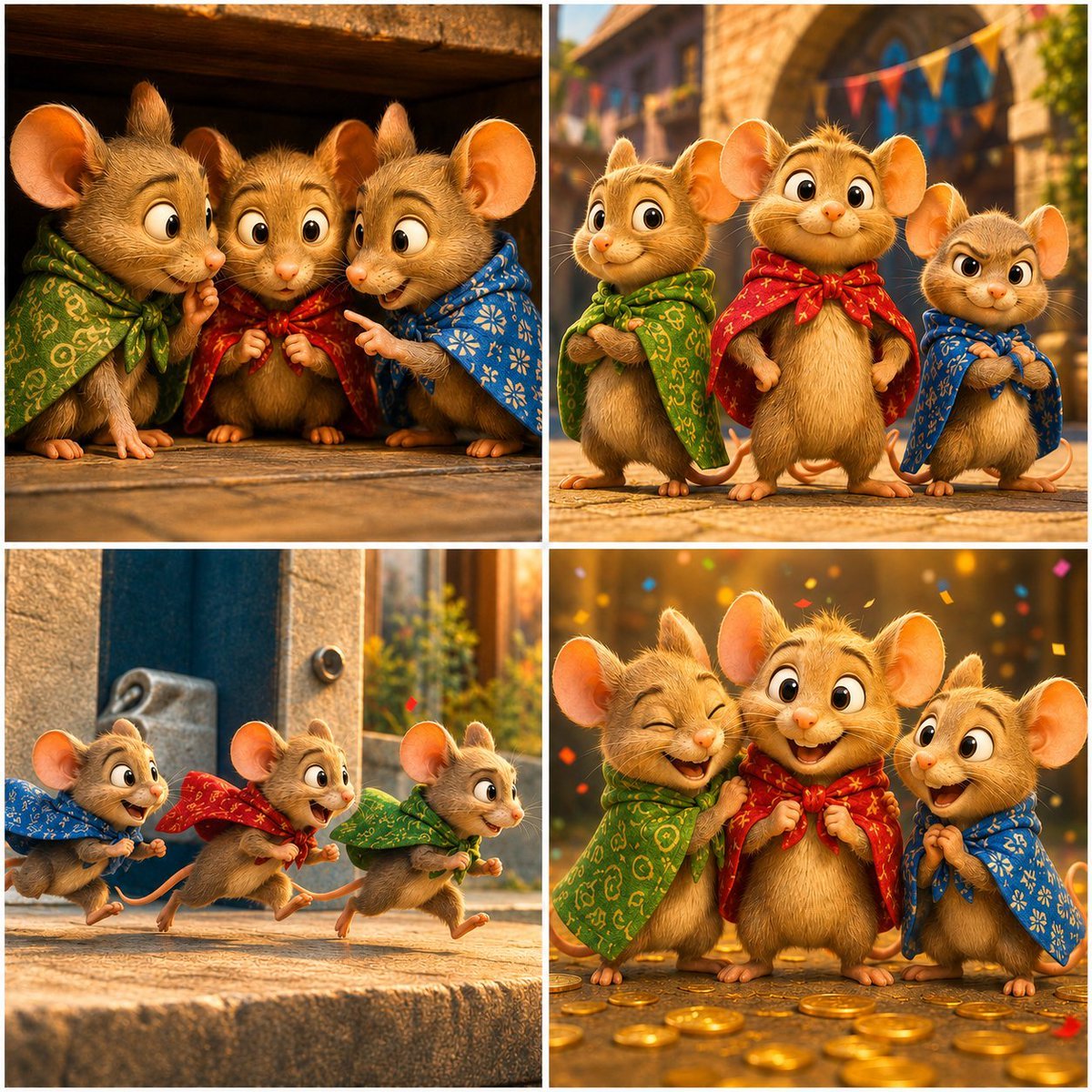
Four-Panel Bankrupt Mouse Storyboard
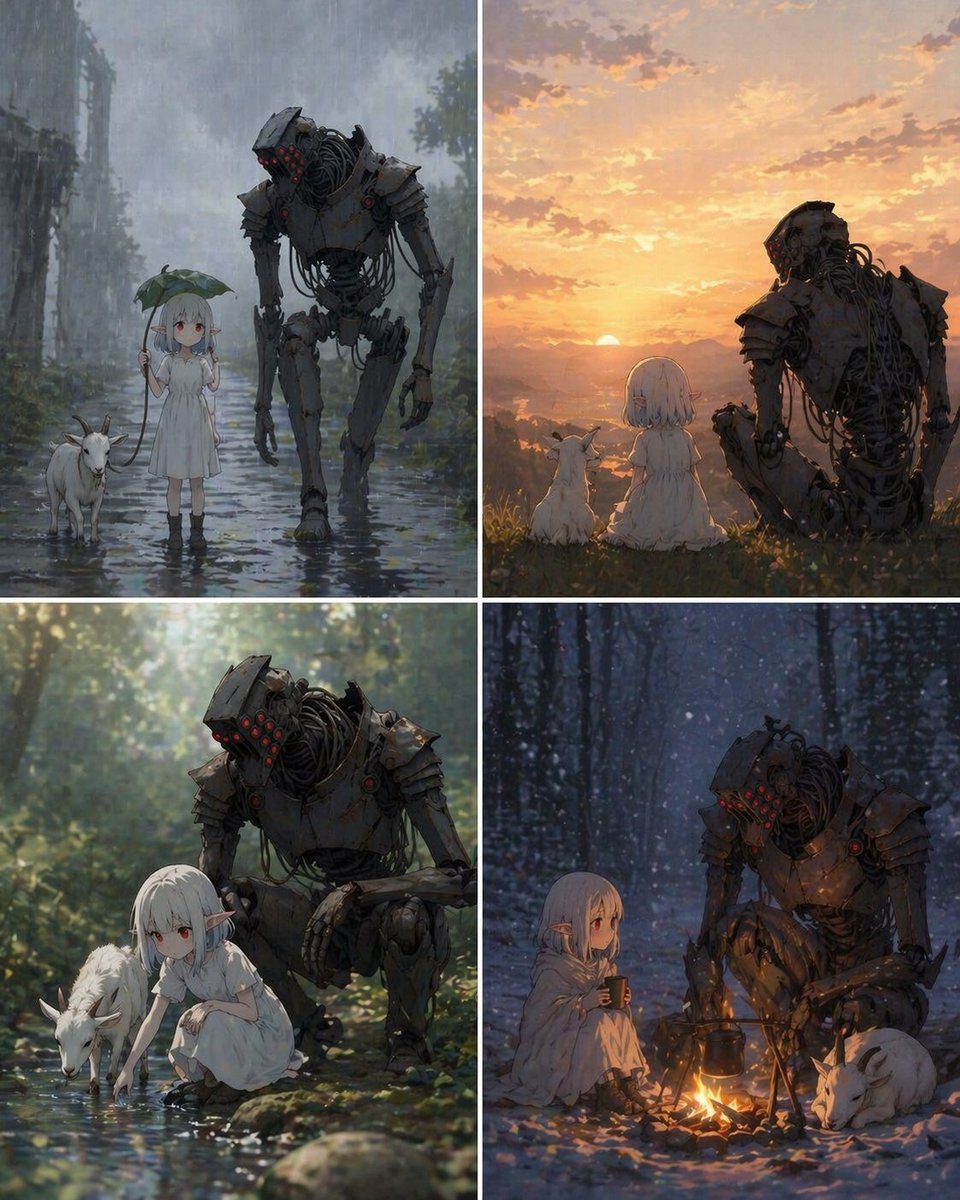
Four-Panel Girl, Robot, and Goat Story
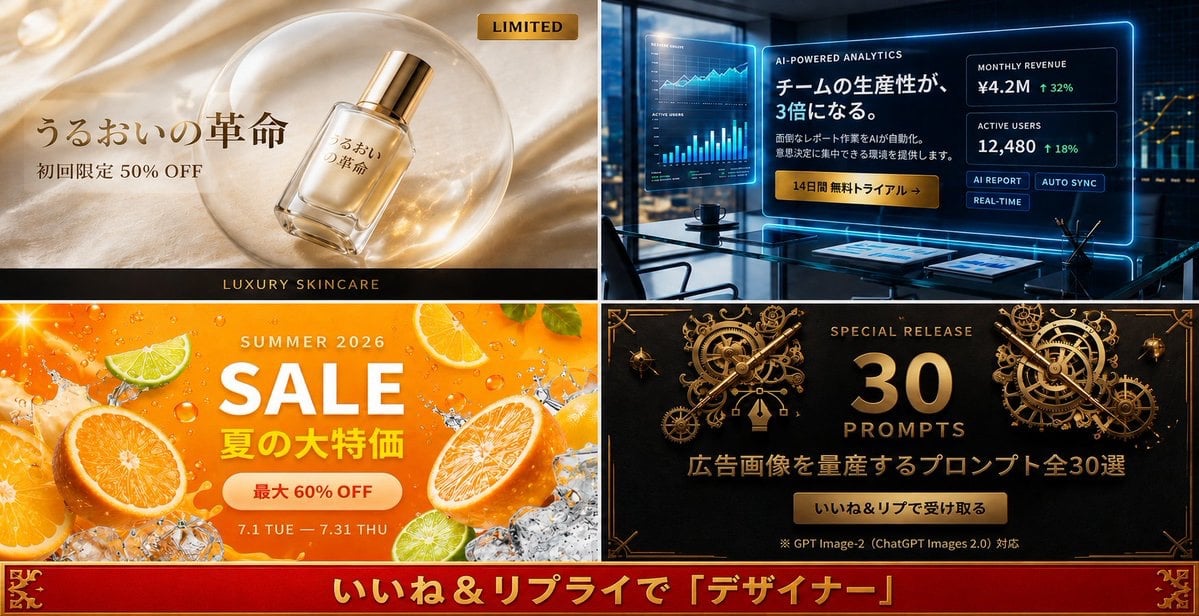
Four-Panel Japanese Ad Prompt Giveaway
Make it yours
Four-Panel AI Visual Showcase works as-is. These are the safest ways to change it without losing the look.
Change one field
Copy a single group, rewrite it, and generate again so you can see what that field is doing.
Keep the frame, change the subject
Hold the composition and light of Four-Panel AI Visual Showcase, then swap wardrobe, props or the person for a new take.
| If the result… | Why | Fix |
|---|---|---|
| The result drifts from the preview | Too many fields changed at once. | Reuse Four-Panel AI Visual Showcase as-is first, then change one group — subject, light, or setting. |
| The model over-stylizes the scene | The prose prompt leaves finish and camera underspecified. | Add one camera or lighting sentence and stay on GPT Image 2. |
More GPT Image 2 templates
Other prompts made for GPT Image 2.

Six VTuber Japanese Logo Sheet

Realistic Portrait of Woman and Deer

The Vista Modular Condo Poster

AI Model Routing Comparison Infographic

2.5D Anime Art Board

Isometric Productivity Desk Scene

New York Double Exposure Poster

Japanese Tatami Lifestyle Magazine Cover

NESCAFÉ Coffee Map Poster

Brutalist Cogito Chinese Typography Poster
More image prompts
Fresh picks from across the catalog.
Cinematic Studio Scene of Woman Observing Portrait
Soft Aesthetic Portrait with Sheep

Miniature Diorama Scene in a Vintage Café
Playful Anime Witch Cheek Pull
Matrix Digital Void Product Shot

Nano Banana Pro Quality Enhancement Keywords
Vintage Keepsake Photo Restoration
Cropped Business Suit Portrait
Rainbow Hair Censored Portrait
Simplified Comparative Infographic Grid Generator Prompt (Legs and Stockings)
Browse template categories
Four-Panel AI Visual Showcase questions
How do I use the Four-Panel AI Visual Showcase template?
Add your photo if the template asks for one, edit the prompt if you like — the template's model and format are already selected — and press Generate. Your version opens in PicX Studio.
Can I customize the Four-Panel AI Visual Showcase template?
Yes. You can change the subject, setting, lighting, mood, format, and available model controls before creating your image.
Is the Four-Panel AI Visual Showcase template free?
Opening and editing this template is free. Generating uses credits, shown on the Generate button when you are signed in.
Which AI model should I use?
Start with GPT Image 2, which is the model associated with this template. You can compare another compatible model for a different finish.
Looking for something else? Browse all templates.

Your photo, any look
Thousands of ready templates for every top image and video model, from one credit balance.