
Four-Panel Girl, Robot, and Goat Story
A cinematic four-scene fantasy collage showing a white-haired child, a protective robot, and a small goat bonding across rain, sunset, forest daylight, and snowy campfire settings.
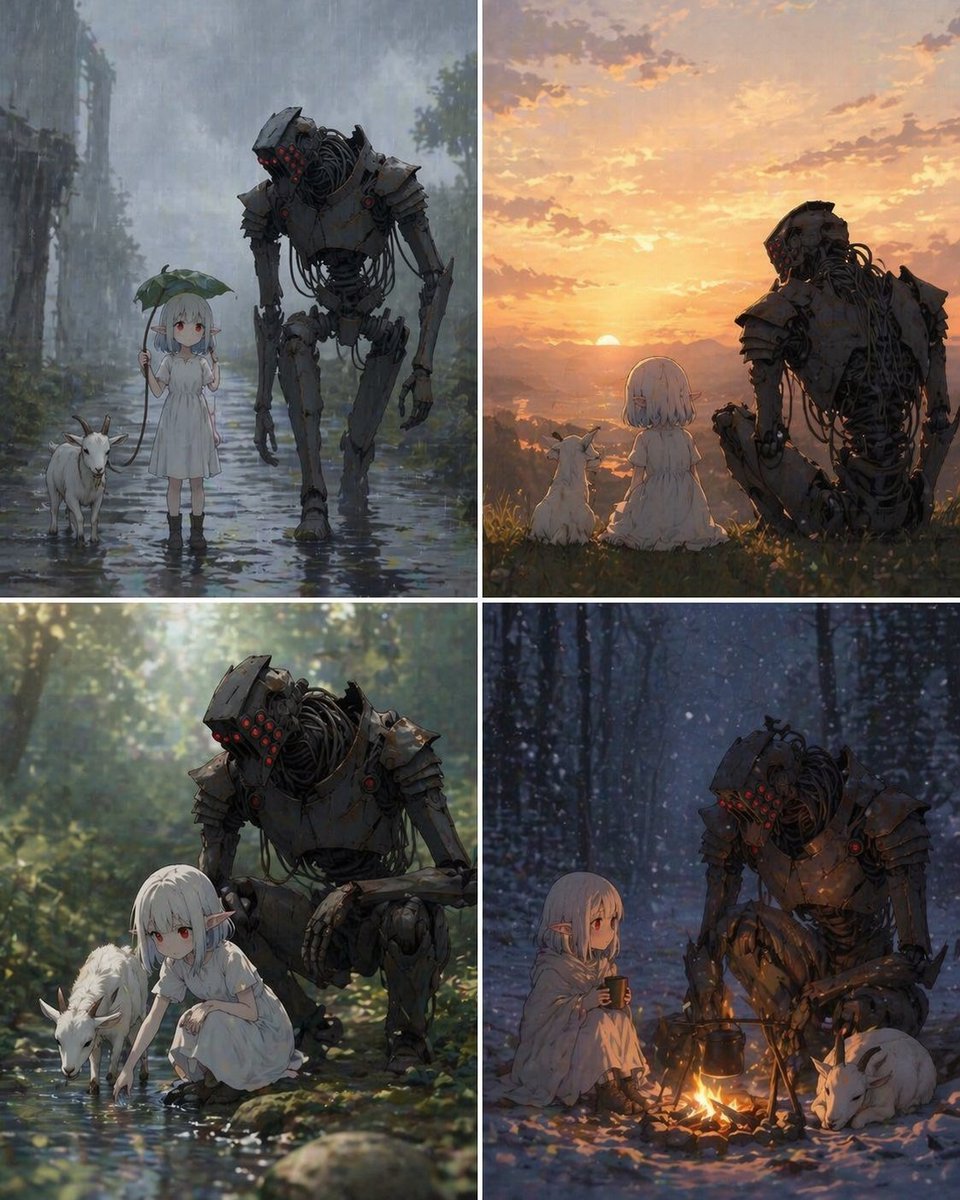
- Prompt included
- Model and format preset
- Free template
The prompt behind this image
Copy the exact prompt behind Four-Panel Girl, Robot, and Goat Story, or open it in the studio and make it yours.
- Type
- four-panel cinematic fantasy illustration collage
- Subject › Primary Duo
- a small white-haired girl and a tall weathered humanoid robot
- Subject › Companion Animal
- one small white goat
- Subject › Relationship
- quiet protective companionship across different times of day and seasons
- Subject › Girl › Age Appearance
- young child
- Subject › Girl › Hair
- short bob haircut, white or silver hair, straight bangs
- Subject › Girl › Clothing
- simple loose white dress, dark ankle boots, in one panel a pale cloak or blanket wrapped around her shoulders
- Subject › Girl › Expression
- calm, gentle, contemplative
- Subject › Girl › Features
- soft anime-inspired face, petite build
- Subject › Robot › Scale
- very tall compared to the girl
- Subject › Robot › Design
- aged battle-worn humanoid machine with dark iron armor plates, exposed cables and mechanical joints, broad shoulders, long limbs
- Subject › Robot › Head
- angular helmet-like head with clusters of glowing red sensor lights
- Subject › Robot › Surface
- rust, scratches, worn metal, slightly overgrown or dirt-stained in places
- Subject › Animal › Species
- goat
- Subject › Animal › Appearance
- small white goat with short horns
- Subject › Animal › Behavior
- quietly stays beside the girl in every panel
- Layout › Grid
- 2x2
- Layout › Panel Count
- 4
- Layout › Gutters
- thin white borders between panels
- Layout › Sections › 0 › Title
- top-left
- Layout › Sections › 0 › Position
- upper left
- Layout › Sections › 0 › Count
- 3
- Layout › Sections › 0 › Labels
- girl standing in shallow rainwater holding a large leaf like an umbrella, robot walking beside her with head lowered protectively, goat walking at her other side
- Layout › Sections › 1 › Title
- top-right
Raw JSON
{"type":"four-panel cinematic fantasy illustration collage","subject":{"primary duo":"a small white-haired girl and a tall weathered humanoid robot","companion animal":"one small white goat","relationship":"quiet protective companionship across different times of day and seasons","girl":{"age_appearance":"young child","hair":"short bob haircut, white or silver hair, straight bangs","clothing":"simple loose white dress, dark ankle boots, in one panel a pale cloak or blanket wrapped around her shoulders","expression":"calm, gentle, contemplative","features":"soft anime-inspired face, petite build"},"robot":{"scale":"very tall compared to the girl","design":"aged battle-worn humanoid machine with dark iron armor plates, exposed cables and mechanical joints, broad shoulders, long limbs","head":"angular helmet-like head with clusters of glowing red sensor lights","surface":"rust, scratches, worn metal, slightly overgrown or dirt-stained in places"},"animal":{"species":"goat","appearance":"small white goat with short horns","behavior":"quietly stays beside the girl in every panel"}},"layout":{"grid":"2x2","panel_count":4,"gutters":"thin white borders between panels","sections":[{"title":"top-left","position":"upper left","count":3,"labels":["girl standing in shallow rainwater holding a large leaf like an umbrella","robot walking beside her with head lowered protectively","goat walking at her other side"]},{"title":"top-right","position":"upper right","count":3,"labels":["girl seated on a grassy overlook facing away","robot seated beside her watching the sunset","goat sitting near them overlooking a glowing valley and lake"]},{"title":"bottom-left","position":"lower left","count":3,"labels":["girl crouching beside a forest stream touching the water","robot crouched close behind her observing gently","goat drinking from the stream"]},{"title":"bottom-right","position":"lower right","count":4,"labels":["girl sitting by a small campfire holding a mug","robot crouched beside the fire warming itself","goat curled up asleep near the fire","black kettle hanging over the flames"]}]},"environments":{"top-left":"rainy ruined path with puddles, misty gray atmosphere, faint overgrown structures in the background","top-right":"golden sunset landscape with warm clouds, distant mountains, reflective water, grassy hill","bottom-left":"sun-dappled green forest beside a clear shallow stream, bright bokeh light through leaves","bottom-right":"snowy blue forest at night with falling snow, intimate firelight contrasting the cold surroundings"},"style":{"genre":"melancholic sci-fi fantasy","rendering":"highly detailed painterly anime illustration","lighting":"dramatic cinematic lighting in each panel, with strong mood shifts between rain, sunset, daylight forest, and firelit snow night","color_palette":"muted grays and blue-greens balanced with warm amber sunset and orange firelight","composition":"emotionally tender companionship scenes, robot often leaning or crouching to match the child's scale, evocative storytelling, soft depth of field"}}How to use Four-Panel Girl, Robot, and Goat Story in 3 steps
- 1Upload ImagePNG, JPG or paste
Add your photo
Upload the photo the template builds on. The prompt, model and format are already set.
- 2…a portrait of your subject in softgolden-hour light, 85mm…
Personalize
Edit the subject and creative details for your destination.
- 3Generate
Generate
Press Generate — your image is created in PicX Studio, so you can compare it with the original and refine one variable at a time.
More like this
Templates with the same subject, style or setup. Open one to see its prompt.
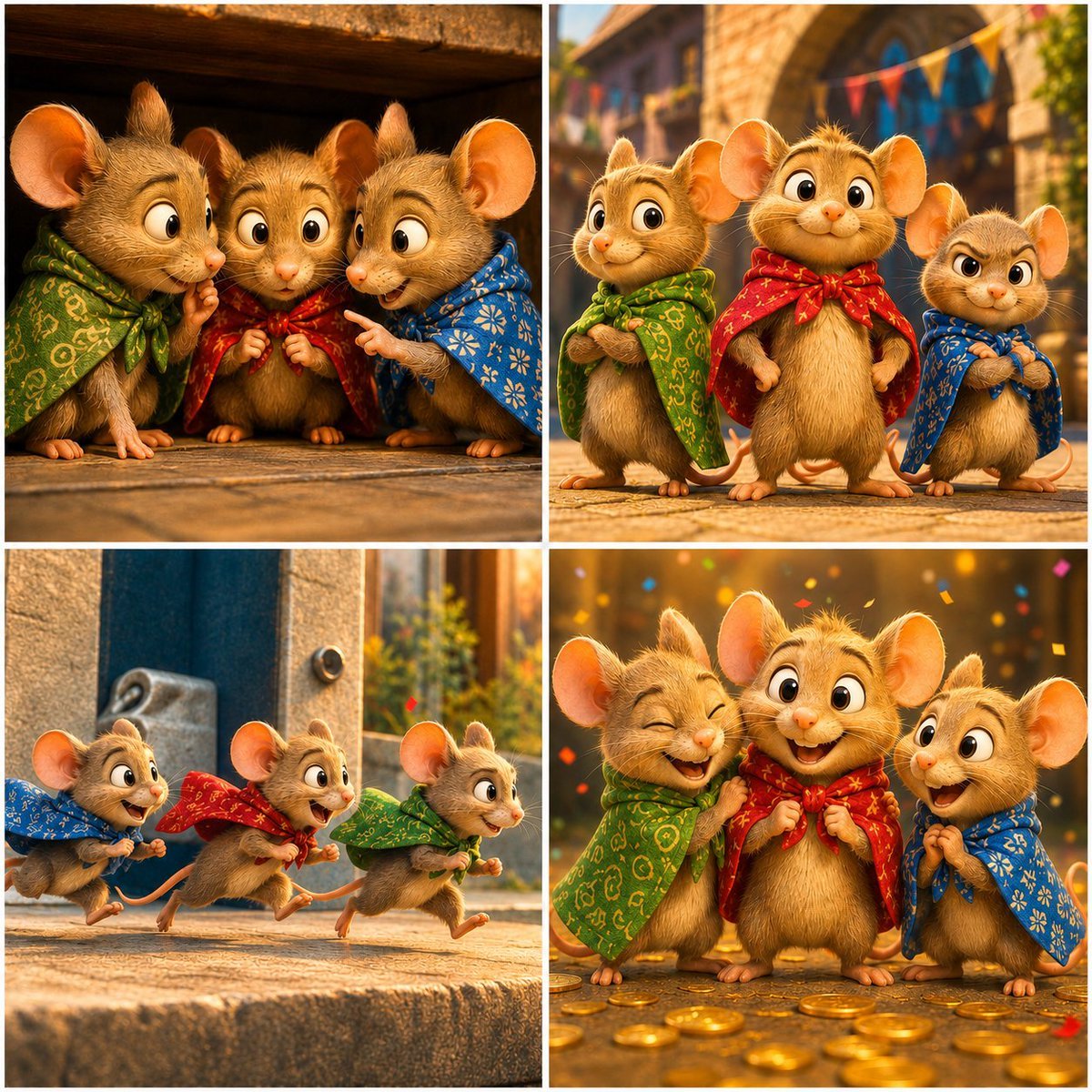
Four-Panel Bankrupt Mouse Storyboard
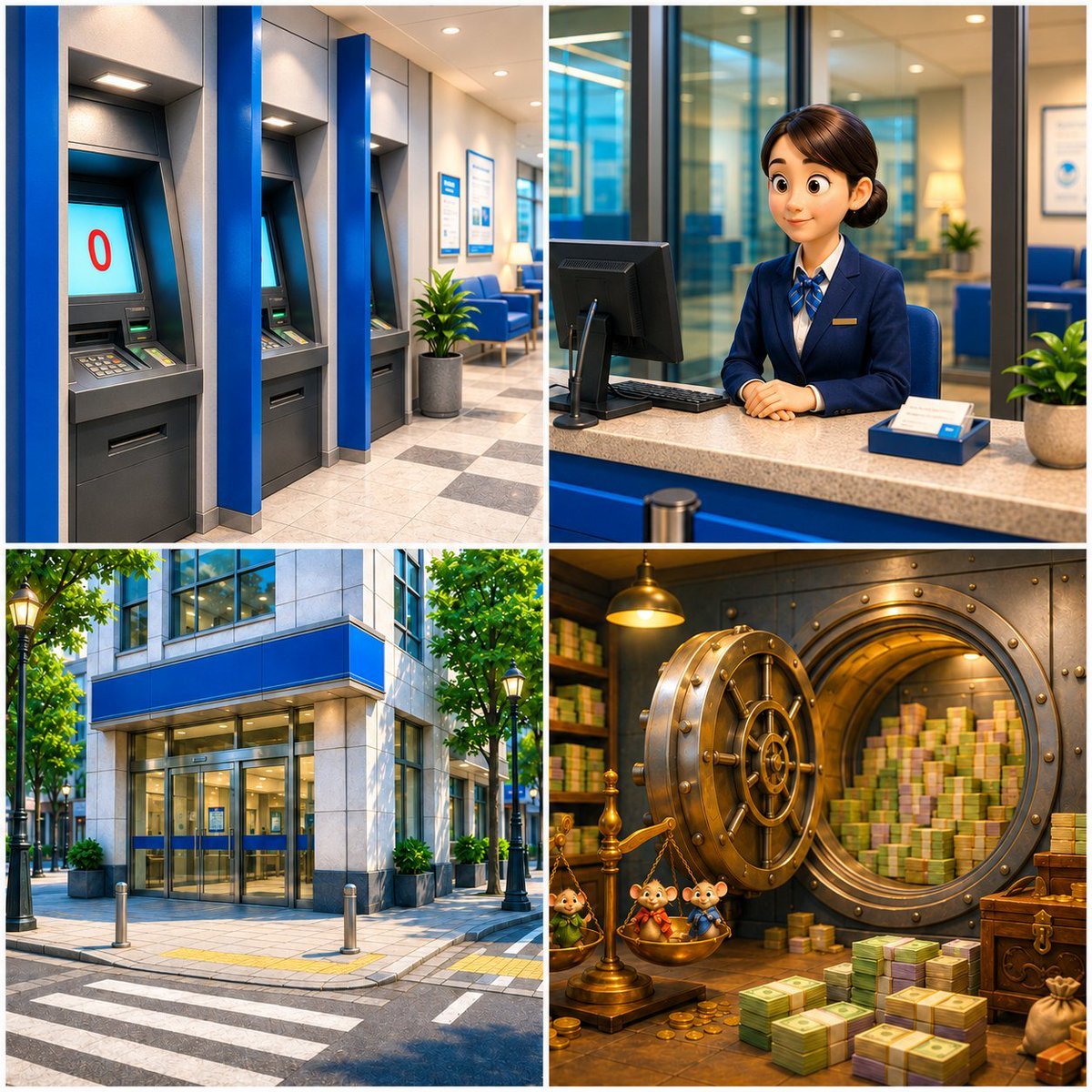
Four-Panel Bank World Storyboard
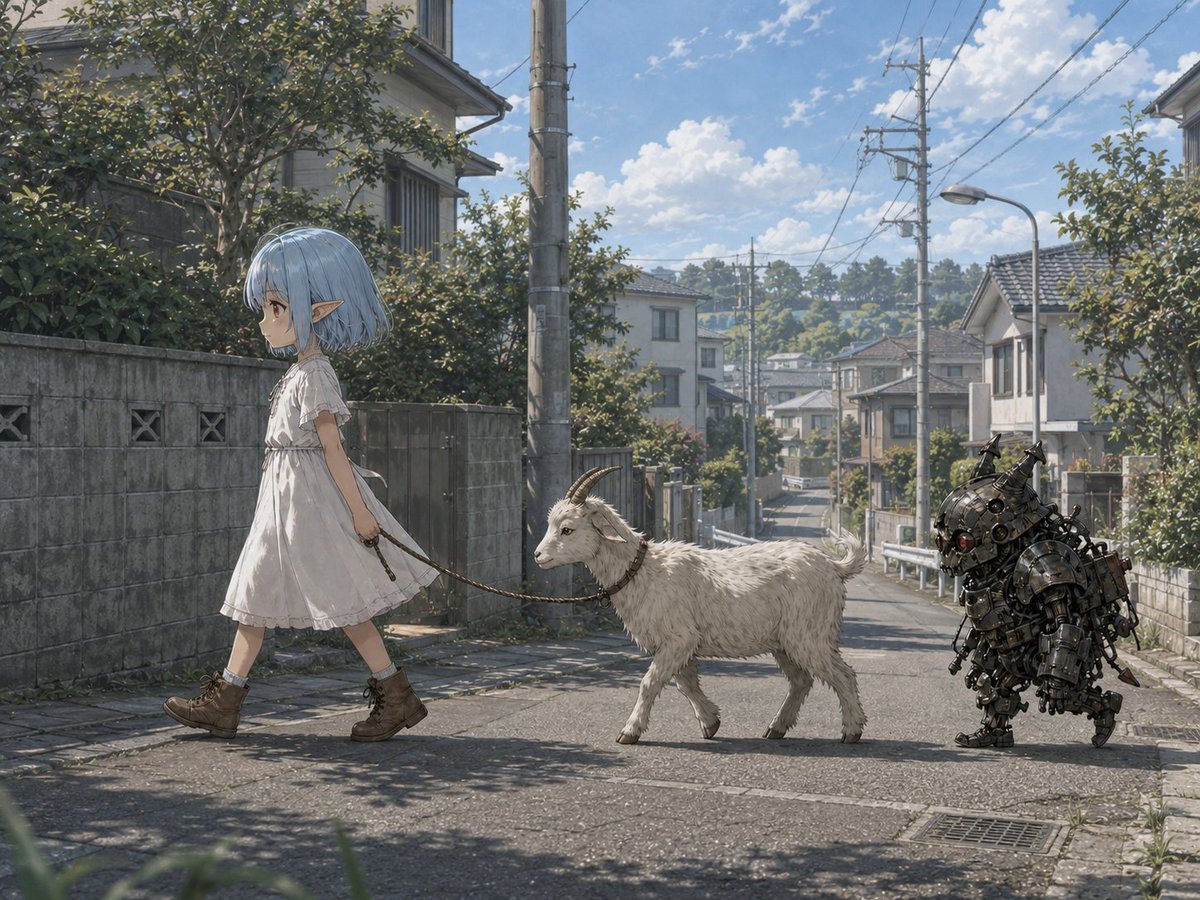
Elf Girl Walking Goat and Robot

Teen Girl Alpine Lake Mountain View

Four-Panel AI Landscape Comparison

Four-Panel Anime Face Comparison

Four-Panel AI Landscape Comparison
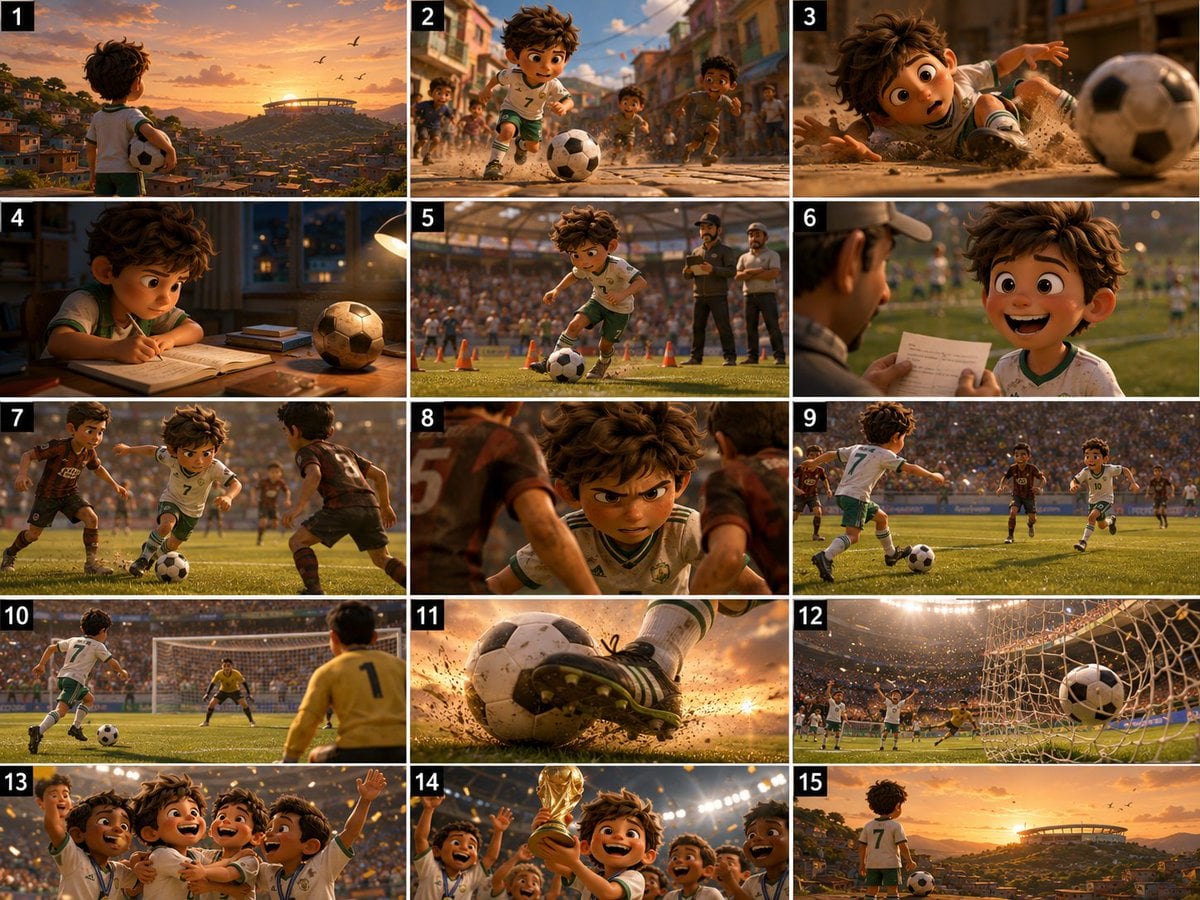
Panel Football Boy Storyboard

Eid al-Adha Cute Chaos — Fisheye Selfie with Farm Selfie, Mosque & Animals
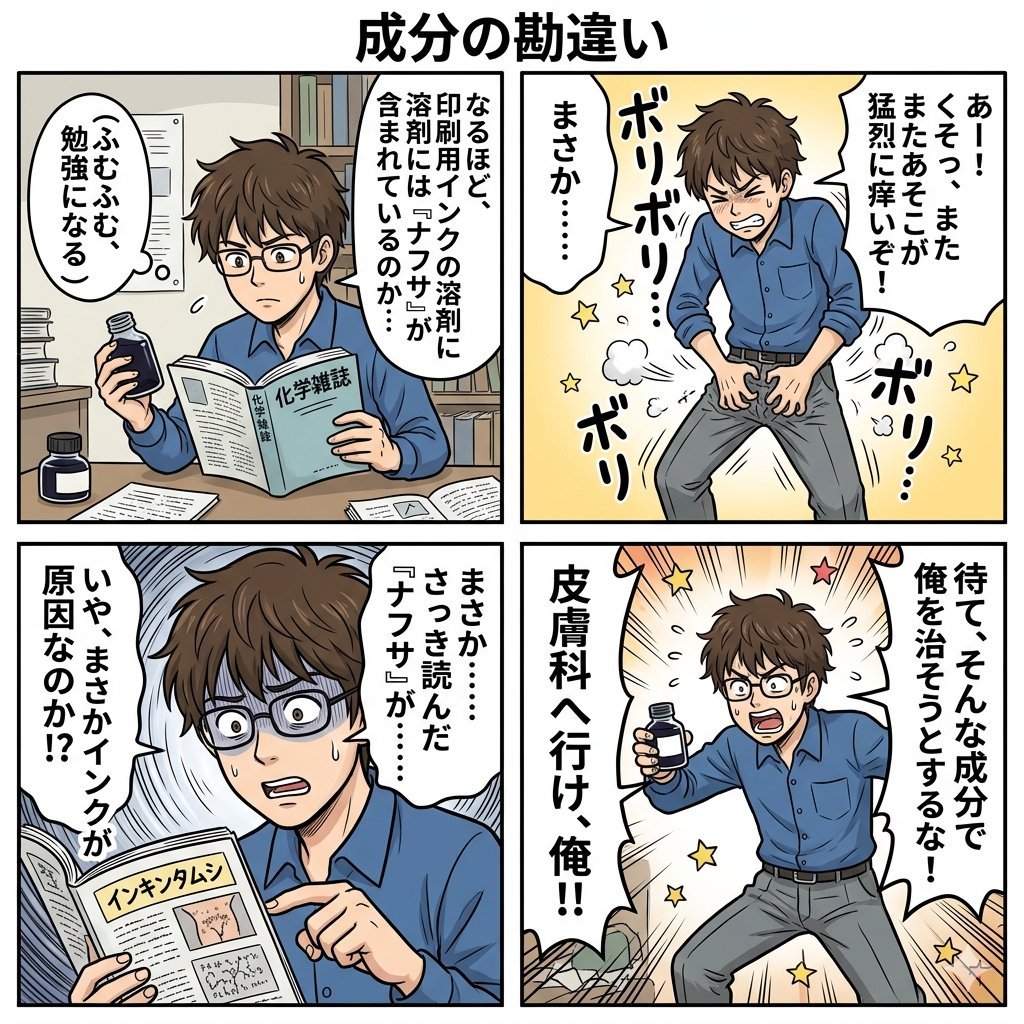
Component Differences Four-Panel Manga
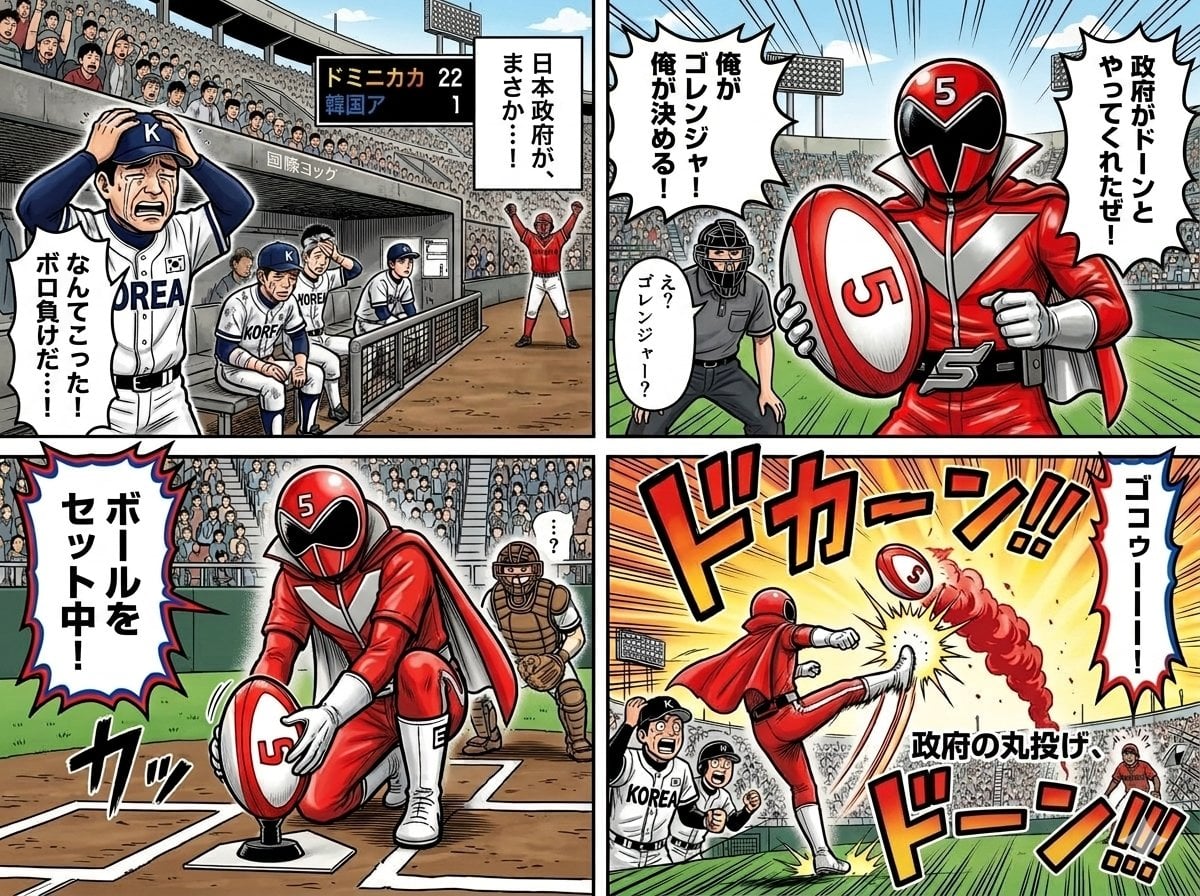
Four-Panel Manga with Sentai and Rugby

Pixar 6-Panel Streethero Expression Grid
Make it yours
Four-Panel Girl, Robot, and Goat Story works as-is. These are the safest ways to change it without losing the look.
Swap the setting
Keep the rest of the prompt and replace the location block. The current setting is “rainy ruined path with puddles, misty gray atmosphere, faint overgrown structure”.
Swap the light
One lighting change is enough to compare takes. Current light: “dramatic cinematic lighting in each panel, with strong mood shifts between rain,”.
Change one field
Copy a single group, rewrite it, and generate again so you can see what that field is doing.
| If the result… | Why | Fix |
|---|---|---|
| The result drifts from the preview | Too many fields changed at once. | Reuse Four-Panel Girl, Robot, and Goat Story as-is first, then change one group — subject, light, or setting. |
| GPT Image 2 ignores part of the JSON | Some models flatten or skip nested keys. | Keep the same values and paste them as a short paragraph instead. |
More GPT Image 2 templates
Other prompts made for GPT Image 2.

Six VTuber Japanese Logo Sheet

Realistic Portrait of Woman and Deer

The Vista Modular Condo Poster

AI Model Routing Comparison Infographic

2.5D Anime Art Board

Isometric Productivity Desk Scene

New York Double Exposure Poster

Japanese Tatami Lifestyle Magazine Cover

NESCAFÉ Coffee Map Poster

Brutalist Cogito Chinese Typography Poster
More image prompts
Fresh picks from across the catalog.

Cinematic Overhead Portrait with Wide-Angle Distortion
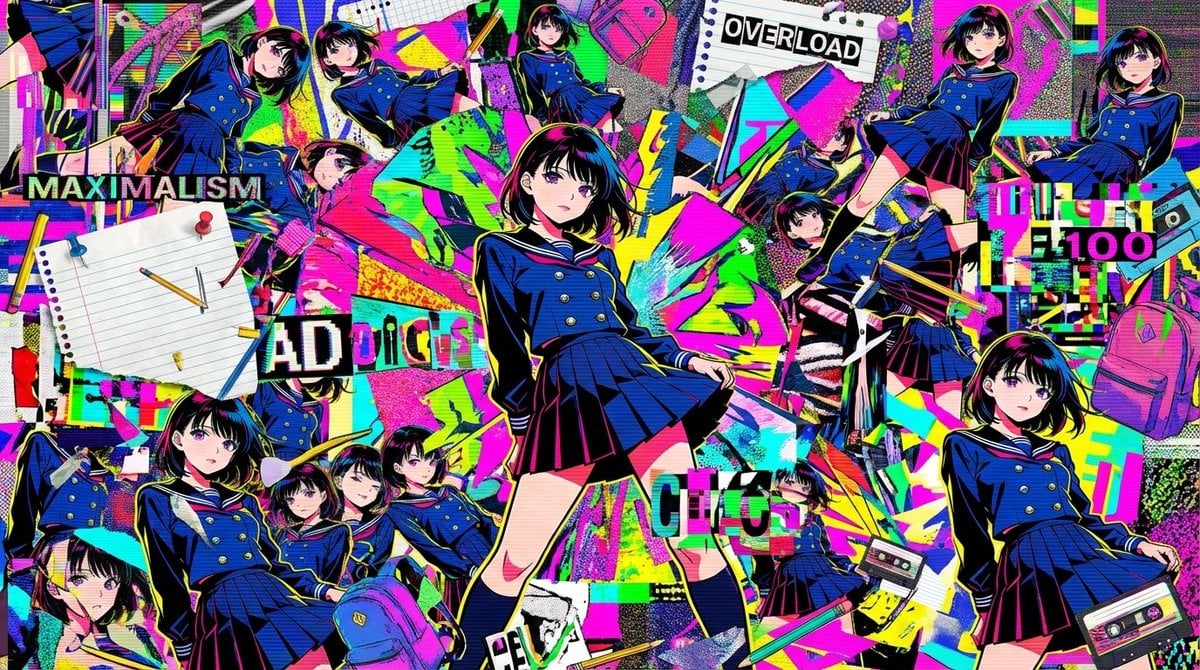
Chaotic Maximalist Anime Poster Prompt (100 Girls)
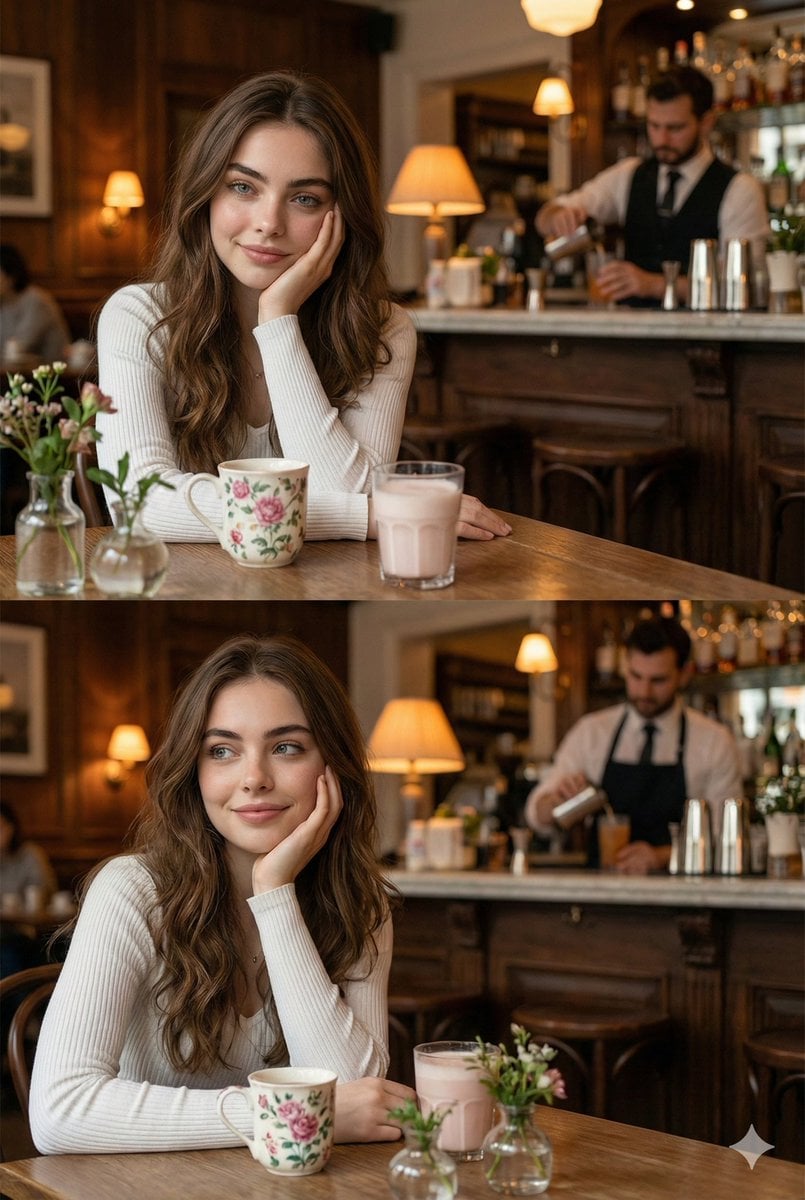
Hyper-realistic photo of a young woman in a cozy café
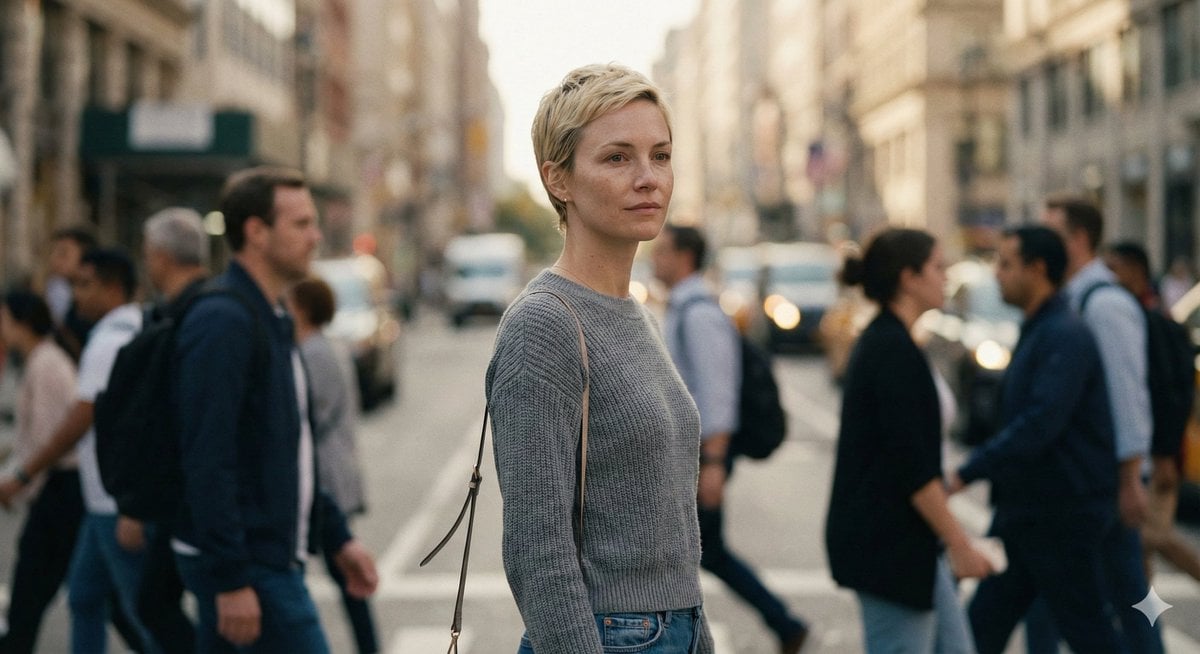
Ultra-Realistic 8K Candid Street Portrait Prompt

Candid Bird Contest Meme Photo

Aloof Portrait with Mirror Reflections

Woman in Infinite Scroll Void

New Year Recipe Article Eyecatch Image Prompt (Neo-Japanese Style)

Egyptian Scarab Earring Portrait
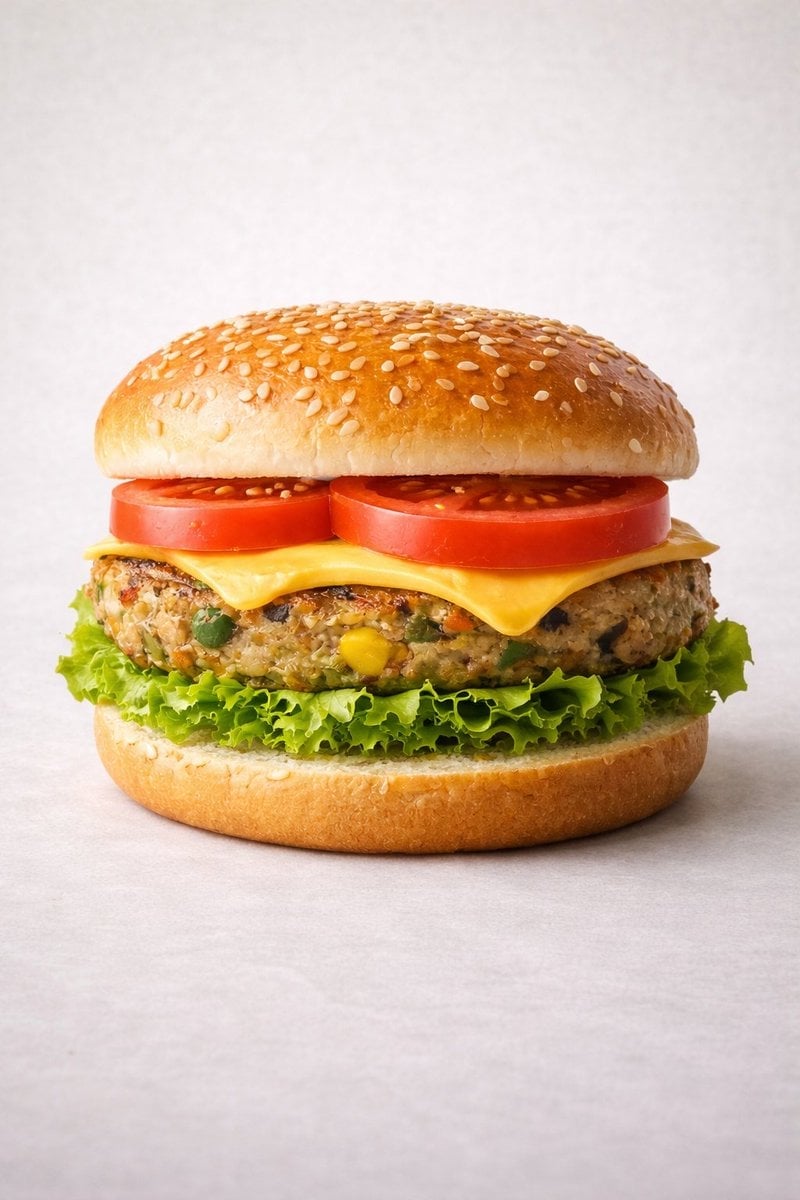
Ultra-realistic Commercial Veg Burger Photography and Exploded View
Browse template categories
Four-Panel Girl, Robot, and Goat Story questions
How do I use the Four-Panel Girl, Robot, and Goat Story template?
Add your photo if the template asks for one, edit the prompt if you like — the template's model and format are already selected — and press Generate. Your version opens in PicX Studio.
Can I customize the Four-Panel Girl, Robot, and Goat Story template?
Yes. You can change the subject, setting, lighting, mood, format, and available model controls before creating your image.
Is the Four-Panel Girl, Robot, and Goat Story template free?
Opening and editing this template is free. Generating uses credits, shown on the Generate button when you are signed in.
Which AI model should I use?
Start with GPT Image 2, which is the model associated with this template. You can compare another compatible model for a different finish.
Looking for something else? Browse all templates.

Your photo, any look
Thousands of ready templates for every top image and video model, from one credit balance.