
Four-Panel Bank World Storyboard
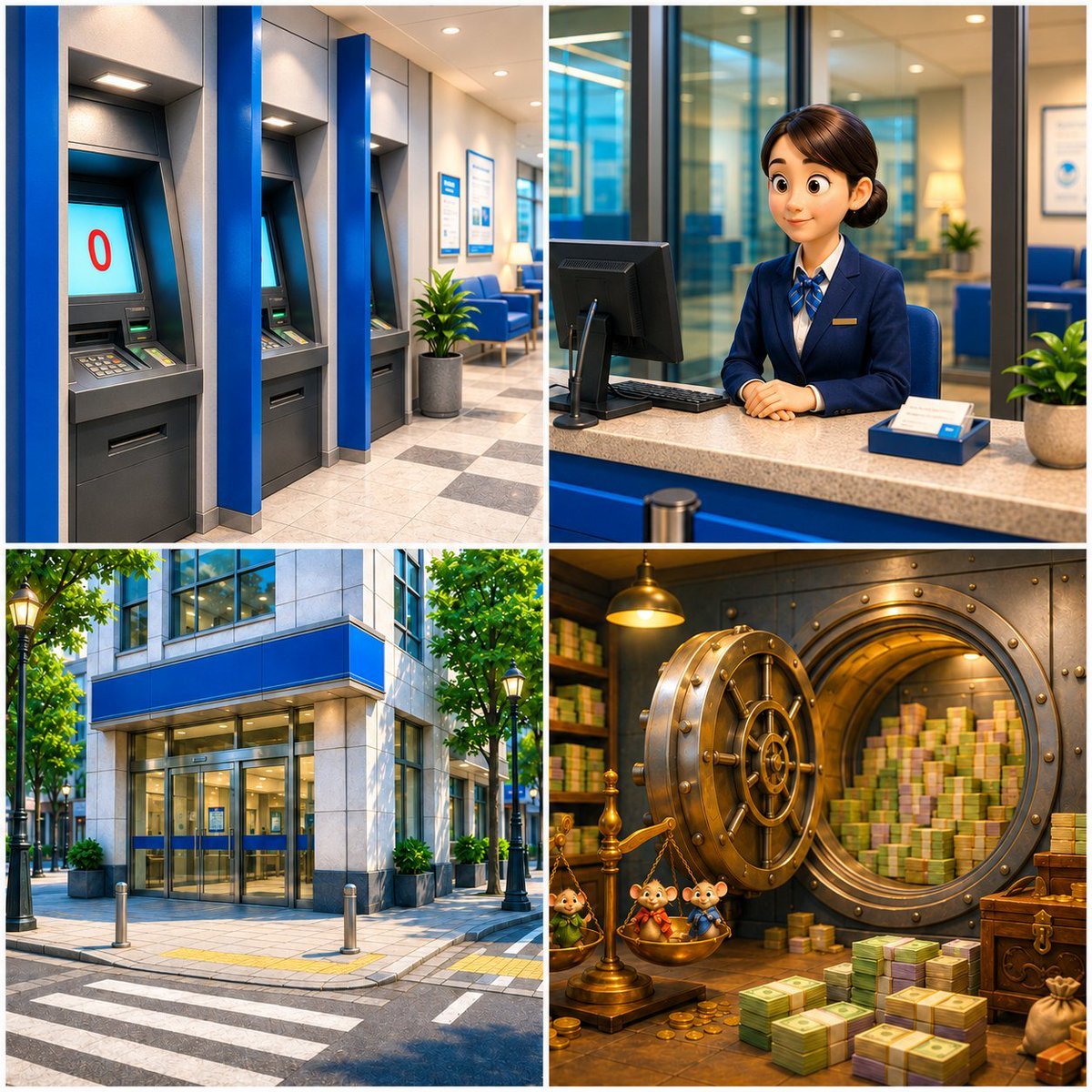
A square 2x2 cinematic bank storyboard showing ATMs, a teller counter, a branch exterior, and a fantasy money vault for video concept art.
- Prompt included
- Model and format preset
- Free template
The prompt behind this image
Copy the exact prompt behind Four-Panel Bank World Storyboard, or open it in the studio and make it yours.
Goal: Create a polished 2x2 storyboard-style image sheet for a short video scene about {argument name="scene theme" default="the despair of a zero bank balance"}, set in a modern blue-themed bank world. Canvas: Square 1:1 composition, four equal panels separated by clean white gutters, bright cinematic 3D-rendered realism with slightly idealized commercial lighting, high detail, sharp focus, saturated blue bank branding, no captions or speech bubbles. Layout: Use exactly 4 panels in a grid. 1. Top-left panel: Interior ATM area with exactly 3 visible ATM machines in a row, each built into gray wall bays with bold blue vertical dividers. The nearest ATM screen prominently shows a large red “0” on a pale cyan screen, implying an empty balance. Include tiled floor, ceiling lights, and a small potted plant in the background. 2. Top-right panel: Bank service counter with exactly 1 female bank clerk seated behind a beige stone counter. She wears a navy suit, white shirt, blue striped scarf or tie, and a small gold nameplate. Her face is intentionally featureless/softly blurred for anonymity. Include exactly 1 computer monitor, 1 keyboard, 1 blue document tray, and 1 potted plant on or near the counter. Behind her are glass office partitions, blue chairs, certificates on the wall, and warm office lighting. 3. Bottom-left panel: Exterior of a contemporary city bank branch on a sunny street corner. Show a blue horizontal sign band above glass doors, gray stone facade, street crosswalk markings, sidewalk bollards, leafy trees, and black street lamps. The entrance should feel clean, corporate, and Japanese urban but without readable signage. 4. Bottom-right panel: Fantasy bank vault interior with an oversized round open vault door in bronze and steel. Inside the vault are stacks of cash and gold, warm golden lighting, shelves, and treasure props. Include exactly 3 small cute animal mascots standing near the vault entrance, wearing colorful tiny outfits, plus visible piles of bundled banknotes, coins, a chest, and a money bag. Visual style: High-end 3D illustration, cinematic render, bank commercial aesthetic mixed with whimsical storybook detail in the vault panel, realistic materials, glossy glass, polished stone, metallic vault surfaces, warm highlights, deep blue brand accents. Subject details: The bank’s dominant brand color is {argument name="brand color" default="royal blue"}. The ATM screen should display {argument name="balance number" default="0"} in red. The bank clerk outfit should be {argument name="clerk outfit" default="navy suit with blue striped scarf"}. The vault should contain {argument name="vault contents" default="bundled cash, coins, treasure chest, and money bag"}. Constraints: No extra panels, no visible watermarks, no logos, no readable text except the red balance number on the ATM screen, keep the four-panel sheet coherent as one bank-themed storyboard, maintain clean white borders between panels.
How to use Four-Panel Bank World Storyboard in 3 steps
- 1Upload ImagePNG, JPG or paste
Add your photo
Upload the photo the template builds on. The prompt, model and format are already set.
- 2…a portrait of your subject in softgolden-hour light, 85mm…
Personalize
Edit the subject and creative details for your destination.
- 3Generate
Generate
Press Generate — your image is created in PicX Studio, so you can compare it with the original and refine one variable at a time.
More like this
Templates with the same subject, style or setup. Open one to see its prompt.
Four-Panel Bankrupt Mouse Storyboard

Headphones Lifestyle Nine Panel Grid

Four-Panel AI Landscape Comparison

Four-Panel Anime Face Comparison

Four-Panel AI Landscape Comparison
Panel Football Boy Storyboard
Component Differences Four-Panel Manga
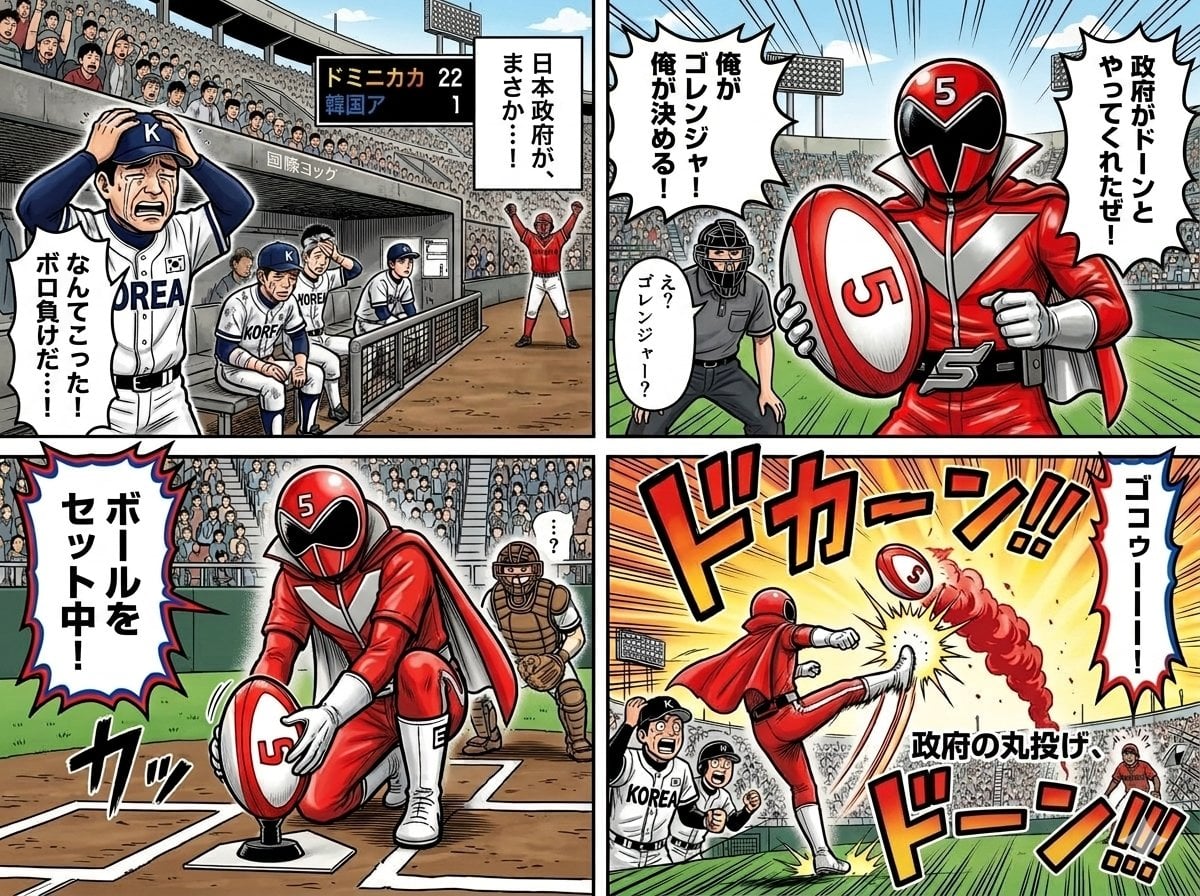
Four-Panel Manga with Sentai and Rugby

Pixar 6-Panel Streethero Expression Grid
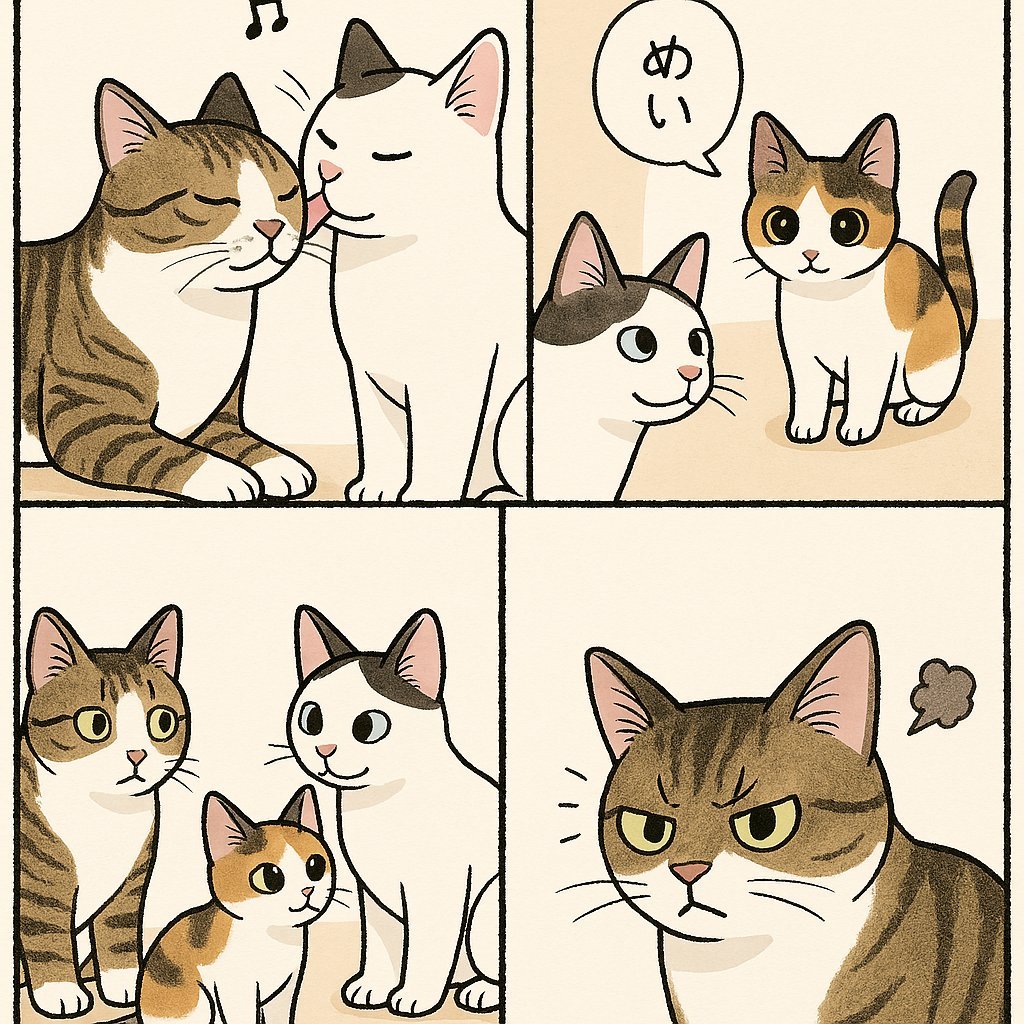
Cute Four-Panel Cat Jealousy Comic
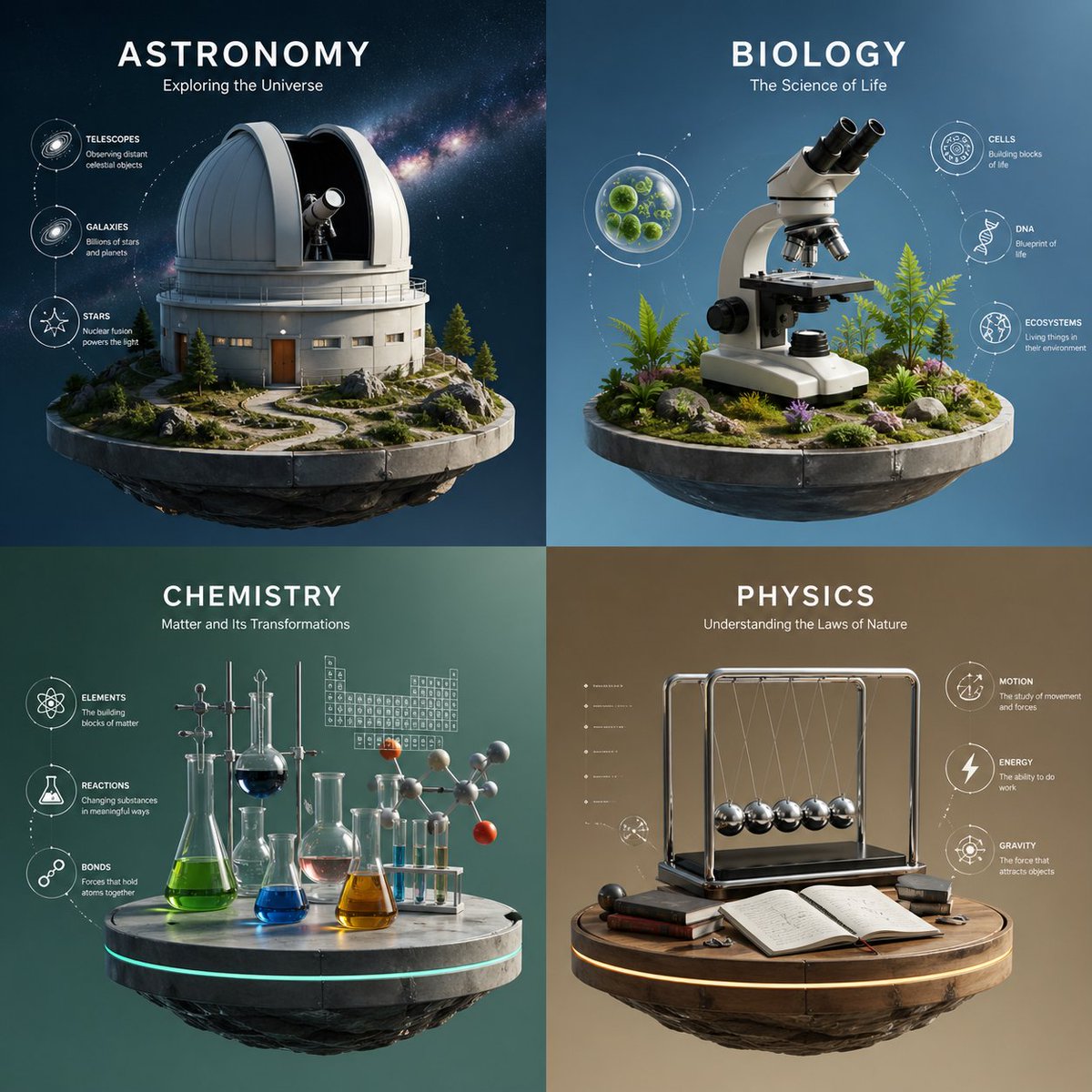
Four-Panel Science Concept Poster
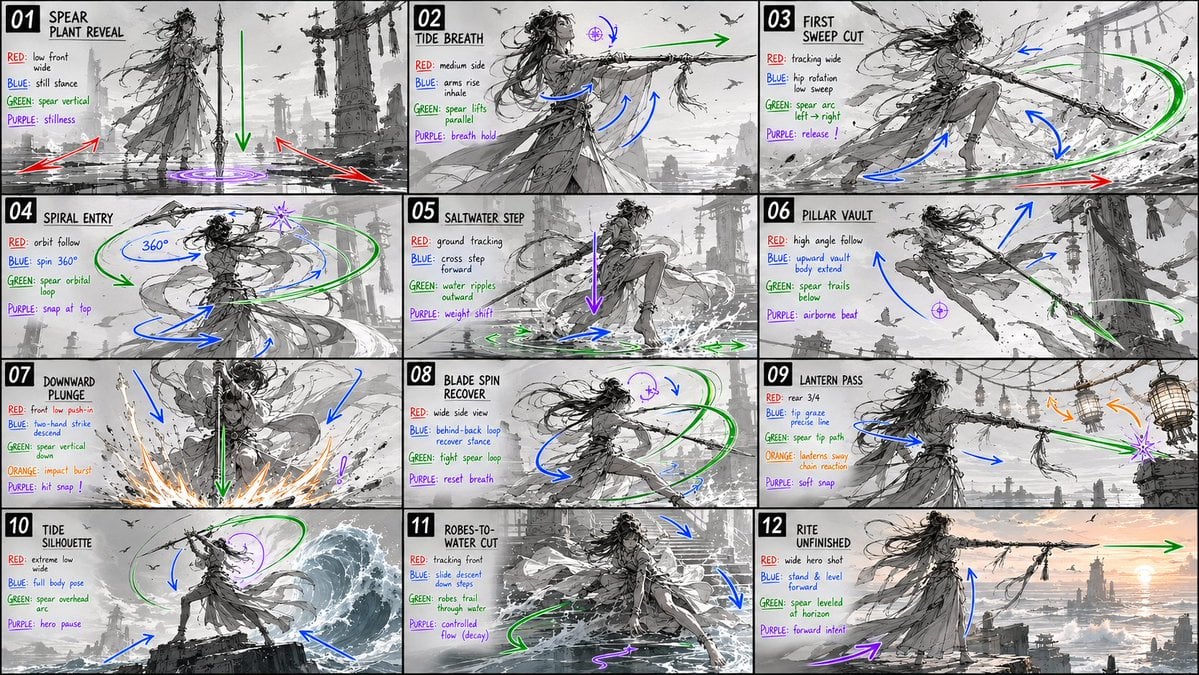
Panel Spear Sakuga Storyboard
Make it yours
Four-Panel Bank World Storyboard works as-is. These are the safest ways to change it without losing the look.
Change one field
Copy a single group, rewrite it, and generate again so you can see what that field is doing.
Keep the frame, change the subject
Hold the composition and light of Four-Panel Bank World Storyboard, then swap wardrobe, props or the person for a new take.
| If the result… | Why | Fix |
|---|---|---|
| The result drifts from the preview | Too many fields changed at once. | Reuse Four-Panel Bank World Storyboard as-is first, then change one group — subject, light, or setting. |
| The model over-stylizes the scene | The prose prompt leaves finish and camera underspecified. | Add one camera or lighting sentence and stay on GPT Image 2. |
More GPT Image 2 templates
Other prompts made for GPT Image 2.

Six VTuber Japanese Logo Sheet

Realistic Portrait of Woman and Deer

The Vista Modular Condo Poster

AI Model Routing Comparison Infographic

2.5D Anime Art Board

Isometric Productivity Desk Scene

New York Double Exposure Poster

Japanese Tatami Lifestyle Magazine Cover

NESCAFÉ Coffee Map Poster

Brutalist Cogito Chinese Typography Poster
More image prompts
Fresh picks from across the catalog.

Crimson Eyes Glasses Reflection Portrait
Cyberpunk Account Migration Streamer

Professional Male Editorial Fashion Portrait
2d to 3d Realistic Cgi Figurine Conversi

Dreamy Pastel Fantasy Pagoda
Cinematic portrait of woman in heavy rain at night
High-Fashion Fantasy Editorial with Floating Petals
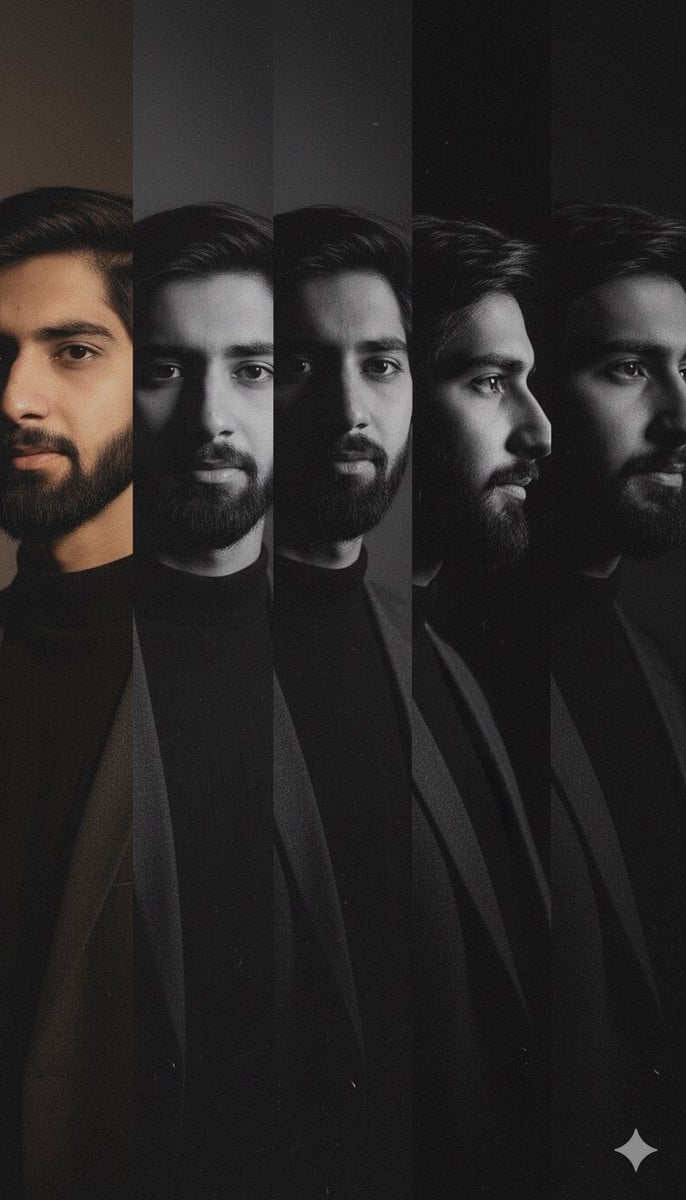
High-Contrast Noir Portrait Collage with Color Shifts

Mugshot AI Filter Trend Portrait Prompt
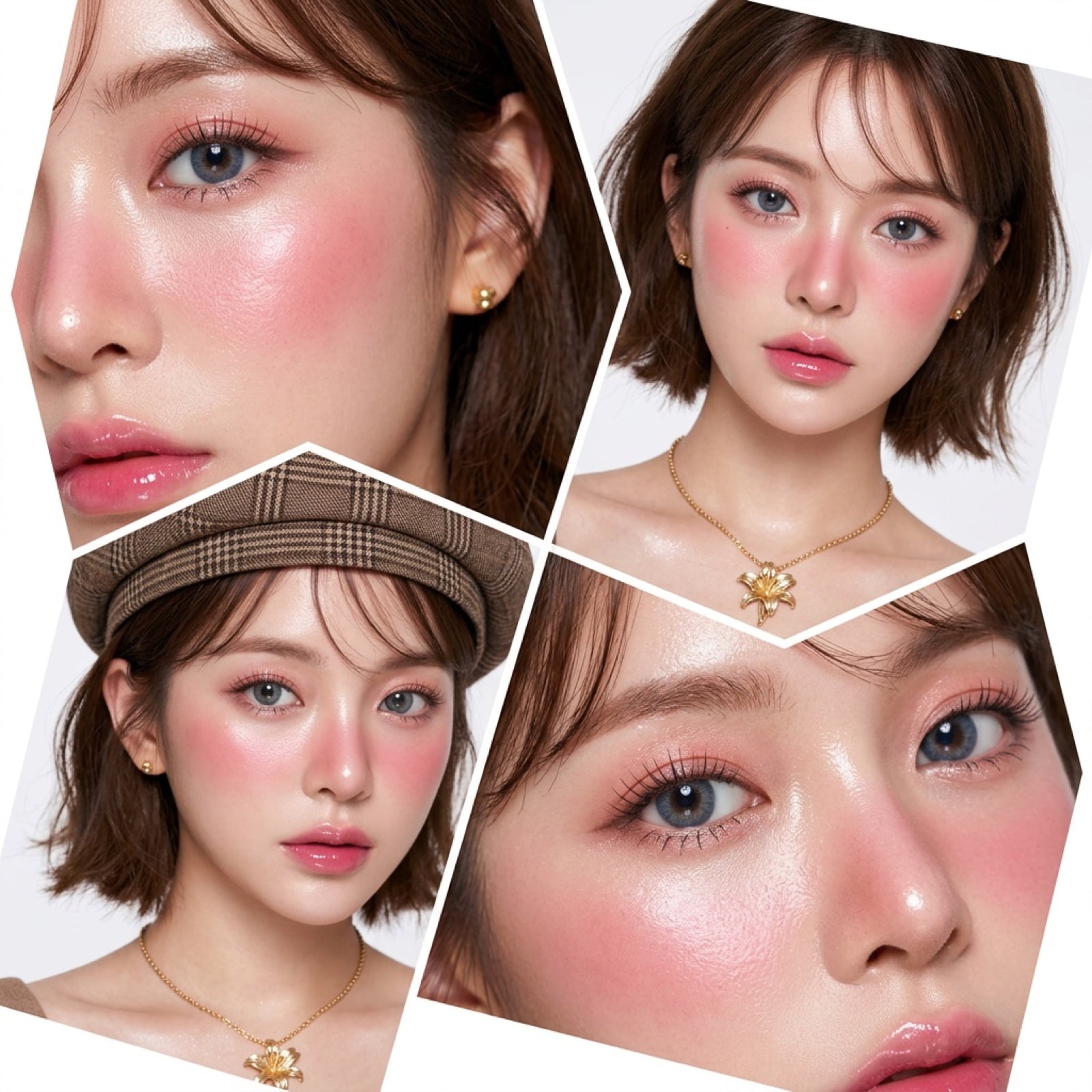
Panel Korean Beauty Editorial Collage Prompt (Glass Skin)
Browse template categories
Four-Panel Bank World Storyboard questions
How do I use the Four-Panel Bank World Storyboard template?
Add your photo if the template asks for one, edit the prompt if you like — the template's model and format are already selected — and press Generate. Your version opens in PicX Studio.
Can I customize the Four-Panel Bank World Storyboard template?
Yes. You can change the subject, setting, lighting, mood, format, and available model controls before creating your image.
Is the Four-Panel Bank World Storyboard template free?
Opening and editing this template is free. Generating uses credits, shown on the Generate button when you are signed in.
Which AI model should I use?
Start with GPT Image 2, which is the model associated with this template. You can compare another compatible model for a different finish.
Looking for something else? Browse all templates.

Your photo, any look
Thousands of ready templates for every top image and video model, from one credit balance.