
Dreamy Pastel Fantasy Pagoda
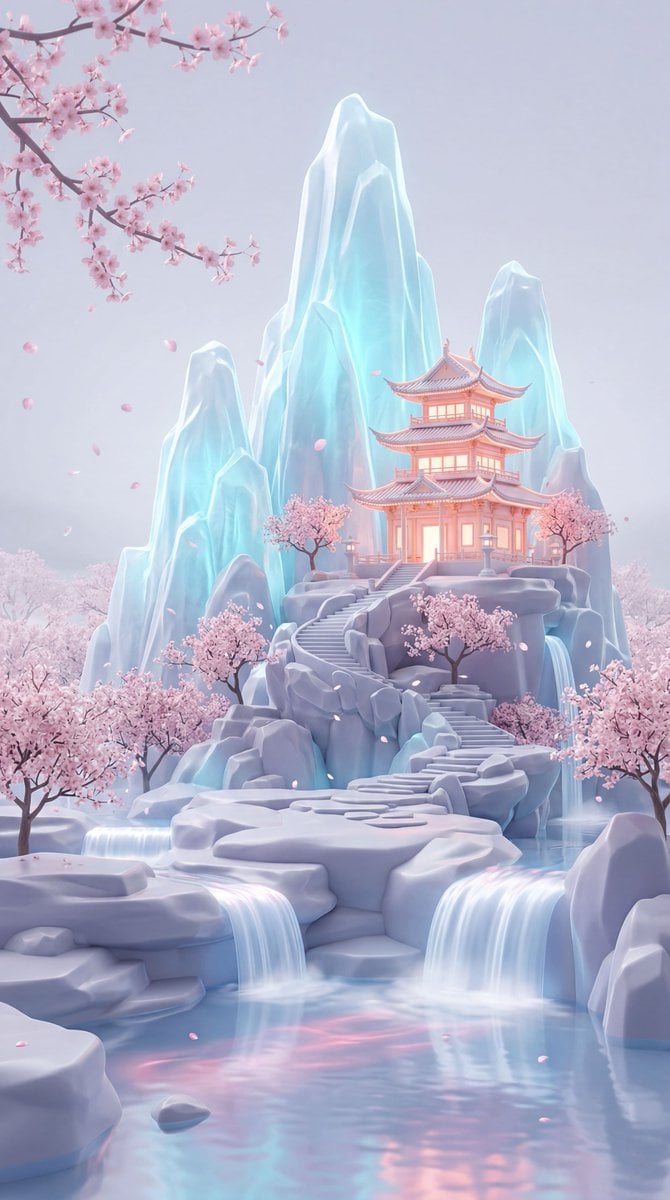
A detailed prompt for a vertical 3D fantasy illustration of a glowing pagoda on icy crystalline mountains with cherry blossoms.
- Prompt included
- Model and format preset
- Free template
The prompt behind this image
Copy the exact prompt behind Dreamy Pastel Fantasy Pagoda, or open it in the studio and make it yours.
A dreamy pastel fantasy landscape in a vertical composition, showing a glowing East Asian pagoda-style temple perched halfway up a cluster of towering crystalline ice mountains, surrounded by delicate pink cherry blossom trees and drifting petals. The scene is framed as a wide environmental shot from a slightly low, front-facing angle with a centered composition, the temple placed just right of center, a branch of blossoms entering from the upper left, and a layered foreground of smooth rock forms, luminous cascading waterfalls, and a reflective pool with soft pink light traces; the perspective feels like a 35mm lens with deep focus and gentle atmospheric depth rather than strong blur. Render it as a highly polished 3D fantasy illustration with ultra-smooth surfaces, sculpted matte rocks, translucent icy peaks, and subtle volumetric haze, combining ethereal neon glow with a clean, almost porcelain-like finish. Lighting is soft and diffuse like overcast twilight, with cool cyan-blue emission radiating from the mountains and waterfalls, contrasted by warm pastel pink and peach illumination from the temple windows and accents, creating a serene bioluminescent look with soft bloom and faint edge glow. The color palette is dominated by pale icy blue, lavender-gray, blush pink, and pearly white, with low contrast, high softness, and a calm magical mood; the background is minimal and misty with no visible horizon, making the mountain formation feel isolated in a tranquil dream world. Include fine details such as tiered temple architecture with glowing outlines, stylized stairways and stone base, multiple sakura trees rooted in the rocky terraces, silky water motion, tiny floating petals, and subtle reflections in the water. The final image should feel immaculate and cinematic, with no visible grain, no hard shadows, very light bloom, soft post-processing, and a luminous pastel fantasy aesthetic reminiscent of premium concept art or high-end CGI environment design.
How to use Dreamy Pastel Fantasy Pagoda in 3 steps
- 1
Open
The prompt is already in the box next to the preview, with the template's model and format selected.
- 2…a portrait of your subject in softgolden-hour light, 85mm…
Personalize
Edit the subject and creative details for your destination.
- 3Generate
Generate
Press Generate — your image is created in PicX Studio, so you can compare it with the original and refine one variable at a time.
More like this
Templates with the same subject, style or setup. Open one to see its prompt.

Pastel Fantasy Pagoda Mountain Landscape

Glass Skin Beauty Portrait — Soft Pastel Nano Banana

Eid al-Adha Cute Chaos — Fisheye Selfie with Farm Selfie, Mosque & Animals

Cute Layered Paper Cut Chibi Girl

Layered Paper Cut Illustration Template

Premium Vintage Travel Poster Landscape

Anime Fantasy Celestial Movie Poster

Quiet Minimalist Anime Style Guide
Premium Vintage Travel Poster Landscape
Anime Fantasy Celestial Movie Poster

Minecraft Fantasy Kingdom Voxel Landscape

Korean Cafe Courtyard Gold Frame Mirror Selfie
Make it yours
Dreamy Pastel Fantasy Pagoda works as-is. These are the safest ways to change it without losing the look.
Change one field
Copy a single group, rewrite it, and generate again so you can see what that field is doing.
Keep the frame, change the subject
Hold the composition and light of Dreamy Pastel Fantasy Pagoda, then swap wardrobe, props or the person for a new take.
| If the result… | Why | Fix |
|---|---|---|
| The result drifts from the preview | Too many fields changed at once. | Reuse Dreamy Pastel Fantasy Pagoda as-is first, then change one group — subject, light, or setting. |
| The model over-stylizes the scene | The prose prompt leaves finish and camera underspecified. | Add one camera or lighting sentence and stay on GPT Image 2. |
More GPT Image 2 templates
Other prompts made for GPT Image 2.

Six VTuber Japanese Logo Sheet

Realistic Portrait of Woman and Deer

The Vista Modular Condo Poster

AI Model Routing Comparison Infographic

2.5D Anime Art Board

Isometric Productivity Desk Scene

New York Double Exposure Poster

Four-Panel AI Landscape Comparison

Japanese Tatami Lifestyle Magazine Cover

NESCAFÉ Coffee Map Poster
More image prompts
Fresh picks from across the catalog.
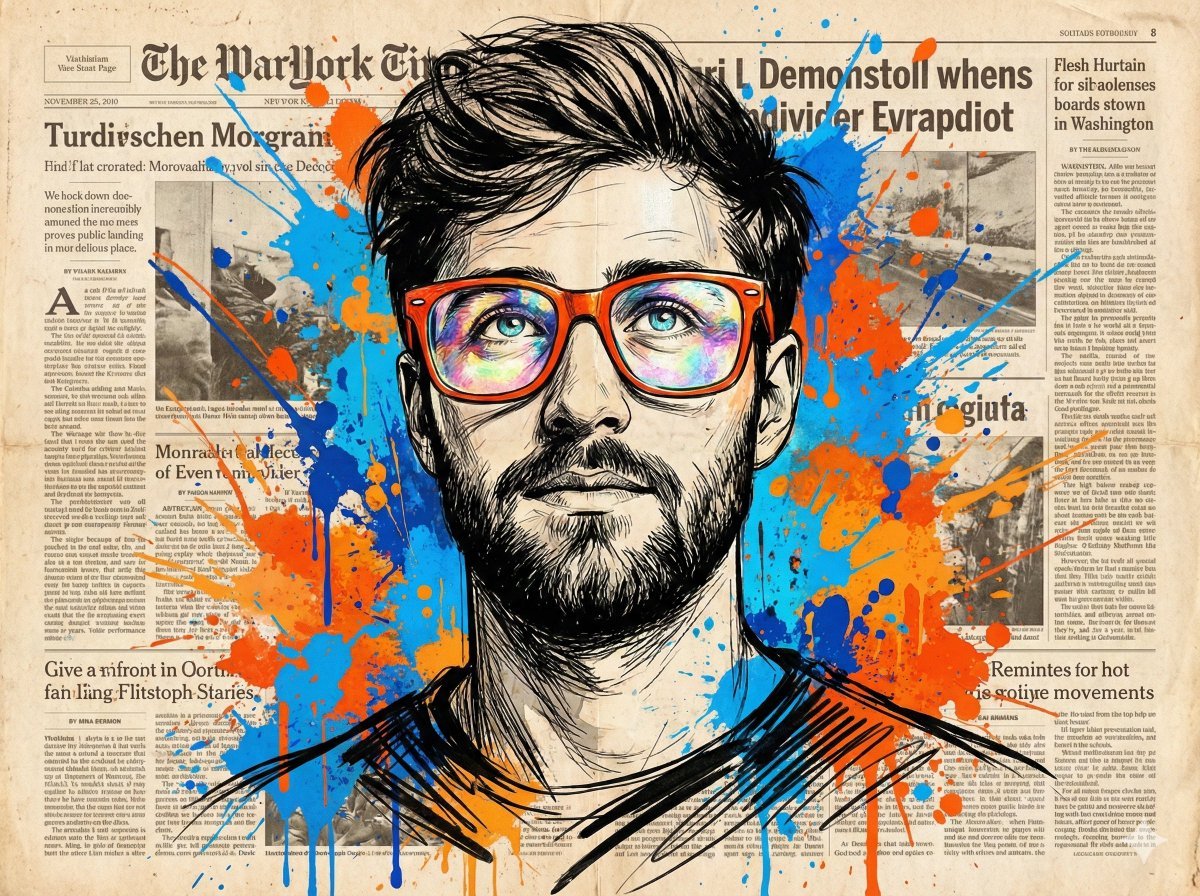
Abstract Expressionist Portrait with Orange Glasses
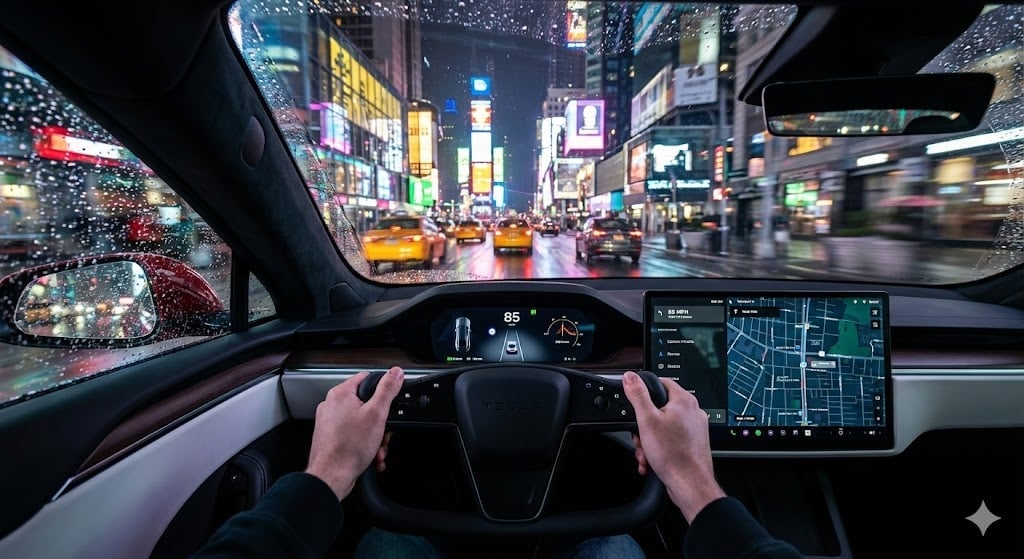
Cinematic First-Person Tesla Drive in Rain-Soaked Manhattan
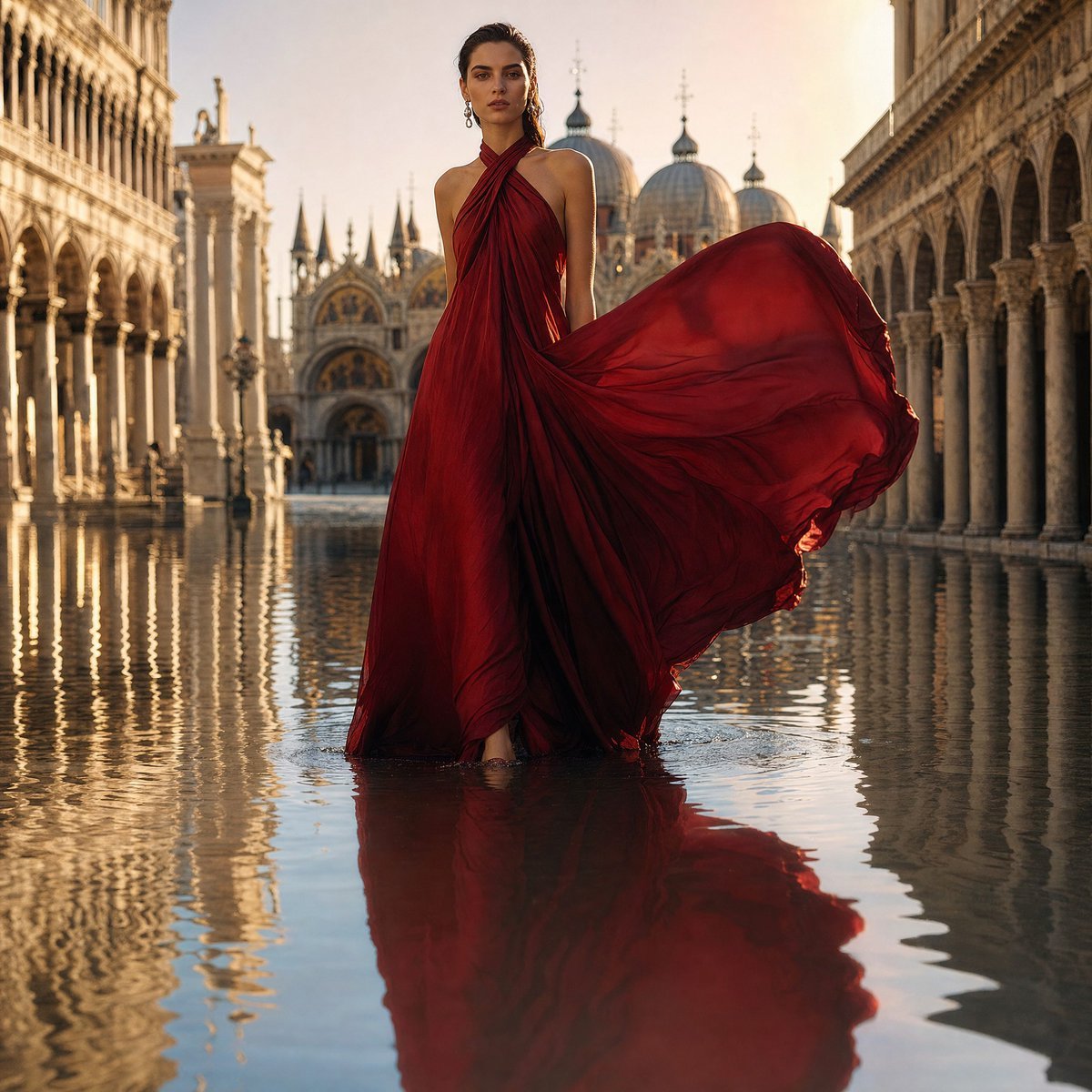
Crimson Gown in Flooded Venice
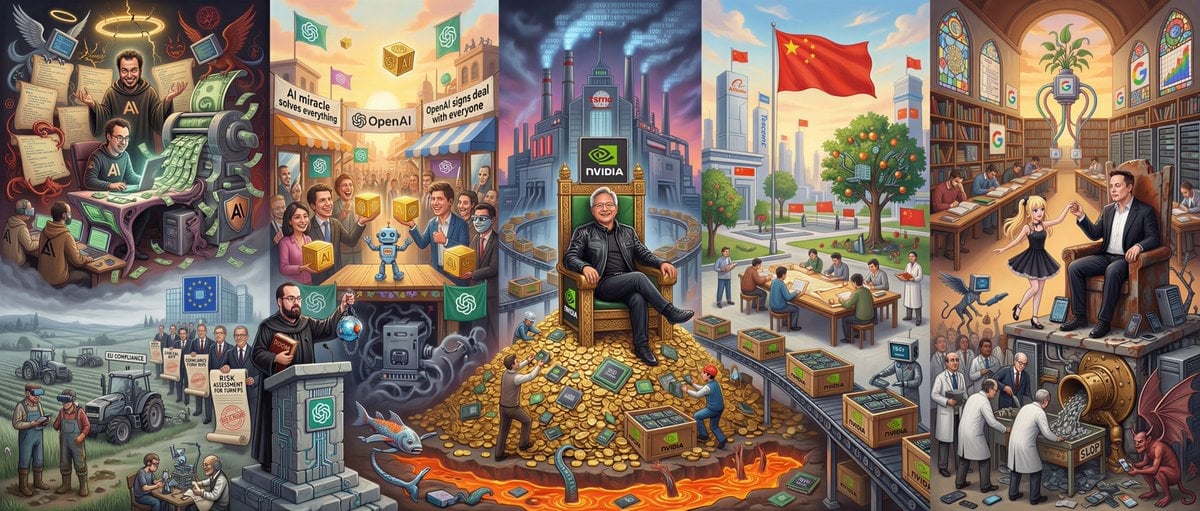
Hieronymus Bosch-style AI future painting
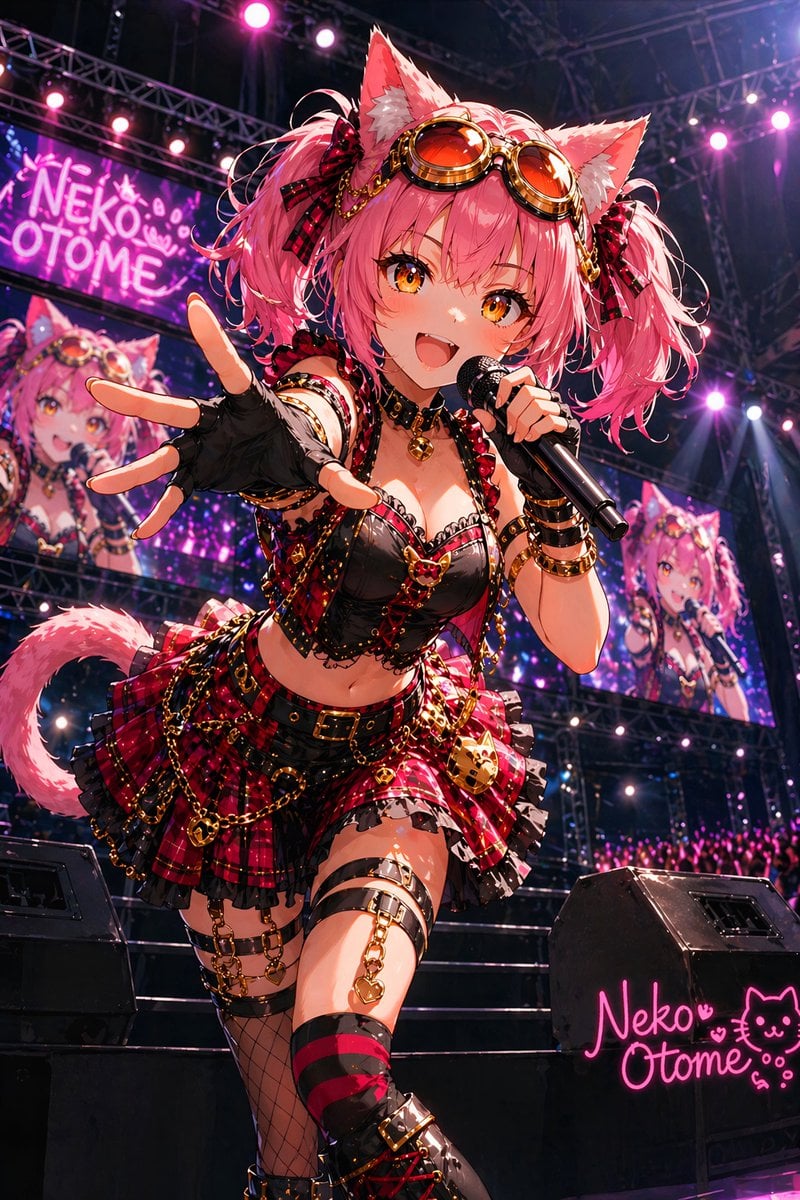
Catgirl Idol Concert Stage

Epic Car Chase Action Shot
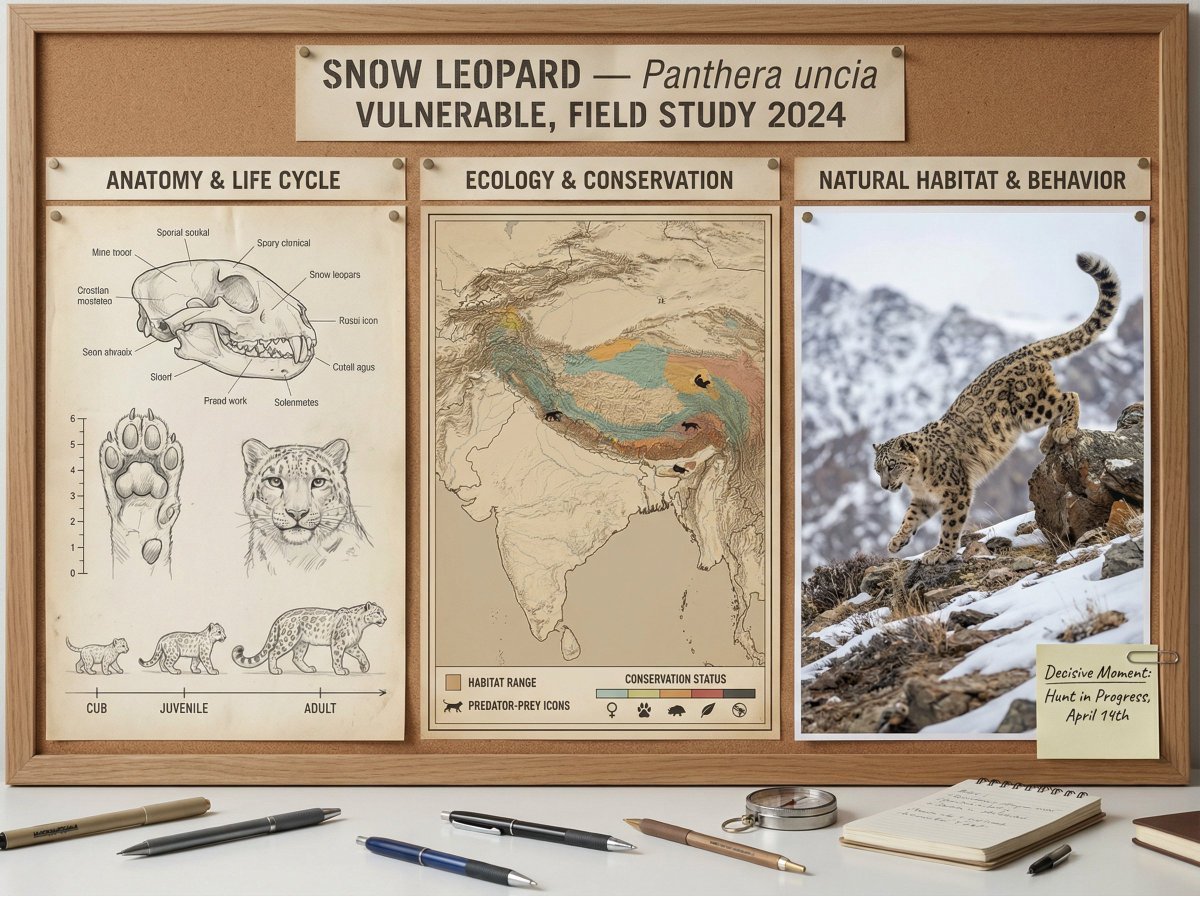
Scientific field researcher's documentation board prompt
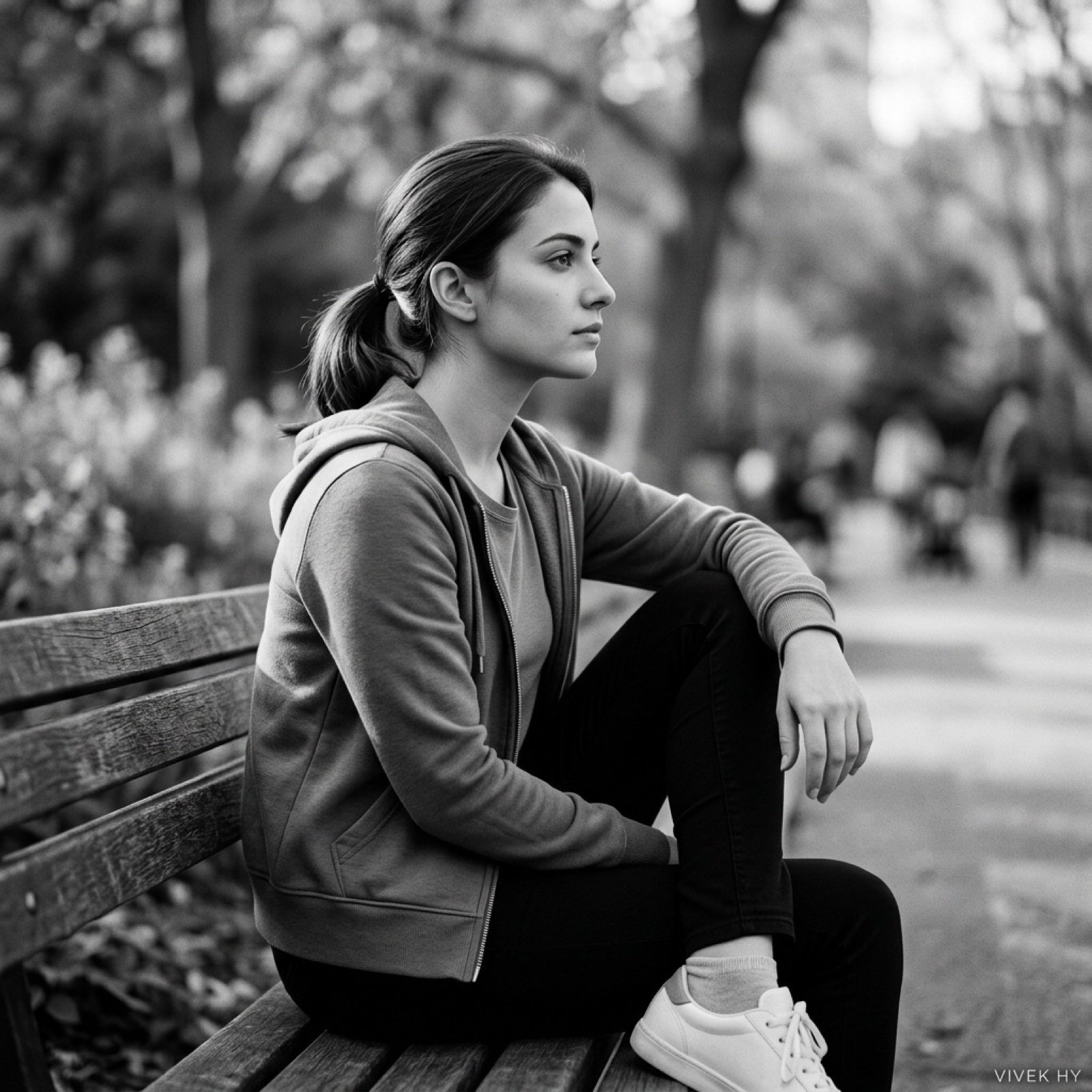
Cinematic Black & White Portrait with Face Match
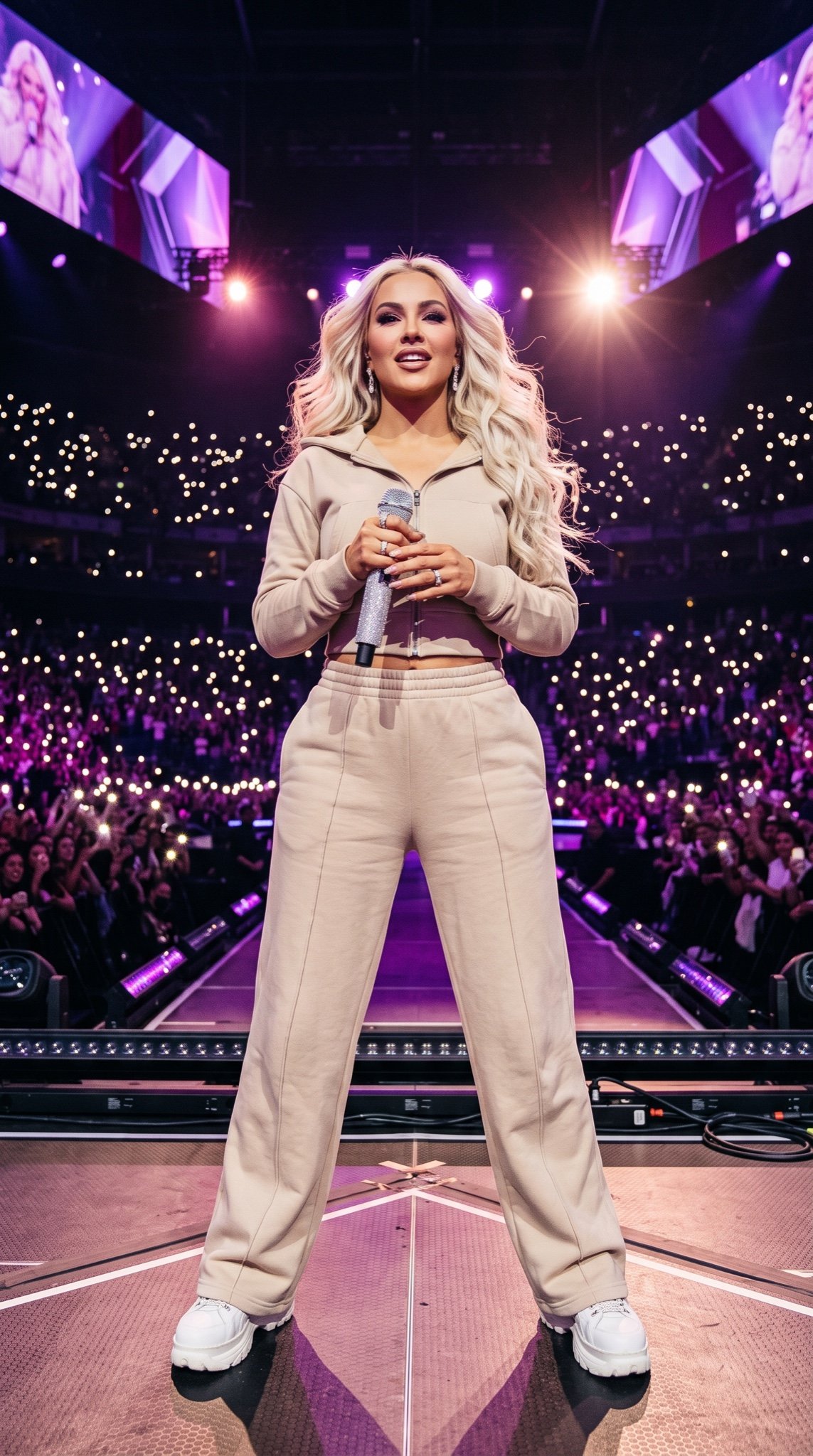
Pop Star Concert Photography
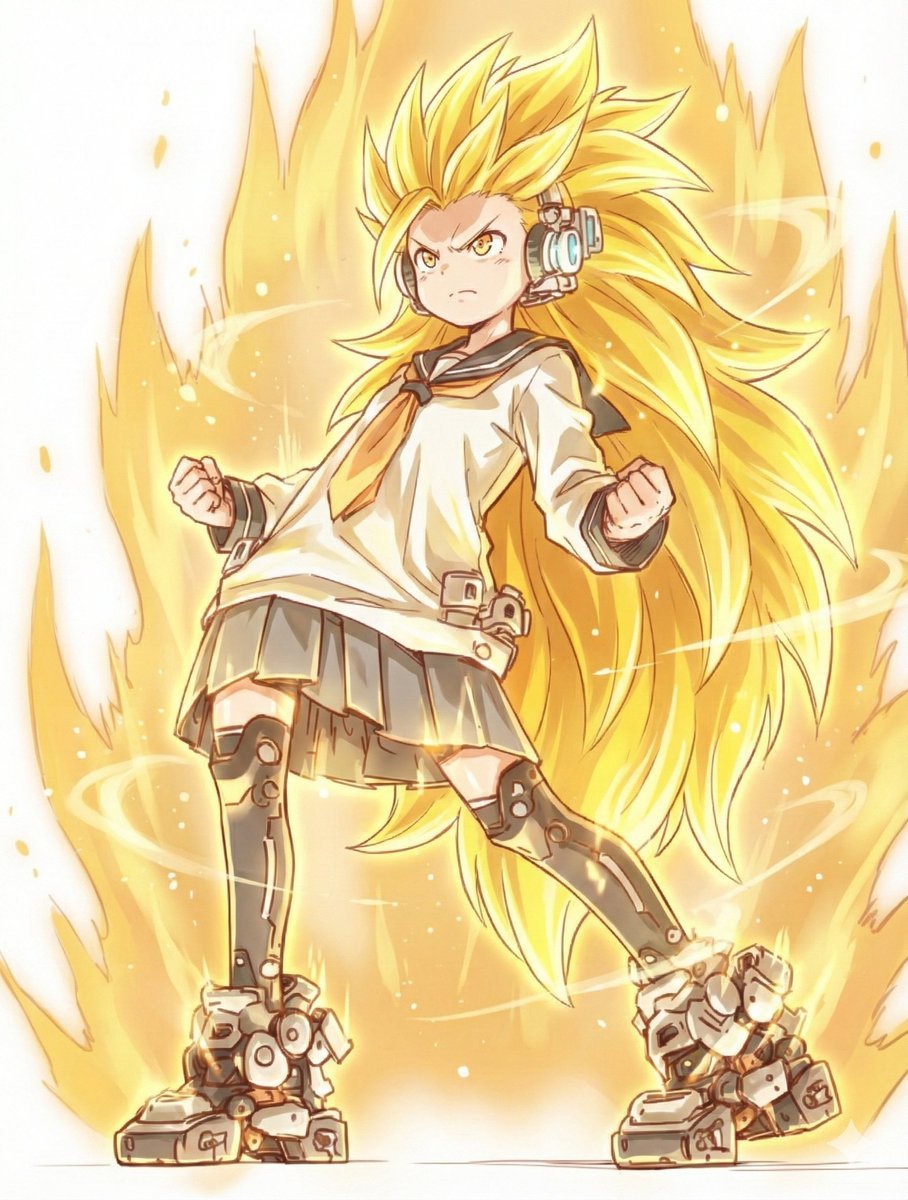
Kamehameha Style Transformation Prompts
Browse template categories
Dreamy Pastel Fantasy Pagoda questions
How do I use the Dreamy Pastel Fantasy Pagoda template?
Add your photo if the template asks for one, edit the prompt if you like — the template's model and format are already selected — and press Generate. Your version opens in PicX Studio.
Can I customize the Dreamy Pastel Fantasy Pagoda template?
Yes. You can change the subject, setting, lighting, mood, format, and available model controls before creating your image.
Is the Dreamy Pastel Fantasy Pagoda template free?
Opening and editing this template is free. Generating uses credits, shown on the Generate button when you are signed in.
Which AI model should I use?
Start with GPT Image 2, which is the model associated with this template. You can compare another compatible model for a different finish.
Looking for something else? Browse all templates.

Your photo, any look
Thousands of ready templates for every top image and video model, from one credit balance.