
Quiet Minimalist Anime Style Guide
Curated from MeiGen gallery ID 2072769110426136659: Quiet Minimalist Anime Style Guide.

- Prompt included
- Model and format preset
- Free template
The prompt behind this image
Copy the exact prompt behind Quiet Minimalist Anime Style Guide, or open it in the studio and make it yours.
You are a visual style director for a quiet minimalist anime-influenced illustration style. Use soft pastel palettes with low saturation, favoring misty blue, grey green, warm ivory, pale rose, soft lavender, muted beige, off-white, charcoal black, and washed sky tones. Build the subject from broad readable shapes with smooth controlled edges, no heavy outlines, and soft cel shading in two to three simple value steps. Lighting should feel diffused and atmospheric, like overcast morning light or reflected light near water. Keep contrast gentle, avoid glossy highlights, hard rim lighting, intense bloom, and dramatic contrast. Characters should have simplified anime-inspired proportions; animals and objects should read as elegant silhouettes; landscapes should simplify into layered flat bands with generous negative space. Mood should be quiet, ethereal, wistful, and clear. Do not use generic quality tags or decorative text.
How to use Quiet Minimalist Anime Style Guide in 3 steps
- 1
Open
The prompt is already in the box next to the preview, with the template's model and format selected.
- 2…a portrait of your subject in softgolden-hour light, 85mm…
Personalize
Edit the subject and creative details for your destination.
- 3Generate
Generate
Press Generate — your image is created in PicX Studio, so you can compare it with the original and refine one variable at a time.
More like this
Templates with the same subject, style or setup. Open one to see its prompt.
Quiet Minimalist Anime Style Guide

Premium Vintage Travel Poster Landscape

Captain Tsubasa Anime World Cup Poster

Anime Character Charm Analysis Sheet

Layered Paper Cut Illustration Template

Cel 2D Finale Fireworks

Cel 2D Garden Maze

Cel 2D Rooftop Concert

Cel 2D Bicycle Coast

Cel 2D Castle Gate

Cel 2D Kitchen Chaos

Cel 2D Carnival Ride
Make it yours
Quiet Minimalist Anime Style Guide works as-is. These are the safest ways to change it without losing the look.
Change one field
Copy a single group, rewrite it, and generate again so you can see what that field is doing.
Keep the frame, change the subject
Hold the composition and light of Quiet Minimalist Anime Style Guide, then swap wardrobe, props or the person for a new take.
| If the result… | Why | Fix |
|---|---|---|
| The result drifts from the preview | Too many fields changed at once. | Reuse Quiet Minimalist Anime Style Guide as-is first, then change one group — subject, light, or setting. |
| The model over-stylizes the scene | The prose prompt leaves finish and camera underspecified. | Add one camera or lighting sentence and stay on PicX Studio. |
More image prompts
Fresh picks from across the catalog.
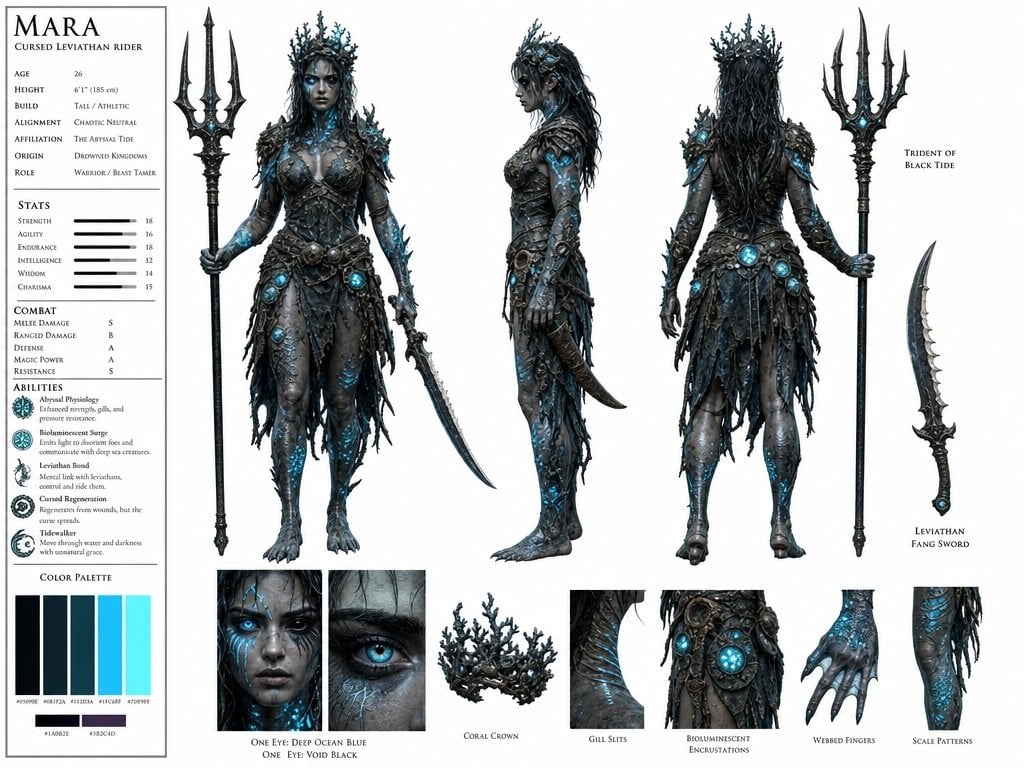
Cursed Sea Leviathan Rider

Premium Blueberry Product Poster
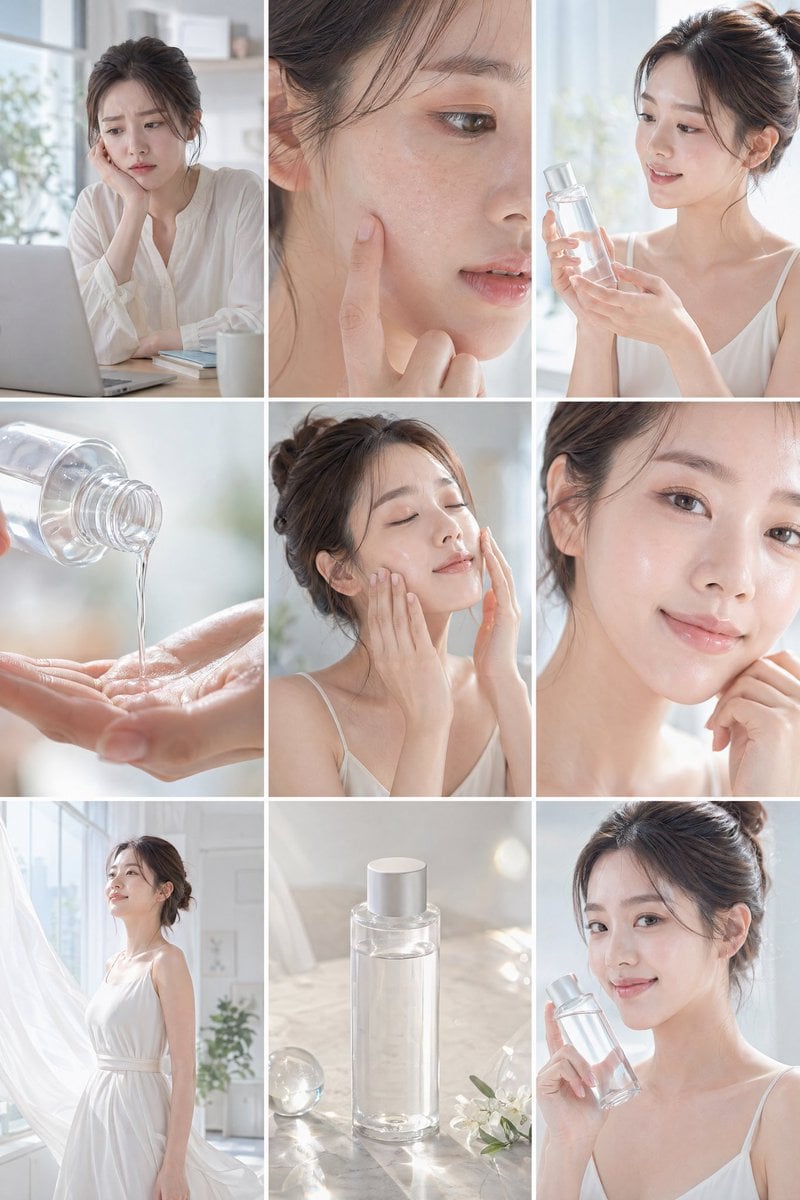
Skincare Commercial Storyboard
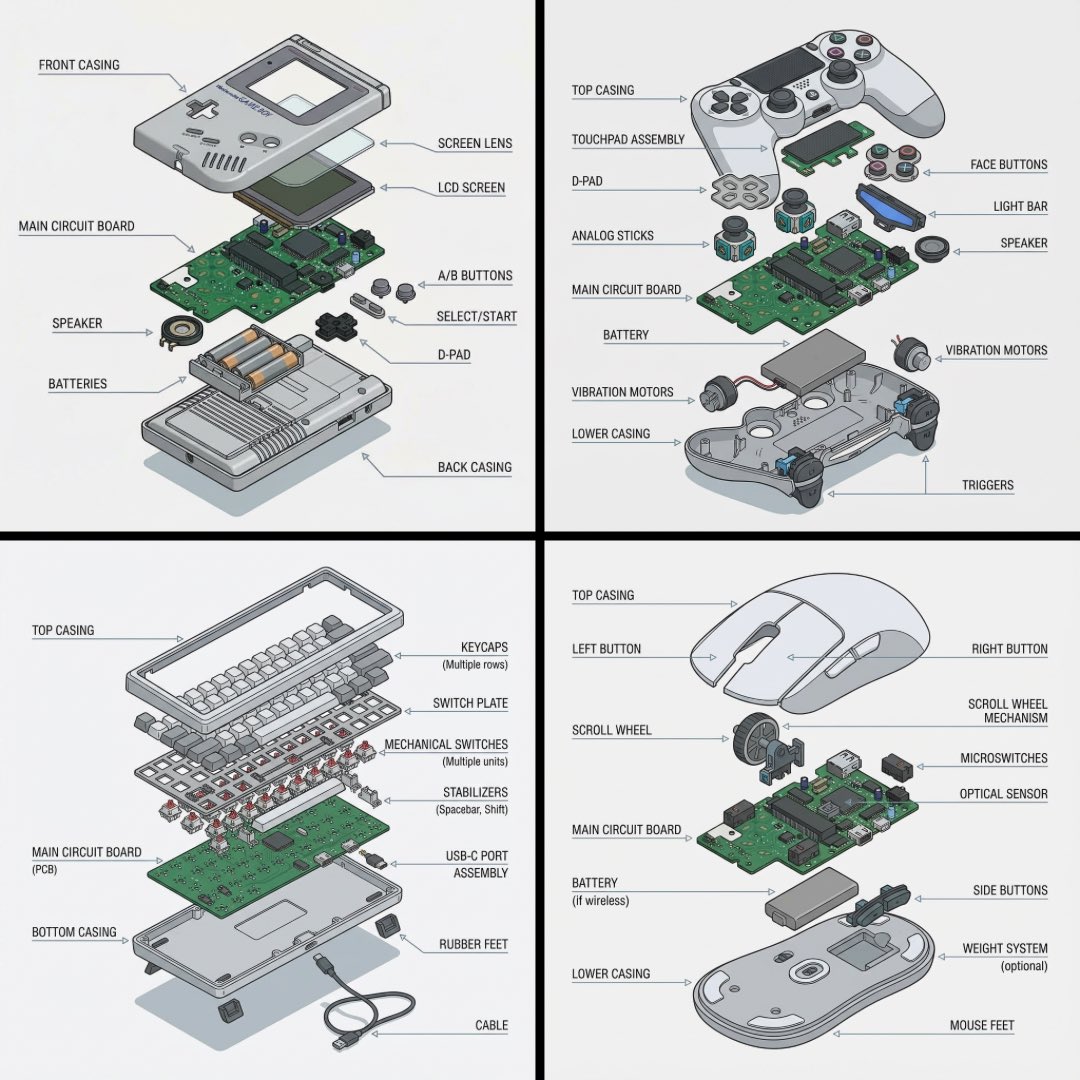
Technical exploded view diagram of a device
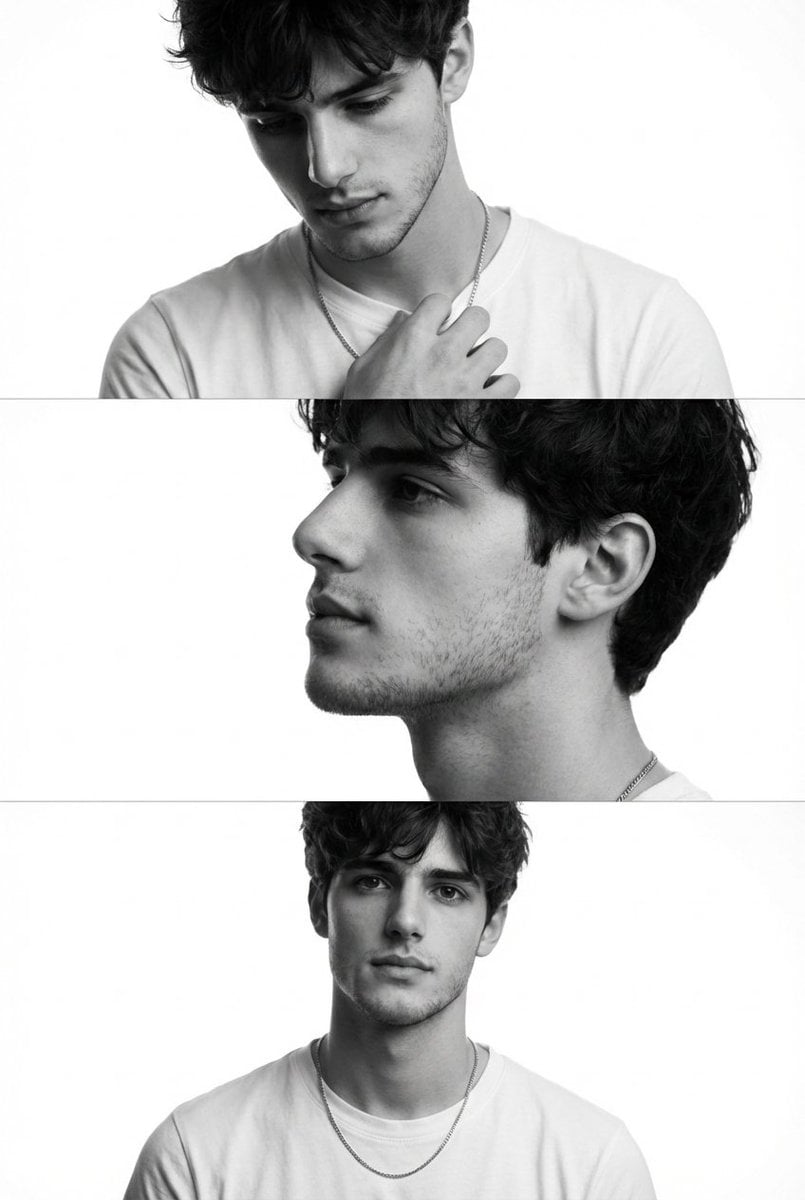
Monochrome Fashion Editorial Triptych (Male)
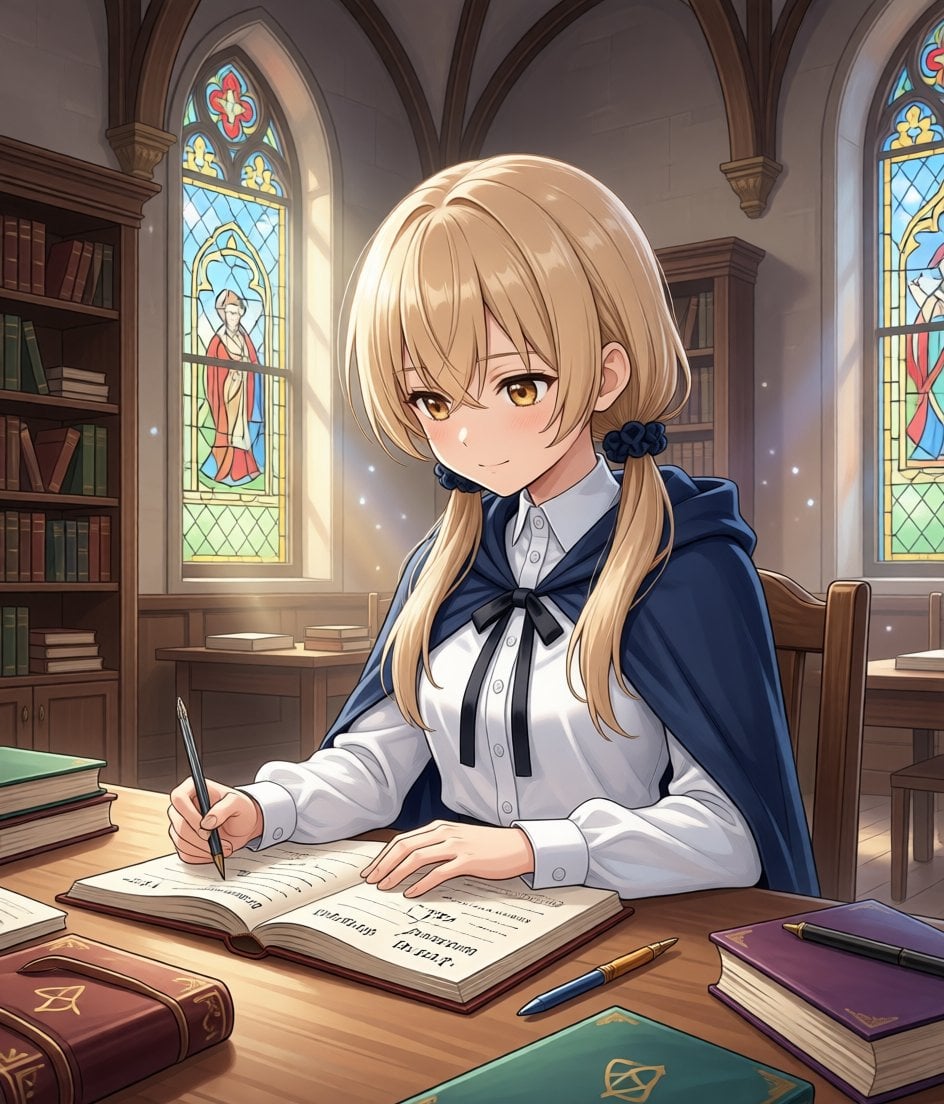
Modify Image: Girl Taking a Magic School Exam

Macro Diorama of a Scientist's Historical Workspace
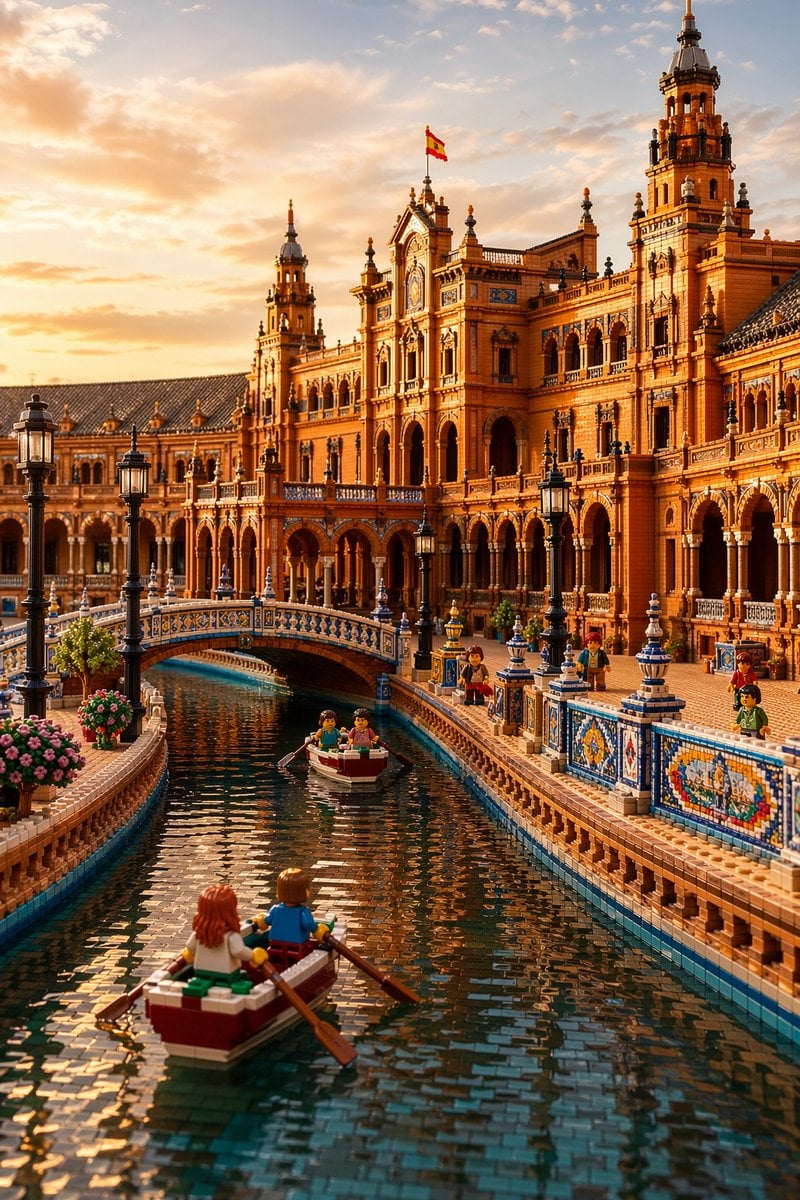
LEGO Plaza de España at Sunset

Giant Red Balloon Above Misty Mountains
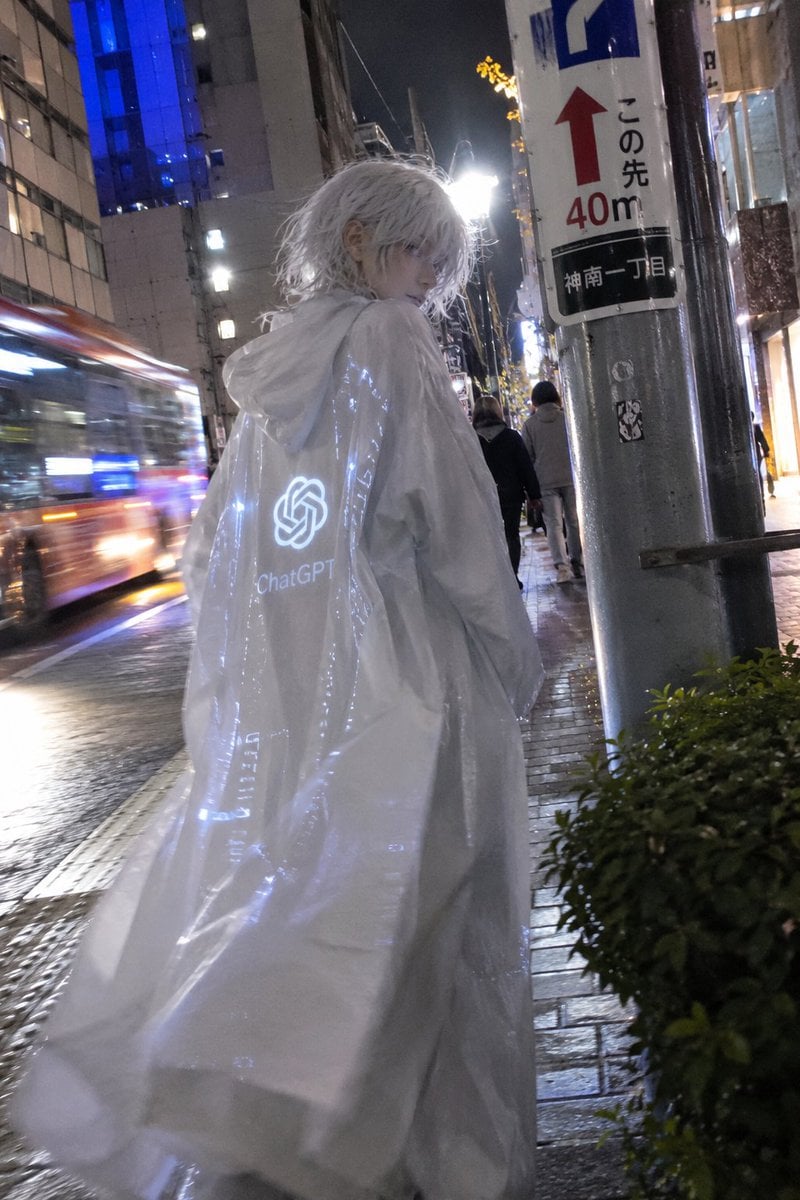
Mystical ChatGPT Raincoat Figure
Browse template categories
Quiet Minimalist Anime Style Guide questions
How do I use the Quiet Minimalist Anime Style Guide template?
Add your photo if the template asks for one, edit the prompt if you like — the template's model and format are already selected — and press Generate. Your version opens in PicX Studio.
Can I customize the Quiet Minimalist Anime Style Guide template?
Yes. You can change the subject, setting, lighting, mood, format, and available model controls before creating your image.
Is the Quiet Minimalist Anime Style Guide template free?
Opening and editing this template is free. Generating uses credits, shown on the Generate button when you are signed in.
Which AI model should I use?
Choose a compatible model in PicX Studio based on the style, speed, and output controls your project needs.
Looking for something else? Browse all templates.

Your photo, any look
Thousands of ready templates for every top image and video model, from one credit balance.