
Macro Diorama of a Scientist's Historical Workspace
A highly detailed, photorealistic macro prompt designed to create a diorama of a historical scientist's messy laboratory bench.
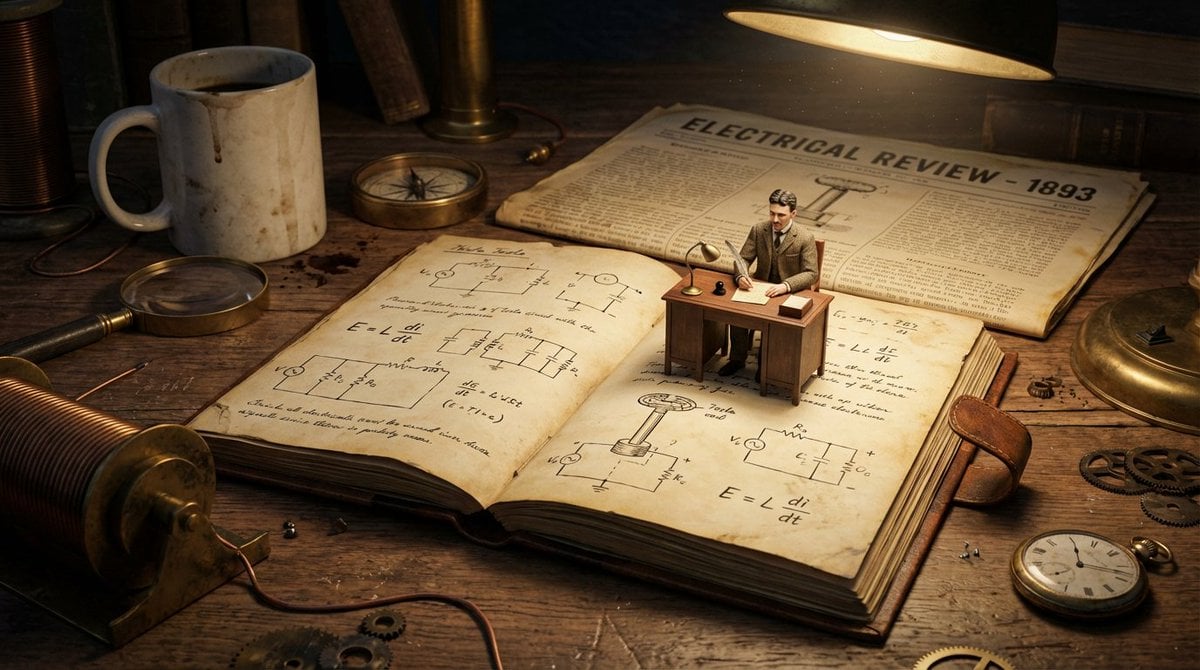
- Prompt included
- Model and format preset
- Free template
The prompt behind this image
Copy the exact prompt behind Macro Diorama of a Scientist's Historical Workspace, or open it in the studio and make it yours.
do this for {argument name="scientist" default="Nikola Tesla"} <instructions> Analyze: Determine the scientist responsible, the specific era, and the visual diagrams associated with the theory. Goal: A Macro Diorama on a Laboratory Bench. A messy, highly detailed flat-lay of a historical workspace that serves as a giant landscape for a living miniature version of the scientist. Centerpiece: An open, antique notebook lying flat. The pages must be visible and filled with specific handwritten equations and diagrams relevant to the Input Theory. Sitting directly on top of these open pages is a tiny, hyper-realistic figurine of the scientist sitting at a proportionally tiny wooden desk, working on the very notes beneath him. Surroundings: The environment is cluttered with giant-scale period-accurate objects that relate to the scientist's work. This includes a newspaper from the era acting as a backdrop, a giant coffee mug leaving stains, and massive scientific tools relevant to the theory (such as compasses, lenses, or pocket watches) scattered like terrain. Perspective: Slightly angled 45-degree macro shot looking down at the notebook. Texture: Wood grain, scratched metal, paper texture, dust particles. Lighting: Warm, late-night library lamp lighting creating a spotlight on the tiny scientist and deep shadows behind the giant props. Output: one image, 4:5 aspect ratio, photorealistic historical macro photography. </instructions>
How to use Macro Diorama of a Scientist's Historical Workspace in 3 steps
- 1
Open
The prompt is already in the box next to the preview, with the template's model and format selected.
- 2…a portrait of your subject in softgolden-hour light, 85mm…
Personalize
Edit the subject and creative details for your destination.
- 3Generate
Generate
Press Generate — your image is created in PicX Studio, so you can compare it with the original and refine one variable at a time.
More like this
Templates with the same subject, style or setup. Open one to see its prompt.
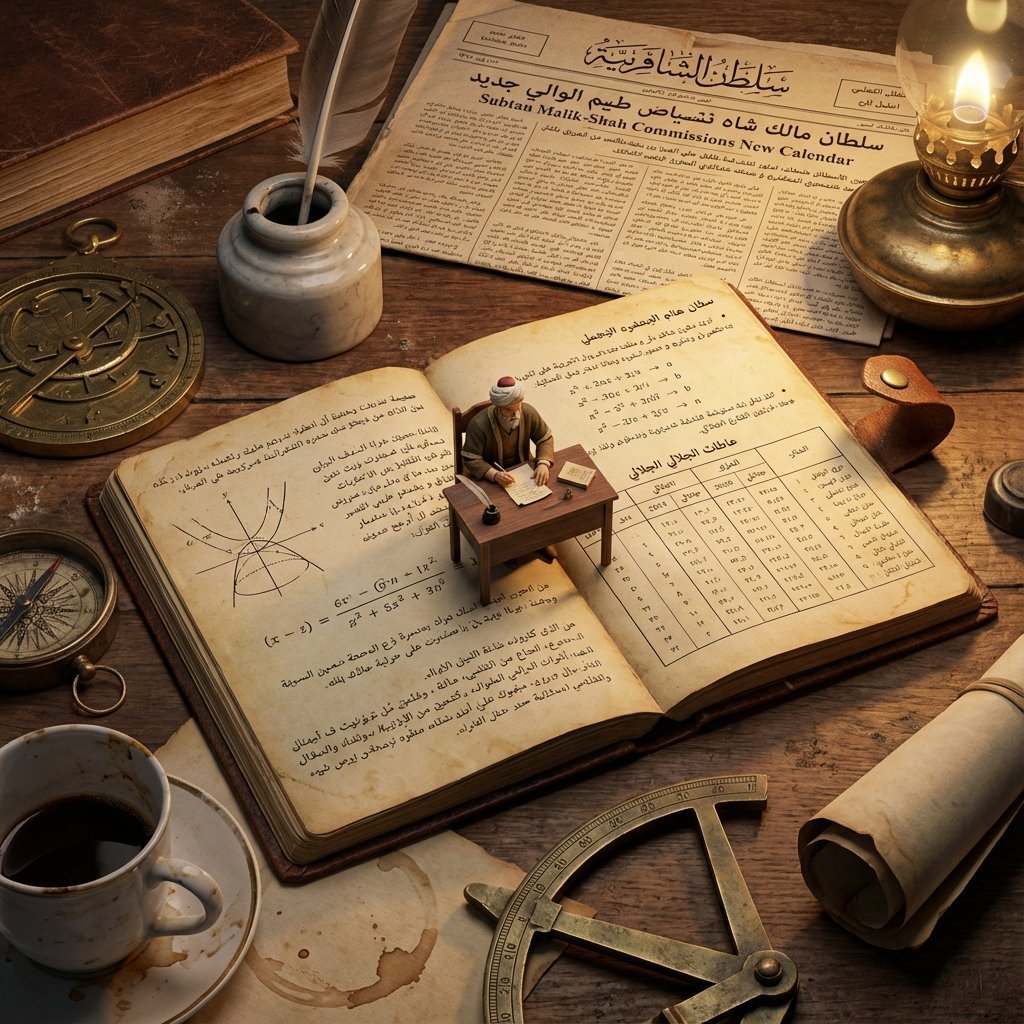
Macro Diorama of a Historical Scientist's Workspace
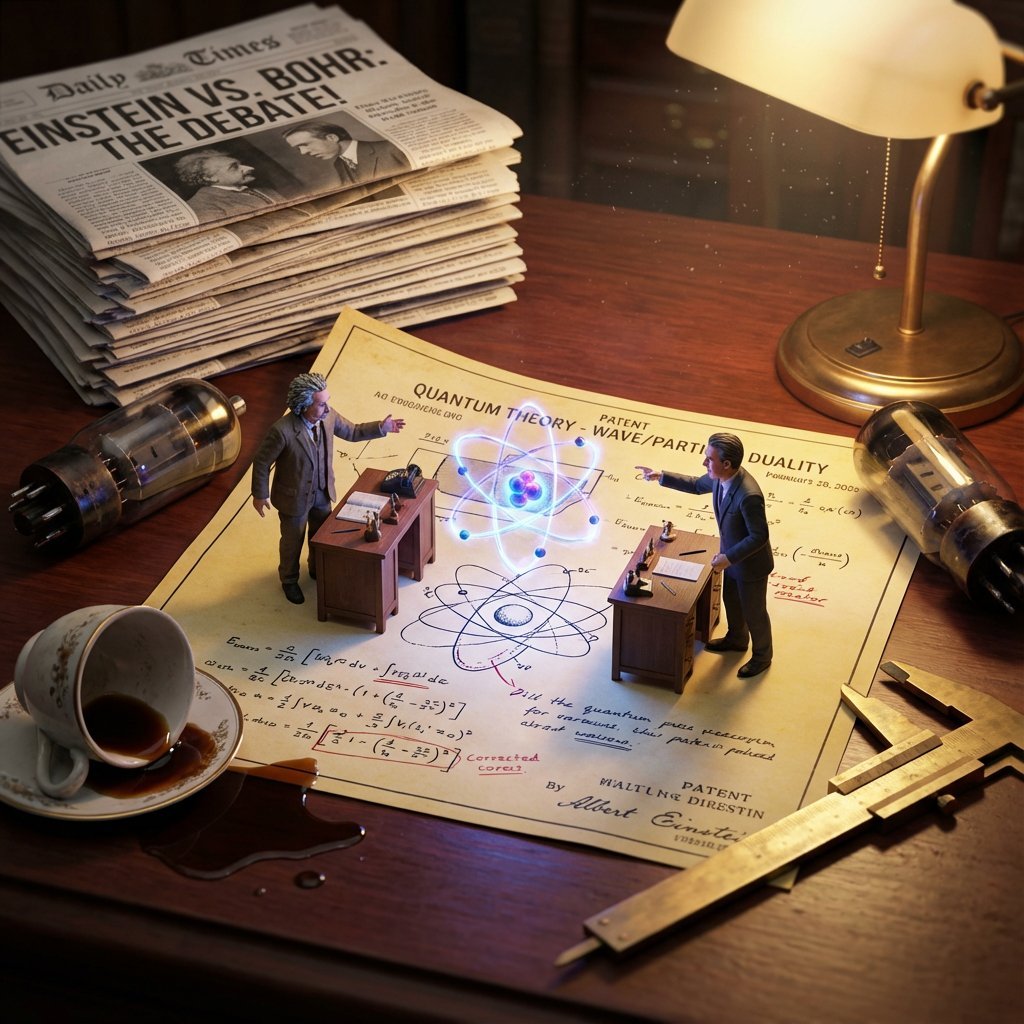
Historical Scientist Rivalry Macro Diorama Prompt

Layered Paper Cut Forest Diorama

Soft Handcrafted Paper-Cut Layered Illustration
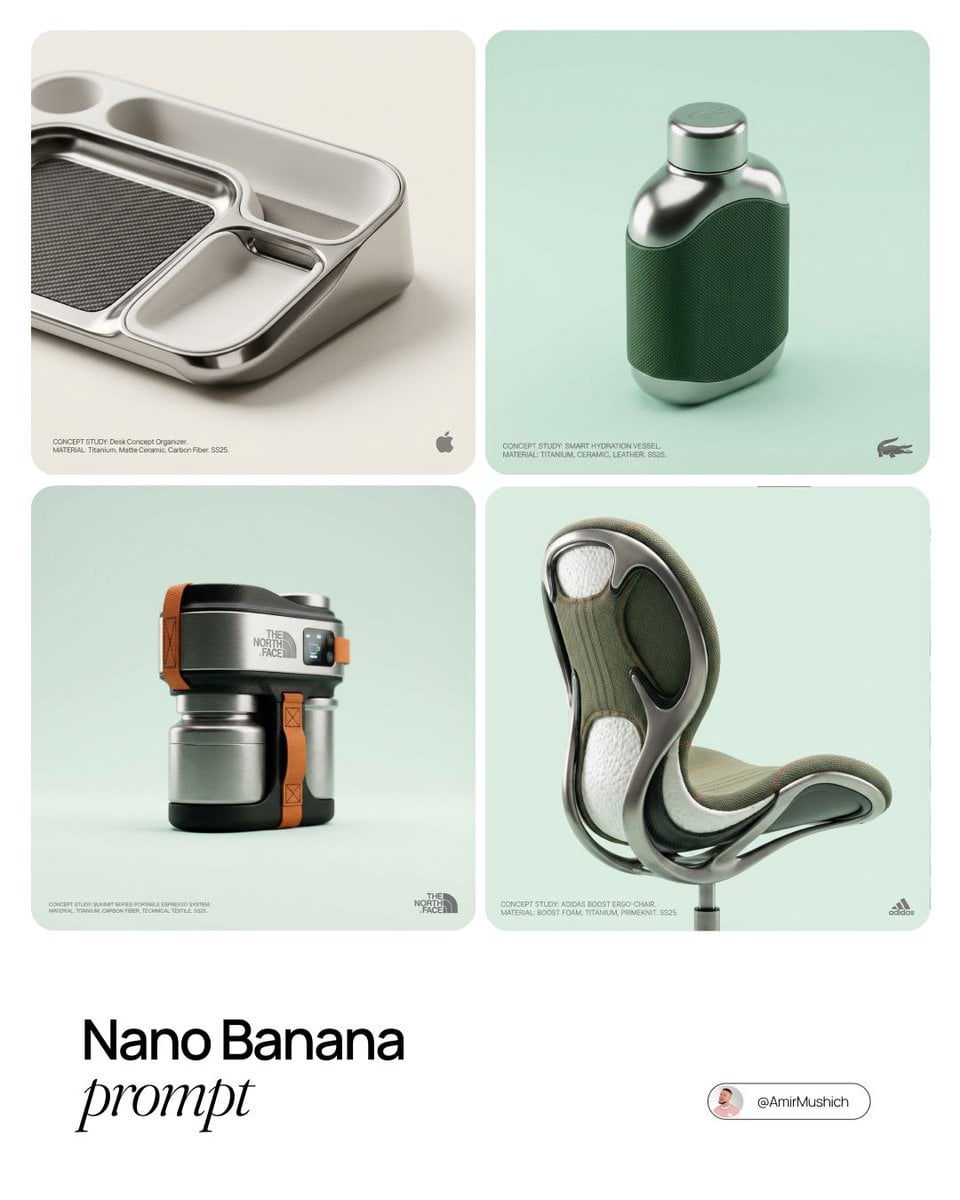
Editorial Concept Study Product Design

Isometric Process Educational Diorama

Isometric Brand Store Diorama

FIFA World Cup — Brazil National Pass Diorama
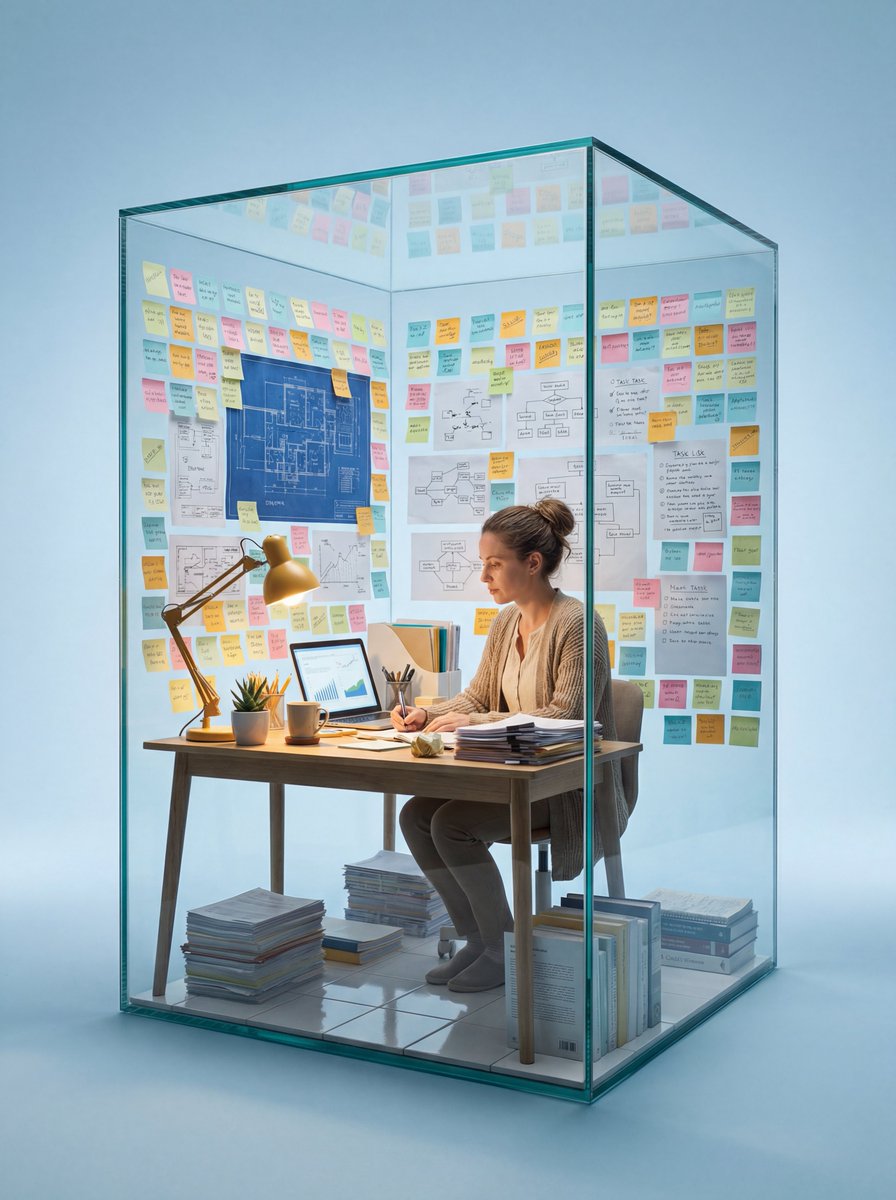
Macro Photography of Subject in Glass Workspace

敦煌纸雕飞天 — 3D Layered Paper Cutout

Firefly Pixar Spill — Nano Banana Pro

Ancient Temple Portrait — White Dress Nano Banana
Make it yours
Macro Diorama of a Scientist's Historical Workspace works as-is. These are the safest ways to change it without losing the look.
Change one field
Copy a single group, rewrite it, and generate again so you can see what that field is doing.
Keep the frame, change the subject
Hold the composition and light of Macro Diorama of a Scientist's Historical Workspace, then swap wardrobe, props or the person for a new take.
| If the result… | Why | Fix |
|---|---|---|
| The result drifts from the preview | Too many fields changed at once. | Reuse Macro Diorama of a Scientist's Historical Workspace as-is first, then change one group — subject, light, or setting. |
| The model over-stylizes the scene | The prose prompt leaves finish and camera underspecified. | Add one camera or lighting sentence and stay on Nano Banana 2. |
More Nano Banana 2 templates
Other prompts made for Nano Banana 2.

Photorealistic Leaf Shaped Like a Dragon

K-Pop Idol Portrait Grid for Rapid Selection

Poetic Rain Forest Portrait During Golden Hour

Urban Street Portrait with Cartoon Inner Self Duo

Candid Nighttime Photo with Cat Prompt

High-Concept 3D Diorama Generation Prompt

Cinematic Futuristic Studio Portrait Template

Skincare Editorial Photography Collage Prompt

Hyper-Realistic Commercial Product Photography (Splash Effect)

Hyper-Realistic Nightclub Portrait Prompt
More image prompts
Fresh picks from across the catalog.
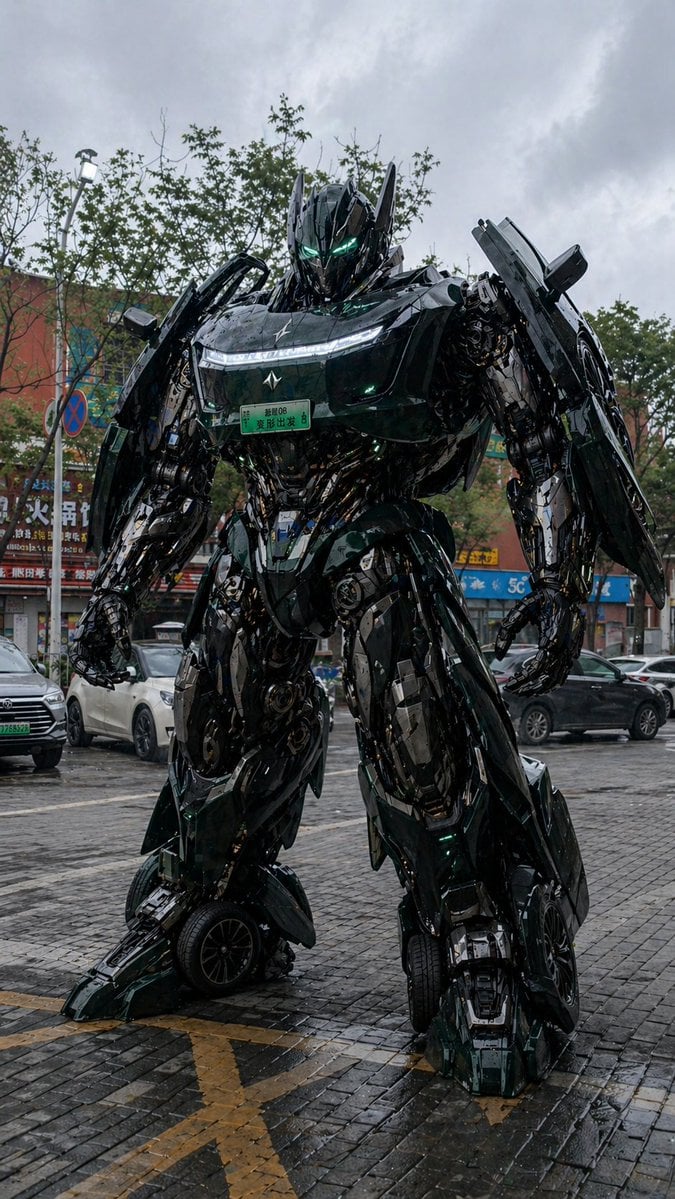
Car Transformation Prompt
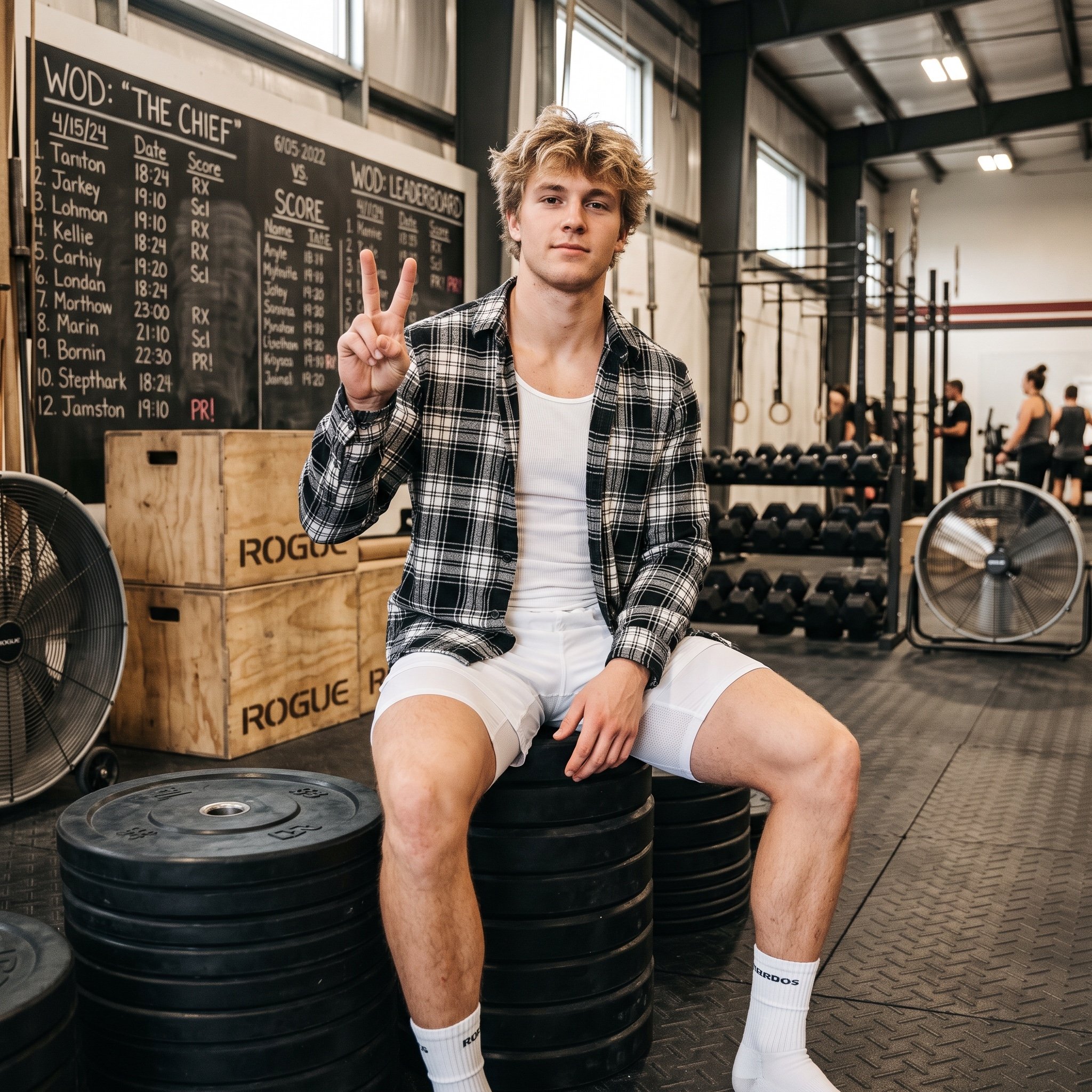
Gym Bro Aesthetic Photo Analysis
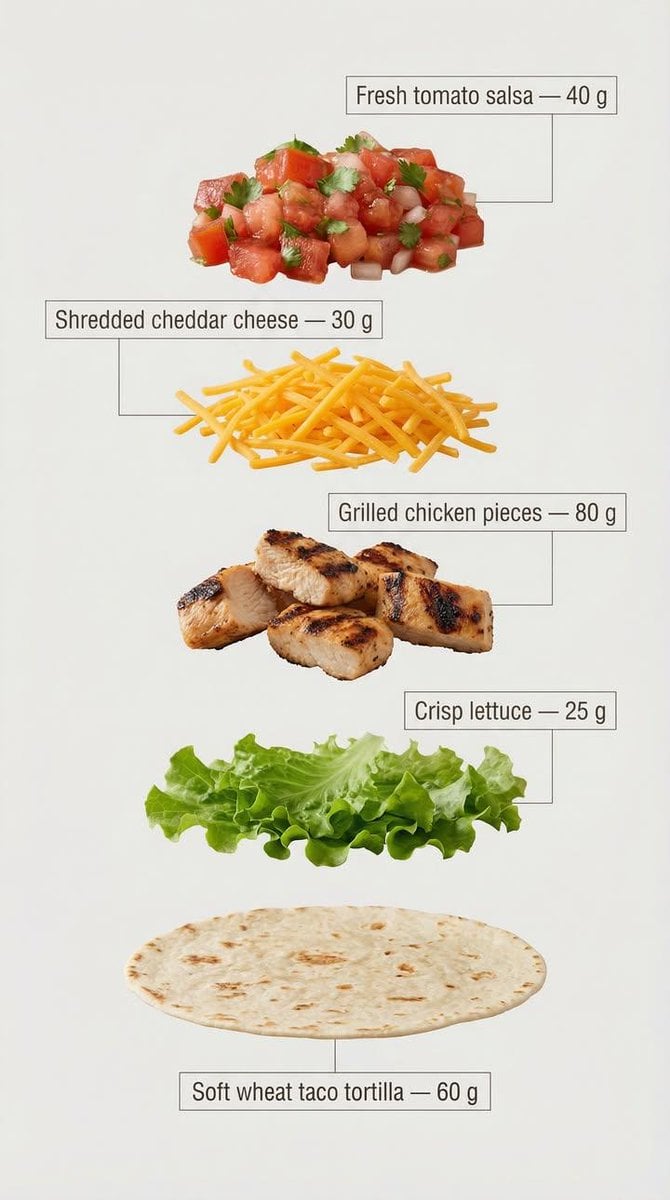
Exploded View Taco Infographic for Commercial Use
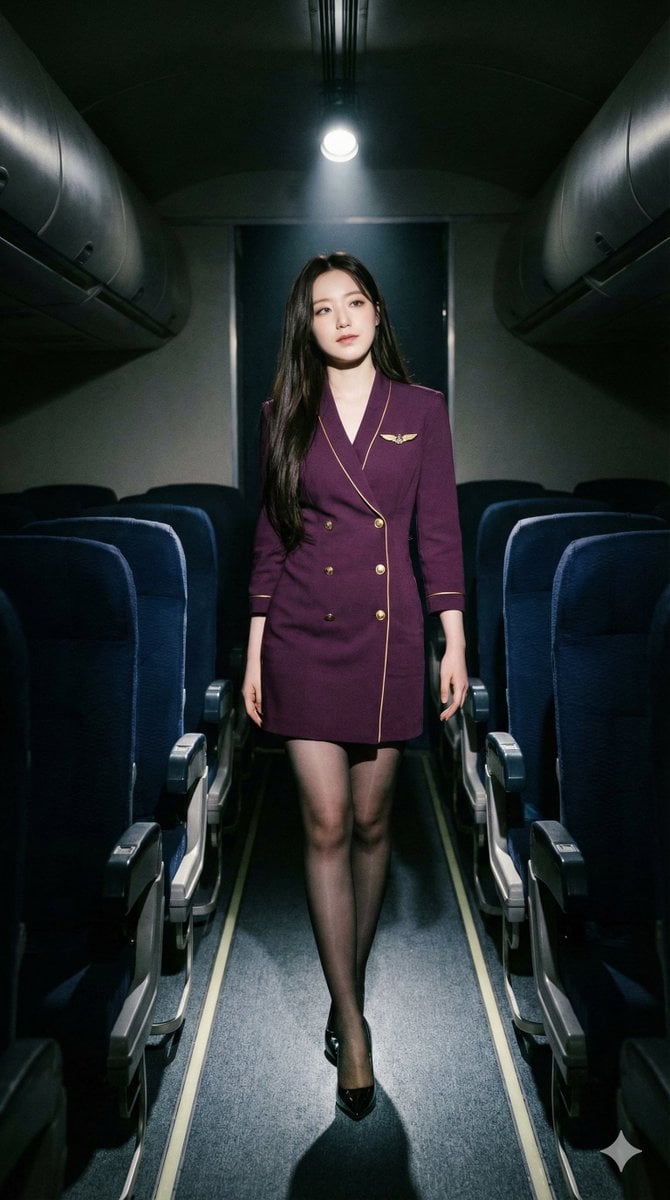
High-Contrast Noir Flight Attendant Prompt for Nano Banana Pro
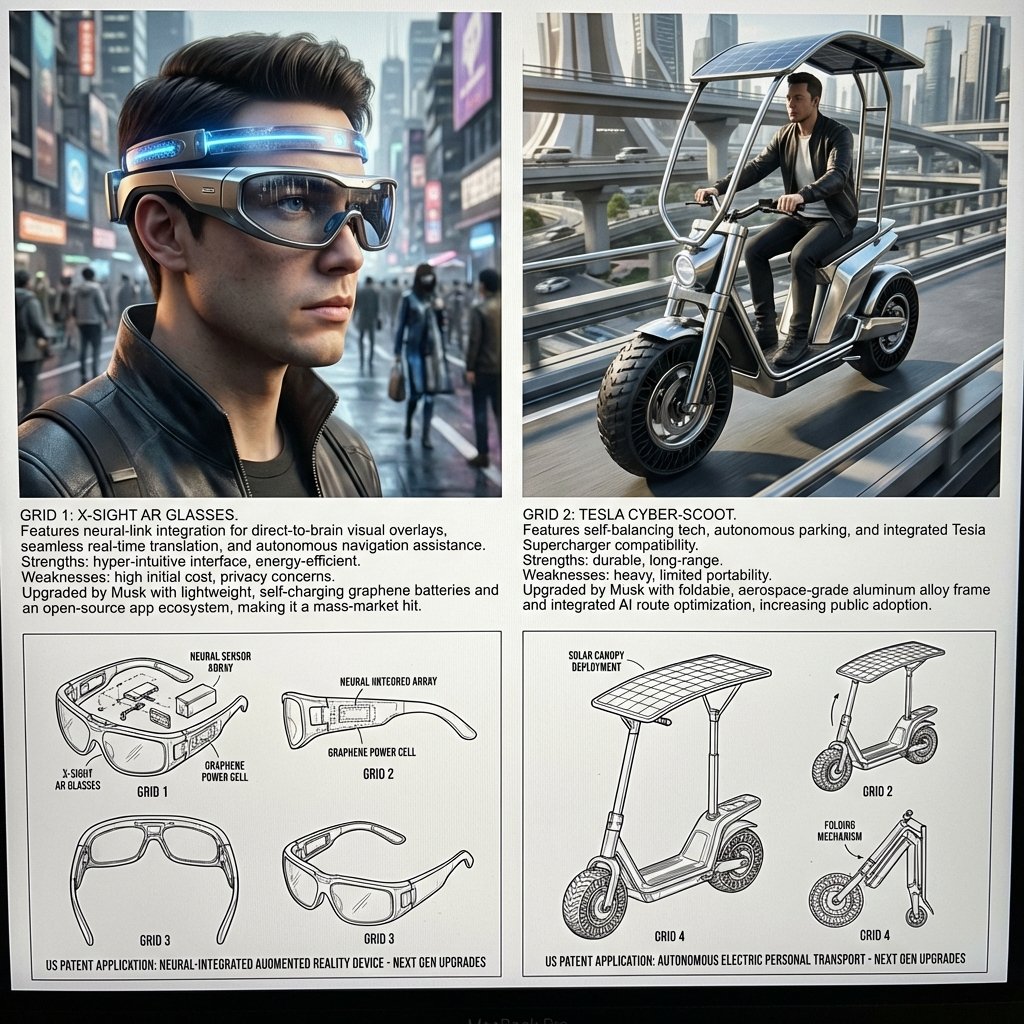
Inventor's Future Product Prediction Prompt

Cute Winter Anime Channel Poster
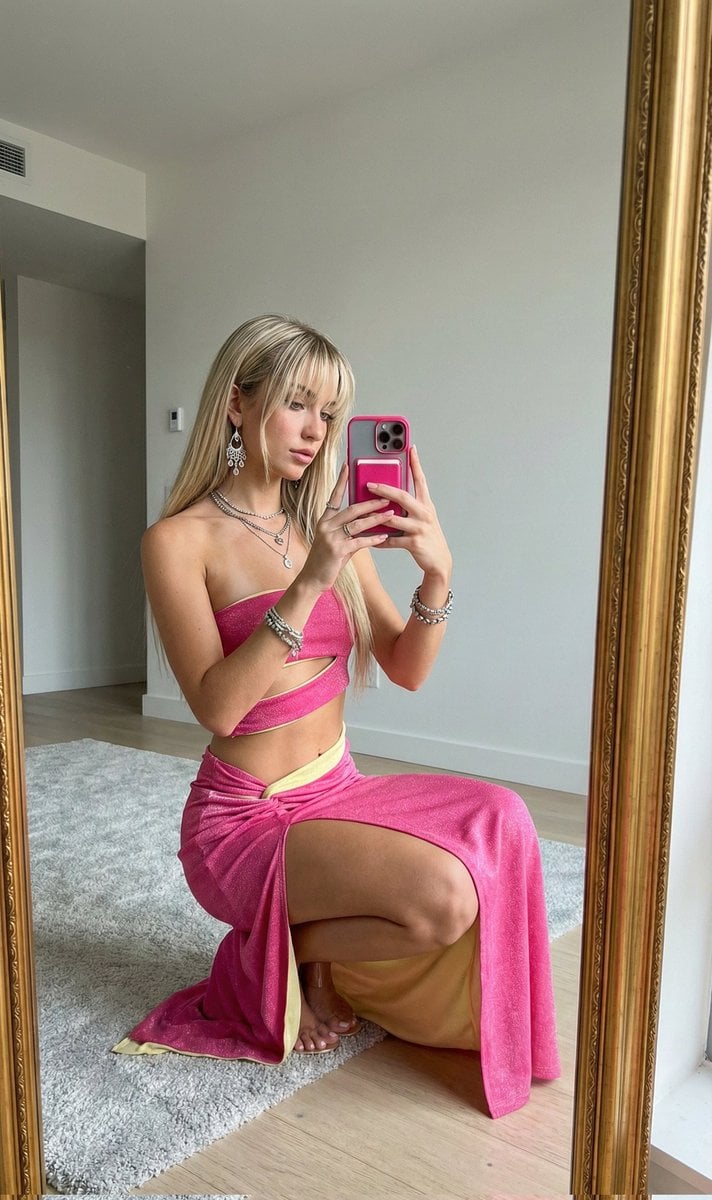
High-End Influencer Mirror Selfie
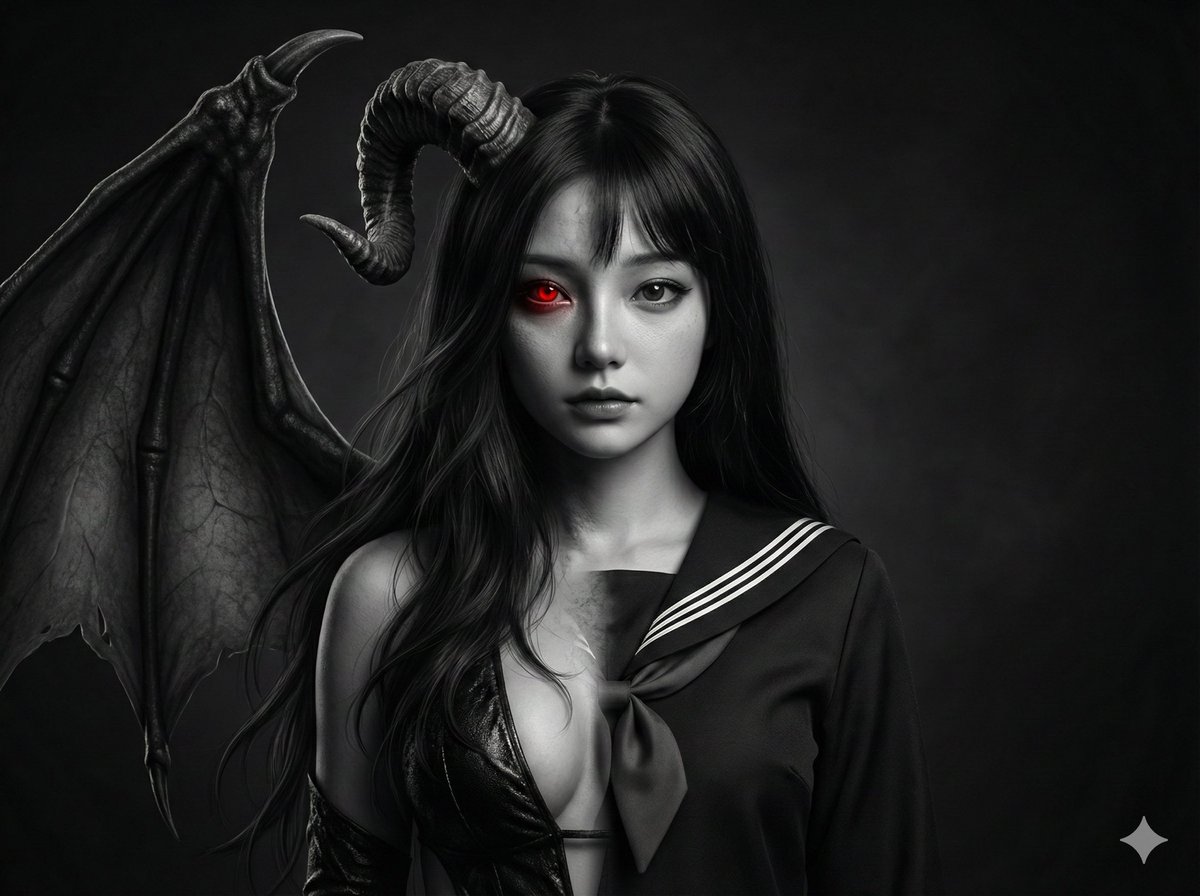
Human-Succubus Fusion Portrait Prompt
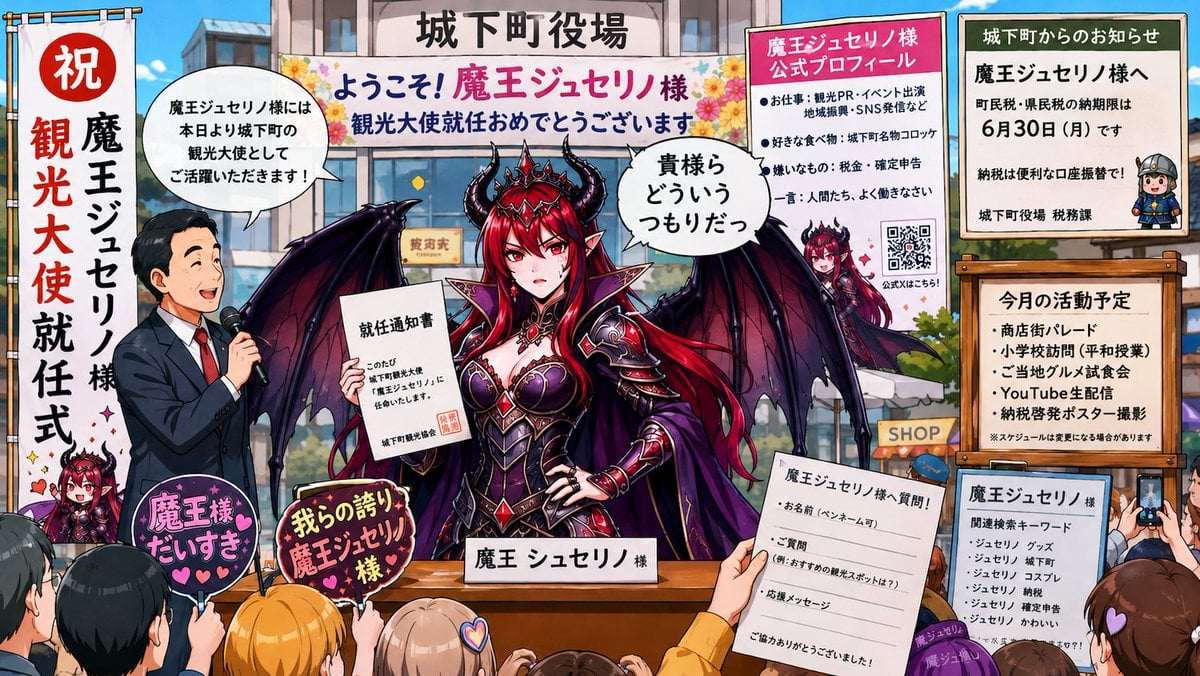
Surreal Social Adaptation Character Prompt
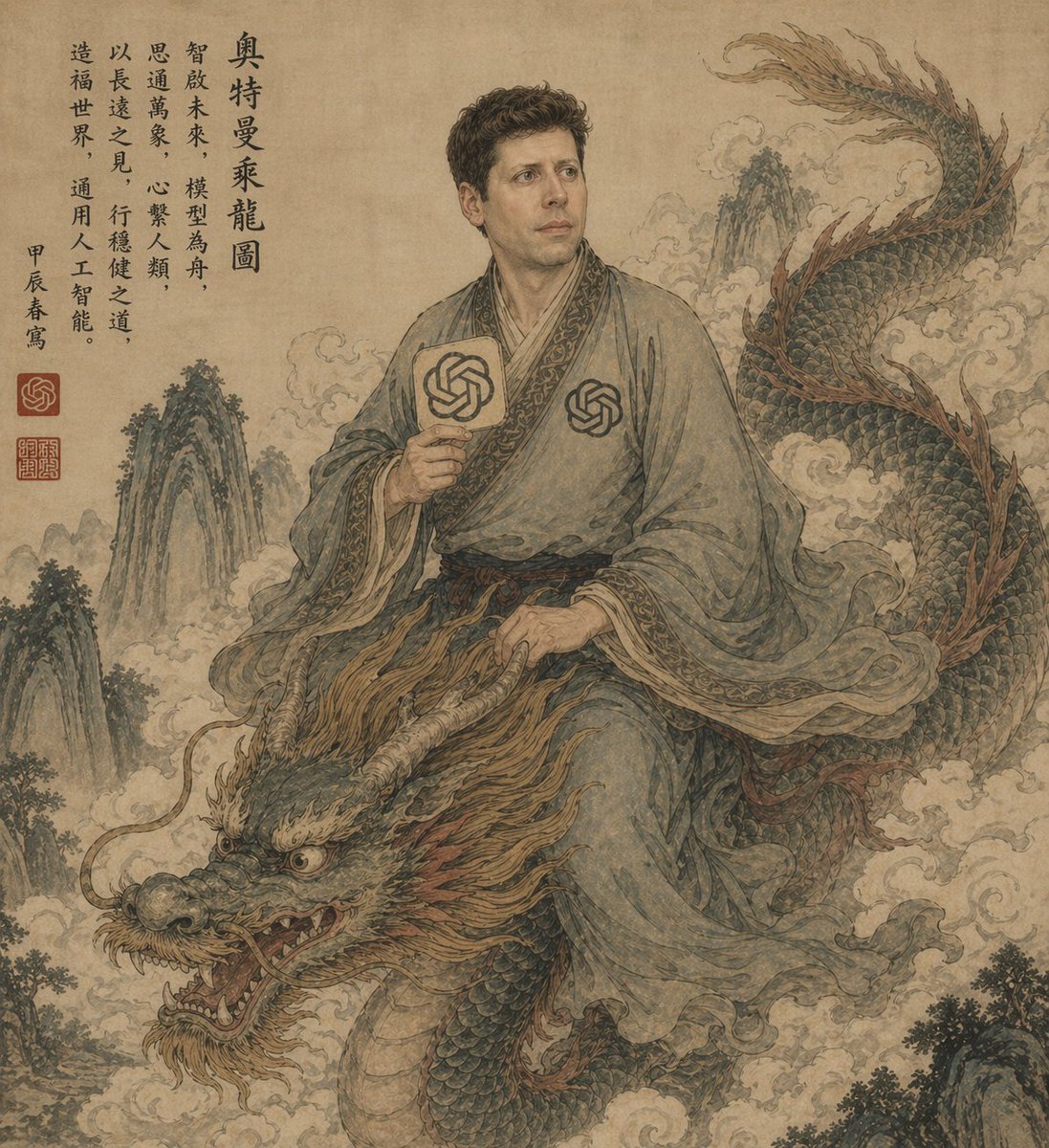
Ancient Scroll Scholar Riding Dragon
Browse template categories
Macro Diorama of a Scientist's Historical Workspace questions
How do I use the Macro Diorama of a Scientist's Historical Workspace template?
Add your photo if the template asks for one, edit the prompt if you like — the template's model and format are already selected — and press Generate. Your version opens in PicX Studio.
Can I customize the Macro Diorama of a Scientist's Historical Workspace template?
Yes. You can change the subject, setting, lighting, mood, format, and available model controls before creating your image.
Is the Macro Diorama of a Scientist's Historical Workspace template free?
Opening and editing this template is free. Generating uses credits, shown on the Generate button when you are signed in.
Which AI model should I use?
Start with Nano Banana 2, which is the model associated with this template. You can compare another compatible model for a different finish.
Looking for something else? Browse all templates.

Your photo, any look
Thousands of ready templates for every top image and video model, from one credit balance.