
Human-Succubus Fusion Portrait Prompt
A complex, highly detailed Chinese prompt for generating a cinematic, high-contrast, black and white portrait showing a smooth, organic fusion transition between a human woman (in work clothes) and a succubus (in sexy…
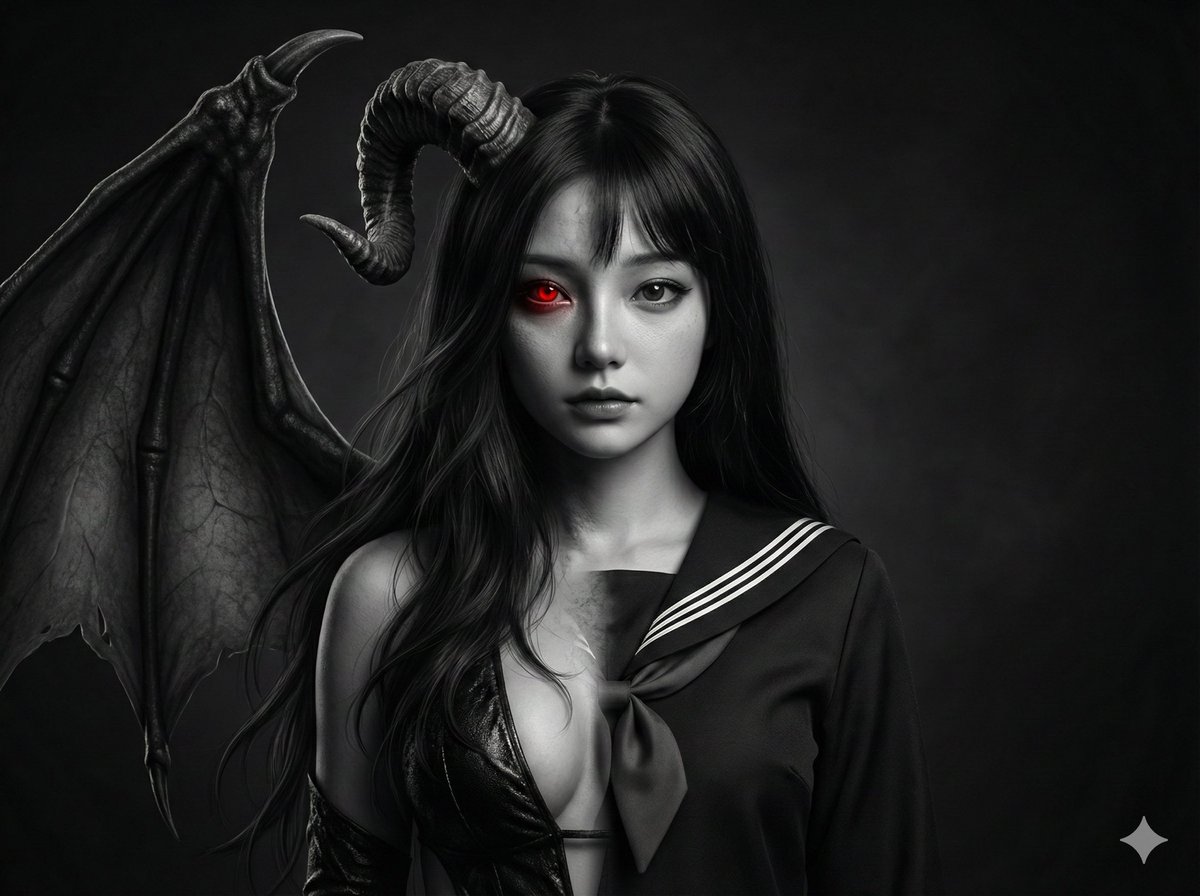
- Prompt included
- Model and format preset
- Premium template
The prompt behind this image
Copy the exact prompt behind Human-Succubus Fusion Portrait Prompt, or open it in the studio and make it yours.
- Type
- 图像生成提示词
- Aspect Ratio
- 4:5
- Quality
- 超现实8K
- Concept › Theme
- 电影感的人类-魅魔融合肖像,图片左半边是穿着工作服的女性人类,又半边是穿着性感衣服的女性魅魔
- Concept › Style
- 照片级真实、戏剧性、高对比度美术风格
- Identity Preservation › Use Reference Image
- true
- Identity Preservation › Strict Identity Lock
- true
- Identity Preservation › Notes
- 严格保留参考图像中女性的面部身份、结构、比例、皮肤纹理和表情,完全一致
- Subject › Gender
- 女性
- Subject › Appearance › Hair
- 自然可见的头发,不戴帽子、不戴毛帽
- Subject › Appearance › Expression
- 平静、有力量、内省
- Subject › Appearance › Face Details
- 自然皮肤纹理, 真实毛孔, 细腻的面部轮廓
- Fusion Design › Transition › Type
- 平滑有机渐变融合
- Fusion Design › Transition › Description
- 女性面部特征逐渐、自然地过渡融合成诱惑的魅魔面部
- Fusion Design › Transition › Rules
- 不要出现明显的分割线, 不要有人工边缘, 皮肤沿着共用面部轮廓自然过渡为毛发
- Fusion Design › Lion Features › Mane
- 厚实、飘逸、逼真的头发
- Fusion Design › Lion Features › Eye › Color
- 红色
- Fusion Design › Lion Features › Eye › Effect
- 微弱发光
- Fusion Design › Lion Features › Eye › Style
- 选择性色彩高亮
- Color And Lighting › Color Palette
- 黑白
- Color And Lighting › Selective Color
- 仅眼睛(红色)
- Color And Lighting › Lighting › Type
- 戏剧性电影光影
- Color And Lighting › Lighting › Contrast
- 高对比度
- Color And Lighting › Lighting › Shadows
- 深邃、塑造面部立体感
Raw JSON
{
  "type": "图像生成提示词",
  "aspect_ratio": "4:5",
  "quality": "超现实8K",
  "concept": {
    "theme": "电影感的人类-魅魔融合肖像,图片左半边是穿着工作服的女性人类,又半边是穿着性感衣服的女性魅魔",
    "style": "照片级真实、戏剧性、高对比度美术风格"
  },
  "identity_preservation": {
    "use_reference_image": true,
    "strict_identity_lock": true,
    "notes": "严格保留参考图像中女性的面部身份、结构、比例、皮肤纹理和表情,完全一致"
  },
  "subject": {
    "gender": "女性",
    "appearance": {
      "hair": "自然可见的头发,不戴帽子、不戴毛帽",
      "expression": "平静、有力量、内省",
      "face_details": [
        "自然皮肤纹理",
        "真实毛孔",
        "细腻的面部轮廓"
      ]
    }
  },
  "fusion_design": {
    "transition": {
      "type": "平滑有机渐变融合",
      "description": "女性面部特征逐渐、自然地过渡融合成诱惑的魅魔面部",
      "rules": [
        "不要出现明显的分割线",
        "不要有人工边缘",
        "皮肤沿着共用面部轮廓自然过渡为毛发"
      ]
    },
    "lion_features": {
      "mane": "厚实、飘逸、逼真的头发",
      "eye": {
        "color": "红色",
        "effect": "微弱发光",
        "style": "选择性色彩高亮"
      }
    }
  },
  "color_and_lighting": {
    "color_palette": "黑白",
    "selective_color": "仅眼睛(红色)",
    "lighting": {
      "type": "戏剧性电影光影",
      "contrast": "高对比度",
      "shadows": "深邃、塑造面部立体感"
    }
  },
  "background": {
    "style": "深暗、情绪化、极简",
    "distraction": "无干扰元素"
  },
  "camera": {
    "lens": "人像镜头(85mm视角效果)",
    "focus": "面部和毛发纹理极度锐利",
    "depth_of_field": "浅景深"
  },
  "rendering_details": {
    "textures": [
      "超精细皮肤纹理",
      "逼真的毛发单根细节",
      "自然光线衰减"
    ],
    "style": "电影感美术摄影",
    "realism": "照片级真实,绝无CG感"
  },
  "constraints": [
    "不得出现毛帽或任何头饰",
    "不得改变面部特征",
    "不得出现卡通化或奇幻夸张",
    "无文字",
    "无水印"
  ],
  "output_goal": "创作一幅电影感、超现实的黑白女性人类-女性魅魔融合肖像,面部实现平滑有机过渡,仅眼带有发光的金琥珀色,严格保留女性的原始身份特征,达到"
}How to use Human-Succubus Fusion Portrait Prompt in 3 steps
- 1
Open
The prompt is already in the box next to the preview, with the template's model and format selected.
- 2…a portrait of your subject in softgolden-hour light, 85mm…
Personalize
Edit the subject and creative details for your destination.
- 3Generate
Generate
Press Generate — your image is created in PicX Studio, so you can compare it with the original and refine one variable at a time.
More like this
Templates with the same subject, style or setup. Open one to see its prompt.

FLORAVERSE BOTANICAL FUSION

Floraverse Botanical Fusion
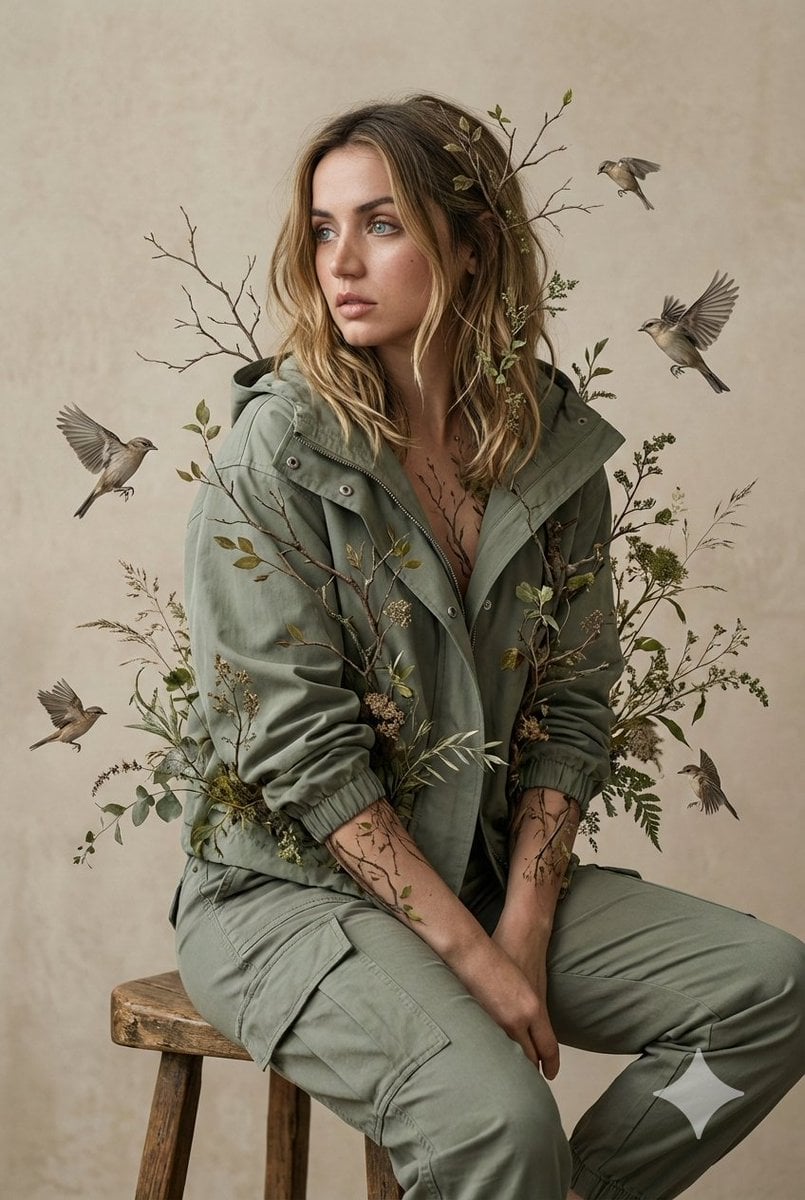
Nature-Human Fusion Editorial Portrait Prompt

Found Photograph: Us, 1970

80s Couple Studio Portrait

80s Bollywood Star

80s Golden Hour Cinema

Me in 1985

1985 Studio Portrait

Hyper-Realistic Minecraft POV Portrait

Rooftop Fisheye — Cat-Ear Balaclava at Golden Hour

Rainy Café Window Moody Portrait
Make it yours
Human-Succubus Fusion Portrait Prompt works as-is. These are the safest ways to change it without losing the look.
Swap the setting
Keep the rest of the prompt and replace the location block. The current setting is “深暗、情绪化、极简”.
Swap the light
One lighting change is enough to compare takes. Current light: “黑白”.
Change one field
Copy a single group, rewrite it, and generate again so you can see what that field is doing.
| If the result… | Why | Fix |
|---|---|---|
| The result drifts from the preview | Too many fields changed at once. | Reuse Human-Succubus Fusion Portrait Prompt as-is first, then change one group — subject, light, or setting. |
| Nano Banana 2 ignores part of the JSON | Some models flatten or skip nested keys. | Keep the same values and paste them as a short paragraph instead. |
More Nano Banana 2 templates
Other prompts made for Nano Banana 2.

Photorealistic Leaf Shaped Like a Dragon

K-Pop Idol Portrait Grid for Rapid Selection

Poetic Rain Forest Portrait During Golden Hour

Urban Street Portrait with Cartoon Inner Self Duo

Candid Nighttime Photo with Cat Prompt

High-Concept 3D Diorama Generation Prompt

Cinematic Futuristic Studio Portrait Template

Skincare Editorial Photography Collage Prompt

Hyper-Realistic Commercial Product Photography (Splash Effect)

Hyper-Realistic Nightclub Portrait Prompt
More image prompts
Fresh picks from across the catalog.
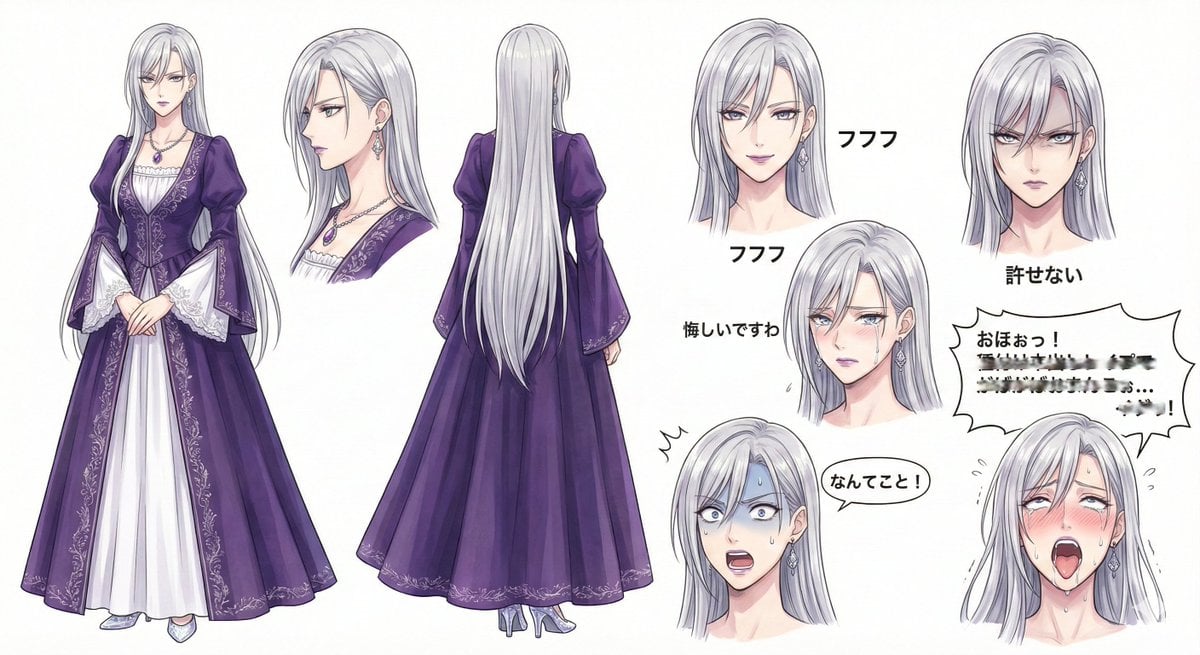
Character Design Sheet for a Villainess
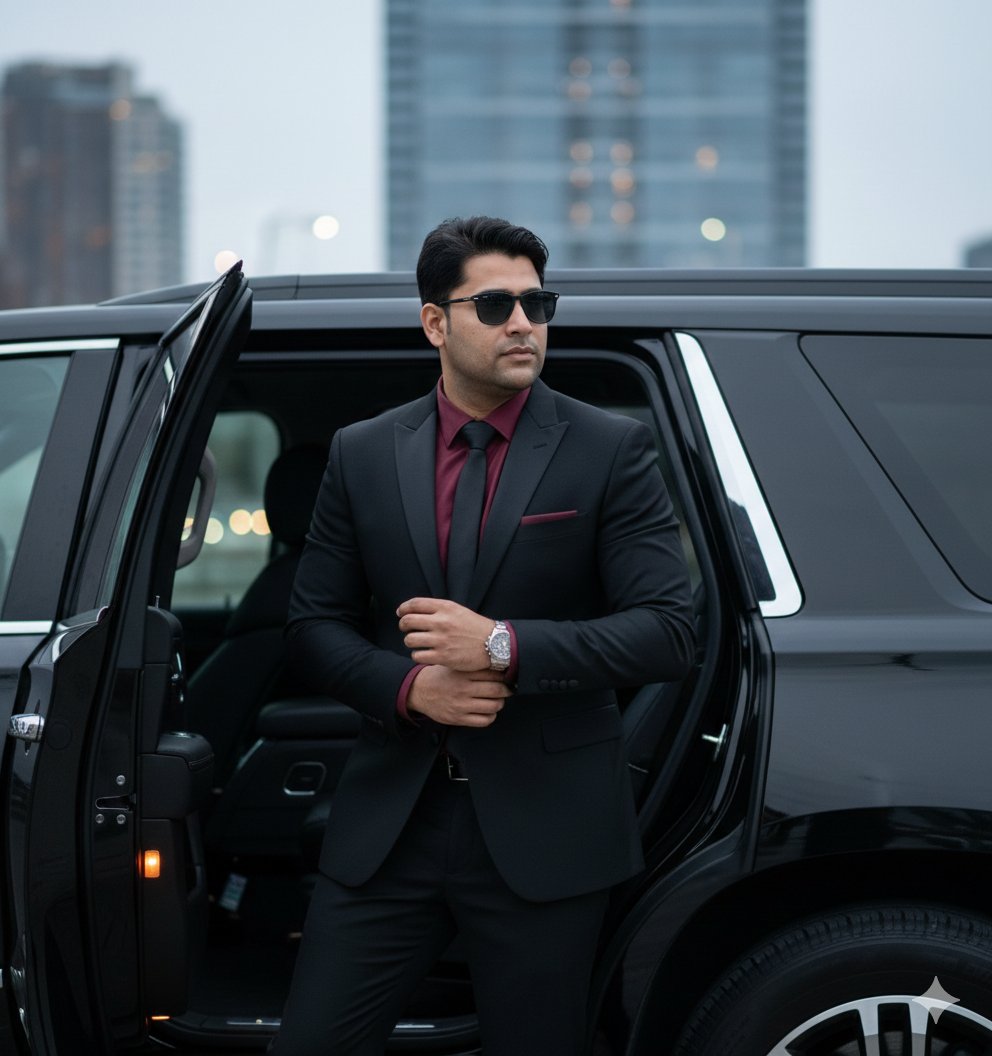
Hyper-Realistic Indian Man Exiting Luxury SUV
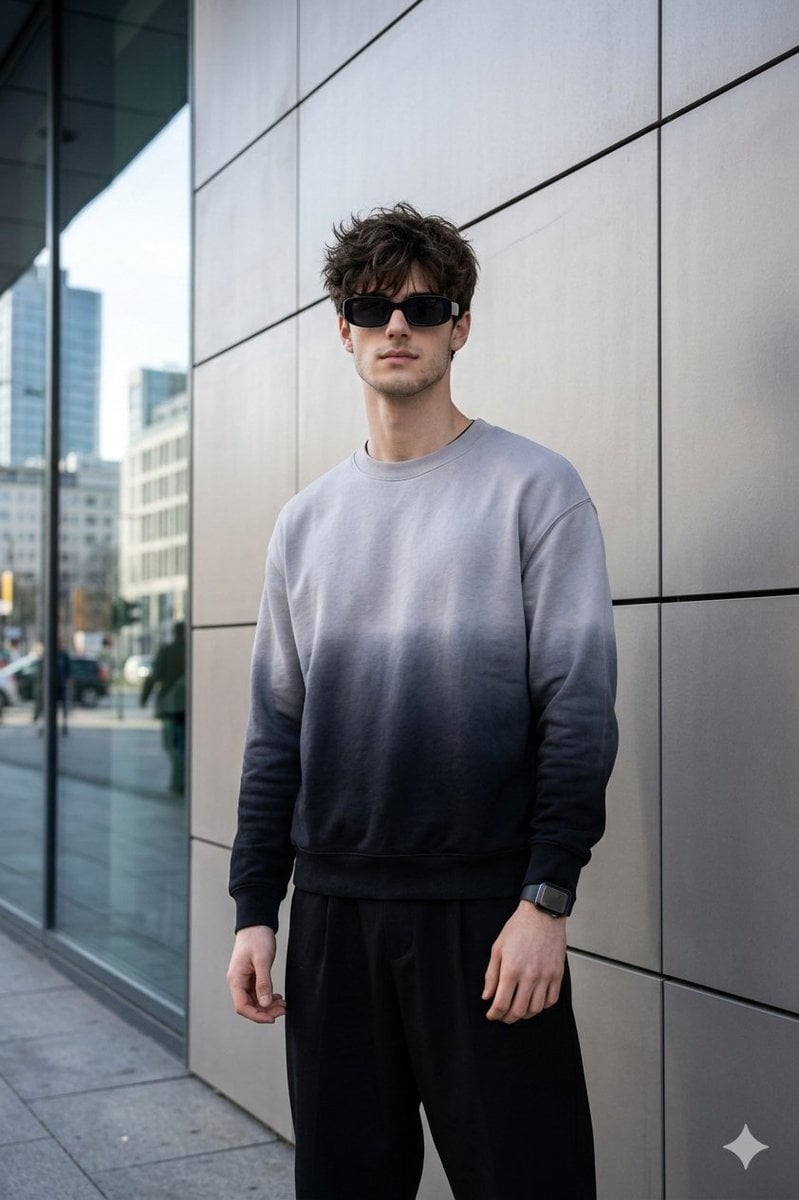
Masterpiece Cinematic Portrait Prompt
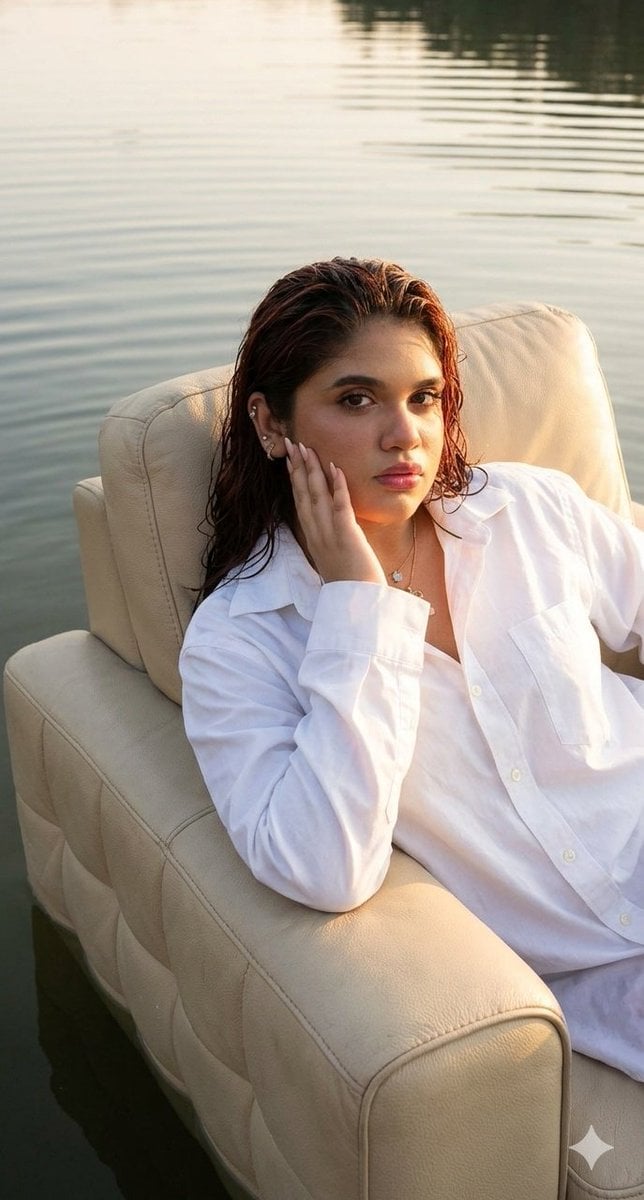
Editorial chair on lake
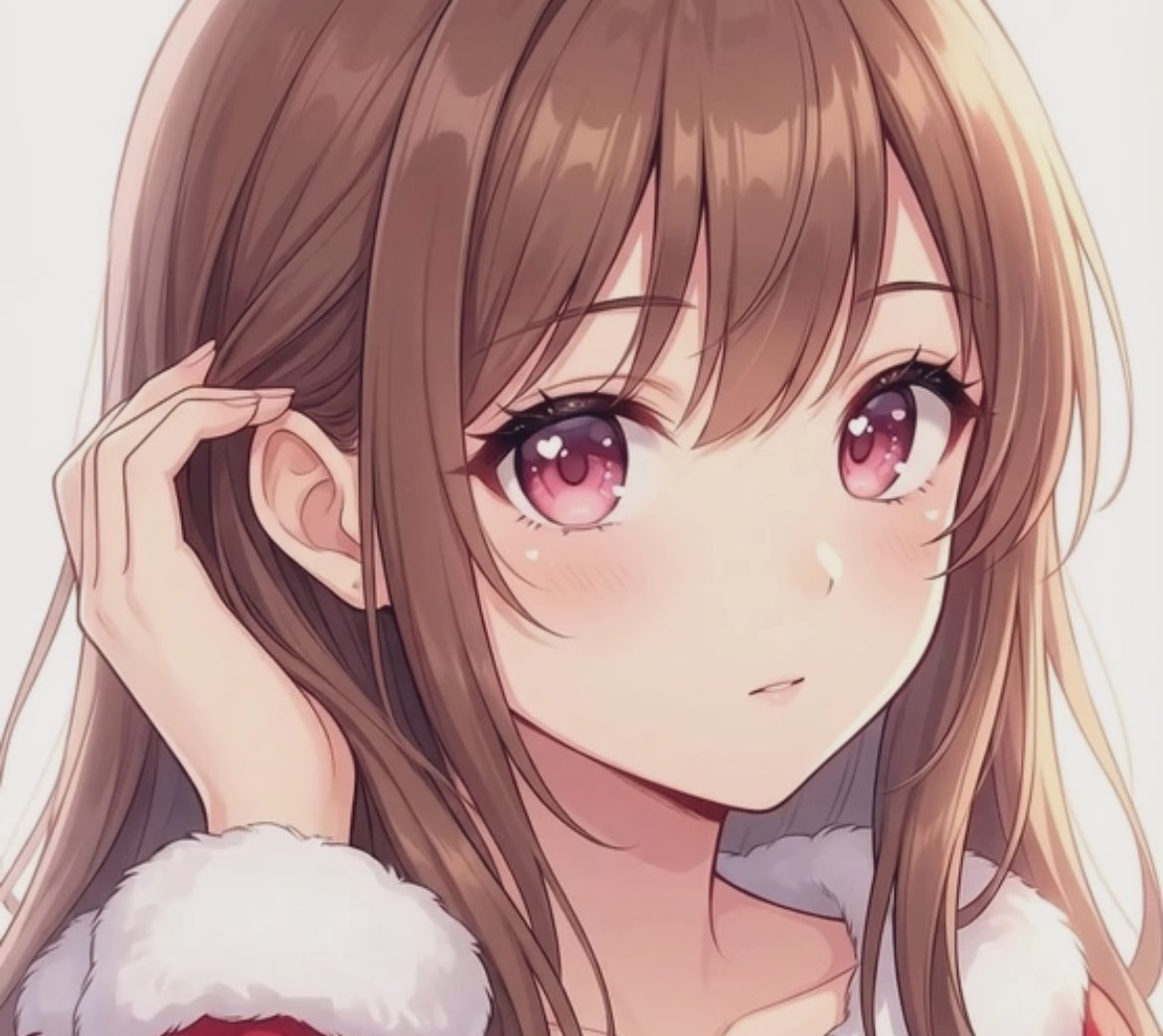
Transparent Filter Portrait Prompt

Firefly Pixar Spill — Nano Banana Pro
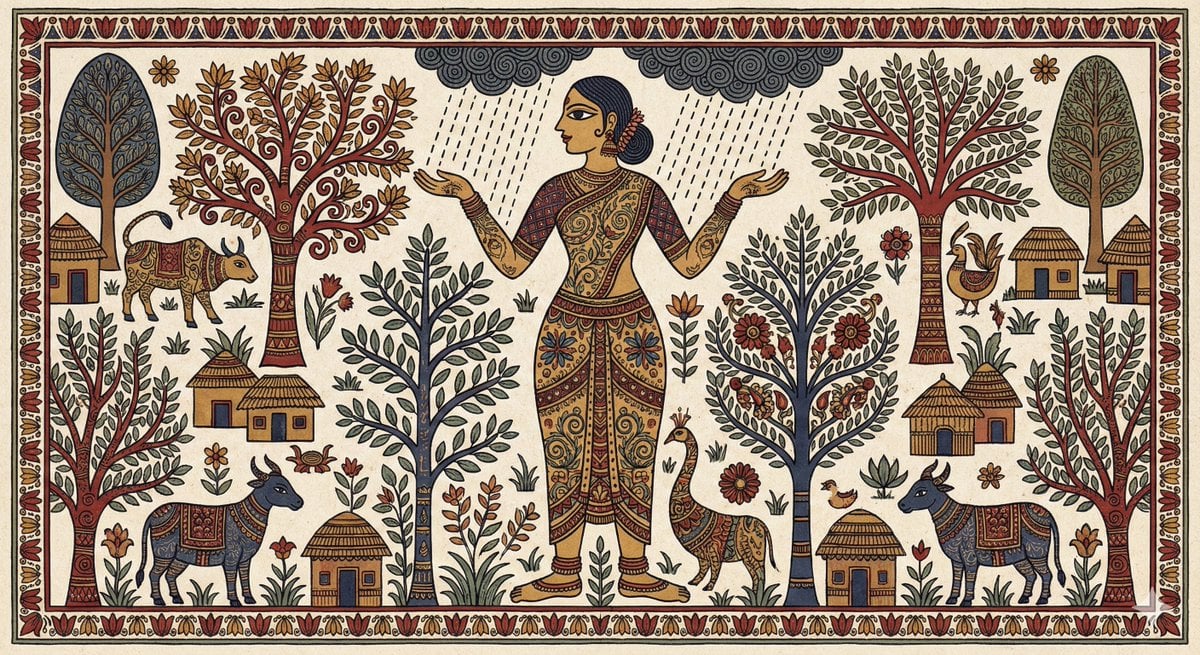
Indian Folk Art Depiction Prompt
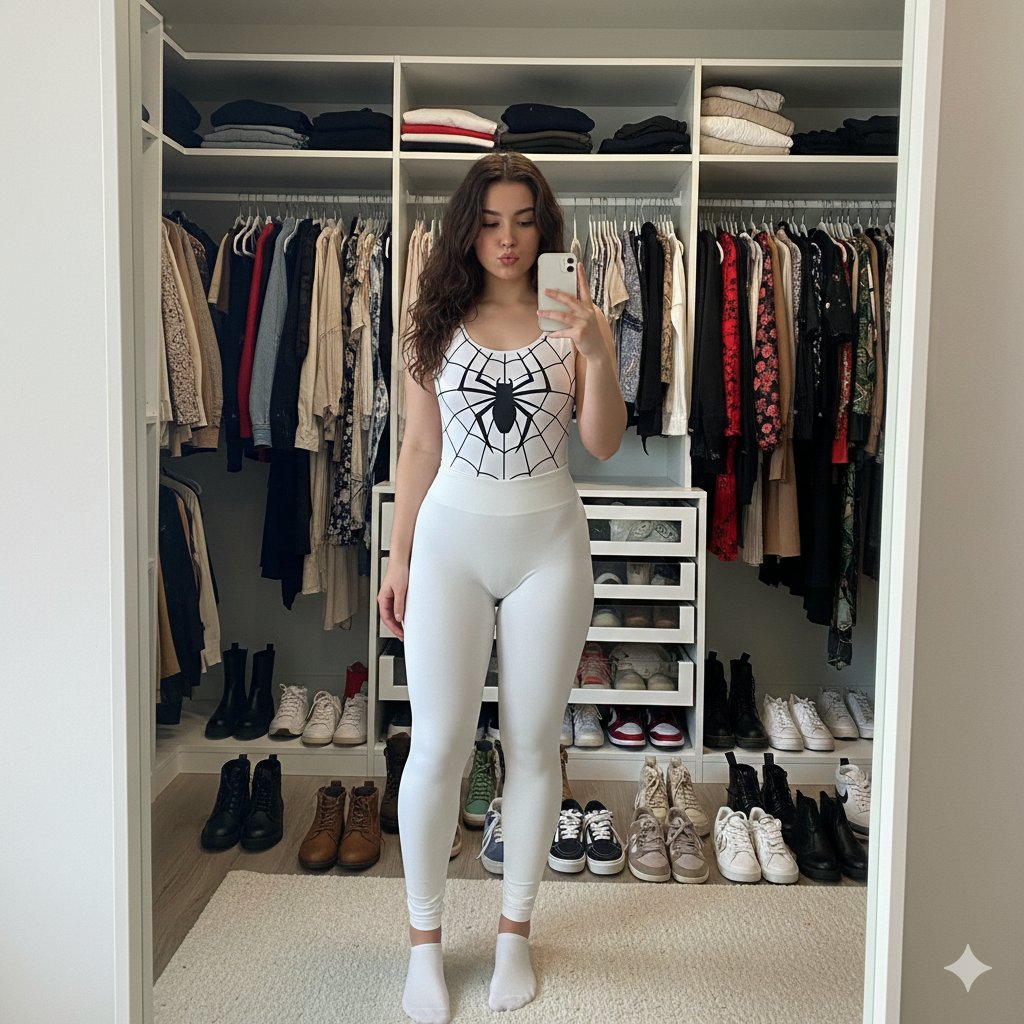
Spider-Girl Cosplay Selfie Prompt (White)
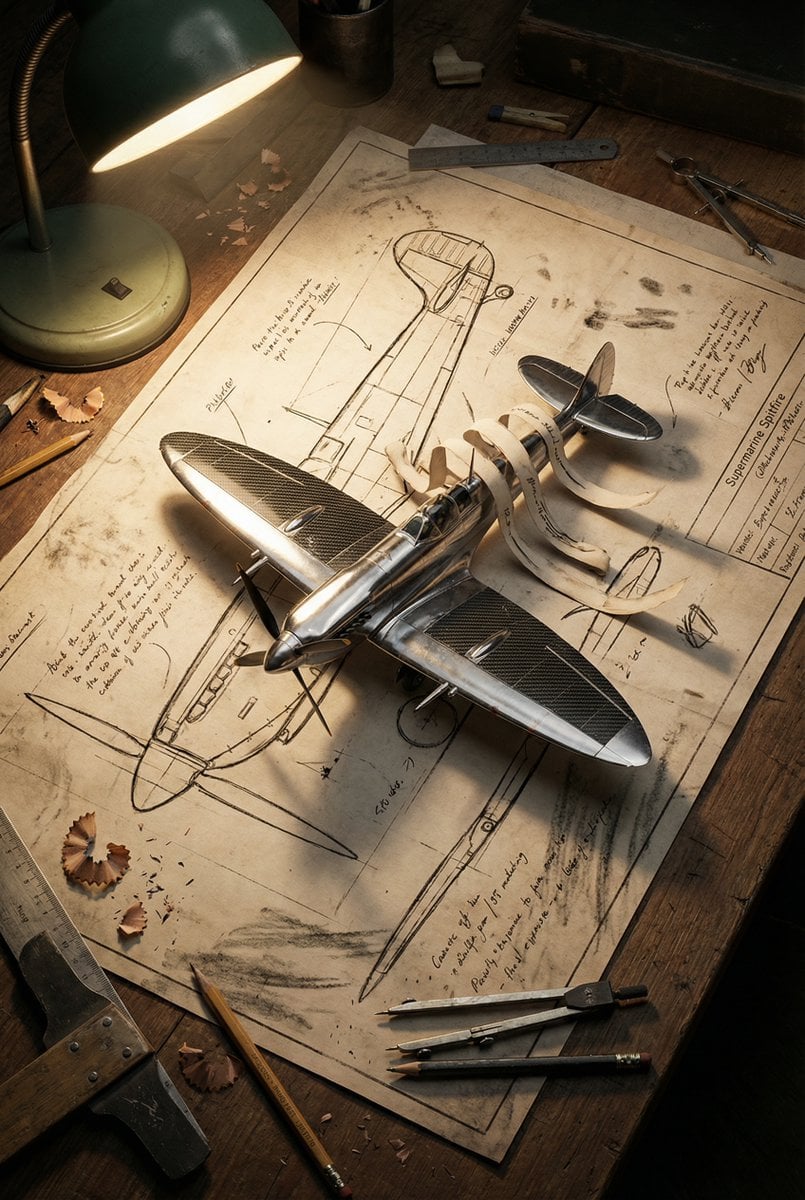
Blueprint to 3D Chrome Manifestation Prompt
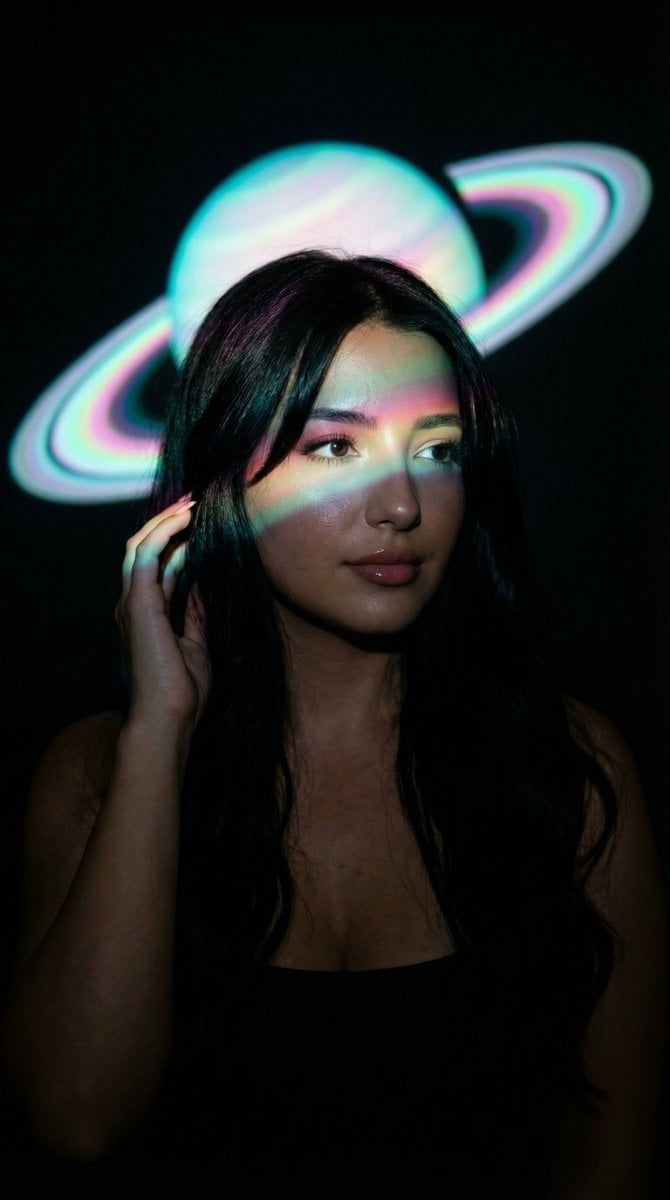
Low-Key Saturn Projection Portrait
Browse template categories
Human-Succubus Fusion Portrait Prompt questions
How do I use the Human-Succubus Fusion Portrait Prompt template?
Add your photo if the template asks for one, edit the prompt if you like — the template's model and format are already selected — and press Generate. Your version opens in PicX Studio.
Can I customize the Human-Succubus Fusion Portrait Prompt template?
Yes. You can change the subject, setting, lighting, mood, format, and available model controls before creating your image.
Is the Human-Succubus Fusion Portrait Prompt template free?
Opening and editing this template is free. Generating uses credits, shown on the Generate button when you are signed in.
Which AI model should I use?
Start with Nano Banana 2, which is the model associated with this template. You can compare another compatible model for a different finish.
Looking for something else? Browse all templates.

Your photo, any look
Thousands of ready templates for every top image and video model, from one credit balance.