
FLORAVERSE BOTANICAL FUSION
Botanical filament identity-preserving transform.

- Prompt included
- Model and format preset
- Free template
The prompt behind this image
Copy the exact prompt behind FLORAVERSE BOTANICAL FUSION, or open it in the studio and make it yours.
Use the uploaded image as the sole reference while preserving the exact identity, facial structure, expression, eye shape, eyebrows, eyelashes, nose, lips, jawline, ears, hairstyle silhouette, body proportions, pose, composition, camera angle, perspective, framing, and recognizability. Transform the entire subject into a luxurious three-dimensional abstract botanical filament composition where the pattern is deeply infused into every visible surface rather than placed on top. Reconstruct the face using flowing layered petal-like contours, delicate organic filaments, elegant floral veins, rippling botanical curves, and sculpted abstract forms that naturally follow the facial anatomy while preserving every defining feature. Transform the hair into dense flowing botanical ribbons composed of layered petals, fine silk-like fibers, graceful leaf structures, curved floral folds, and sweeping organic strands instead of individual hairs, creating rich dimensional volume. Extend the same interconnected floral pattern seamlessly across the clothing, accessories, and background so the entire composition appears organically grown from one continuous botanical structure. Render with silky satin petals, velvety floral textures, translucent layered membranes, fine filament veins, soft sculpted ridges, polished organic surfaces, subtle ambient occlusion, realistic depth, and cinematic lighting for a premium 3D appearance. Use a vibrant palette of crimson, scarlet, coral, magenta, golden yellow, turquoise, teal, emerald, lime, ivory, and deep sapphire with luminous color transitions, ensuring the botanical pattern remains dominant, highly detailed, abstract, and visually integrated throughout the entire subject and scene.
How to use FLORAVERSE BOTANICAL FUSION in 3 steps
- 1Upload ImagePNG, JPG or paste
Add your photo
Upload the photo the template builds on. The prompt, model and format are already set.
- 2…a portrait of your subject in softgolden-hour light, 85mm…
Personalize
Edit the subject and creative details for your destination.
- 3Generate
Generate
Press Generate — your image is created in PicX Studio, so you can compare it with the original and refine one variable at a time.
More like this
Templates with the same subject, style or setup. Open one to see its prompt.

Floraverse Botanical Fusion
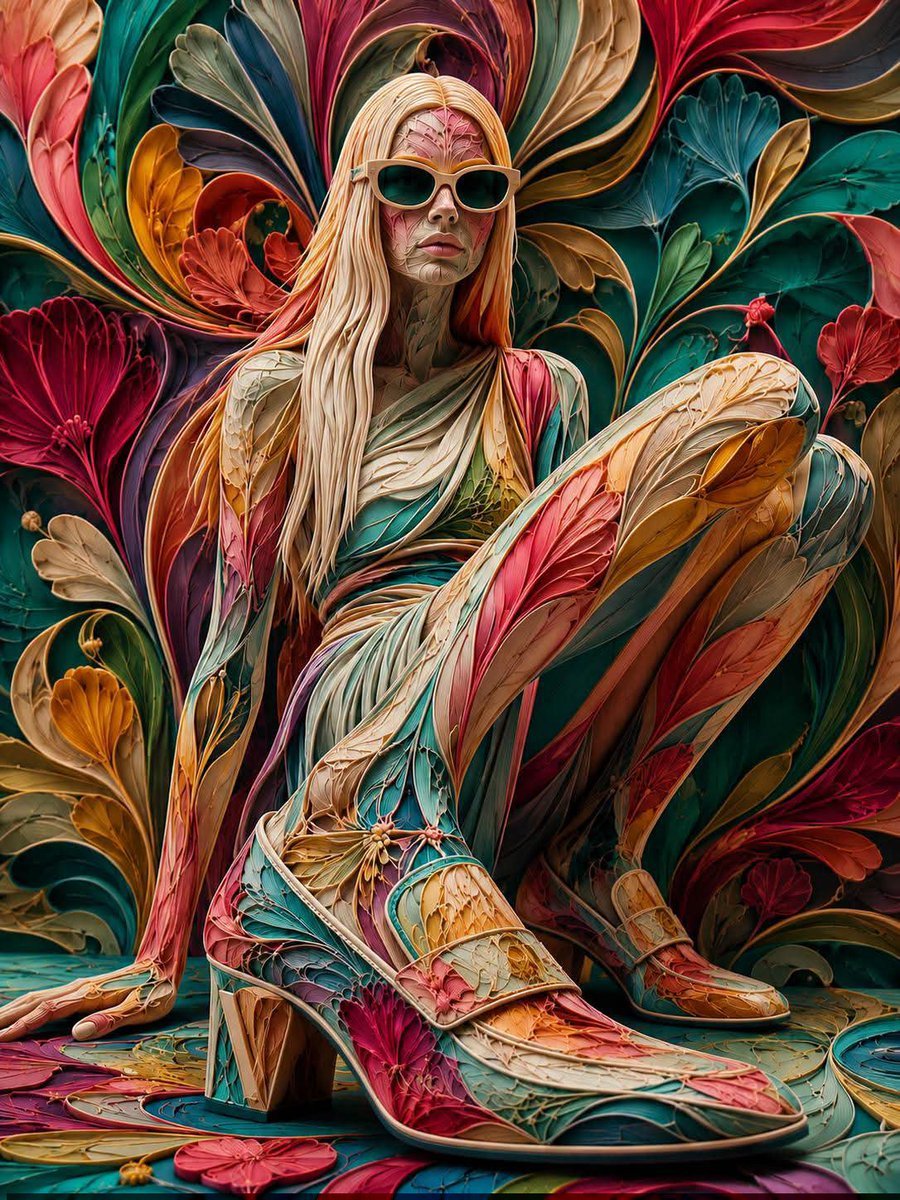
Floraverse Botanical Filament Fusion
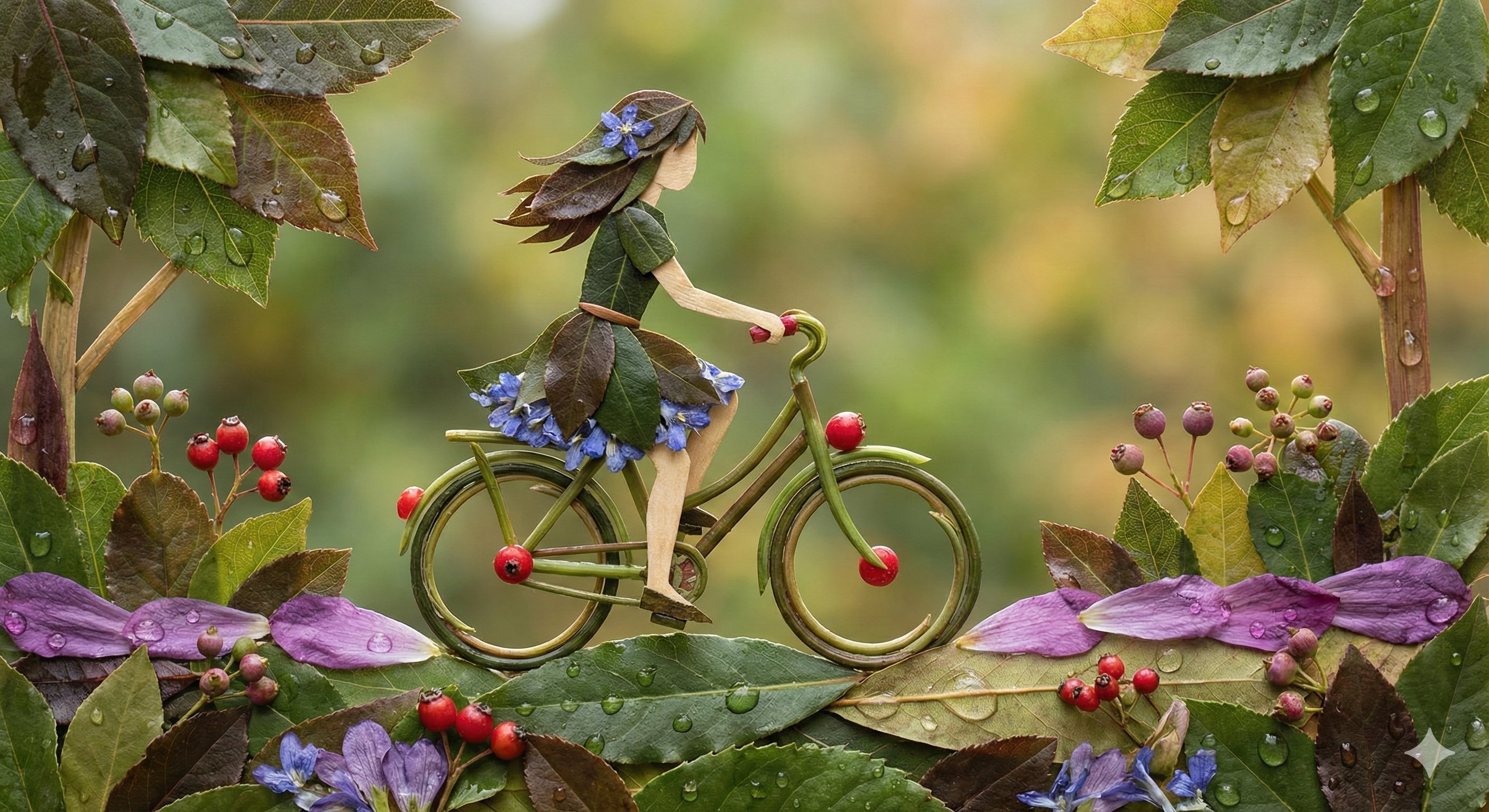
Botanical Leaf Art Style

Hyper-Realistic Minecraft POV Portrait

Found Photograph: Us, 1970

80s Couple Studio Portrait

80s Bollywood Star

80s Golden Hour Cinema

Me in 1985

1985 Studio Portrait
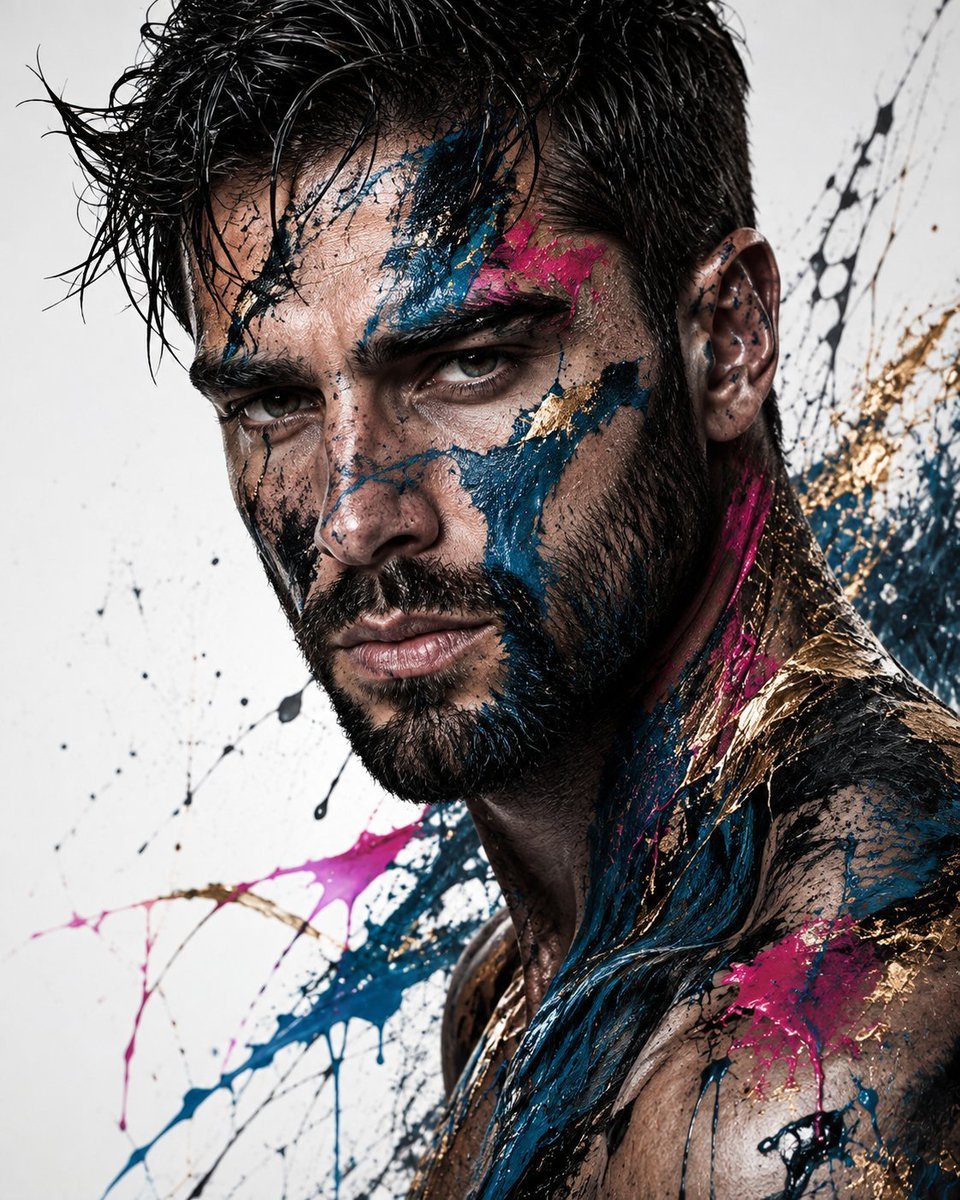
Abstract Fine-Art Editorial Portrait
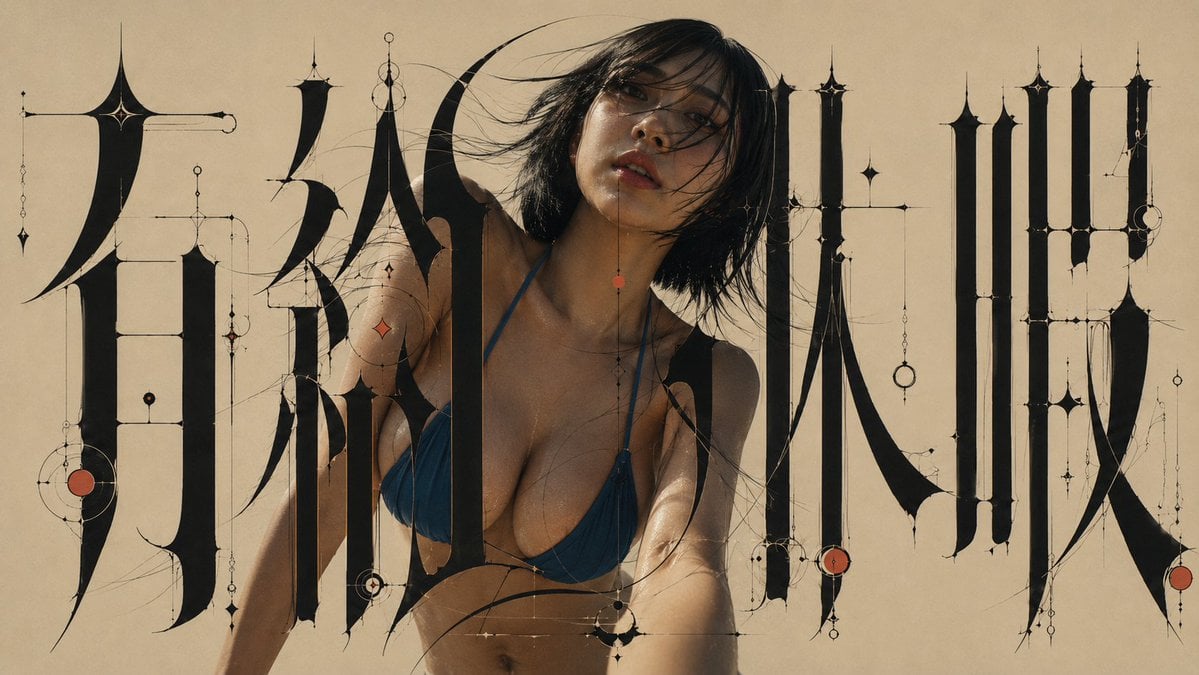
Architectural Typographic Portrait Fusion
Make it yours
FLORAVERSE BOTANICAL FUSION works as-is. These are the safest ways to change it without losing the look.
Change one field
Copy a single group, rewrite it, and generate again so you can see what that field is doing.
Keep the frame, change the subject
Hold the composition and light of FLORAVERSE BOTANICAL FUSION, then swap wardrobe, props or the person for a new take.
| If the result… | Why | Fix |
|---|---|---|
| The result drifts from the preview | Too many fields changed at once. | Reuse FLORAVERSE BOTANICAL FUSION as-is first, then change one group — subject, light, or setting. |
| The model over-stylizes the scene | The prose prompt leaves finish and camera underspecified. | Add one camera or lighting sentence and stay on GPT Image 2. |
More GPT Image 2 templates
Other prompts made for GPT Image 2.

More image prompts
Fresh picks from across the catalog.
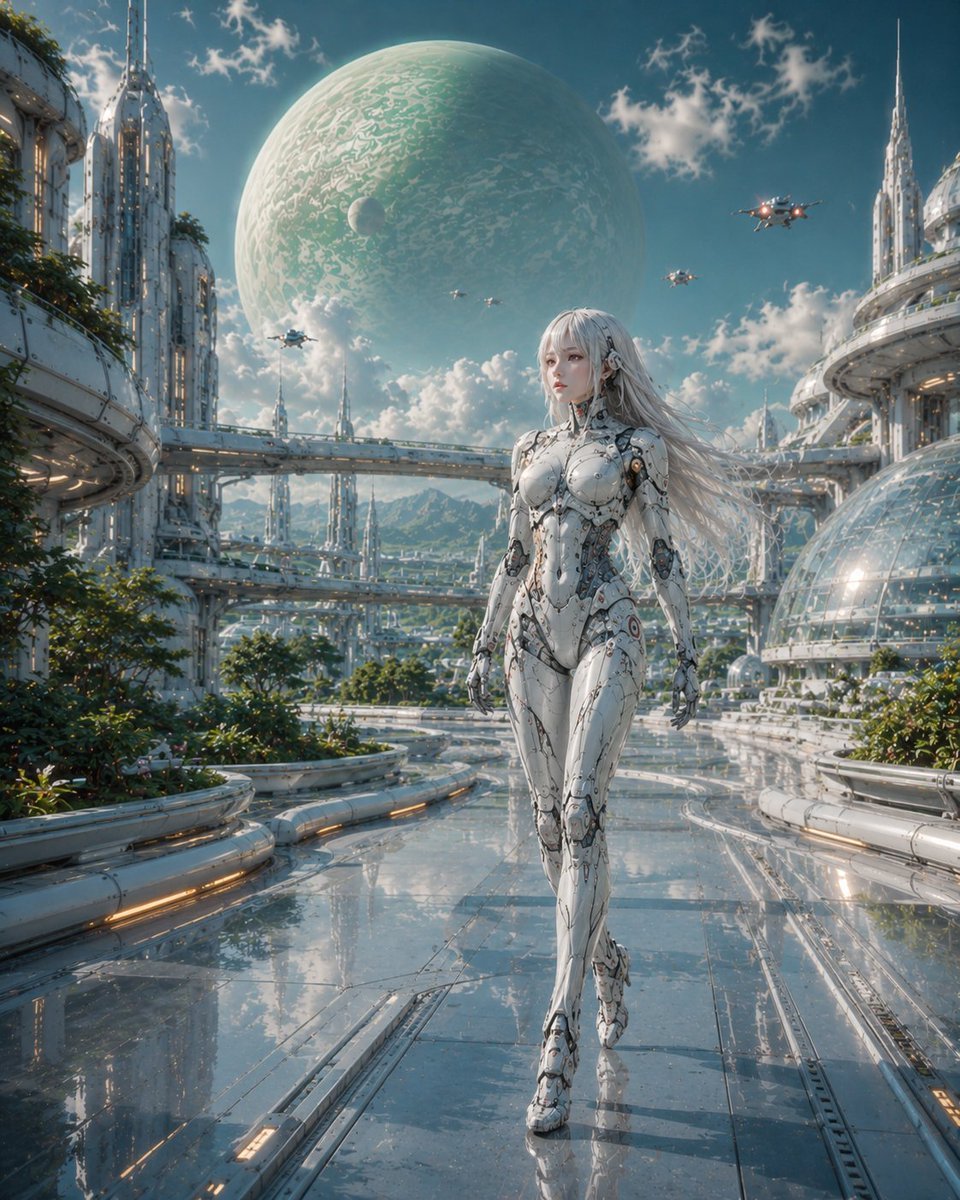
Female Android in Futuristic Space City
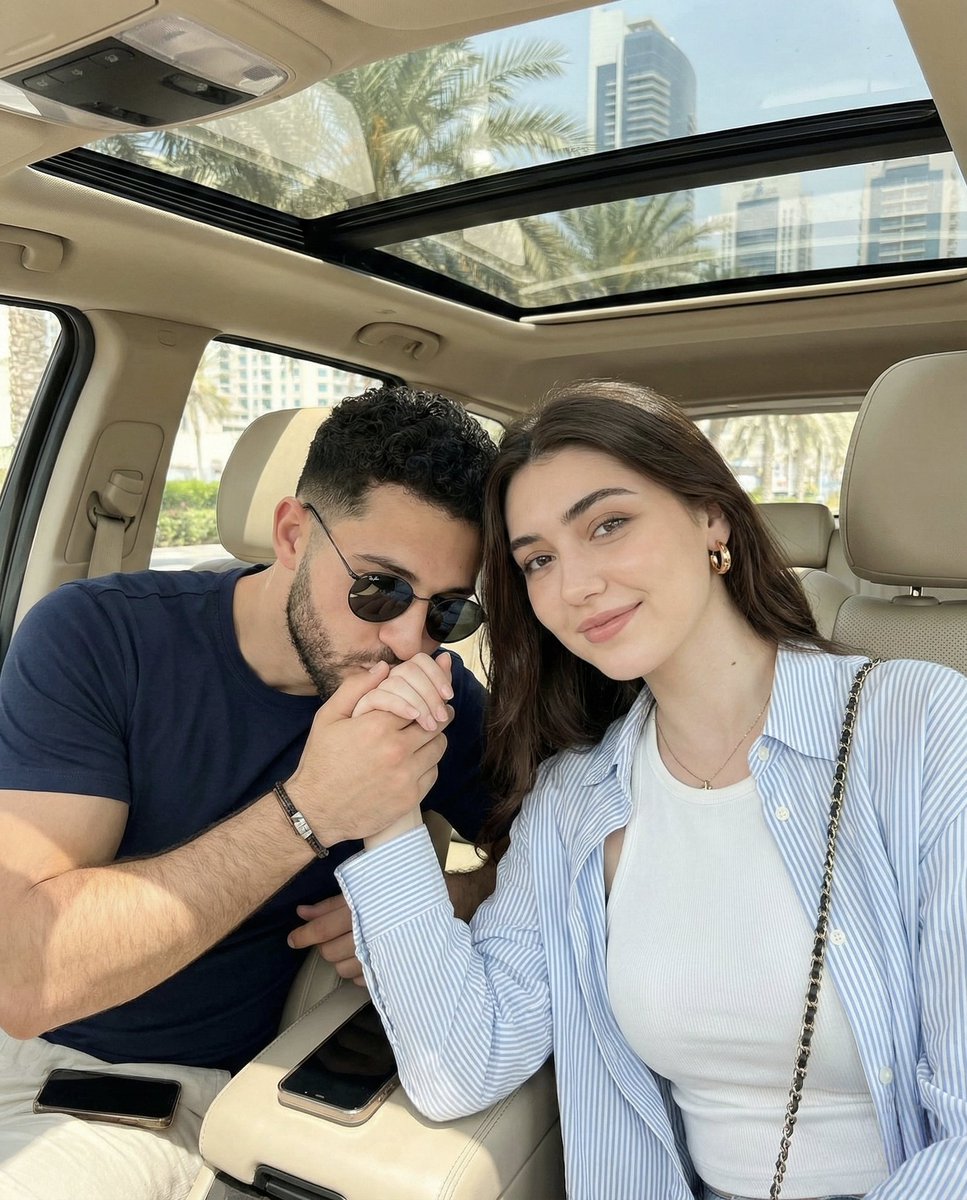
Candid Car Interior Lifestyle Photo of Couple
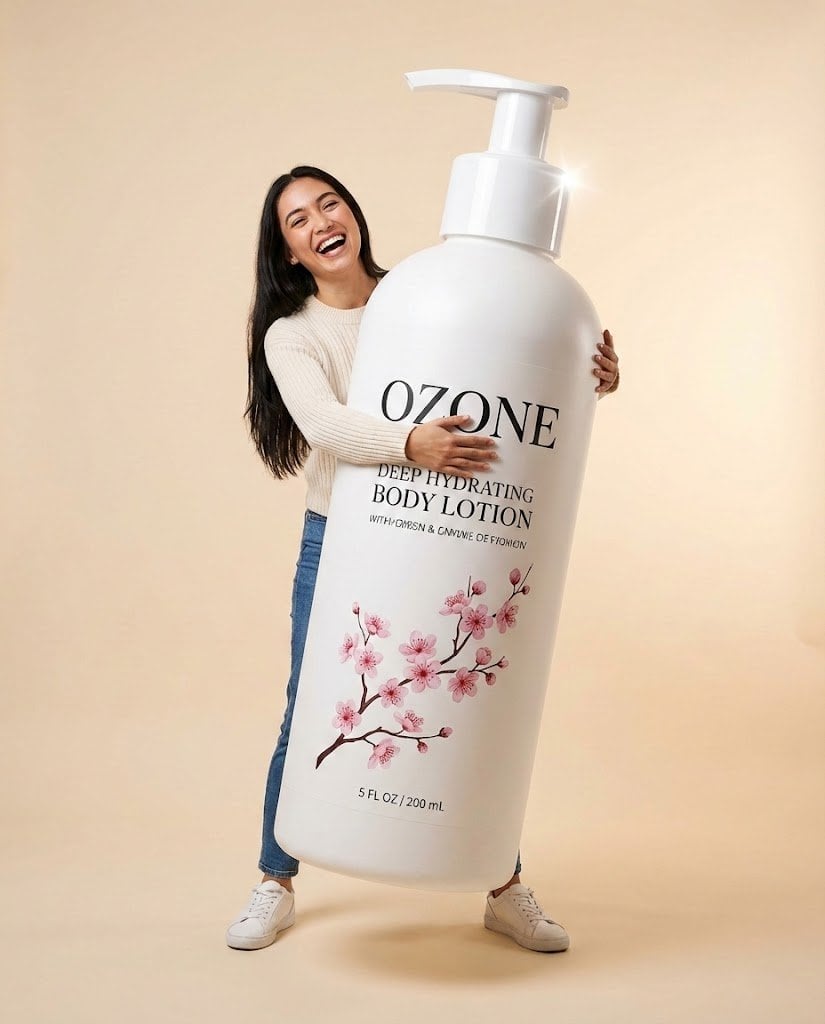
Studio Commercial Shot of Woman Hugging Giant Lotion Bottle
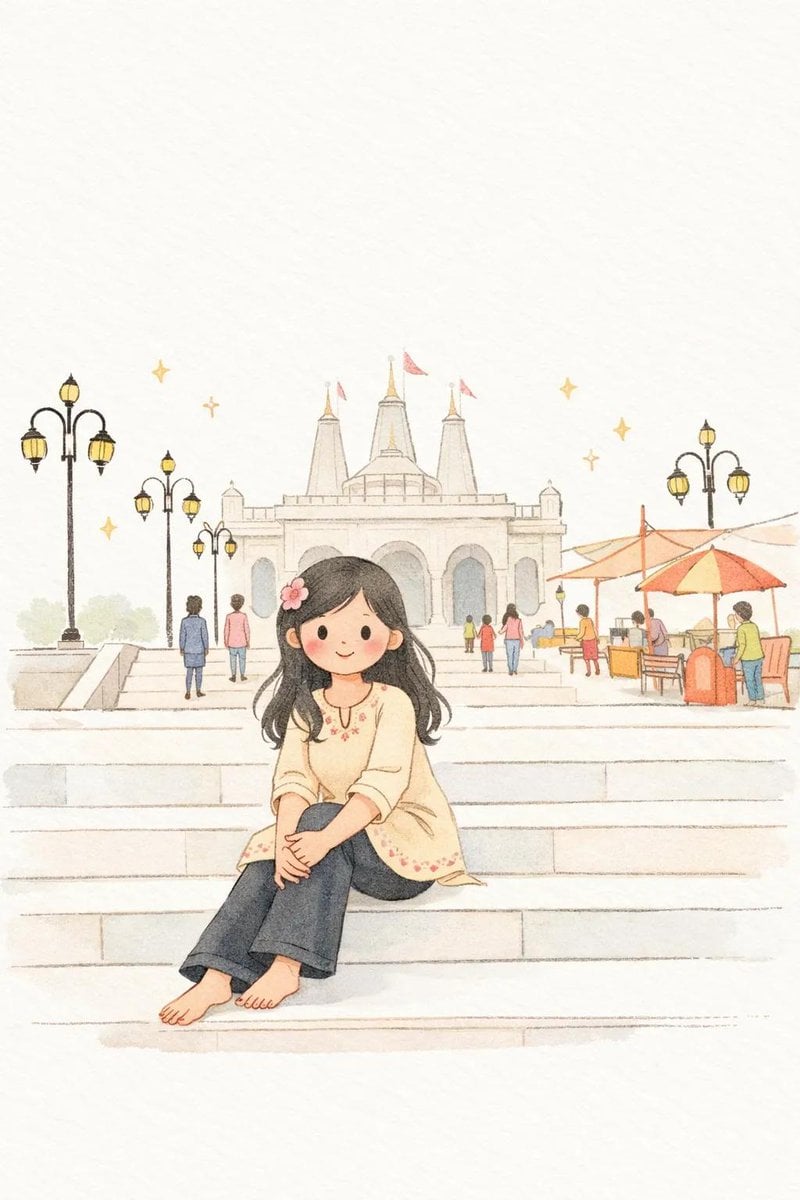
Minimalist Children's Book Illustration
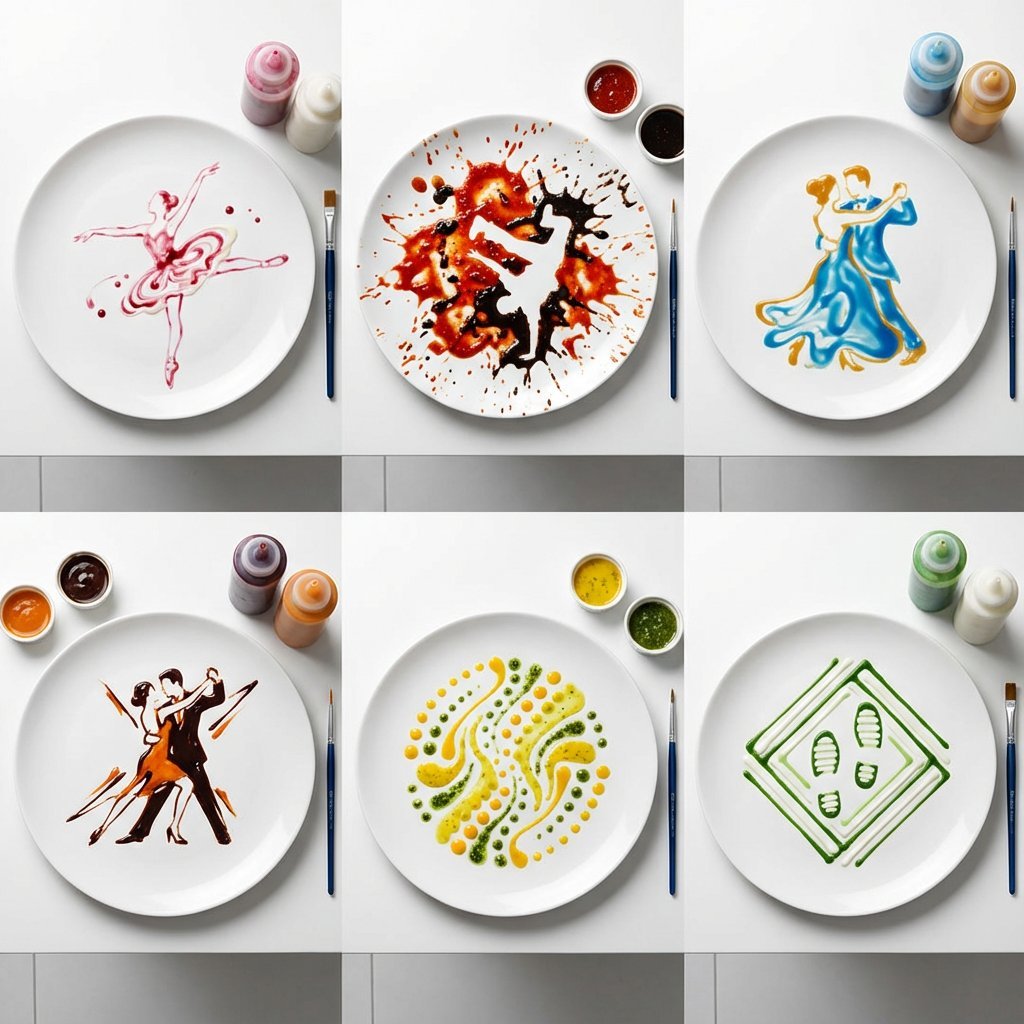
High-Speed Photography of Dance Forms in Sauce Choreography
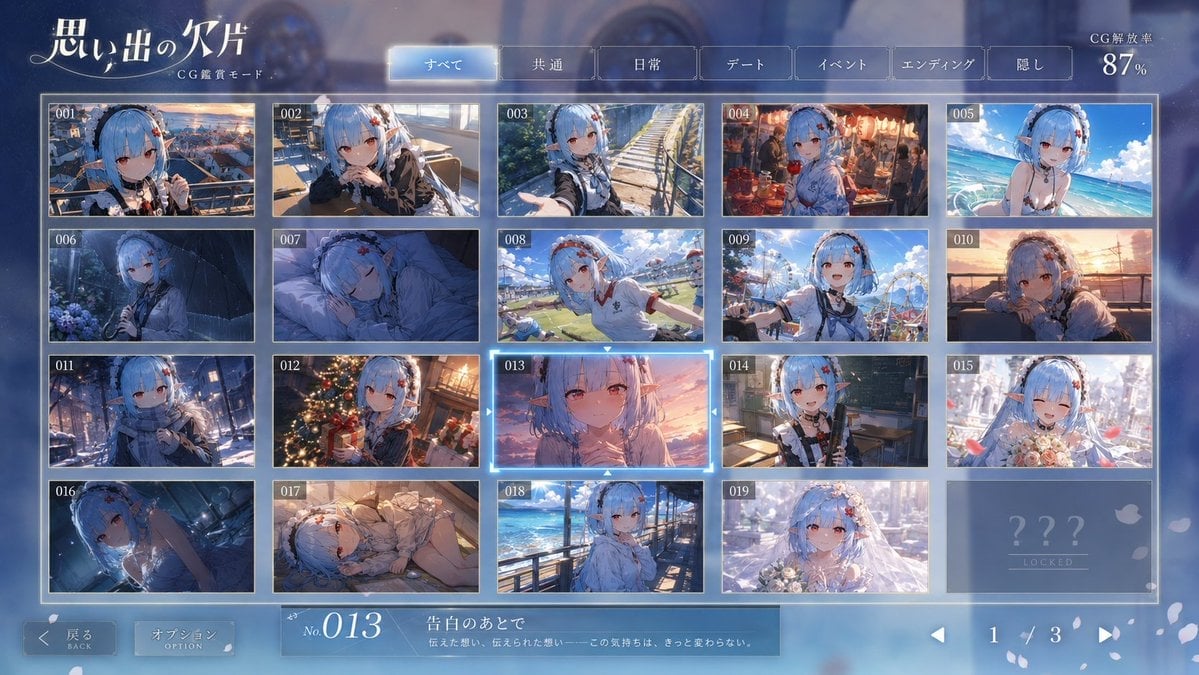
Romance Adventure Game CG Gallery UI
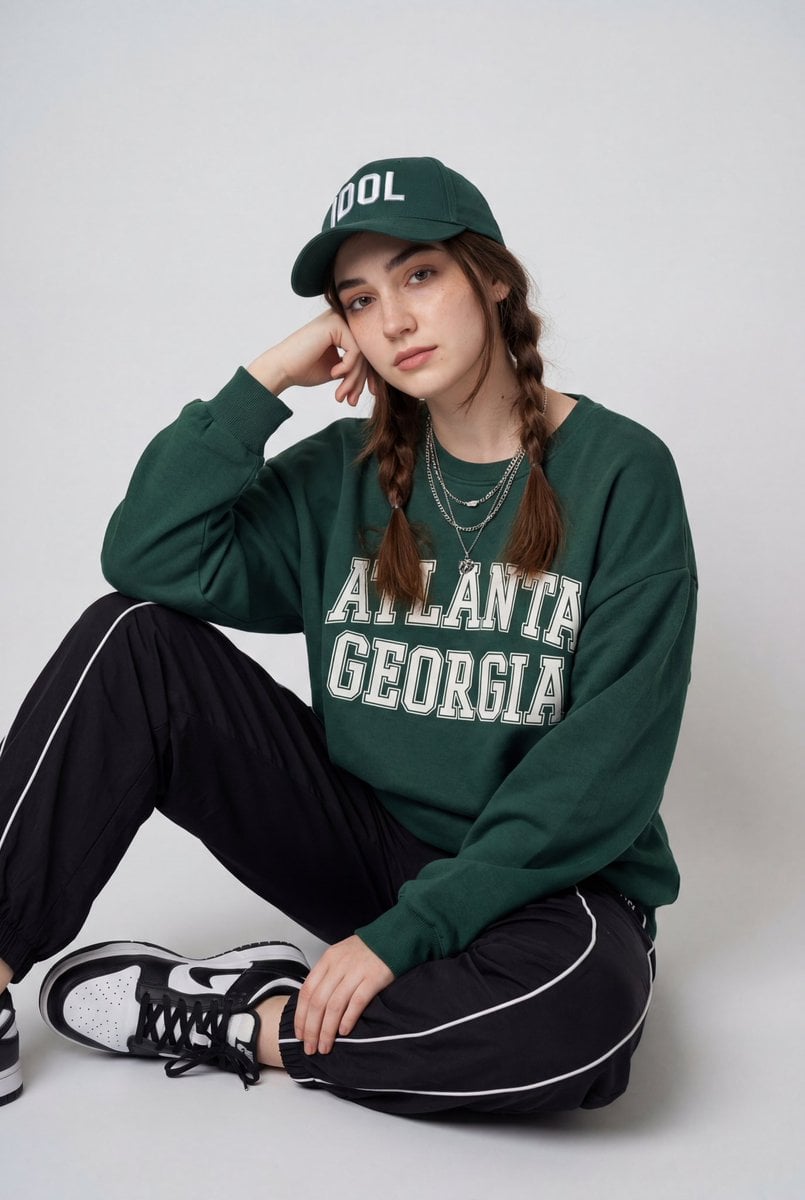
Streetwear Fashion Editorial Studio Portrait Prompt

Elegant Accessories Maximization Prompt for Nano Banana
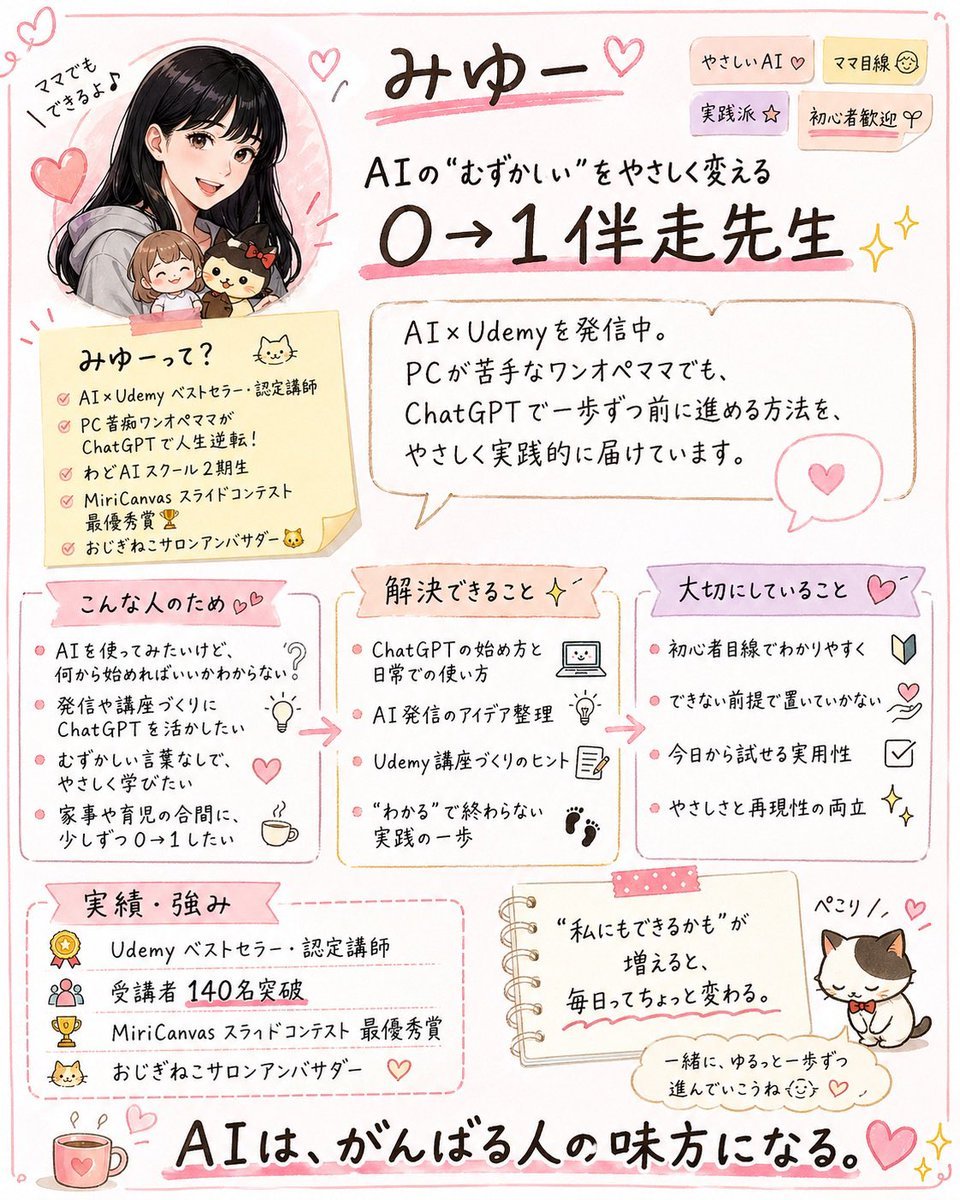
Cute handwritten profile summary poster
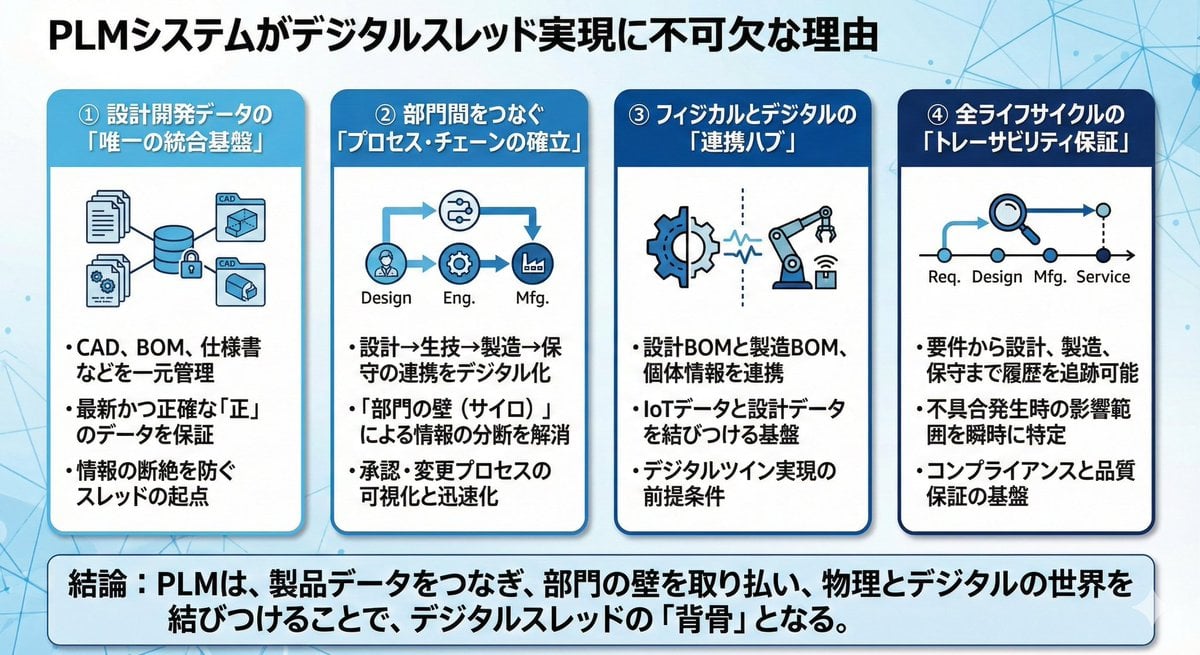
Presentation slide about PLM and digital thread
Browse template categories
FLORAVERSE BOTANICAL FUSION questions
How do I use the FLORAVERSE BOTANICAL FUSION template?
Add your photo if the template asks for one, edit the prompt if you like — the template's model and format are already selected — and press Generate. Your version opens in PicX Studio.
Can I customize the FLORAVERSE BOTANICAL FUSION template?
Yes. You can change the subject, setting, lighting, mood, format, and available model controls before creating your image.
Is the FLORAVERSE BOTANICAL FUSION template free?
Opening and editing this template is free. Generating uses credits, shown on the Generate button when you are signed in.
Which AI model should I use?
Start with GPT Image 2, which is the model associated with this template. You can compare another compatible model for a different finish.
Looking for something else? Browse all templates.

Your photo, any look
Thousands of ready templates for every top image and video model, from one credit balance.